
Queen's Flight to Divinity
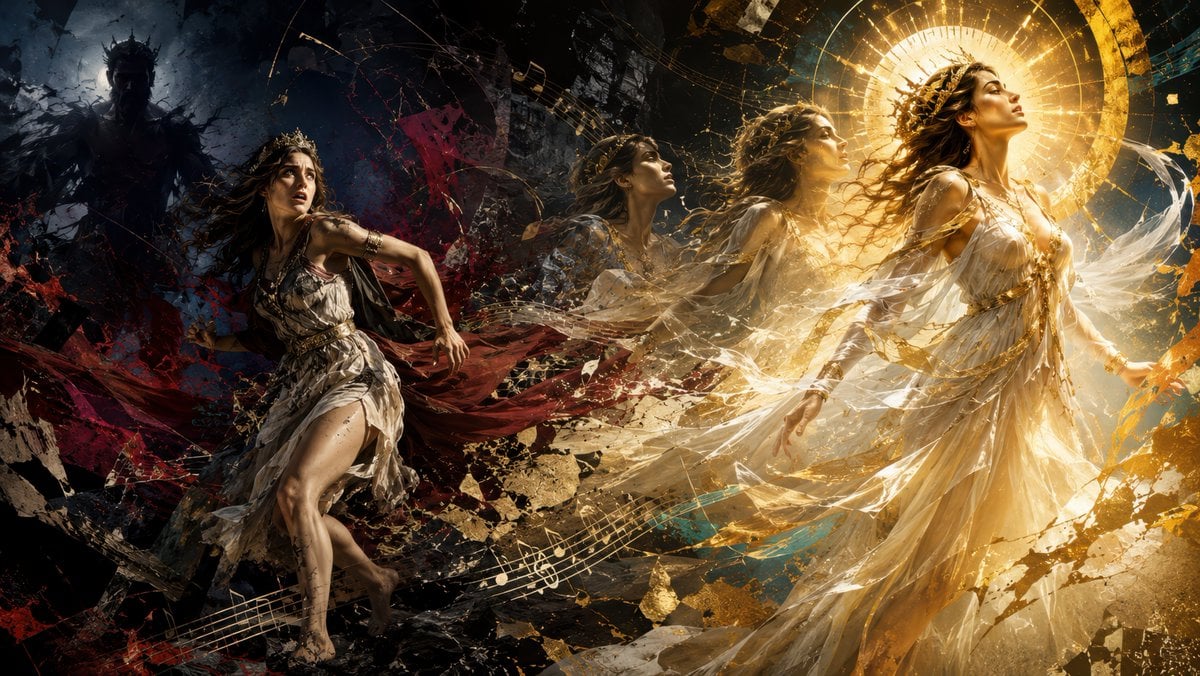
A widescreen mythological fantasy scene depicting a terrified queen fleeing a murderous shadow king and transforming into a radiant goddess.
- Prompt included
- Model and format preset
- Premium template
The prompt behind this image
Copy the exact prompt behind Queen's Flight to Divinity, or open it in the studio and make it yours.
Create an ultra-wide cinematic mythological fantasy artwork showing {argument name="character name" default="a fleeing queen"} transformed through exactly four visible incarnations from terror to divinity across the canvas. On the far left, place one terrified mortal queen running barefoot through a shattered dark forest-temple landscape, wearing a torn ivory Greco-Roman dress, a small crown, loose windblown dark hair, scratched legs, and a deep red cloak streaming behind her; her face should show panic as she looks back over her shoulder. Behind her in the upper-left background, include exactly one huge shadowy crowned husband-king silhouette, almost black, menacing and half-formed from smoke, broken stone, and storm clouds. Across the center, show exactly two semi-transparent transitional versions of the same woman, both moving rightward and upward, their bodies dissolving into gold dust, cracked marble fragments, swirling fabric, and musical notation. On the far right, show the final divine version of the queen as a radiant goddess in a flowing white-and-gold classical gown, serene profile facing upward, wearing a golden laurel crown, with luminous skin, long hair blown back, and arms relaxed as if accepting apotheosis. Behind the goddess, create a large circular golden halo made of concentric rings, radiant rays, and ancient celestial geometry. The composition should read left-to-right as a dramatic narrative arc: darkness, flight, transformation, ascension. Use a high-contrast palette shifting from black, blue, and blood red on the left to warm gold, ivory, and white on the right. Fill the scene with dynamic diagonal motion, shattered rock, parchment-like debris, gold leaf flakes, glowing dust, and exactly three sweeping musical staff ribbons with visible notes crossing the lower and middle image, suggesting sacred classical music. Style: epic baroque digital painting, operatic drama, photorealistic anatomy, painterly texture, intricate fabric, volumetric light, explosive particles, deep shadows, divine illumination, highly detailed, 16:9 widescreen, no text, no watermark.
How to use Queen's Flight to Divinity in 3 steps
- 1Upload ImagePNG, JPG or paste
Add your photo
Upload the photo the template builds on. The prompt, model and format are already set.
- 2…a portrait of your subject in softgolden-hour light, 85mm…
Personalize
Edit the subject and creative details for your destination.
- 3Generate
Generate
Press Generate — your image is created in PicX Studio, so you can compare it with the original and refine one variable at a time.
More like this
Templates with the same subject, style or setup. Open one to see its prompt.
JSON Seedance - Fairy Macro Flight
Italian Valley Morning Flight
White-Haired Griffin Rider Meadow Flight
Moonlit Cyber Super Heroine Flight
Sakura Divinity Tarot Card
Military Flight Jumpsuit Portrait
London Aerial Flight with Geese
1️⃣Generate the base plate with the red flight pat
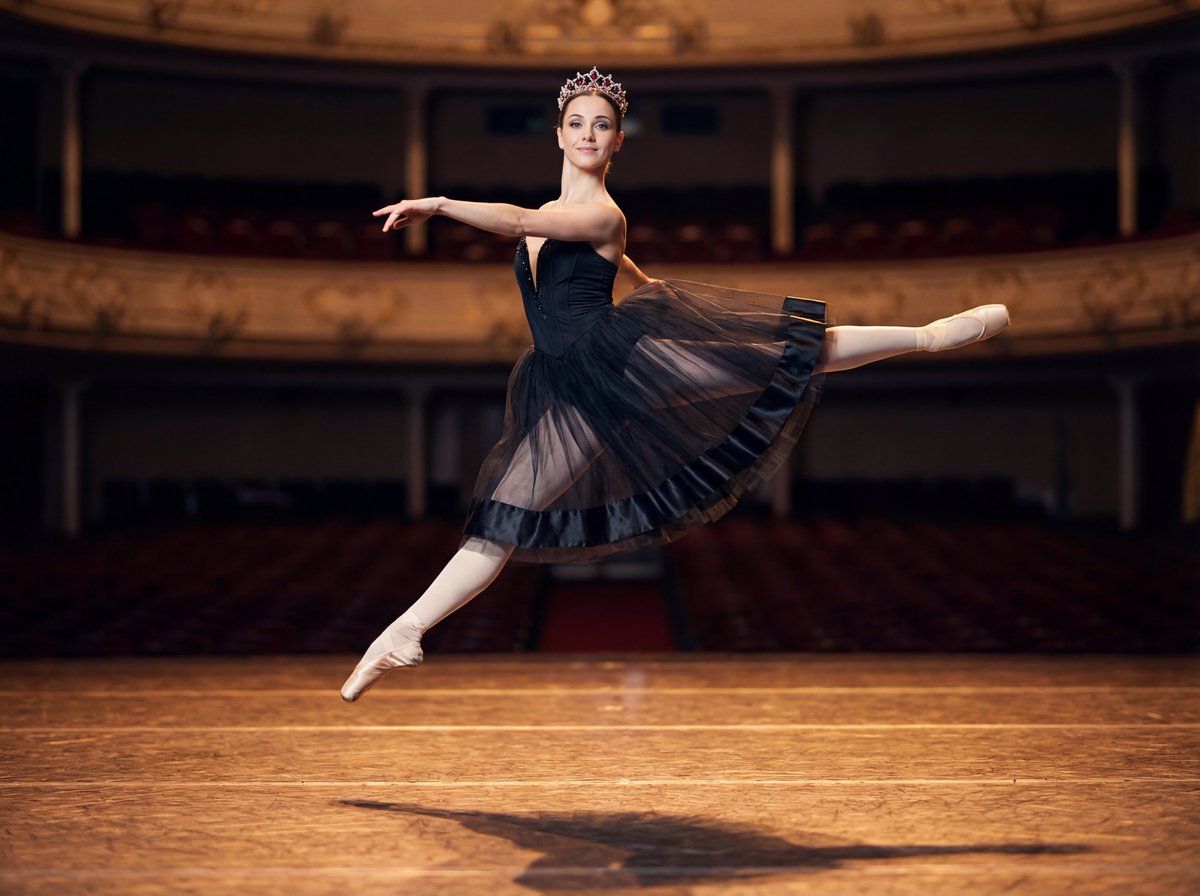
Editorial Ballet Flight Master Prompt
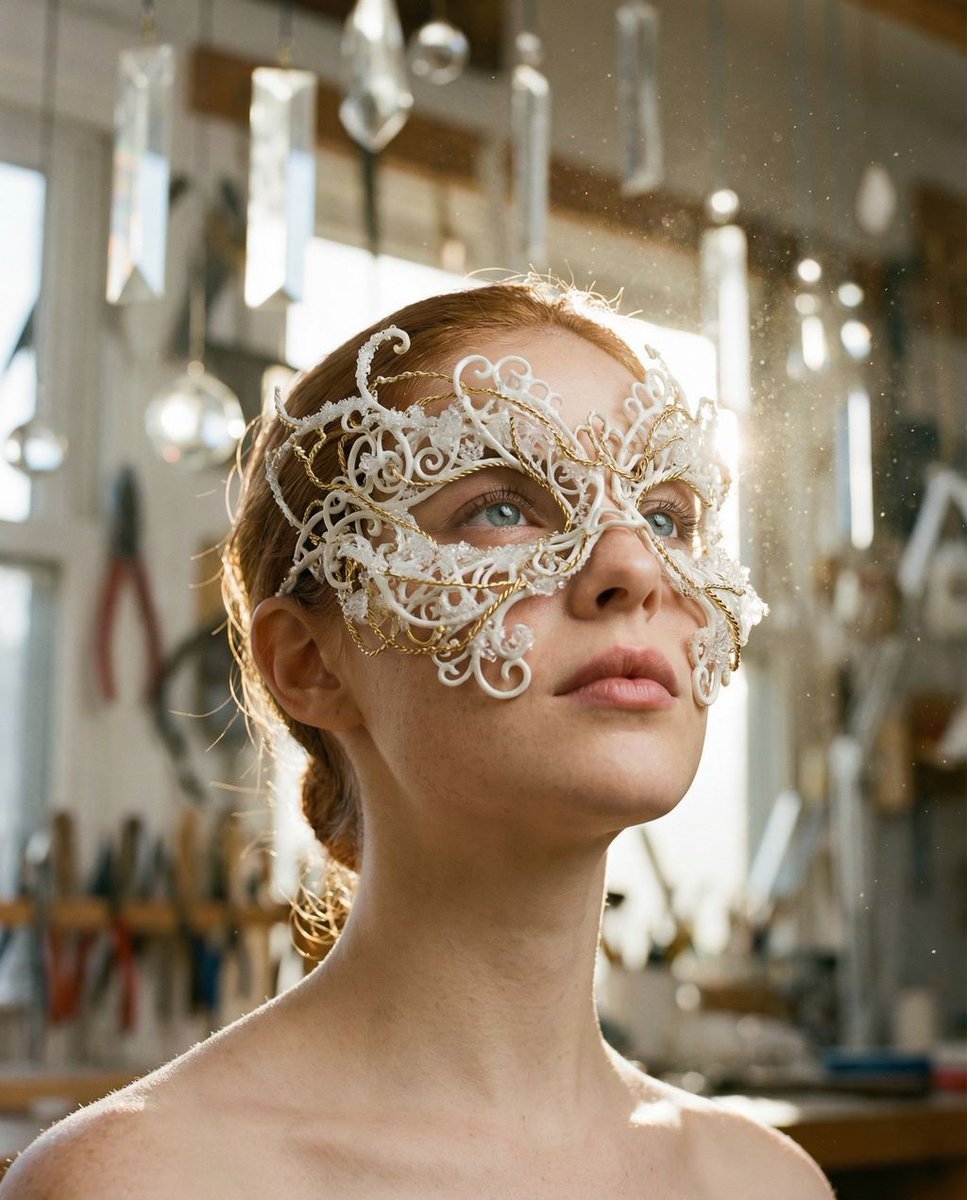
Frozen Divinity Surreal Editorial Portrait Prompt
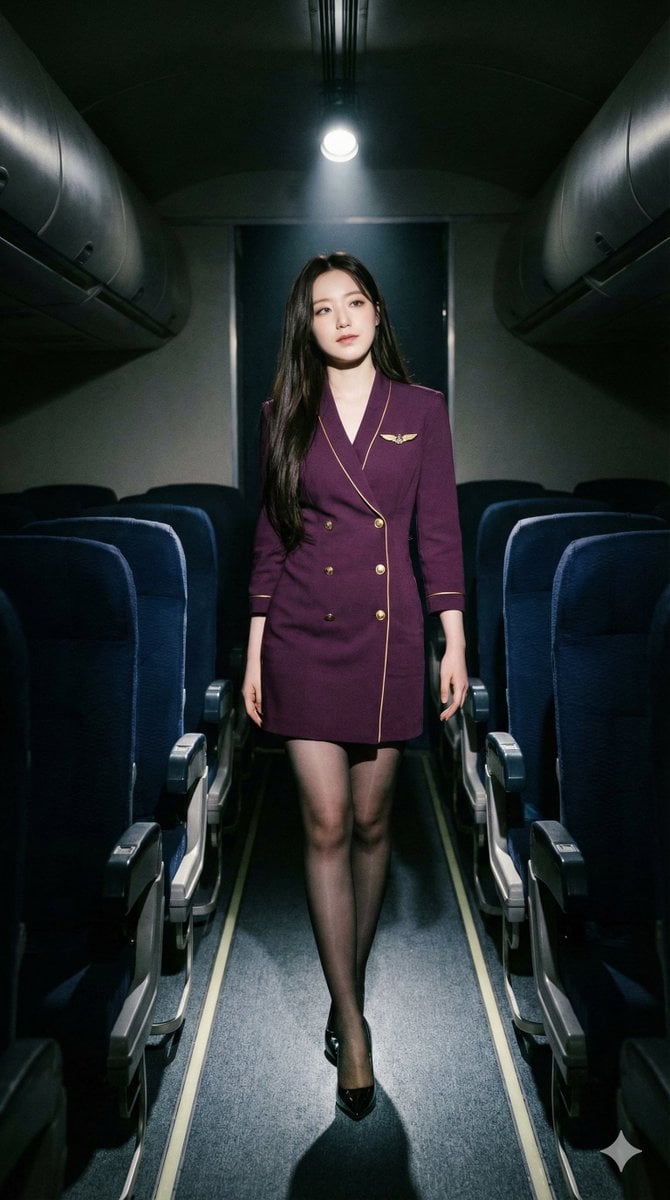
High-Contrast Noir Flight Attendant Prompt for Nano Banana Pro
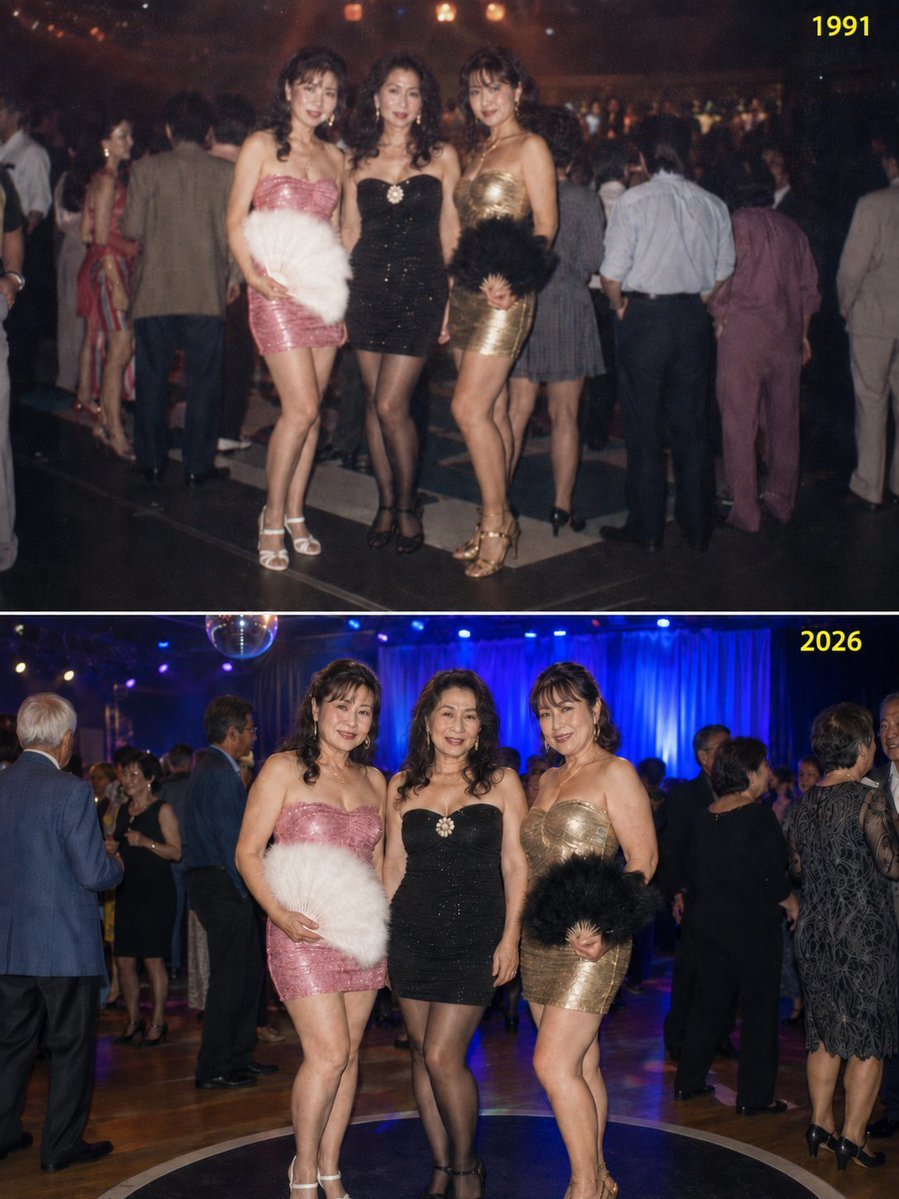
Disco Queens 35-Year Reunion
Make it yours
Queen's Flight to Divinity works as-is. These are the safest ways to change it without losing the look.
Change one field
Copy a single group, rewrite it, and generate again so you can see what that field is doing.
Keep the frame, change the subject
Hold the composition and light of Queen's Flight to Divinity, then swap wardrobe, props or the person for a new take.
| If the result… | Why | Fix |
|---|---|---|
| The result drifts from the preview | Too many fields changed at once. | Reuse Queen's Flight to Divinity as-is first, then change one group — subject, light, or setting. |
| The model over-stylizes the scene | The prose prompt leaves finish and camera underspecified. | Add one camera or lighting sentence and stay on GPT Image 2. |
More GPT Image 2 templates
Other prompts made for GPT Image 2.

Six VTuber Japanese Logo Sheet

Realistic Portrait of Woman and Deer

The Vista Modular Condo Poster

AI Model Routing Comparison Infographic

2.5D Anime Art Board

Isometric Productivity Desk Scene

New York Double Exposure Poster

Four-Panel AI Landscape Comparison

Japanese Tatami Lifestyle Magazine Cover

NESCAFÉ Coffee Map Poster
More image prompts
Fresh picks from across the catalog.
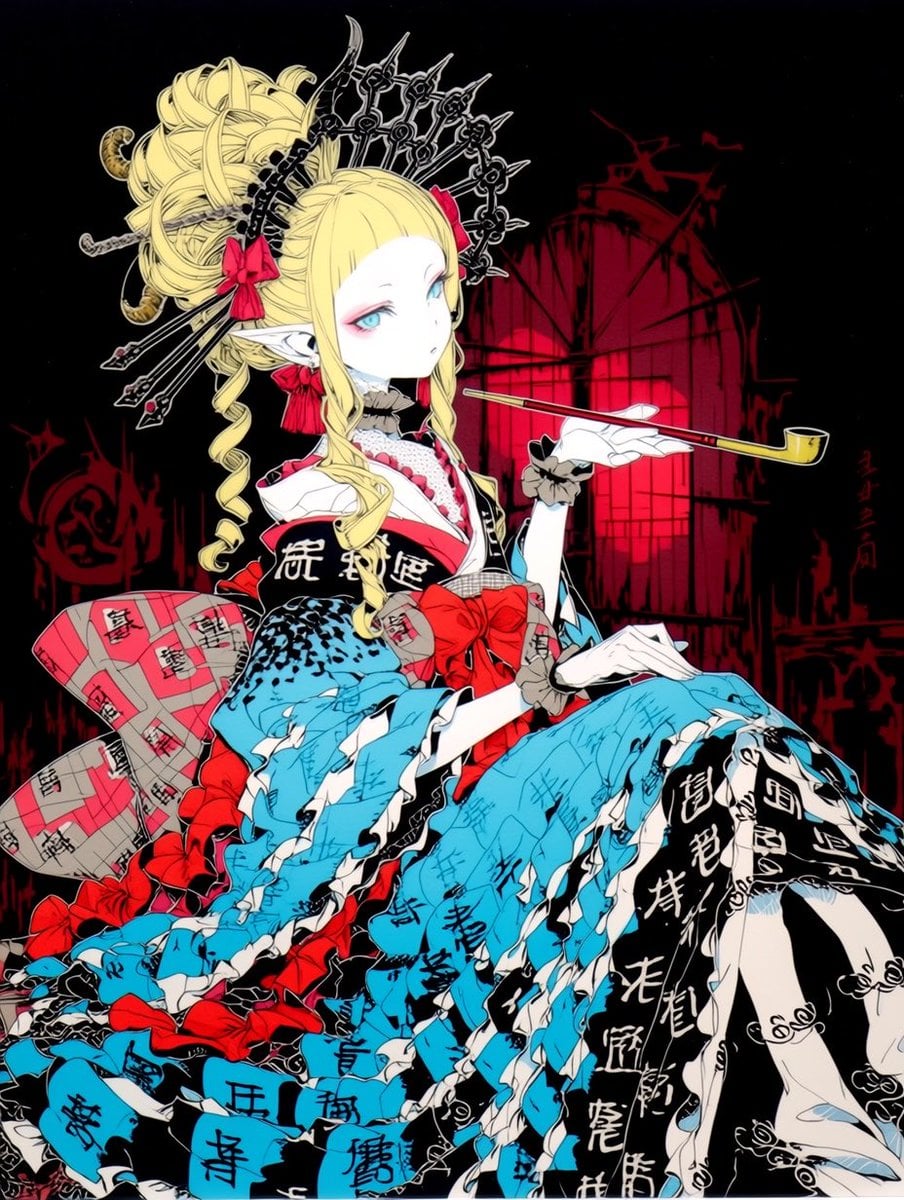
Gothic Oiran Anime Portrait
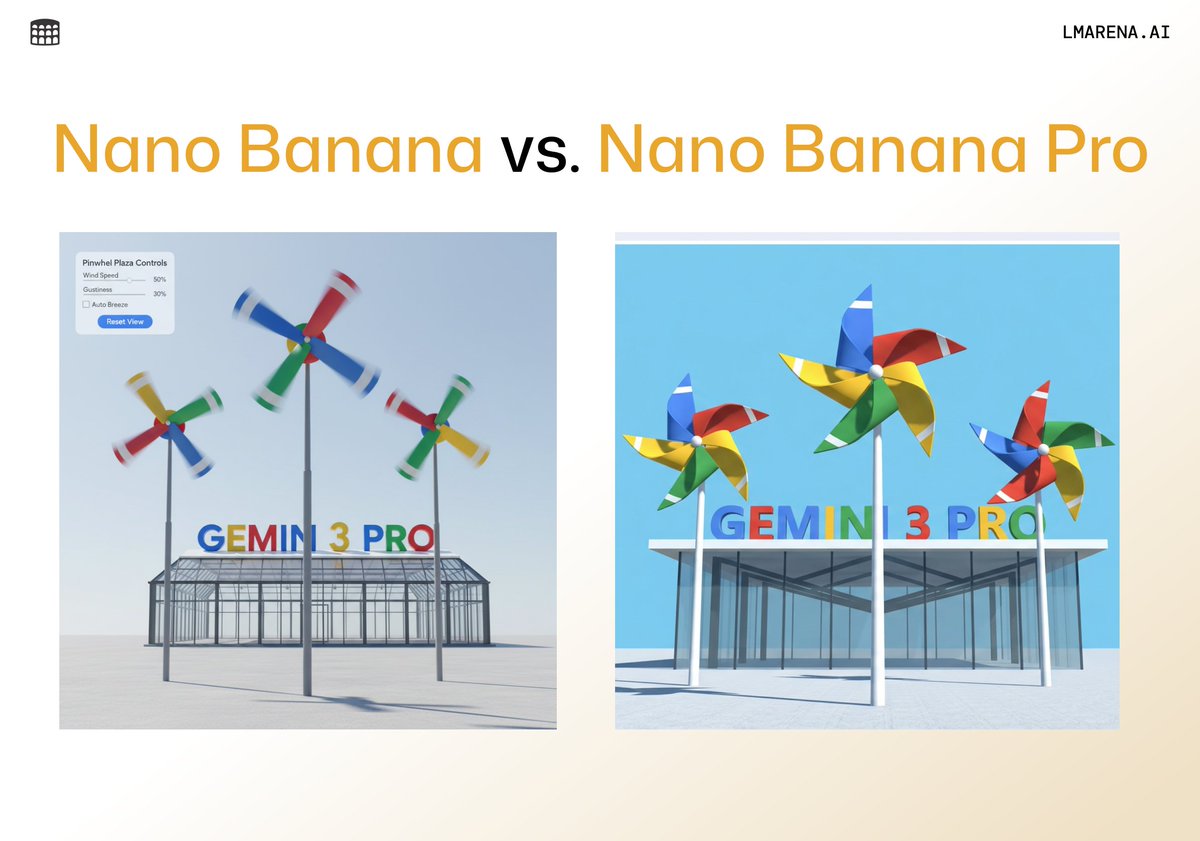
Living room color reimagining
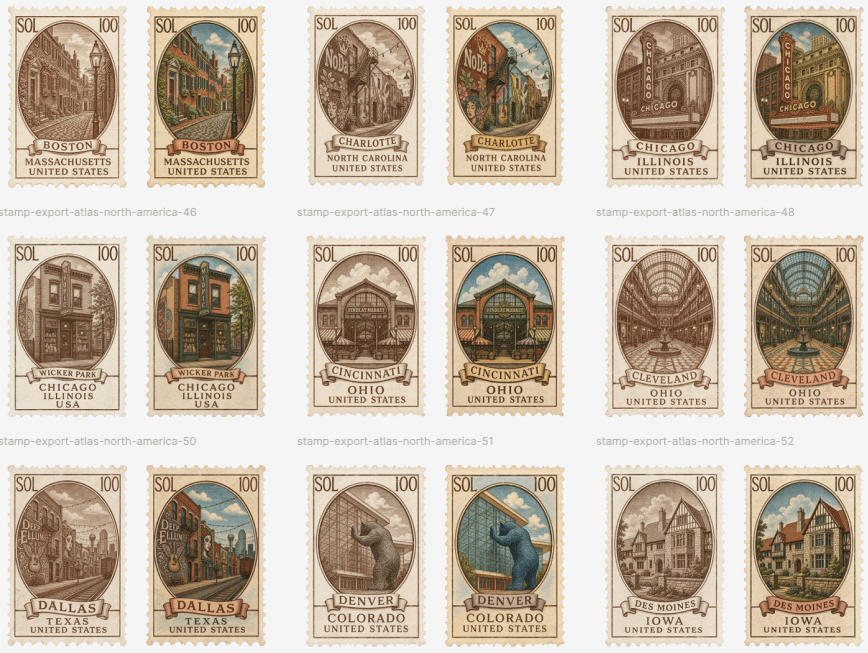
Vintage North America Stamp Grid
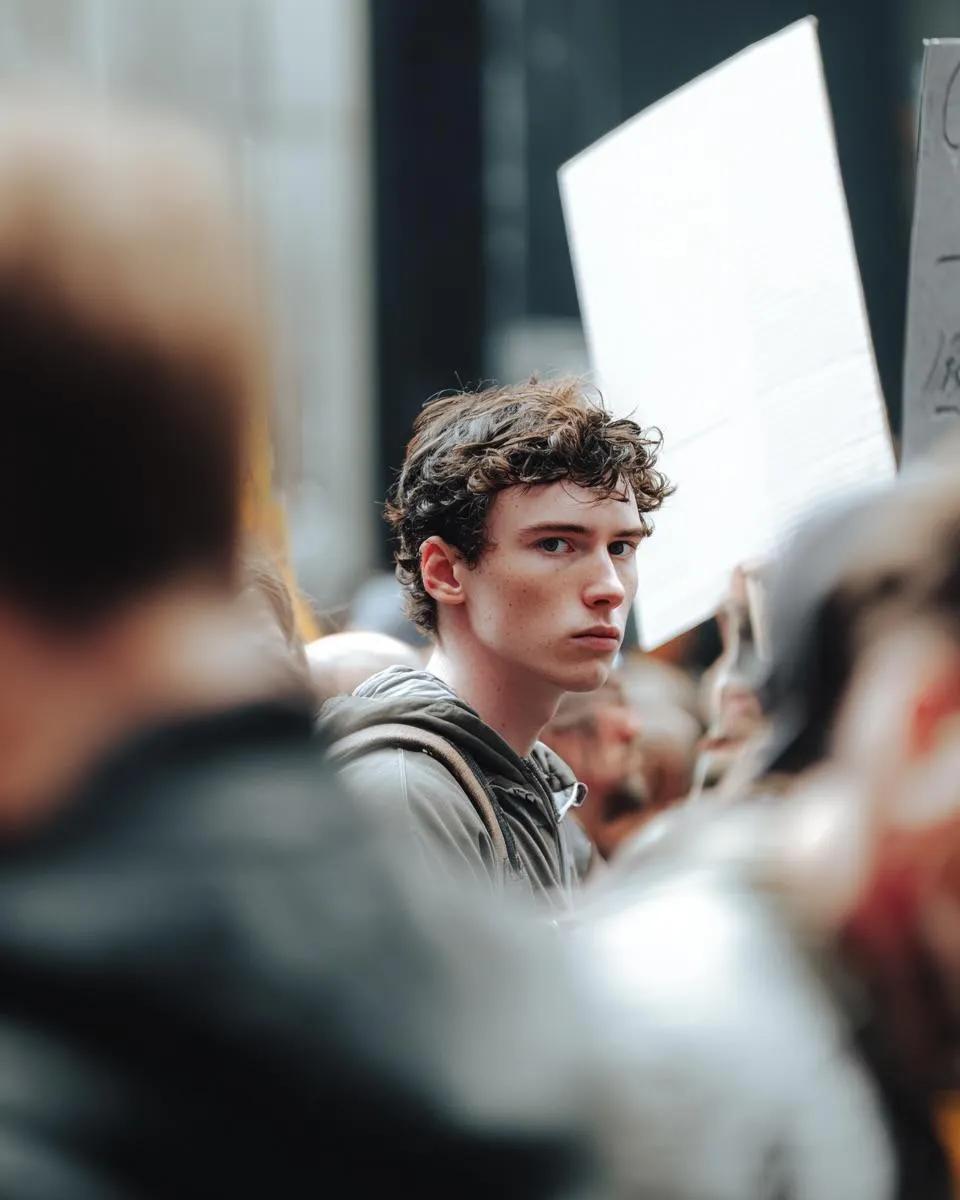
Cinematic Photojournalism of a Protest Subject

Nano Banana Pro Thumbnail Generation: Street & Pop Style
Parisian Sidewalk Fashion Editorial

Bauhaus Functional Identity Brand Logo Generation

Luxurious New Year 2026 Portrait on a Snowy Mountain
Manhwa Style Fighting Storyboard

Dark Samurai Ink Wash Poster
Browse template categories
Queen's Flight to Divinity questions
How do I use the Queen's Flight to Divinity template?
Add your photo if the template asks for one, edit the prompt if you like — the template's model and format are already selected — and press Generate. Your version opens in PicX Studio.
Can I customize the Queen's Flight to Divinity template?
Yes. You can change the subject, setting, lighting, mood, format, and available model controls before creating your image.
Is the Queen's Flight to Divinity template free?
Opening and editing this template is free. Generating uses credits, shown on the Generate button when you are signed in.
Which AI model should I use?
Start with GPT Image 2, which is the model associated with this template. You can compare another compatible model for a different finish.
Looking for something else? Browse all templates.

Your photo, any look
Thousands of ready templates for every top image and video model, from one credit balance.