
Gothic Oiran Anime Portrait
A detailed prompt for generating a dramatic anime-style gothic oiran courtesan with ornate hair, kimono layers, calligraphy patterns, and a crimson cathedral backdrop.
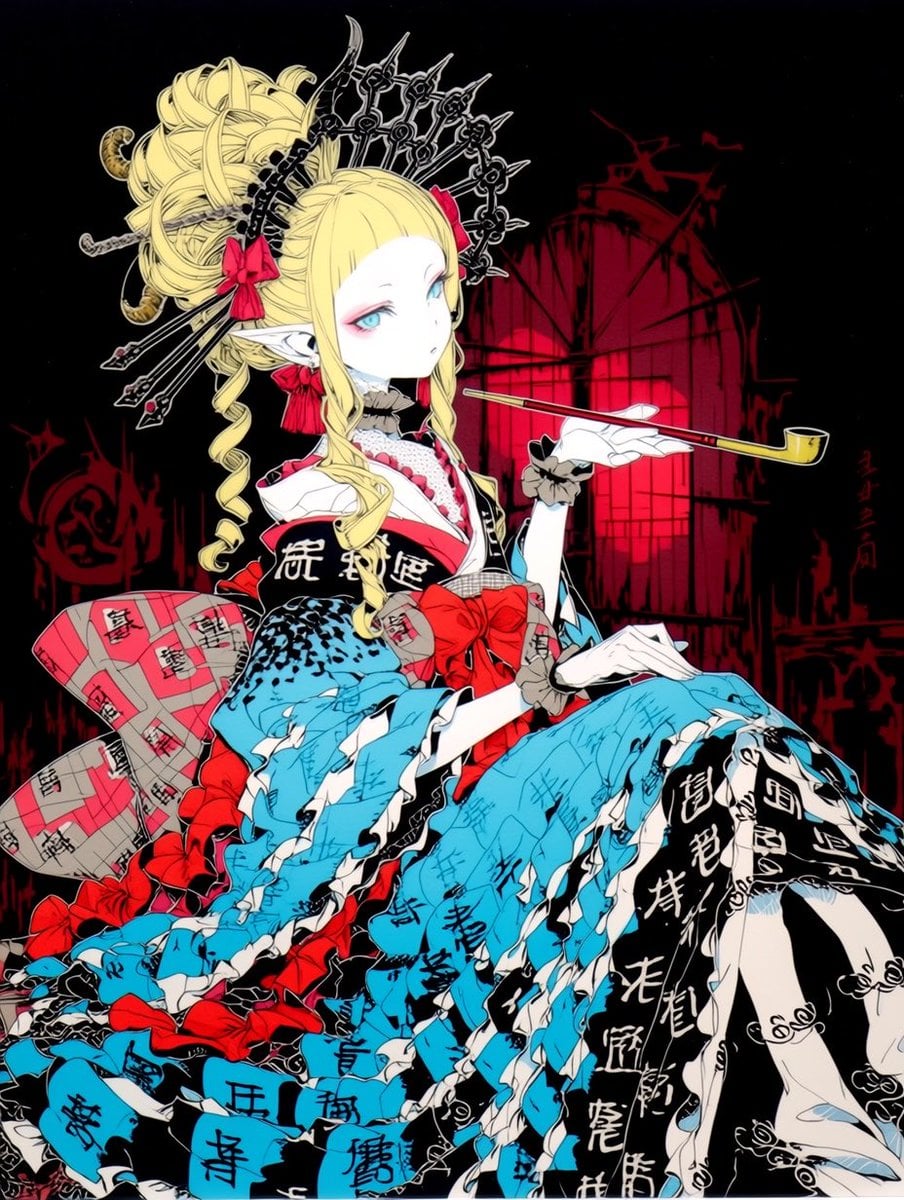
- Prompt included
- Model and format preset
- Free template
The prompt behind this image
Copy the exact prompt behind Gothic Oiran Anime Portrait, or open it in the studio and make it yours.
Create a highly detailed anime illustration of an elegant gothic oiran courtesan seated in a dramatic three-quarter pose against a pure black background with a crimson ruined cathedral/window silhouette behind her. The character is a pale, doll-like young woman with {argument name="hair color" default="platinum blonde"} hair styled in an elaborate high oiran updo with long curled ringlets, blunt bangs, pointed elf ears, icy blue eyes, and a calm vacant expression. She wears an ornate black spiked metal halo/crown behind her head, plus exactly 7 visible hair ornaments: 3 long black spear-like hairpins crossing diagonally on the left, 1 curled gold ornament, 1 small red ribbon bow near the left side of the head, 1 red ribbon bow by the ear, and 1 red rectangular ribbon on the right side. Dress her in a lavish fusion of Japanese oiran kimono, lolita fashion, and gothic Victorian styling: a black-and-white collar, white gloves, layered ruffled sleeves, a black upper robe with bold white calligraphy, a huge red obi bow at the waist, and an enormous cascading skirt made of torn paper-like kimono panels. Use a striking palette of black, white, saturated red, bright cyan blue, and pale cream. The skirt should dominate the lower two-thirds of the image with many jagged cyan fabric strips covered in black handwritten characters, black strips with white calligraphy, white ruffled edges, red bows, and a pink-and-gray patterned obi section on the left. Count the prominent decorative bows as exactly 5: 2 in the hair, 1 oversized red bow at the waist, and 2 red bows in the lower skirt. Her right hand is raised delicately, palm up, balancing a long slender {argument name="smoking pipe" default="gold-and-red kiseru pipe"} horizontally; her other gloved hand rests elegantly over the piled fabric. Use sharp inked linework, cel-shaded highlights, intricate textile patterns, high contrast, fashion-editorial composition, surreal gothic atmosphere, and a vertical portrait crop. Add subtle red handwritten characters on the right side of the background, but no readable modern typography, no watermark, no photorealism.
How to use Gothic Oiran Anime Portrait in 3 steps
- 1Upload ImagePNG, JPG or paste
Add your photo
Upload the photo the template builds on. The prompt, model and format are already set.
- 2…a portrait of your subject in softgolden-hour light, 85mm…
Personalize
Edit the subject and creative details for your destination.
- 3Generate
Generate
Press Generate — your image is created in PicX Studio, so you can compare it with the original and refine one variable at a time.
More like this
Templates with the same subject, style or setup. Open one to see its prompt.

Found Photograph: Us, 1970

80s Couple Studio Portrait

80s Bollywood Star

80s Golden Hour Cinema

Me in 1985

1985 Studio Portrait

Hyper-Realistic Minecraft POV Portrait
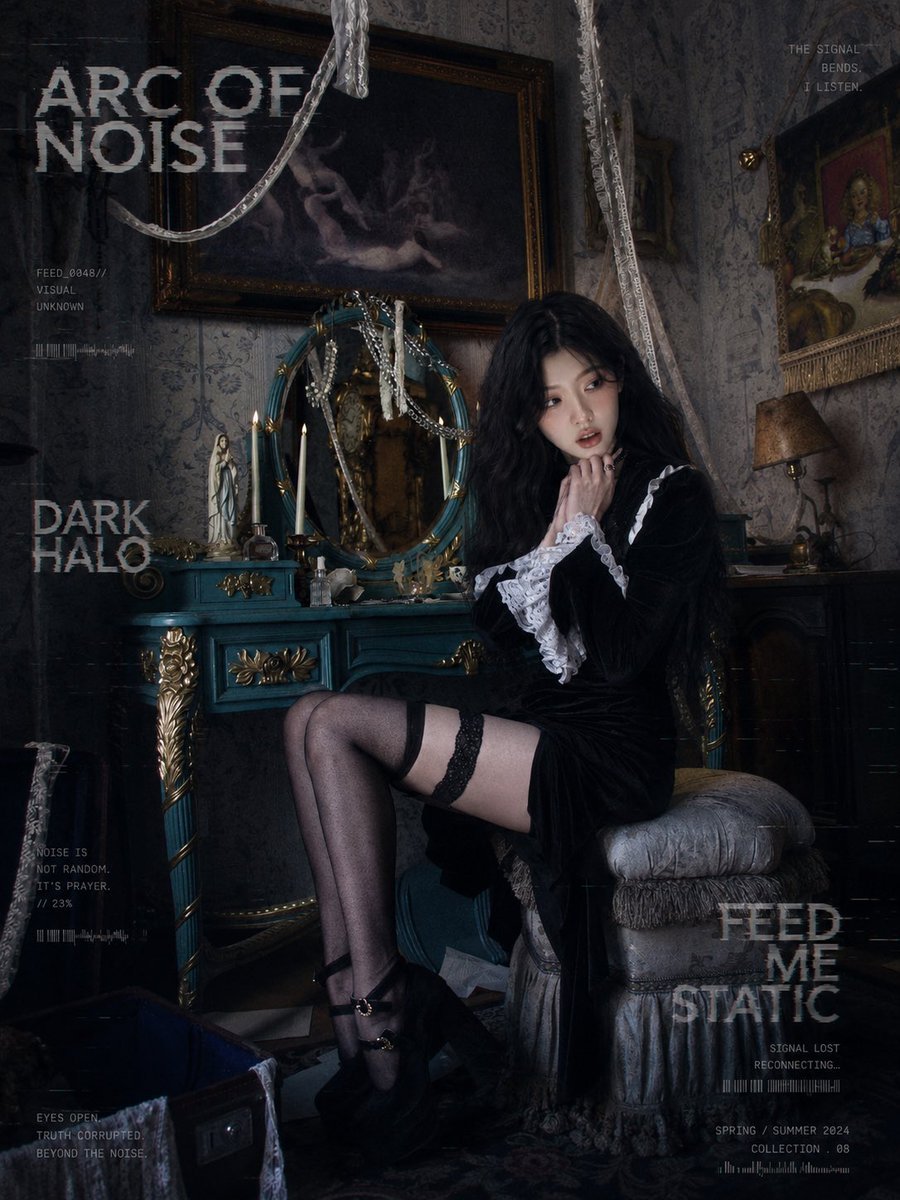
Dark Gothic Lolita Static Portrait

Rooftop Fisheye — Cat-Ear Balaclava at Golden Hour
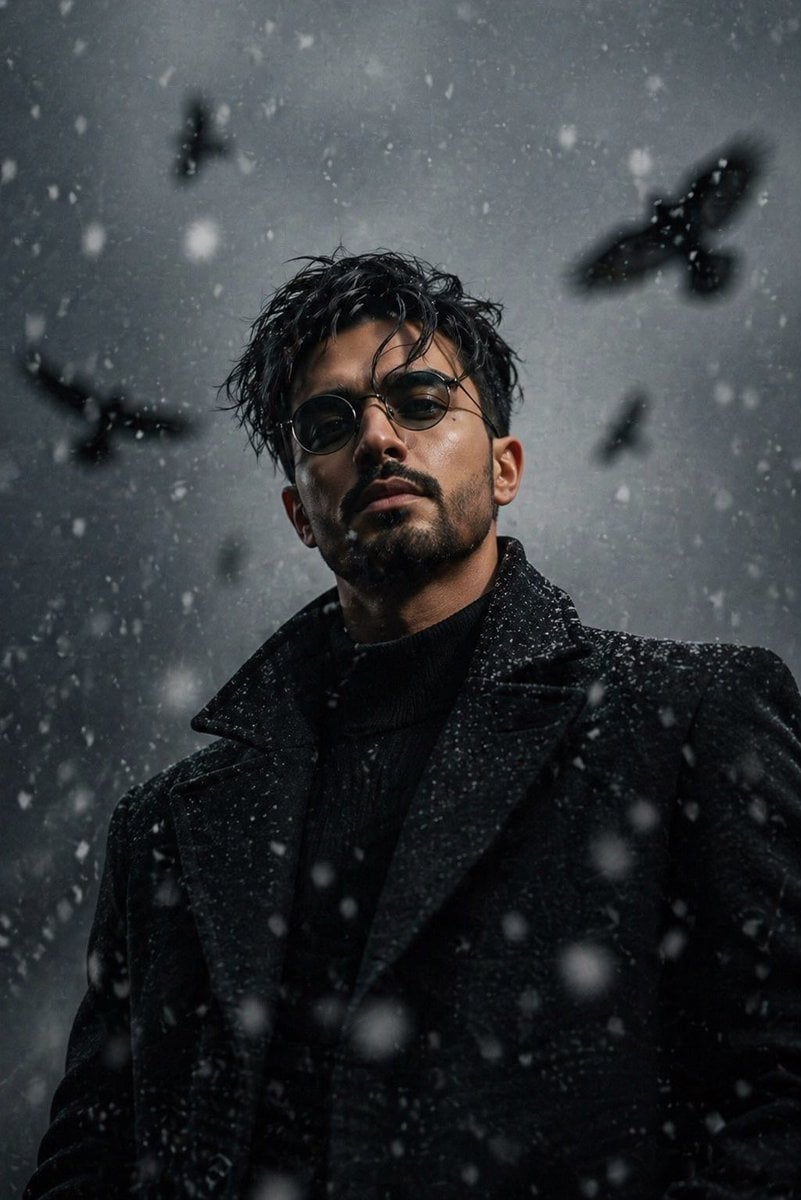
Cinematic Gothic Winter Portrait

Cel 2D Underwater Reef

Anime Monorail Sunset
Make it yours
Gothic Oiran Anime Portrait works as-is. These are the safest ways to change it without losing the look.
Change one field
Copy a single group, rewrite it, and generate again so you can see what that field is doing.
Keep the frame, change the subject
Hold the composition and light of Gothic Oiran Anime Portrait, then swap wardrobe, props or the person for a new take.
| If the result… | Why | Fix |
|---|---|---|
| The result drifts from the preview | Too many fields changed at once. | Reuse Gothic Oiran Anime Portrait as-is first, then change one group — subject, light, or setting. |
| The model over-stylizes the scene | The prose prompt leaves finish and camera underspecified. | Add one camera or lighting sentence and stay on GPT Image 2. |
More GPT Image 2 templates
Other prompts made for GPT Image 2.

Six VTuber Japanese Logo Sheet

Realistic Portrait of Woman and Deer

The Vista Modular Condo Poster

AI Model Routing Comparison Infographic

2.5D Anime Art Board

Isometric Productivity Desk Scene

New York Double Exposure Poster

Four-Panel AI Landscape Comparison

Japanese Tatami Lifestyle Magazine Cover

NESCAFÉ Coffee Map Poster
More image prompts
Fresh picks from across the catalog.
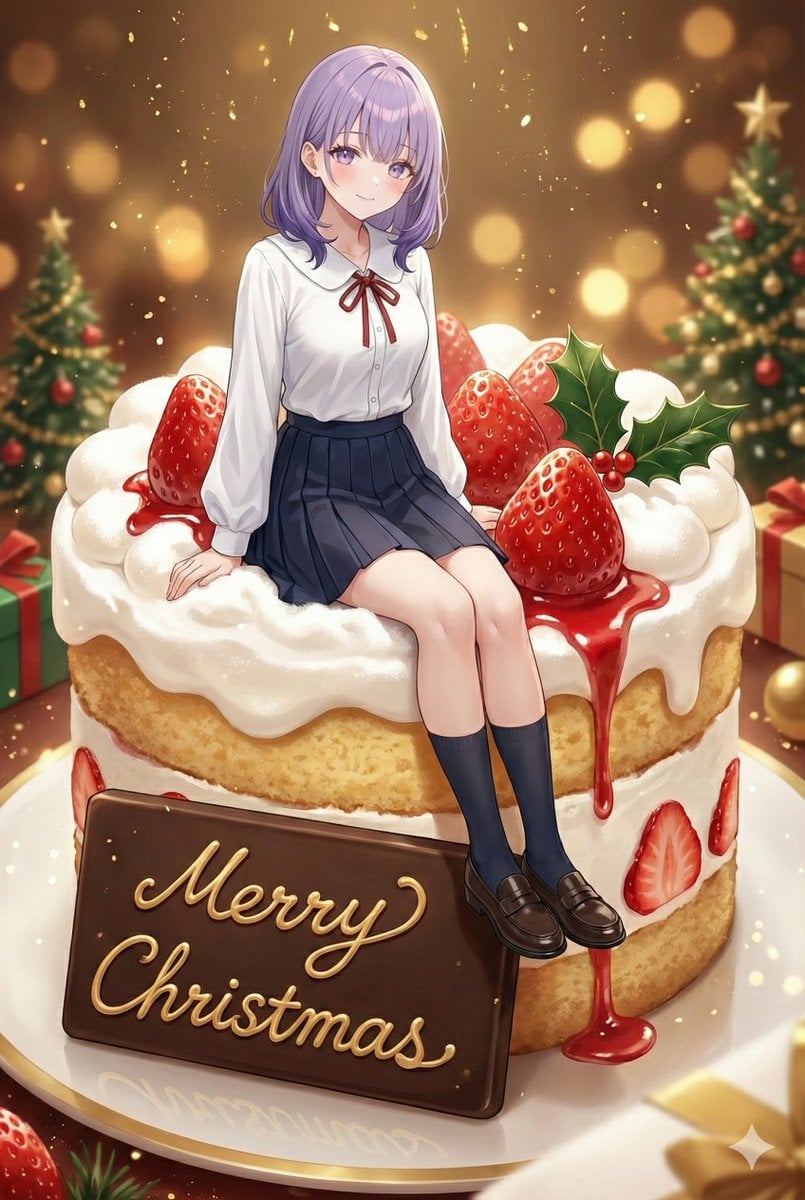
Christmas Cake with Text Plate Prompt
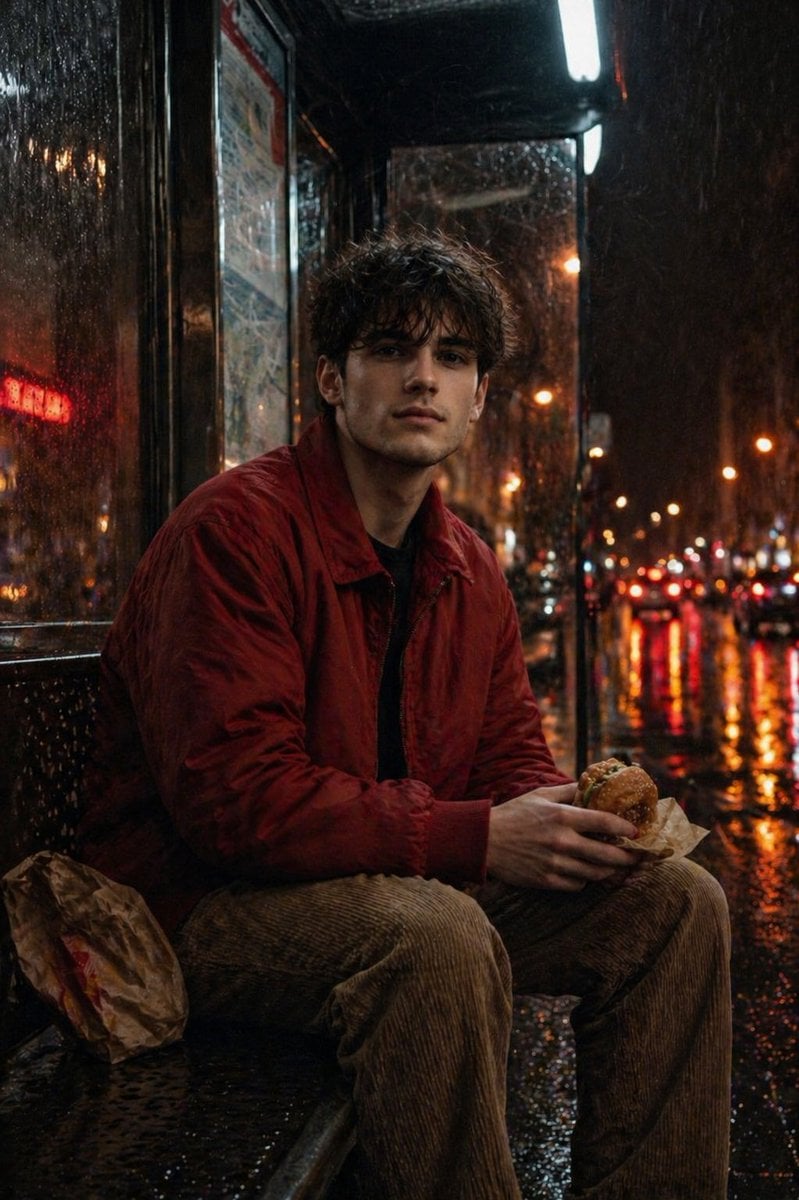
Atmospheric Nighttime Rainy Portrait
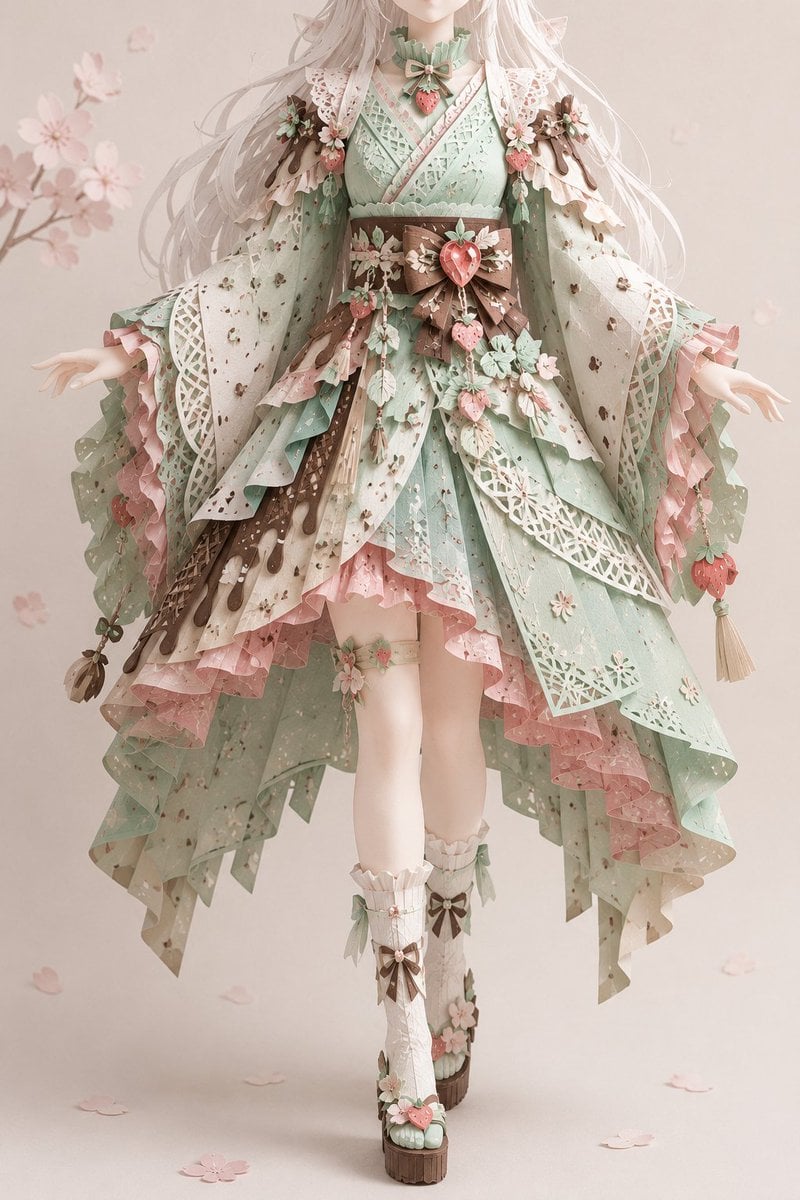
Intricate Kirie Paper-Cut Outfit

WhatsApp Group Profile Avatar
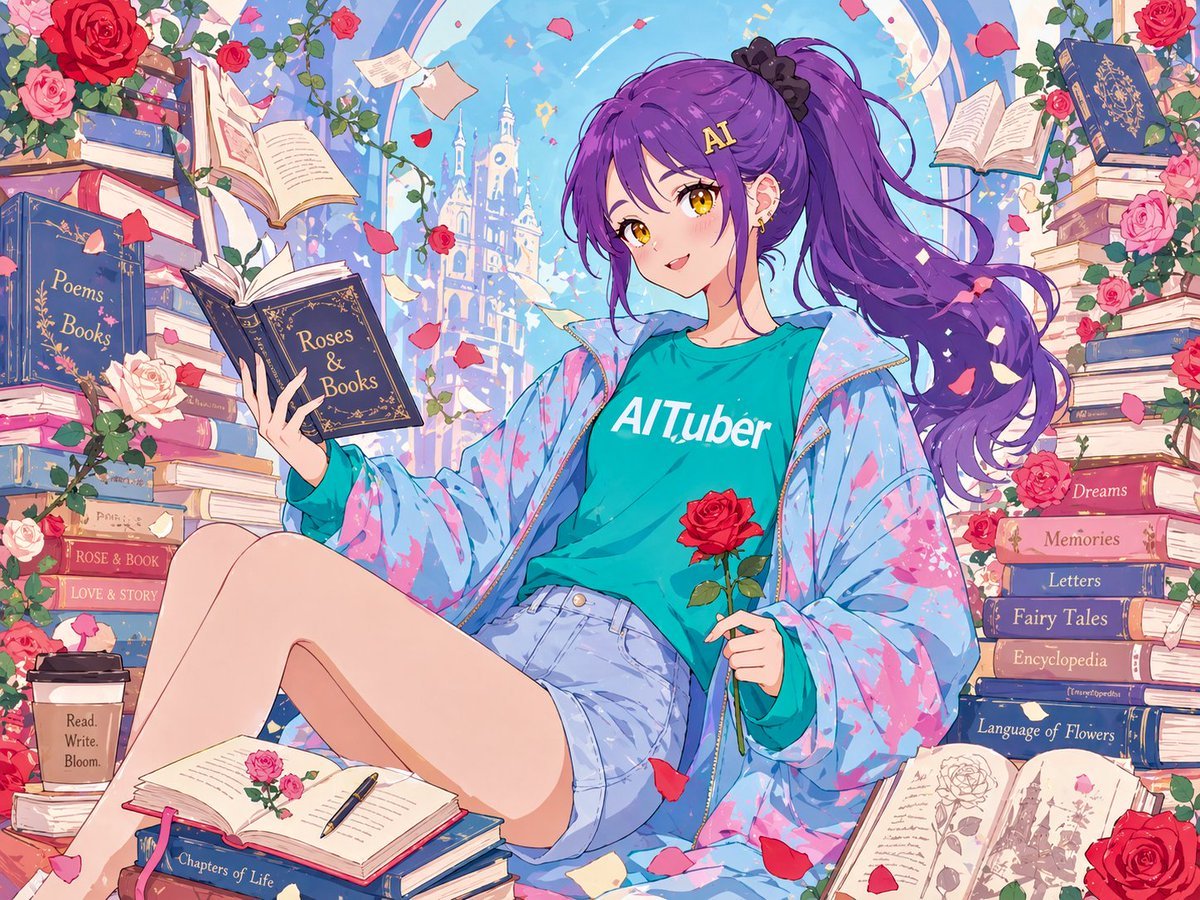
Anime Roses and Books End Card
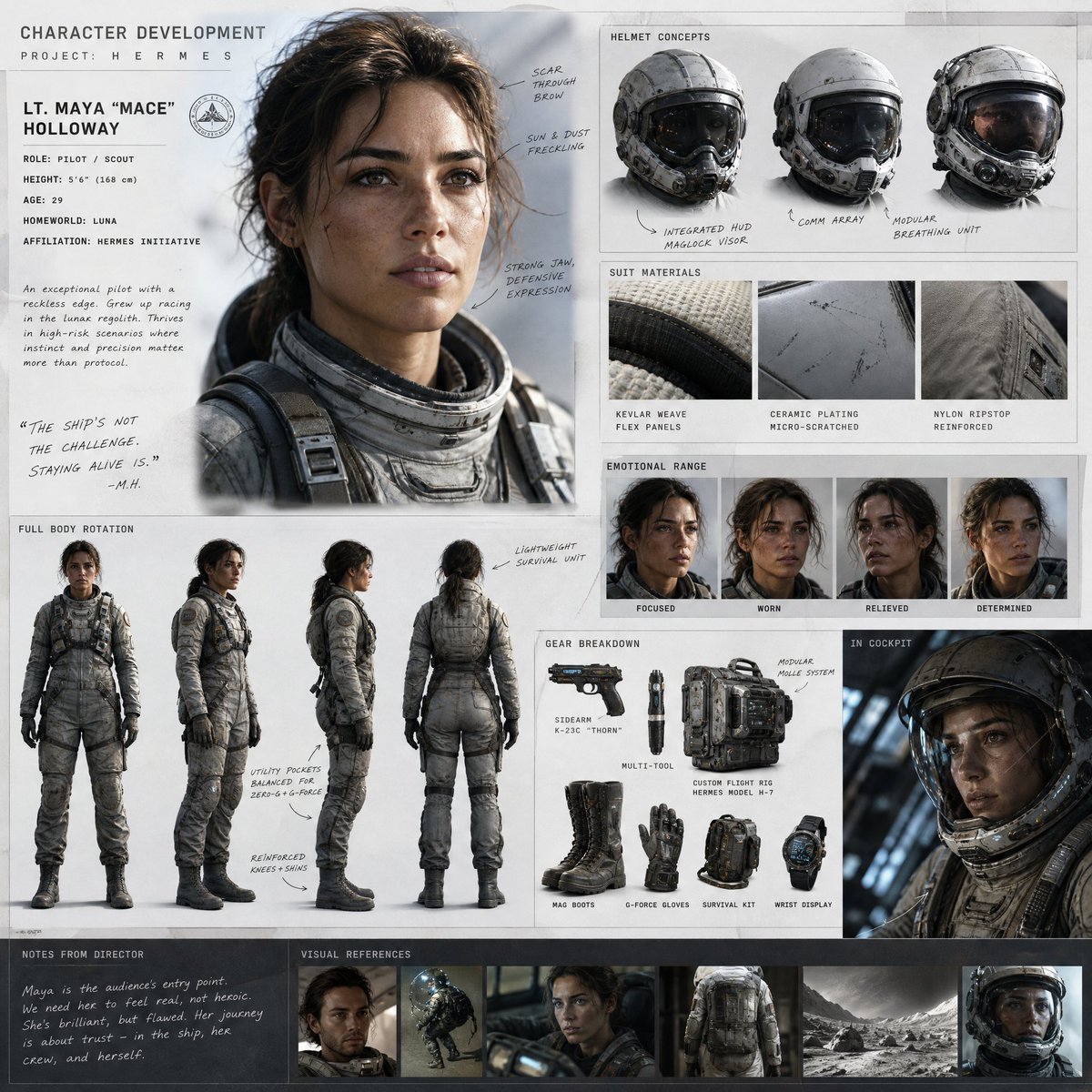
Cinematic Sci-Fi Character Development Board
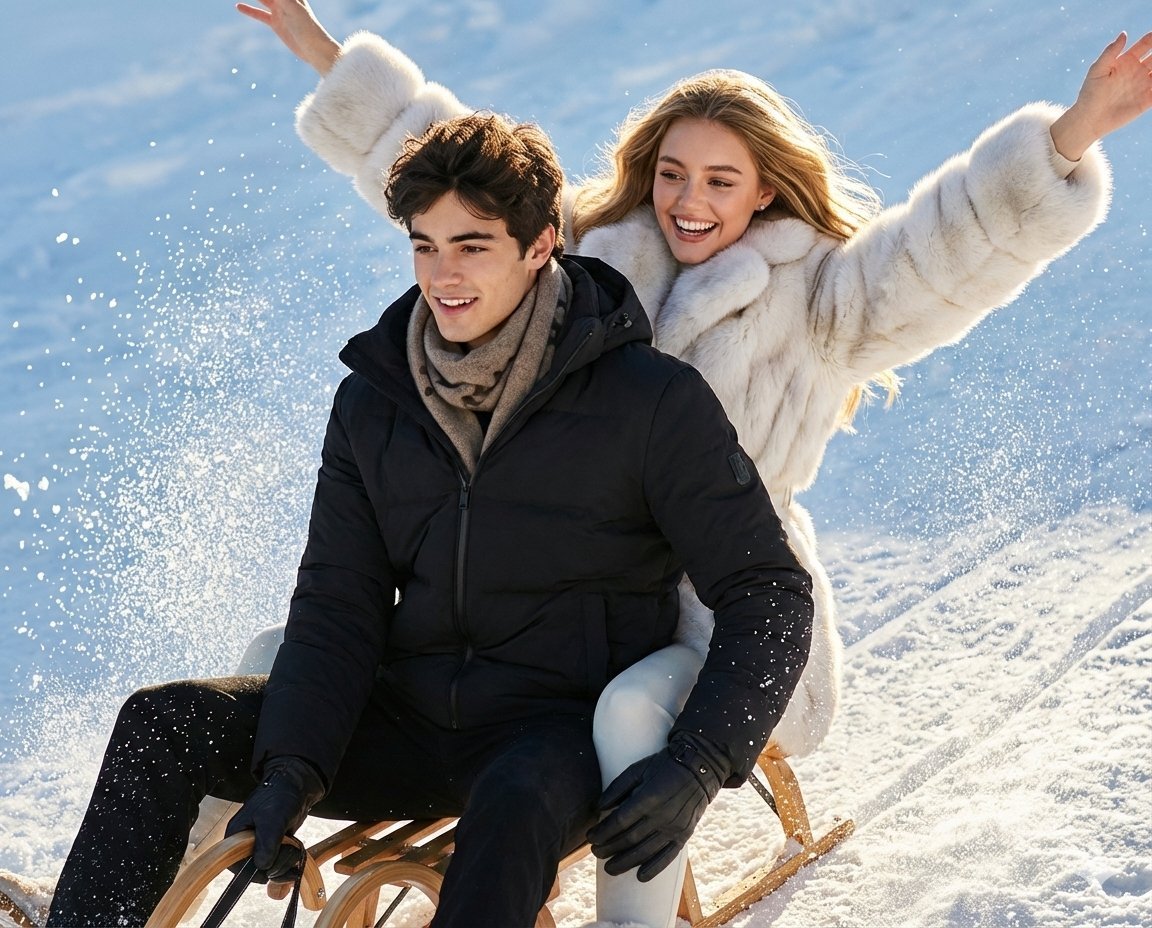
Luxury Russian Winter Sledding Scene Prompt
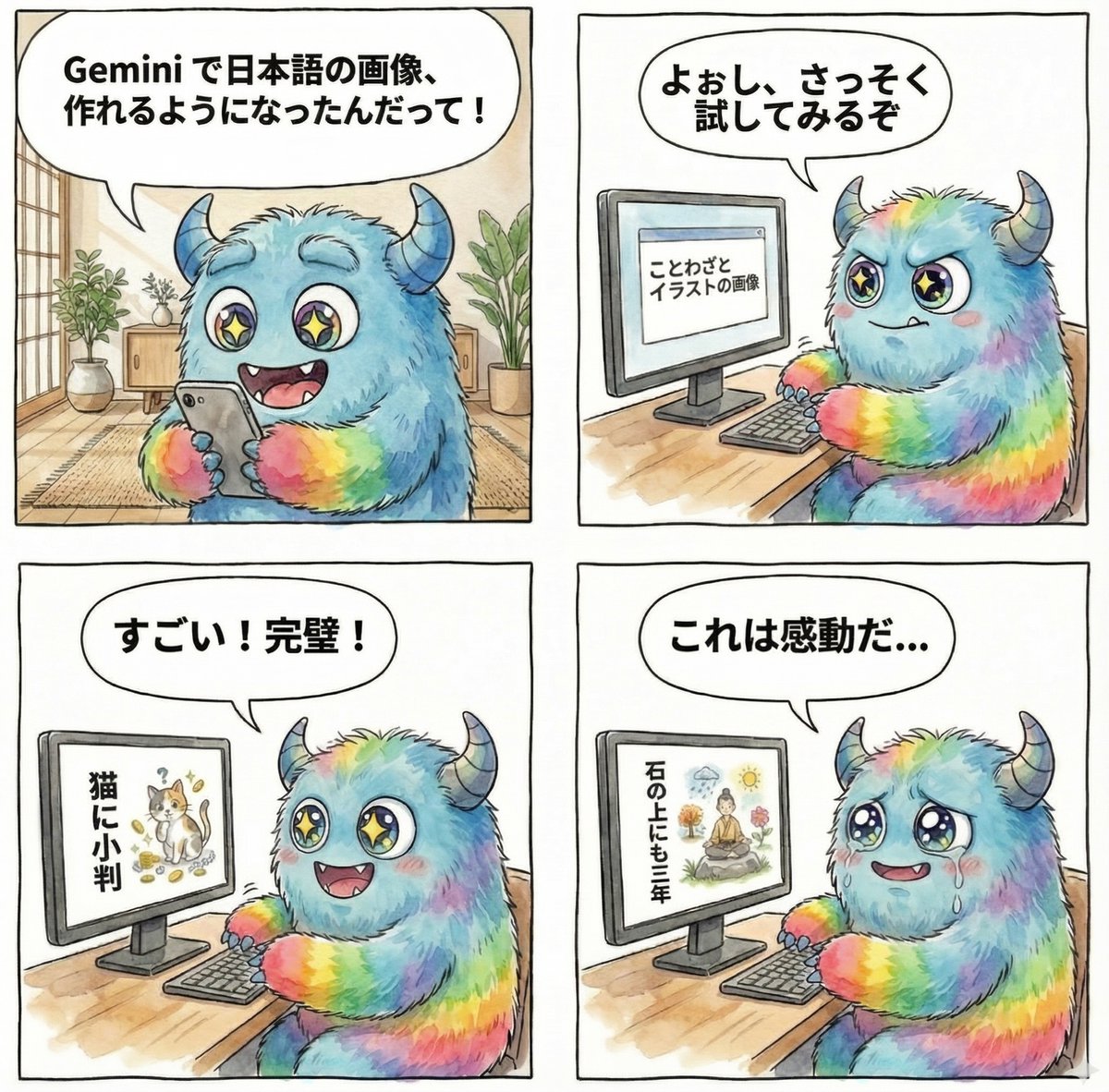
panel manga about Gemini generating Japanese text images
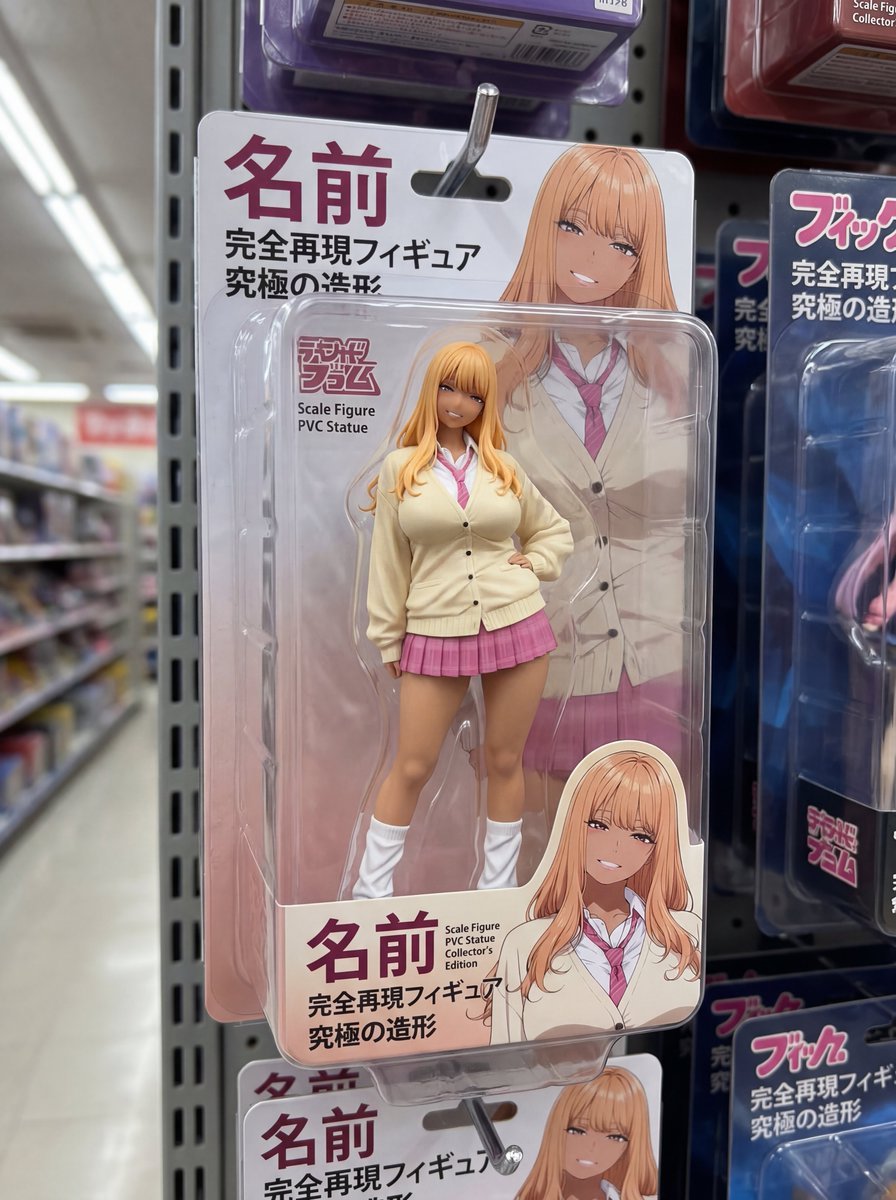
Nano Banana 2 prompt for creating packaged figures
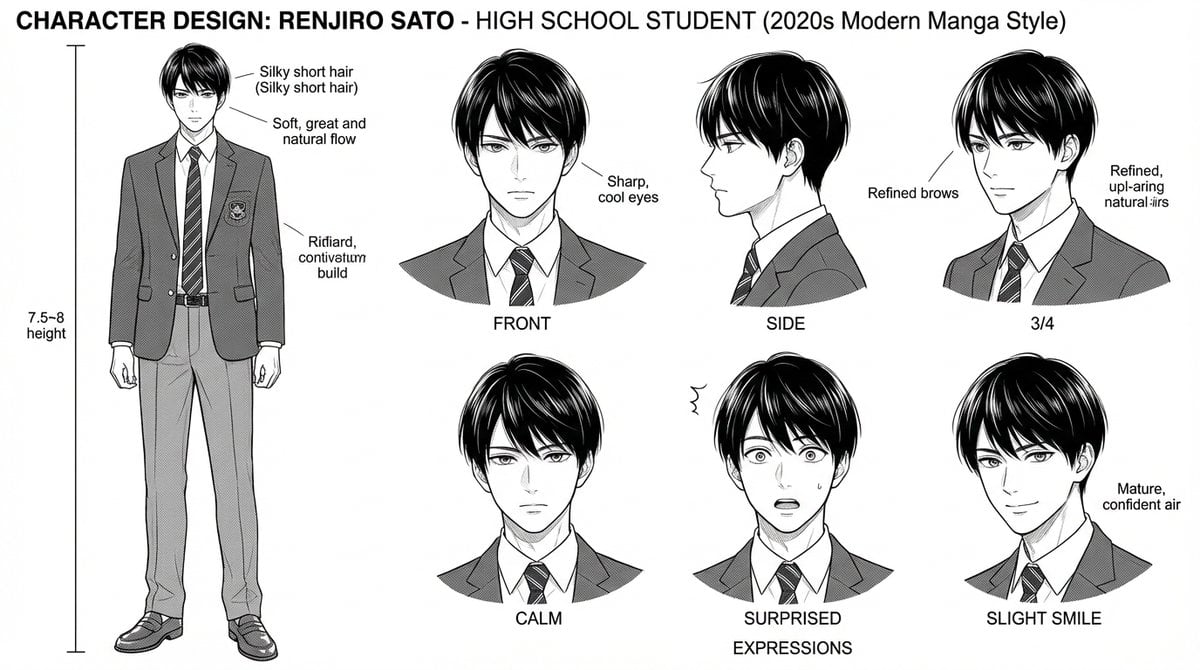
Dynamic Manga Page Layout Prompt
Browse template categories
Gothic Oiran Anime Portrait questions
How do I use the Gothic Oiran Anime Portrait template?
Add your photo if the template asks for one, edit the prompt if you like — the template's model and format are already selected — and press Generate. Your version opens in PicX Studio.
Can I customize the Gothic Oiran Anime Portrait template?
Yes. You can change the subject, setting, lighting, mood, format, and available model controls before creating your image.
Is the Gothic Oiran Anime Portrait template free?
Opening and editing this template is free. Generating uses credits, shown on the Generate button when you are signed in.
Which AI model should I use?
Start with GPT Image 2, which is the model associated with this template. You can compare another compatible model for a different finish.
Looking for something else? Browse all templates.

Your photo, any look
Thousands of ready templates for every top image and video model, from one credit balance.