
Moonlit Cyber Super Heroine Flight
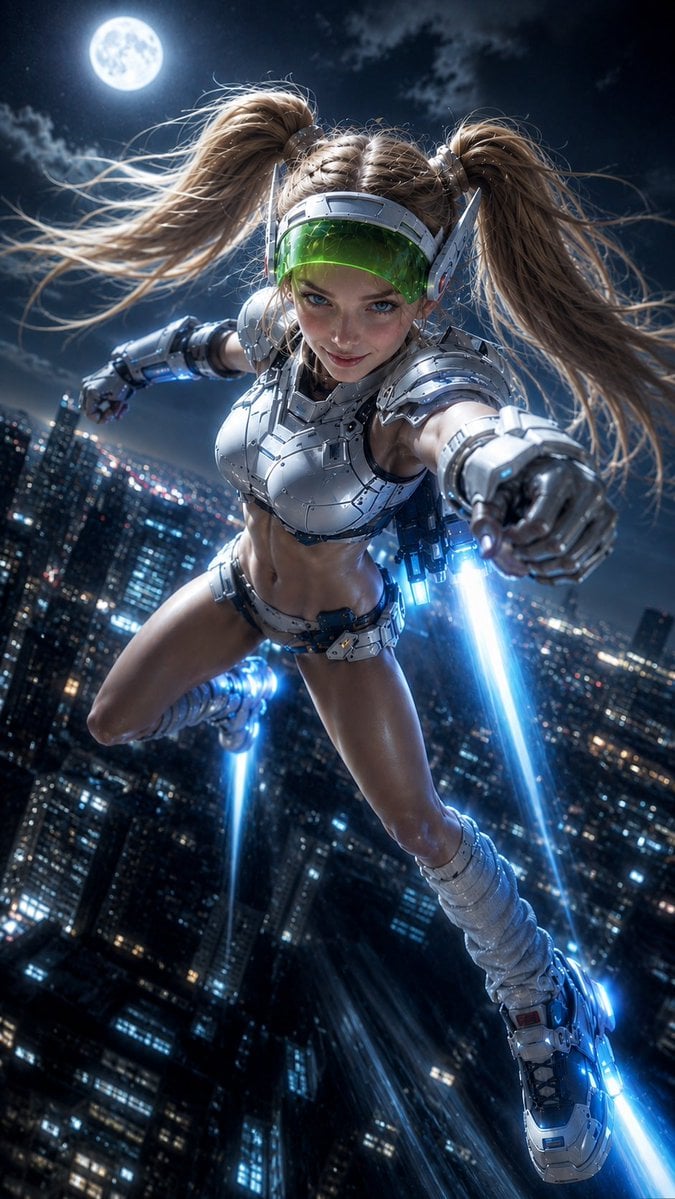
A vertical cinematic prompt for generating a futuristic armored super heroine flying over a neon city under a full moon.
- Prompt included
- Model and format preset
- Free template
The prompt behind this image
Copy the exact prompt behind Moonlit Cyber Super Heroine Flight, or open it in the studio and make it yours.
Create a dynamic cinematic vertical illustration of a futuristic super heroine flying at high speed above a dense neon city at night. The subject is {argument name="character name" default="a young blonde cyber super heroine"}, shown in a dramatic close-up wide-angle perspective as if she is rushing directly toward the camera, one armored fist extended forward and the other arm back. She has {argument name="hair color" default="blonde"} hair styled into two high twin ponytails with braided roots, long strands whipping in the wind, blue eyes, a confident mischievous smile, and an athletic anime-inspired physique. Her outfit is a glossy white and silver sci-fi battle suit: segmented metallic chest armor, shoulder plates, forearm gauntlets, small waist armor, mechanical belt details, thigh-high futuristic boots, and glowing blue jet thrusters on her boots and backpack-like rear propulsion units. Add a translucent green visor across her eyes, silver headset-like side fins, polished chrome panels, tiny screws and seams, blue LED accents, and realistic reflections on the armor. The background is a sprawling skyscraper city seen far below with countless blue, white, and red window lights, motion blur from speed, a dark cloudy night sky, and a bright full moon in the upper left. Use {argument name="lighting style" default="moonlit cyberpunk blue lighting"}, intense rim light, high contrast, volumetric glow, cool metallic highlights, and vivid electric-blue jet trails streaming downward and behind her. Composition should be vertical 9:16, tilted diagonal action pose, ultra-detailed, sharp face and armor, cinematic realism mixed with stylized superhero fantasy, no text, no logo, no watermark.
How to use Moonlit Cyber Super Heroine Flight in 3 steps
- 1Upload ImagePNG, JPG or paste
Add your photo
Upload the photo the template builds on. The prompt, model and format are already set.
- 2…a portrait of your subject in softgolden-hour light, 85mm…
Personalize
Edit the subject and creative details for your destination.
- 3Generate
Generate
Press Generate — your image is created in PicX Studio, so you can compare it with the original and refine one variable at a time.
More like this
Templates with the same subject, style or setup. Open one to see its prompt.
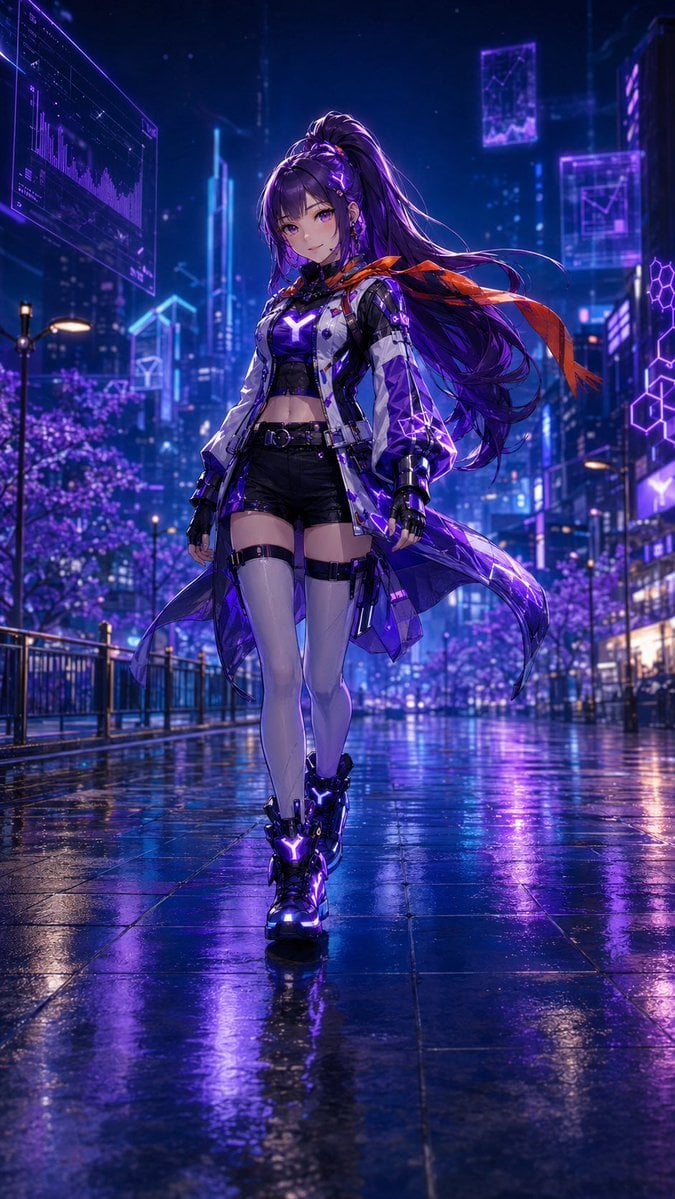
Cyberpunk Anime Heroine in Neon Rain
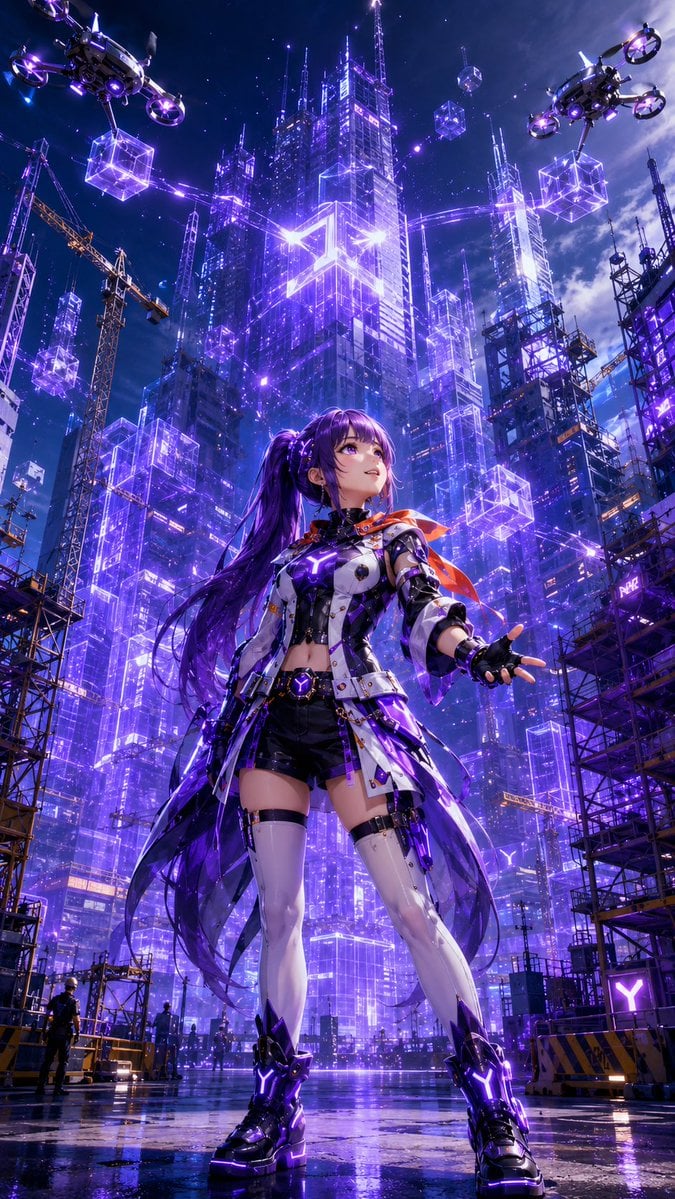
Cyberpunk Anime Heroine Megacity
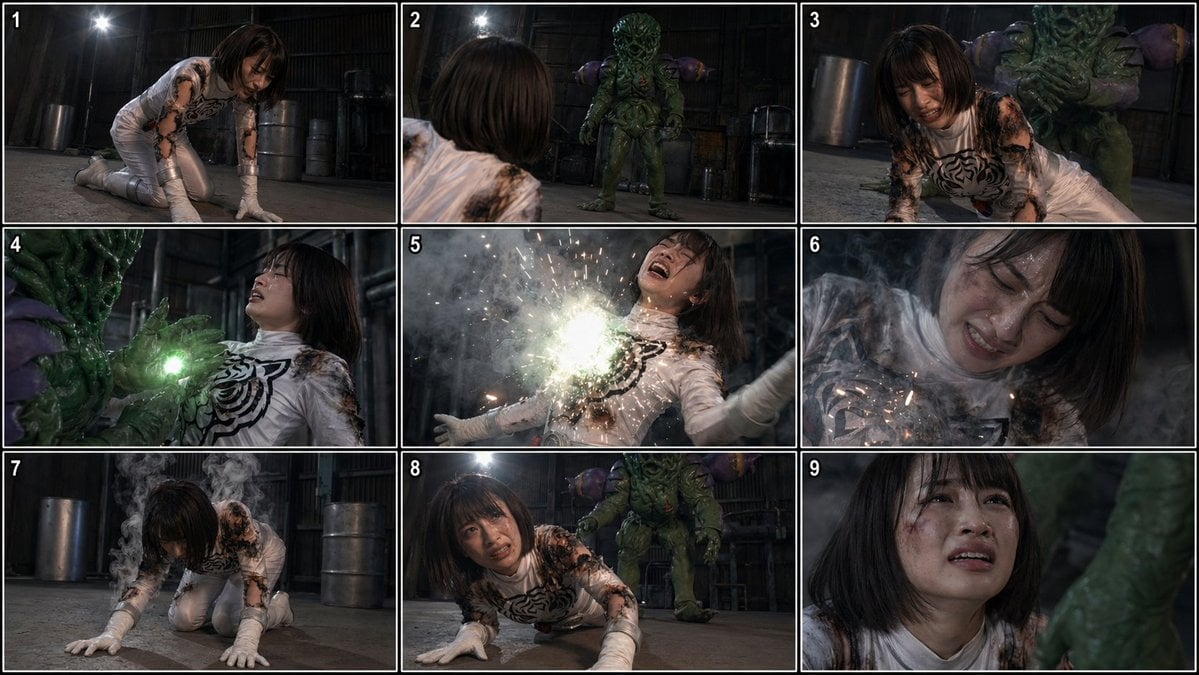
Superheroine Peril Storyboard Grid
JSON Seedance - Fairy Macro Flight

Moonlit Fox Mask Night Market
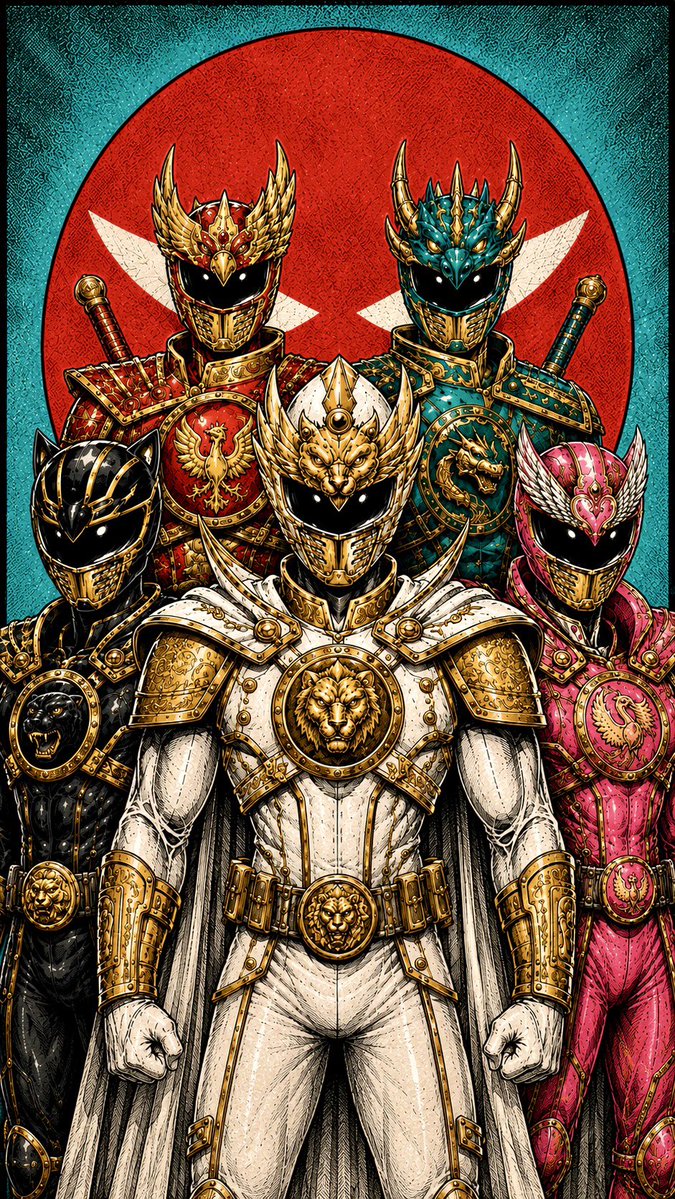
Super Sentei Team Comic Illustration

Lone Mountaineer in Moonlit Snow

Moonlit Ghost Lotus Anime Portrait
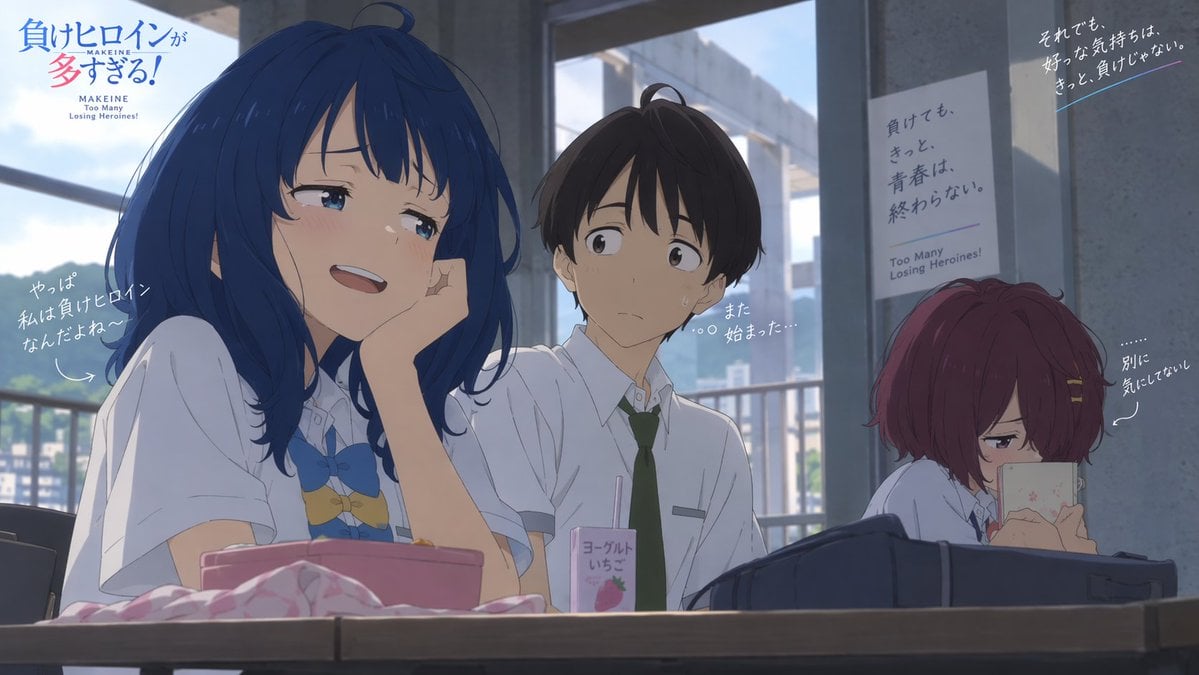
Anime Losing Heroines Classroom Still
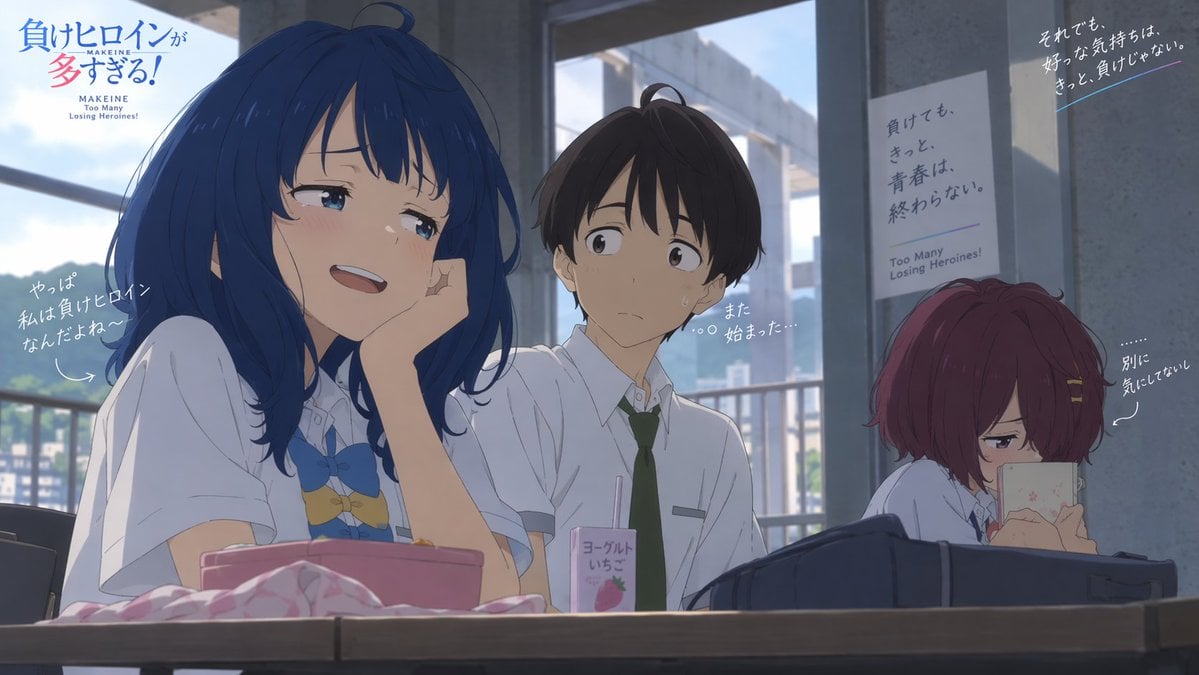
Anime Classroom Losing Heroine Key Visual

Anime Classroom Losing Heroines Key Visual

Anime Losing Heroines Classroom Key Visual
Make it yours
Moonlit Cyber Super Heroine Flight works as-is. These are the safest ways to change it without losing the look.
Change one field
Copy a single group, rewrite it, and generate again so you can see what that field is doing.
Keep the frame, change the subject
Hold the composition and light of Moonlit Cyber Super Heroine Flight, then swap wardrobe, props or the person for a new take.
| If the result… | Why | Fix |
|---|---|---|
| The result drifts from the preview | Too many fields changed at once. | Reuse Moonlit Cyber Super Heroine Flight as-is first, then change one group — subject, light, or setting. |
| The model over-stylizes the scene | The prose prompt leaves finish and camera underspecified. | Add one camera or lighting sentence and stay on GPT Image 2. |
More GPT Image 2 templates
Other prompts made for GPT Image 2.

Six VTuber Japanese Logo Sheet

Realistic Portrait of Woman and Deer

The Vista Modular Condo Poster

AI Model Routing Comparison Infographic

2.5D Anime Art Board

Isometric Productivity Desk Scene

New York Double Exposure Poster

Four-Panel AI Landscape Comparison

Japanese Tatami Lifestyle Magazine Cover

NESCAFÉ Coffee Map Poster
More image prompts
Fresh picks from across the catalog.
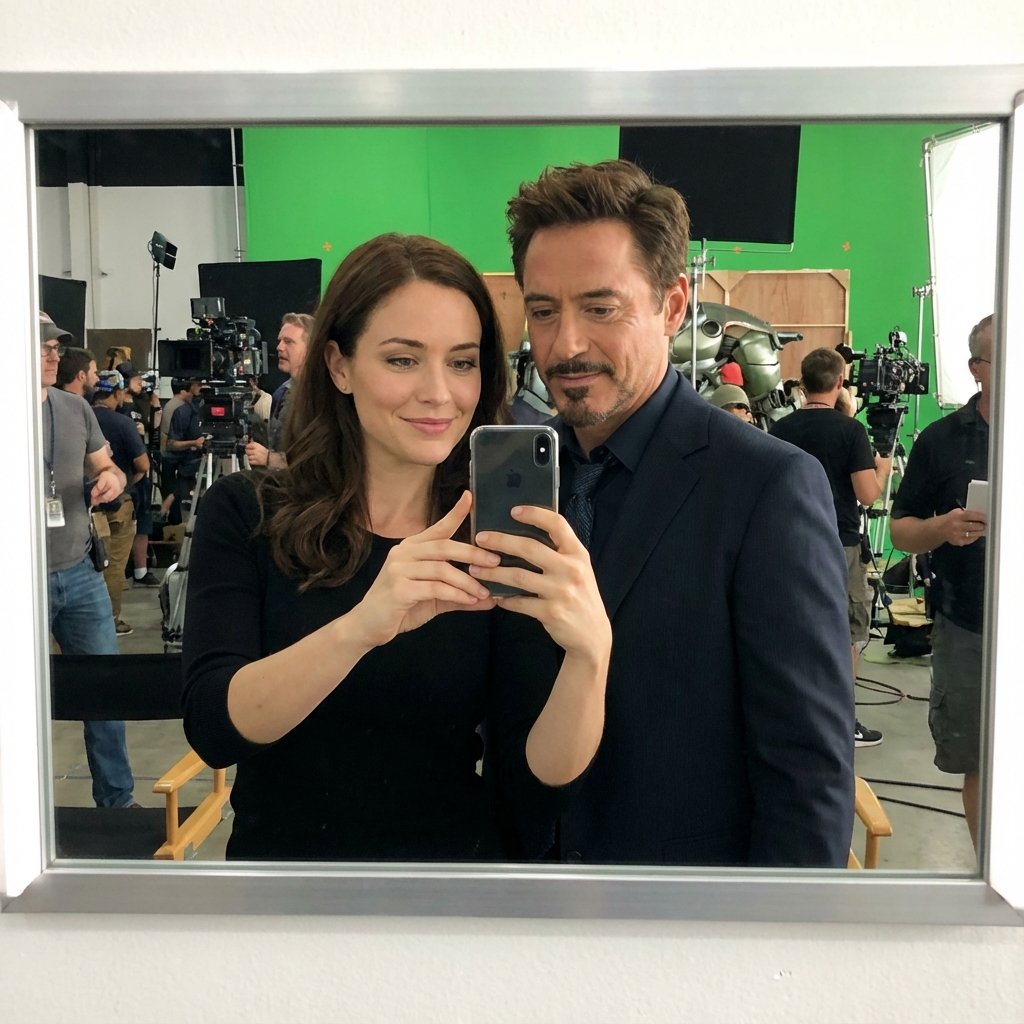
Selfie with Movie Character Template Prompt
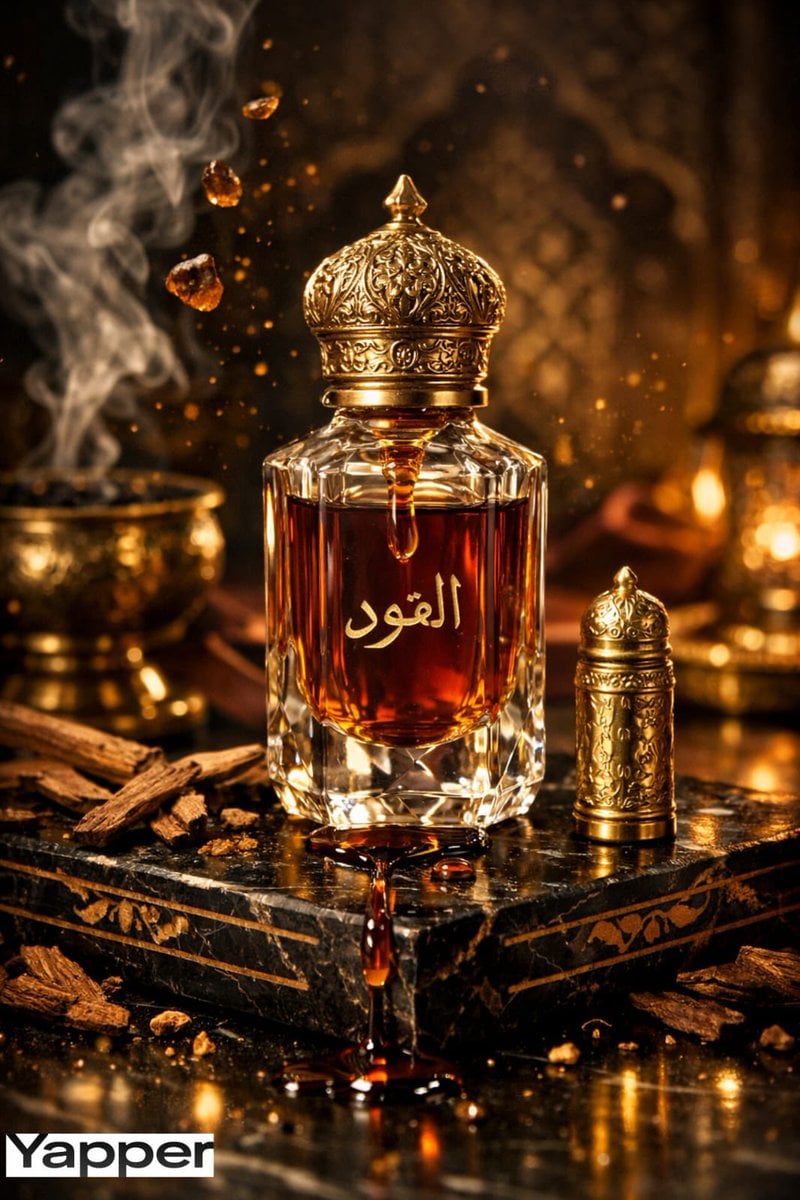
Ultra-Premium Arabian Luxury Perfume Product Photography
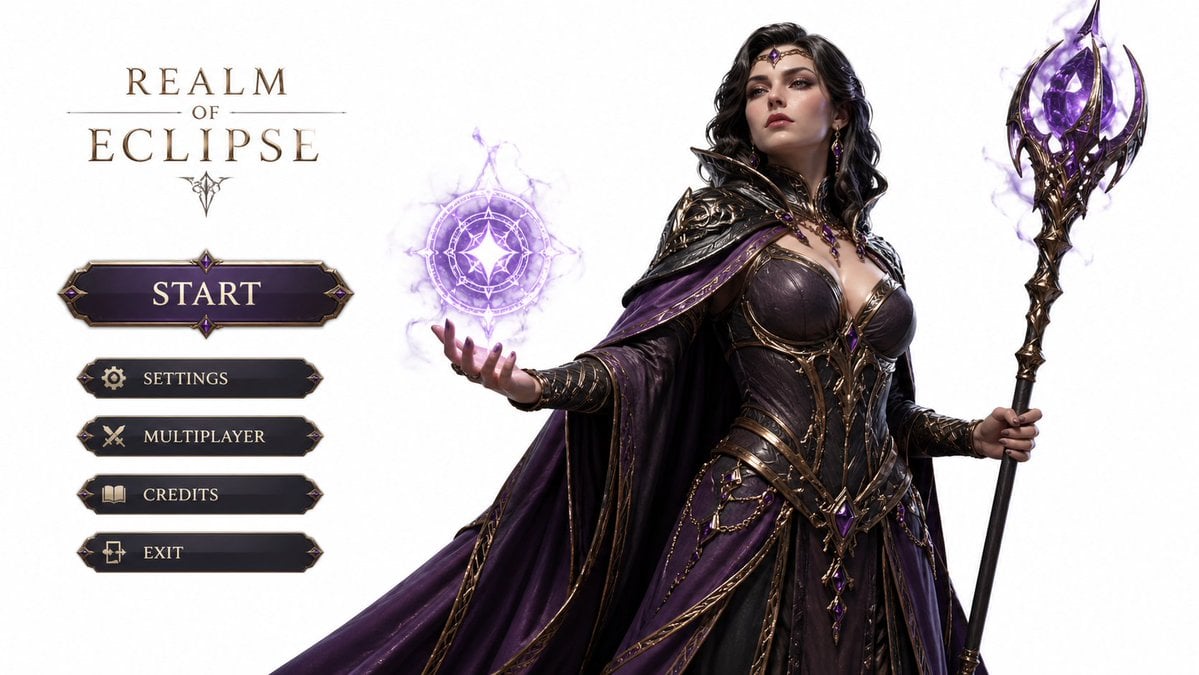
3D Gaming Character Sorceress
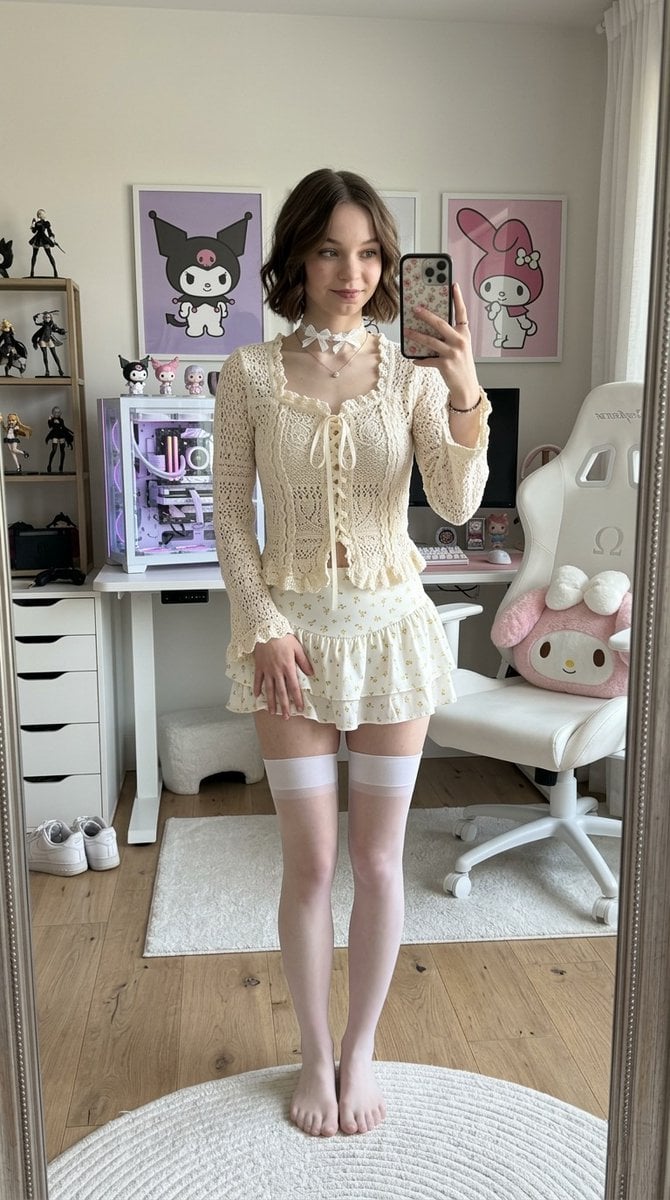
Olivia Rodrigo Gamer-Chic Mirror Selfie
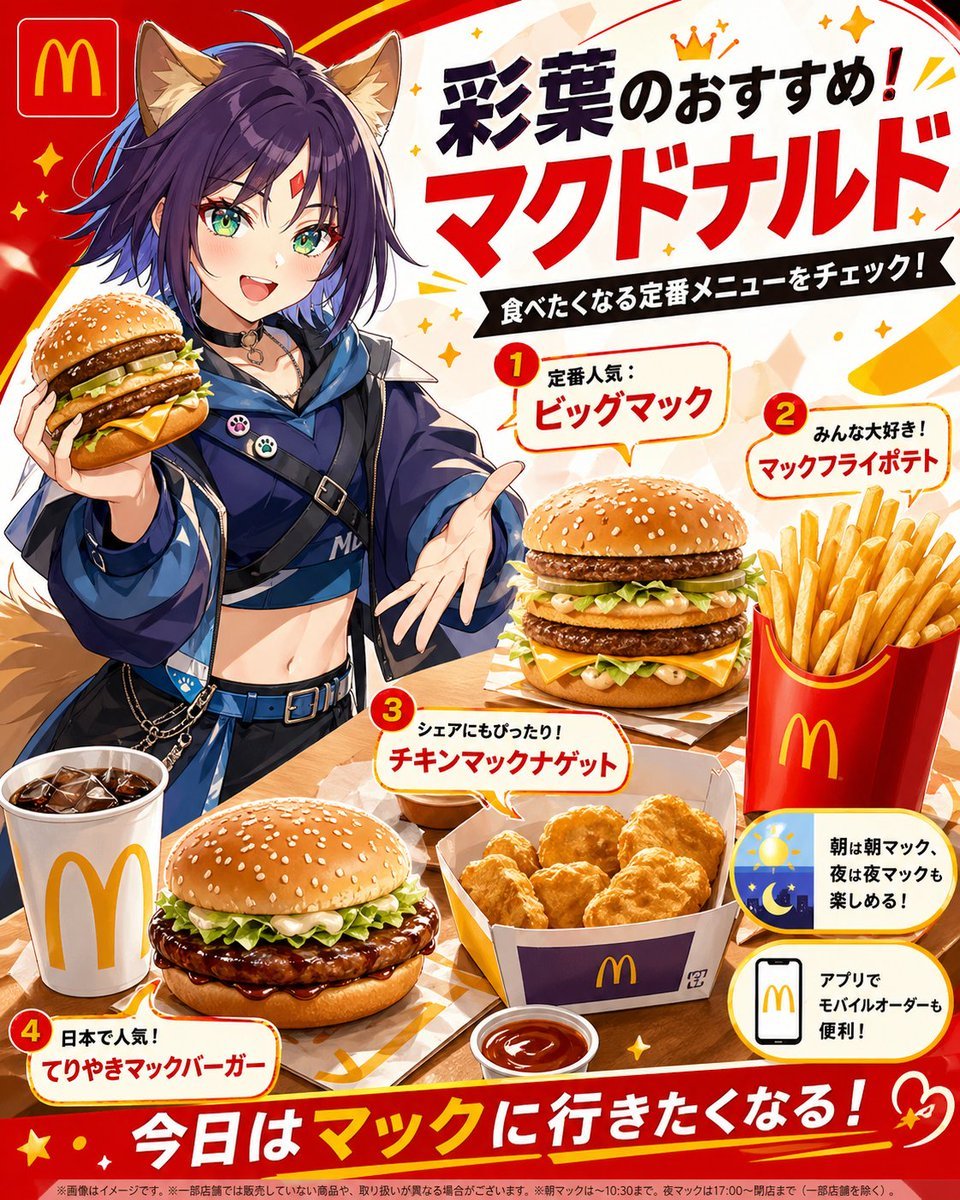
Anime McDonald's Recommendation Poster
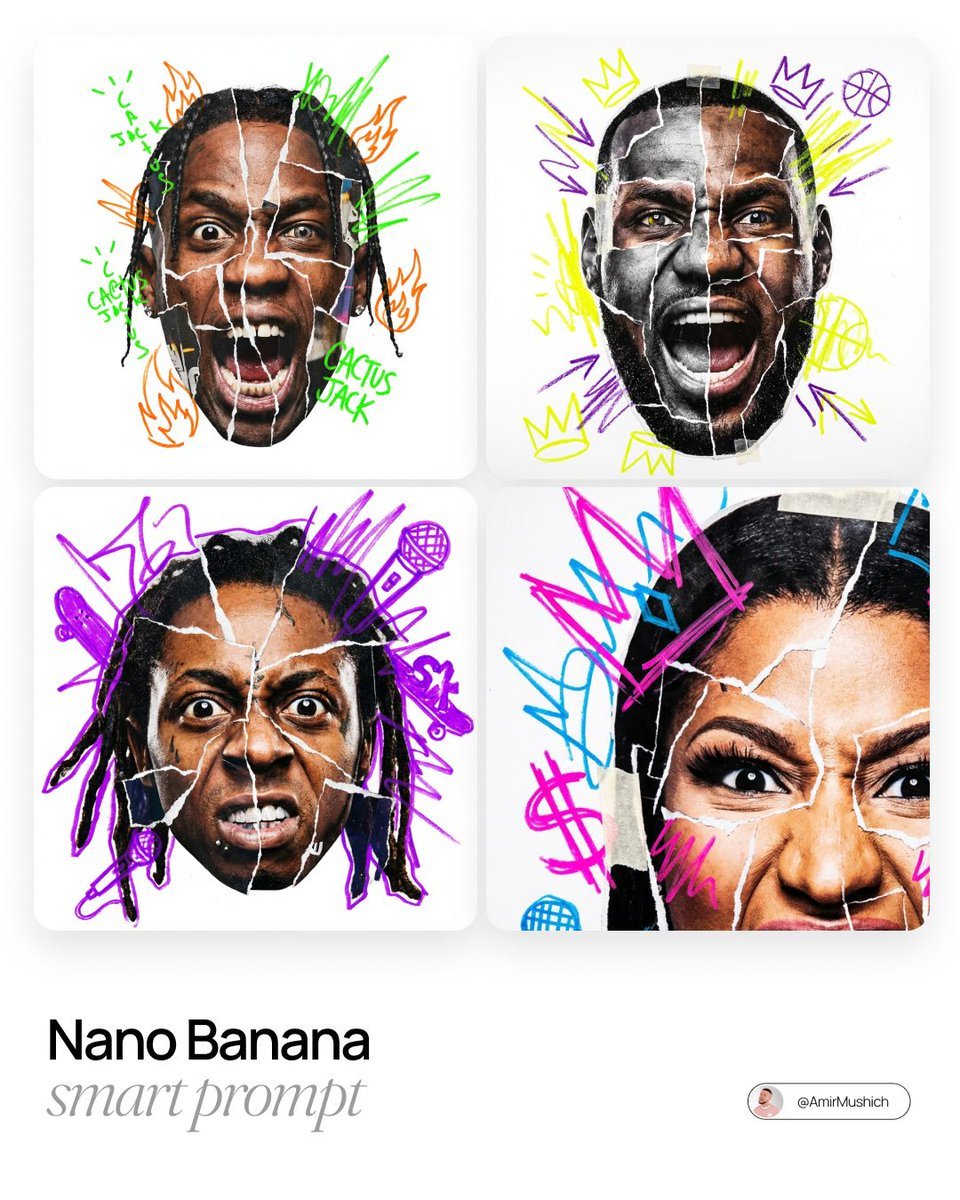
Urban Photo-Collage Caricature Style Prompt
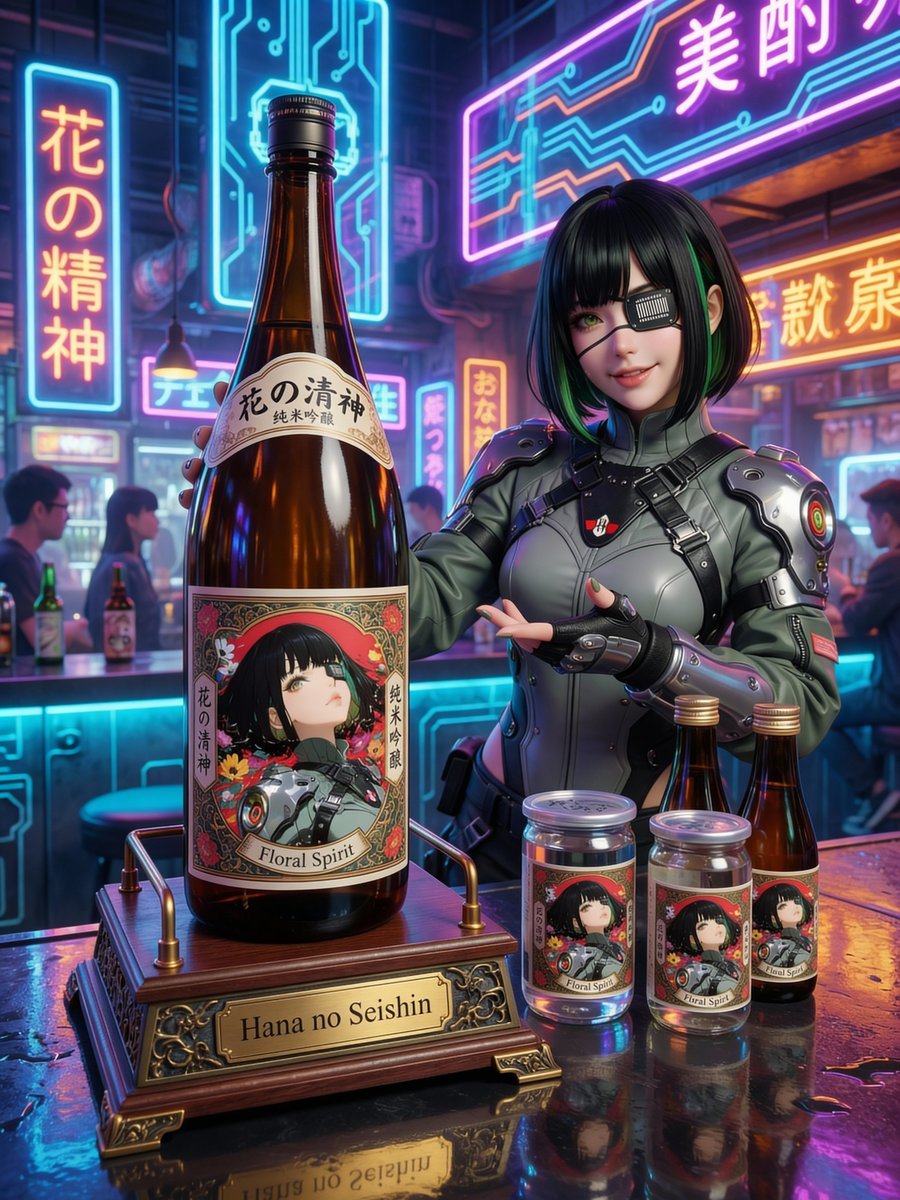
Fictional Sake Brand Bottle Design
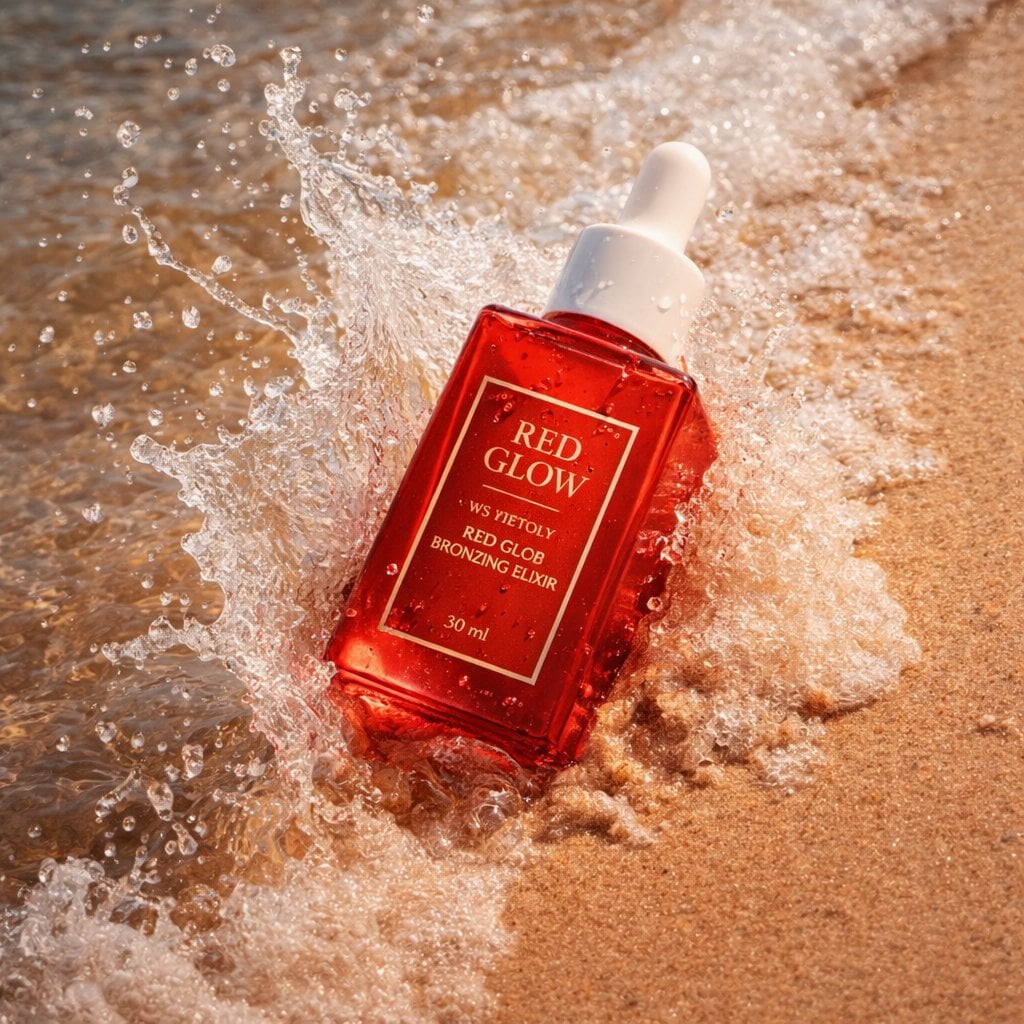
Summer Skincare Product Photography on Beach
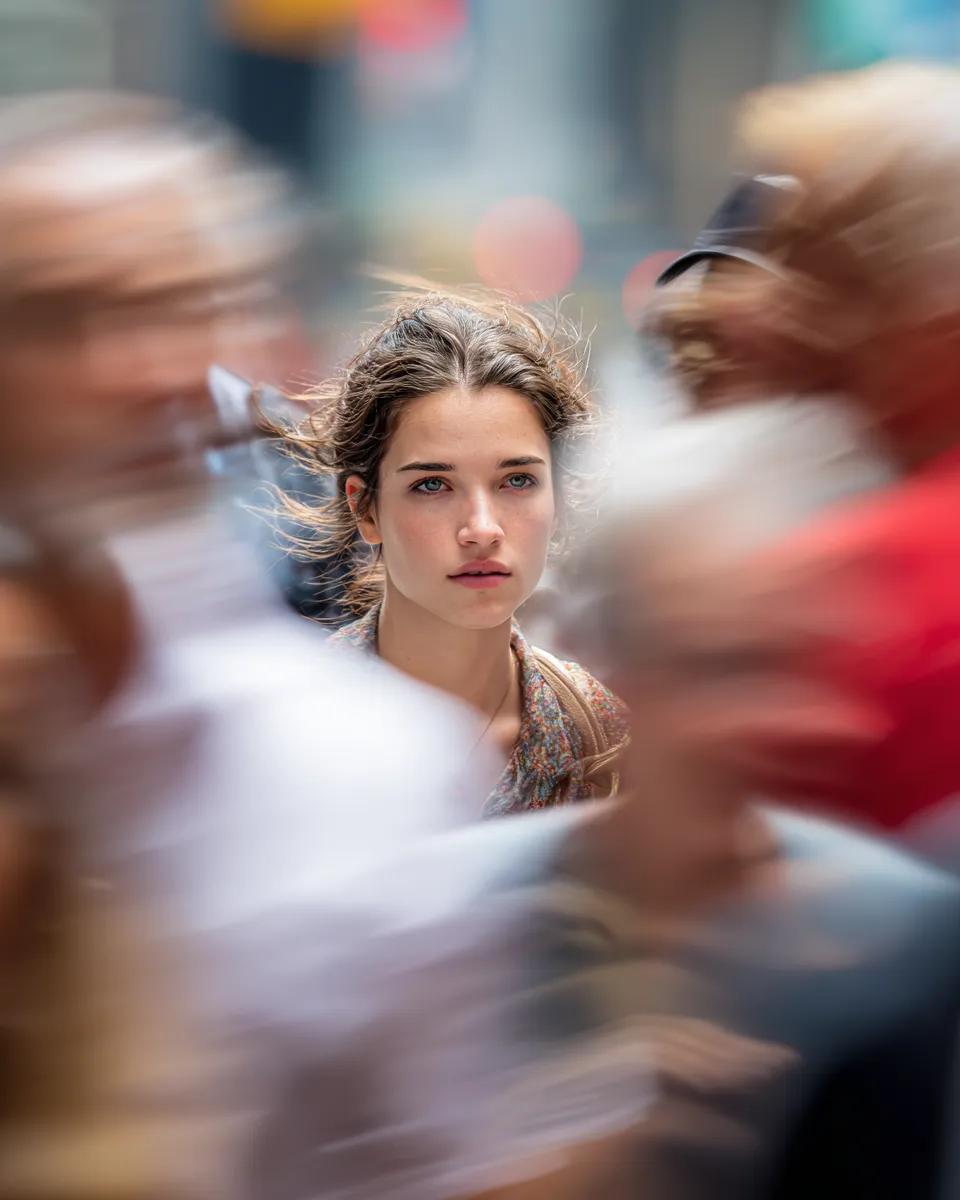
Close-Up Portrait on Busy New York Street
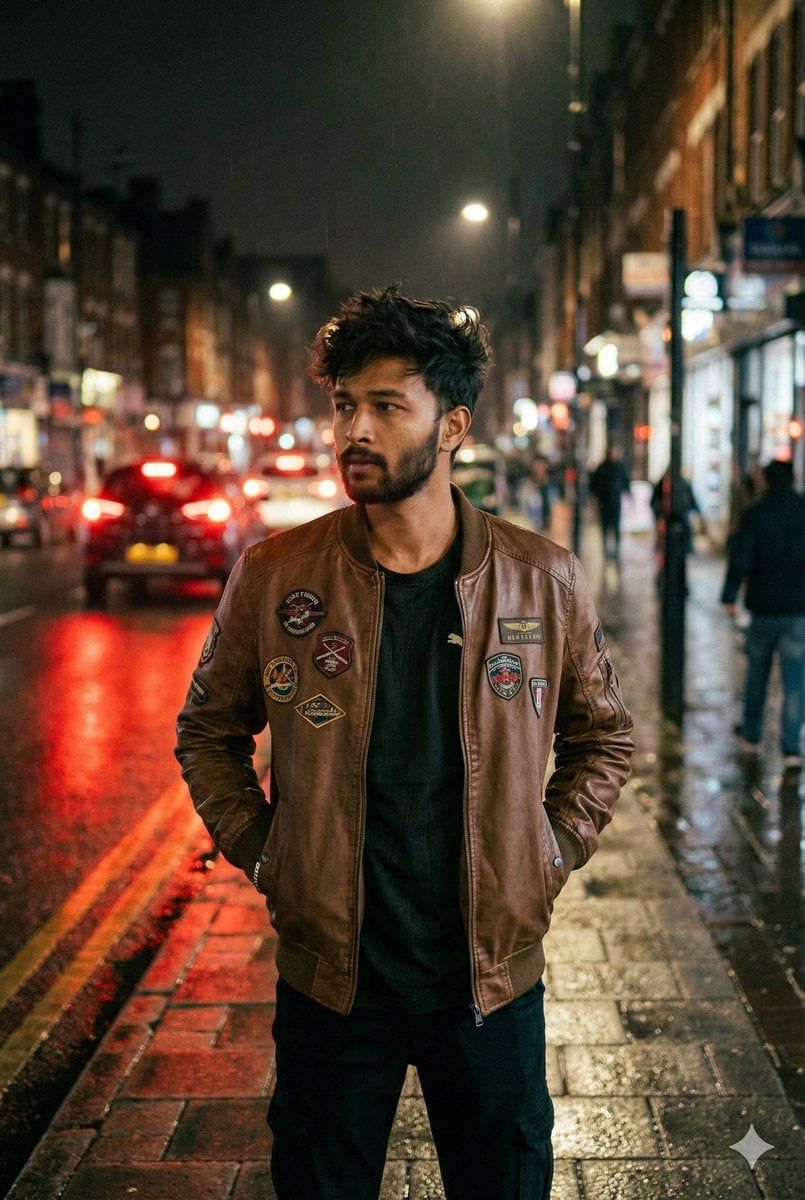
Nighttime Street Portrait with Face Reference
Browse template categories
Moonlit Cyber Super Heroine Flight questions
How do I use the Moonlit Cyber Super Heroine Flight template?
Add your photo if the template asks for one, edit the prompt if you like — the template's model and format are already selected — and press Generate. Your version opens in PicX Studio.
Can I customize the Moonlit Cyber Super Heroine Flight template?
Yes. You can change the subject, setting, lighting, mood, format, and available model controls before creating your image.
Is the Moonlit Cyber Super Heroine Flight template free?
Opening and editing this template is free. Generating uses credits, shown on the Generate button when you are signed in.
Which AI model should I use?
Start with GPT Image 2, which is the model associated with this template. You can compare another compatible model for a different finish.
Looking for something else? Browse all templates.

Your photo, any look
Thousands of ready templates for every top image and video model, from one credit balance.