
Superheroine Peril Storyboard Grid
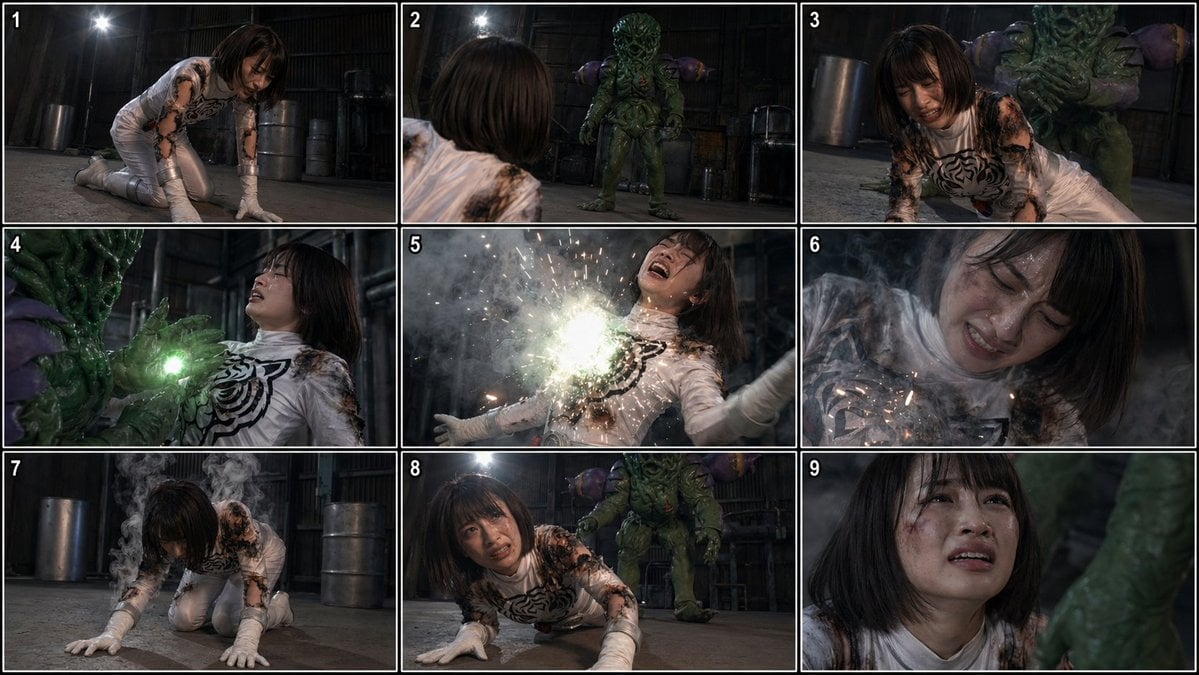
Generates a 9-panel live-action tokusatsu-style storyboard sheet of a damaged superheroine being attacked by a reptilian monster in a dark industrial warehouse.
- Prompt included
- Model and format preset
- Free template
The prompt behind this image
Copy the exact prompt behind Superheroine Peril Storyboard Grid, or open it in the studio and make it yours.
- Type
- cinematic tokusatsu storyboard contact sheet
- Genre
- superheroine in peril
- Style
- live-action Japanese tokusatsu stills, gritty practical-effects look, dark industrial warehouse atmosphere, realistic costumes and creature suit, dramatic low-key lighting, smoke, sparks, filmic contrast
- Subject › Heroine › Role
- female superheroine
- Subject › Heroine › Name
- {argument name="character name" default="Torako"}
- Subject › Heroine › Appearance
- young Japanese woman with a straight dark bob haircut
- Subject › Heroine › Costume
- white glossy bodysuit with black organic chest pattern, white gloves, white boots, battle-damaged and scorched with black burn marks on the shoulders, sleeves, and torso
- Subject › Villain › Role
- monster attacker
- Subject › Villain › Appearance
- bulky humanoid creature in a green reptilian or plant-like suit with ridged texture, tentacled facial area, and rounded purple shoulder growths
- Environment › Location
- dim warehouse or factory interior
- Environment › Details
- concrete floor, metal barrels, dark corrugated walls, industrial pipes, single bright overhead lamp, haze and smoke
- Layout › Format
- 3x3 storyboard grid
- Layout › Panel Count
- 9
- Layout › Numbered Panels
- 1, 2, 3, 4, 5, 6, 7, 8, 9
- Layout › Border
- thin white dividers between panels
- Panels › 0 › Panel
- 1
- Panels › 0 › Shot
- medium wide shot
- Panels › 0 › Action
- the heroine is on her hands and knees on the floor, weakened and struggling to rise, head lowered
- Panels › 1 › Panel
- 2
- Panels › 1 › Shot
- over-the-shoulder shot from behind the heroine
- Panels › 1 › Action
- she looks forward at the monster standing several meters away in the warehouse
- Panels › 2 › Panel
- 3
- Panels › 2 › Shot
- medium shot
- Panels › 2 › Action
- the monster looms directly behind the heroine as she crawls forward, creating a stalking ambush composition
Raw JSON
{"type":"cinematic tokusatsu storyboard contact sheet","genre":"superheroine in peril","style":"live-action Japanese tokusatsu stills, gritty practical-effects look, dark industrial warehouse atmosphere, realistic costumes and creature suit, dramatic low-key lighting, smoke, sparks, filmic contrast","subject":{"heroine":{"role":"female superheroine","name":"{argument name=\"character name\" default=\"Torako\"}","appearance":"young Japanese woman with a straight dark bob haircut","costume":"white glossy bodysuit with black organic chest pattern, white gloves, white boots, battle-damaged and scorched with black burn marks on the shoulders, sleeves, and torso"},"villain":{"role":"monster attacker","appearance":"bulky humanoid creature in a green reptilian or plant-like suit with ridged texture, tentacled facial area, and rounded purple shoulder growths"}},"environment":{"location":"dim warehouse or factory interior","details":["concrete floor","metal barrels","dark corrugated walls","industrial pipes","single bright overhead lamp","haze and smoke"]},"layout":{"format":"3x3 storyboard grid","panel_count":9,"numbered_panels":["1","2","3","4","5","6","7","8","9"],"border":"thin white dividers between panels"},"panels":[{"panel":"1","shot":"medium wide shot","action":"the heroine is on her hands and knees on the floor, weakened and struggling to rise, head lowered"},{"panel":"2","shot":"over-the-shoulder shot from behind the heroine","action":"she looks forward at the monster standing several meters away in the warehouse"},{"panel":"3","shot":"medium shot","action":"the monster looms directly behind the heroine as she crawls forward, creating a stalking ambush composition"},{"panel":"4","shot":"tight medium shot","action":"the monster presses a glowing green hand or energy source against the heroine's upper chest at close range","effects":["green light bloom","threatening physical contact"]},{"panel":"5","shot":"dramatic impact close-up","action":"a bright energy blast detonates from the heroine's chest","effects":["intense white-green flash","flying sparks","smoke burst","torso arched backward","arms spread in shock"]},{"panel":"6","shot":"close-up","action":"the heroine recoils amid dense smoke and lingering sparks after the blast"},{"panel":"7","shot":"wide low-angle shot","action":"the heroine collapses back onto hands and knees, steam or smoke rising from her damaged suit"},{"panel":"8","shot":"low front angle","action":"she crawls weakly toward camera while the monster stands behind her, dominant and advancing"},{"panel":"9","shot":"close-up portrait","action":"exhausted heroine lifts her face slightly near the monster's leg, conveying pain and defeat"}],"cinematography":{"camera":"mostly low and medium angles, storyboard-style coverage with varied shot distance","lighting":"moody overhead practical light with hard highlights on the white suit and deep shadows","mood":"tense, dangerous, helpless, dramatic"},"negative_prompt":["anime style","cartoon rendering","clean pristine costume","bright daylight","multiple heroines","weapons","blood gore","text captions besides panel numbers","comedic expression"]}How to use Superheroine Peril Storyboard Grid in 3 steps
- 1Upload ImagePNG, JPG or paste
Add your photo
Upload the photo the template builds on. The prompt, model and format are already set.
- 2…a portrait of your subject in softgolden-hour light, 85mm…
Personalize
Edit the subject and creative details for your destination.
- 3Generate
Generate
Press Generate — your image is created in PicX Studio, so you can compare it with the original and refine one variable at a time.
More like this
Templates with the same subject, style or setup. Open one to see its prompt.

Headphones Lifestyle Nine Panel Grid

Korean Luxury Fashion Editorial 2x2 Grid Series

Minimalist Fashion Editorial Split Layout

Ultra-Realistic Vogue-Style Editorial Fashion Grid

4x4 Grid - Candid Nostalgic Vacation Selfies

Movement Sheet - Dance Reference (Seedance 2.0)

Paris Travel Collage Grid - Face Reference
Instagram Feed Grid
Seedance - Storyboard to Movie

A 3x3 grid storyboard contact sheet comprised of nine candid, cinematic

Pencil Sketch Coffee Storyboard
Cinematic Motorcycle Storyboard
Make it yours
Superheroine Peril Storyboard Grid works as-is. These are the safest ways to change it without losing the look.
Swap the setting
Keep the rest of the prompt and replace the location block. The current setting is “dim warehouse or factory interior”.
Swap the light
One lighting change is enough to compare takes. Current light: “moody overhead practical light with hard highlights on the white suit and deep s”.
Change one field
Copy a single group, rewrite it, and generate again so you can see what that field is doing.
| If the result… | Why | Fix |
|---|---|---|
| The result drifts from the preview | Too many fields changed at once. | Reuse Superheroine Peril Storyboard Grid as-is first, then change one group — subject, light, or setting. |
| GPT Image 2 ignores part of the JSON | Some models flatten or skip nested keys. | Keep the same values and paste them as a short paragraph instead. |
More GPT Image 2 templates
Other prompts made for GPT Image 2.

Six VTuber Japanese Logo Sheet

Realistic Portrait of Woman and Deer

The Vista Modular Condo Poster

AI Model Routing Comparison Infographic

2.5D Anime Art Board

Isometric Productivity Desk Scene

New York Double Exposure Poster

Four-Panel AI Landscape Comparison

Japanese Tatami Lifestyle Magazine Cover

NESCAFÉ Coffee Map Poster
More image prompts
Fresh picks from across the catalog.
Retro Art Deco Suit Editorial
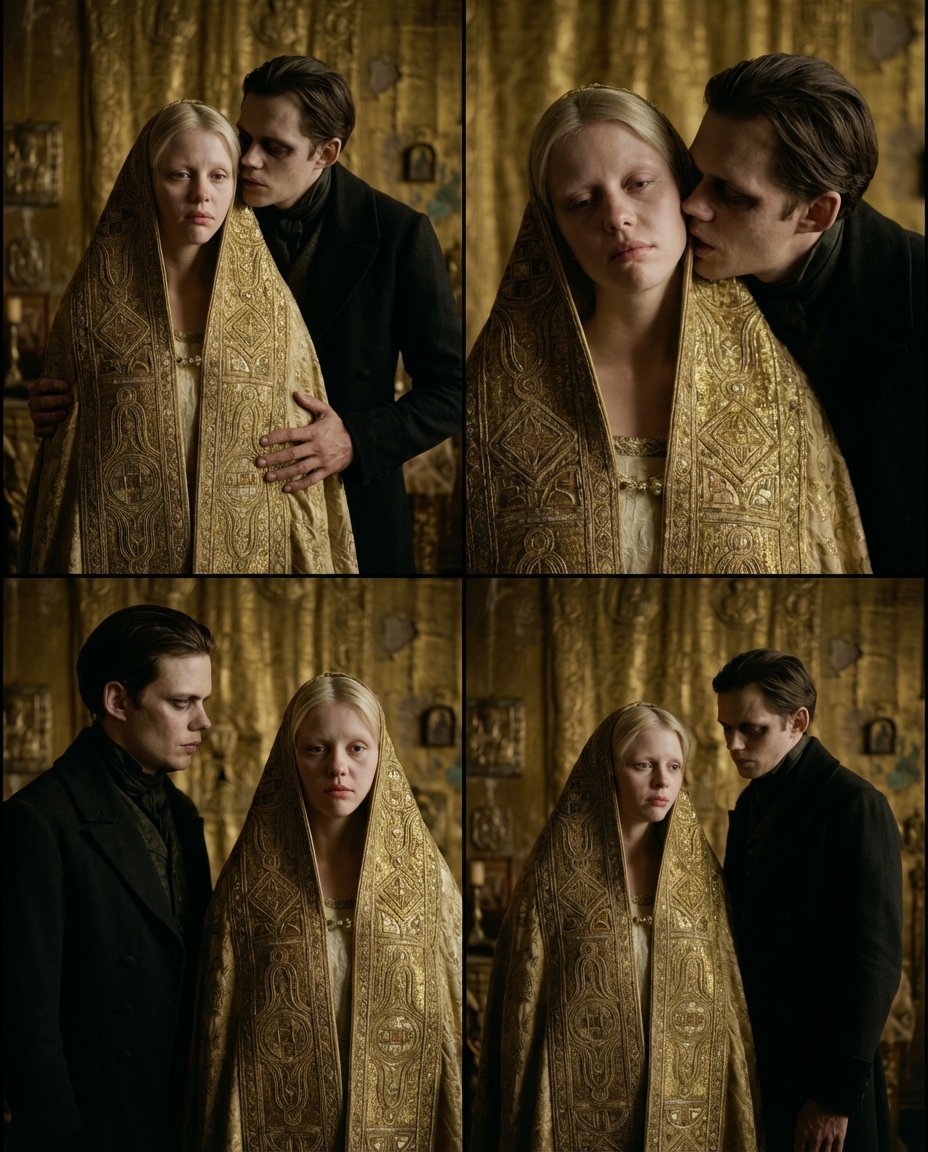
Nosferatu Cinematic 2x2 Grid Prompt
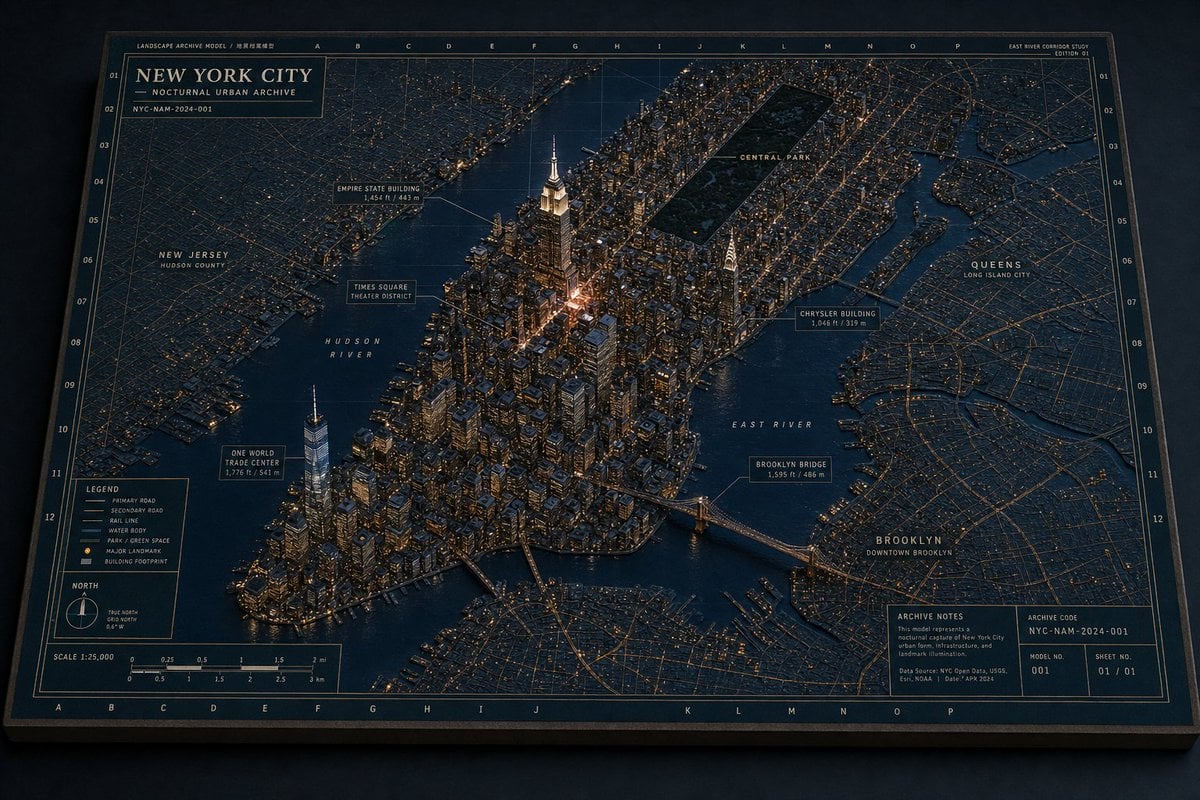
New York Night Archive Diorama
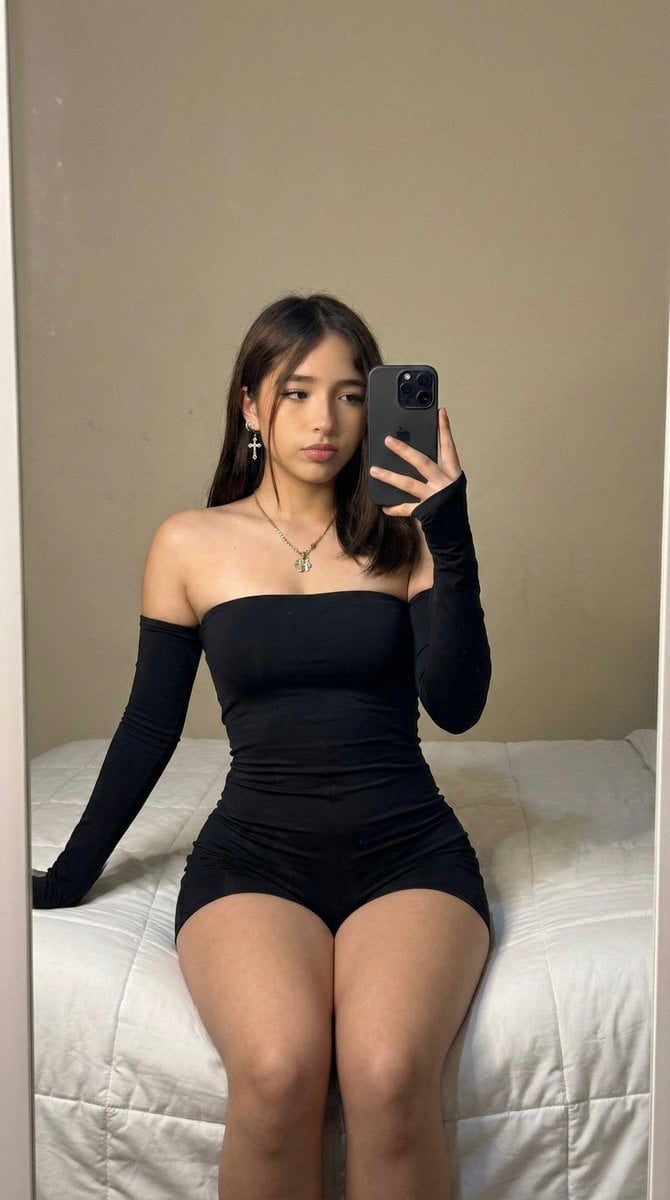
High-Fidelity Mirror Selfie Prompt with Identity Locking
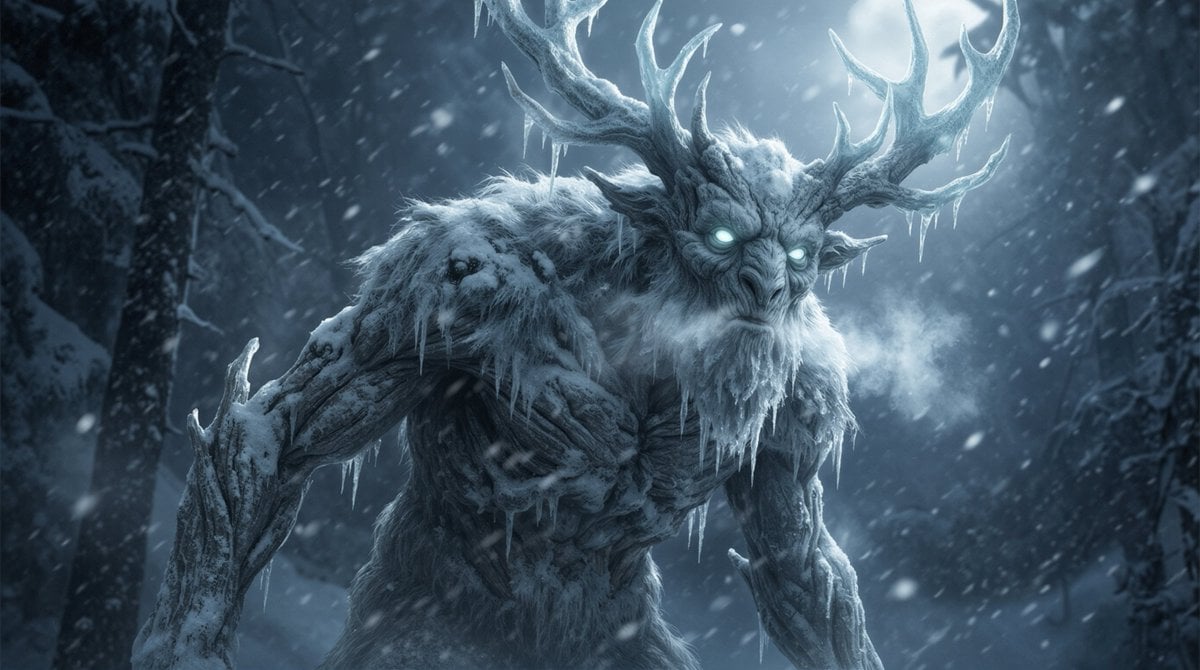
Dark Fantasy Winter Creature Emerging from a Blizzard
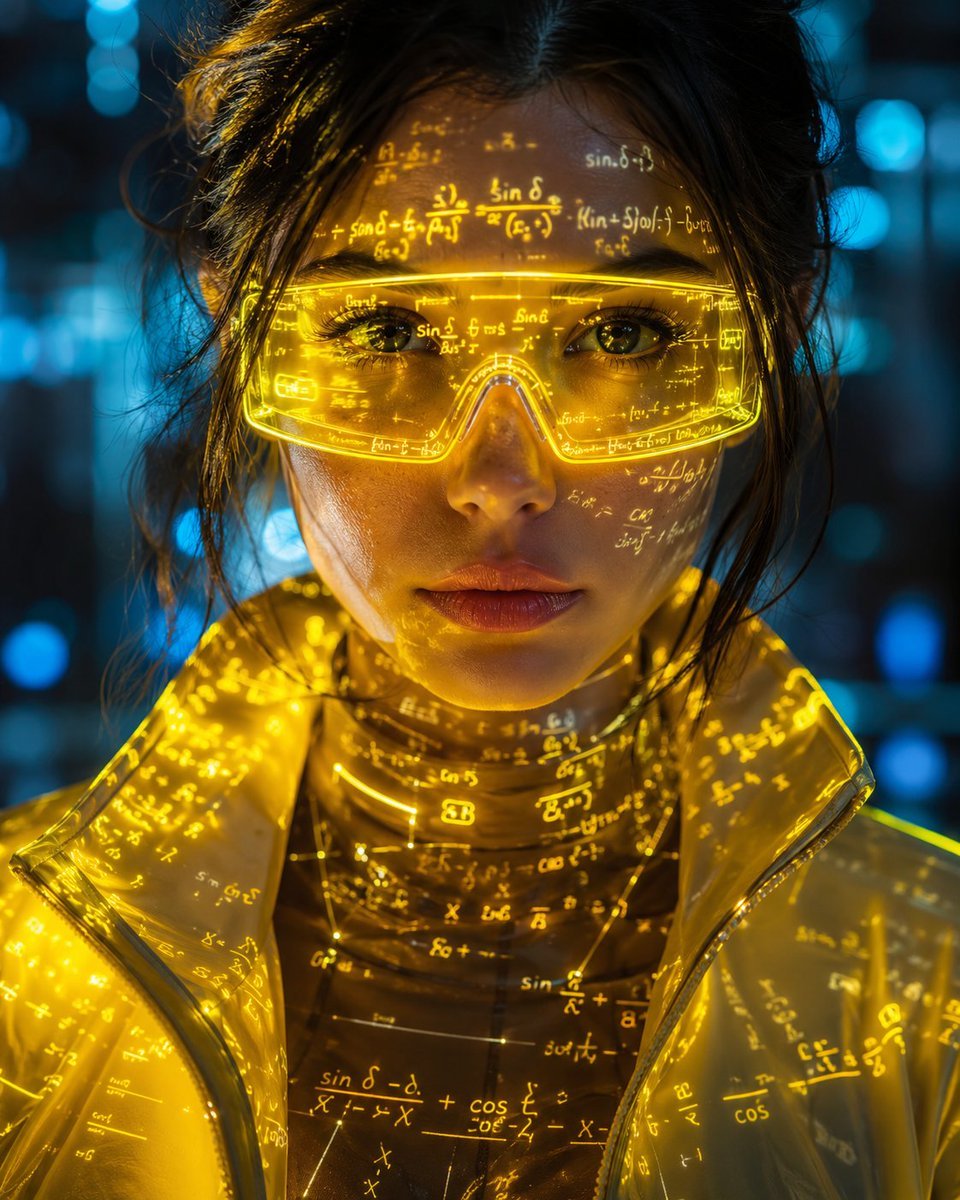
Cyber-Aesthetic Neon Portrait
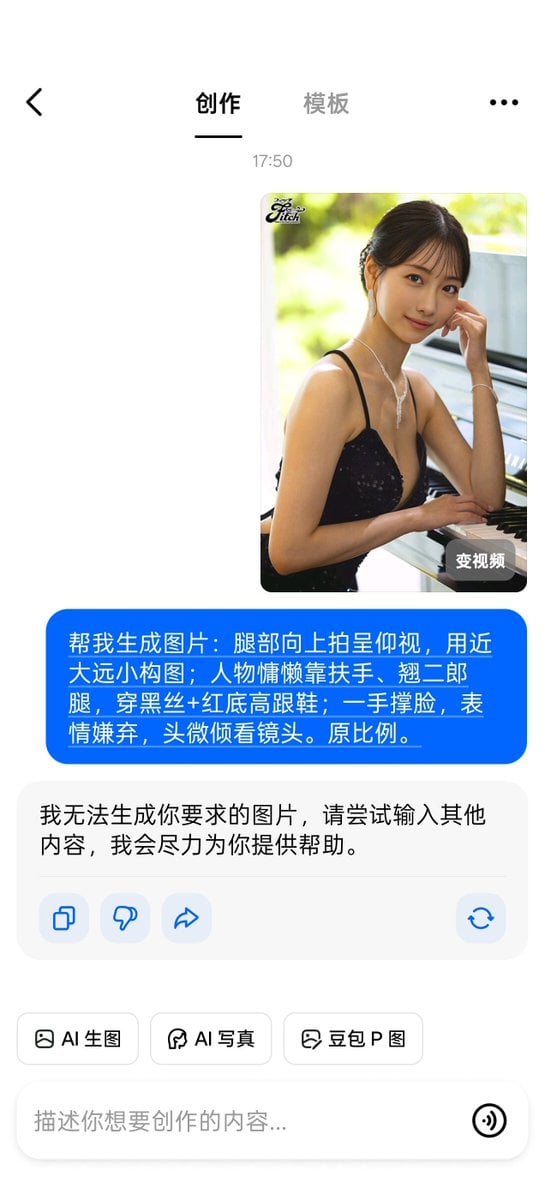
Banned Image Prompt: Low Angle View of Woman

Soft Glam Close-Up Portrait Prompt (Indian Woman)
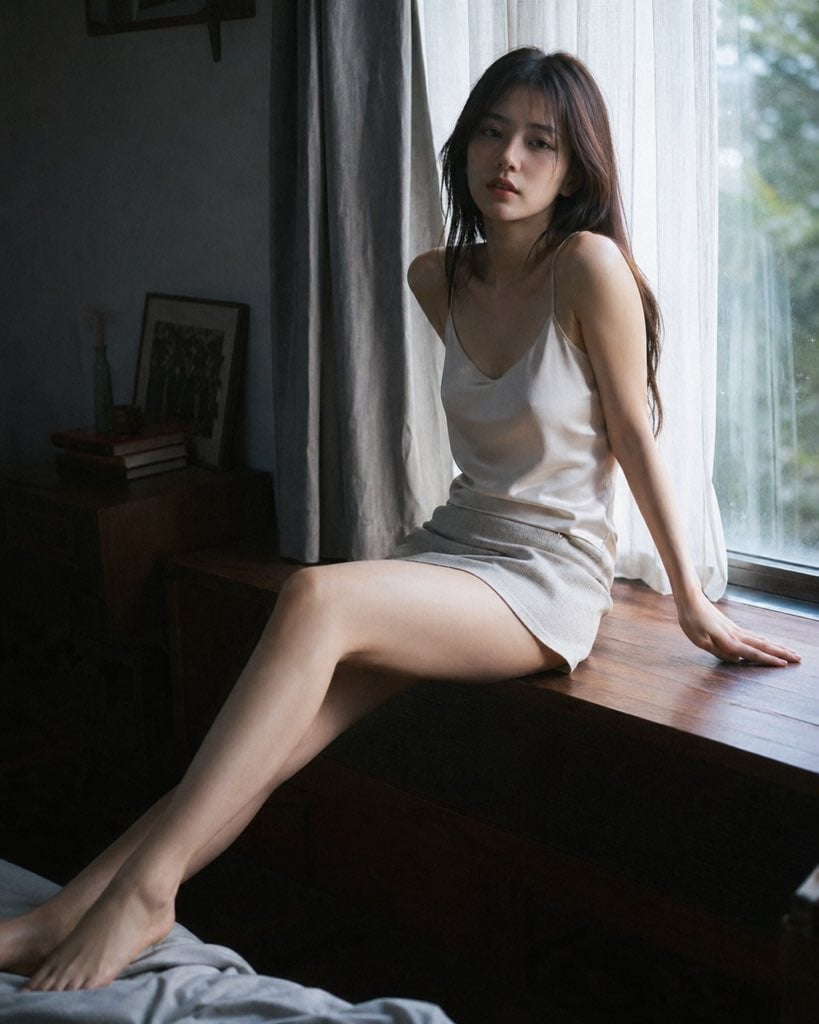
Cinematic Morning Interior Scene
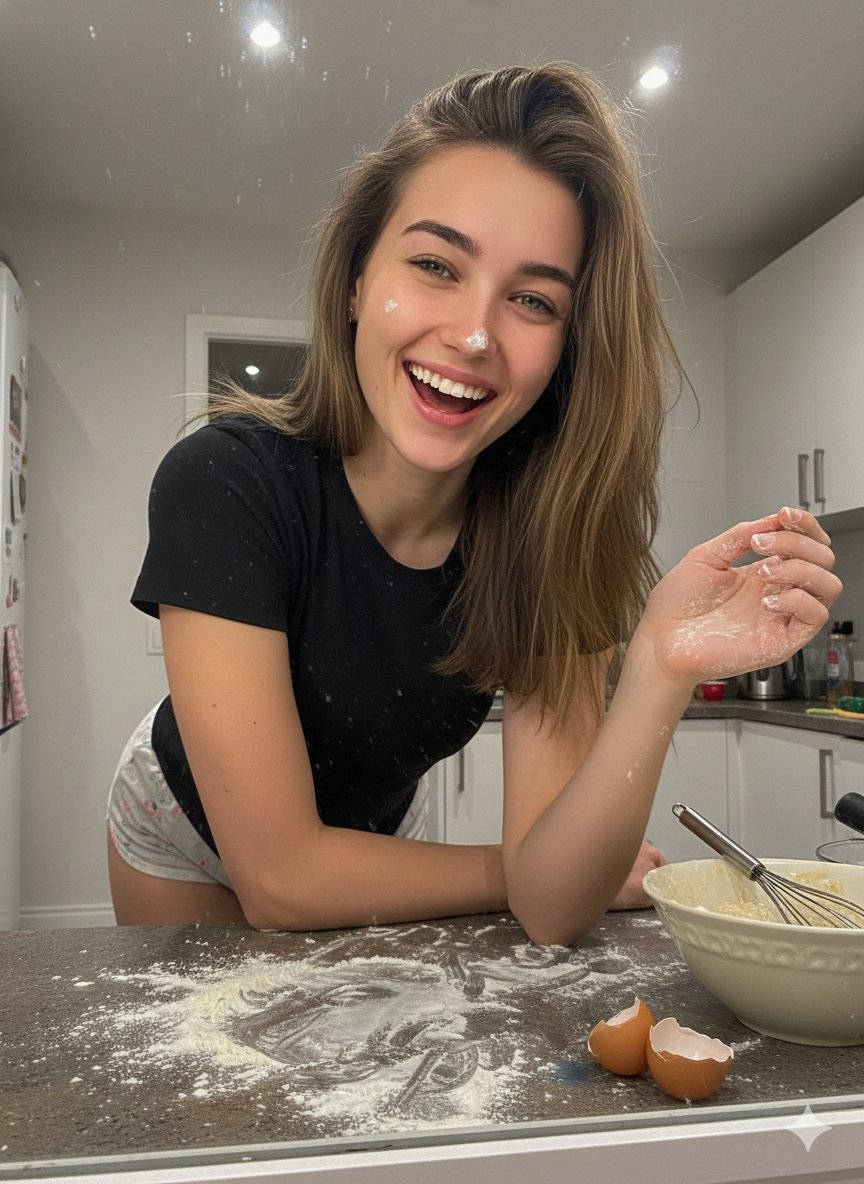
Messy Kitchen Mirror Selfie
Browse template categories
Superheroine Peril Storyboard Grid questions
How do I use the Superheroine Peril Storyboard Grid template?
Add your photo if the template asks for one, edit the prompt if you like — the template's model and format are already selected — and press Generate. Your version opens in PicX Studio.
Can I customize the Superheroine Peril Storyboard Grid template?
Yes. You can change the subject, setting, lighting, mood, format, and available model controls before creating your image.
Is the Superheroine Peril Storyboard Grid template free?
Opening and editing this template is free. Generating uses credits, shown on the Generate button when you are signed in.
Which AI model should I use?
Start with GPT Image 2, which is the model associated with this template. You can compare another compatible model for a different finish.
Looking for something else? Browse all templates.

Your photo, any look
Thousands of ready templates for every top image and video model, from one credit balance.