
New York Night Archive Diorama
Generates a museum-style nocturnal architectural archive board showing New York City as a raised miniature map diorama with precise landmark annotations.
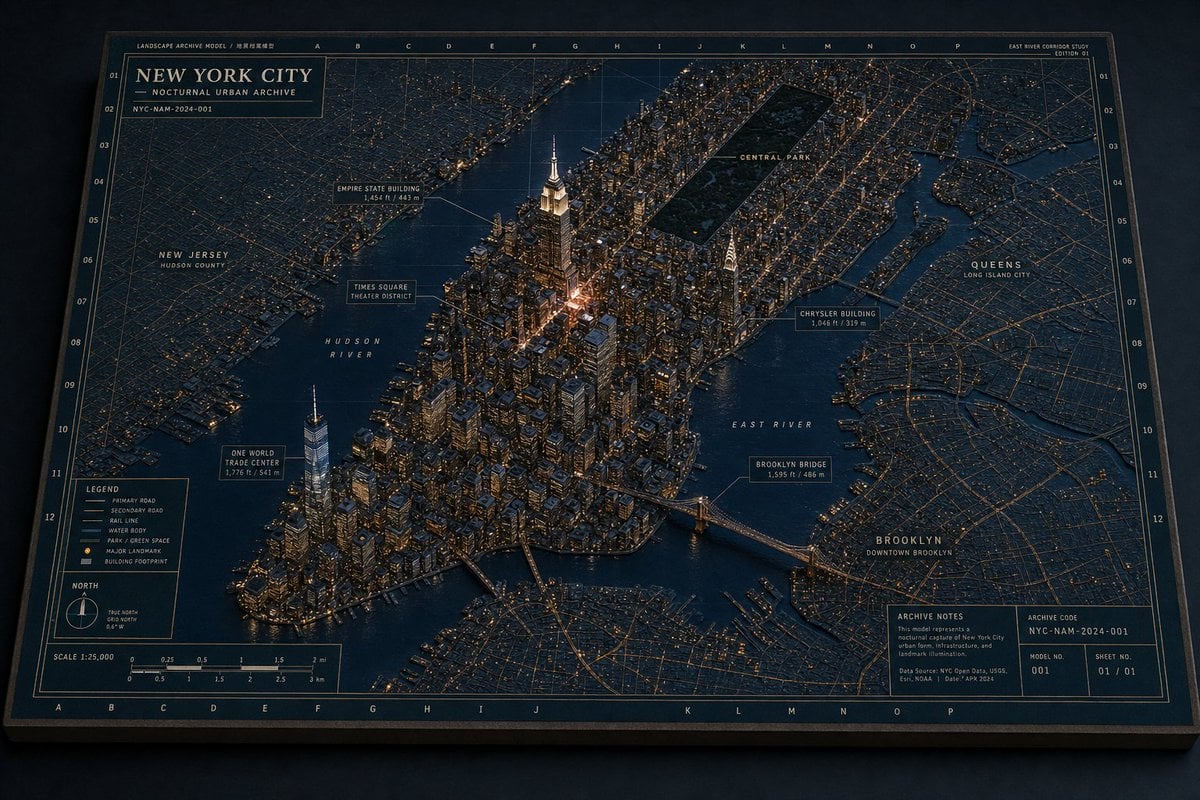
- Prompt included
- Model and format preset
- Free template
The prompt behind this image
Copy the exact prompt behind New York Night Archive Diorama, or open it in the studio and make it yours.
Goal: Create a highly detailed physical “Landscape Archive Model” museum diorama of {argument name="city name" default="New York City"} at night, presented as an architectural archive board with a raised 3D city model integrated into a flat cartographic map. Canvas: Wide horizontal 16:9 image, photographed from an oblique overhead angle like a premium editorial product shot. The board sits on a dark surface with subtle shadows, a thick matte edge, and tactile paper/cardboard texture. Use a restrained night palette of deep navy, charcoal blue, muted brass, warm amber window lights, cream annotation lines, and dark green park areas. Layout: The entire image is one large rectangular archive plate with a thin double-line border, coordinate grid letters along the top and bottom, coordinate numbers along both sides, and faint technical map grid lines. The central area shows Manhattan as a dense raised miniature city, surrounded by darker flat-map boroughs and waterways. The 3D buildings should look like matte architectural model blocks with tiny lit windows and cast shadows. The waterways are dark blue, slightly satin, and labeled directly on the map. Main title block: Place a boxed title panel in the upper left reading exactly “NEW YORK CITY”, with smaller lines “NOCTURNAL URBAN ARCHIVE” and “NYC-NAM-2024-001”. Add tiny archive text above it such as “LANDSCAPE ARCHIVE MODEL / 地景档案模型”. Add a small top-right study label reading “EAST RIVER CORRIDOR STUDY” and “EDITION 01”. Subject details: Show Manhattan as the main raised island, packed with hundreds of small buildings and warm light points. Include a tall glowing Empire State Building near midtown, a bright cluster around Times Square, One World Trade Center near lower Manhattan, the Chrysler Building on the east side, Brooklyn Bridge crossing the East River, and a rectangular dark Central Park inset near the top-center of Manhattan. Surrounding flat-map areas should include New Jersey on the left, Queens on the right, and Brooklyn in the lower right. Counted visible map labels: Include exactly 15 prominent callouts/region labels: 1) “NEW JERSEY / HUDSON COUNTY”, 2) “HUDSON RIVER”, 3) “ONE WORLD TRADE CENTER / 1,776 ft / 541 m”, 4) “TIMES SQUARE / THEATER DISTRICT”, 5) “EMPIRE STATE BUILDING / 1,454 ft / 443 m”, 6) “CENTRAL PARK”, 7) “CHRYSLER BUILDING / 1,046 ft / 319 m”, 8) “EAST RIVER”, 9) “BROOKLYN BRIDGE / 1,595 ft / 486 m”, 10) “QUEENS / LONG ISLAND CITY”, 11) “BROOKLYN / DOWNTOWN BROOKLYN”, 12) “LEGEND”, 13) “NORTH”, 14) “SCALE 1:25,000”, 15) “ARCHIVE NOTES”. Use thin cream leader lines and small boxed annotation plates for landmark callouts. Legend and information panels: In the lower left, create one boxed legend with exactly 6 legend entries: “PRIMARY ROAD”, “SECONDARY ROAD”, “RAIL LINE”, “WATER BODY”, “PARK / GREEN SPACE”, and “MAJOR LANDMARK / BUILDING FOOTPRINT”. Below or near it, include one small north arrow compass and one scale bar labeled in miles and kilometers. In the lower right, create one archive notes box with a paragraph of tiny technical text plus exactly 4 metadata fields: “ARCHIVE CODE NYC-NAM-2024-001”, “MODEL NO. 001”, “SHEET NO. 01 / 01”, and data-source text in very small print. Visual style: Ultra-realistic miniature architectural model photography mixed with precise cartographic design, museum archive aesthetic, sharp details, physical paper grain, slightly worn board edges, amber pinprick lights, clean serif title typography, tiny monospaced technical labels, and dramatic but soft nocturnal studio lighting. Constraints: Keep the image as a single finished physical archive board, not a digital UI. Maintain exact visible landmark hierarchy and the listed label count. No people, vehicles, logos, watermark, or extra decorative text. Preserve the nighttime restrained color palette and the tactile model-map hybrid look.
How to use New York Night Archive Diorama in 3 steps
- 1Upload ImagePNG, JPG or paste
Add your photo
Upload the photo the template builds on. The prompt, model and format are already set.
- 2…a portrait of your subject in softgolden-hour light, 85mm…
Personalize
Edit the subject and creative details for your destination.
- 3Generate
Generate
Press Generate — your image is created in PicX Studio, so you can compare it with the original and refine one variable at a time.
More like this
Templates with the same subject, style or setup. Open one to see its prompt.

Spider-Man Night Swing New York Cinematic

Layered Paper Cut Forest Diorama

Soft Handcrafted Paper-Cut Layered Illustration
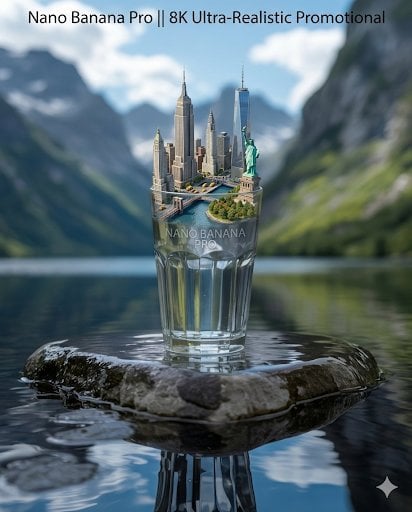
3D Miniature Diorama of New York City

Subway Platform Quiet Introspective Portrait
Subway Platform Quiet Introspective Portrait

Isometric Process Educational Diorama

Isometric Brand Store Diorama

FIFA World Cup — Brazil National Pass Diorama
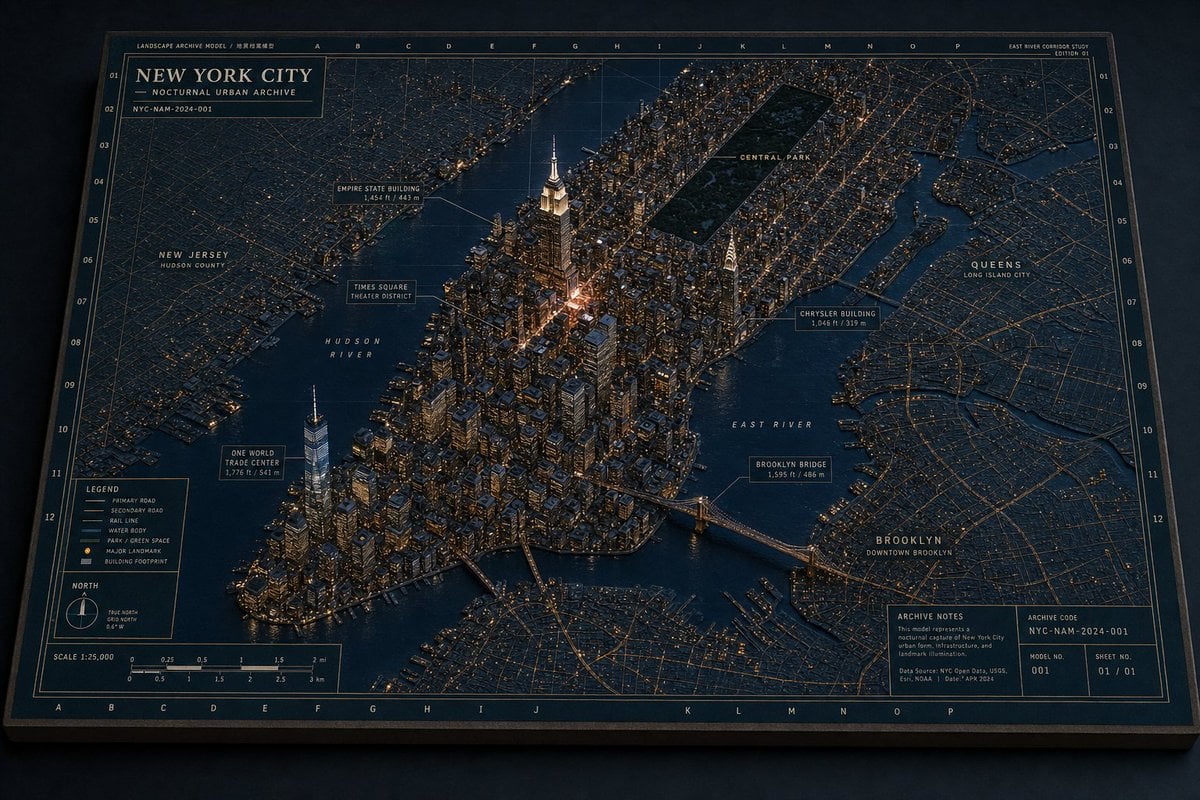
Nocturnal New York 3D Archive Map
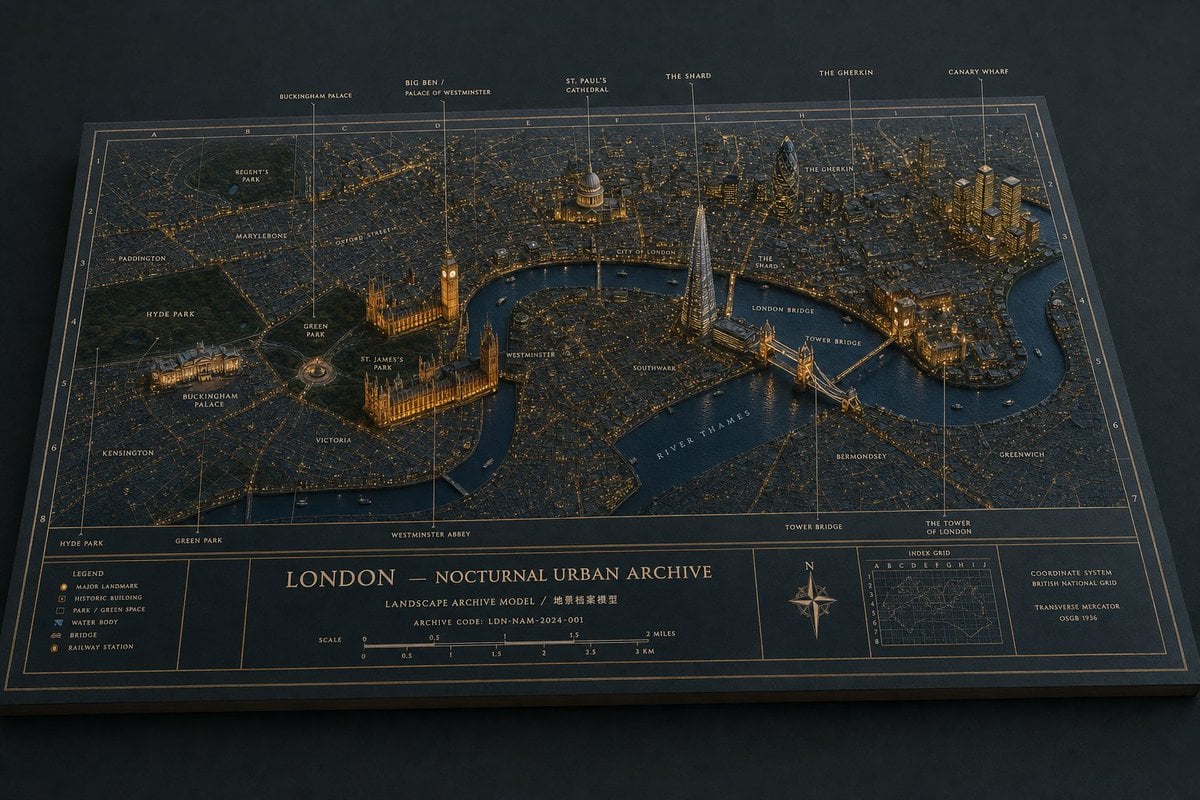
London Nocturnal Urban Archive Diorama

Floating Woman Above Cityscape with Notifications
Make it yours
New York Night Archive Diorama works as-is. These are the safest ways to change it without losing the look.
Change one field
Copy a single group, rewrite it, and generate again so you can see what that field is doing.
Keep the frame, change the subject
Hold the composition and light of New York Night Archive Diorama, then swap wardrobe, props or the person for a new take.
| If the result… | Why | Fix |
|---|---|---|
| The result drifts from the preview | Too many fields changed at once. | Reuse New York Night Archive Diorama as-is first, then change one group — subject, light, or setting. |
| The model over-stylizes the scene | The prose prompt leaves finish and camera underspecified. | Add one camera or lighting sentence and stay on GPT Image 2. |
More GPT Image 2 templates
Other prompts made for GPT Image 2.

Six VTuber Japanese Logo Sheet

Realistic Portrait of Woman and Deer

The Vista Modular Condo Poster

AI Model Routing Comparison Infographic

2.5D Anime Art Board

Isometric Productivity Desk Scene

New York Double Exposure Poster

Four-Panel AI Landscape Comparison

Japanese Tatami Lifestyle Magazine Cover

NESCAFÉ Coffee Map Poster
More image prompts
Fresh picks from across the catalog.
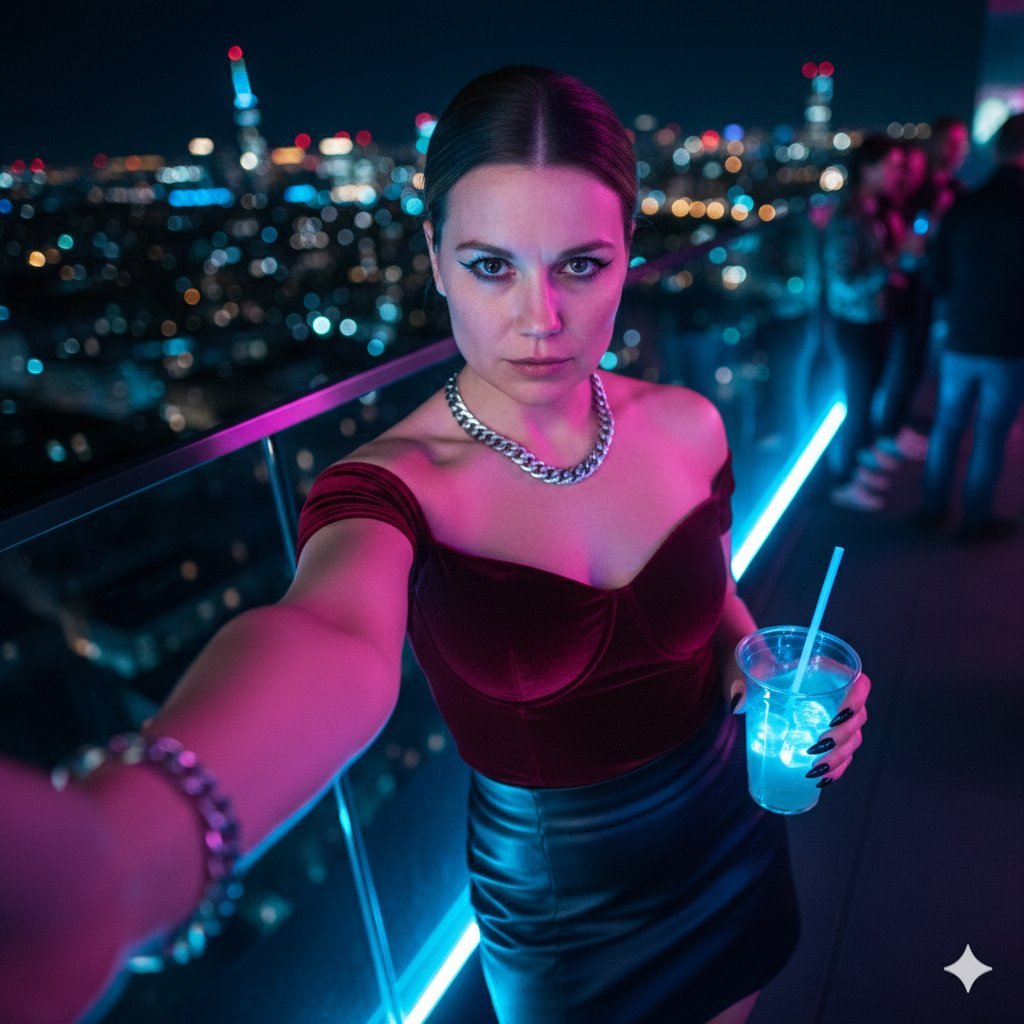
Cyberpunk Rooftop Selfie with Cold Stare

Multi-Frame Lifestyle Portrait Prompt for Nano Banana Pro
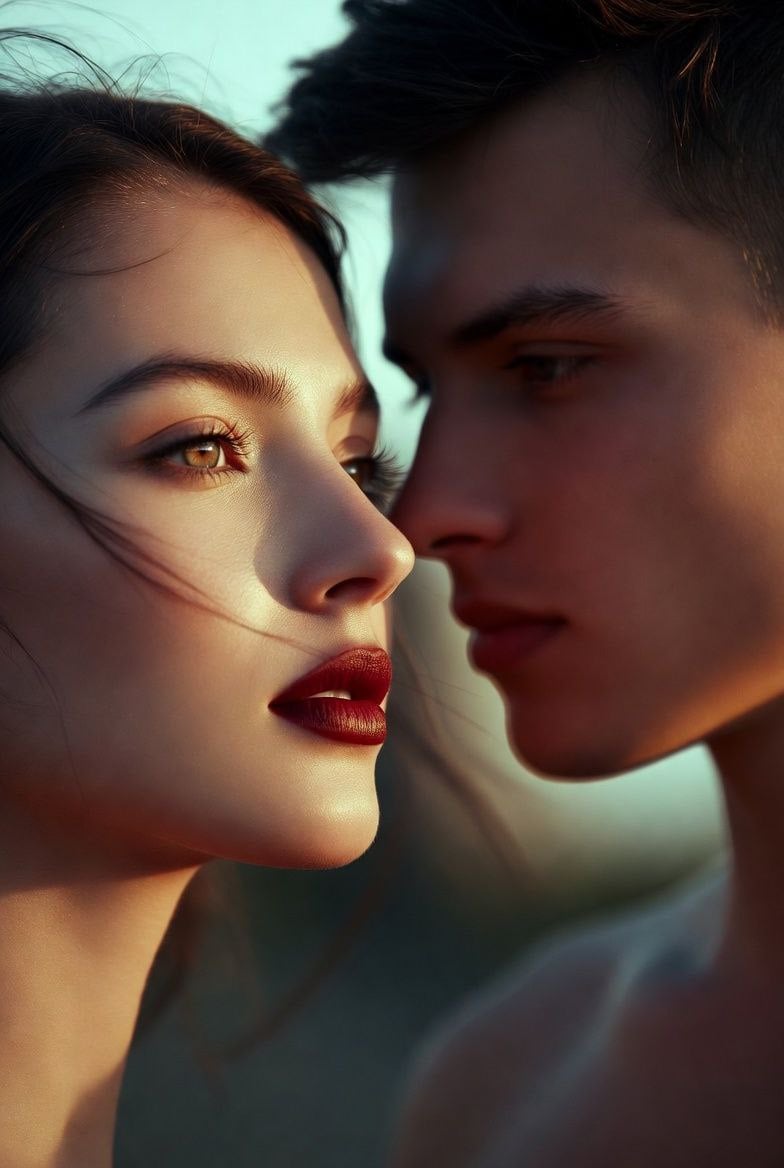
Nano Banana 2 on Gemini
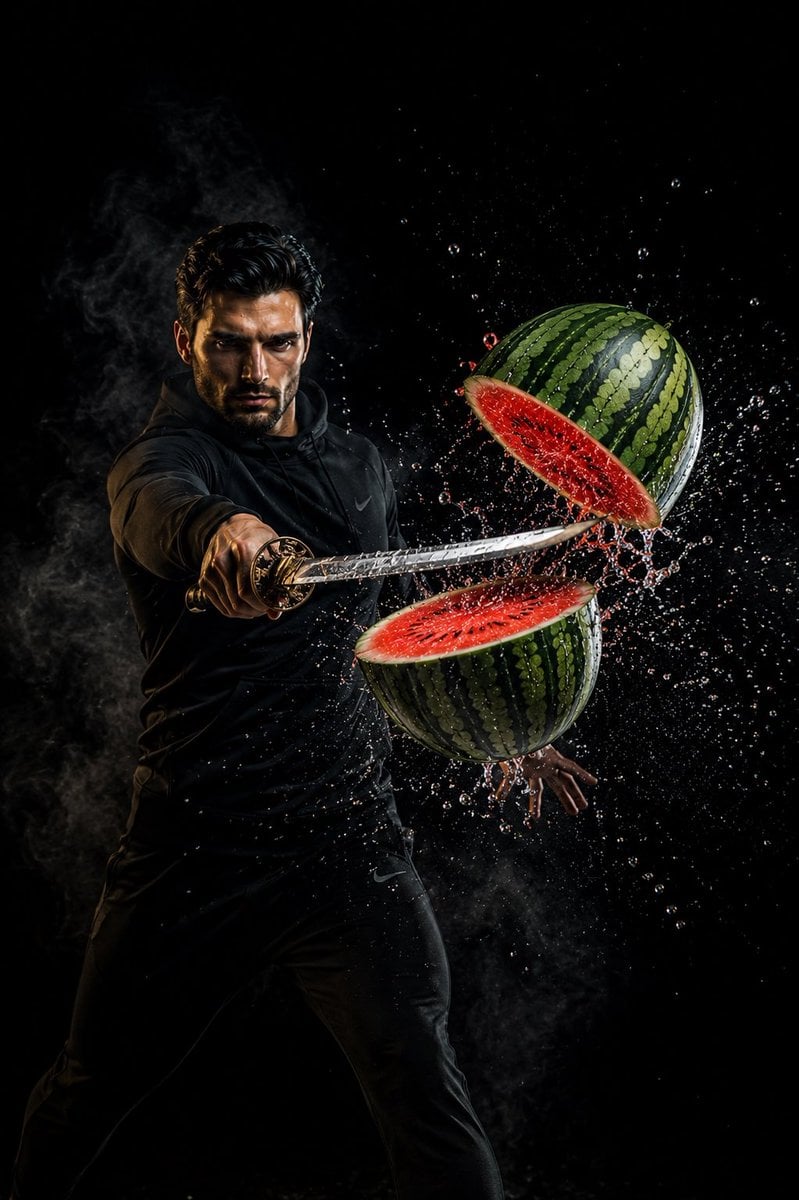
Action Samurai Fruit Slicing
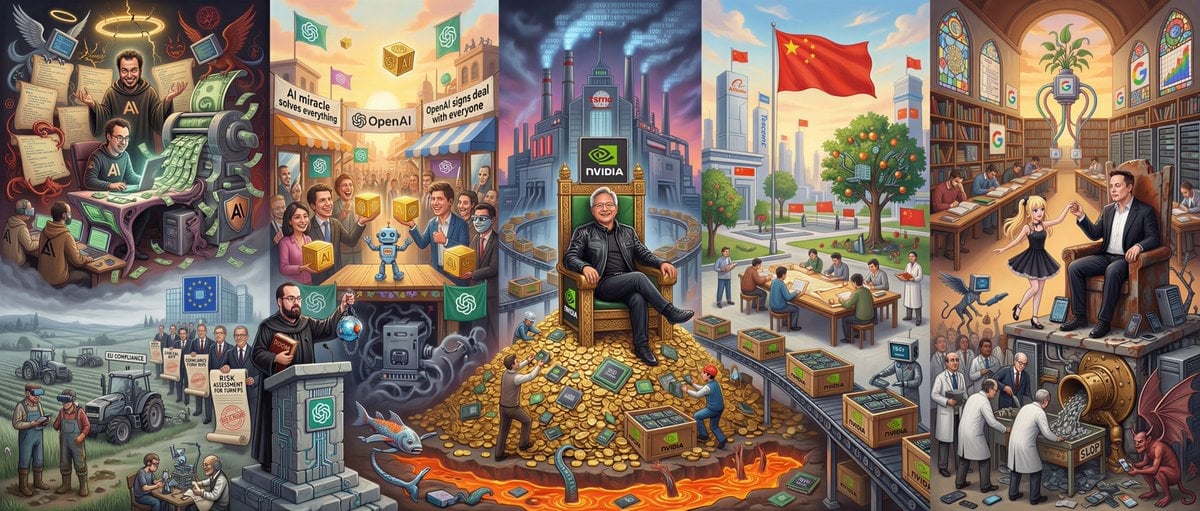
Hieronymus Bosch-style AI future painting
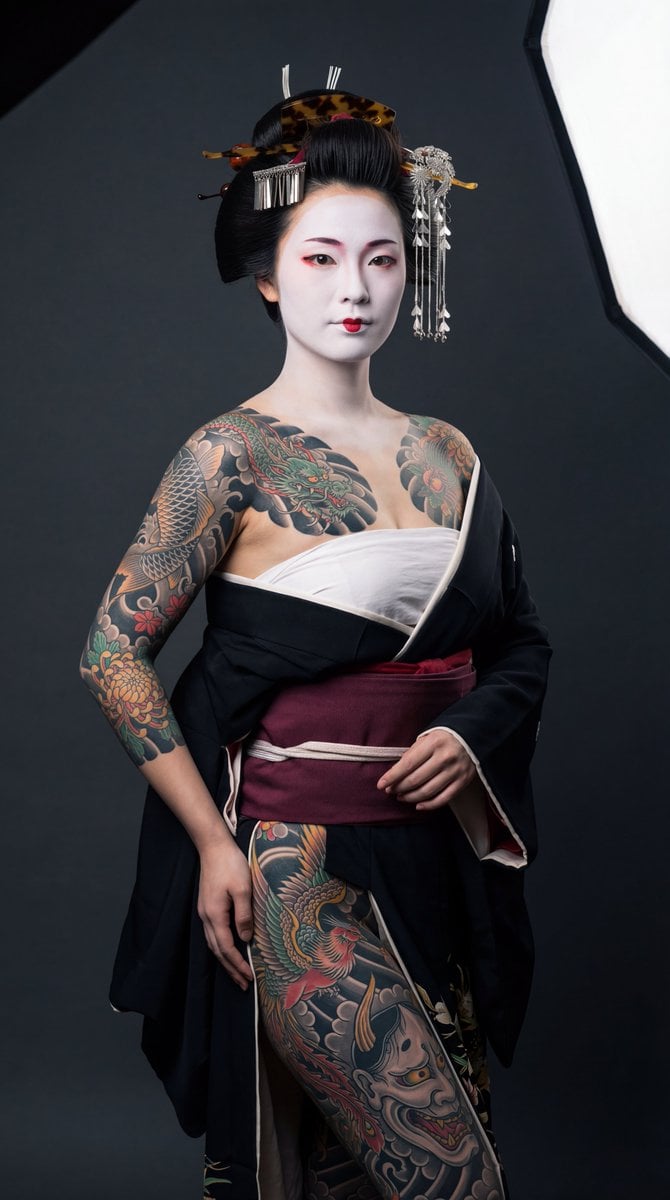
High-Contrast Geisha Irezumi Portrait Prompt
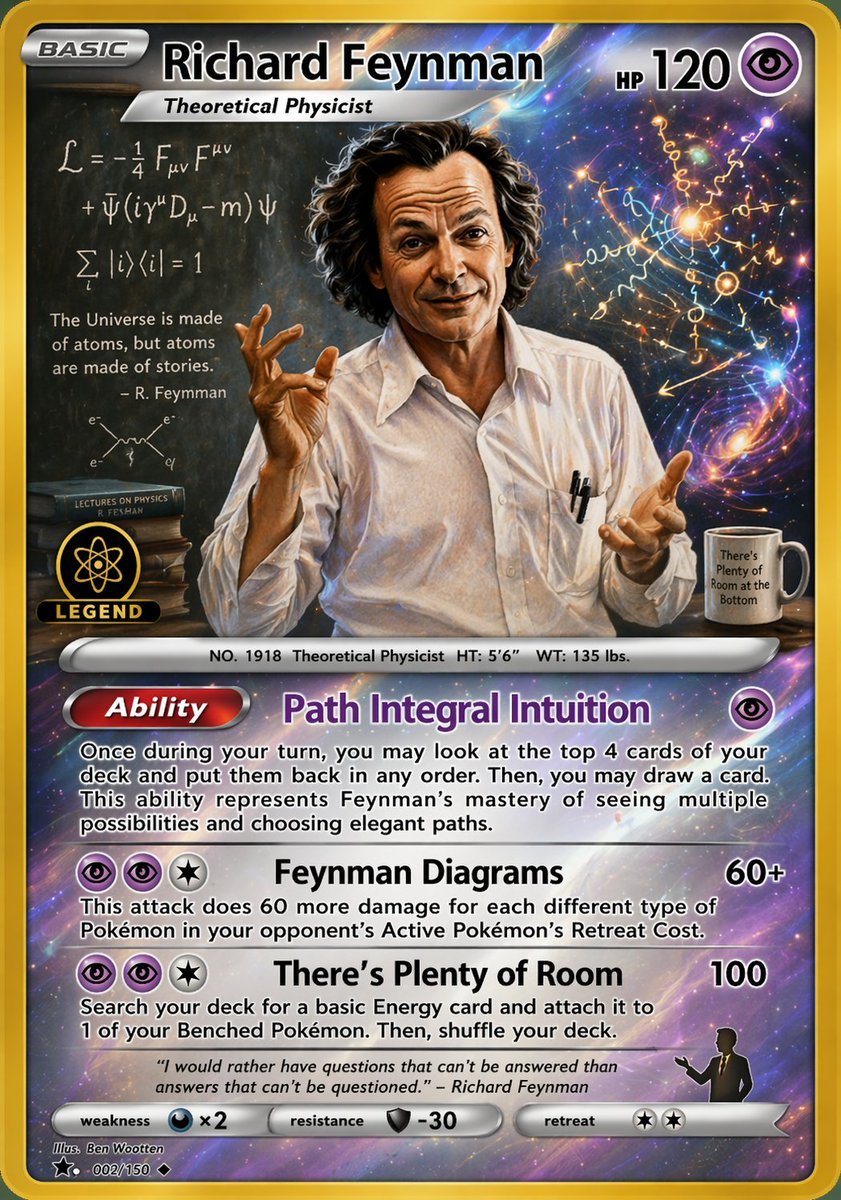
Richard Feynman Psychic Trading Card
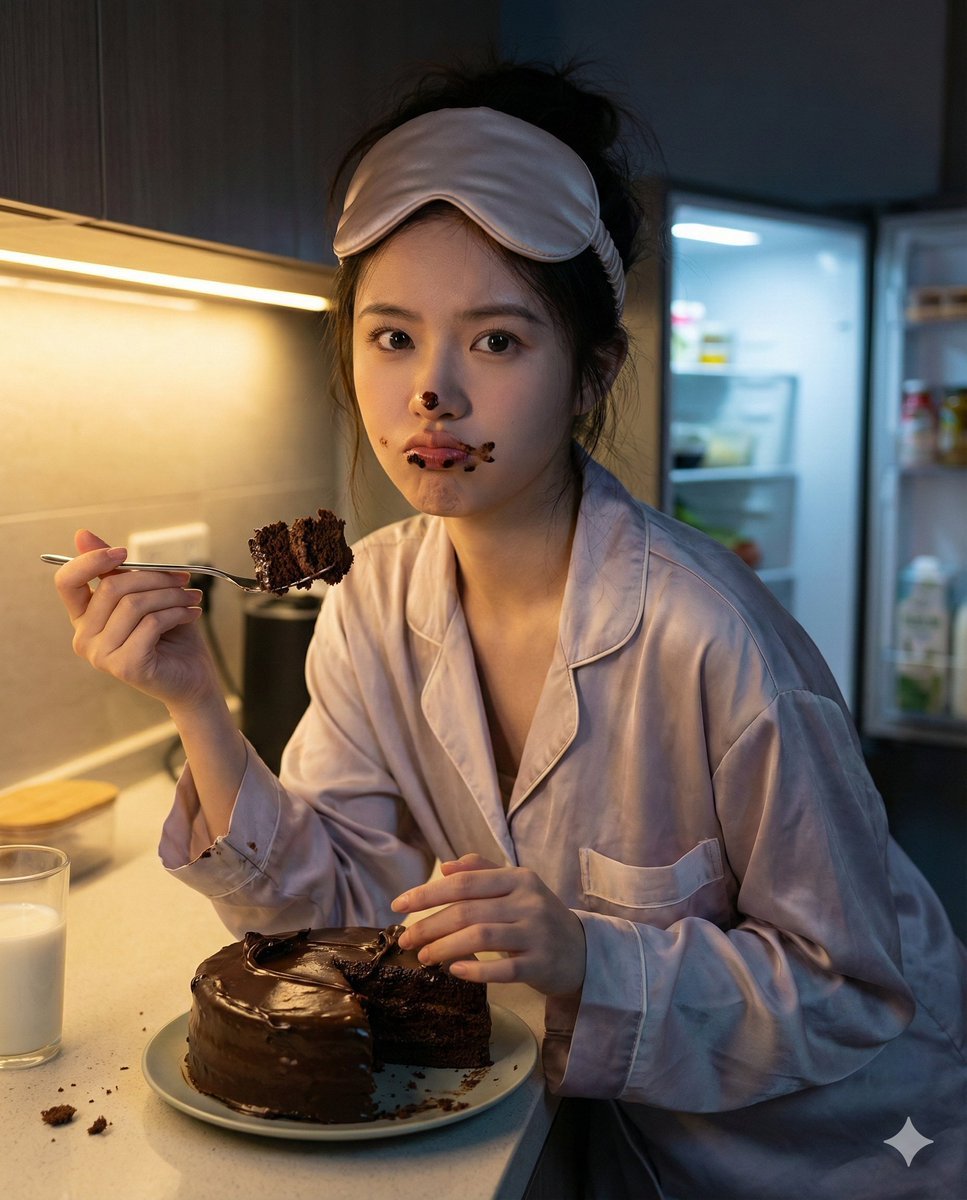
Nano Banana Pro Hyper-Realistic Midnight Snack Portrait Prompt

Anime Ship Girl Saluting on Beach
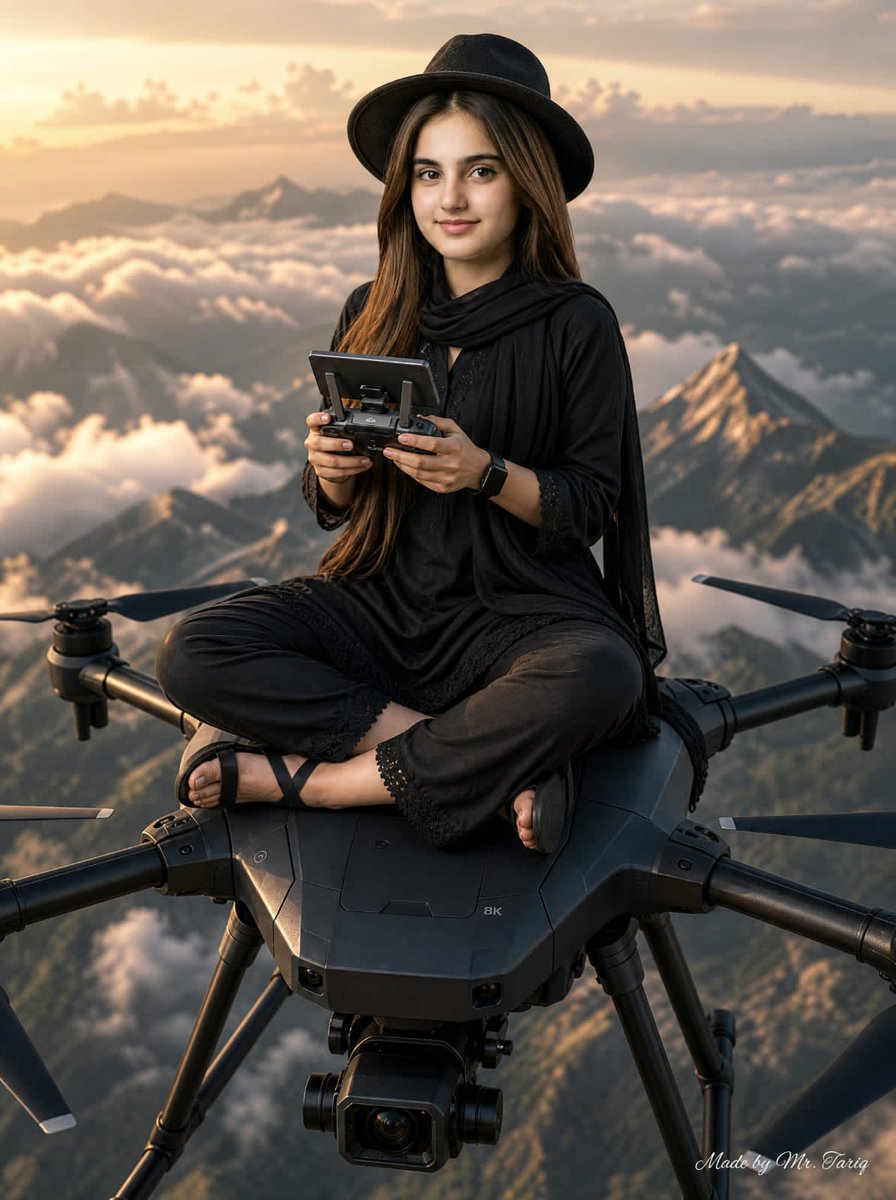
Woman Riding Giant Drone Above Mountains
Browse template categories
New York Night Archive Diorama questions
How do I use the New York Night Archive Diorama template?
Add your photo if the template asks for one, edit the prompt if you like — the template's model and format are already selected — and press Generate. Your version opens in PicX Studio.
Can I customize the New York Night Archive Diorama template?
Yes. You can change the subject, setting, lighting, mood, format, and available model controls before creating your image.
Is the New York Night Archive Diorama template free?
Opening and editing this template is free. Generating uses credits, shown on the Generate button when you are signed in.
Which AI model should I use?
Start with GPT Image 2, which is the model associated with this template. You can compare another compatible model for a different finish.
Looking for something else? Browse all templates.

Your photo, any look
Thousands of ready templates for every top image and video model, from one credit balance.