
Nano Banana 2 on Gemini
Nano Banana 2 on Gemini is a ready photo look for Nano Banana.
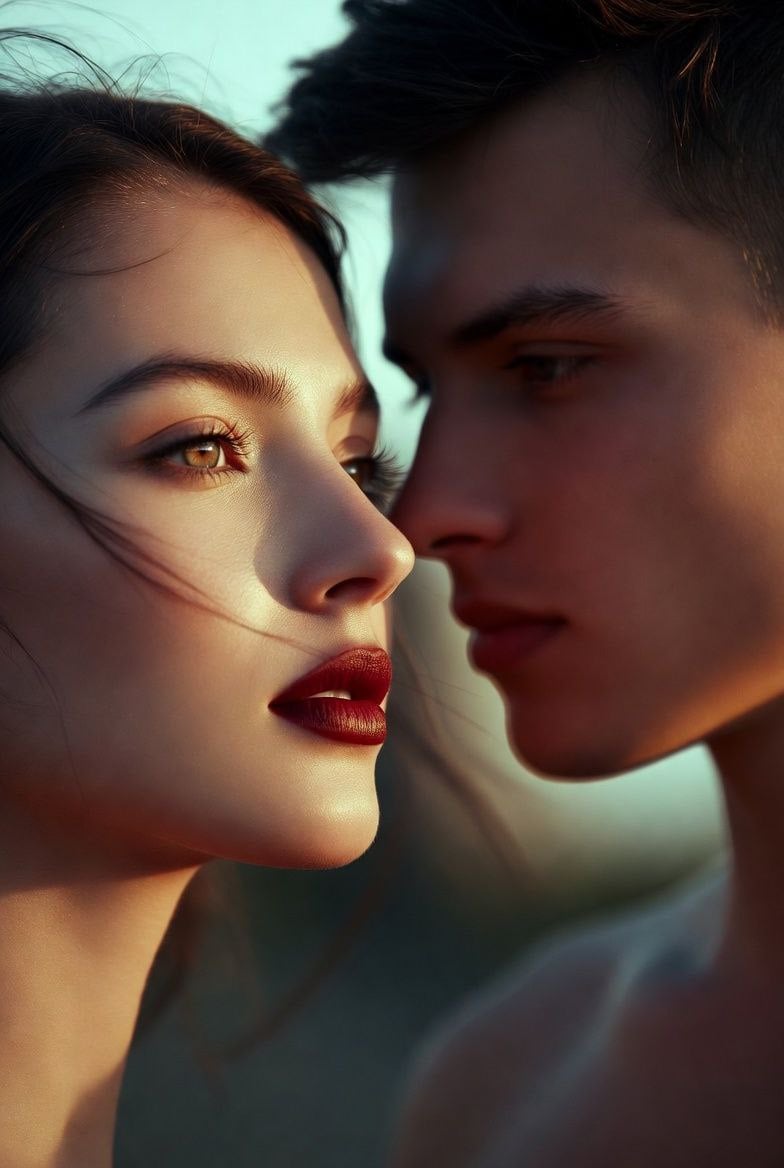
- Prompt included
- Model and format preset
- Premium template
The prompt behind this image
Copy the exact prompt behind Nano Banana 2 on Gemini, or open it in the studio and make it yours.
Photorealistic fashion portrait of a glamorous young woman in a bold retro-pop editorial style, vertical 4:5 composition, framed from mid-torso to above the head. Hairshoulder-length dark brown wavy bob with soft volume and slightly tousled ends. Expression and pose: calm confident gaze toward the camera, chin slightly raised, head subtly tilted, relaxed shoulders, elegant fashion-editorial attitude. Wardrobe and accessories oversized vivid blue tailored blazer with strong lapels, ayered over a bright maroon high-neck top, wide-brim maroon felt hat, thin round metal-framed sunglasses with warm blue gradient lenses, delicate layered gold necklaces, and small minimal earrings. Background: smooth saturated pink seamless backdrop, clean and minimal. Lighting: polished studio beauty lighting with soft frontal illumination, gentle shadow sculpting under the hat brim and jawline, glossy lips, and crisp fabric color separation. Technical: tack-sharp focus on face, lips, hair, blazer texture, felt hat texture, and glasses re-flections, preserving realistic skin texture and high-end editorial retouching. Mood and color grading: vibrant retro fashion aesthetic with strong magenta, orange and violet contrast, polished commercial realism, and chic 197s-inspired styling. Output: high-resolution photorealistic image suitable for fashion campaigns, editorials, or social media content.
How to use Nano Banana 2 on Gemini in 3 steps
- 1
Open
The prompt is already in the box next to the preview, with the template's model and format selected.
- 2…a portrait of your subject in softgolden-hour light, 85mm…
Personalize
Edit the subject and creative details for your destination.
- 3Generate
Generate
Press Generate — your image is created in PicX Studio, so you can compare it with the original and refine one variable at a time.
More like this
Templates with the same subject, style or setup. Open one to see its prompt.

Google Gemini Nano Banana Pro
Gemini Nano Banana Realistic Portrait Re

Gemini Nano Banana 2

Nano Banana 2 Editorial Fashion Portrait

Nano Banana 2 High Fashion Sports Campai

Caution Tape Fashion — Industrial Editorial

Nano Banana - Paris Cafe Editorial
Image on Gemini Nano Banana
Gemini Nano Banana Portrait

Gemini Nano Banana 2 Isometric 3d City D

Gemini Nano Banana 2

Gemini Nano Banana 2 Logo in Wet Sand Be
Make it yours
Nano Banana 2 on Gemini works as-is. These are the safest ways to change it without losing the look.
Change one field
Copy a single group, rewrite it, and generate again so you can see what that field is doing.
Keep the frame, change the subject
Hold the composition and light of 28-nano-banana-2-on-gemini, then swap wardrobe, props or the person for a new take.
| If the result… | Why | Fix |
|---|---|---|
| The result drifts from the preview | Too many fields changed at once. | Reuse 28-nano-banana-2-on-gemini as-is first, then change one group — subject, light, or setting. |
| The model over-stylizes the scene | The prose prompt leaves finish and camera underspecified. | Add one camera or lighting sentence and stay on Nano Banana. |
More Nano Banana templates
Other prompts made for Nano Banana.










More image prompts
Fresh picks from across the catalog.
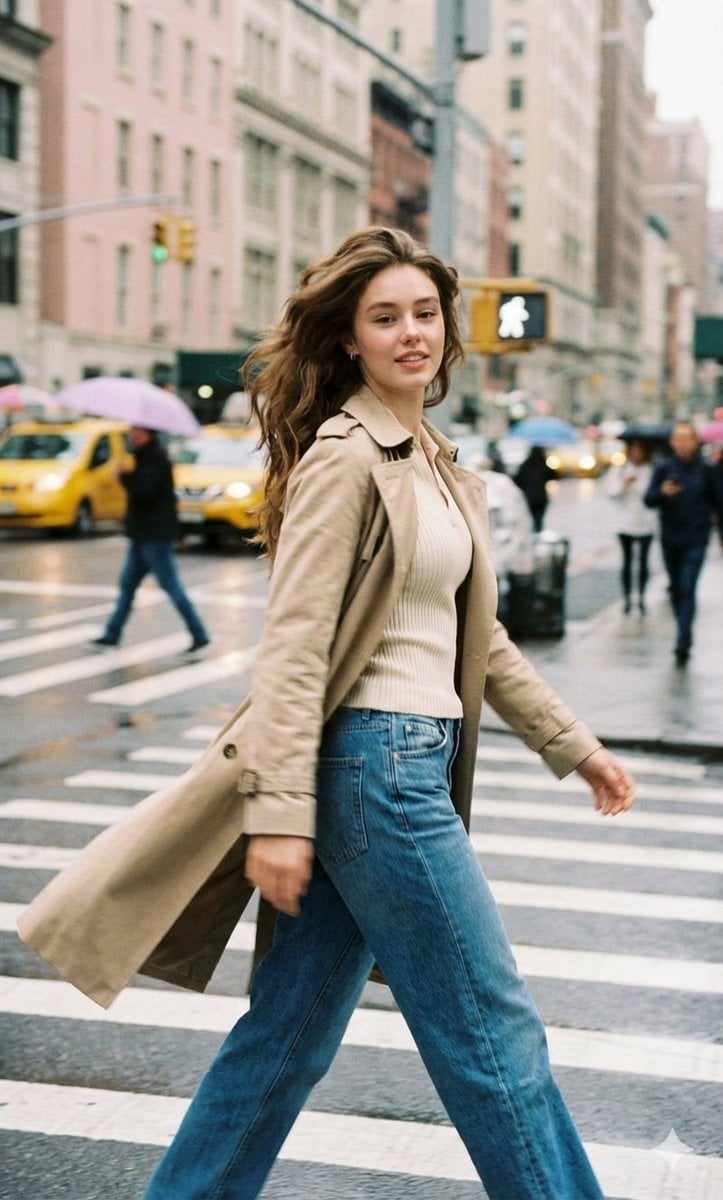
Cinematic Street Photography with Motion Blur
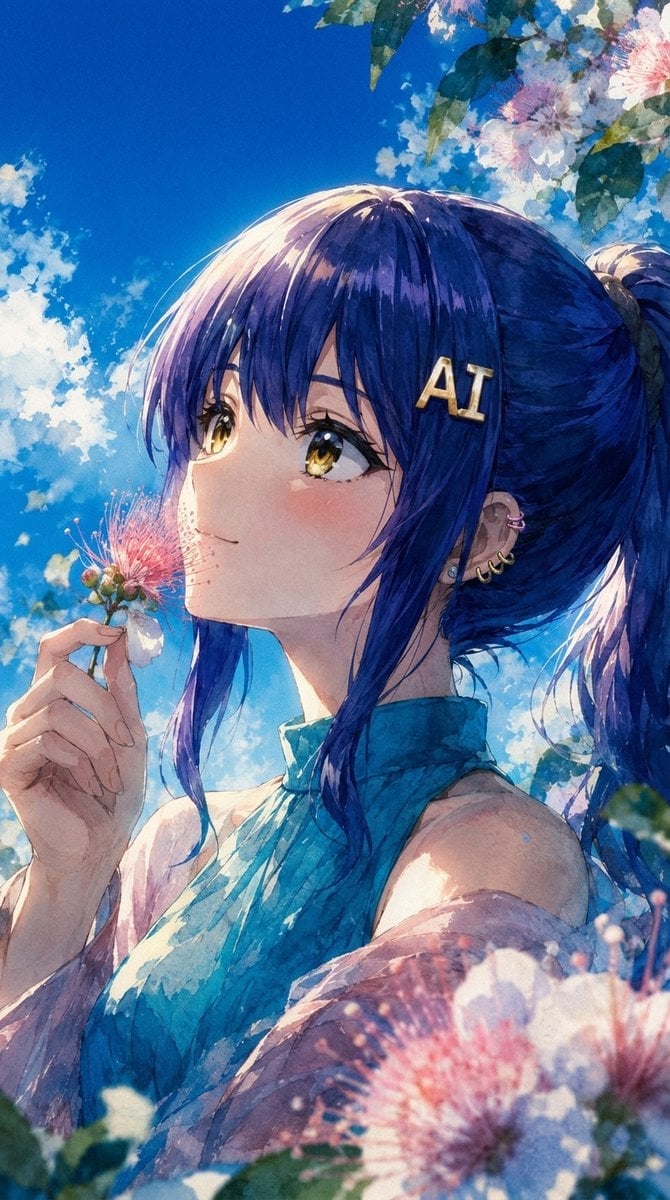
Summer Anime Portrait with Silk Tree Flowers
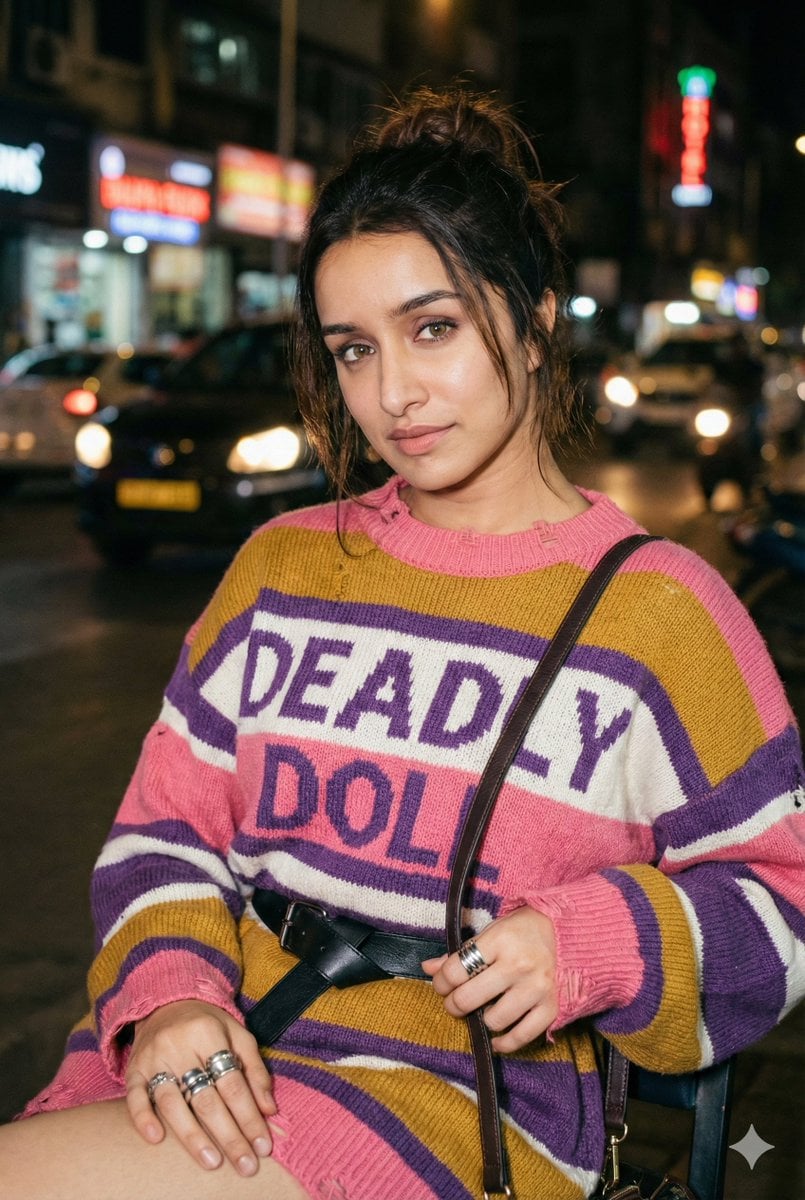
Editorial Nighttime Urban Portrait with Identity Preservation
Synthwave Monochromatic Portrait with Bokeh
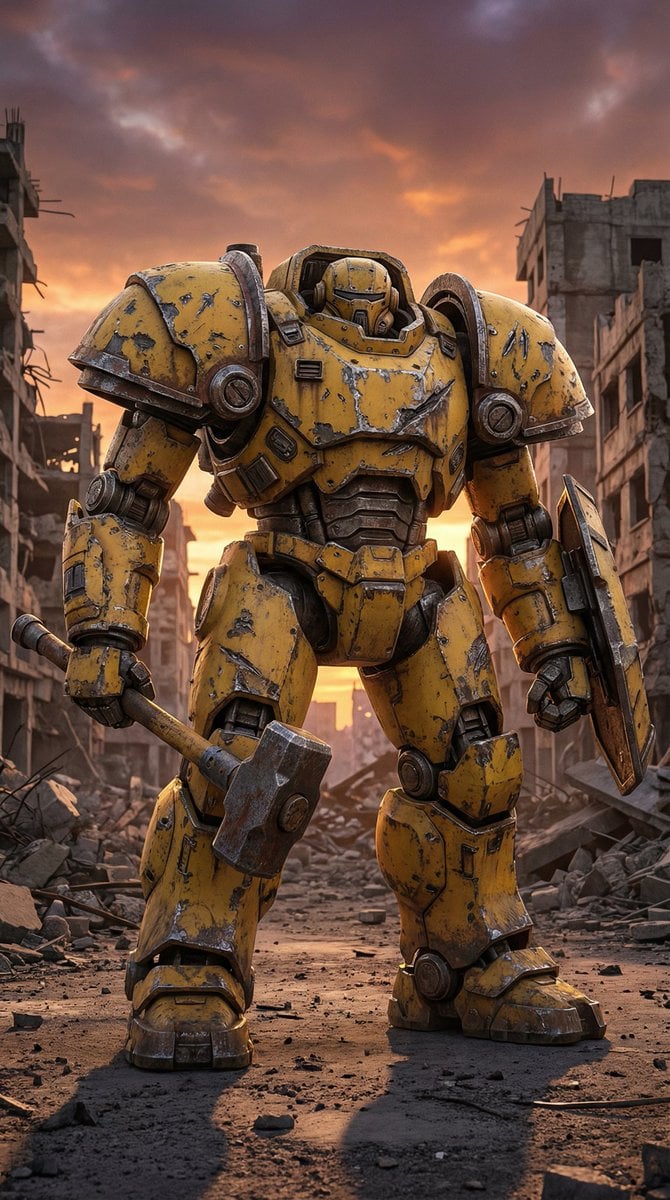
Photorealistic Battle-Damaged Mech Prompt
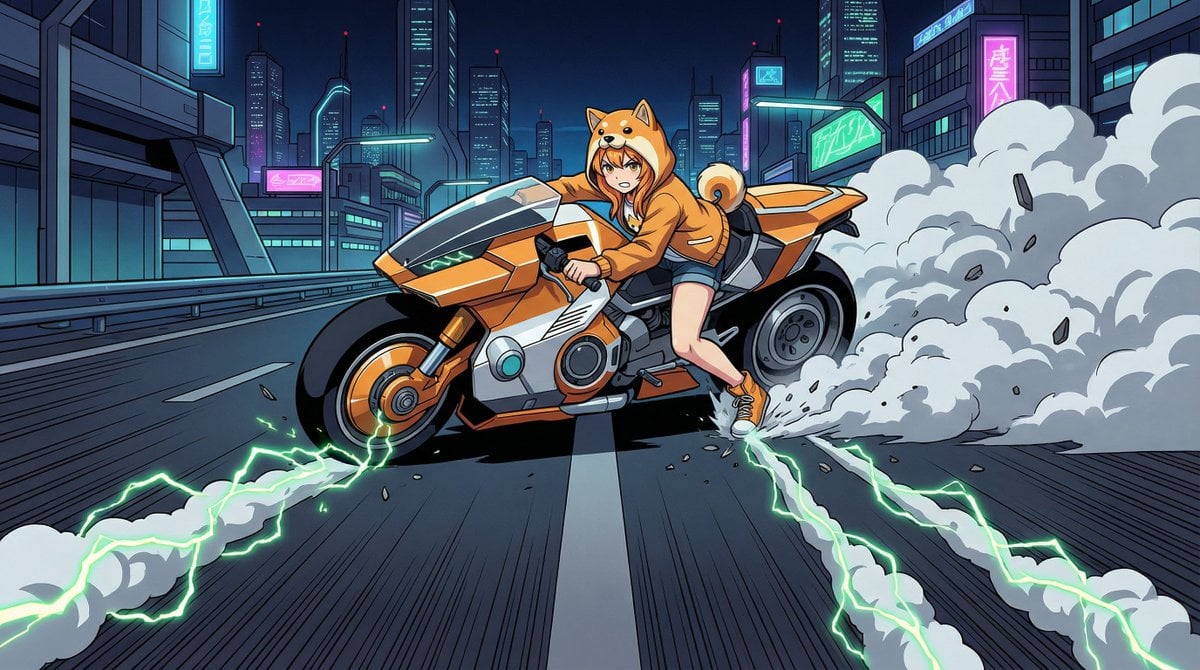
AKIRA 'Slide Brake Scene' Recreation Prompt
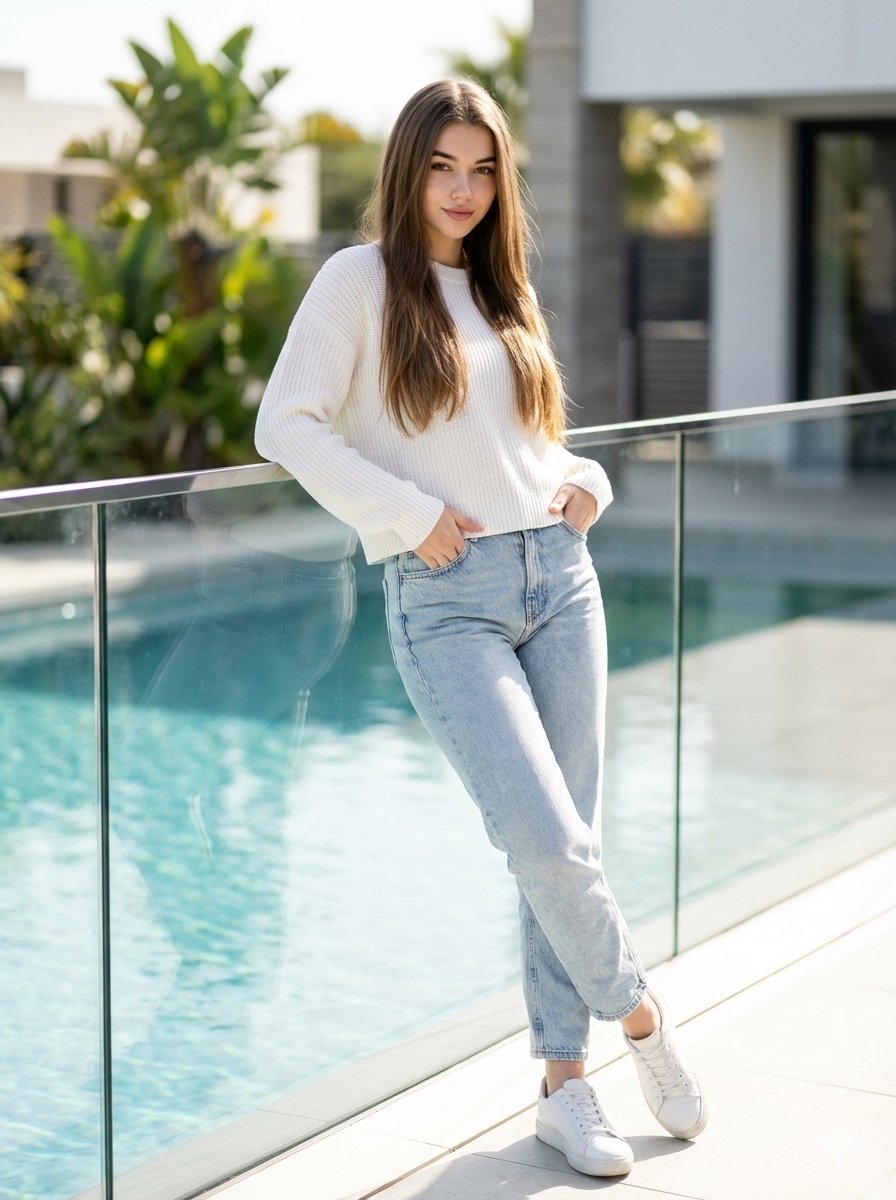
16K Ultra-Realistic Identity-Locked Luxury Portrait
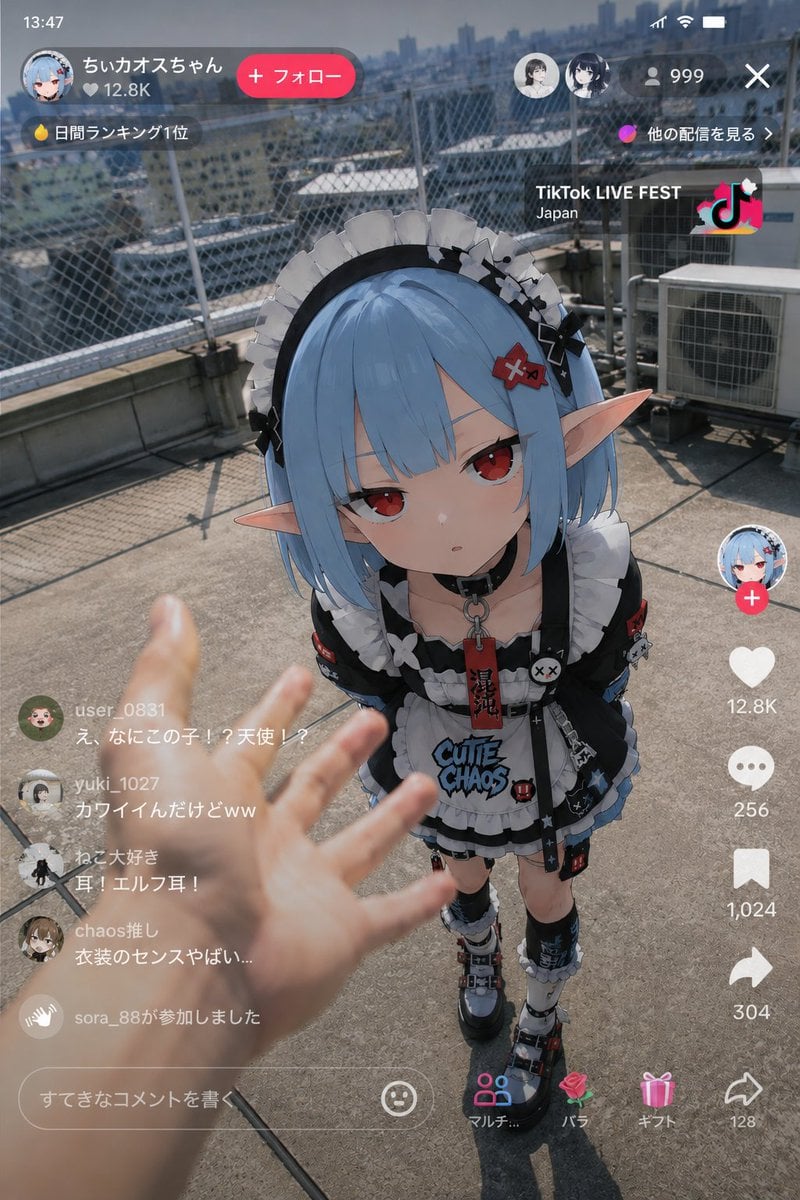
Anime Character Real-World Stream i2i
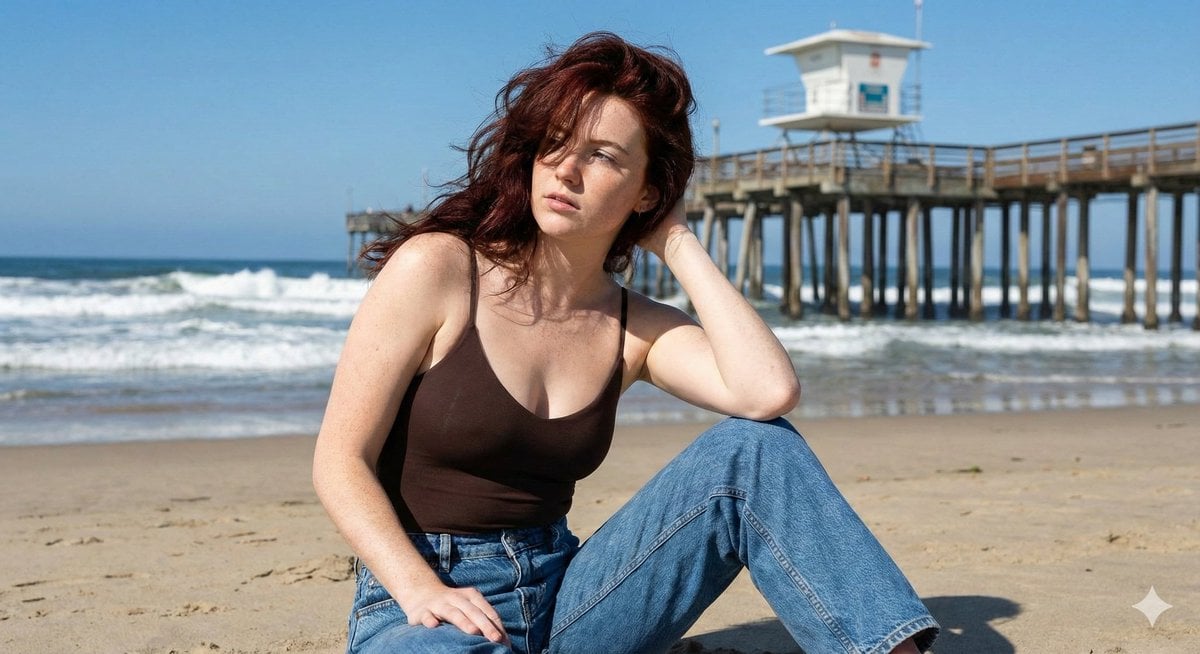
Photorealistic Lifestyle Beach Portrait
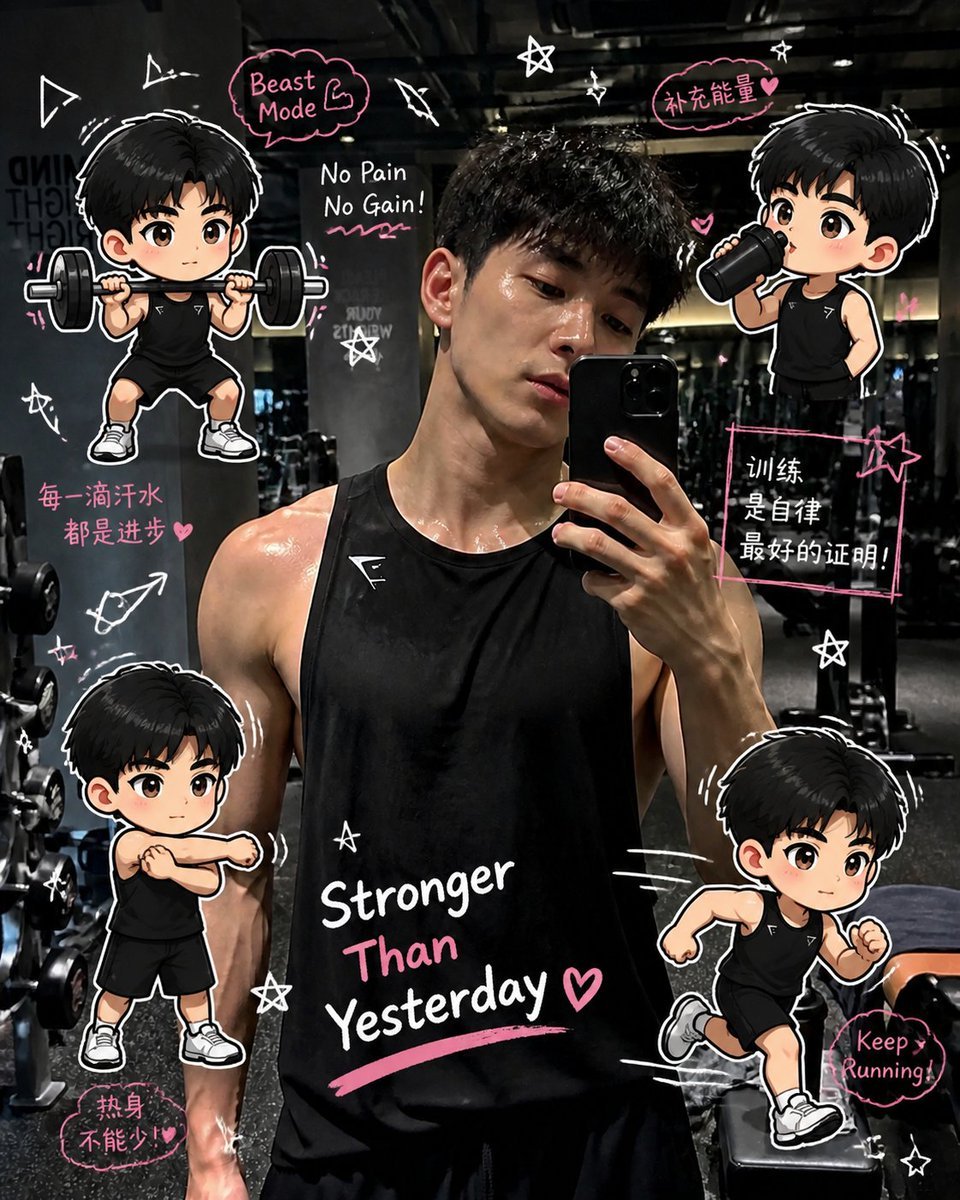
Gym Photo Chibi Transformation
Browse template categories
Nano Banana 2 on Gemini questions
How do I use the 28-nano-banana-2-on-gemini template?
Add your photo if the template asks for one, edit the prompt if you like — the template's model and format are already selected — and press Generate. Your version opens in PicX Studio.
Can I customize the 28-nano-banana-2-on-gemini template?
Yes. You can change the subject, setting, lighting, mood, format, and available model controls before creating your image.
Is the 28-nano-banana-2-on-gemini template free?
Opening and editing this template is free. Generating uses credits, shown on the Generate button when you are signed in.
Which AI model should I use?
Start with Nano Banana, which is the model associated with this template. You can compare another compatible model for a different finish.
Looking for something else? Browse all templates.

Your photo, any look
Thousands of ready templates for every top image and video model, from one credit balance.