
Summer Anime Portrait with Silk Tree Flowers
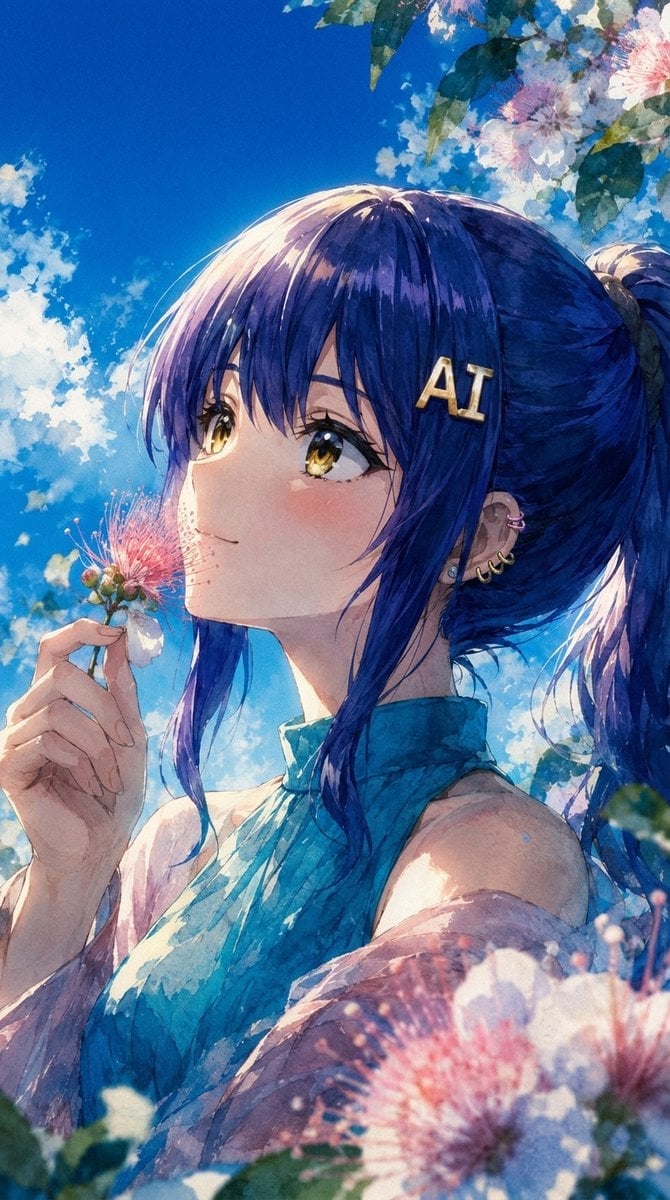
A vertical watercolor anime portrait featuring a blue-haired girl, silk tree blossoms, a humid summer sky, and a cool grainy painterly finish.
- Prompt included
- Model and format preset
- Free template
The prompt behind this image
Copy the exact prompt behind Summer Anime Portrait with Silk Tree Flowers, or open it in the studio and make it yours.
Create a vertical anime-style watercolor portrait of {argument name="character name" default="Nikke"} standing outdoors beneath a vivid summer sky. Show a close-up three-quarter side view from the chest up, with the character facing left and gently holding a single pink-and-white silk tree blossom near her face. She has deep {argument name="hair color" default="indigo blue"} hair with violet highlights, long bangs, and a high ponytail flowing to the right; add a gold hair clip reading “AI” near the temple and multiple small ear piercings. Her face is mostly covered by a large centered opaque square overlay with a muted blue-to-dusty-pink vertical gradient, concealing the eyes, nose, and mouth. Dress her in a sleeveless high-neck {argument name="outfit color" default="teal blue"} top with soft painterly shadows. Surround her with exactly three prominent silk tree flower clusters: one small flower held in her left hand beside her cheek, one large blurred foreground cluster at the bottom right, and one flowering branch cluster in the upper right corner with green leaves. Use a slightly faded but powerful blue palette, cool white balance, humid summer atmosphere, increased green tones in the shadows, strong visible film grain, watercolor paper texture, expressive brush strokes, bright backlighting, soft cloud patches, and sparkling highlights. Composition should be intimate and poetic, portrait orientation 9:16, with no extra text except the “AI” hair clip.
How to use Summer Anime Portrait with Silk Tree Flowers in 3 steps
- 1Upload ImagePNG, JPG or paste
Add your photo
Upload the photo the template builds on. The prompt, model and format are already set.
- 2…a portrait of your subject in softgolden-hour light, 85mm…
Personalize
Edit the subject and creative details for your destination.
- 3Generate
Generate
Press Generate — your image is created in PicX Studio, so you can compare it with the original and refine one variable at a time.
More like this
Templates with the same subject, style or setup. Open one to see its prompt.

Anime Summer Street Poster
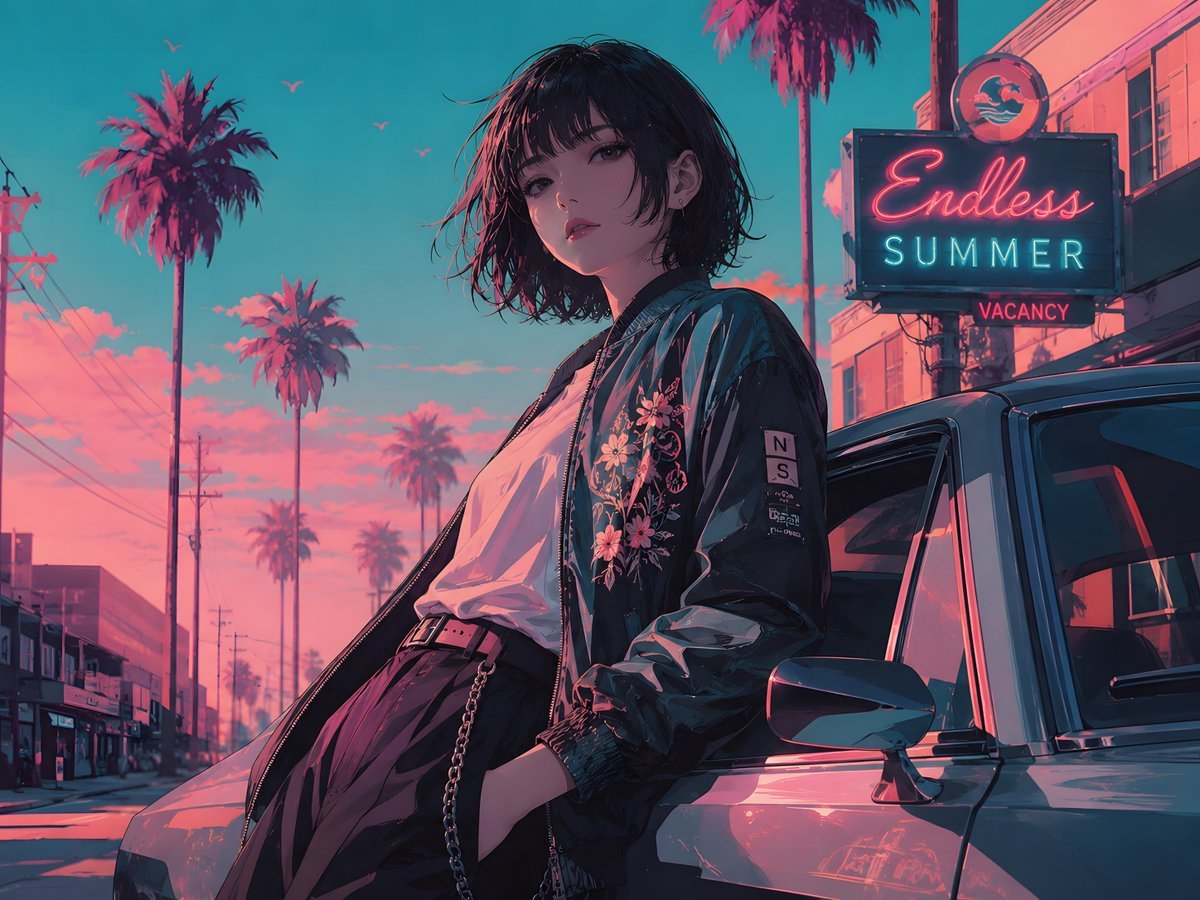
Retro Anime Endless Summer Street
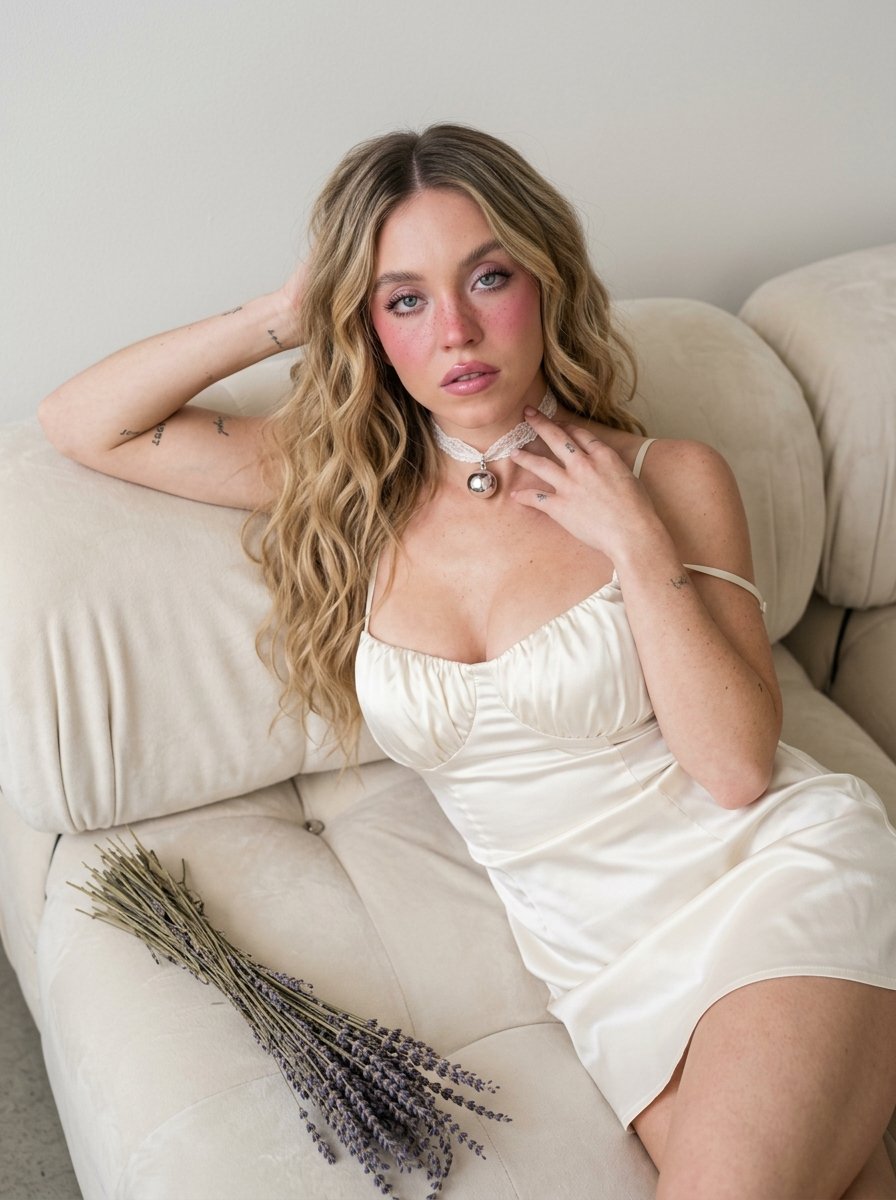
Dreamy Silk-Satin Portrait with Dried Flowers
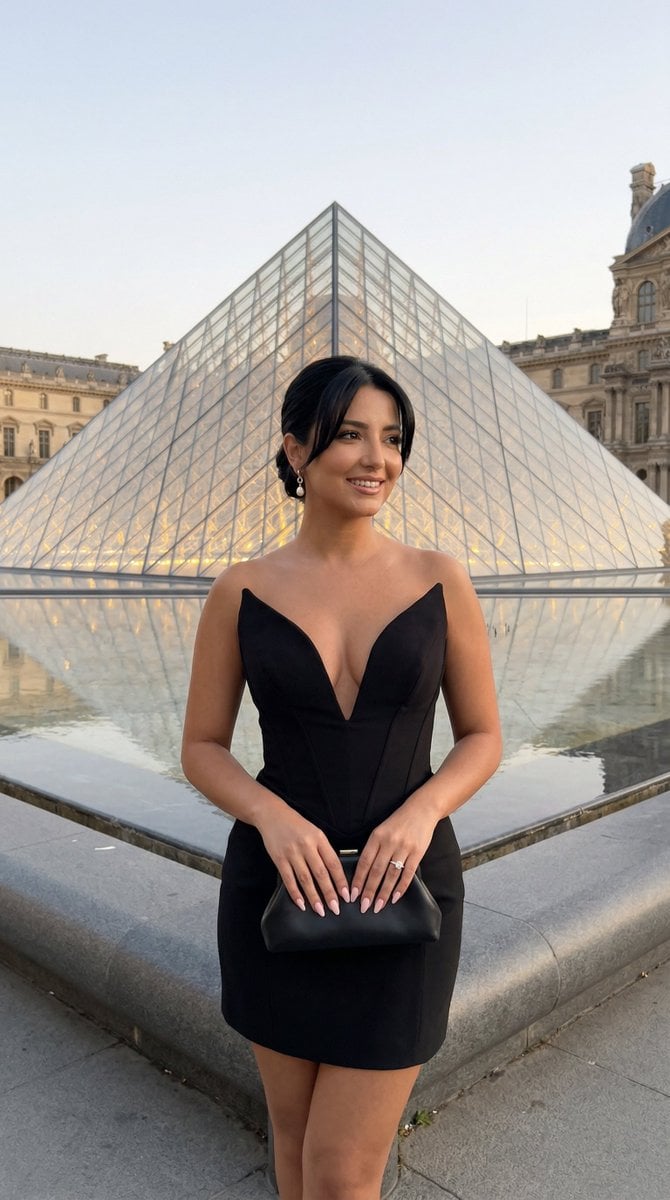
Nano Banana - Paris Street with Flowers

Found Photograph: Us, 1970

80s Couple Studio Portrait

80s Bollywood Star

80s Golden Hour Cinema

Me in 1985

1985 Studio Portrait
Chiaroscuro Silk Robe Portrait
Chiaroscuro Silk Robe Portrait
Make it yours
Summer Anime Portrait with Silk Tree Flowers works as-is. These are the safest ways to change it without losing the look.
Change one field
Copy a single group, rewrite it, and generate again so you can see what that field is doing.
Keep the frame, change the subject
Hold the composition and light of Summer Anime Portrait with Silk Tree Flowers, then swap wardrobe, props or the person for a new take.
| If the result… | Why | Fix |
|---|---|---|
| The result drifts from the preview | Too many fields changed at once. | Reuse Summer Anime Portrait with Silk Tree Flowers as-is first, then change one group — subject, light, or setting. |
| The model over-stylizes the scene | The prose prompt leaves finish and camera underspecified. | Add one camera or lighting sentence and stay on GPT Image 2. |
More GPT Image 2 templates
Other prompts made for GPT Image 2.

Six VTuber Japanese Logo Sheet

Realistic Portrait of Woman and Deer

The Vista Modular Condo Poster

AI Model Routing Comparison Infographic

2.5D Anime Art Board

Isometric Productivity Desk Scene

New York Double Exposure Poster

Four-Panel AI Landscape Comparison

Japanese Tatami Lifestyle Magazine Cover

NESCAFÉ Coffee Map Poster
More image prompts
Fresh picks from across the catalog.
Layered Alchemist Shadow Box
Modify Image: Girl Taking a Magic School Exam
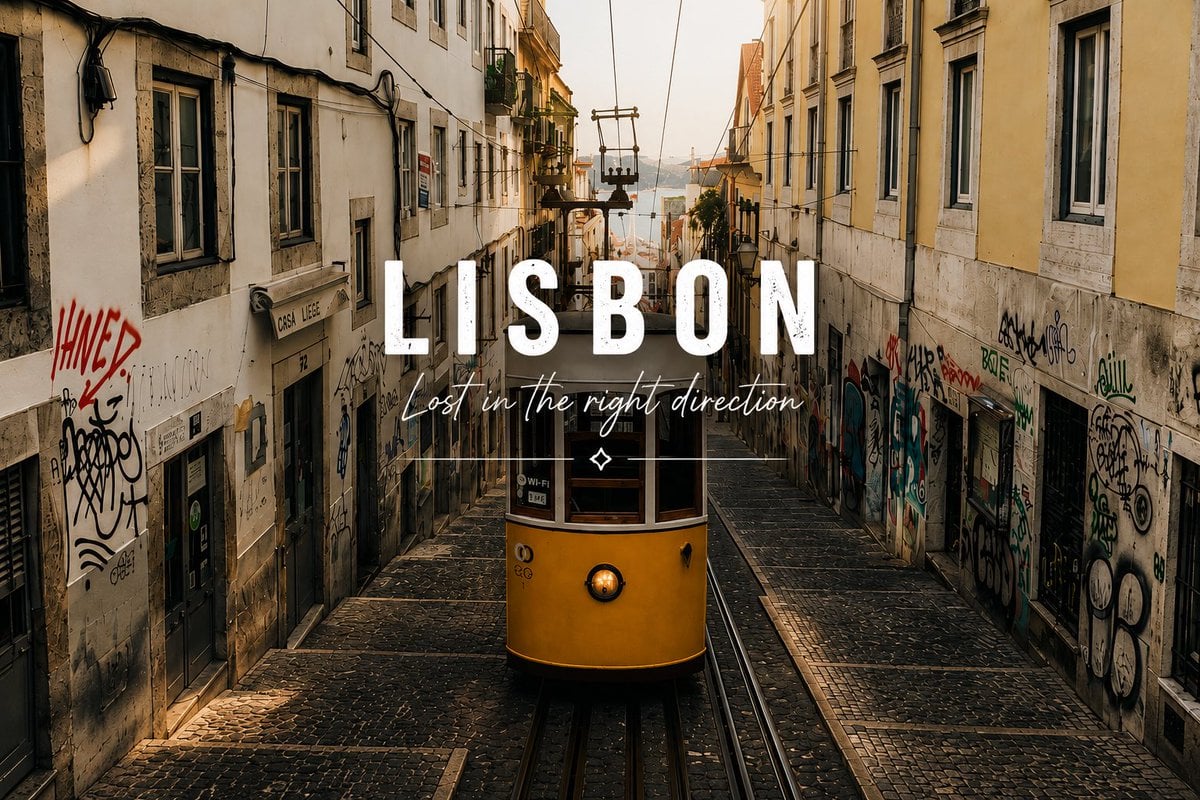
Lisbon Tram Travel Poster
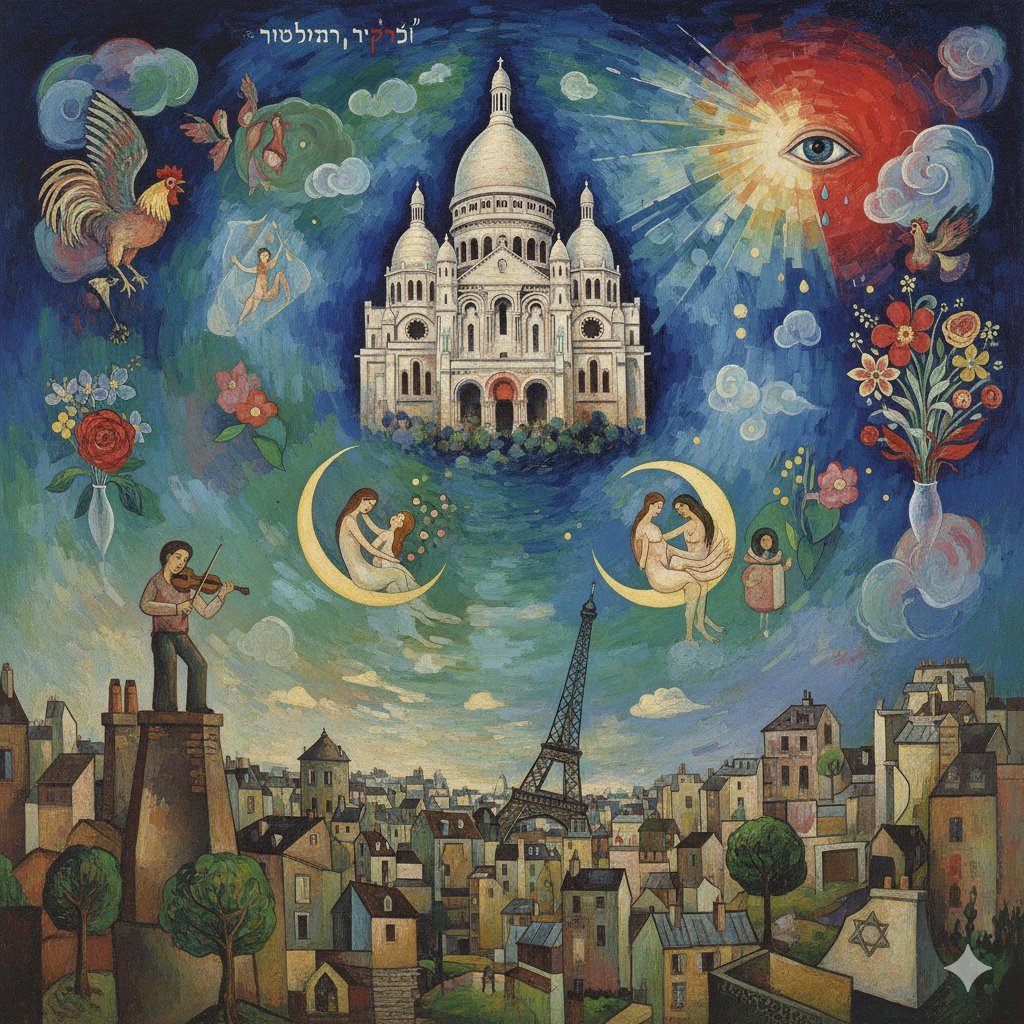
Chagall-style painting of Sacré-Cœur Basilica
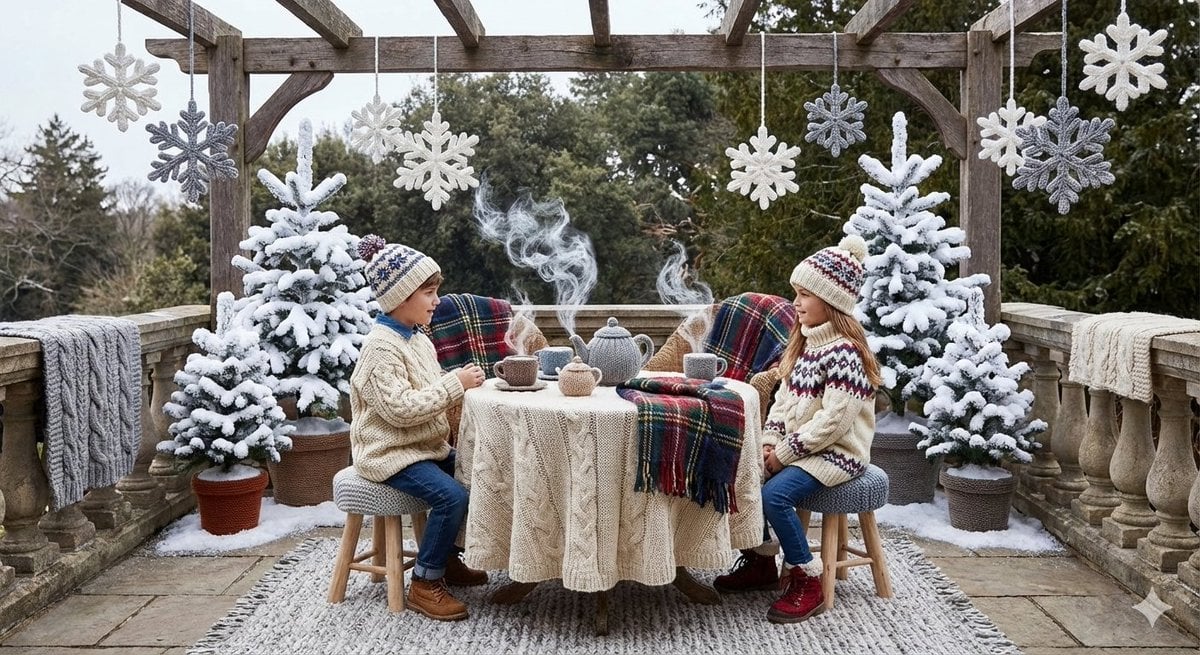
Knitted Terrace Scene with Cable-Knit Textures

Warm Editorial Sneaker Poster
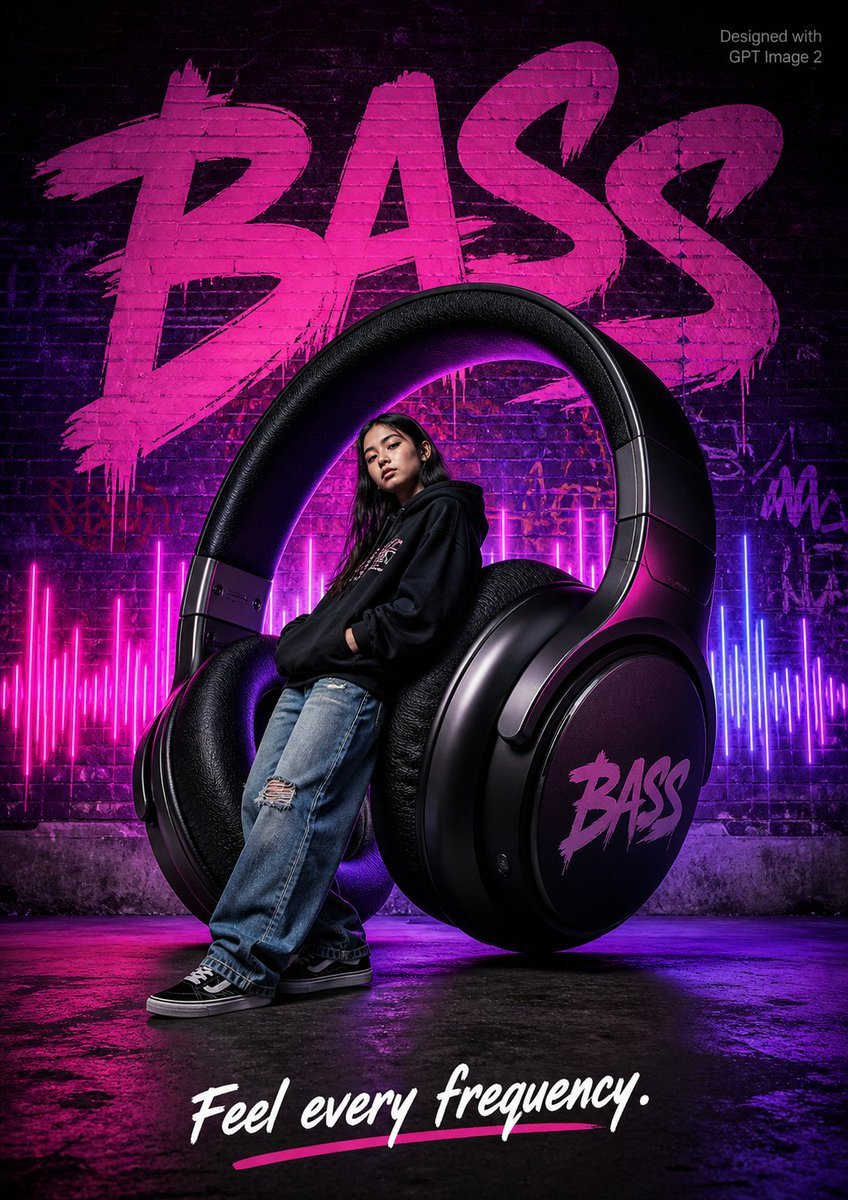
Streetwear BASS Headphones Poster
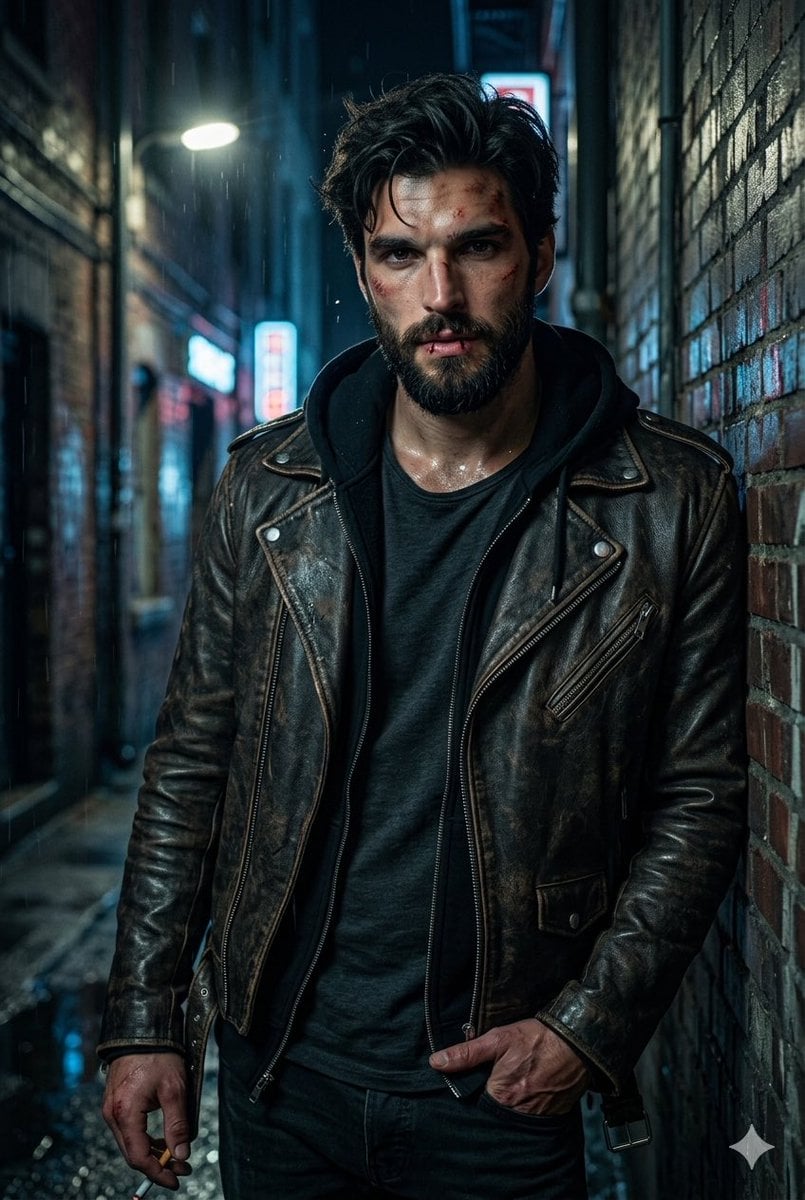
Rugged Urban Portrait
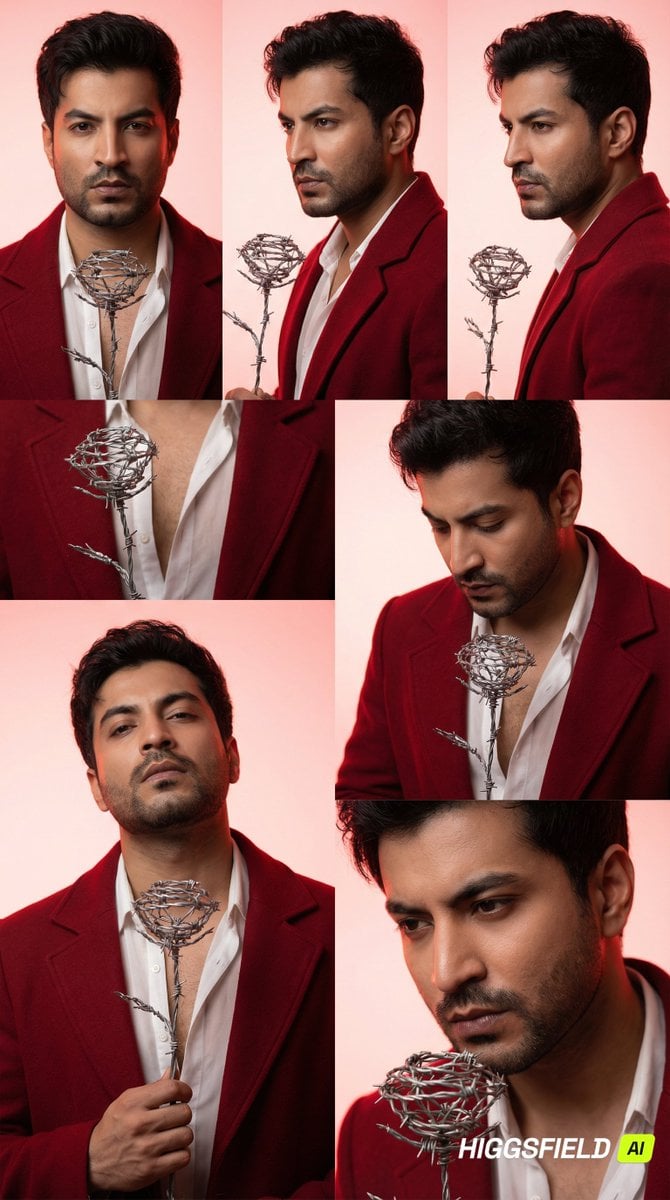
3x2 Grid Portrait of South Asian Man with Barbed Wire Rose
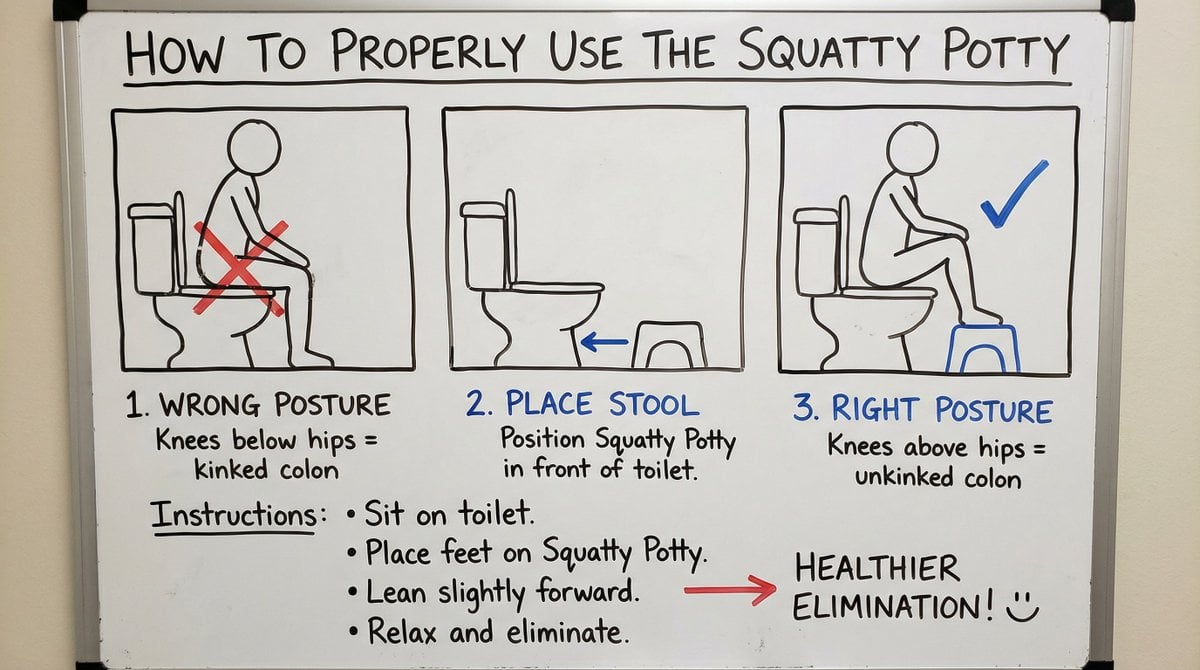
Squatty Potty whiteboard instructions
Browse template categories
Summer Anime Portrait with Silk Tree Flowers questions
How do I use the Summer Anime Portrait with Silk Tree Flowers template?
Add your photo if the template asks for one, edit the prompt if you like — the template's model and format are already selected — and press Generate. Your version opens in PicX Studio.
Can I customize the Summer Anime Portrait with Silk Tree Flowers template?
Yes. You can change the subject, setting, lighting, mood, format, and available model controls before creating your image.
Is the Summer Anime Portrait with Silk Tree Flowers template free?
Opening and editing this template is free. Generating uses credits, shown on the Generate button when you are signed in.
Which AI model should I use?
Start with GPT Image 2, which is the model associated with this template. You can compare another compatible model for a different finish.
Looking for something else? Browse all templates.

Your photo, any look
Thousands of ready templates for every top image and video model, from one credit balance.