
Photorealistic Battle-Damaged Mech Prompt
A detailed comparison between Nano Banana Pro and Seedream 4.5 for generating images of a battle-damaged mech.
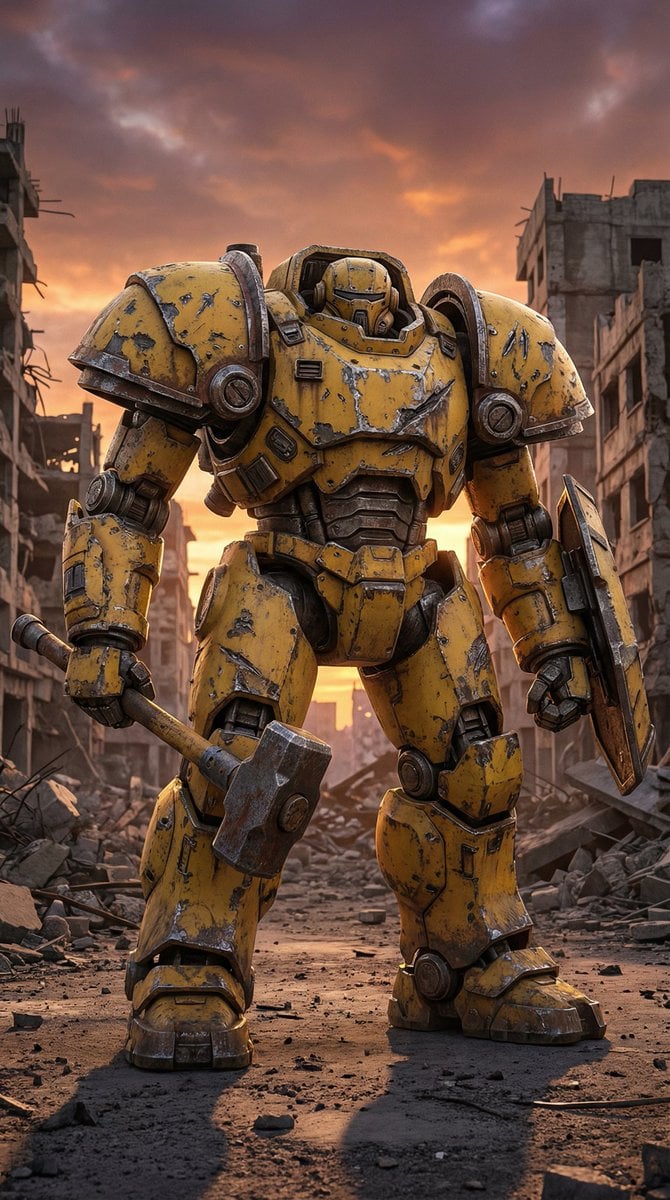
- Prompt included
- Model and format preset
- Free template
The prompt behind this image
Copy the exact prompt behind Photorealistic Battle-Damaged Mech Prompt, or open it in the studio and make it yours.
Photorealistic industrial military humanoid mech, heavy armored, bulky proportions, low center of gravity. Hard surface mechanical modeling, realistic engineering details. Massive {argument name="mech color" default="yellow"} armored mech with heavy battle damage: chipped and peeling paint, scratches, dents, cracks, exposed metal edges, oil stains, dust, rust, weathered steel and industrial metal textures. Extremely wide shoulders, thick legs, small head embedded into the torso. Right hand holding a large industrial hammer weapon. Left arm integrated with a heavy shield-like armor. Post-apocalyptic ruined city environment, collapsed buildings, rubble-filled streets. Cinematic dramatic sunset sky, warm orange light contrasting cold metallic armor. Realistic global illumination, high contrast lighting. Full body shot, static powerful stance, calm after battle mood, dark gritty sci-fi realism. NEGATIVE PROMPT: anime, anime-style mecha, manga, illustration, stylized design, exaggerated proportions, clean shiny armor, toy-like plastic, slim or agile body, hero pose, action pose, dynamic motion, energy effects, glowing parts, fantasy elements, soft lighting, colorful pastel tone, low detail, blurry image
How to use Photorealistic Battle-Damaged Mech Prompt in 3 steps
- 1
Open
The prompt is already in the box next to the preview, with the template's model and format selected.
- 2…a portrait of your subject in softgolden-hour light, 85mm…
Personalize
Edit the subject and creative details for your destination.
- 3Generate
Generate
Press Generate — your image is created in PicX Studio, so you can compare it with the original and refine one variable at a time.
More like this
Templates with the same subject, style or setup. Open one to see its prompt.

Cozy Knit Sweater Window Portrait
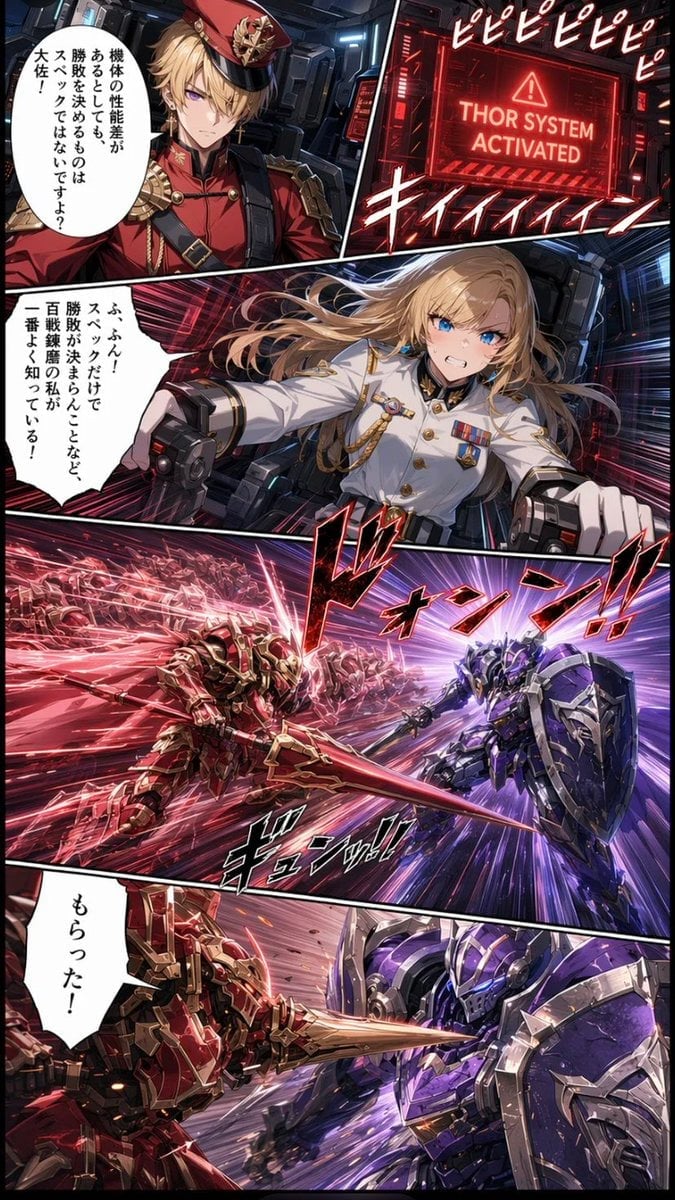
Japanese Webtoon Mecha Battle Page

Gen Z Triple Selfie Collage — Y2K Flash Photography

Mountain Lake Sunset Landscape

Cinematic Destination Letter Panel Poster

Spider-Man Rooftop Golden Hour Cinematic Photo

Face-Locked Train Window Lifestyle Portrait

Face-Locked Cream Half-Zip Street Walk

Luxury Toothpaste Commercial Storyboard

Unfinished Sketch Comes Alive Portrait

Open Travel Journal Overhead Still Life

Face-Locked City Skyline Double Exposure
Make it yours
Photorealistic Battle-Damaged Mech Prompt works as-is. These are the safest ways to change it without losing the look.
Change one field
Copy a single group, rewrite it, and generate again so you can see what that field is doing.
Keep the frame, change the subject
Hold the composition and light of Photorealistic Battle-Damaged Mech Prompt, then swap wardrobe, props or the person for a new take.
| If the result… | Why | Fix |
|---|---|---|
| The result drifts from the preview | Too many fields changed at once. | Reuse Photorealistic Battle-Damaged Mech Prompt as-is first, then change one group — subject, light, or setting. |
| The model over-stylizes the scene | The prose prompt leaves finish and camera underspecified. | Add one camera or lighting sentence and stay on Nano Banana 2. |
More Nano Banana 2 templates
Other prompts made for Nano Banana 2.

Photorealistic Leaf Shaped Like a Dragon

K-Pop Idol Portrait Grid for Rapid Selection

Poetic Rain Forest Portrait During Golden Hour

Urban Street Portrait with Cartoon Inner Self Duo

Candid Nighttime Photo with Cat Prompt

High-Concept 3D Diorama Generation Prompt

Cinematic Futuristic Studio Portrait Template

Skincare Editorial Photography Collage Prompt

Hyper-Realistic Commercial Product Photography (Splash Effect)

Hyper-Realistic Nightclub Portrait Prompt
More image prompts
Fresh picks from across the catalog.
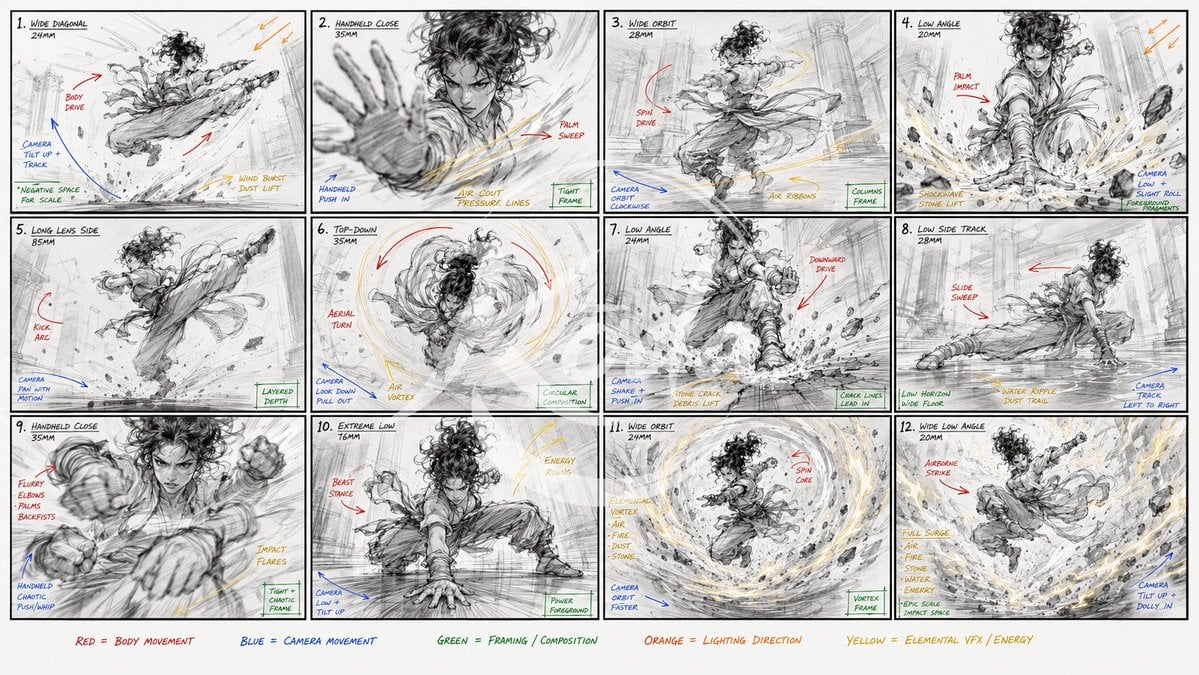
Kung Fu Action Storyboard
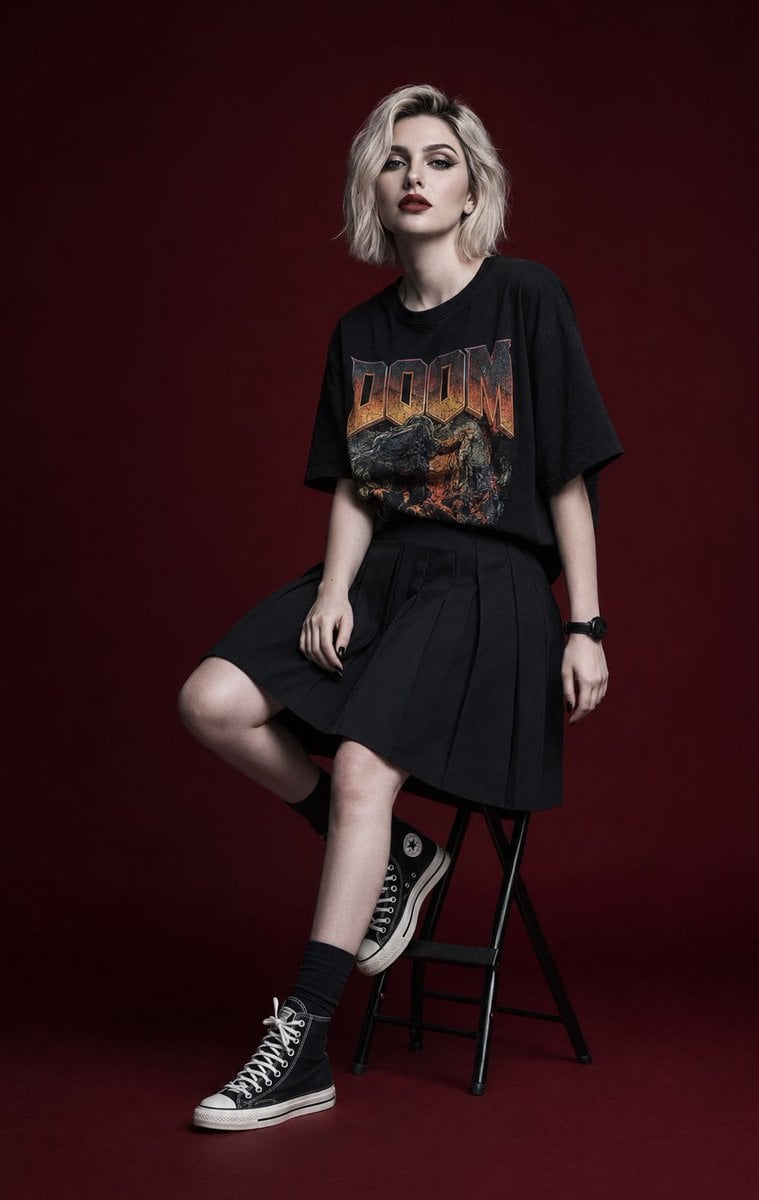
Luxury Editorial Fashion Campaign Portrait
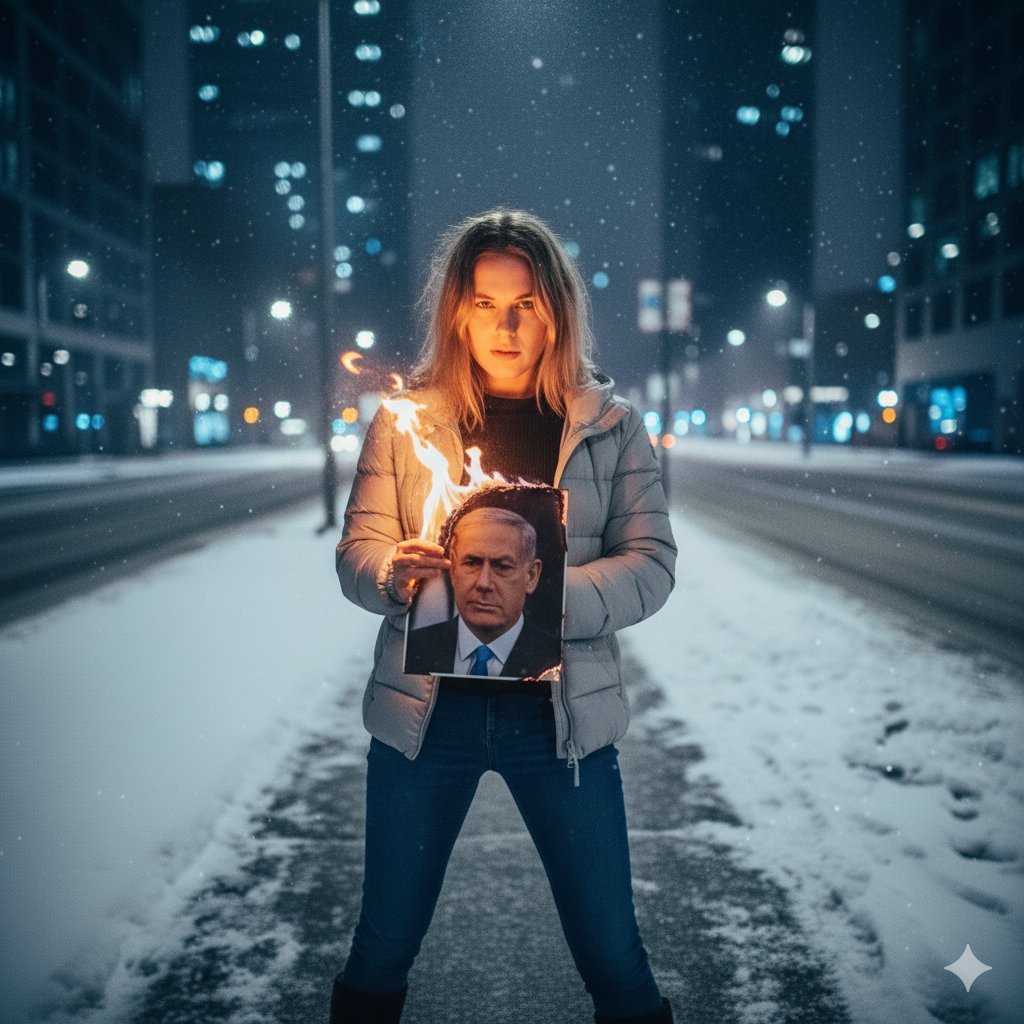
Defiant Woman Lighting Cigarette with Burning Photo
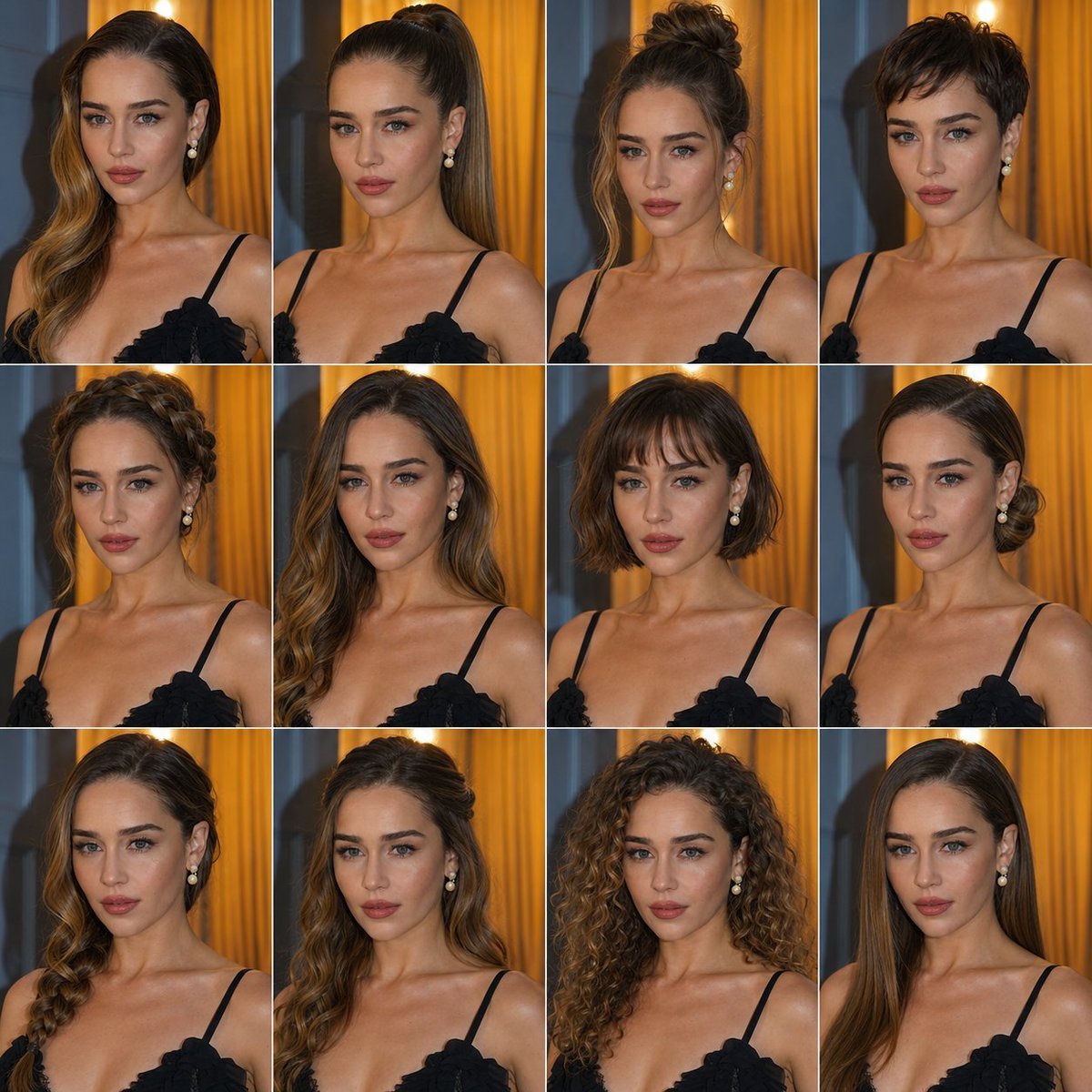
Multi Hairstyle Portrait Collage
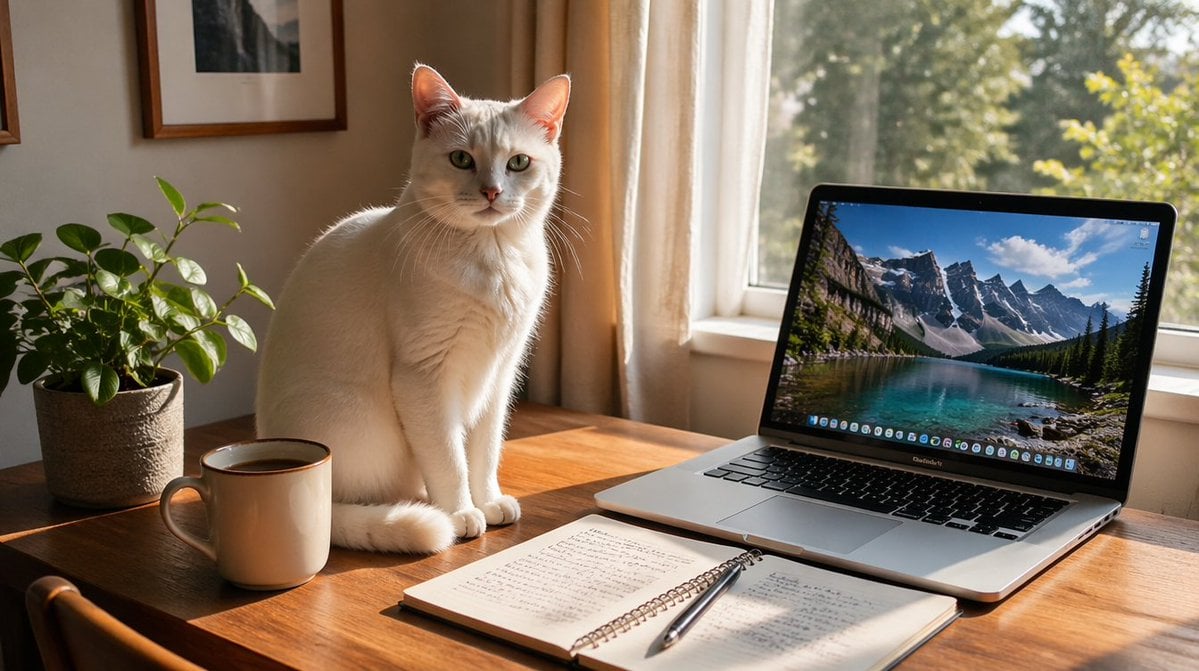
Sunlit Desk with White Cat and Laptop
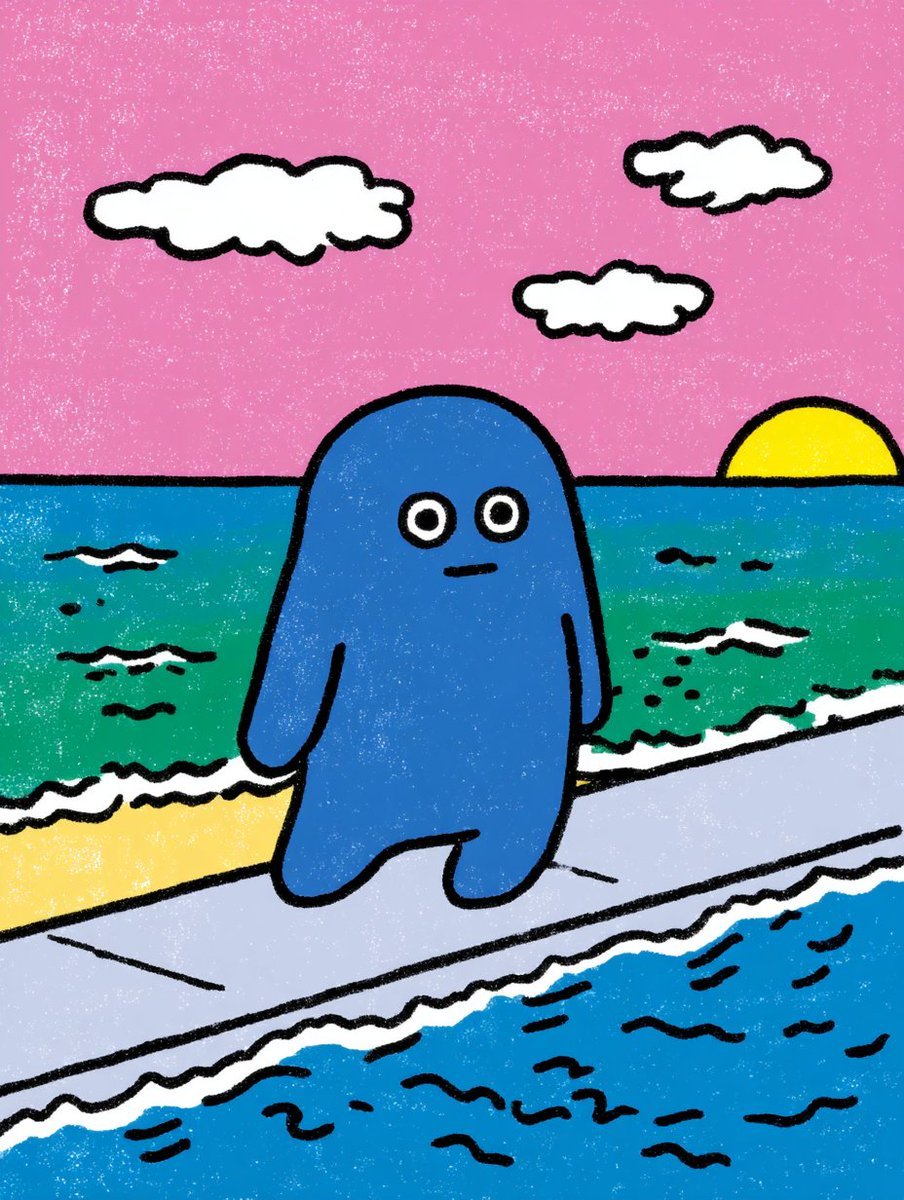
Contextual Image Generation Prompt
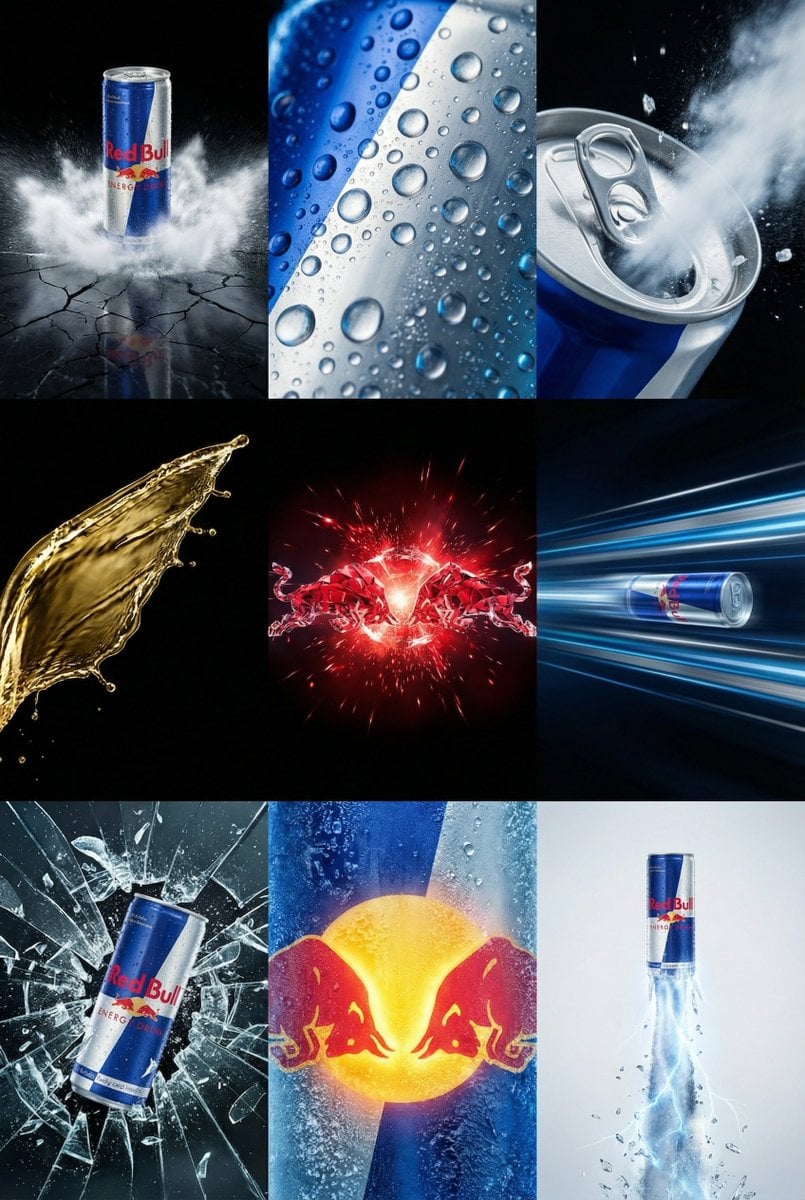
Red Bull Commercial Grid Collage Prompt (JSON)

Birthday Celebration Portrait with Cupcake and Champagne
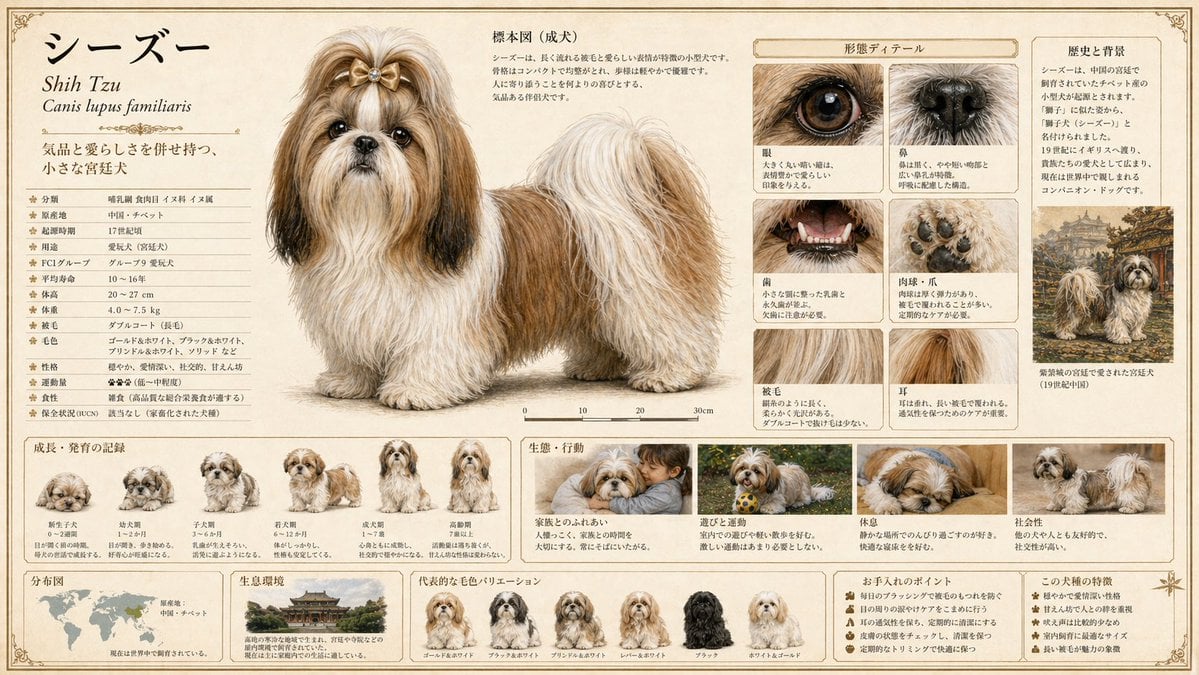
Detailed Animal Encyclopedia Generation
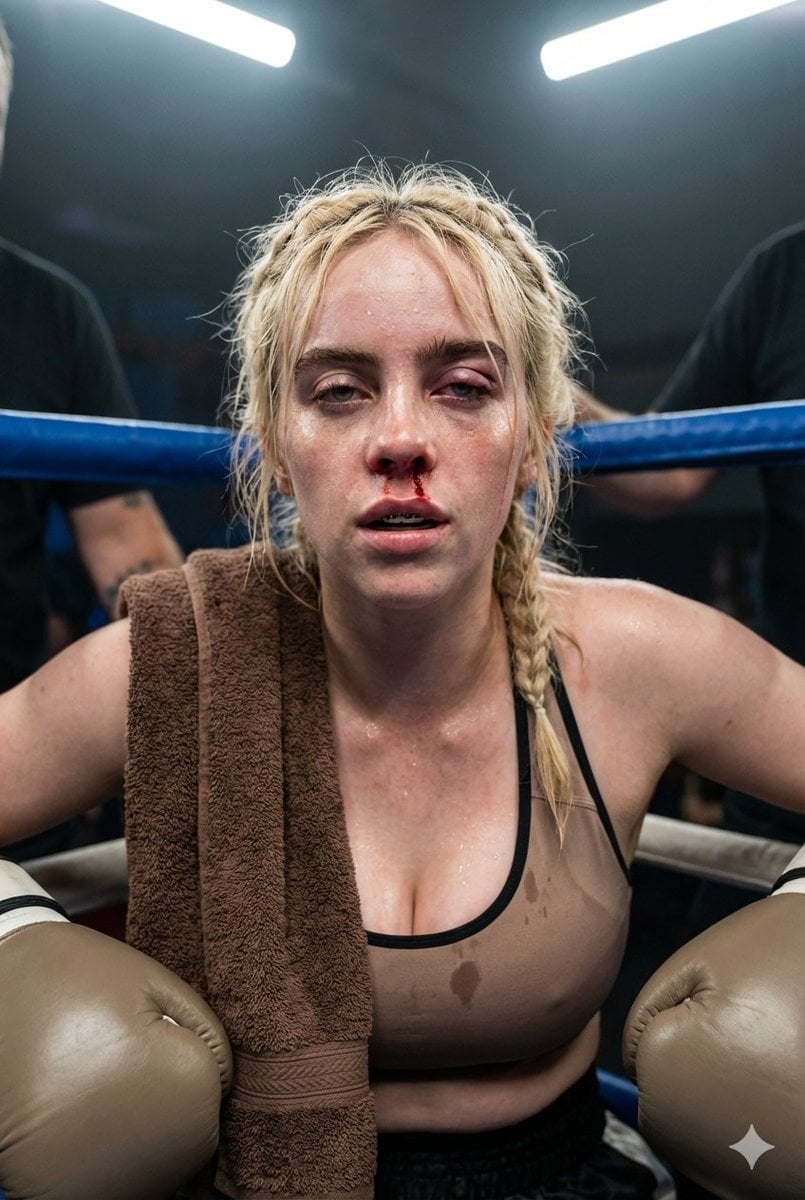
Documentary Realism Boxing Portrait
Browse template categories
Photorealistic Battle-Damaged Mech Prompt questions
How do I use the Photorealistic Battle-Damaged Mech Prompt template?
Add your photo if the template asks for one, edit the prompt if you like — the template's model and format are already selected — and press Generate. Your version opens in PicX Studio.
Can I customize the Photorealistic Battle-Damaged Mech Prompt template?
Yes. You can change the subject, setting, lighting, mood, format, and available model controls before creating your image.
Is the Photorealistic Battle-Damaged Mech Prompt template free?
Opening and editing this template is free. Generating uses credits, shown on the Generate button when you are signed in.
Which AI model should I use?
Start with Nano Banana 2, which is the model associated with this template. You can compare another compatible model for a different finish.
Looking for something else? Browse all templates.

Your photo, any look
Thousands of ready templates for every top image and video model, from one credit balance.