
Luxury Editorial Fashion Campaign Portrait
A professional magazine-quality prompt for generating a fashion studio portrait that maintains facial identity and features high-end lighting.
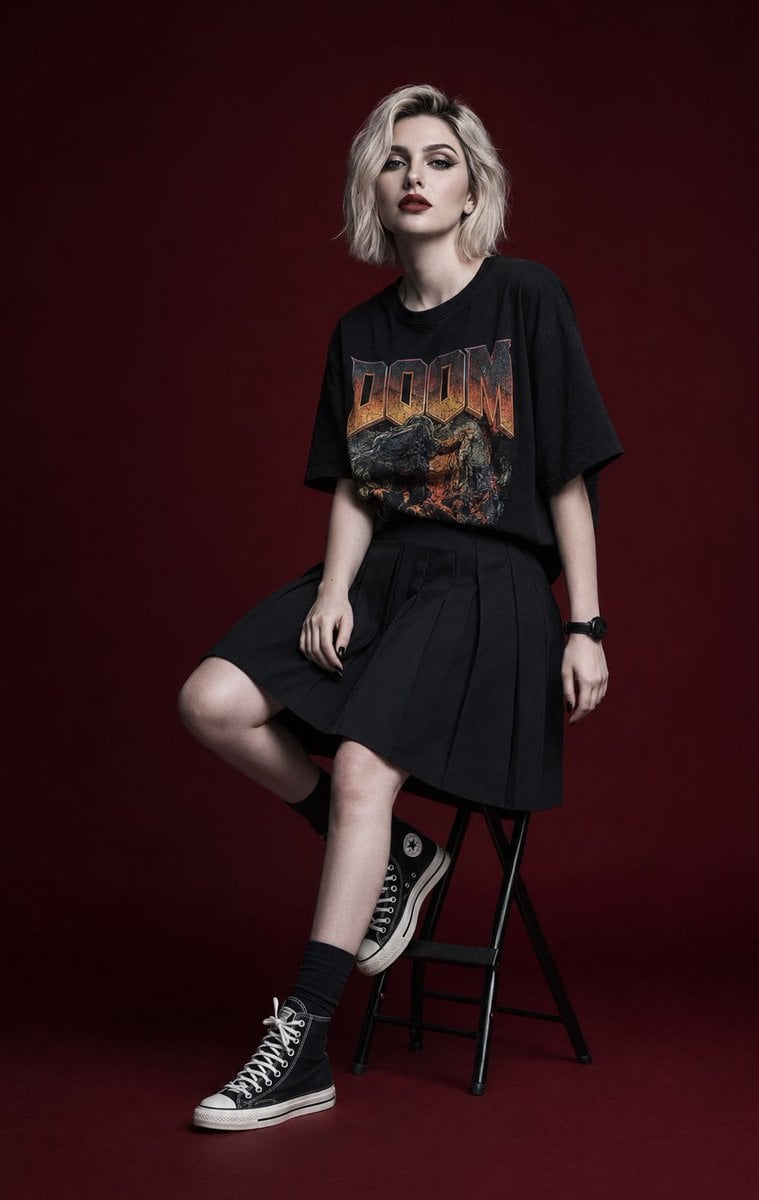
- Prompt included
- Model and format preset
- Free template
The prompt behind this image
Copy the exact prompt behind Luxury Editorial Fashion Campaign Portrait, or open it in the studio and make it yours.
Ultra-realistic editorial fashion studio photography in premium magazine campaign quality, full body portrait. Featuring a stylish young woman with the same face, facial features, identity, skin tone, and overall appearance as the reference image, maintaining accurate facial resemblance and natural proportions. She has a slim fashionable body, short {argument name="hair style" default="platinum blonde hair above the shoulders with visible black roots"}, straight texture, slightly messy side part, and long bangs framing the face. Porcelain-white skin with a naturally pale tone. Ultra-detailed makeup: neatly separated spiky eyelashes with a doll-eye effect, precise eyeliner, crystal-clear gray irises, dark red matte lips with realistic lip texture, black nails, and a black sport watch. Facial details must be exceptionally sharp and highly detailed, with the eyes as the primary focal point. Individual eyelashes visible one by one, realistic skin pores, natural micro skin texture, no blur, no soft focus, no beauty filter, no skin smoothing. Outfit: oversized black T-shirt with a bold {argument name="graphic" default="“DOOM” band print"}, deep black pleated skirt with a knee-length hemline that fully covers the knees but does not extend below them, short black socks, and black Converse high-top sneakers. Pose: sitting on a black folding studio stool with a round seat in a three-quarter profile pose. Right hand resting naturally on the thigh, left hand hanging downward. Left leg bent and placed on the stool support, right leg extended with the heel touching the floor. Face slightly lifted upward, looking directly toward the camera with a calm, distant, slightly melancholic expression. Lips fully closed. Background and studio floor are deep dark maroon with subtle gradient transitions. Low-key editorial fashion studio environment. Lighting: premium fashion magazine lighting setup using diffused frontal flash combined with a soft beauty dish from front-left, producing crisp catchlights in the eyes, clean makeup definition, realistic skin texture, subtle dimensional shadows, and dramatic modern editorial contrast. Shot on Leica SL3, APO-Summicron-SL 50mm lens, ISO 100, f/5.6, RAW photograph. Face-priority autofocus. Tack-sharp eyes, razor-sharp eyelash detail, ultra-detailed makeup, realistic skin pores, natural skin texture, high micro-contrast, cinematic editorial lighting, premium fashion photography, subtle filmic depth, crystal-clear image quality, ultra-high detail, 8K resolution.
How to use Luxury Editorial Fashion Campaign Portrait in 3 steps
- 1Upload ImagePNG, JPG or paste
Add your photo
Upload the photo the template builds on. The prompt, model and format are already set.
- 2…a portrait of your subject in softgolden-hour light, 85mm…
Personalize
Edit the subject and creative details for your destination.
- 3Generate
Generate
Press Generate — your image is created in PicX Studio, so you can compare it with the original and refine one variable at a time.
More like this
Templates with the same subject, style or setup. Open one to see its prompt.

Caution Tape Fashion — Industrial Editorial

Couture Fashion Editorial Woman and Drag

Nano Banana 2 Editorial Fashion Portrait

19 Luxury Helicopter Travel — California Series

08 Rodeo Drive Luxury Exit — California Series

Luxury Fashion Editorial Portrait
Ultra-Realistic Luxury Fashion Editorial Portrait

untitled

Nano Banana 2 High Fashion Sports Campai

Ive Yujin Fashion Portrait in Blue

21 Glass Floor Skyscraper — California Series

03 Beverly Hills Convertible — California Series
Make it yours
Luxury Editorial Fashion Campaign Portrait works as-is. These are the safest ways to change it without losing the look.
Change one field
Copy a single group, rewrite it, and generate again so you can see what that field is doing.
Keep the frame, change the subject
Hold the composition and light of Luxury Editorial Fashion Campaign Portrait, then swap wardrobe, props or the person for a new take.
| If the result… | Why | Fix |
|---|---|---|
| The result drifts from the preview | Too many fields changed at once. | Reuse Luxury Editorial Fashion Campaign Portrait as-is first, then change one group — subject, light, or setting. |
| The model over-stylizes the scene | The prose prompt leaves finish and camera underspecified. | Add one camera or lighting sentence and stay on GPT Image 2. |
More GPT Image 2 templates
Other prompts made for GPT Image 2.

Six VTuber Japanese Logo Sheet

Realistic Portrait of Woman and Deer

The Vista Modular Condo Poster

AI Model Routing Comparison Infographic

2.5D Anime Art Board

Isometric Productivity Desk Scene

New York Double Exposure Poster

Four-Panel AI Landscape Comparison

Japanese Tatami Lifestyle Magazine Cover

NESCAFÉ Coffee Map Poster
More image prompts
Fresh picks from across the catalog.
2x2 Collage with Strict Identity and Pose Matching
Cinematic Portrait Prompt using Nano Banana 2 with Face Reference
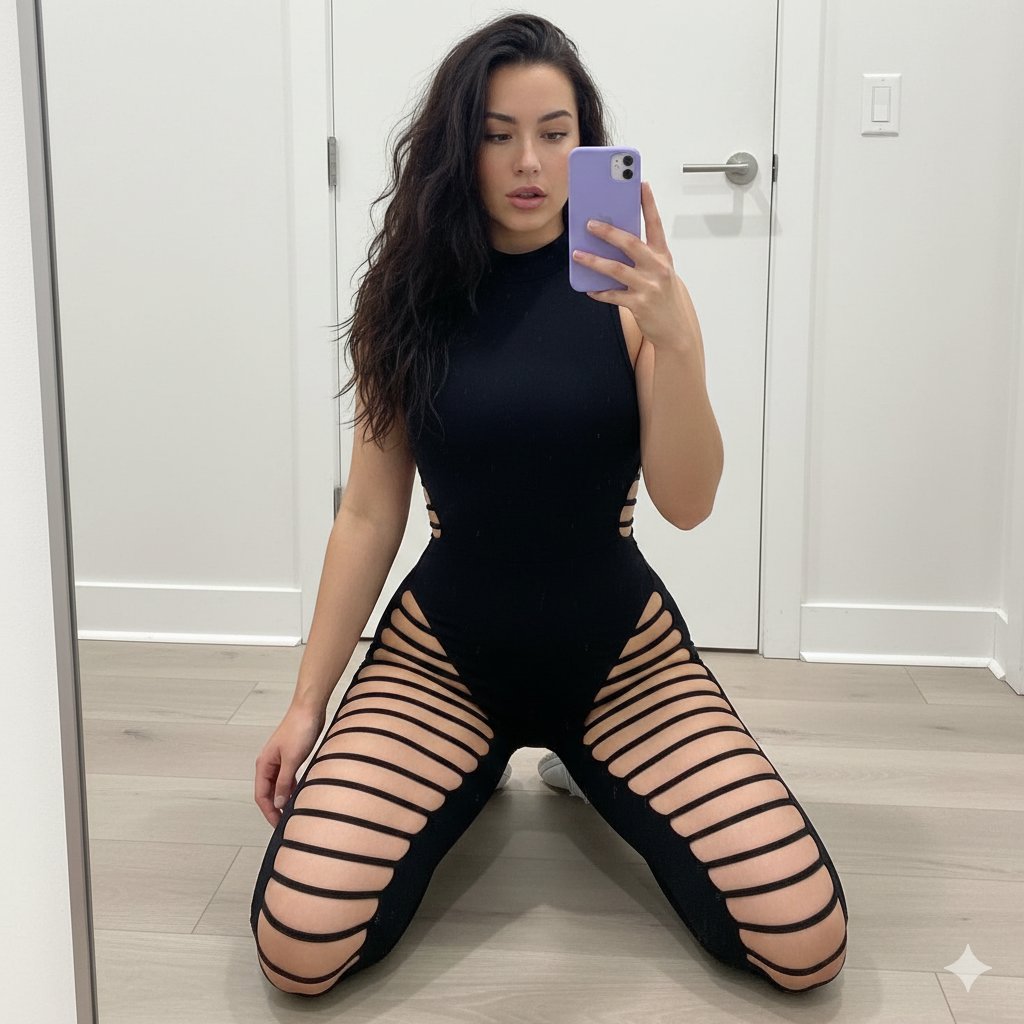
High-Contrast Athleisure Mirror Selfie
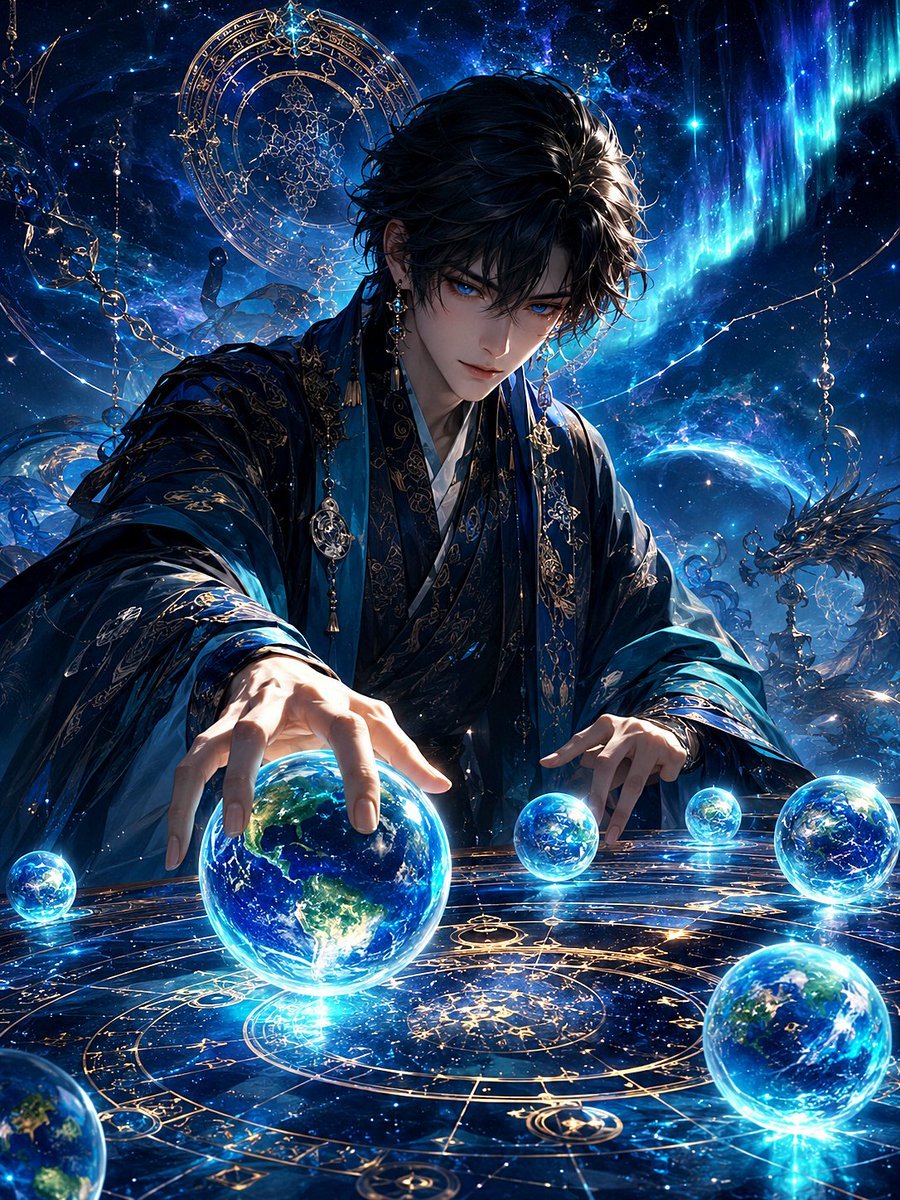
Mystic Astrologer at Cosmic Table
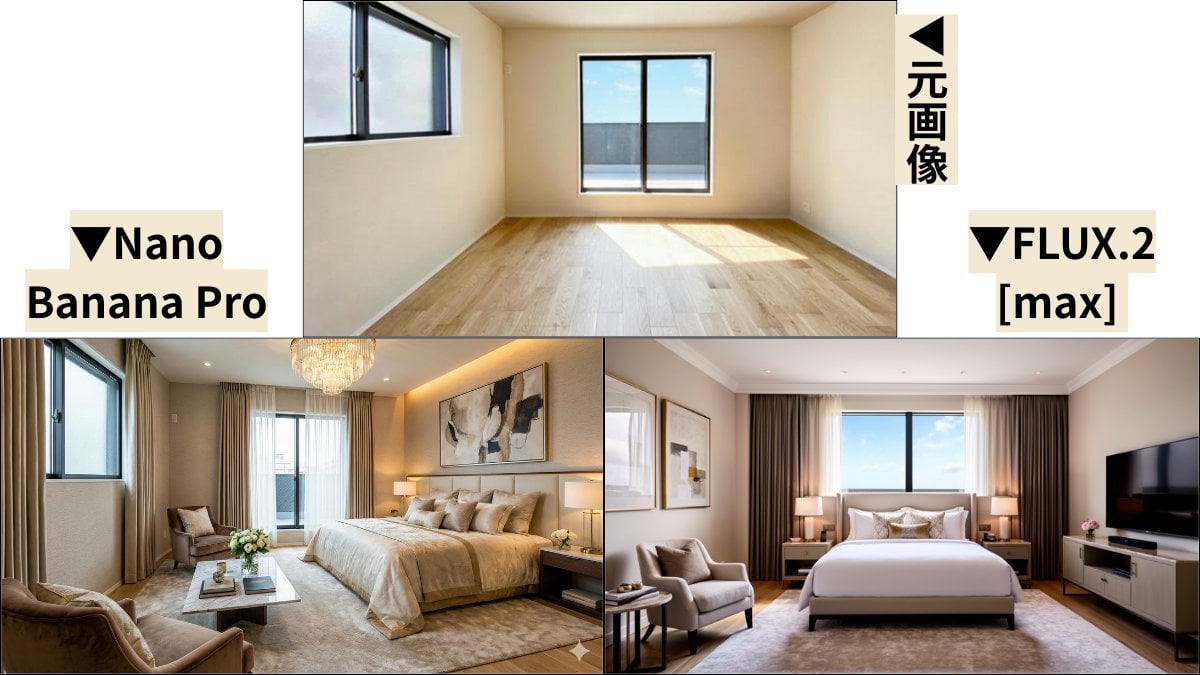
Room Transformation to Five-Star Hotel Suite
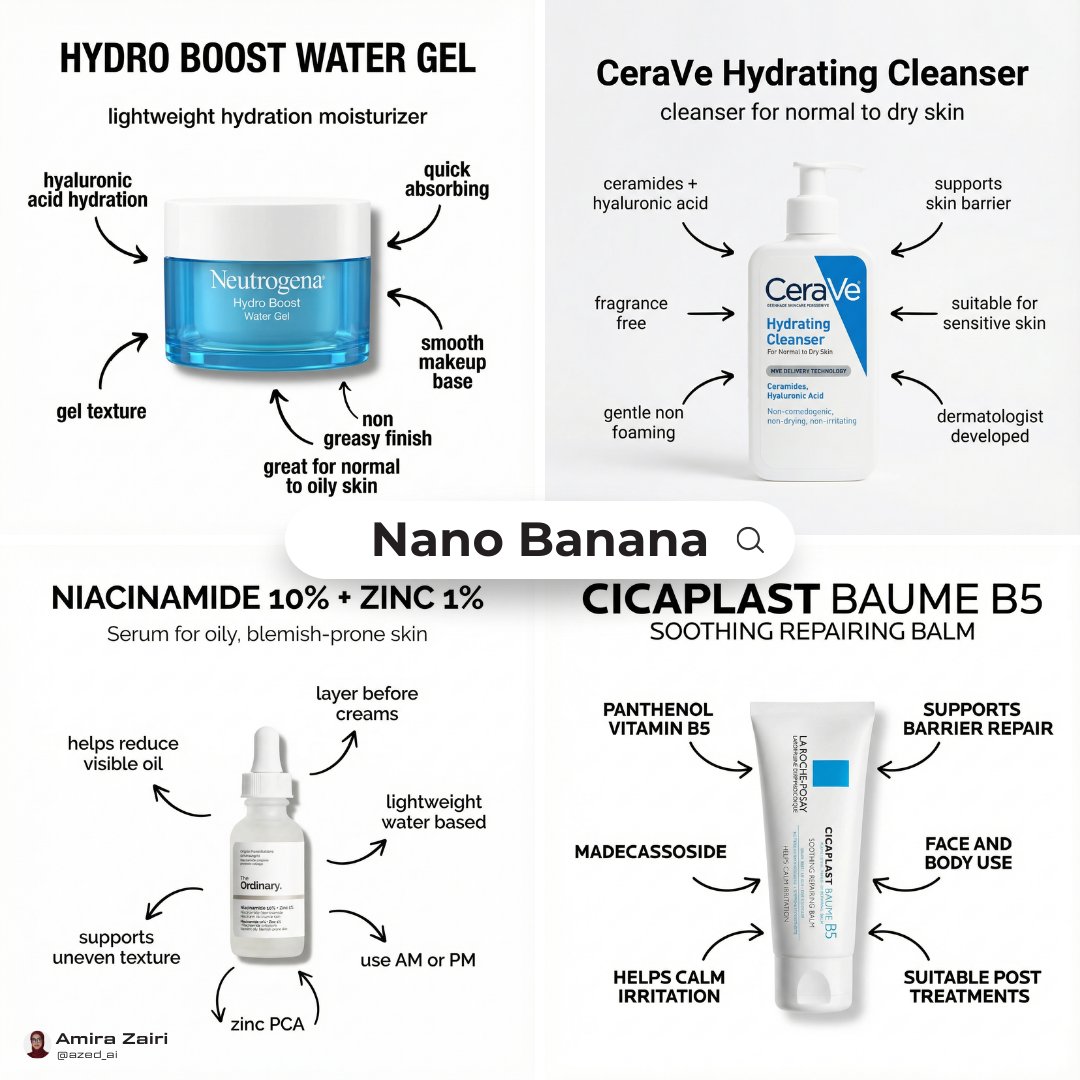
Infographic Poster Creation Prompt
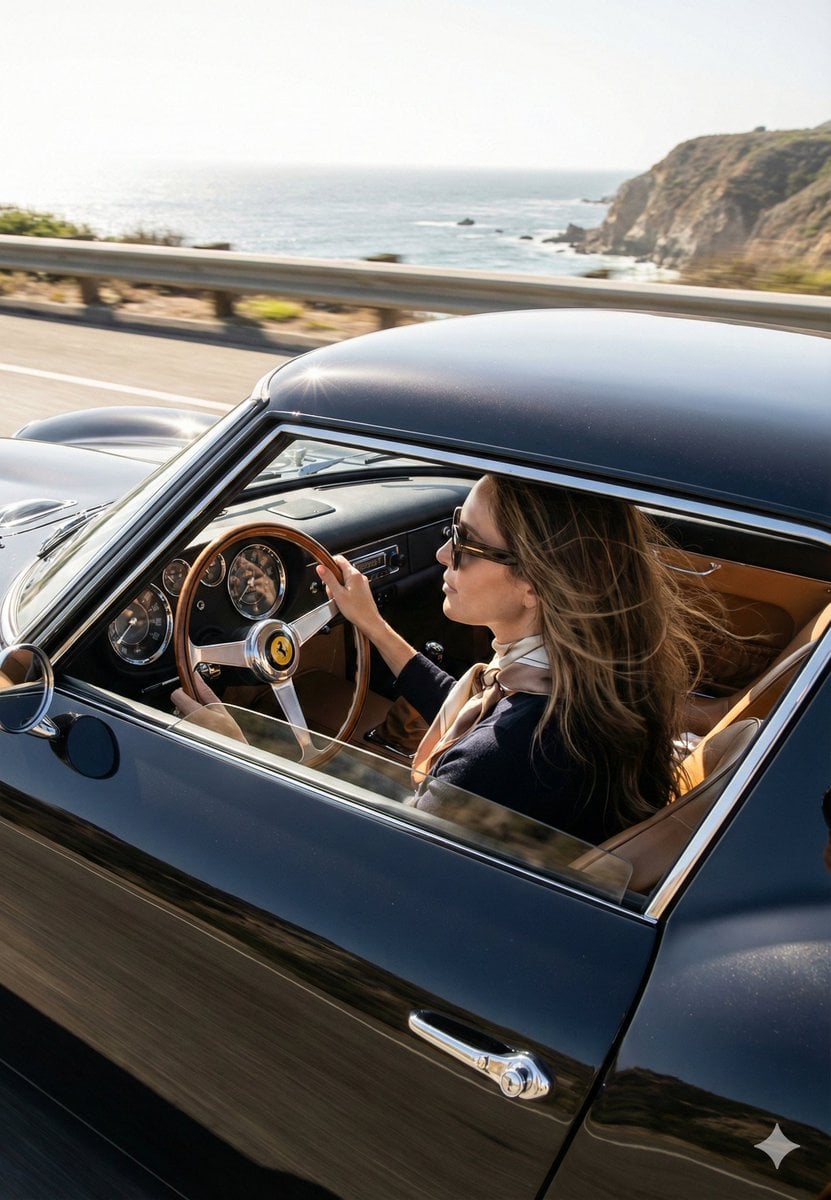
Cinematic Coastal Drive Portrait
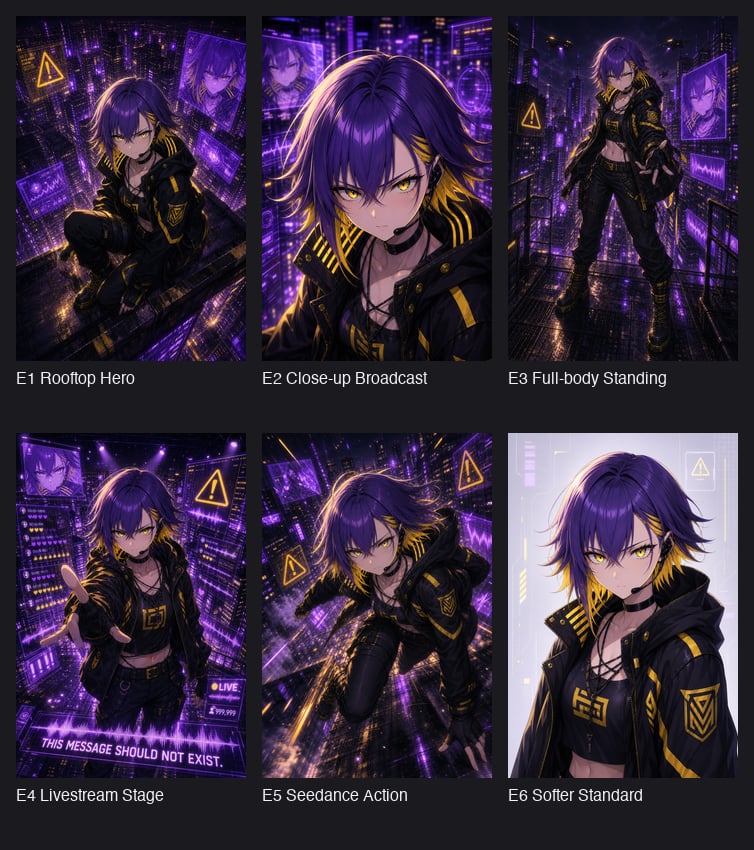
Cyberpunk Anime Hero Contact Sheet
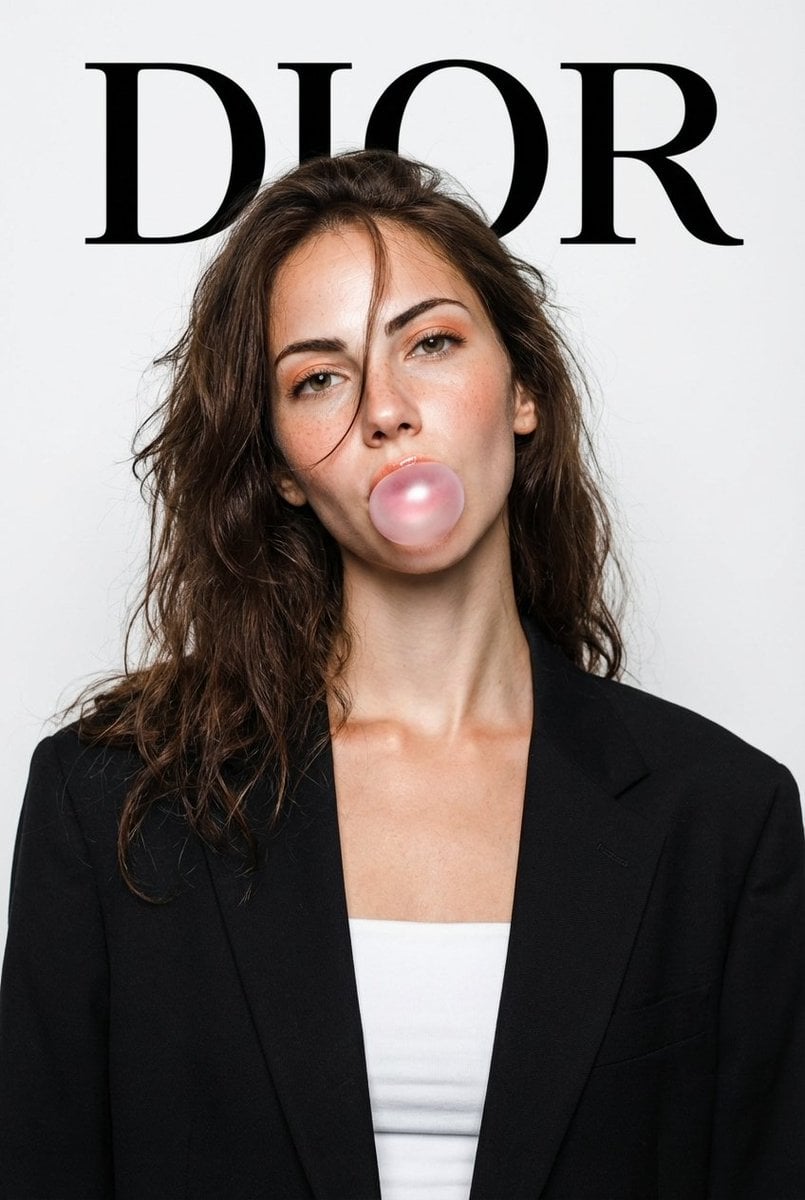
DIOR High-Fashion Studio Portrait with Bubble Gum
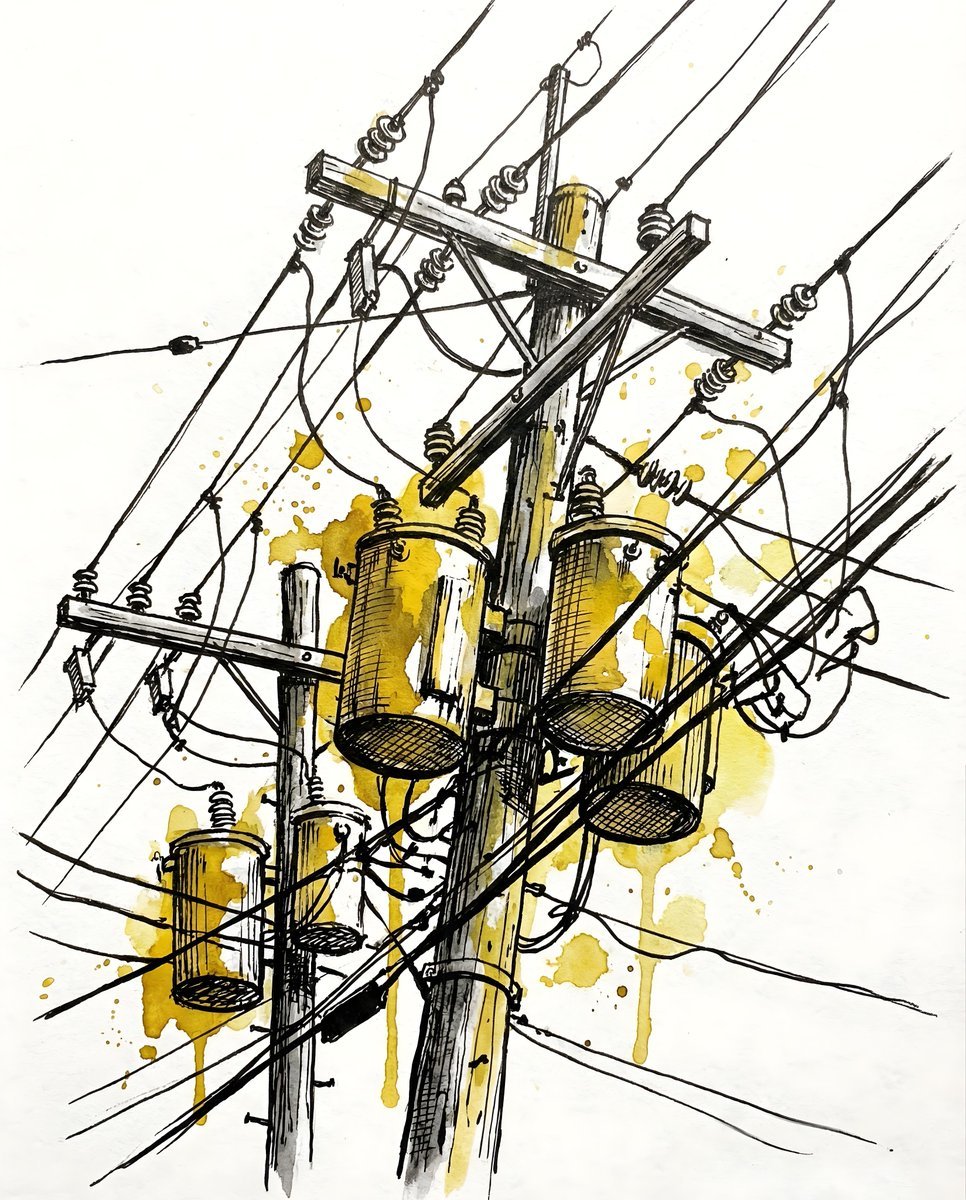
Nano Banana Pro prompt for a photorealistic image of a woman in a cafe
Browse template categories
Luxury Editorial Fashion Campaign Portrait questions
How do I use the Luxury Editorial Fashion Campaign Portrait template?
Add your photo if the template asks for one, edit the prompt if you like — the template's model and format are already selected — and press Generate. Your version opens in PicX Studio.
Can I customize the Luxury Editorial Fashion Campaign Portrait template?
Yes. You can change the subject, setting, lighting, mood, format, and available model controls before creating your image.
Is the Luxury Editorial Fashion Campaign Portrait template free?
Opening and editing this template is free. Generating uses credits, shown on the Generate button when you are signed in.
Which AI model should I use?
Start with GPT Image 2, which is the model associated with this template. You can compare another compatible model for a different finish.
Looking for something else? Browse all templates.

Your photo, any look
Thousands of ready templates for every top image and video model, from one credit balance.