
Cyberpunk Anime Hero Contact Sheet
Creates a six-panel gallery of consistent cyberpunk anime character variations with captions for comparing compositions.
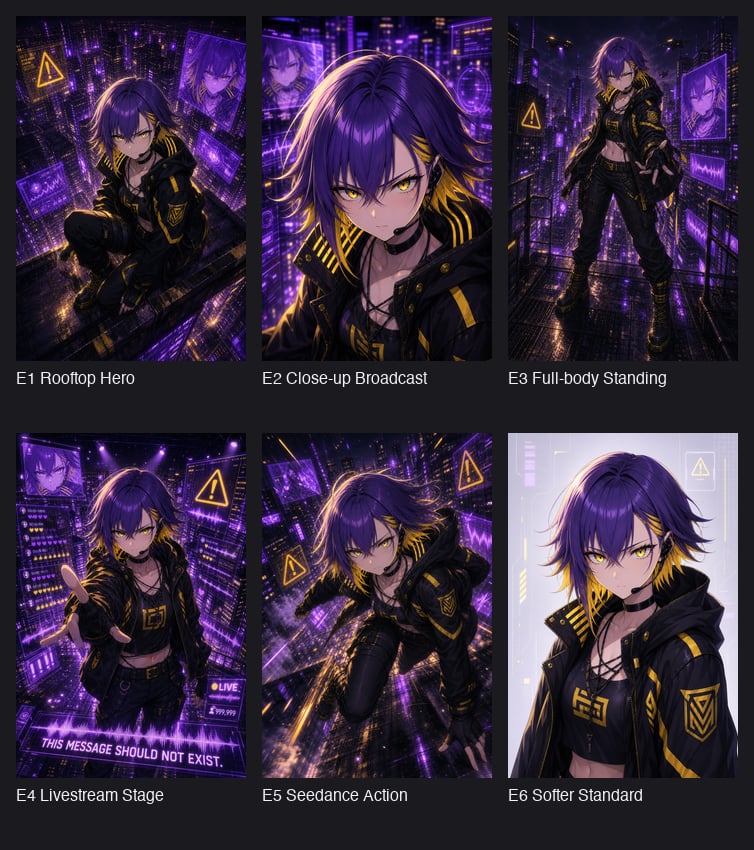
- Prompt included
- Model and format preset
- Premium template
The prompt behind this image
Copy the exact prompt behind Cyberpunk Anime Hero Contact Sheet, or open it in the studio and make it yours.
Goal: Create a dark presentation contact sheet showing six anime cyberpunk character illustration variations generated from the same design, arranged as a 3-column by 2-row gallery on a charcoal background. Canvas: Square image, approximately 768×850 px, dark gray page background with generous margins. Each artwork tile is vertical portrait format, evenly spaced, with a white caption beneath it. Use a clean sans-serif font, small to medium size, left-aligned under each tile. Main character: A rebellious anime-style cyberpunk hero named {argument name="character name" default="E1"}, androgynous young adult with shaggy layered {argument name="hair color" default="deep violet hair with golden-yellow underside streaks"}, sharp golden eyes where visible, pale skin, slim athletic build, and a confident dangerous expression. Outfit is a black hooded techwear jacket with yellow hazard-stripe accents, gold trim, triangular insignia patches, black cropped top with yellow emblem, strappy neckline, black cargo pants, belts, gloves, and heavy black boots with yellow laces. Overall palette is black, neon purple, electric violet, and warning-sign yellow. Gallery layout: Include exactly 6 portrait illustration tiles, each with a distinct composition and caption: 1. Top-left tile caption: “E1 Rooftop Hero”. High-angle rooftop crouching pose above a dense neon city, purple holographic panels floating around, yellow warning triangle icon, dramatic rain-slick ledge and glowing skyscrapers. Add a soft square blur over the face. 2. Top-middle tile caption: “E2 Close-up Broadcast”. Tight close-up portrait from the chest up, hair blowing, purple broadcast interface graphics and city lights behind the character, intense neon rim light. Add a soft square blur over the face. 3. Top-right tile caption: “E3 Full-body Standing”. Full-body character standing on a wet rooftop walkway or fire escape, one hand reaching forward, skyscrapers and purple screens behind, yellow warning signs, glossy reflections on the floor. 4. Bottom-left tile caption: “E4 Livestream Stage”. Front-facing upper-body pose with one hand extended toward the viewer, surrounded by futuristic livestream UI panels, purple hologram screens, small hearts and counters, a bottom banner reading “THIS MESSAGE SHOULD NOT EXIST.” and a small “LIVE” badge. 5. Bottom-middle tile caption: “E5 Seedance Action”. Dynamic action pose, character lunging or sprinting diagonally across a rain-soaked cyberpunk rooftop, motion blur, neon purple city perspective, yellow warning icons, energetic cinematic angle. 6. Bottom-right tile caption: “E6 Softer Standard”. Cleaner softer portrait on a pale lavender tech-interface background, bust-up framing, same jacket and outfit, calmer lighting, minimal neon UI elements. Add a soft square blur over the face. Visual style: Highly polished anime illustration, cyberpunk noir atmosphere, dramatic rim lighting, glossy wet surfaces, dense futuristic city detail, purple holograms, yellow hazard iconography, sharp linework, rich contrast, cinematic composition. The six tiles should look like consistent variations of the same character and world. Constraints: Use exactly six tiles and exactly the six captions listed above. Preserve the contact-sheet layout and dark background. Keep the labels readable in English. Do not add extra panels, watermarks, logos, or unrelated characters. Use the background city theme {argument name="setting" default="rainy neon cyberpunk metropolis"} and overall mood {argument name="mood" default="dangerous heroic hacker-broadcast energy"}.
How to use Cyberpunk Anime Hero Contact Sheet in 3 steps
- 1Upload ImagePNG, JPG or paste
Add your photo
Upload the photo the template builds on. The prompt, model and format are already set.
- 2…a portrait of your subject in softgolden-hour light, 85mm…
Personalize
Edit the subject and creative details for your destination.
- 3Generate
Generate
Press Generate — your image is created in PicX Studio, so you can compare it with the original and refine one variable at a time.
More like this
Templates with the same subject, style or setup. Open one to see its prompt.

Cel 2D Hero Portrait

Anime Parade Float Hero

Anime Character Charm Analysis Sheet
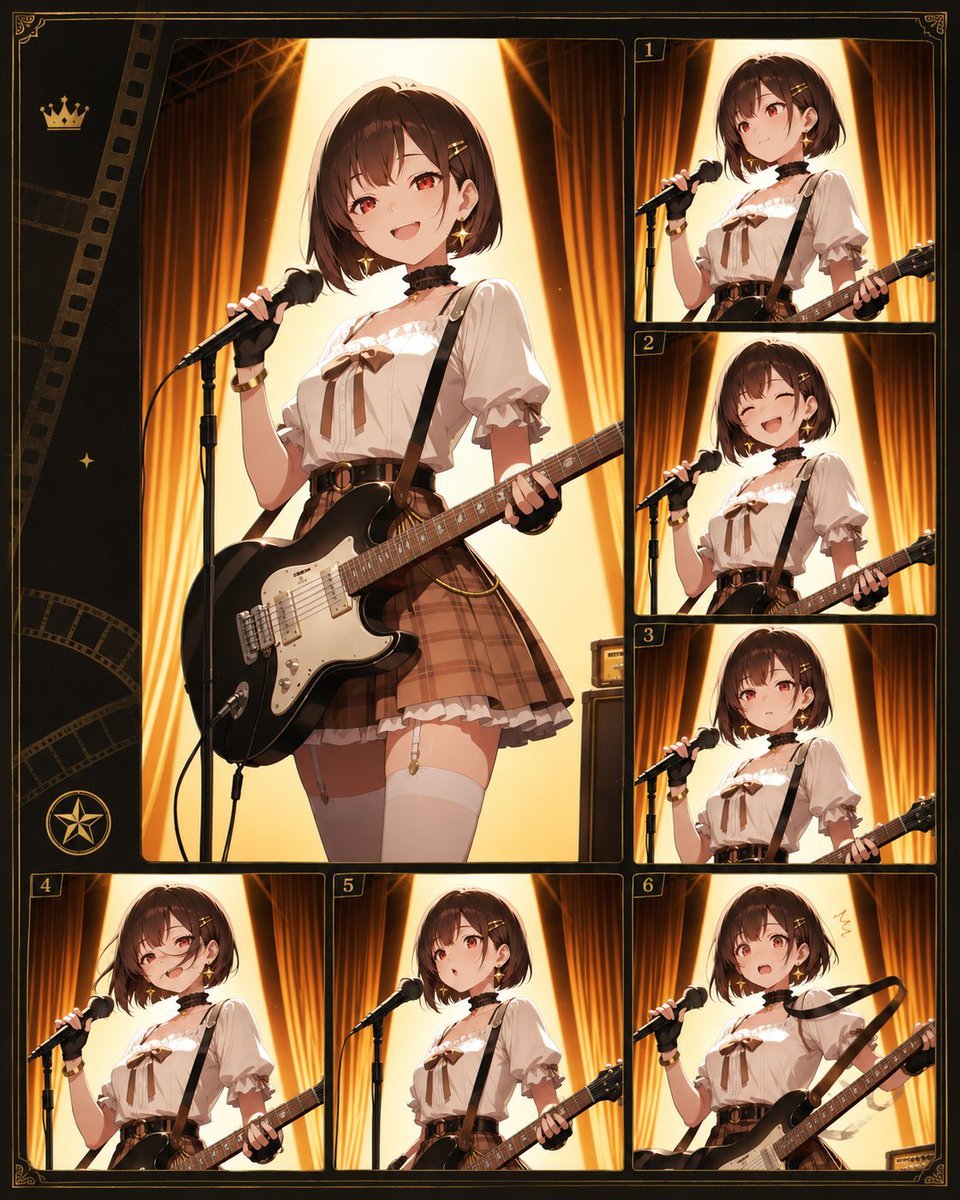
Anime Guitar Idol Contact Sheet
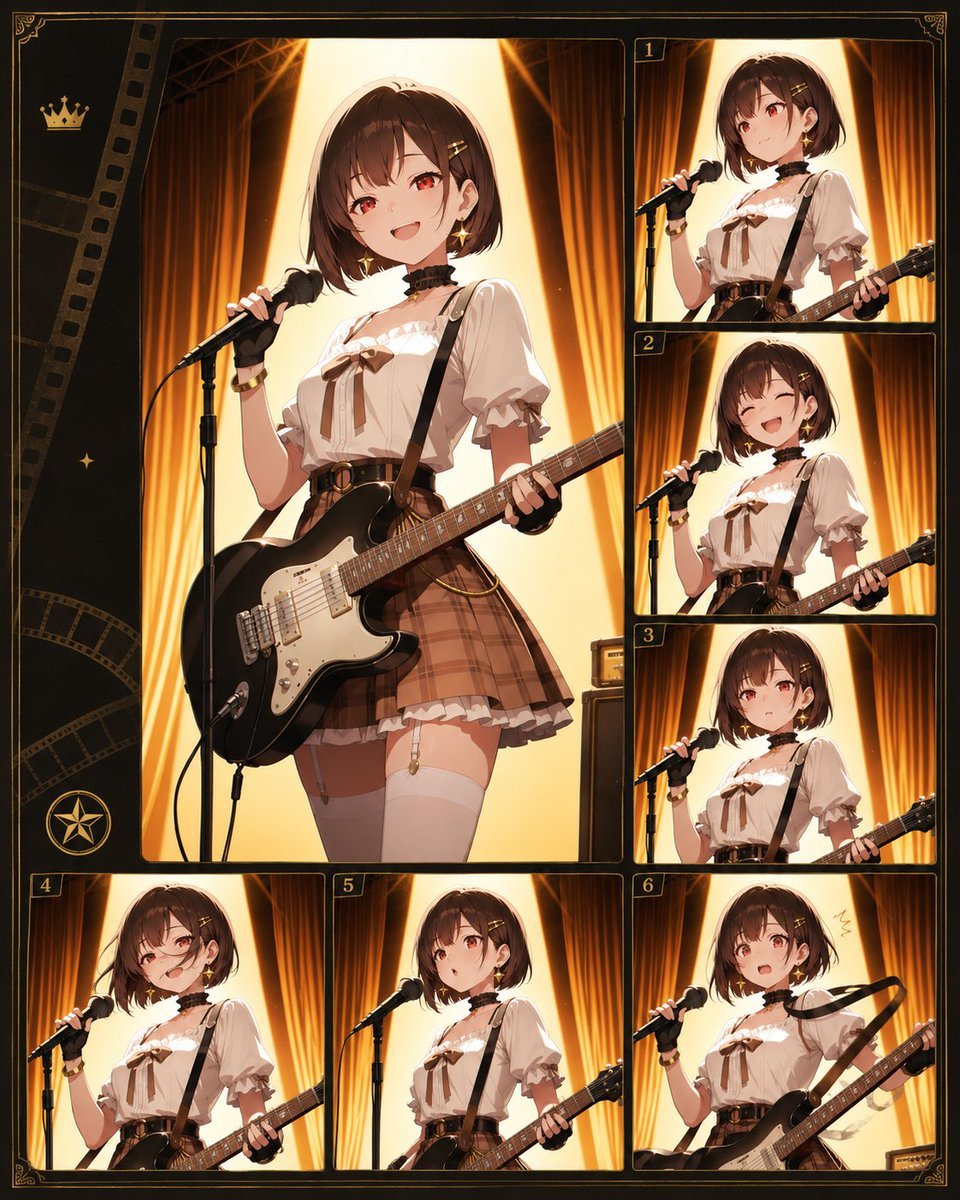
Anime Idol Guitarist Contact Sheet
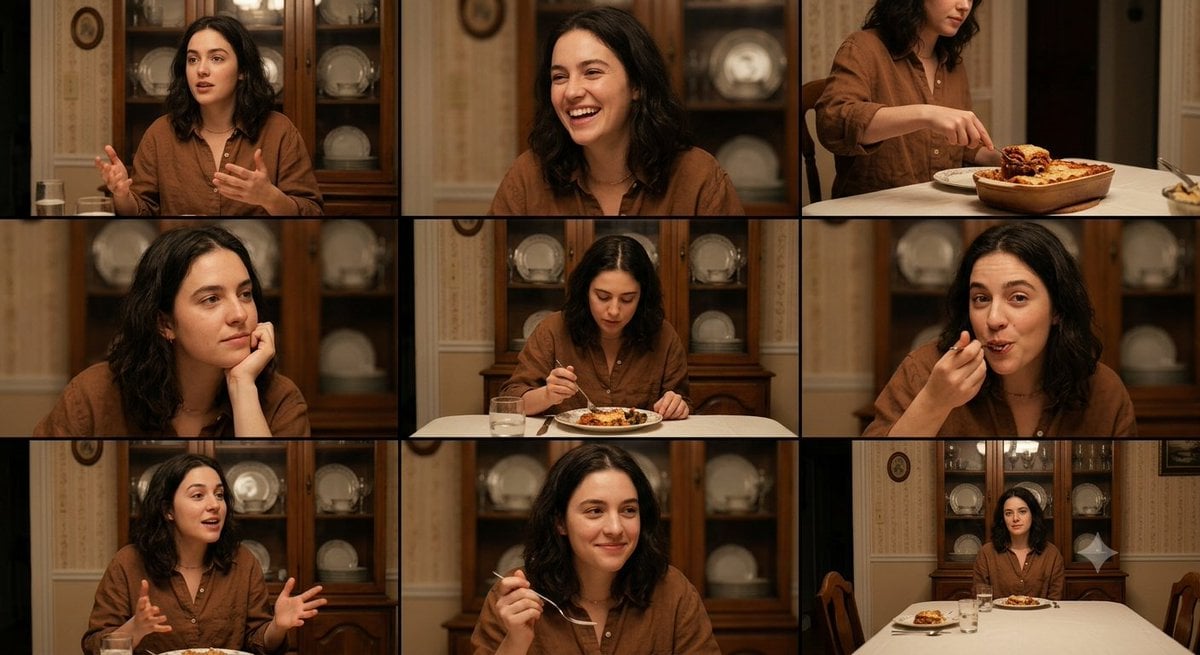
Family Dinner Cinematic Contact Sheet

A 3x3 grid storyboard contact sheet comprised of nine candid, cinematic
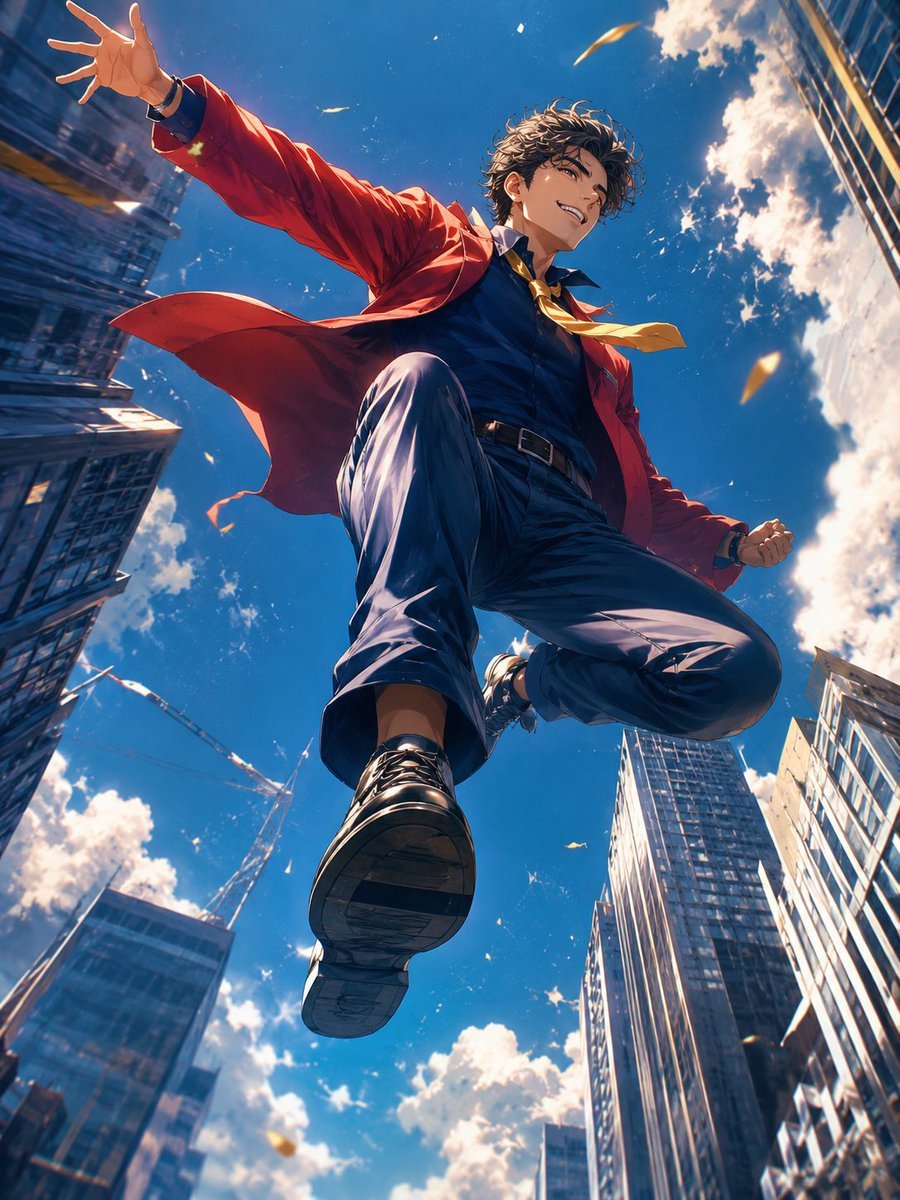
Anime Hero Leaping Through City Sky
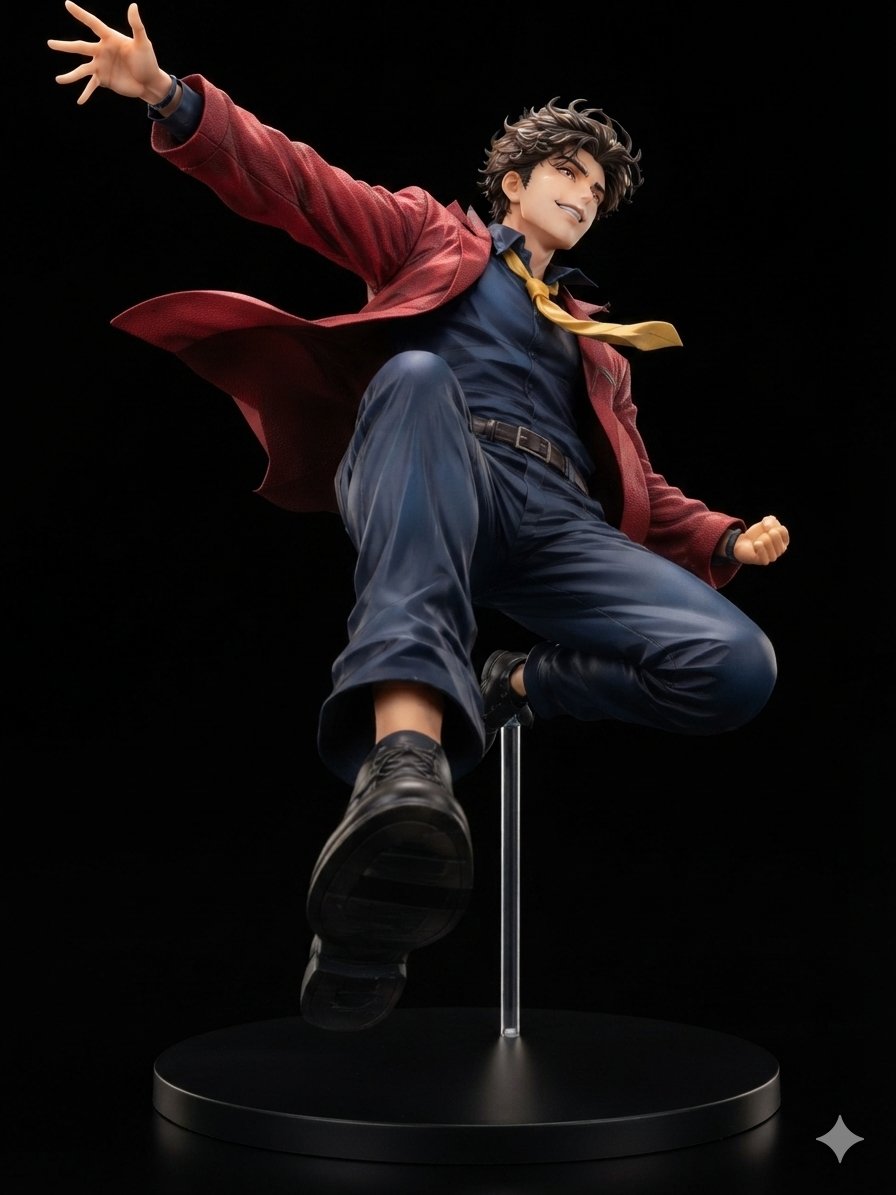
Dynamic Anime Hero Figure Render

Ancient Temple Interior Contact Sheet
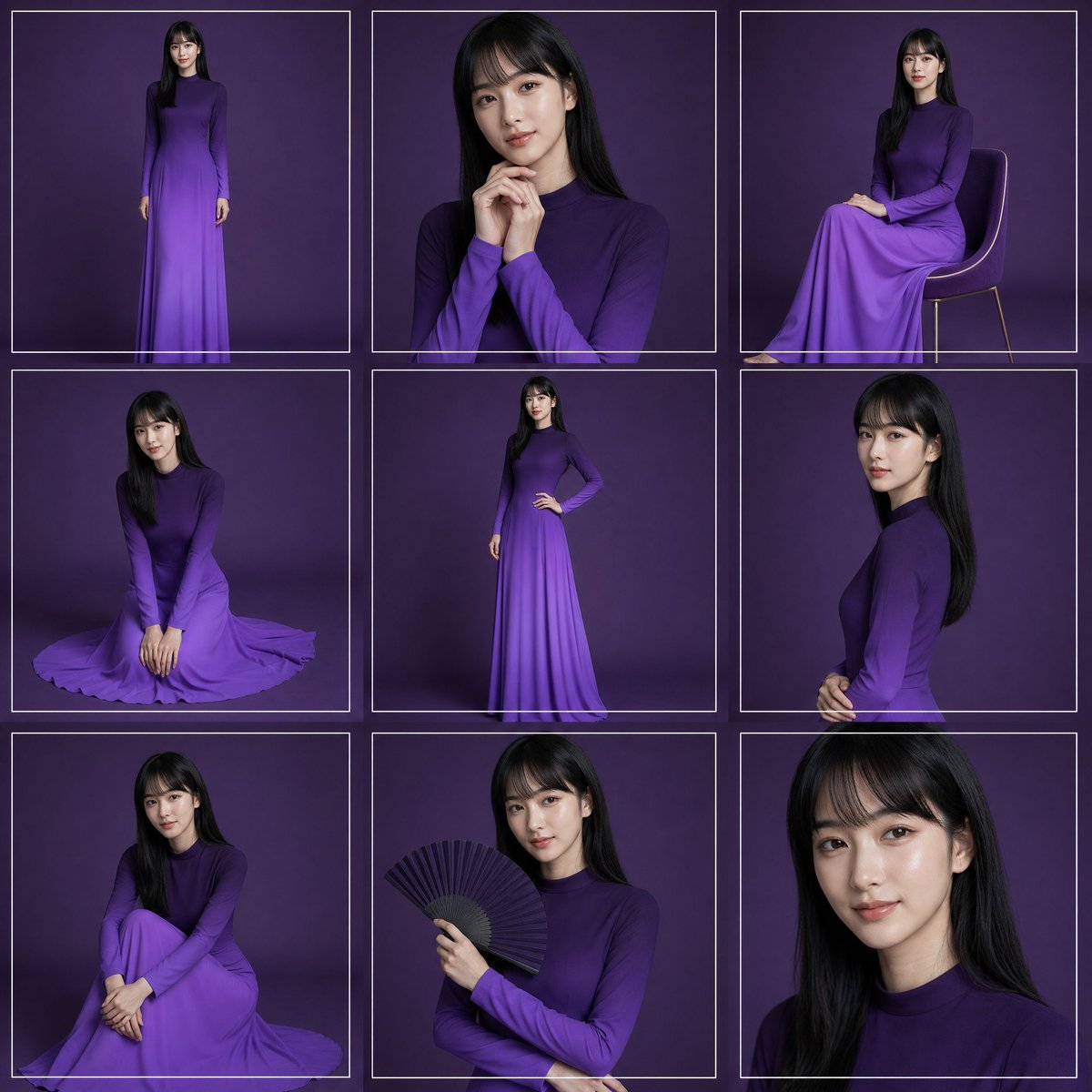
Purple Gown Fashion Contact Sheet
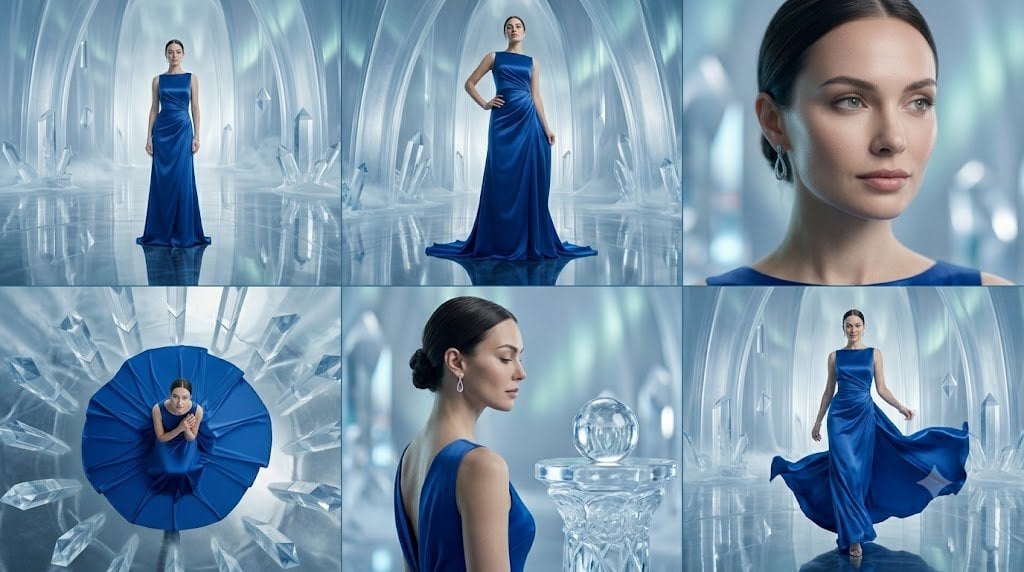
Crystal Palace Blue Gown Contact Sheet
Make it yours
Cyberpunk Anime Hero Contact Sheet works as-is. These are the safest ways to change it without losing the look.
Change one field
Copy a single group, rewrite it, and generate again so you can see what that field is doing.
Keep the frame, change the subject
Hold the composition and light of Cyberpunk Anime Hero Contact Sheet, then swap wardrobe, props or the person for a new take.
| If the result… | Why | Fix |
|---|---|---|
| The result drifts from the preview | Too many fields changed at once. | Reuse Cyberpunk Anime Hero Contact Sheet as-is first, then change one group — subject, light, or setting. |
| The model over-stylizes the scene | The prose prompt leaves finish and camera underspecified. | Add one camera or lighting sentence and stay on GPT Image 2. |
More GPT Image 2 templates
Other prompts made for GPT Image 2.

Six VTuber Japanese Logo Sheet

Realistic Portrait of Woman and Deer

The Vista Modular Condo Poster

AI Model Routing Comparison Infographic

2.5D Anime Art Board

Isometric Productivity Desk Scene

New York Double Exposure Poster

Four-Panel AI Landscape Comparison

Japanese Tatami Lifestyle Magazine Cover

NESCAFÉ Coffee Map Poster
More image prompts
Fresh picks from across the catalog.
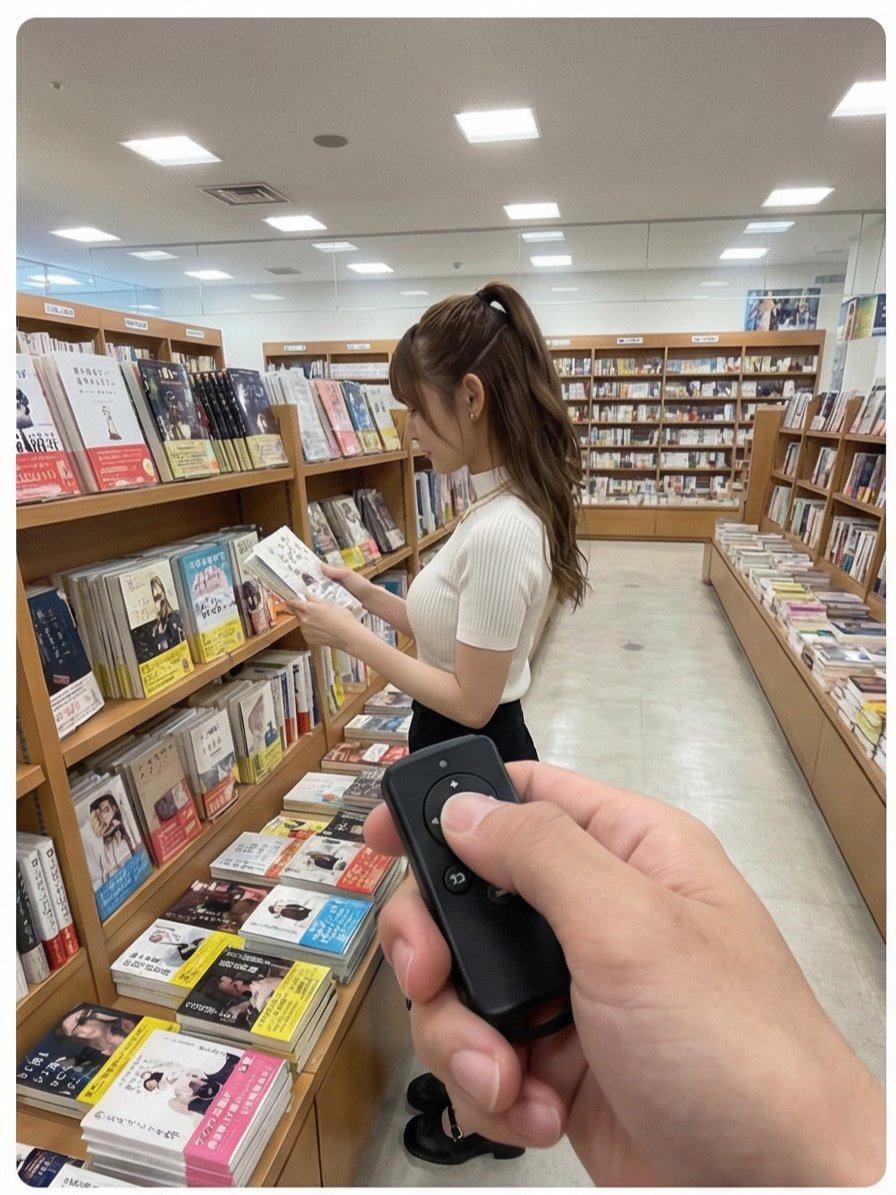
Multi-Angle Scene Generation Prompt (Oshi no Ko Style)
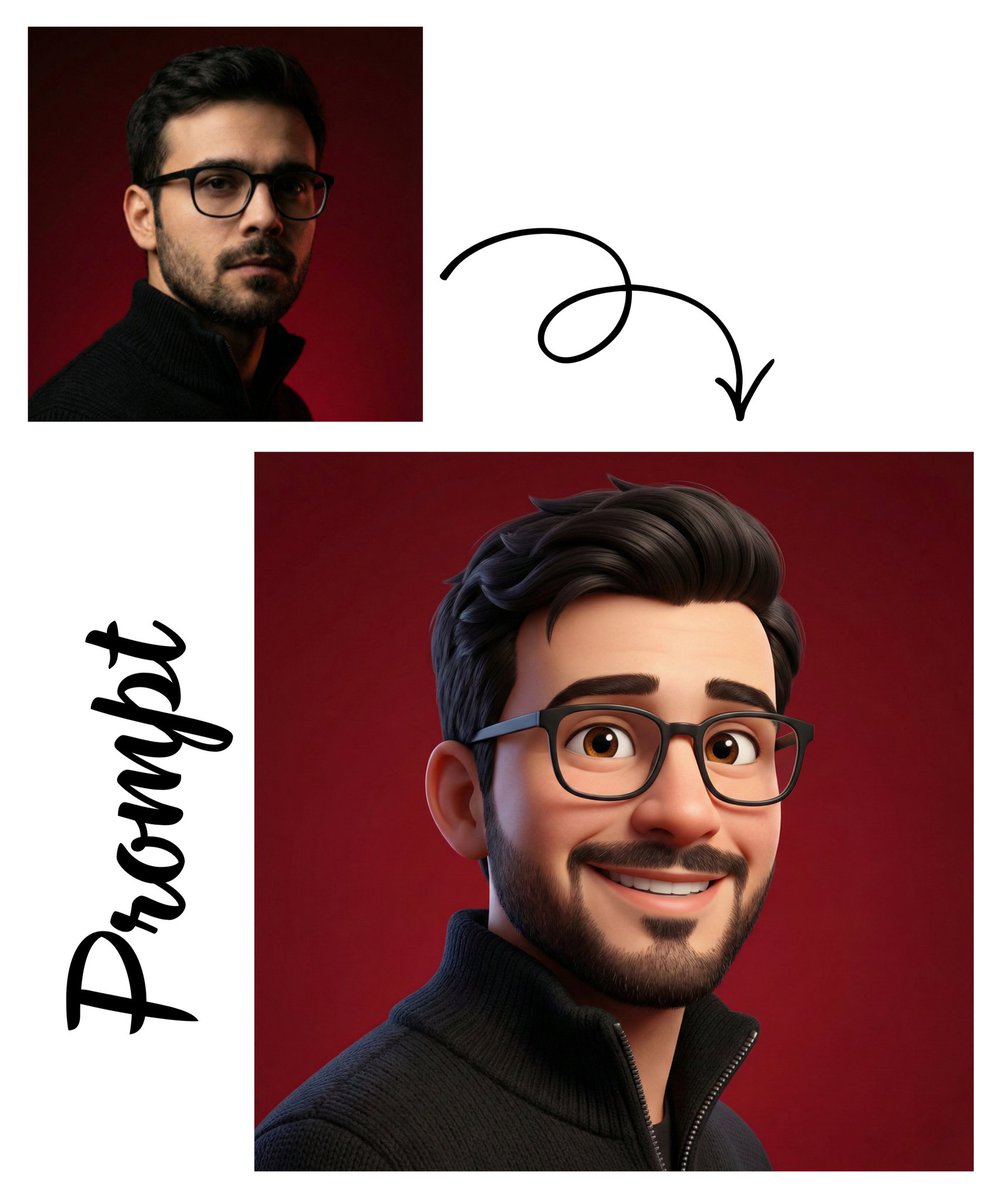
Detailed Pixar Style 3D Avatar Generation Prompt
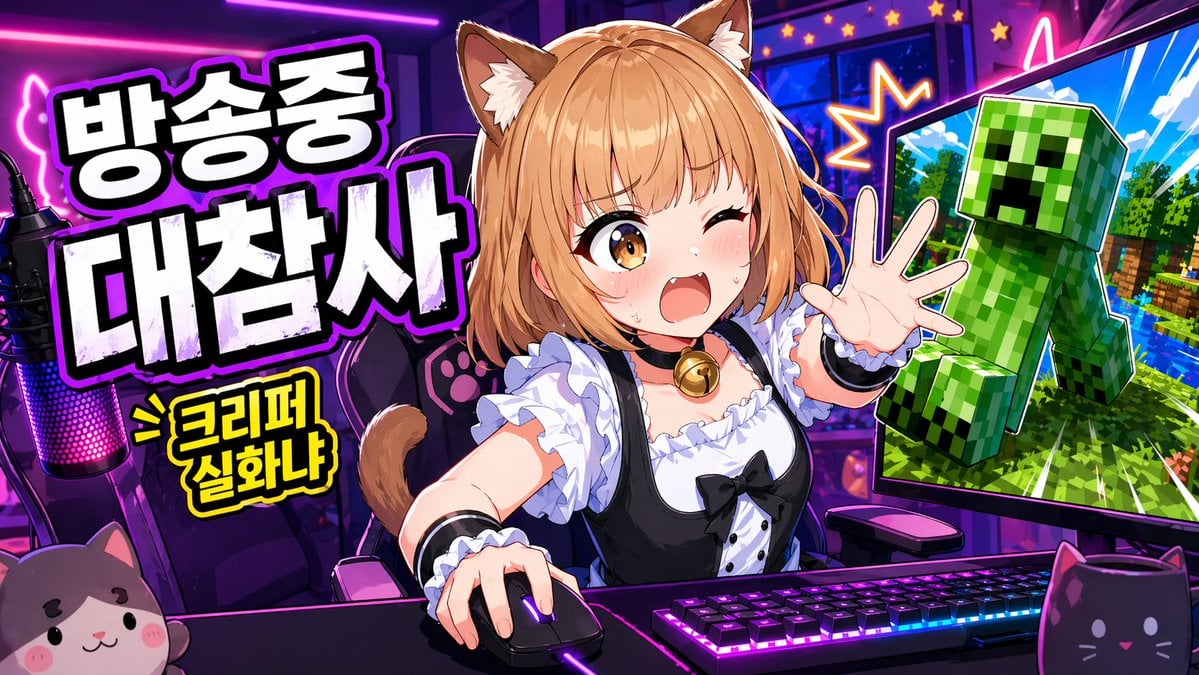
Anime VTuber Minecraft Stream Thumbnail
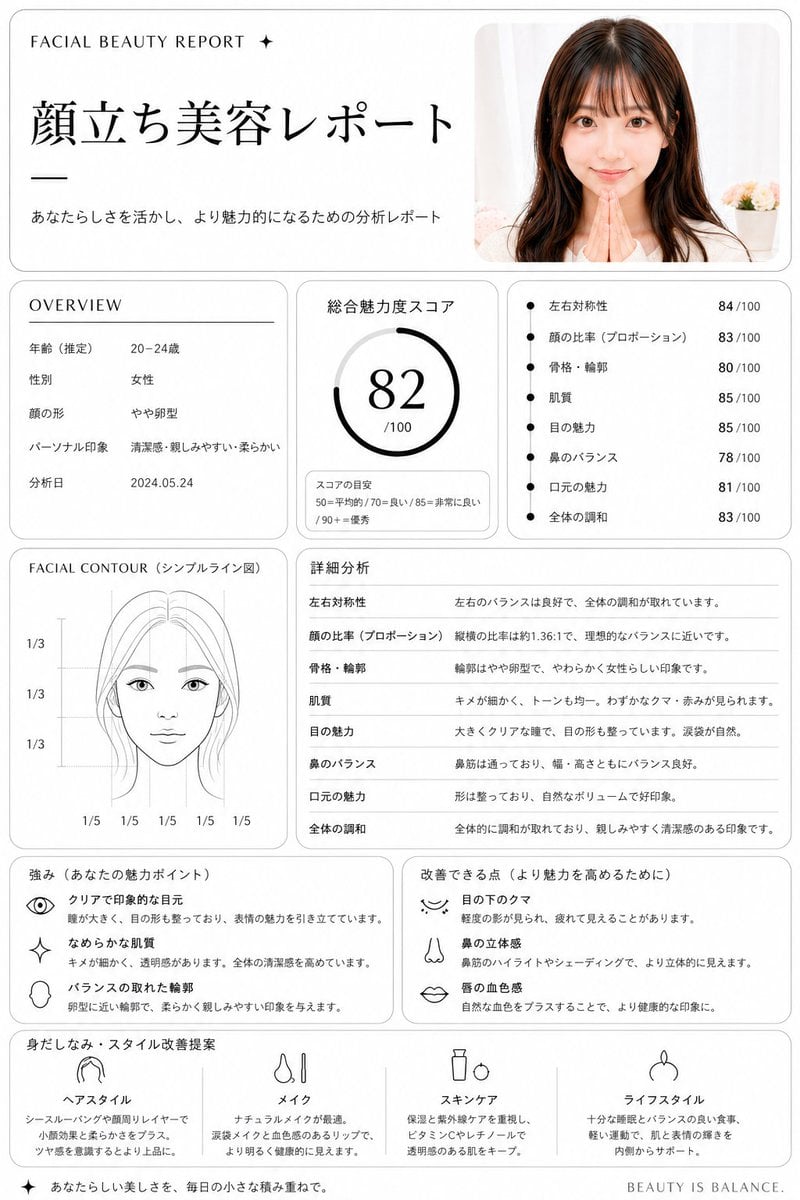
Minimalist facial beauty report
Travel Diary Fridge Magnet Poster
High Contrast Urban Silhouette
Cinematic Noir Film Strip Display
Convenience Store Candid Portrait

Ethereal Fantasy Portrait

Vintage Pomegranate Growth Atlas
Browse template categories
Cyberpunk Anime Hero Contact Sheet questions
How do I use the Cyberpunk Anime Hero Contact Sheet template?
Add your photo if the template asks for one, edit the prompt if you like — the template's model and format are already selected — and press Generate. Your version opens in PicX Studio.
Can I customize the Cyberpunk Anime Hero Contact Sheet template?
Yes. You can change the subject, setting, lighting, mood, format, and available model controls before creating your image.
Is the Cyberpunk Anime Hero Contact Sheet template free?
Opening and editing this template is free. Generating uses credits, shown on the Generate button when you are signed in.
Which AI model should I use?
Start with GPT Image 2, which is the model associated with this template. You can compare another compatible model for a different finish.
Looking for something else? Browse all templates.

Your photo, any look
Thousands of ready templates for every top image and video model, from one credit balance.