
Cinematic Noir Film Strip Display
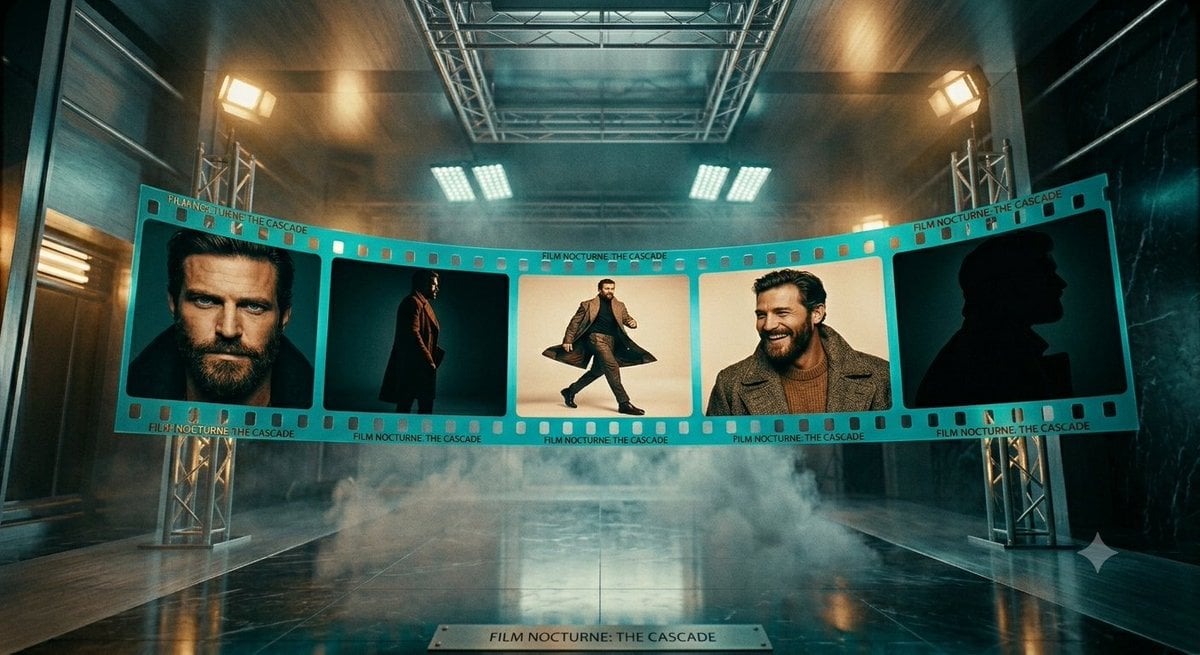
Generates a dramatic photorealistic studio scene with a suspended five-frame noir film strip, useful for film promotion visuals or concept art.
- Prompt included
- Model and format preset
- Free template
The prompt behind this image
Copy the exact prompt behind Cinematic Noir Film Strip Display, or open it in the studio and make it yours.
Create a cinematic wide-angle studio scene showing a large turquoise 35mm film strip suspended in a dark industrial soundstage. The film strip curves gently across the middle of the frame from left to right, supported by silver truss towers on both sides, with visible sprocket holes along the top and bottom edges and small repeated printed text reading “FILM NOCTURNE: THE CASCADE.” The strip contains exactly 5 large rectangular film frames: frame 1 shows a close cropped male portrait with the face intentionally blurred, dark hair and dark clothing; frame 2 shows a full-body man standing in profile wearing a long dark coat against a teal background; frame 3 shows a man mid-stride in a dramatic coat, centered on a warm cream background; frame 4 shows a close portrait of a man in a textured gray coat and brown sweater with the face intentionally blurred; frame 5 shows a dark black silhouette profile of a man in a coat against a deep teal background. Use the title text {argument name="film title" default="FILM NOCTURNE: THE CASCADE"} repeatedly on the film strip border and on a small metal plaque centered on the glossy floor in the foreground. The environment is moody and high-budget: wet reflective black floor, low rolling fog, overhead metal rigging, rectangular studio lights glowing warm amber and cool white, teal-and-orange color grading, volumetric haze, strong perspective depth, symmetrical composition, realistic materials, dramatic cinematic lighting, 16:9 aspect ratio. The main subject is a mysterious male actor styled like a modern noir character, wearing {argument name="coat style" default="long dark tailored overcoat"}, with {argument name="background color palette" default="teal, amber, black, and cream"}. Keep the faces in frames 1 and 4 softly anonymized/blurred while preserving the rest of the image sharp and photorealistic. Do not add extra frames, extra readable text, logos, or watermarks.
How to use Cinematic Noir Film Strip Display in 3 steps
- 1Upload ImagePNG, JPG or paste
Add your photo
Upload the photo the template builds on. The prompt, model and format are already set.
- 2…a portrait of your subject in softgolden-hour light, 85mm…
Personalize
Edit the subject and creative details for your destination.
- 3Generate
Generate
Press Generate — your image is created in PicX Studio, so you can compare it with the original and refine one variable at a time.
More like this
Templates with the same subject, style or setup. Open one to see its prompt.
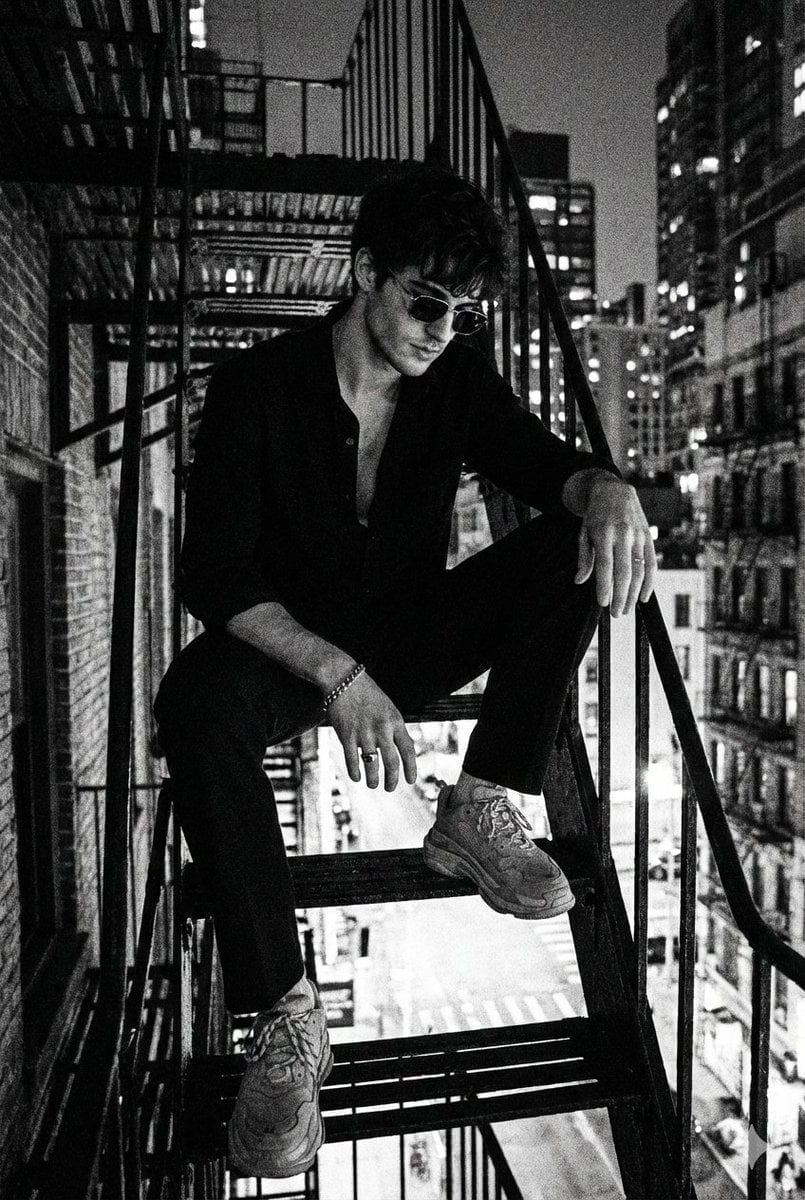
Film Noir Detective Rain
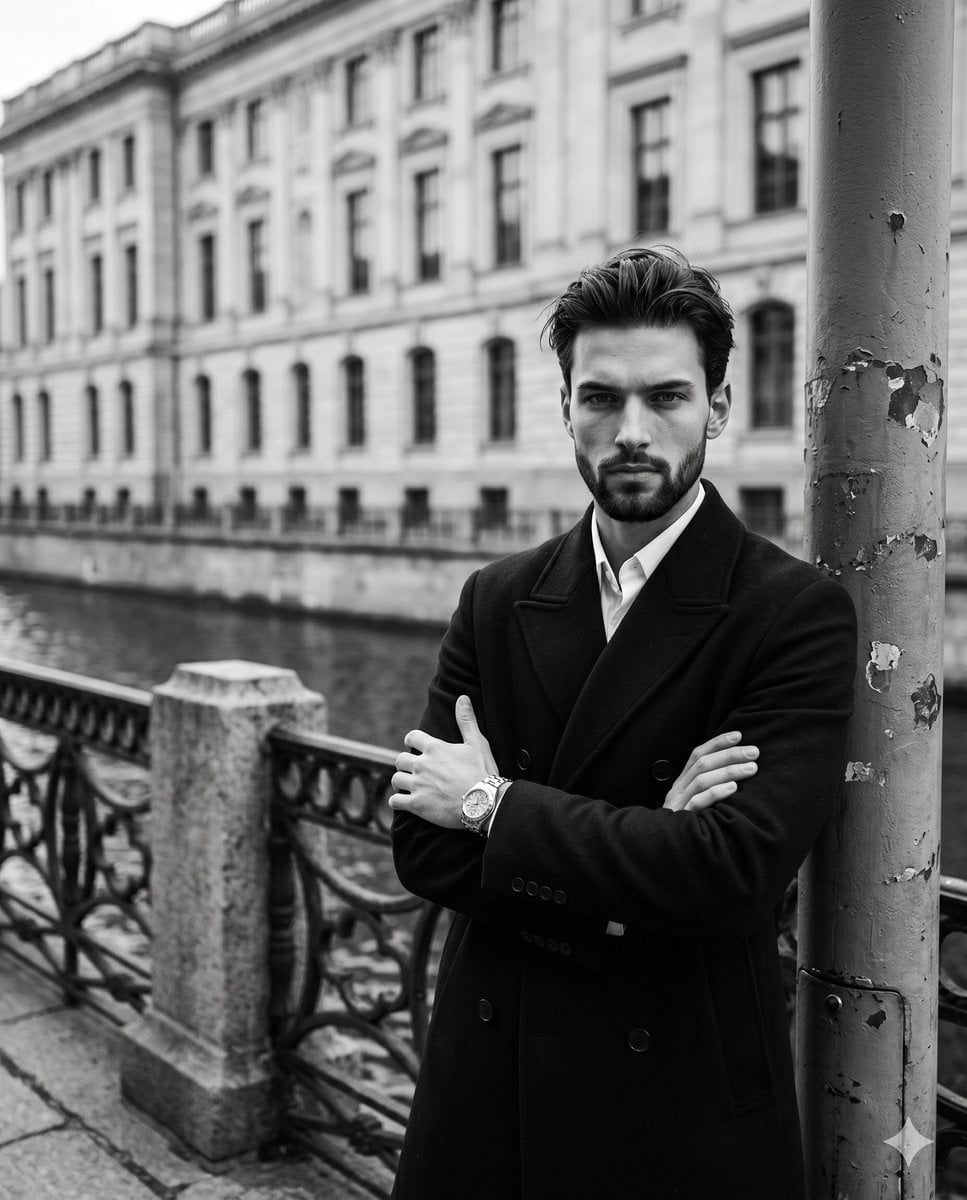
Monochromatic Film Noir Male Portrait
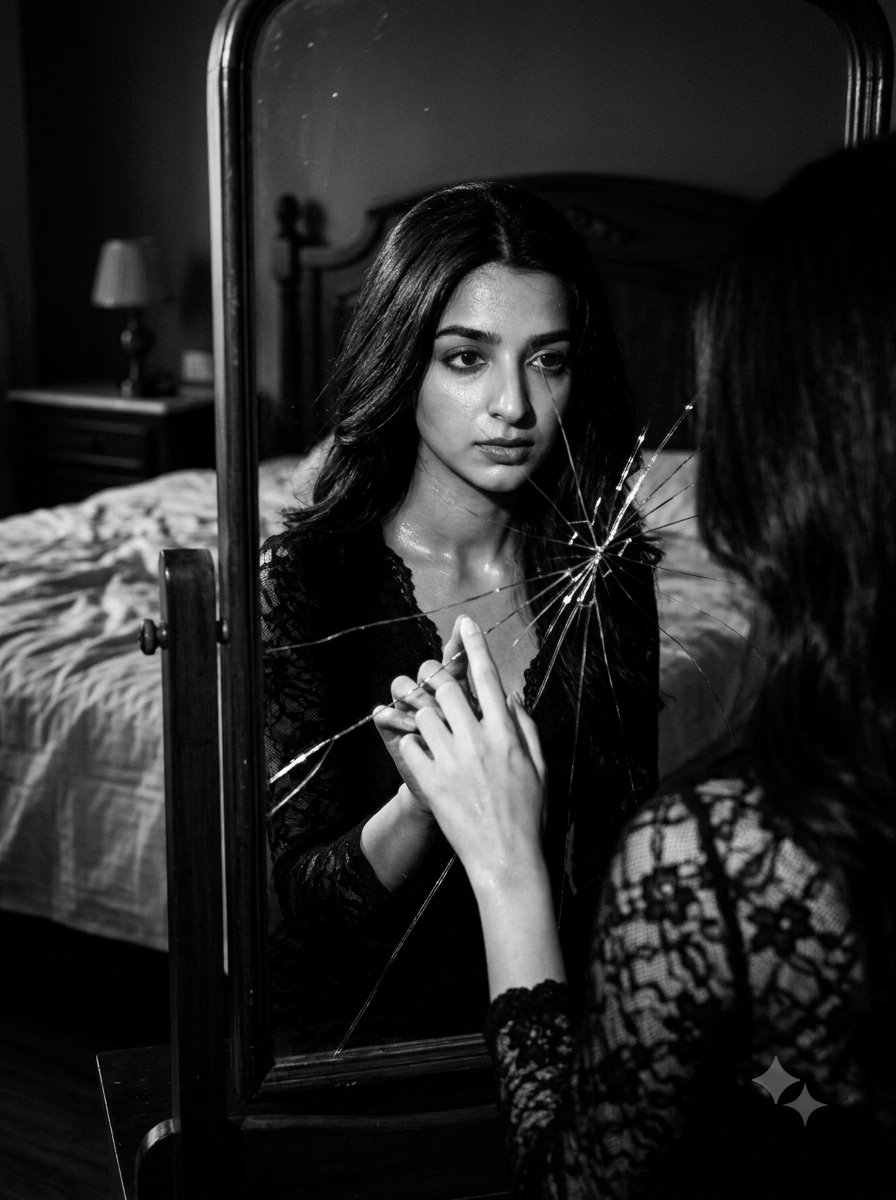
Film Noir Cracked Mirror Portrait

Sepia Family Portrait Studio

Monogram Luggage Cart

Statue Garden Twilight

Opera Glasses Velvet Seat

Fountain Pen Ink Splash

Manor Garden Topiary Path

Black And White Piano Keys

Cigar Lounge Leather Smoke

Fountain Plaza Pigeons
Make it yours
Cinematic Noir Film Strip Display works as-is. These are the safest ways to change it without losing the look.
Change one field
Copy a single group, rewrite it, and generate again so you can see what that field is doing.
Keep the frame, change the subject
Hold the composition and light of Cinematic Noir Film Strip Display, then swap wardrobe, props or the person for a new take.
| If the result… | Why | Fix |
|---|---|---|
| The result drifts from the preview | Too many fields changed at once. | Reuse Cinematic Noir Film Strip Display as-is first, then change one group — subject, light, or setting. |
| The model over-stylizes the scene | The prose prompt leaves finish and camera underspecified. | Add one camera or lighting sentence and stay on GPT Image 2. |
More GPT Image 2 templates
Other prompts made for GPT Image 2.

Six VTuber Japanese Logo Sheet

Realistic Portrait of Woman and Deer

The Vista Modular Condo Poster

AI Model Routing Comparison Infographic

2.5D Anime Art Board

Isometric Productivity Desk Scene

New York Double Exposure Poster

Four-Panel AI Landscape Comparison

Japanese Tatami Lifestyle Magazine Cover

NESCAFÉ Coffee Map Poster
More image prompts
Fresh picks from across the catalog.
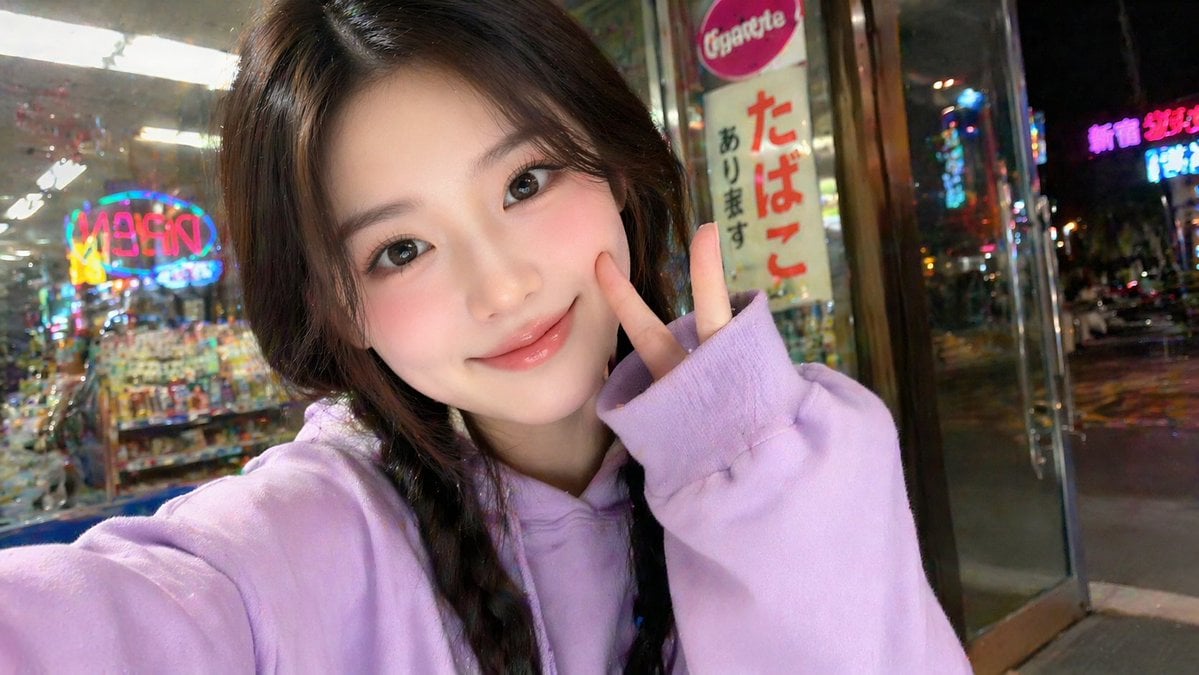
East Asian Girl Influencer Portrait
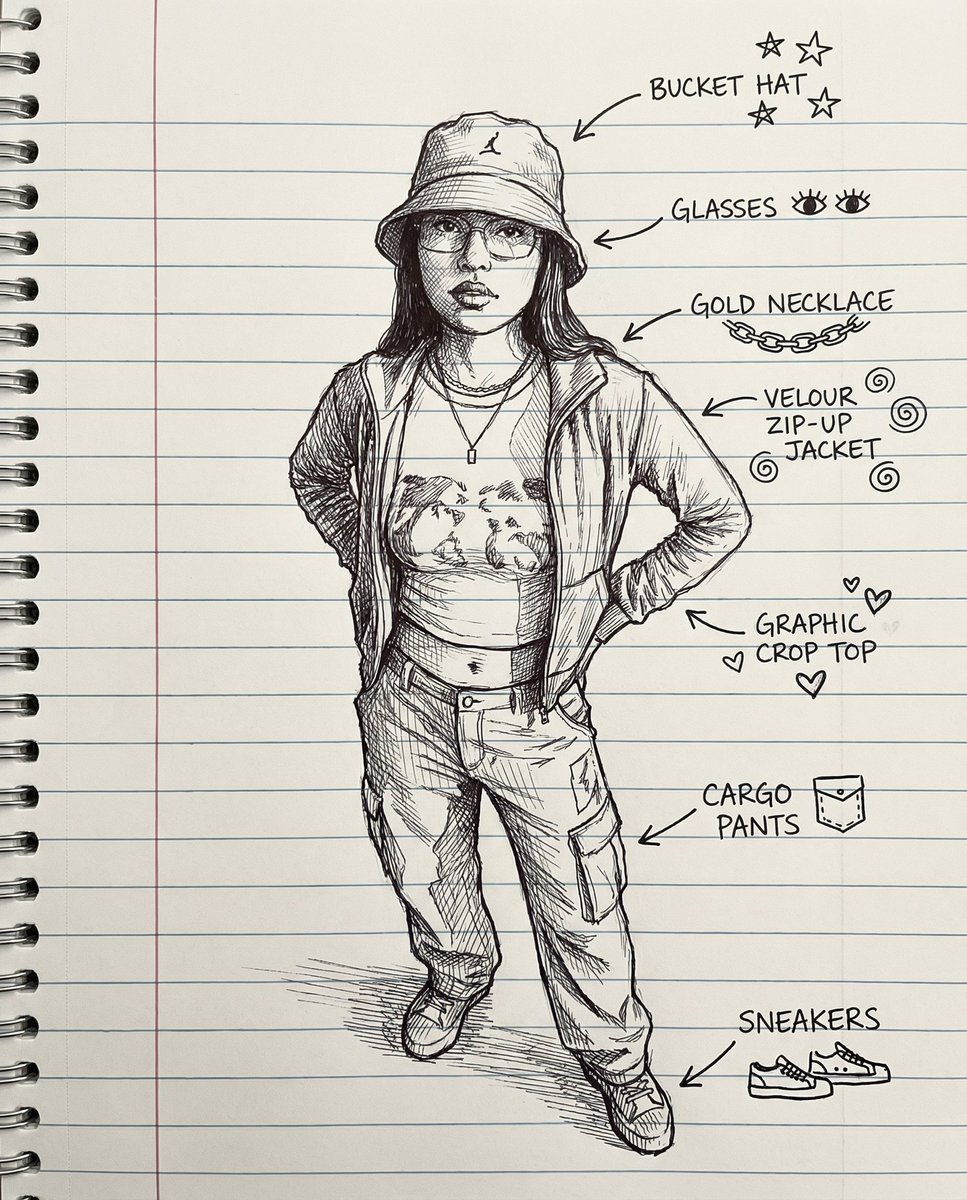
Sketch Drawing Annotation Prompt

Candid Portrait Hugging a Poodle in a Park
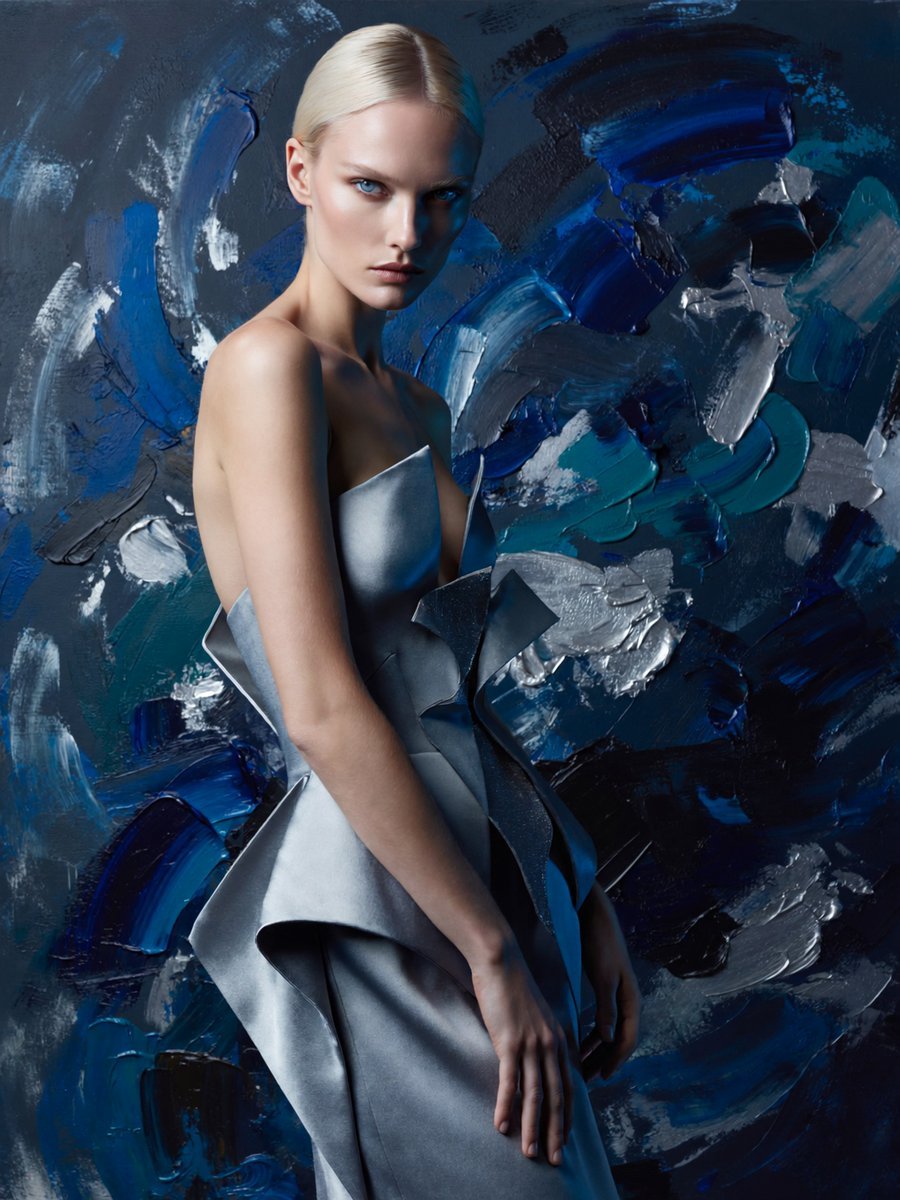
Anonymous Couture Portrait
Seedance - Arrow Microscopic Battle
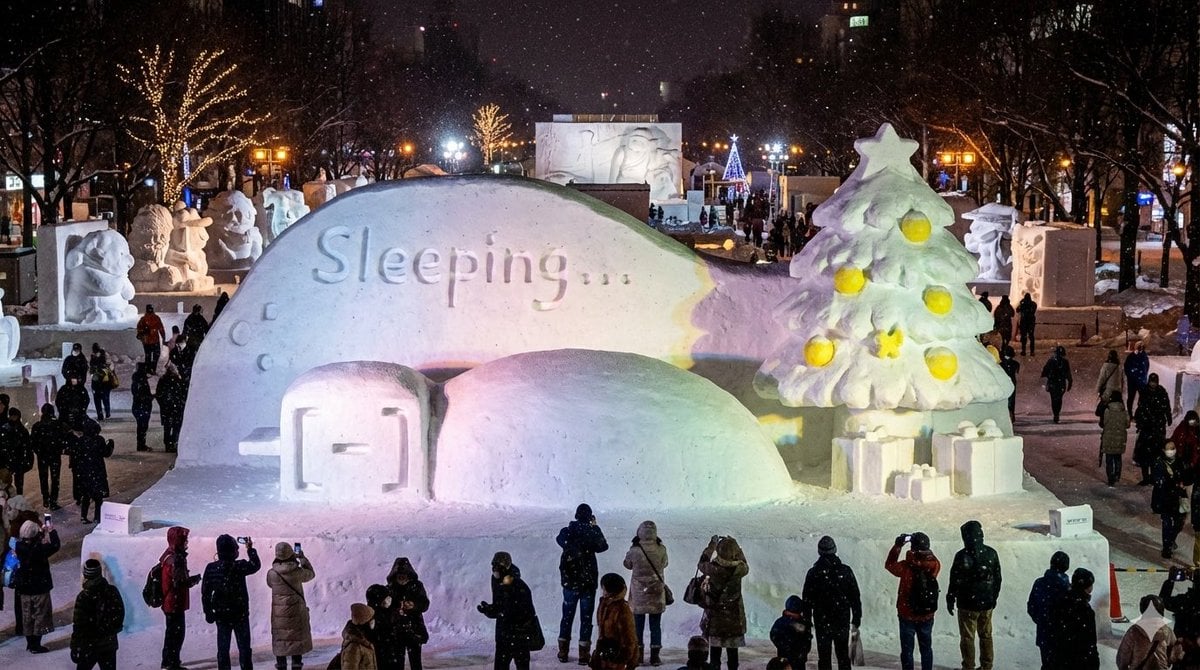
Snow Statue of Not Wanting to Leave the Futon
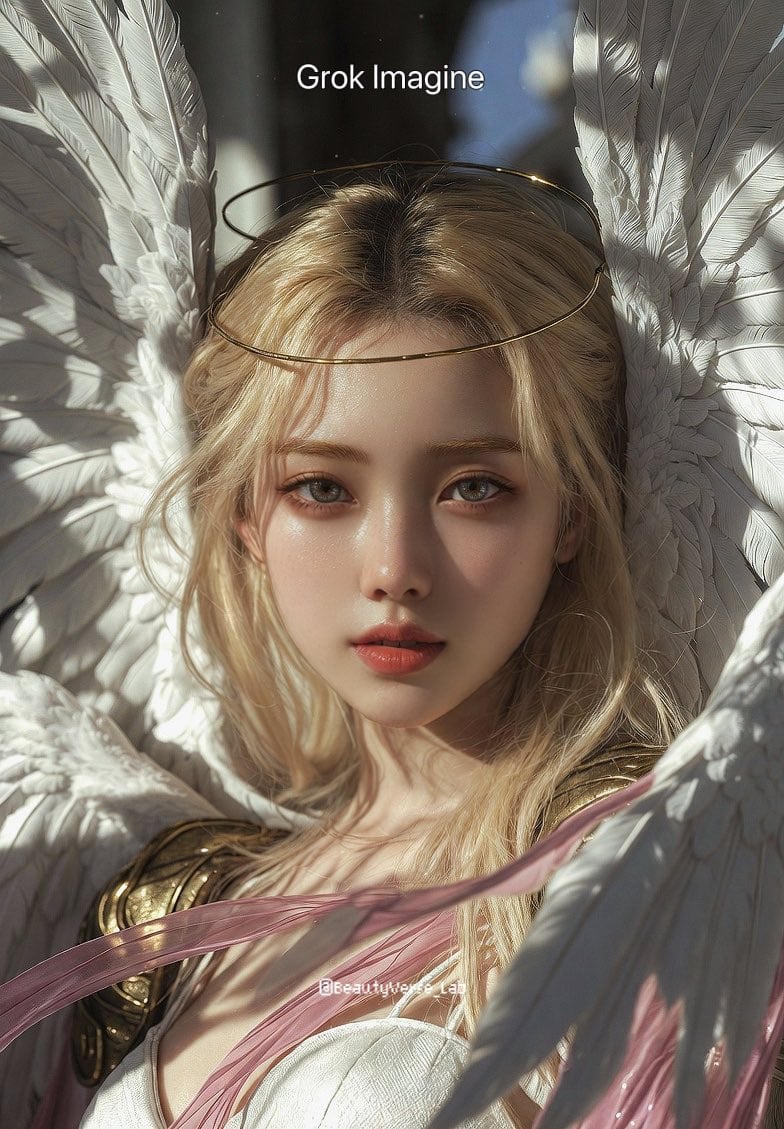
Grok Imagine vs. Nano Banana Pro: Angewomon K-pop Idol Prompt
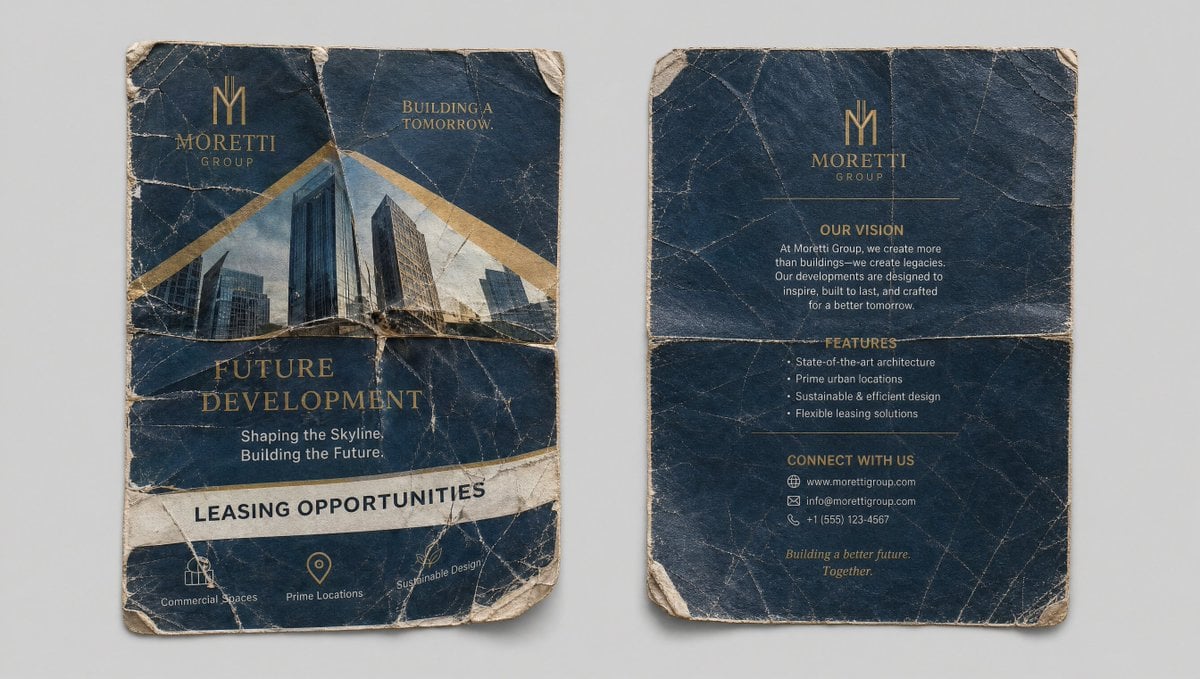
Crumpled Flyer Reference Sheet

Professional Studio Portrait Headshots
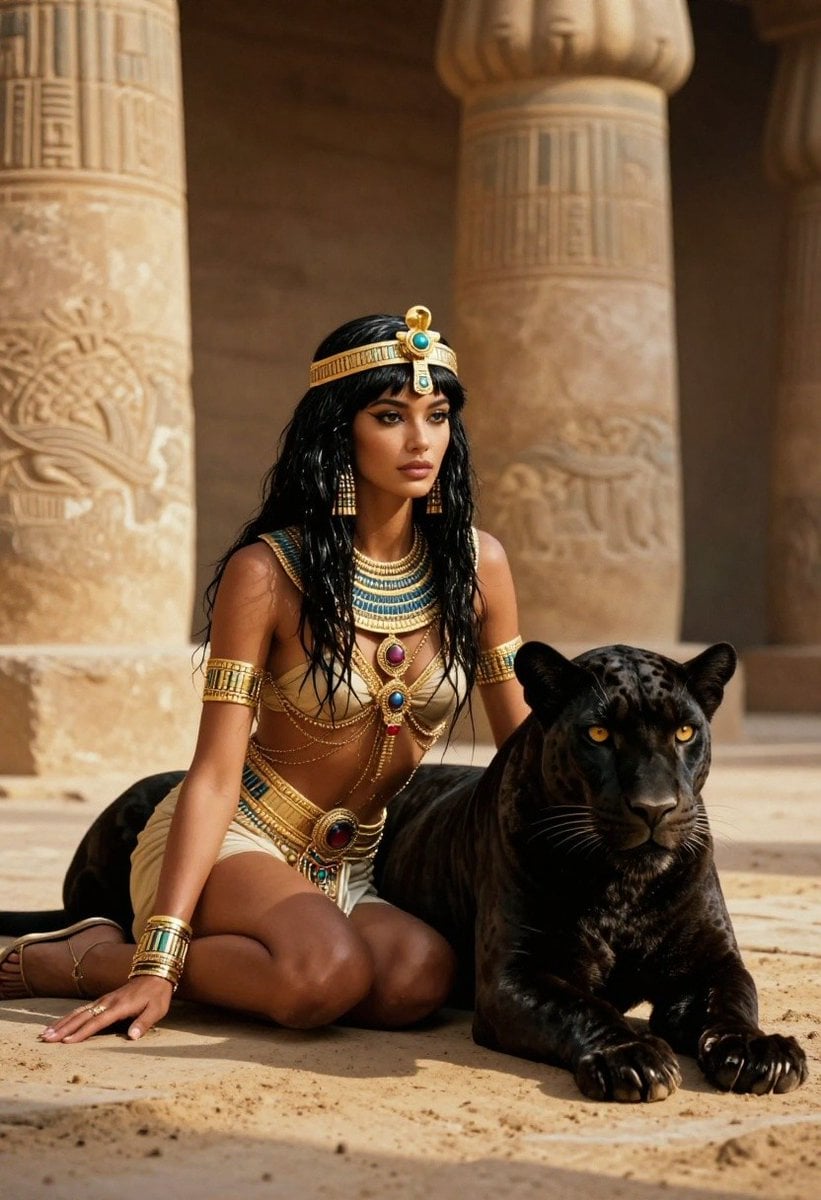
Ancient Egyptian Queen with Black Panther
Browse template categories
Cinematic Noir Film Strip Display questions
How do I use the Cinematic Noir Film Strip Display template?
Add your photo if the template asks for one, edit the prompt if you like — the template's model and format are already selected — and press Generate. Your version opens in PicX Studio.
Can I customize the Cinematic Noir Film Strip Display template?
Yes. You can change the subject, setting, lighting, mood, format, and available model controls before creating your image.
Is the Cinematic Noir Film Strip Display template free?
Opening and editing this template is free. Generating uses credits, shown on the Generate button when you are signed in.
Which AI model should I use?
Start with GPT Image 2, which is the model associated with this template. You can compare another compatible model for a different finish.
Looking for something else? Browse all templates.

Your photo, any look
Thousands of ready templates for every top image and video model, from one credit balance.