
Detailed Pixar Style 3D Avatar Generation Prompt
A detailed prompt for Gemini Nano Banana Pro to convert an uploaded image into a 3D virtual avatar.
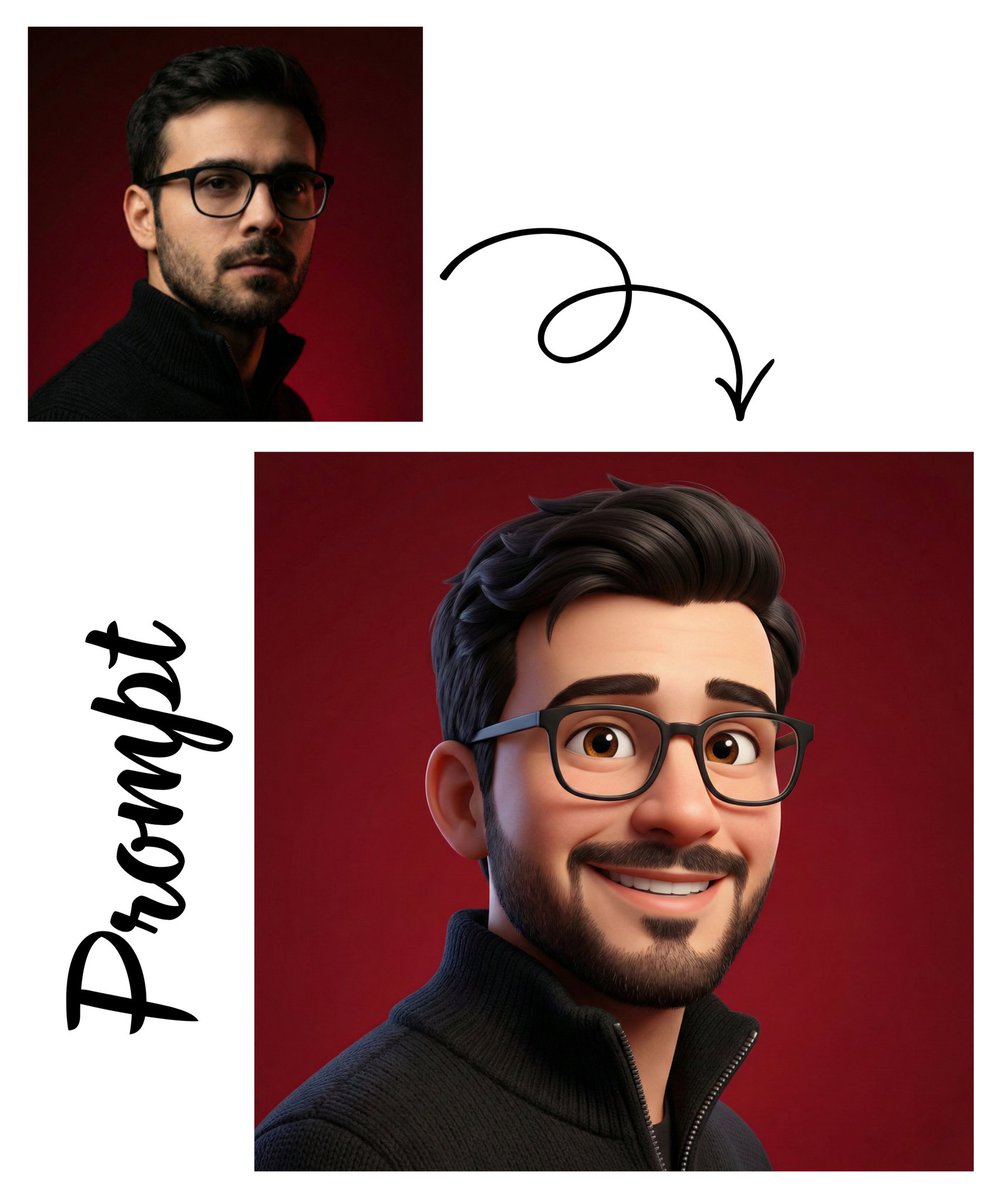
- Prompt included
- Model and format preset
- Free template
The prompt behind this image
Copy the exact prompt behind Detailed Pixar Style 3D Avatar Generation Prompt, or open it in the studio and make it yours.
根据上传的图像创建一个高质量的 3D 虚拟形象,面部表情欢快有表现力。角色应该有温暖的微笑、明亮的眼睛和柔和的面部特征,给人友好亲切的感觉。采用{argument name="style" default="皮克斯风格美学"},具有光滑纹理、细微肤色阴影和略微夸张的比例,呈现可爱的动画效果。灯光应柔和均匀,营造干净的工作室效果,柔和的阴影增添深度感。
How to use Detailed Pixar Style 3D Avatar Generation Prompt in 3 steps
- 1
Open
The prompt is already in the box next to the preview, with the template's model and format selected.
- 2…a portrait of your subject in softgolden-hour light, 85mm…
Personalize
Edit the subject and creative details for your destination.
- 3Generate
Generate
Press Generate — your image is created in PicX Studio, so you can compare it with the original and refine one variable at a time.
More like this
Templates with the same subject, style or setup. Open one to see its prompt.
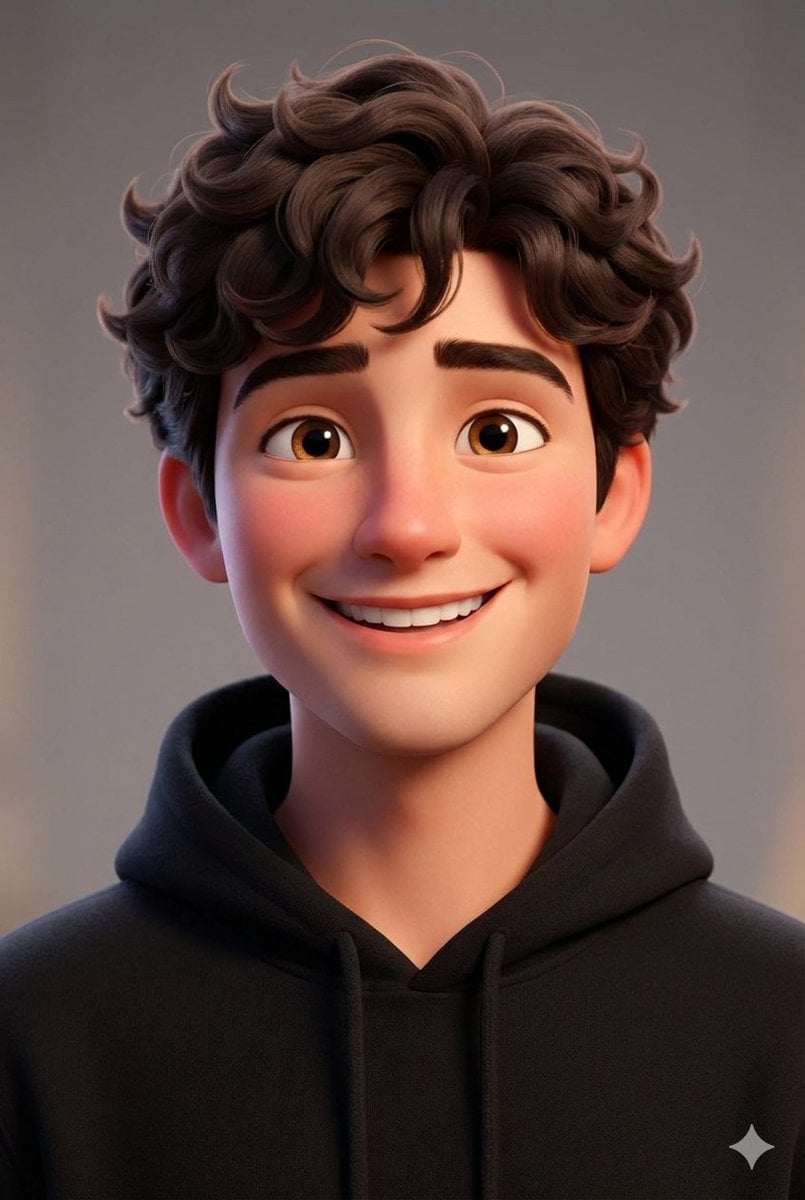
Pixar-style 3D avatar generation prompt

Felt & Knit 3D Character — Photo-Exact Face, Pixar-Quality Plush Figurine

CGI 3D Finale Fireworks

CGI 3D Garden Maze

CGI 3D Rooftop Concert

CGI 3D Bicycle Coast

CGI 3D Castle Gate

CGI 3D Kitchen Chaos

CGI 3D Carnival Ride

CGI 3D Rainy Bus Stop

CGI 3D Space Dock

CGI 3D Cafe Morning
Make it yours
Detailed Pixar Style 3D Avatar Generation Prompt works as-is. These are the safest ways to change it without losing the look.
Change one field
Copy a single group, rewrite it, and generate again so you can see what that field is doing.
Keep the frame, change the subject
Hold the composition and light of Detailed Pixar Style 3D Avatar Generation Prompt, then swap wardrobe, props or the person for a new take.
| If the result… | Why | Fix |
|---|---|---|
| The result drifts from the preview | Too many fields changed at once. | Reuse Detailed Pixar Style 3D Avatar Generation Prompt as-is first, then change one group — subject, light, or setting. |
| The model over-stylizes the scene | The prose prompt leaves finish and camera underspecified. | Add one camera or lighting sentence and stay on Nano Banana 2. |
More Nano Banana 2 templates
Other prompts made for Nano Banana 2.

Photorealistic Leaf Shaped Like a Dragon

K-Pop Idol Portrait Grid for Rapid Selection

Poetic Rain Forest Portrait During Golden Hour

Urban Street Portrait with Cartoon Inner Self Duo

Candid Nighttime Photo with Cat Prompt

High-Concept 3D Diorama Generation Prompt

Cinematic Futuristic Studio Portrait Template

Skincare Editorial Photography Collage Prompt

Hyper-Realistic Commercial Product Photography (Splash Effect)

Hyper-Realistic Nightclub Portrait Prompt
More image prompts
Fresh picks from across the catalog.
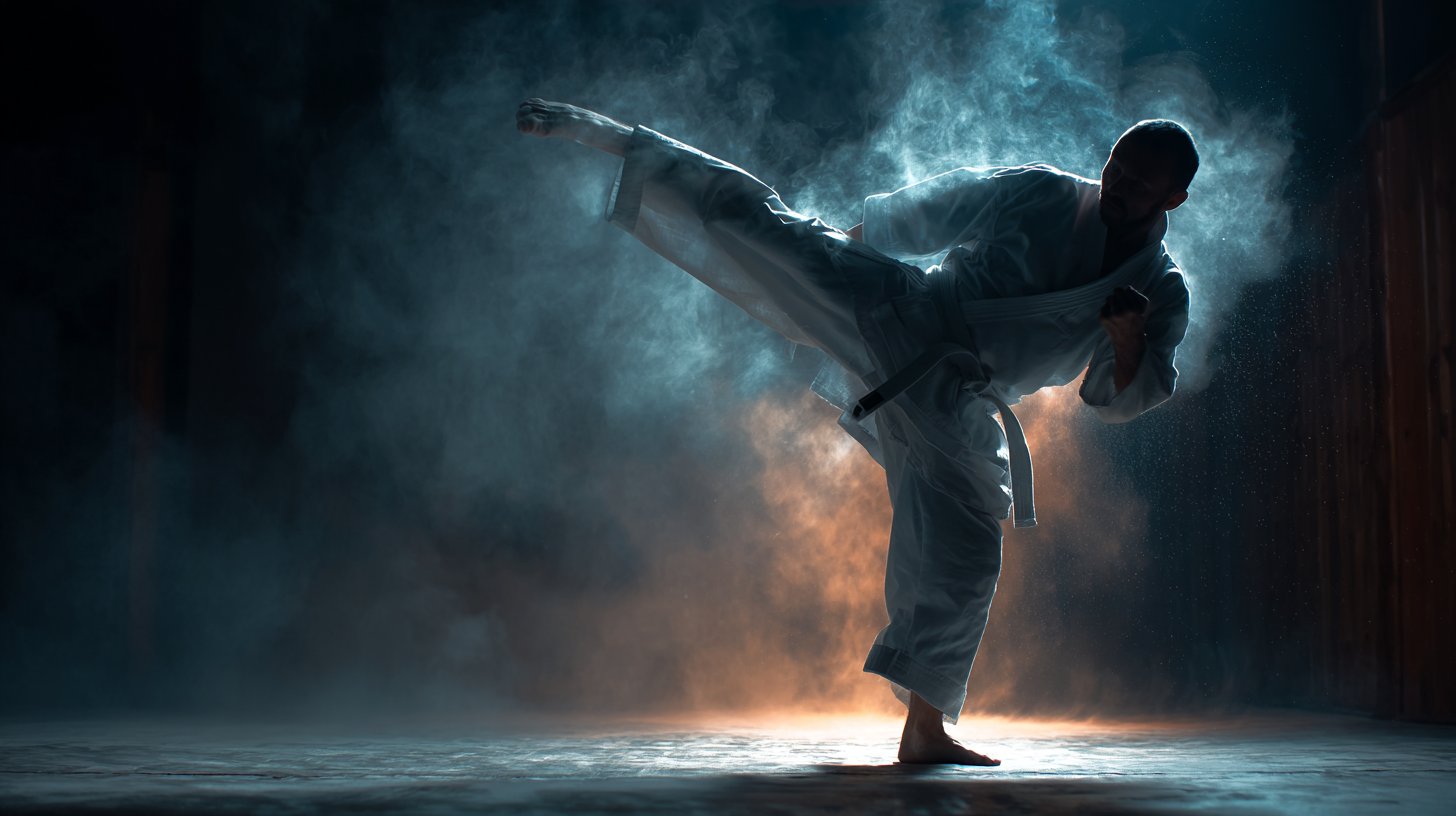
untitled
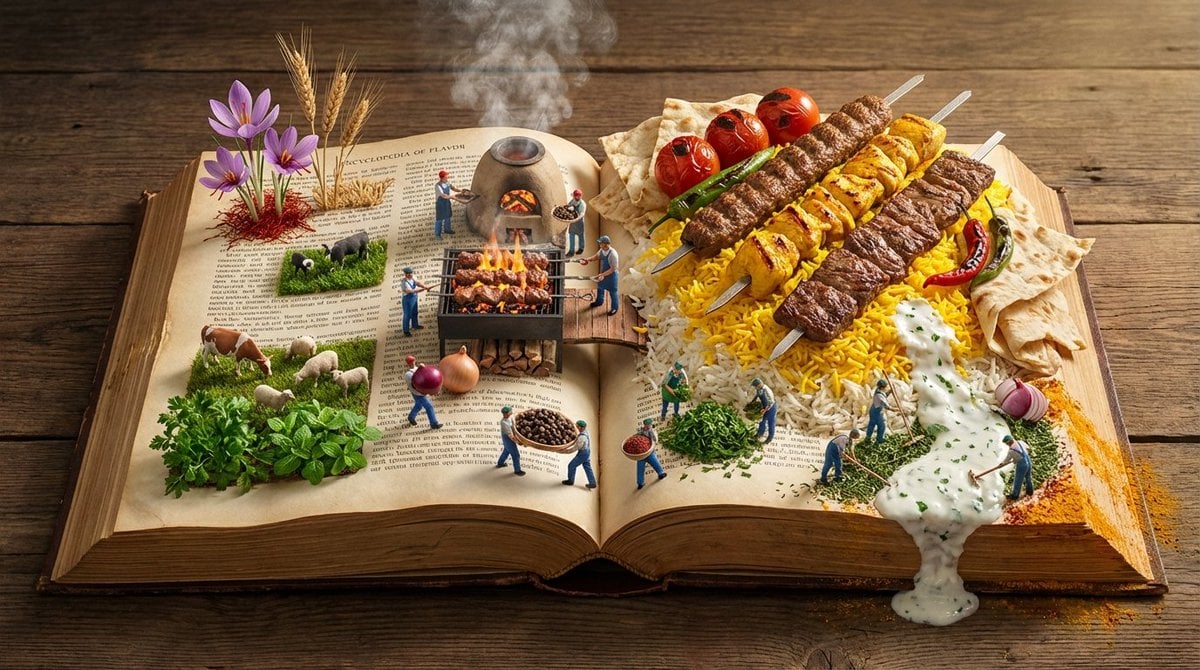
Encyclopedia of Flavor Diorama Generator
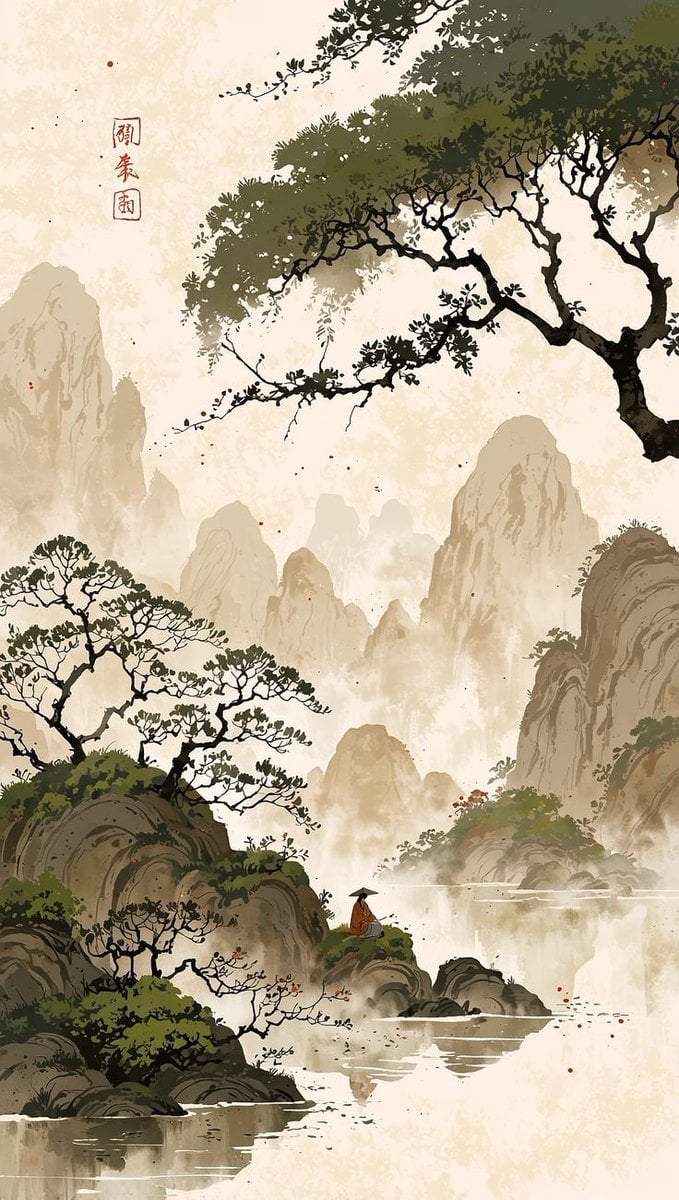
Cinematic Chinese Ink Landscape
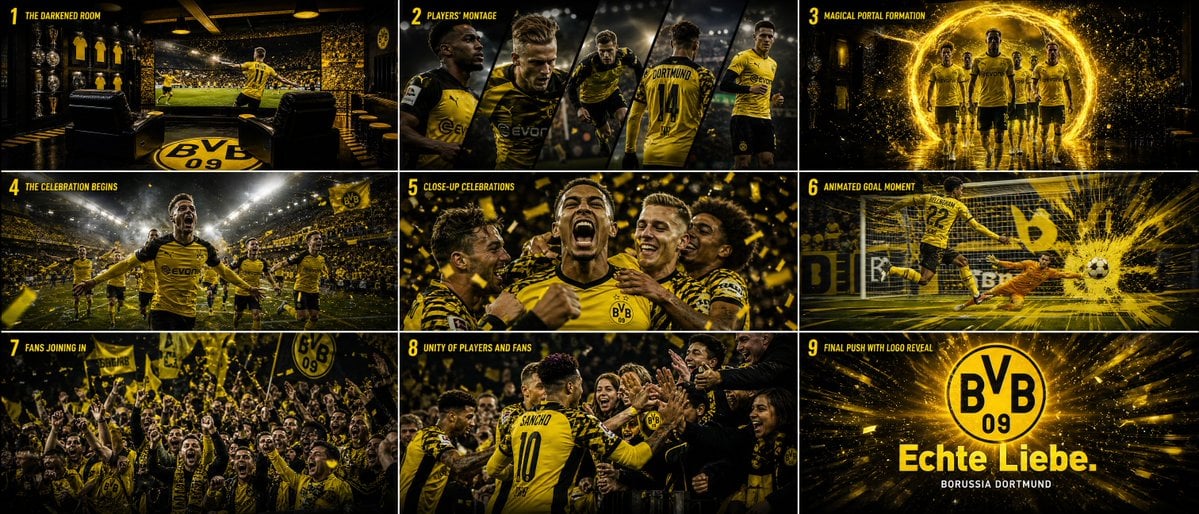
Cinematic Sports Storyboard
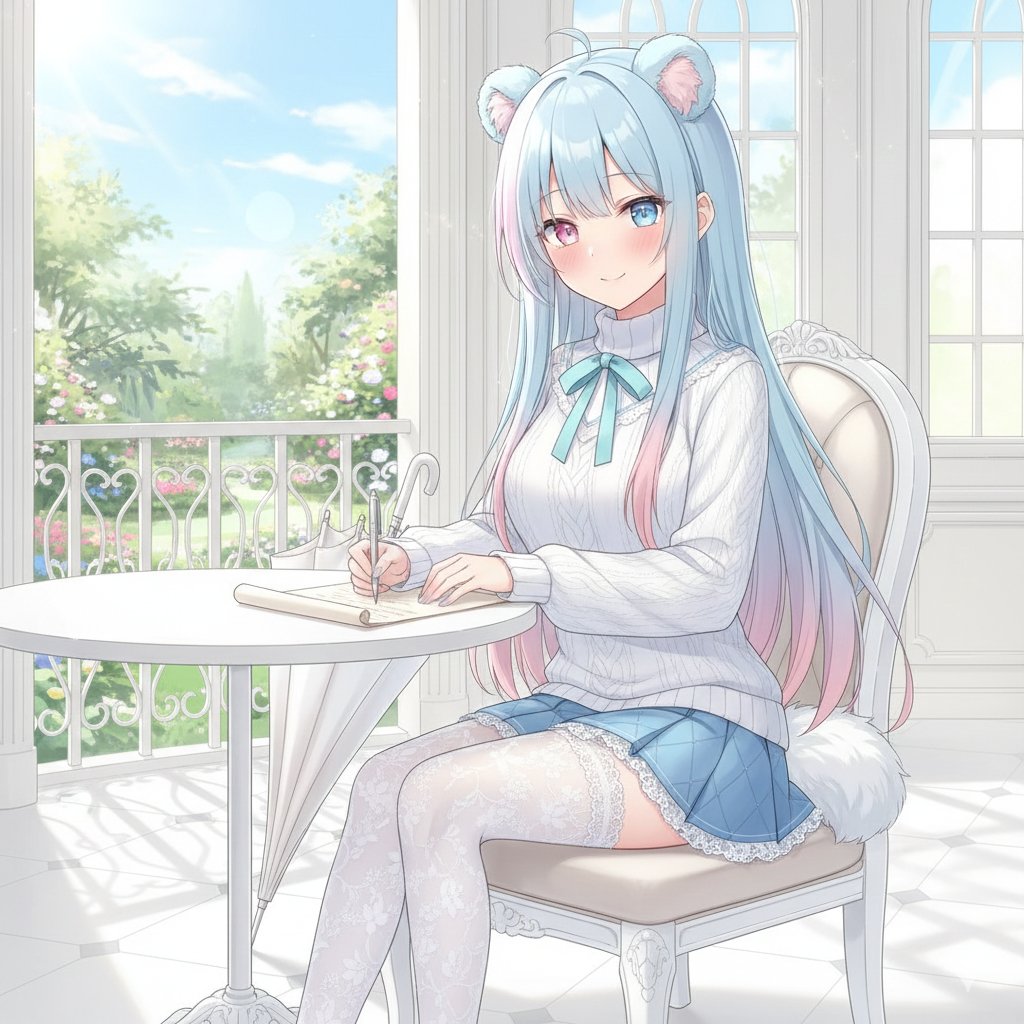
Nano Banana Pro Style Transfer
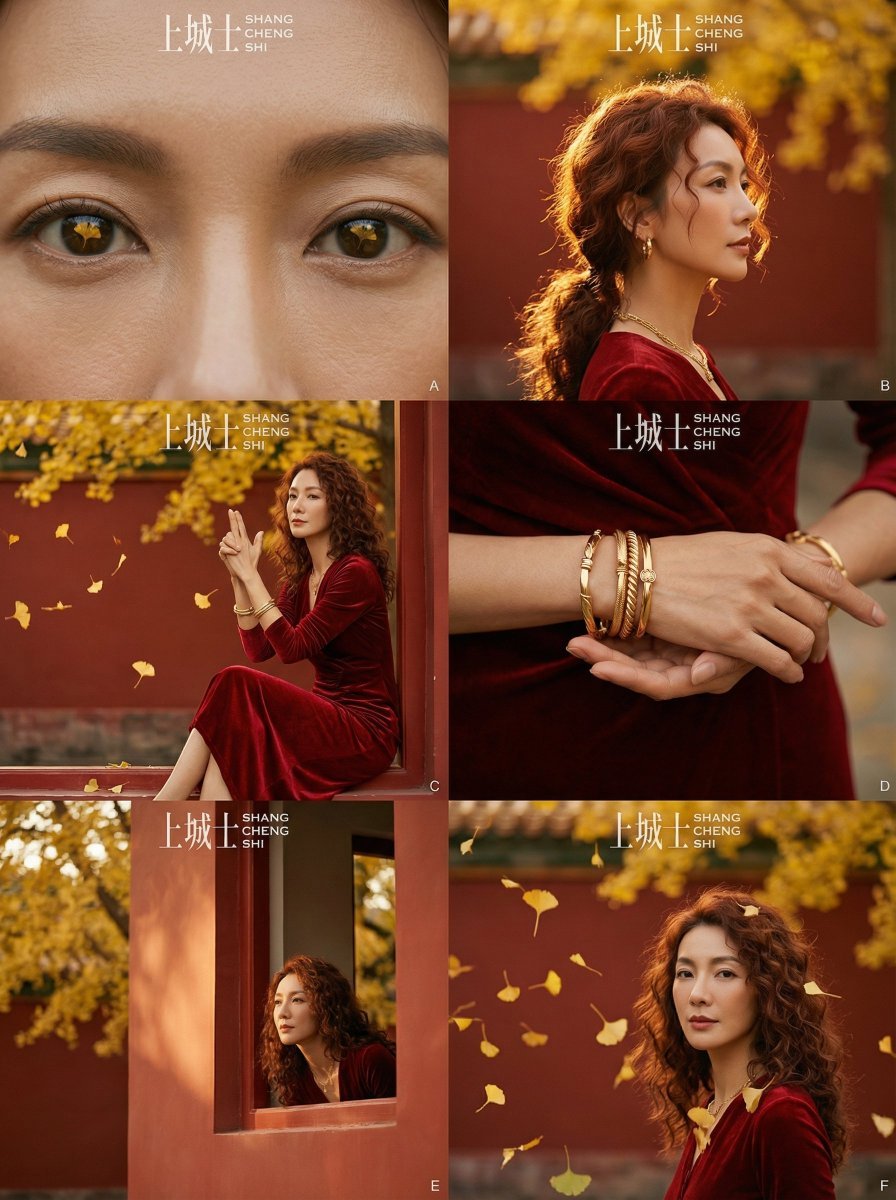
Cinematic Chinese Style Fashion Editorial (Shang Cheng Shi)
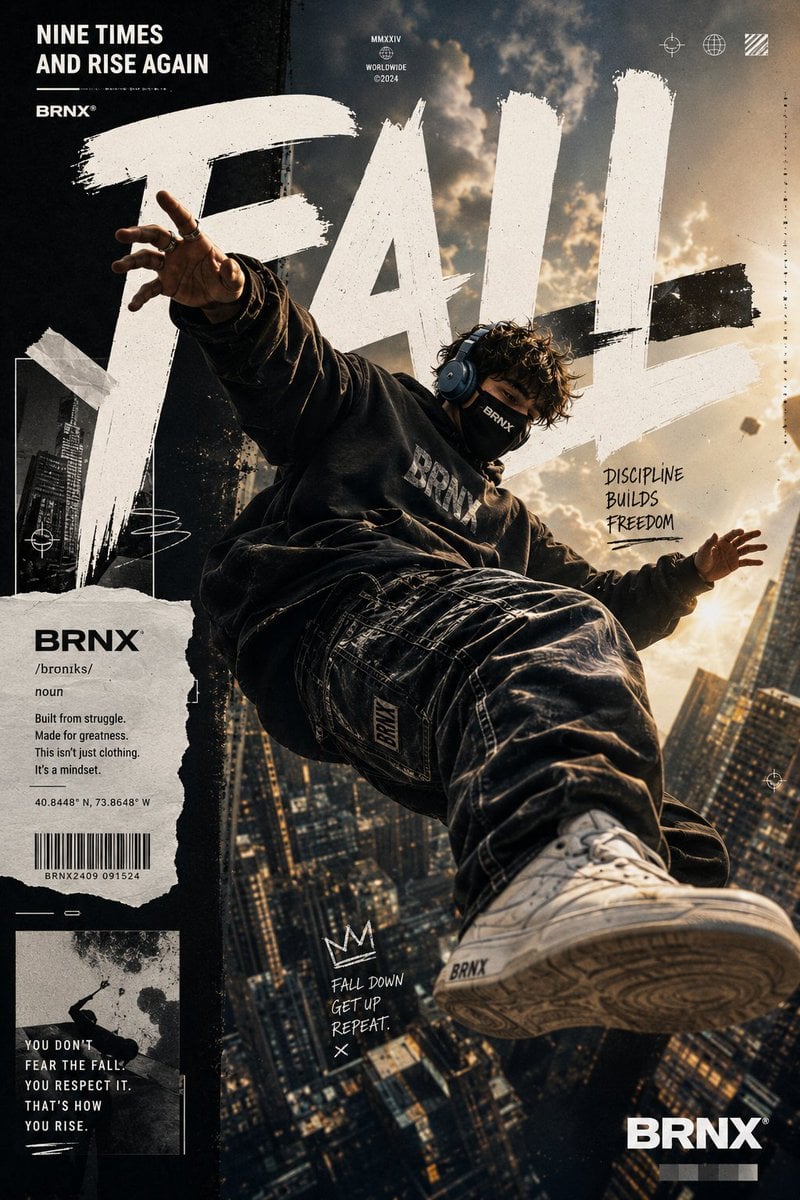
Streetwear Floating Poster Design
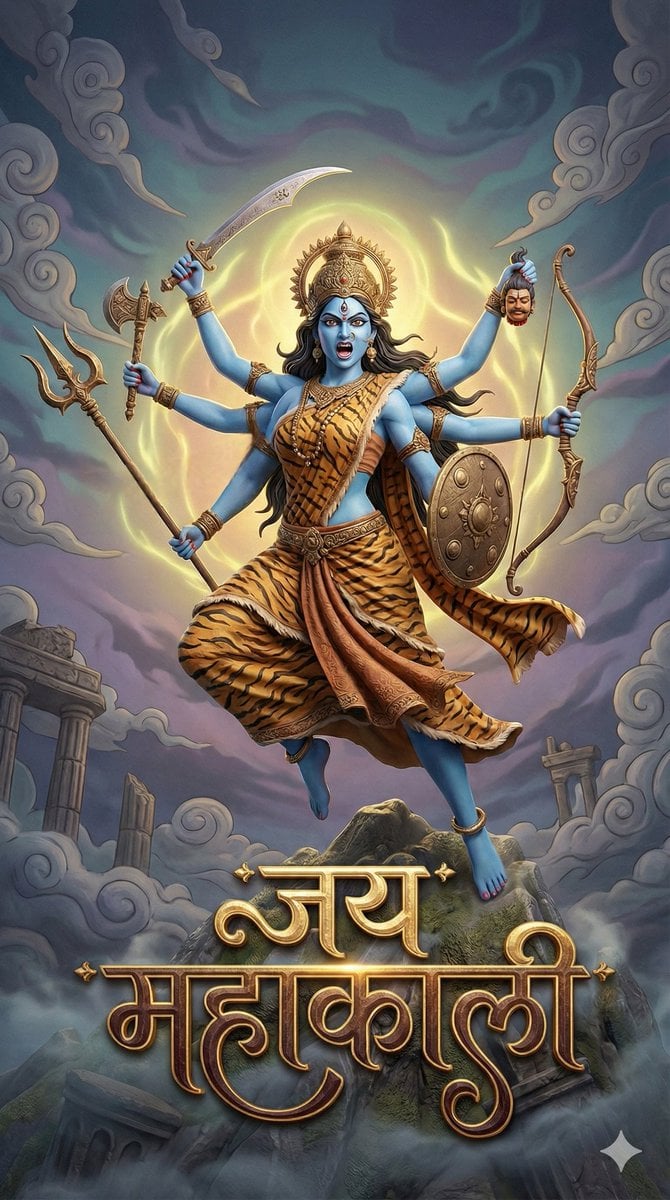
3D Fantasy Image of Goddess Mahakali
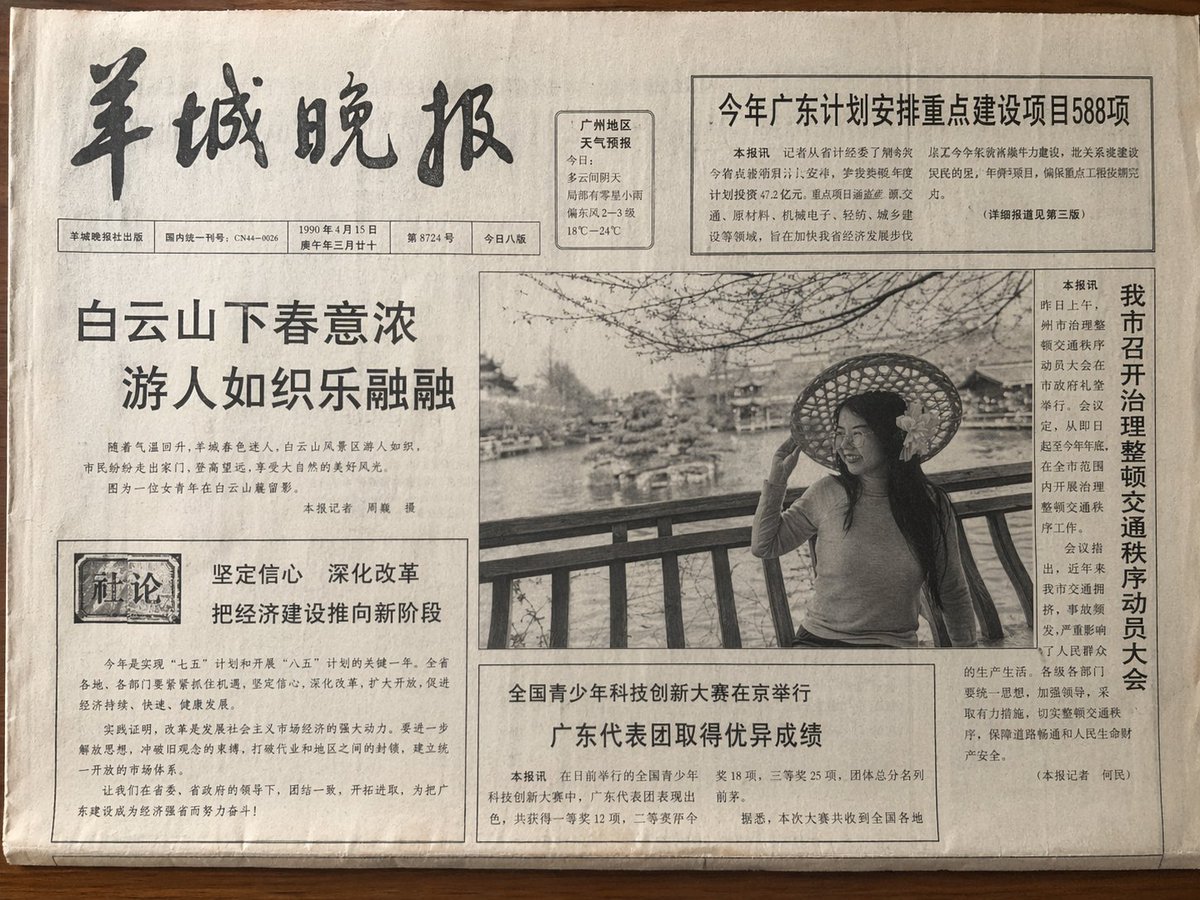
Vintage Newspaper Front Page
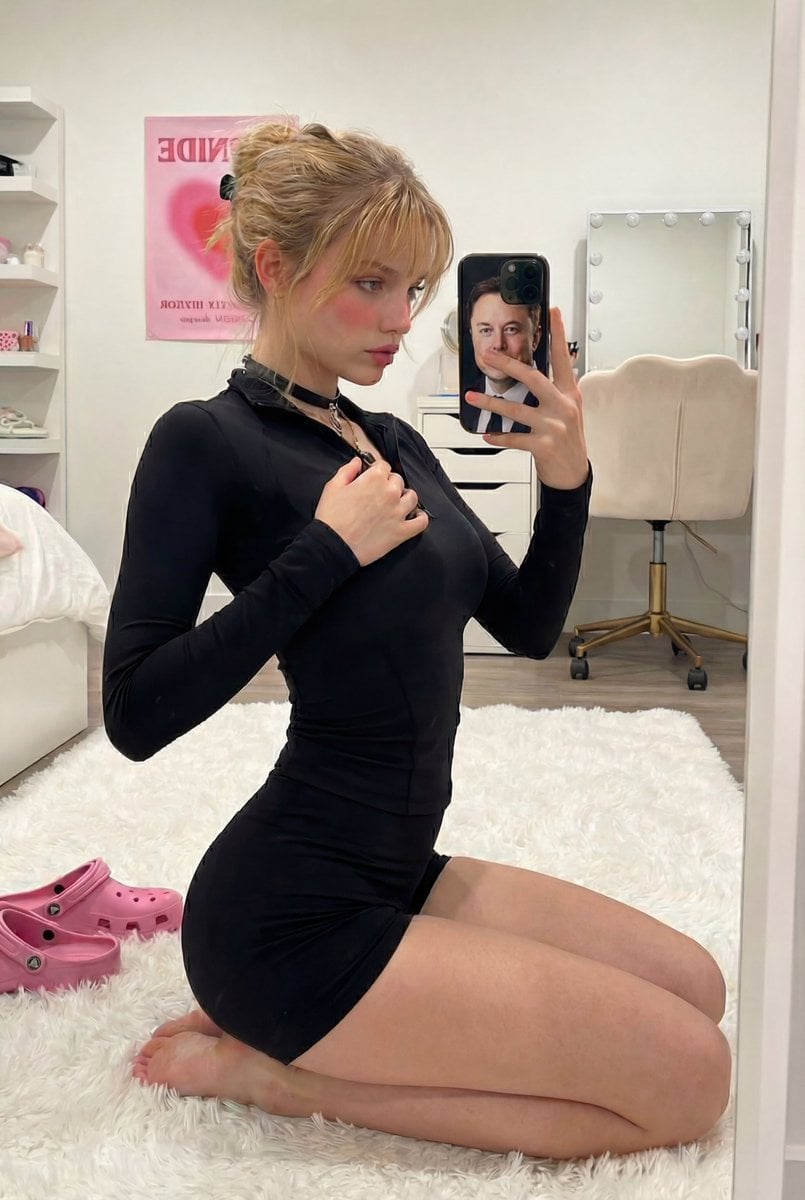
Mirror Selfie with Arched Back Pose Prompt
Browse template categories
Detailed Pixar Style 3D Avatar Generation Prompt questions
How do I use the Detailed Pixar Style 3D Avatar Generation Prompt template?
Add your photo if the template asks for one, edit the prompt if you like — the template's model and format are already selected — and press Generate. Your version opens in PicX Studio.
Can I customize the Detailed Pixar Style 3D Avatar Generation Prompt template?
Yes. You can change the subject, setting, lighting, mood, format, and available model controls before creating your image.
Is the Detailed Pixar Style 3D Avatar Generation Prompt template free?
Opening and editing this template is free. Generating uses credits, shown on the Generate button when you are signed in.
Which AI model should I use?
Start with Nano Banana 2, which is the model associated with this template. You can compare another compatible model for a different finish.
Looking for something else? Browse all templates.

Your photo, any look
Thousands of ready templates for every top image and video model, from one credit balance.