
Cinematic Chinese Ink Landscape
Generates a vertical restored shan shui ink painting with misty mountains, pine branches, a river, and a lone traveler for elegant art posters or historical-style visuals.
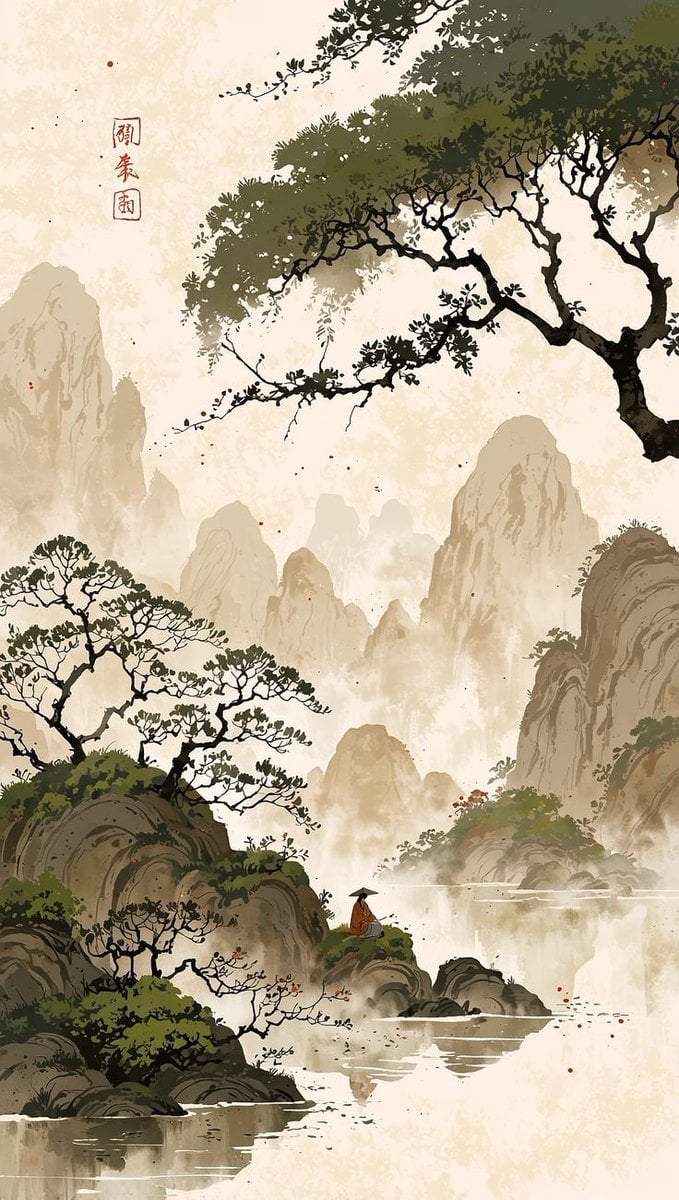
- Prompt included
- Model and format preset
- Free template
The prompt behind this image
Copy the exact prompt behind Cinematic Chinese Ink Landscape, or open it in the studio and make it yours.
Create a vertical cinematic restoration of an ancient Chinese ink-wash landscape painting in the style of refined Song dynasty shan shui art, with a tall 9:16 canvas on warm aged rice paper. Depict {argument name="landscape subject" default="misty karst mountains and a quiet river gorge"} using layered beige, taupe, olive green, charcoal black, and soft sepia ink, combining traditional brushwork with subtle modern cinematic depth, atmospheric haze, and delicate film-grain texture. The composition should have monumental mist-covered mountain peaks receding into the background, a calm reflective river across the lower half, rocky islands and cliffs in the foreground, and dark pine trees with twisting branches framing the scene from the upper right and lower left. Include exactly 1 tiny human figure: a solitary traveler in an ochre robe and conical hat standing on a small rocky ledge near the lower center, facing the water and mountains. Include exactly 1 vertical calligraphy inscription near the upper left reading {argument name="calligraphy text" default="闯秦园"}, with exactly 1 small red square seal beneath or beside it, plus a few scattered red ink flecks across the paper. Use elegant negative space, soft fog, crisp black branch silhouettes, painterly rock striations, and gentle water reflections; make the image feel like a lovingly restored ancient scroll painting with cinematic lighting, high aesthetic quality, tranquil mood, and no modern objects, no frame, no watermark, no extra text.
How to use Cinematic Chinese Ink Landscape in 3 steps
- 1Upload ImagePNG, JPG or paste
Add your photo
Upload the photo the template builds on. The prompt, model and format are already set.
- 2…a portrait of your subject in softgolden-hour light, 85mm…
Personalize
Edit the subject and creative details for your destination.
- 3Generate
Generate
Press Generate — your image is created in PicX Studio, so you can compare it with the original and refine one variable at a time.
More like this
Templates with the same subject, style or setup. Open one to see its prompt.

Anime Catgirl in Chinese Ink Landscape

Teen Girl Alpine Lake Mountain View

Mountain Lake Sunset Landscape
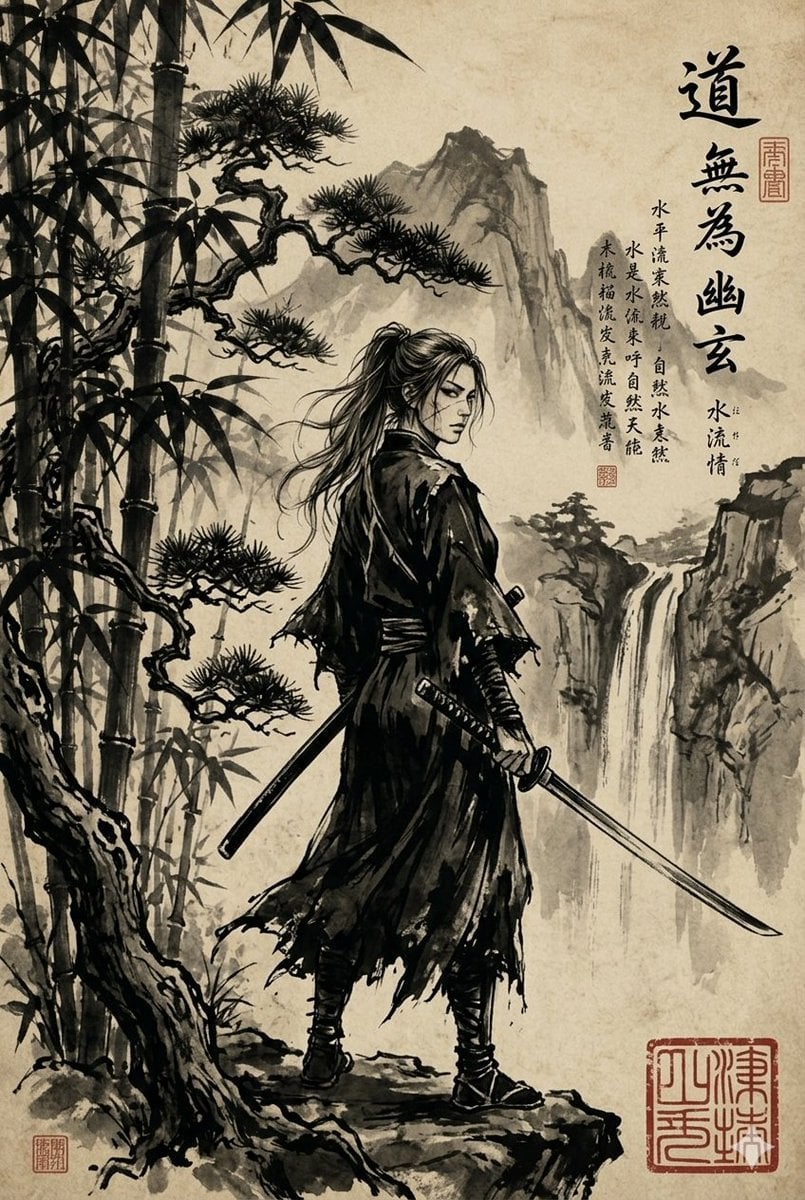
Ink-Wash Samurai Landscape

Ghibli Final Takeoff Field

Ghibli Rainy Tram Interior

Ghibli Star Observatory

Ghibli Tiny House On Back

Ghibli Lantern River Festival

Ghibli Whale Bone Beach

Ghibli Abandoned Amusement

Ghibli Shadow Puppet Theater
Make it yours
Cinematic Chinese Ink Landscape works as-is. These are the safest ways to change it without losing the look.
Change one field
Copy a single group, rewrite it, and generate again so you can see what that field is doing.
Keep the frame, change the subject
Hold the composition and light of Cinematic Chinese Ink Landscape, then swap wardrobe, props or the person for a new take.
| If the result… | Why | Fix |
|---|---|---|
| The result drifts from the preview | Too many fields changed at once. | Reuse Cinematic Chinese Ink Landscape as-is first, then change one group — subject, light, or setting. |
| The model over-stylizes the scene | The prose prompt leaves finish and camera underspecified. | Add one camera or lighting sentence and stay on GPT Image 2. |
More GPT Image 2 templates
Other prompts made for GPT Image 2.

Six VTuber Japanese Logo Sheet

Realistic Portrait of Woman and Deer

The Vista Modular Condo Poster

AI Model Routing Comparison Infographic

2.5D Anime Art Board

Isometric Productivity Desk Scene

New York Double Exposure Poster

Four-Panel AI Landscape Comparison

Japanese Tatami Lifestyle Magazine Cover

NESCAFÉ Coffee Map Poster
More image prompts
Fresh picks from across the catalog.
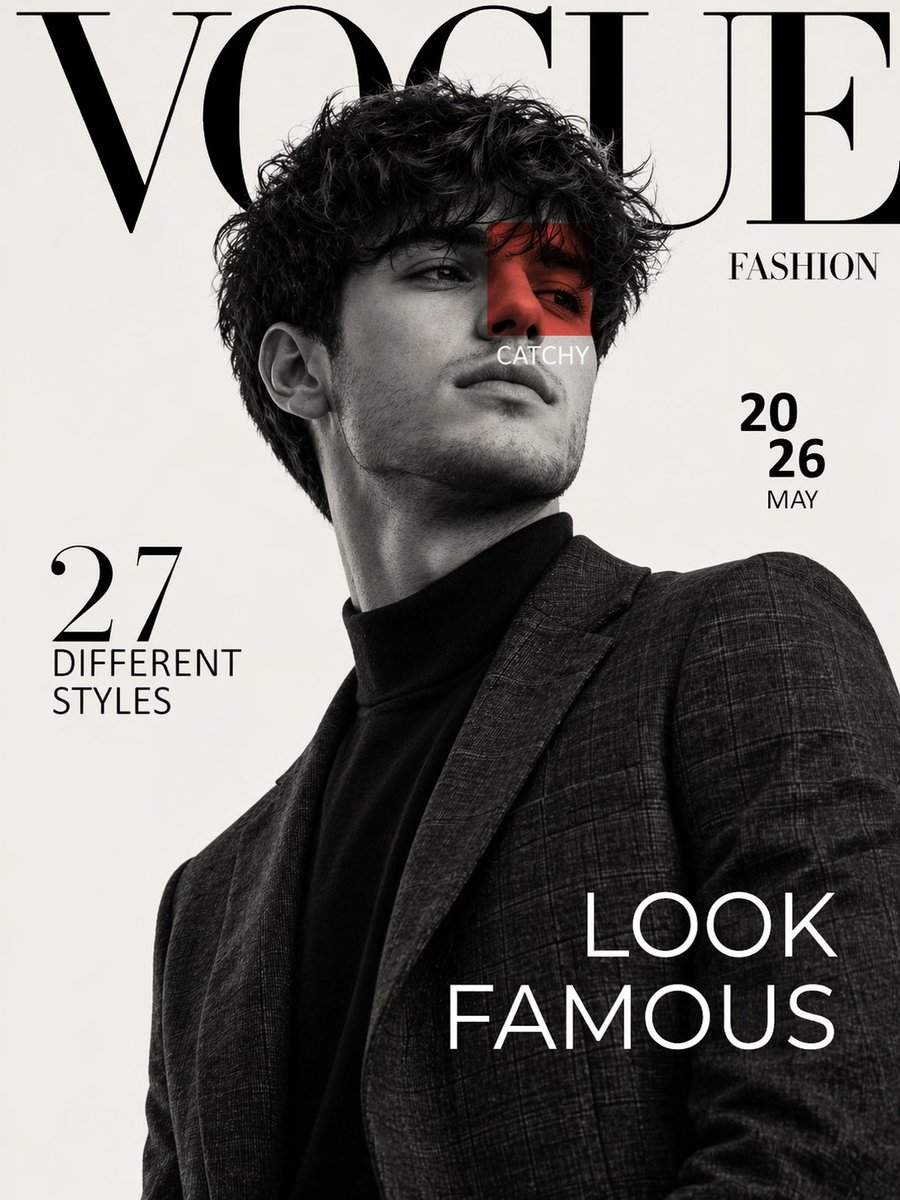
Luxury Fashion Magazine Cover Prompt
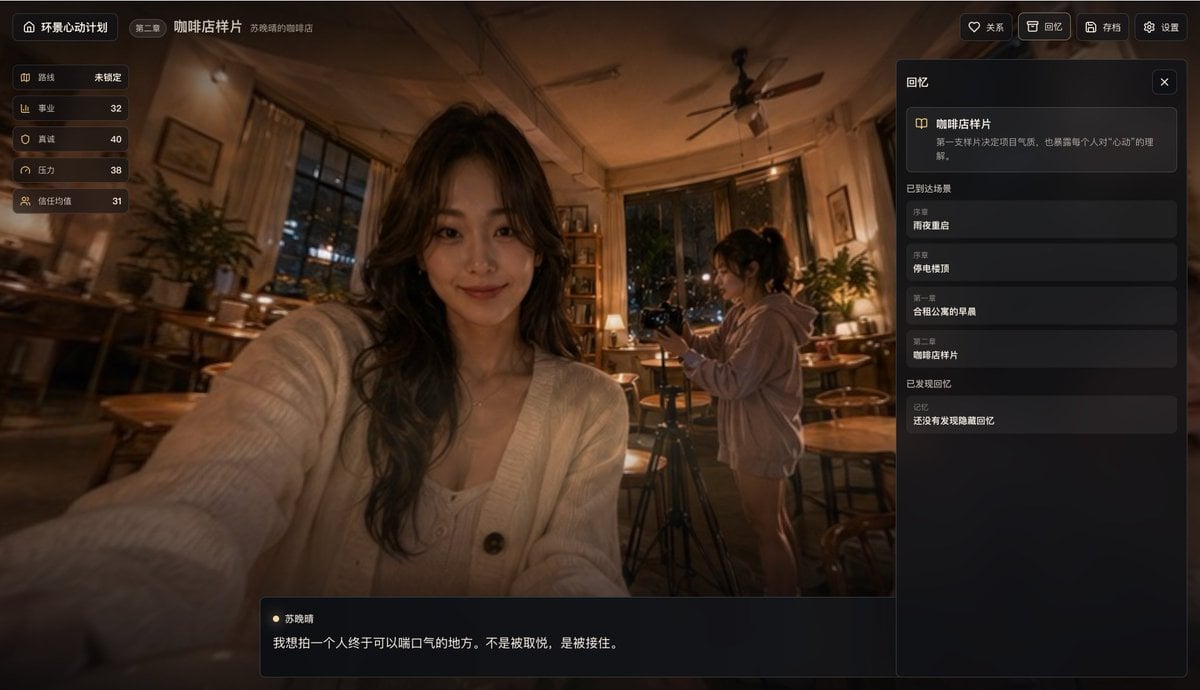
Cinematic Coffee Shop VN UI Mockup
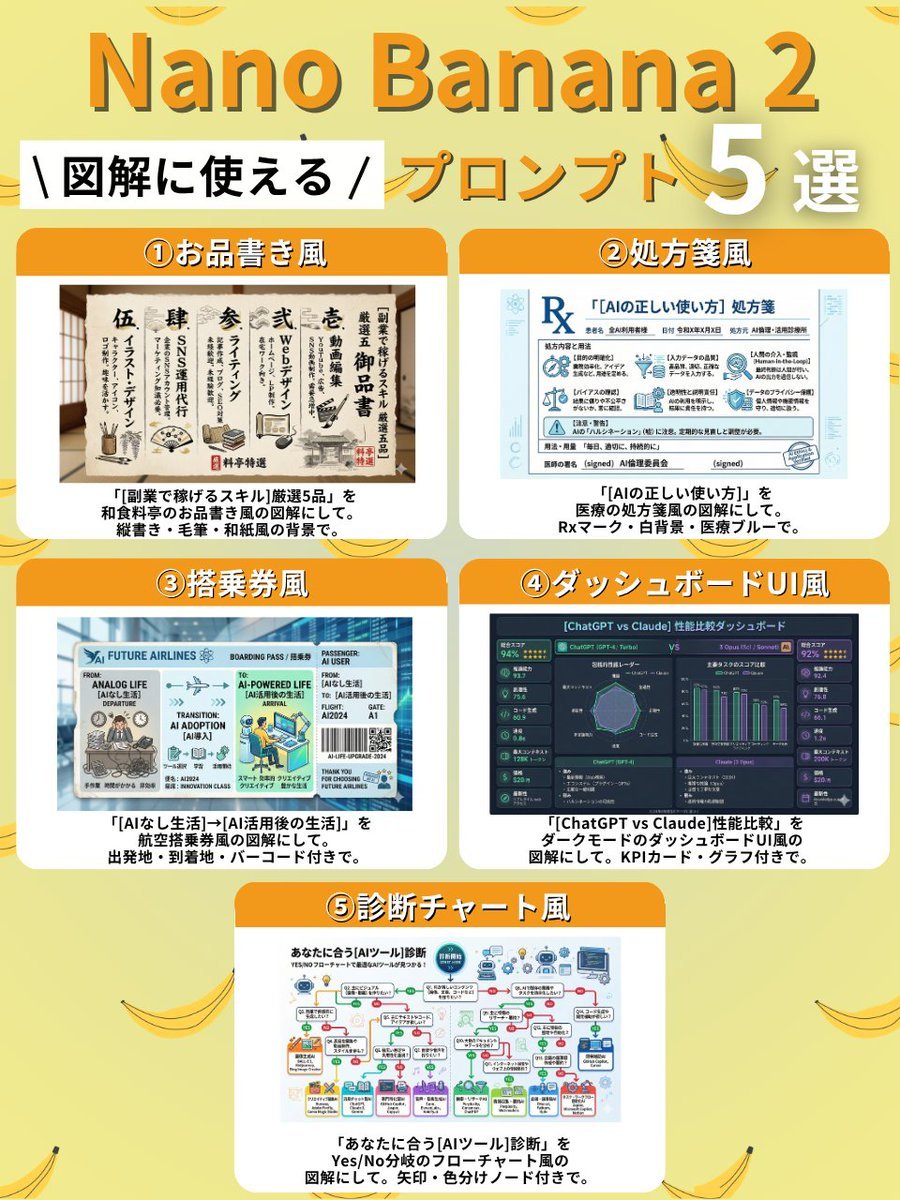
Diagram Style Prompts for Nano Banana 2
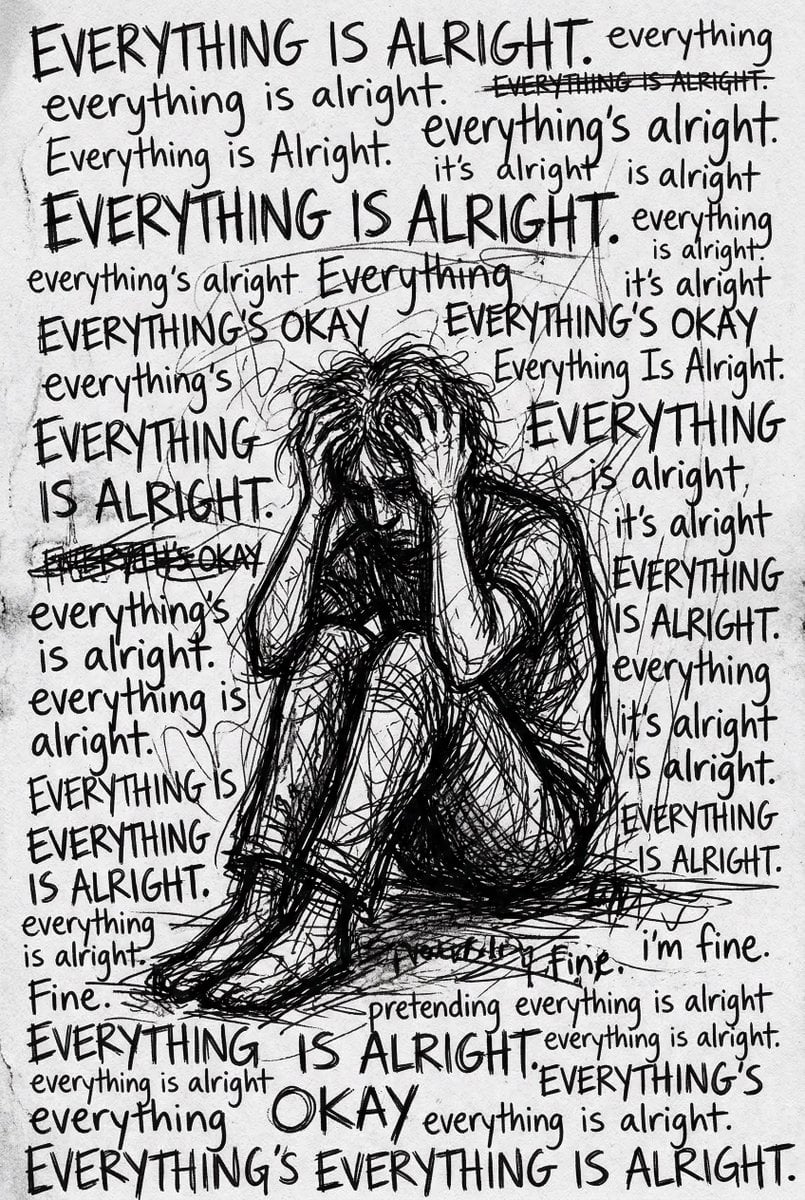
Depression Patient's Inner Monologue

Retro Digital Camera Screen Mockup
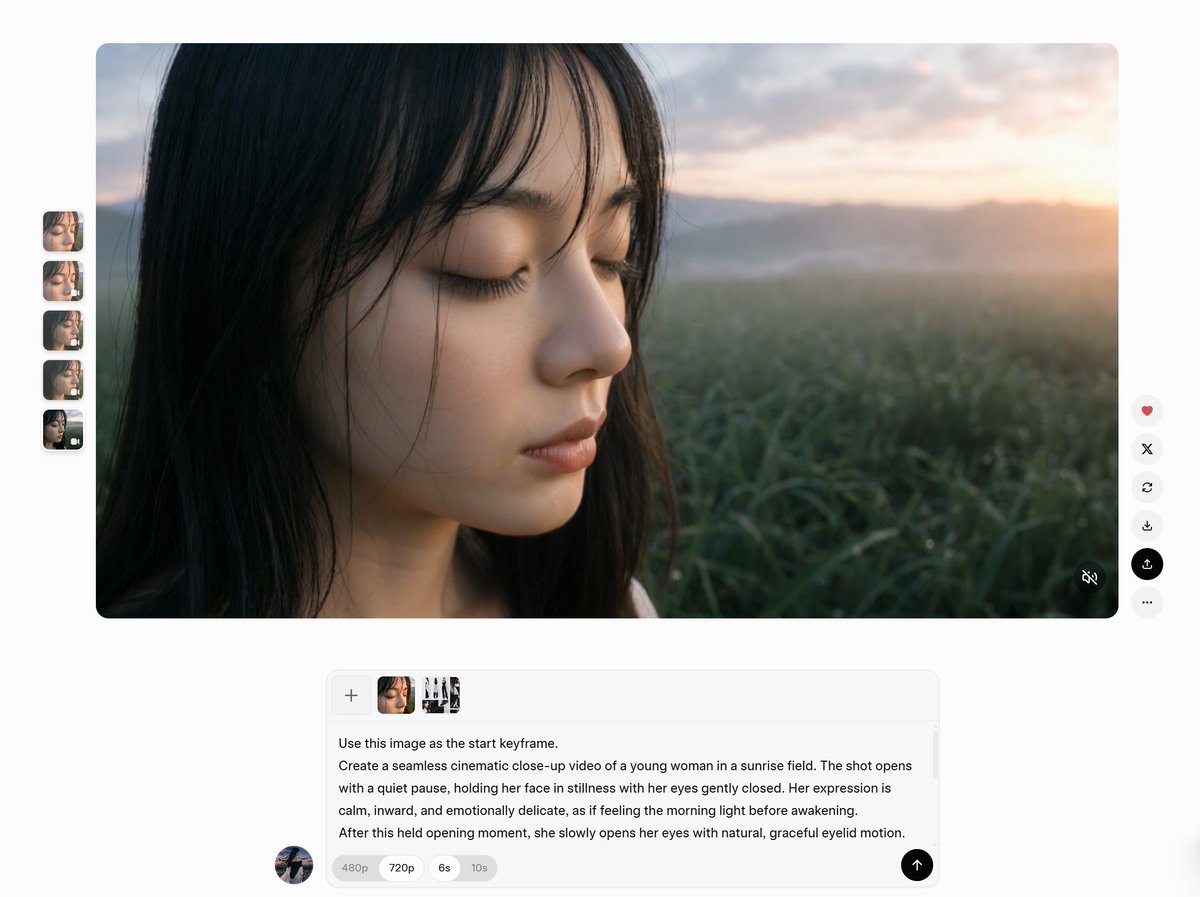
AI Video Workspace Screenshot
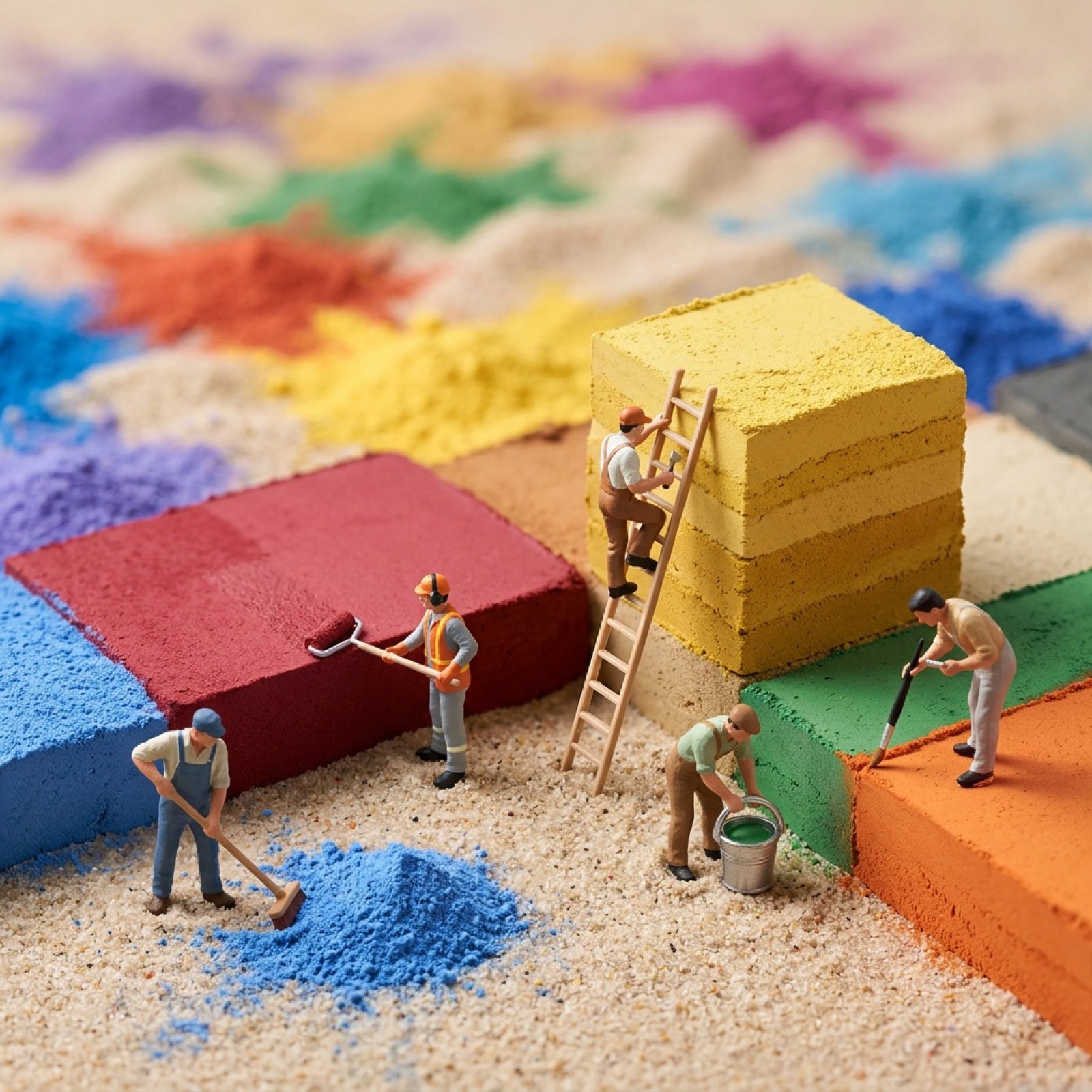
Image-to-Image Transformation with Tiny Workers

Cinematic Portrait with Bioluminescent Butterfly Interaction
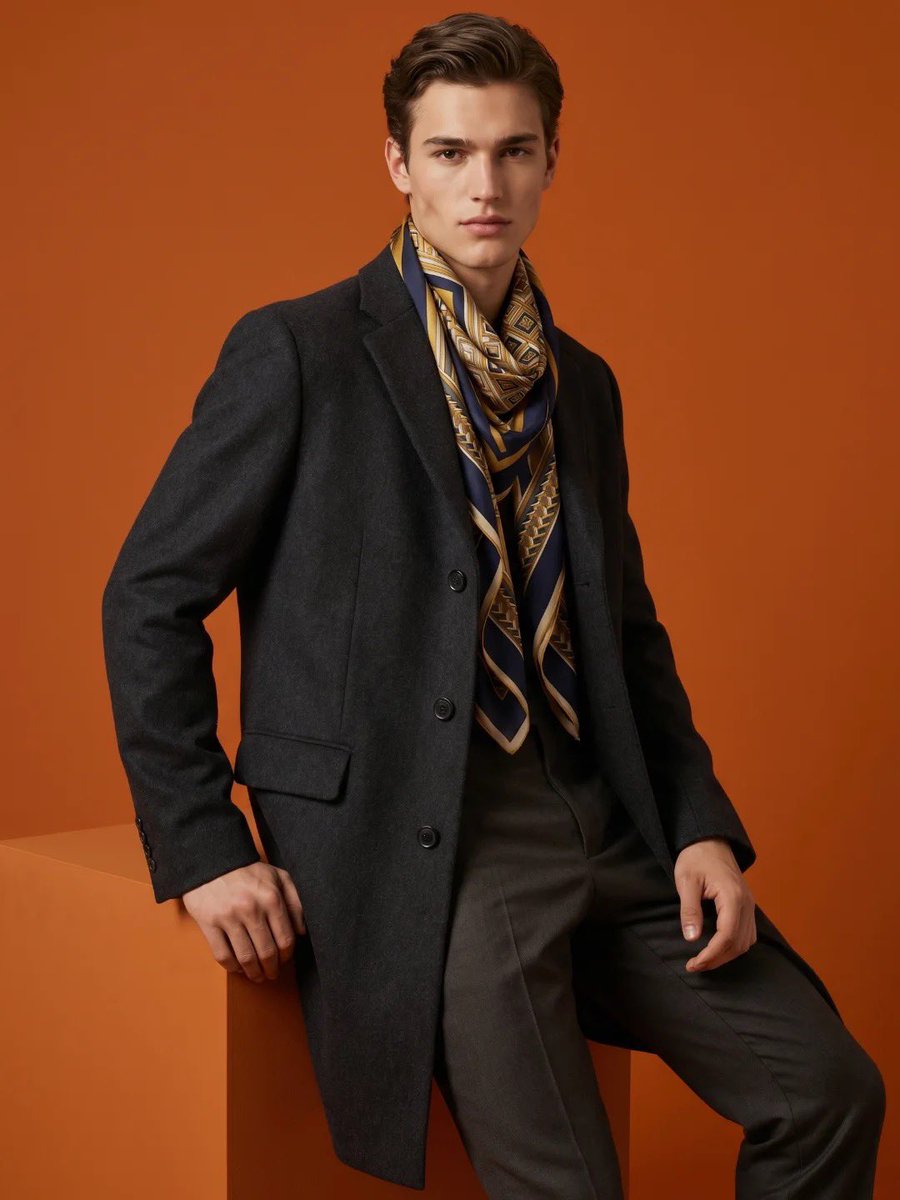
High-Fashion Male Editorial Portrait
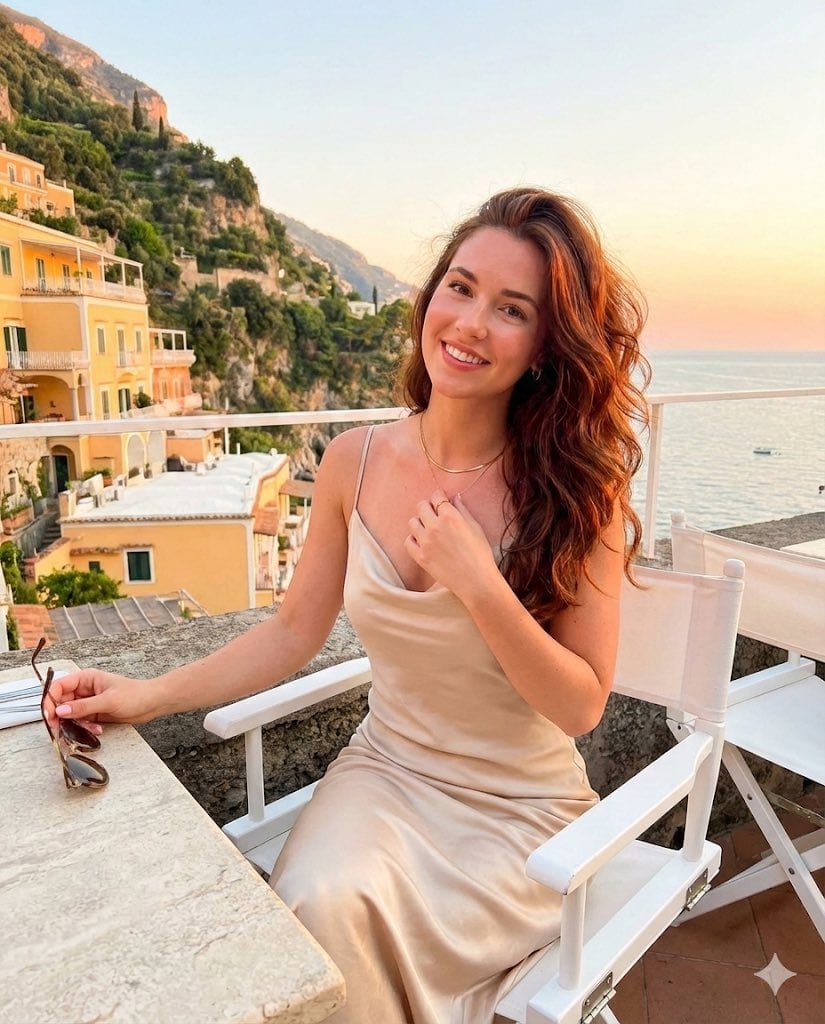
Golden Hour Positano Terrace Lifestyle Shot
Browse template categories
Cinematic Chinese Ink Landscape questions
How do I use the Cinematic Chinese Ink Landscape template?
Add your photo if the template asks for one, edit the prompt if you like — the template's model and format are already selected — and press Generate. Your version opens in PicX Studio.
Can I customize the Cinematic Chinese Ink Landscape template?
Yes. You can change the subject, setting, lighting, mood, format, and available model controls before creating your image.
Is the Cinematic Chinese Ink Landscape template free?
Opening and editing this template is free. Generating uses credits, shown on the Generate button when you are signed in.
Which AI model should I use?
Start with GPT Image 2, which is the model associated with this template. You can compare another compatible model for a different finish.
Looking for something else? Browse all templates.

Your photo, any look
Thousands of ready templates for every top image and video model, from one credit balance.