How do I use the High-Fashion Male Editorial Portrait template?
Choose the primary action to open PicX Studio with the available template settings. Review the model and format, personalize the creative direction, and generate when ready.
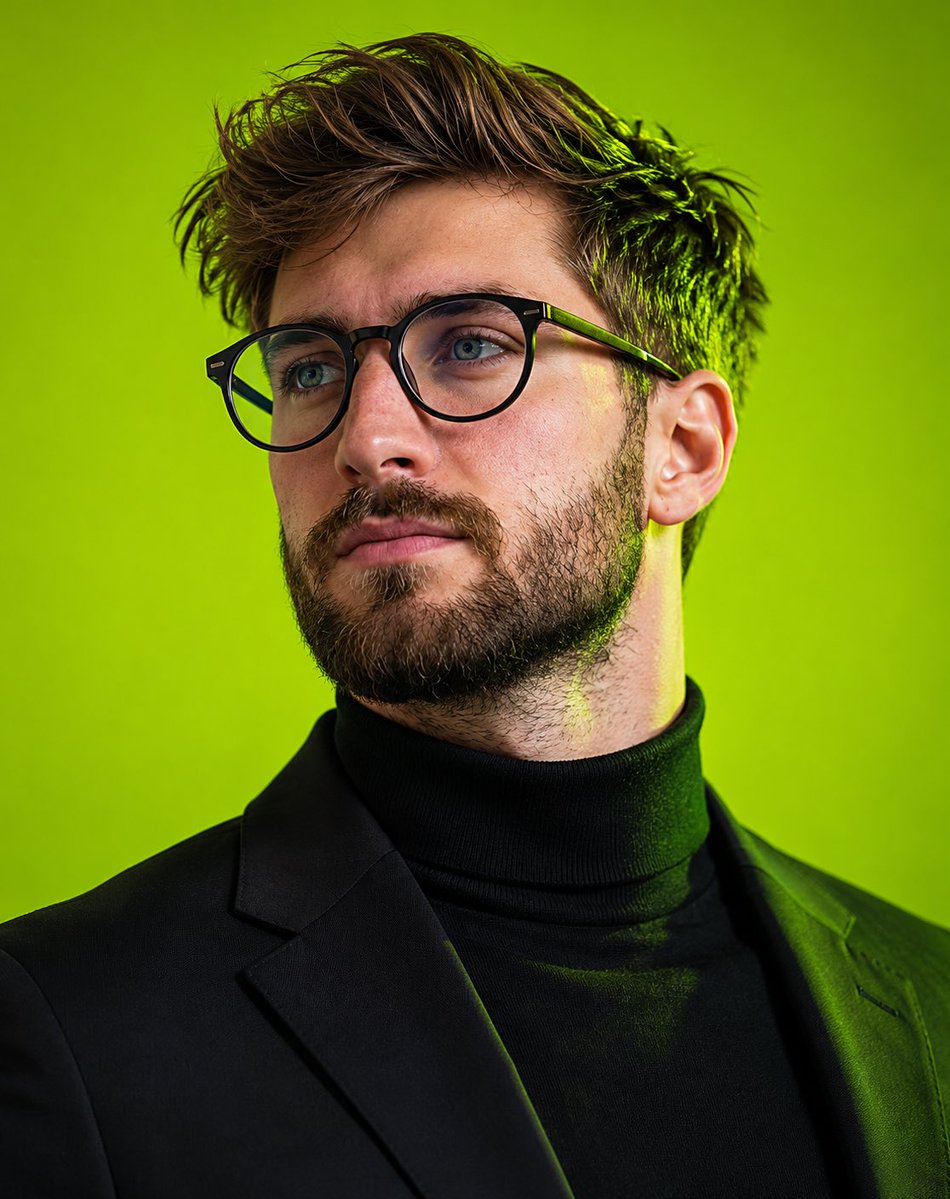
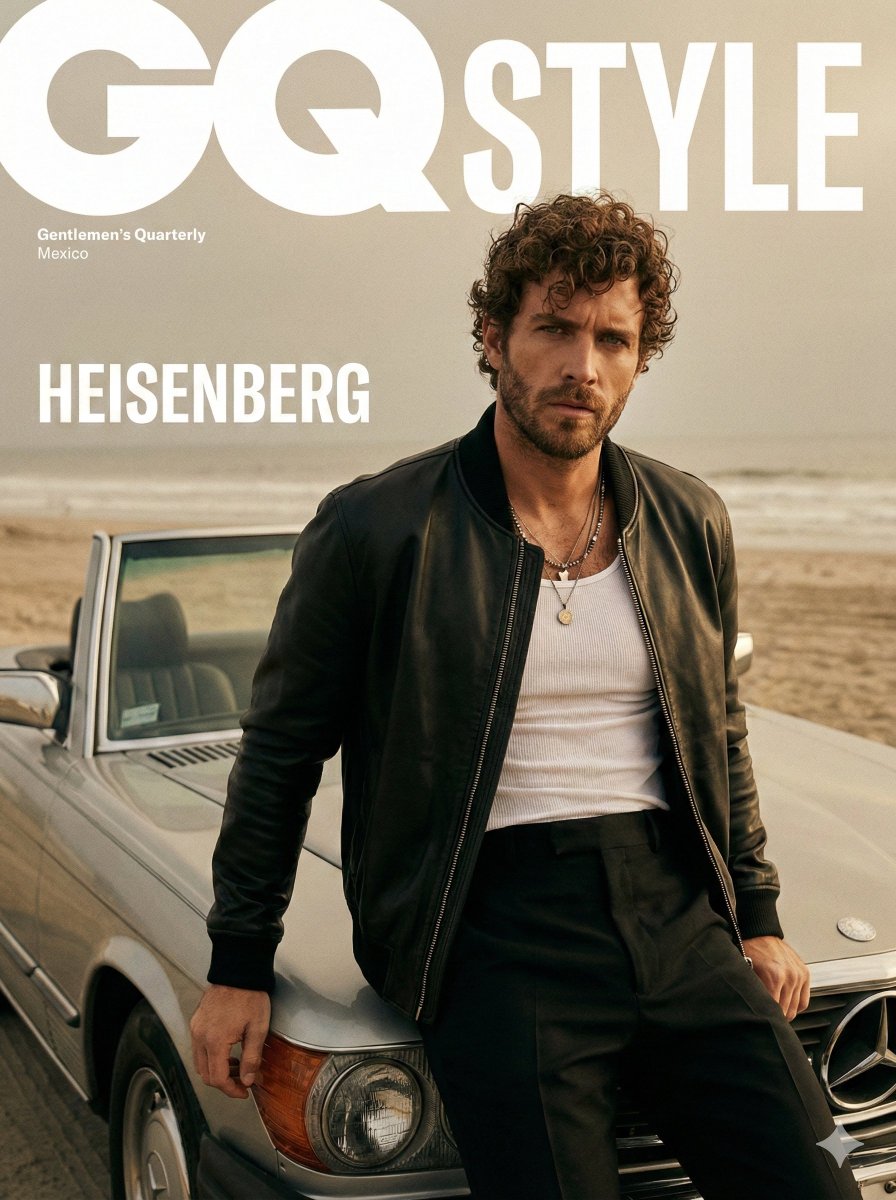
An editorial portrait prompt for a male model in high-fashion menswear, featuring sharp textures and warm studio lighting. Change the subject, setting, or lighting one variable at a time.

A high-fashion editorial portrait of a {argument name="model" default="handsome young male model with short, elegantly styled brown hair and a sharp jawline"}. He is wearing a {argument name="outfit" default="luxurious dark, single-breasted tailored wool overcoat paired with matching tailored trousers"}. Around his neck is a stylish, intricately patterned silk scarf draped effortlessly. He is posing casually but elegantly, leaning against solid, geometric {argument name="background color" default="terracotta-orange"} studio blocks. The background is a seamless, warm, matching terracotta-orange color. Soft, dramatic studio lighting highlights his facial features, the matte texture of the wool coat, and the rich sheen of the silk scarf. Highly detailed, sharp focus, sophisticated menswear, GQ magazine aesthetic, 8k resolution.
Choose the primary action to open PicX Studio with the available template settings. Review the model and format, personalize the creative direction, and generate when ready.
Yes. You can change the subject, setting, lighting, mood, format, and available model controls before creating your image.
This template is free to open and customize. Generation usage is shown in PicX Studio before you create.
Start with Nano Banana 2, which is the model associated with this template. You can compare another compatible model for a different finish.
© 2026 PicX Studio. All rights reserved.

Follow a topic to a crawlable collection of related PicX Studio templates.
43,474 public templates available. Verified via the PicX Studio public templates API; refreshed hourly.














![Naive doodle-style subject illustration — A doodle-style {argument name="subject" default="[subject]"}, naive lines, humorous shape exaggeration](https://pbs.twimg.com/media/G6Wl2YxbsAARB2b.jpg)