
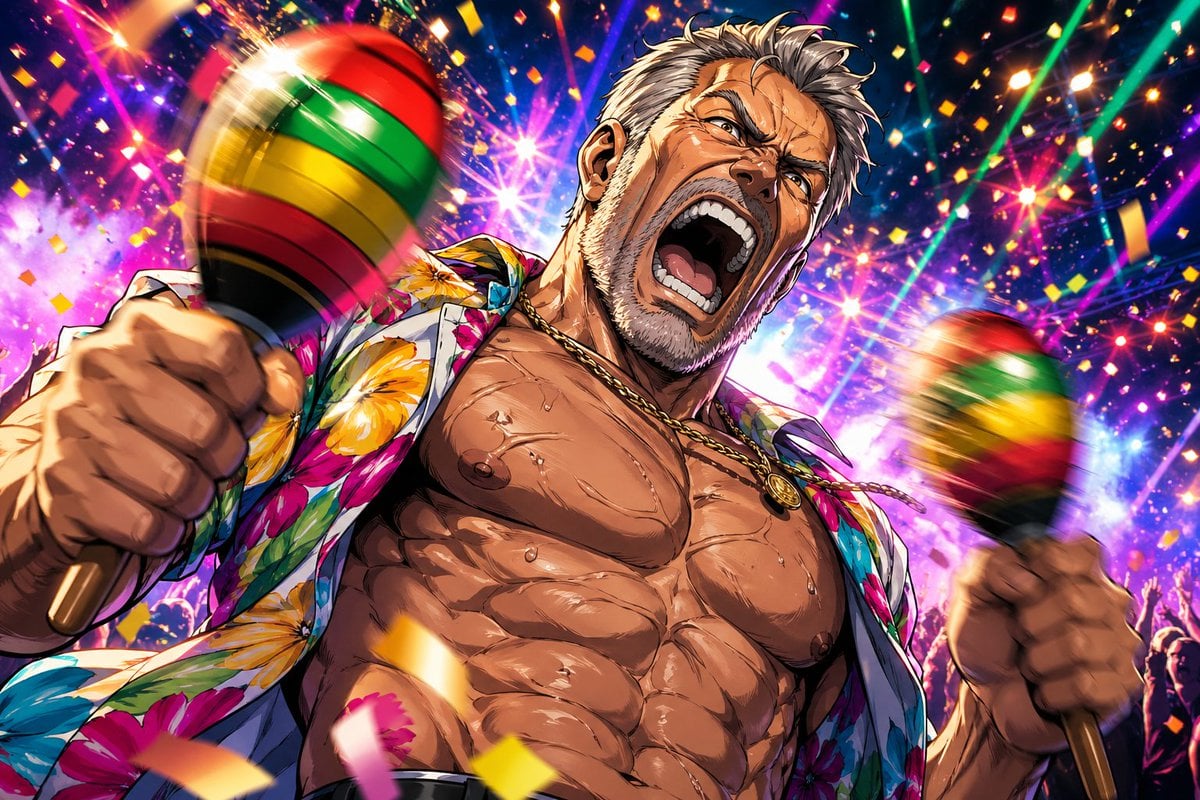
Muscular Party Man with Maracas
This prompt generates a flashy anime-style party illustration of a sweaty muscular man shaking two maracas in a confetti-filled nightclub scene, ideal for viral social posts or bold character art.
- Prompt included
- Model and format preset
- Free template
The prompt behind this image
Copy the exact prompt behind Muscular Party Man with Maracas, or open it in the studio and make it yours.
A hyper-detailed anime-style illustration of a {argument name="character type" default="rugged middle-aged man"} at a wild tropical dance party, shown from a dramatic low angle with the camera close to his torso. He has an extremely muscular, bodybuilder physique with sharply defined abs, broad chest, visible sweat droplets glistening across his skin, a slightly hairy jawline and neck, and messy short light-brown hair. His face is mostly out of frame or obscured, keeping the focus on his physique and action. He wears an open {argument name="shirt style" default="bright floral Hawaiian shirt"} with large multicolored hibiscus flowers, no undershirt, and a gold chain necklace with a round pendant. In both hands he is shaking 2 large maracas, one thrust toward the viewer on the left foreground and one on the right side, each striped in red, yellow, green, and black, with strong motion blur to show energetic movement. The background is a packed nightclub or festival crowd with raised hands, neon laser beams, fireworks-like bursts of light, colorful bokeh, and falling confetti pieces everywhere. Use an explosive palette of magenta, purple, blue, gold, green, and hot pink, with glossy highlights, intense rim lighting, exaggerated perspective, dynamic foreshortening, and a celebratory, over-the-top party atmosphere. Make it look like high-end polished anime key art with crisp linework, dramatic shading, sparkling effects, and maximum energy.
How to use Muscular Party Man with Maracas in 3 steps
- 1Upload ImagePNG, JPG or paste
Add your photo
Upload the photo the template builds on. The prompt, model and format are already set.
- 2…a portrait of your subject in softgolden-hour light, 85mm…
Personalize
Edit the subject and creative details for your destination.
- 3Generate
Generate
Press Generate — your image is created in PicX Studio, so you can compare it with the original and refine one variable at a time.
More like this
Templates with the same subject, style or setup. Open one to see its prompt.

One Dance Before Midnight
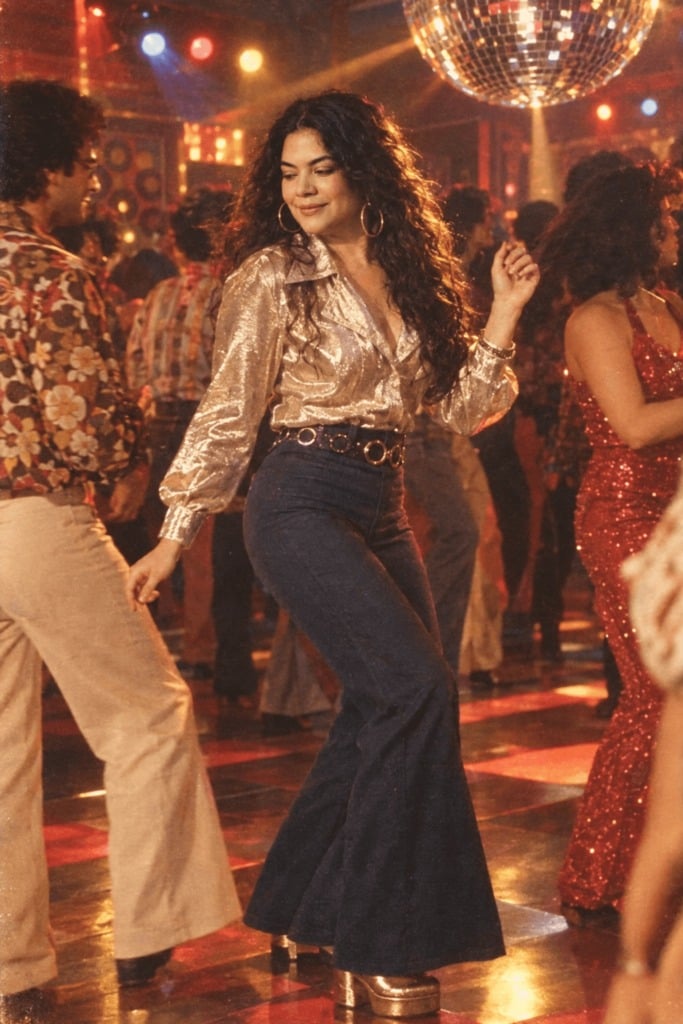
80s Disco Dancefloor
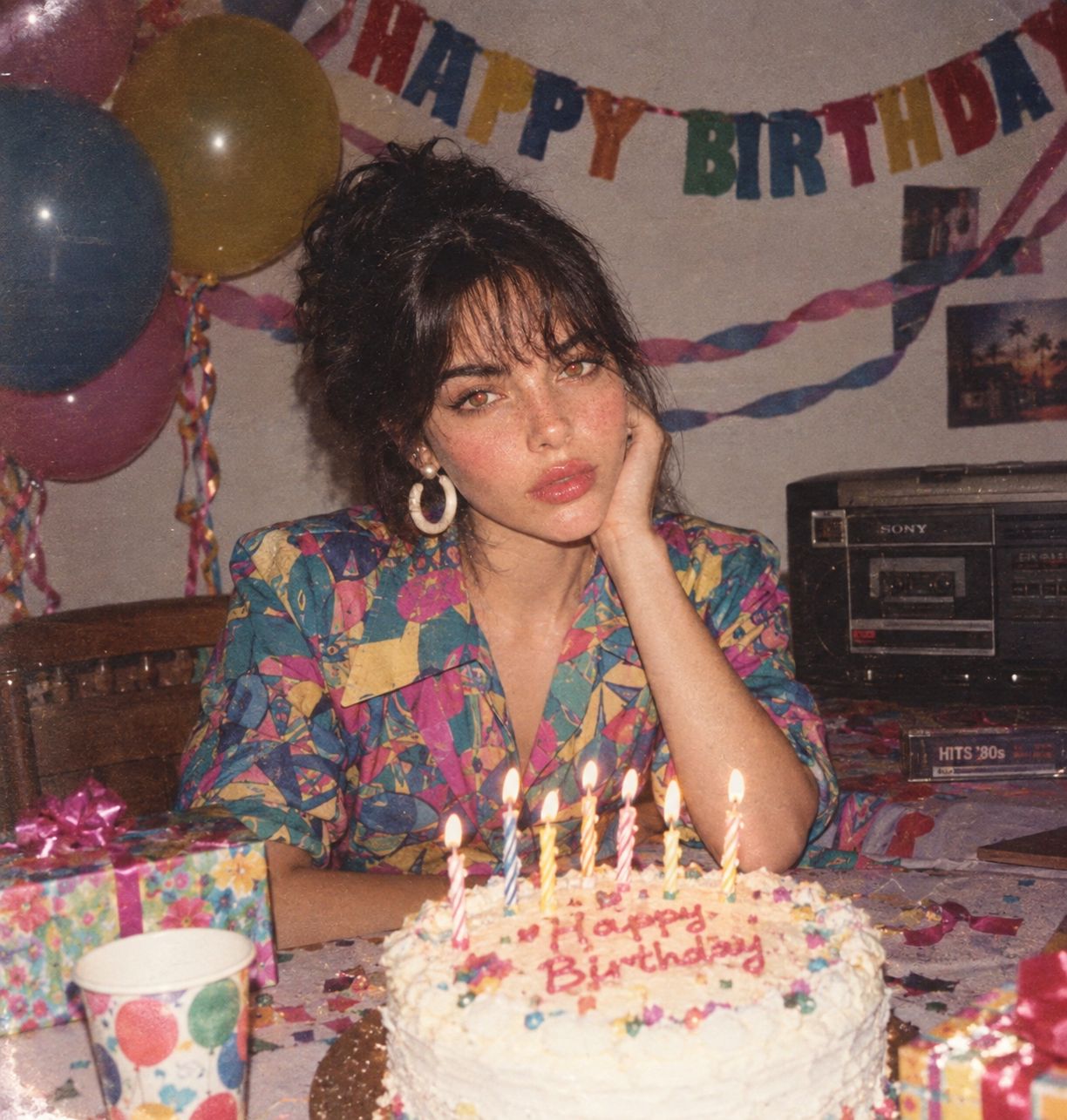
80s Birthday Party

Nano Banana - Paris Night Party Dancing
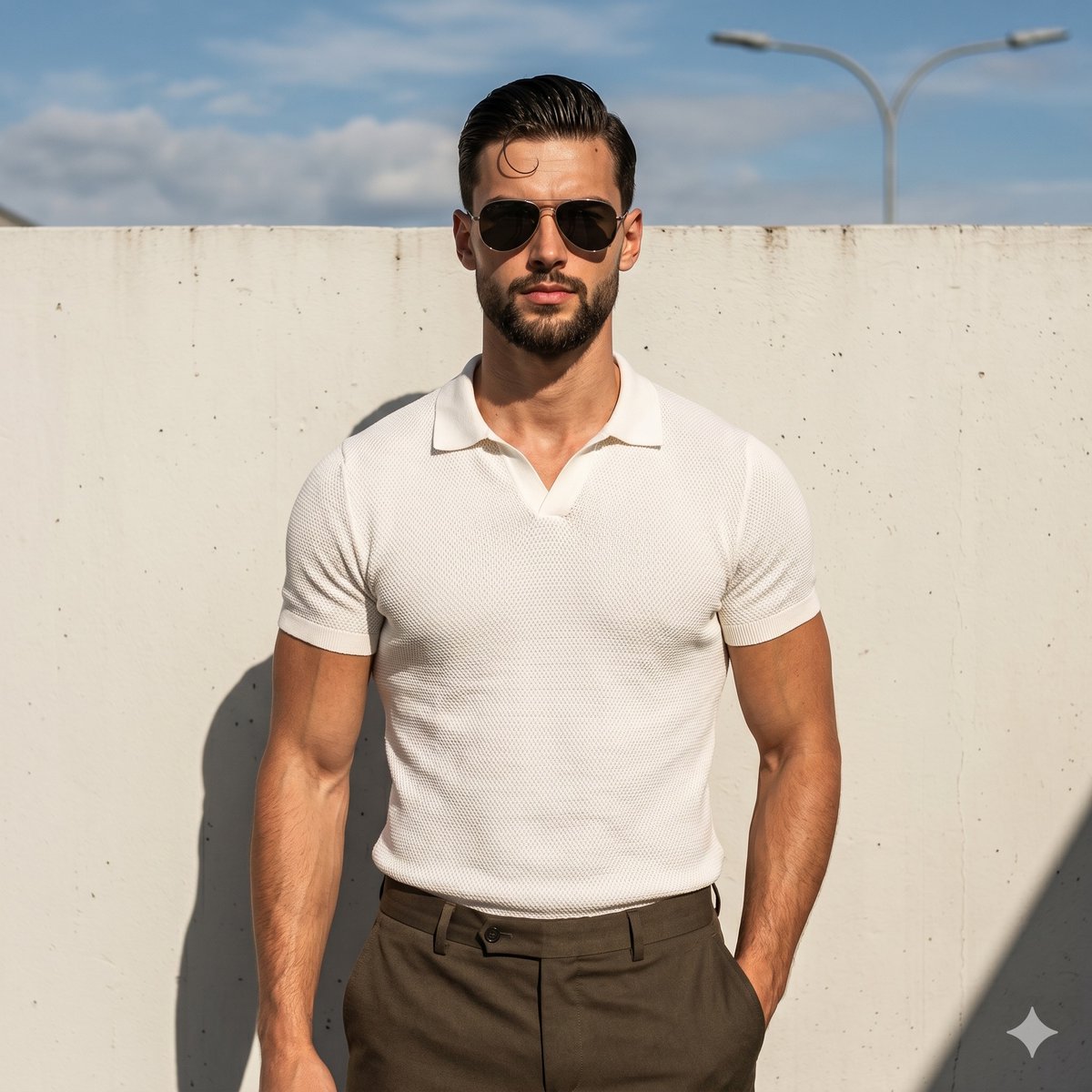
Muscular Man Resort Fashion Portrait
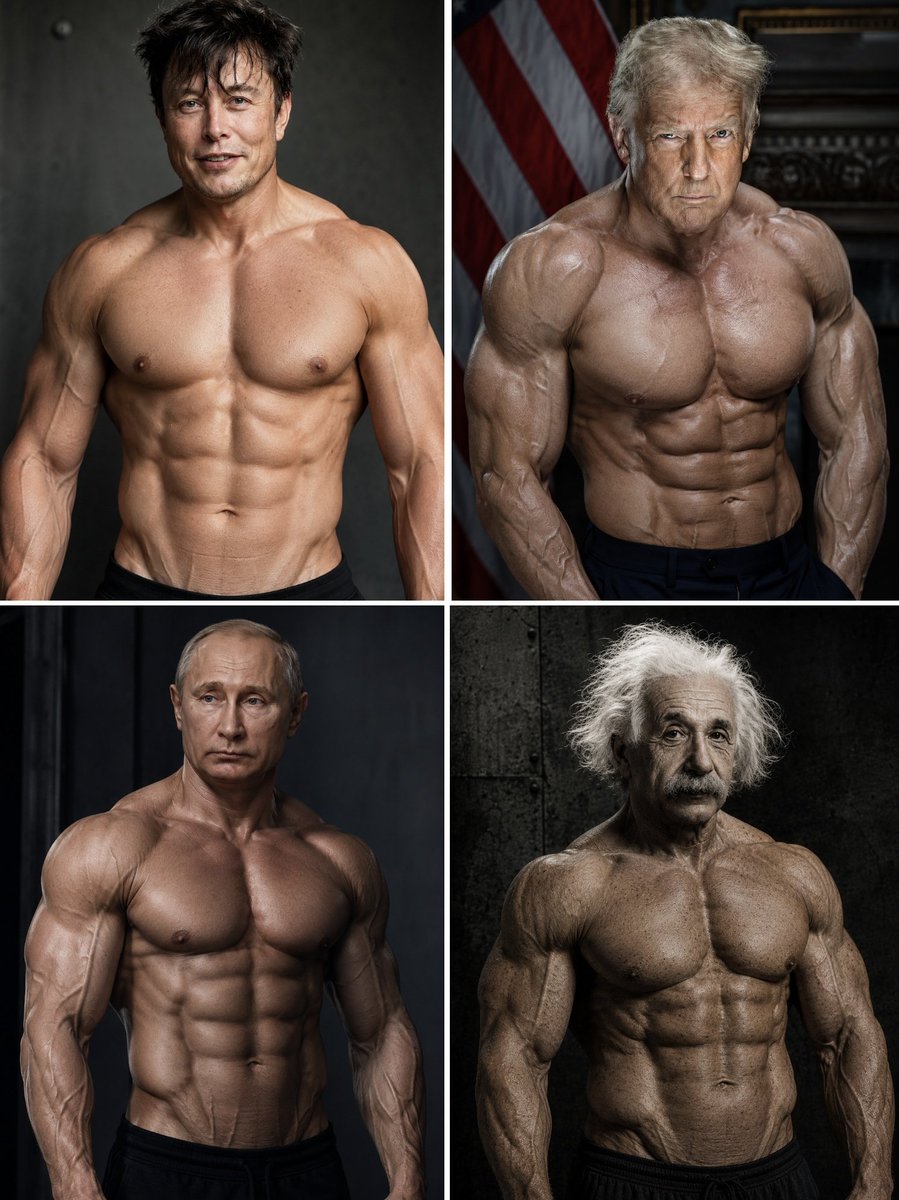
Hyper-Muscular Man 8K Portrait
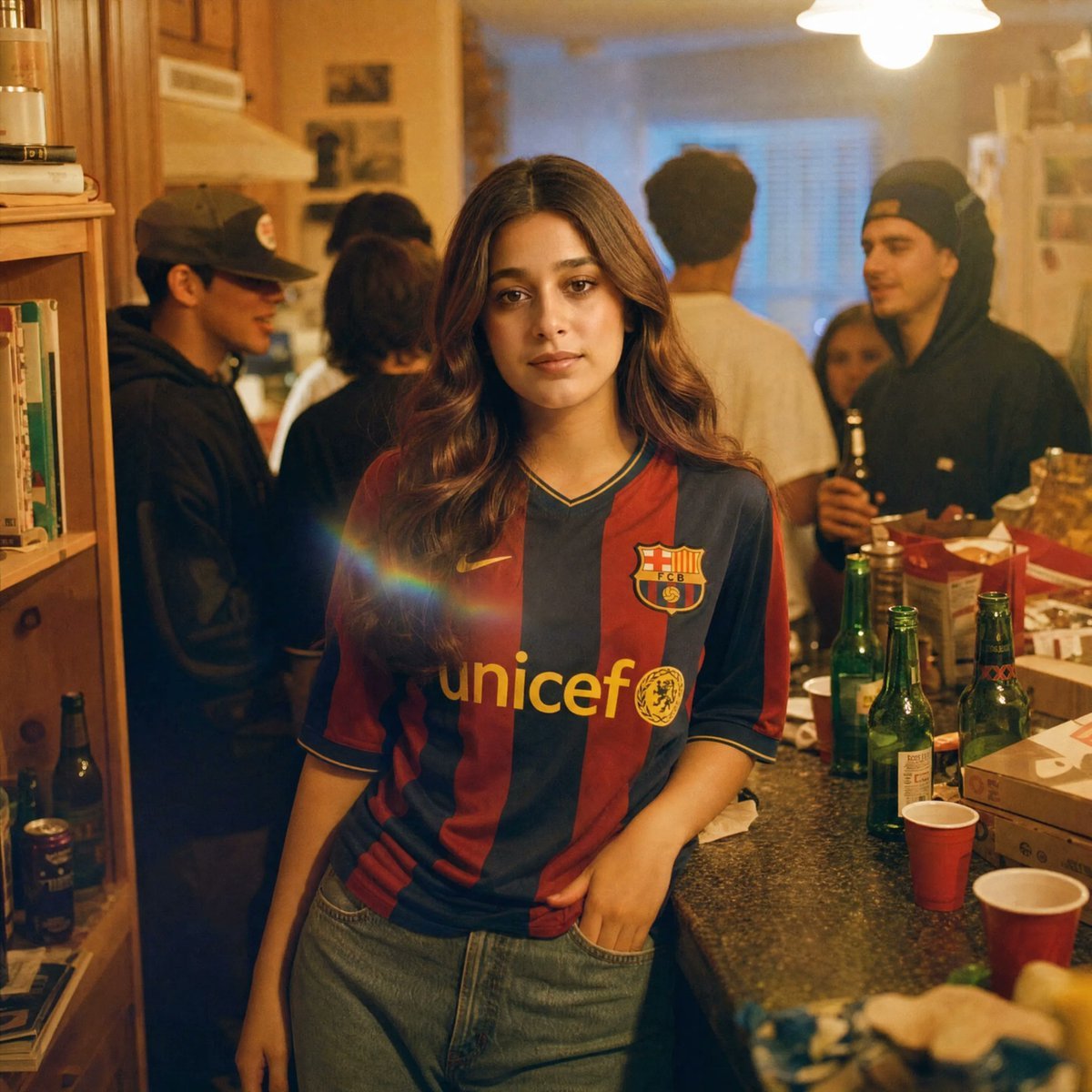
Candid House Party Soccer Jersey Portrait
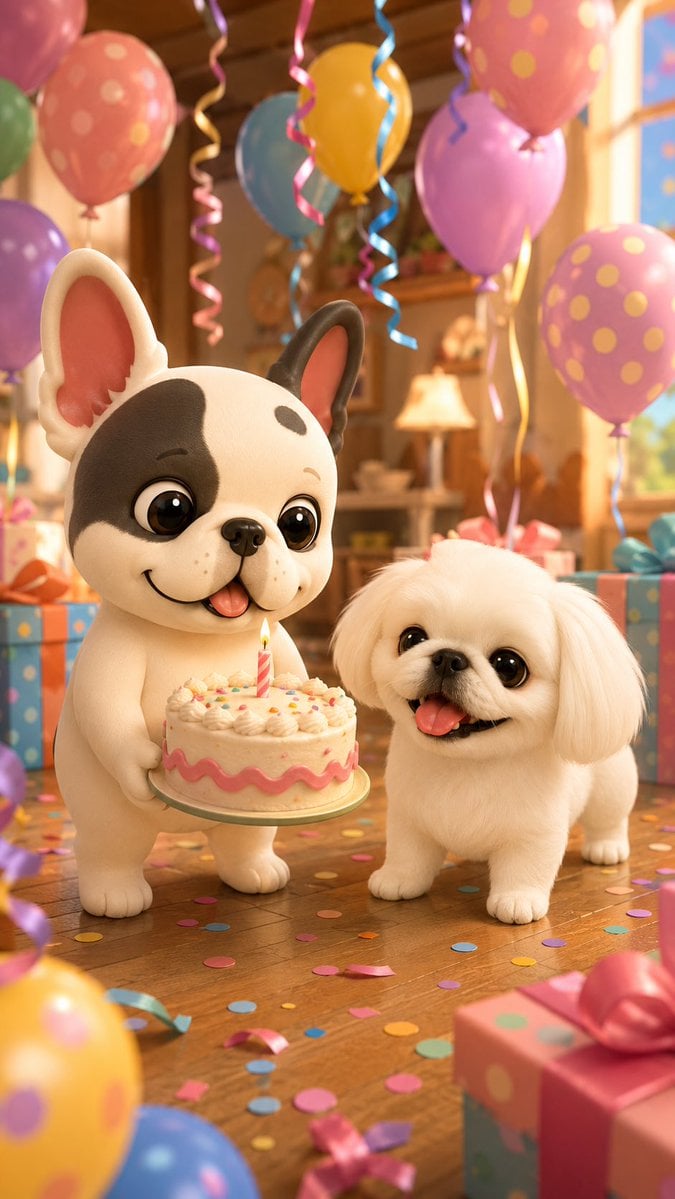
Birthday Puppies Party Scene
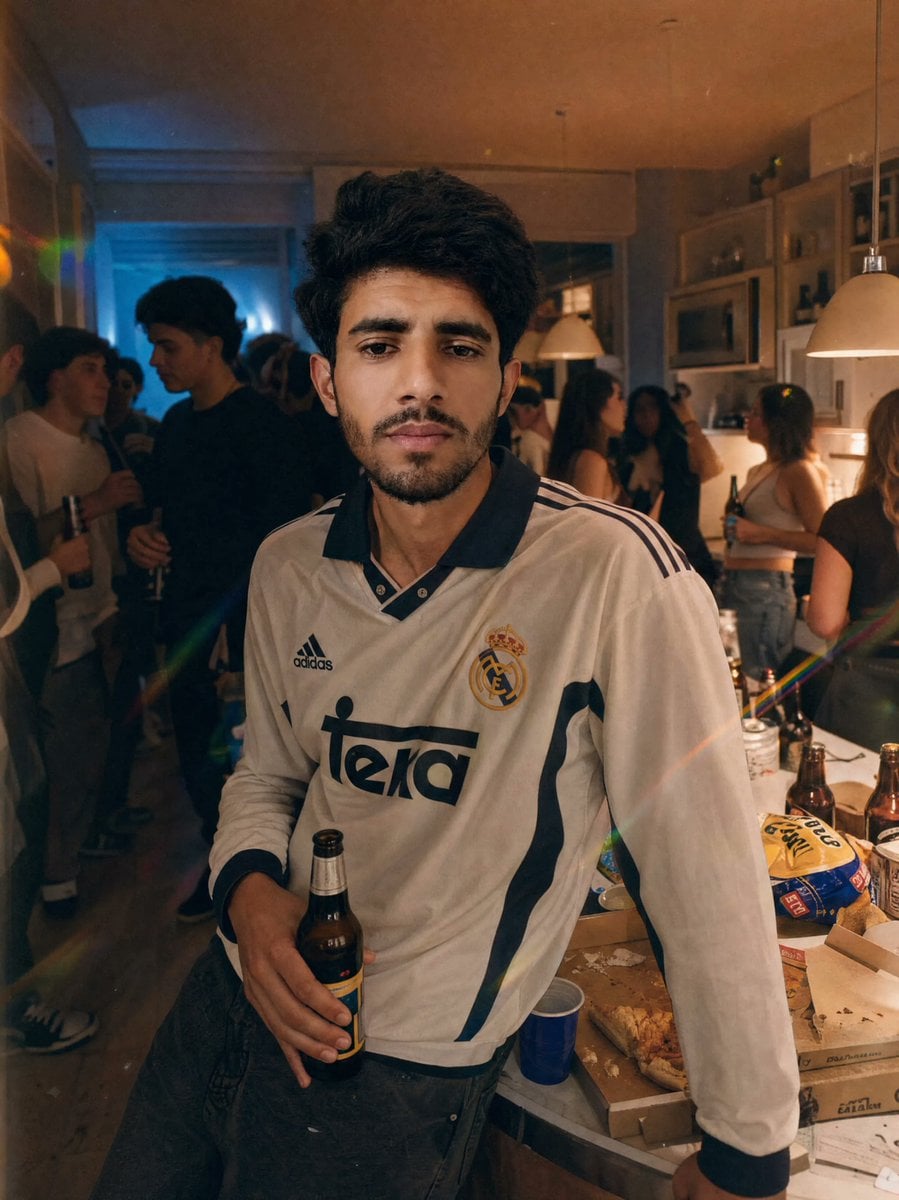
Candid Apartment Party Portrait
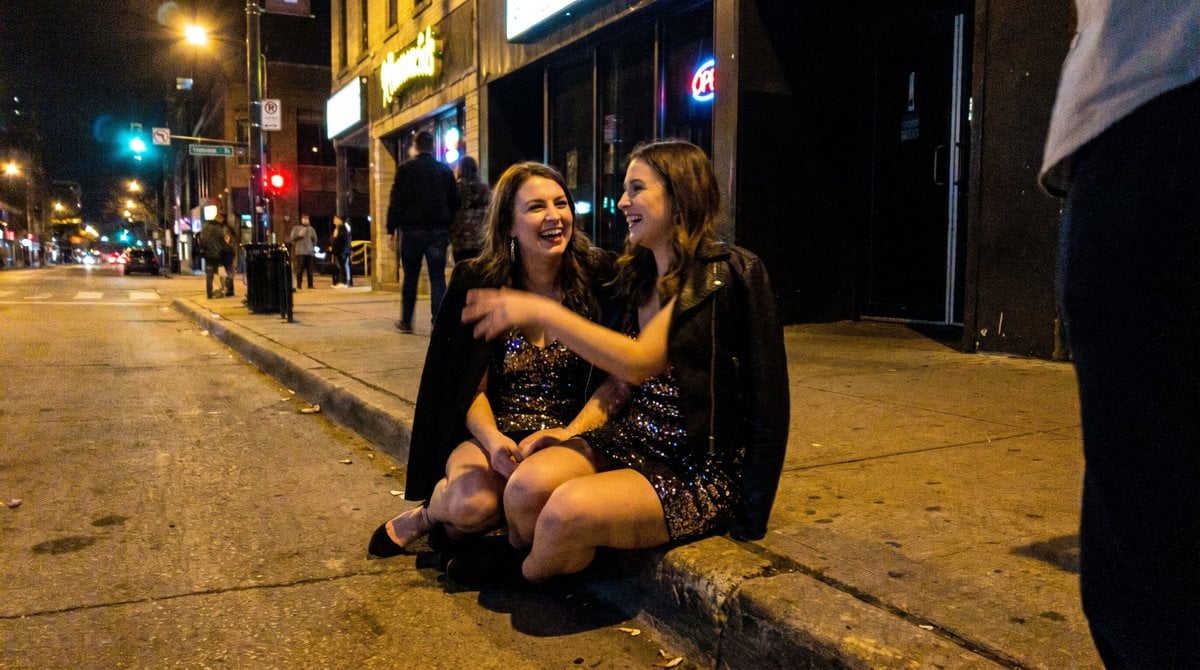
Candid Party Snapshot on Sidewalk
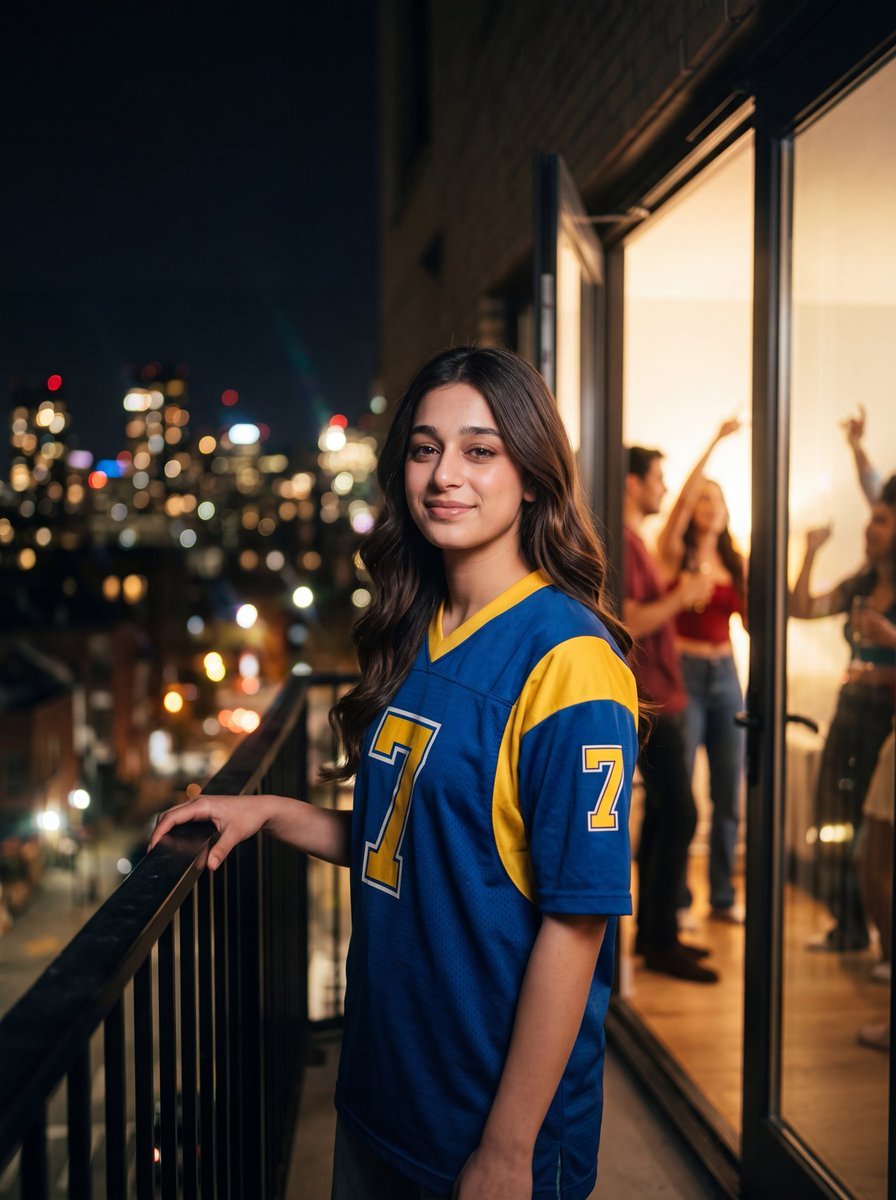
Retro Jersey Night Party Portrait
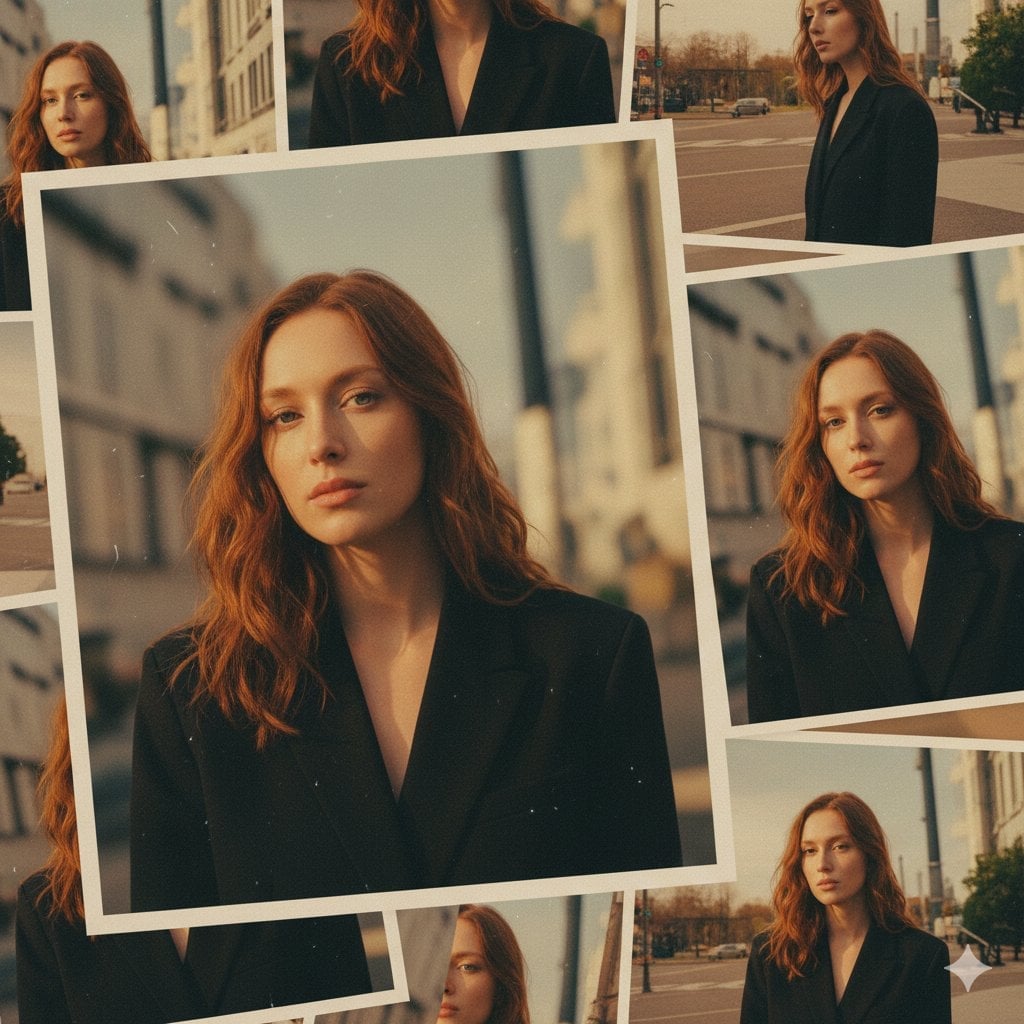
Black Tie Garden Party
Make it yours
Muscular Party Man with Maracas works as-is. These are the safest ways to change it without losing the look.
Change one field
Copy a single group, rewrite it, and generate again so you can see what that field is doing.
Keep the frame, change the subject
Hold the composition and light of Muscular Party Man with Maracas, then swap wardrobe, props or the person for a new take.
| If the result… | Why | Fix |
|---|---|---|
| The result drifts from the preview | Too many fields changed at once. | Reuse Muscular Party Man with Maracas as-is first, then change one group — subject, light, or setting. |
| The model over-stylizes the scene | The prose prompt leaves finish and camera underspecified. | Add one camera or lighting sentence and stay on GPT Image 2. |
More GPT Image 2 templates
Other prompts made for GPT Image 2.

Six VTuber Japanese Logo Sheet

Realistic Portrait of Woman and Deer

The Vista Modular Condo Poster

AI Model Routing Comparison Infographic

2.5D Anime Art Board

Isometric Productivity Desk Scene

New York Double Exposure Poster

Four-Panel AI Landscape Comparison

Japanese Tatami Lifestyle Magazine Cover

NESCAFÉ Coffee Map Poster
More image prompts
Fresh picks from across the catalog.
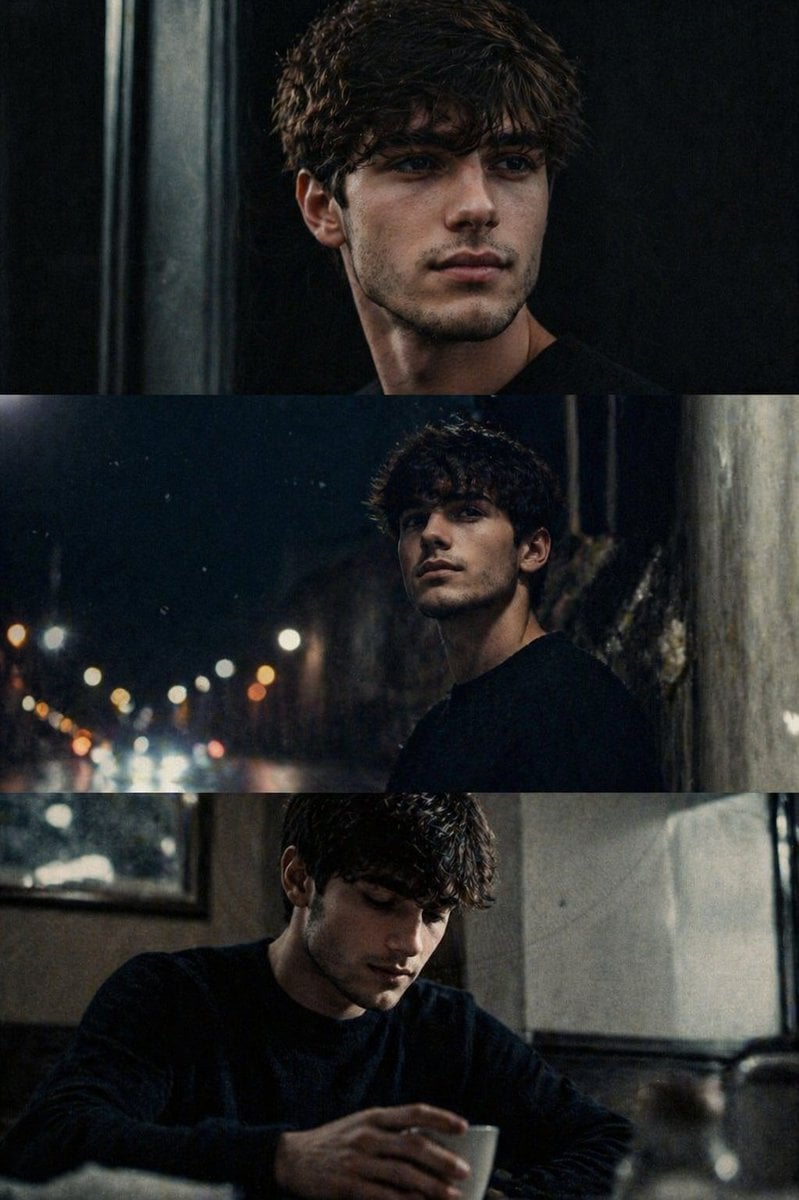
Cinematic film stills transformation prompt
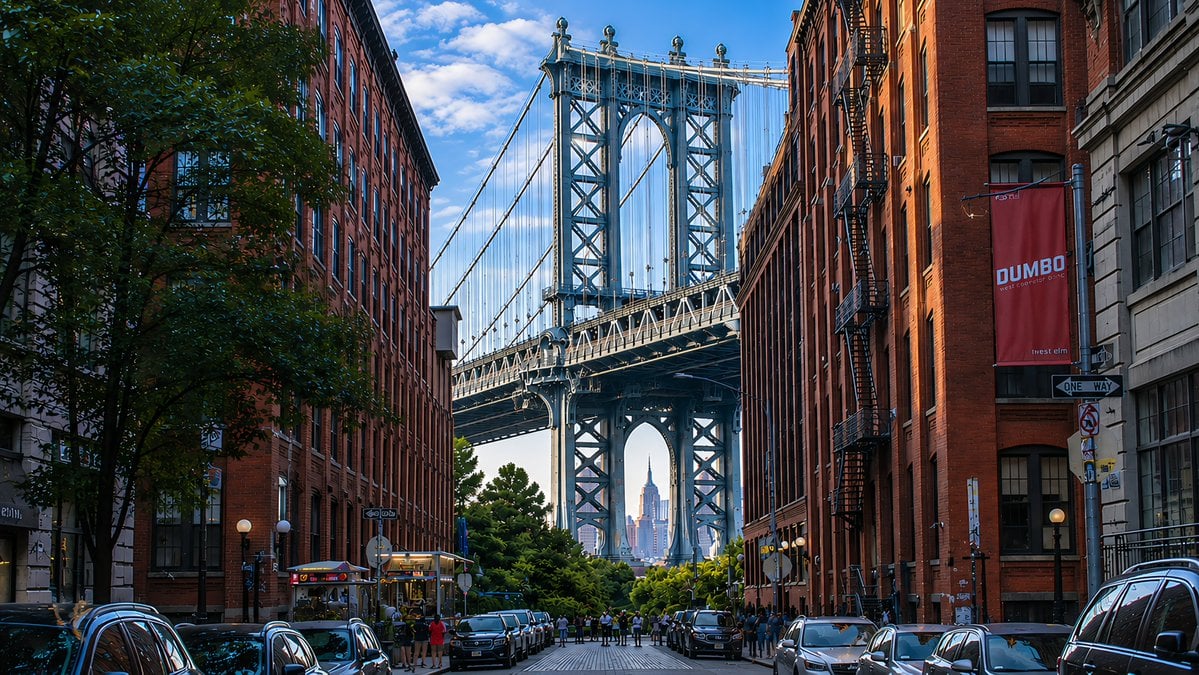
DUMBO Bridge Desktop Wallpaper
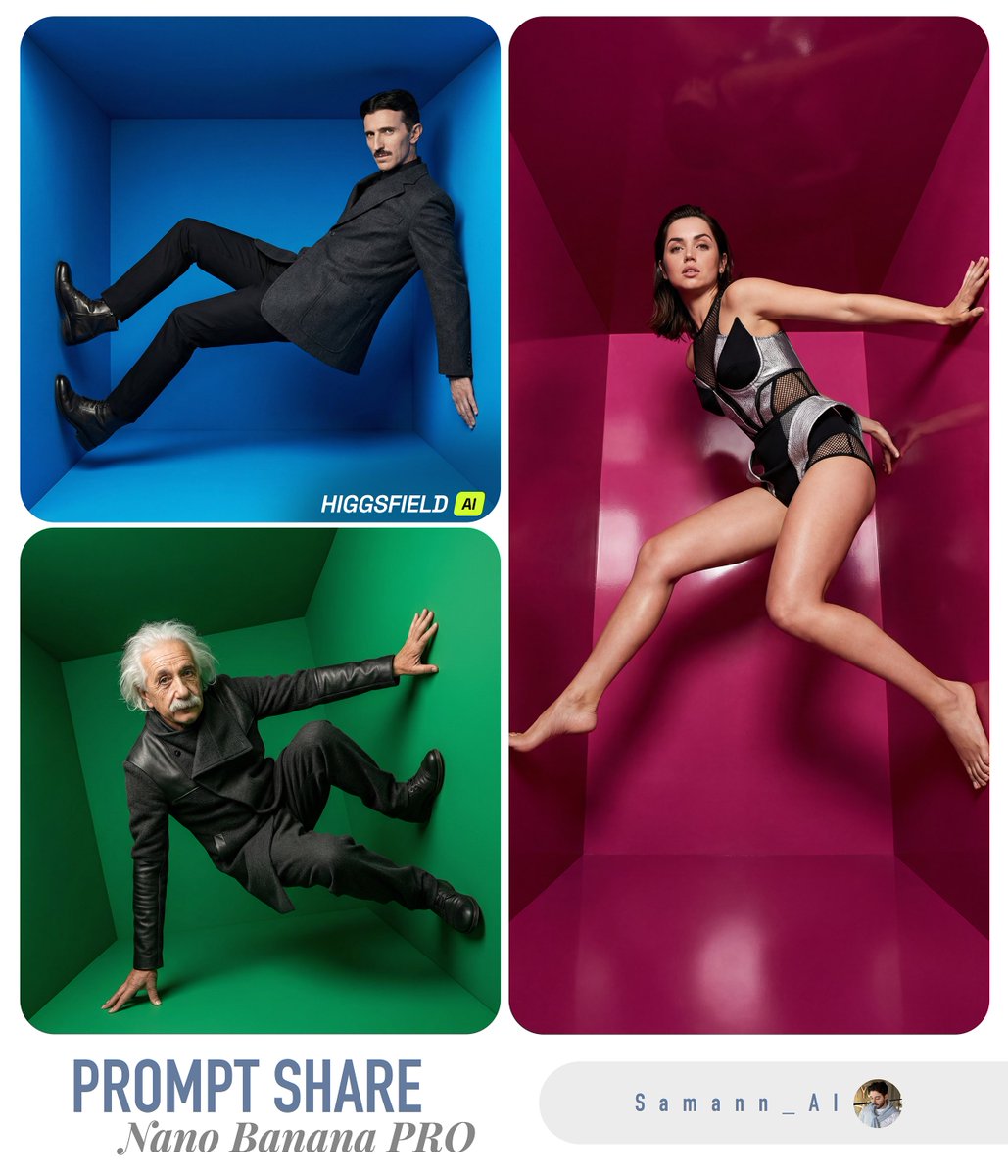
High-Fashion Editorial in Anti-Gravity Color Box
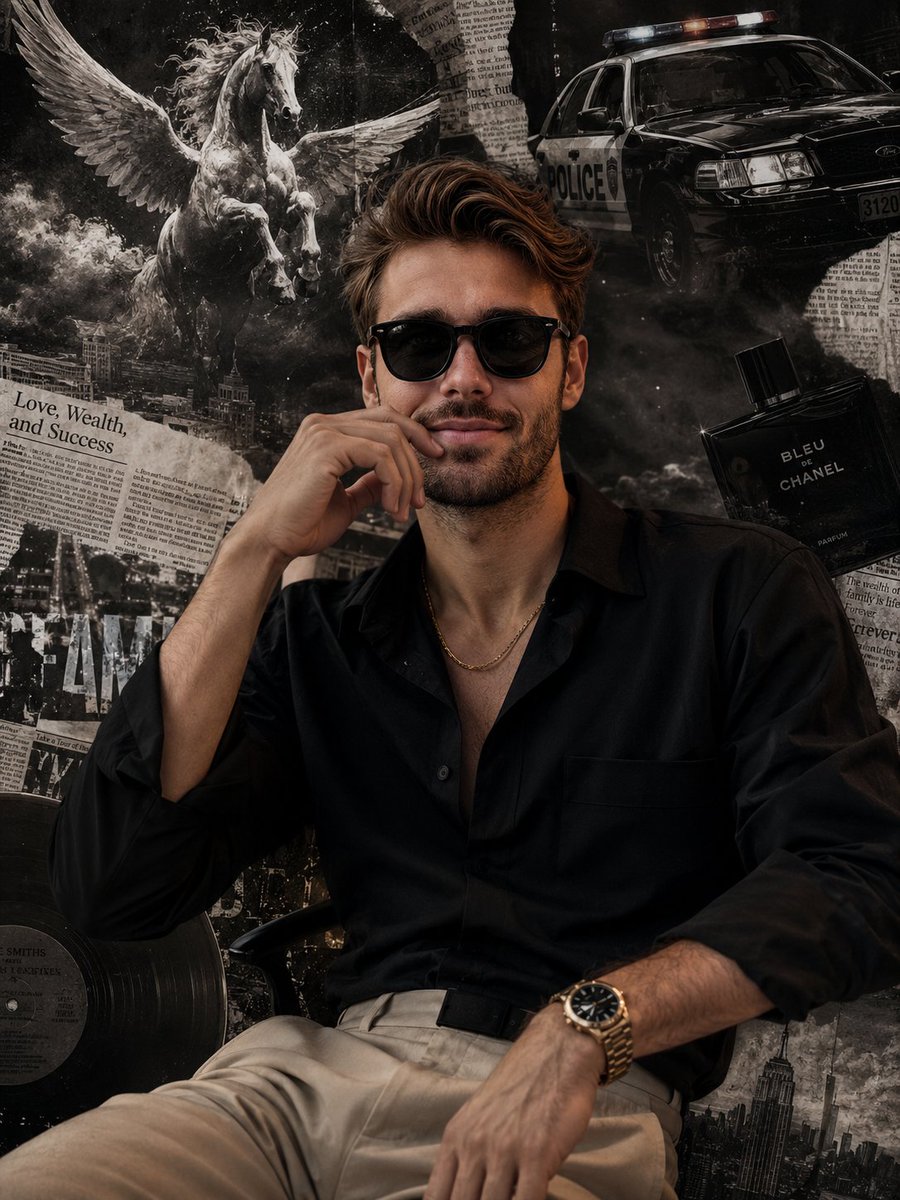
Grunge Collage Fashion Portrait
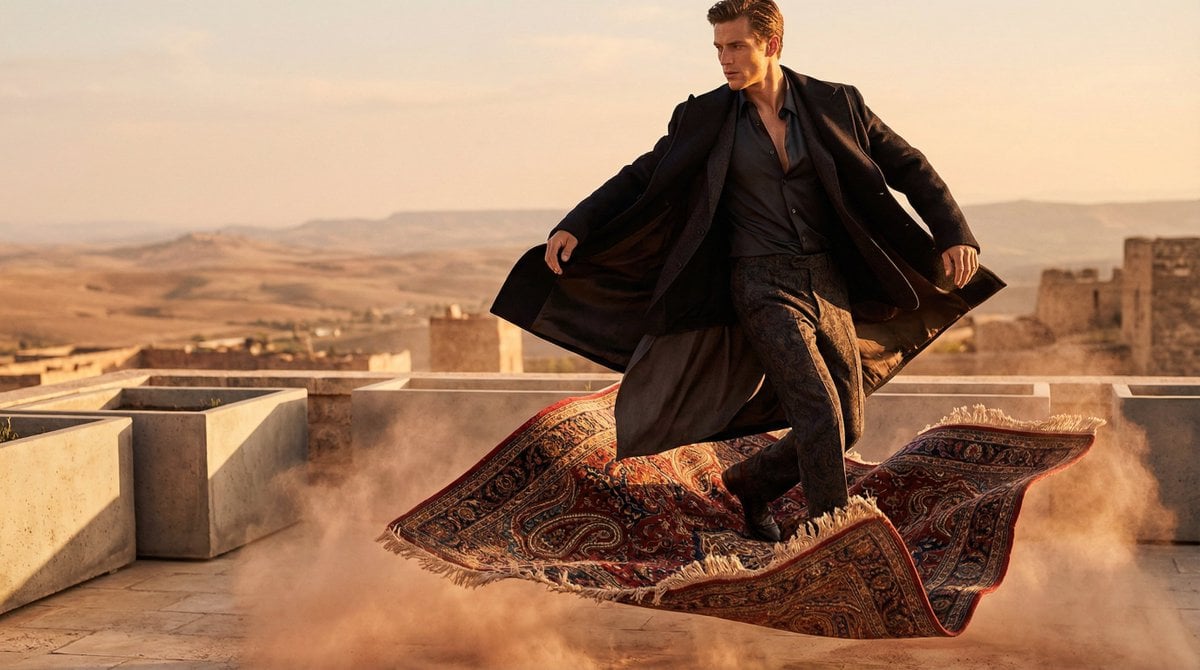
High-Fashion Magic Carpet Editorial Shot
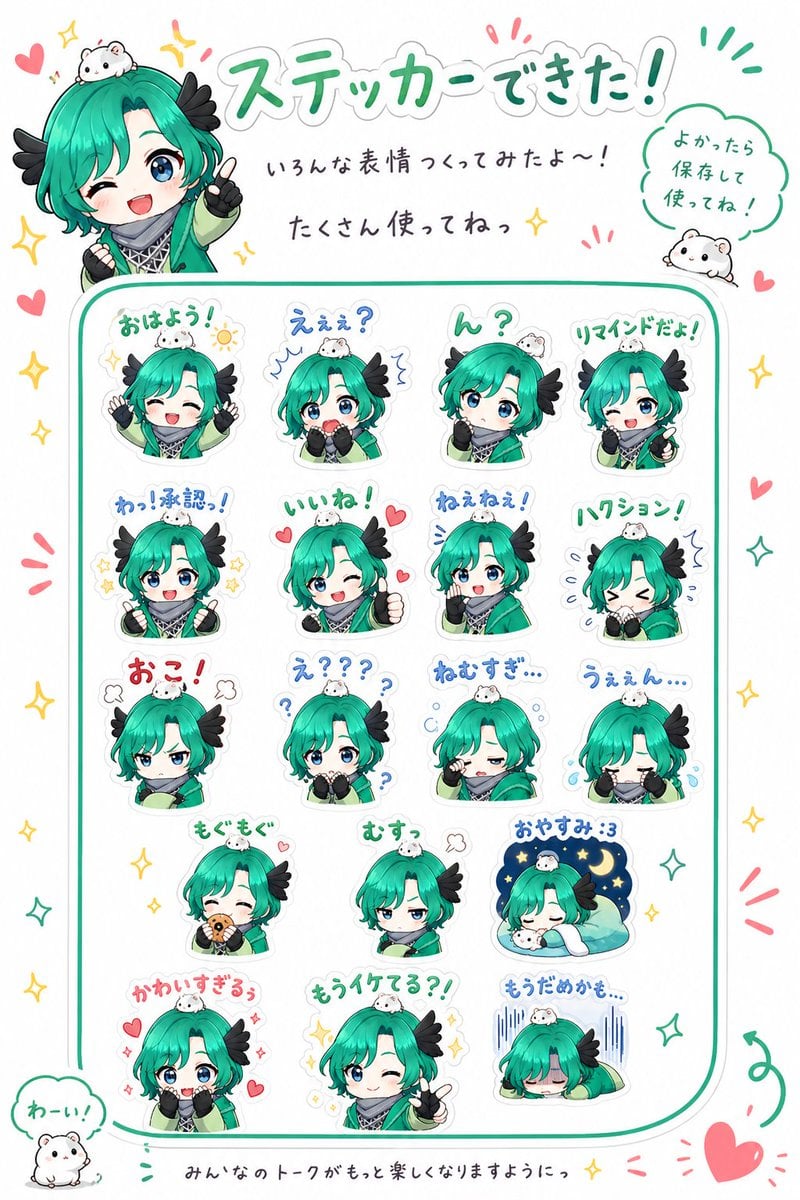
Chibi Character Sticker Sheet Ad
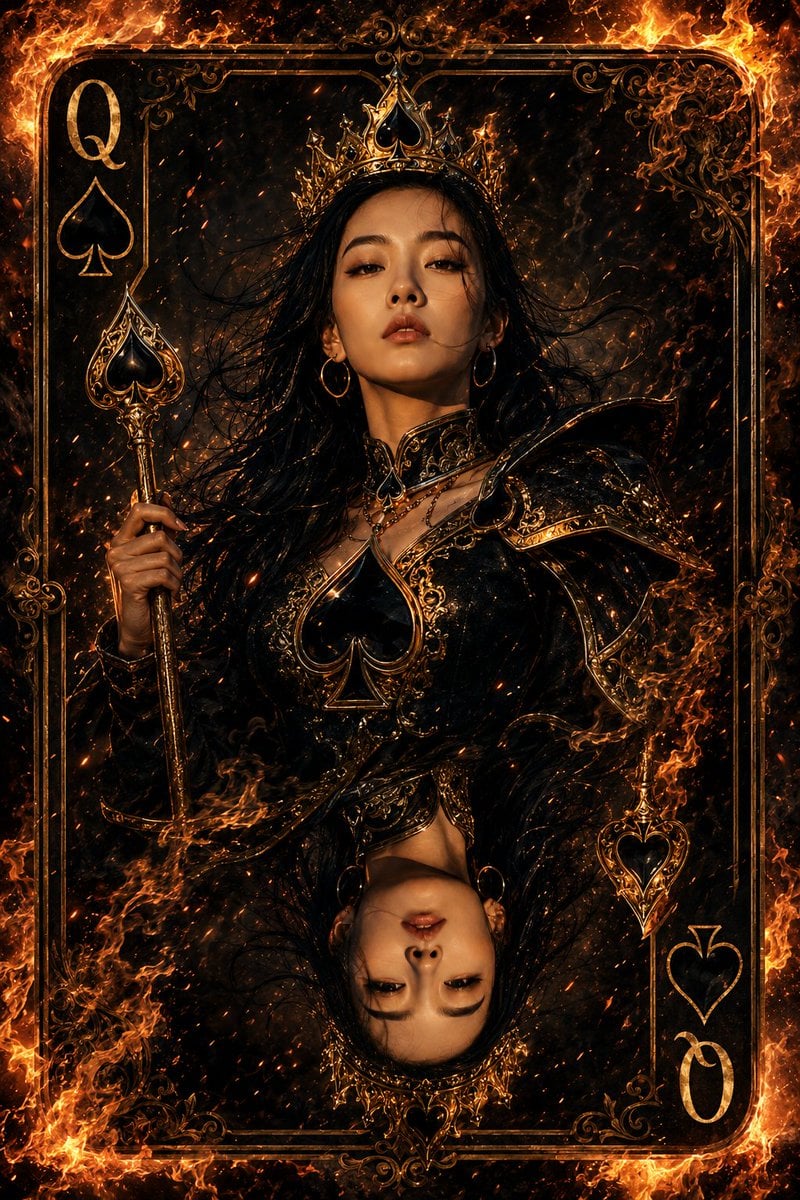
Queen of Spades Fantasy Playing Card
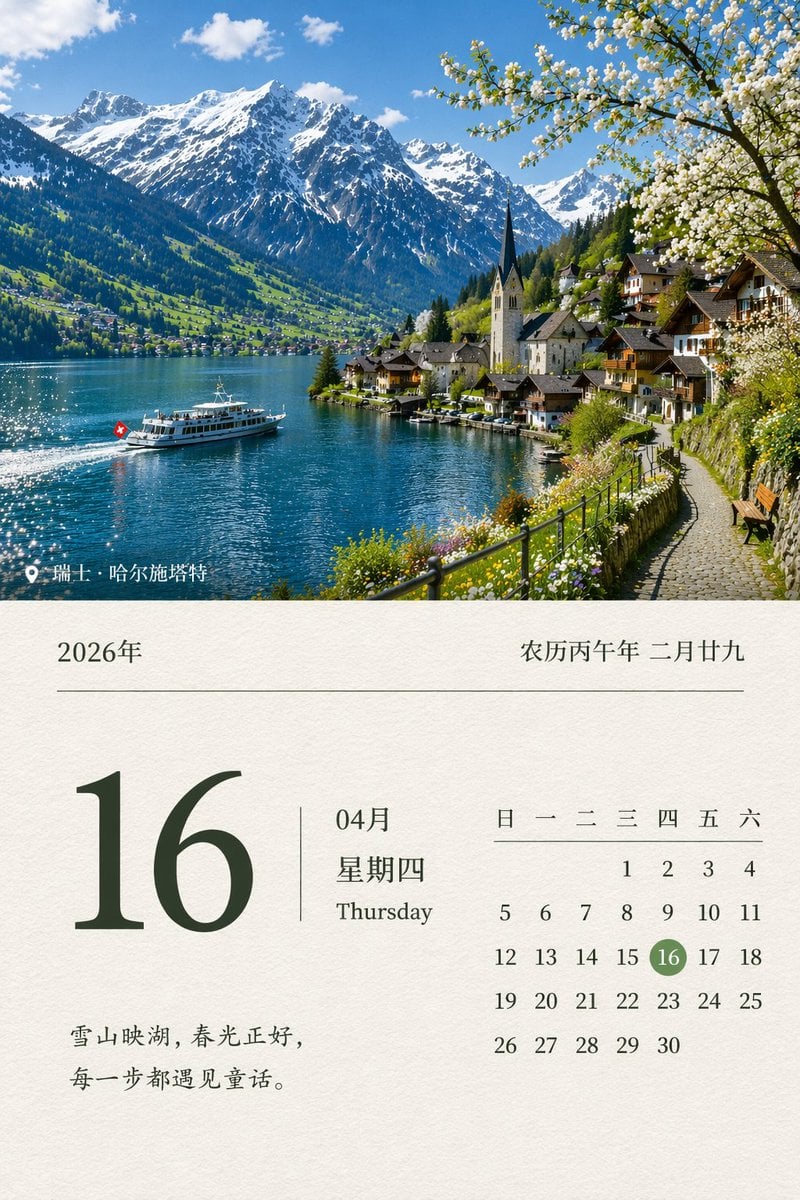
Scenic Landscape Calendar
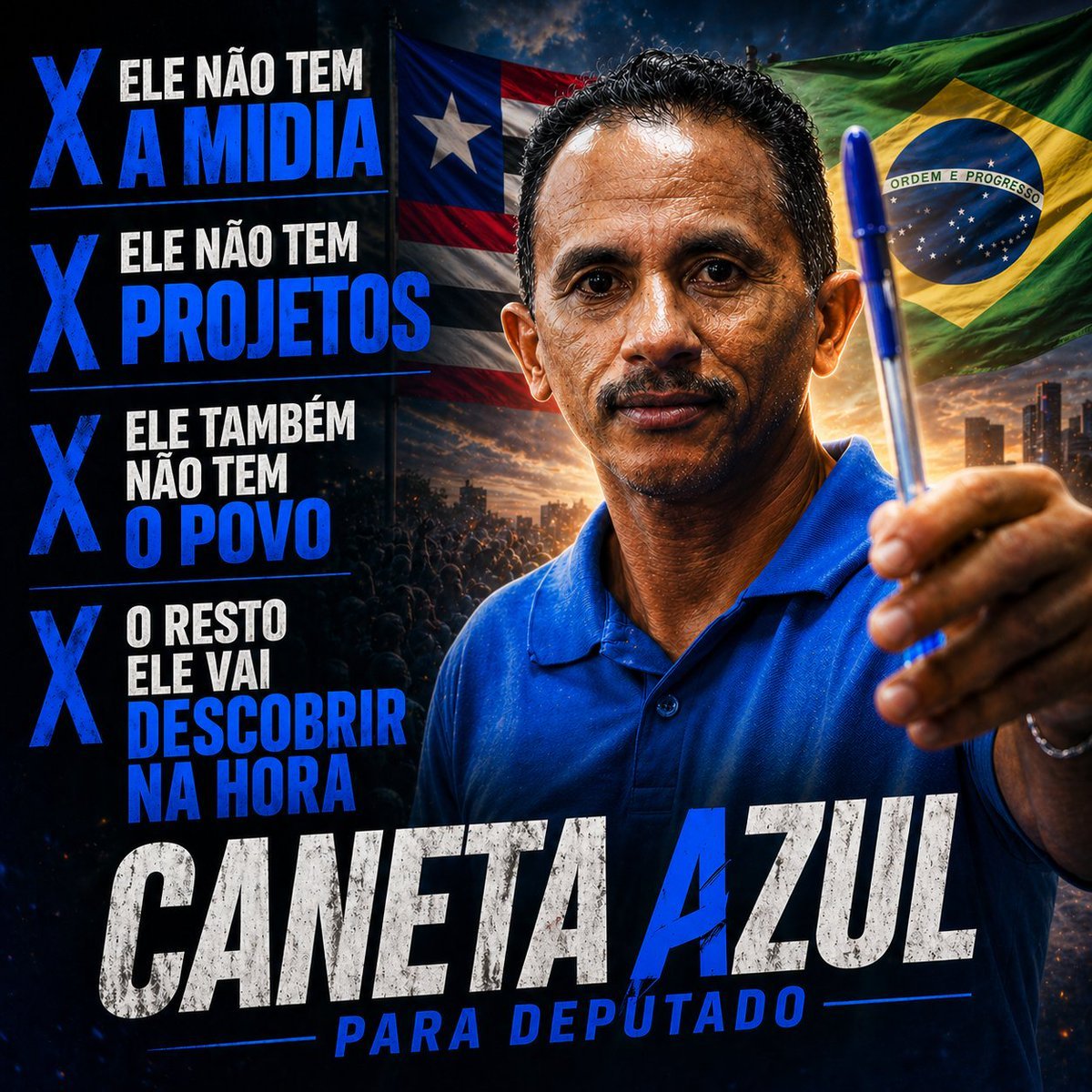
Blue Pen Campaign Poster
Chunkydog Hot Dog Mascot Logo
Browse template categories
Muscular Party Man with Maracas questions
How do I use the Muscular Party Man with Maracas template?
Add your photo if the template asks for one, edit the prompt if you like — the template's model and format are already selected — and press Generate. Your version opens in PicX Studio.
Can I customize the Muscular Party Man with Maracas template?
Yes. You can change the subject, setting, lighting, mood, format, and available model controls before creating your image.
Is the Muscular Party Man with Maracas template free?
Opening and editing this template is free. Generating uses credits, shown on the Generate button when you are signed in.
Which AI model should I use?
Start with GPT Image 2, which is the model associated with this template. You can compare another compatible model for a different finish.
Looking for something else? Browse all templates.

Your photo, any look
Thousands of ready templates for every top image and video model, from one credit balance.