
Birthday Puppies Party Scene
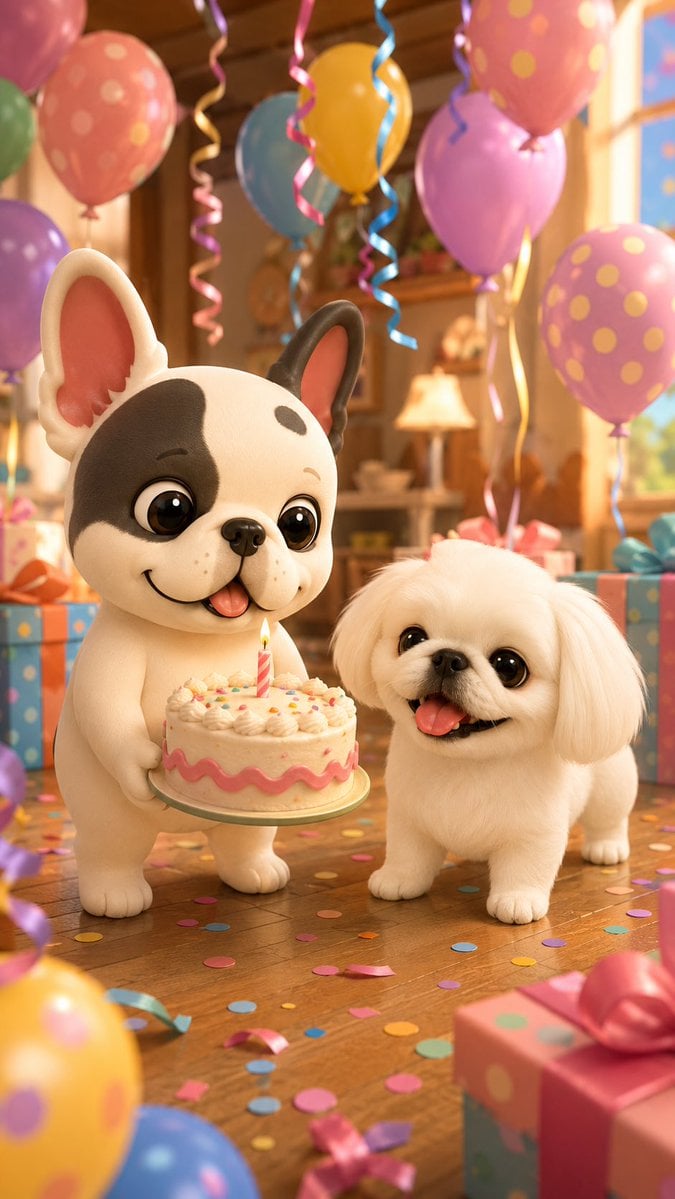
A vertical 3D animated birthday illustration featuring two cute puppies with a cake, balloons, gifts, and confetti in a cozy sunlit room.
- Prompt included
- Model and format preset
- Premium template
The prompt behind this image
Copy the exact prompt behind Birthday Puppies Party Scene, or open it in the studio and make it yours.
Create a cheerful vertical 9:16 3D animated birthday scene in a warm sunlit living room. Two cute stylized dogs are the only main characters: on the left, {argument name="left dog character" default="a cream French bulldog puppy with one large dark brown patch over the left eye, a smaller dark spot on the forehead, one dark ear and one cream ear, oversized glossy black eyes, pink inner ears, tiny freckles, and a happy smile with tongue out"}; on the right, {argument name="right dog character" default="a fluffy white Pekingese puppy with rounded face, long soft floppy ears, big glossy dark eyes, small black nose, short legs, and an open happy mouth with tongue out"}. The left dog stands upright holding a round birthday cake on a plate at chest height; the right dog stands beside it, looking delighted. The cake is cream-colored with frosting swirls, colorful sprinkles, a pink wavy icing band around the side, and exactly 1 lit pink-striped candle in the center. Surround them with a festive birthday party room: polished wooden floor scattered with colorful confetti, pastel wrapped gift boxes with ribbons in the background and foreground, and many floating balloons and curling ribbons. Show exactly 10 prominent balloons: pink polka-dot balloon at upper left, green partial balloon at far upper left edge, purple balloon at left, blue balloon near top center, yellow balloon near top center-right, large pink polka-dot balloon at upper right, purple balloon mid-right, pink polka-dot balloon at right, partial yellow polka-dot balloon at bottom left foreground, and partial blue balloon at bottom left foreground. Use warm golden window light from the right, cozy wooden furniture softly blurred in the background, shallow depth of field, glossy toy-like fur, Pixar-quality 3D rendering, soft rounded forms, vibrant pastel colors, joyful expression, high detail, no text, no watermark, no extra animals or people.
How to use Birthday Puppies Party Scene in 3 steps
- 1Upload ImagePNG, JPG or paste
Add your photo
Upload the photo the template builds on. The prompt, model and format are already set.
- 2…a portrait of your subject in softgolden-hour light, 85mm…
Personalize
Edit the subject and creative details for your destination.
- 3Generate
Generate
Press Generate — your image is created in PicX Studio, so you can compare it with the original and refine one variable at a time.
More like this
Templates with the same subject, style or setup. Open one to see its prompt.
80s Birthday Party

One Dance Before Midnight
80s Disco Dancefloor

Nano Banana - Paris Night Party Dancing
Gangster Puppies Desert Heist
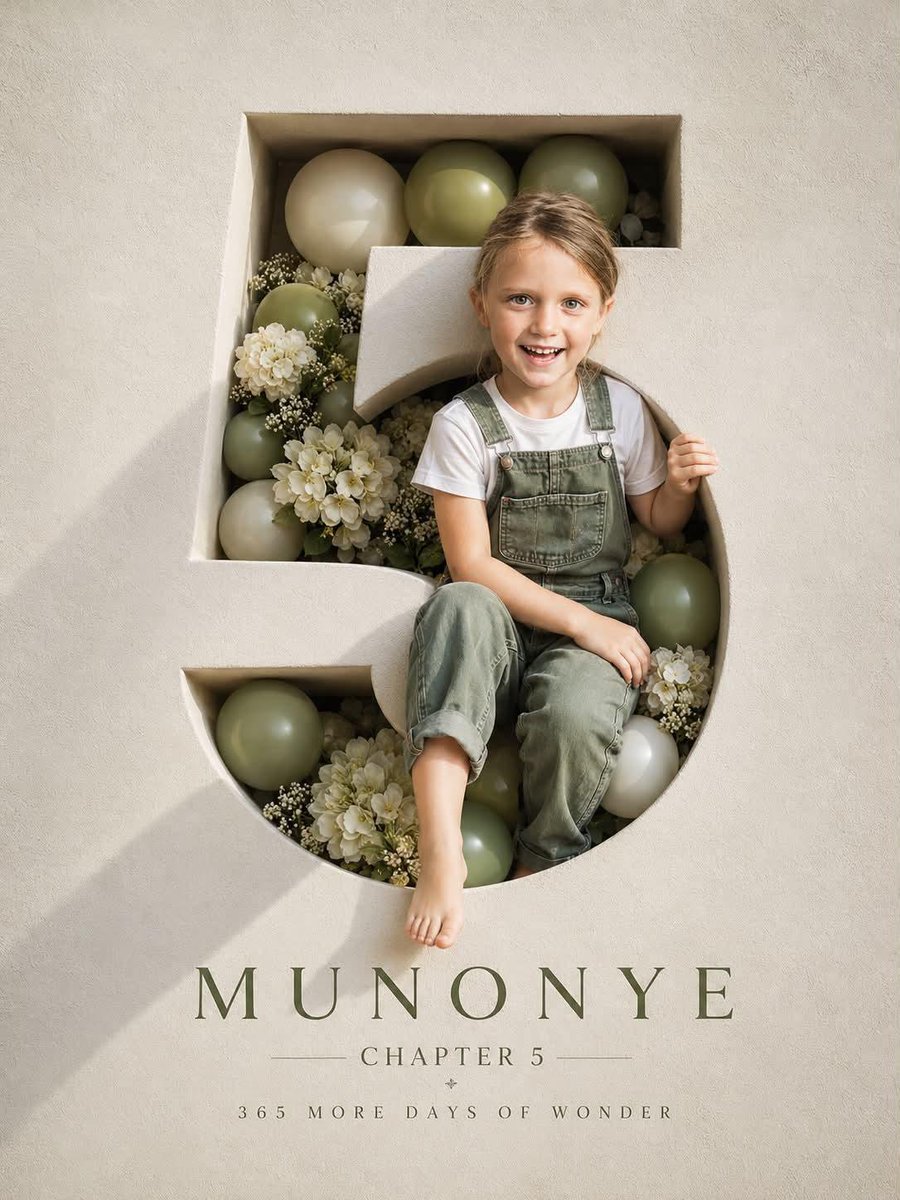
Luxury 3D Engraved Birthday Poster
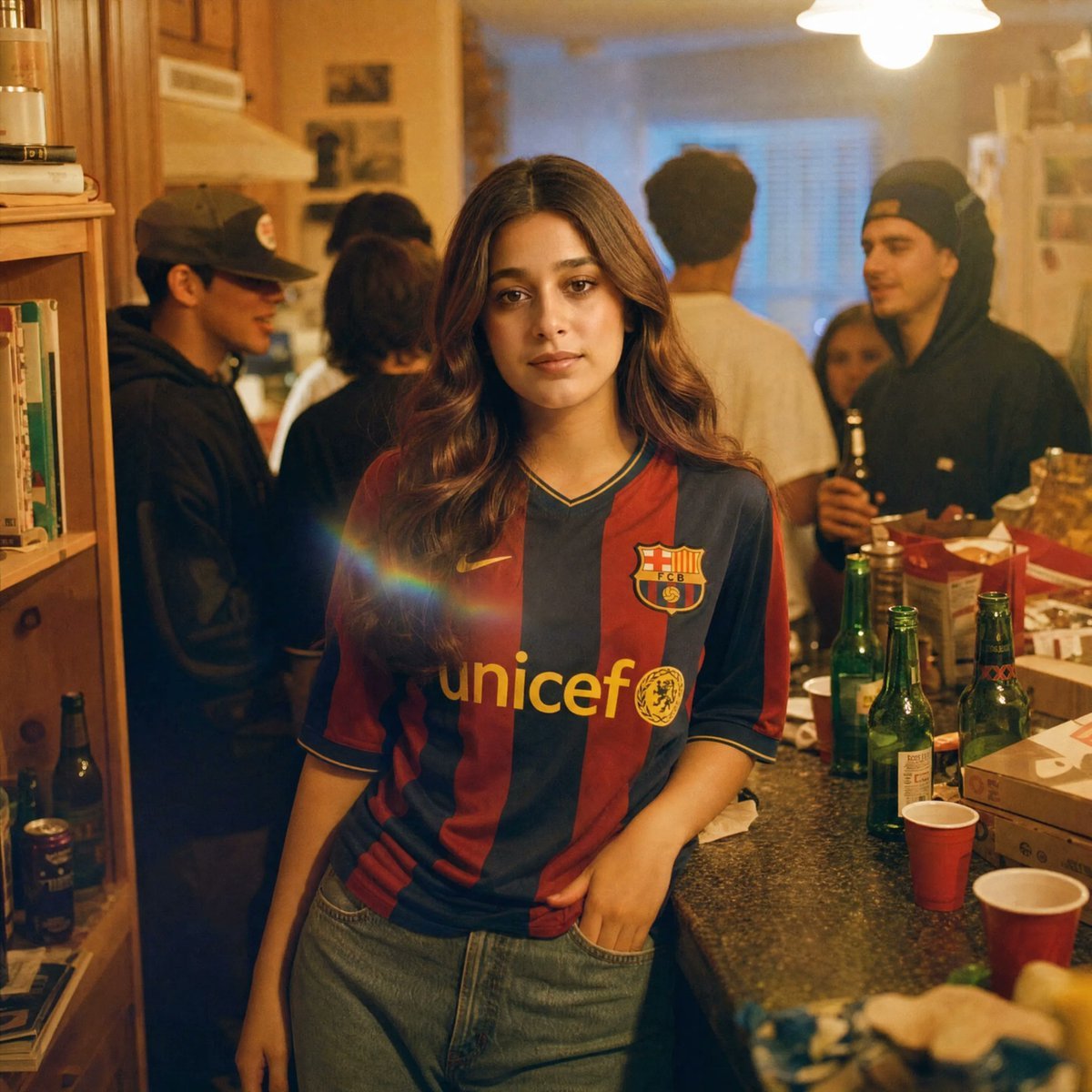
Candid House Party Soccer Jersey Portrait
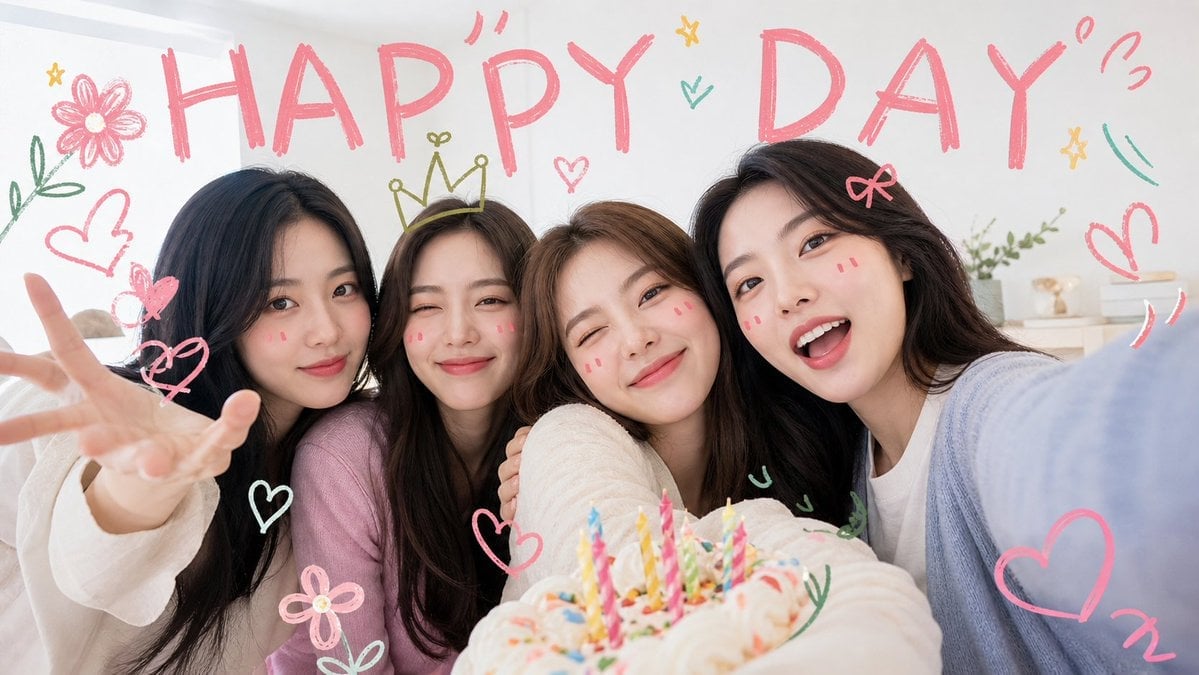
Kawaii Birthday Group Selfie
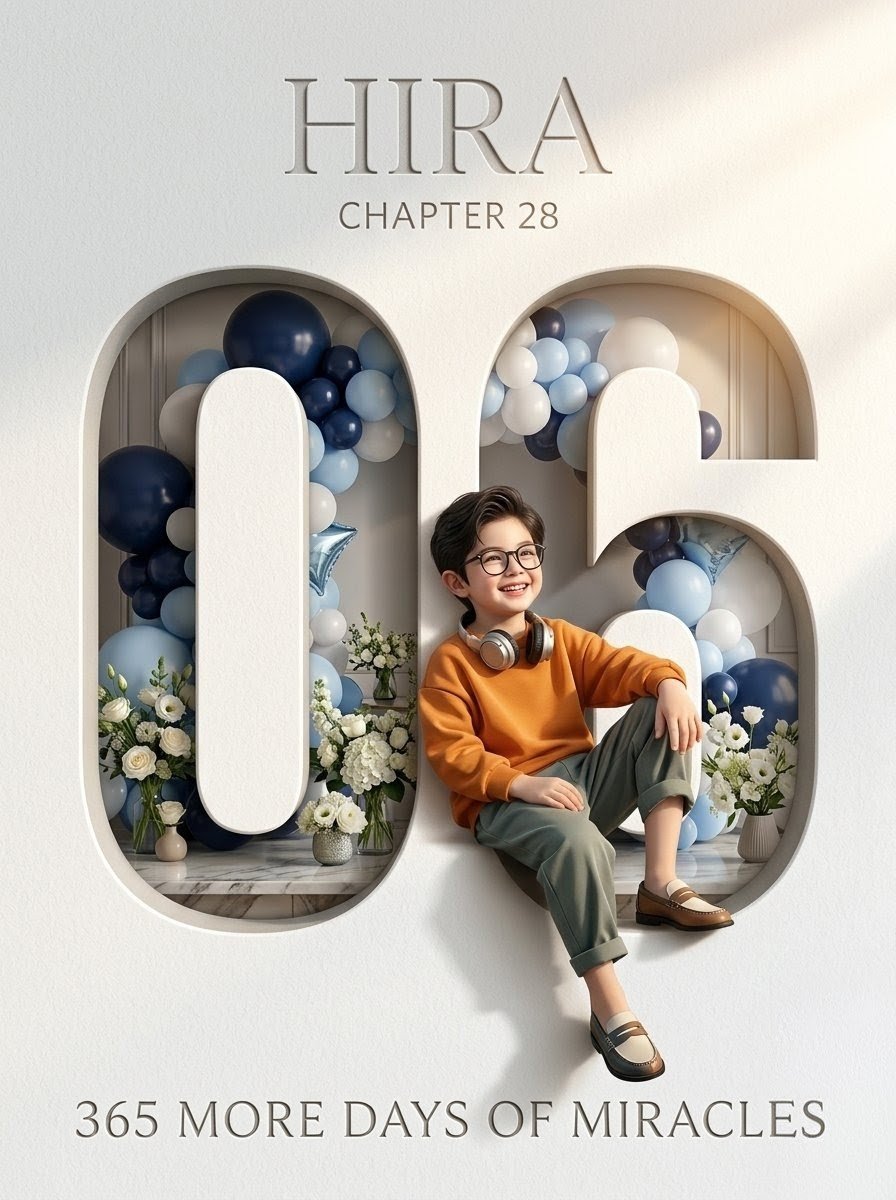
Luxury 6th Birthday Poster
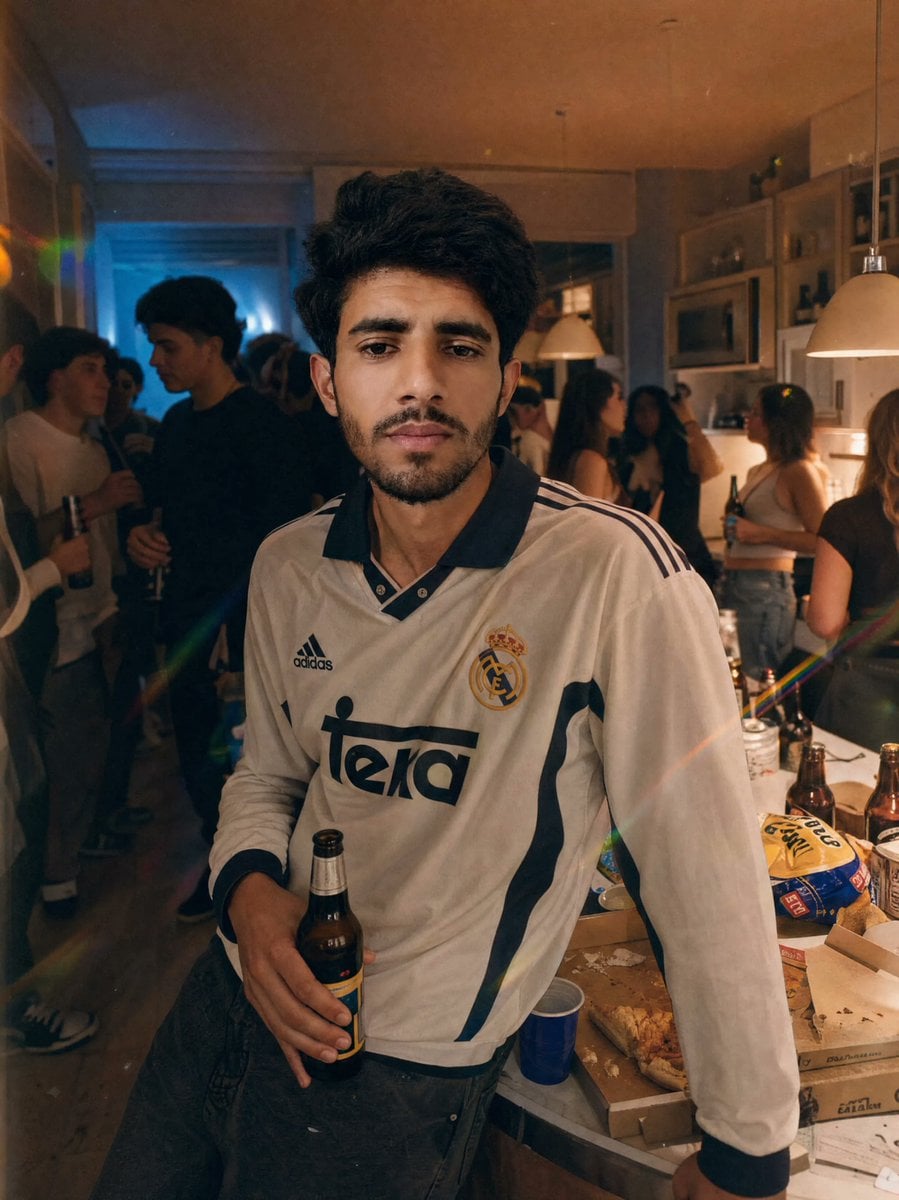
Candid Apartment Party Portrait
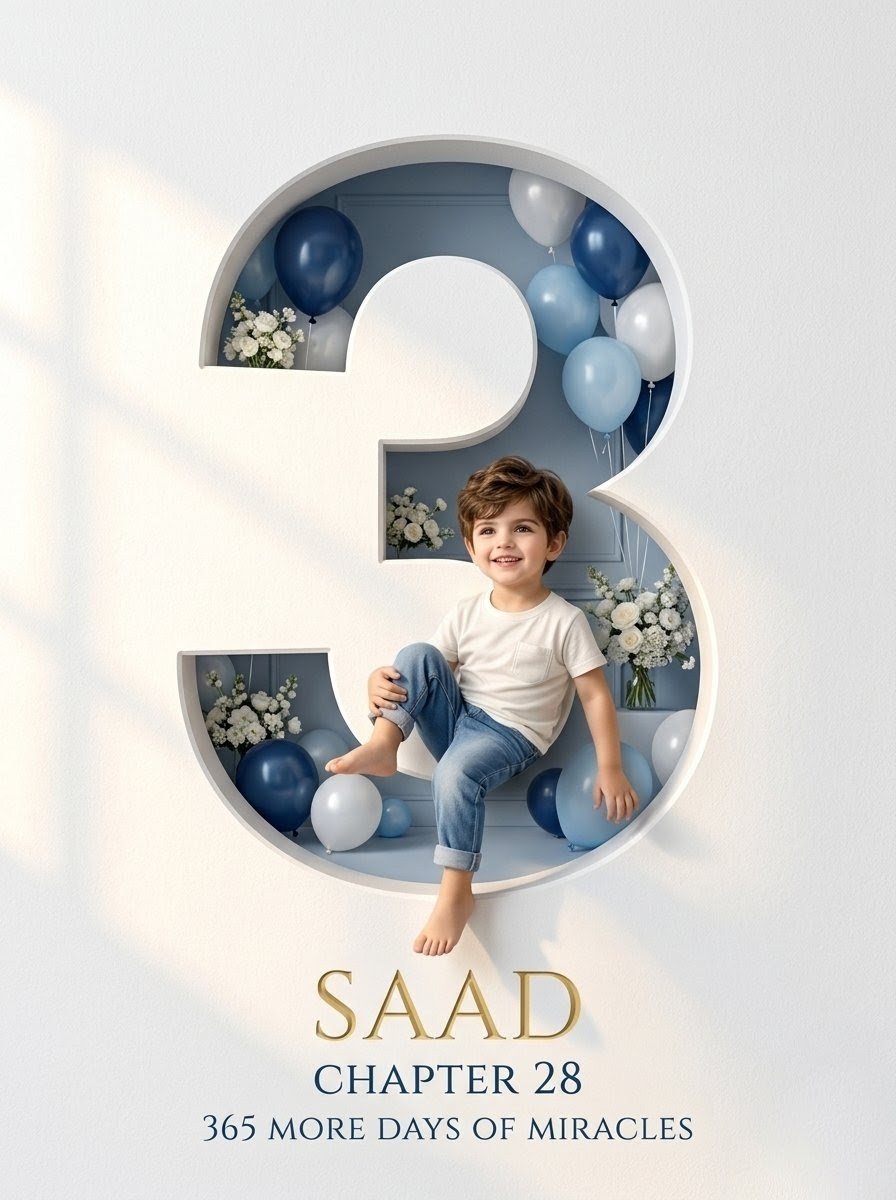
Luxury Number 3 Birthday Poster
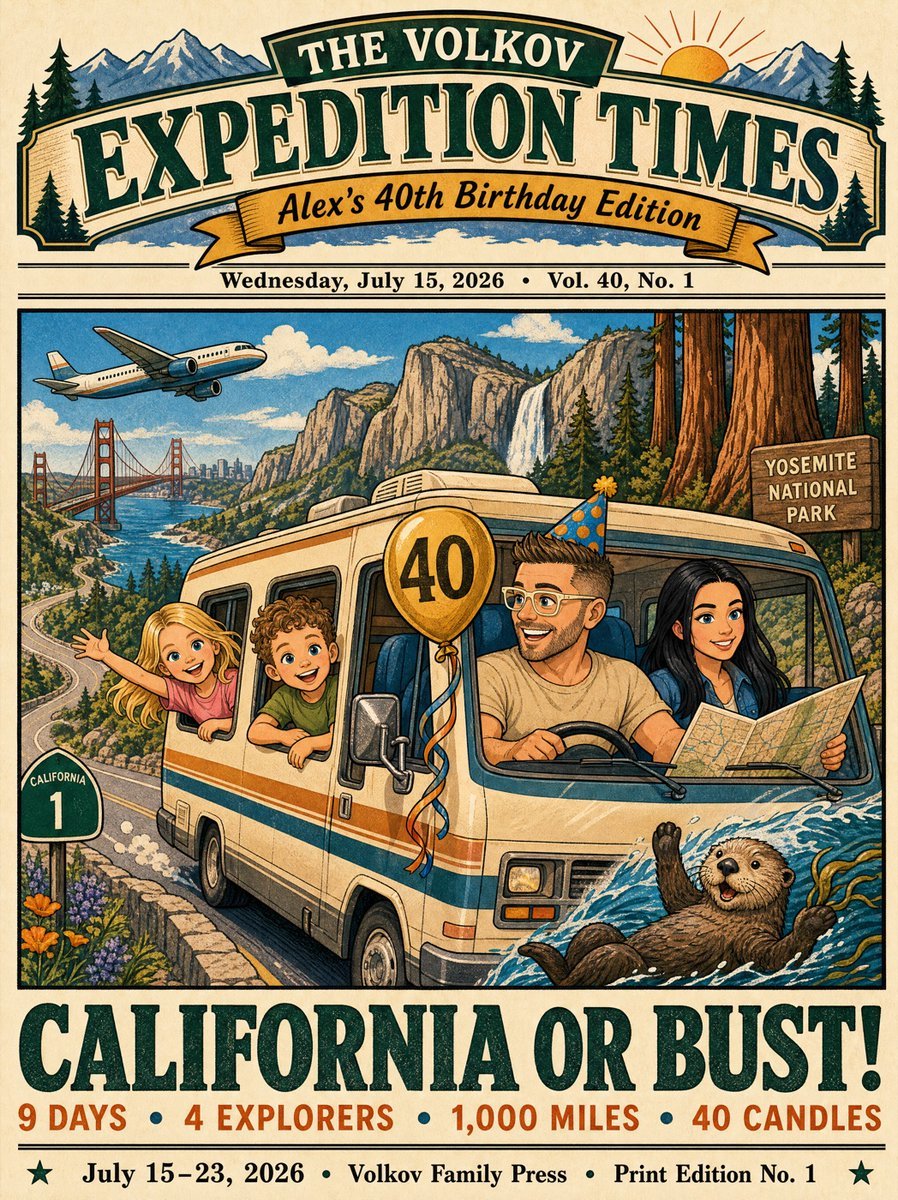
Vintage California Road Trip Birthday Poster
Make it yours
Birthday Puppies Party Scene works as-is. These are the safest ways to change it without losing the look.
Change one field
Copy a single group, rewrite it, and generate again so you can see what that field is doing.
Keep the frame, change the subject
Hold the composition and light of Birthday Puppies Party Scene, then swap wardrobe, props or the person for a new take.
| If the result… | Why | Fix |
|---|---|---|
| The result drifts from the preview | Too many fields changed at once. | Reuse Birthday Puppies Party Scene as-is first, then change one group — subject, light, or setting. |
| The model over-stylizes the scene | The prose prompt leaves finish and camera underspecified. | Add one camera or lighting sentence and stay on GPT Image 2. |
More GPT Image 2 templates
Other prompts made for GPT Image 2.

Six VTuber Japanese Logo Sheet

Realistic Portrait of Woman and Deer

The Vista Modular Condo Poster

AI Model Routing Comparison Infographic

2.5D Anime Art Board

Isometric Productivity Desk Scene

New York Double Exposure Poster

Four-Panel AI Landscape Comparison

Japanese Tatami Lifestyle Magazine Cover

NESCAFÉ Coffee Map Poster
More image prompts
Fresh picks from across the catalog.
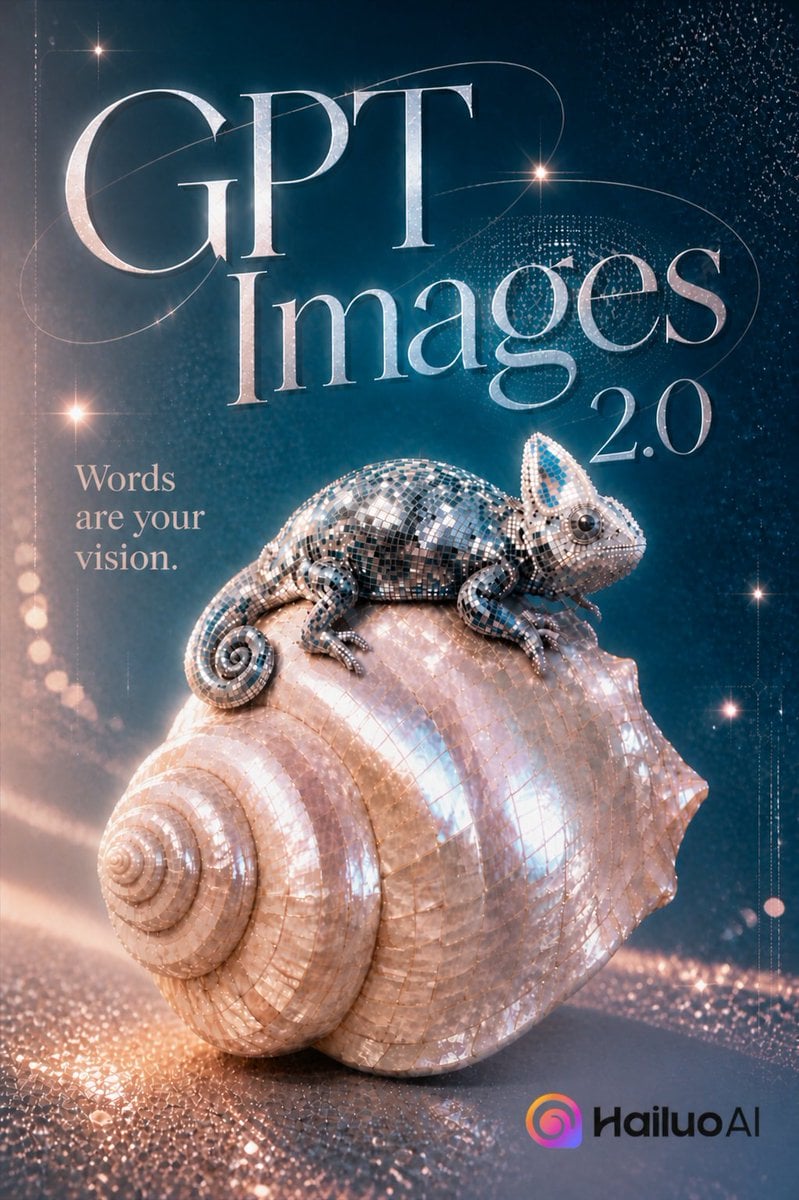
Luxury GPT Images 2.0 Launch Poster
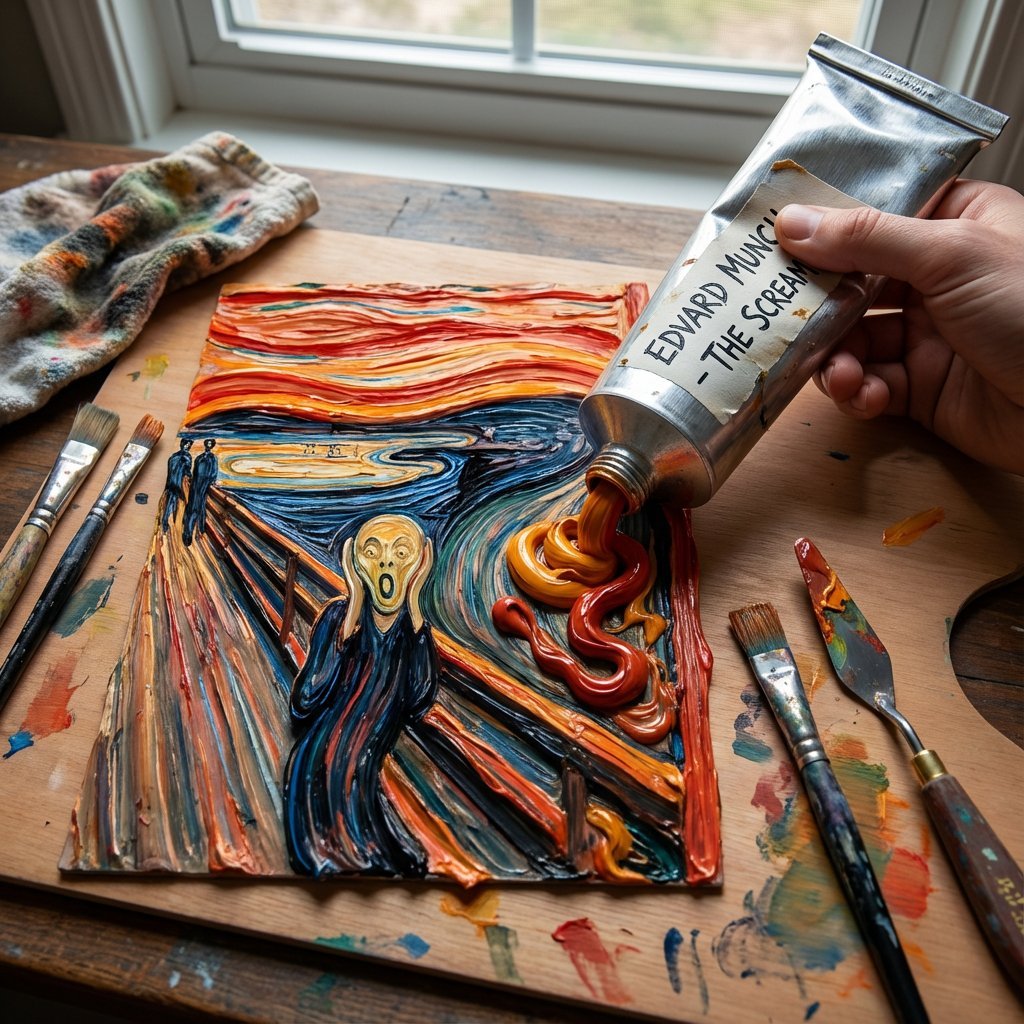
Paint Tube Squeeze: Famous Asian Painting in 3D Relief
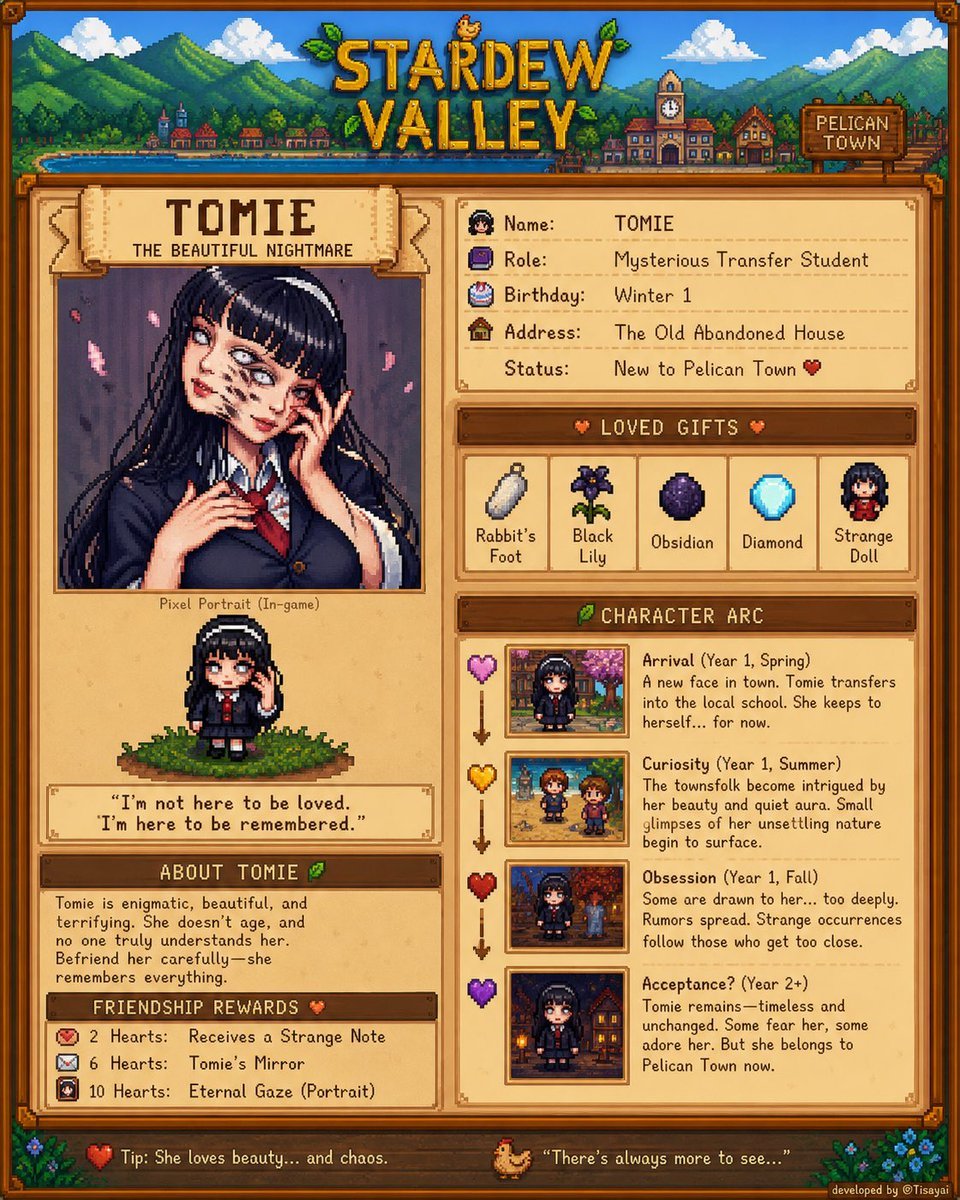
Stardew Valley Character Wiki Poster
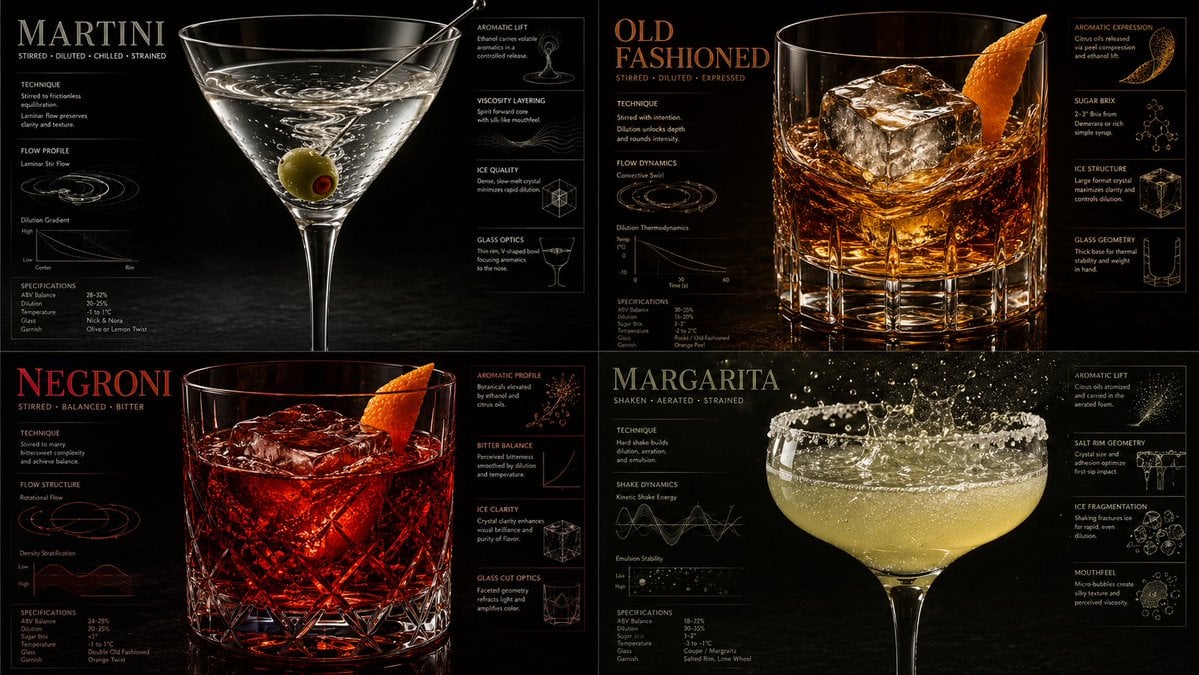
Luxury Mixology Fluid Dynamics Poster
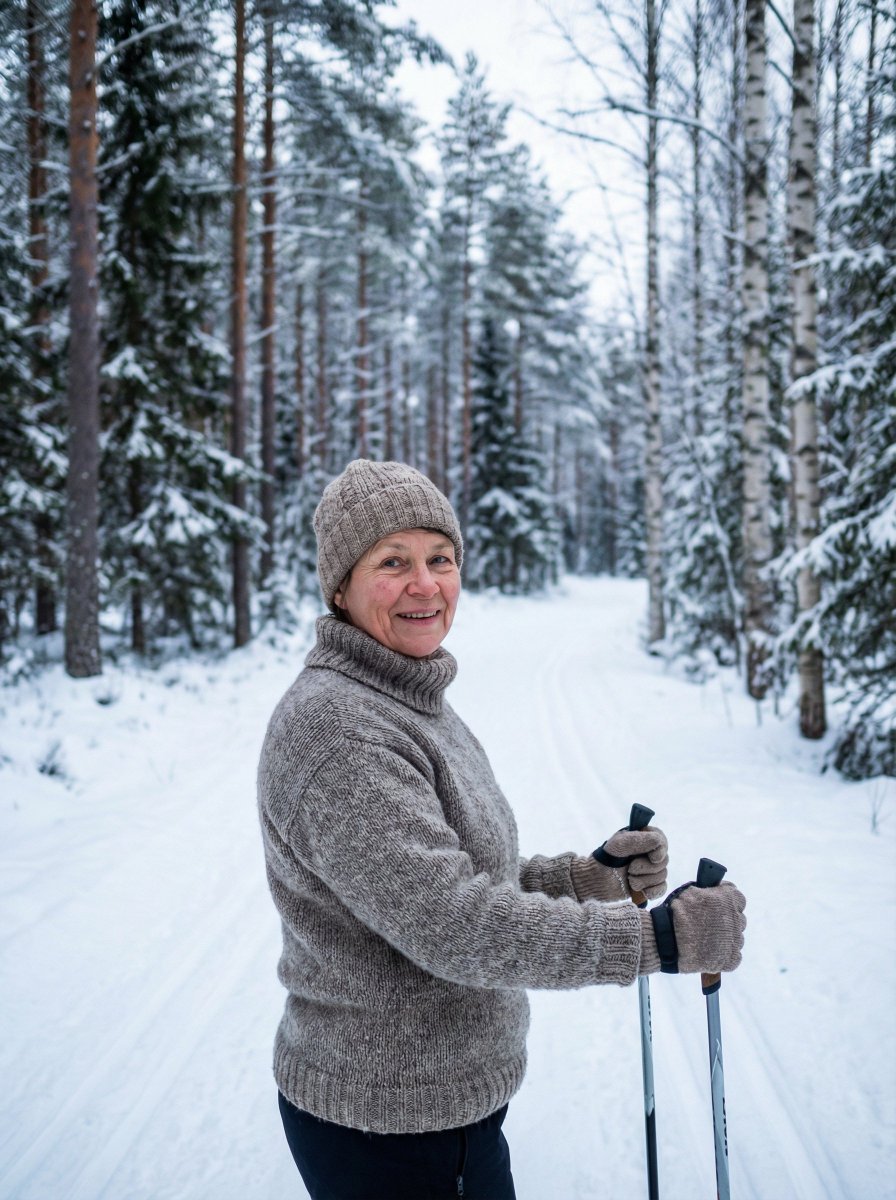
Simple Photorealistic Portrait of a Finnish Woman
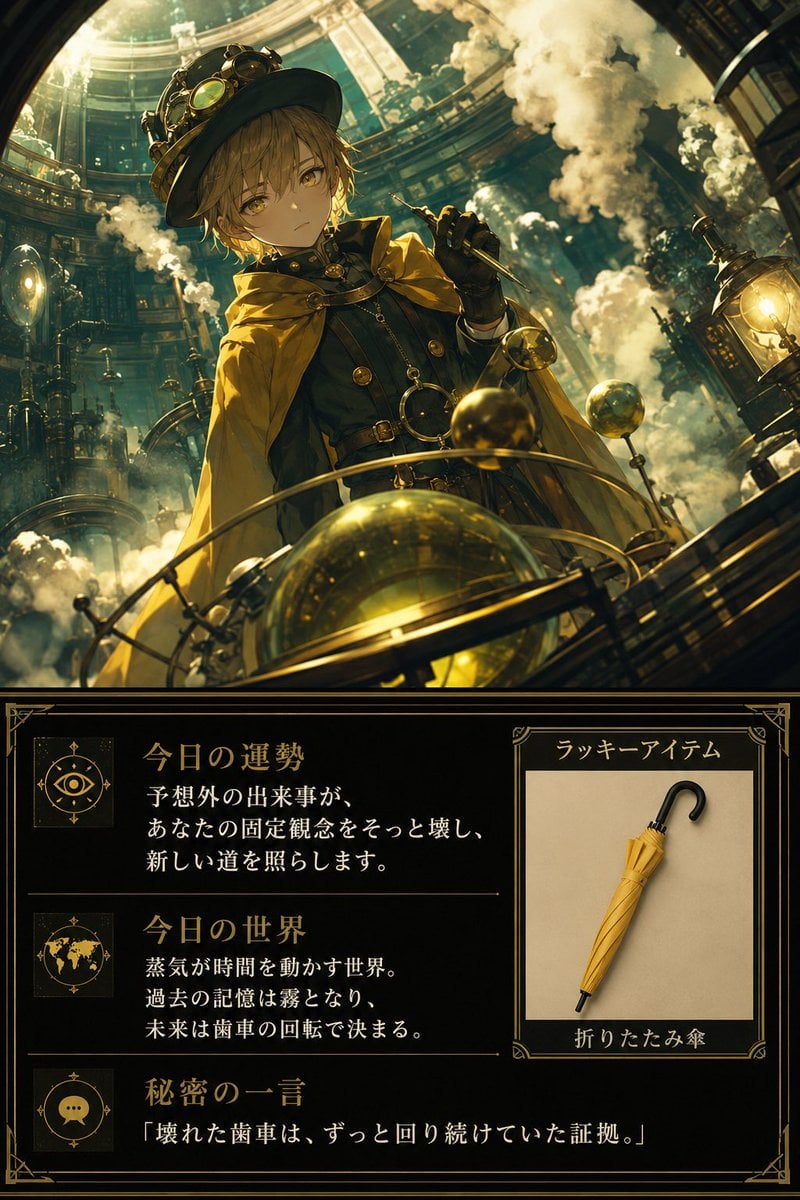
Steampunk Daily Fortune Card
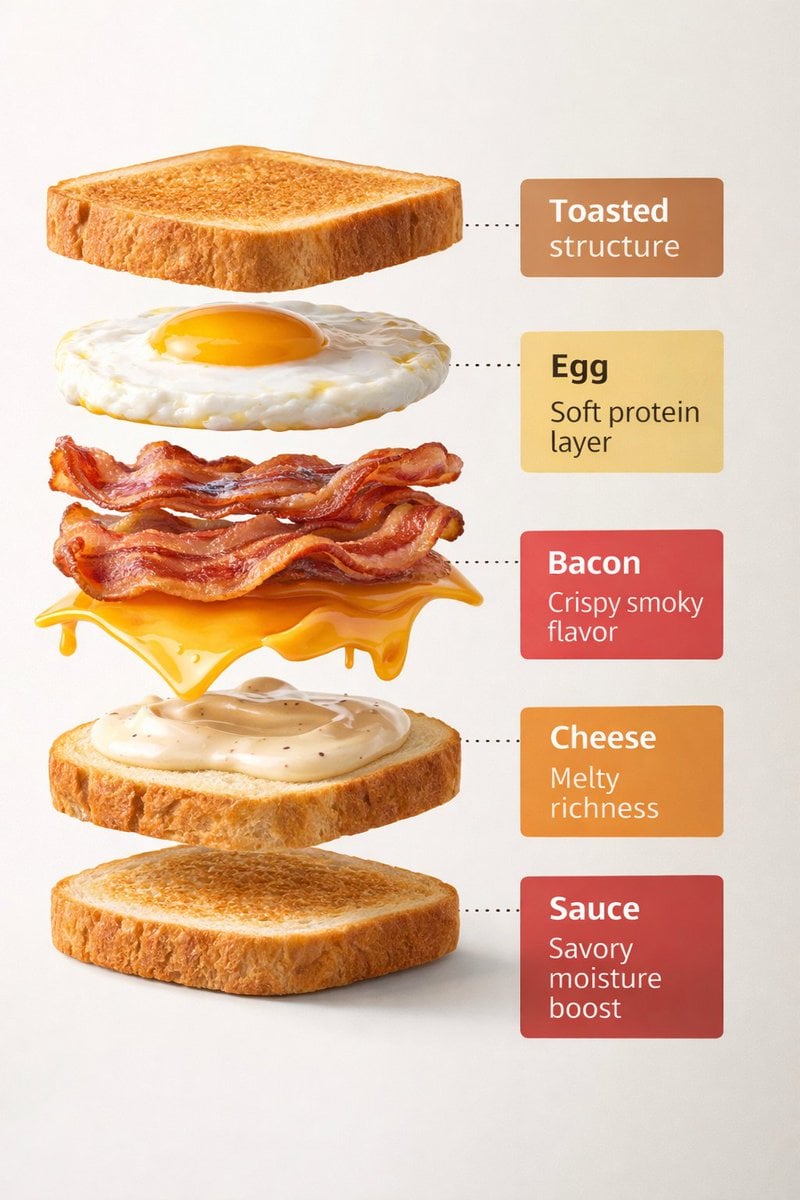
Exploded View Sandwich Animation Prompt
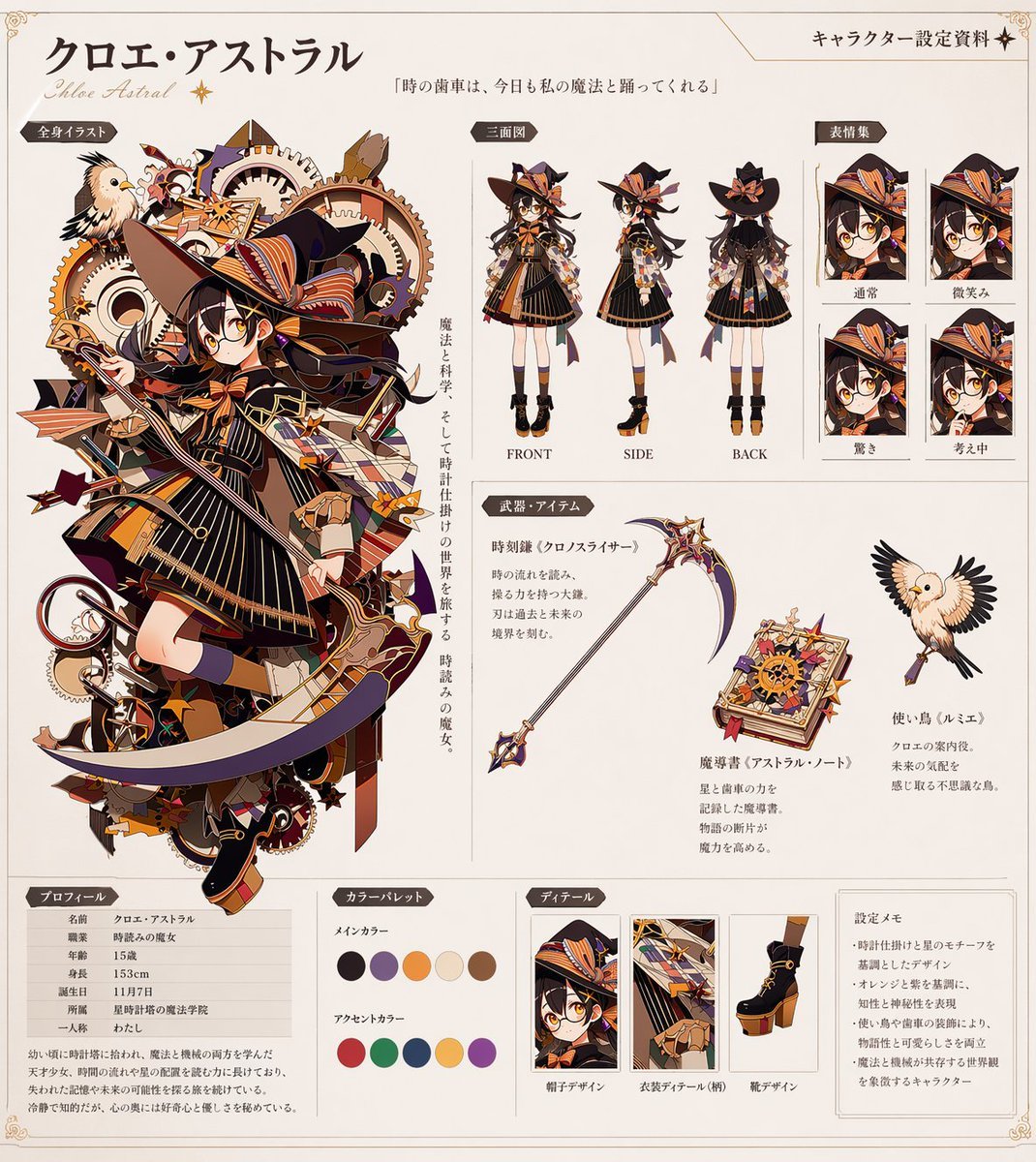
Anime Character Reference Sheet Generator
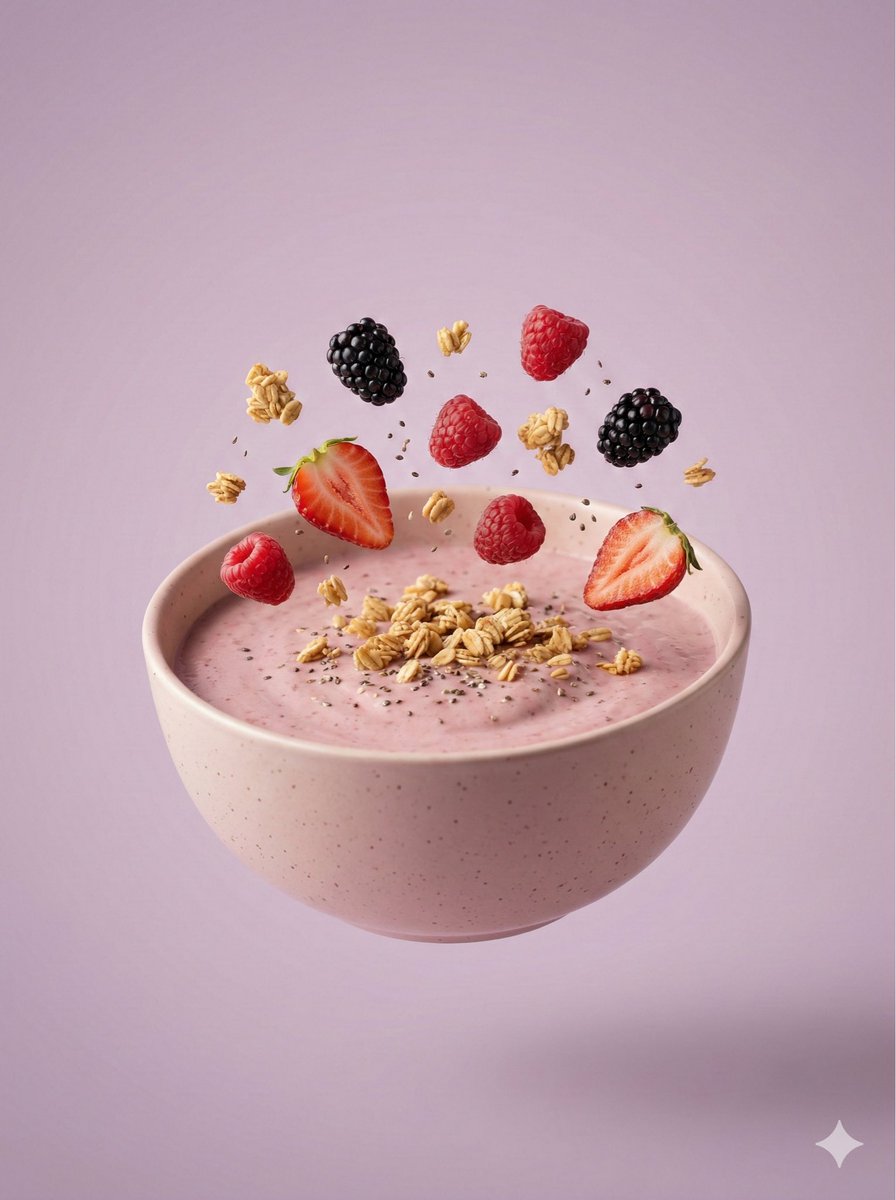
Hyper-Realistic Floating Smoothie Bowl
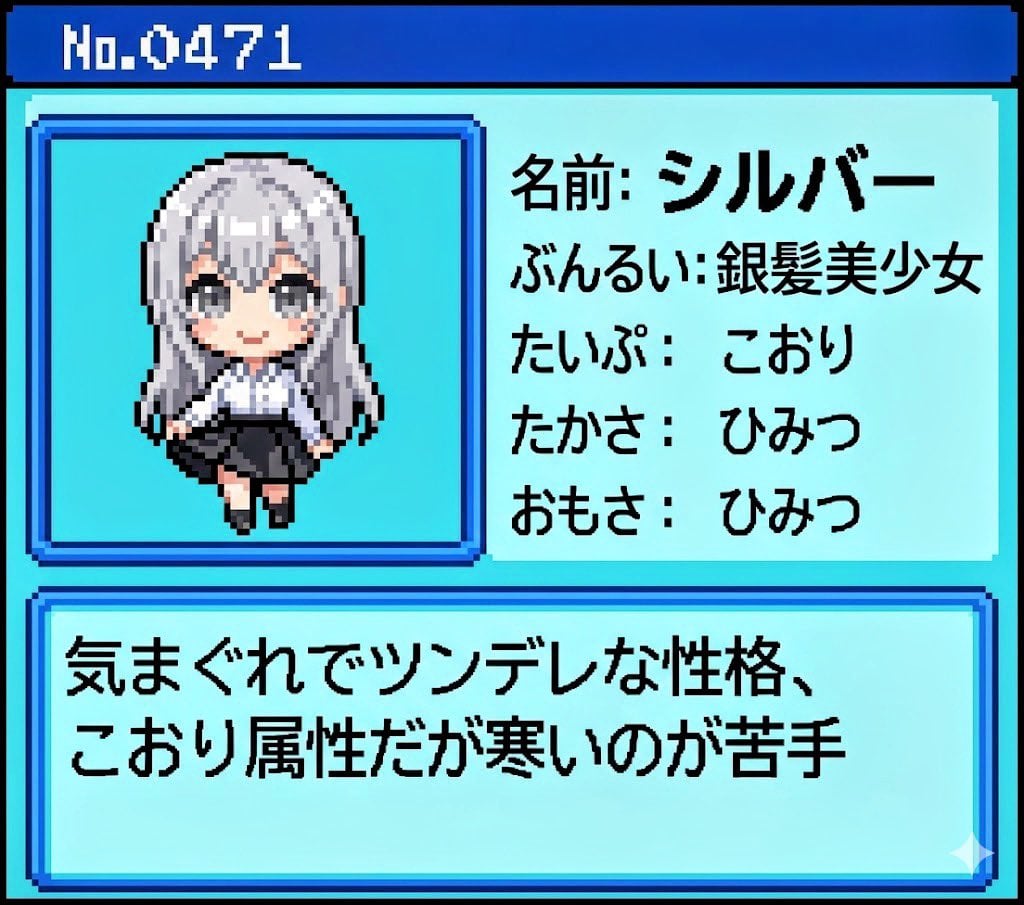
Generating Pokémon Zukan (Illustrated Guide) Style Art
Browse template categories
Birthday Puppies Party Scene questions
How do I use the Birthday Puppies Party Scene template?
Add your photo if the template asks for one, edit the prompt if you like — the template's model and format are already selected — and press Generate. Your version opens in PicX Studio.
Can I customize the Birthday Puppies Party Scene template?
Yes. You can change the subject, setting, lighting, mood, format, and available model controls before creating your image.
Is the Birthday Puppies Party Scene template free?
Opening and editing this template is free. Generating uses credits, shown on the Generate button when you are signed in.
Which AI model should I use?
Start with GPT Image 2, which is the model associated with this template. You can compare another compatible model for a different finish.
Looking for something else? Browse all templates.

Your photo, any look
Thousands of ready templates for every top image and video model, from one credit balance.