
Luxury Number 3 Birthday Poster
Creates an elegant 3:4 birthday poster with a carved paper number, toddler, balloons, flowers, and custom celebratory text.
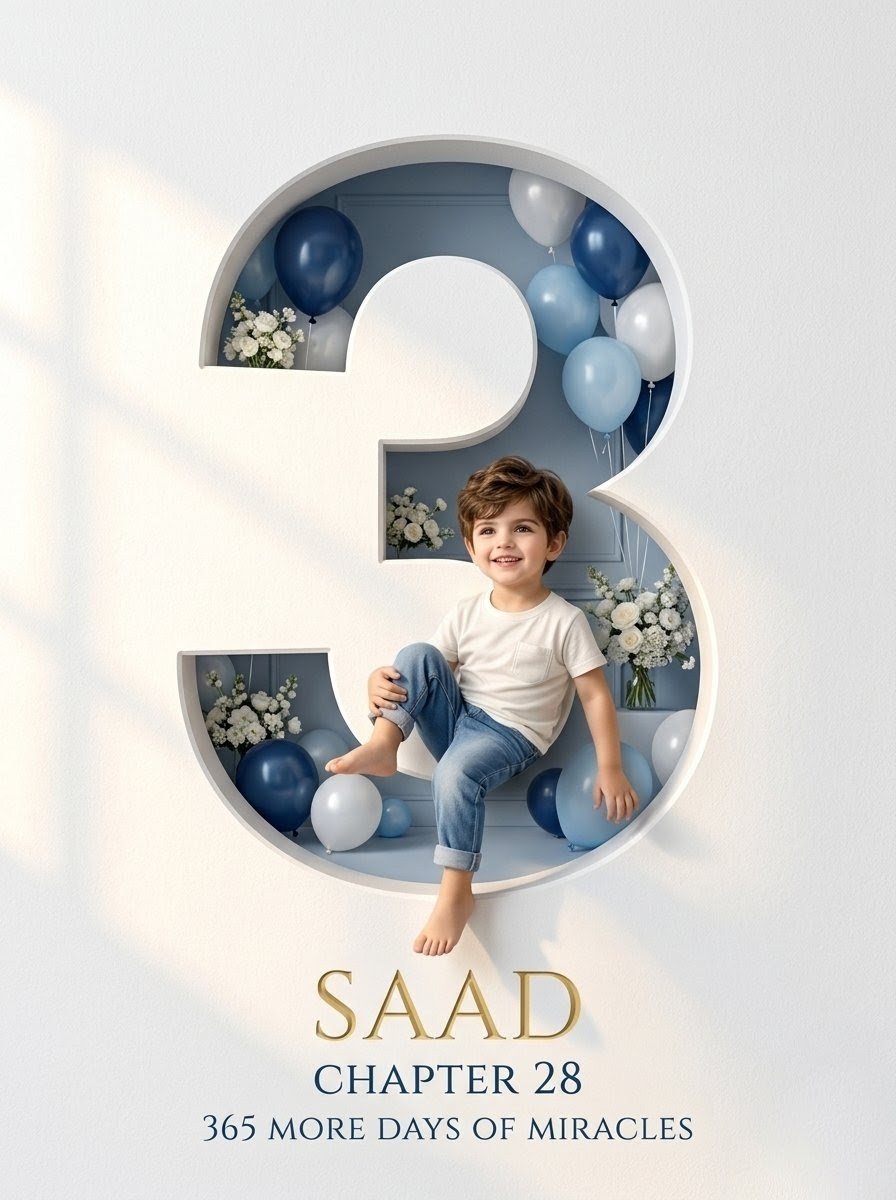
- Prompt included
- Model and format preset
- Premium template
The prompt behind this image
Copy the exact prompt behind Luxury Number 3 Birthday Poster, or open it in the studio and make it yours.
Goal: Create a professional luxury birthday poster in a vertical 3:4 ratio celebrating a young child turning {argument name="age number" default="3"}, with an elegant editorial studio look. Canvas: Portrait 3:4 composition, high-resolution, centered layout. The entire frame is a snow-white paper wall with subtle fine texture, soft warm daylight, gentle shadows, and a premium minimalist birthday aesthetic. Main subject and layout: A very large number {argument name="age number" default="3"} is precisely carved into the white wall as a deep architectural cutout niche. The number has thick rounded edges, visible depth, realistic inner shadows, bevels, and smooth volumetric paper/plaster details. Inside the hollow number is a muted pale blue-gray interior room. A toddler boy sits in the lower middle opening of the number, slightly overlapping the front edge, wearing a plain white short-sleeve T-shirt and cuffed light blue jeans, barefoot, relaxed pose with one knee raised and one leg hanging down. Keep the child’s face softly anonymized or blurred while maintaining realistic hair, body, clothing, and pose. Decor details: Fill the carved number with exactly 12 visible balloons in a navy blue, powder blue, white, and soft gray palette: 1 navy balloon at the upper left, 1 pale balloon partly hidden behind it, 1 gray balloon near the left interior, 1 white balloon at the upper right, 1 navy balloon at the upper right, 1 powder blue balloon near the right upper middle, 1 white balloon on the right middle, 1 large powder blue balloon in front on the right, 1 navy balloon at the lower left, 1 white balloon at the lower left foreground, 1 small powder blue balloon near the bottom center-left, and 1 navy balloon at the lower right near the child. Add exactly 5 white floral arrangements: a bouquet at the upper left interior, a small cluster in the middle-left recess, a larger cluster in the lower-left opening, a bouquet on the right beside the child, and a small white floral accent near the right lower interior. Use thin balloon strings and realistic botanical detail. Text content: Centered beneath the number, add three lines of elegant serif typography. First line: {argument name="child name" default="SAAD"} in large metallic gold uppercase letters with a subtle 3D sheen. Second line: {argument name="chapter line" default="CHAPTER 28"} in smaller dark navy uppercase serif. Third line: {argument name="birthday tagline" default="365 MORE DAYS OF MIRACLES"} in dark navy uppercase serif, slightly smaller than the second line. Visual style: Luxury birthday poster, realistic 3D paper-cut architecture, soft studio lighting, creamy white and blue palette, gentle depth of field, polished premium finish, clean negative space, no clutter, no watermark, no extra text.
How to use Luxury Number 3 Birthday Poster in 3 steps
- 1Upload ImagePNG, JPG or paste
Add your photo
Upload the photo the template builds on. The prompt, model and format are already set.
- 2…a portrait of your subject in softgolden-hour light, 85mm…
Personalize
Edit the subject and creative details for your destination.
- 3Generate
Generate
Press Generate — your image is created in PicX Studio, so you can compare it with the original and refine one variable at a time.
More like this
Templates with the same subject, style or setup. Open one to see its prompt.

Luxury Sliced Wordmark Player Poster
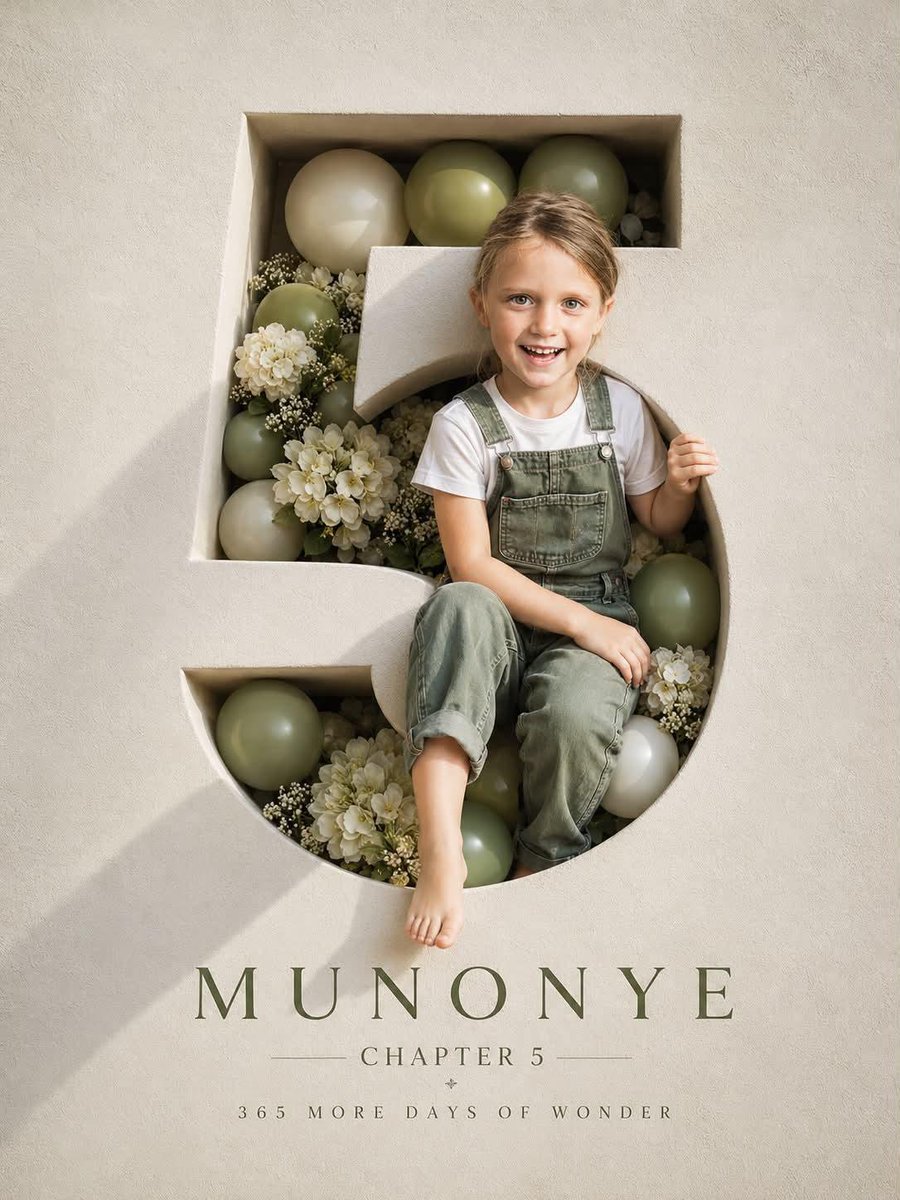
Luxury 3D Engraved Birthday Poster
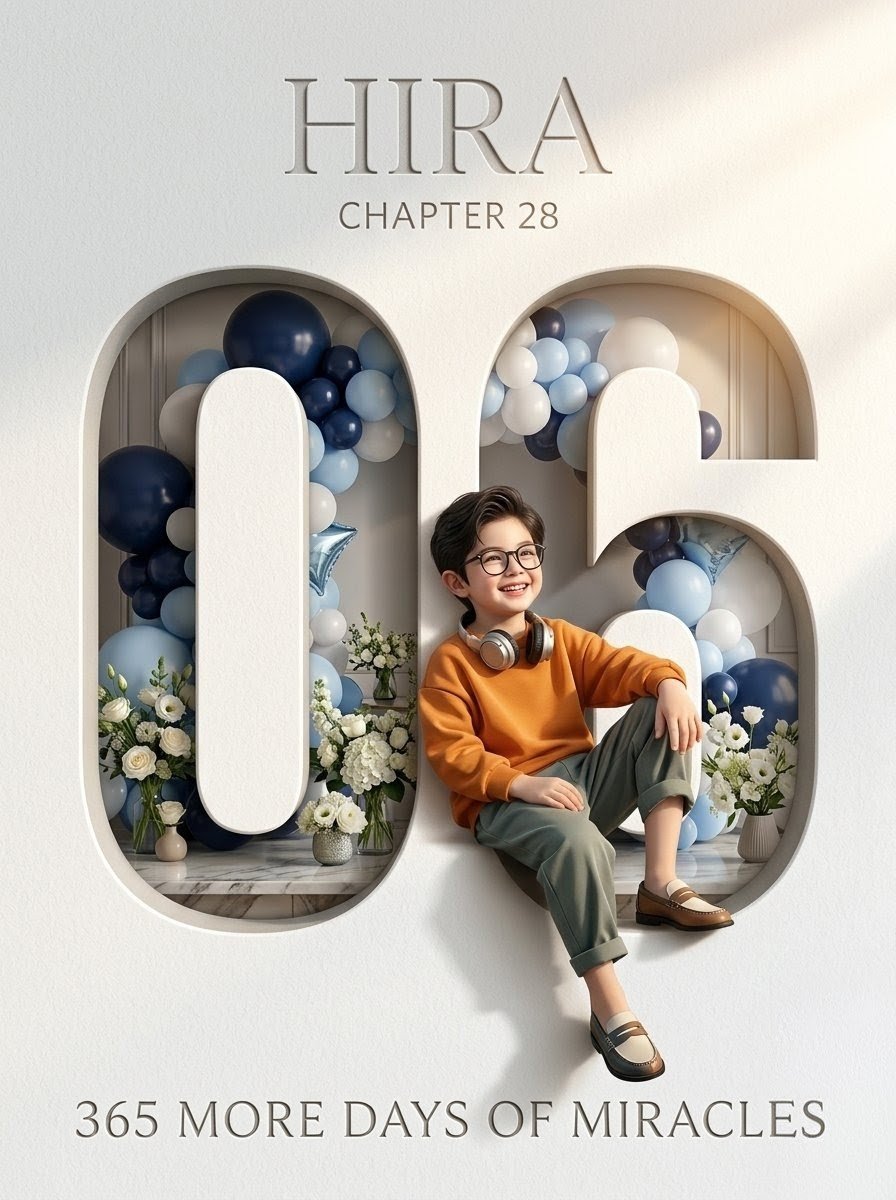
Luxury 6th Birthday Poster
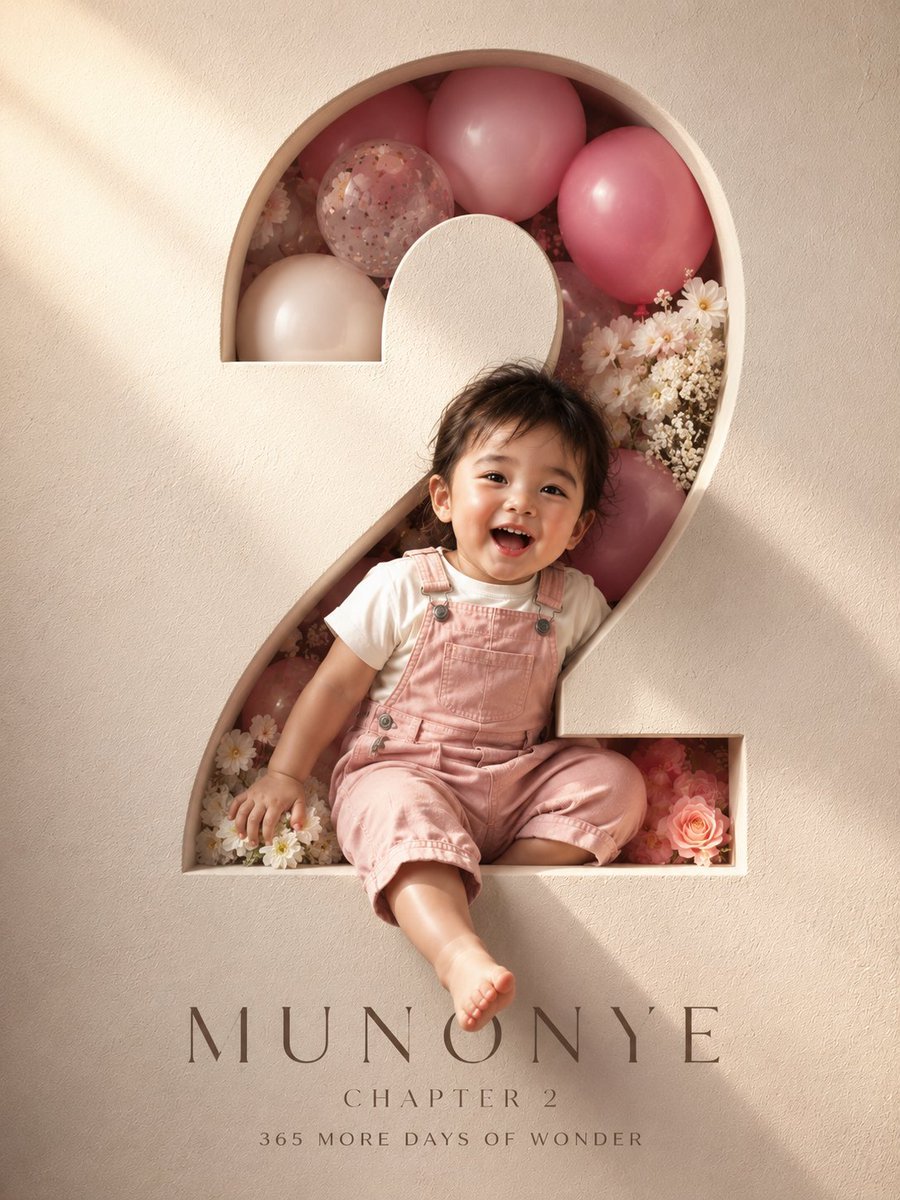
3D Luxury Birthday Poster
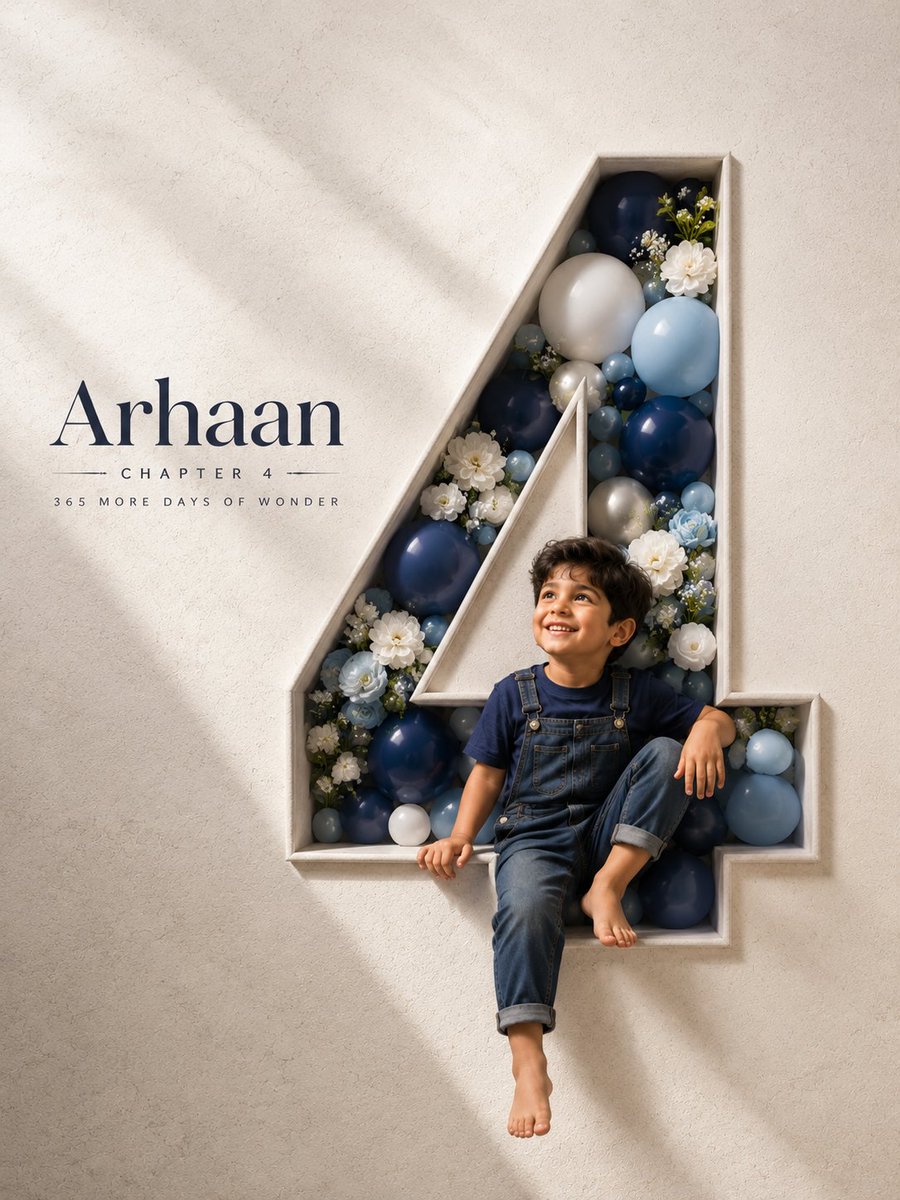
3D Carved Luxury Birthday Poster
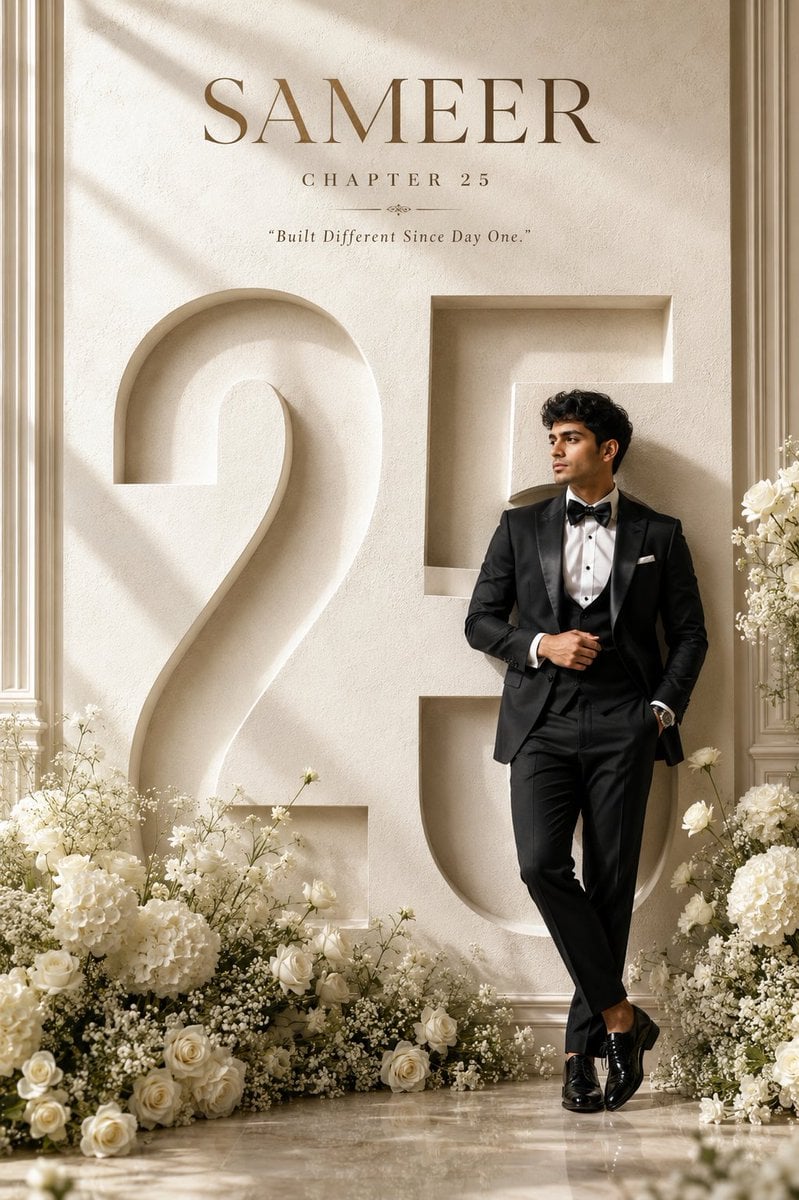
Luxury 25th Birthday Poster
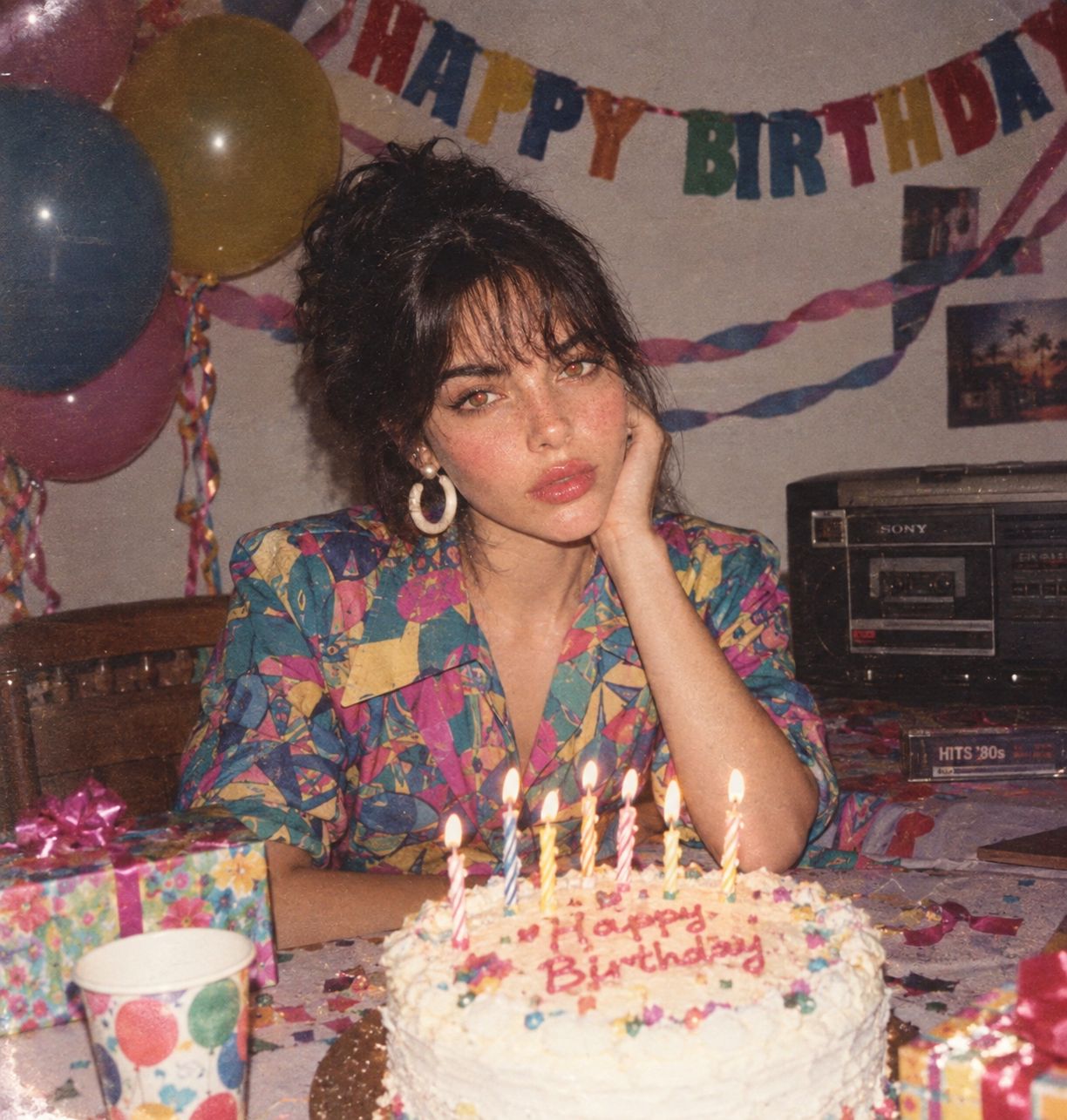
80s Birthday Party

Japan Travel Brochure Poster

Sealing Wax Letter Desk

Ballroom Floor Reflections

Vintage Camera Leather Case

Hedge Maze Aerial Dawn
Make it yours
Luxury Number 3 Birthday Poster works as-is. These are the safest ways to change it without losing the look.
Change one field
Copy a single group, rewrite it, and generate again so you can see what that field is doing.
Keep the frame, change the subject
Hold the composition and light of Luxury Number 3 Birthday Poster, then swap wardrobe, props or the person for a new take.
| If the result… | Why | Fix |
|---|---|---|
| The result drifts from the preview | Too many fields changed at once. | Reuse Luxury Number 3 Birthday Poster as-is first, then change one group — subject, light, or setting. |
| The model over-stylizes the scene | The prose prompt leaves finish and camera underspecified. | Add one camera or lighting sentence and stay on GPT Image 2. |
More GPT Image 2 templates
Other prompts made for GPT Image 2.

Six VTuber Japanese Logo Sheet

Realistic Portrait of Woman and Deer

The Vista Modular Condo Poster

AI Model Routing Comparison Infographic

2.5D Anime Art Board

Isometric Productivity Desk Scene

New York Double Exposure Poster

Four-Panel AI Landscape Comparison

Japanese Tatami Lifestyle Magazine Cover

NESCAFÉ Coffee Map Poster
More image prompts
Fresh picks from across the catalog.
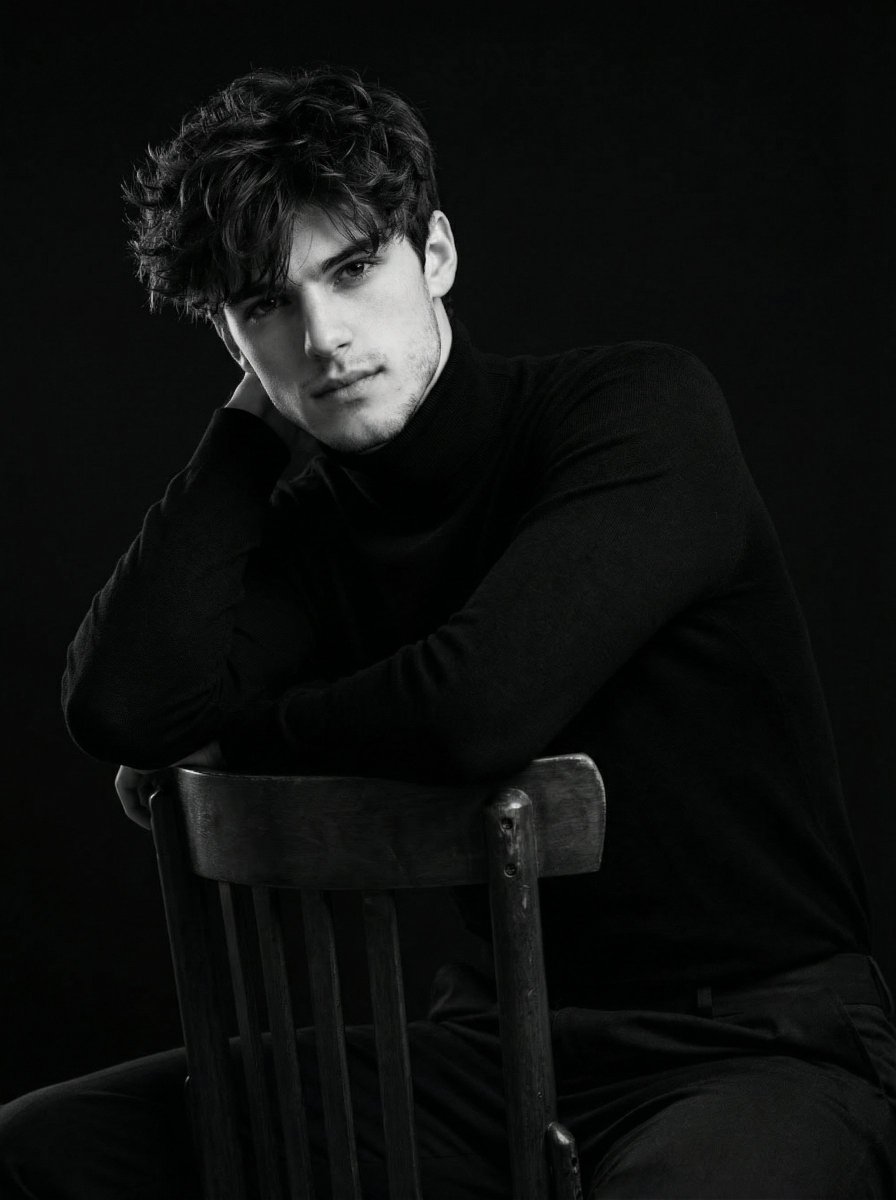
Ultra-Realistic Cinematic Black and White Portrait
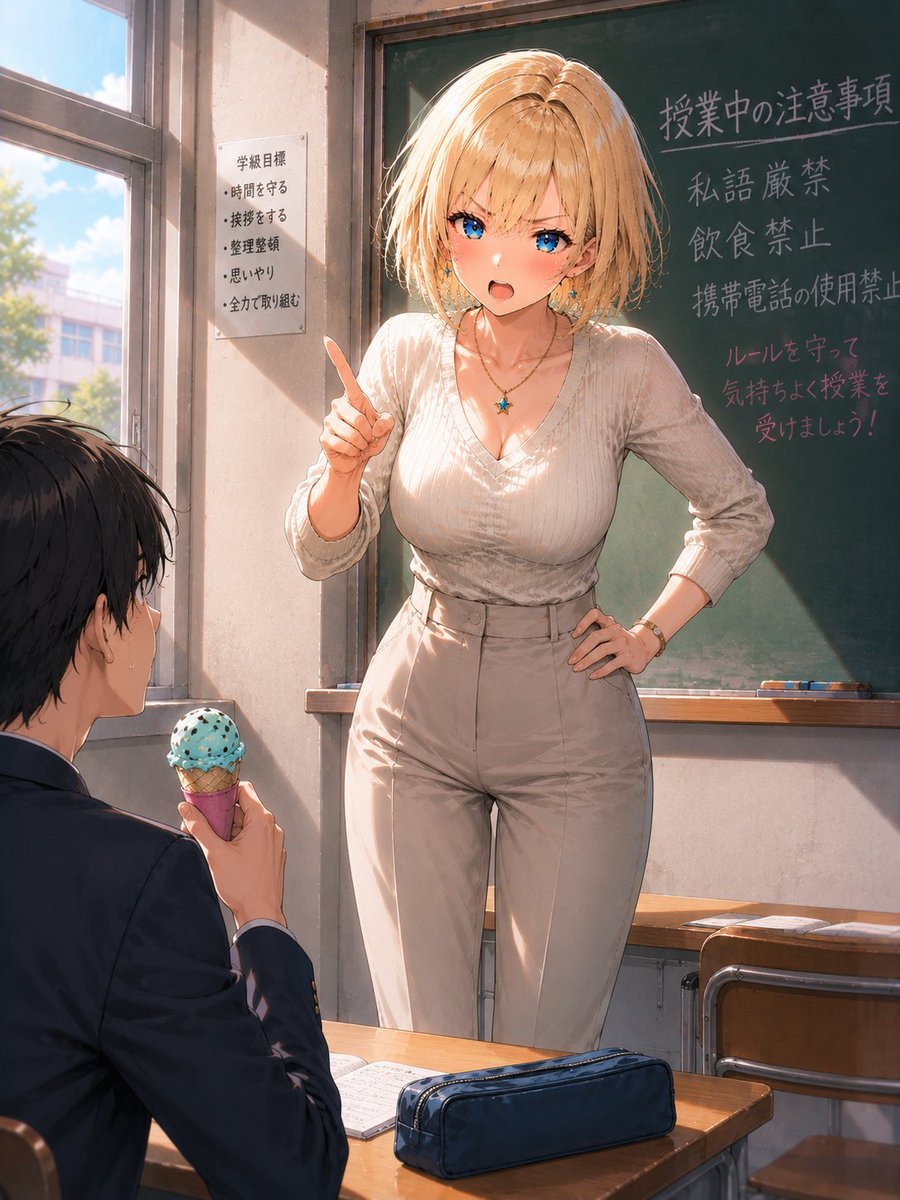
Blonde Teacher Classroom Scene
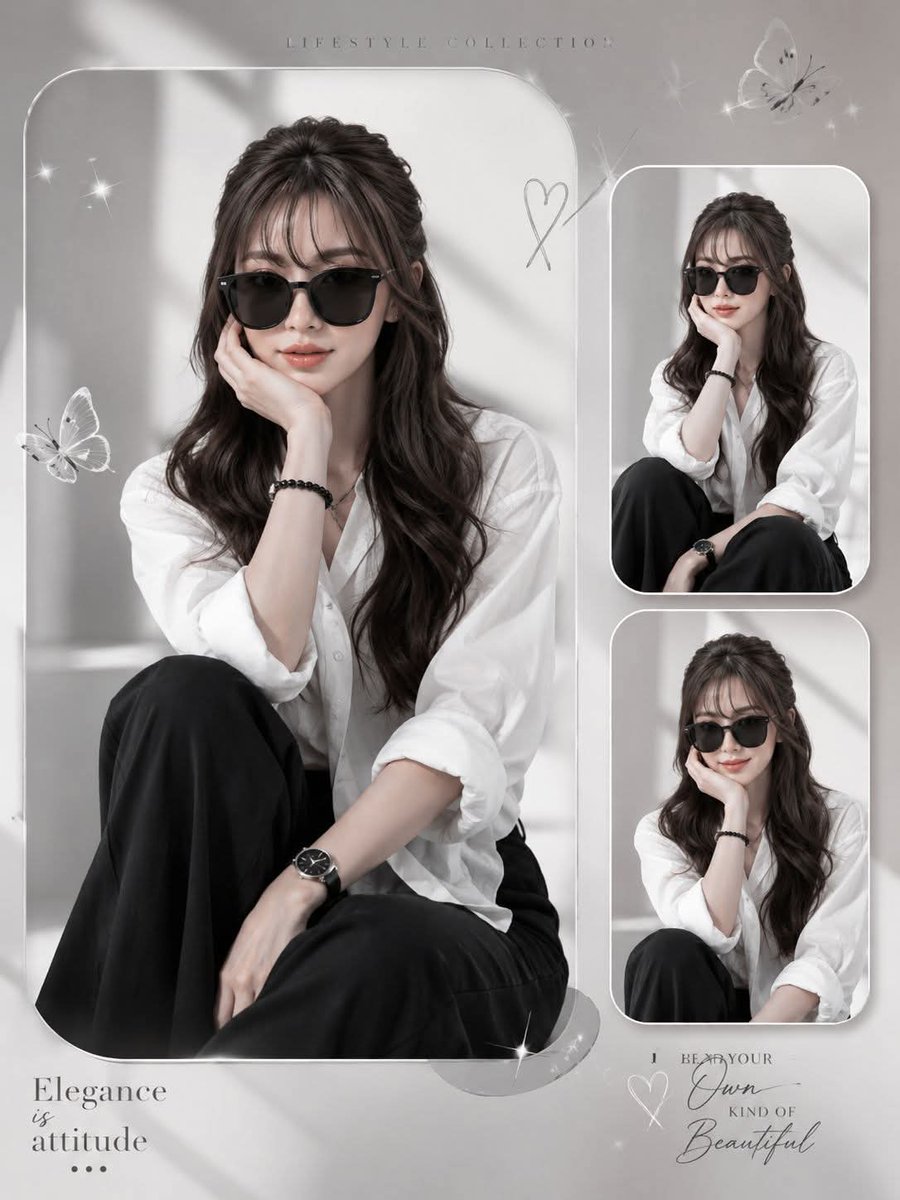
Elegant Anonymous Lifestyle Collage
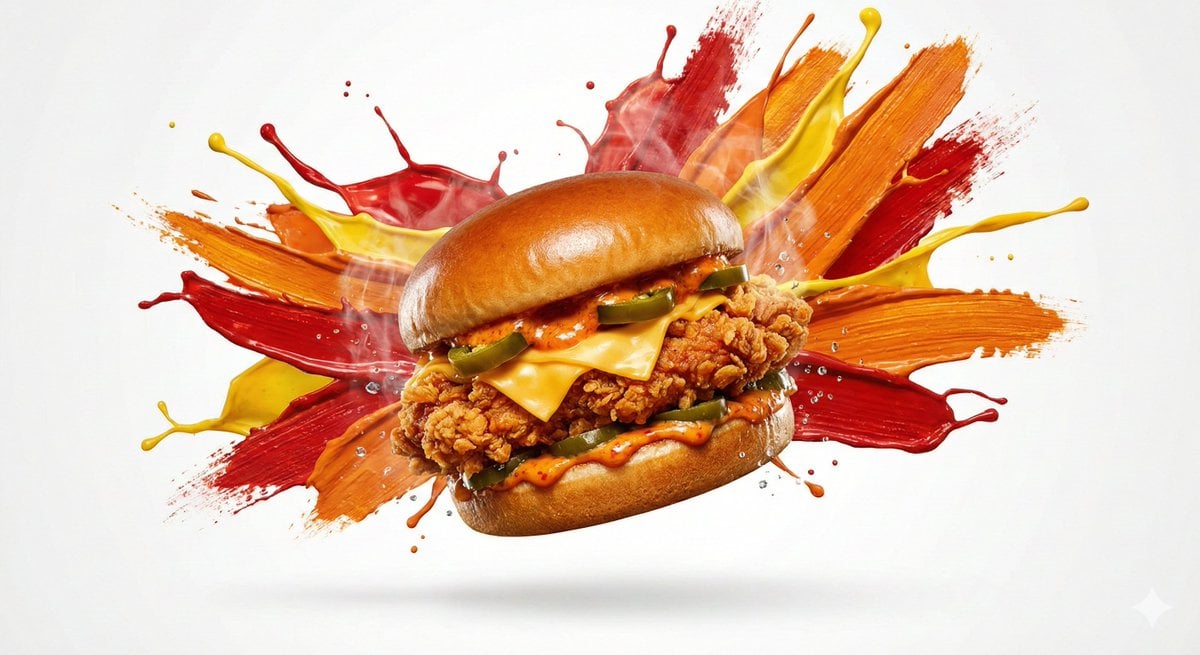
Color Splash Food Advertisement

Handmade Claymation Style i2i
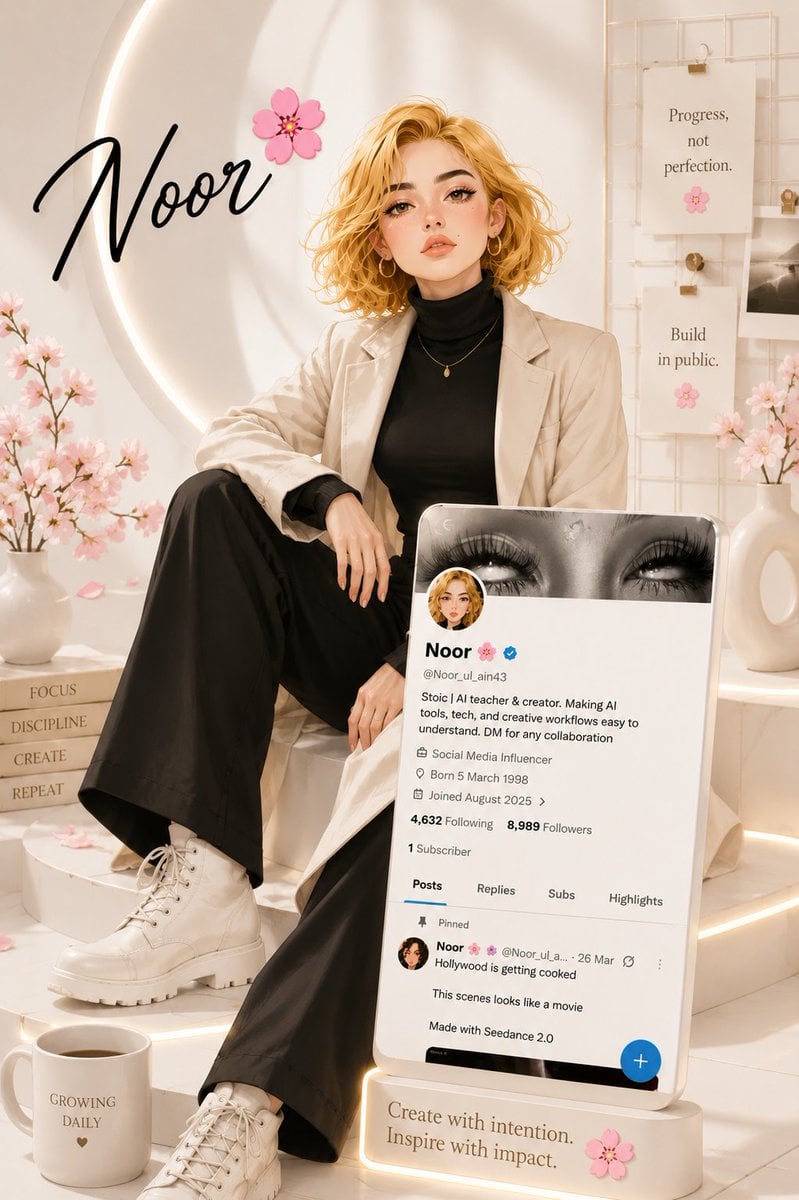
Luxury Influencer Branding Poster
Couture Cottagecore Fashion Editorial Prompt
Liquid Gloss Logo Generation
Hyper-realistic portrait of a young man with platinum buzz cut
2000s Photobooth Contact Sheet Grid Prompt
Browse template categories
Luxury Number 3 Birthday Poster questions
How do I use the Luxury Number 3 Birthday Poster template?
Add your photo if the template asks for one, edit the prompt if you like — the template's model and format are already selected — and press Generate. Your version opens in PicX Studio.
Can I customize the Luxury Number 3 Birthday Poster template?
Yes. You can change the subject, setting, lighting, mood, format, and available model controls before creating your image.
Is the Luxury Number 3 Birthday Poster template free?
Opening and editing this template is free. Generating uses credits, shown on the Generate button when you are signed in.
Which AI model should I use?
Start with GPT Image 2, which is the model associated with this template. You can compare another compatible model for a different finish.
Looking for something else? Browse all templates.

Your photo, any look
Thousands of ready templates for every top image and video model, from one credit balance.