
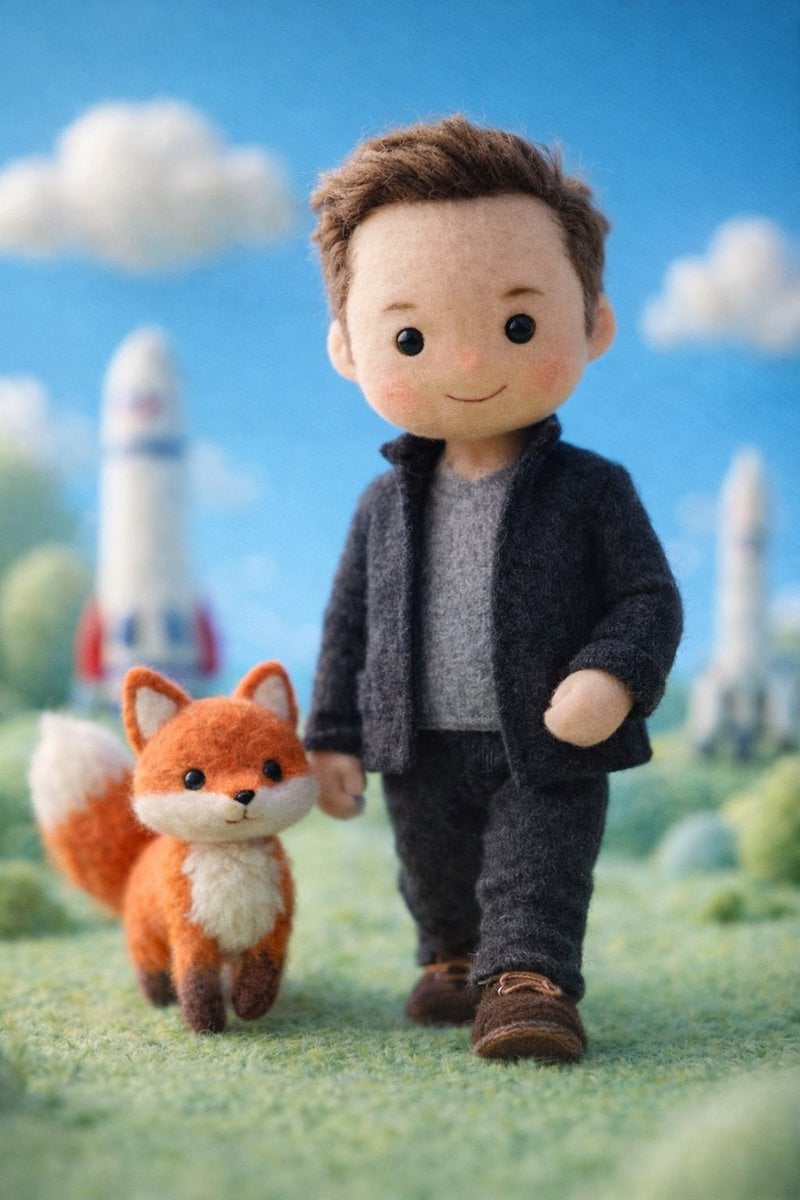
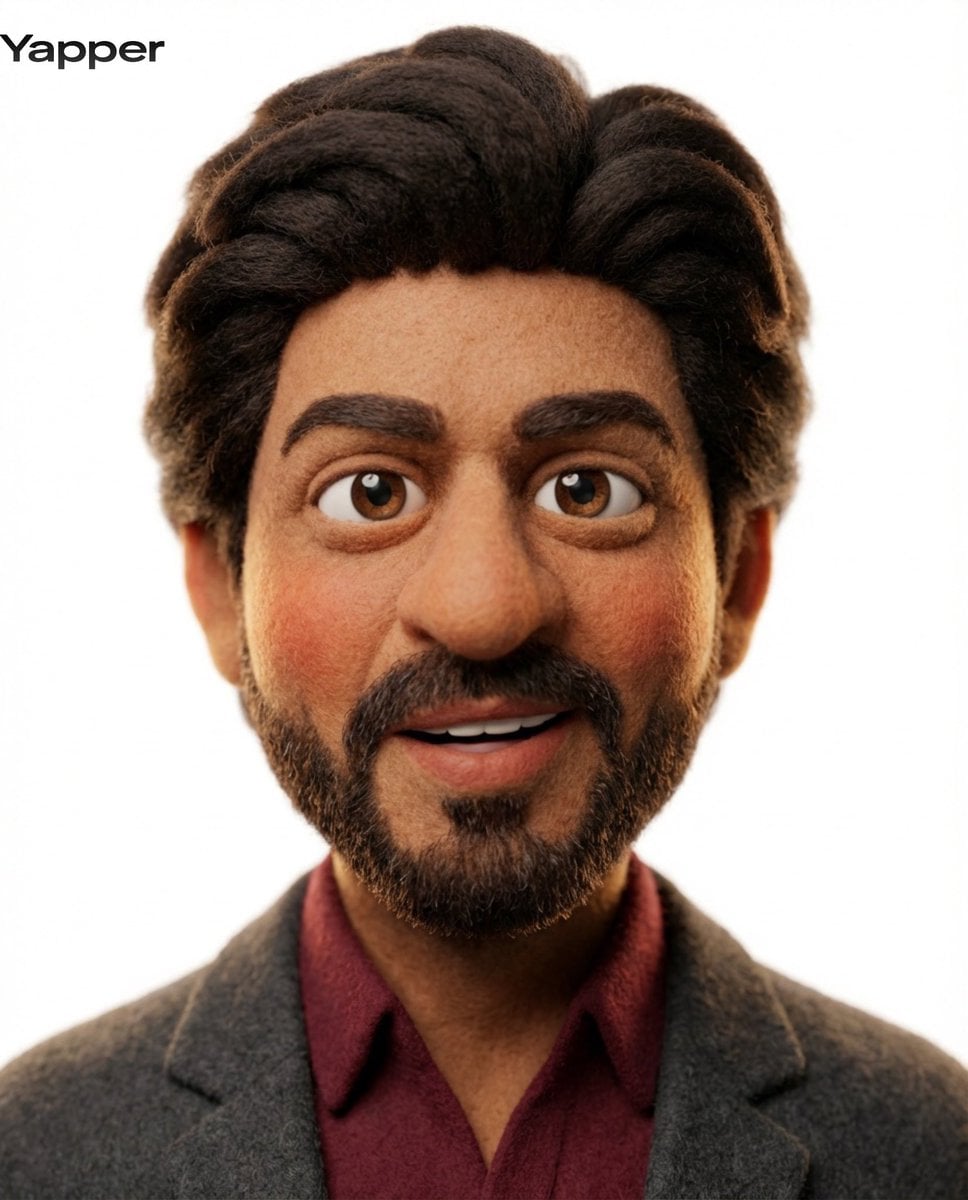
Handmade Claymation Style i2i
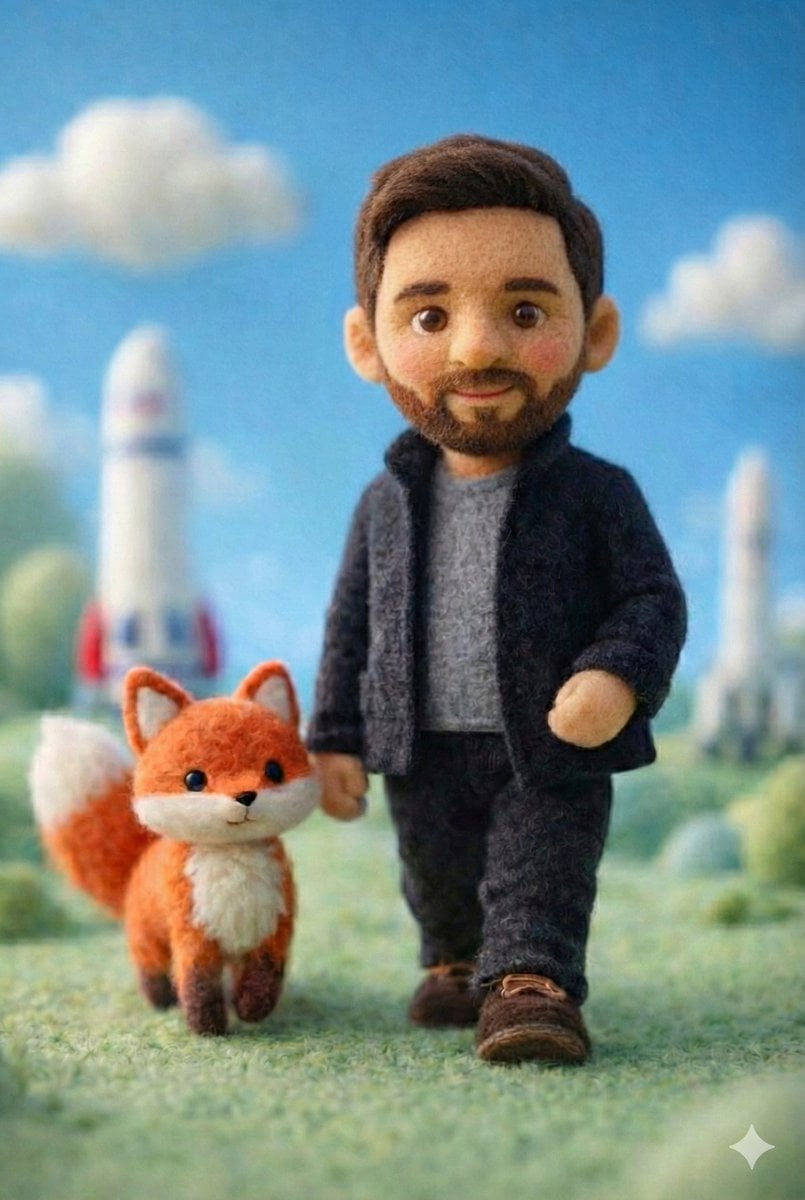
An image-to-image prompt to transform reference characters into a cozy, handmade claymation style typical of stop-motion animation.

- Prompt included
- Model and format preset
- Free template
The prompt behind this image
Copy the exact prompt behind Handmade Claymation Style i2i, or open it in the studio and make it yours.
参照画像を{argument name="キャラクター描写" default="キャラクターデザインのベース"}として使用し、「手作りクレイアニメの世界で暮らしている瞬間」を描く。 キャラクターの顔、髪型、髪色、瞳、耳、衣装、表情の印象を維持すること。 キャラクターのアイデンティティを絶対に崩さない。 キャラクターのアニメイラストとしての空気感を維持する。 実写人間化しない。 キャラクター自身も、 「手作りクレイ人形」 「ストップモーションアニメの主人公」 「粘土細工の住人」 「ハンドメイドクレイアニメのキャラクター」 のような空気感を持つ存在として描写する。 ただし、 玩具そのものにはしない。 量産プラスチックフィギュアのような質感にしない。 リアルな粘土工作作品の展示写真にしない。 3DCGアニメ風にしない。 樹脂フィギュア風にしない。 キャラクターは、 実際にクレイアニメの世界で生活している住人として存在している。 舞台は、 参照画像のキャラクターに合った、 温かく居心地の良い{argument name="世界観" default="クレイアニメ世界"}。 建物。 家具。 植物。 食器。 小物。 生活用品。 すべてが手作業で作られたクレイアニメのセットとして構築されている。 空間全体に、 ストップモーションアニメ作品特有の、 手作り感。 温かみ。 親しみやすさ。 穏やかな生活感を持たせる。 キャラクターは、 その空間で自然に{argument name="行動" default="生活"}している。 本を読む。 料理をする。 植物の世話をする。 お茶を飲む。 掃除をする。 窓辺で休む。 毛布でくつろぐ。 など、 穏やかな日常を感じる自然な行動をしている。 家具。 建築。 植物。 小物。 生活用品。 キャラクターとのスケール感は自然に統一する。 巨大な人物がミニチュア空間へ入り込んだような構図にしない。 キャラクターだけが現実サイズに見えないようにする。 世界全体が、 同じクレイアニメ世界の縮尺で統一されているように描写する。 指で丁寧に成形したような柔らかな造形。 わずかな歪み。 完璧すぎない輪郭。 手作業ならではの温かみ。 ハンドメイド作品特有の優しさ。 クラフト感を自然に取り入れる。 穏やかな日常感。 小さな集落のような空気感。 児童向けストップモーション作品のような安心感。 静かな日常ストーリーテリング。 季節感を感じる空気演出。 暖かい照明。 柔らかな色彩。 親しみやすい背景構成。 手作りクレイアニメ作品のような奥行き感。 背景は、 「このクレイアニメ世界で暮らしてみたい」 と感じることを最優先に設計する。 ホラー演出は禁止。 不気味な演出は禁止。 ダークファンタジー化は禁止。 グロテスク表現は禁止。 ゲームUI、 HUD、 メニュー、 ステータスバー、 インターフェース表示は禁止。
How to use Handmade Claymation Style i2i in 3 steps
- 1Upload ImagePNG, JPG or paste
Add your photo
Upload the photo the template builds on. The prompt, model and format are already set.
- 2…a portrait of your subject in softgolden-hour light, 85mm…
Personalize
Edit the subject and creative details for your destination.
- 3Generate
Generate
Press Generate — your image is created in PicX Studio, so you can compare it with the original and refine one variable at a time.
More like this
Templates with the same subject, style or setup. Open one to see its prompt.

Stop Motion Finale Fireworks

Stop Motion Garden Maze

Stop Motion Rooftop Concert

Stop Motion Bicycle Coast
Stop Motion Castle Gate
Stop Motion Kitchen Chaos

Stop Motion Carnival Ride
Stop Motion Rainy Bus Stop

Stop Motion Space Dock
Stop Motion Cafe Morning
Stop Motion Mountain Summit
Stop Motion Underwater Reef
Make it yours
Handmade Claymation Style i2i works as-is. These are the safest ways to change it without losing the look.
Change one field
Copy a single group, rewrite it, and generate again so you can see what that field is doing.
Keep the frame, change the subject
Hold the composition and light of Handmade Claymation Style i2i, then swap wardrobe, props or the person for a new take.
| If the result… | Why | Fix |
|---|---|---|
| The result drifts from the preview | Too many fields changed at once. | Reuse Handmade Claymation Style i2i as-is first, then change one group — subject, light, or setting. |
| The model over-stylizes the scene | The prose prompt leaves finish and camera underspecified. | Add one camera or lighting sentence and stay on GPT Image 2. |
More GPT Image 2 templates
Other prompts made for GPT Image 2.

Six VTuber Japanese Logo Sheet

Realistic Portrait of Woman and Deer

The Vista Modular Condo Poster

AI Model Routing Comparison Infographic

2.5D Anime Art Board

Isometric Productivity Desk Scene

New York Double Exposure Poster

Four-Panel AI Landscape Comparison

Japanese Tatami Lifestyle Magazine Cover

NESCAFÉ Coffee Map Poster
More image prompts
Fresh picks from across the catalog.

E-commerce Tech Infographic
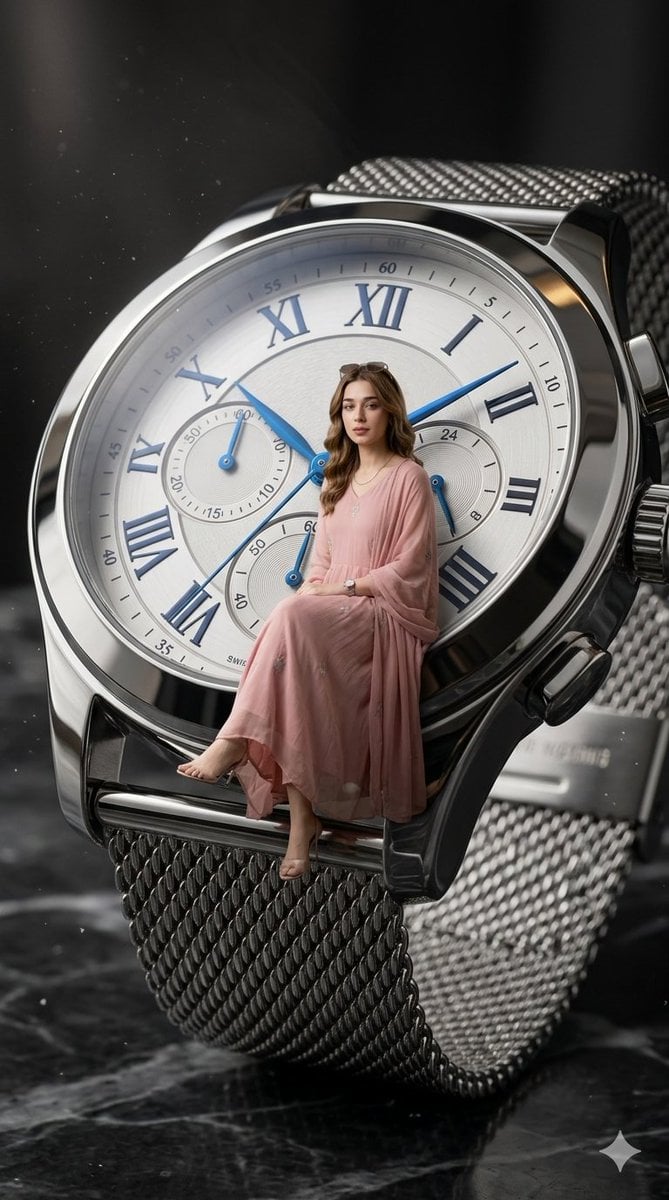
X Aiwithlariab Image on Nano Banana 2
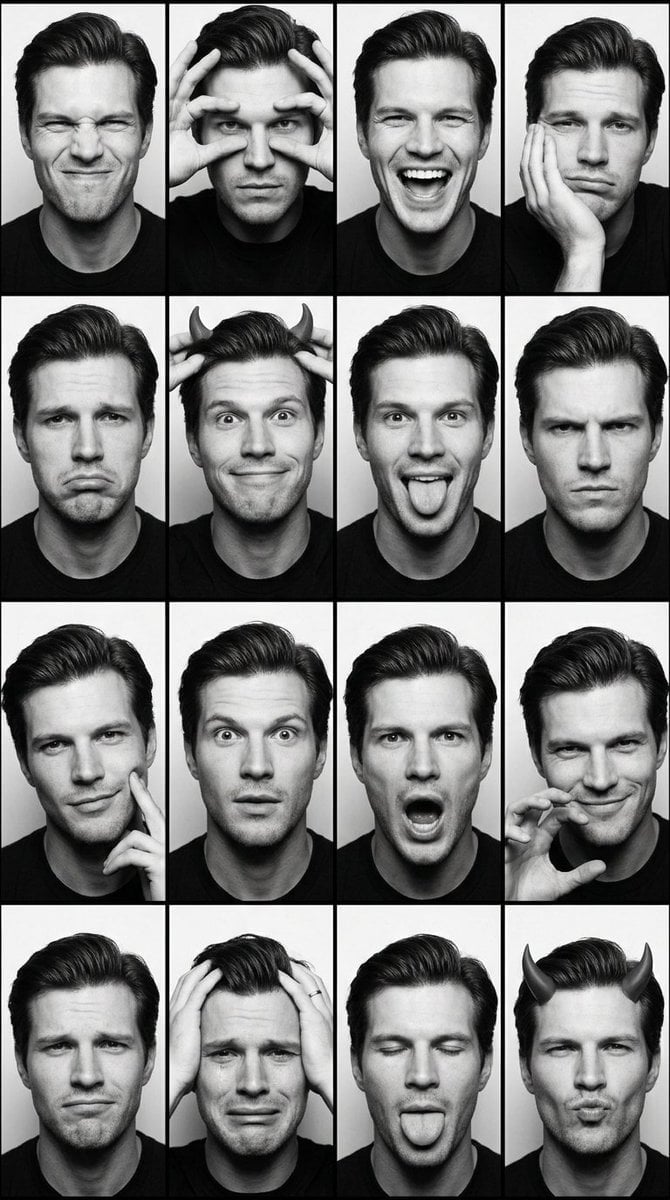
Black and White Photobooth Expression Grid

Cyberpunk Anime Energy Awakening

Cinematic Night City Triptych Portrait (Duplicate)

Christmas Ornament Chibi Character Transformation
Soft Editorial Portrait in Dark Monokini
Cinematic Roadside Realism at a Gas Station
Romantic Studio Portrait of a Young Woman with a Rose

Surreal Miniature Egg Art Scene Prompt
Browse template categories
Handmade Claymation Style i2i questions
How do I use the Handmade Claymation Style i2i template?
Add your photo if the template asks for one, edit the prompt if you like — the template's model and format are already selected — and press Generate. Your version opens in PicX Studio.
Can I customize the Handmade Claymation Style i2i template?
Yes. You can change the subject, setting, lighting, mood, format, and available model controls before creating your image.
Is the Handmade Claymation Style i2i template free?
Opening and editing this template is free. Generating uses credits, shown on the Generate button when you are signed in.
Which AI model should I use?
Start with GPT Image 2, which is the model associated with this template. You can compare another compatible model for a different finish.
Looking for something else? Browse all templates.

Your photo, any look
Thousands of ready templates for every top image and video model, from one credit balance.