
Surreal Miniature Egg Art Scene Prompt
A highly detailed JSON prompt for generating a surreal, cinematic miniature scene featuring a giant cracked egg in a foggy forest, with tiny human workers actively shoveling and collecting the flowing yolk, emphasizing…

- Prompt included
- Model and format preset
- Premium template
The prompt behind this image
Copy the exact prompt behind Surreal Miniature Egg Art Scene Prompt, or open it in the studio and make it yours.
{ "resolution": "8K", "aspect_ratio": "3:4", "style": "high-detail cinematic miniature scene, AI-edited surreal realism", "scene_overview": { "environment": "foggy forest with leafless trees", "ground": "uneven dirt surface covered with small rocks and stones", "atmosphere": "misty, muted, cool-toned background with soft depth-of-field blur" }, "main_subject": { "object": "giant cracked egg", "position": "center of the frame", "scale": "massive compared to surrounding human figures", "shell": { "color": "light brown", "texture": "rough, cracked, broken open at the top front", "edges": "jagged shell edges with visible thickness" }, "interior": { "egg_white": "opaque white, uneven texture, clinging to shell interior", "yolk": { "color": "vivid golden yellow", "texture": "glossy, smooth, semi-liquid", "state": "partially intact but actively flowing downward" } }, "motion": { "yolk_flow": "thick stream of yolk pouring from the egg opening onto the ground", "pooling": "yolk forming a shiny puddle at the base" } }, "human_figures": { "count": 5, "scale": "miniature compared to the egg", "appearance": { "gender": "not identifiable", "faces": "not clearly visible", "build": "average", "posture": "active working poses" }, "clothing": { "helmets": "hard hats in orange and white", "tops": "work jackets in blue and orange", "pants": "dark work trousers", "footwear": "work boots" }, "tools": [ "shovel", "metal bucket", "wheelbarrow", "drilling or jackhammer-like tool", "ladder leaning against egg" ], "actions": [ "one figure shoveling yolk", "one figure collecting yolk with a bucket", "one figure operating a tool near the egg", "one figure standing on a ladder inspecting the egg", "one figure positioned near a wheelbarrow" ] }, "composition": { "camera_angle": "eye-level with miniature figures", "framing": "vertical composition with central focus on the egg", "depth_of_field": "shallow, background trees blurred", "foreground": "rocks, flowing yolk, workers", "background": "dense forest of tall, bare trees fading into fog" }, "lighting": { "type": "soft diffused lighting", "direction": "evenly lit from above and front", "highlights": "strong reflections on the yolk", "shadows": "soft shadows beneath figures and egg" }, "color_palette": { "primary_colors": [ "golden yellow", "brown", "gray", "muted green" ], "contrast": "high contrast between bright yolk and subdued forest tones" }, "visual_quality": { "sharpness": "extreme detail in egg shell, yolk texture, and workers", "realism": "photorealistic textures with surreal subject matter", "no
How to use Surreal Miniature Egg Art Scene Prompt in 3 steps
- 1
Open
The prompt is already in the box next to the preview, with the template's model and format selected.
- 2…a portrait of your subject in softgolden-hour light, 85mm…
Personalize
Edit the subject and creative details for your destination.
- 3Generate
Generate
Press Generate — your image is created in PicX Studio, so you can compare it with the original and refine one variable at a time.
More like this
Templates with the same subject, style or setup. Open one to see its prompt.
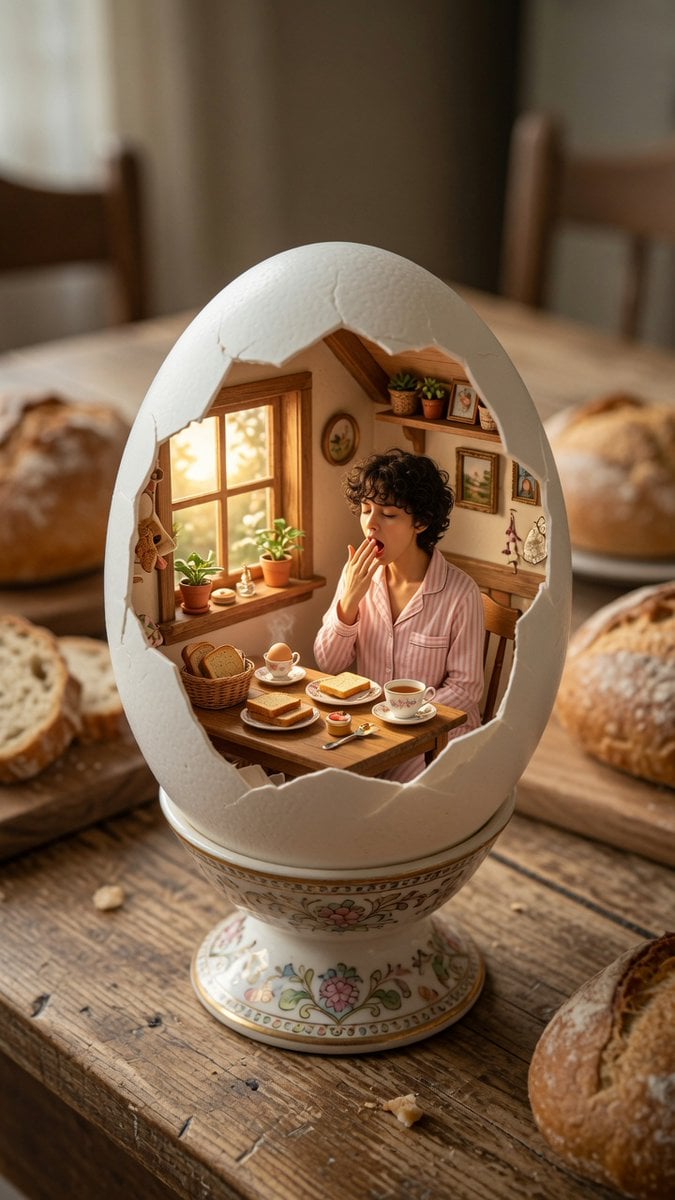
Miniature Breakfast Room Inside Eggshell

Surreal Cat Astronaut — Humanoid Face Freefall

Paper Tunnel Book Architecture
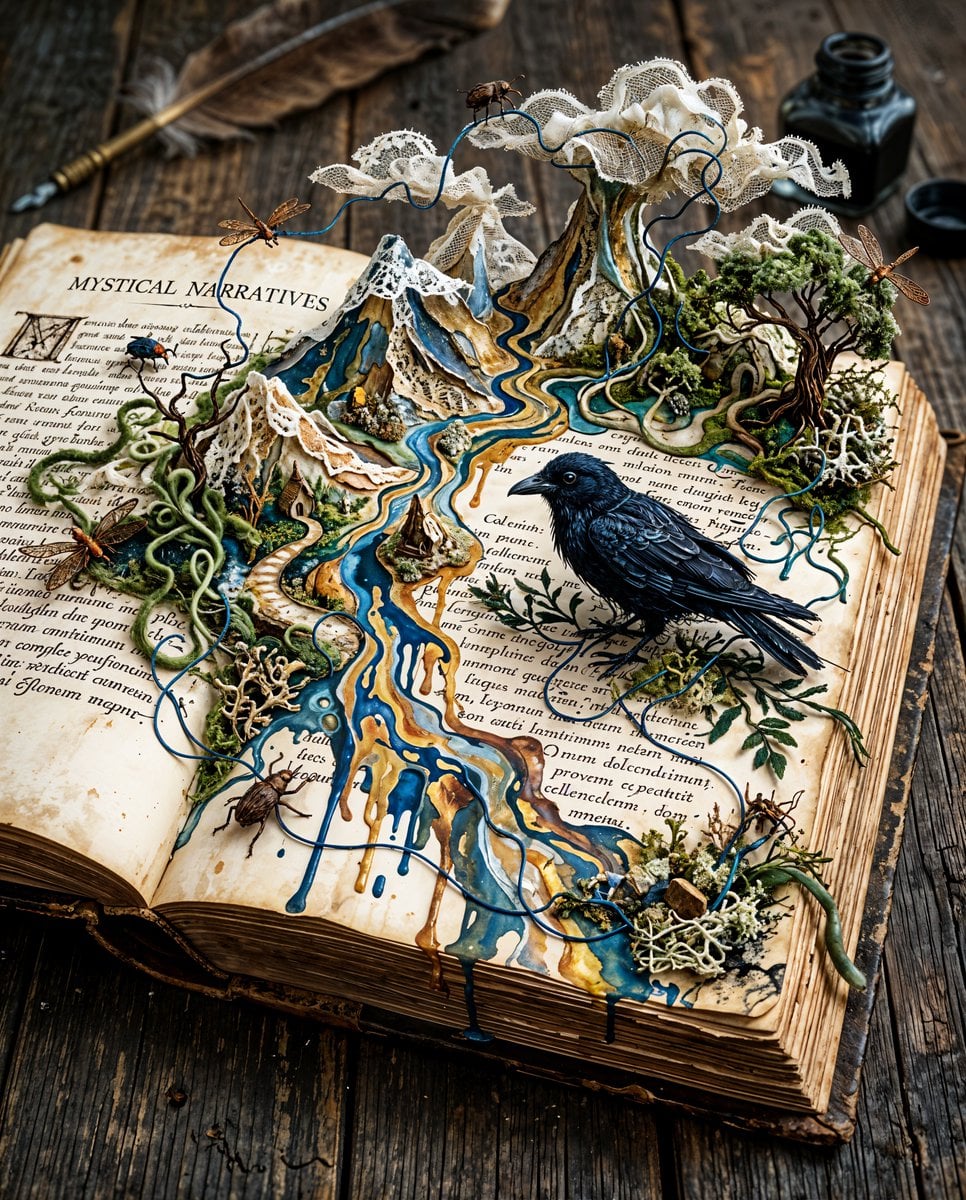
Surreal Miniature Book World

Bold Red Contrast Fashion Editorial Newspaper Room

Stylized Fashion Portrait Bold Color Contrast Editorial

Isometric Brand Store Diorama
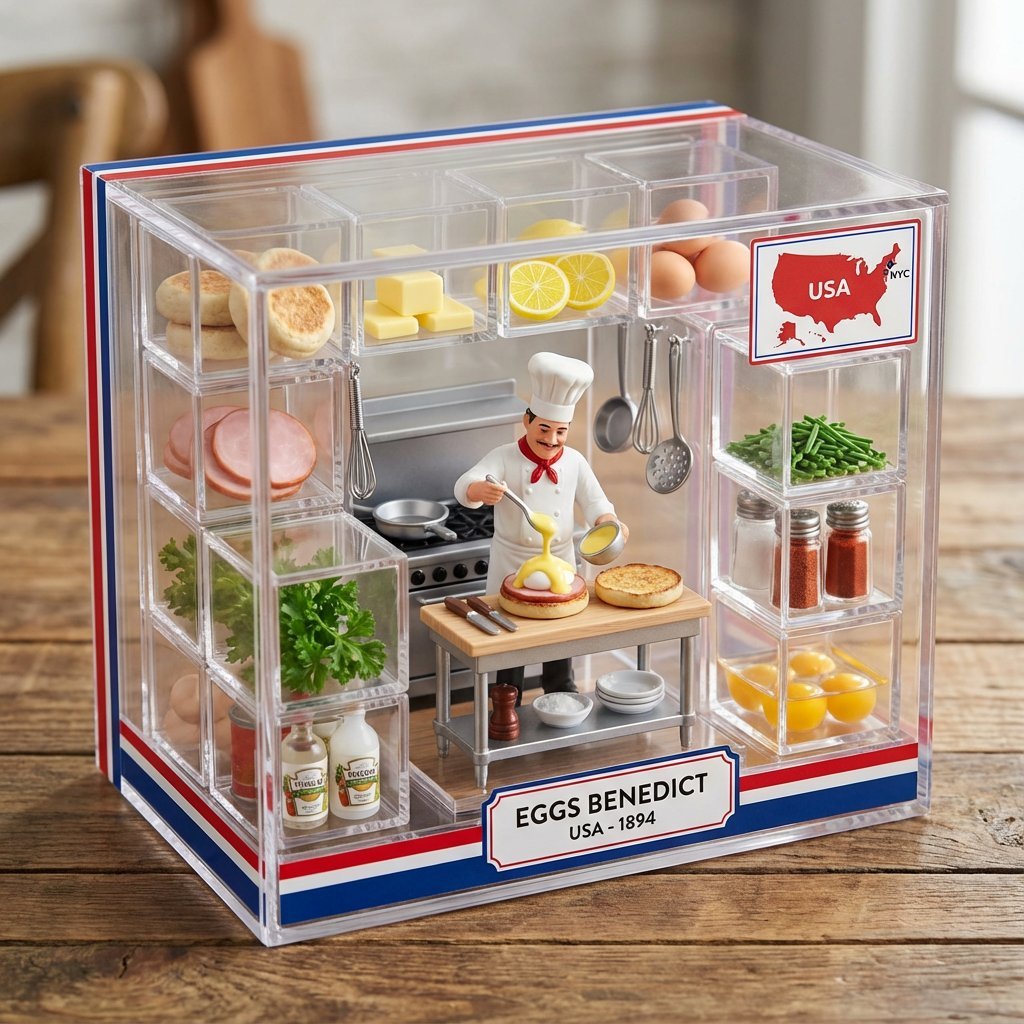
Eggs Benedict Miniature Acrylic Box
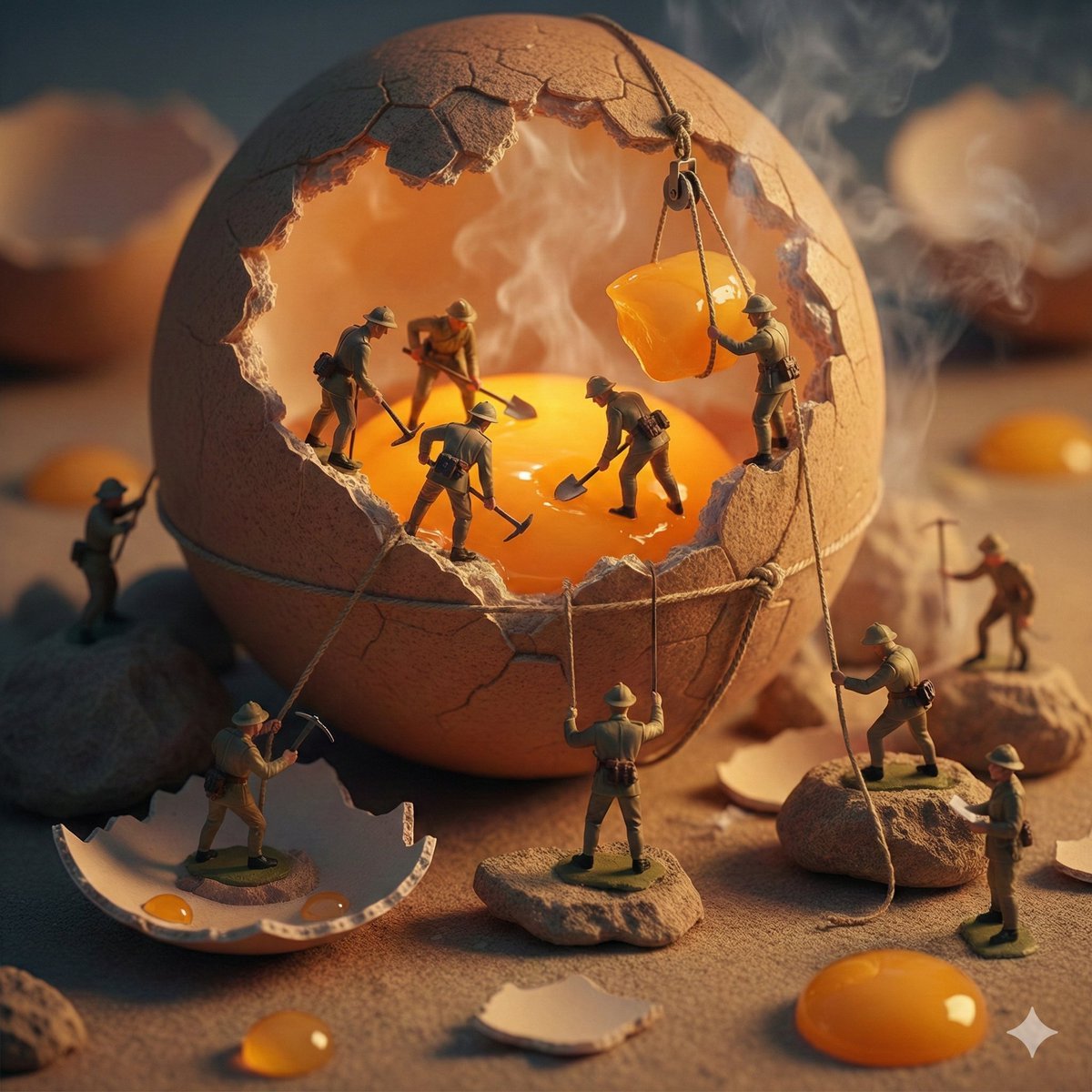
Miniature Toy Soldiers on a Giant Eggshell

Azed Double Exposure

Firefly Pixar Spill — Nano Banana Pro
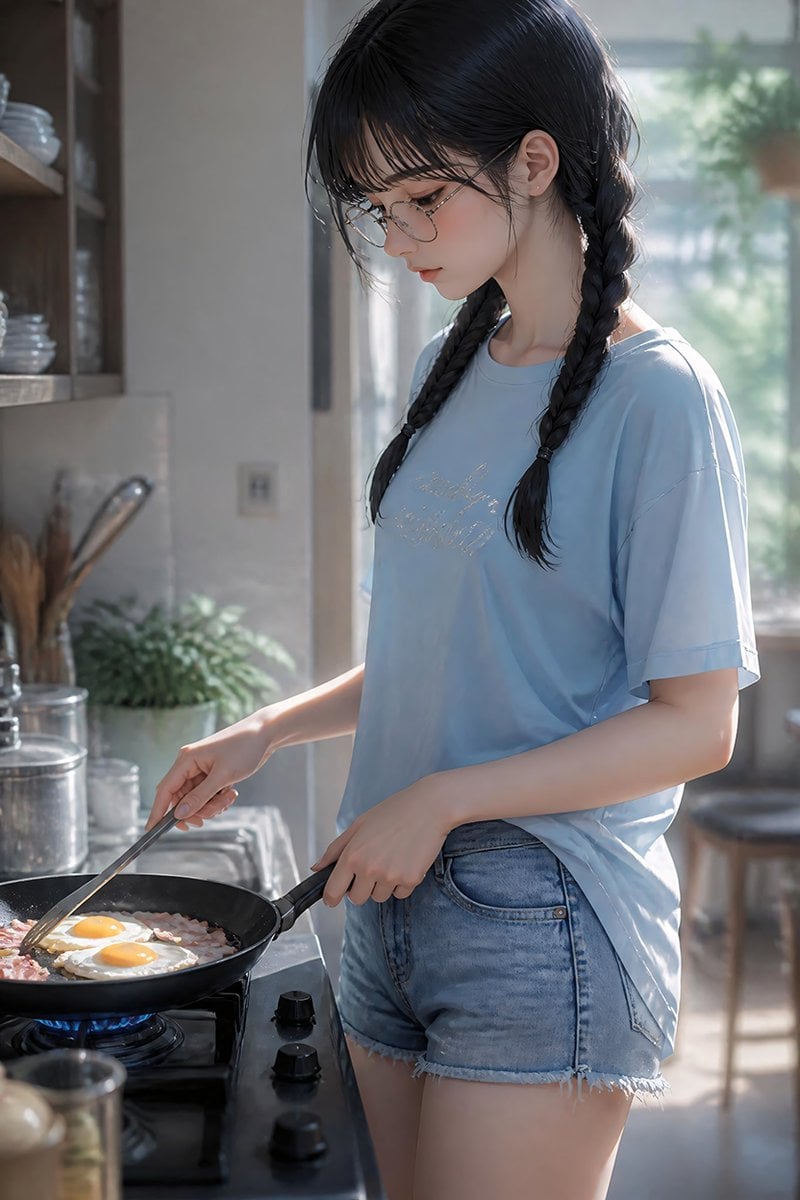
Anime Girl Cooking Bacon and Eggs
Make it yours
Surreal Miniature Egg Art Scene Prompt works as-is. These are the safest ways to change it without losing the look.
Change one field
Copy a single group, rewrite it, and generate again so you can see what that field is doing.
Keep the frame, change the subject
Hold the composition and light of Surreal Miniature Egg Art Scene Prompt, then swap wardrobe, props or the person for a new take.
| If the result… | Why | Fix |
|---|---|---|
| The result drifts from the preview | Too many fields changed at once. | Reuse Surreal Miniature Egg Art Scene Prompt as-is first, then change one group — subject, light, or setting. |
| The model over-stylizes the scene | The prose prompt leaves finish and camera underspecified. | Add one camera or lighting sentence and stay on Nano Banana 2. |
More Nano Banana 2 templates
Other prompts made for Nano Banana 2.

Photorealistic Leaf Shaped Like a Dragon

K-Pop Idol Portrait Grid for Rapid Selection

Poetic Rain Forest Portrait During Golden Hour

Urban Street Portrait with Cartoon Inner Self Duo

Candid Nighttime Photo with Cat Prompt

High-Concept 3D Diorama Generation Prompt

Cinematic Futuristic Studio Portrait Template

Skincare Editorial Photography Collage Prompt

Hyper-Realistic Commercial Product Photography (Splash Effect)

Hyper-Realistic Nightclub Portrait Prompt
More image prompts
Fresh picks from across the catalog.
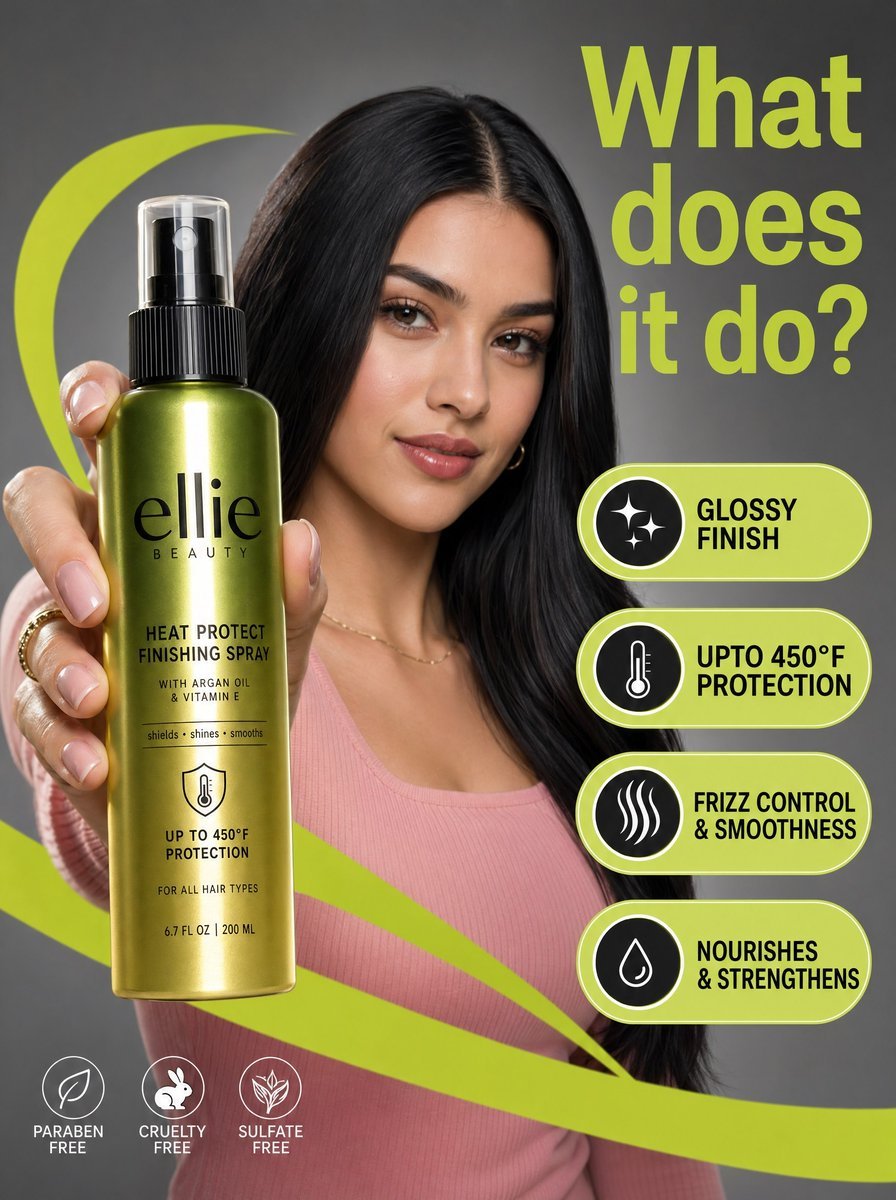
Commercial Beauty Product Photograph

Anatomy Visualization Prompt Template (Great White Shark Example)
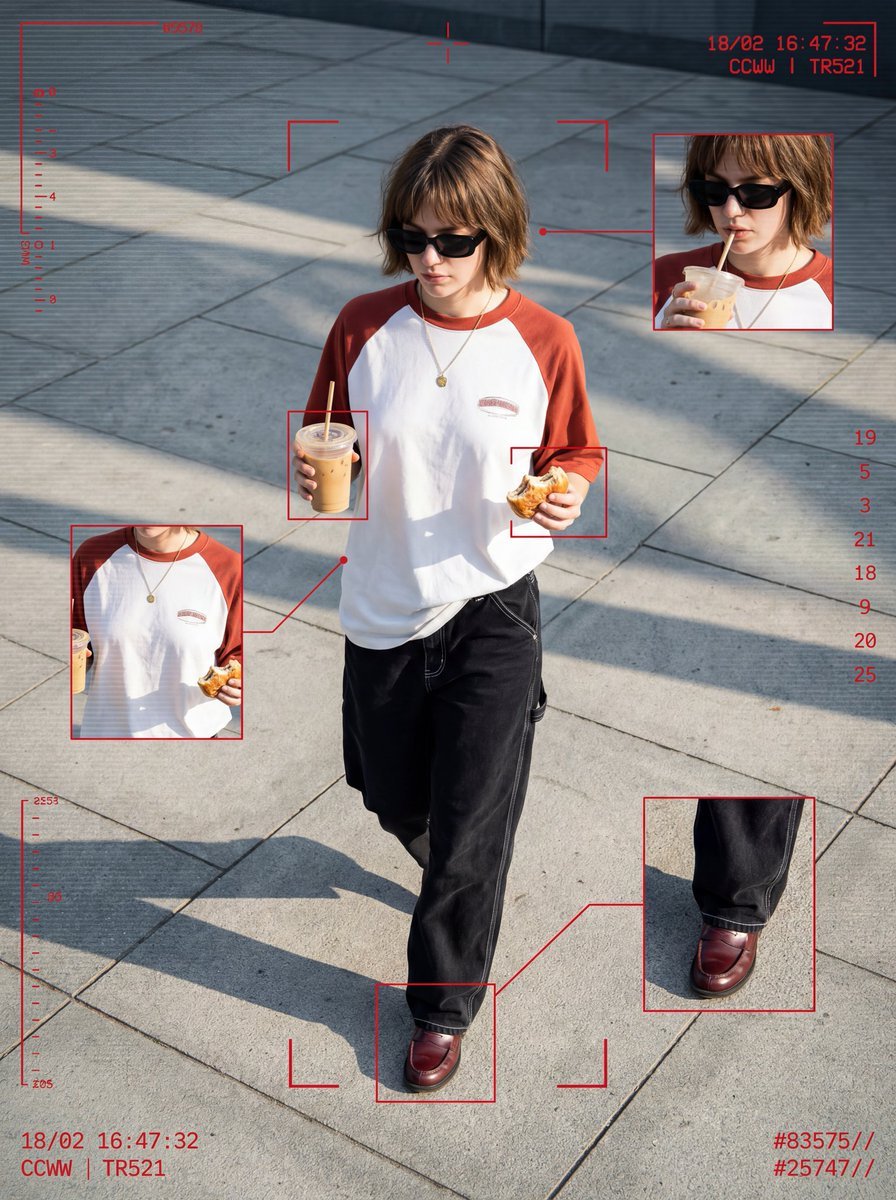
Cyber-Grunge Surveillance Fashion Editorial
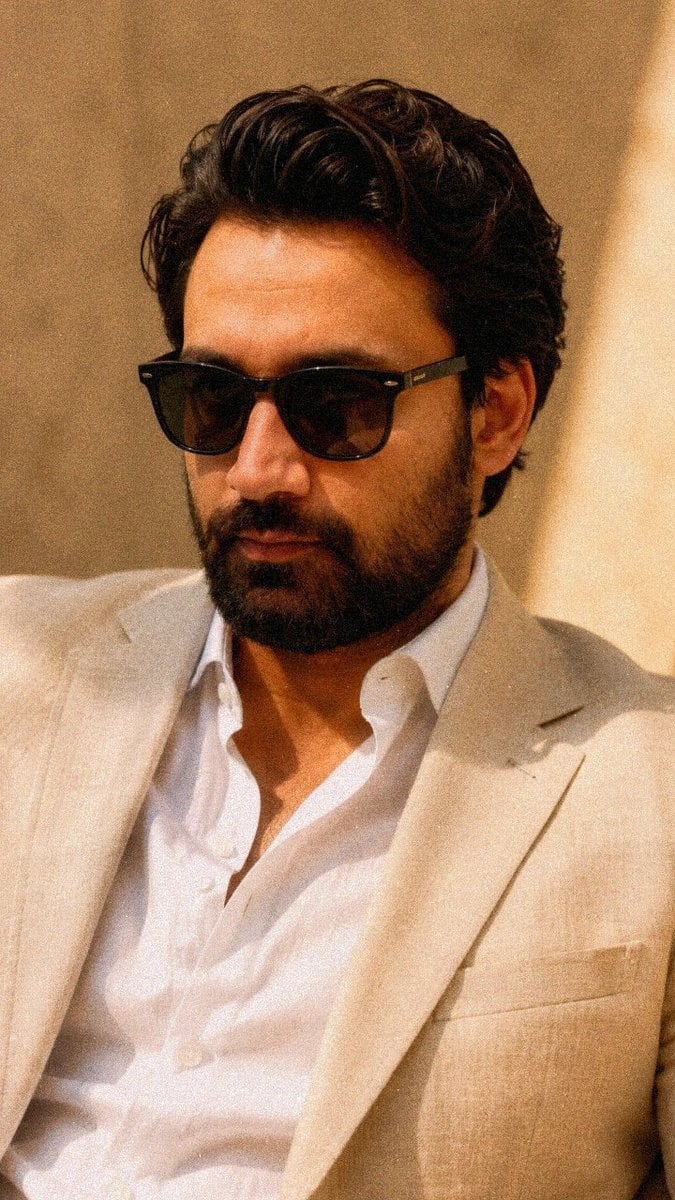
Sophisticated Fashion Portrait Reconstruction

Realistic Portrait of Man with Teddy Bear
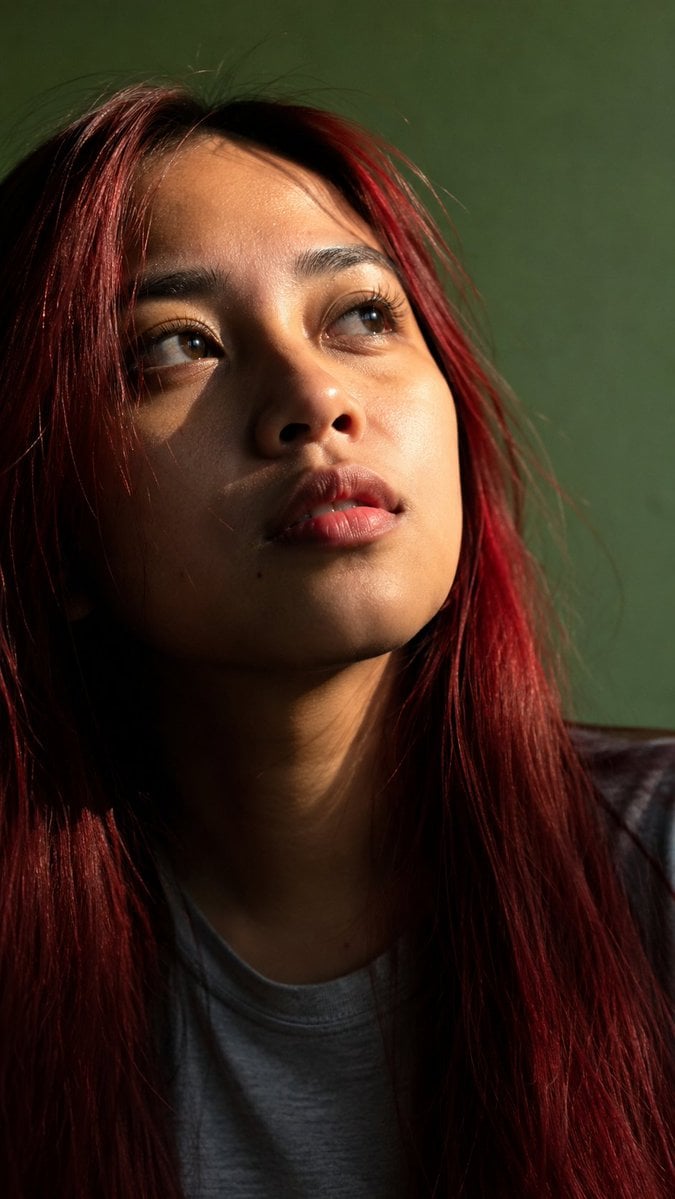
Censored Sunlit Red-Hair Portrait

3D Chibi Doodle Portrait
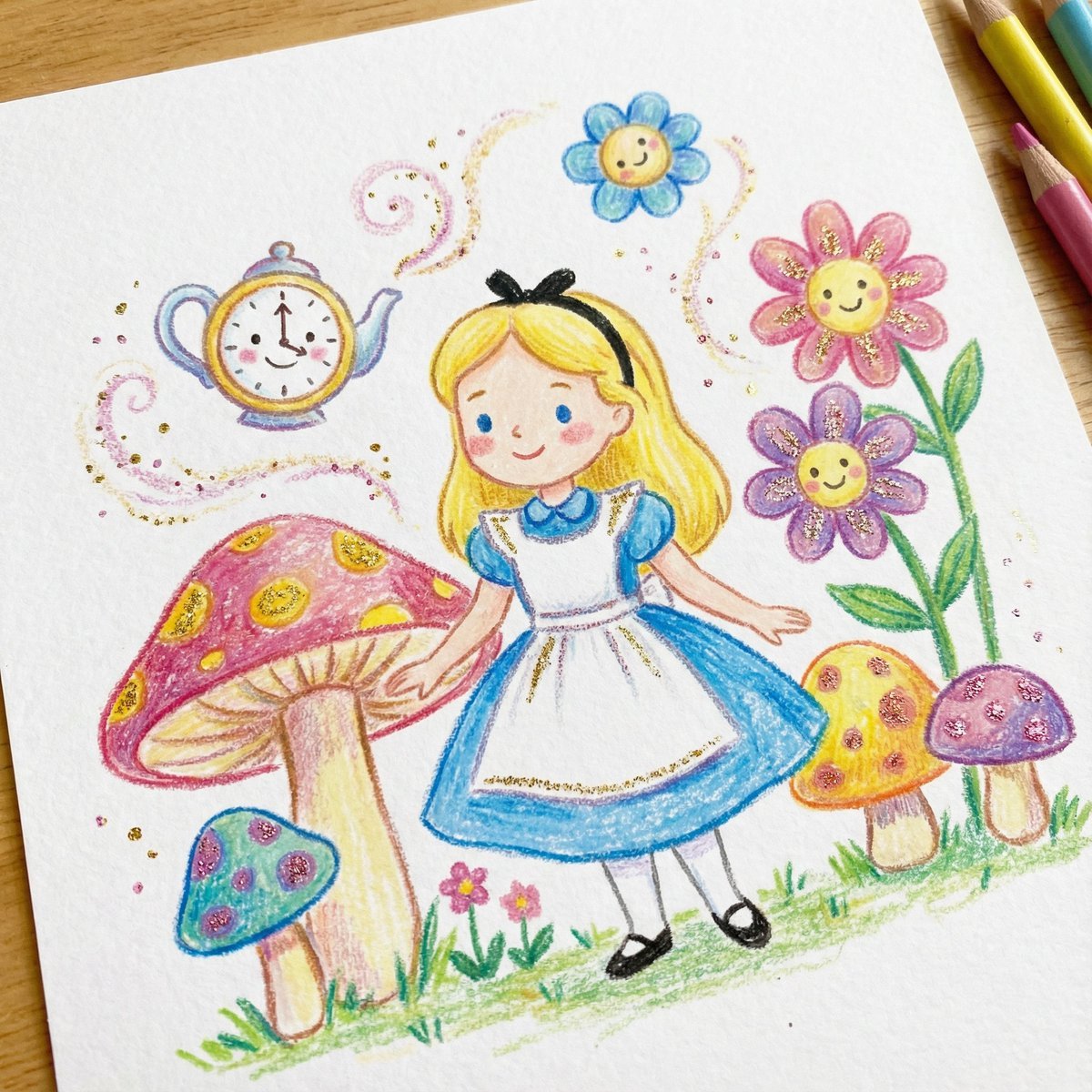
Children's Book Illustration Style Prompt for Character Drawing
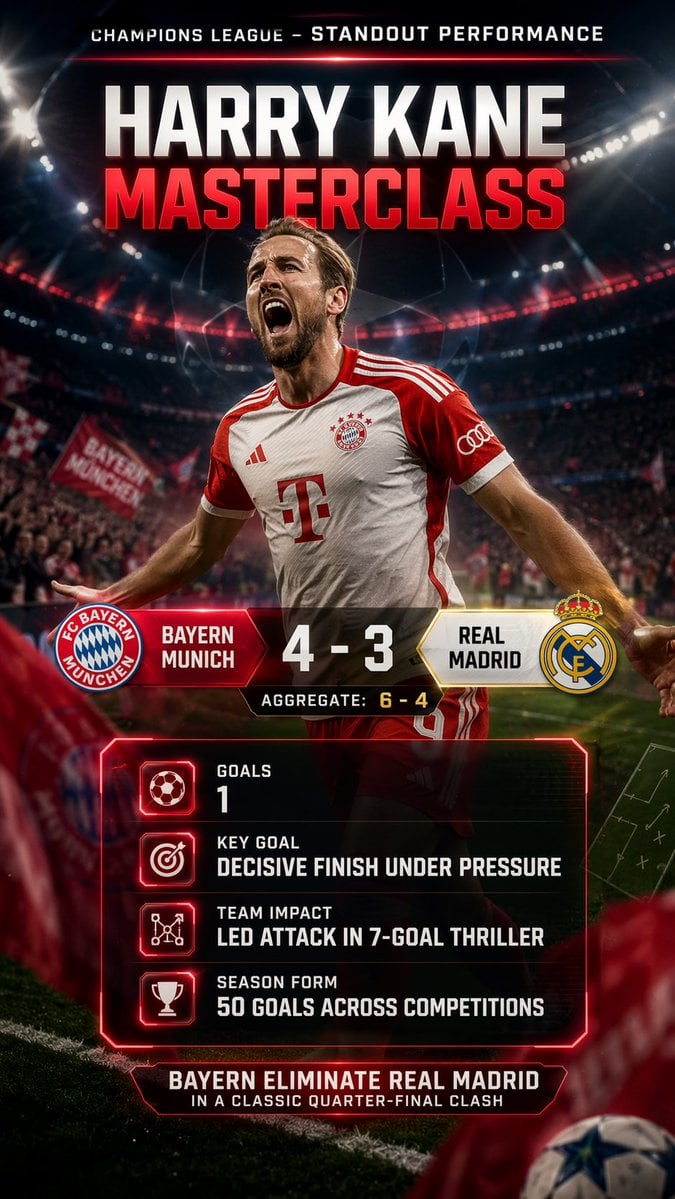
Champions League Highlight Card Generator
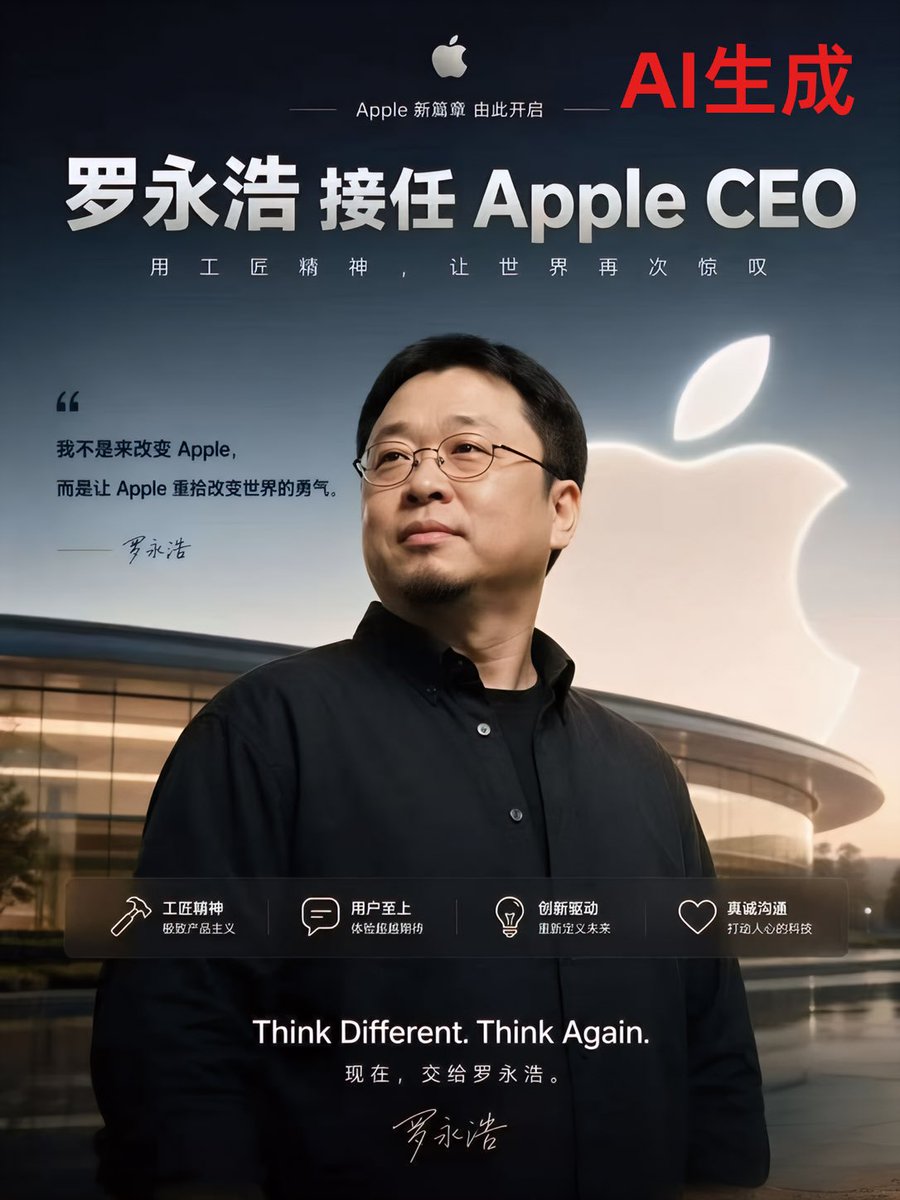
Apple-Style CEO Announcement Poster
Browse template categories
Surreal Miniature Egg Art Scene Prompt questions
How do I use the Surreal Miniature Egg Art Scene Prompt template?
Add your photo if the template asks for one, edit the prompt if you like — the template's model and format are already selected — and press Generate. Your version opens in PicX Studio.
Can I customize the Surreal Miniature Egg Art Scene Prompt template?
Yes. You can change the subject, setting, lighting, mood, format, and available model controls before creating your image.
Is the Surreal Miniature Egg Art Scene Prompt template free?
Opening and editing this template is free. Generating uses credits, shown on the Generate button when you are signed in.
Which AI model should I use?
Start with Nano Banana 2, which is the model associated with this template. You can compare another compatible model for a different finish.
Looking for something else? Browse all templates.

Your photo, any look
Thousands of ready templates for every top image and video model, from one credit balance.