
Commercial Beauty Product Photograph
Generates a clean, modern marketing image for a beauty spray, featuring a model and prominent product placement with graphic typography overlays.
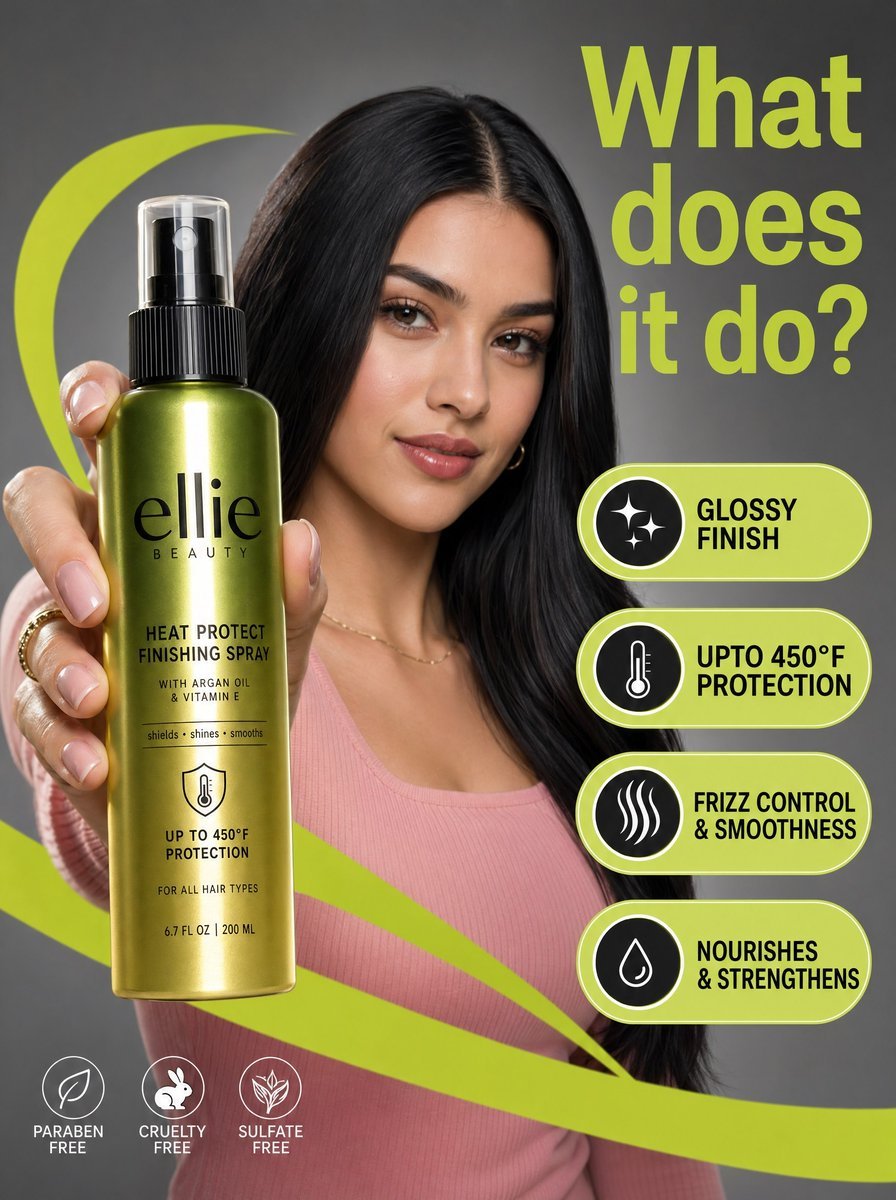
- Prompt included
- Model and format preset
- Free template
The prompt behind this image
Copy the exact prompt behind Commercial Beauty Product Photograph, or open it in the studio and make it yours.
A high-resolution commercial marketing photograph features a young woman with sleek dark hair and a pink ribbed top in a neutral grey studio setting, centered behind a glossy {argument name="brand name" default="Ellie Beauty"} {argument name="product type" default="spray bottle"} held prominently in the foreground. The composition is energized by vibrant, {argument name="accent color" default="lime-green"} graphic "swooshes" and floating pill-shaped callouts that highlight product features like "glossy finish" and "upto 450°F protection" in bold black sans-serif text. The lighting is professionally diffused, casting soft highlights on the model’s face while creating a sharp, vertical reflection on the metallic green-to-gold gradient bottle label. Topping the scene is a large, lime-green headline in the upper right asking, "What does it do?", altogether creating a clean, modern, and high-contrast aesthetic with a shallow depth of field that keeps the product and the model's focused expression in sharp relief.
How to use Commercial Beauty Product Photograph in 3 steps
- 1
Open
The prompt is already in the box next to the preview, with the template's model and format selected.
- 2…a portrait of your subject in softgolden-hour light, 85mm…
Personalize
Edit the subject and creative details for your destination.
- 3Generate
Generate
Press Generate — your image is created in PicX Studio, so you can compare it with the original and refine one variable at a time.
More like this
Templates with the same subject, style or setup. Open one to see its prompt.

Cappuccino Bottle Splash Product Ad

Cosmetic Tube Product — Nano Banana 2

Product Shot - T-Shirt Mockup
Seedance - Brand Commercial
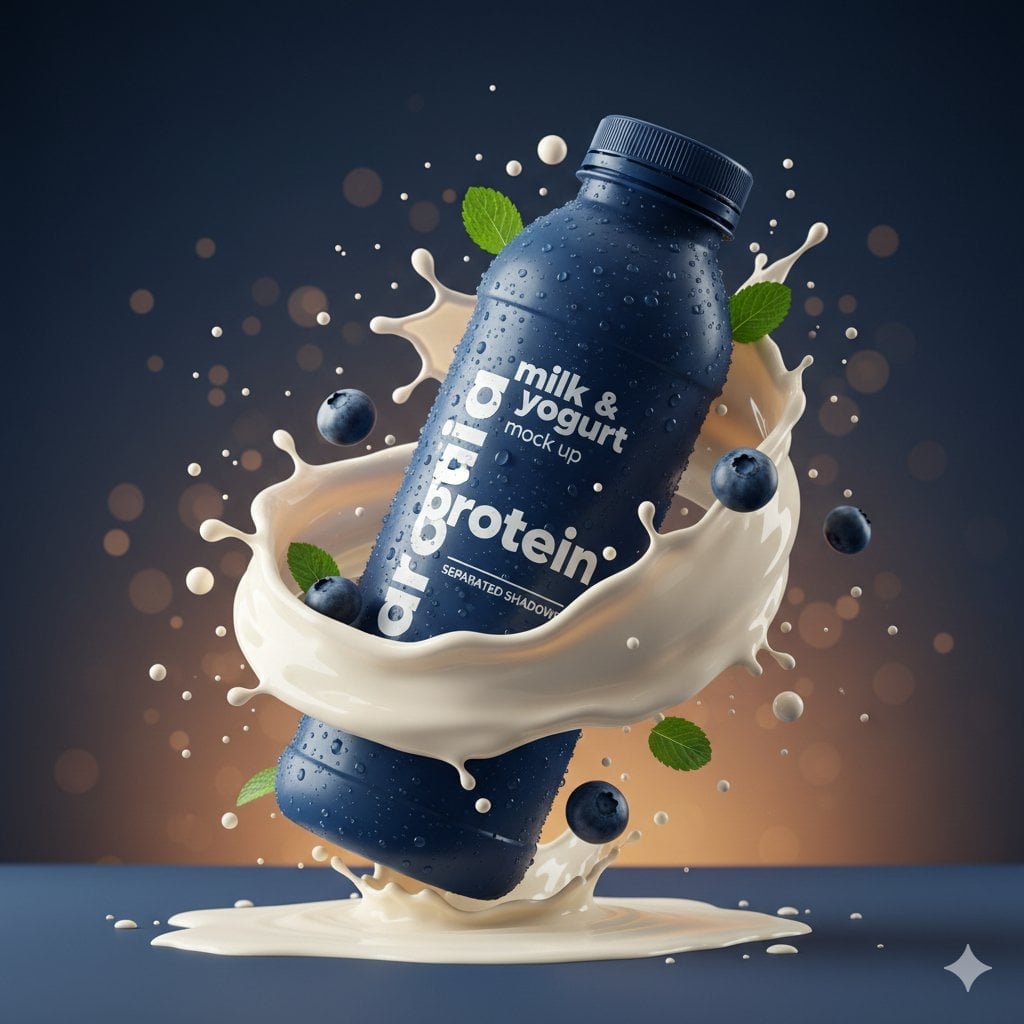
Commercial Product Splash Photography

A hyper-realistic beauty product photograph of a pink jar placed

Soft Shadow Studio Minimalist Product Shot

Luxury Toothpaste Commercial Storyboard

Hyper-Realistic Commercial Product Photography (Splash Effect)
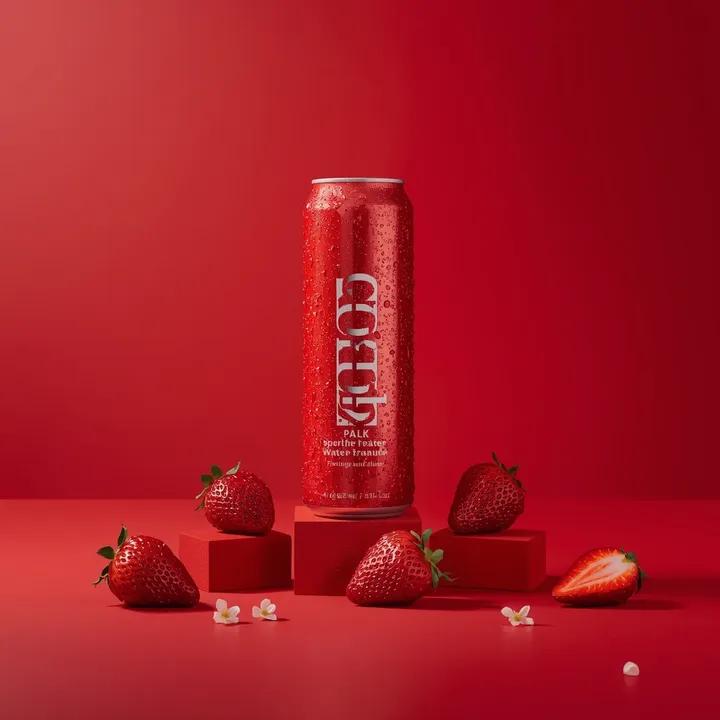
A premium studio product photograph of a tall, slim red aluminum
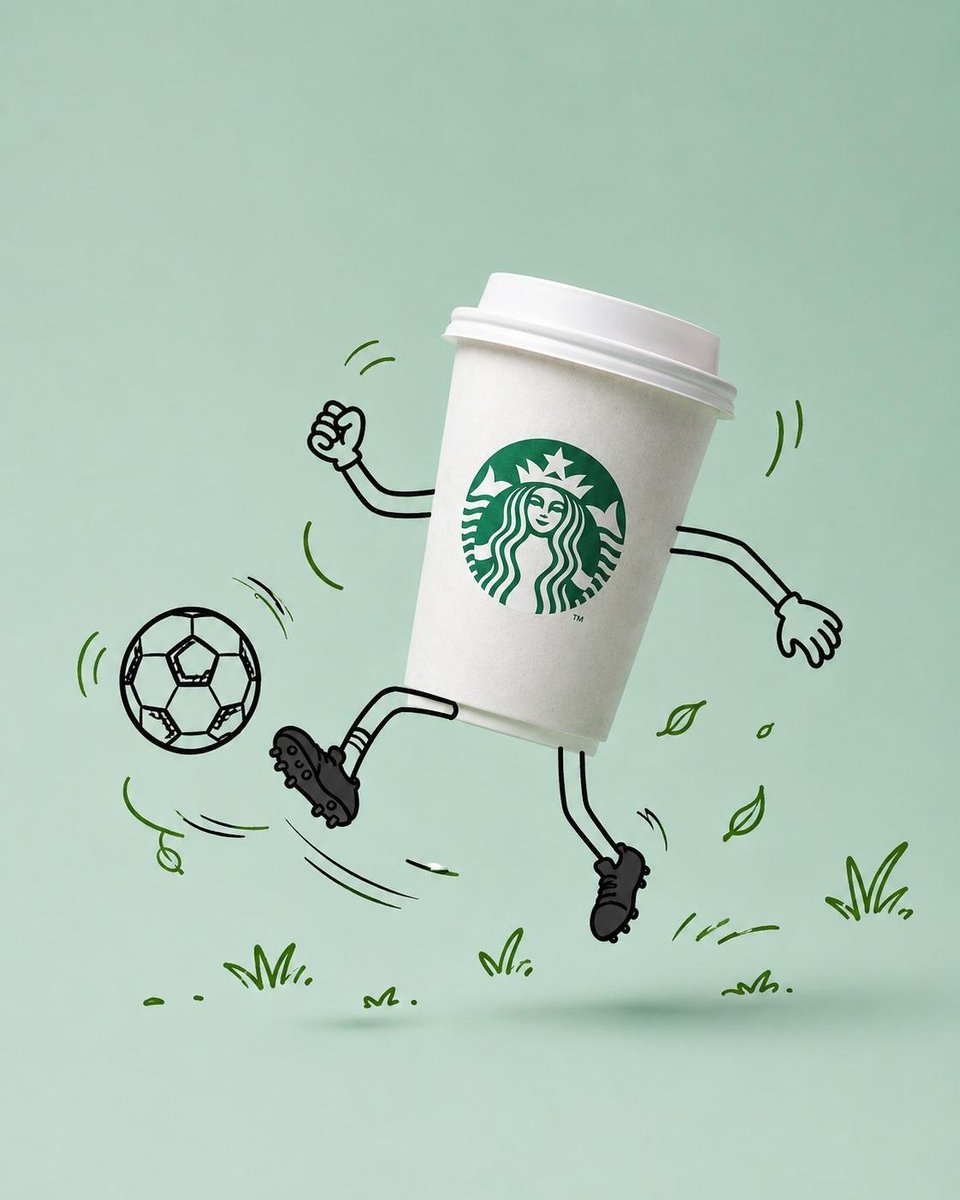
Commercial Product Advertising with Doodles
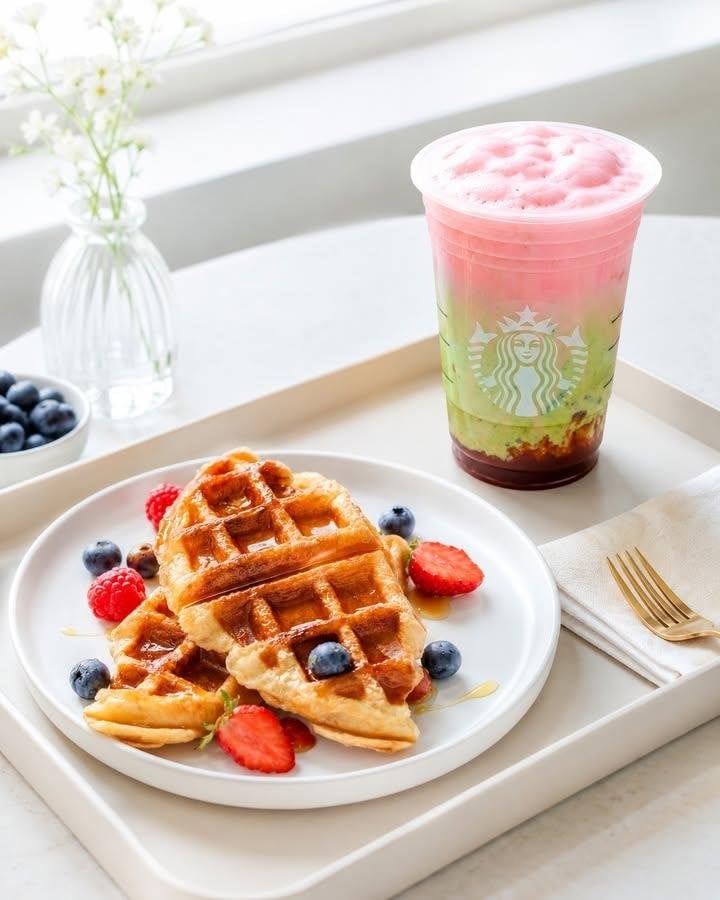
Modern Cafe Food Product Tray Photography
Make it yours
Commercial Beauty Product Photograph works as-is. These are the safest ways to change it without losing the look.
Change one field
Copy a single group, rewrite it, and generate again so you can see what that field is doing.
Keep the frame, change the subject
Hold the composition and light of Commercial Beauty Product Photograph, then swap wardrobe, props or the person for a new take.
| If the result… | Why | Fix |
|---|---|---|
| The result drifts from the preview | Too many fields changed at once. | Reuse Commercial Beauty Product Photograph as-is first, then change one group — subject, light, or setting. |
| The model over-stylizes the scene | The prose prompt leaves finish and camera underspecified. | Add one camera or lighting sentence and stay on GPT Image 2. |
More GPT Image 2 templates
Other prompts made for GPT Image 2.

Six VTuber Japanese Logo Sheet

Realistic Portrait of Woman and Deer

The Vista Modular Condo Poster

AI Model Routing Comparison Infographic

2.5D Anime Art Board

Isometric Productivity Desk Scene

New York Double Exposure Poster

Four-Panel AI Landscape Comparison

Japanese Tatami Lifestyle Magazine Cover

NESCAFÉ Coffee Map Poster
More image prompts
Fresh picks from across the catalog.

Map of Morocco in 1799–1800 with plague spread
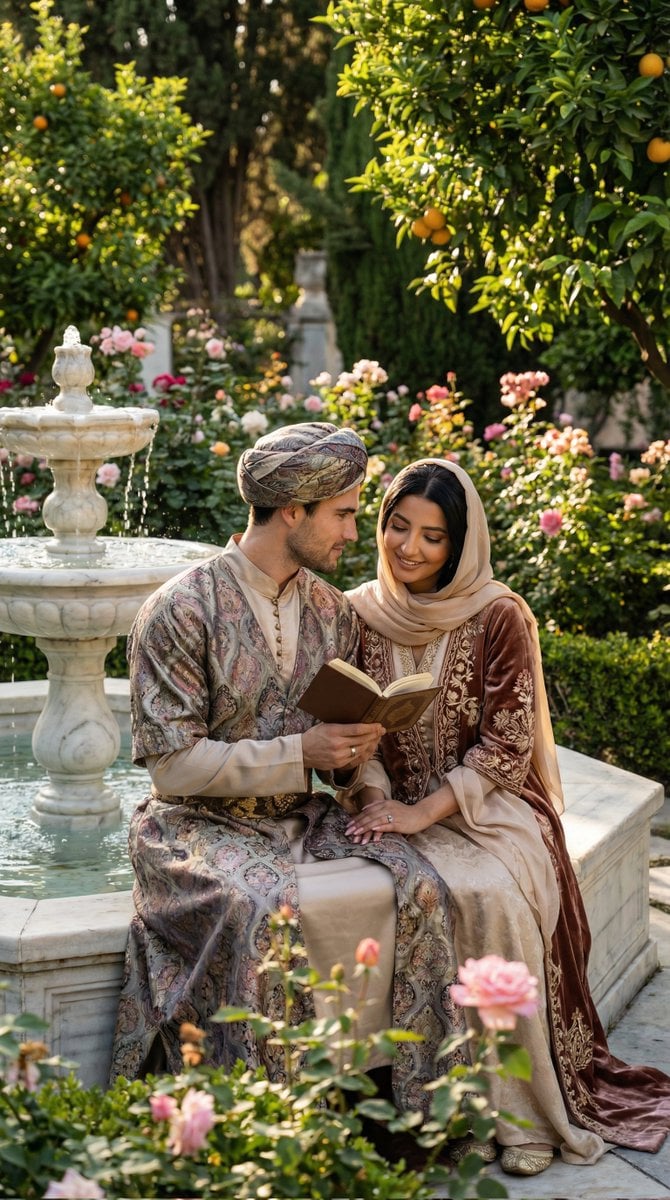
Historical Romantic Editorial Scene in an Ottoman Garden
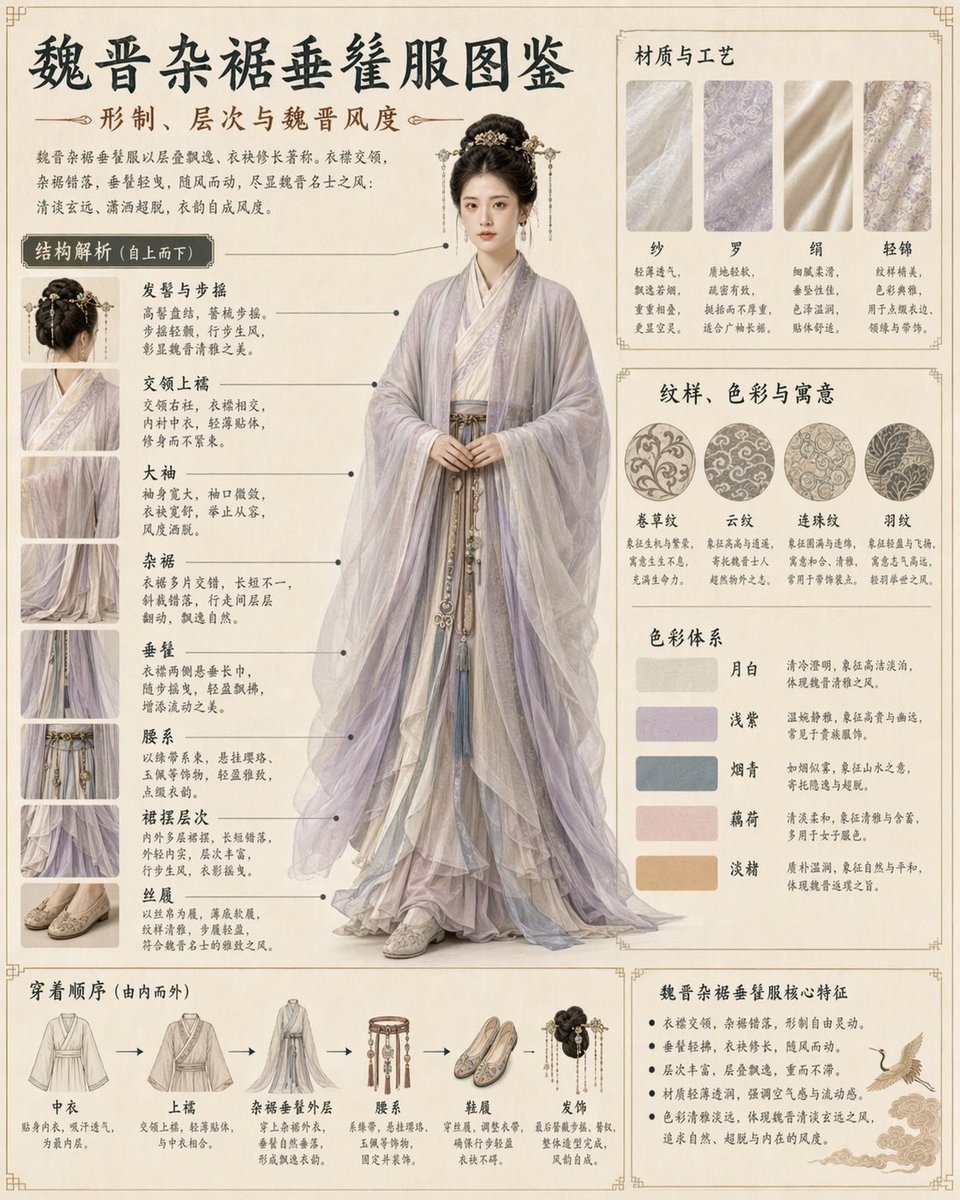
Traditional Clothing Infographic Guide

Gpt2 Infographic Edu Visual Earth Signs Zodiac Character Poster

Hermes and Constellation Fantasy Image

Samurai Warrior Watercolor Portrait
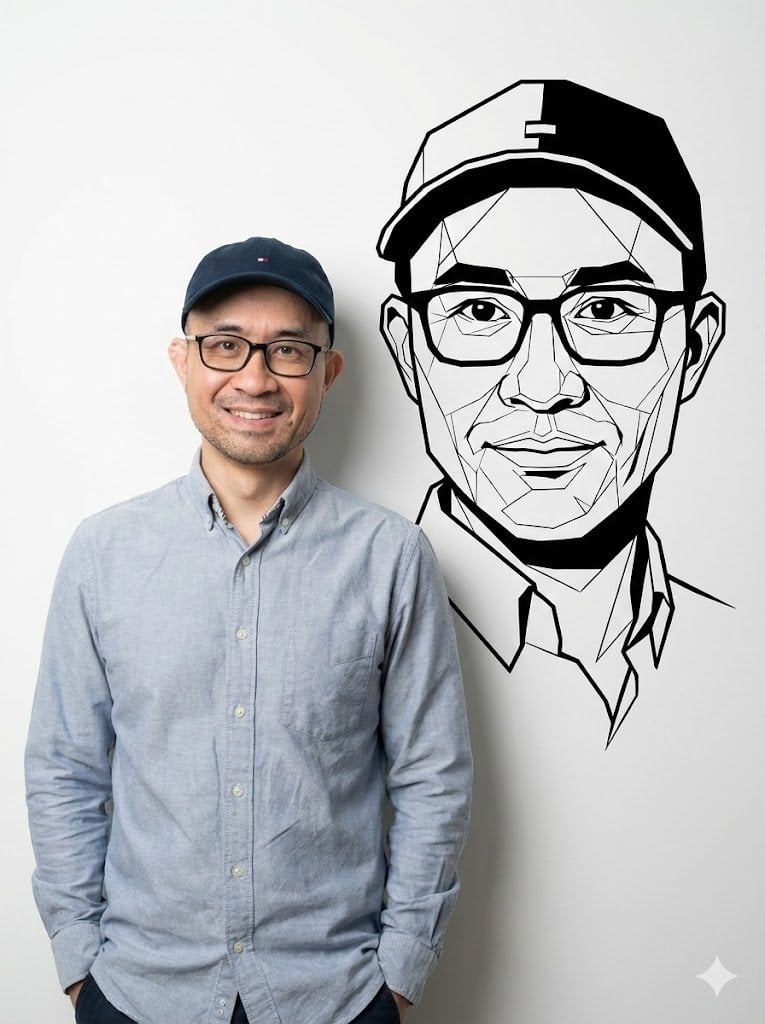
Photorealistic Half-Body Portrait with Vector Graphic Overlay (Chinese Version)
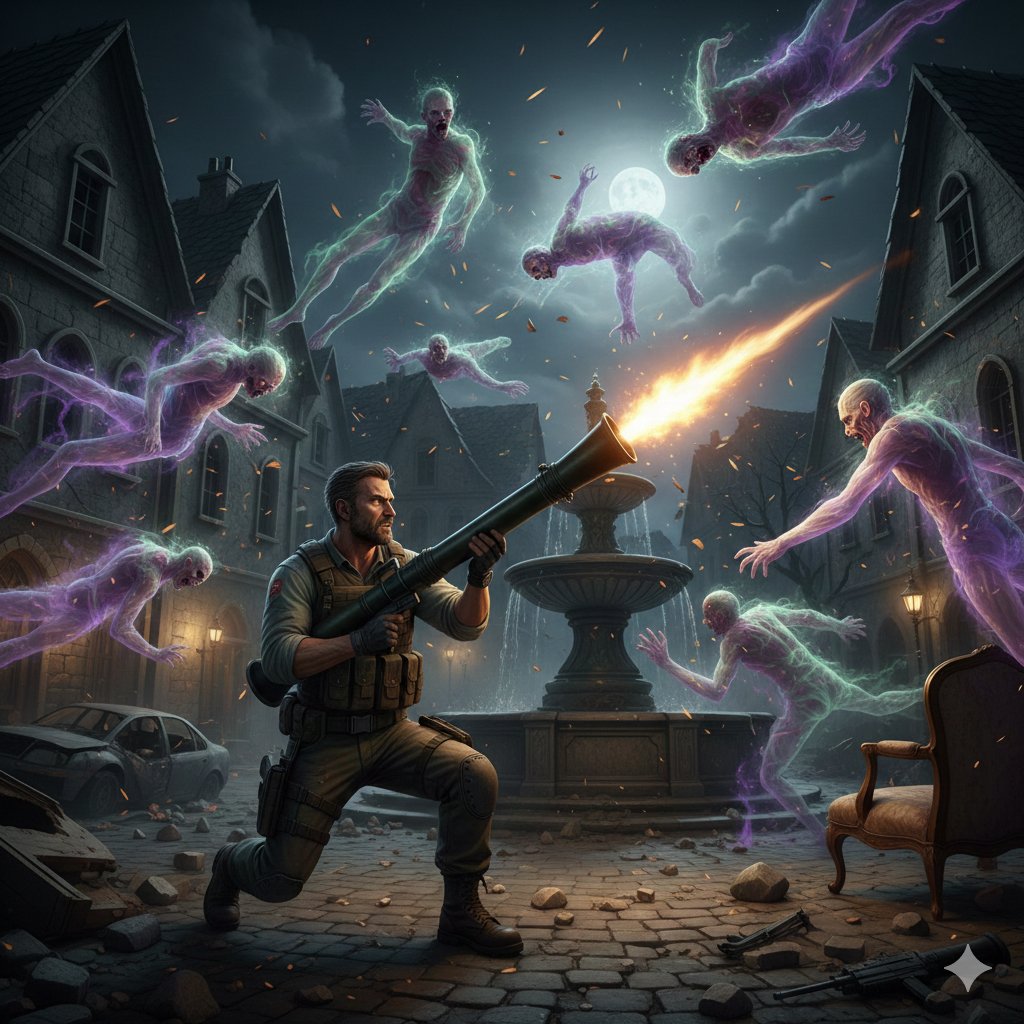
Resident Evil Rocket Launcher with Ethereal Mobs

Cherry Blossom Good Morning Lake
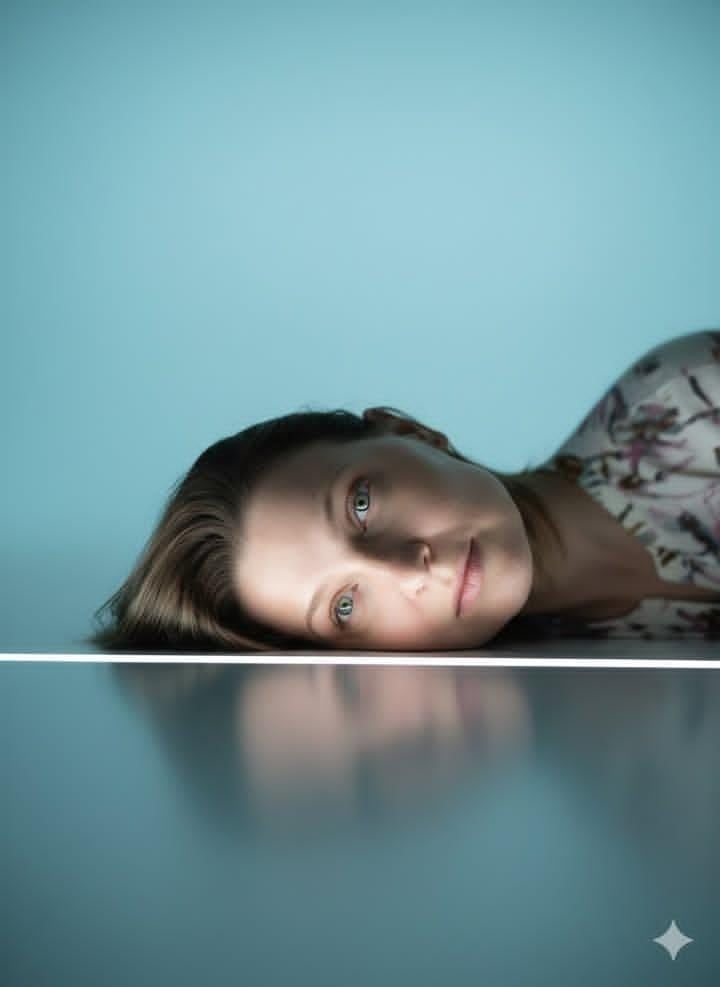
Identity-Locked Surreal Minimalist Editorial Portrait
Browse template categories
Commercial Beauty Product Photograph questions
How do I use the Commercial Beauty Product Photograph template?
Add your photo if the template asks for one, edit the prompt if you like — the template's model and format are already selected — and press Generate. Your version opens in PicX Studio.
Can I customize the Commercial Beauty Product Photograph template?
Yes. You can change the subject, setting, lighting, mood, format, and available model controls before creating your image.
Is the Commercial Beauty Product Photograph template free?
Opening and editing this template is free. Generating uses credits, shown on the Generate button when you are signed in.
Which AI model should I use?
Start with GPT Image 2, which is the model associated with this template. You can compare another compatible model for a different finish.
Looking for something else? Browse all templates.

Your photo, any look
Thousands of ready templates for every top image and video model, from one credit balance.