
Traditional Clothing Infographic Guide
Generates a highly detailed, museum-quality infographic breaking down the structure, materials, and wearing sequence of traditional garments.
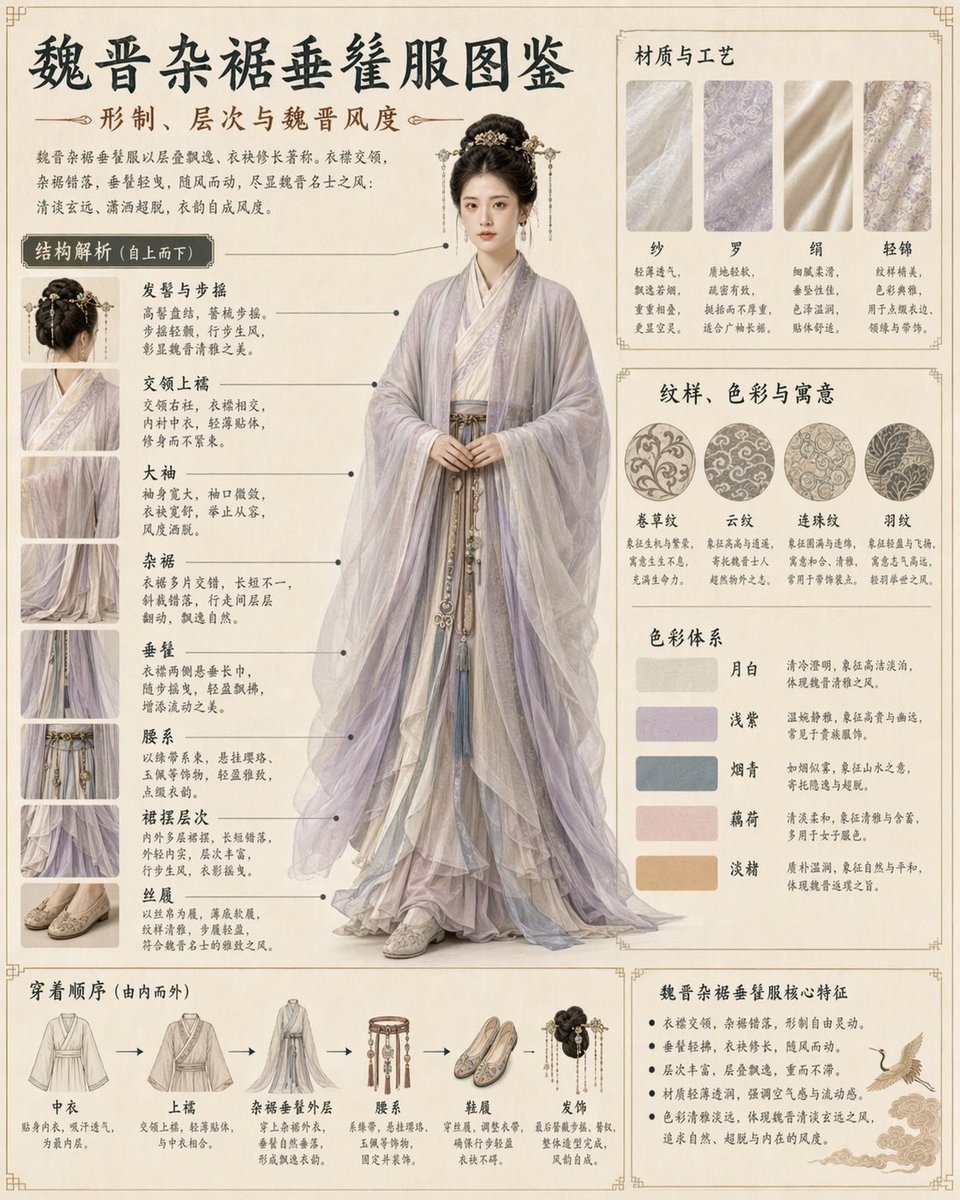
- Prompt included
- Model and format preset
- Free template
The prompt behind this image
Copy the exact prompt behind Traditional Clothing Infographic Guide, or open it in the studio and make it yours.
- Type
- {argument name="aesthetic" default="elegant museum-quality infographic"}
- Theme
- traditional Chinese clothing guide
- Header › Title
- {argument name="main title" default="魏晋杂裾垂髾服图鉴"}
- Header › Subtitle
- 形制、层次与魏晋风度
- Header › Description
- Introductory paragraph about the elegant and flowing nature of the garments.
- Centerpiece › Subject
- {argument name="subject" default="young Chinese woman"}
- Centerpiece › Clothing
- {argument name="clothing style" default="Wei-Jin dynasty layered flowing robes"}
- Centerpiece › Colors
- {argument name="primary color" default="lilac and pale blue"}
- Centerpiece › Pose
- standing gracefully, hands clasped at waist, full-body portrait
- Centerpiece › Details
- intricate hair ornaments, flowing trailing ribbons, multi-layered skirt
- Layout › Left Column › Title
- 结构解析 (自上而下)
- Layout › Left Column › Count
- 8
- Layout › Left Column › Format
- small square thumbnail image paired with a bold label and descriptive text
- Layout › Left Column › Labels
- 发髻与步摇, 交领上襦, 大袖, 杂裾, 垂髾, 腰系, 裙摆层次, 丝履
- Layout › Top Right › Title
- 材质与工艺
- Layout › Top Right › Count
- 4
- Layout › Top Right › Format
- fabric texture swatches with labels and text
- Layout › Top Right › Labels
- 纱, 罗, 绢, 轻锦
- Layout › Middle Right › Title
- 纹样、色彩与寓意
- Layout › Middle Right › Patterns › Count
- 4
- Layout › Middle Right › Patterns › Format
- circular pattern swatches with labels
- Layout › Middle Right › Patterns › Labels
- 卷草纹, 云纹, 连珠纹, 羽纹
- Layout › Middle Right › Colors › Count
- 5
- Layout › Middle Right › Colors › Format
- rectangular color swatches with names and descriptions
Raw JSON
{
  "type": "{argument name=\"aesthetic\" default=\"elegant museum-quality infographic\"}",
  "theme": "traditional Chinese clothing guide",
  "header": {
    "title": "{argument name=\"main title\" default=\"魏晋杂裾垂髾服图鉴\"}",
    "subtitle": "形制、层次与魏晋风度",
    "description": "Introductory paragraph about the elegant and flowing nature of the garments."
  },
  "centerpiece": {
    "subject": "{argument name=\"subject\" default=\"young Chinese woman\"}",
    "clothing": "{argument name=\"clothing style\" default=\"Wei-Jin dynasty layered flowing robes\"}",
    "colors": "{argument name=\"primary color\" default=\"lilac and pale blue\"}",
    "pose": "standing gracefully, hands clasped at waist, full-body portrait",
    "details": "intricate hair ornaments, flowing trailing ribbons, multi-layered skirt"
  },
  "layout": {
    "left_column": {
      "title": "结构解析 (自上而下)",
      "count": 8,
      "format": "small square thumbnail image paired with a bold label and descriptive text",
      "labels": ["发髻与步摇", "交领上襦", "大袖", "杂裾", "垂髾", "腰系", "裙摆层次", "丝履"]
    },
    "top_right": {
      "title": "材质与工艺",
      "count": 4,
      "format": "fabric texture swatches with labels and text",
      "labels": ["纱", "罗", "绢", "轻锦"]
    },
    "middle_right": {
      "title": "纹样、色彩与寓意",
      "patterns": {
        "count": 4,
        "format": "circular pattern swatches with labels",
        "labels": ["卷草纹", "云纹", "连珠纹", "羽纹"]
      },
      "colors": {
        "count": 5,
        "format": "rectangular color swatches with names and descriptions",
        "labels": ["月白", "浅紫", "烟青", "藕荷", "淡赭"]
      }
    },
    "bottom_left": {
      "title": "穿着顺序 (由内而外)",
      "count": 6,
      "format": "illustrated clothing items connected by right-pointing arrows",
      "labels": ["中衣", "上襦", "杂裾垂髾外层", "腰系", "鞋履", "发饰"]
    },
    "bottom_right": {
      "title": "魏晋杂裾垂髾服核心特征",
      "count": 5,
      "format": "bulleted text list",
      "illustration": "small flying crane graphic in the bottom right corner"
    }
  },
  "background": "textured pale beige parchment paper with subtle border lines"
}How to use Traditional Clothing Infographic Guide in 3 steps
- 1Upload ImagePNG, JPG or paste
Add your photo
Upload the photo the template builds on. The prompt, model and format are already set.
- 2…a portrait of your subject in softgolden-hour light, 85mm…
Personalize
Edit the subject and creative details for your destination.
- 3Generate
Generate
Press Generate — your image is created in PicX Studio, so you can compare it with the original and refine one variable at a time.
More like this
Templates with the same subject, style or setup. Open one to see its prompt.

Japan Travel Brochure Poster
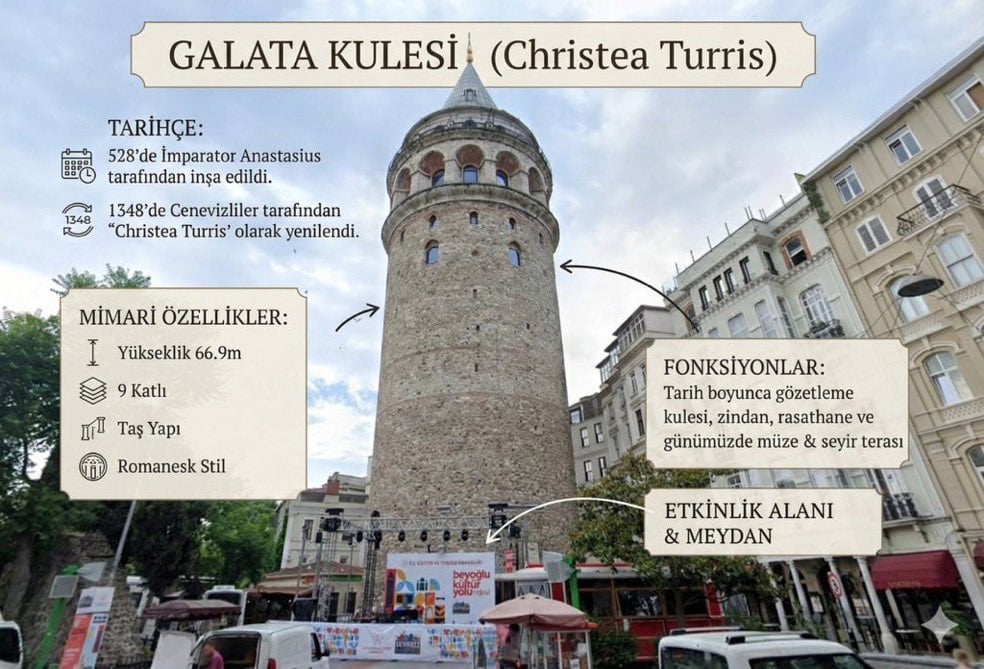
Image to Infographic Guide

Isometric Process Educational Diorama

Isometric Vehicle Teardown Infographic Template
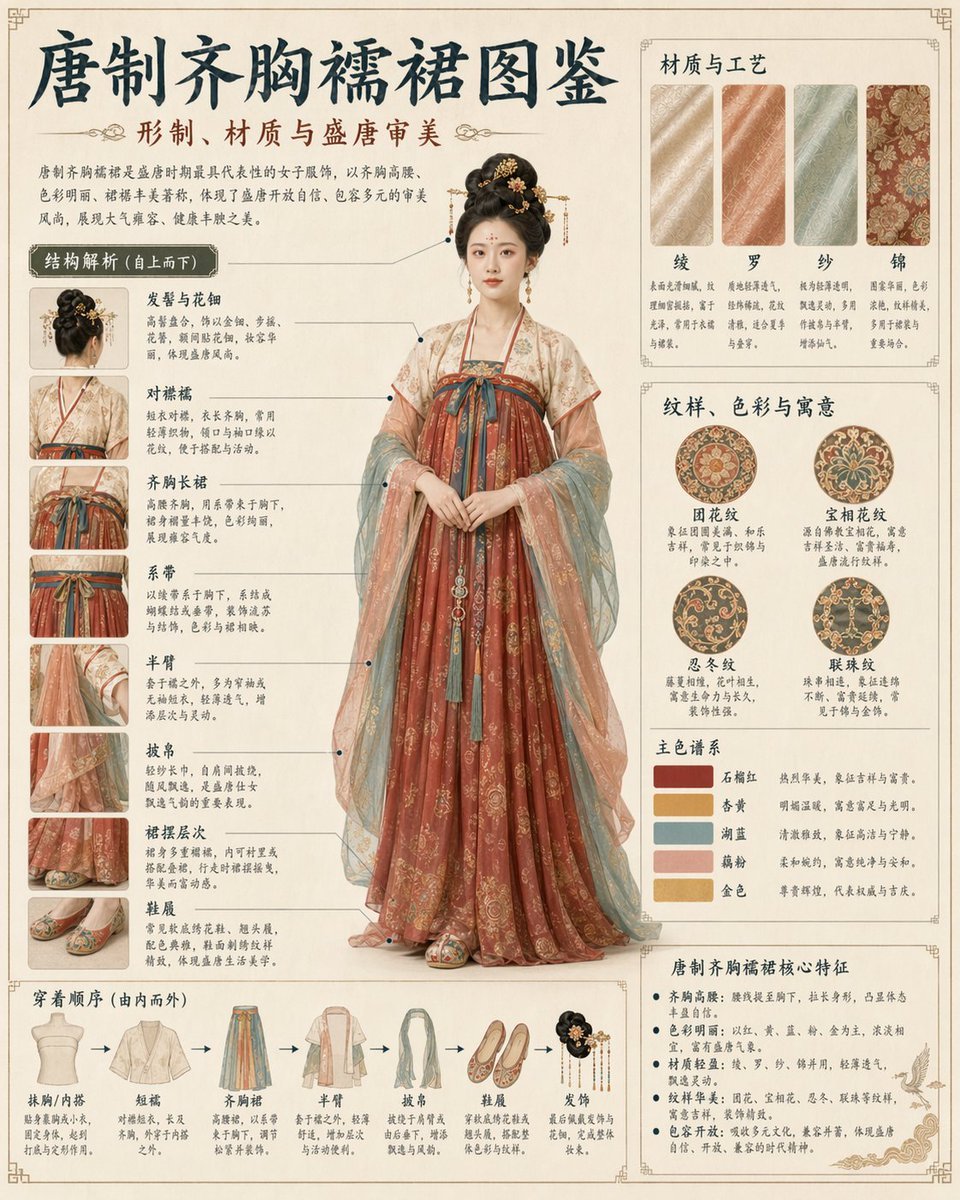
Traditional Garment Infographic
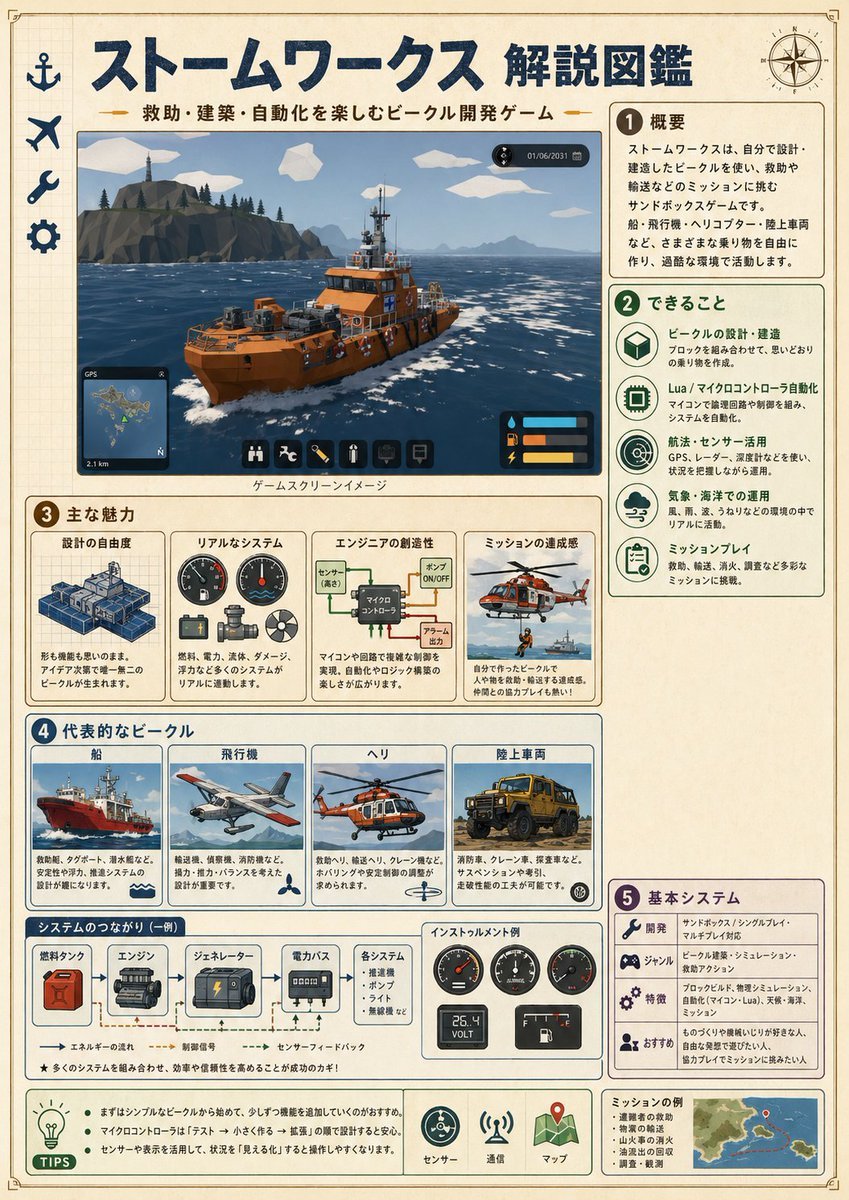
Japanese Stormworks Guide Infographic
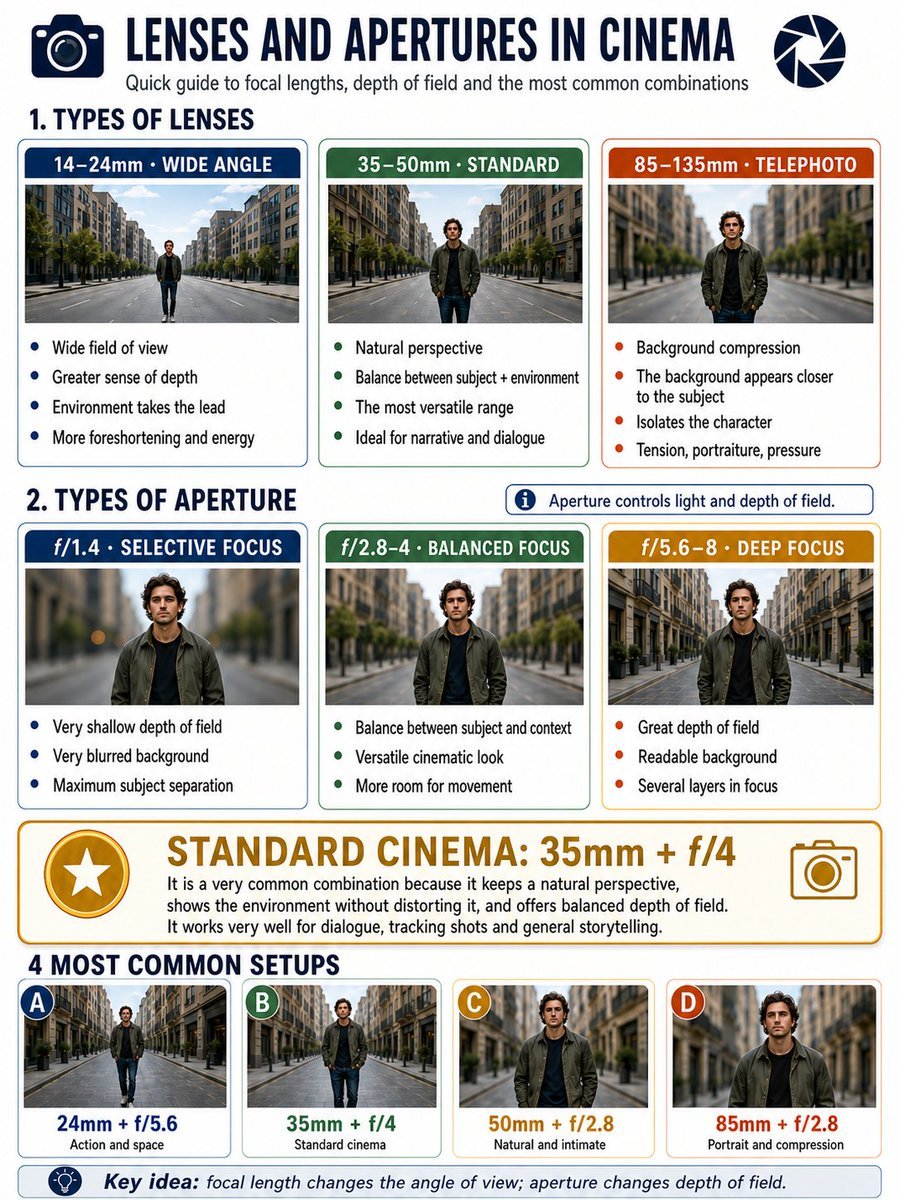
Cinema Lens Infographic Guide
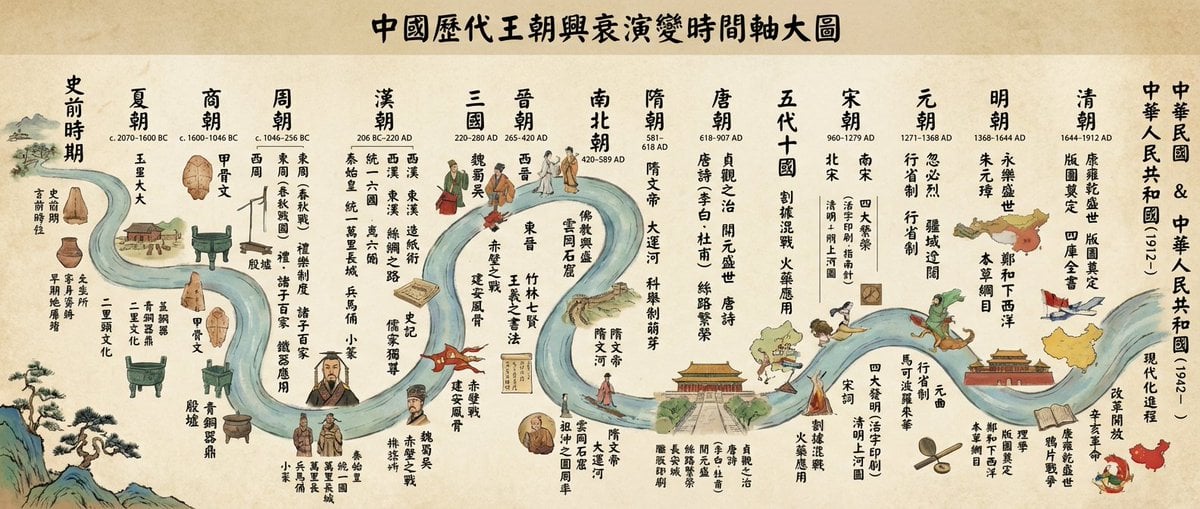
Chinese dynasties infographic timeline in traditional Chinese
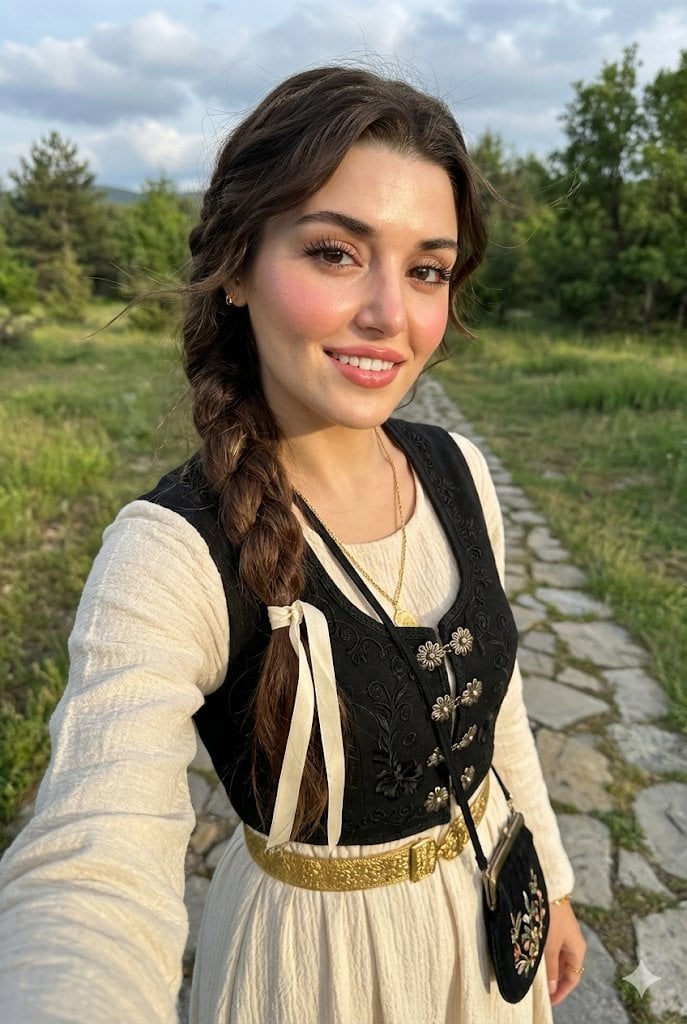
Full-Body Selfie Portrait with Traditional Clothing and Face Lock

Gpt2 E Commerce Main Image Earbuds E Commerce Infographic

Gpt2 Infographic Edu Visual Alishan One Day Travel Poster

Gpt2 Infographic Edu Visual Ethnographic Plate for Tibetan Ceremonial Hat
Make it yours
Traditional Clothing Infographic Guide works as-is. These are the safest ways to change it without losing the look.
Swap the setting
Keep the rest of the prompt and replace the location block. The current setting is “textured pale beige parchment paper with subtle border lines”.
Change one field
Copy a single group, rewrite it, and generate again so you can see what that field is doing.
Keep the frame, change the subject
Hold the composition and light of Traditional Clothing Infographic Guide, then swap wardrobe, props or the person for a new take.
| If the result… | Why | Fix |
|---|---|---|
| The result drifts from the preview | Too many fields changed at once. | Reuse Traditional Clothing Infographic Guide as-is first, then change one group — subject, light, or setting. |
| GPT Image 2 ignores part of the JSON | Some models flatten or skip nested keys. | Keep the same values and paste them as a short paragraph instead. |
More GPT Image 2 templates
Other prompts made for GPT Image 2.

Six VTuber Japanese Logo Sheet

Realistic Portrait of Woman and Deer

The Vista Modular Condo Poster

AI Model Routing Comparison Infographic

2.5D Anime Art Board

Isometric Productivity Desk Scene

New York Double Exposure Poster

Four-Panel AI Landscape Comparison

Japanese Tatami Lifestyle Magazine Cover

NESCAFÉ Coffee Map Poster
More image prompts
Fresh picks from across the catalog.
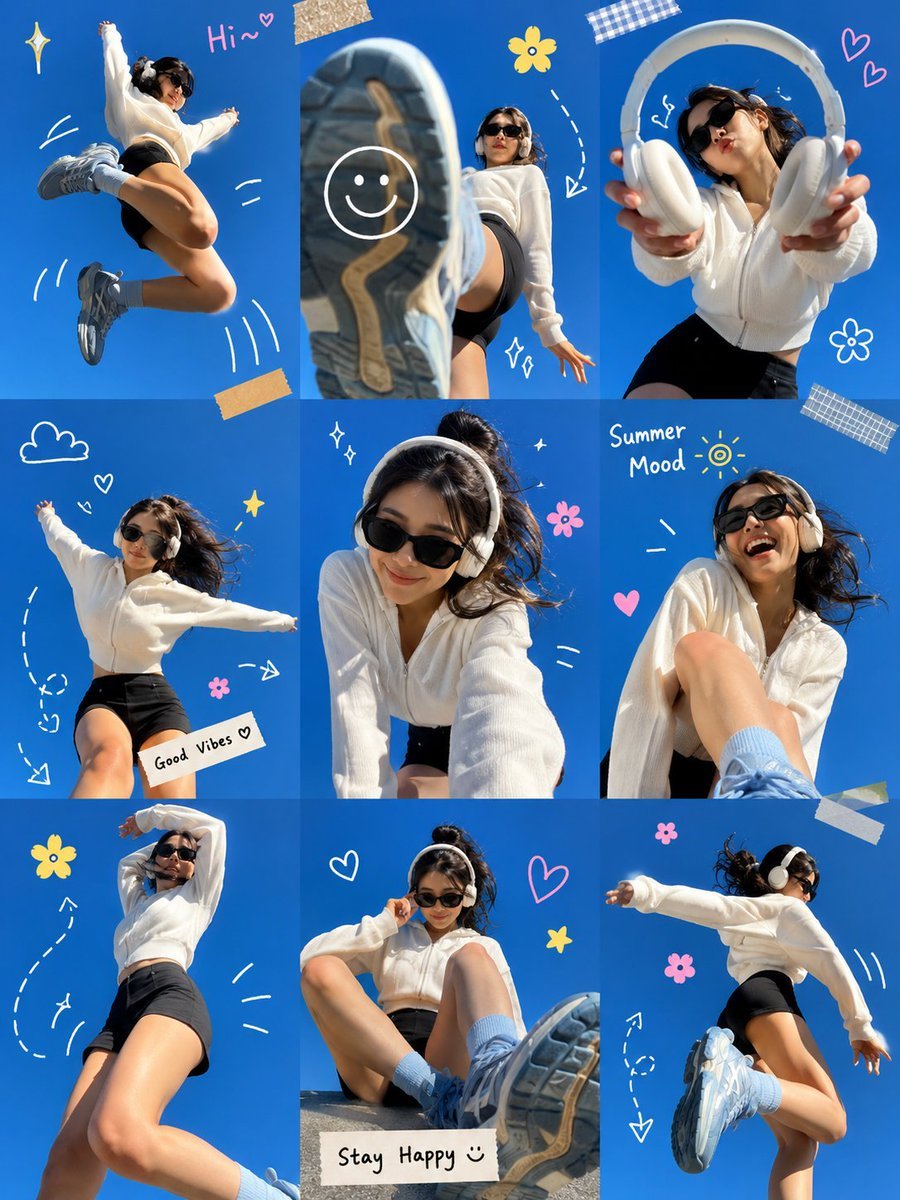
Gen Z Summer Photo Dump Collage
Scandinavian Folk-Art Depiction
Contrast Street Art Mural
Edible Cityscape Diorama (Double Inference)

Black and White Dynamic Street Fashion Prompt
JSON Prompt for 1971 Yeşilçam Cinematic Portrait of Türkan Şoray Crying
Historical Figure Social Media Mockup
Futuristic Metro Station Fashion Shoot
Neon Disco Album Cover
B&W Chiaroscuro Portrait
Browse template categories
Traditional Clothing Infographic Guide questions
How do I use the Traditional Clothing Infographic Guide template?
Add your photo if the template asks for one, edit the prompt if you like — the template's model and format are already selected — and press Generate. Your version opens in PicX Studio.
Can I customize the Traditional Clothing Infographic Guide template?
Yes. You can change the subject, setting, lighting, mood, format, and available model controls before creating your image.
Is the Traditional Clothing Infographic Guide template free?
Opening and editing this template is free. Generating uses credits, shown on the Generate button when you are signed in.
Which AI model should I use?
Start with GPT Image 2, which is the model associated with this template. You can compare another compatible model for a different finish.
Looking for something else? Browse all templates.

Your photo, any look
Thousands of ready templates for every top image and video model, from one credit balance.