
Gen Z Summer Photo Dump Collage
An ultra-detailed prompt for creating a viral Gen Z summer collage with a 3x3 grid layout, playful poses, and hand-drawn doodle elements.
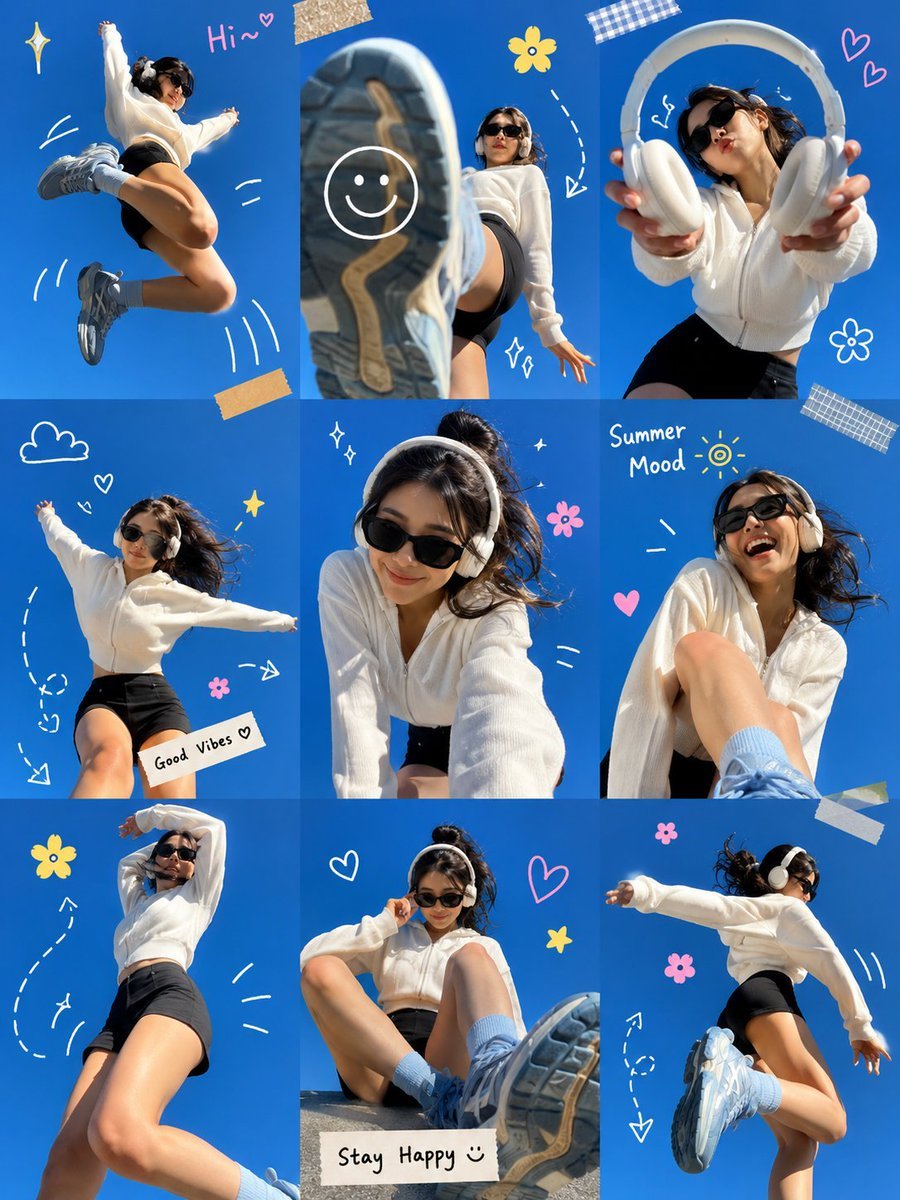
- Prompt included
- Model and format preset
- Free template
The prompt behind this image
Copy the exact prompt behind Gen Z Summer Photo Dump Collage, or open it in the studio and make it yours.
Ultra-viral Gen Z summer photo dump collage, arranged in a clean 3×3 grid layout against a vibrant {argument name="background color" default="electric-blue"} studio background. A stylish young woman with short dark hair wears oversized black sunglasses, white wireless headphones, a cozy {argument name="outfit" default="oversized white zip-up sweater"}, black biker shorts, light blue crew socks, and chunky pastel-blue sneakers.\nEach frame captures a different playful pose and candid moment: jumping mid-air, kicking a sneaker directly toward the camera with dramatic wide-angle perspective, stretching her arms out joyfully, leaning forward for a selfie-style shot, laughing naturally, sitting with oversized shoes dominating the foreground, and dancing with energetic movement. One frame features her holding headphones toward the camera. Another frame is presented inside a white Polaroid-style photo frame taped to the background.\nHand-drawn doodle elements connect the photos, including white arrows, curved lines, motion marks, stars, hearts, smiley faces, flowers, sparkles, and handwritten notes such as “Hi~”, “Summer Mood”, “Good Vibes”, and “Stay Happy”. Bright daylight studio lighting, cheerful expression, dynamic body language, playful perspective distortion, trendy Pinterest aesthetic, Instagram photo dump style, youth culture, summer energy, clean composition, highly shareable social media content, vibrant colors, sharp focus, professional photography, ultra-detailed, lifestyle fashion editorial, viral visual storytelling.\nStyle Keywords:\nGen Z aesthetic, Pinterest-core, Instagram photo dump, scrapbook collage, doodle art overlay, playful lifestyle photography, vibrant blue backdrop, wide-angle lens, candid energy, trendy social media campaign, youthful happiness, ultra-viral composition.
How to use Gen Z Summer Photo Dump Collage in 3 steps
- 1
Open
The prompt is already in the box next to the preview, with the template's model and format selected.
- 2…a portrait of your subject in softgolden-hour light, 85mm…
Personalize
Edit the subject and creative details for your destination.
- 3Generate
Generate
Press Generate — your image is created in PicX Studio, so you can compare it with the original and refine one variable at a time.
More like this
Templates with the same subject, style or setup. Open one to see its prompt.
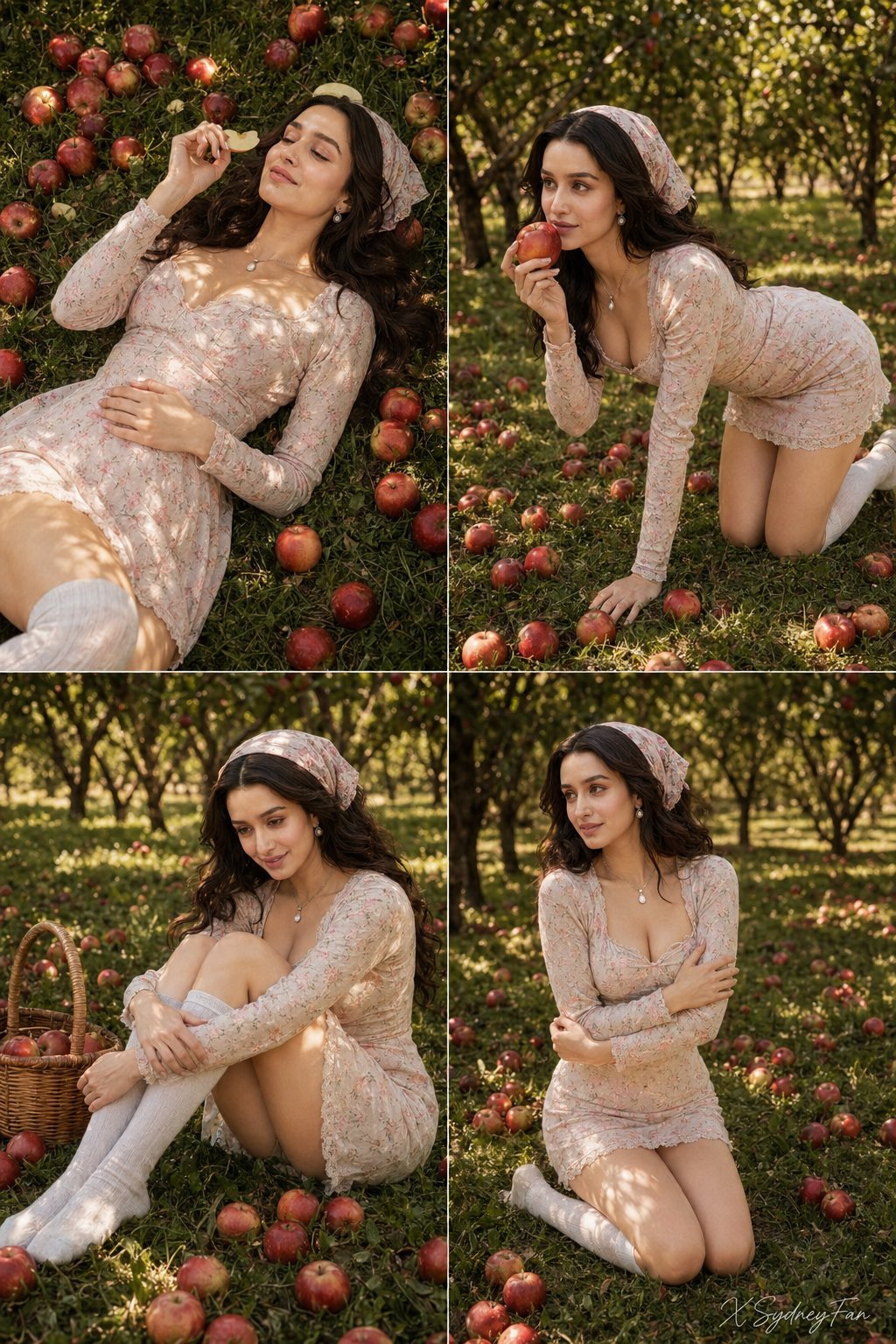
Nano Banana Apple Orchard Collage
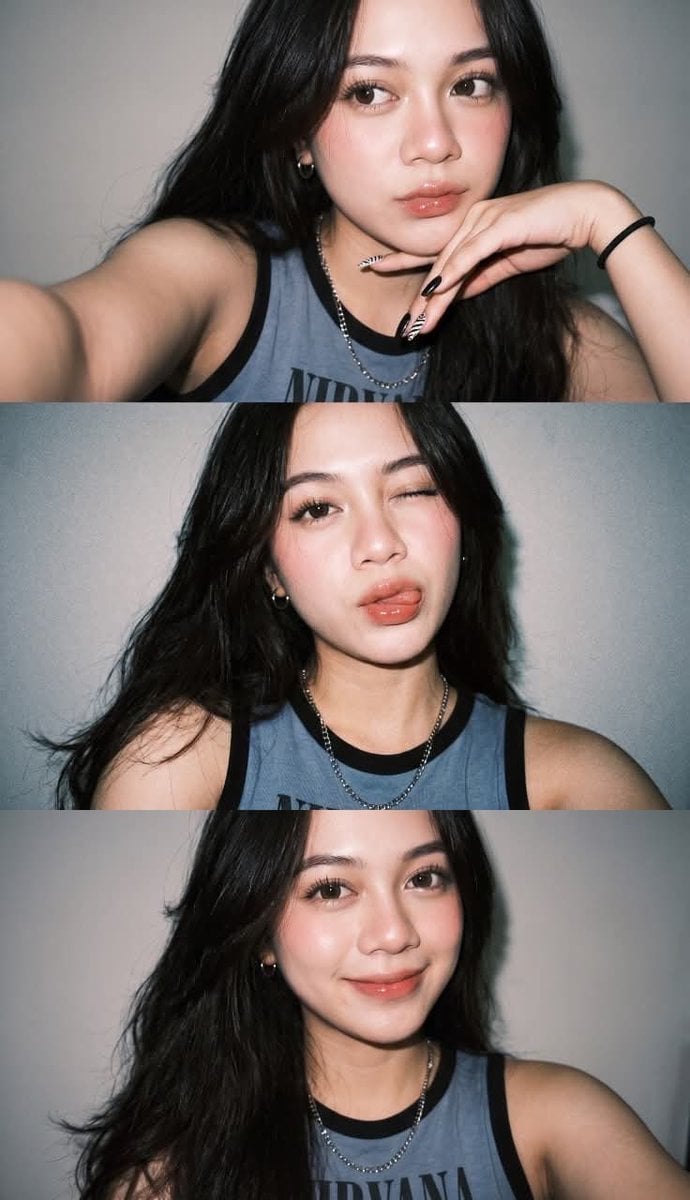
Gen Z Flash Selfie Triple Collage
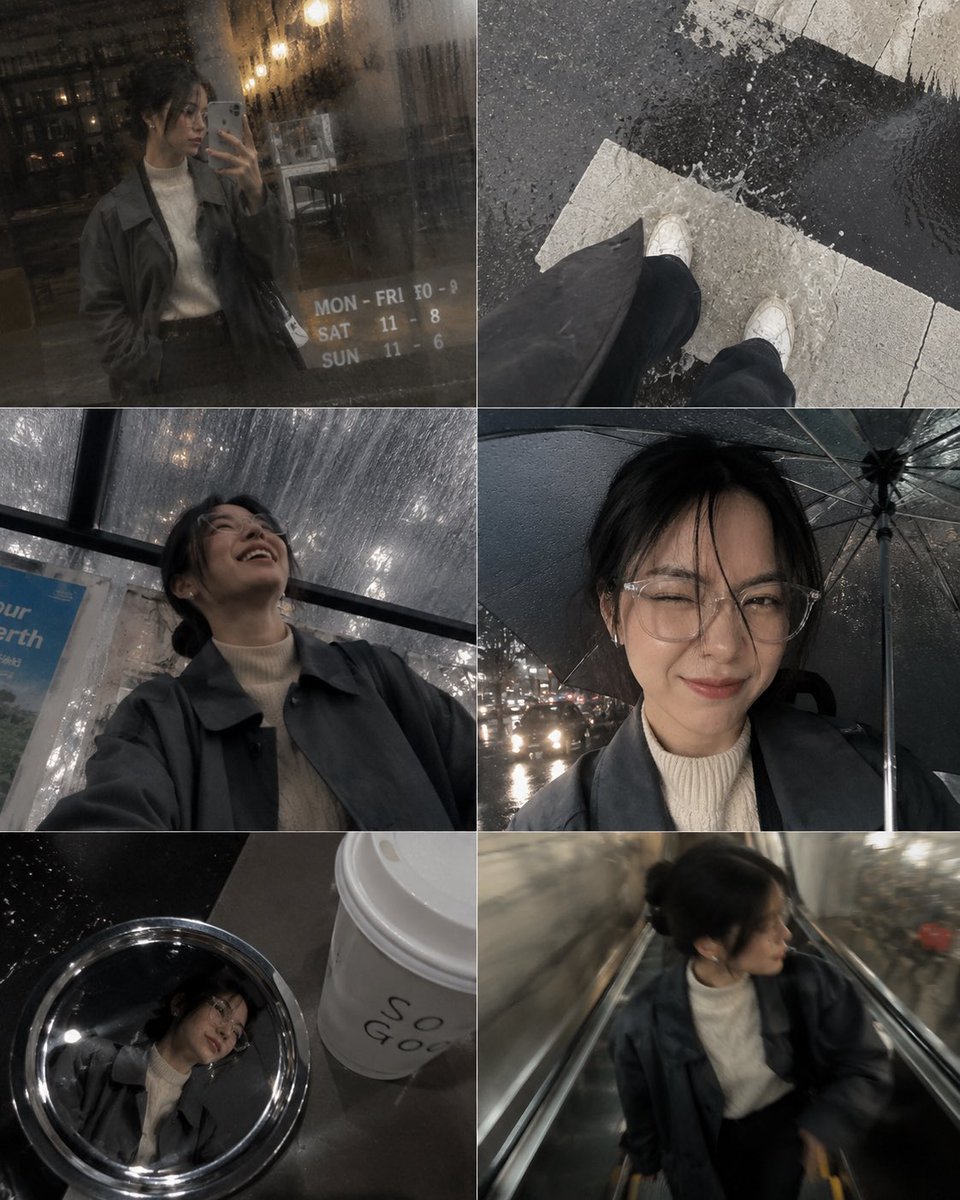
Candid Phone Gallery Photo Dump Collage

Pastel Anime Summer Beach Collage

Paper Cut Finale Fireworks

Paper Cut Garden Maze

Paper Cut Rooftop Concert

Paper Cut Bicycle Coast

Paper Cut Castle Gate

Paper Cut Kitchen Chaos

Paper Cut Carnival Ride

Paper Cut Rainy Bus Stop
Make it yours
Gen Z Summer Photo Dump Collage works as-is. These are the safest ways to change it without losing the look.
Change one field
Copy a single group, rewrite it, and generate again so you can see what that field is doing.
Keep the frame, change the subject
Hold the composition and light of Gen Z Summer Photo Dump Collage, then swap wardrobe, props or the person for a new take.
| If the result… | Why | Fix |
|---|---|---|
| The result drifts from the preview | Too many fields changed at once. | Reuse Gen Z Summer Photo Dump Collage as-is first, then change one group — subject, light, or setting. |
| The model over-stylizes the scene | The prose prompt leaves finish and camera underspecified. | Add one camera or lighting sentence and stay on GPT Image 2. |
More GPT Image 2 templates
Other prompts made for GPT Image 2.

Six VTuber Japanese Logo Sheet

Realistic Portrait of Woman and Deer

The Vista Modular Condo Poster

AI Model Routing Comparison Infographic

2.5D Anime Art Board

Isometric Productivity Desk Scene

New York Double Exposure Poster

Four-Panel AI Landscape Comparison

Japanese Tatami Lifestyle Magazine Cover

NESCAFÉ Coffee Map Poster
More image prompts
Fresh picks from across the catalog.
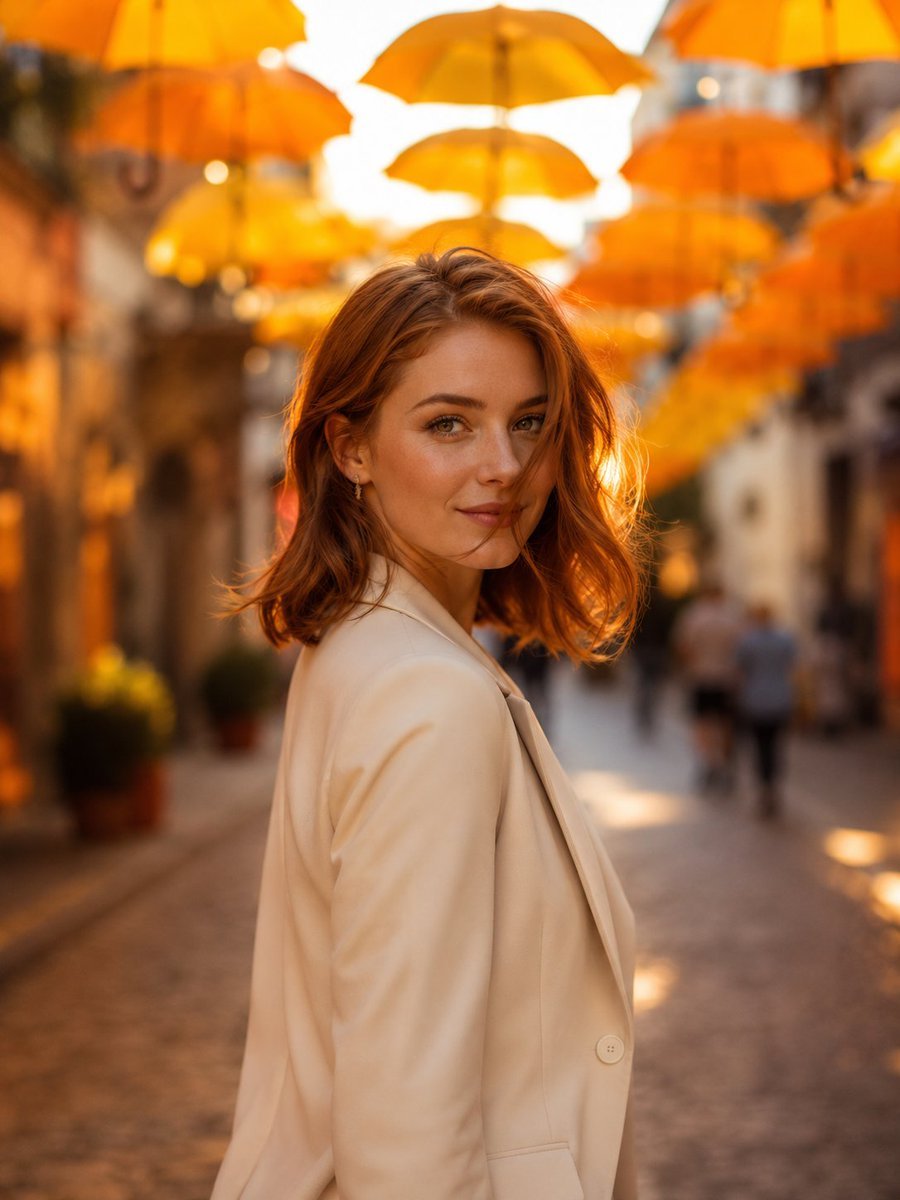
European Umbrella Street Portrait
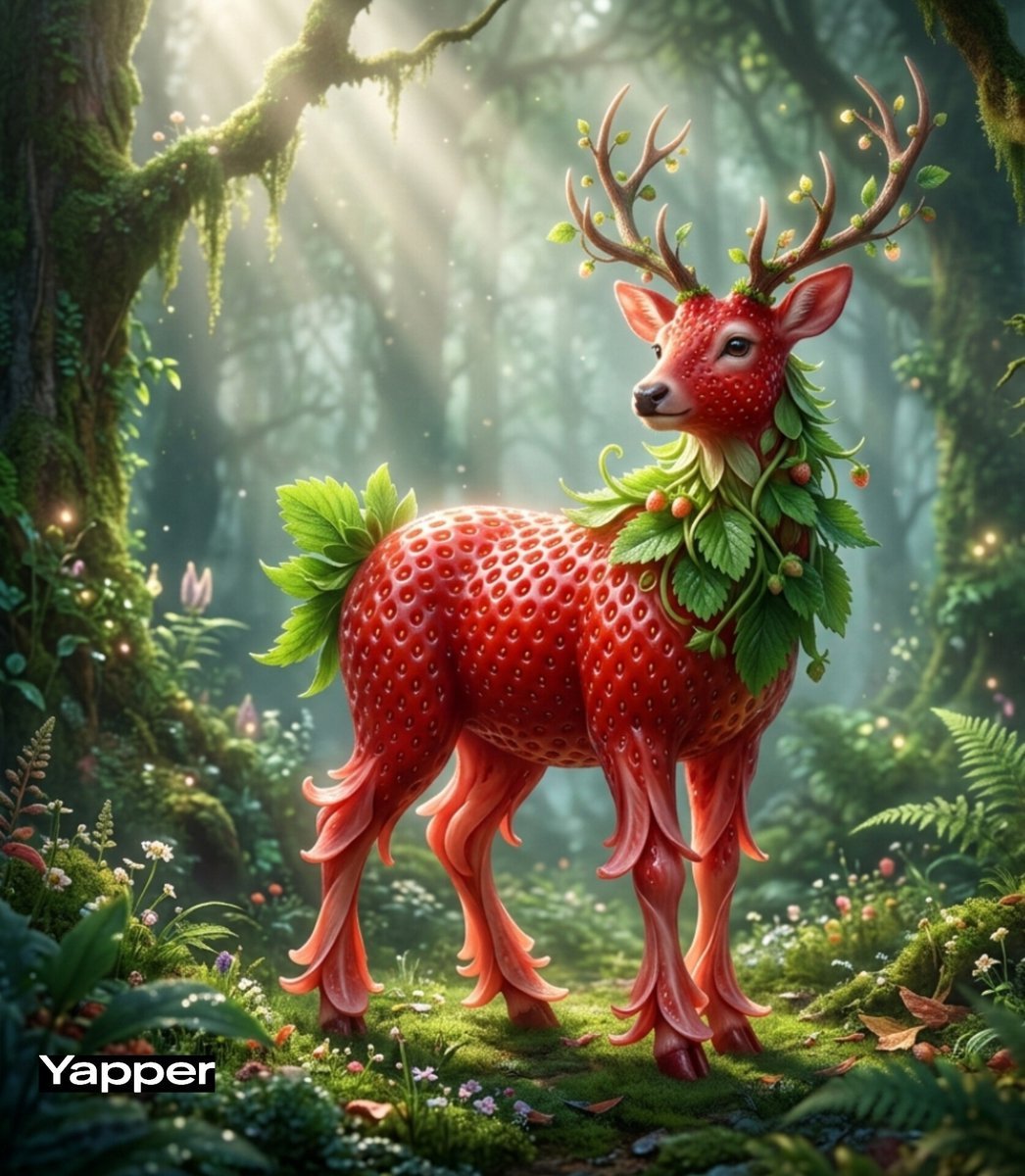
Whimsical Watermelon Elephant

Dragon Knight and Crimson Dragon
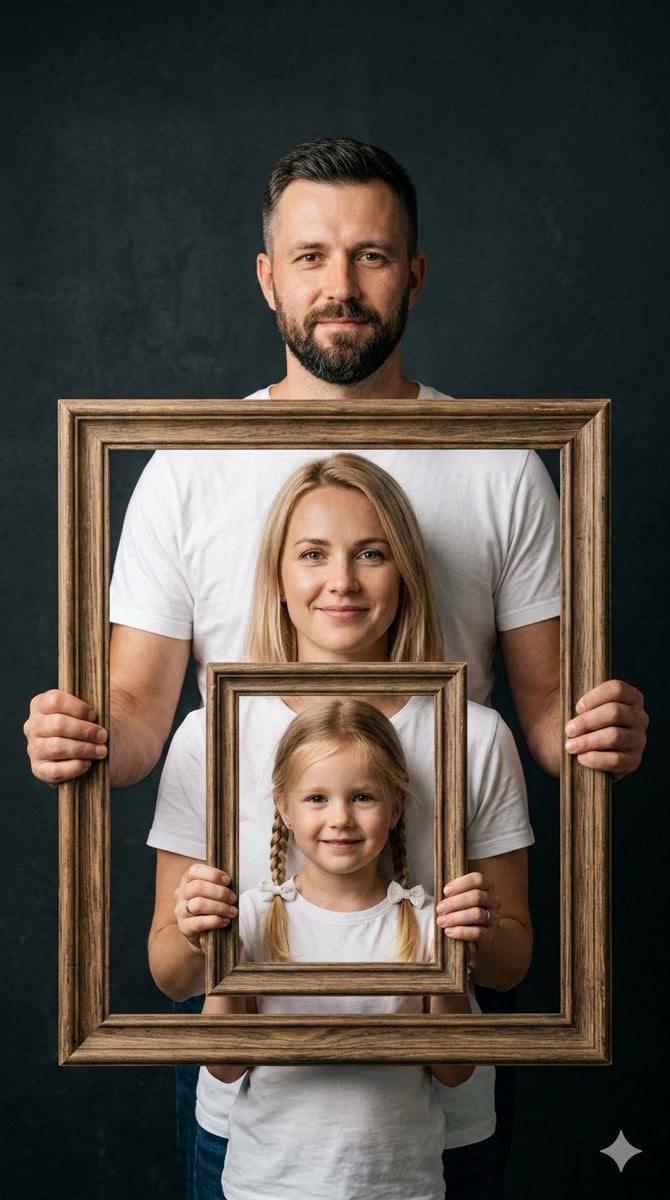
Creative Family Studio Photograph Prompt
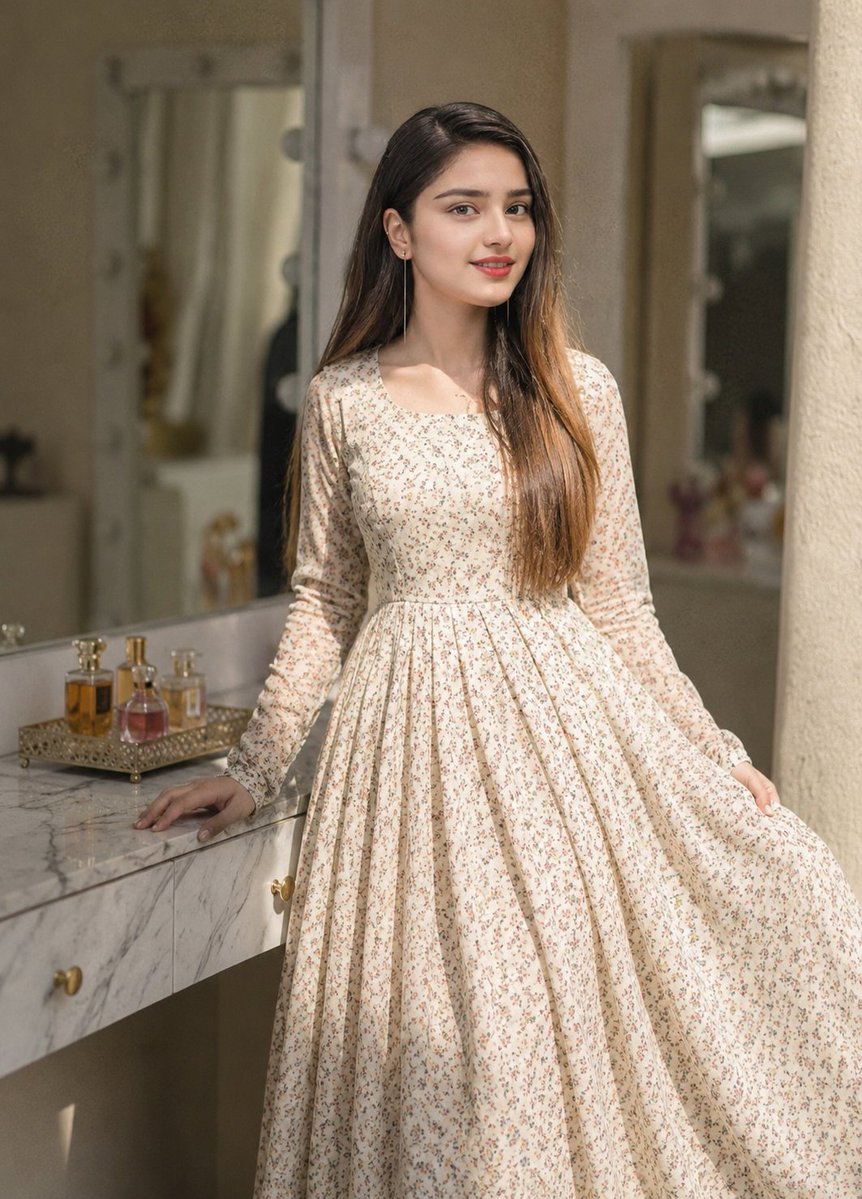
Floral Dress Vanity Portrait
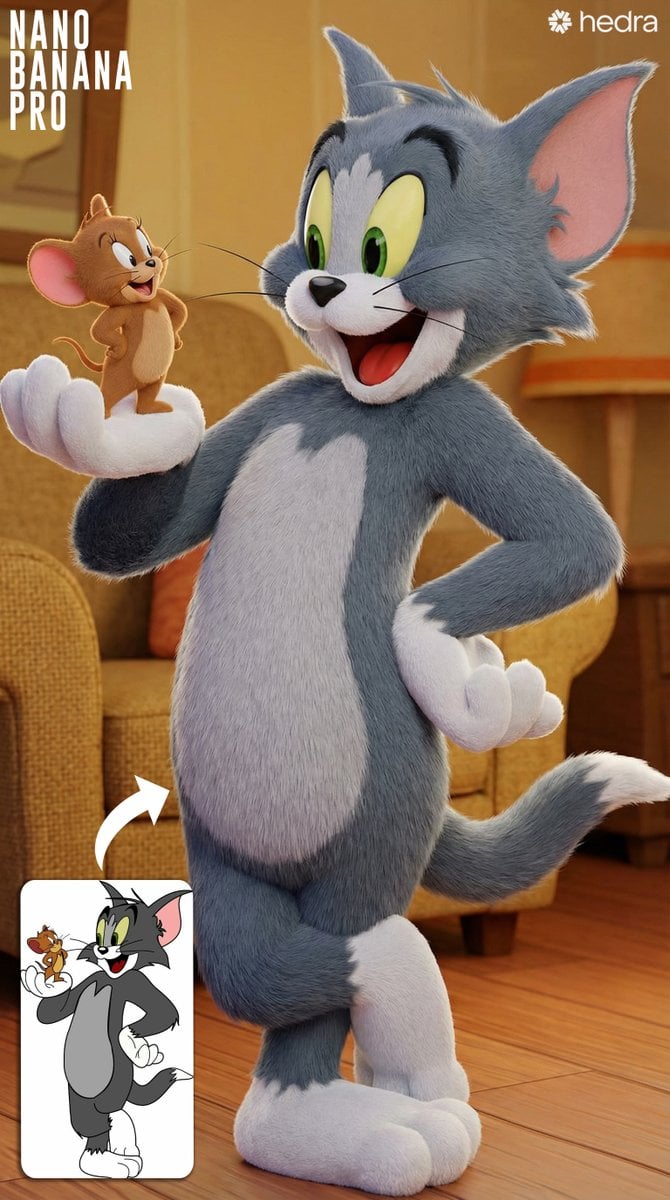
Convert 2D Sketch to 3D Animated Style
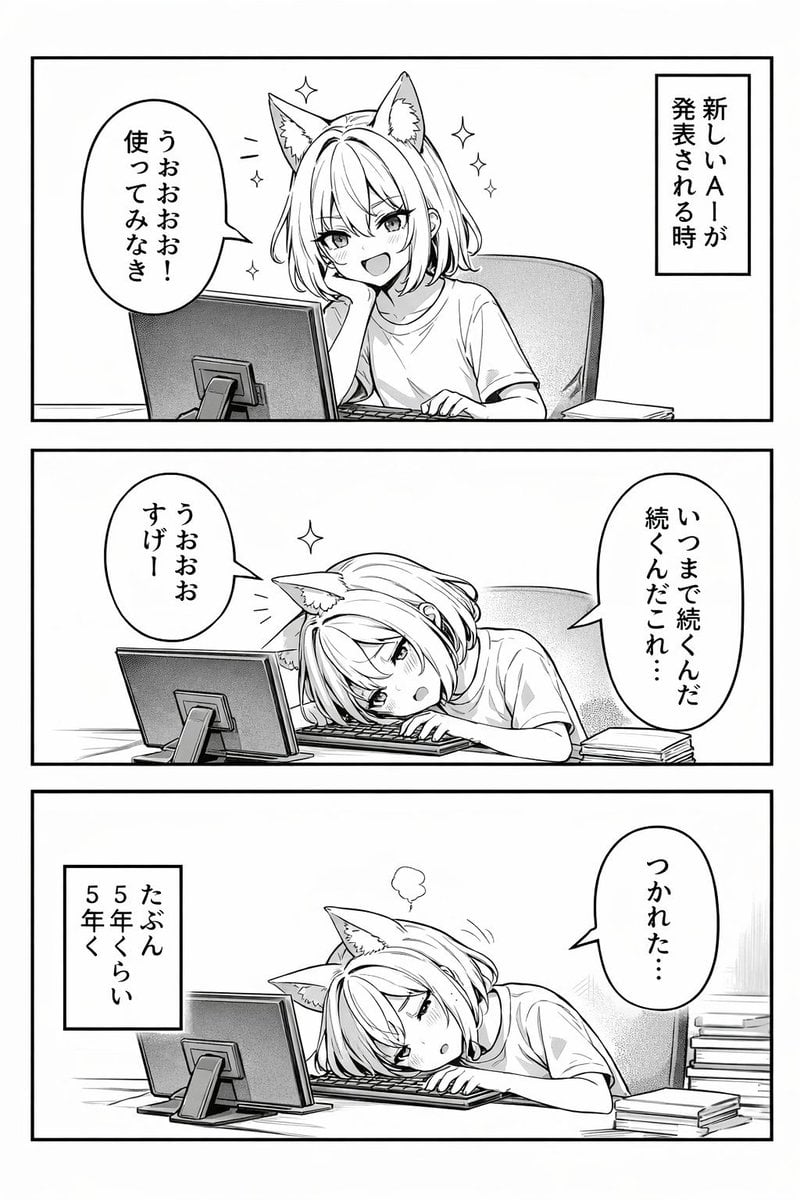
Panel Anime Comic Strip
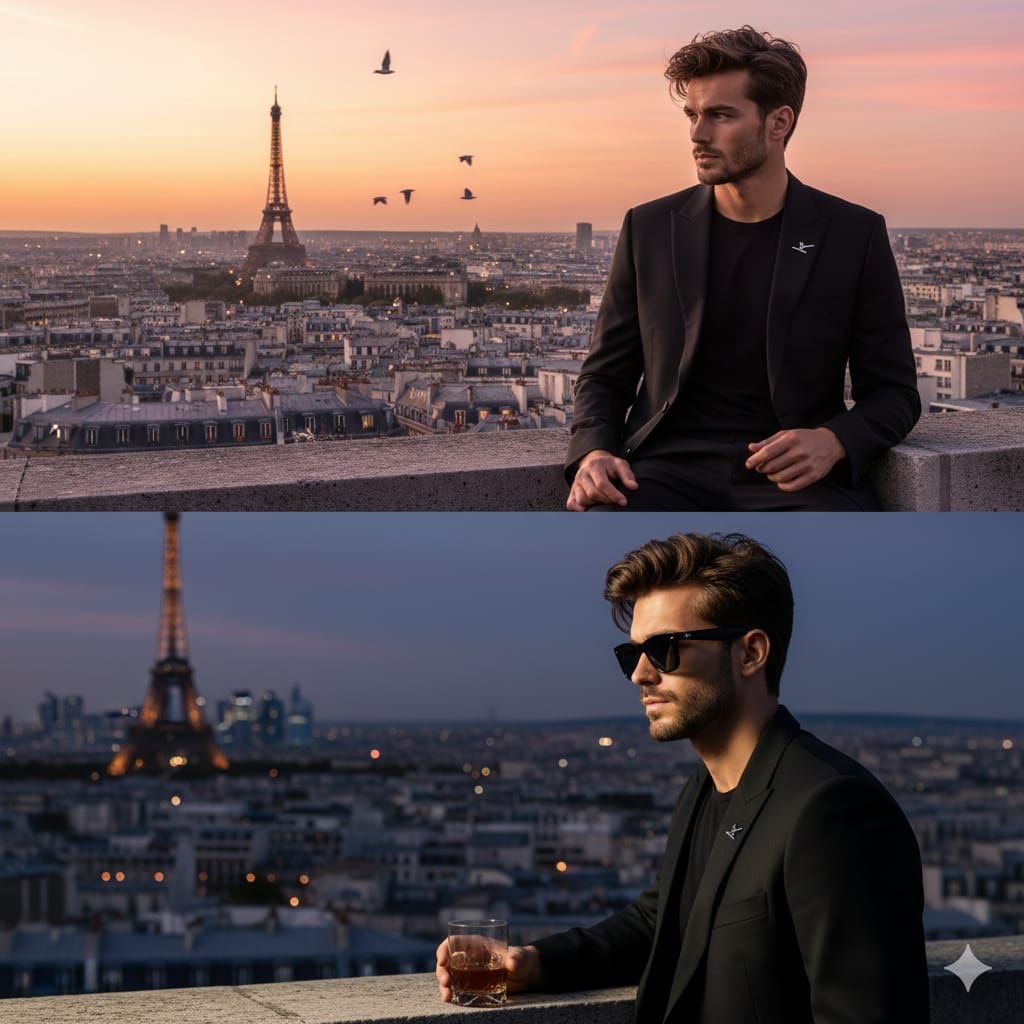
Cinematic Fashion Portrait on a Paris Rooftop
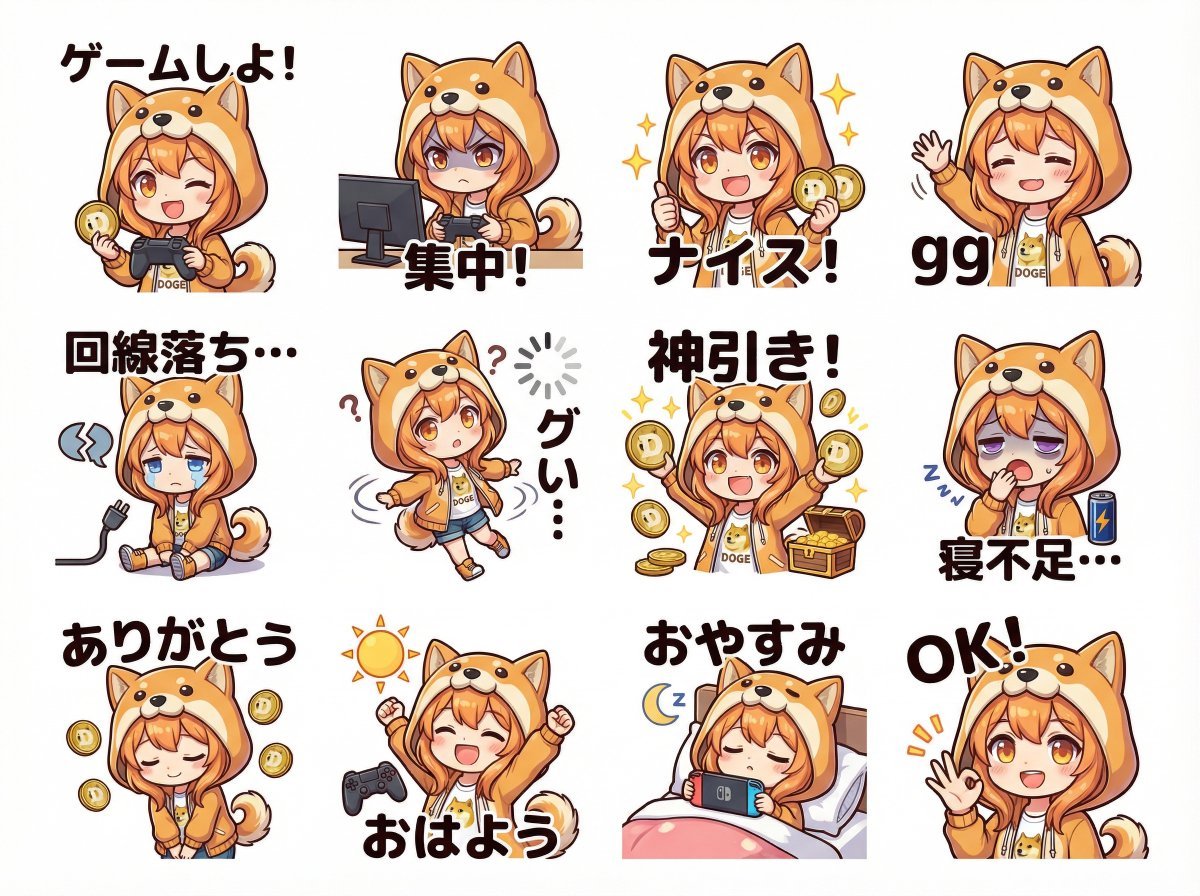
Cute Shima-enaga LINE sticker set
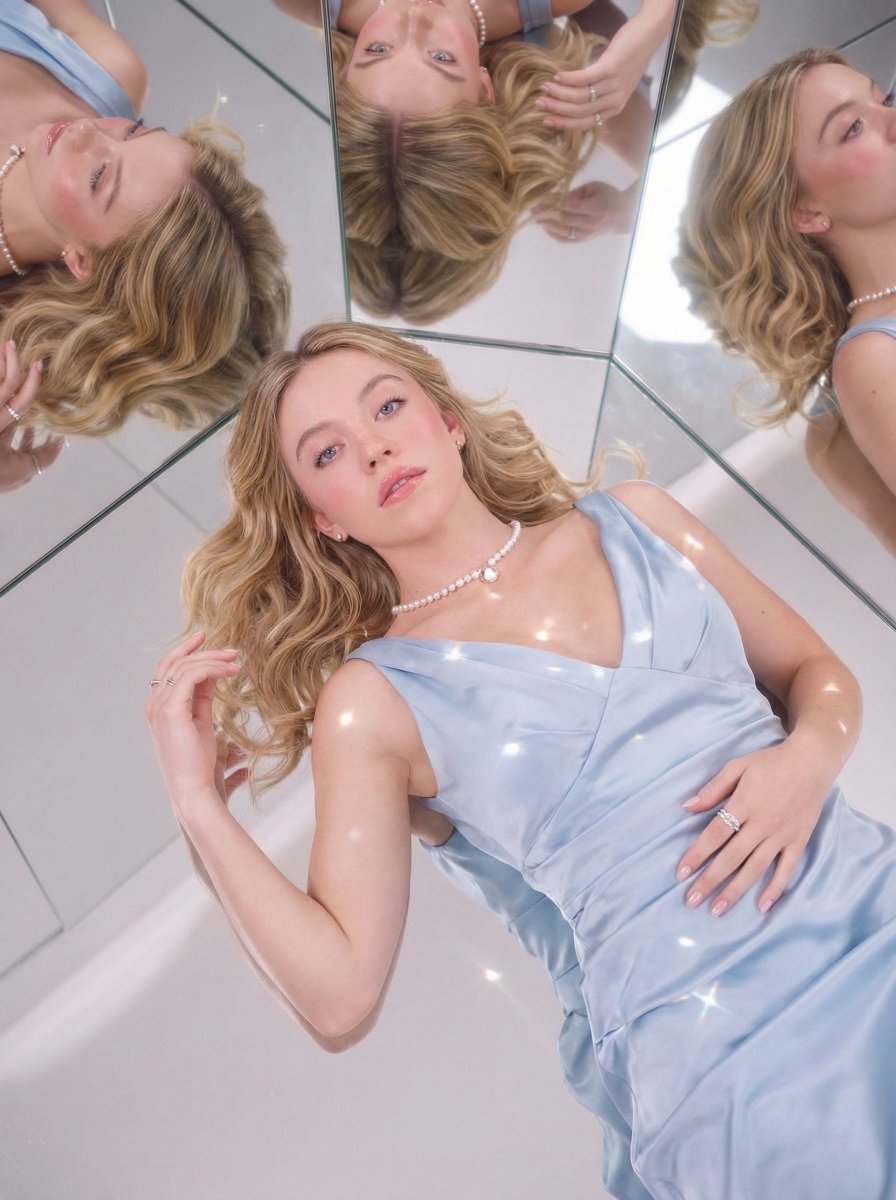
Dreamy Luxury Editorial Reflection Prompt
Browse template categories
Gen Z Summer Photo Dump Collage questions
How do I use the Gen Z Summer Photo Dump Collage template?
Add your photo if the template asks for one, edit the prompt if you like — the template's model and format are already selected — and press Generate. Your version opens in PicX Studio.
Can I customize the Gen Z Summer Photo Dump Collage template?
Yes. You can change the subject, setting, lighting, mood, format, and available model controls before creating your image.
Is the Gen Z Summer Photo Dump Collage template free?
Opening and editing this template is free. Generating uses credits, shown on the Generate button when you are signed in.
Which AI model should I use?
Start with GPT Image 2, which is the model associated with this template. You can compare another compatible model for a different finish.
Looking for something else? Browse all templates.

Your photo, any look
Thousands of ready templates for every top image and video model, from one credit balance.