
Dragon Knight and Crimson Dragon
An epic fantasy key-art prompt for generating a heroic armored woman posed with a colossal red dragon in a cinematic mountain setting.
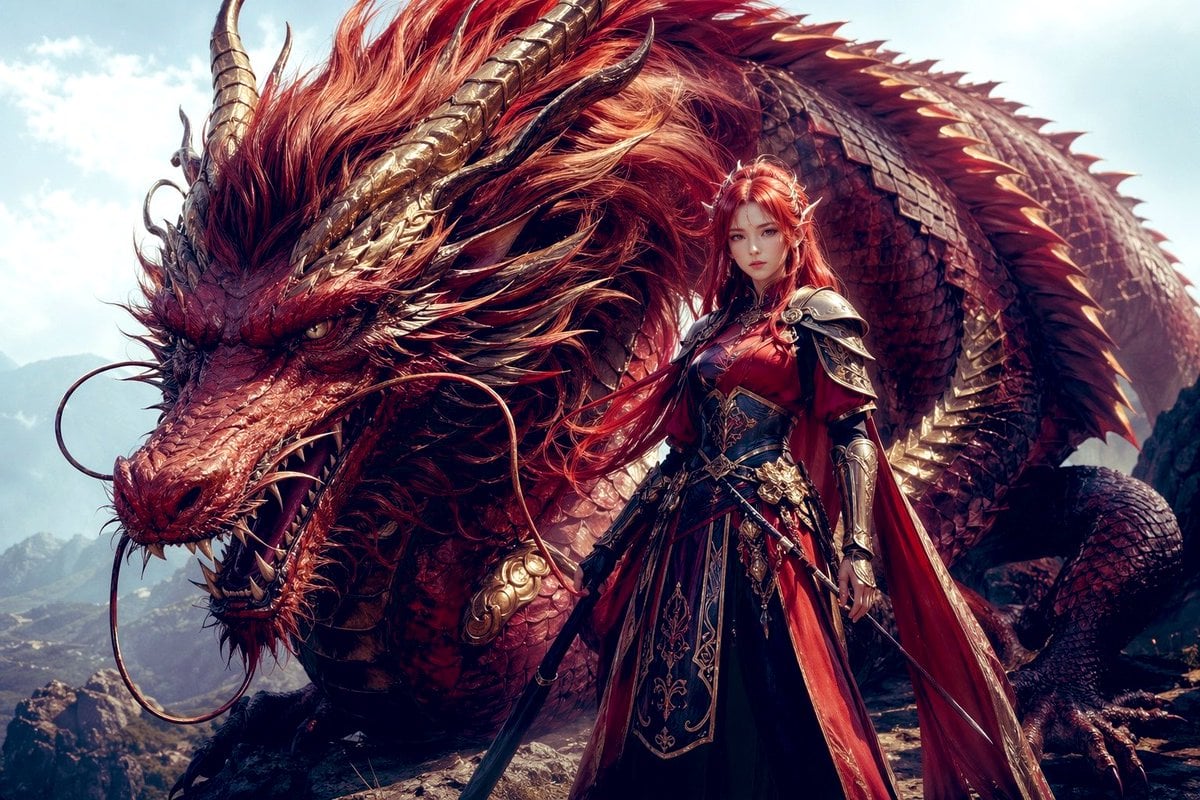
- Prompt included
- Model and format preset
- Free template
The prompt behind this image
Copy the exact prompt behind Dragon Knight and Crimson Dragon, or open it in the studio and make it yours.
A cinematic high-fantasy illustration of a gigantic crimson dragon and a regal female dragon knight standing together on a rocky mountain ridge under a bright pale-blue daytime sky. The dragon dominates the frame, coiled behind and around the warrior, with 2 long sweeping golden-brown horns, a dense windswept mane of fiery red and copper hair, layered red scales with metallic sheen, a long snarling snout, sharp exposed teeth, 2 thin whiskers curling outward from the muzzle, and a fierce intelligent eye staring toward the viewer. Its back is lined with a row of sharp dorsal spines, and its massive body curves across the entire background, emphasizing scale and power. In front of the dragon stands {argument name="character name" default="a dragon knight queen"}, a tall armored woman in ornate red, black, and gold battle attire, facing forward in a heroic stance. She has {argument name="hair color" default="red"} hair styled long and flowing, partially tied up, and wears elaborate engraved plate armor with decorated pauldrons, gauntlets, a fitted breastplate, and a long layered gown-like armored skirt with intricate gold filigree. A rich crimson cape drapes behind her and catches the wind. She holds 1 unsheathed sword lowered at her side, while a second blade or dagger is visible at her waist, giving the composition exactly 2 visible weapons. The palette is dominated by scarlet, burgundy, copper, and antique gold, with dramatic sunlight, detailed textures, ultra-fine scales, polished metal, and flowing fabric. Composition is epic and centered, low-angle, full-body warrior in the foreground with the dragon’s head filling the left side and its coiled body arcing across the upper and right background. Style: ultra-detailed fantasy concept art, majestic, heroic, painterly realism, sharp focus, high contrast, volumetric light, premium game key art quality.
How to use Dragon Knight and Crimson Dragon in 3 steps
- 1Upload ImagePNG, JPG or paste
Add your photo
Upload the photo the template builds on. The prompt, model and format are already set.
- 2…a portrait of your subject in softgolden-hour light, 85mm…
Personalize
Edit the subject and creative details for your destination.
- 3Generate
Generate
Press Generate — your image is created in PicX Studio, so you can compare it with the original and refine one variable at a time.
More like this
Templates with the same subject, style or setup. Open one to see its prompt.

Minecraft Fantasy Kingdom Voxel Landscape
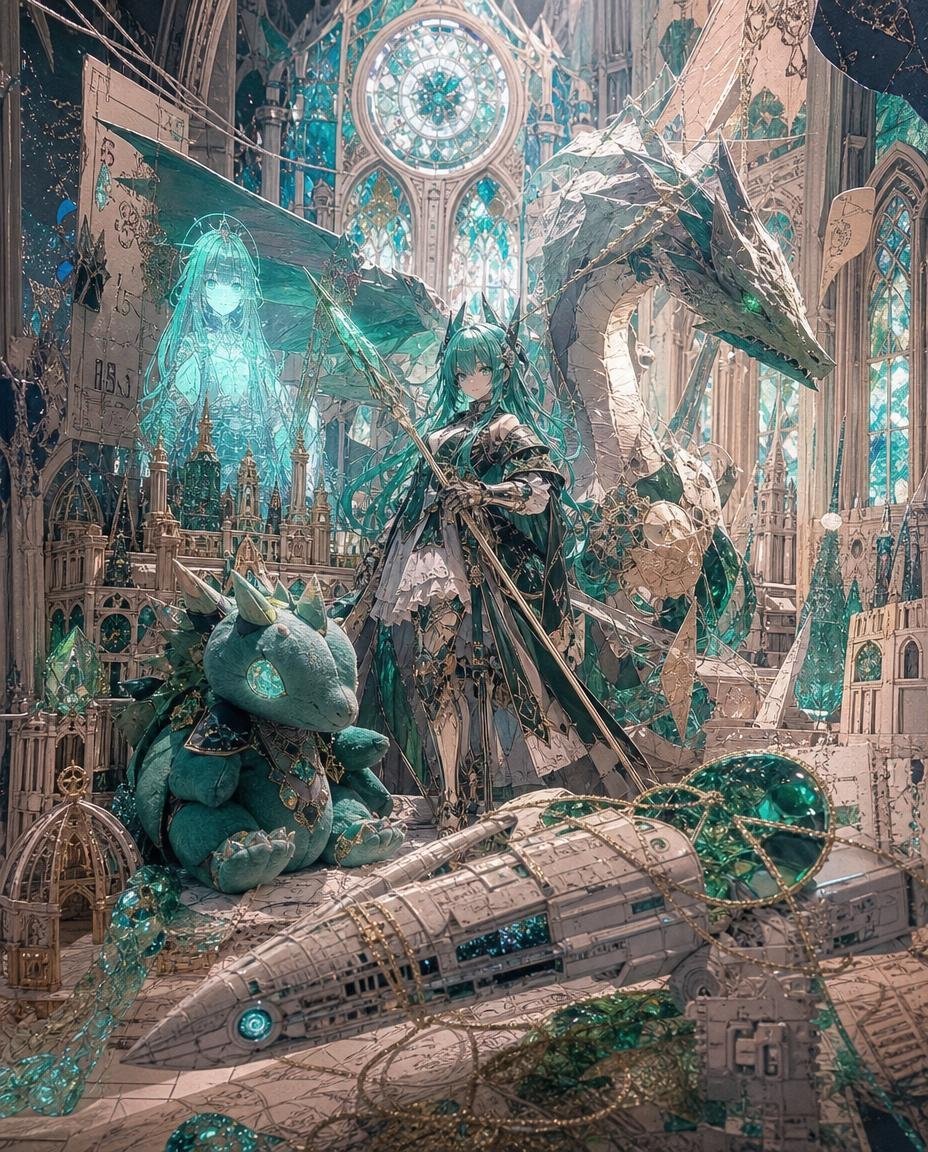
Teal Dragon Knight Cathedral Fantasy
Seedance - Dragon vs Python Battle
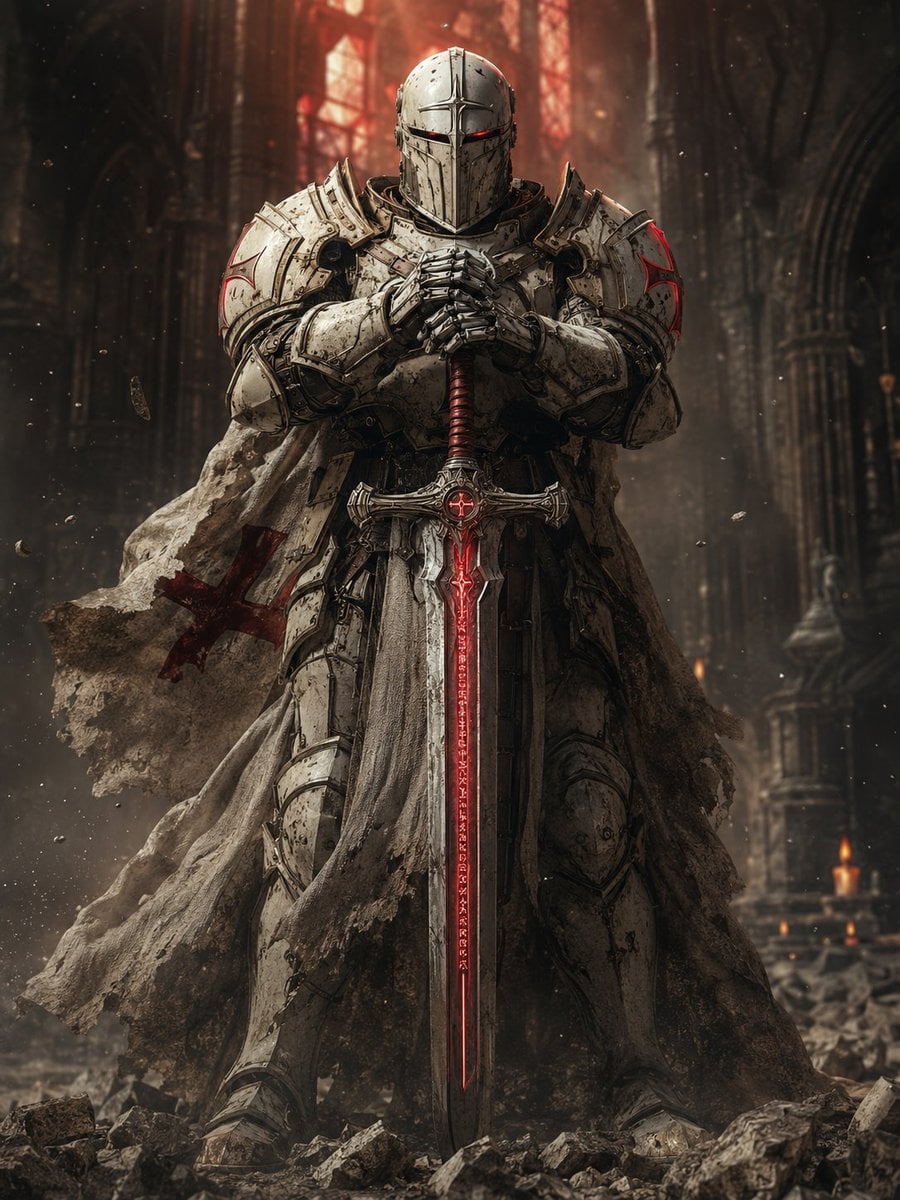
Sci-Fi Knight of the Order

Knight Facing Cathedral Giant
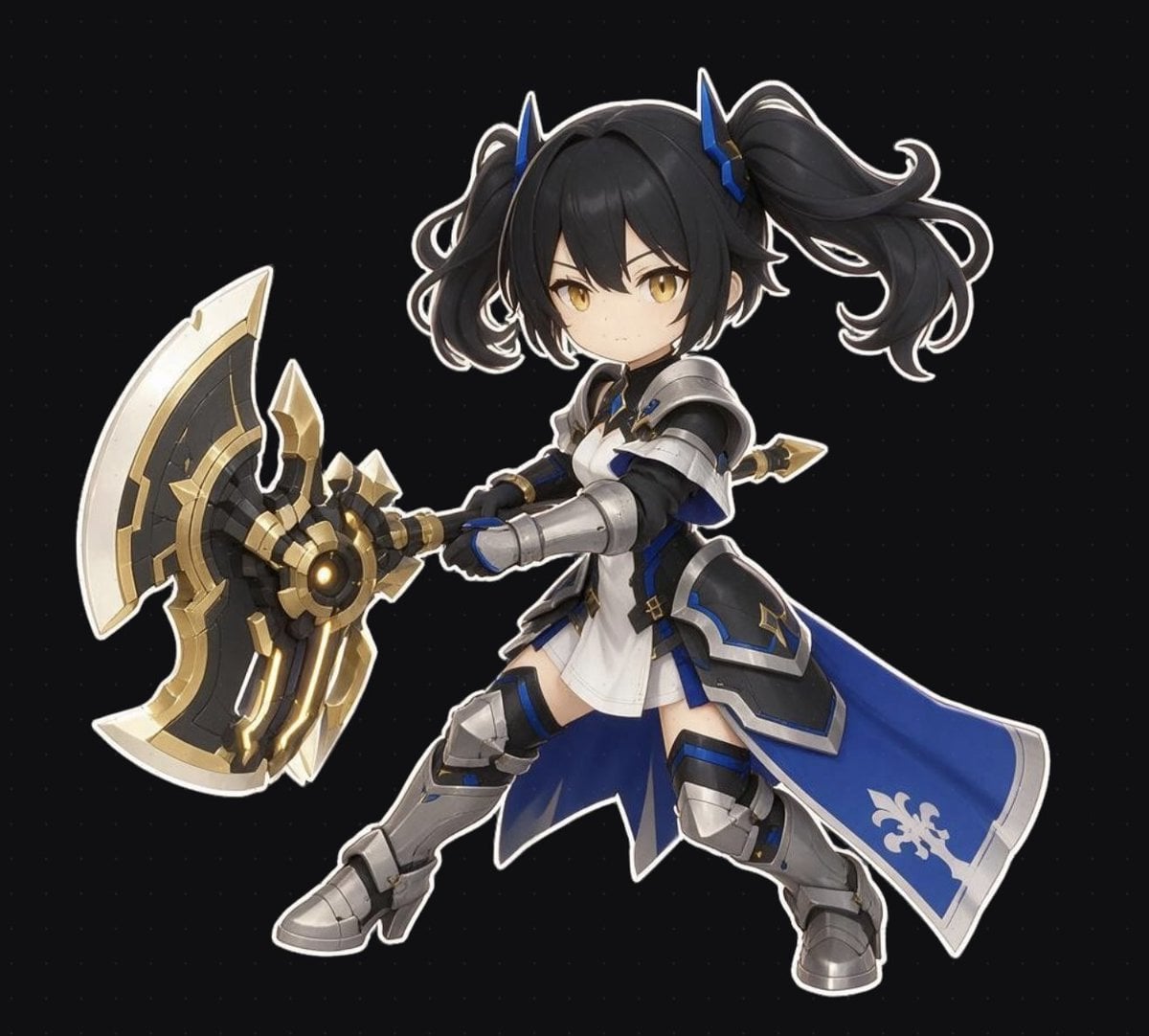
Chibi Fantasy Axe Knight
Rainy Dragon Family Eating Dango
Dragon Boat Festival Chongqing Street Portrait
Knight Armor FIFA Hero Poster
Shocked Dragon Opens Chirashi Sushi
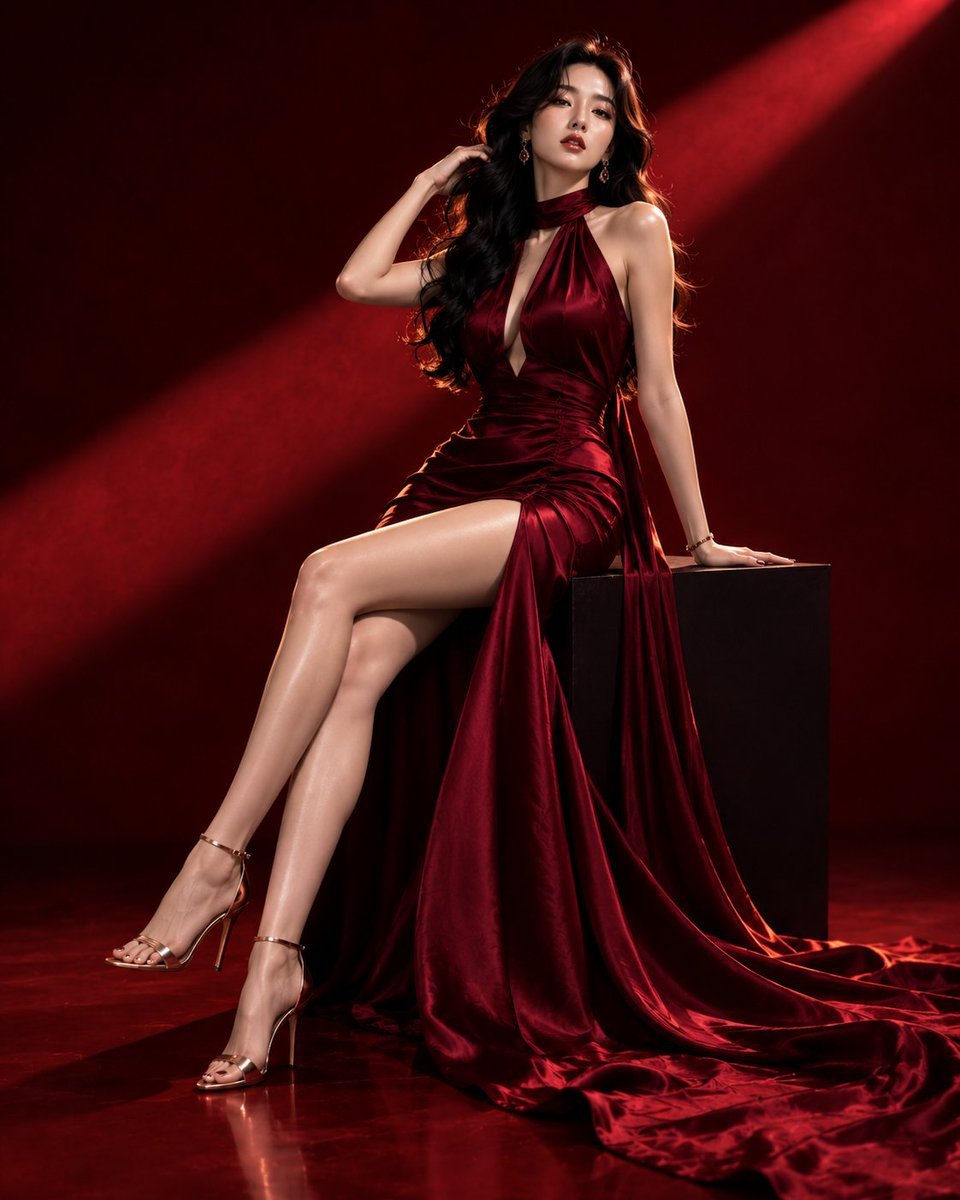
Luxury Crimson Fashion Editorial Portrait
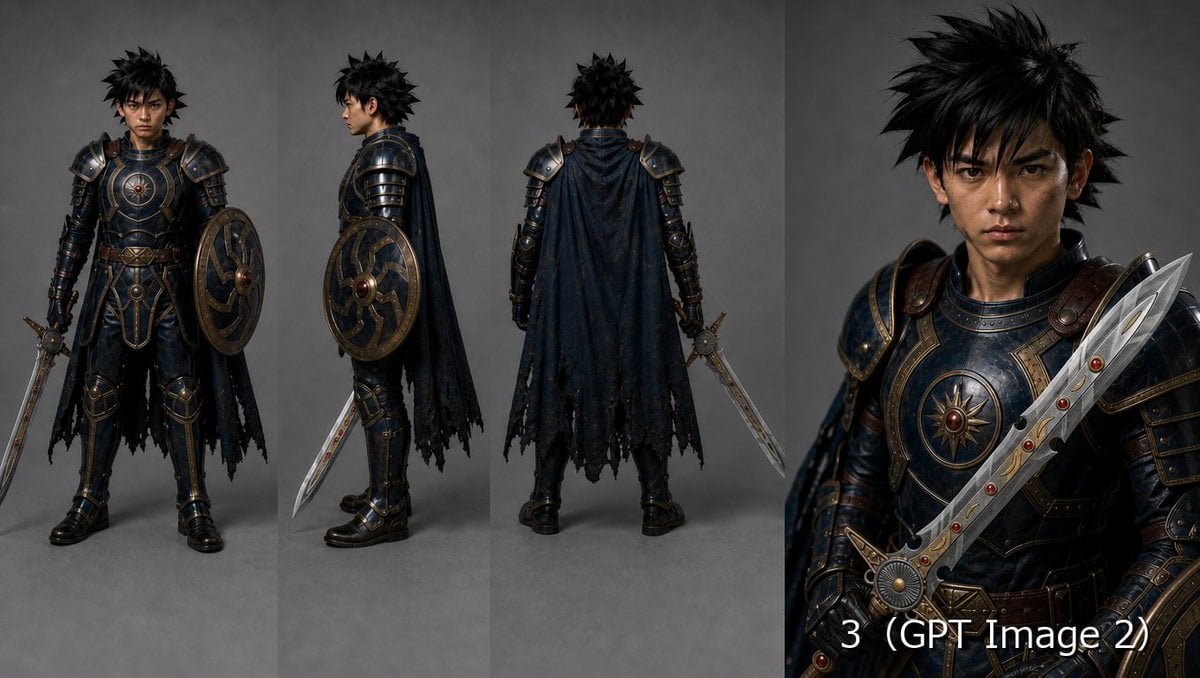
Fantasy Knight Character Turnaround Sheet
Make it yours
Dragon Knight and Crimson Dragon works as-is. These are the safest ways to change it without losing the look.
Change one field
Copy a single group, rewrite it, and generate again so you can see what that field is doing.
Keep the frame, change the subject
Hold the composition and light of Dragon Knight and Crimson Dragon, then swap wardrobe, props or the person for a new take.
| If the result… | Why | Fix |
|---|---|---|
| The result drifts from the preview | Too many fields changed at once. | Reuse Dragon Knight and Crimson Dragon as-is first, then change one group — subject, light, or setting. |
| The model over-stylizes the scene | The prose prompt leaves finish and camera underspecified. | Add one camera or lighting sentence and stay on GPT Image 2. |
More GPT Image 2 templates
Other prompts made for GPT Image 2.

Six VTuber Japanese Logo Sheet

Realistic Portrait of Woman and Deer

The Vista Modular Condo Poster

AI Model Routing Comparison Infographic

2.5D Anime Art Board

Isometric Productivity Desk Scene

New York Double Exposure Poster

Four-Panel AI Landscape Comparison

Japanese Tatami Lifestyle Magazine Cover

NESCAFÉ Coffee Map Poster
More image prompts
Fresh picks from across the catalog.
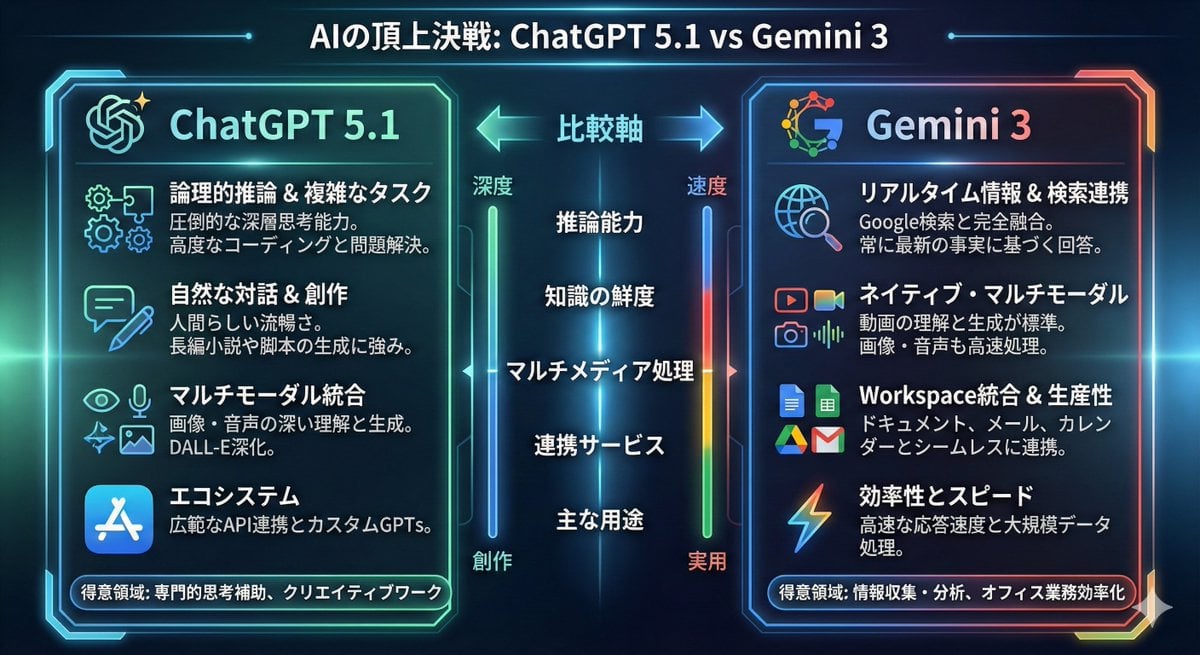
Infographic comparing ChatGPT 5.1 and Gemini 3
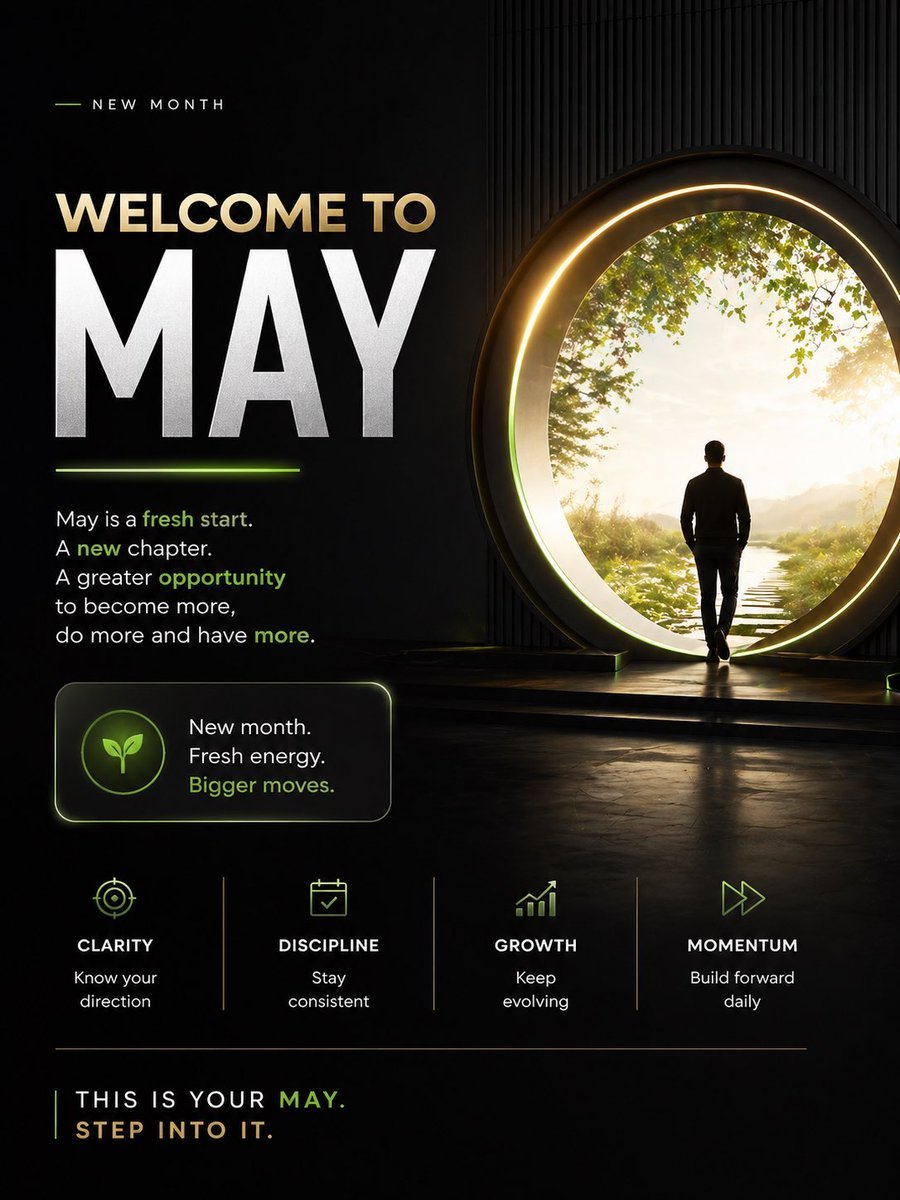
Motivational Welcome to May Poster
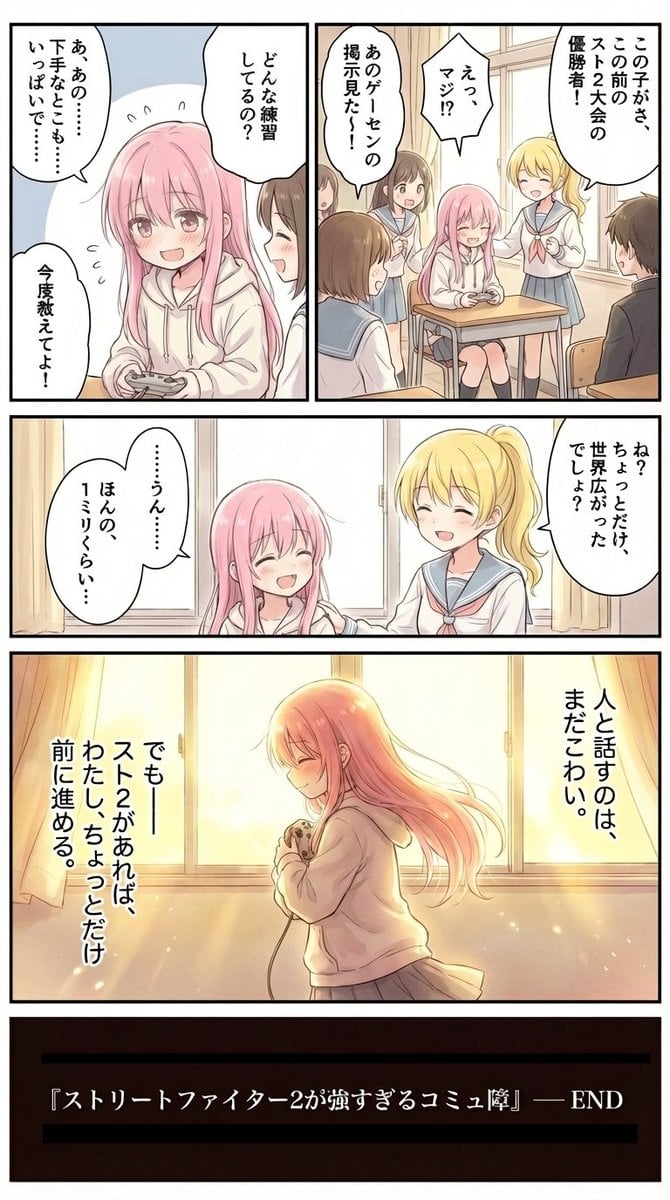
High-Detail Enhancement of Page 9
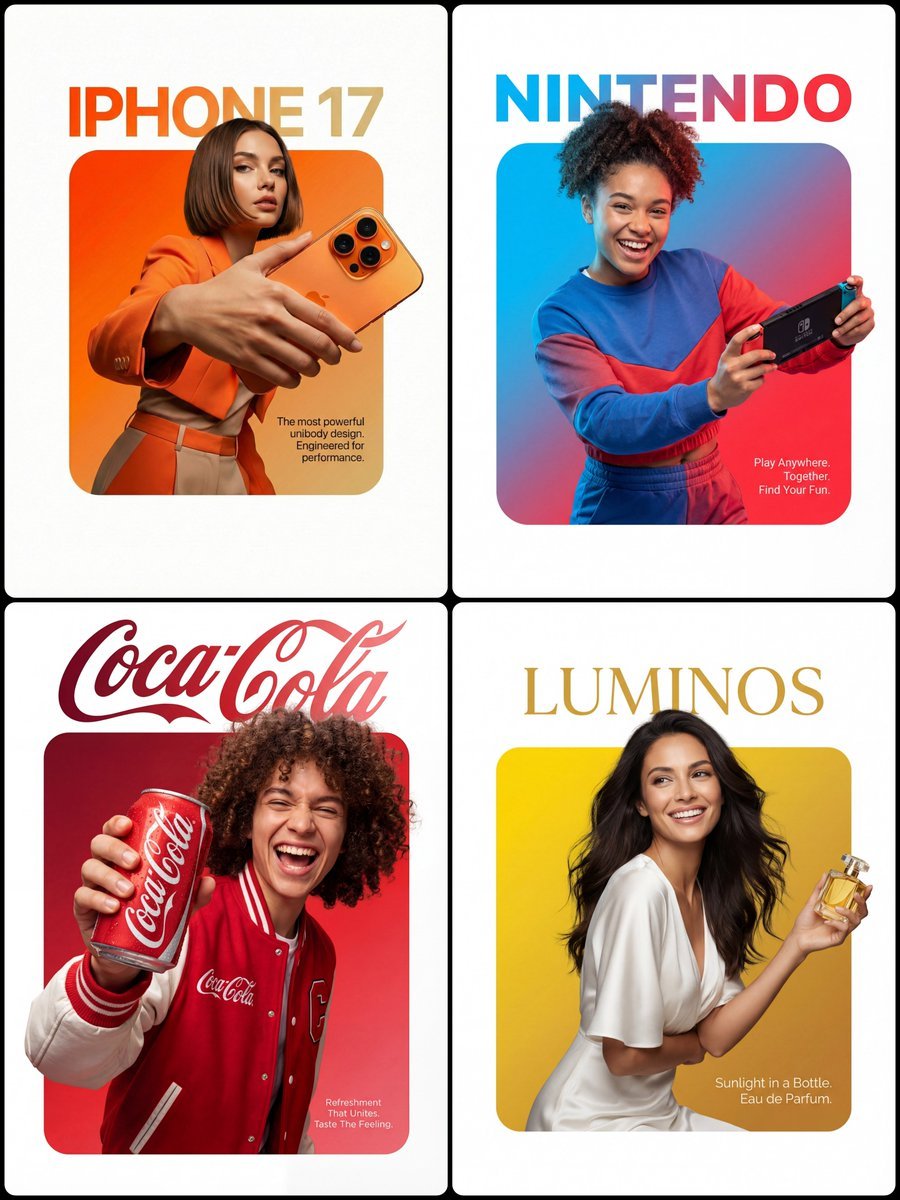
3D Breakout Effect Editorial Ad
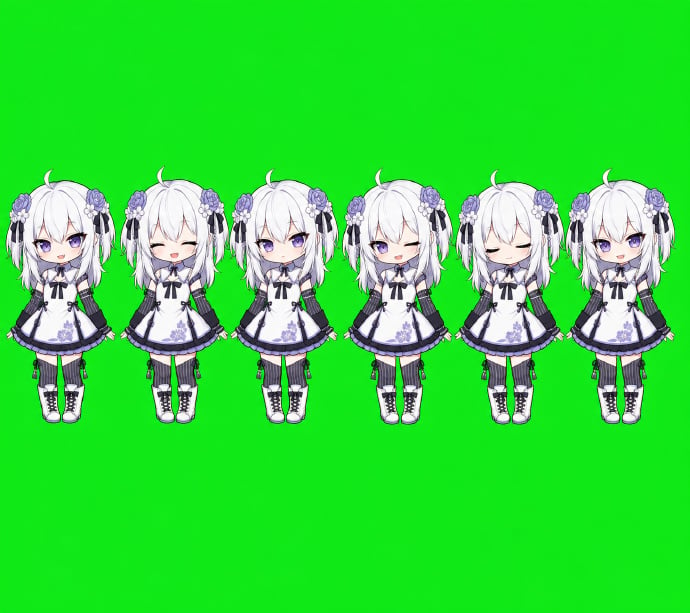
Chibi Desktop Pet Sprite Sheet
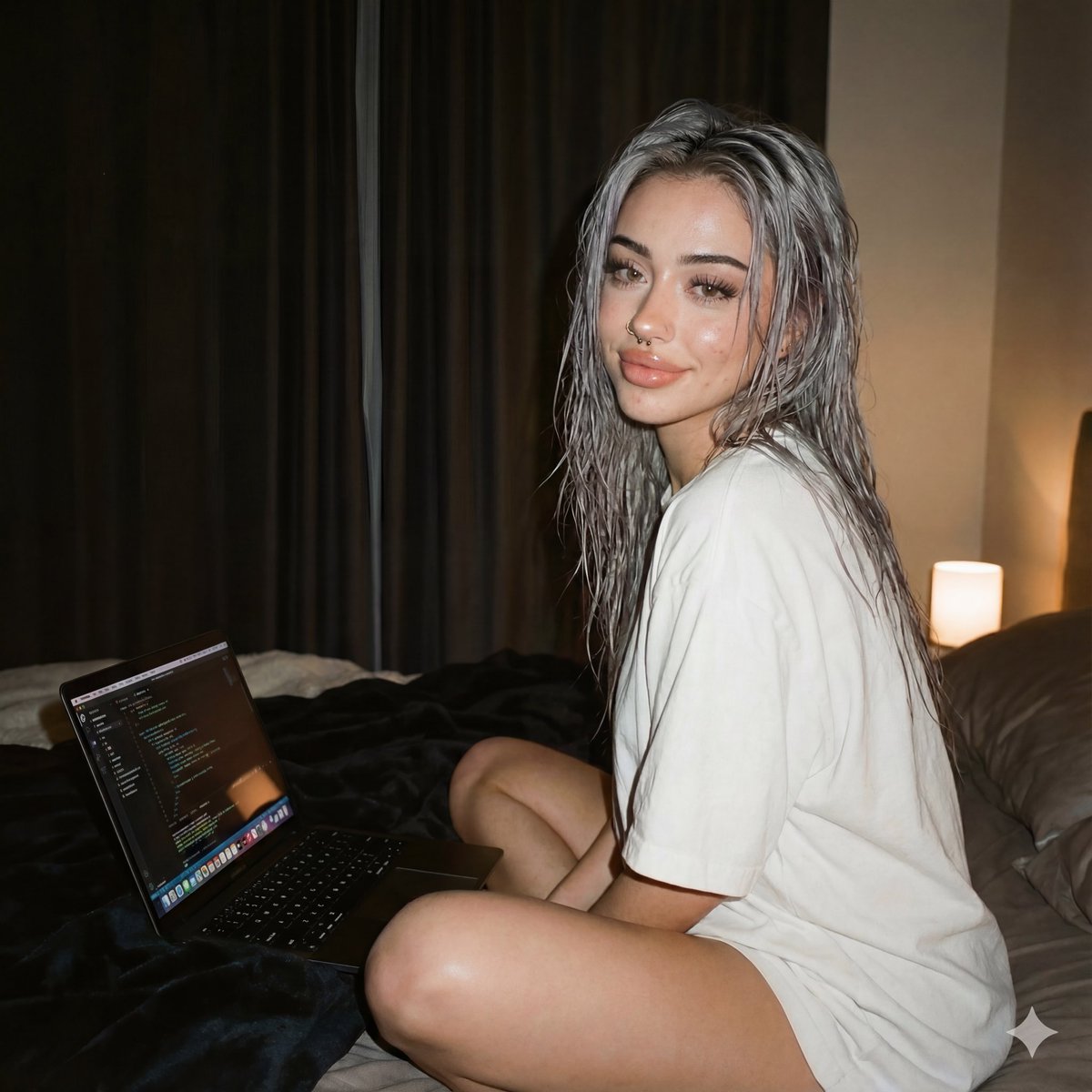
Cozy Tech Bedroom Portrait Generation Prompt
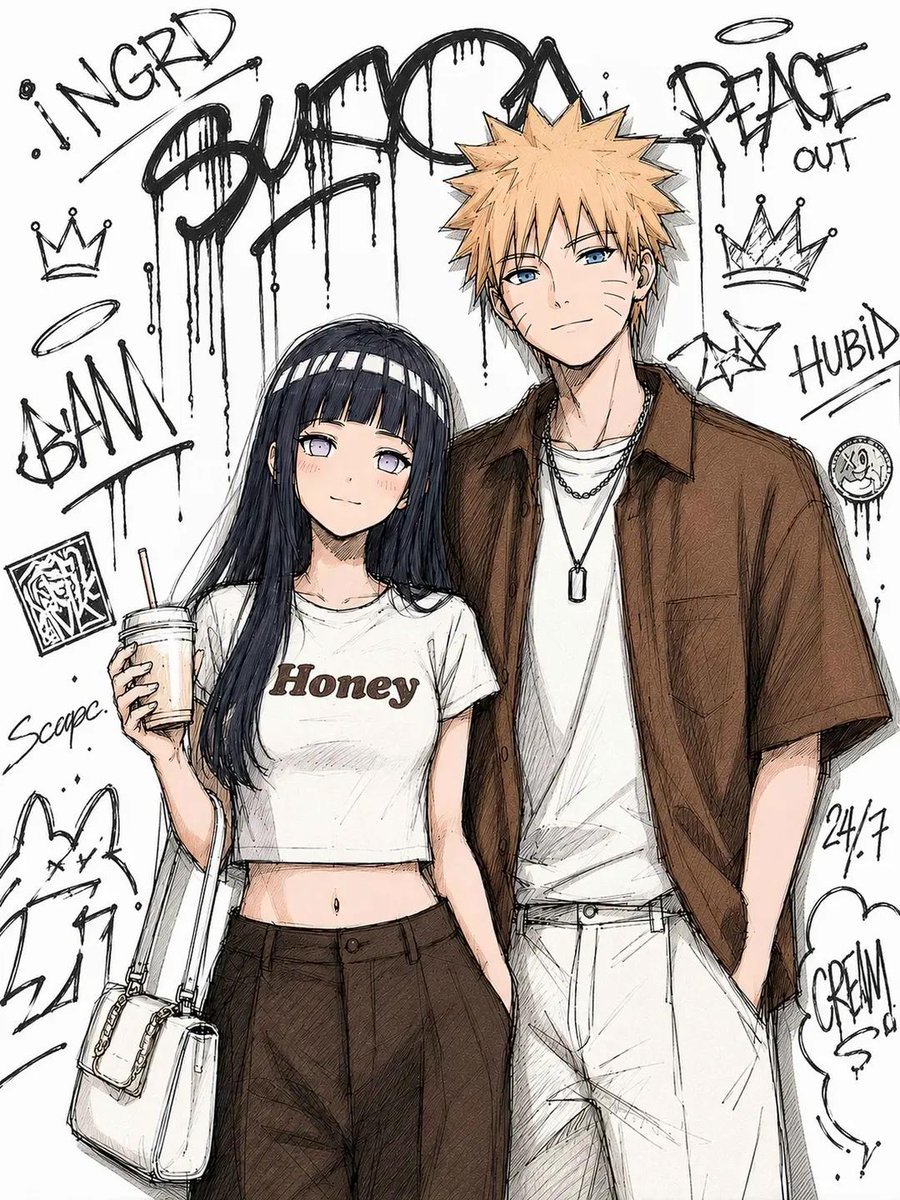
Tokyo Street Fashion Anime Art
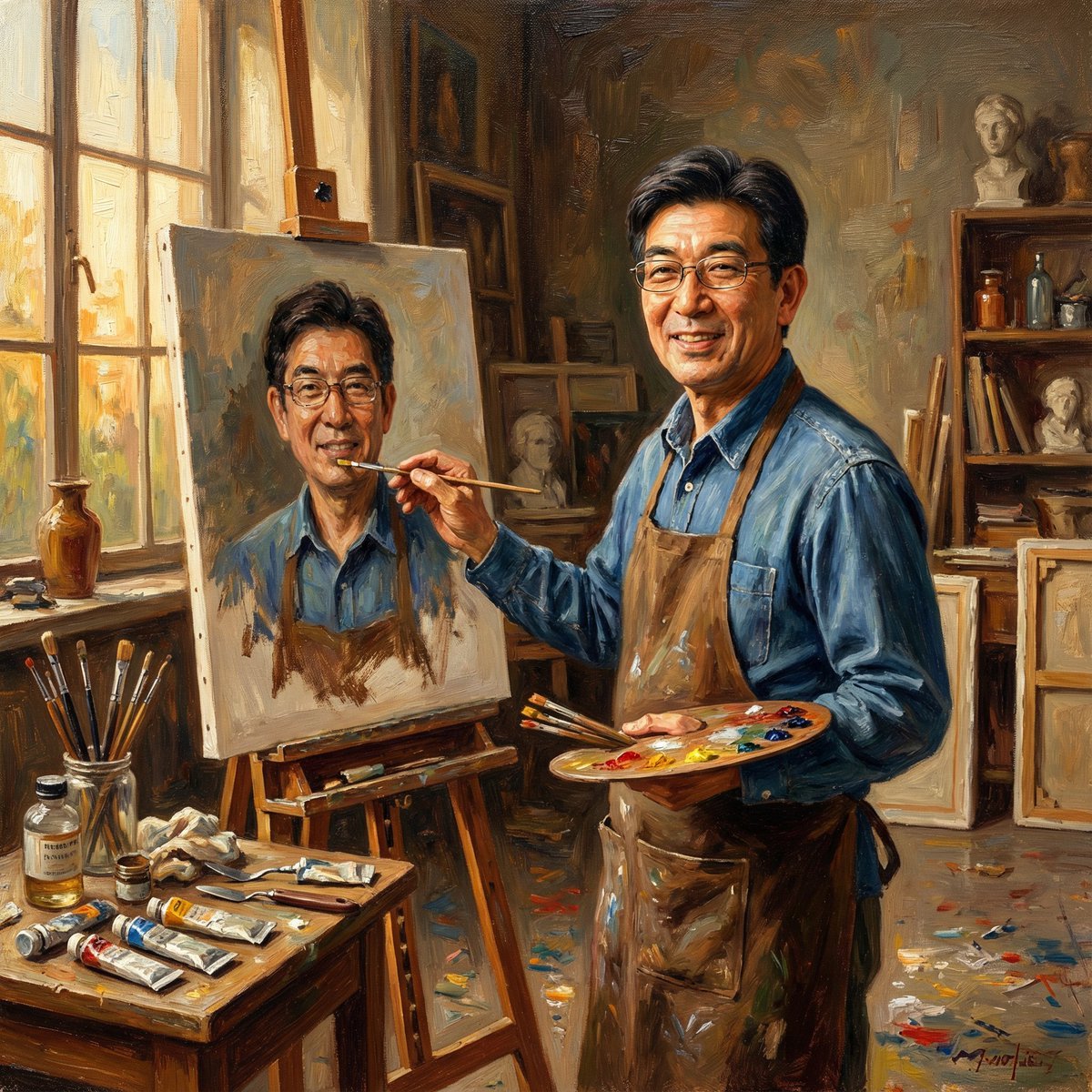
Nano Banana Pro: Artist and Neon Styles
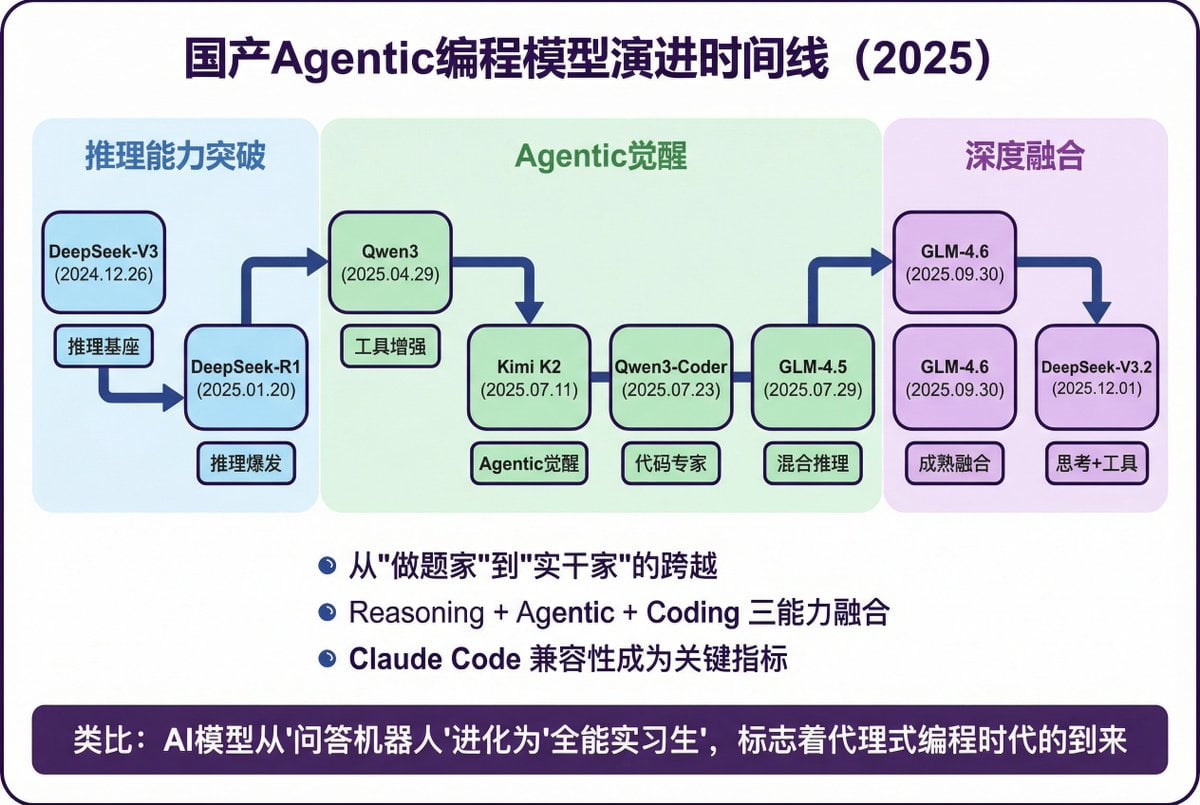
Modern Minimalist PPT/Diagram Generation Prompt
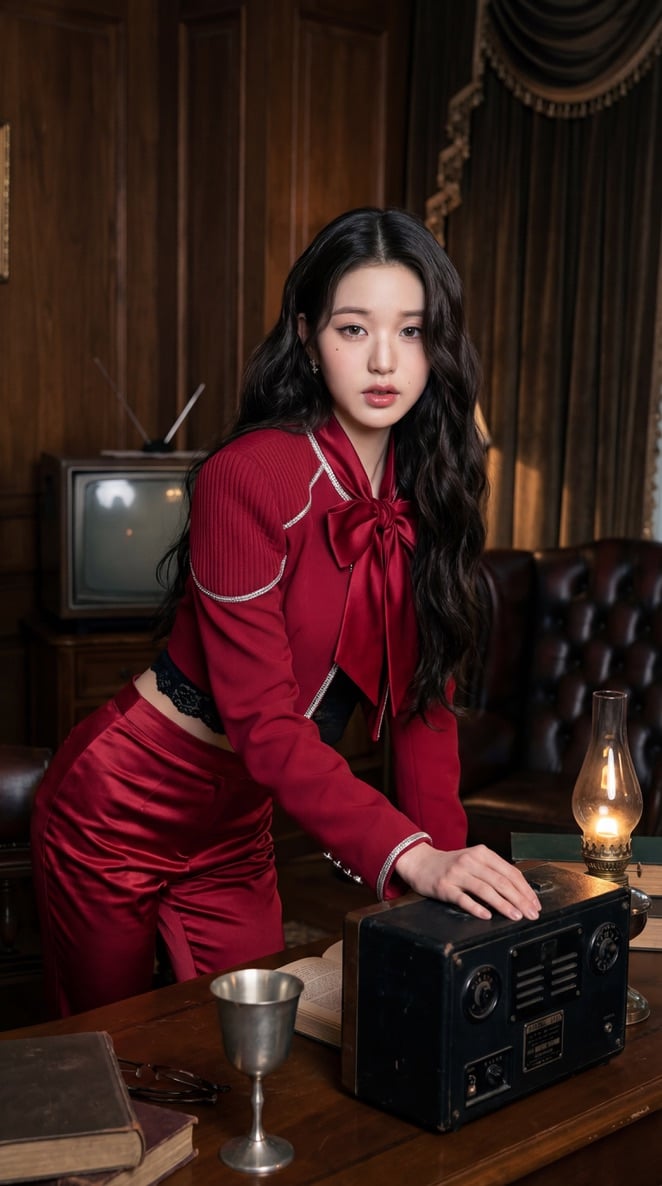
IVE KPOP Idol Retro Cinematic Portraits
Browse template categories
Dragon Knight and Crimson Dragon questions
How do I use the Dragon Knight and Crimson Dragon template?
Add your photo if the template asks for one, edit the prompt if you like — the template's model and format are already selected — and press Generate. Your version opens in PicX Studio.
Can I customize the Dragon Knight and Crimson Dragon template?
Yes. You can change the subject, setting, lighting, mood, format, and available model controls before creating your image.
Is the Dragon Knight and Crimson Dragon template free?
Opening and editing this template is free. Generating uses credits, shown on the Generate button when you are signed in.
Which AI model should I use?
Start with GPT Image 2, which is the model associated with this template. You can compare another compatible model for a different finish.
Looking for something else? Browse all templates.

Your photo, any look
Thousands of ready templates for every top image and video model, from one credit balance.