
Shocked Dragon Opens Chirashi Sushi
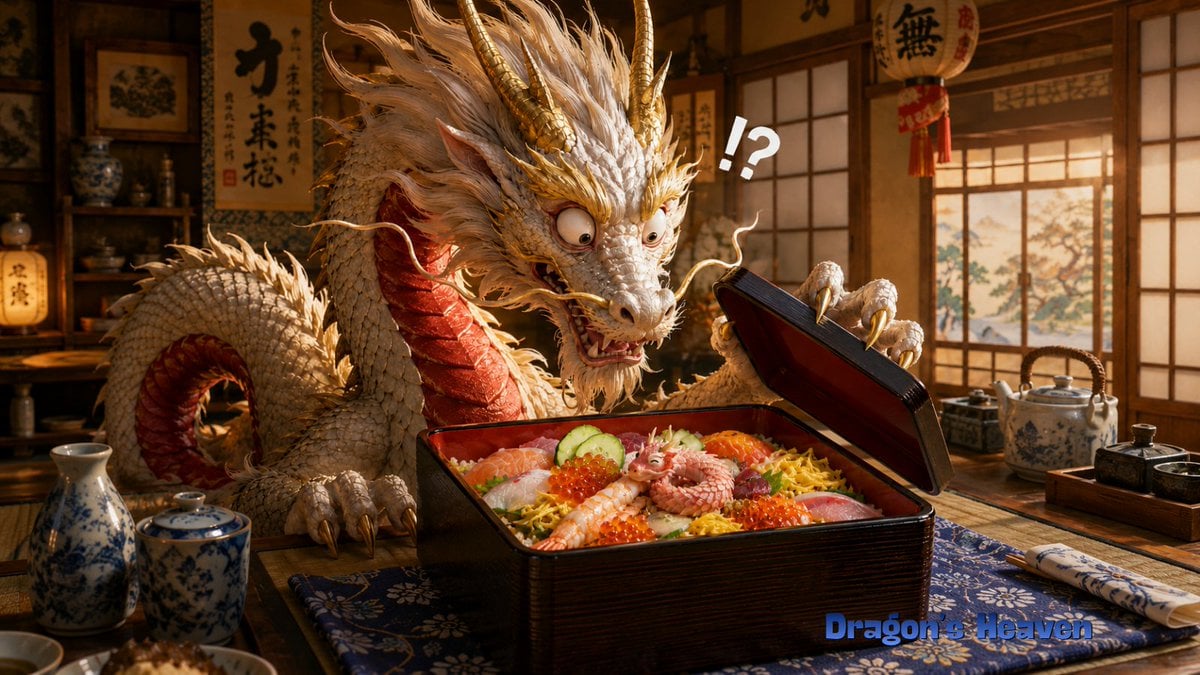
A cinematic fantasy scene of an elderly Japanese dragon discovering a tiny creature inside a premium chirashi sushi box.
- Prompt included
- Model and format preset
- Free template
The prompt behind this image
Copy the exact prompt behind Shocked Dragon Opens Chirashi Sushi, or open it in the studio and make it yours.
Create a cinematic, highly detailed fantasy-realistic image of {argument name="character name" default="an elderly Ryugu dragon manager"} in a warm traditional Japanese restaurant or Dragon Palace lunch room, shocked while opening a premium chirashi sushi lacquer box. The main subject is a large ivory-white Eastern dragon with a long serpentine body, shaggy white mane, gold horns, gold whiskers, red underside scales, sharp claws, bulging startled eyes, and an open anxious mouth, leaning over a low wooden table. The dragon holds up the black-and-red lacquer bento lid with one claw, frozen in disbelief. Inside the square lacquer box is abundant chirashi-zushi: exactly 9 prominent toppings or food elements visible, including sliced salmon, white fish, shrimp, red tuna, cucumber slices, orange salmon roe, shredded yellow egg, rice, and a tiny curled pink baby dragon/octopus-like creature sitting in the center as the unexpected mystery item. Add one large white comic punctuation mark above the box reading {argument name="reaction text" default="!?"}. The setting should include shoji windows with warm sunset light, wooden shelves with ceramics, hanging Japanese calligraphy scrolls and lanterns in the background, a blue patterned table runner, a porcelain sake bottle and cup on the left, a ceramic teapot and condiment tray on the right, and chopsticks wrapped in a patterned sleeve. Use rich amber lighting, shallow depth of field, realistic textures, detailed scales, appetizing glossy food, whimsical surprise, and a wide 16:9 composition. Add a small blue watermark-style title at the bottom right reading {argument name="watermark text" default="Dragon's Heaven"}. Avoid extra characters, avoid modern objects, and keep the scene focused on the dragon's stunned reaction to the tiny creature in the sushi box.
How to use Shocked Dragon Opens Chirashi Sushi in 3 steps
- 1Upload ImagePNG, JPG or paste
Add your photo
Upload the photo the template builds on. The prompt, model and format are already set.
- 2…a portrait of your subject in softgolden-hour light, 85mm…
Personalize
Edit the subject and creative details for your destination.
- 3Generate
Generate
Press Generate — your image is created in PicX Studio, so you can compare it with the original and refine one variable at a time.
More like this
Templates with the same subject, style or setup. Open one to see its prompt.

Minecraft Fantasy Kingdom Voxel Landscape
Seedance - Dragon vs Python Battle

Shocked Executives Find Pacifier
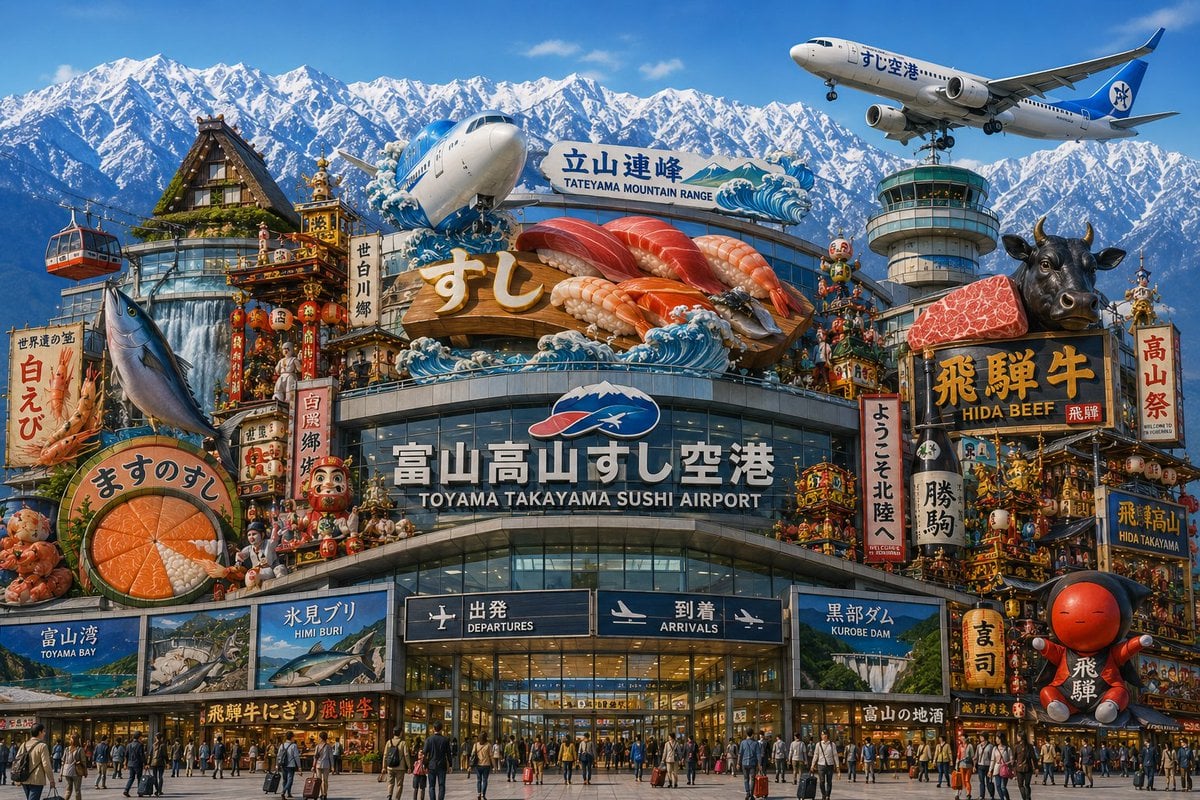
Toyama Takayama Sushi Airport
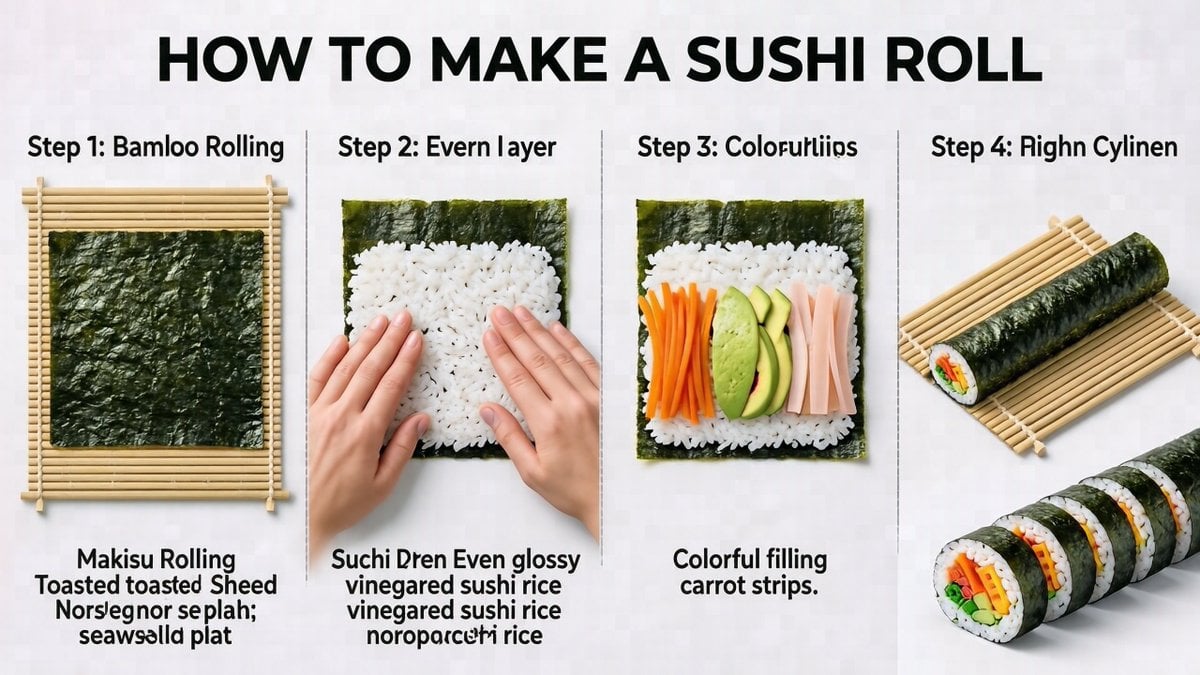
Sushi Roll Instruction Diagram
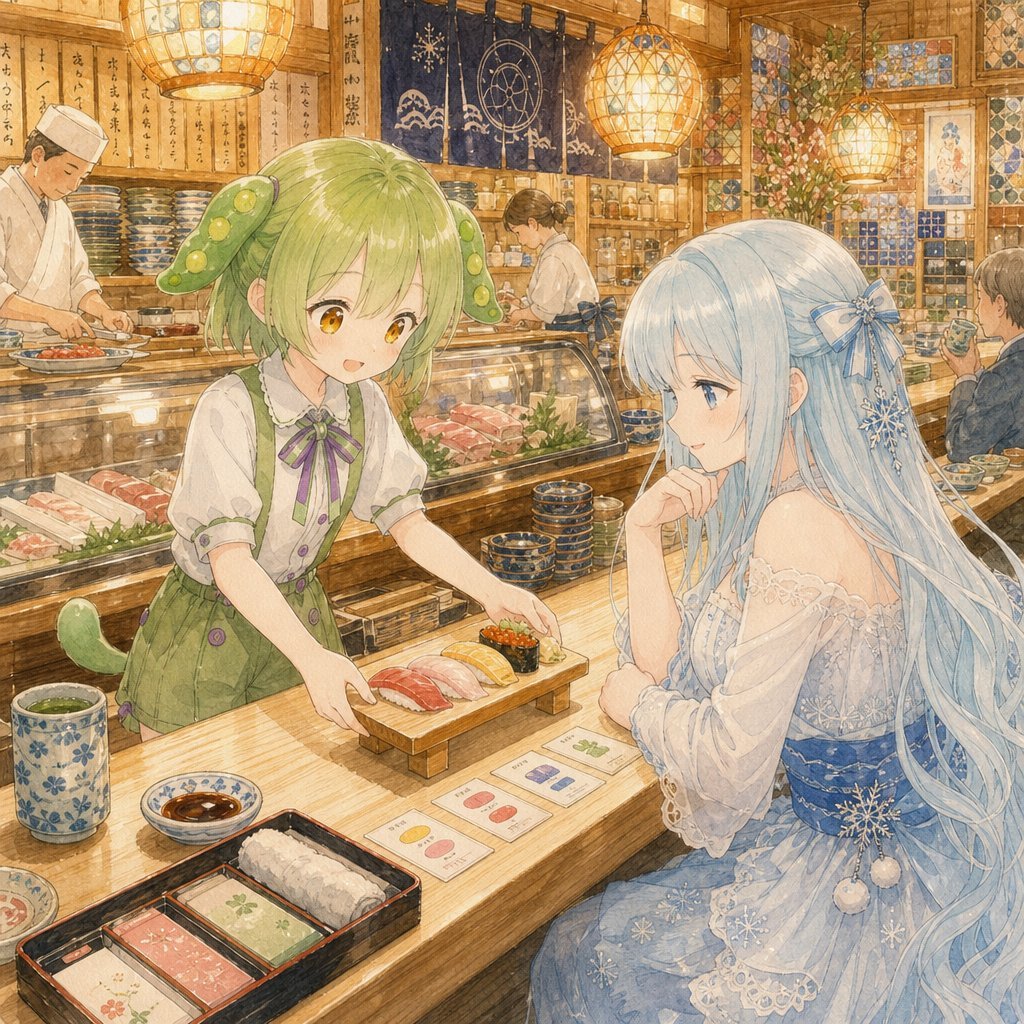
Anime Sushi Bar Transformation
Photorealistic Sushi Counter Dinner Portrait
Shocked Doctor Hospital Still
Sushi Kata/Forms Movement Arrangement on a Wooden Board
Image Generation Prompt for Shocked Young Woman

Shocked Expression Candid Photo Prompt
Fairy Eating Sushi Image Prompt
Make it yours
Shocked Dragon Opens Chirashi Sushi works as-is. These are the safest ways to change it without losing the look.
Change one field
Copy a single group, rewrite it, and generate again so you can see what that field is doing.
Keep the frame, change the subject
Hold the composition and light of Shocked Dragon Opens Chirashi Sushi, then swap wardrobe, props or the person for a new take.
| If the result… | Why | Fix |
|---|---|---|
| The result drifts from the preview | Too many fields changed at once. | Reuse Shocked Dragon Opens Chirashi Sushi as-is first, then change one group — subject, light, or setting. |
| The model over-stylizes the scene | The prose prompt leaves finish and camera underspecified. | Add one camera or lighting sentence and stay on GPT Image 2. |
More GPT Image 2 templates
Other prompts made for GPT Image 2.

Six VTuber Japanese Logo Sheet

Realistic Portrait of Woman and Deer

The Vista Modular Condo Poster

AI Model Routing Comparison Infographic

2.5D Anime Art Board

Isometric Productivity Desk Scene

New York Double Exposure Poster

Four-Panel AI Landscape Comparison

Japanese Tatami Lifestyle Magazine Cover

NESCAFÉ Coffee Map Poster
More image prompts
Fresh picks from across the catalog.
Anime Girl to Cinematic Photo
Concrete Wall with ASR Map Cracking
Anime Ninja Action Triptych
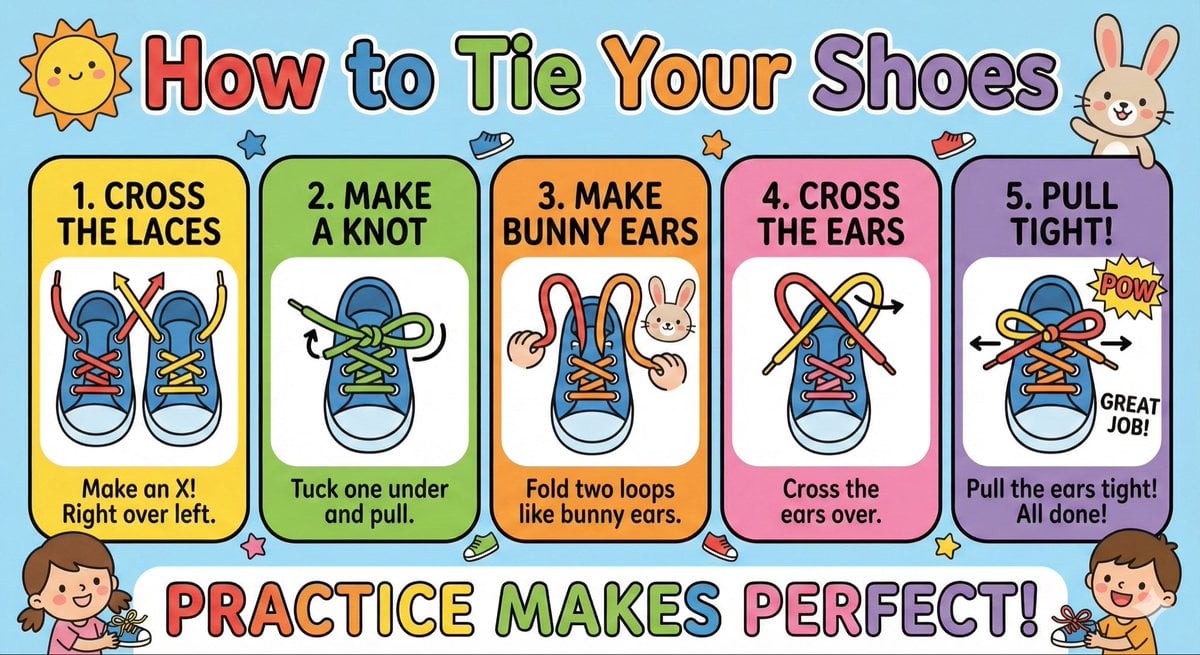
Kids' How-To Poster Prompt
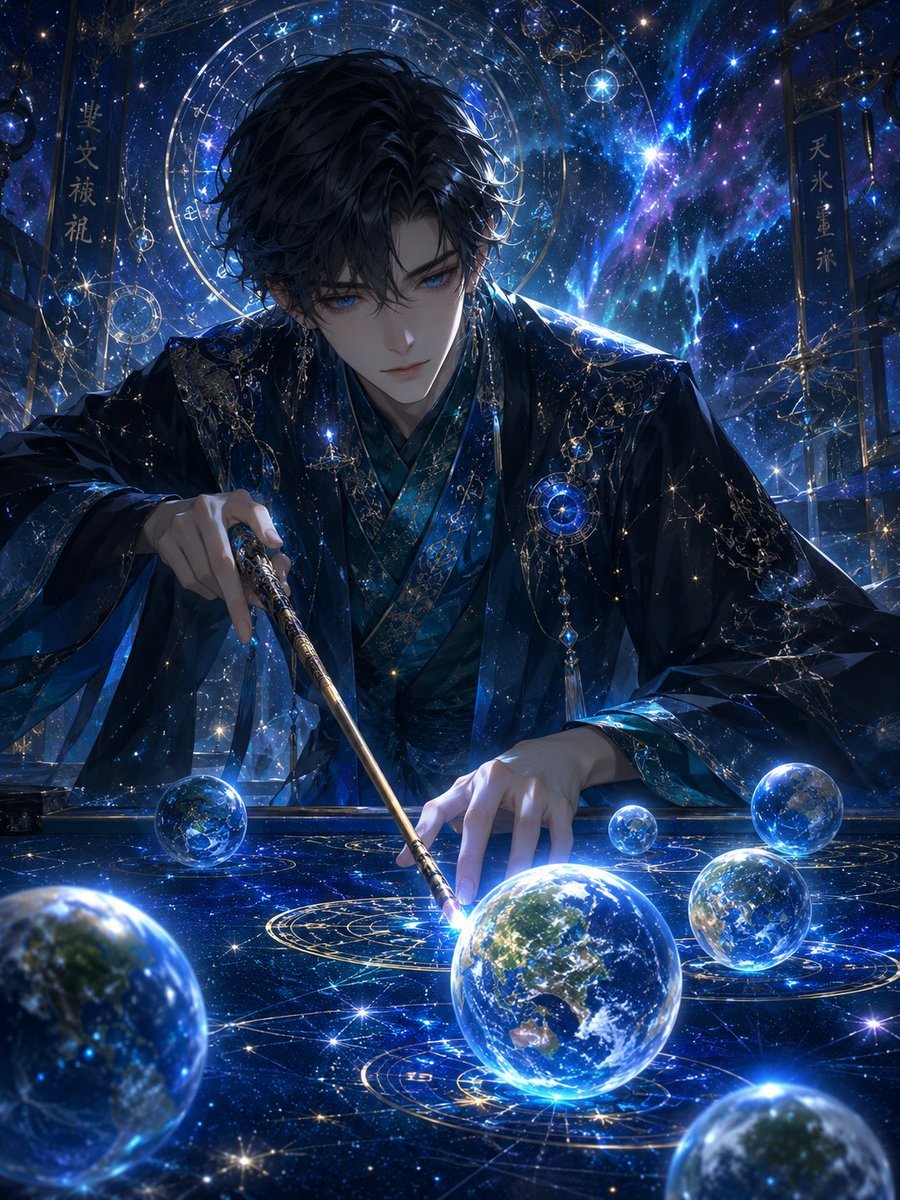
Celestial Astrologer Divination Scene
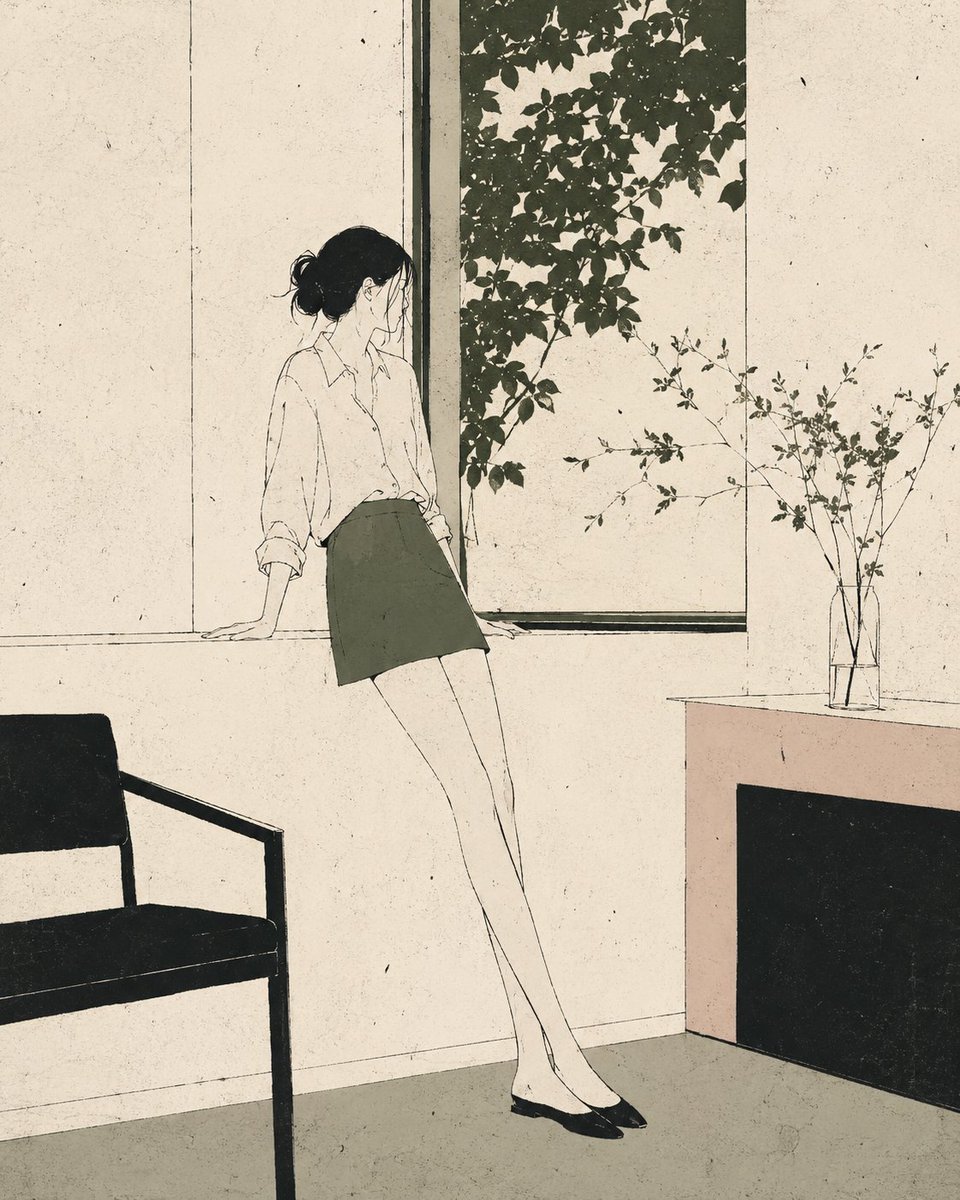
Nordic Minimalist Editorial Illustration
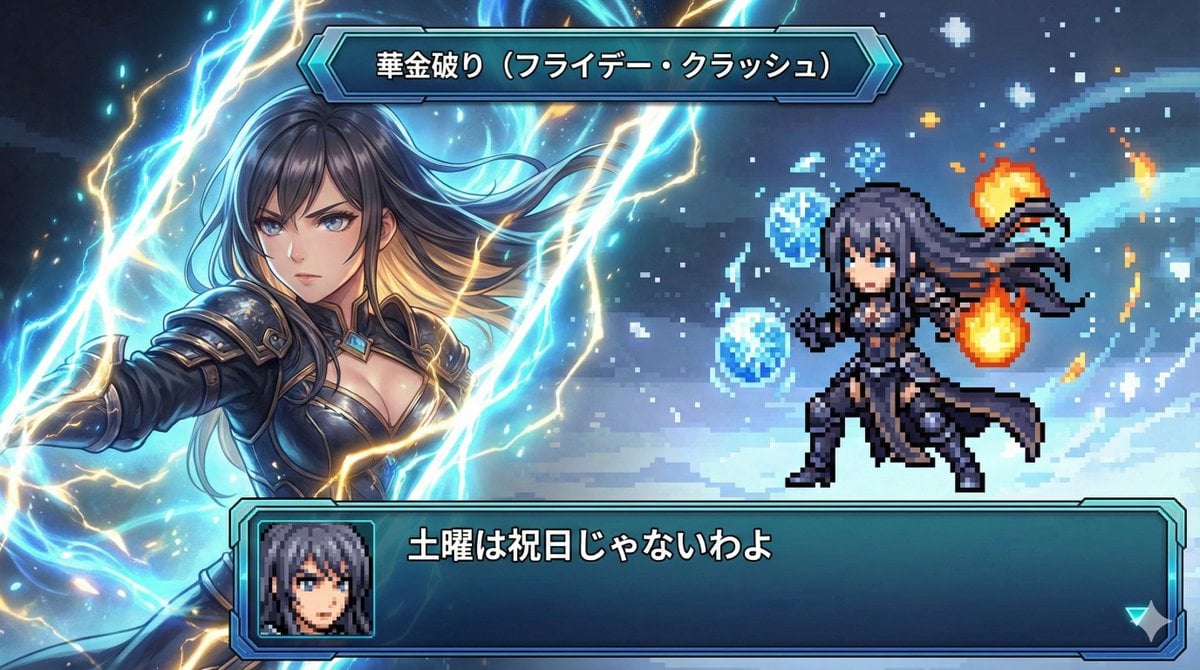
Super Robot Wars Style Witch Rejecting Friday
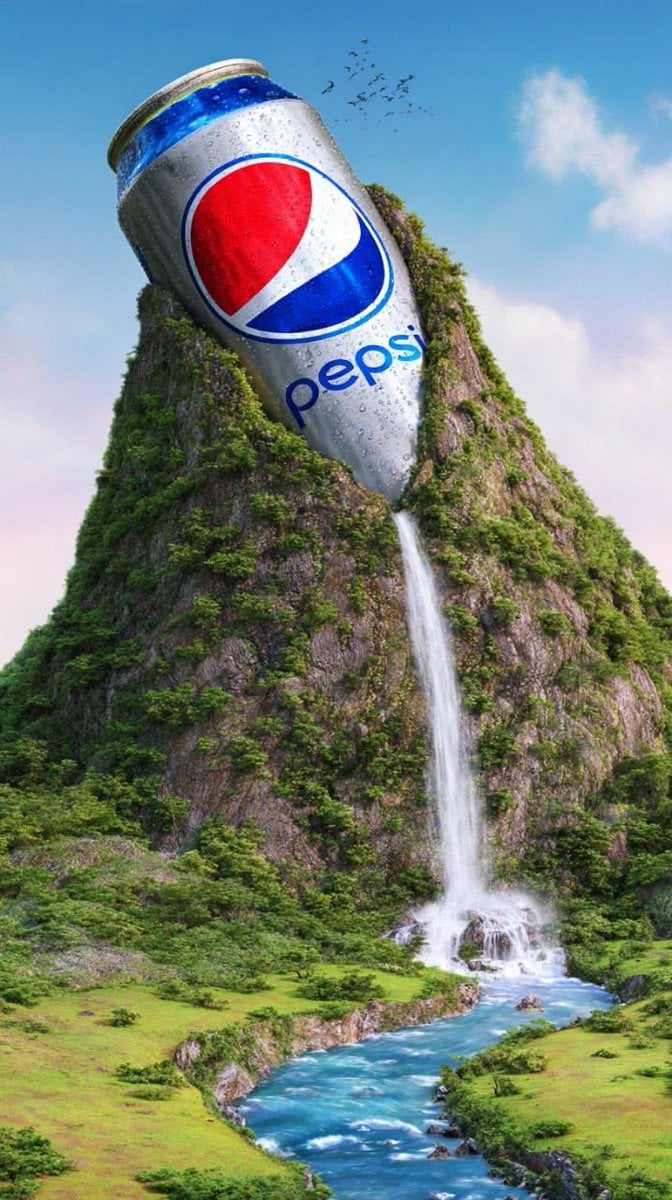
Surreal Giant Aluminum Can Waterfall Prompt for Nano Banana 2

Clumsy MS Paint Style Redraw
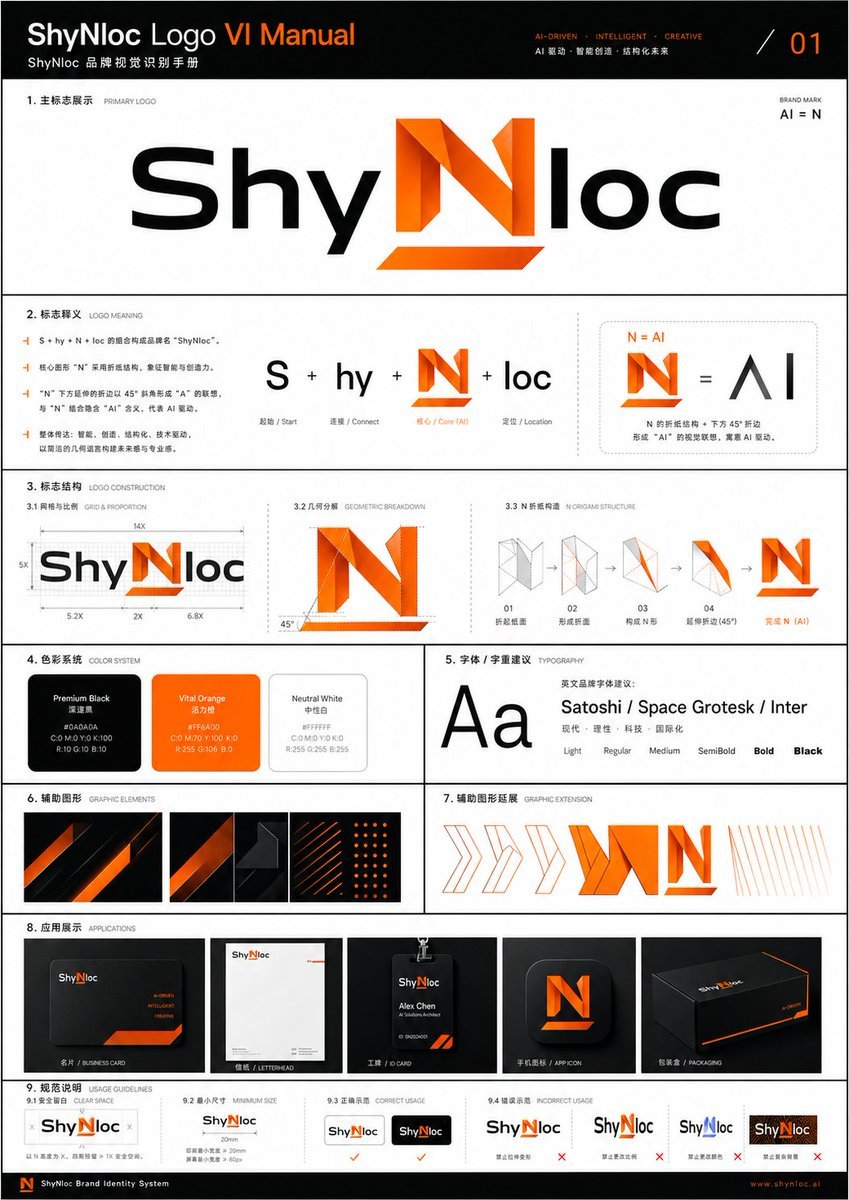
Professional Logo VI Design Manual
Browse template categories
Shocked Dragon Opens Chirashi Sushi questions
How do I use the Shocked Dragon Opens Chirashi Sushi template?
Add your photo if the template asks for one, edit the prompt if you like — the template's model and format are already selected — and press Generate. Your version opens in PicX Studio.
Can I customize the Shocked Dragon Opens Chirashi Sushi template?
Yes. You can change the subject, setting, lighting, mood, format, and available model controls before creating your image.
Is the Shocked Dragon Opens Chirashi Sushi template free?
Opening and editing this template is free. Generating uses credits, shown on the Generate button when you are signed in.
Which AI model should I use?
Start with GPT Image 2, which is the model associated with this template. You can compare another compatible model for a different finish.
Looking for something else? Browse all templates.

Your photo, any look
Thousands of ready templates for every top image and video model, from one credit balance.