
Shocked Executives Find Pacifier
A cinematic vertical scene of corporate executives reacting in disbelief to a baby CEO’s pacifier inside an executive briefcase.

- Prompt included
- Model and format preset
- Free template
The prompt behind this image
Copy the exact prompt behind Shocked Executives Find Pacifier, or open it in the studio and make it yours.
Create a funny hyper-realistic cinematic vertical 9:16 scene inside a luxurious modern corporate boardroom with glass walls, warm evening office lighting, polished dark wood table, shallow depth of field, and 4K detail. In the foreground on the table is an open black executive briefcase containing a tiny baby item: a blue-and-white pacifier placed on top of a white notepad, treated like a shocking business discovery. Show exactly four adult executives in dark business suits reacting around the briefcase: 1) a Black male executive on the left in a black suit, white shirt, black tie, and earpiece, leaning in close with wide eyes and an open shocked mouth; 2) a white female executive on the right in a navy suit and white blouse, leaning in with huge startled eyes and one hand covering her mouth, wearing a ring; 3) a blurred male executive centered in the background with a surprised expression; 4) a partially visible blurred male executive at the far right background. Include a small partial baby hand or sleeve at the lower left edge near the briefcase to imply a baby CEO is presenting it. Emphasize exaggerated but realistic surprise, glossy cinematic lighting, corporate luxury, dramatic perspective from table height, realistic faces, high contrast, no text, no watermark. The baby-related object should be {argument name="baby object" default="a blue-and-white pacifier"}; the setting should be {argument name="setting" default="a luxury modern boardroom"}; the main reaction mood should be {argument name="reaction mood" default="shocked disbelief"}.
How to use Shocked Executives Find Pacifier in 3 steps
- 1Upload ImagePNG, JPG or paste
Add your photo
Upload the photo the template builds on. The prompt, model and format are already set.
- 2…a portrait of your subject in softgolden-hour light, 85mm…
Personalize
Edit the subject and creative details for your destination.
- 3Generate
Generate
Press Generate — your image is created in PicX Studio, so you can compare it with the original and refine one variable at a time.
More like this
Templates with the same subject, style or setup. Open one to see its prompt.
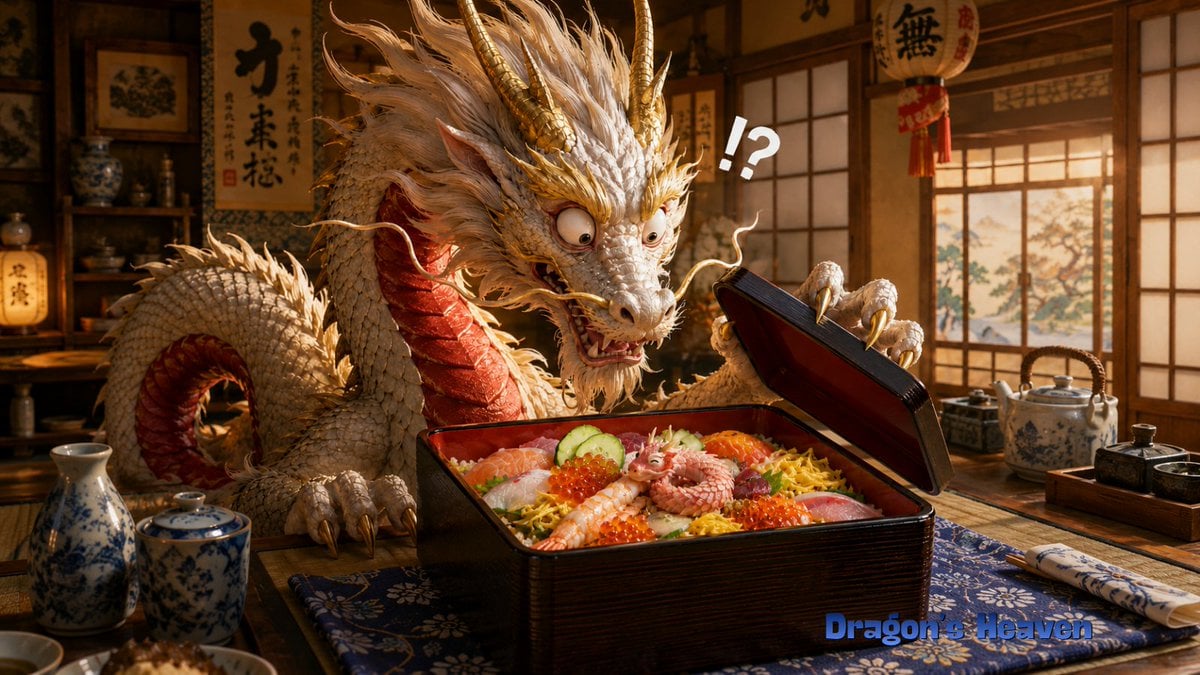
Shocked Dragon Opens Chirashi Sushi
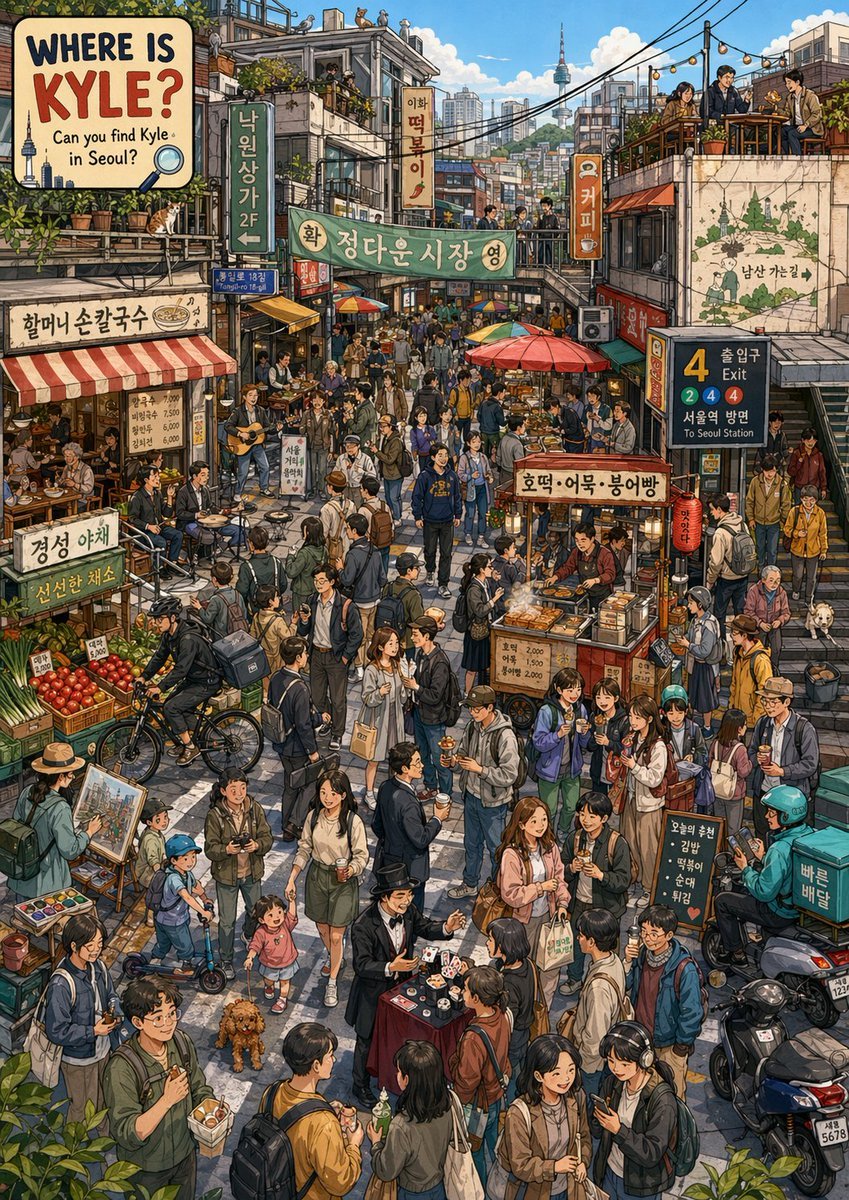
Find Kyle in a Seoul Market
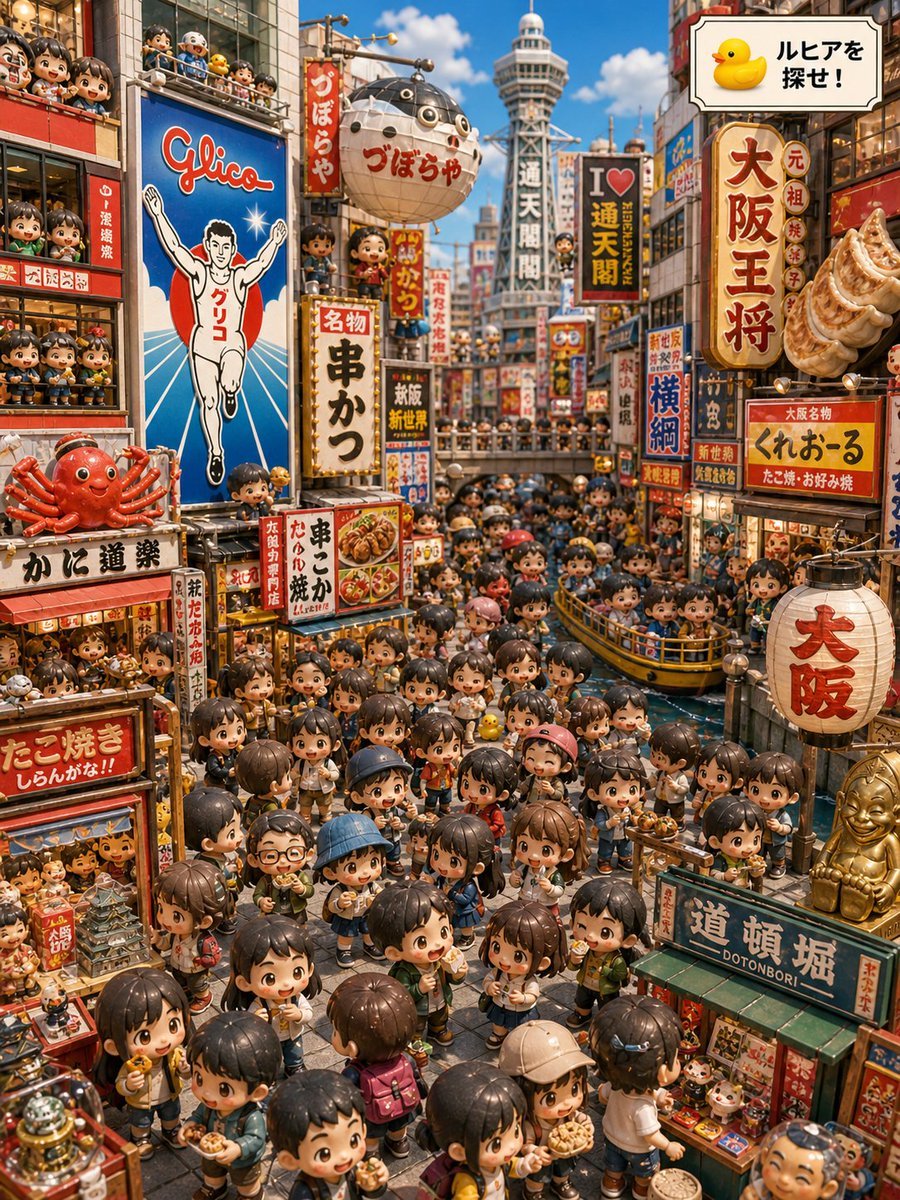
Osaka Chibi Find-the-Duck Diorama
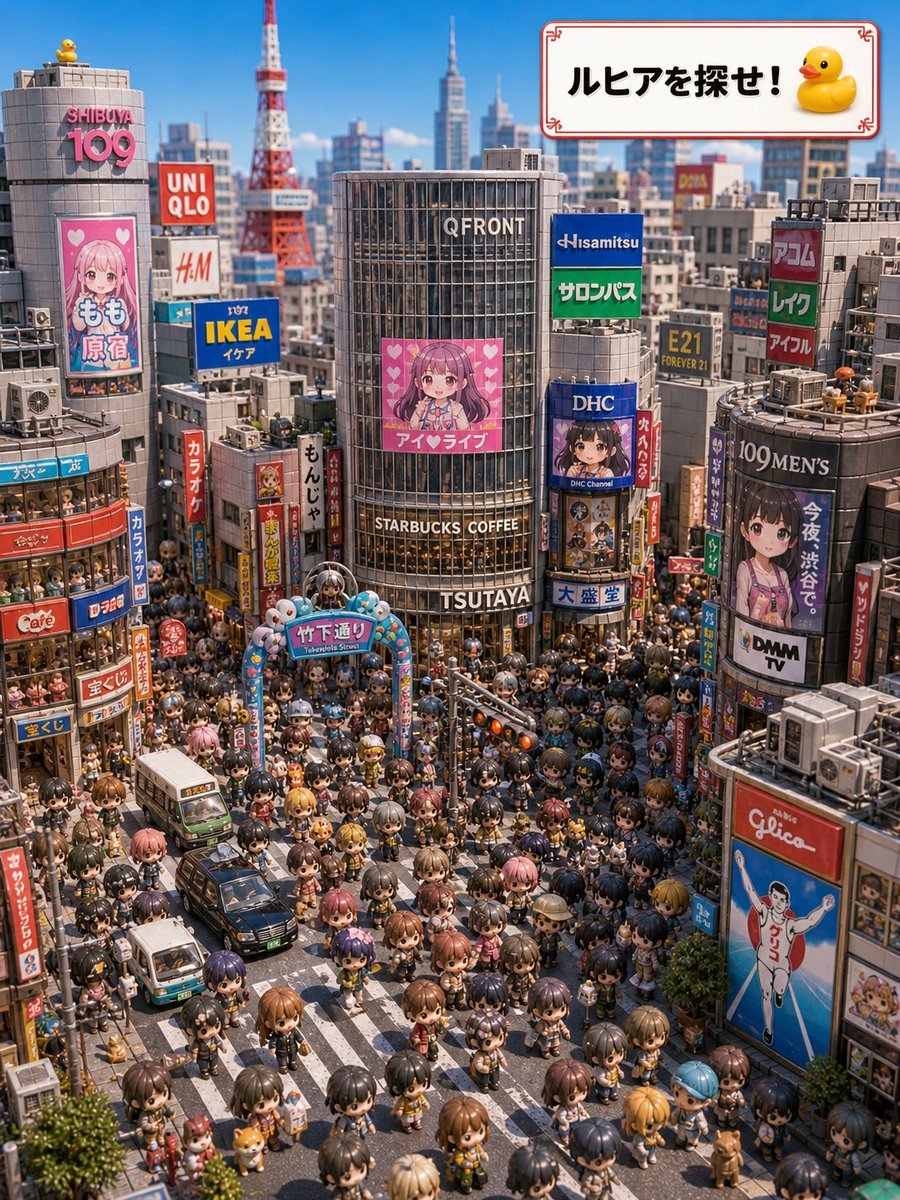
Find Ruhia in Shibuya
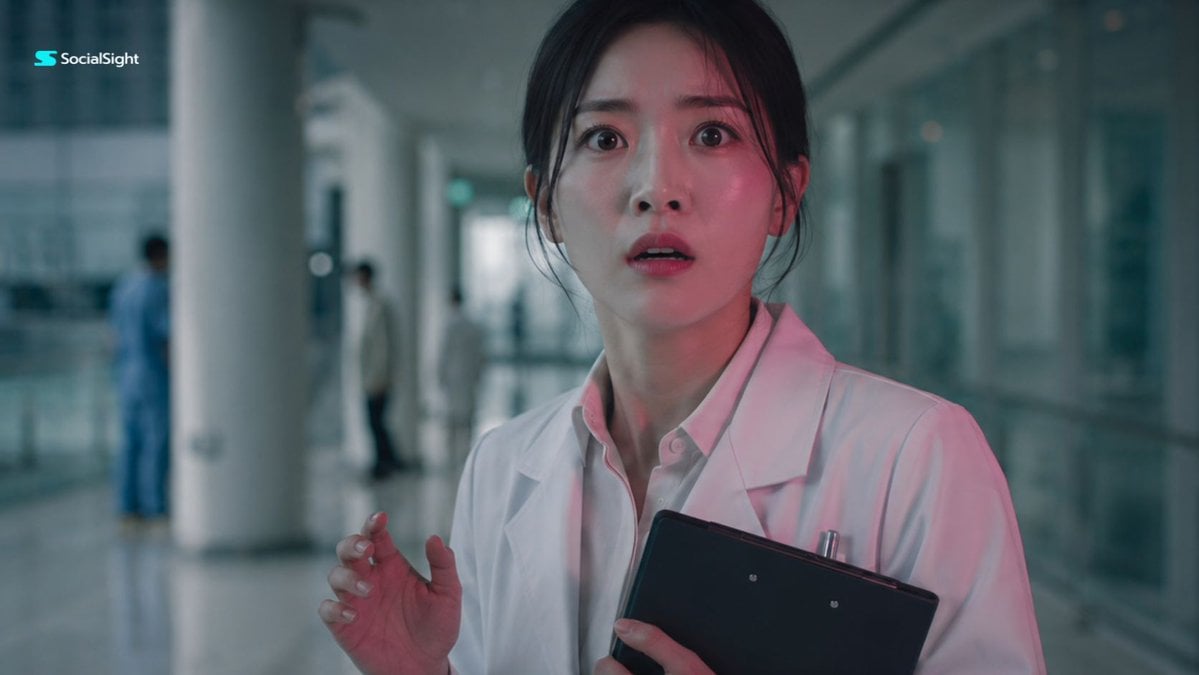
Shocked Doctor Hospital Still
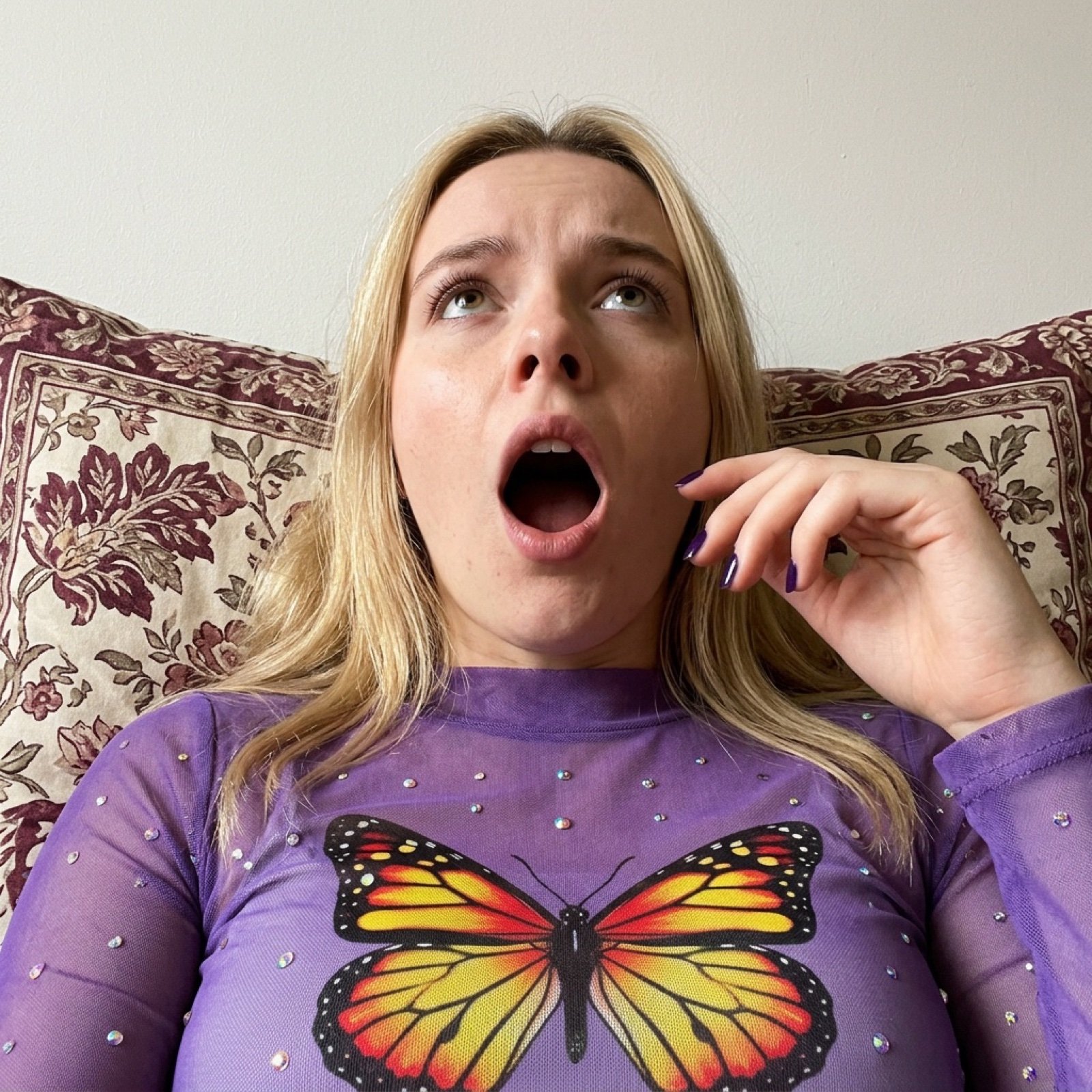
Image Generation Prompt for Shocked Young Woman

Shocked Expression Candid Photo Prompt
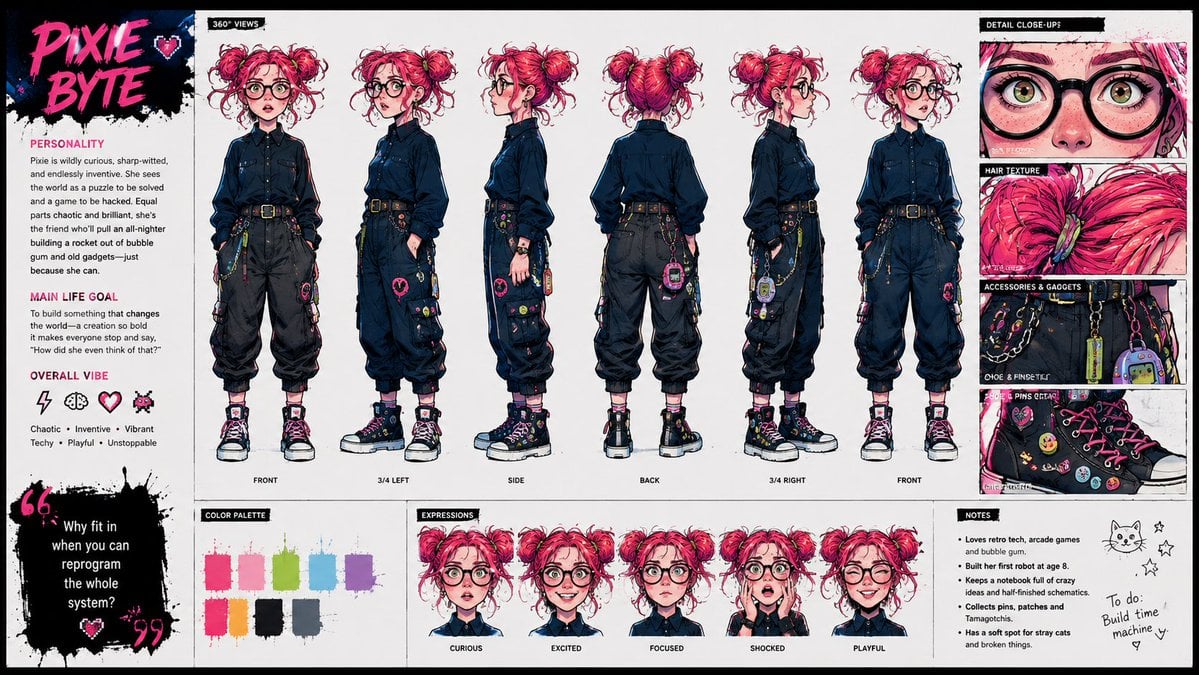
Punk Cartoon Character Sheet
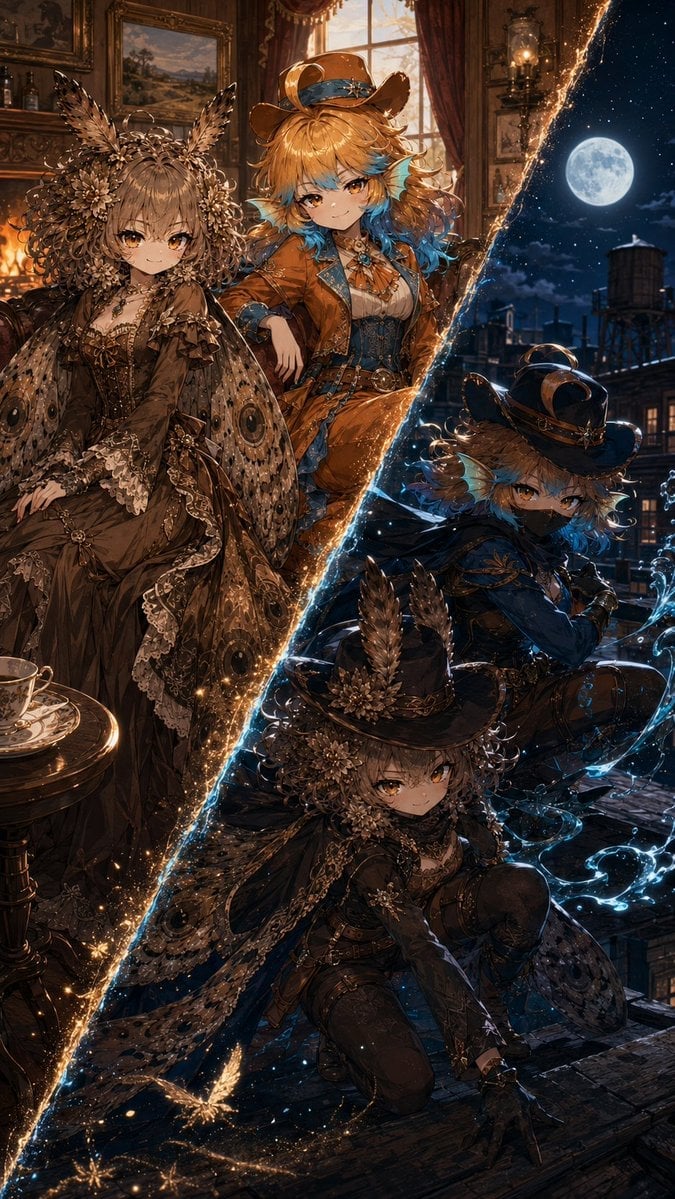
Superhero Era Transformation Split Portrait
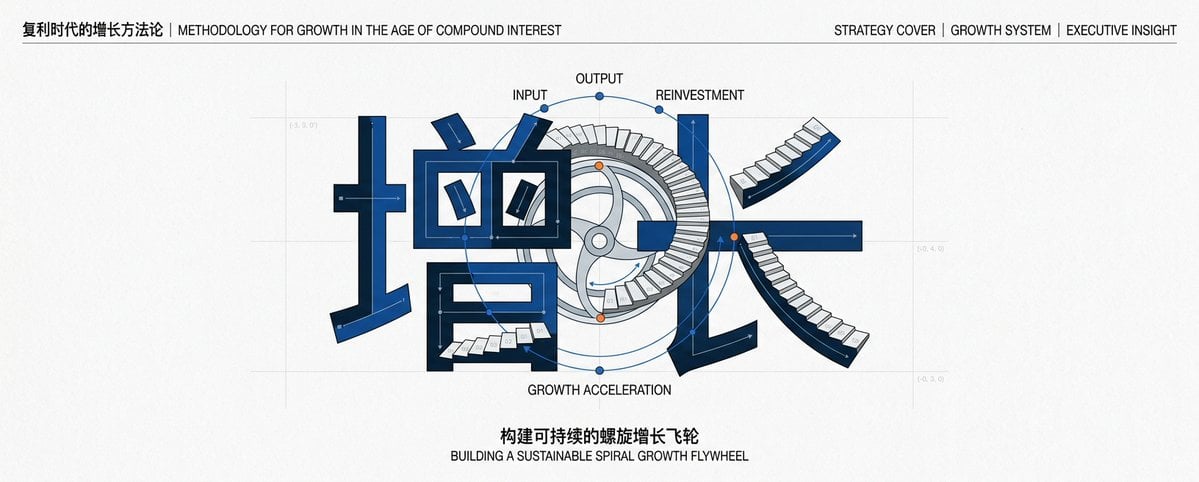
Chinese Growth Flywheel Strategy Cover

Nice Day Anime Poster
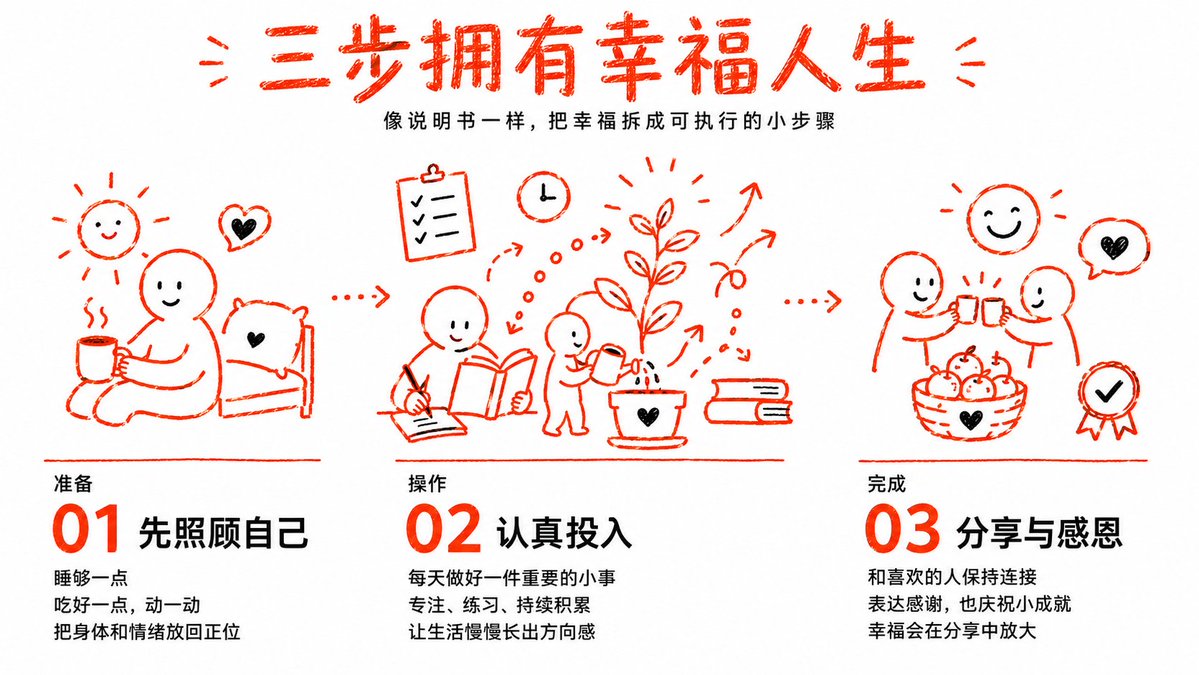
Three Steps to a Happy Life Infographic
Make it yours
Shocked Executives Find Pacifier works as-is. These are the safest ways to change it without losing the look.
Change one field
Copy a single group, rewrite it, and generate again so you can see what that field is doing.
Keep the frame, change the subject
Hold the composition and light of Shocked Executives Find Pacifier, then swap wardrobe, props or the person for a new take.
| If the result… | Why | Fix |
|---|---|---|
| The result drifts from the preview | Too many fields changed at once. | Reuse Shocked Executives Find Pacifier as-is first, then change one group — subject, light, or setting. |
| The model over-stylizes the scene | The prose prompt leaves finish and camera underspecified. | Add one camera or lighting sentence and stay on GPT Image 2. |
More GPT Image 2 templates
Other prompts made for GPT Image 2.

Six VTuber Japanese Logo Sheet

Realistic Portrait of Woman and Deer

The Vista Modular Condo Poster

AI Model Routing Comparison Infographic

2.5D Anime Art Board

Isometric Productivity Desk Scene

New York Double Exposure Poster

Four-Panel AI Landscape Comparison

Japanese Tatami Lifestyle Magazine Cover

NESCAFÉ Coffee Map Poster
More image prompts
Fresh picks from across the catalog.
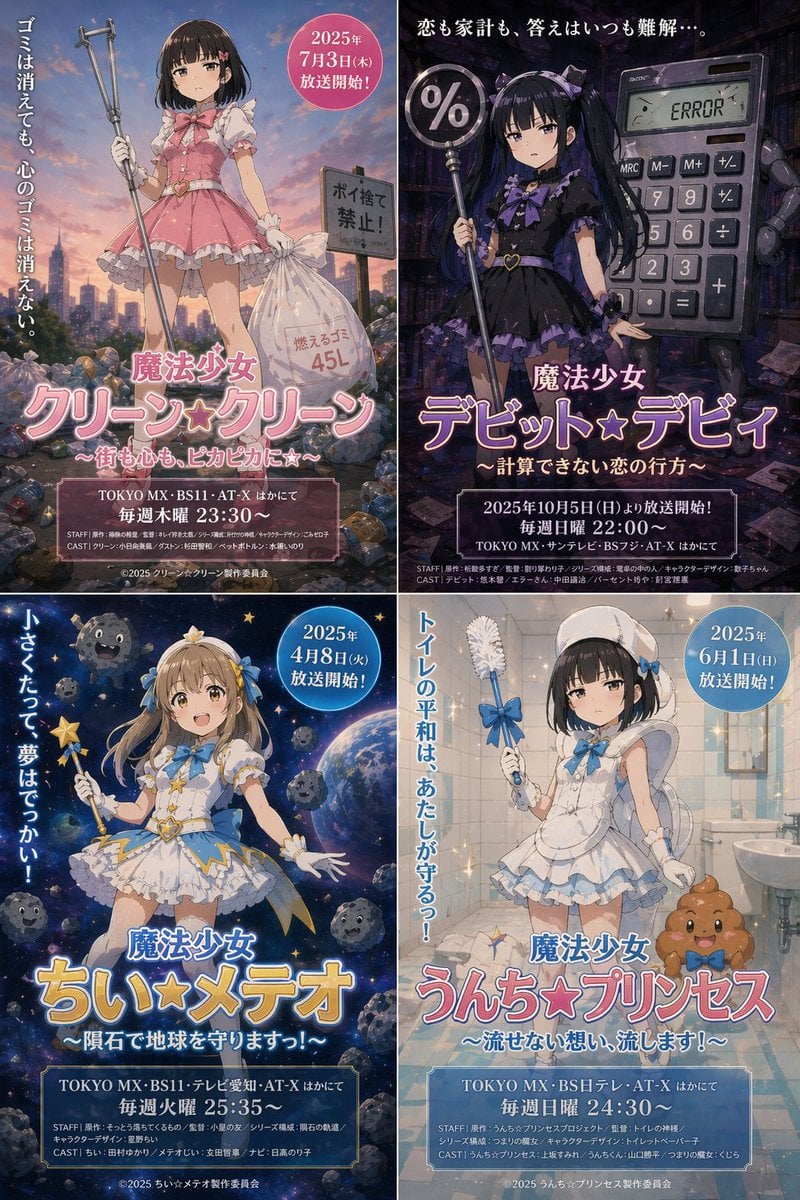
Surreal Japanese Anime Poster Prompt
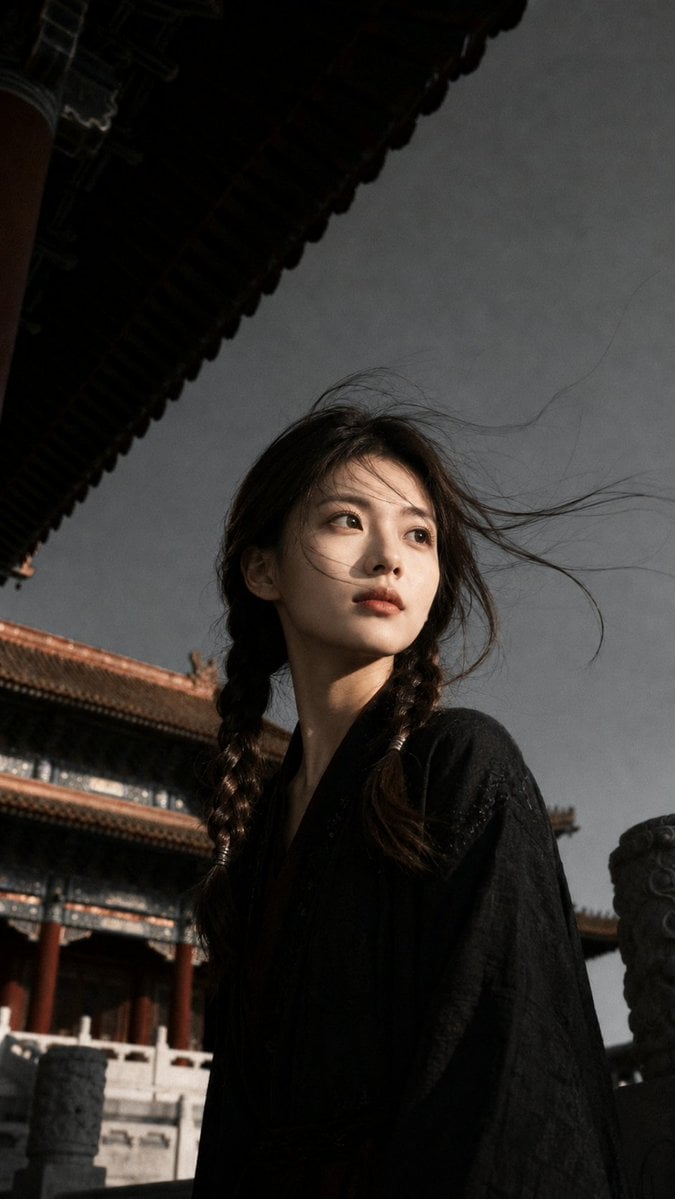
Ancient Chinese Cinematic Still

Luxury Gucci-Style Fashion Ad Prompt
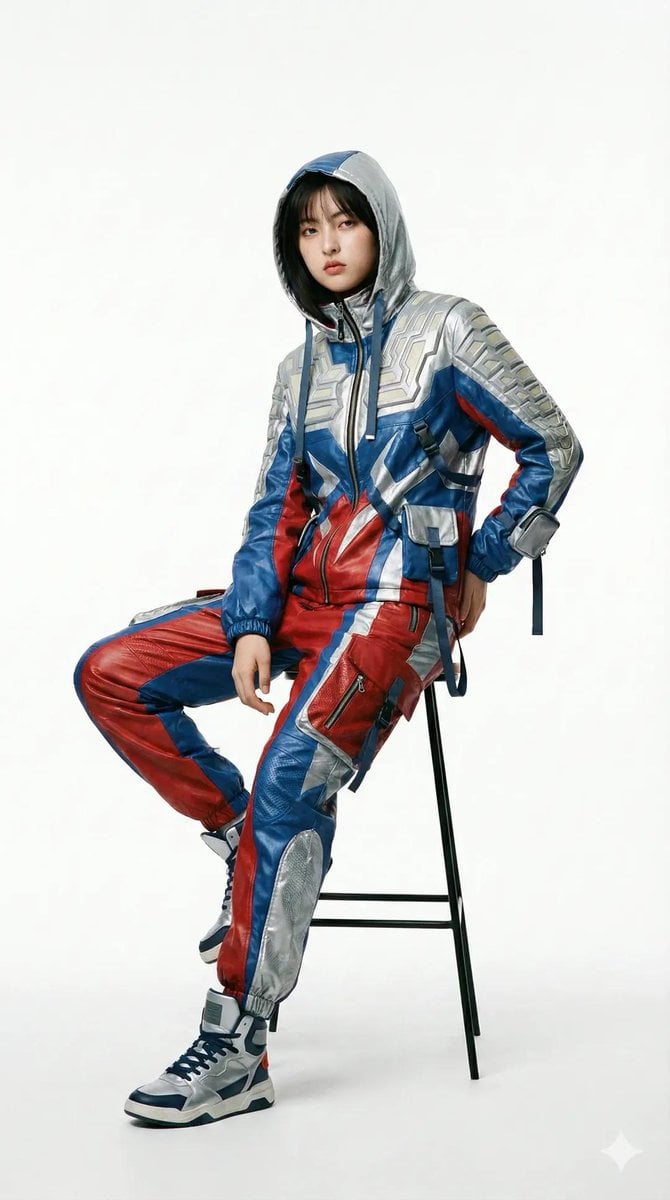
Editorial Fashion Photography with Structural Mimicry Prompt
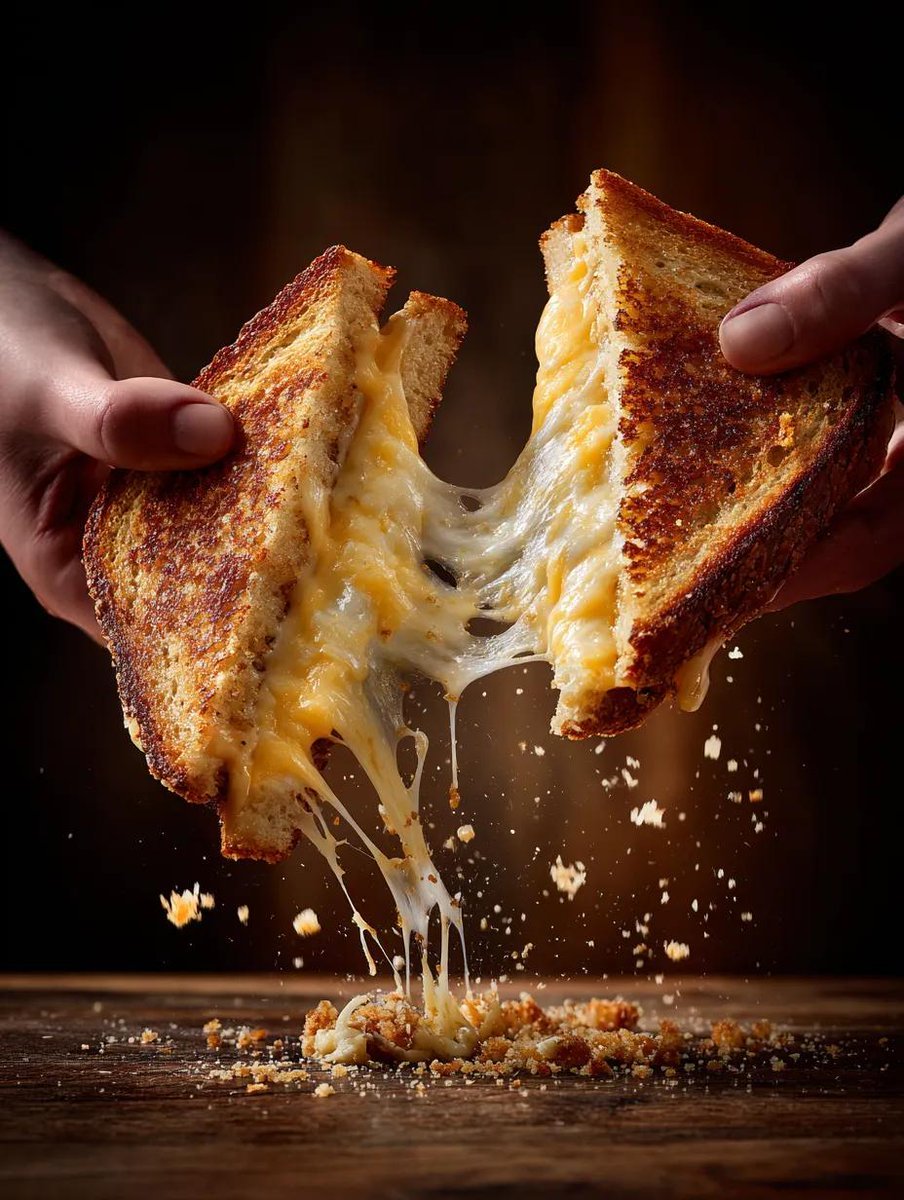
Cinematic Grilled Cheese Action Photo
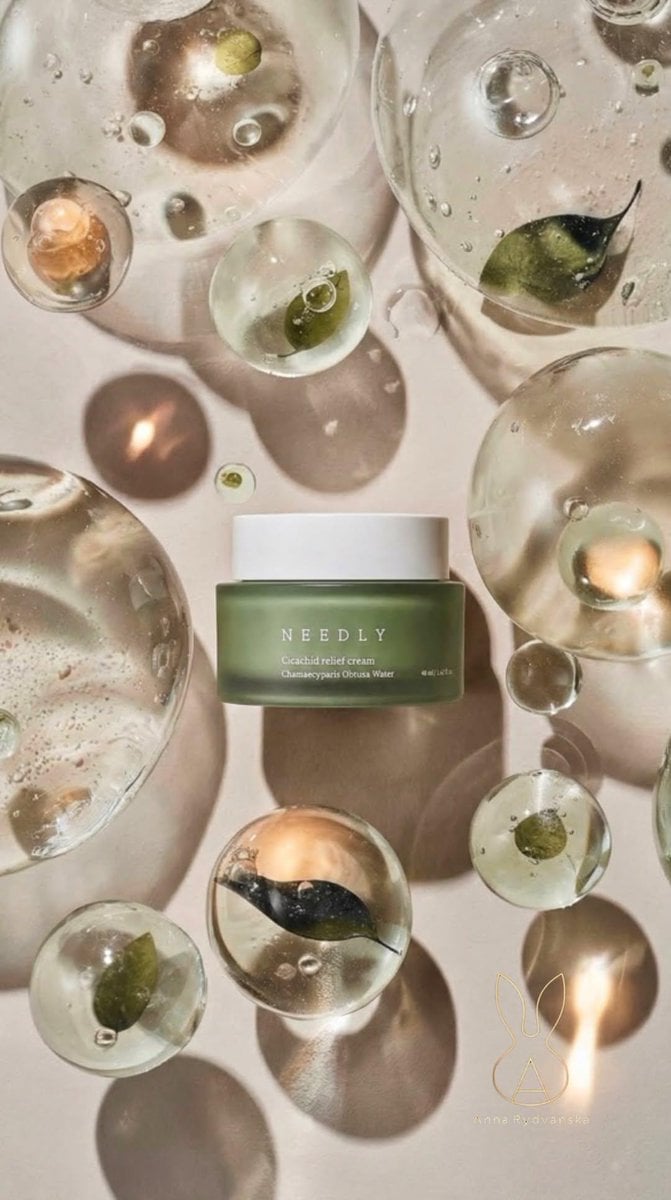
Luxury Skincare Still Life Prompt for Nano Banana Pro

Oriental Fantasy Female Pianist 3D CG
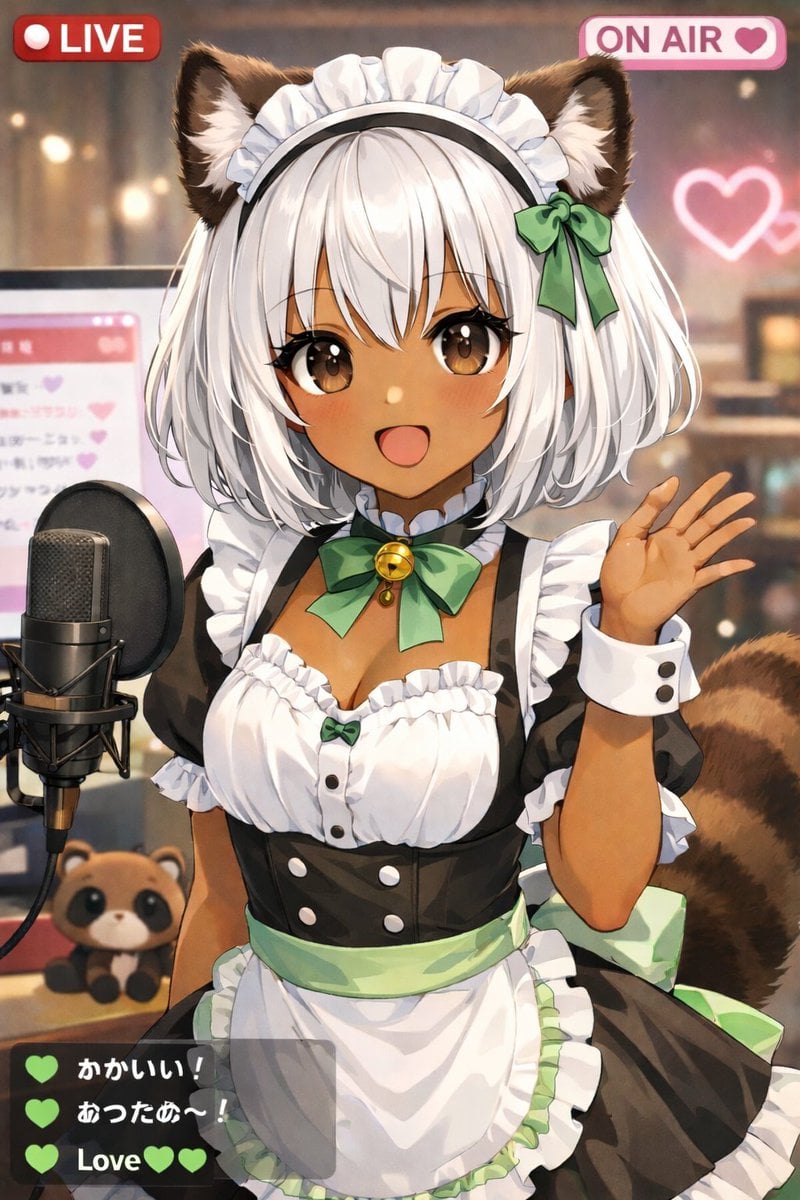
Anime VTuber Live Stream Overlay
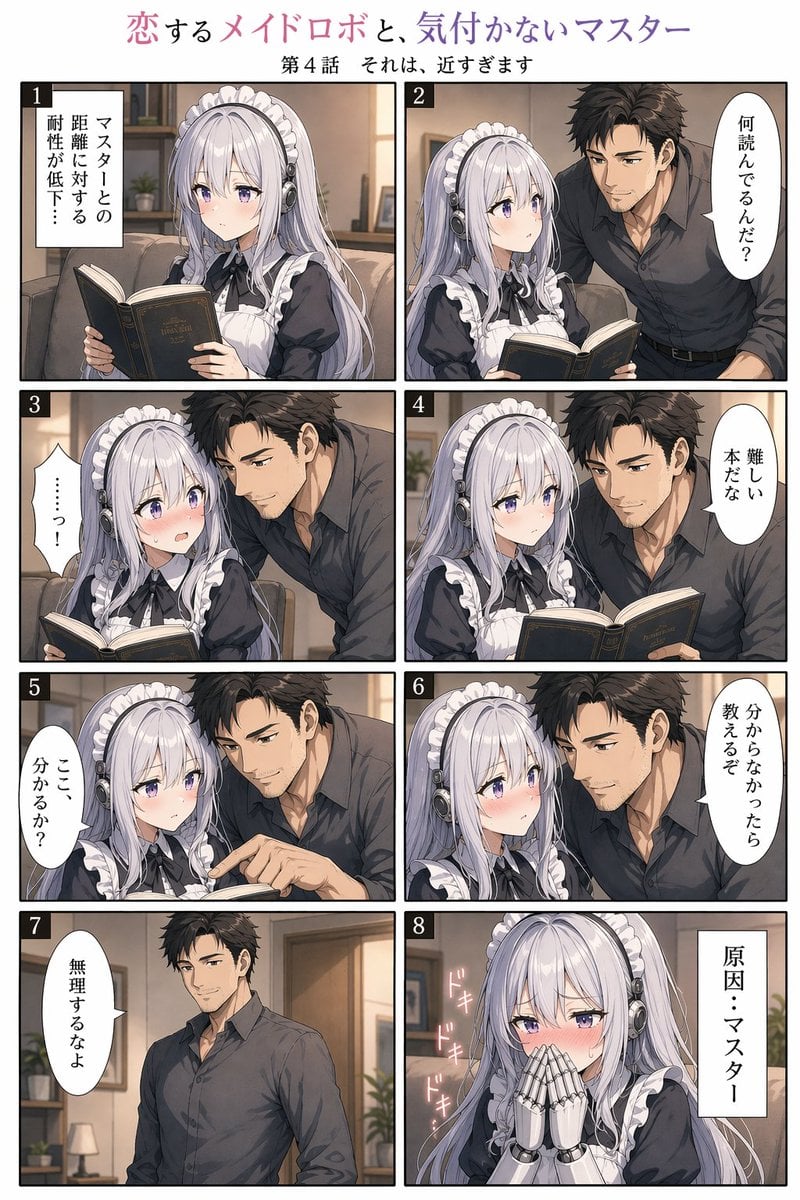
Eight-Panel Maid Robot Romance Manga

Vogue Editorial on Lake Como in a Riva Boat
Browse template categories
Shocked Executives Find Pacifier questions
How do I use the Shocked Executives Find Pacifier template?
Add your photo if the template asks for one, edit the prompt if you like — the template's model and format are already selected — and press Generate. Your version opens in PicX Studio.
Can I customize the Shocked Executives Find Pacifier template?
Yes. You can change the subject, setting, lighting, mood, format, and available model controls before creating your image.
Is the Shocked Executives Find Pacifier template free?
Opening and editing this template is free. Generating uses credits, shown on the Generate button when you are signed in.
Which AI model should I use?
Start with GPT Image 2, which is the model associated with this template. You can compare another compatible model for a different finish.
Looking for something else? Browse all templates.

Your photo, any look
Thousands of ready templates for every top image and video model, from one credit balance.