
Punk Cartoon Character Sheet
Creates a full animation-ready character design sheet from a single stylized character reference while preserving the original comic art style.
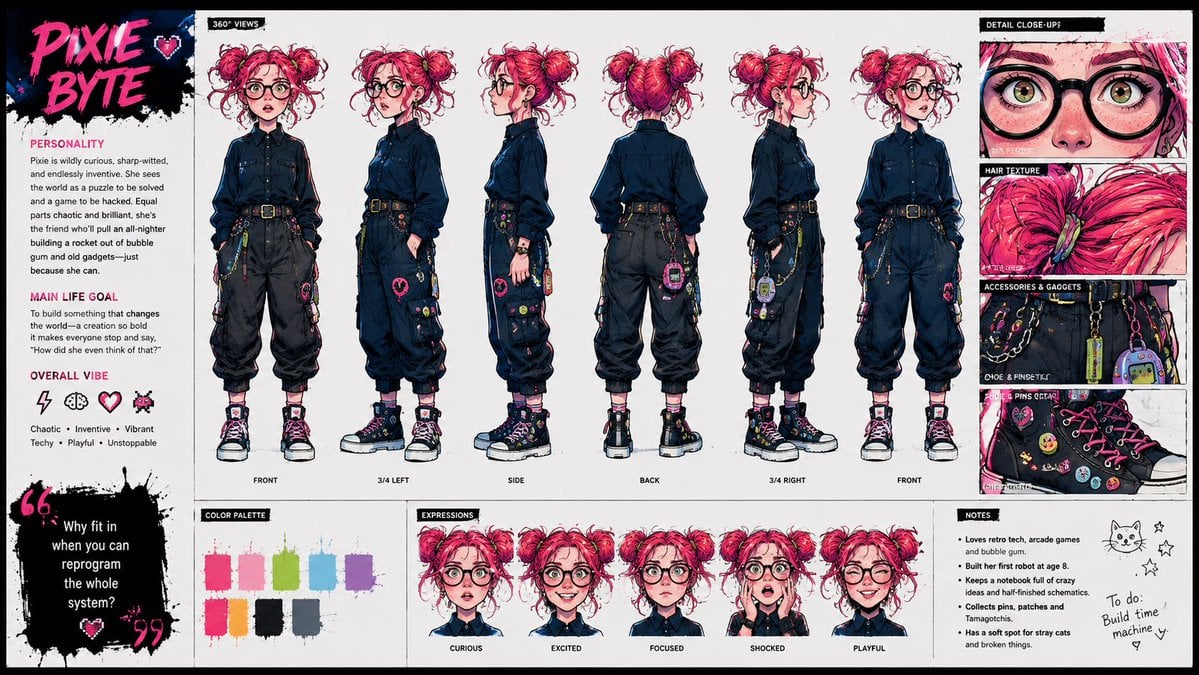
- Prompt included
- Model and format preset
- Premium template
The prompt behind this image
Copy the exact prompt behind Punk Cartoon Character Sheet, or open it in the studio and make it yours.
Using the provided reference image as the character base, create a polished character design sheet for {argument name="character name" default="PIXIE BYTE"}. Keep the same character identity and use the exact same visual style as the reference: vivid punk-comic illustration, bold ink lines, hot pink/cyan/yellow accents, sketchy paint texture, and expressive manga-inspired rendering. Goal: Turn the single portrait into a full animation-ready character sheet. Canvas and layout: Wide horizontal sheet on a clean off-white background with black brush-stroke section headers and hot-pink accent typography. Add a left profile column, a large central 360-degree view lineup, a right detail column, and a bottom row of palette, expressions, and notes. Central 360-degree views: Show exactly 6 full-body turnarounds of the character, preserving her core look from the reference while inventing the missing full outfit. Label the views: FRONT, 3/4 LEFT, SIDE, BACK, 3/4 RIGHT, FRONT. Give her a techy chaotic outfit with a dark button-up shirt, black cargo pants, belt, chains, colorful pins, small gadgets, and chunky high-top sneakers. Left profile column: Add the large title {argument name="character name" default="PIXIE BYTE"} in pink graffiti lettering with a small heart. Include three text sections: PERSONALITY, MAIN LIFE GOAL, and OVERALL VIBE. Add exactly 4 vibe icons: lightning bolt, brain, heart, pixel bug. Add a black paint quote block with the quote {argument name="quote" default="Why fit in when you can reprogram the whole system?"}. Right detail column: Add exactly 4 close-up panels labeled DETAIL CLOSE-UP, HAIR TEXTURE, ACCESSORIES & GADGETS, and SHOE PINS DETAIL. The panels should zoom into her glasses/eyes/freckles, pink hair texture, belt gadgets and chains, and decorated sneakers. Bottom row: Add a COLOR PALETTE panel with exactly 8 paint swatches: hot pink, pale pink, lime green, cyan, purple, orange, black, and blue-gray. Add an EXPRESSIONS panel with exactly 5 bust expressions labeled CURIOUS, EXCITED, FOCUSED, SHOCKED, and PLAYFUL. Add a NOTES panel with short bullet notes plus a small cat doodle, stars, and a handwritten to-do note reading {argument name="to do note" default="Build time machine"}. Constraints: Maintain the exact same visual style as the reference image, keep the character recognizable, make the sheet feel like a professional cartoon hero academy concept sheet, and avoid adding extra turnarounds, expressions, palette swatches, or detail panels.
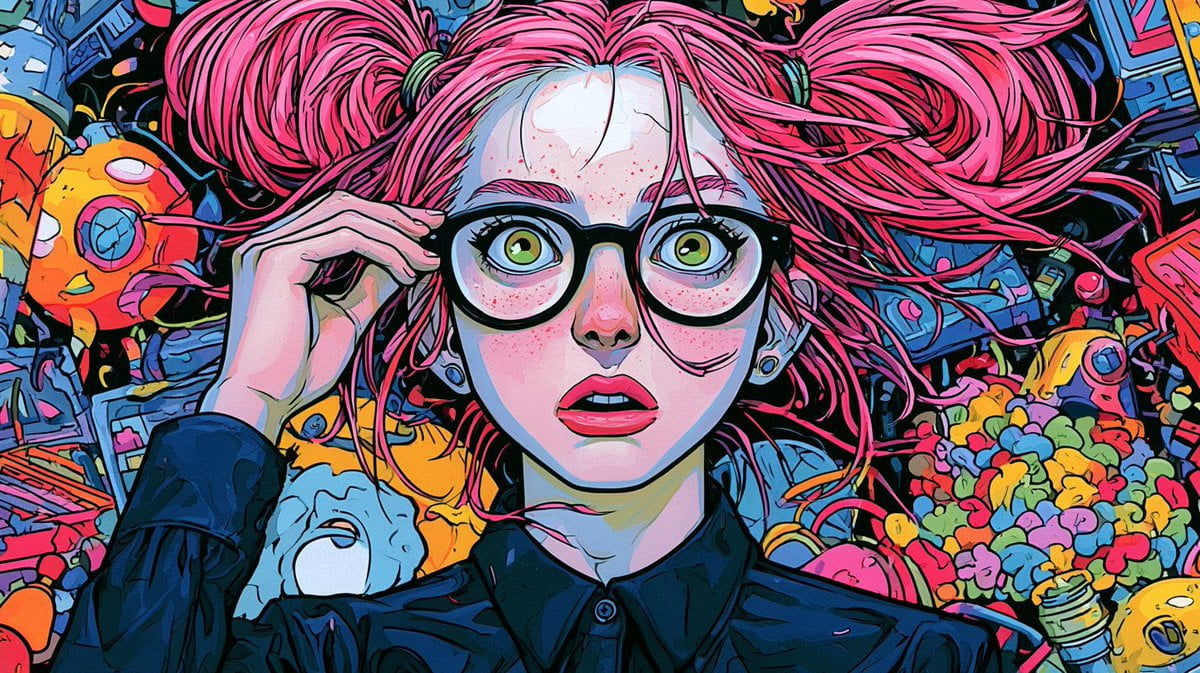
Reference images included
Punk Cartoon Character Sheet needs input media to work. They load alongside the prompt when you open it in the studio.
How to use Punk Cartoon Character Sheet in 3 steps
- 1Upload ImagePNG, JPG or paste
Add your photo
Upload the photo the template builds on. The prompt, model and format are already set.
- 2…a portrait of your subject in softgolden-hour light, 85mm…
Personalize
Edit the subject and creative details for your destination.
- 3Generate
Generate
Press Generate — your image is created in PicX Studio, so you can compare it with the original and refine one variable at a time.
More like this
Templates with the same subject, style or setup. Open one to see its prompt.
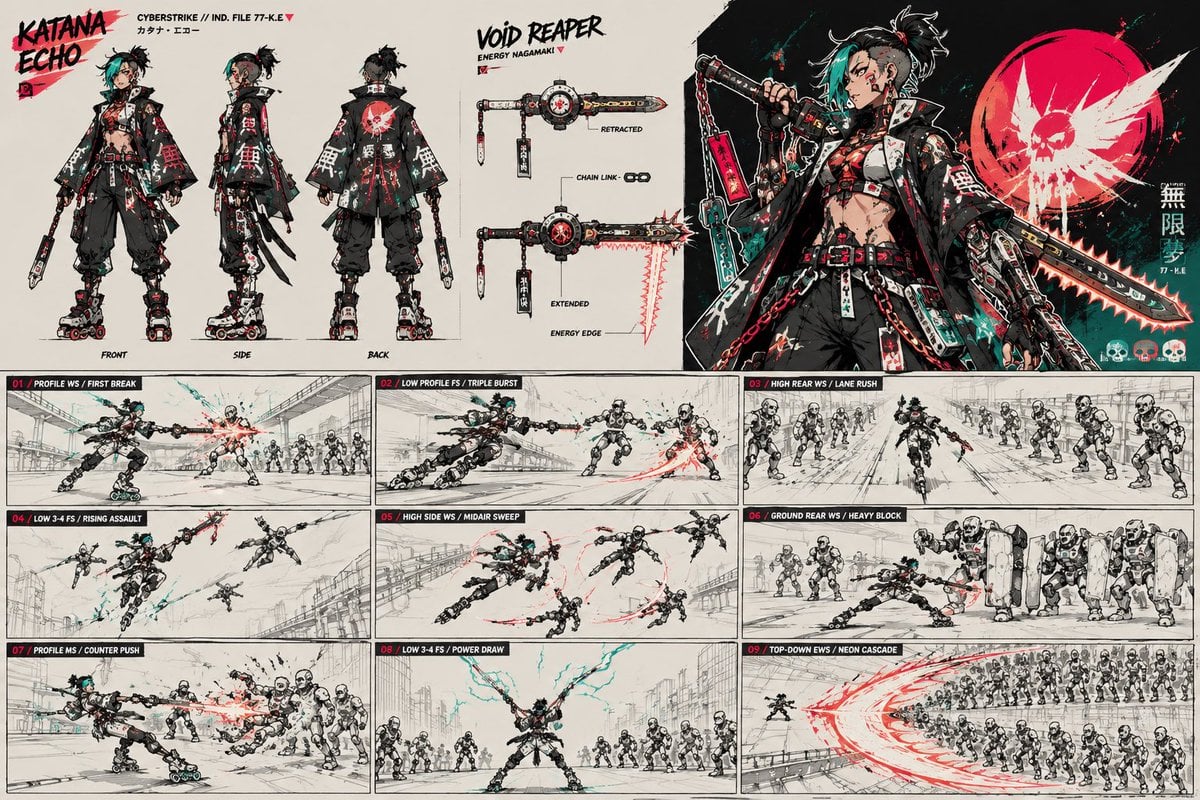
Cyberpunk Samurai Character Sheet
Toon Cartoon Finale Fireworks
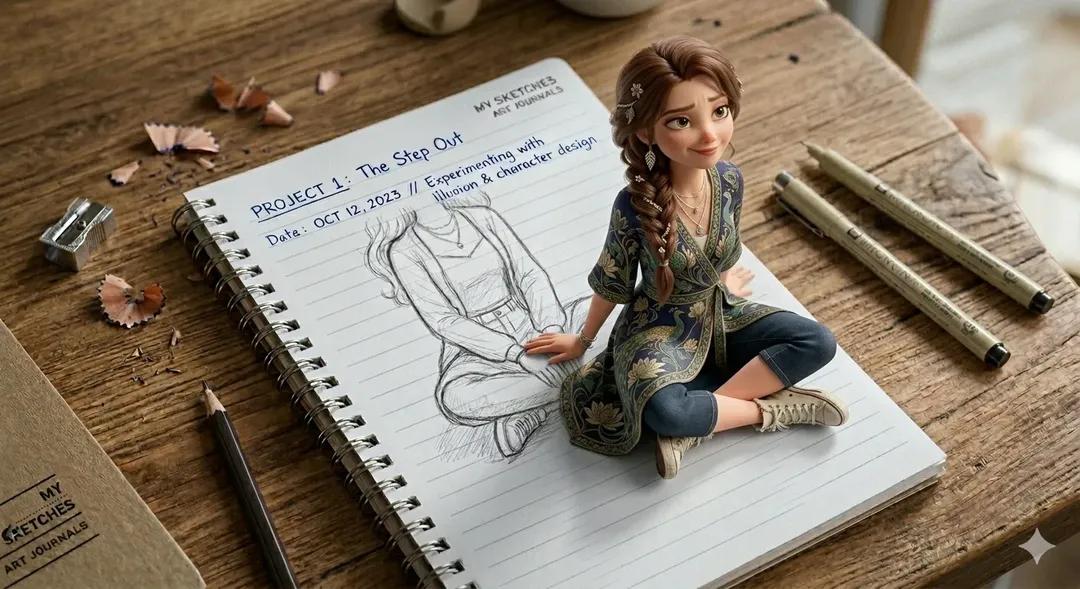
Toon Cartoon Garden Maze
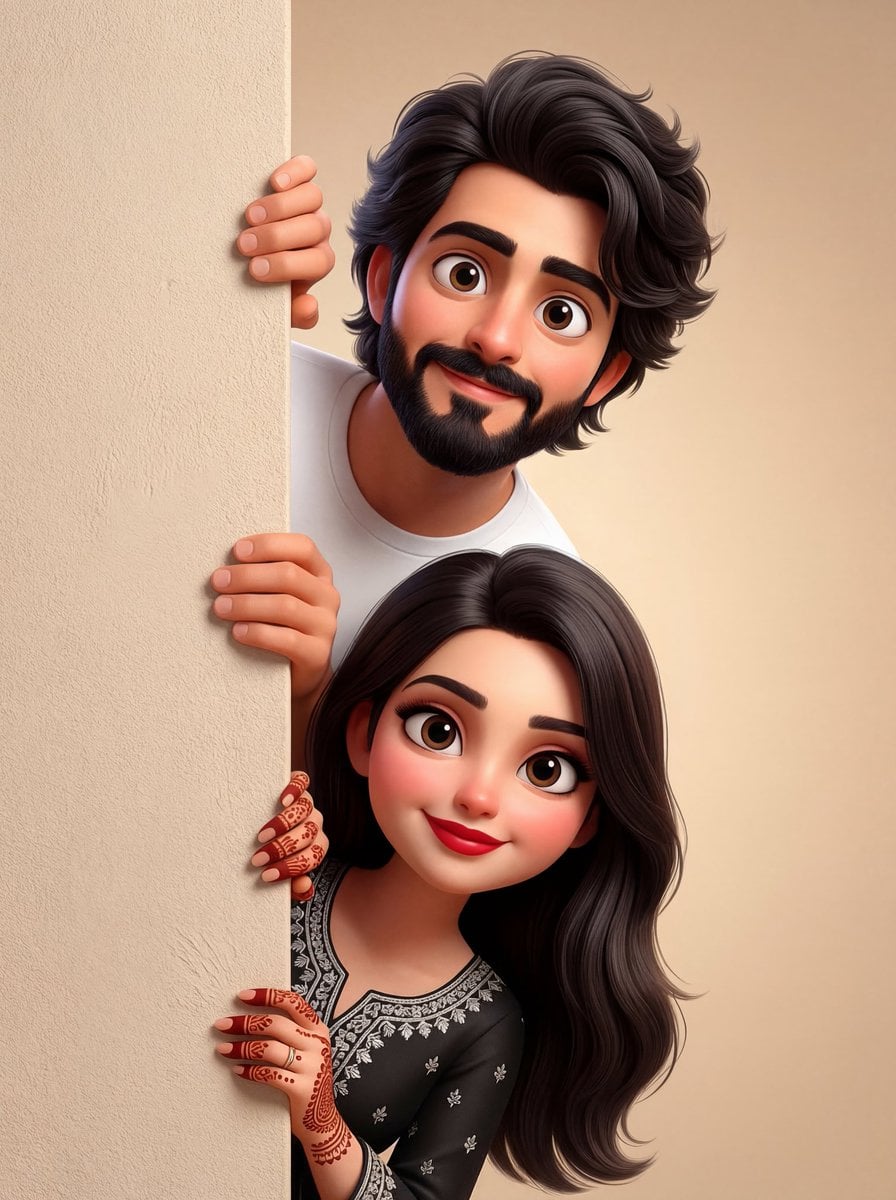
Toon Cartoon Rooftop Concert
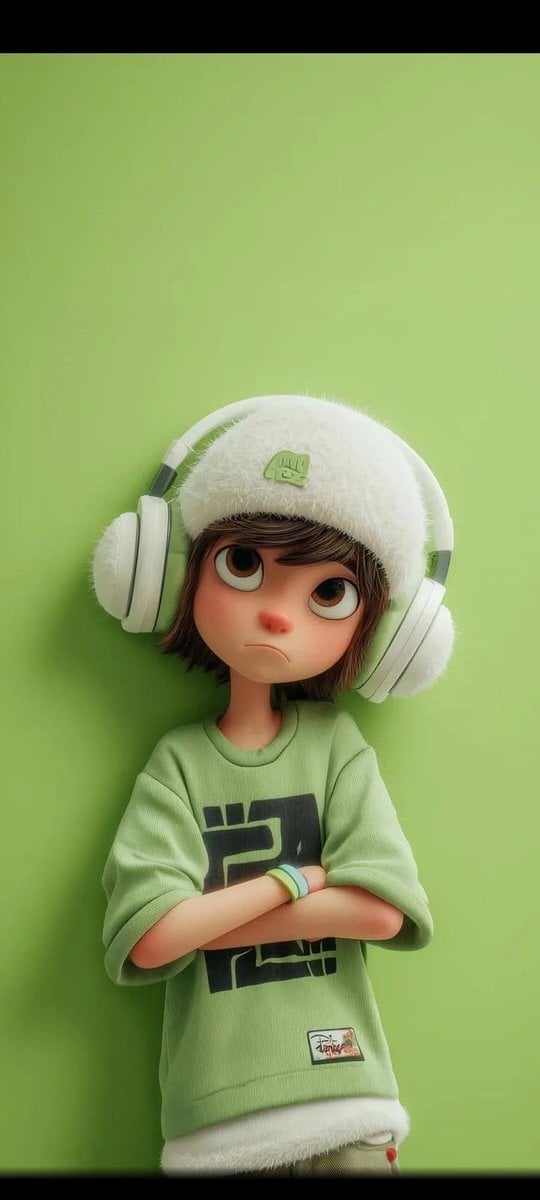
Toon Cartoon Kitchen Chaos
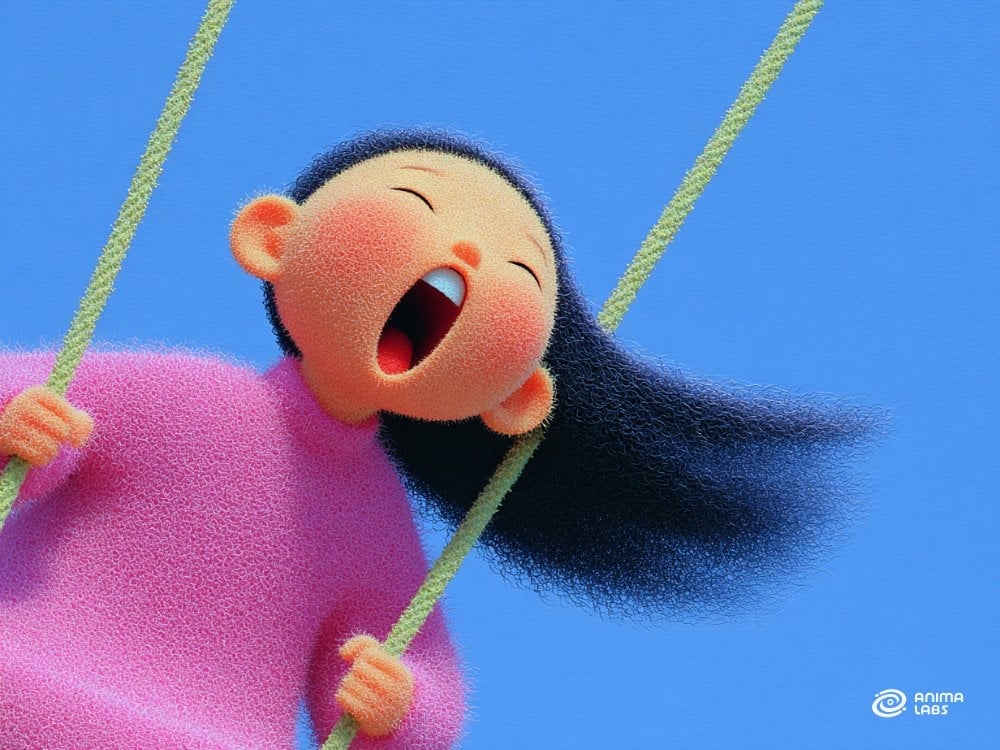
Toon Cartoon Carnival Ride
Toon Cartoon Rainy Bus Stop
Toon Cartoon Space Dock
Toon Cartoon Cafe Morning
Toon Cartoon Street Festival
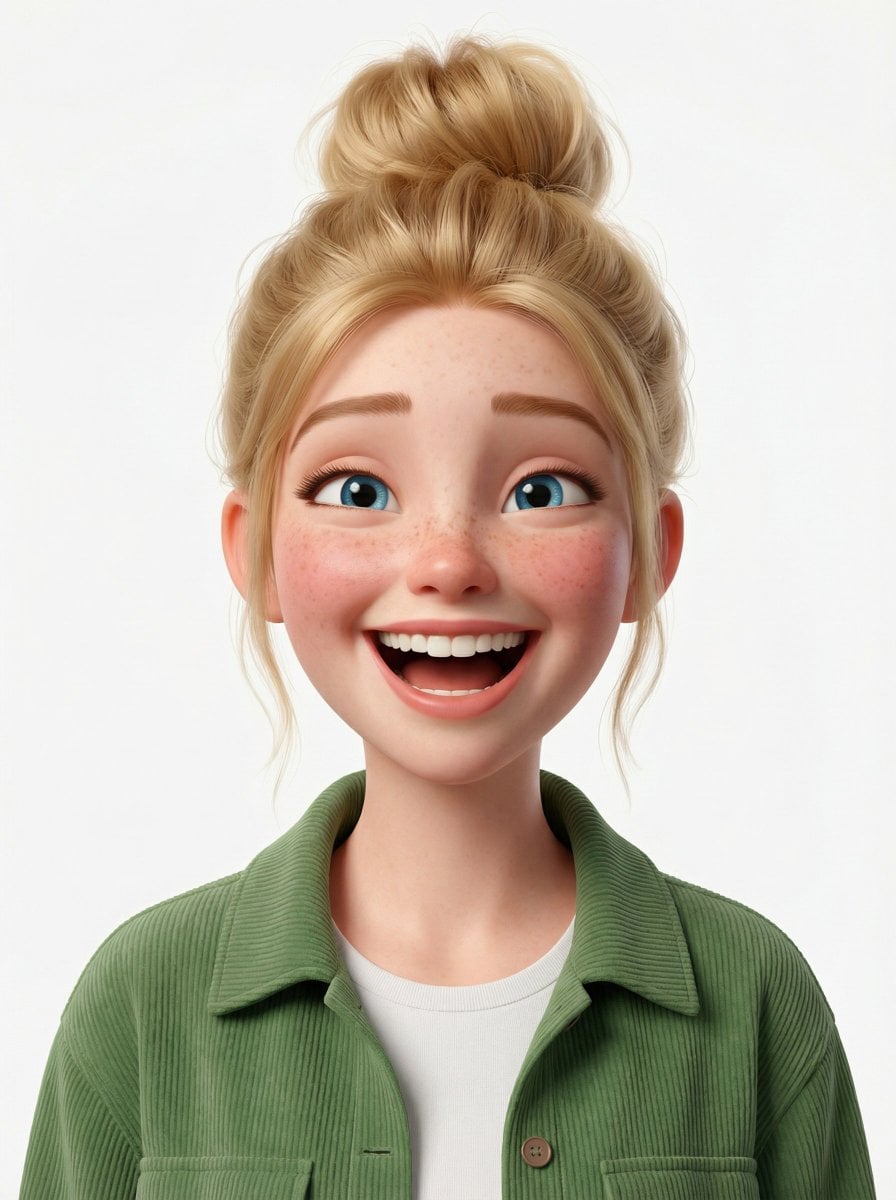
Toon Cartoon Ballroom Dance
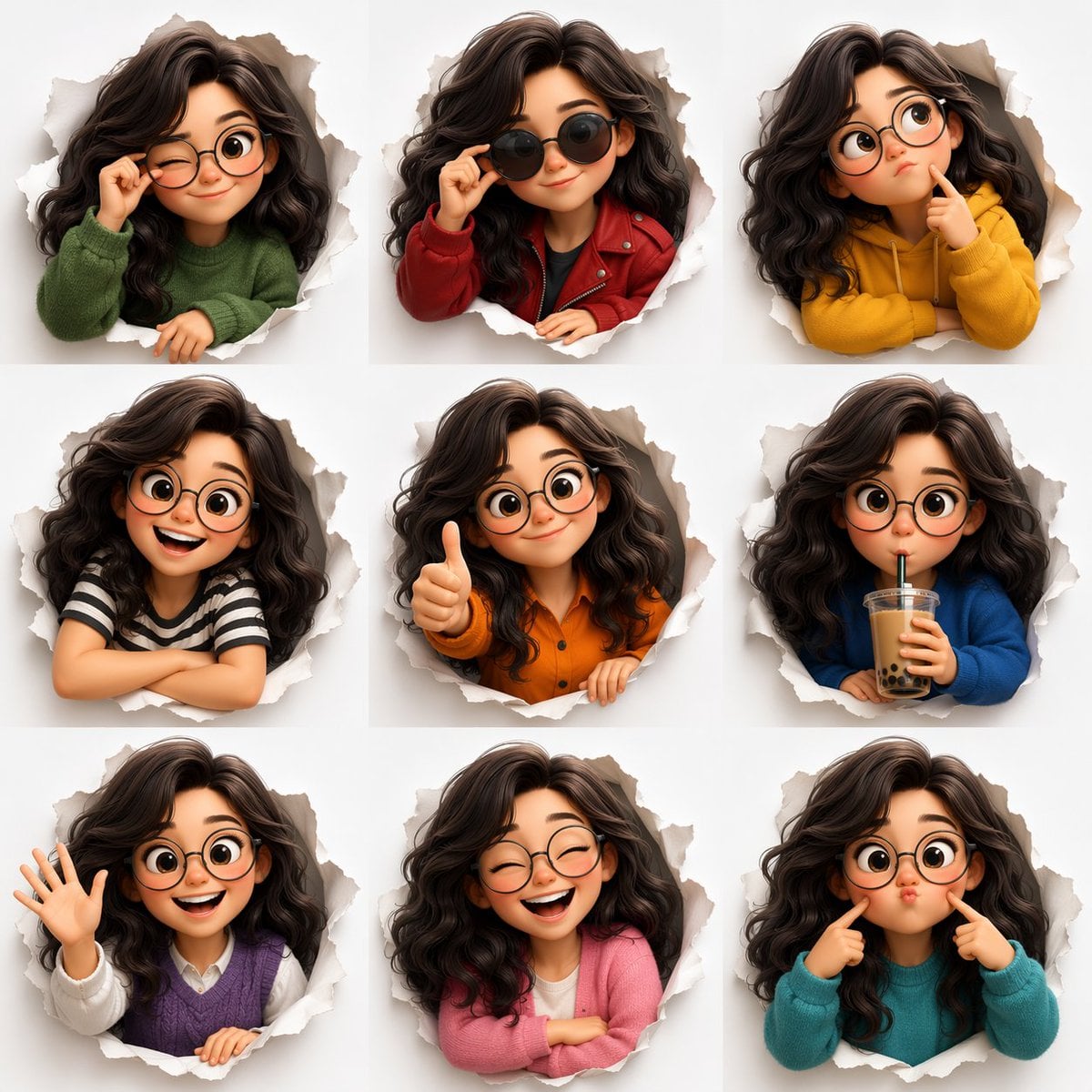
Toon Cartoon Robot Workshop
Make it yours
Punk Cartoon Character Sheet works as-is. These are the safest ways to change it without losing the look.
Change one field
Copy a single group, rewrite it, and generate again so you can see what that field is doing.
Keep the frame, change the subject
Hold the composition and light of Punk Cartoon Character Sheet, then swap wardrobe, props or the person for a new take.
| If the result… | Why | Fix |
|---|---|---|
| The result drifts from the preview | Too many fields changed at once. | Reuse Punk Cartoon Character Sheet as-is first, then change one group — subject, light, or setting. |
| The model over-stylizes the scene | The prose prompt leaves finish and camera underspecified. | Add one camera or lighting sentence and stay on GPT Image 2. |
More GPT Image 2 templates
Other prompts made for GPT Image 2.

Six VTuber Japanese Logo Sheet

Realistic Portrait of Woman and Deer

The Vista Modular Condo Poster

AI Model Routing Comparison Infographic

2.5D Anime Art Board

Isometric Productivity Desk Scene

New York Double Exposure Poster

Four-Panel AI Landscape Comparison

Japanese Tatami Lifestyle Magazine Cover

NESCAFÉ Coffee Map Poster
More image prompts
Fresh picks from across the catalog.
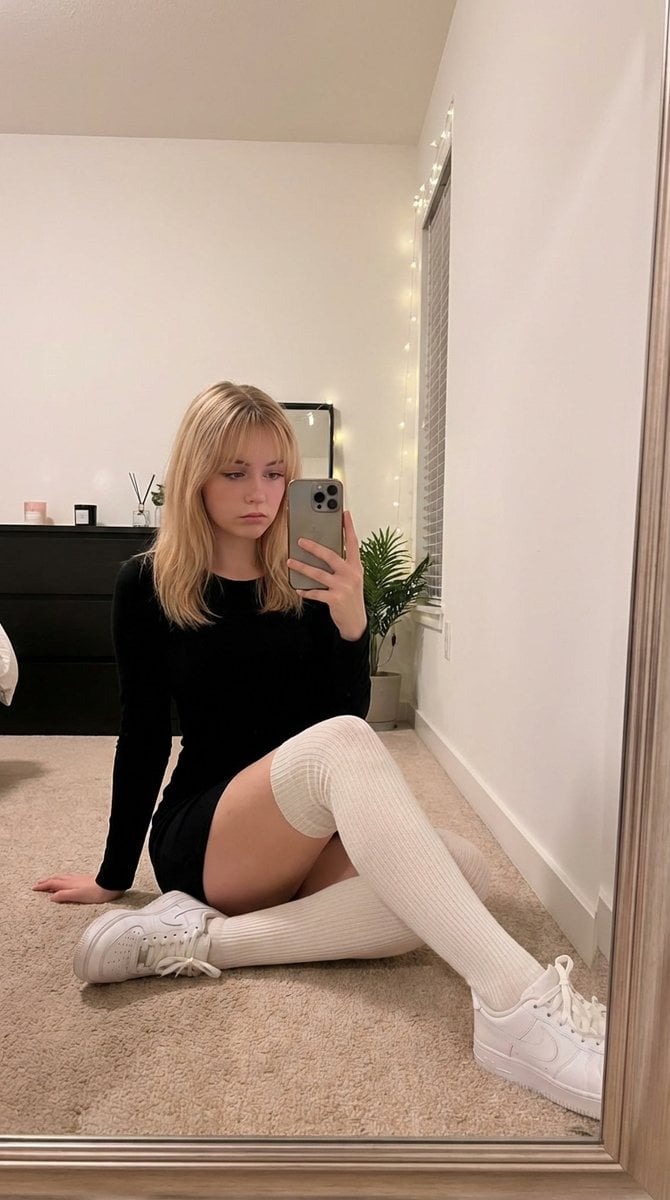
Candid Mirror Selfie in Soft Aesthetic Bedroom
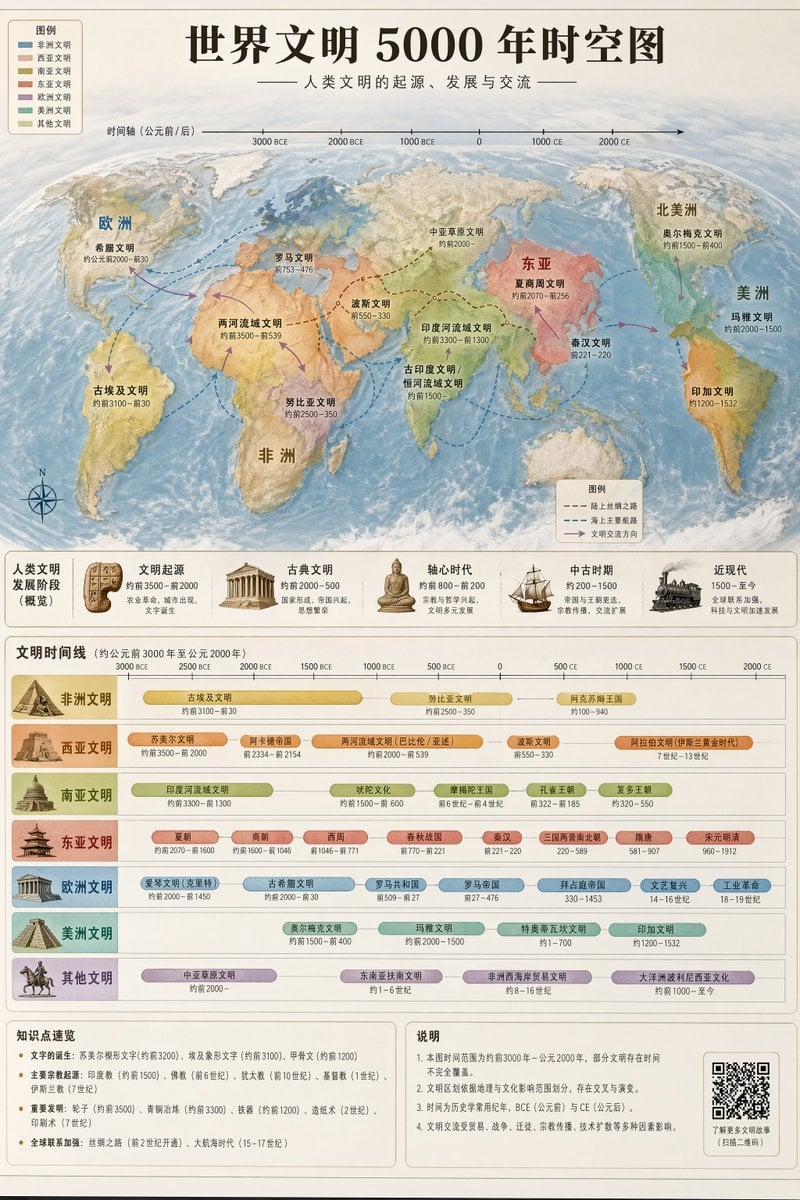
World Civilization Spatiotemporal Map

Business Presentation Icon Set
Miniature Girl Sitting on Coffee Cups
Minimalist Studio Fashion Portrait Prompt
Storyboard from childhood photo
Cinematic Photoreal Portrait in a Forest Stream (Pocahontas Inspired)
Realistic Photography of a Woman at a Fairytale Castle
Porsche 911 GT3 RS Motorsport Poster
Urban Night Cinematic Fashion Portrait Prompt
Browse template categories
Punk Cartoon Character Sheet questions
How do I use the Punk Cartoon Character Sheet template?
Add your photo if the template asks for one, edit the prompt if you like — the template's model and format are already selected — and press Generate. Your version opens in PicX Studio.
Can I customize the Punk Cartoon Character Sheet template?
Yes. You can change the subject, setting, lighting, mood, format, and available model controls before creating your image.
Is the Punk Cartoon Character Sheet template free?
Opening and editing this template is free. Generating uses credits, shown on the Generate button when you are signed in.
Which AI model should I use?
Start with GPT Image 2, which is the model associated with this template. You can compare another compatible model for a different finish.
Looking for something else? Browse all templates.

Your photo, any look
Thousands of ready templates for every top image and video model, from one credit balance.