
Find Kyle in a Seoul Market
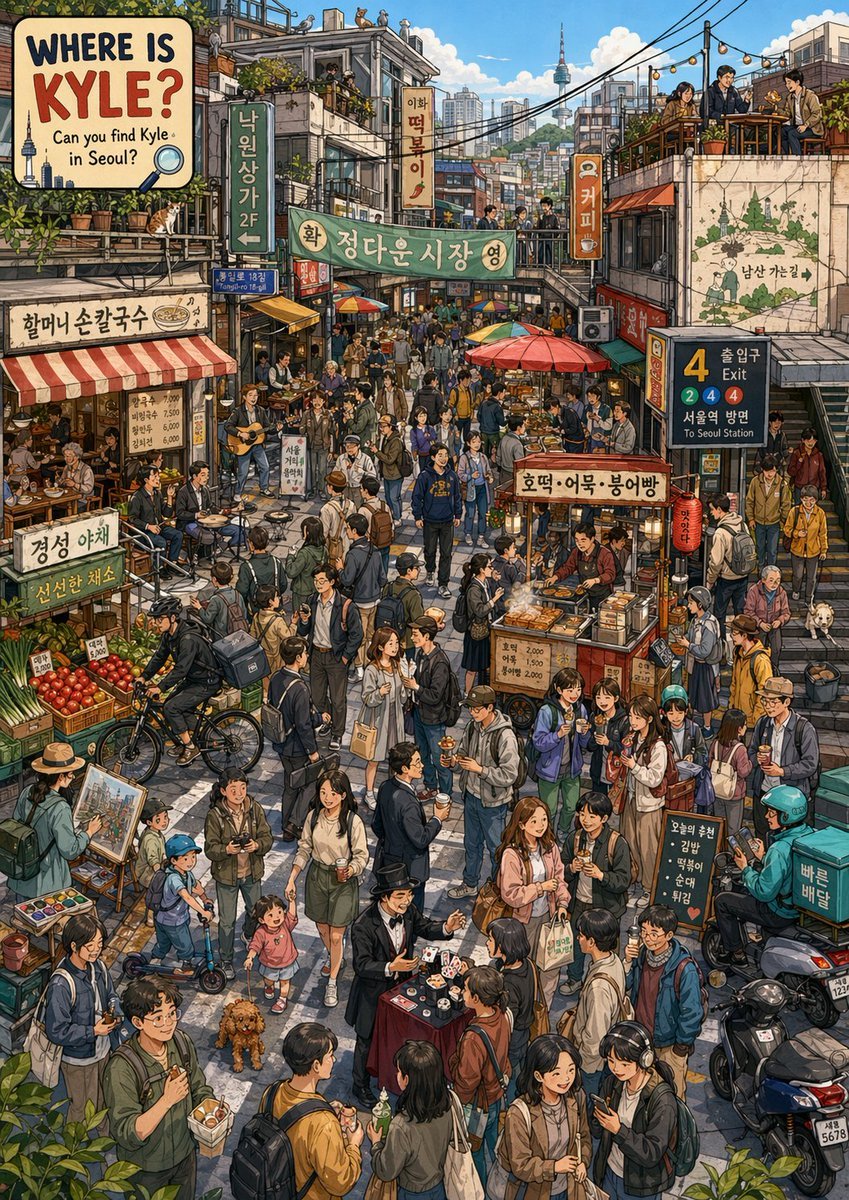
A dense search-and-find style illustration of a lively Seoul market street, ideal for posters, social media showcase images, or editorial travel artwork.
- Prompt included
- Model and format preset
- Free template
The prompt behind this image
Copy the exact prompt behind Find Kyle in a Seoul Market, or open it in the studio and make it yours.
A richly detailed vertical editorial travel illustration of a bustling Seoul market alley rendered in polished hand-drawn realism with warm cinematic lighting, dense urban storytelling, and highly legible signage. The scene is packed with a large crowd of pedestrians, shoppers, diners, street-food customers, musicians, and commuters in a narrow neighborhood market street, viewed from a slightly elevated eye level so the full alley feels layered and alive. At the top left, a large illustrated poster reads “WHERE IS {argument name="character name" default="KYLE"}?” with the subtitle “Can you find Kyle in Seoul?” in bold playful English typography, styled like a search-and-find book cover. The environment should clearly be Seoul, with a visible Namsan tower in the distant skyline, tangled overhead power lines, rooftop seating, stacked low-rise buildings, shop signs in Korean, and a subway entrance sign on the right showing line numbers 4, 2, 4, 4 and the bilingual text “서울역 방면 / To Seoul Station.” Include exactly 15 major visible signs or text panels: 1) the “WHERE IS {argument name="character name" default="KYLE"}?” poster, 2) “할머니 손칼국수”, 3) a hanging vertical sign “낙원상가 2F”, 4) a small blue street sign, 5) a vertical sign “이름 떡볶이”, 6) the large market arch sign “황진다운시장 영”, 7) a vertical orange sign “커피”, 8) a wall mural map with “남산 가는길”, 9) the subway sign with “출입구 4” and “서울역 방면 / To Seoul Station”, 10) the produce sign “경성 야채”, 11) the lower produce sign “신선한 채소”, 12) a handwritten busker sign, 13) the street-food cart sign “호떡·어묵·붕어빵”, 14) the menu board “오늘의 추천 김밥 떡볶이 순대 튀김”, and 15) the delivery box text “빠른 배달”. Populate the alley with exactly 8 vendor or activity zones: 1) a noodle restaurant at left under a red-and-white awning with seated diners, 2) a vegetable stall with stacked produce crates, 3) a busking duo with guitar and percussion, 4) a central street-food cart selling hotteok, fish cake, and bungeoppang, 5) a standing crowd eating snacks and holding cups, 6) a small magic performance table in the lower center with cards and cups, 7) a painter at an easel near the lower left, and 8) a scooter delivery cluster at the lower right. Add exactly 6 notable background accents: 1) rooftop diners on the upper right terrace, 2) a cat lounging on a roof ledge upper left, 3) colorful market umbrellas in the middle distance, 4) stairways and narrow side passages, 5) dense balconies and windows full of plants and people, and 6) the distant tower and skyline. The crowd should feel extremely varied in age and clothing, mostly casual contemporary Korean street fashion in jackets, hoodies, backpacks, skirts, slacks, and sneakers, with a few office workers and students. Hide a single subtly distinct person meant to be the findable target, {argument name="target outfit" default="a young man in a blue hoodie with yellow lettering"}, integrated naturally among the central crowd rather than spotlighted. Use a vibrant but grounded palette of brick red, teal, forest green, cream, mustard, asphalt gray, and sky blue. Emphasize intricate linework, readable Korean text, observational city details, lively human gestures, and the playful feel of a premium “Where’s Waldo?” style Seoul search poster. Aspect ratio 2:3.
How to use Find Kyle in a Seoul Market in 3 steps
- 1Upload ImagePNG, JPG or paste
Add your photo
Upload the photo the template builds on. The prompt, model and format are already set.
- 2…a portrait of your subject in softgolden-hour light, 85mm…
Personalize
Edit the subject and creative details for your destination.
- 3Generate
Generate
Press Generate — your image is created in PicX Studio, so you can compare it with the original and refine one variable at a time.
More like this
Templates with the same subject, style or setup. Open one to see its prompt.

Shocked Executives Find Pacifier
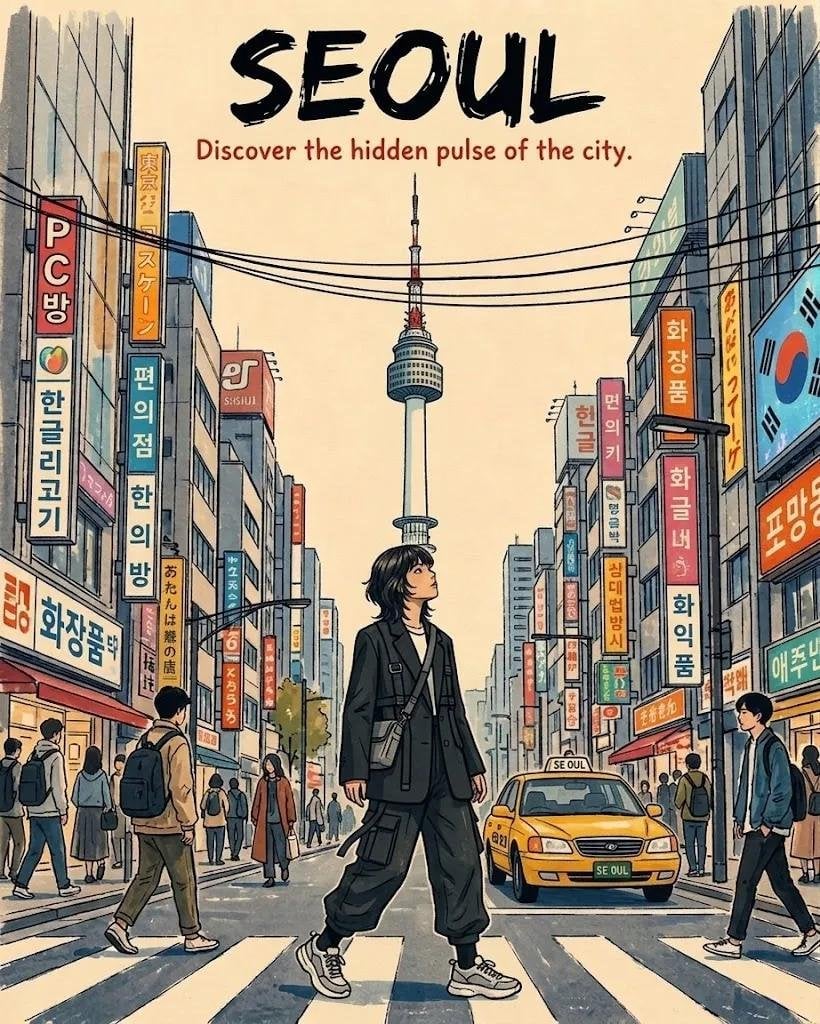
Seoul and Tokyo Retro Travel Poster
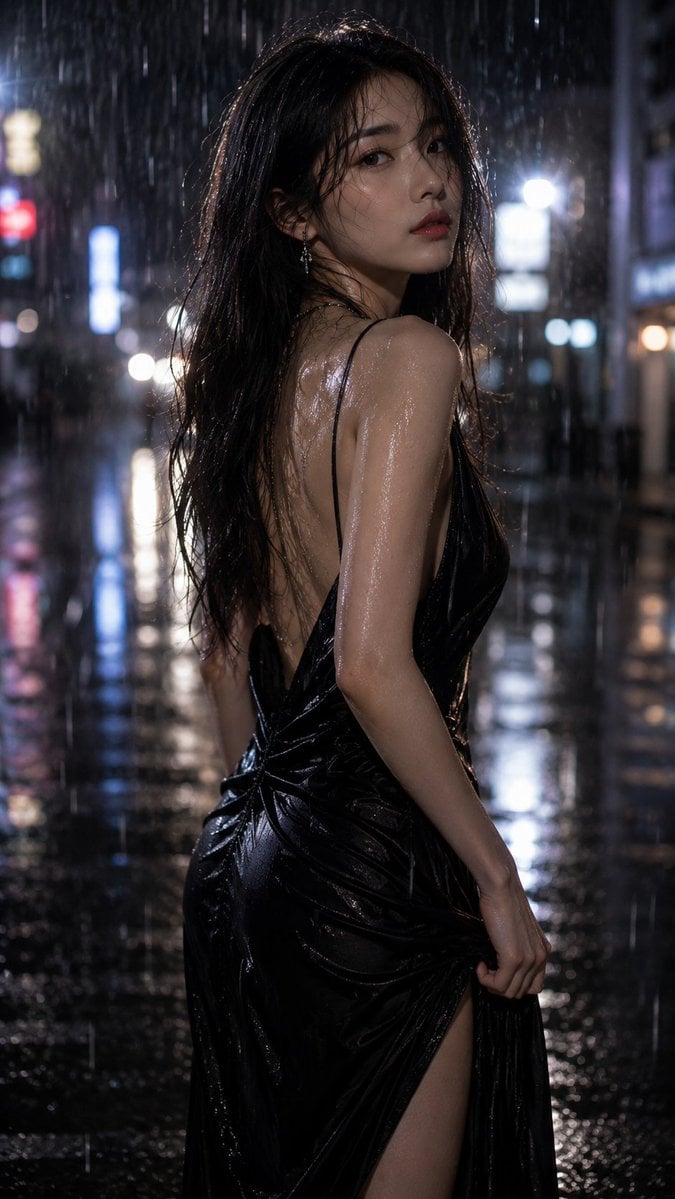
Rainy Seoul Night Fashion Portrait
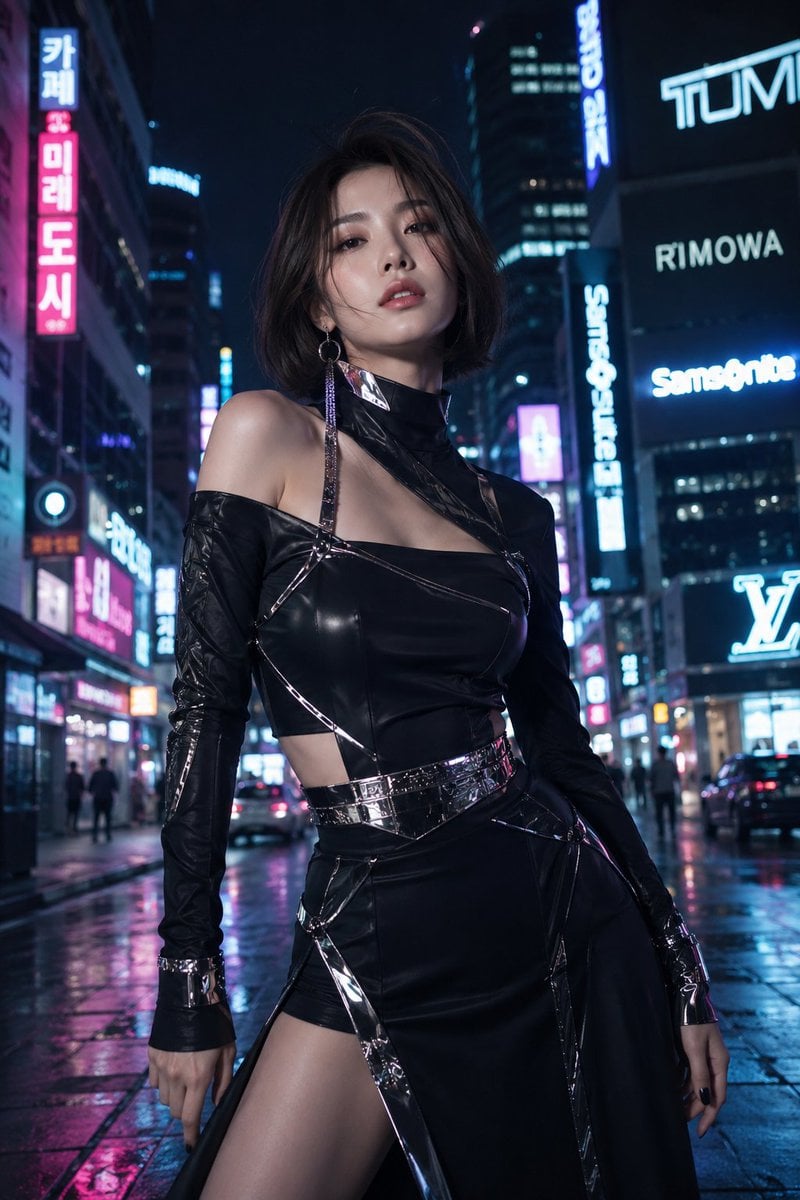
Futuristic Fashion in Neon Seoul

Close-Up Seoul Street Chat
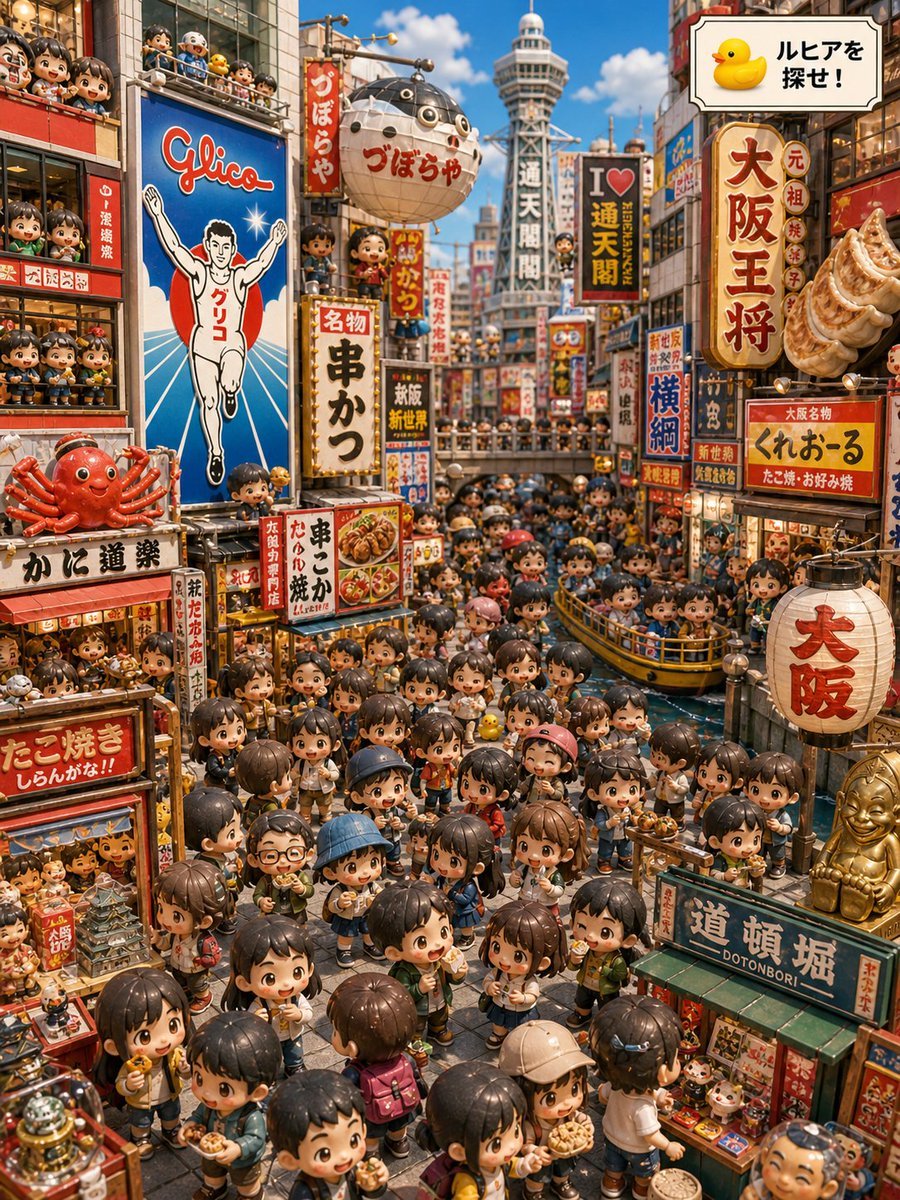
Osaka Chibi Find-the-Duck Diorama
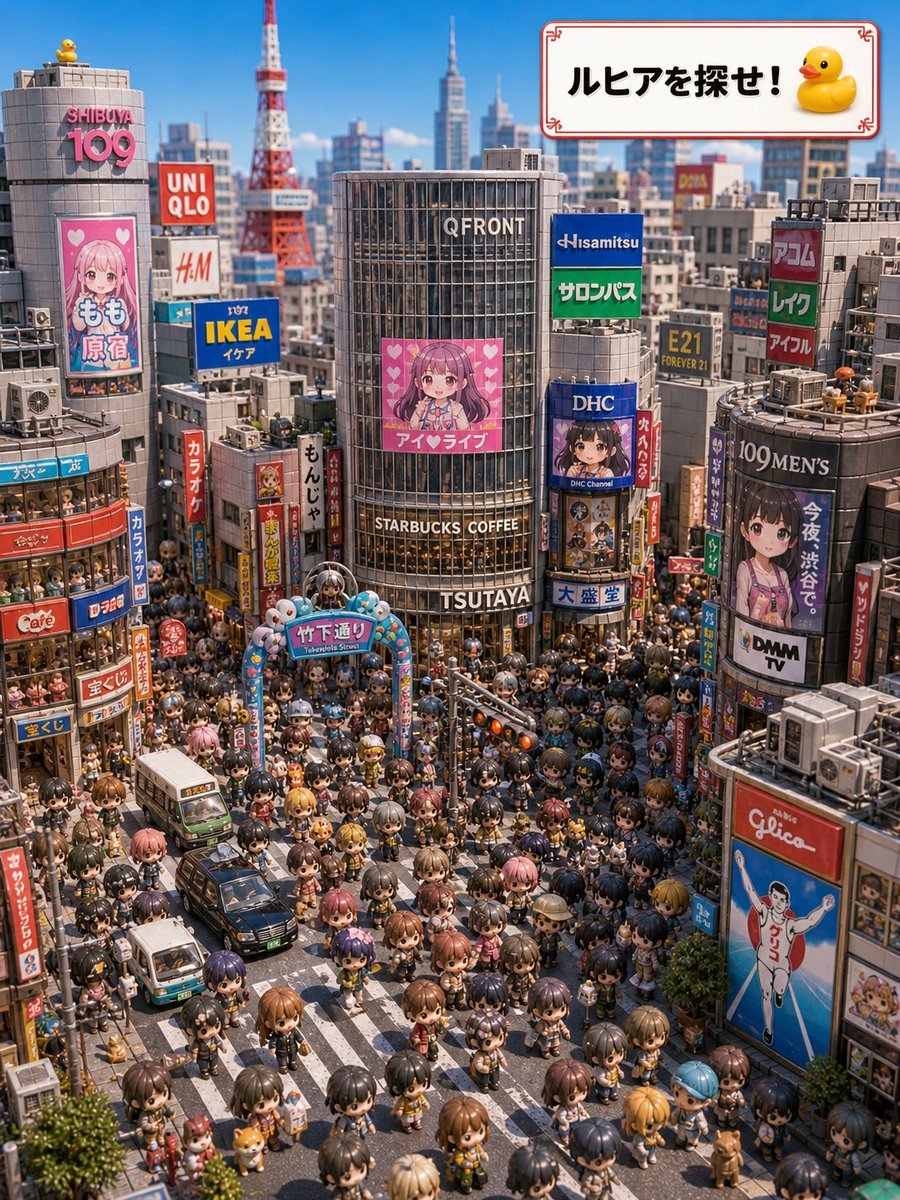
Find Ruhia in Shibuya
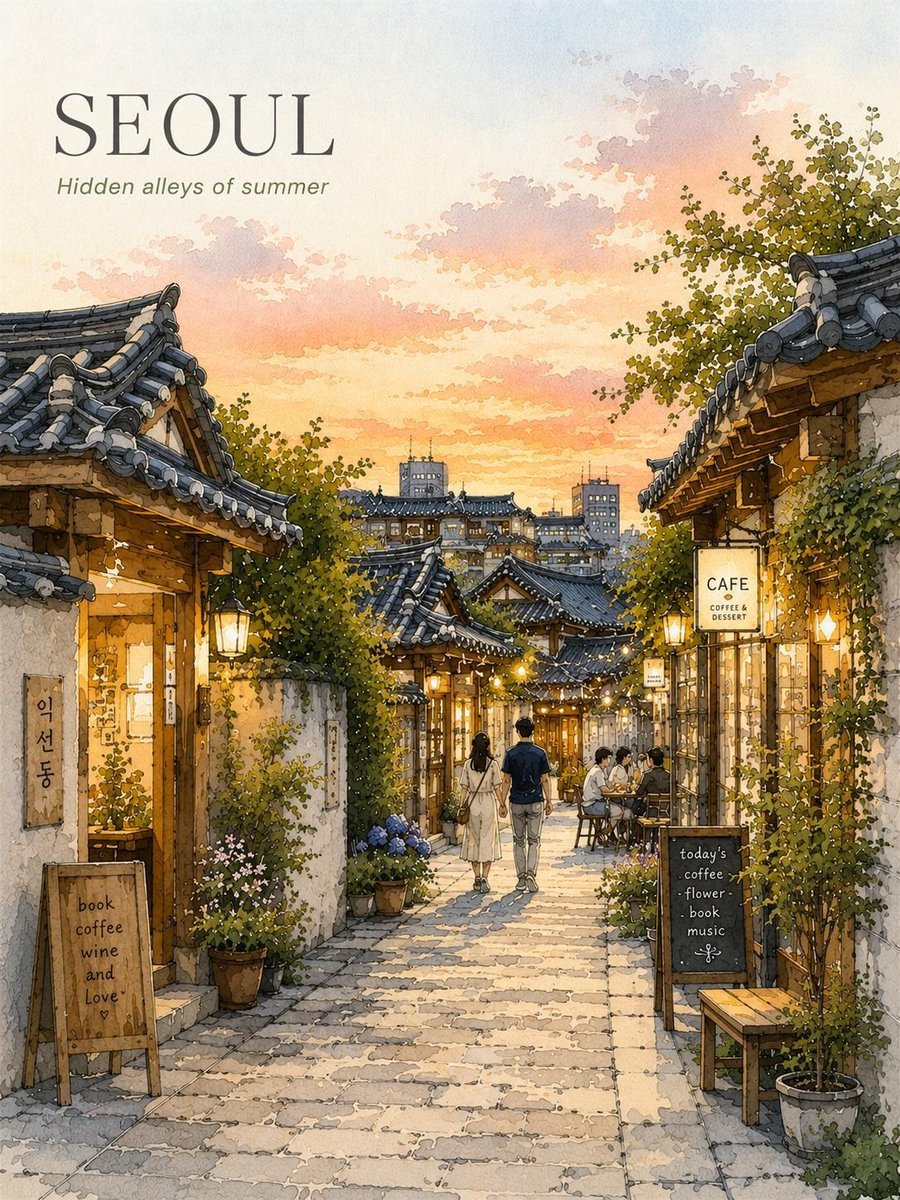
Seoul Watercolor Travel Poster
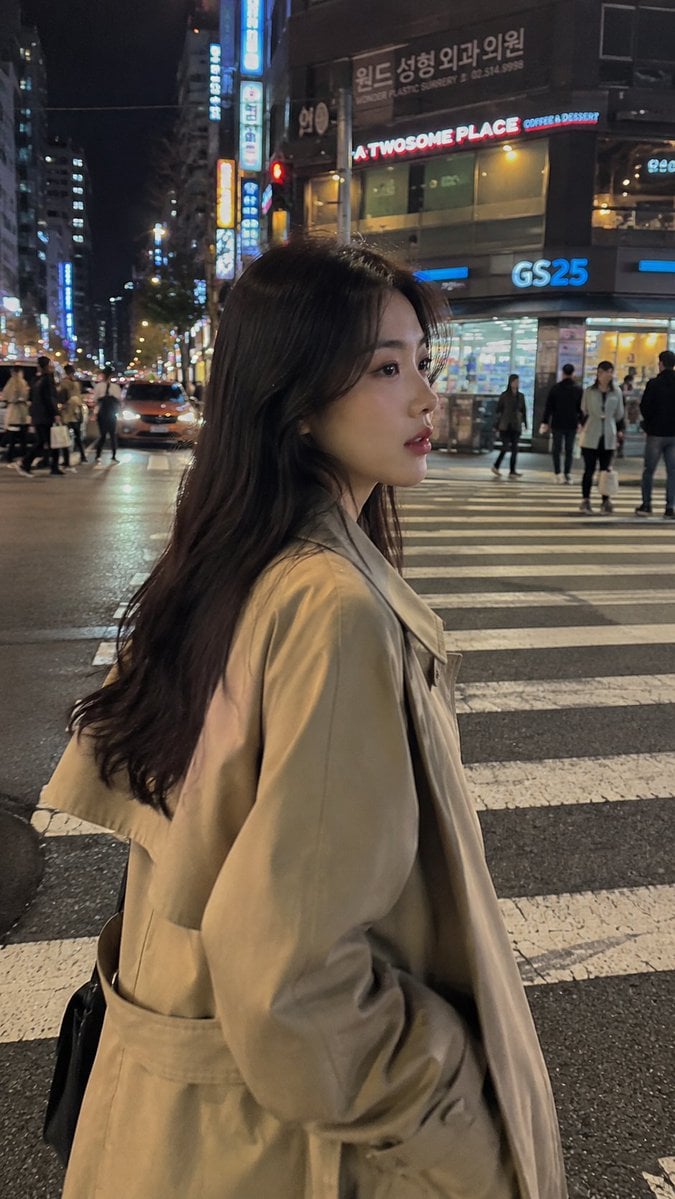
Seoul Night Street Photography
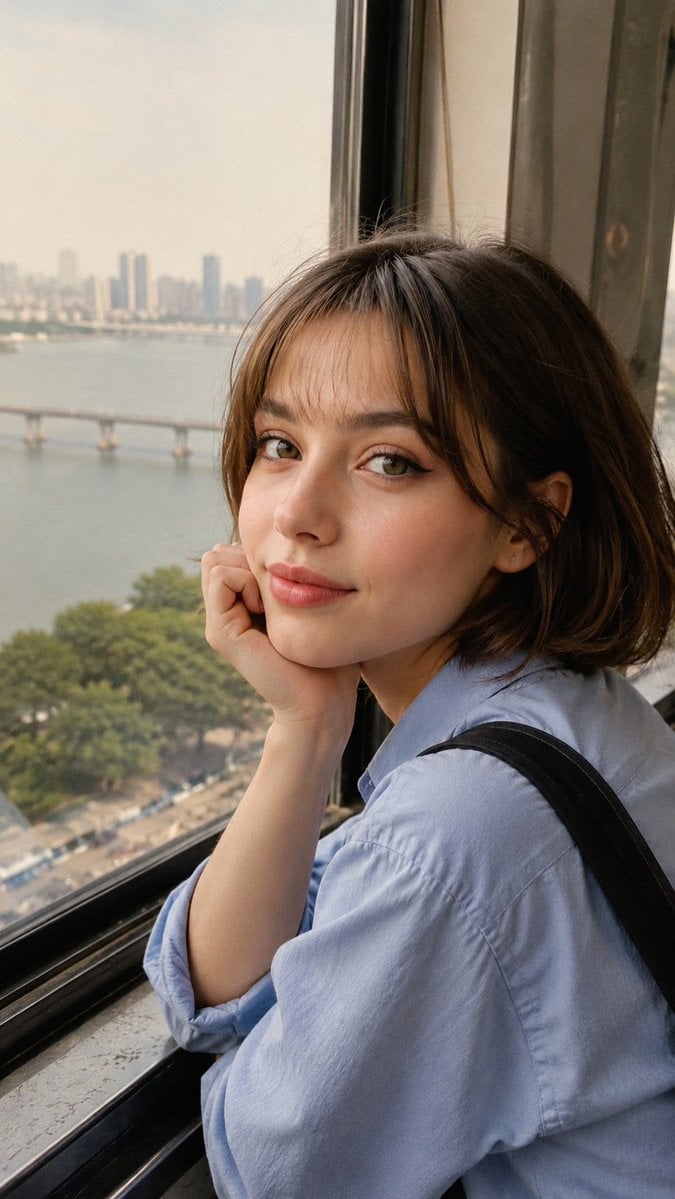
Candid Travel Portrait in Seoul
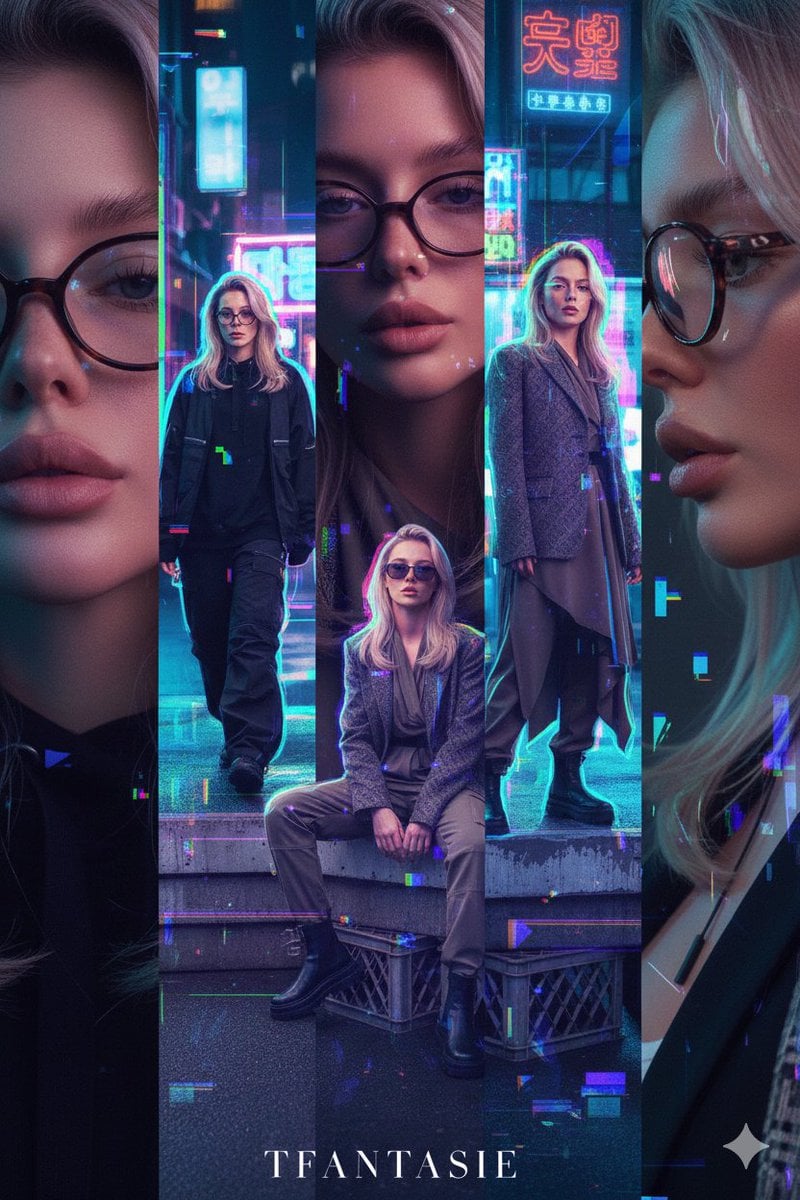
Asymmetric Five-Frame Editorial Spread: Seoul Streetwear/Tokyo Avant-Garde

Moonlit Fox Mask Night Market
Make it yours
Find Kyle in a Seoul Market works as-is. These are the safest ways to change it without losing the look.
Change one field
Copy a single group, rewrite it, and generate again so you can see what that field is doing.
Keep the frame, change the subject
Hold the composition and light of Find Kyle in a Seoul Market, then swap wardrobe, props or the person for a new take.
| If the result… | Why | Fix |
|---|---|---|
| The result drifts from the preview | Too many fields changed at once. | Reuse Find Kyle in a Seoul Market as-is first, then change one group — subject, light, or setting. |
| The model over-stylizes the scene | The prose prompt leaves finish and camera underspecified. | Add one camera or lighting sentence and stay on GPT Image 2. |
More GPT Image 2 templates
Other prompts made for GPT Image 2.

Six VTuber Japanese Logo Sheet

Realistic Portrait of Woman and Deer

The Vista Modular Condo Poster

AI Model Routing Comparison Infographic

2.5D Anime Art Board

Isometric Productivity Desk Scene

New York Double Exposure Poster

Four-Panel AI Landscape Comparison

Japanese Tatami Lifestyle Magazine Cover

NESCAFÉ Coffee Map Poster
More image prompts
Fresh picks from across the catalog.
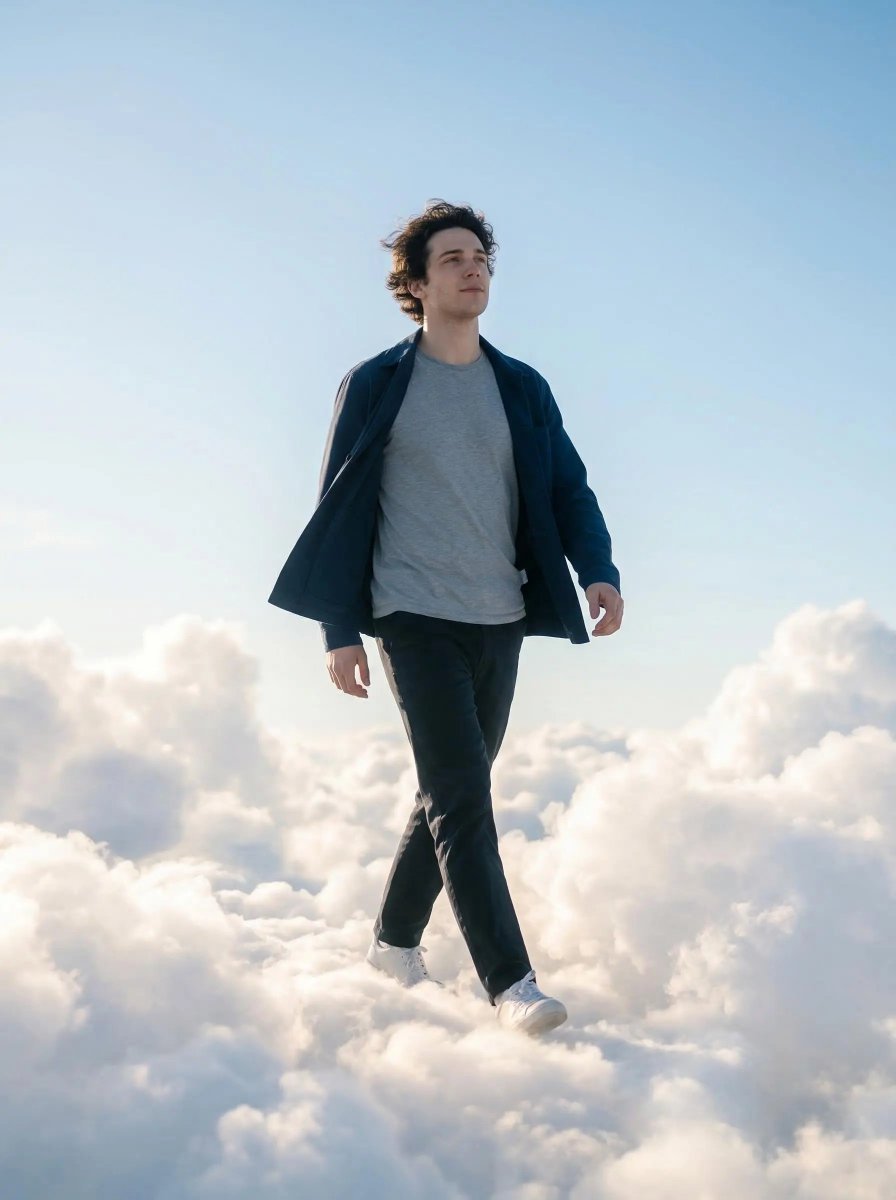
Dreamy Cinematic Cloud Walk Prompt for Nano Banana 2

Luxury Fashion Throne Portrait
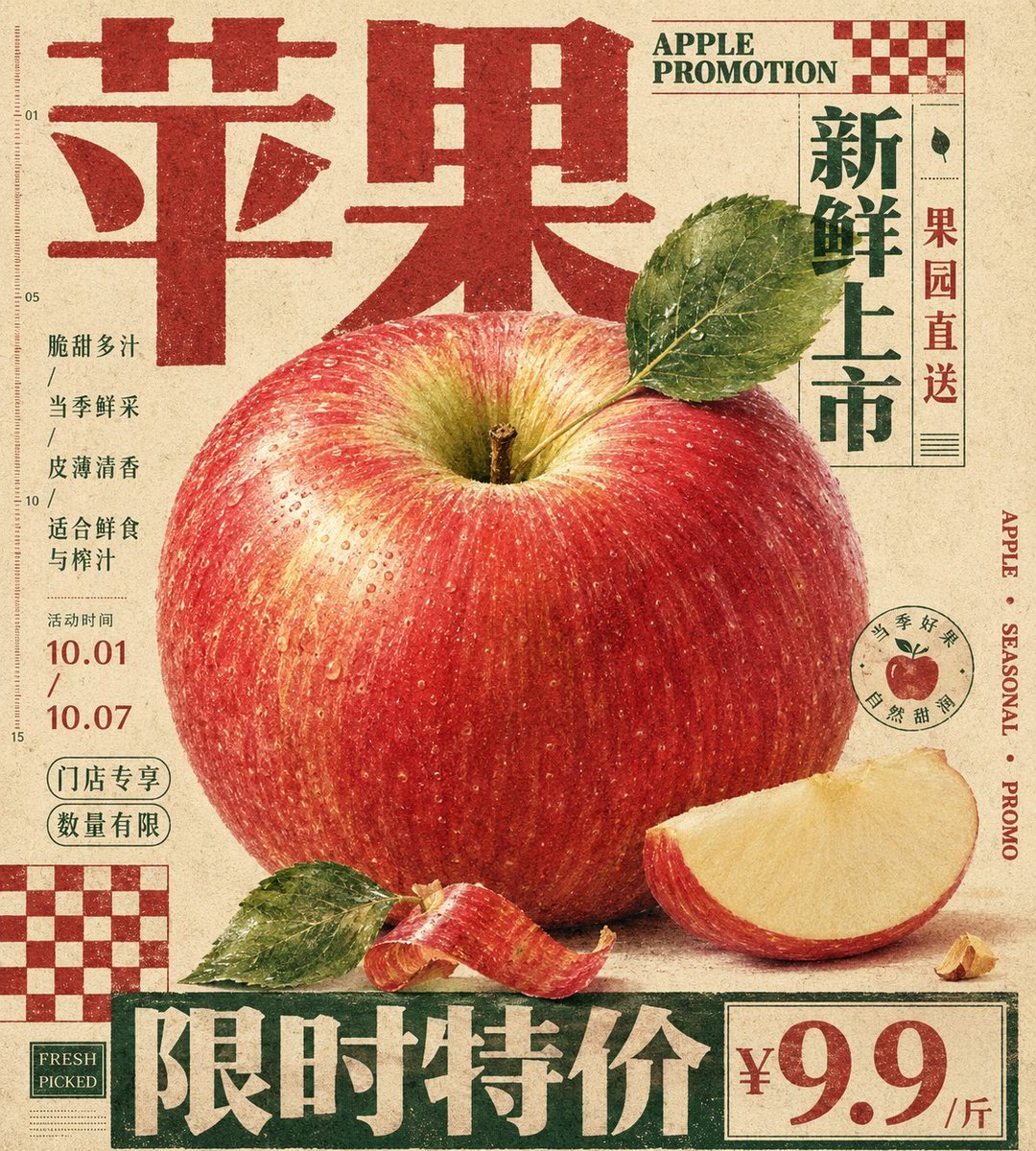
Vintage Tactile Print Poster
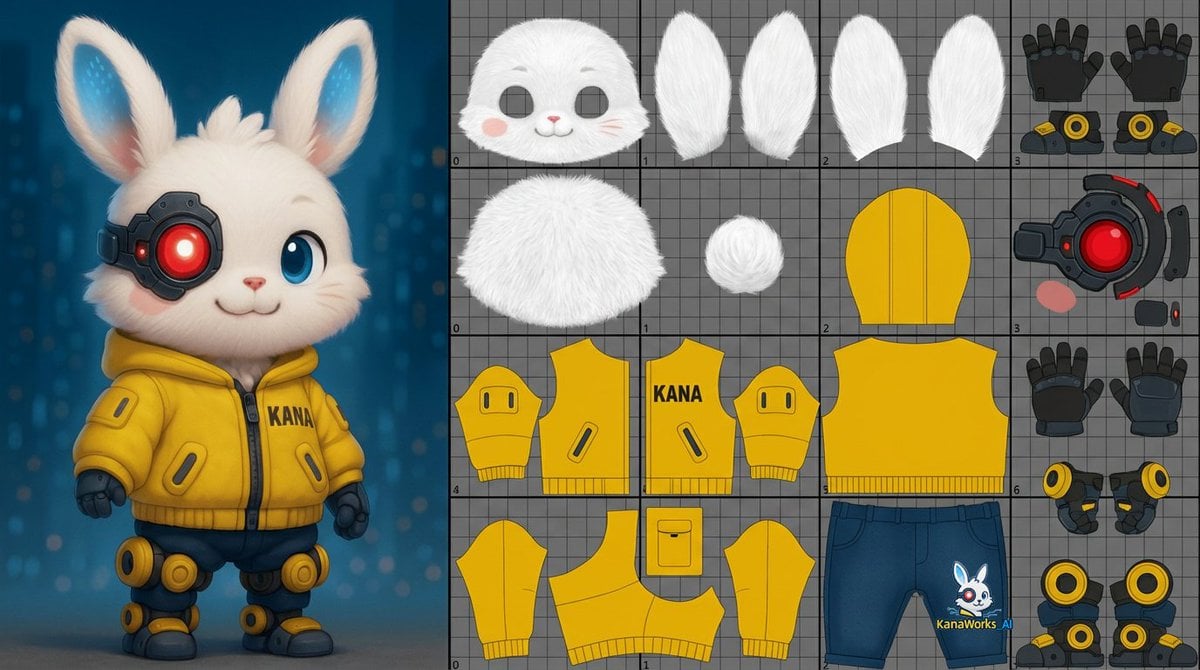
Prompt for UV Unwrapping a 3D Model
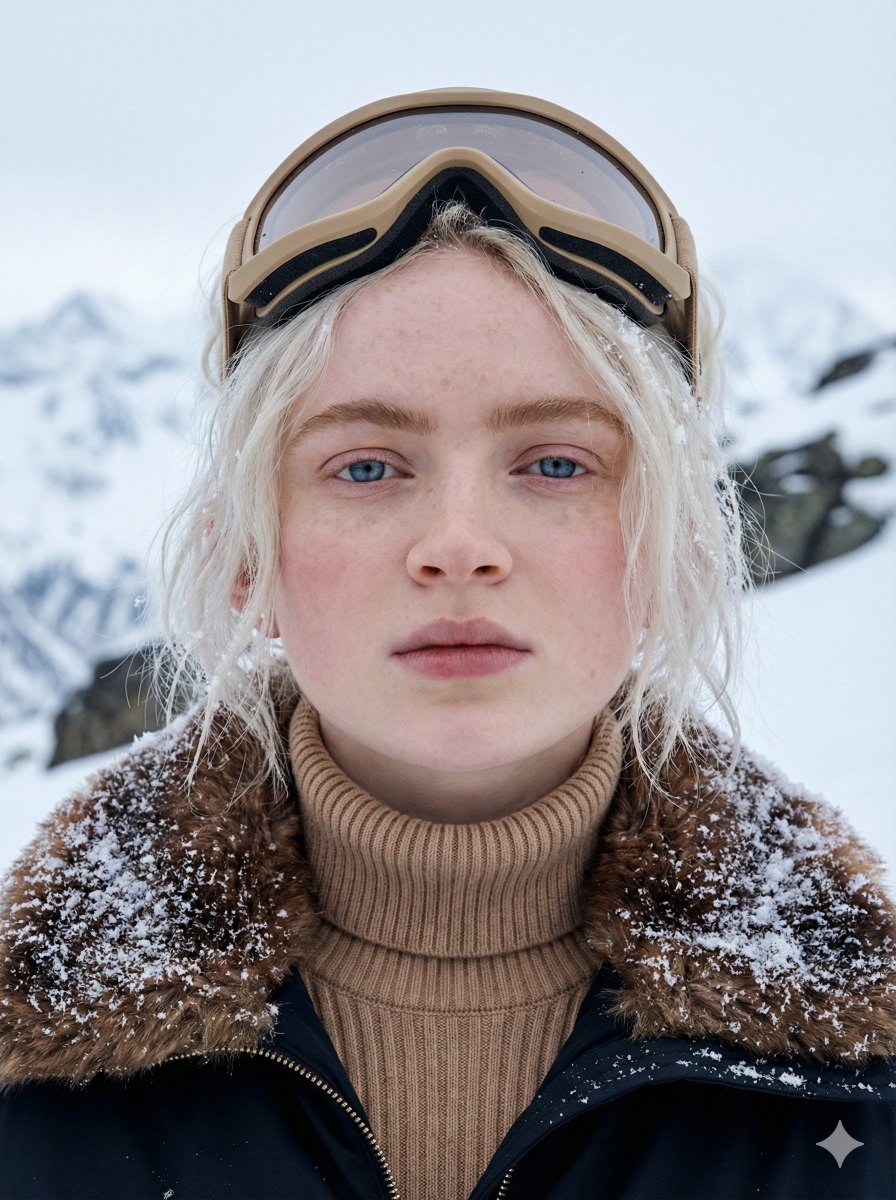
Cinematic Close-up Portrait in Alpine Environment
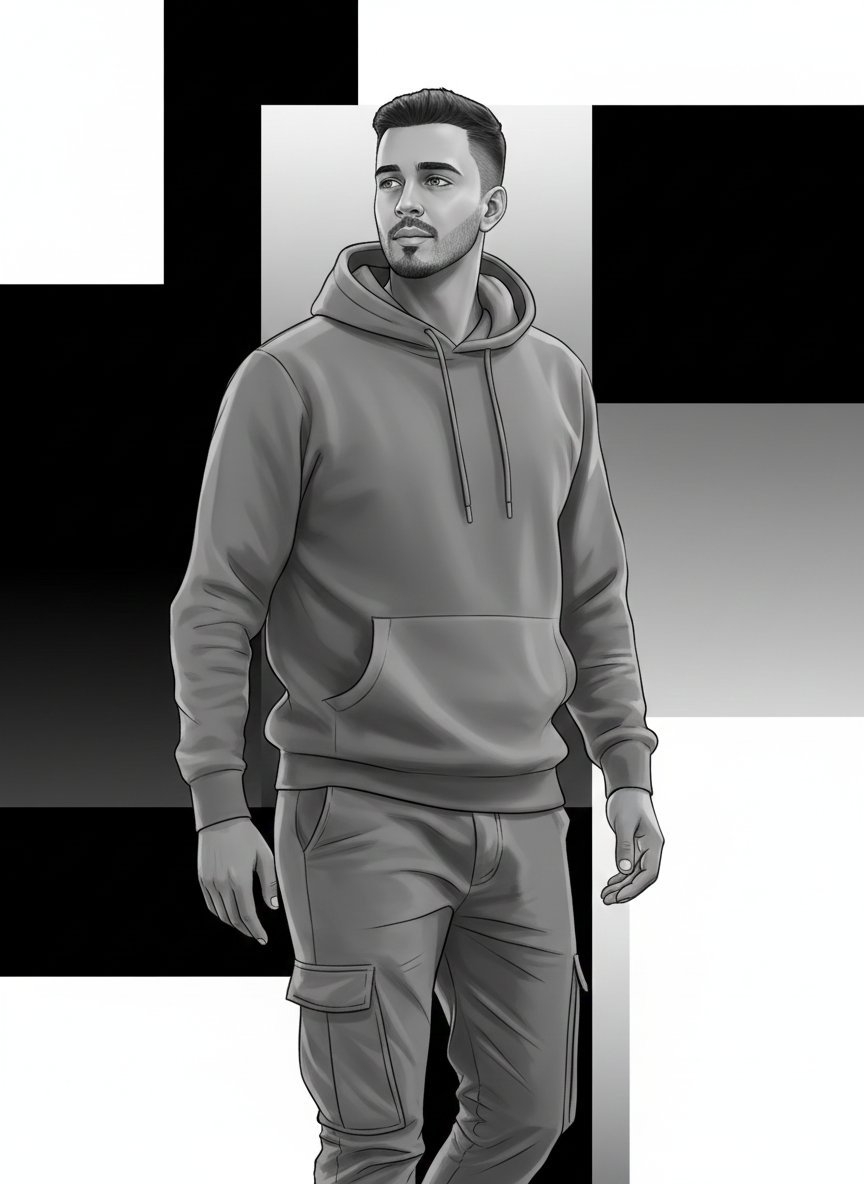
High-Fashion Monochrome Vector Illustration Prompt
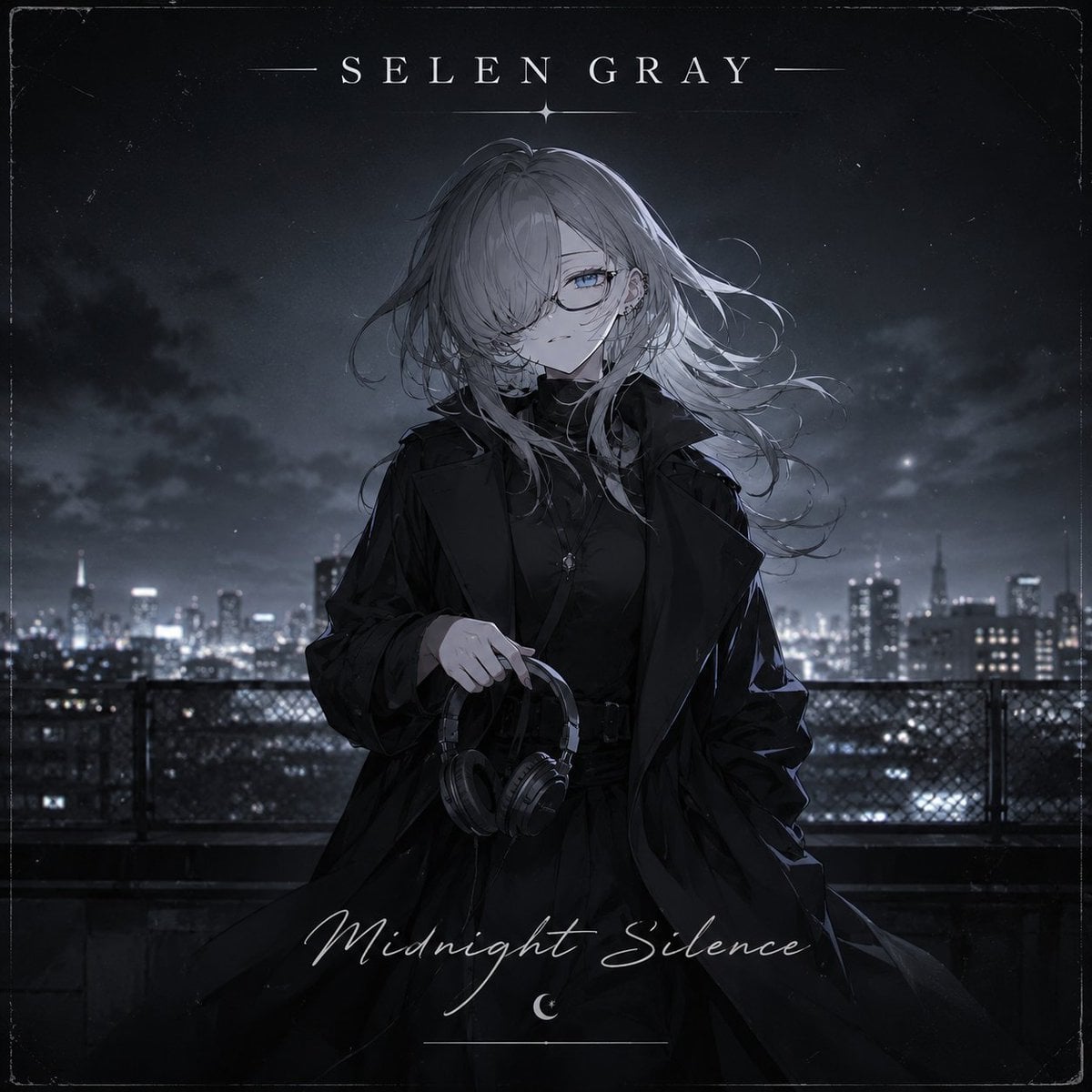
Midnight Anime Album Cover
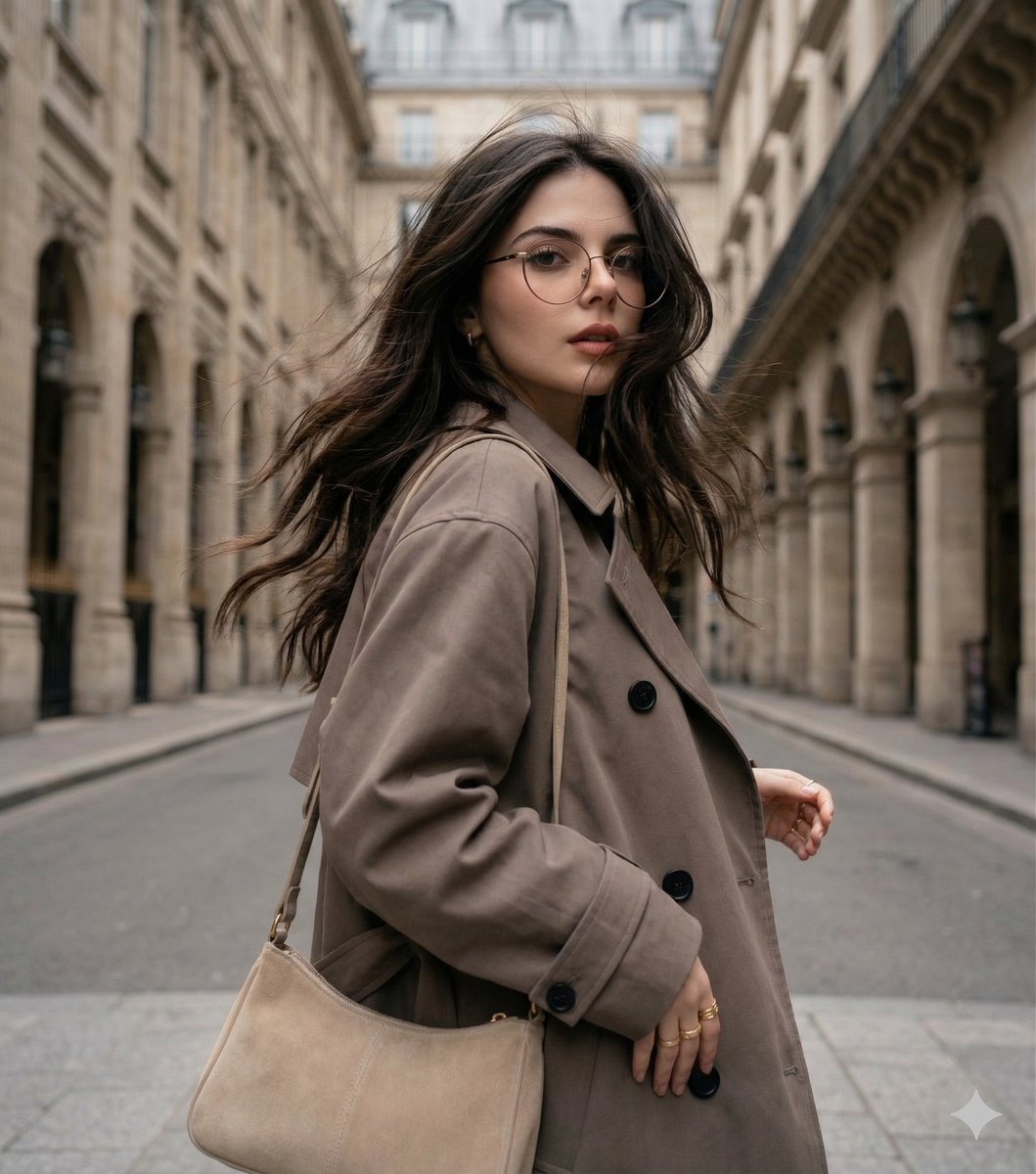
Windswept woman in a trench coat in a European street

Cinematic high-fashion portrait with Chiaroscuro lighting
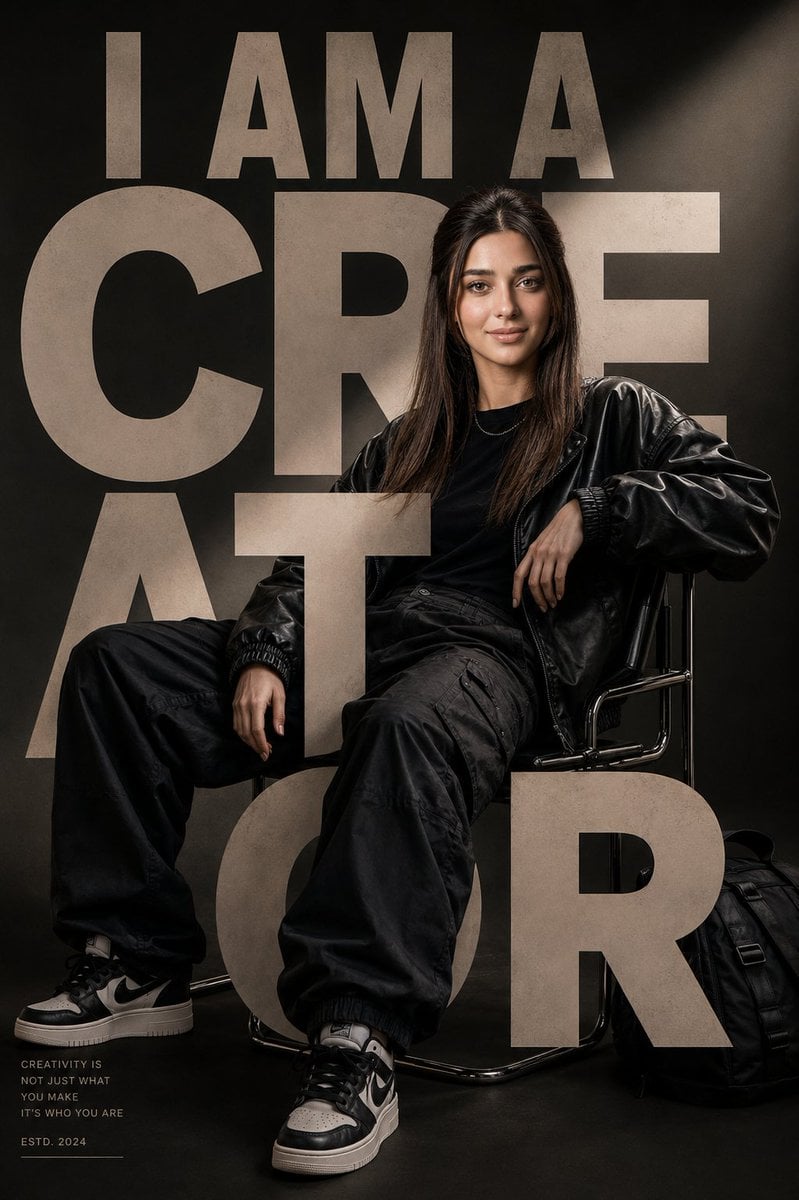
Luxury Streetwear Editorial Poster
Browse template categories
Find Kyle in a Seoul Market questions
How do I use the Find Kyle in a Seoul Market template?
Add your photo if the template asks for one, edit the prompt if you like — the template's model and format are already selected — and press Generate. Your version opens in PicX Studio.
Can I customize the Find Kyle in a Seoul Market template?
Yes. You can change the subject, setting, lighting, mood, format, and available model controls before creating your image.
Is the Find Kyle in a Seoul Market template free?
Opening and editing this template is free. Generating uses credits, shown on the Generate button when you are signed in.
Which AI model should I use?
Start with GPT Image 2, which is the model associated with this template. You can compare another compatible model for a different finish.
Looking for something else? Browse all templates.

Your photo, any look
Thousands of ready templates for every top image and video model, from one credit balance.