
Midnight Anime Album Cover
Generates a moody square anime album jacket featuring a silver-haired gothic heroine against a nocturnal city skyline.
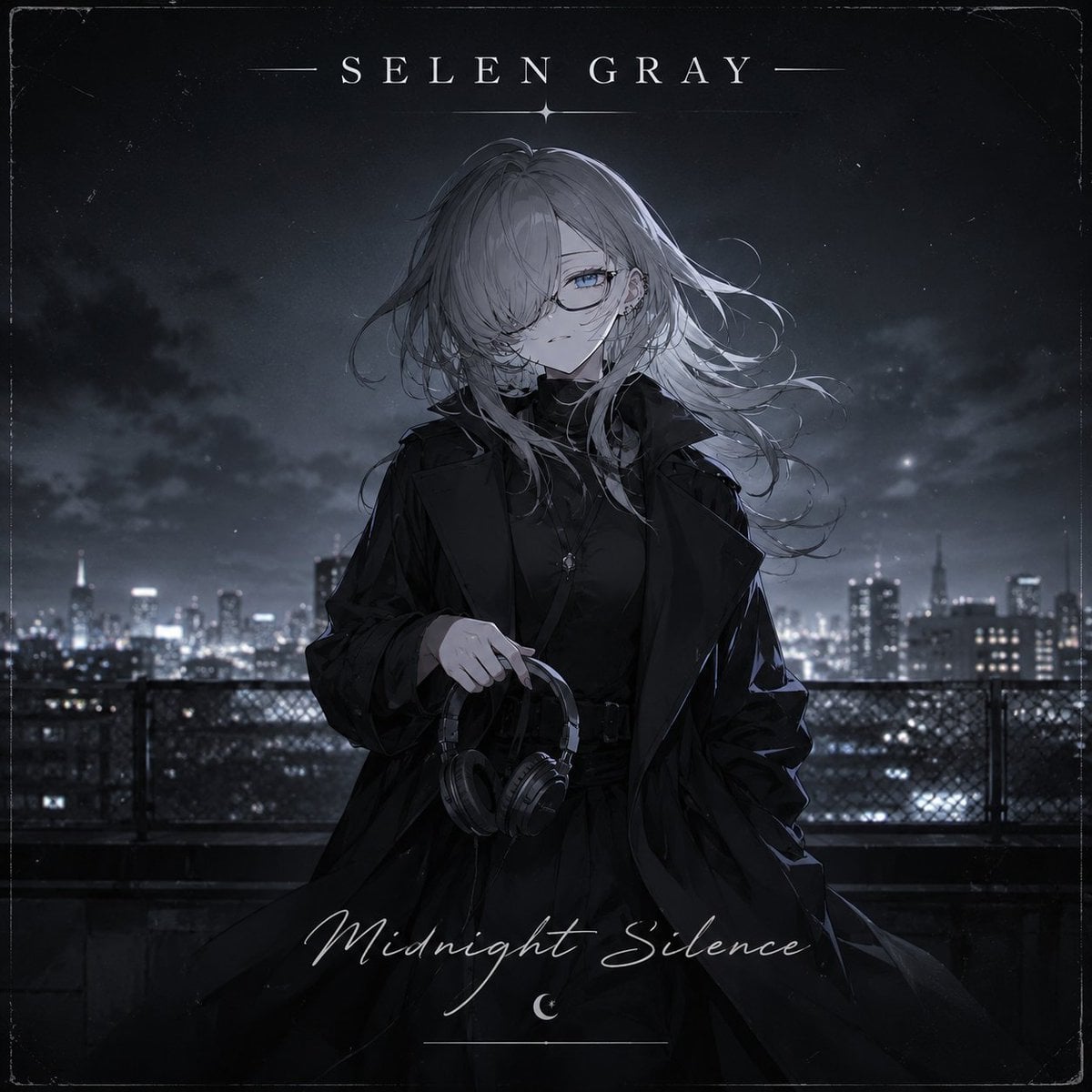
- Prompt included
- Model and format preset
- Premium template
The prompt behind this image
Copy the exact prompt behind Midnight Anime Album Cover, or open it in the studio and make it yours.
Create a square dark anime-style music album cover featuring an original character named {argument name="character name" default="SELEN GRAY"}. Center a pale, elegant young woman with long windblown {argument name="hair color" default="silver-gray"} hair partially covering one eye, cool blue eyes behind thin glasses, and a calm melancholic expression. She wears an all-black gothic streetwear outfit: high-neck top, long oversized trench coat, layered dark skirt or dress, belt details, and a small cross pendant; one hand holds black over-ear headphones by the headband at waist level. Set her on a rooftop or balcony at night with a blurred modern city skyline full of glowing windows behind her, faint clouds, atmospheric haze, and cold moonlit blue-gray lighting. Use a monochrome black, charcoal, and desaturated blue palette with subtle silver highlights, cinematic contrast, delicate linework, painterly anime rendering, and a lonely nocturnal mood. Add album-cover typography: at the top, widely spaced serif uppercase text reading {argument name="artist name text" default="SELEN GRAY"} with thin horizontal divider lines and a small star-like mark beneath; at the bottom, elegant handwritten script reading {argument name="album title text" default="Midnight Silence"}, with a small crescent moon icon below and a thin underline. Include a worn vintage record-sleeve border with scratches, dust specks, faint film grain, scuffed corners, and slightly distressed edges, while keeping the character sharply focused and centered.
How to use Midnight Anime Album Cover in 3 steps
- 1Upload ImagePNG, JPG or paste
Add your photo
Upload the photo the template builds on. The prompt, model and format are already set.
- 2…a portrait of your subject in softgolden-hour light, 85mm…
Personalize
Edit the subject and creative details for your destination.
- 3Generate
Generate
Press Generate — your image is created in PicX Studio, so you can compare it with the original and refine one variable at a time.
More like this
Templates with the same subject, style or setup. Open one to see its prompt.

Anime Midnight Carriage

Sparkling Seaside Anime Album Cover
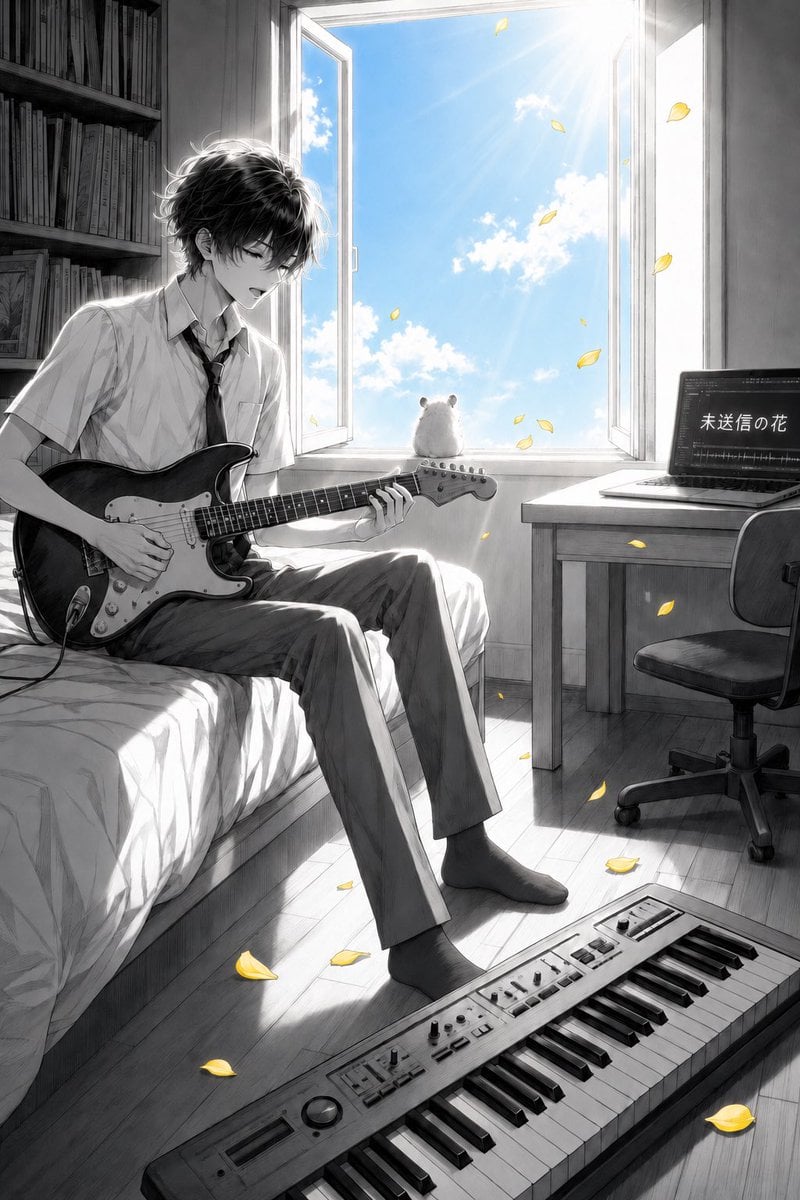
Anime Bedroom Guitar Album Cover
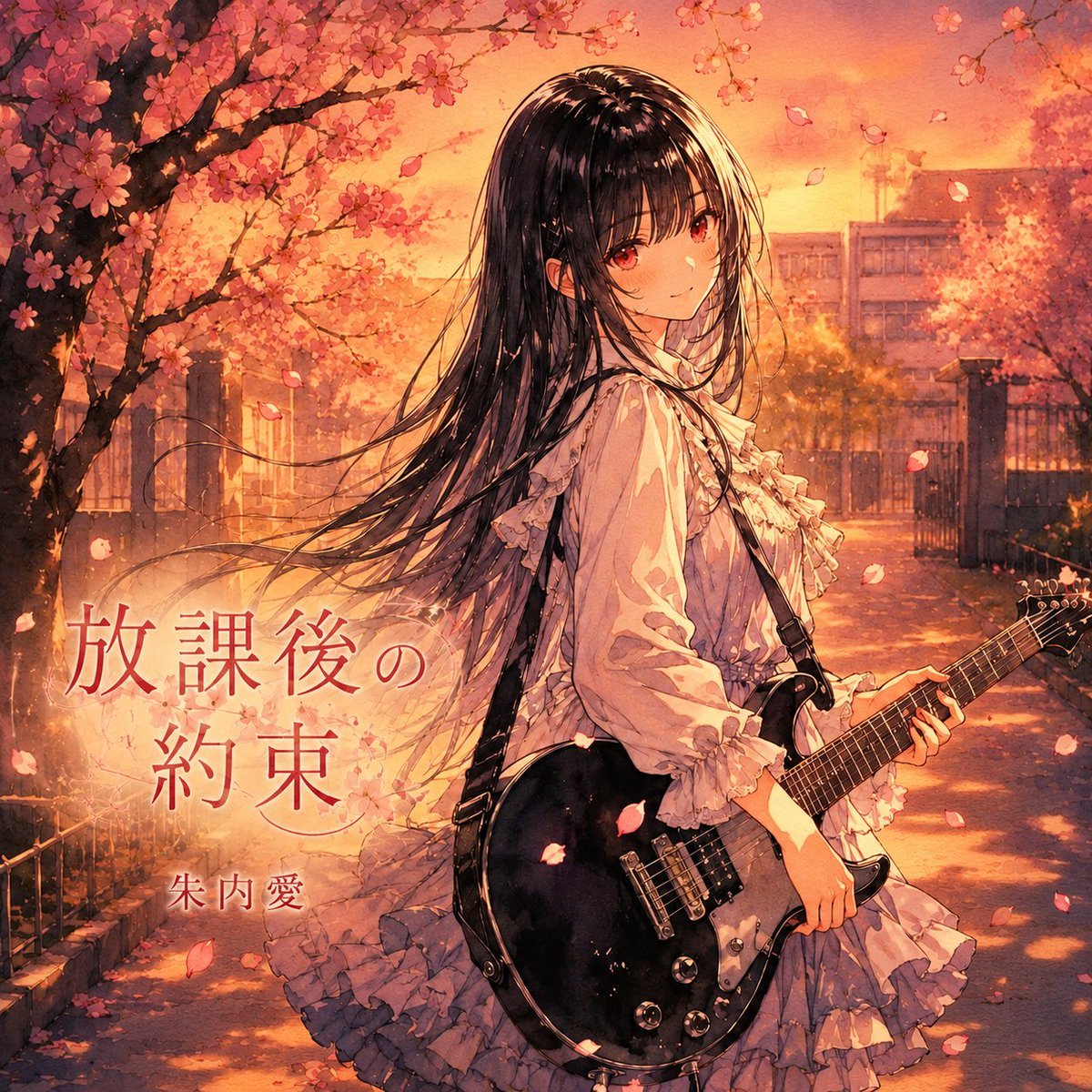
Anime Cherry Blossom Rock Album Cover
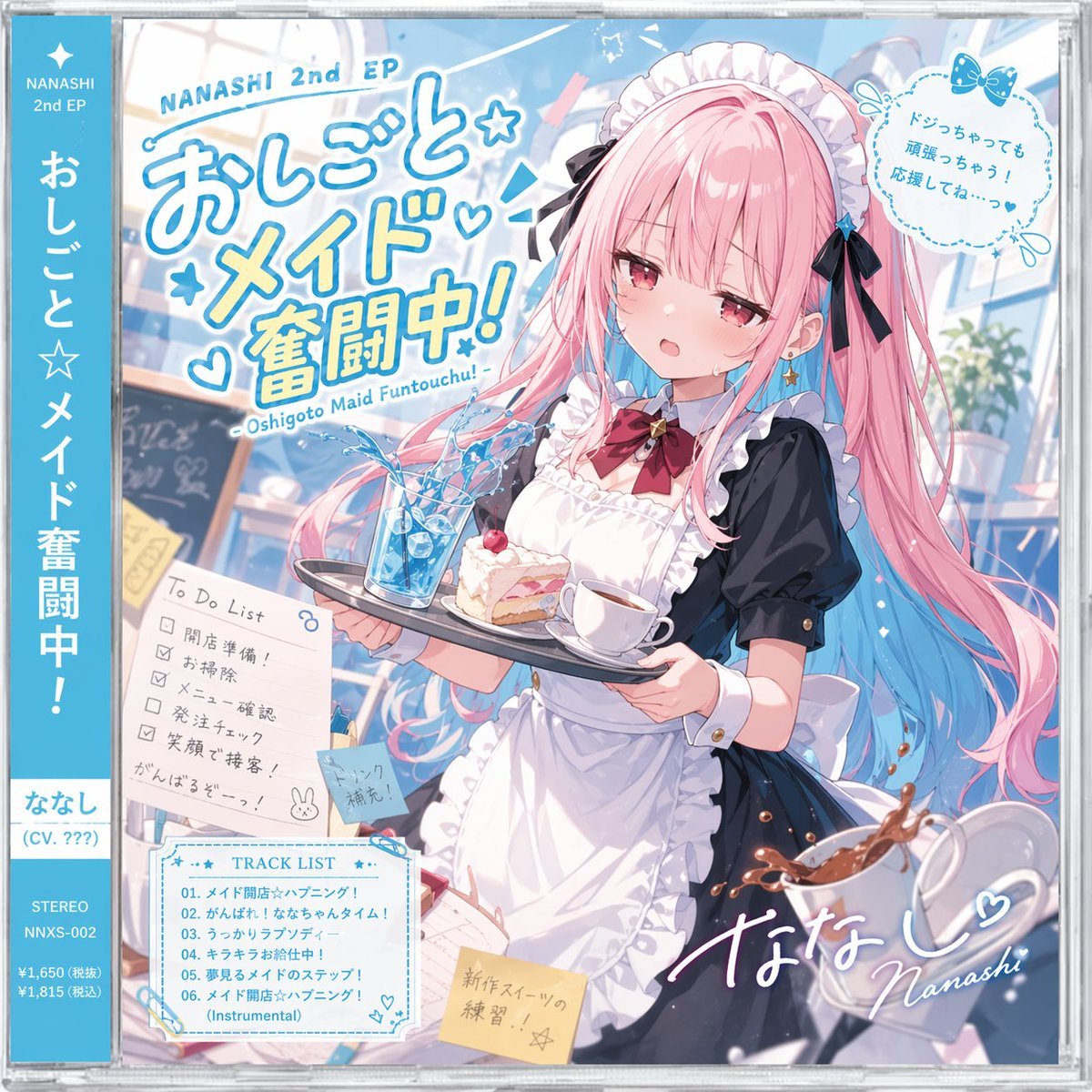
Anime Maid CD Album Cover
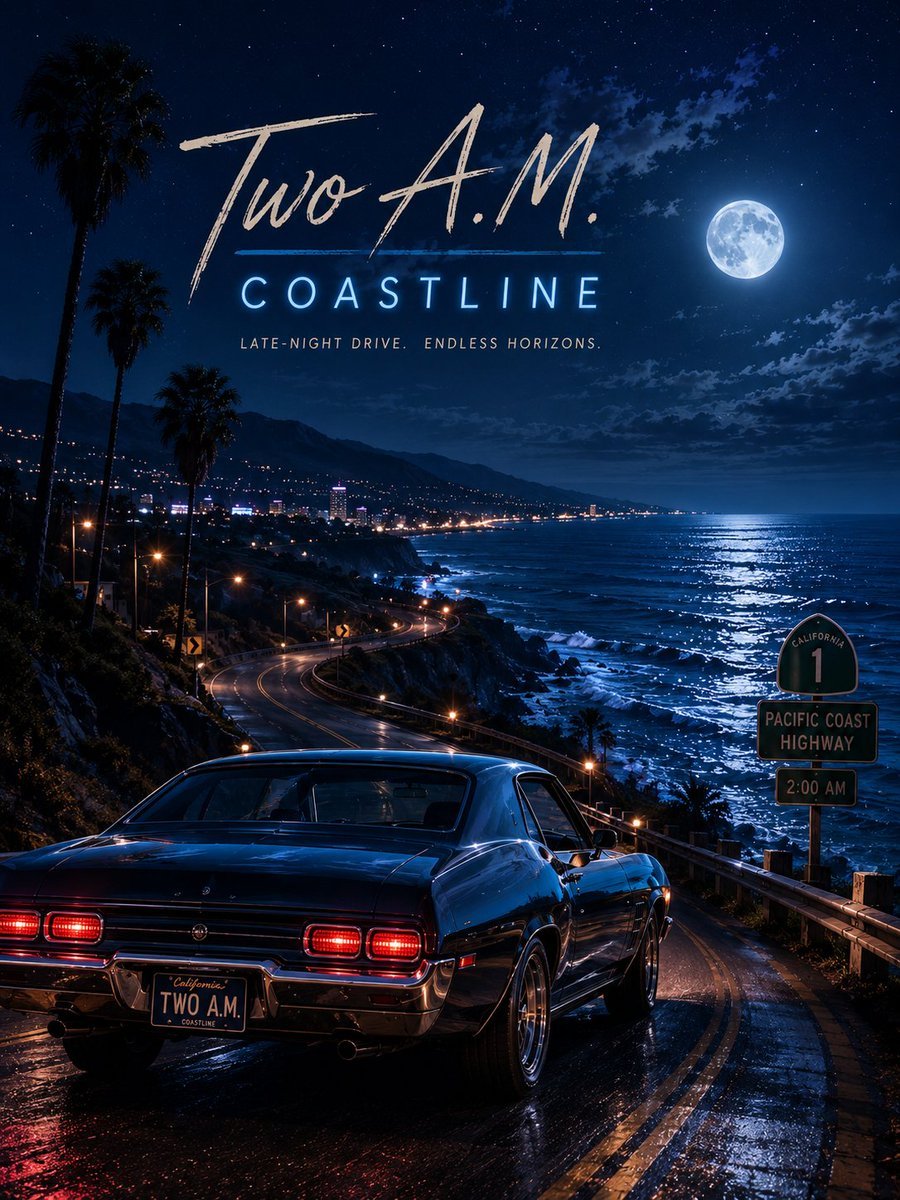
Two A.M. Coastline Album Cover

Music Album Cover Abstract Liquid Mercury
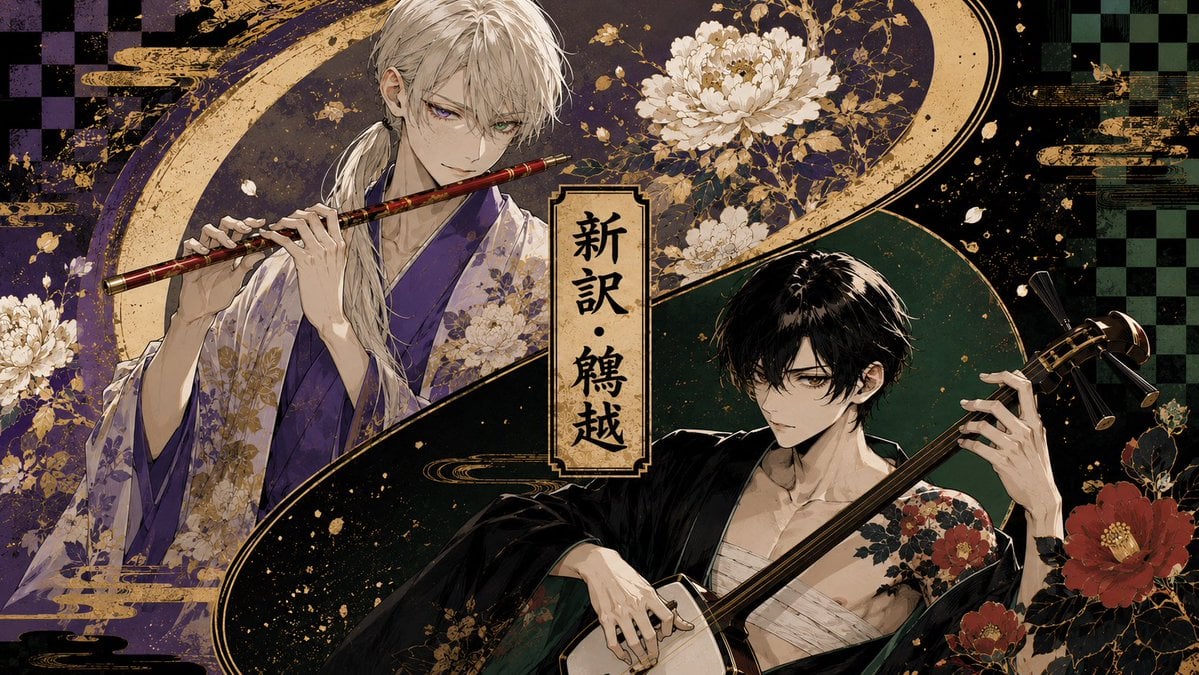
Japanese Musician Album Cover
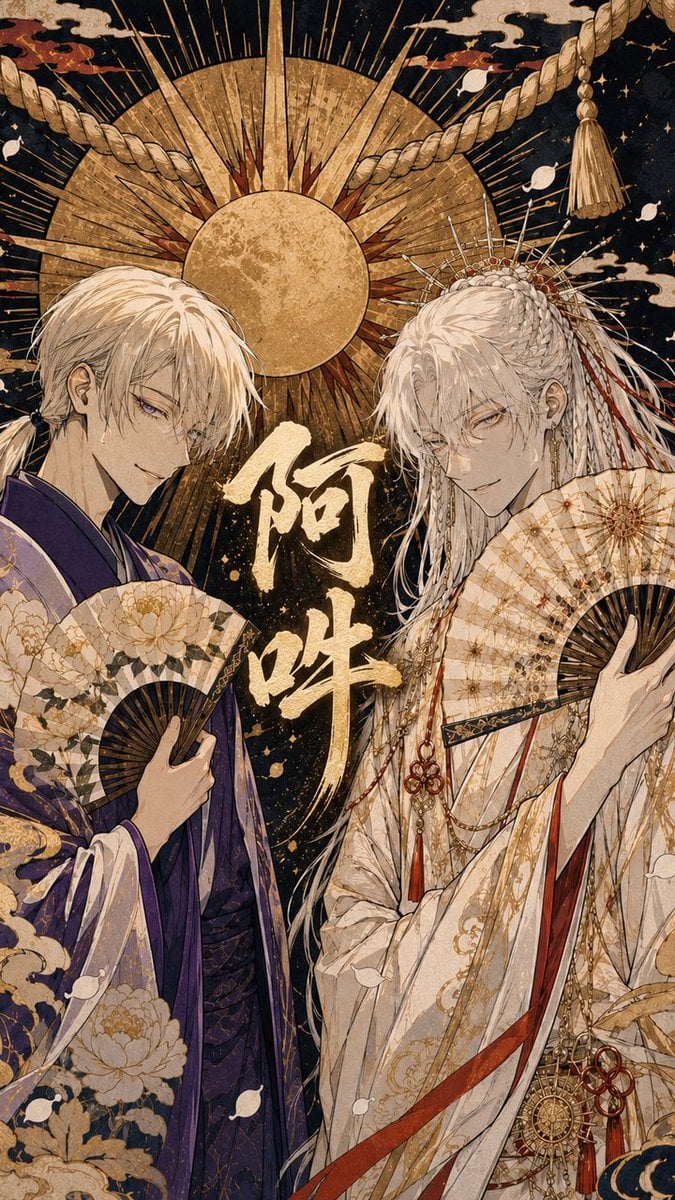
Ornate A-Un Kimono Album Cover
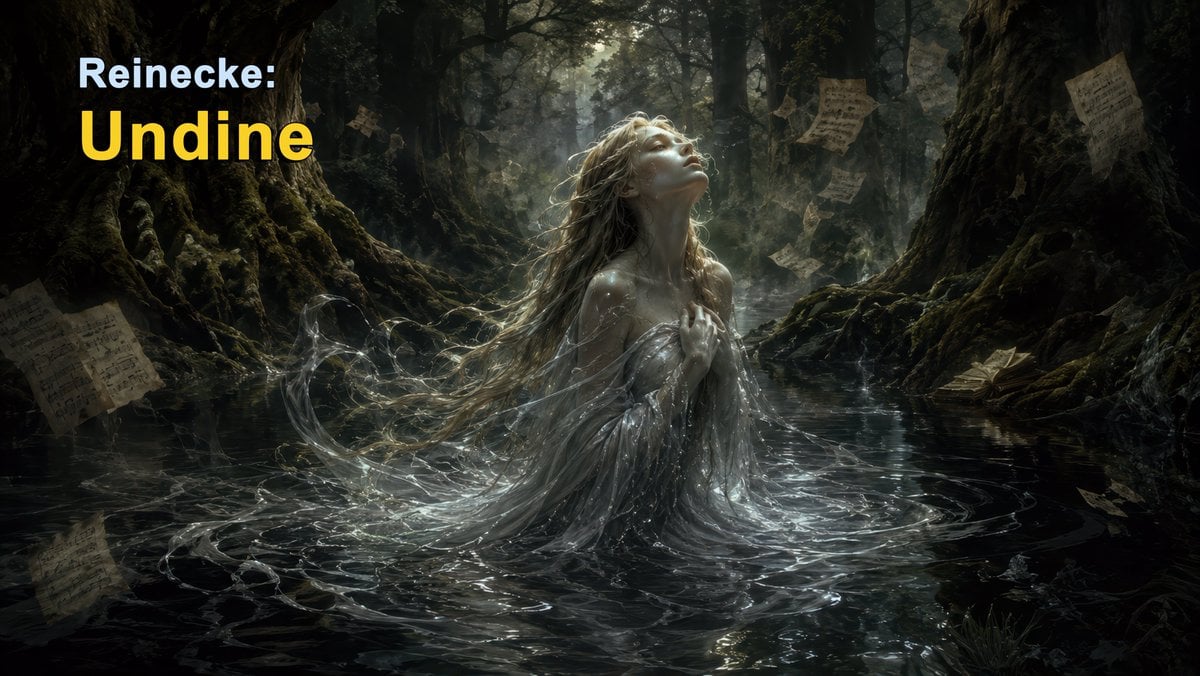
Dark Forest Undine Album Cover
Monochrome Visual-Kei Album Cover

Cel 2D Finale Fireworks
Make it yours
Midnight Anime Album Cover works as-is. These are the safest ways to change it without losing the look.
Change one field
Copy a single group, rewrite it, and generate again so you can see what that field is doing.
Keep the frame, change the subject
Hold the composition and light of Midnight Anime Album Cover, then swap wardrobe, props or the person for a new take.
| If the result… | Why | Fix |
|---|---|---|
| The result drifts from the preview | Too many fields changed at once. | Reuse Midnight Anime Album Cover as-is first, then change one group — subject, light, or setting. |
| The model over-stylizes the scene | The prose prompt leaves finish and camera underspecified. | Add one camera or lighting sentence and stay on GPT Image 2. |
More GPT Image 2 templates
Other prompts made for GPT Image 2.

Six VTuber Japanese Logo Sheet

Realistic Portrait of Woman and Deer

The Vista Modular Condo Poster

AI Model Routing Comparison Infographic

2.5D Anime Art Board

Isometric Productivity Desk Scene

New York Double Exposure Poster

Four-Panel AI Landscape Comparison

Japanese Tatami Lifestyle Magazine Cover

NESCAFÉ Coffee Map Poster
More image prompts
Fresh picks from across the catalog.
Ordinary Schoolgirl Street Snapshot

Anime Illustration of Two Girls
Melancholic Sad Boy in the Rain (Reference Face)
Candid 35mm Concert Romance Film Still
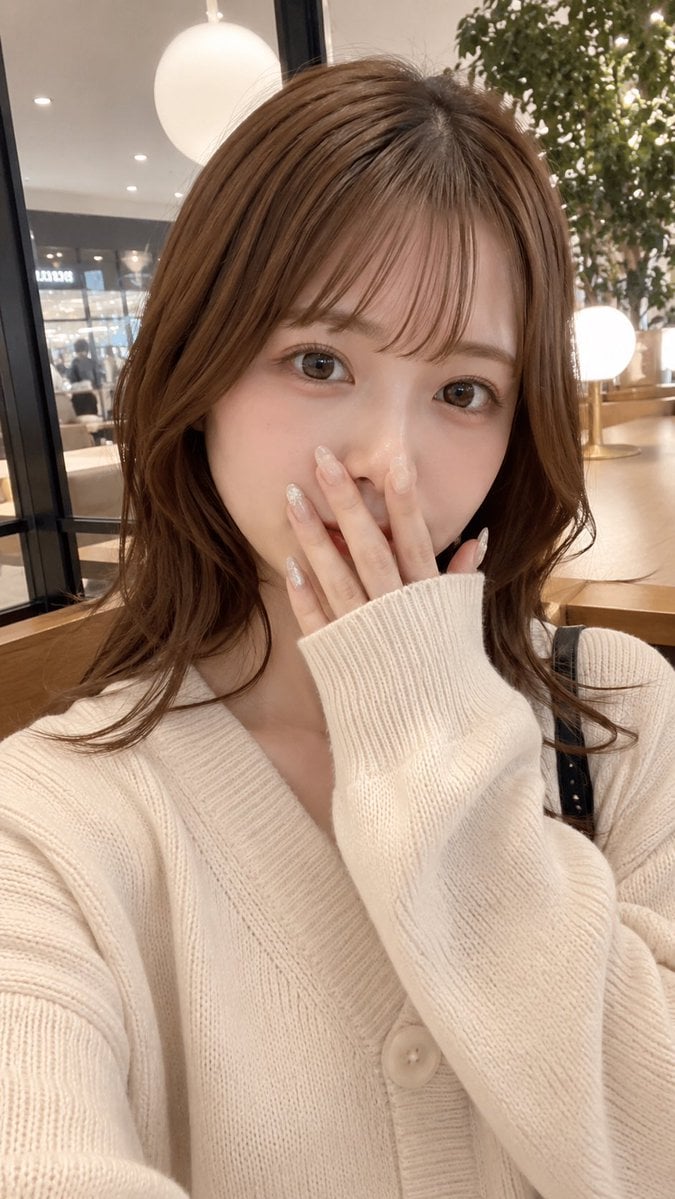
Cafe Selfie With Privacy Block
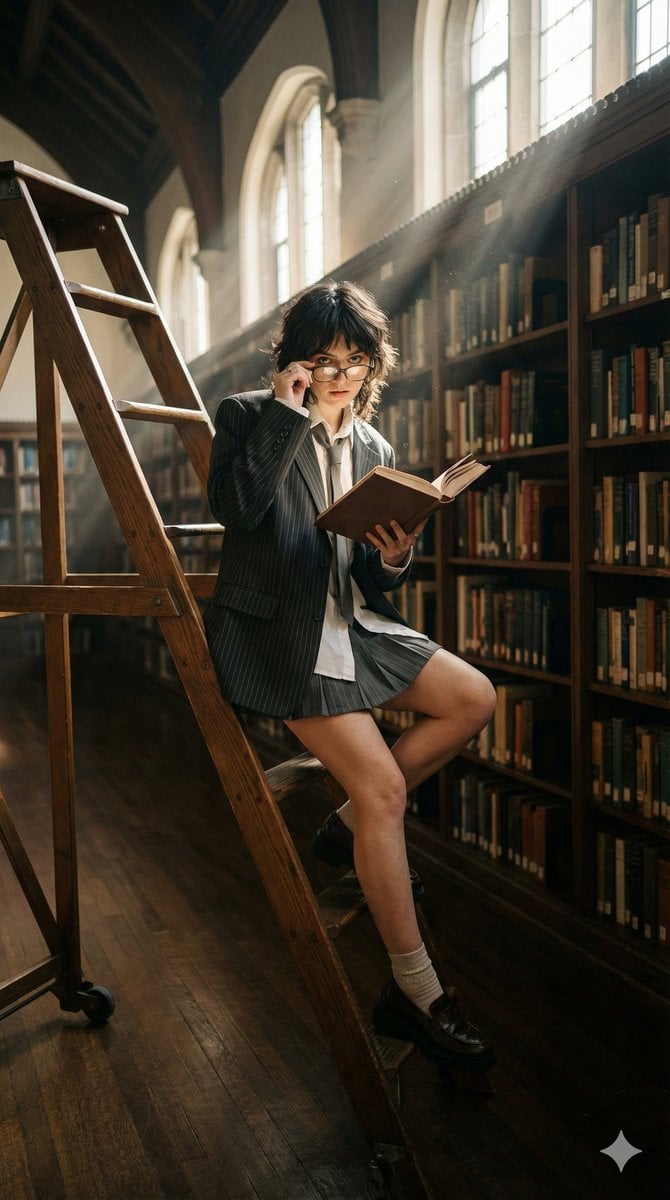
Dark Academia Library Editorial Film Still
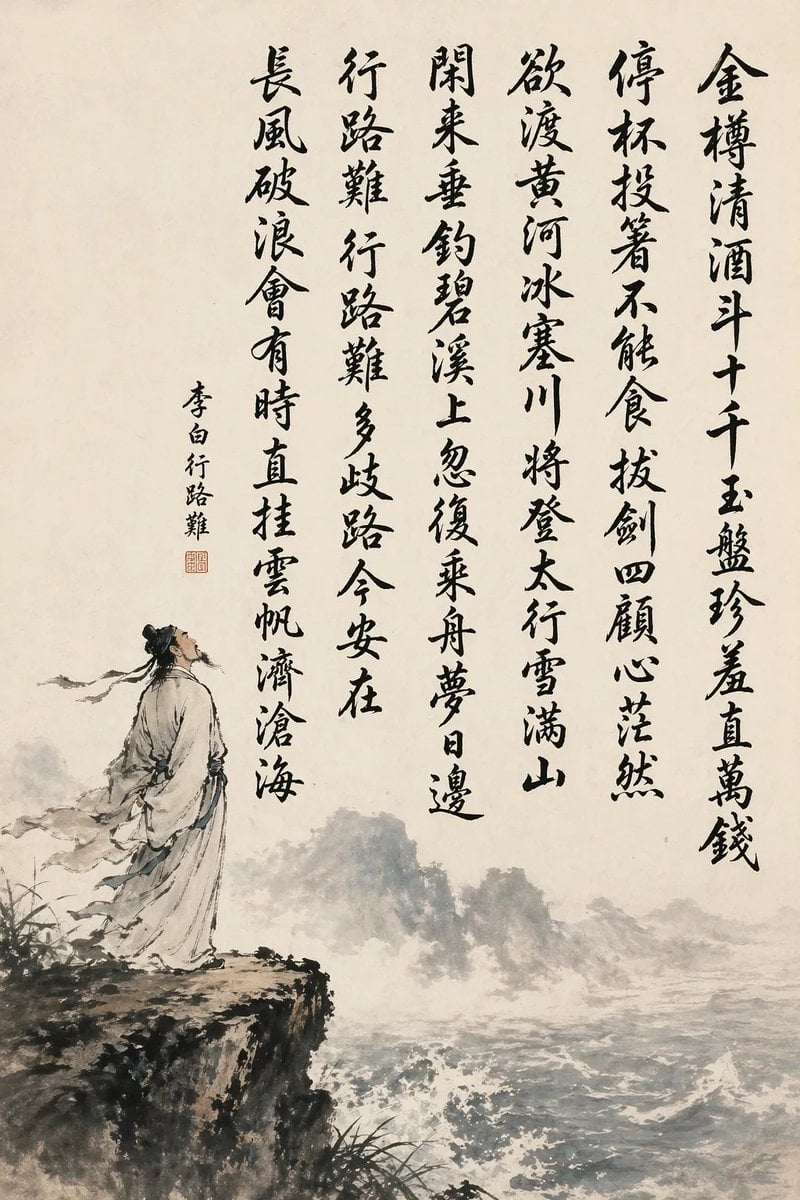
Chinese Calligraphy Poem Landscape
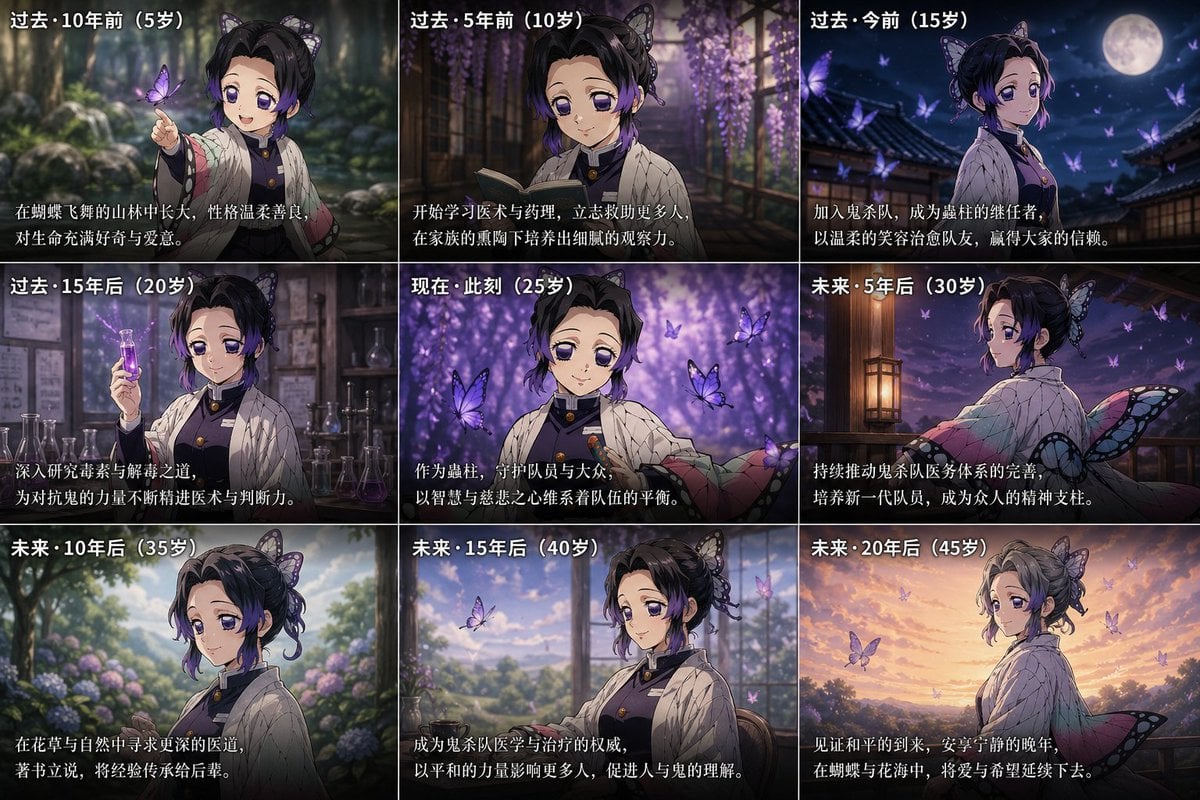
Life Story Grid Prompt
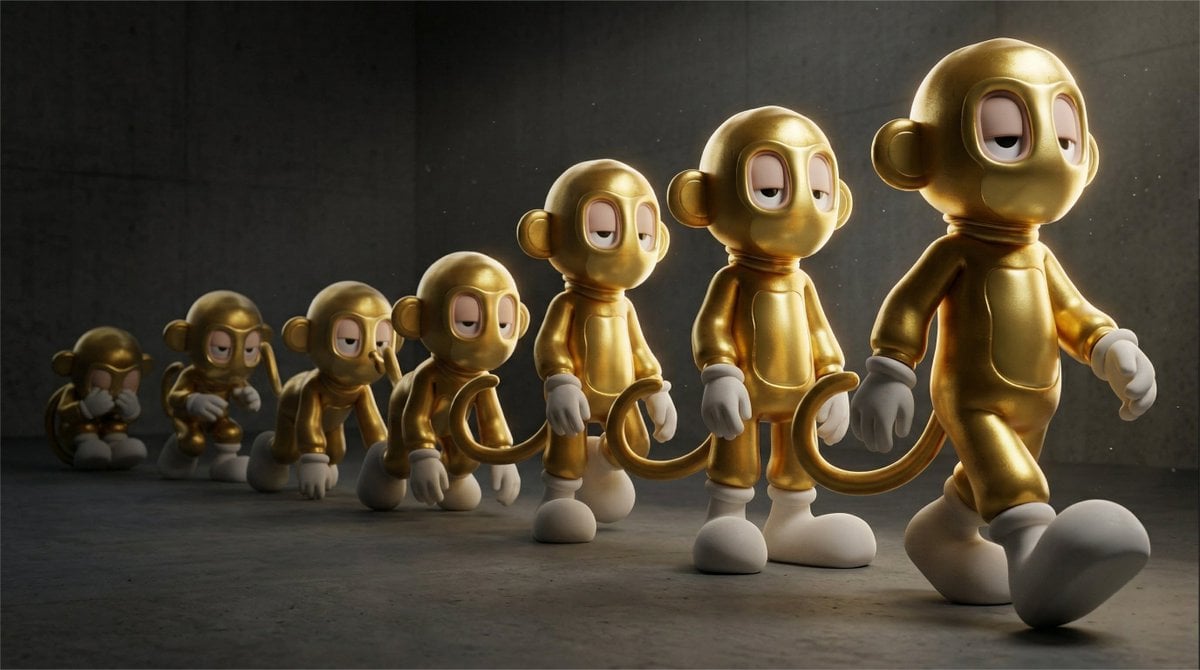
Cinematic 3D Toy Character Evolution Sequence

Natural Sunlight Selfie in a Parked Car
Browse template categories
Midnight Anime Album Cover questions
How do I use the Midnight Anime Album Cover template?
Add your photo if the template asks for one, edit the prompt if you like — the template's model and format are already selected — and press Generate. Your version opens in PicX Studio.
Can I customize the Midnight Anime Album Cover template?
Yes. You can change the subject, setting, lighting, mood, format, and available model controls before creating your image.
Is the Midnight Anime Album Cover template free?
Opening and editing this template is free. Generating uses credits, shown on the Generate button when you are signed in.
Which AI model should I use?
Start with GPT Image 2, which is the model associated with this template. You can compare another compatible model for a different finish.
Looking for something else? Browse all templates.

Your photo, any look
Thousands of ready templates for every top image and video model, from one credit balance.