
Sparkling Seaside Anime Album Cover
A square anime album-cover style prompt featuring a windblown seaside girl with holographic crystal sparkle effects.

- Prompt included
- Model and format preset
- Free template
The prompt behind this image
Copy the exact prompt behind Sparkling Seaside Anime Album Cover, or open it in the studio and make it yours.
Create a square anime-style music cover illustration of {argument name="character name" default="Jemimi"}, a sparkling summer seaside portrait. The image shows one teenage anime girl from the waist up, centered, standing on a coastal walkway beside a white metal guardrail with a bright blue ocean and horizon behind her. She has long flowing {argument name="hair color" default="deep navy blue"} hair in loose twin low side ponytails with windblown strands, glossy highlights, and translucent blue-purple sheen. Her face is intentionally covered by a centered opaque square censor/placeholder block in a muted gray-lavender gradient, hiding all facial features. She wears exactly four main outfit pieces: a crisp white long-sleeve blouse with a rounded collar, a small black ribbon bow at the neck, black suspenders, and a high-waisted black pleated skirt. The pose is gentle and slightly turned, with hair and blouse moving in the sea breeze. The background is a vivid sunny sky with fluffy white clouds, glittering ocean water, and strong iridescent prism effects. Add many sparkling triangular crystal shards, rainbow lens flares, star glints, and pastel holographic refractions across the whole image, especially around the top right and edges, giving a magical “kirakira” album-jacket feeling. Use highly polished Japanese anime illustration style, luminous painterly lighting, detailed hair strands, soft skin and fabric shading, bright cyan-blue color palette, dreamy summer atmosphere, high detail, no typography, no logo, no watermark, square 1:1 composition, album cover quality.
How to use Sparkling Seaside Anime Album Cover in 3 steps
- 1Upload ImagePNG, JPG or paste
Add your photo
Upload the photo the template builds on. The prompt, model and format are already set.
- 2…a portrait of your subject in softgolden-hour light, 85mm…
Personalize
Edit the subject and creative details for your destination.
- 3Generate
Generate
Press Generate — your image is created in PicX Studio, so you can compare it with the original and refine one variable at a time.
More like this
Templates with the same subject, style or setup. Open one to see its prompt.
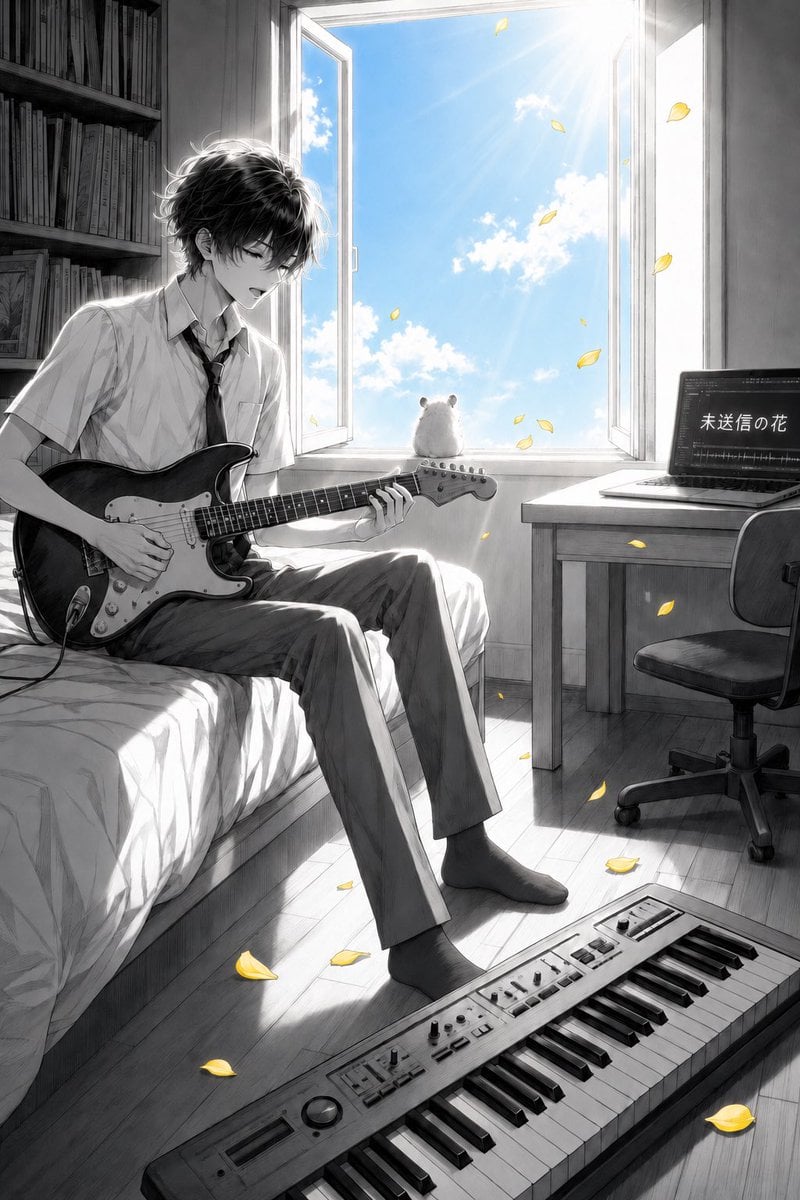
Anime Bedroom Guitar Album Cover
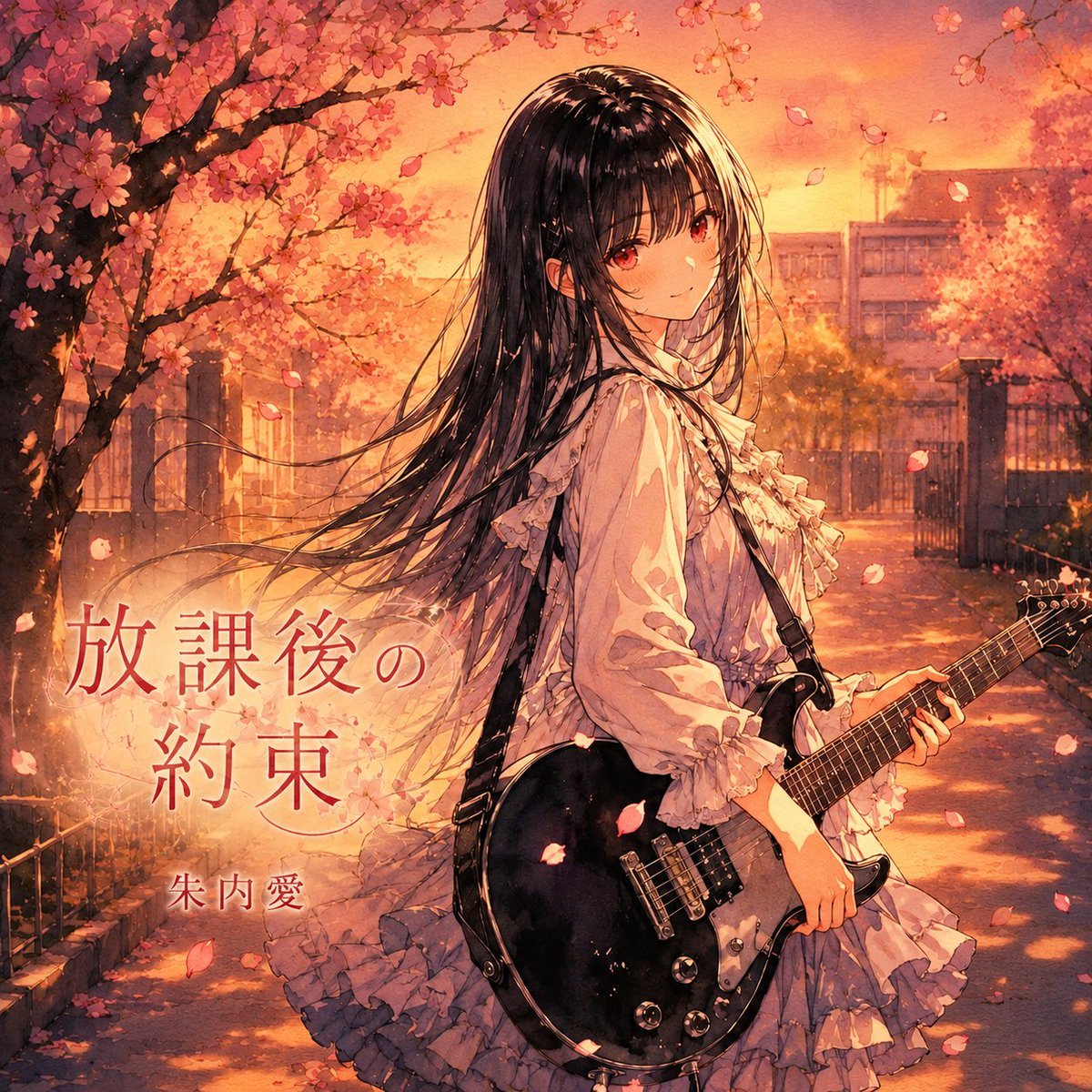
Anime Cherry Blossom Rock Album Cover
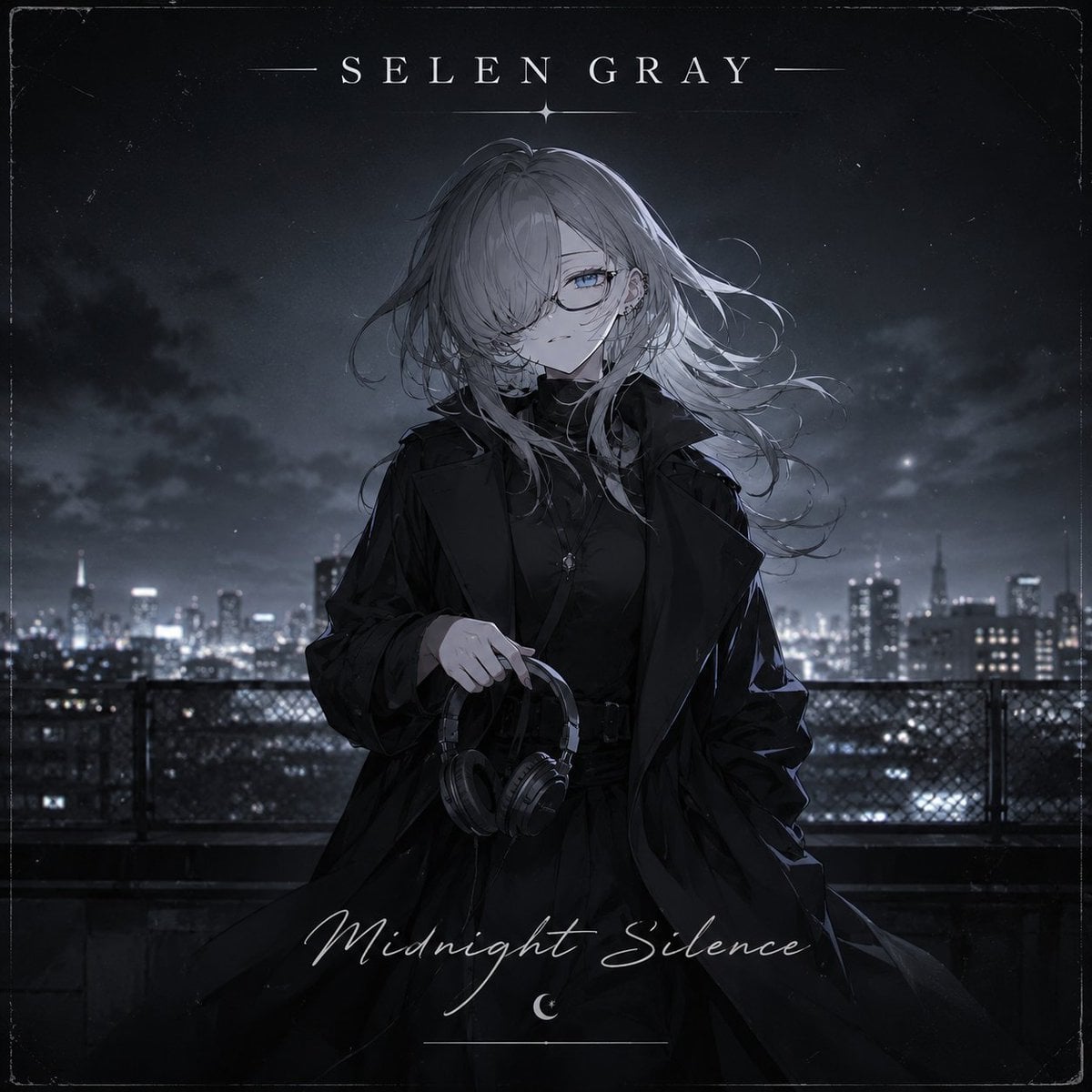
Midnight Anime Album Cover
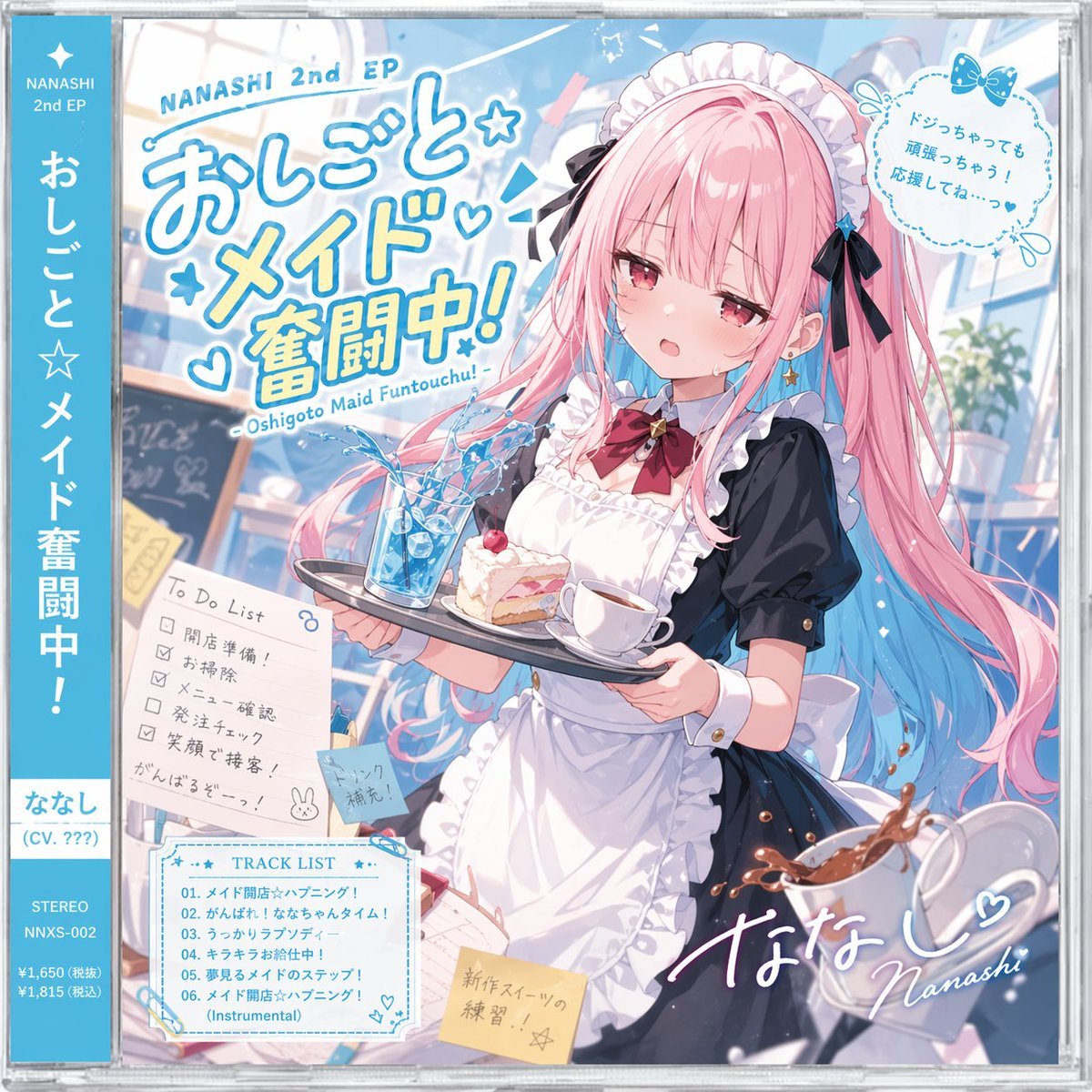
Anime Maid CD Album Cover
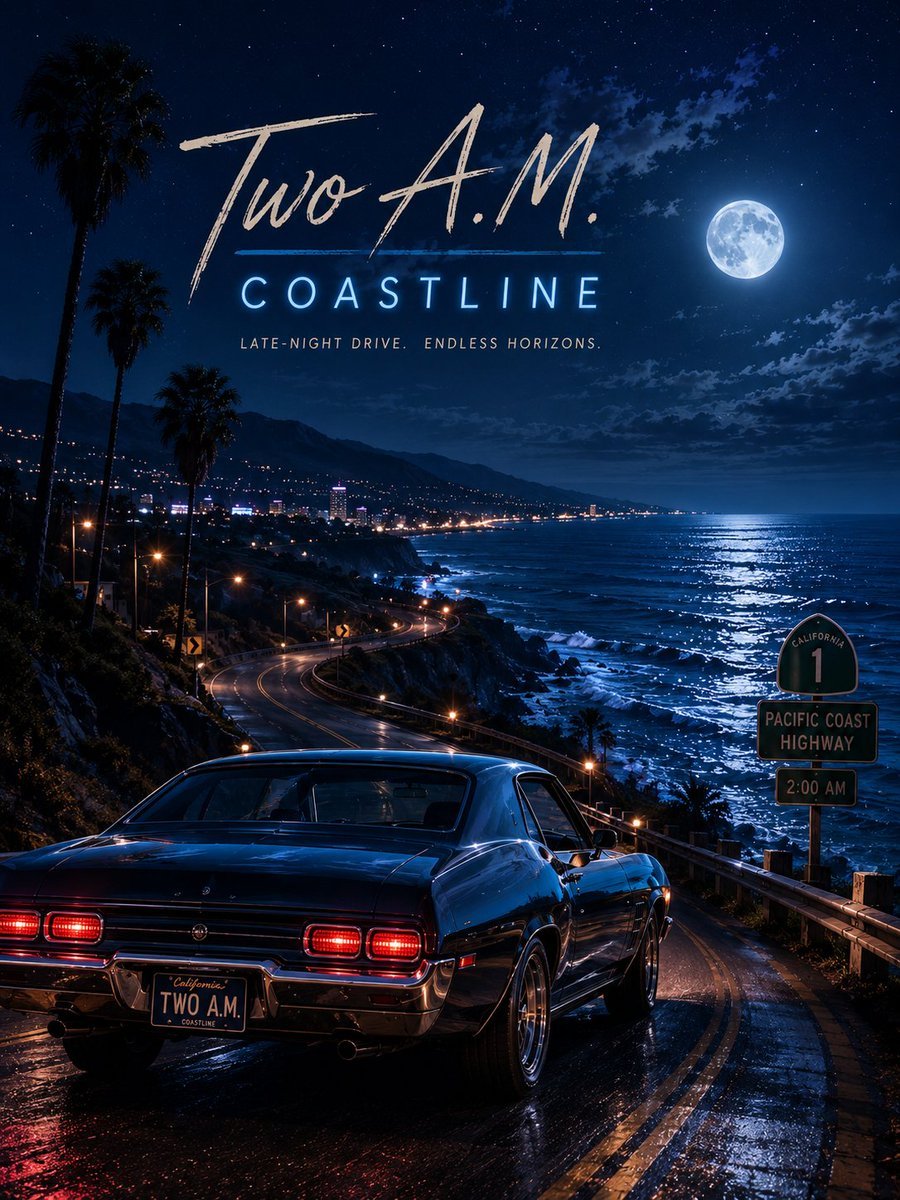
Two A.M. Coastline Album Cover

Music Album Cover Abstract Liquid Mercury
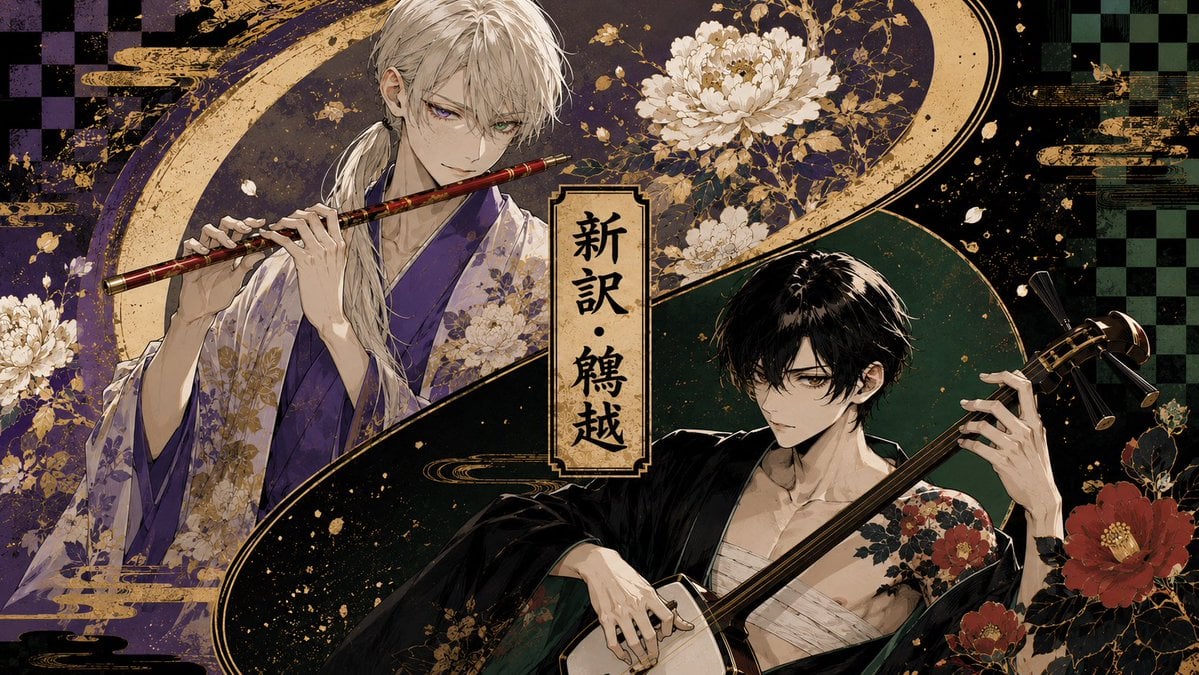
Japanese Musician Album Cover
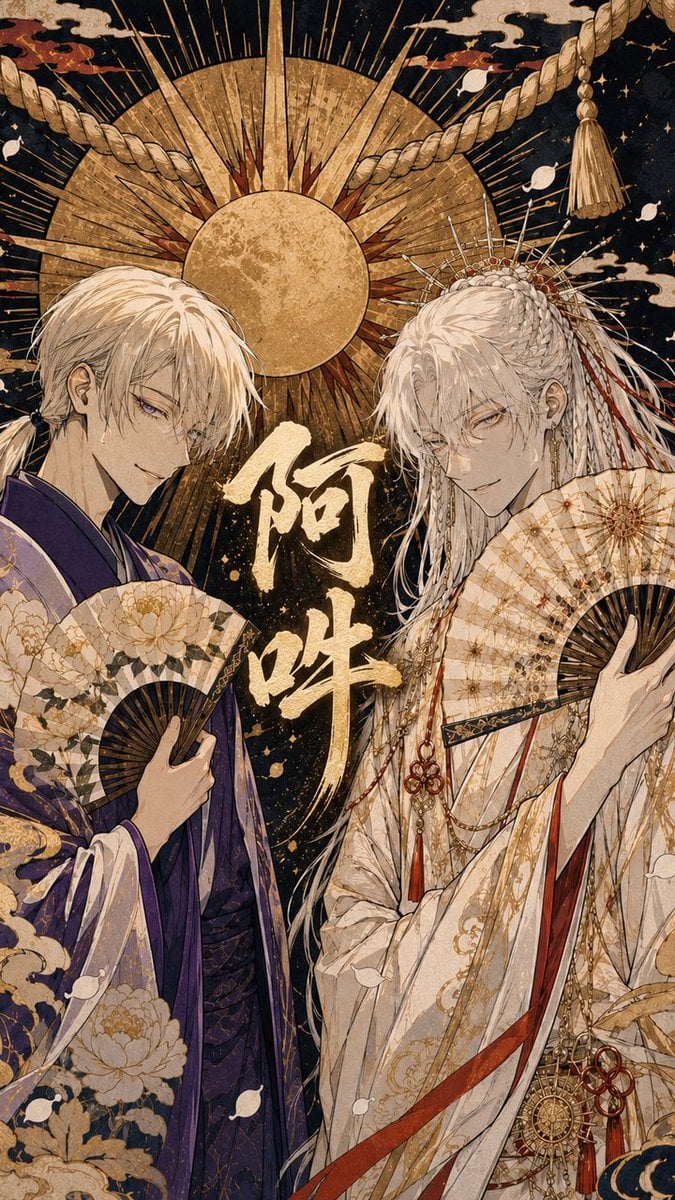
Ornate A-Un Kimono Album Cover
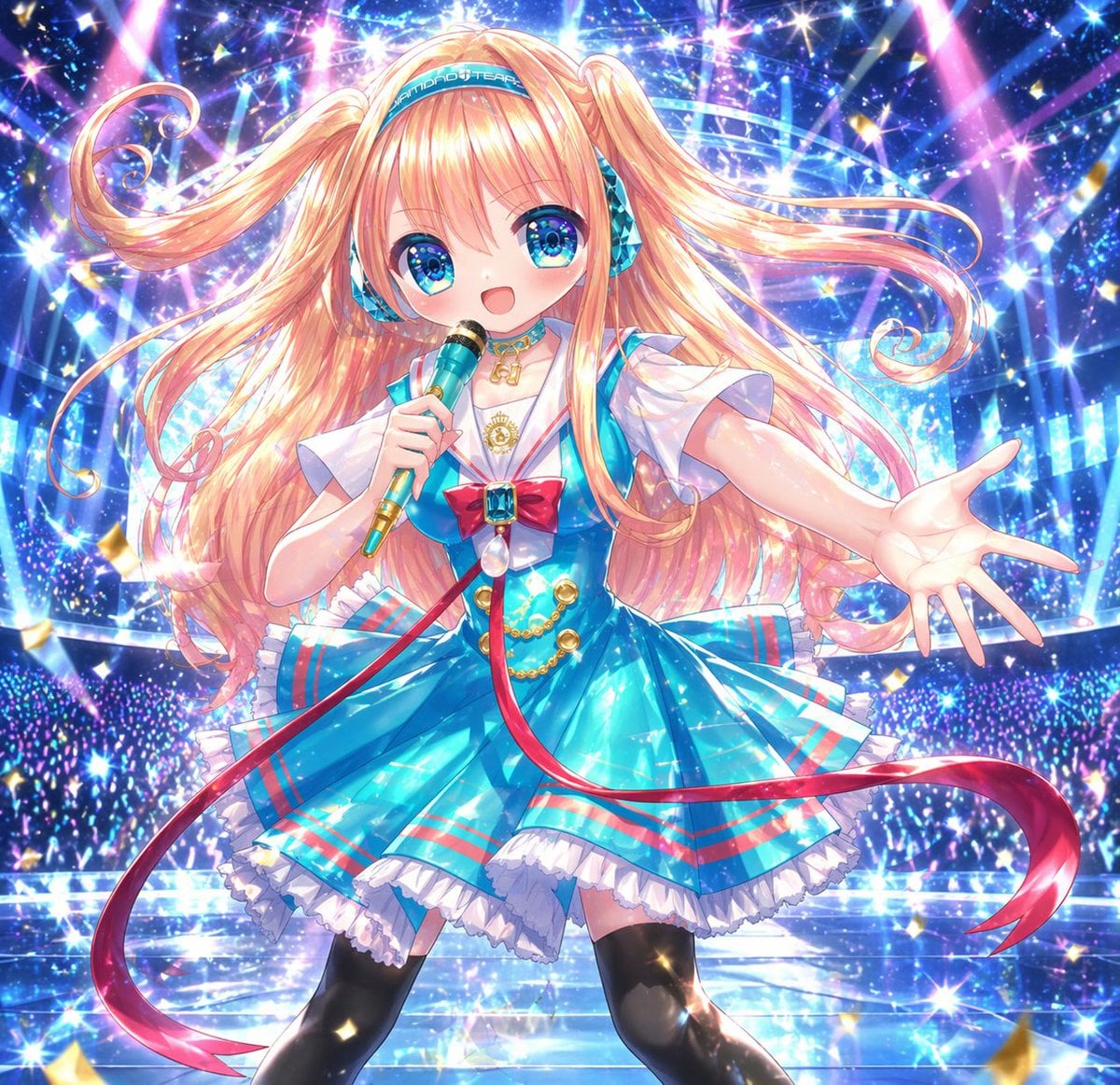
Sparkling Anime Idol Concert Portrait
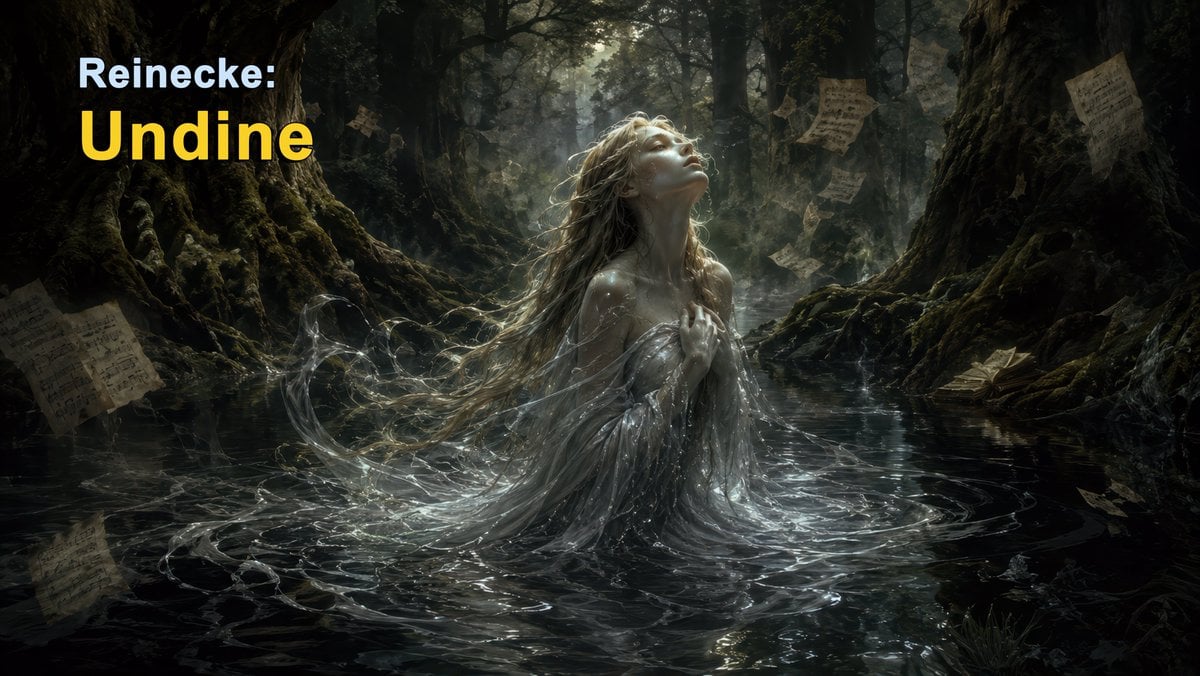
Dark Forest Undine Album Cover
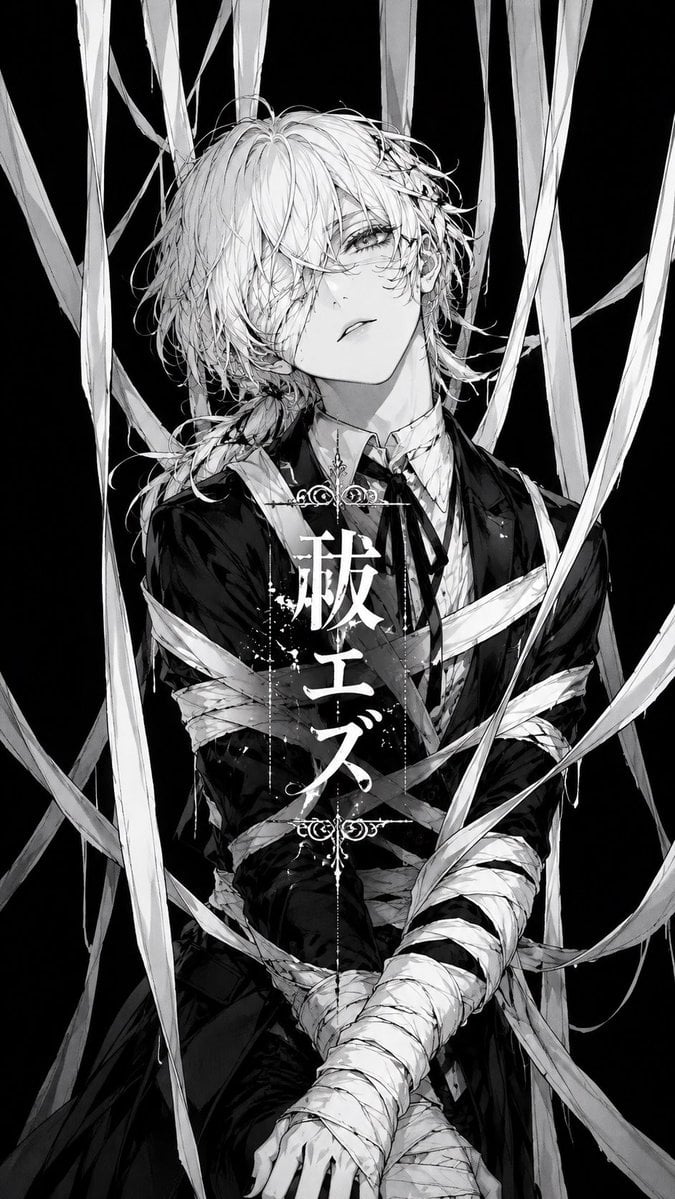
Monochrome Visual-Kei Album Cover

Anime Mahjong Magazine Cover
Make it yours
Sparkling Seaside Anime Album Cover works as-is. These are the safest ways to change it without losing the look.
Change one field
Copy a single group, rewrite it, and generate again so you can see what that field is doing.
Keep the frame, change the subject
Hold the composition and light of Sparkling Seaside Anime Album Cover, then swap wardrobe, props or the person for a new take.
| If the result… | Why | Fix |
|---|---|---|
| The result drifts from the preview | Too many fields changed at once. | Reuse Sparkling Seaside Anime Album Cover as-is first, then change one group — subject, light, or setting. |
| The model over-stylizes the scene | The prose prompt leaves finish and camera underspecified. | Add one camera or lighting sentence and stay on GPT Image 2. |
More GPT Image 2 templates
Other prompts made for GPT Image 2.

Six VTuber Japanese Logo Sheet

Realistic Portrait of Woman and Deer

The Vista Modular Condo Poster

AI Model Routing Comparison Infographic

2.5D Anime Art Board

Isometric Productivity Desk Scene

New York Double Exposure Poster

Four-Panel AI Landscape Comparison

Japanese Tatami Lifestyle Magazine Cover

NESCAFÉ Coffee Map Poster
More image prompts
Fresh picks from across the catalog.
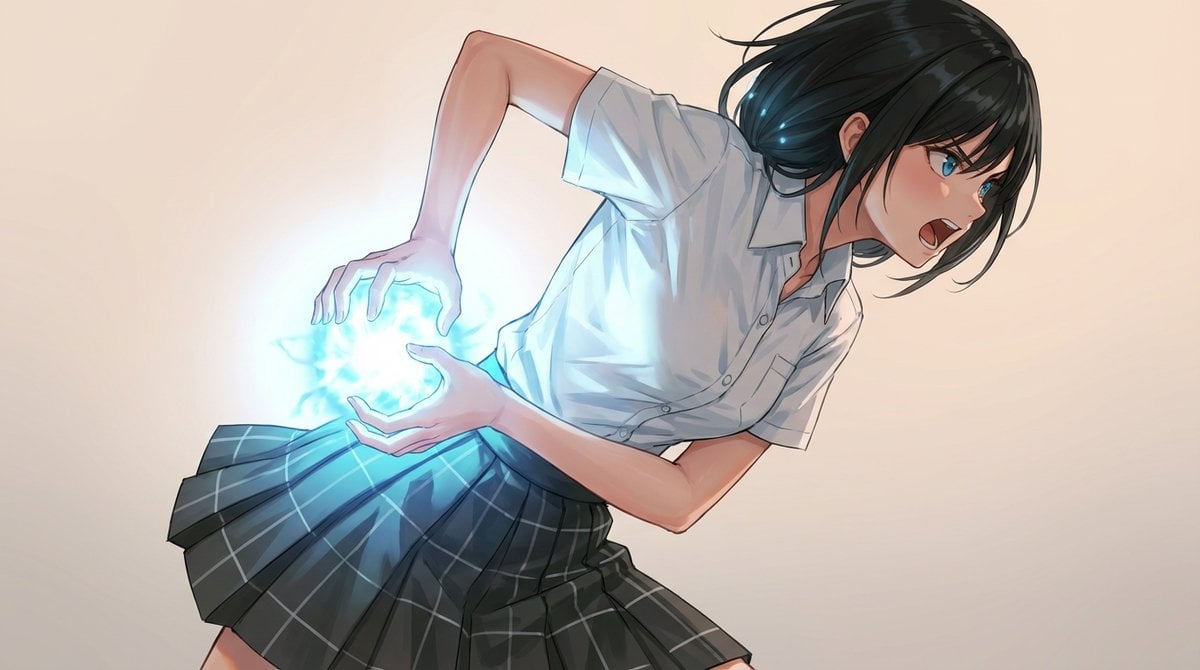
Kamehameha-Style Energy Wave Generation Prompts (Charge and Release)
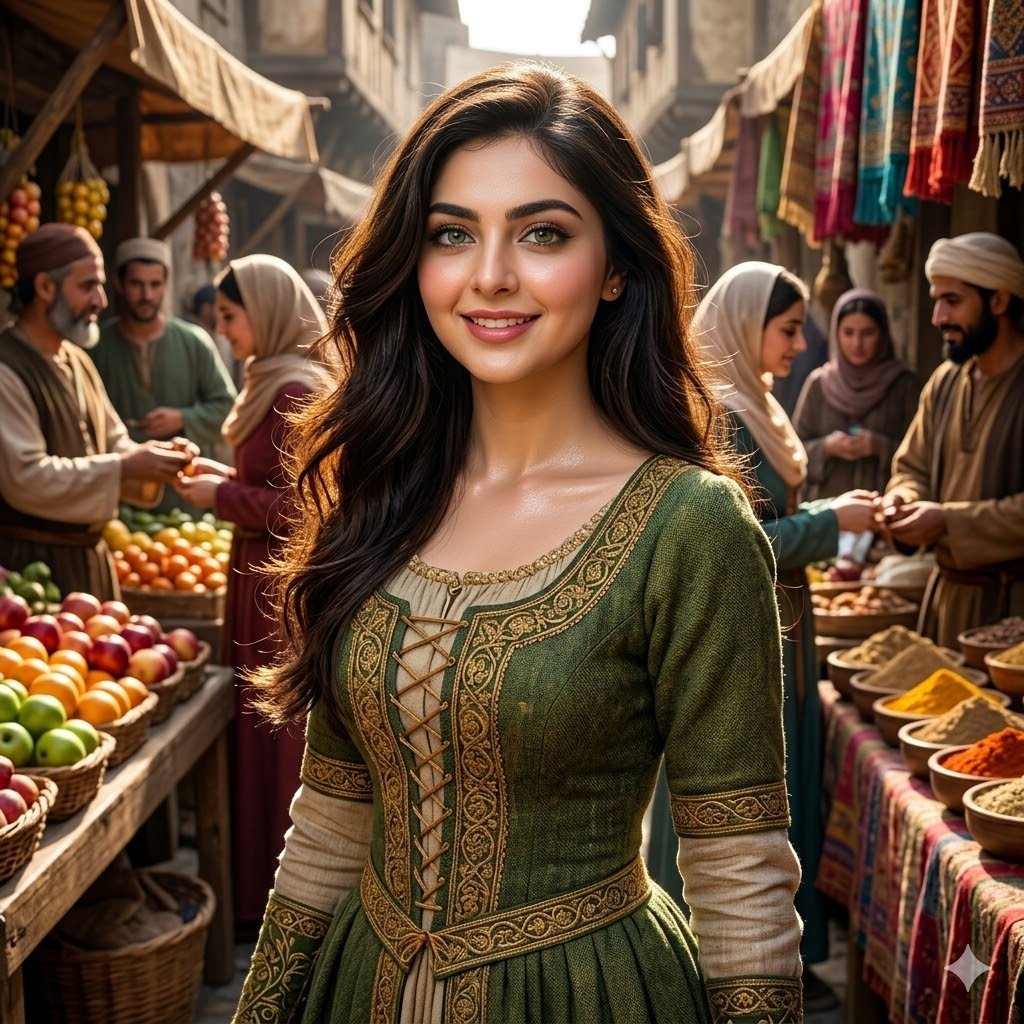
Medieval Market Girl Portrait
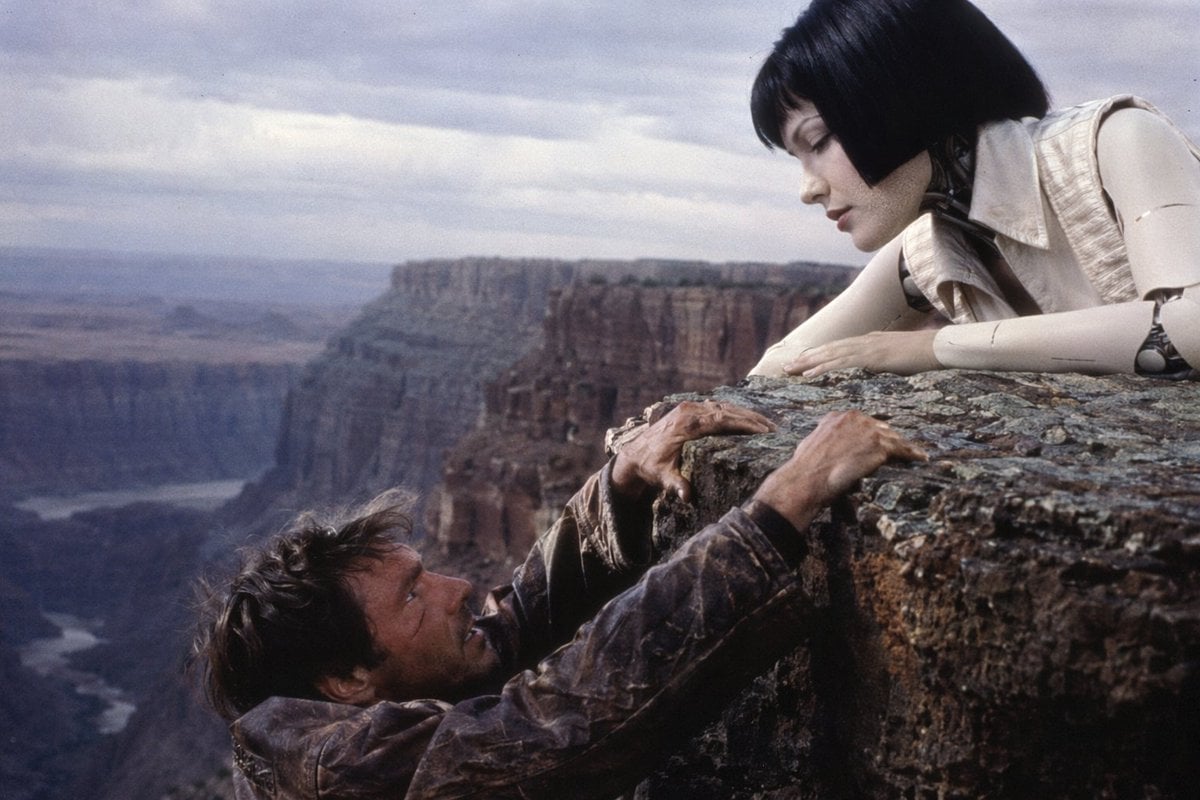
90s Sci-Fi Cliffhanger Movie Still
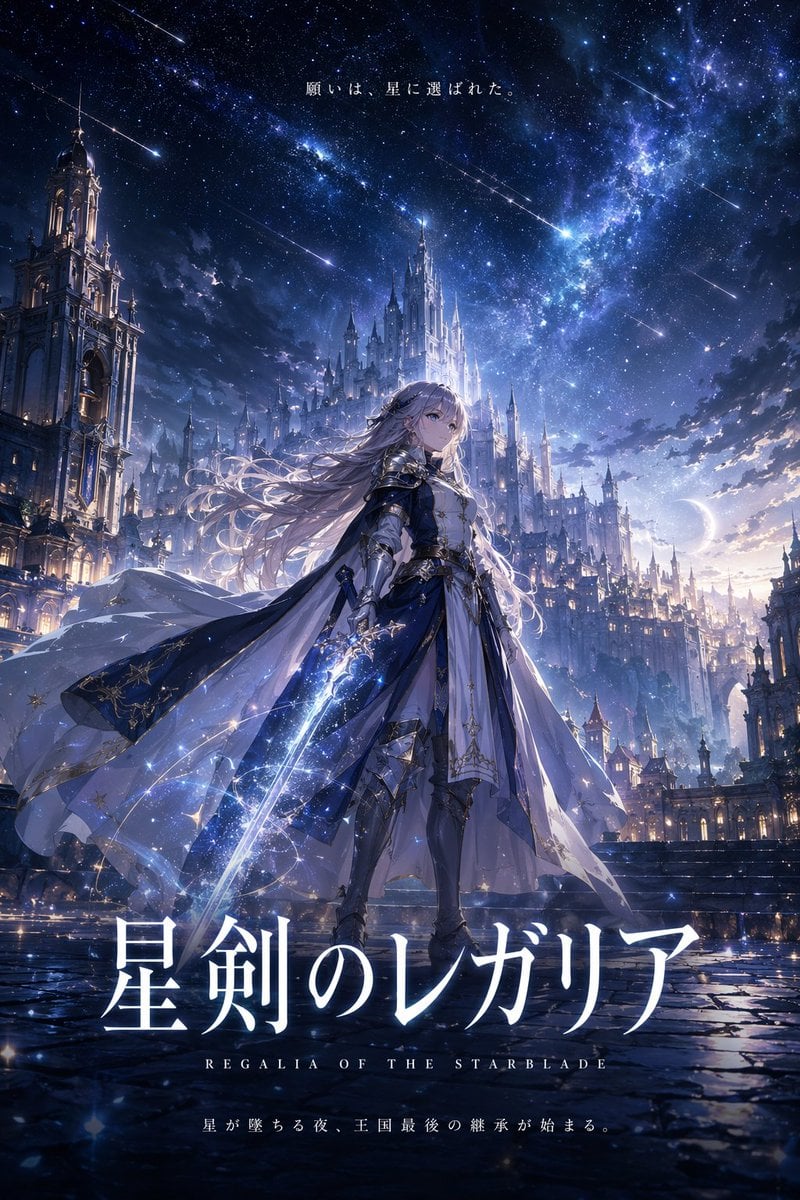
Fantasy Anime Key Visual Prompt
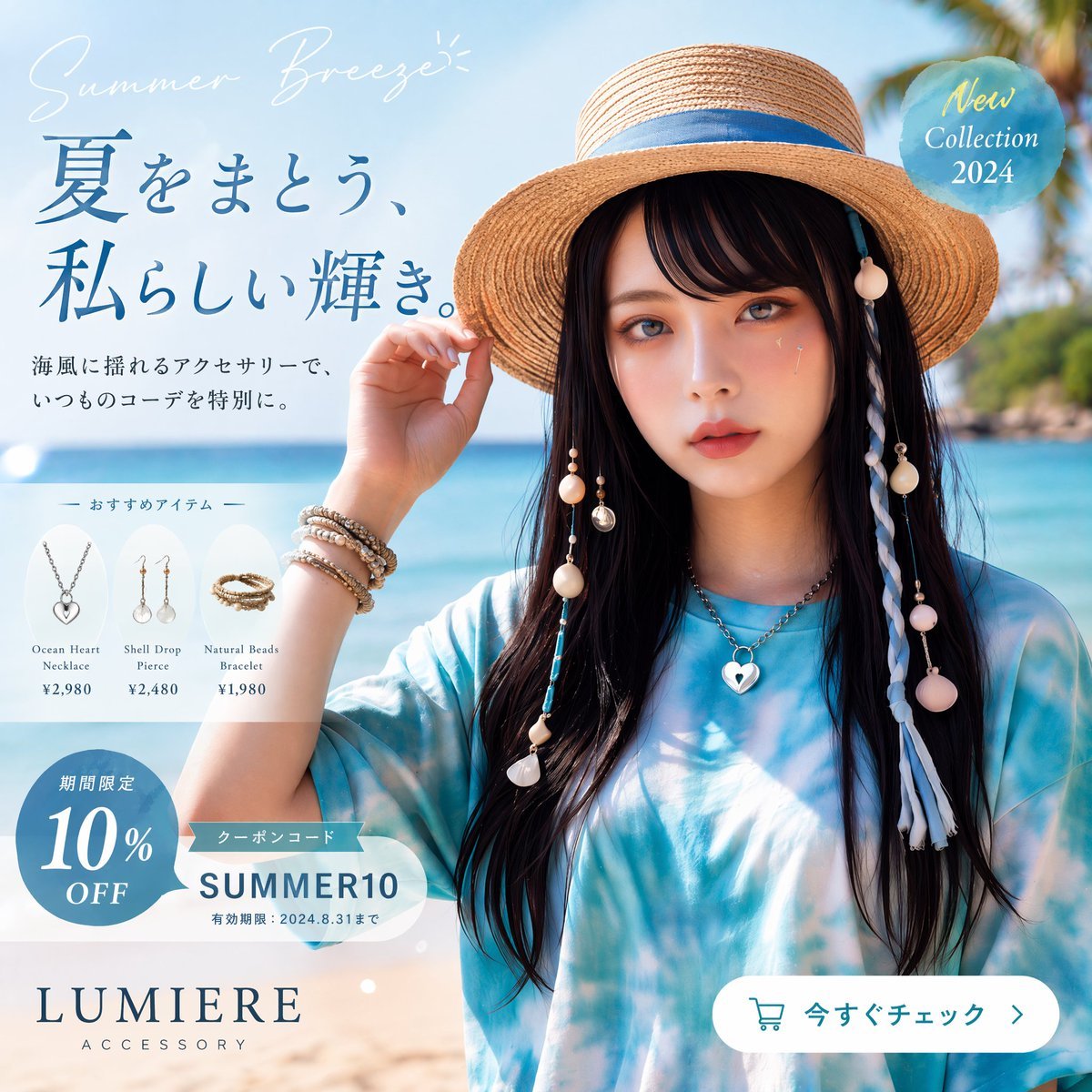
Japanese Summer Accessory Ad Poster
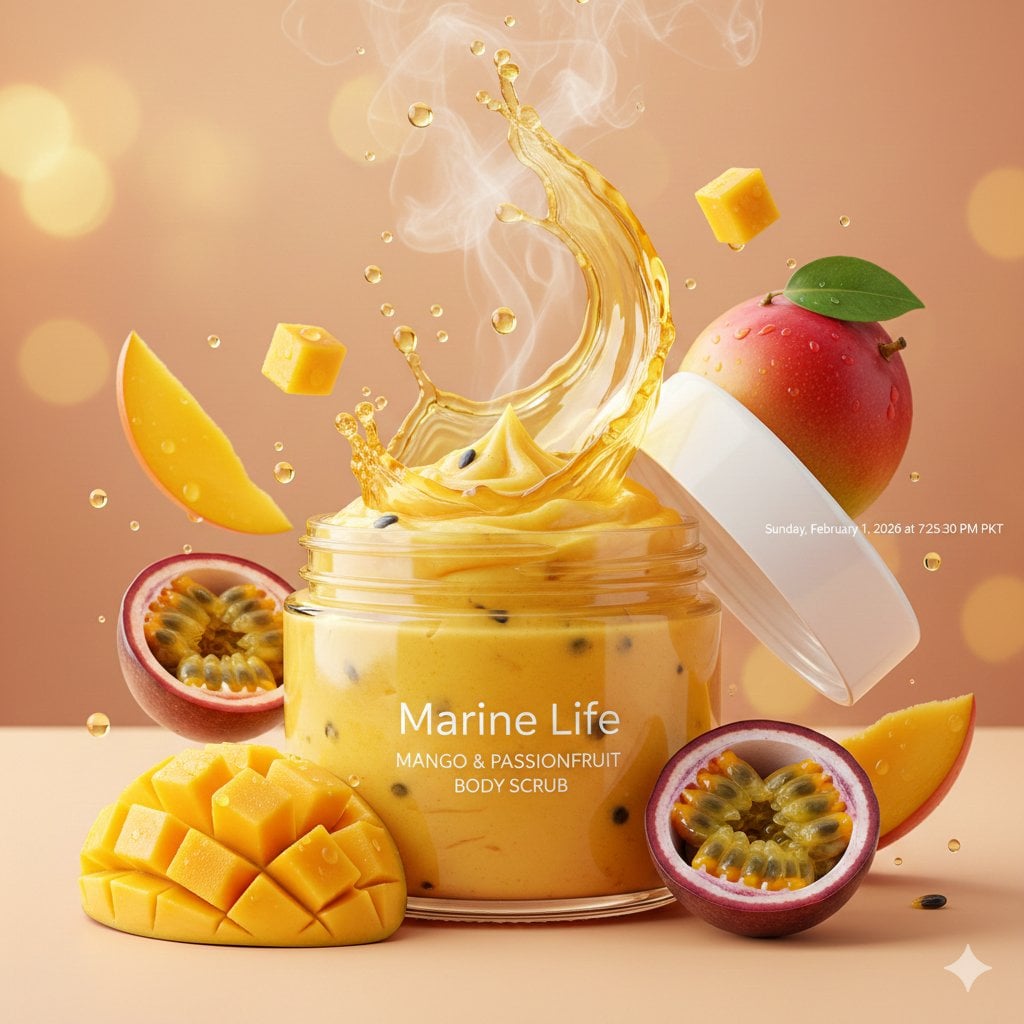
Luxury Mango Body Scrub Product Image and Video Prompts
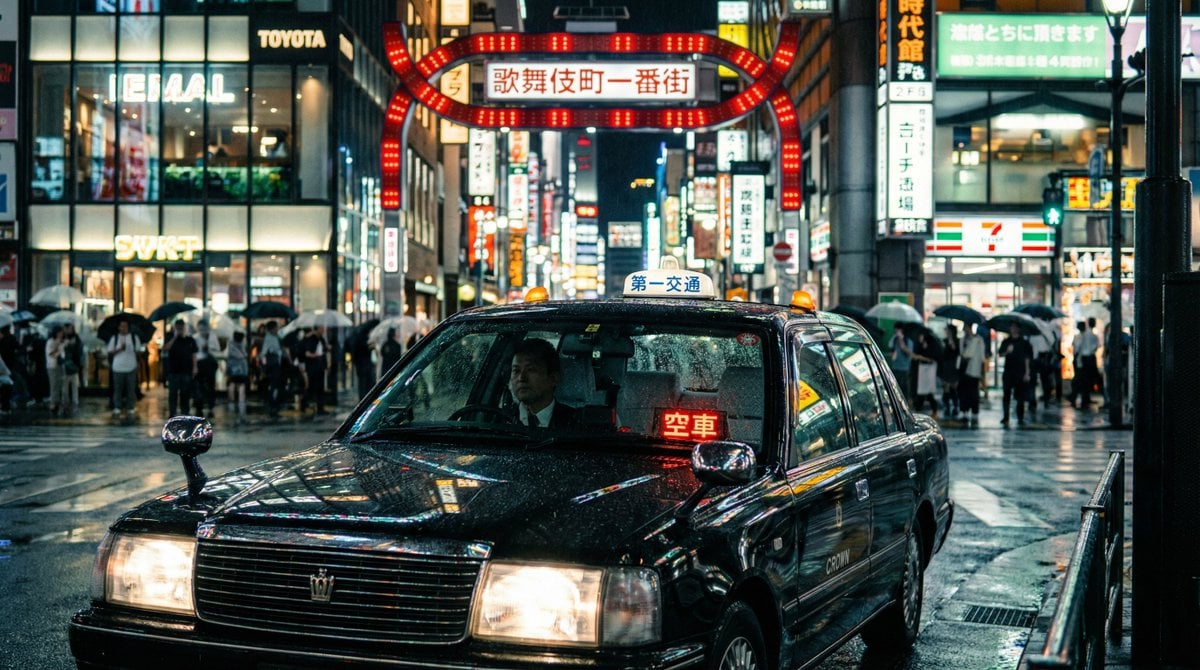
Cinematic taxi in rainy Kabukicho at night
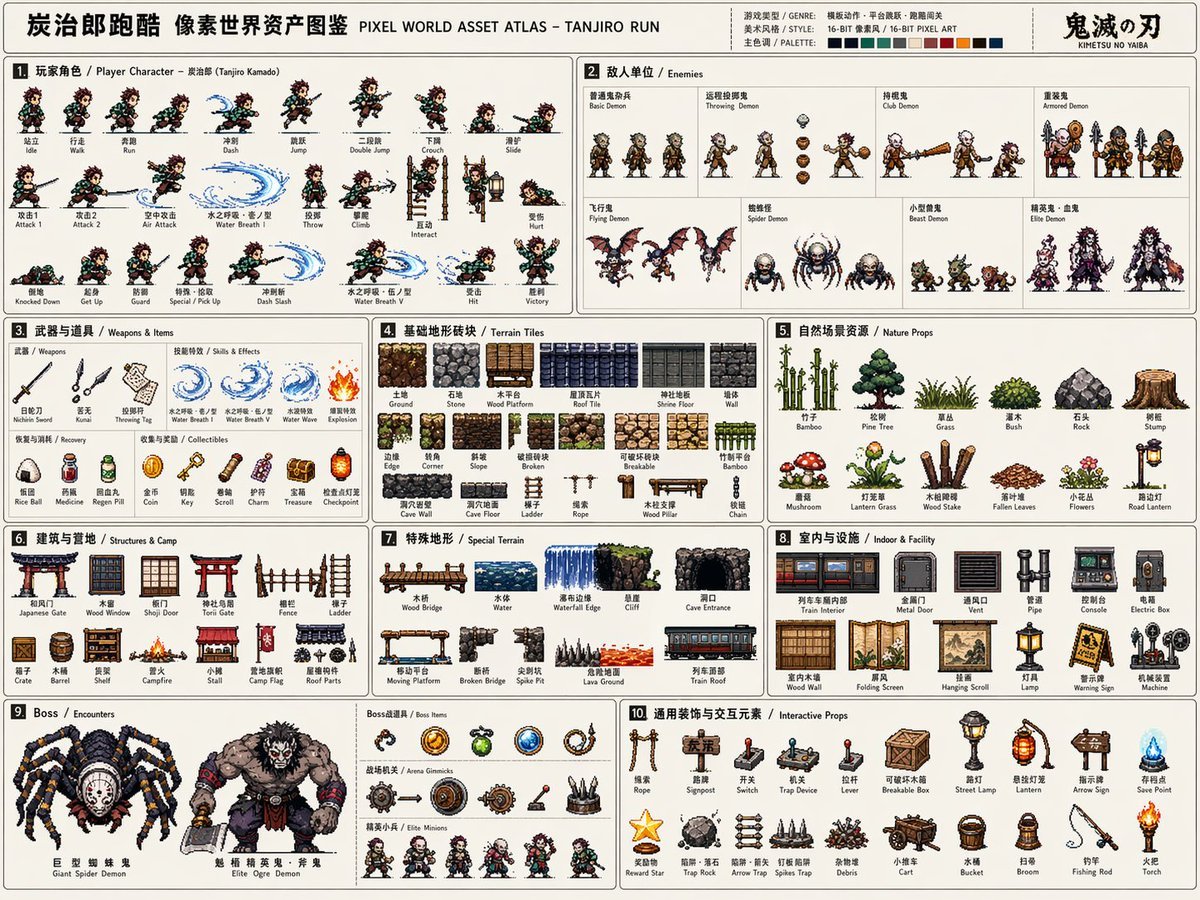
Pixel Game Asset Atlas Template
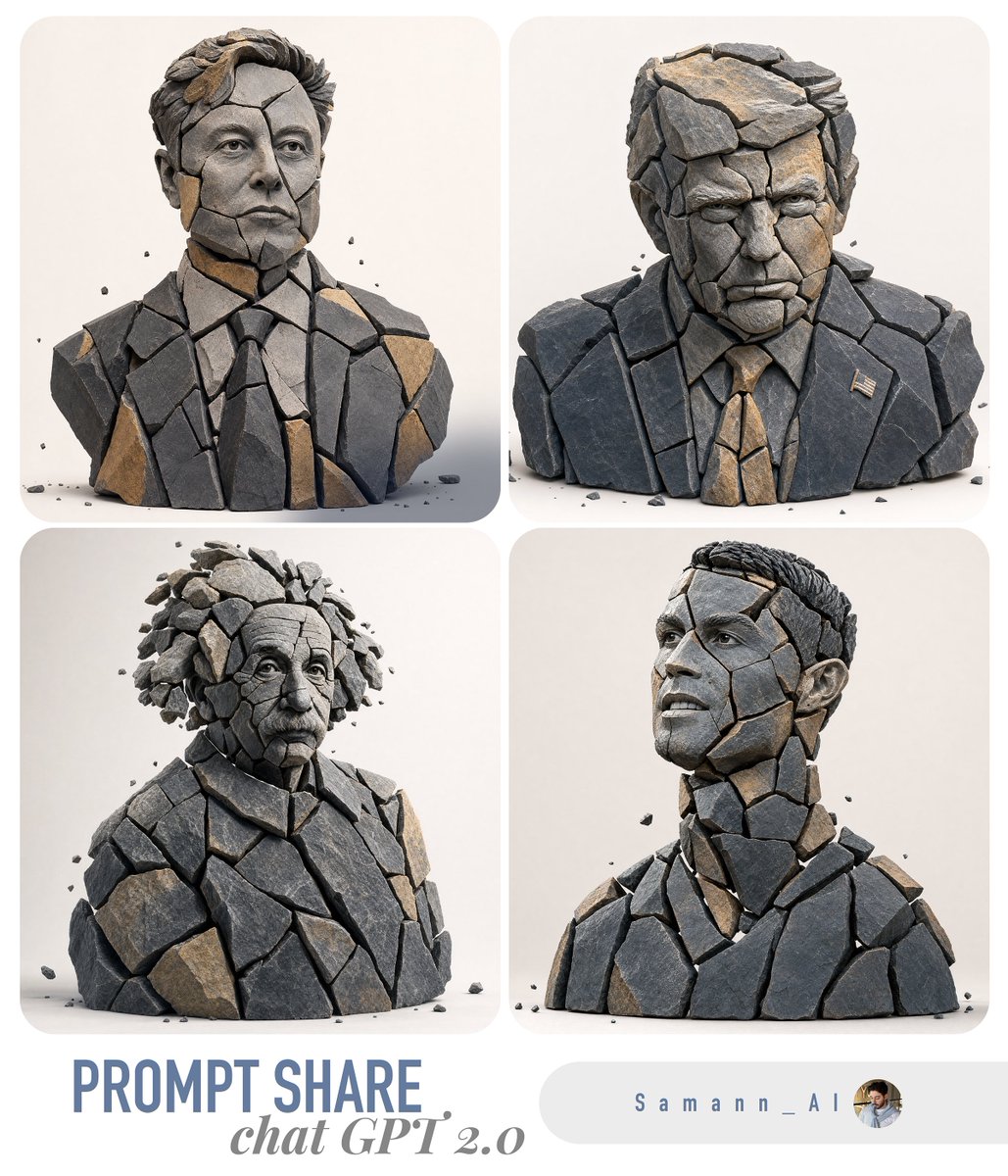
Fragmented Stone 3D Style Transfer
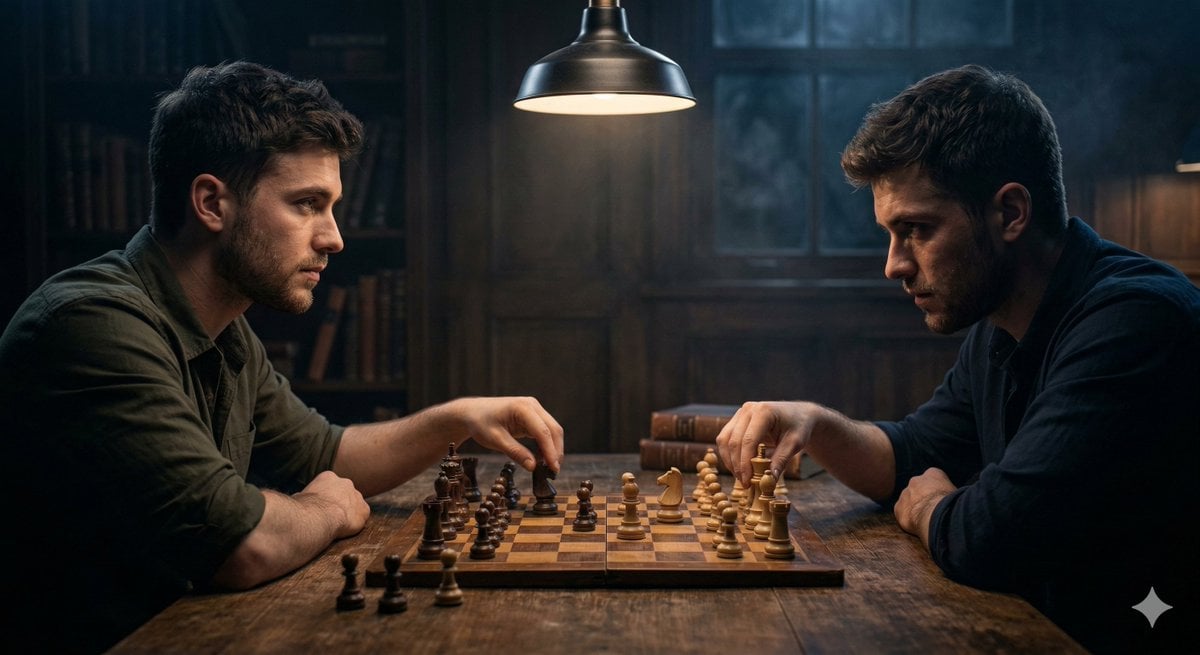
Ultra-realistic Cinematic Scene of Internal Conflict
Browse template categories
Sparkling Seaside Anime Album Cover questions
How do I use the Sparkling Seaside Anime Album Cover template?
Add your photo if the template asks for one, edit the prompt if you like — the template's model and format are already selected — and press Generate. Your version opens in PicX Studio.
Can I customize the Sparkling Seaside Anime Album Cover template?
Yes. You can change the subject, setting, lighting, mood, format, and available model controls before creating your image.
Is the Sparkling Seaside Anime Album Cover template free?
Opening and editing this template is free. Generating uses credits, shown on the Generate button when you are signed in.
Which AI model should I use?
Start with GPT Image 2, which is the model associated with this template. You can compare another compatible model for a different finish.
Looking for something else? Browse all templates.

Your photo, any look
Thousands of ready templates for every top image and video model, from one credit balance.