
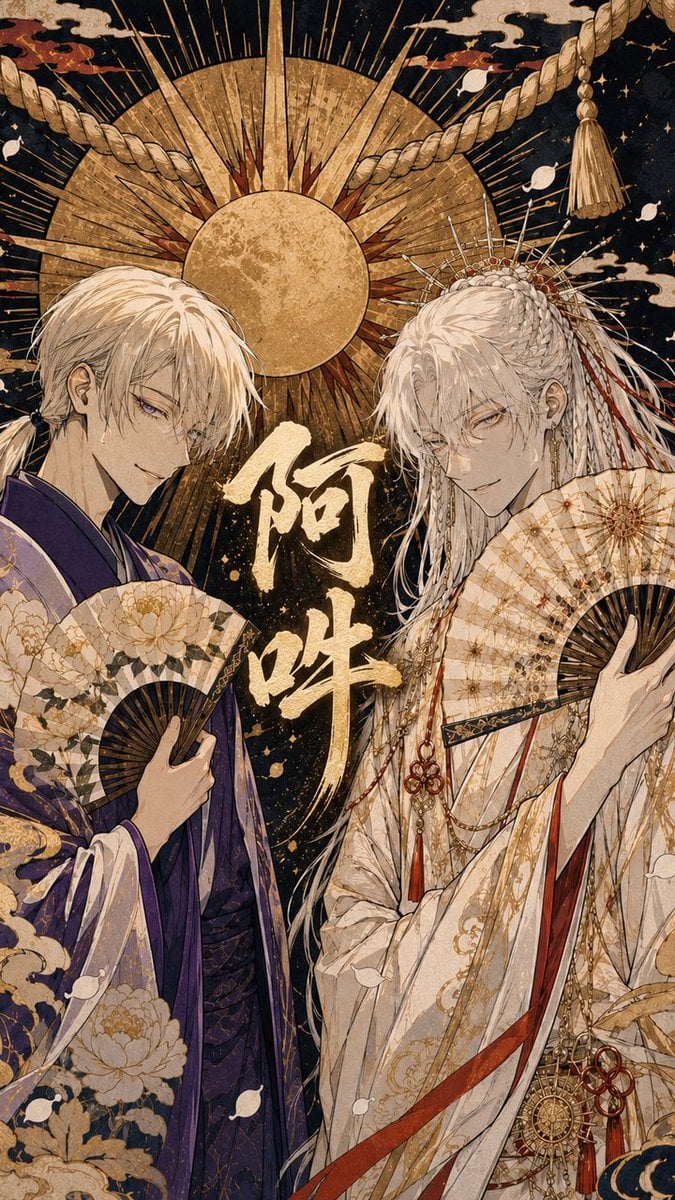
Ornate A-Un Kimono Album Cover
Generates a lavish Japanese fantasy album-cover illustration of two white-haired kimono figures with fans, gold calligraphy, and a radiant shrine-inspired backdrop.
- Prompt included
- Model and format preset
- Free template
The prompt behind this image
Copy the exact prompt behind Ornate A-Un Kimono Album Cover, or open it in the studio and make it yours.
Create a vertical Japanese album-cover illustration in an ornate dark-gold ukiyo-e fantasy style. Two elegant androgynous young men stand side by side, facing the viewer with calm, slightly sly expressions. The left figure has {argument name="left character hair color" default="pale blond-white"} messy shoulder-length hair tied loosely back, sharp pale eyes, and wears a deep purple ceremonial kimono with layered sleeves and large gold peony patterns; he holds one open folding fan with cream paper, black ribs, and gold floral decoration in front of his chest. The right figure has {argument name="right character hair color" default="silvery white"} very long flowing hair with braids, hair ornaments, red-and-white cords, pins, and chains; he wears an elaborate ivory-white ceremonial robe covered in fine gold patterns, red ribbons, dangling ornaments, and a large round medallion at the waist, holding one open cream-and-gold folding fan near his shoulder. Place exactly 2 open folding fans, one per character. Center large brushed Japanese calligraphy reading {argument name="central calligraphy" default="阿吽"} in textured metallic gold between the figures. Behind them, create a dramatic circular golden sun disk and radiating halo with many thin rays, set against a black starry night background. Add one thick sacred shimenawa rope crossing diagonally across the upper area with a tassel on the upper right, stylized cream clouds, scattered white petal shapes, tiny gold speckles, and antique paper texture. Use intricate line art, high detail, gold leaf effects, muted cream, purple, black, red, and metallic gold palette, symmetrical album-jacket composition, no modern objects, no extra text besides the central calligraphy.
How to use Ornate A-Un Kimono Album Cover in 3 steps
- 1Upload ImagePNG, JPG or paste
Add your photo
Upload the photo the template builds on. The prompt, model and format are already set.
- 2…a portrait of your subject in softgolden-hour light, 85mm…
Personalize
Edit the subject and creative details for your destination.
- 3Generate
Generate
Press Generate — your image is created in PicX Studio, so you can compare it with the original and refine one variable at a time.
More like this
Templates with the same subject, style or setup. Open one to see its prompt.
Two A.M. Coastline Album Cover

Music Album Cover Abstract Liquid Mercury

Sparkling Seaside Anime Album Cover
Ornate Kimono Anime Woman
Japanese Musician Album Cover
Dark Forest Undine Album Cover
Monochrome Visual-Kei Album Cover
Anime Bedroom Guitar Album Cover
Moonlit Anime Woman in Ornate Kimono
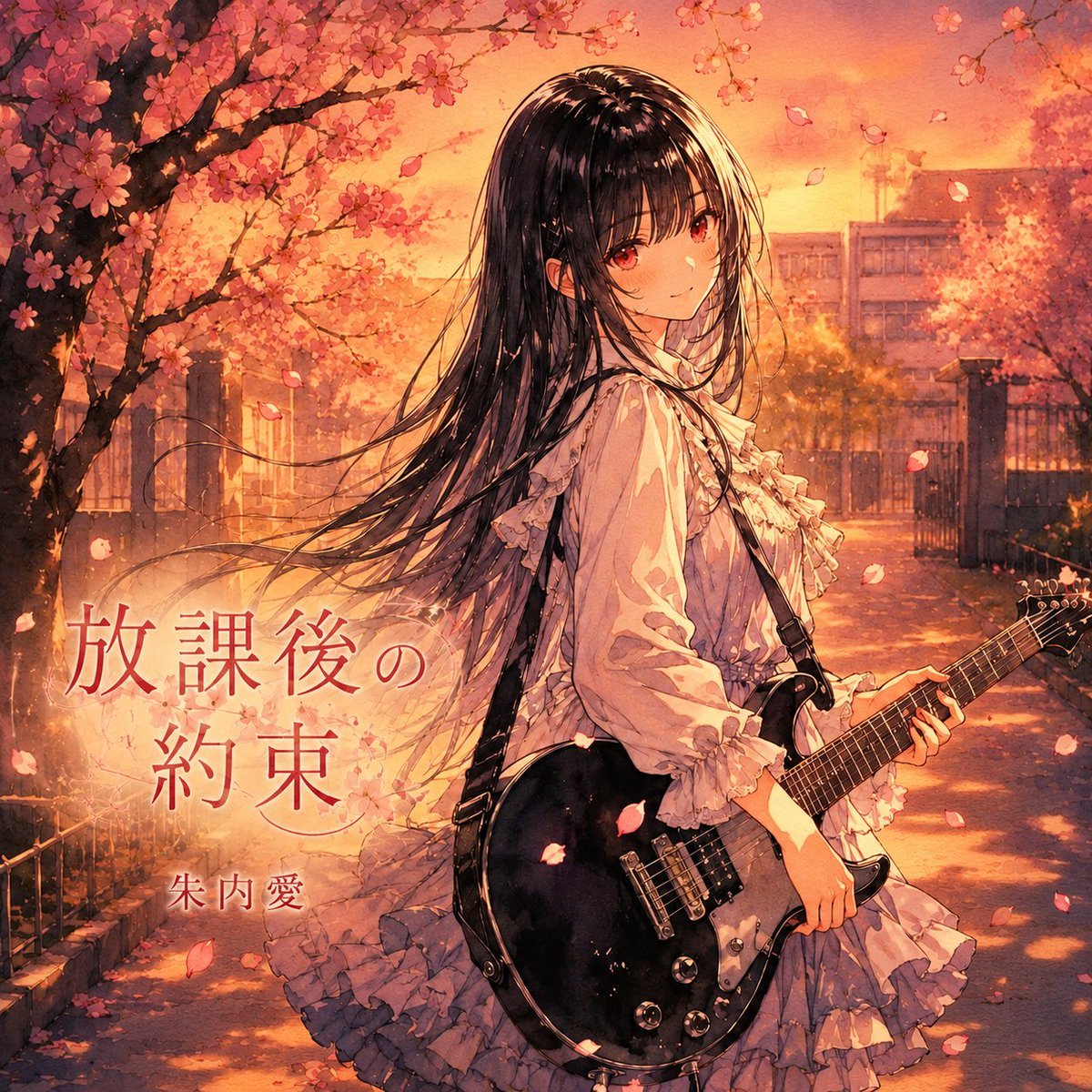
Anime Cherry Blossom Rock Album Cover
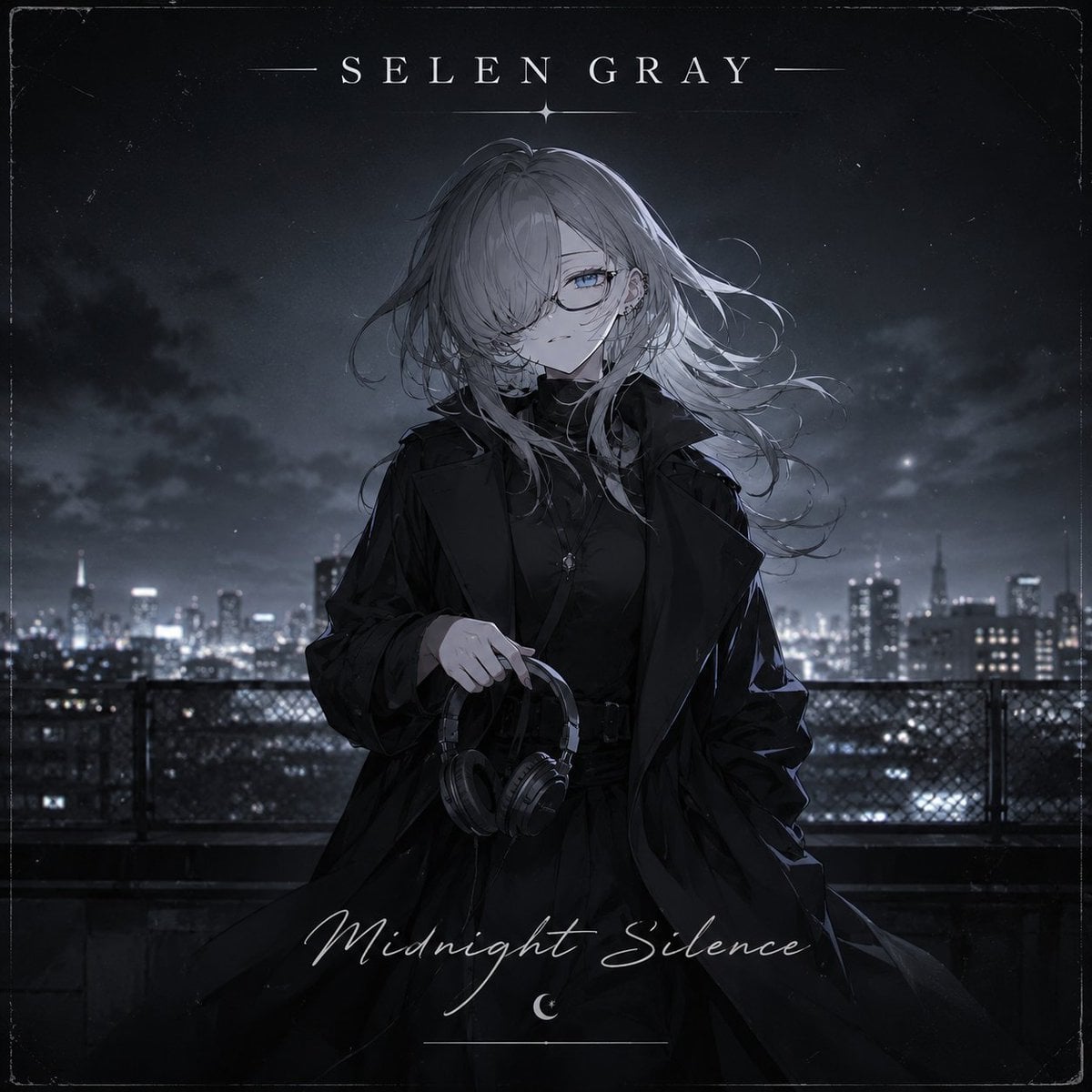
Midnight Anime Album Cover
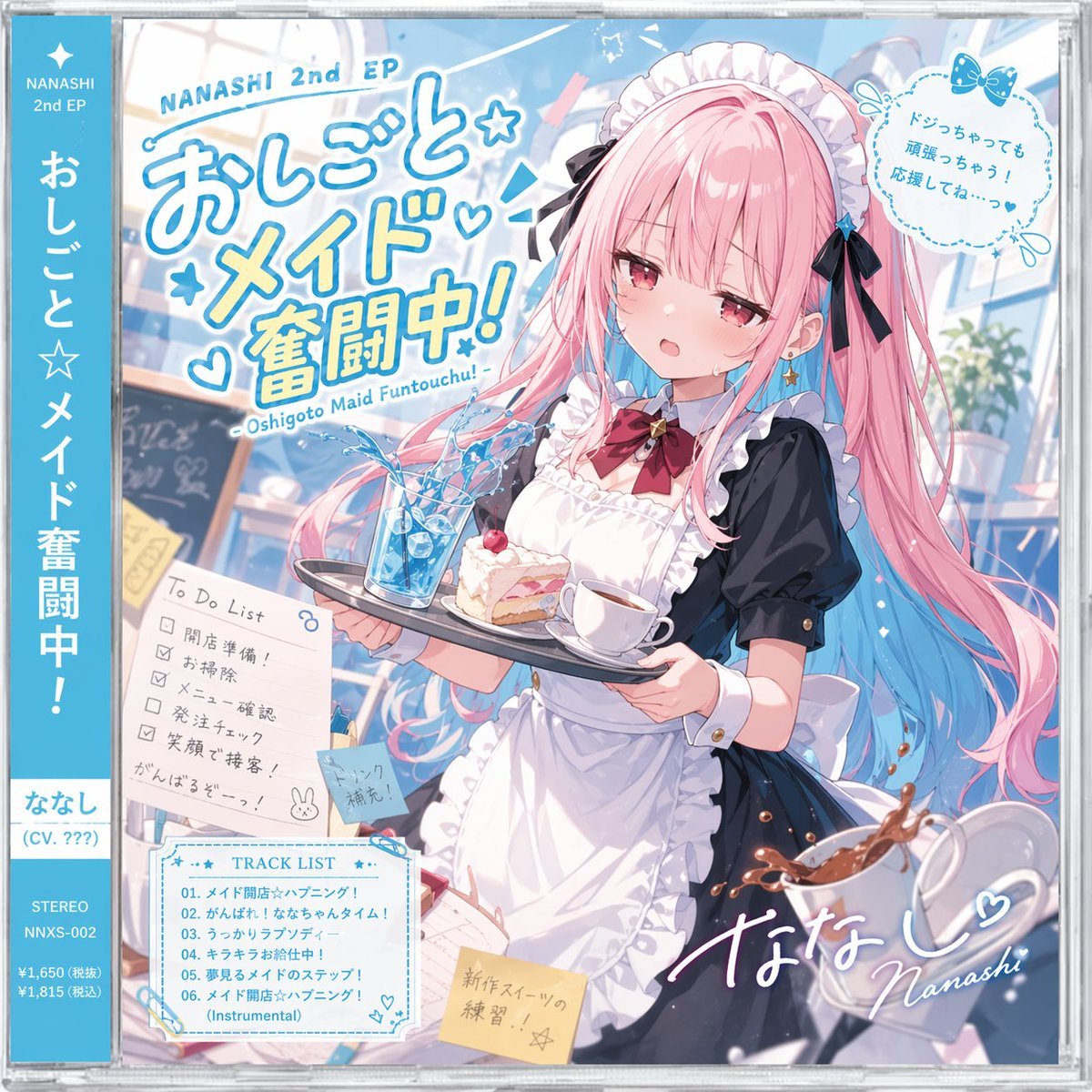
Anime Maid CD Album Cover
Make it yours
Ornate A-Un Kimono Album Cover works as-is. These are the safest ways to change it without losing the look.
Change one field
Copy a single group, rewrite it, and generate again so you can see what that field is doing.
Keep the frame, change the subject
Hold the composition and light of Ornate A-Un Kimono Album Cover, then swap wardrobe, props or the person for a new take.
| If the result… | Why | Fix |
|---|---|---|
| The result drifts from the preview | Too many fields changed at once. | Reuse Ornate A-Un Kimono Album Cover as-is first, then change one group — subject, light, or setting. |
| The model over-stylizes the scene | The prose prompt leaves finish and camera underspecified. | Add one camera or lighting sentence and stay on GPT Image 2. |
More GPT Image 2 templates
Other prompts made for GPT Image 2.

Six VTuber Japanese Logo Sheet

Realistic Portrait of Woman and Deer

The Vista Modular Condo Poster

AI Model Routing Comparison Infographic

2.5D Anime Art Board

Isometric Productivity Desk Scene

New York Double Exposure Poster

Four-Panel AI Landscape Comparison

Japanese Tatami Lifestyle Magazine Cover

NESCAFÉ Coffee Map Poster
More image prompts
Fresh picks from across the catalog.
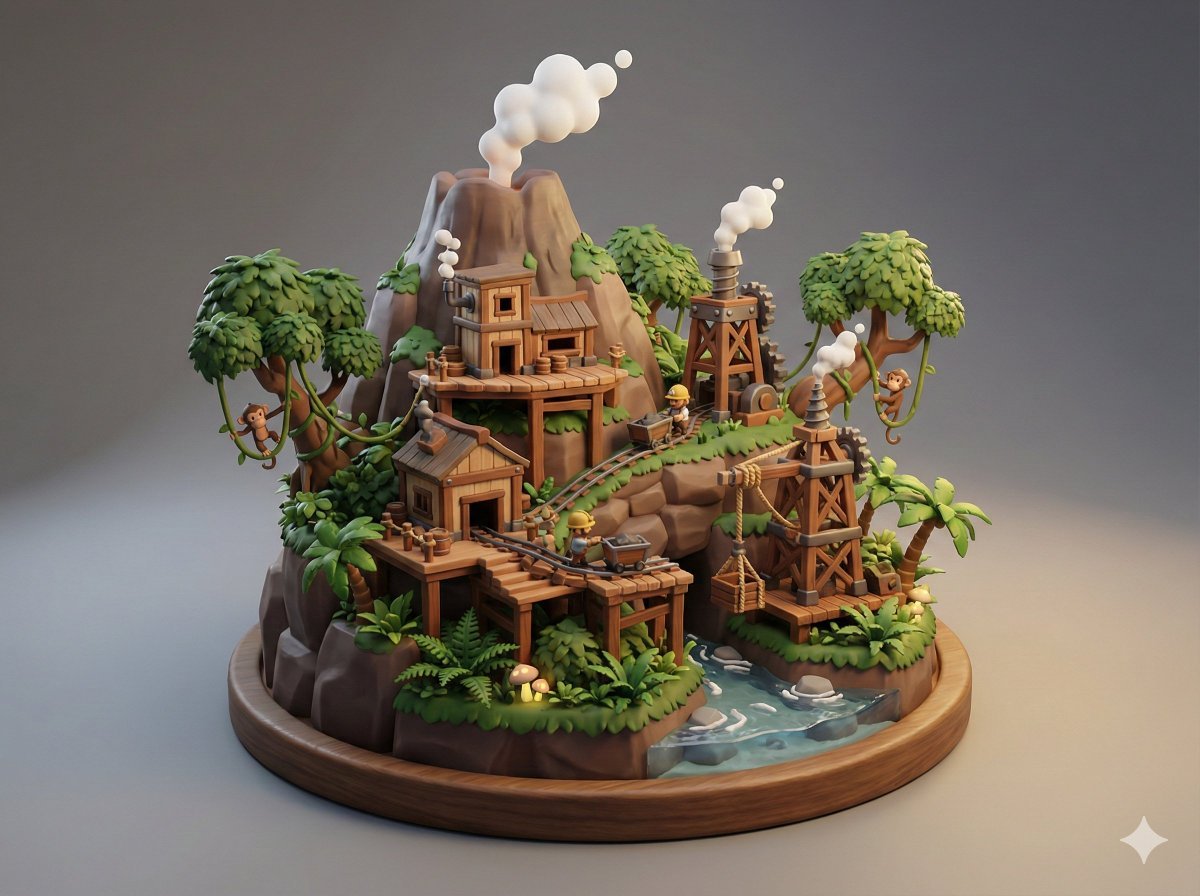
Collectible Miniature Diorama of a Rugged Mining Settlement
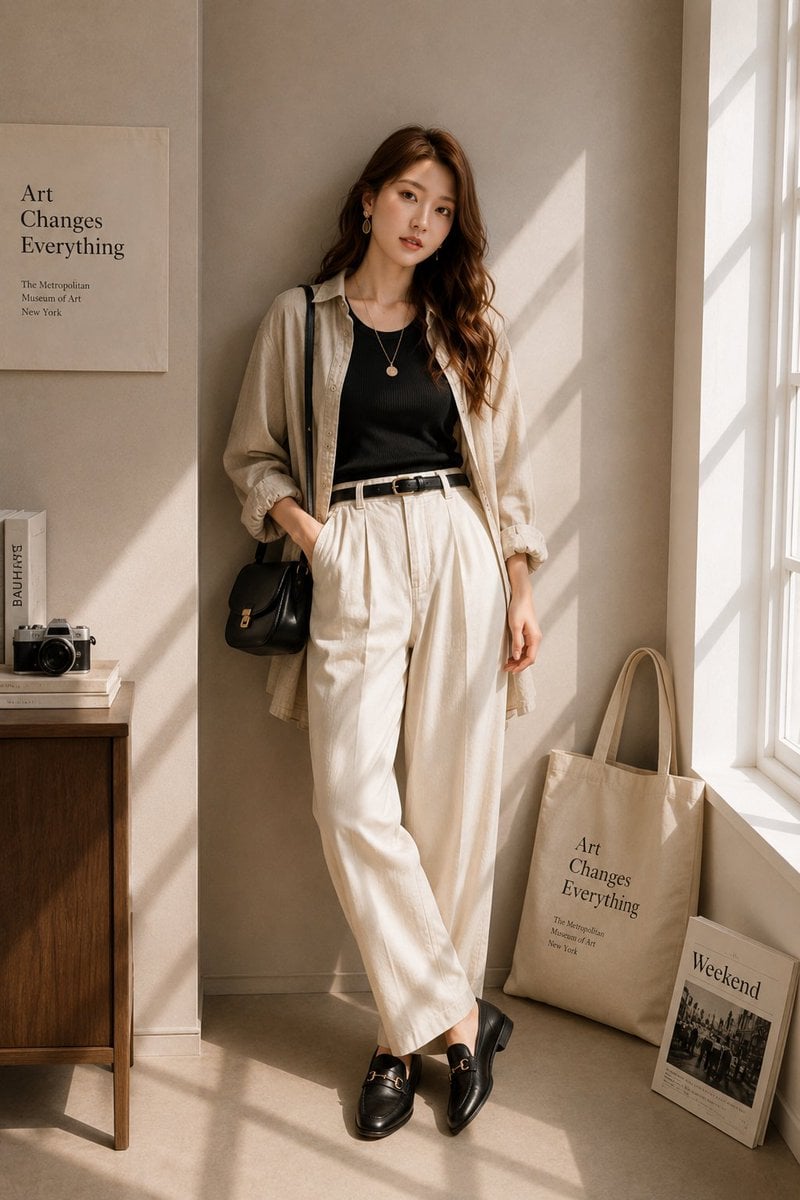
Minimalist High-End Fashion Editorial
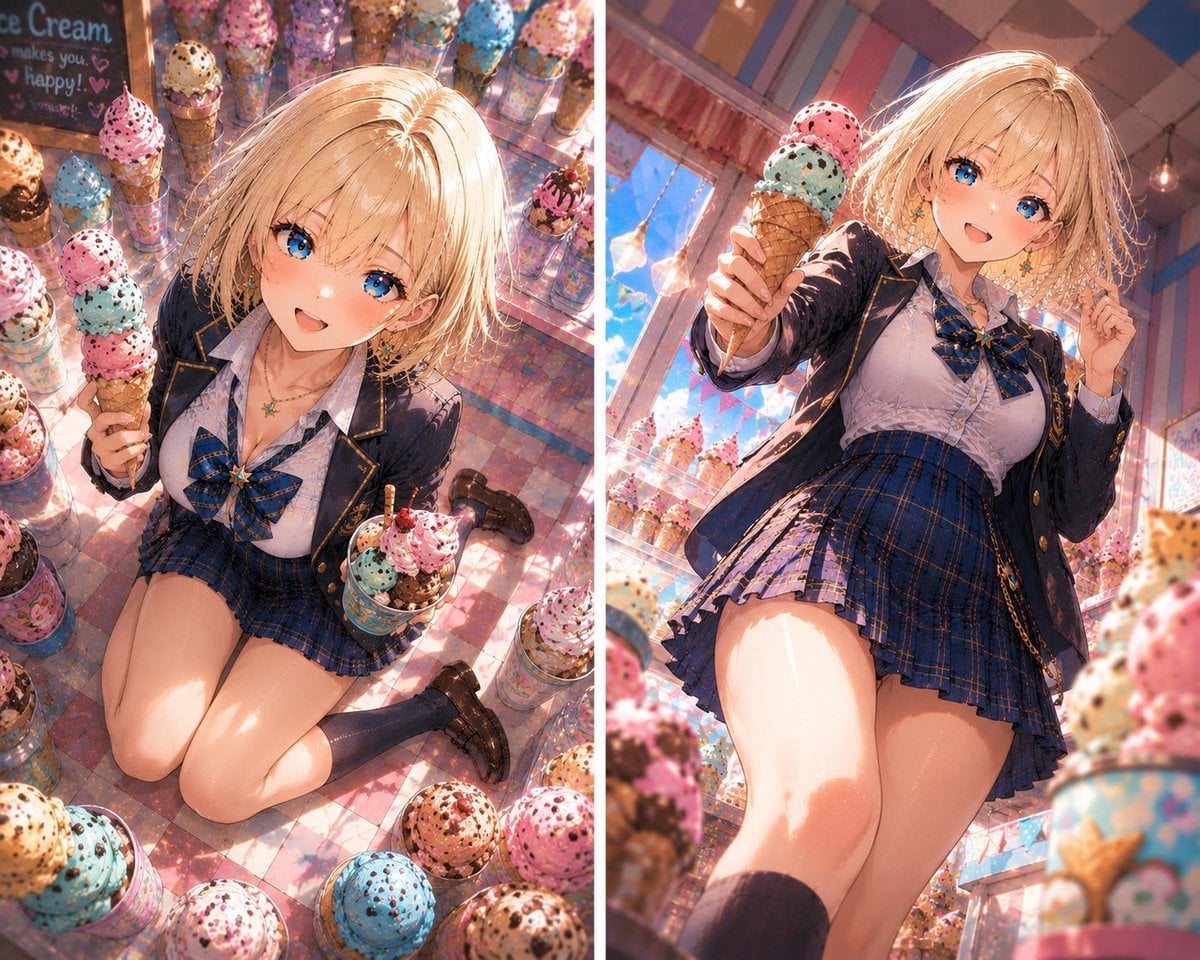
Blonde Anime Ice Cream Shop Diptych
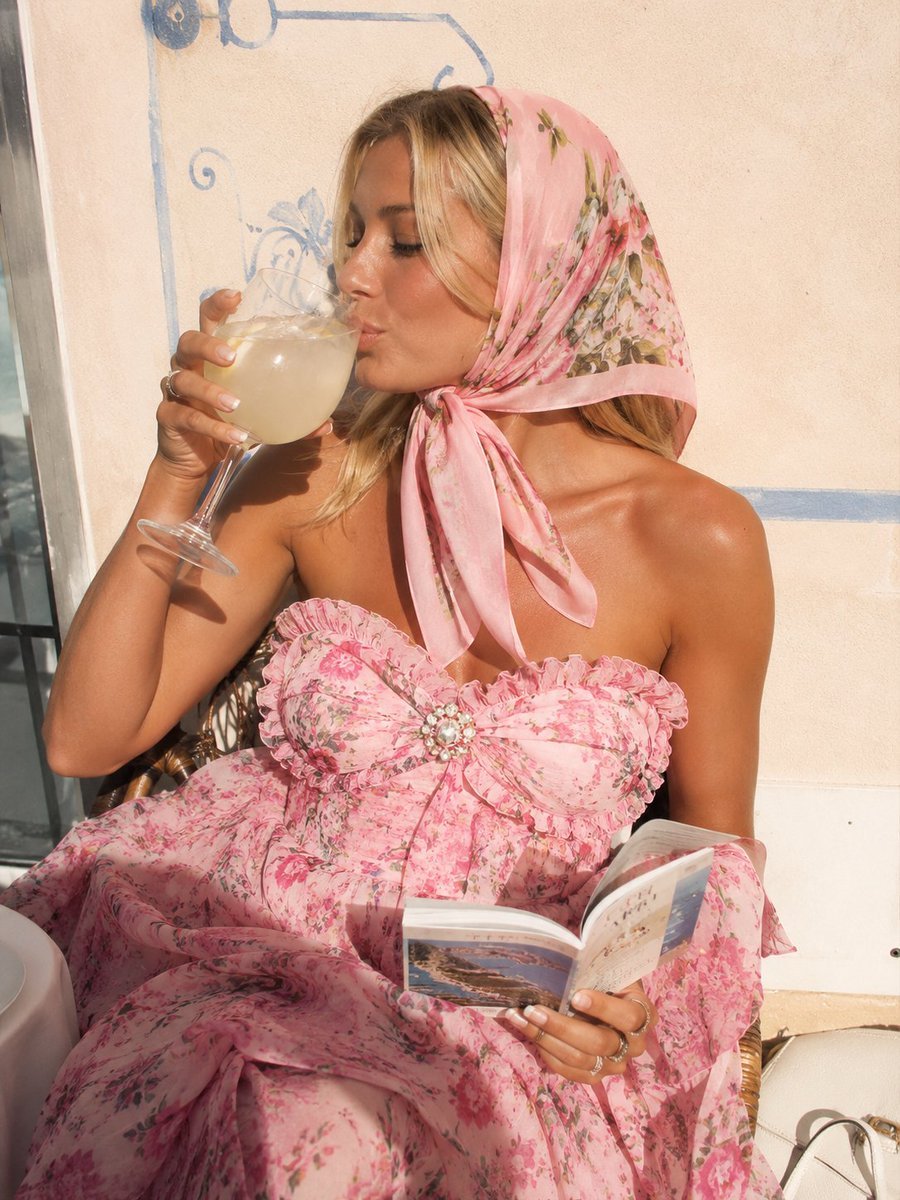
Pink Floral Vacation Café Portrait

Hyper-Realistic Chrome Wall Breakthrough Prompt
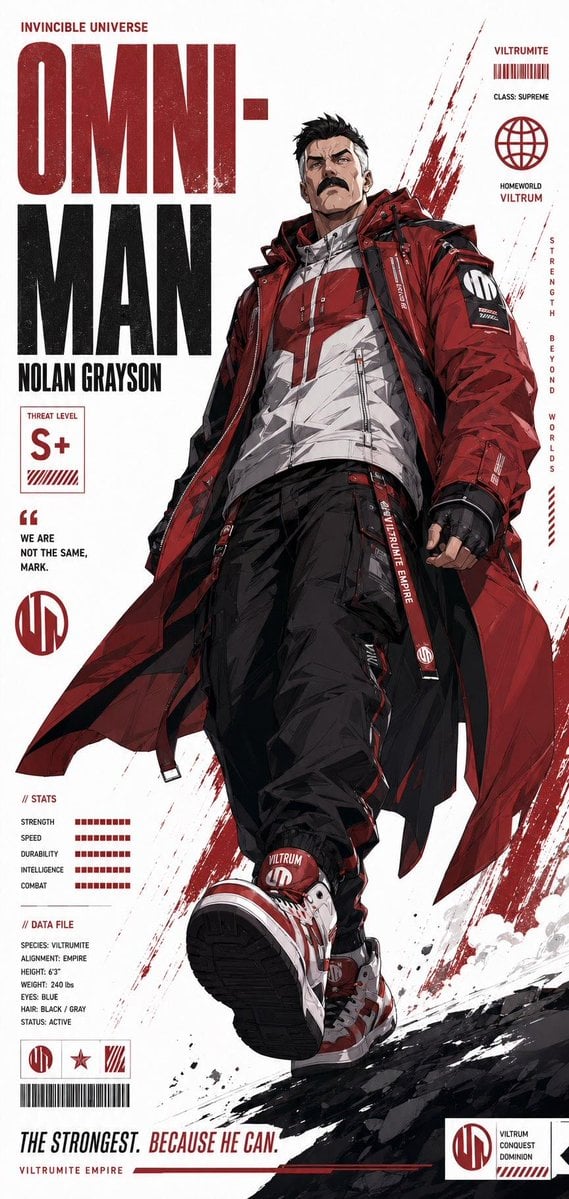
Futuristic Anime Superhero Techwear Poster
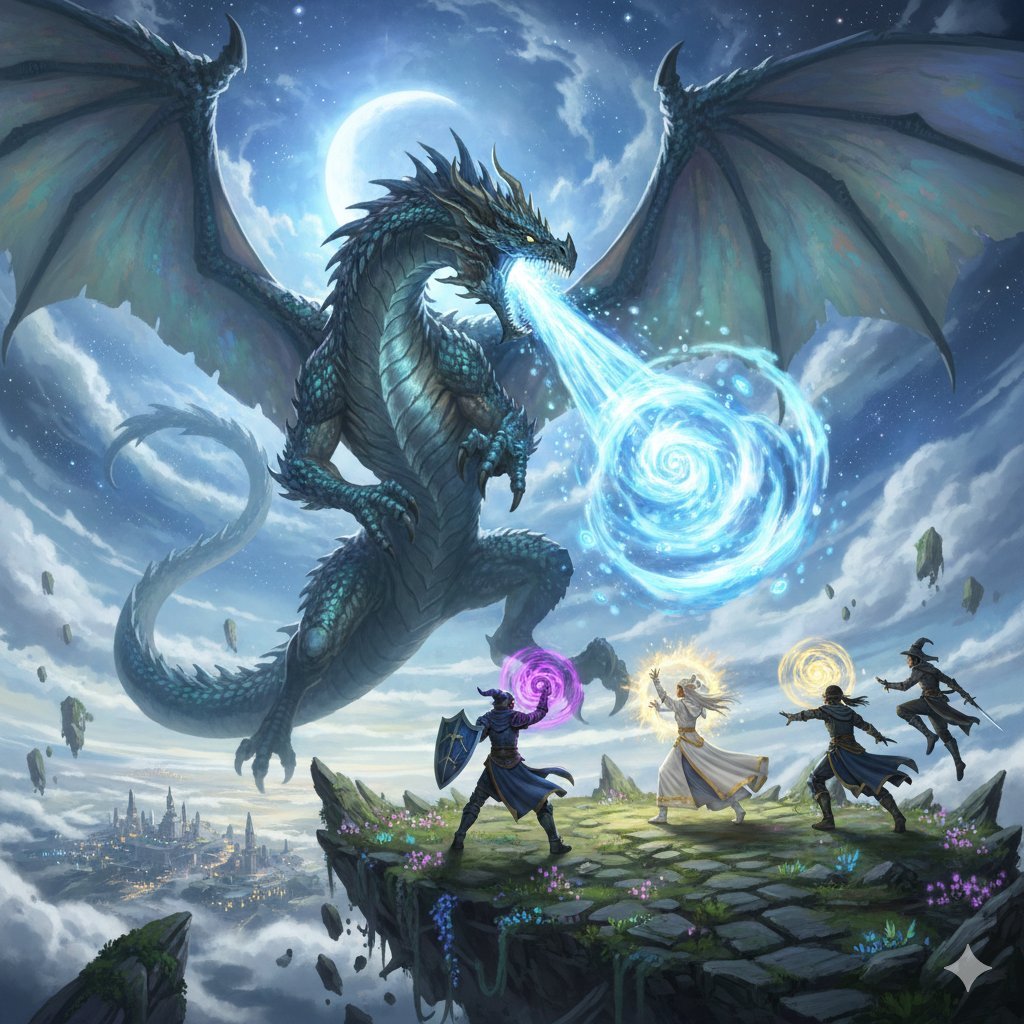
Final Fantasy Bahamut VS Player Generation
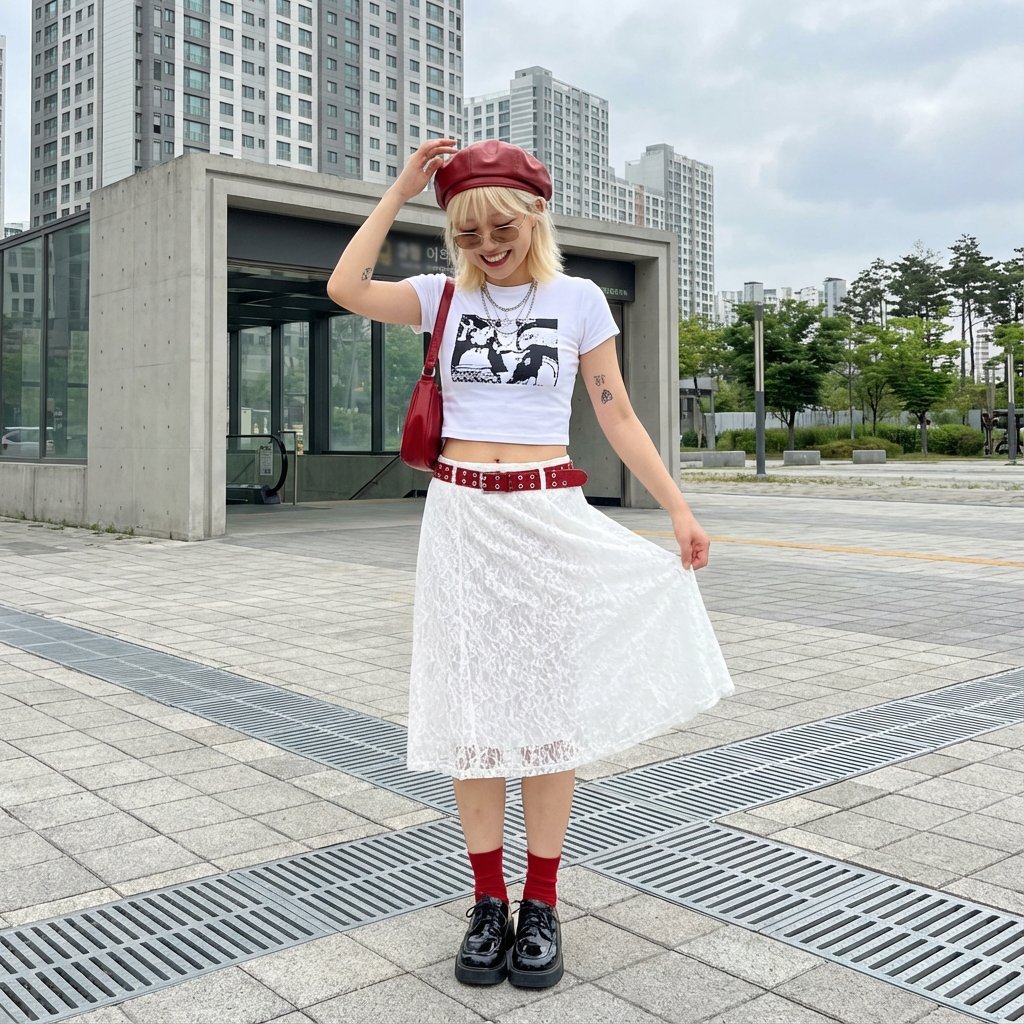
Street Style Fashion Photography Prompt
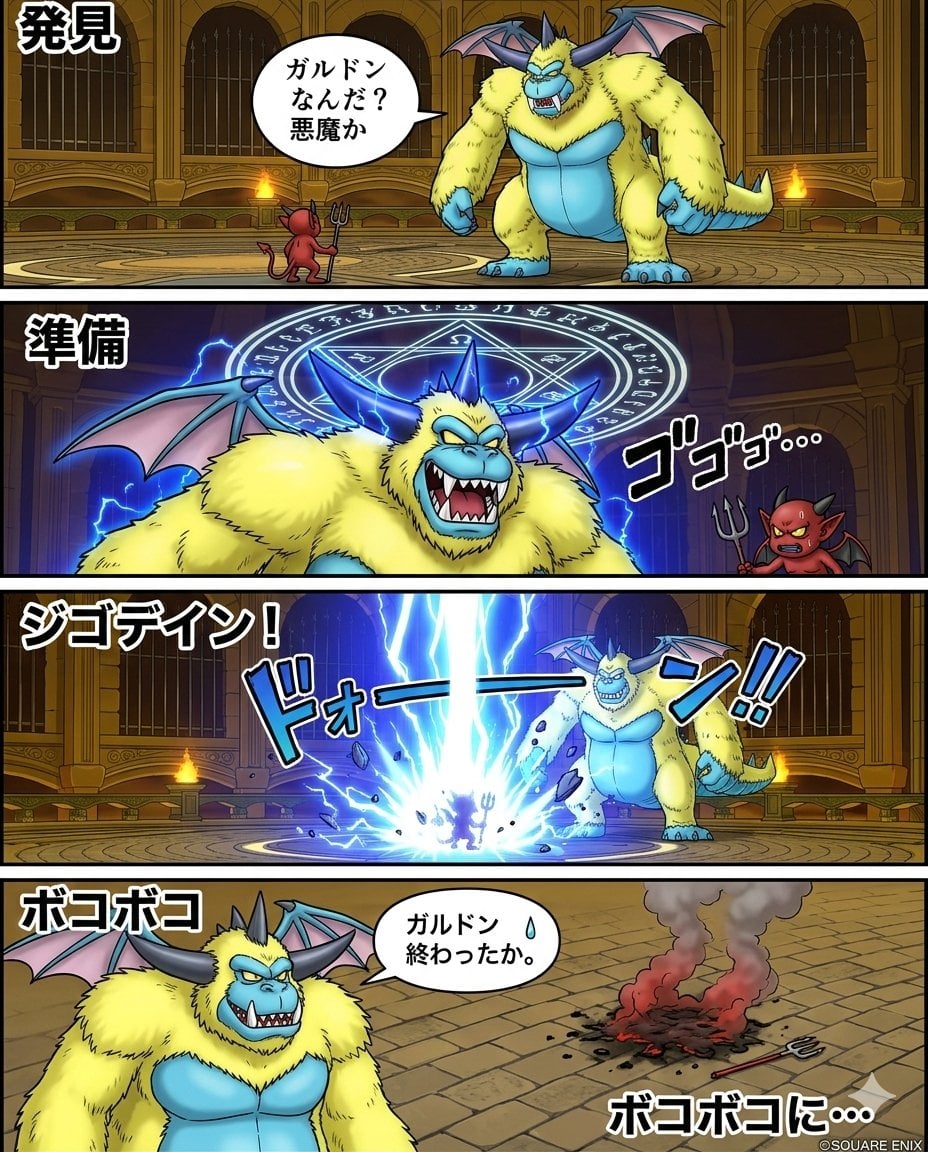
Galdodon Comic Strip Prompt
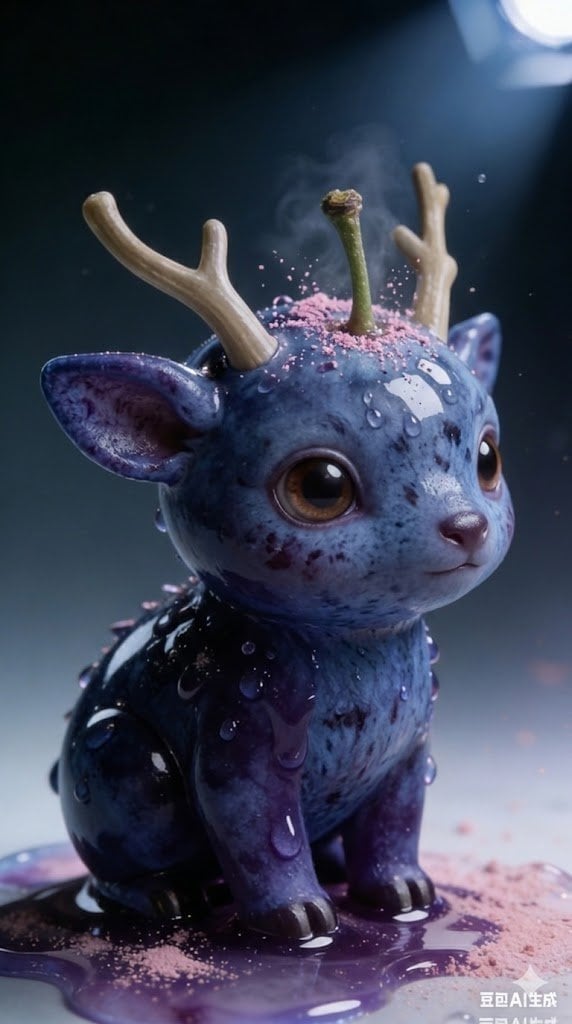
Kawaii Blueberry Fawn Forest Spirit Macro Photo
Browse template categories
Ornate A-Un Kimono Album Cover questions
How do I use the Ornate A-Un Kimono Album Cover template?
Add your photo if the template asks for one, edit the prompt if you like — the template's model and format are already selected — and press Generate. Your version opens in PicX Studio.
Can I customize the Ornate A-Un Kimono Album Cover template?
Yes. You can change the subject, setting, lighting, mood, format, and available model controls before creating your image.
Is the Ornate A-Un Kimono Album Cover template free?
Opening and editing this template is free. Generating uses credits, shown on the Generate button when you are signed in.
Which AI model should I use?
Start with GPT Image 2, which is the model associated with this template. You can compare another compatible model for a different finish.
Looking for something else? Browse all templates.

Your photo, any look
Thousands of ready templates for every top image and video model, from one credit balance.