
Blonde Anime Ice Cream Shop Diptych
Generates a vibrant two-panel anime illustration of a blonde young woman in a school-inspired outfit posing with colorful ice cream in a sunny pastel shop.
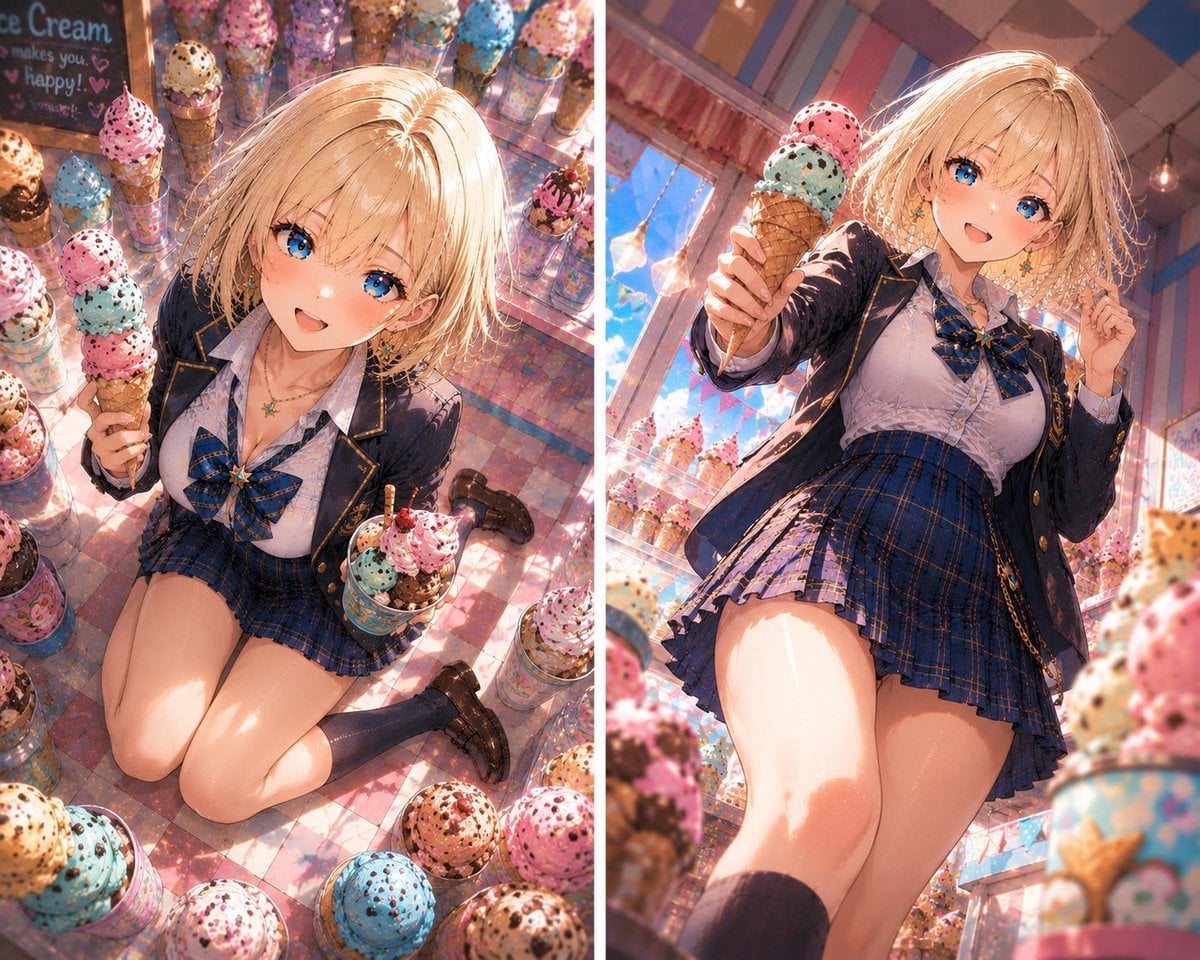
- Prompt included
- Model and format preset
- Free template
The prompt behind this image
Copy the exact prompt behind Blonde Anime Ice Cream Shop Diptych, or open it in the studio and make it yours.
- Type
- two-panel anime illustration diptych
- Style
- highly detailed glossy anime art, vibrant summer lighting, cinematic composition, sparkling highlights, soft bloom, warm pastel color grading, dynamic perspective, no text overlays, no censorship blocks
- Subject › Character
- {argument name="character name" default="Riona"}
- Subject › Apparent Age
- young adult
- Subject › Appearance › Hair
- {argument name="hair color" default="short tousled blonde bob"}, sunlit strands, side-swept bangs
- Subject › Appearance › Expression
- cheerful and inviting
- Subject › Appearance › Eyes
- bright anime eyes
- Subject › Appearance › Skin
- fair, glossy highlights from sunlight
- Subject › Outfit › Theme
- Japanese school-uniform-inspired fashion
- Subject › Outfit › Pieces Count
- 6
- Subject › Outfit › Pieces
- navy blazer with gold trim and brass buttons, white blouse, blue plaid ribbon bow tie, blue plaid pleated mini skirt, dark knee-high socks, black loafers
- Subject › Outfit › Accessories
- small star pendant necklace and delicate earrings
- Setting › Location
- colorful ice cream shop on Ice Cream Day
- Setting › Background
- pastel striped walls and ceiling, large sunlit windows, hanging warm bulbs, glass displays filled with novelty ice cream cones, reflective pink-and-blue tiled floor
- Setting › Ice Cream Details › Visible Scoop Color Count
- 4
- Setting › Ice Cream Details › Scoop Colors
- pink strawberry with chocolate sprinkles, turquoise mint with chocolate chips, cream vanilla with cookie bits, brown chocolate with nuts
- Setting › Ice Cream Details › Cone Style
- waffle cones, some stacked with multiple scoops, toppings and sprinkles everywhere
- Layout › Format
- vertical split-screen diptych with a thin white divider
- Layout › Panel Count
- 2
- Layout › Panels › 0 › Position
- left
- Layout › Panels › 0 › Composition
- high-angle overhead view looking down at the character kneeling on the shiny tiled floor, surrounded by many tall display cones and ice cream cups
- Layout › Panels › 0 › Pose
- kneeling with legs folded, one hand presenting a triple-scoop waffle cone toward the viewer, the other hand holding a decorated ice cream cup
- Layout › Panels › 0 › Mood
- cute, playful, immersive shop display scene
- Layout › Panels › 1 › Position
- right
Raw JSON
{"type":"two-panel anime illustration diptych","style":"highly detailed glossy anime art, vibrant summer lighting, cinematic composition, sparkling highlights, soft bloom, warm pastel color grading, dynamic perspective, no text overlays, no censorship blocks","subject":{"character":"{argument name=\"character name\" default=\"Riona\"}","apparent_age":"young adult","appearance":{"hair":"{argument name=\"hair color\" default=\"short tousled blonde bob\"}, sunlit strands, side-swept bangs","expression":"cheerful and inviting","eyes":"bright anime eyes","skin":"fair, glossy highlights from sunlight"},"outfit":{"theme":"Japanese school-uniform-inspired fashion","pieces_count":6,"pieces":["navy blazer with gold trim and brass buttons","white blouse","blue plaid ribbon bow tie","blue plaid pleated mini skirt","dark knee-high socks","black loafers"],"accessories":"small star pendant necklace and delicate earrings"}},"setting":{"location":"colorful ice cream shop on Ice Cream Day","background":"pastel striped walls and ceiling, large sunlit windows, hanging warm bulbs, glass displays filled with novelty ice cream cones, reflective pink-and-blue tiled floor","ice_cream_details":{"visible_scoop_color_count":4,"scoop_colors":["pink strawberry with chocolate sprinkles","turquoise mint with chocolate chips","cream vanilla with cookie bits","brown chocolate with nuts"],"cone_style":"waffle cones, some stacked with multiple scoops, toppings and sprinkles everywhere"}},"layout":{"format":"vertical split-screen diptych with a thin white divider","panel_count":2,"panels":[{"position":"left","composition":"high-angle overhead view looking down at the character kneeling on the shiny tiled floor, surrounded by many tall display cones and ice cream cups","pose":"kneeling with legs folded, one hand presenting a triple-scoop waffle cone toward the viewer, the other hand holding a decorated ice cream cup","mood":"cute, playful, immersive shop display scene"},{"position":"right","composition":"low-angle upward view from near floor level, dramatic perspective through foreground blurred ice cream cones","pose":"standing or leaning forward with one leg prominent in perspective, arm extended toward camera offering a waffle cone with pink and mint scoops","mood":"energetic, sunny, poster-like hero shot"}]},"camera_and_lighting":{"lens":"wide-angle anime illustration perspective, strong foreshortening","lighting":"bright golden sunlight streaming through windows, rim light on blonde hair, colorful reflections on skin and clothes","depth_of_field":"foreground cones softly blurred, character and offered ice cream sharply focused"},"customization":{"main prop":"{argument name=\"featured dessert\" default=\"triple-scoop waffle ice cream cone\"}","shop mood":"{argument name=\"shop mood\" default=\"bright pastel candy-colored ice cream parlor\"}"}}How to use Blonde Anime Ice Cream Shop Diptych in 3 steps
- 1Upload ImagePNG, JPG or paste
Add your photo
Upload the photo the template builds on. The prompt, model and format are already set.
- 2…a portrait of your subject in softgolden-hour light, 85mm…
Personalize
Edit the subject and creative details for your destination.
- 3Generate
Generate
Press Generate — your image is created in PicX Studio, so you can compare it with the original and refine one variable at a time.
More like this
Templates with the same subject, style or setup. Open one to see its prompt.
Anime Ice Cream Castle Cone
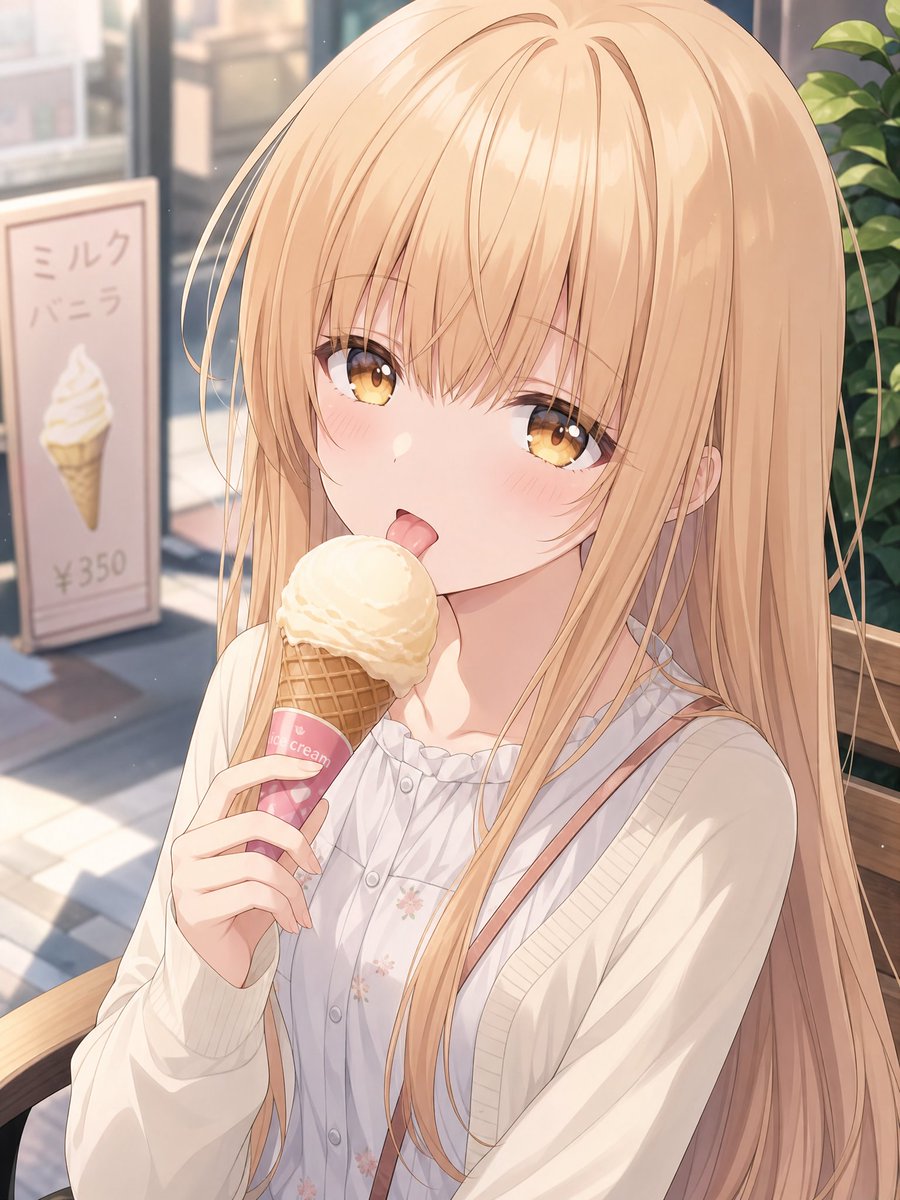
Blonde Anime Girl with Ice Cream
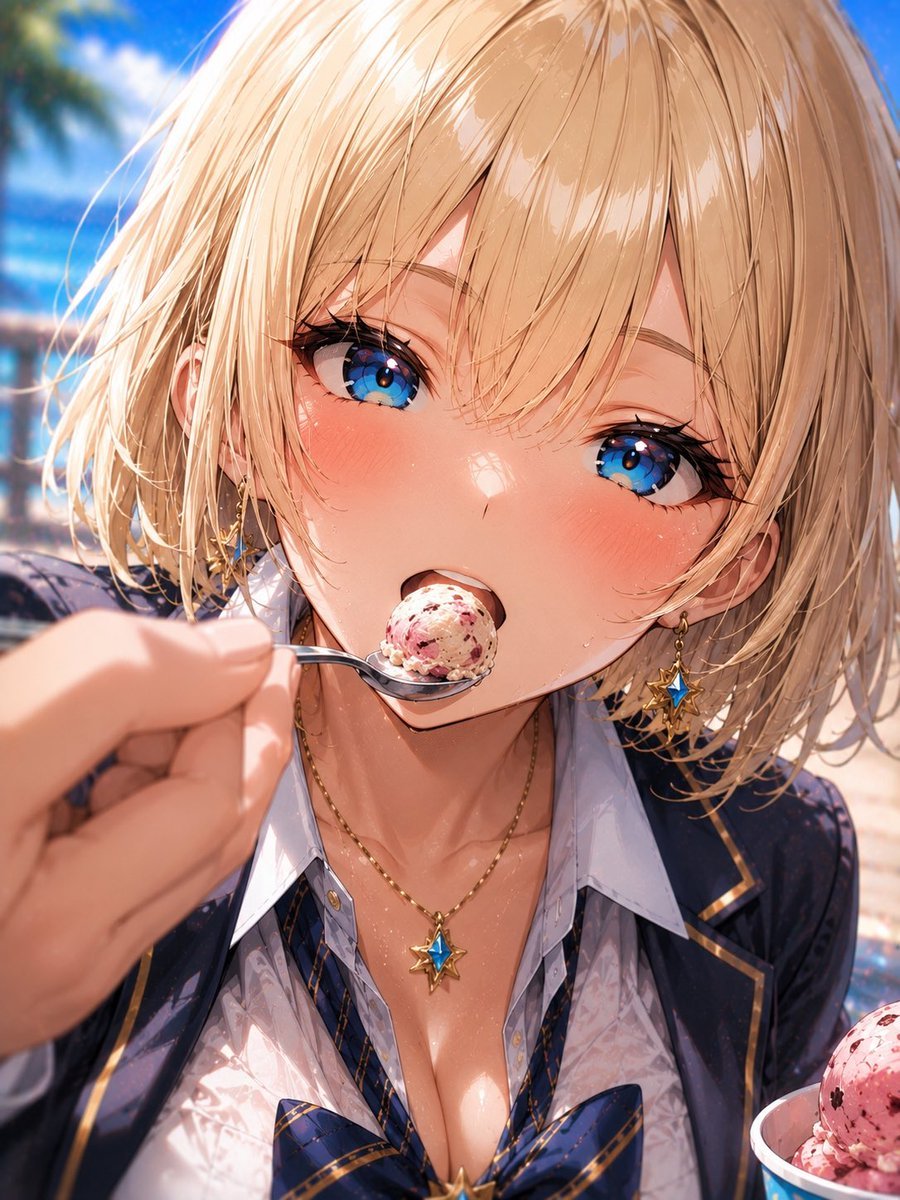
Blonde Beach Anime Girl with Ice Cream
Woman with Ice Cream Shop Portrait

Cel 2D Robot Workshop
Blonde Schoolgirl Ice Pop Diptych
Coffee Shop Journal Diptych
Puppy and Robot Dog Ice Cream Scene
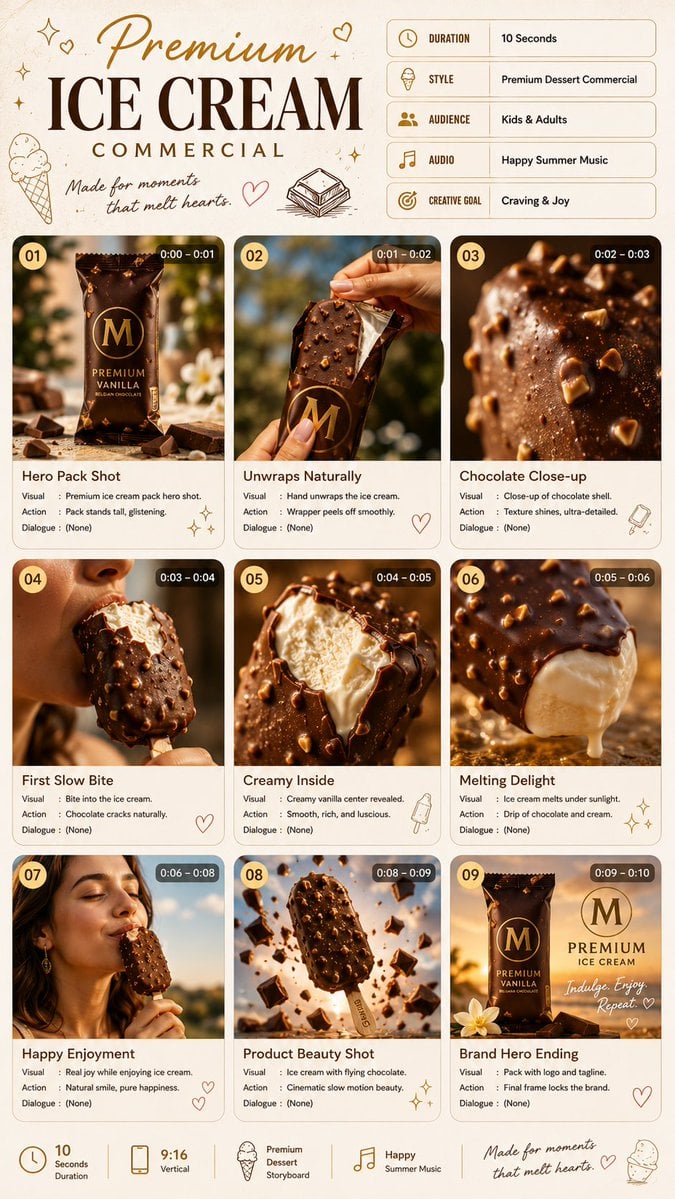
Premium Ice Cream Commercial Storyboard
Overheated Office Lady at Noodle Shop
Comedic Anime Ramen Shop Chaos

Nice Day Anime Poster
Make it yours
Blonde Anime Ice Cream Shop Diptych works as-is. These are the safest ways to change it without losing the look.
Swap the setting
Keep the rest of the prompt and replace the location block. The current setting is “colorful ice cream shop on Ice Cream Day”.
Swap the light
One lighting change is enough to compare takes. Current light: “wide-angle anime illustration perspective, strong foreshortening”.
Change one field
Copy a single group, rewrite it, and generate again so you can see what that field is doing.
| If the result… | Why | Fix |
|---|---|---|
| The result drifts from the preview | Too many fields changed at once. | Reuse Blonde Anime Ice Cream Shop Diptych as-is first, then change one group — subject, light, or setting. |
| GPT Image 2 ignores part of the JSON | Some models flatten or skip nested keys. | Keep the same values and paste them as a short paragraph instead. |
More GPT Image 2 templates
Other prompts made for GPT Image 2.

Six VTuber Japanese Logo Sheet

Realistic Portrait of Woman and Deer

The Vista Modular Condo Poster

AI Model Routing Comparison Infographic

2.5D Anime Art Board

Isometric Productivity Desk Scene

New York Double Exposure Poster

Four-Panel AI Landscape Comparison

Japanese Tatami Lifestyle Magazine Cover

NESCAFÉ Coffee Map Poster
More image prompts
Fresh picks from across the catalog.
High-Fidelity Editorial Contact Sheet Portrait Session
Urban Alley Mural Artist
Hand-drawn Travel Journal Illustration

Vertical Pixel Space Shooter Background
Shocked Doctor Hospital Still

14 Napa Valley Vineyard — California Series
Hiking Photo to Marker Sketch
Cinematic Street Fashion Editorial Portrait
untitled

Retro AI Creative Brand Poster
Browse template categories
Blonde Anime Ice Cream Shop Diptych questions
How do I use the Blonde Anime Ice Cream Shop Diptych template?
Add your photo if the template asks for one, edit the prompt if you like — the template's model and format are already selected — and press Generate. Your version opens in PicX Studio.
Can I customize the Blonde Anime Ice Cream Shop Diptych template?
Yes. You can change the subject, setting, lighting, mood, format, and available model controls before creating your image.
Is the Blonde Anime Ice Cream Shop Diptych template free?
Opening and editing this template is free. Generating uses credits, shown on the Generate button when you are signed in.
Which AI model should I use?
Start with GPT Image 2, which is the model associated with this template. You can compare another compatible model for a different finish.
Looking for something else? Browse all templates.

Your photo, any look
Thousands of ready templates for every top image and video model, from one credit balance.