
Vertical Pixel Space Shooter Background
A production-ready retro pixel-art vertical space background with nebulae, planets, asteroids, and a clear central gameplay lane for a mobile shoot ’em up.

- Prompt included
- Model and format preset
- Free template
The prompt behind this image
Copy the exact prompt behind Vertical Pixel Space Shooter Background, or open it in the studio and make it yours.
Create a vertical retro pixel-art space shooter scrolling background, designed as a seamless mobile game asset. The canvas is a tall 9:16 portrait frame with a dark central flight corridor left mostly open for gameplay. Fill the scene with a deep black starfield, hundreds of tiny white, blue, and violet pixel stars, and two luminous vertical nebula streams: one winding down the left side in electric purple and blue, and one winding down the right side in purple with cyan highlights. Add exactly 3 visible planets: a large purple cratered planet near the upper left edge, a large blue-purple rim-lit planet partially cropped on the lower right edge, and a small purple moon just below that lower-right planet. Add exactly 22 rocky asteroids of varied sizes, irregular cratered gray-brown forms with purple shadowing, distributed around the border while keeping the center mostly clear: 1 huge asteroid near the upper right, 1 medium asteroid at the right-middle edge, 1 medium asteroid at the lower left edge, 1 large asteroid cropped at the bottom left corner, 1 large asteroid cropped at the lower right corner, plus 17 smaller asteroids scattered near the top edge, side edges, and lower border. Use crisp pixel-art rendering with high-detail dithering, chunky jagged silhouettes, bright rim highlights, no outlines that look vector-smooth, no ships, no UI, no text, no watermark. Color palette: black space, violet and magenta nebula clouds, electric blue accents, white star glints, gray rocky asteroids with cool purple shadows. The image should feel production-ready as a vertical shoot ’em up background tile, dramatic but readable, with the gameplay lane clear in the center.
How to use Vertical Pixel Space Shooter Background in 3 steps
- 1Upload ImagePNG, JPG or paste
Add your photo
Upload the photo the template builds on. The prompt, model and format are already set.
- 2…a portrait of your subject in softgolden-hour light, 85mm…
Personalize
Edit the subject and creative details for your destination.
- 3Generate
Generate
Press Generate — your image is created in PicX Studio, so you can compare it with the original and refine one variable at a time.
More like this
Templates with the same subject, style or setup. Open one to see its prompt.

Miniature Travel Diorama Postcard

Pixel Limited Space Dock
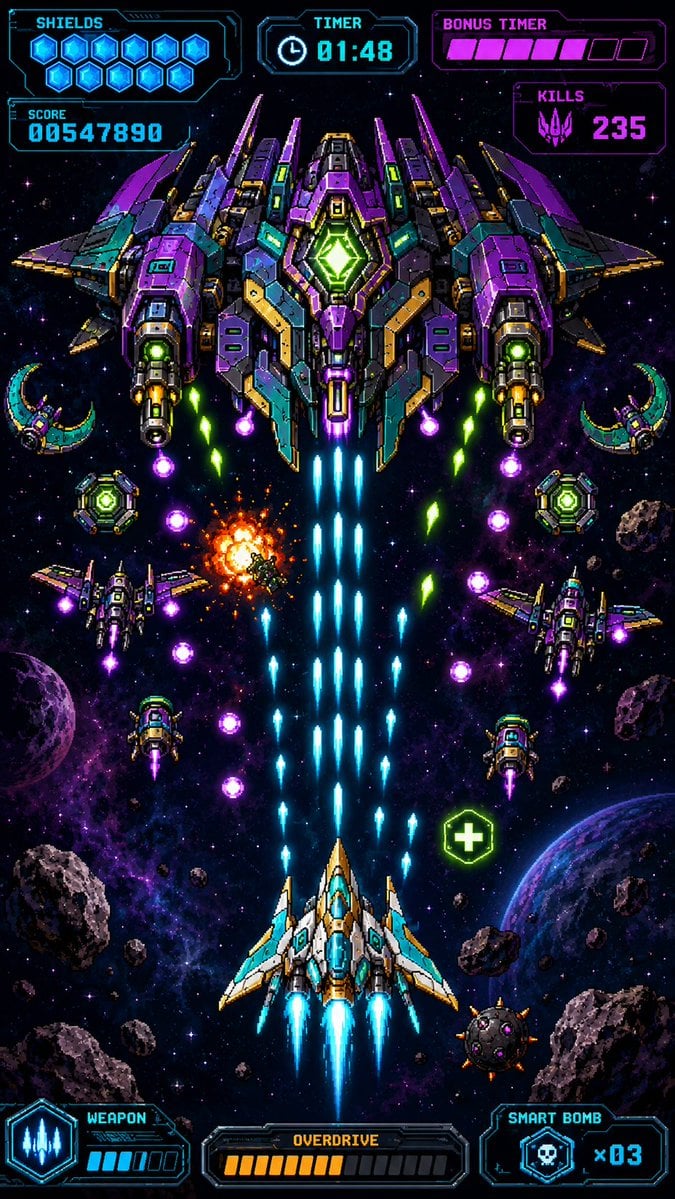
Retro Pixel Space Shooter HUD
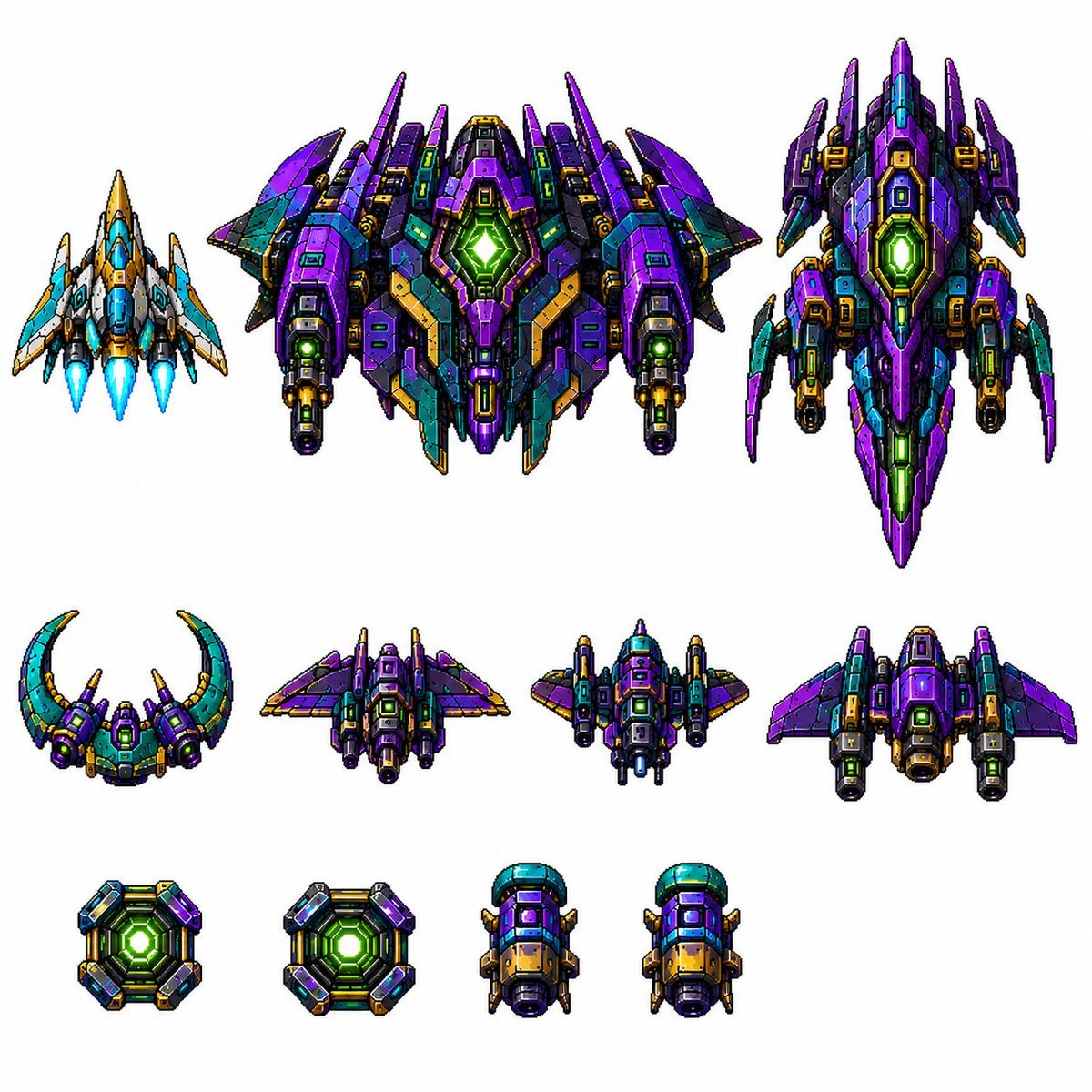
Retro Pixel Space Shooter Sprites

Gen Z Triple Selfie Collage — Y2K Flash Photography

Pixel Limited Finale Fireworks

Pixel Limited Garden Maze

Pixel Limited Rooftop Concert

Pixel Limited Bicycle Coast

Pixel Limited Castle Gate

Pixel Limited Kitchen Chaos

Pixel Limited Carnival Ride
Make it yours
Vertical Pixel Space Shooter Background works as-is. These are the safest ways to change it without losing the look.
Change one field
Copy a single group, rewrite it, and generate again so you can see what that field is doing.
Keep the frame, change the subject
Hold the composition and light of Vertical Pixel Space Shooter Background, then swap wardrobe, props or the person for a new take.
| If the result… | Why | Fix |
|---|---|---|
| The result drifts from the preview | Too many fields changed at once. | Reuse Vertical Pixel Space Shooter Background as-is first, then change one group — subject, light, or setting. |
| The model over-stylizes the scene | The prose prompt leaves finish and camera underspecified. | Add one camera or lighting sentence and stay on GPT Image 2. |
More GPT Image 2 templates
Other prompts made for GPT Image 2.

Six VTuber Japanese Logo Sheet

Realistic Portrait of Woman and Deer

The Vista Modular Condo Poster

AI Model Routing Comparison Infographic

2.5D Anime Art Board

Isometric Productivity Desk Scene

New York Double Exposure Poster

Four-Panel AI Landscape Comparison

Japanese Tatami Lifestyle Magazine Cover

NESCAFÉ Coffee Map Poster
More image prompts
Fresh picks from across the catalog.
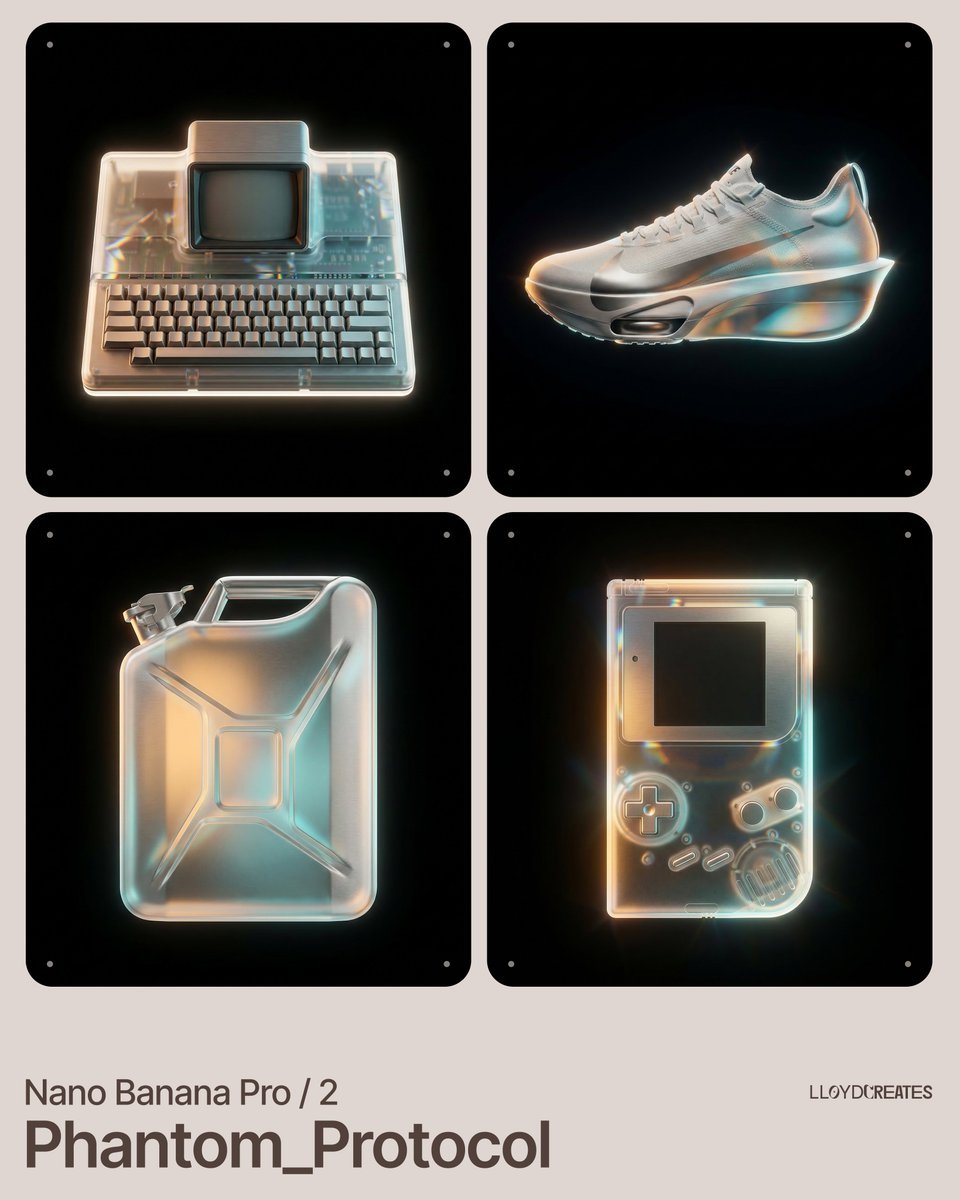
Nano Banana Pro Product Photography Prompt
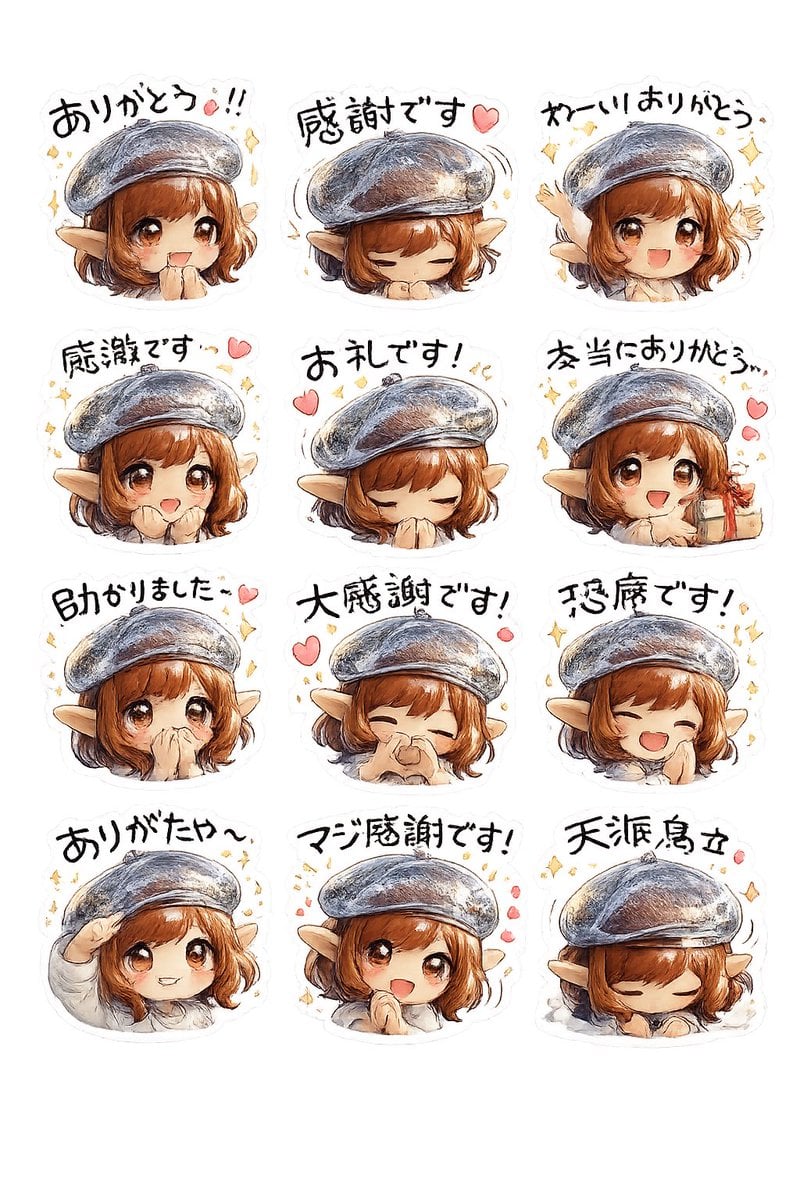
Elf Girl Thank-You Sticker Sheet
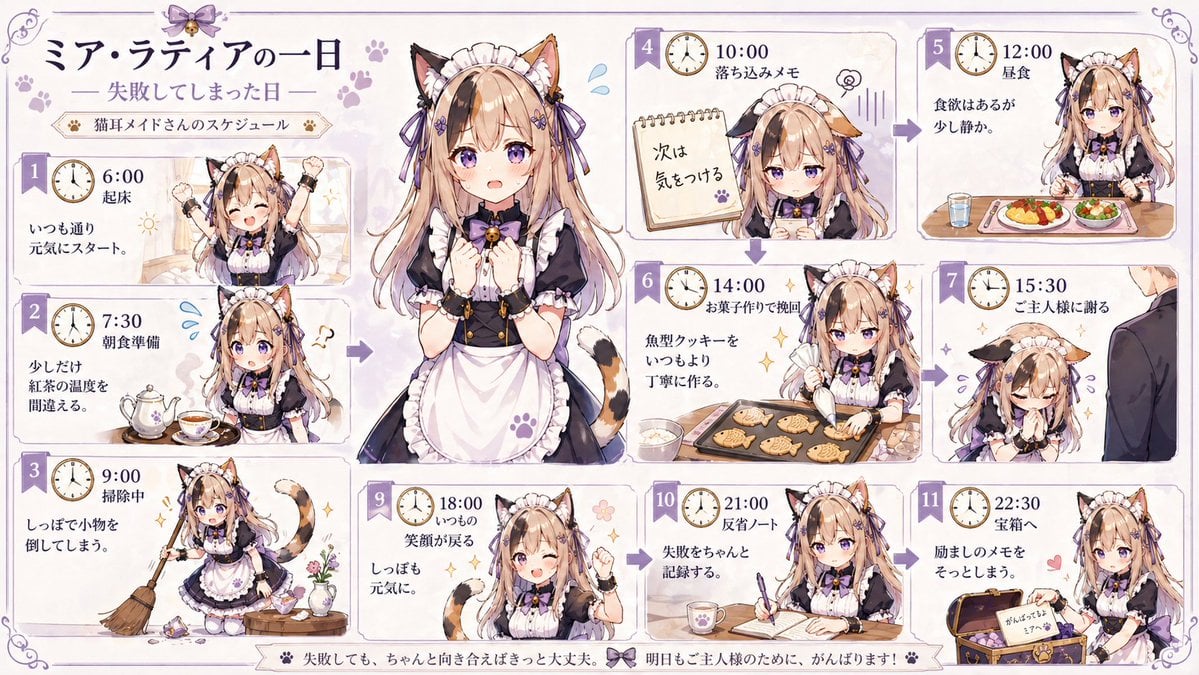
Cat Maid Daily Schedule Infographic
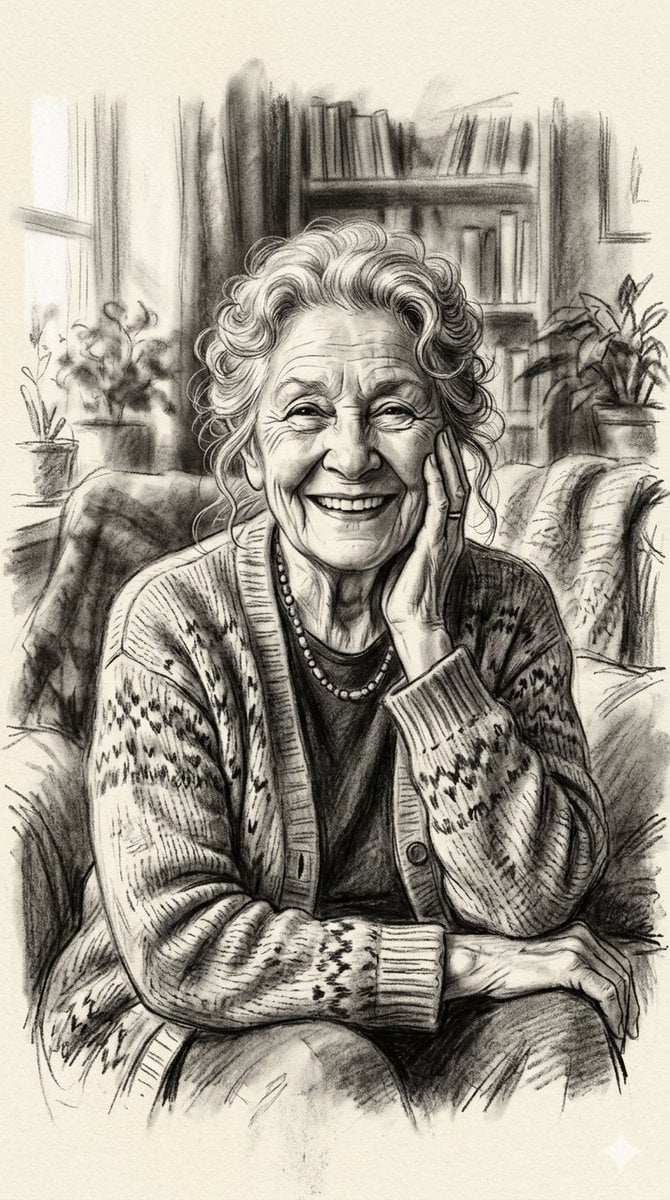
X Minahil42298354 Subject a Heartwarming Portrait
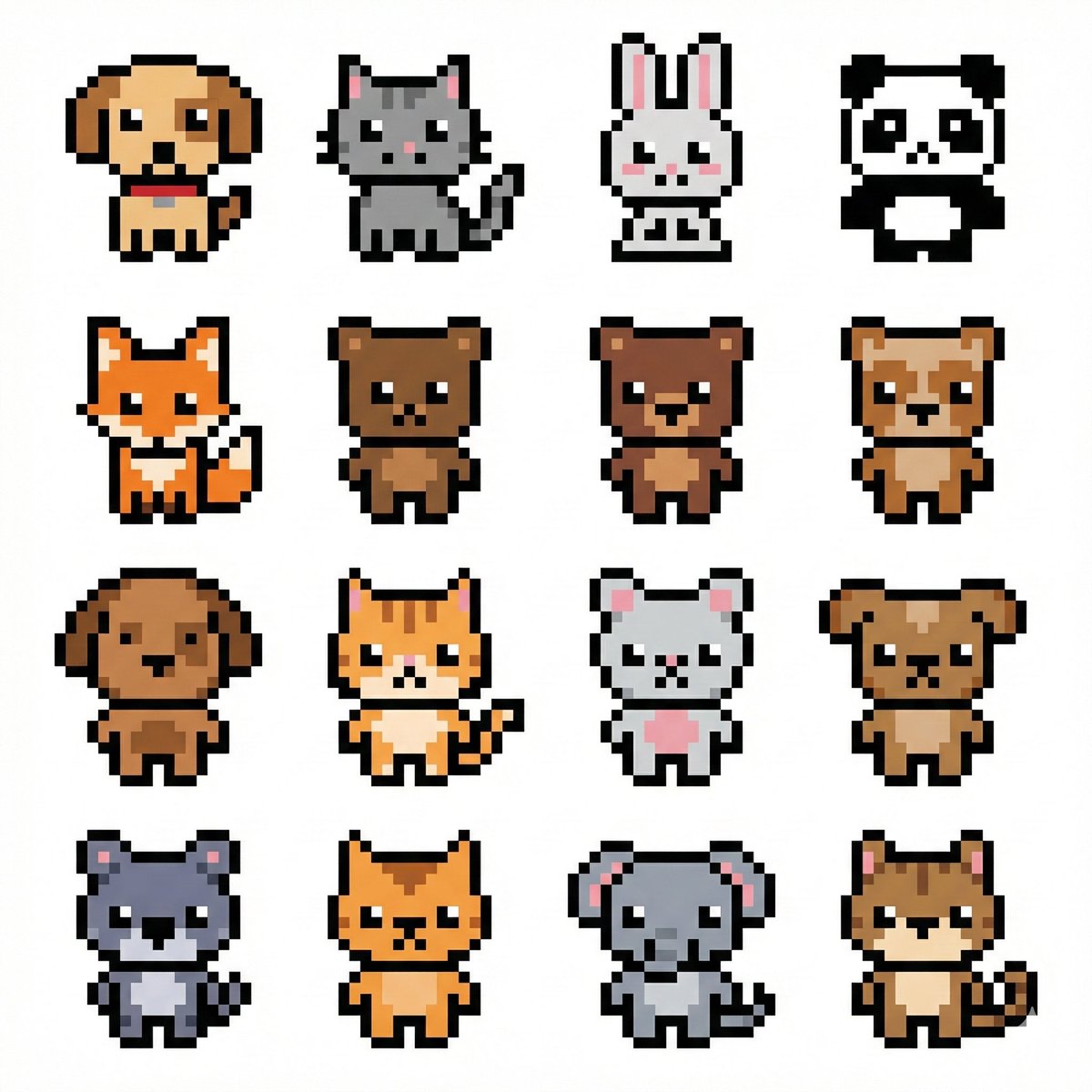
Pixel Art Animal Grid for APNG
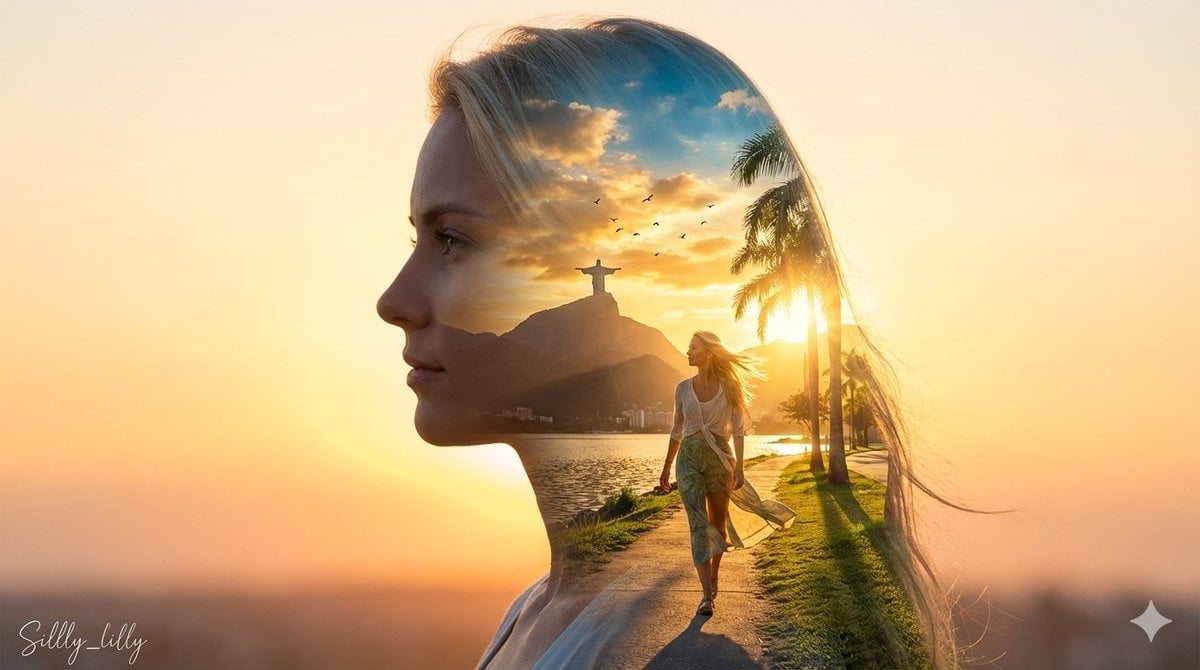
Cinematic Double Exposure Portrait (Rio de Janeiro)
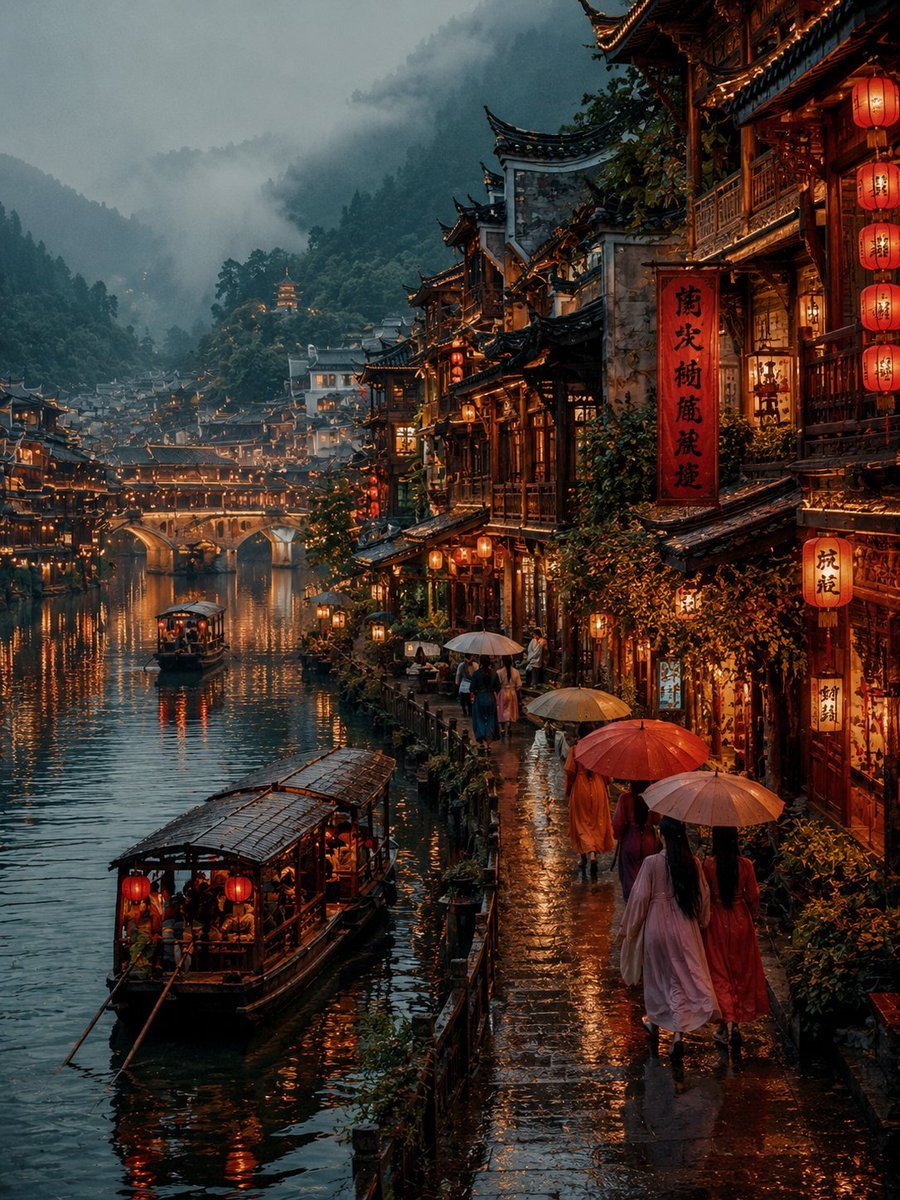
Futuristic Tokyo Street Photography
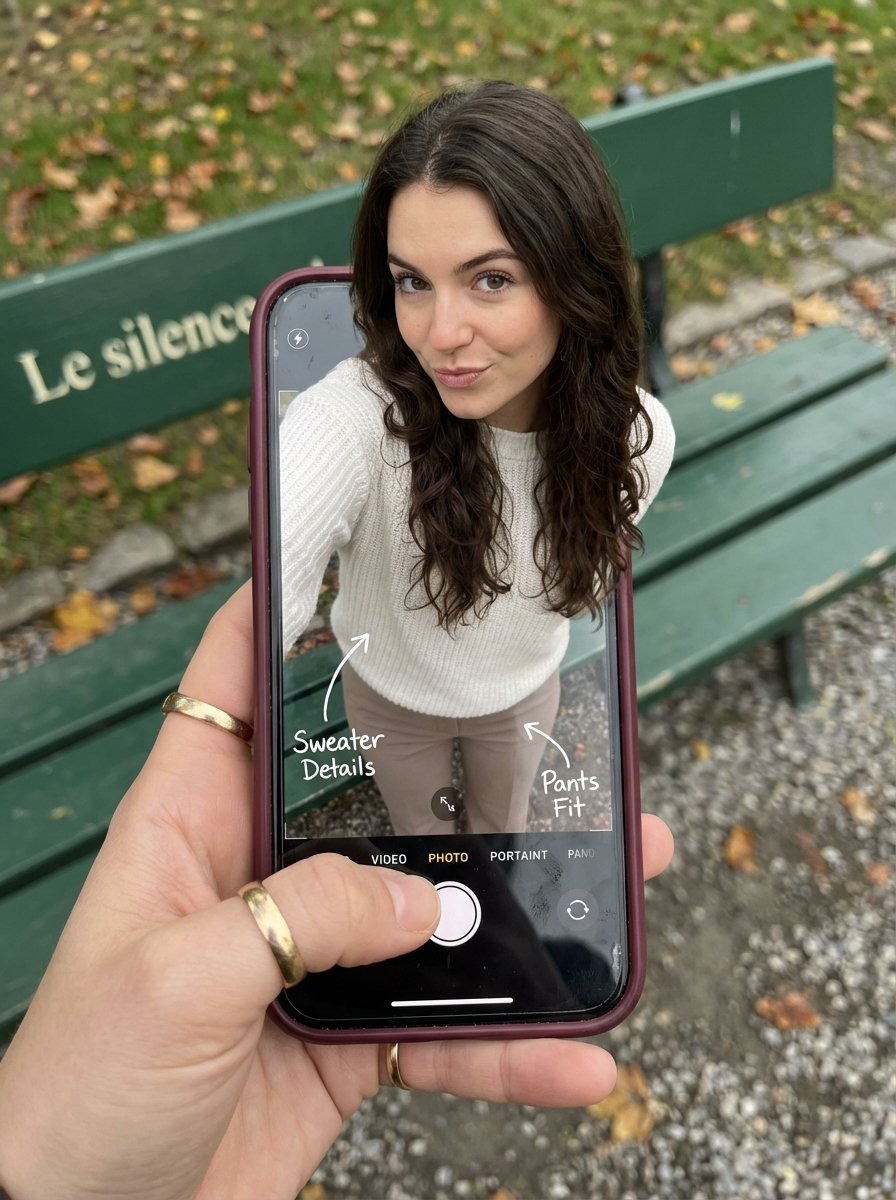
Optical Illusion: Stepping Out of a Smartphone Screen
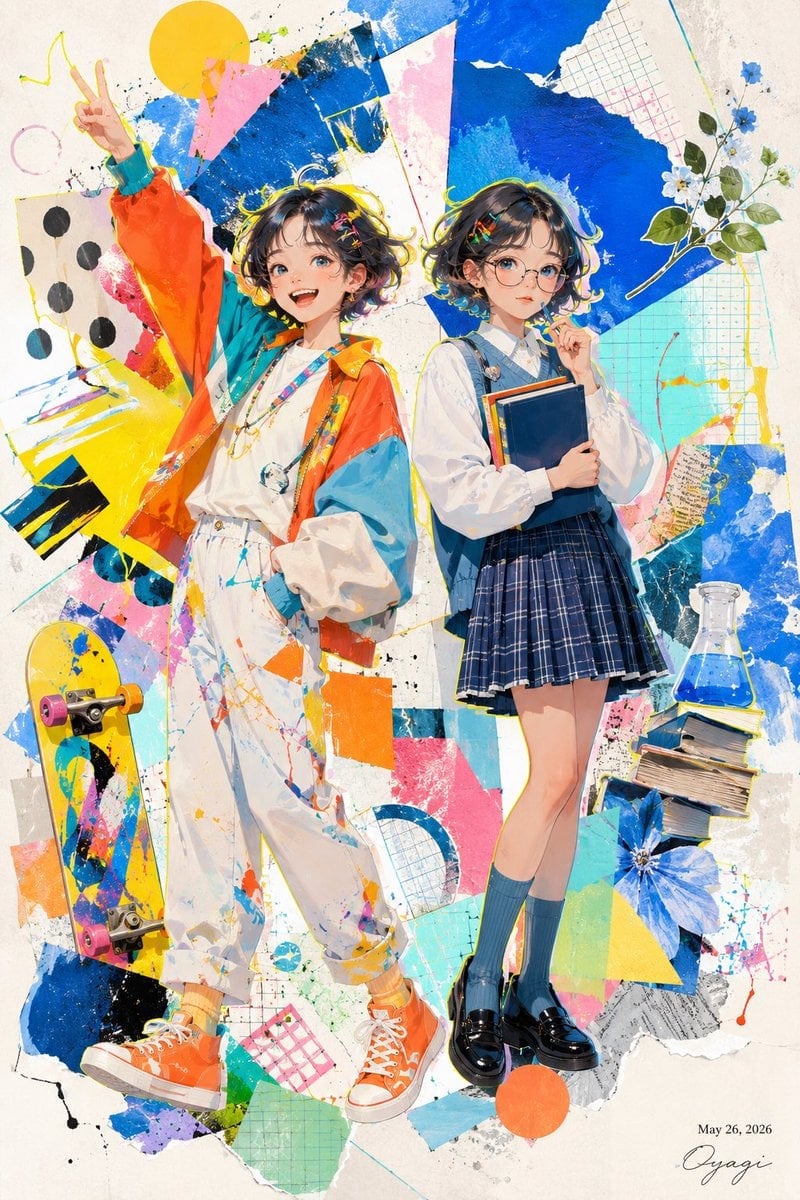
Colorful Anime Twin Poster
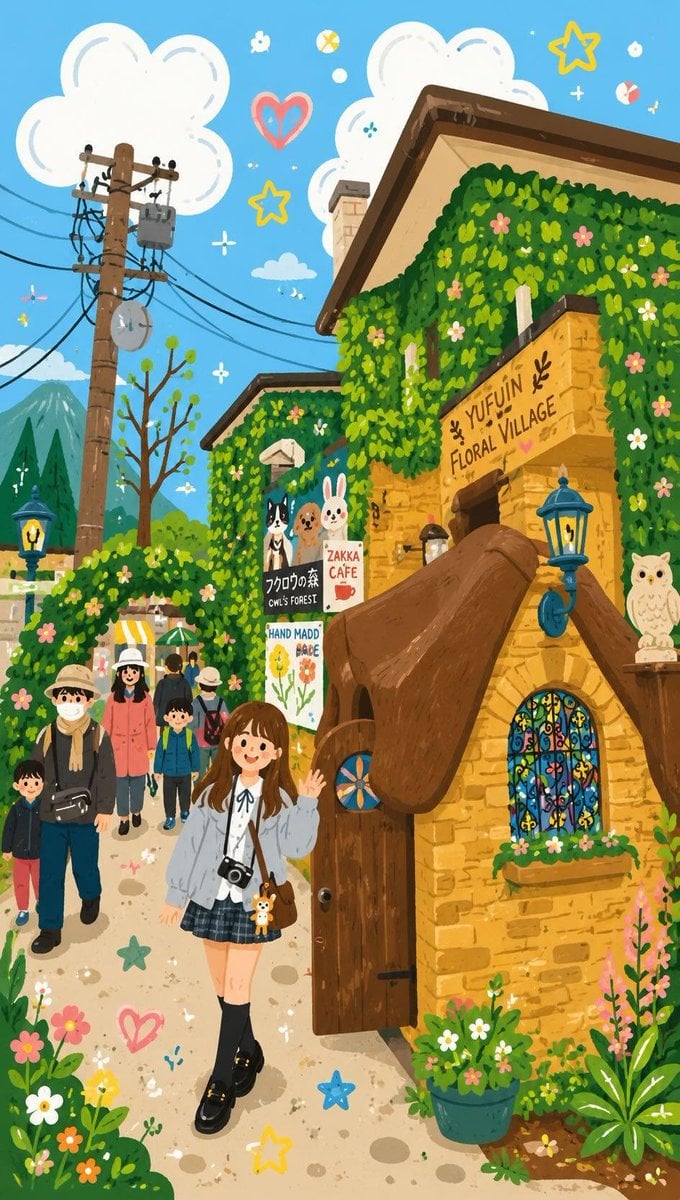
Decorative Folk Flat Illustration
Browse template categories
Vertical Pixel Space Shooter Background questions
How do I use the Vertical Pixel Space Shooter Background template?
Add your photo if the template asks for one, edit the prompt if you like — the template's model and format are already selected — and press Generate. Your version opens in PicX Studio.
Can I customize the Vertical Pixel Space Shooter Background template?
Yes. You can change the subject, setting, lighting, mood, format, and available model controls before creating your image.
Is the Vertical Pixel Space Shooter Background template free?
Opening and editing this template is free. Generating uses credits, shown on the Generate button when you are signed in.
Which AI model should I use?
Start with GPT Image 2, which is the model associated with this template. You can compare another compatible model for a different finish.
Looking for something else? Browse all templates.

Your photo, any look
Thousands of ready templates for every top image and video model, from one credit balance.