
Puppy and Robot Dog Ice Cream Scene
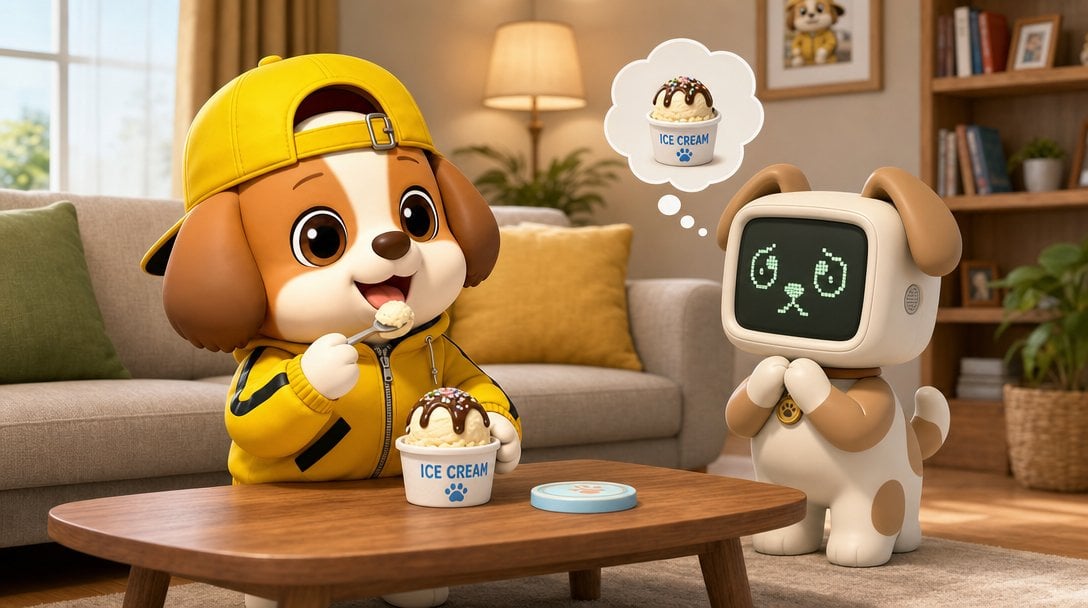
A cozy 3D animated living-room scene of a puppy child eating ice cream while a dog-shaped robot dreams about dessert.
- Prompt included
- Model and format preset
- Free template
The prompt behind this image
Copy the exact prompt behind Puppy and Robot Dog Ice Cream Scene, or open it in the studio and make it yours.
Create a charming 3D animated toy-style scene in a cozy living room. A cute anthropomorphic puppy boy with brown-and-cream fur sits at a wooden coffee table, wearing a bright yellow hoodie with black sleeve stripes and a backward yellow baseball cap. He smiles happily while holding a spoonful of vanilla ice cream, with a white ice cream cup on the table labeled “ICE CREAM” in blue with a small paw-print icon; the ice cream has chocolate syrup and colorful sprinkles. Beside him stands a small dog-shaped companion robot with floppy ears, cream body, tan patches, little paws, and a rounded square CRT-style screen face showing glowing green pixel eyes and a tiny dog nose/mouth expression. The robot clasps its paws and looks longingly at the dessert, with a white thought bubble above it containing exactly 1 ice cream cup matching the real one. Include exactly 3 visible table items: the ice cream cup, the spoon held by the puppy, and a small round light-blue coaster or lid with a paw print. Set the background as a warm, softly lit home interior: beige sofa with green and yellow pillows, large window with daylight on the left, floor lamp glowing behind the sofa, bookshelf on the right with books, plants, framed pictures including a cute dog portrait, and a woven plant basket. Use high-quality Pixar-like 3D rendering, soft depth of field, rounded shapes, plush toy textures, warm golden lighting, expressive oversized eyes, and a wholesome playful mood. Keep the composition horizontal 16:9, eye-level, with the puppy on the left and robot dog on the right, no extra characters, no watermark.
How to use Puppy and Robot Dog Ice Cream Scene in 3 steps
- 1Upload ImagePNG, JPG or paste
Add your photo
Upload the photo the template builds on. The prompt, model and format are already set.
- 2…a portrait of your subject in softgolden-hour light, 85mm…
Personalize
Edit the subject and creative details for your destination.
- 3Generate
Generate
Press Generate — your image is created in PicX Studio, so you can compare it with the original and refine one variable at a time.
More like this
Templates with the same subject, style or setup. Open one to see its prompt.
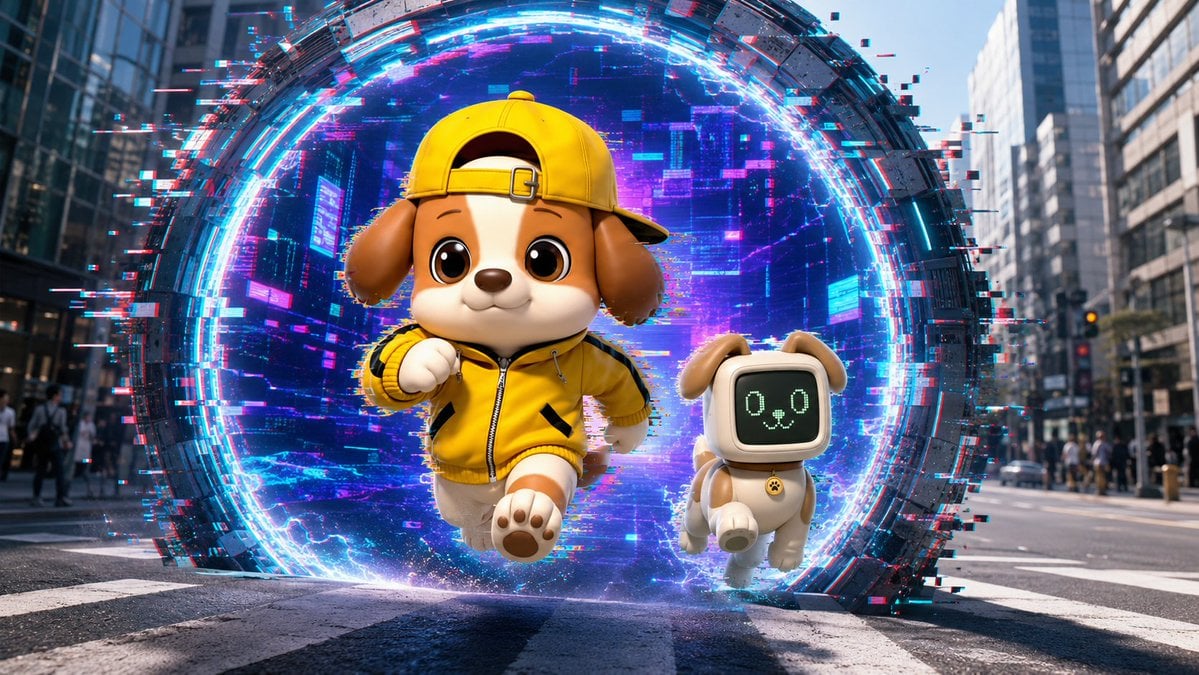
Puppy and Robot Dog Cyber Portal
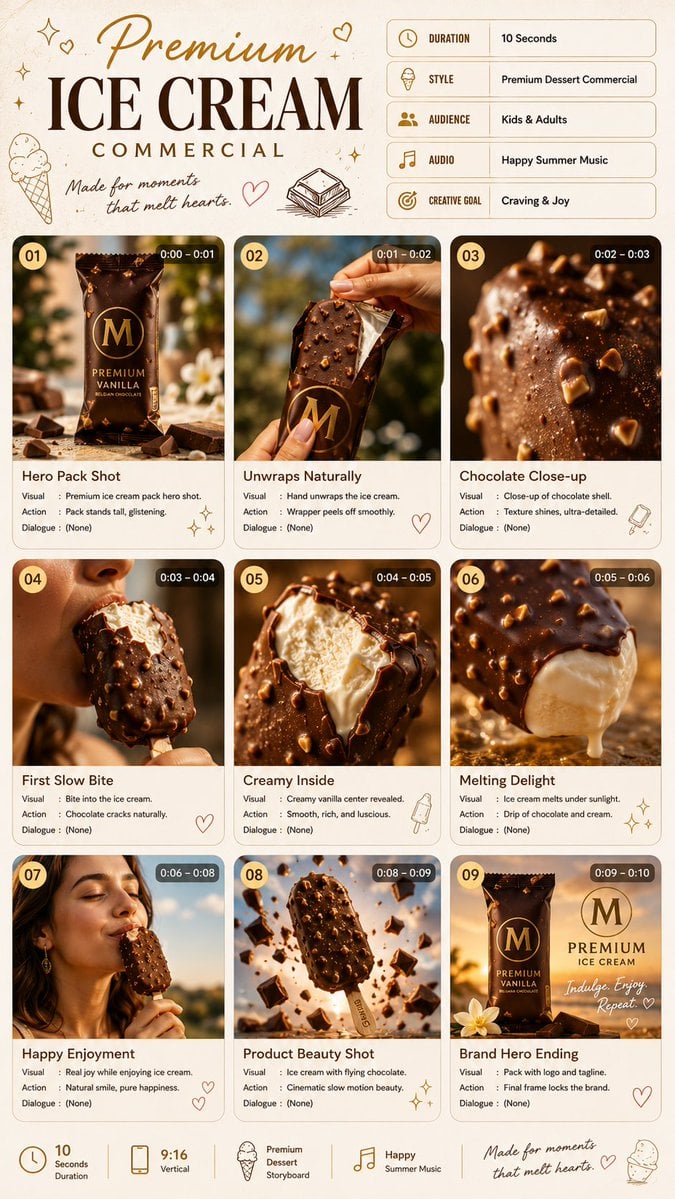
Premium Ice Cream Commercial Storyboard

Premium Ice Cream Product Grid Poster
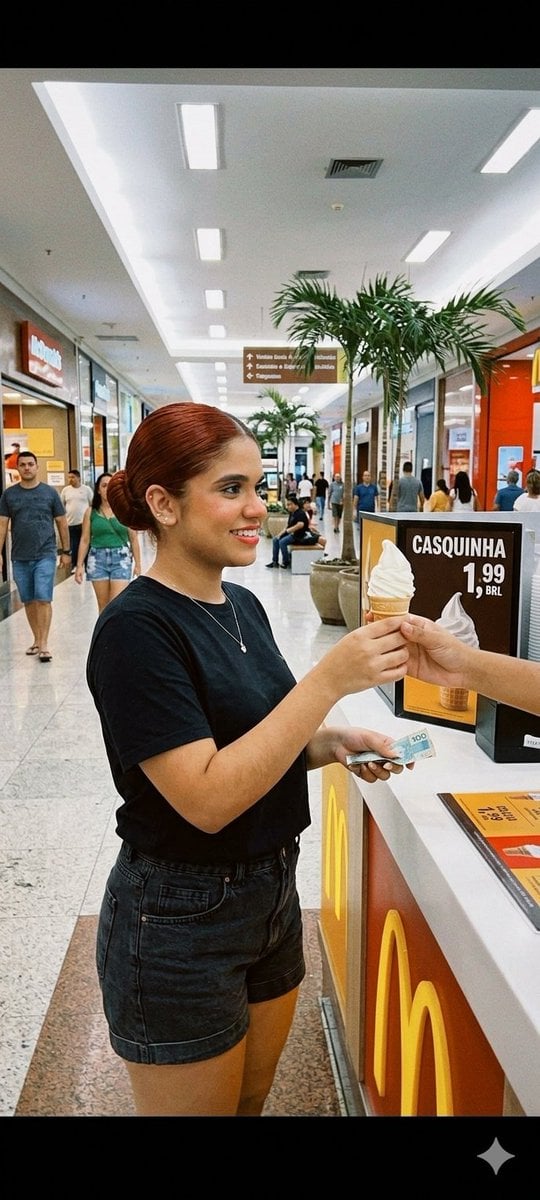
Candid Mall Ice Cream Kiosk Photo
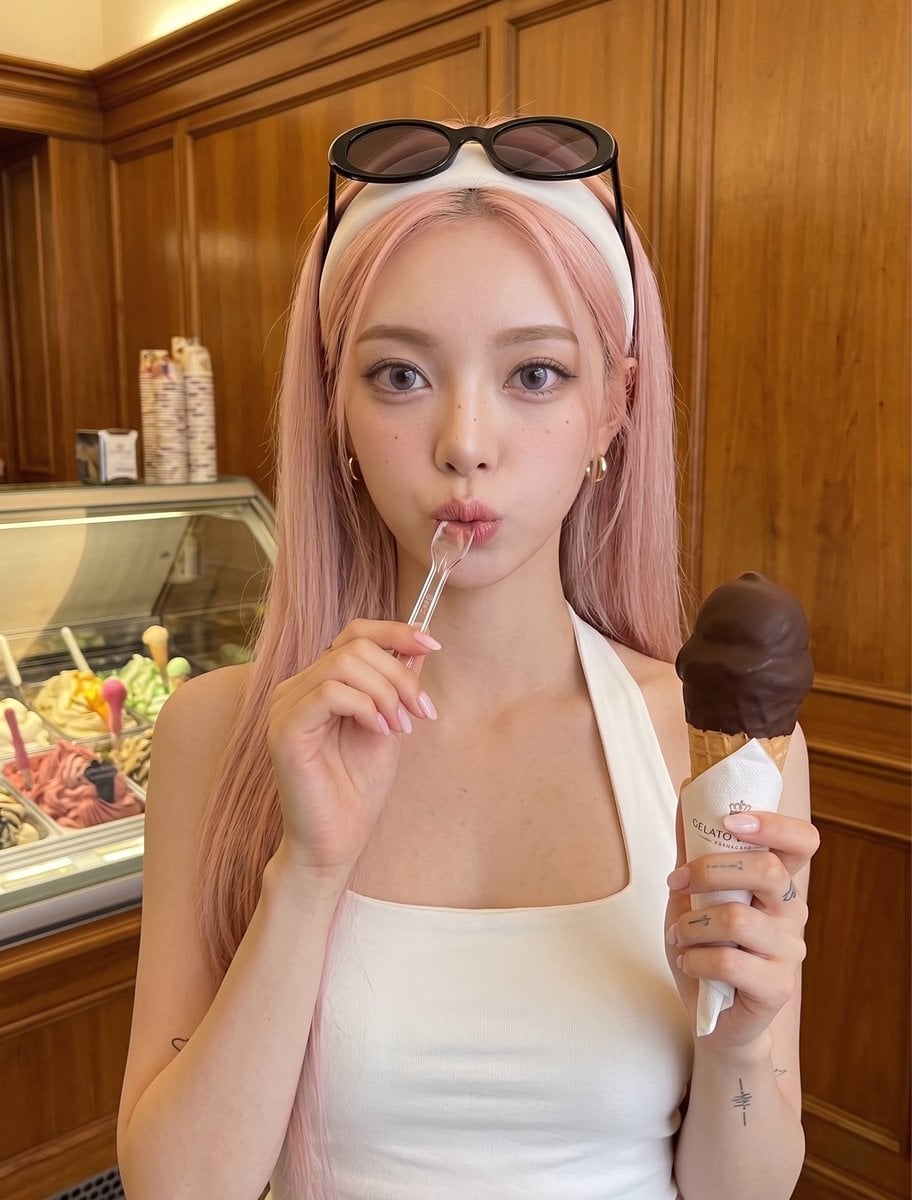
Woman with Ice Cream Shop Portrait
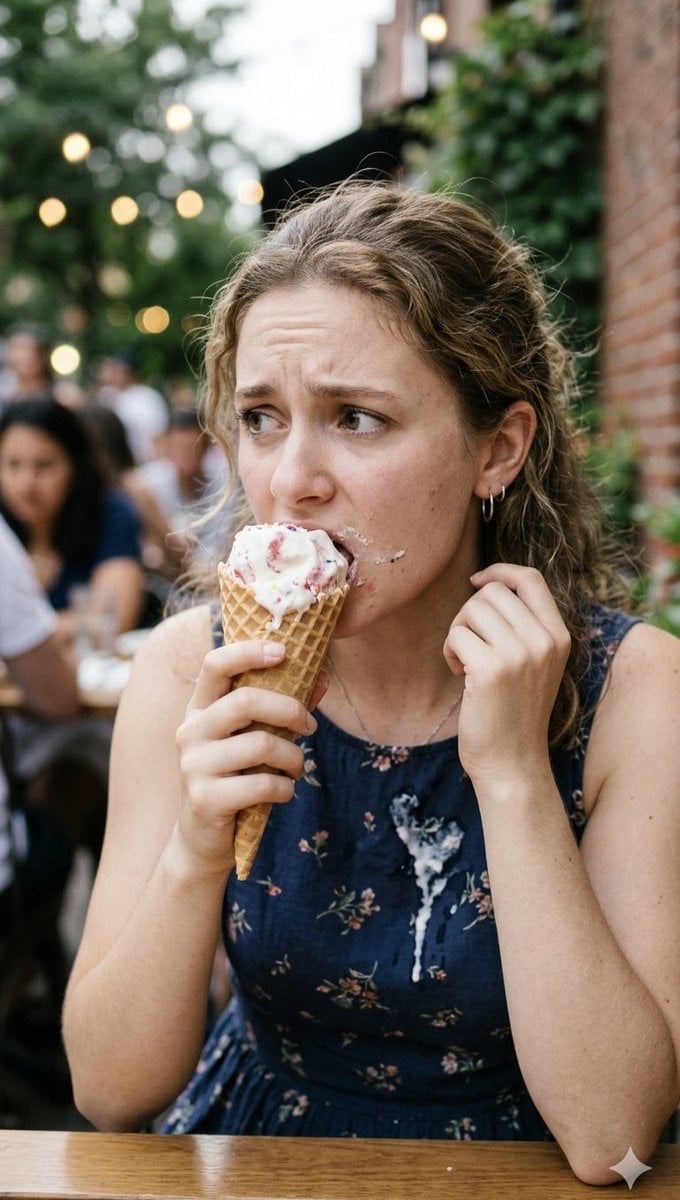
Stressed Woman with Drip Ice Cream
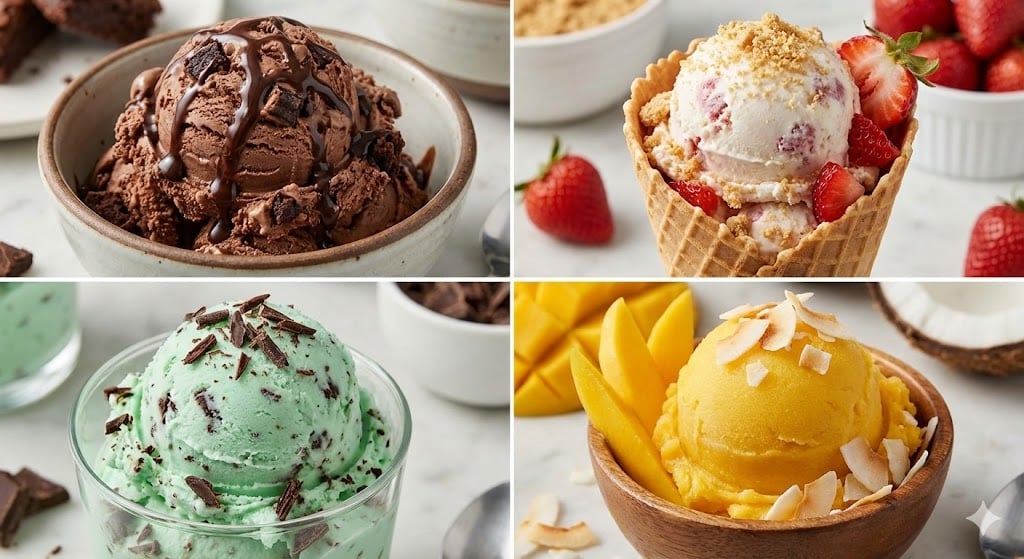
Assorted Ice Cream Flavors Grid
Anime Ice Cream Castle Cone
Ice Cream Truck Pastel
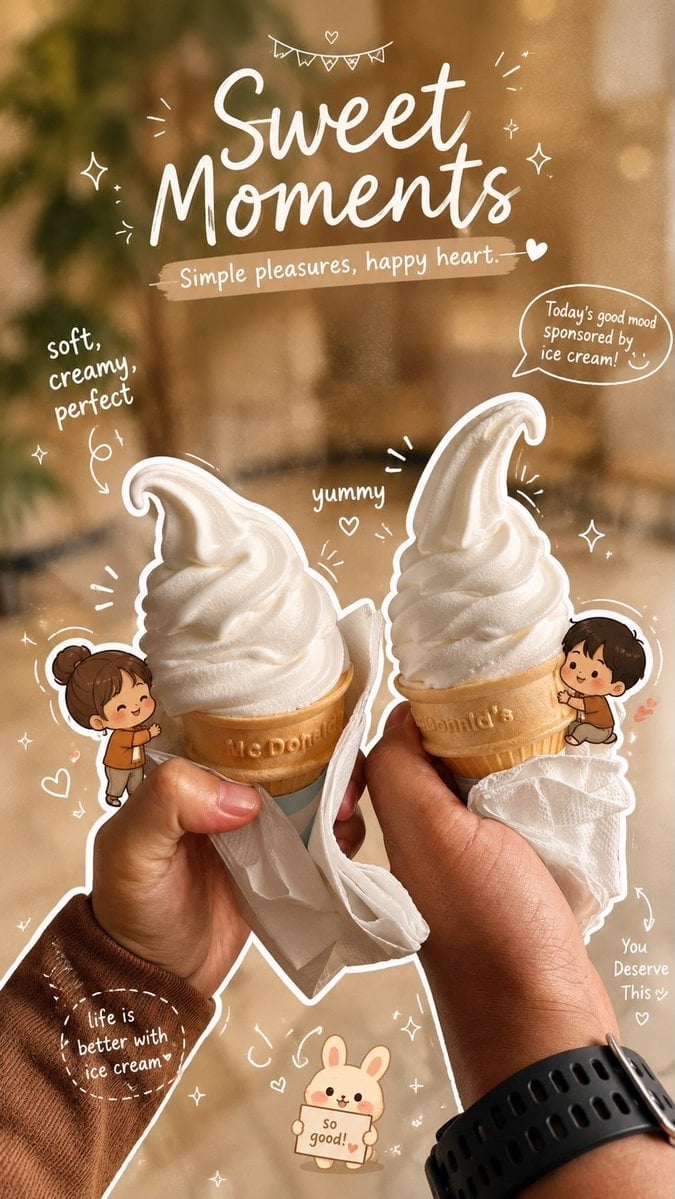
Cozy Café Ice Cream Hands Close-Up
Cozy Café Ice Cream Hands Close-Up
Ice Codex Robot Avatar
Make it yours
Puppy and Robot Dog Ice Cream Scene works as-is. These are the safest ways to change it without losing the look.
Change one field
Copy a single group, rewrite it, and generate again so you can see what that field is doing.
Keep the frame, change the subject
Hold the composition and light of Puppy and Robot Dog Ice Cream Scene, then swap wardrobe, props or the person for a new take.
| If the result… | Why | Fix |
|---|---|---|
| The result drifts from the preview | Too many fields changed at once. | Reuse Puppy and Robot Dog Ice Cream Scene as-is first, then change one group — subject, light, or setting. |
| The model over-stylizes the scene | The prose prompt leaves finish and camera underspecified. | Add one camera or lighting sentence and stay on GPT Image 2. |
More GPT Image 2 templates
Other prompts made for GPT Image 2.

Six VTuber Japanese Logo Sheet

Realistic Portrait of Woman and Deer

The Vista Modular Condo Poster

AI Model Routing Comparison Infographic

2.5D Anime Art Board

Isometric Productivity Desk Scene

New York Double Exposure Poster

Four-Panel AI Landscape Comparison

Japanese Tatami Lifestyle Magazine Cover

NESCAFÉ Coffee Map Poster
More image prompts
Fresh picks from across the catalog.
Contortionist in Festive Pants Studio Editorial
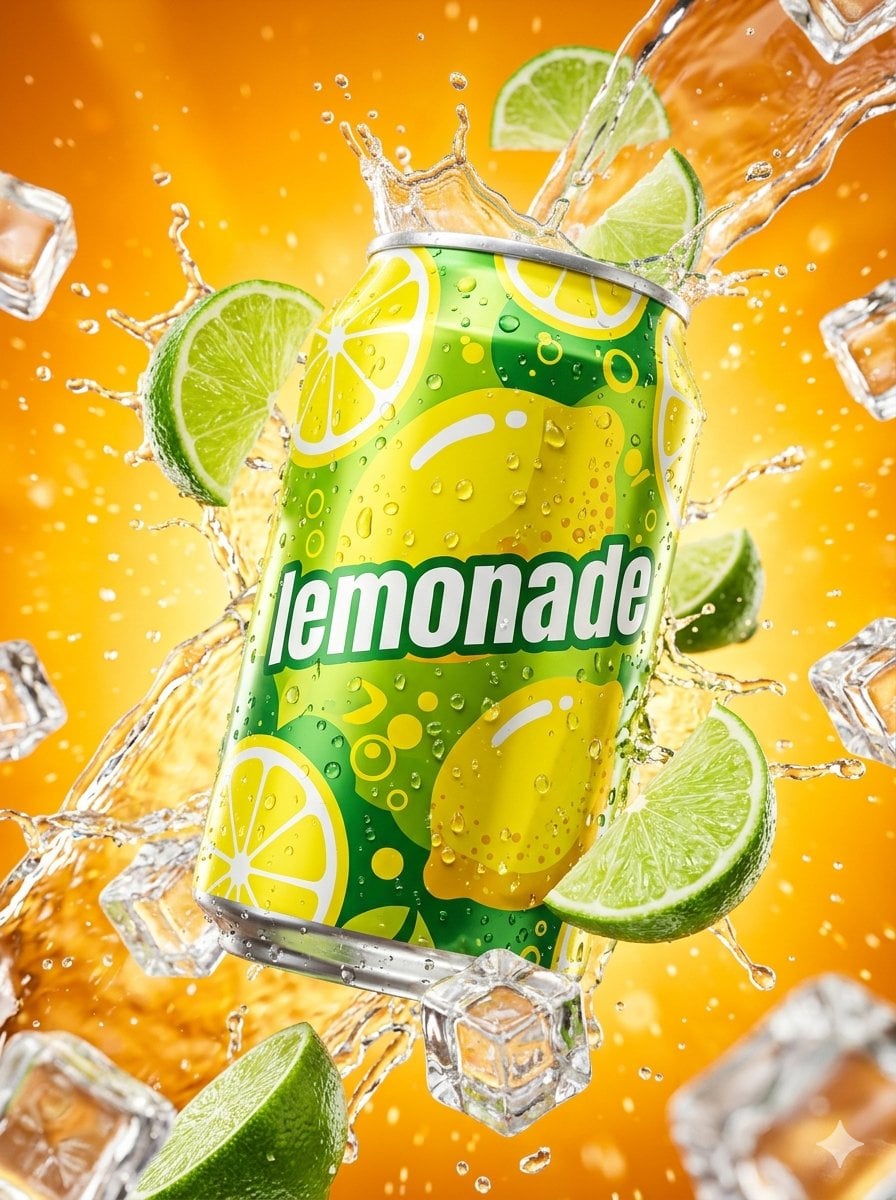
Hyper-realistic Surreal Lemonade Can
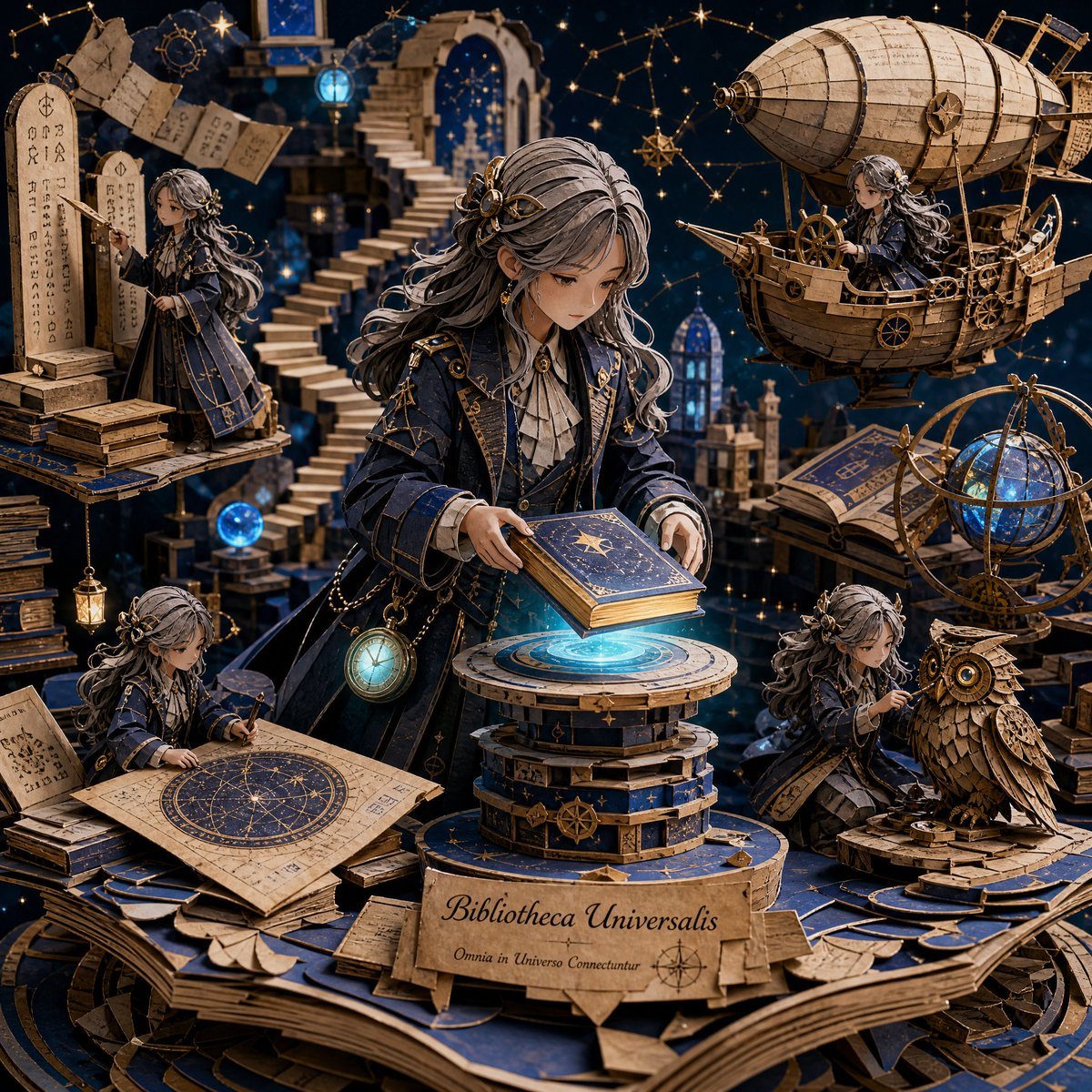
3D Papercraft Cosmic Library Diorama
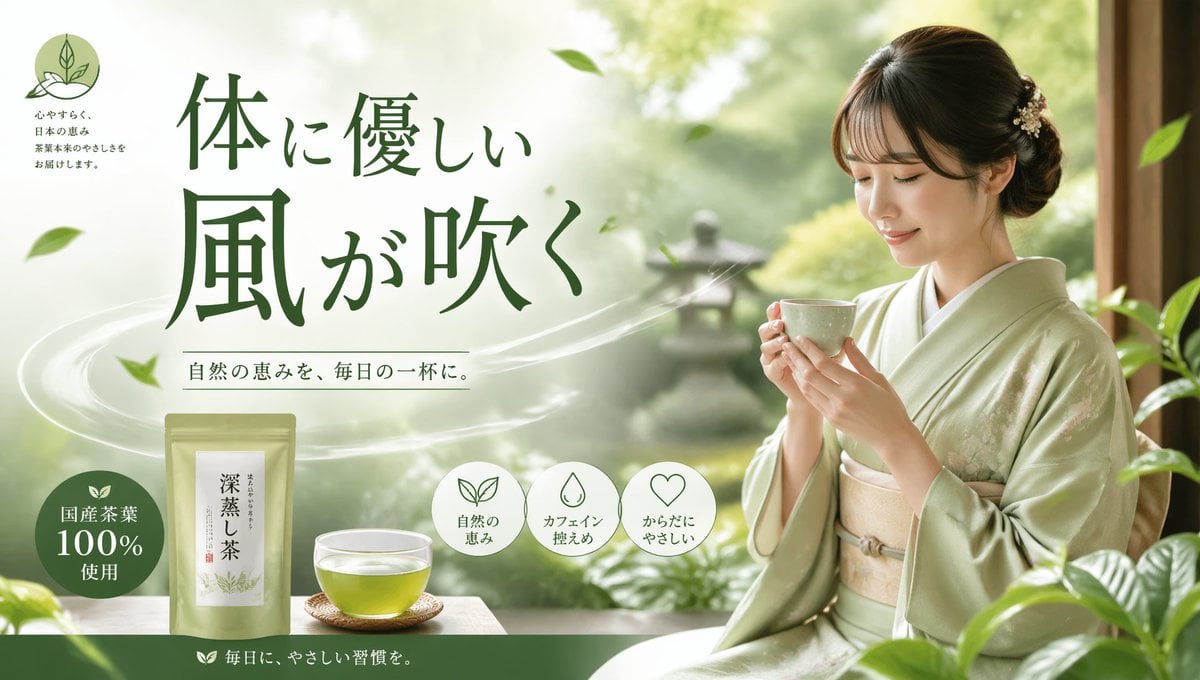
Tea Brand Product Advertisement Mockup
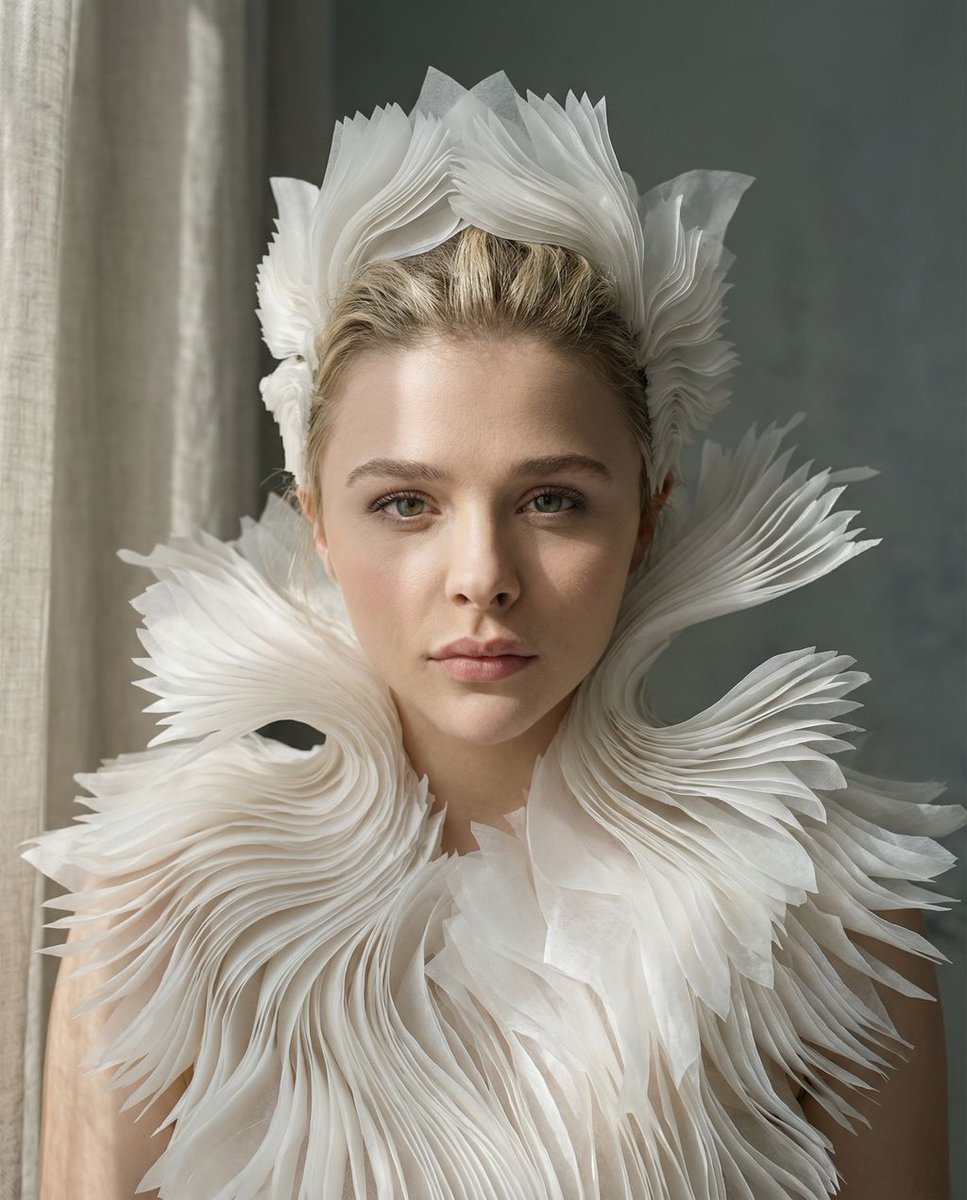
Porcelain Symbiosis Avant-Garde Portrait Prompt
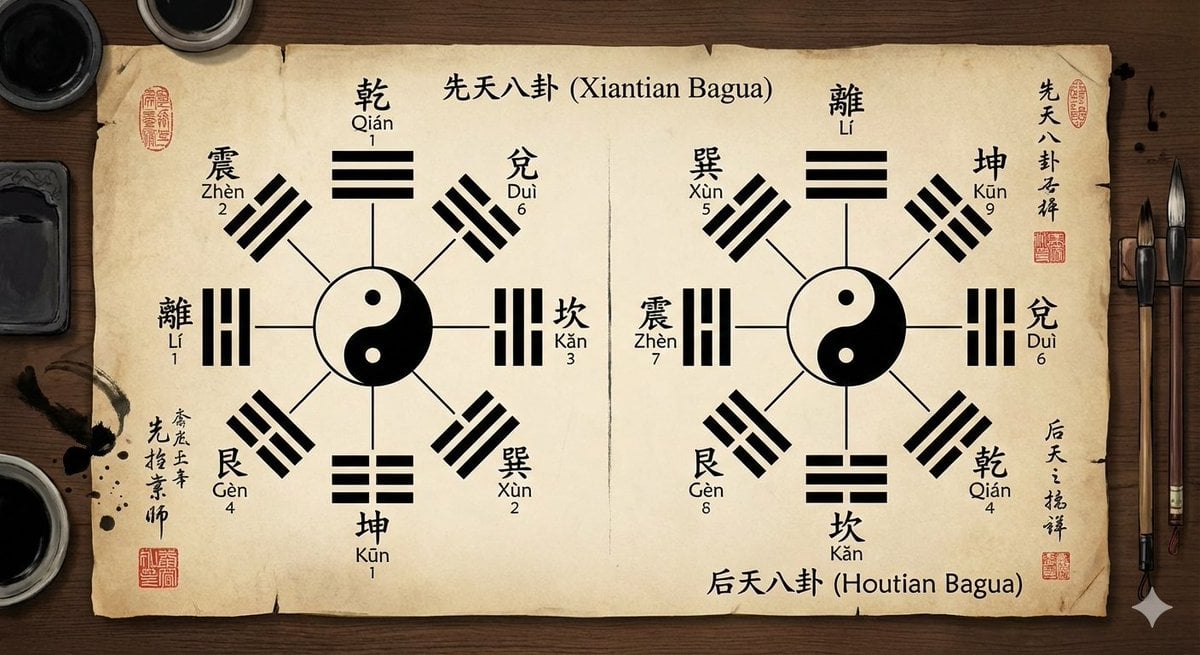
Eight trigrams diagram with reference image
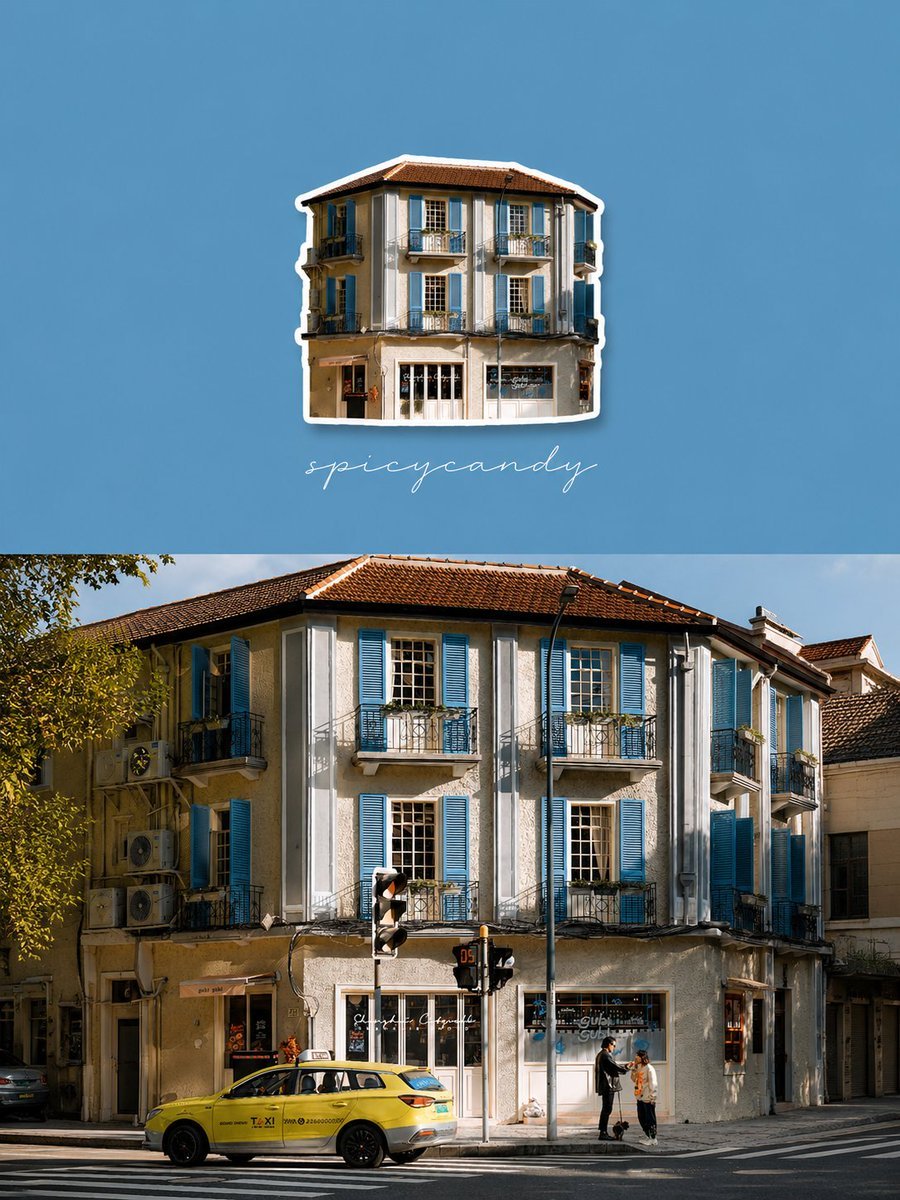
Travel Diary Fridge Magnet Poster
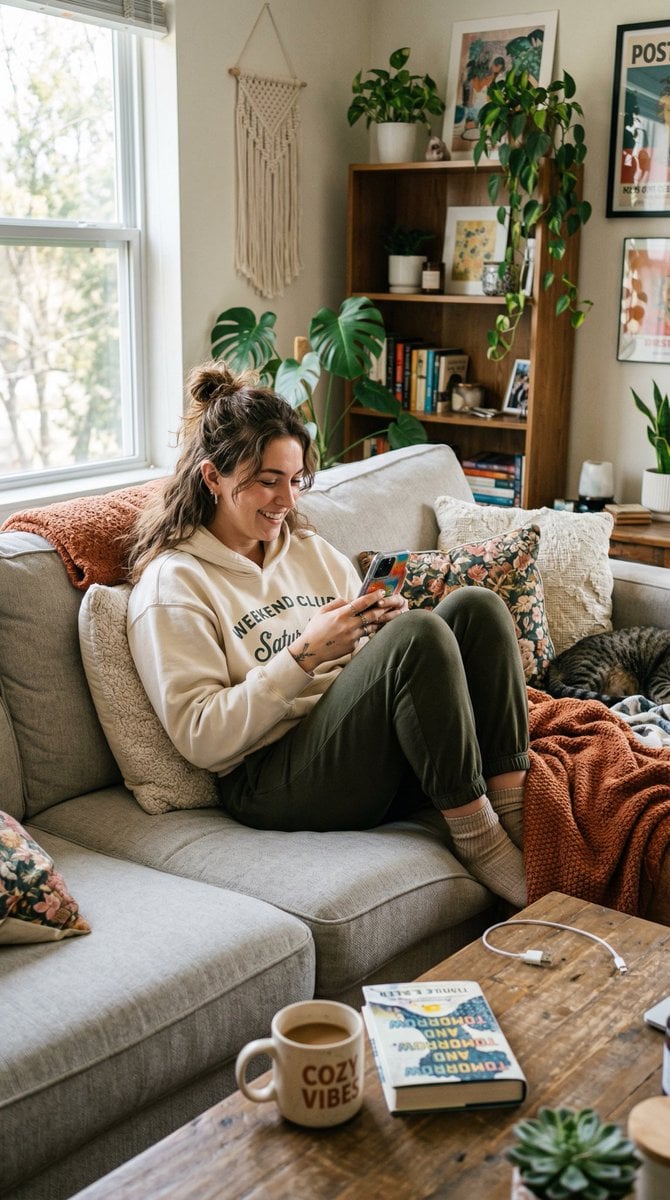
Entry-Level Gen Z Woman Generation
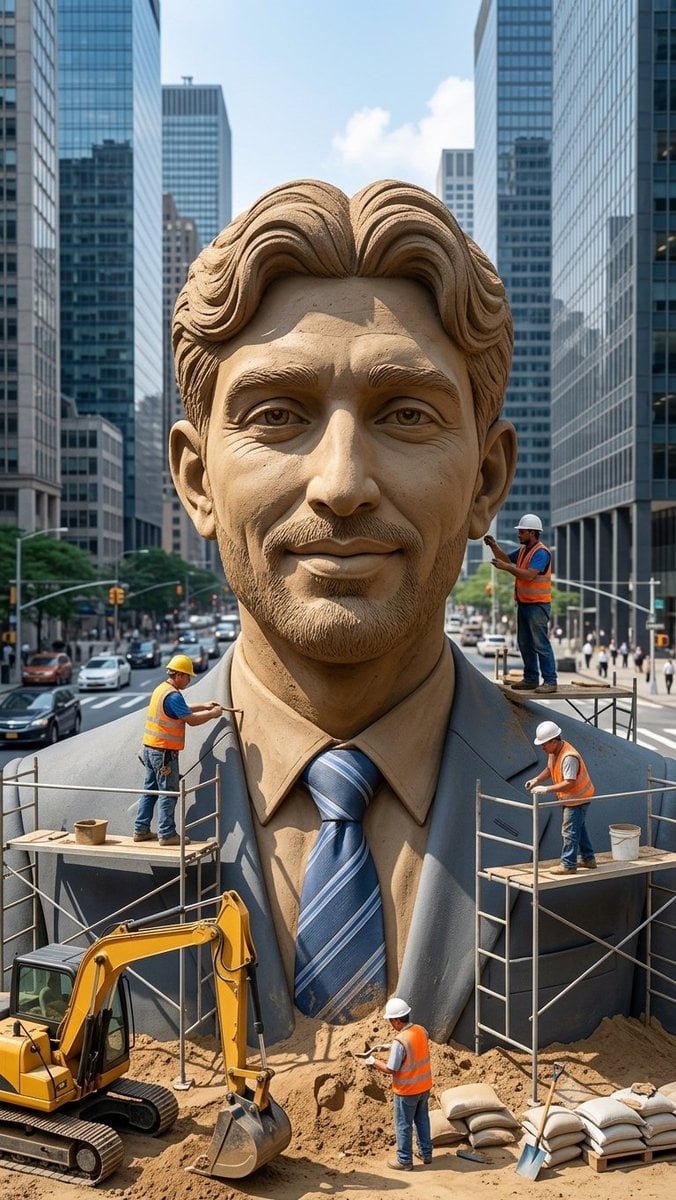
Censored Sand Businessman Statue
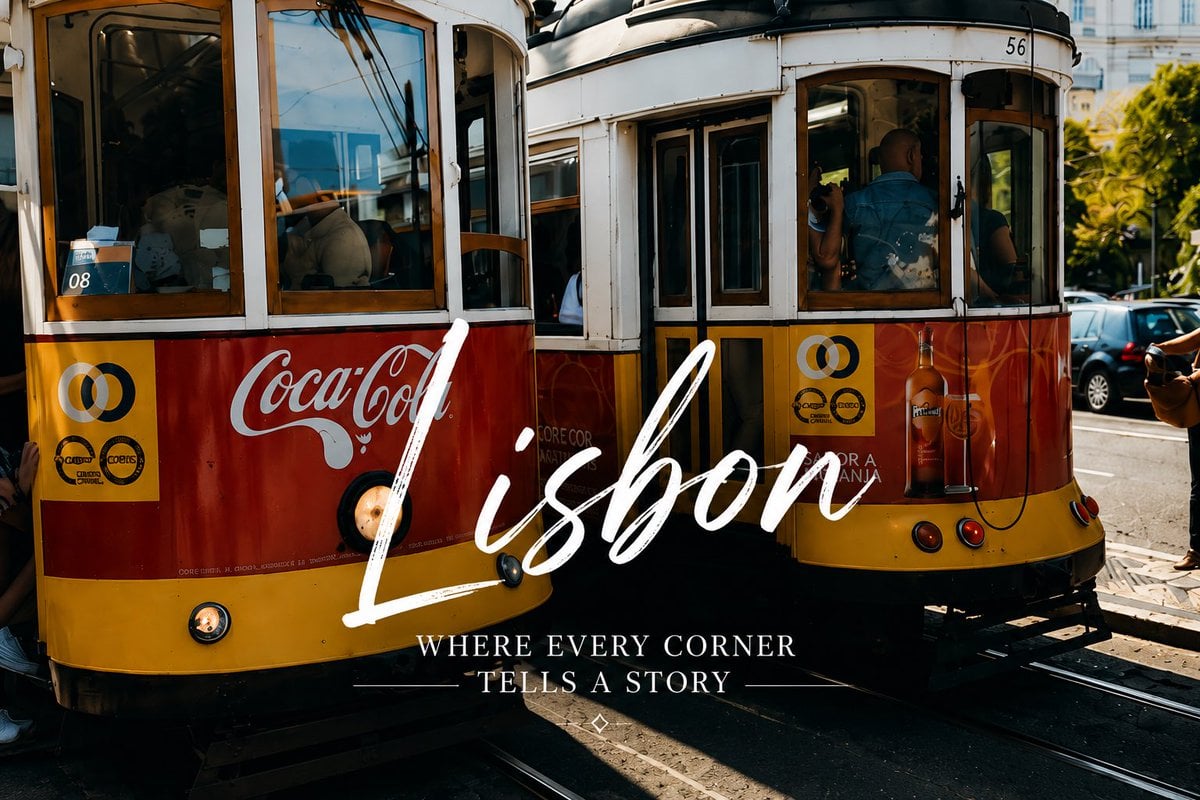
Lisbon Vintage Tram Travel Poster
Browse template categories
Puppy and Robot Dog Ice Cream Scene questions
How do I use the Puppy and Robot Dog Ice Cream Scene template?
Add your photo if the template asks for one, edit the prompt if you like — the template's model and format are already selected — and press Generate. Your version opens in PicX Studio.
Can I customize the Puppy and Robot Dog Ice Cream Scene template?
Yes. You can change the subject, setting, lighting, mood, format, and available model controls before creating your image.
Is the Puppy and Robot Dog Ice Cream Scene template free?
Opening and editing this template is free. Generating uses credits, shown on the Generate button when you are signed in.
Which AI model should I use?
Start with GPT Image 2, which is the model associated with this template. You can compare another compatible model for a different finish.
Looking for something else? Browse all templates.

Your photo, any look
Thousands of ready templates for every top image and video model, from one credit balance.