
Porcelain Symbiosis Avant-Garde Portrait Prompt
A highly detailed, structured JSON prompt for generating a hyper-realistic, cinematic close-up portrait in the style of high-fashion editorial, featuring a subject wearing a surreal, avant-garde collar and headpiece…
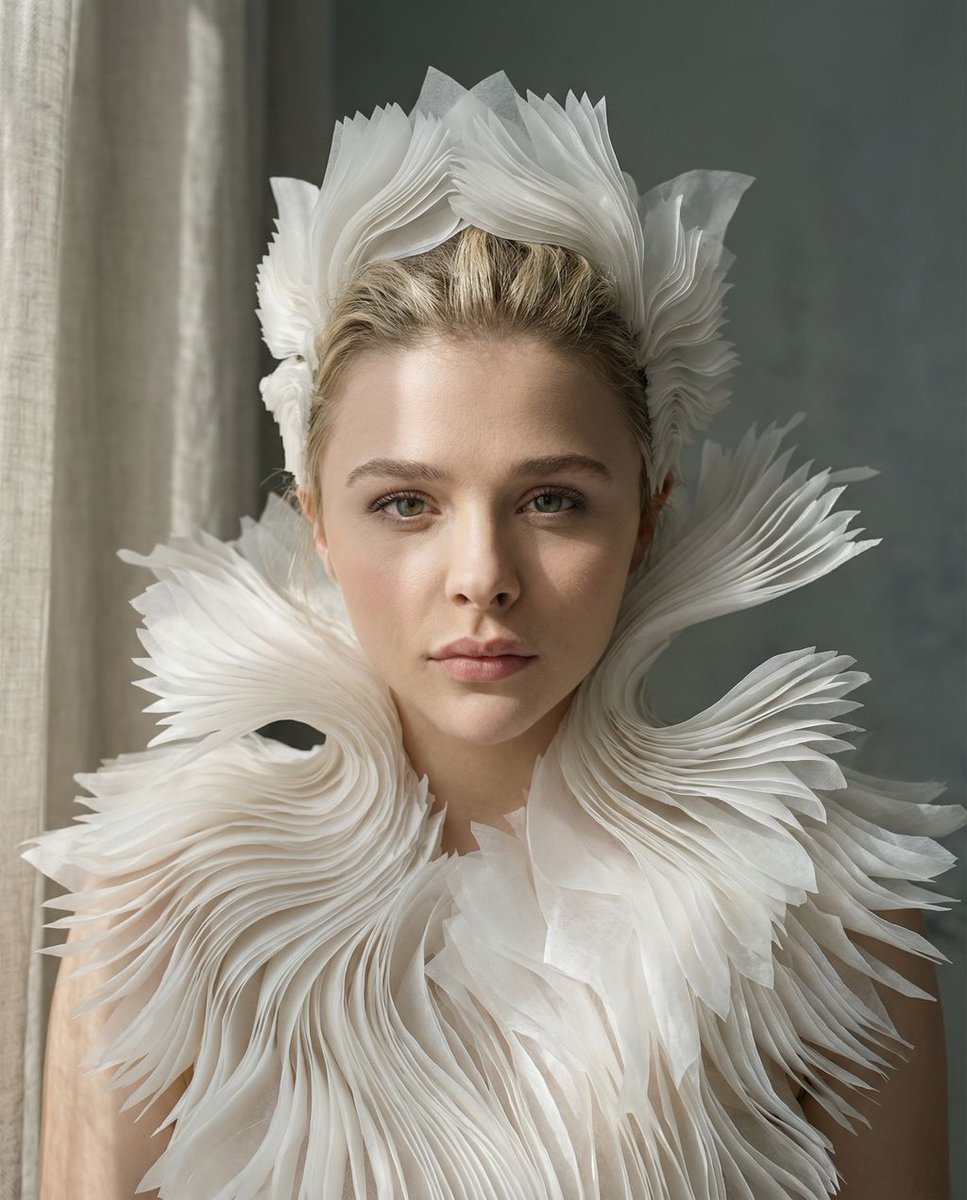
- Prompt included
- Model and format preset
- Premium template
The prompt behind this image
Copy the exact prompt behind Porcelain Symbiosis Avant-Garde Portrait Prompt, or open it in the studio and make it yours.
{ "vibe_title_en": "Porcelain Symbiosis", "master_prompt": "A hyper-realistic, cinematic close-up portrait of The Protagonist in a minimalist, sun-drenched plaster sculpting atelier. The subject is wearing a breathtaking, surreal avant-garde collar and headpiece composed of thousands of thin, translucent white vellum layers arranged in a parametric, coral-like fractal pattern. These structures appear to be 'blooming' organically from the shoulders, blurring the line between fashion and biology. The lighting is soft, directional side-light (Rembrandt style) diffused through heavy linen curtains, casting gentle, sophisticated shadows that reveal the paper-like grain of the costume. Shot on a Hasselblad H6D-100c with an 80mm f/1.9 lens, focusing sharply on the eyes and the immediate texture of the vellum edges against real skin pores and peach fuzz, while the background falls into a creamy, slate-grey bokeh. The aesthetic is high-key, monochromatic, and undeniably tactile, evoking the smell of dry clay and clean paper.", "meta": { "intent": "Editorial High-Fashion", "priorities": "Texture Fidelity, Surreal Realism", "device_profile": "Cinema Display" }, "frame": { "aspect": "4:5", "composition": "Rule of Thirds / Golden Spiral", "layout": "Portrait Close-Up", "camera_angle": "Eye-Level", "tilt_roll_degrees": "0" }, "subject": { "gender": "Female", "identity": "The Protagonist", "demographics": "Universal High-Fashion Model", "face": "Neutral, poised, ethereal gaze", "hair": "Pulled back, sleek, unobtrusive", "body": "Shoulders and neck visible", "expression": "Serene, distant, dreamlike", "pose": "Slight turn to side, chin lifted" }, "wardrobe_accessories": { "garments": [ { "item": "Parametric Fractal Collar", "material": "Translucent Vellum/Ceramic", "color": "Bone White", "fit": "Structural/Floating" } ], "accessories": [ { "item": "Matching Headpiece", "color": "Bone White", "material": "Vellum/Ceramic", "brand_style": "Iris van Herpen aesthetic" } ] }, "environment": { "setting": "Minimalist Plaster Atelier", "surfaces": "Matte clay, airborne dust", "depth": "Shallow depth of field", "atmosphere": "Quiet, sterile, artistic", "lens_interaction": "Sharp focus fall-off" }, "lighting": { "key": "Diffused Window Light", "fill": "White Reflector", "rim": "None", "shadows": "Soft, contact shadows only", "color_temperature": "5600K (Daylight Balanced)", "sensor_flare": "None" }, "camera": { "lens_type": "Prime Portrait Lens", "focal_length": "80mm", "aperture": "f/1.9", "focus": "Critical focus on eyes/texture", "sensor_format": "Medium Format Digital", "perspective_distortion": "Minimal" }, "post_processing": { "color": "Desatura
How to use Porcelain Symbiosis Avant-Garde Portrait Prompt in 3 steps
- 1
Open
The prompt is already in the box next to the preview, with the template's model and format selected.
- 2…a portrait of your subject in softgolden-hour light, 85mm…
Personalize
Edit the subject and creative details for your destination.
- 3Generate
Generate
Press Generate — your image is created in PicX Studio, so you can compare it with the original and refine one variable at a time.
More like this
Templates with the same subject, style or setup. Open one to see its prompt.
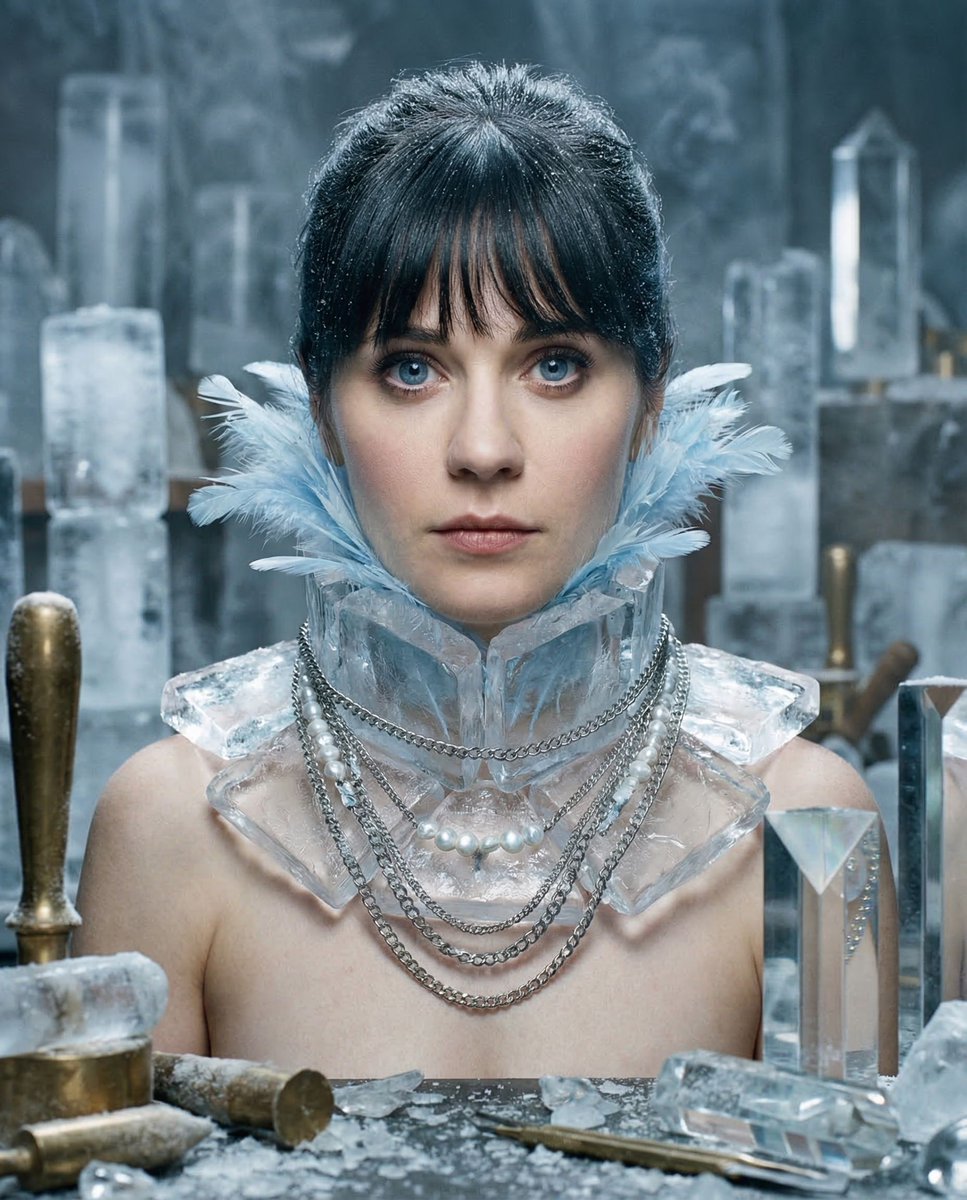
Glacial Avant-Garde Beauty Portrait
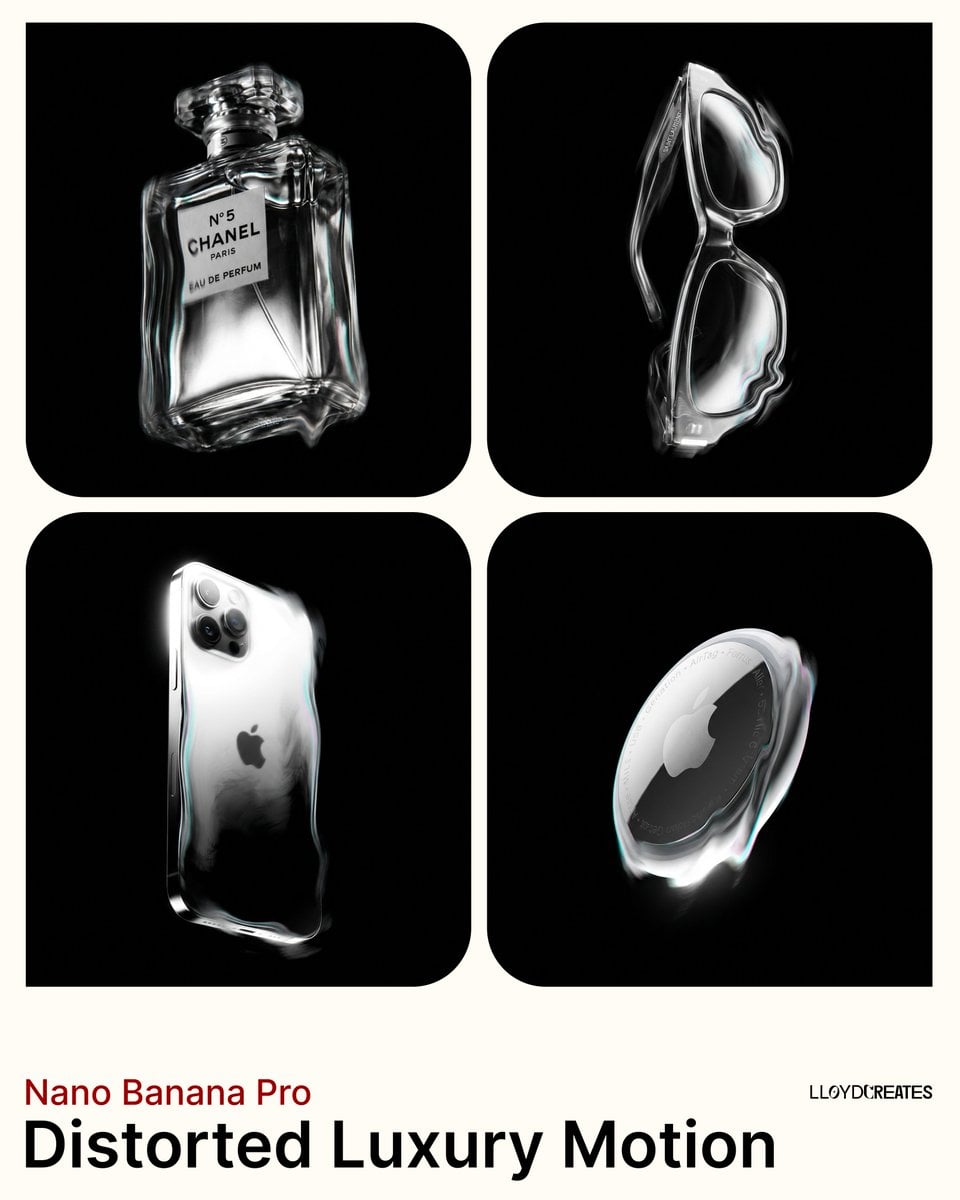
Avant-Garde Distortion Luxury Product Portrait
Avant-Garde Distortion Luxury Product Portrait
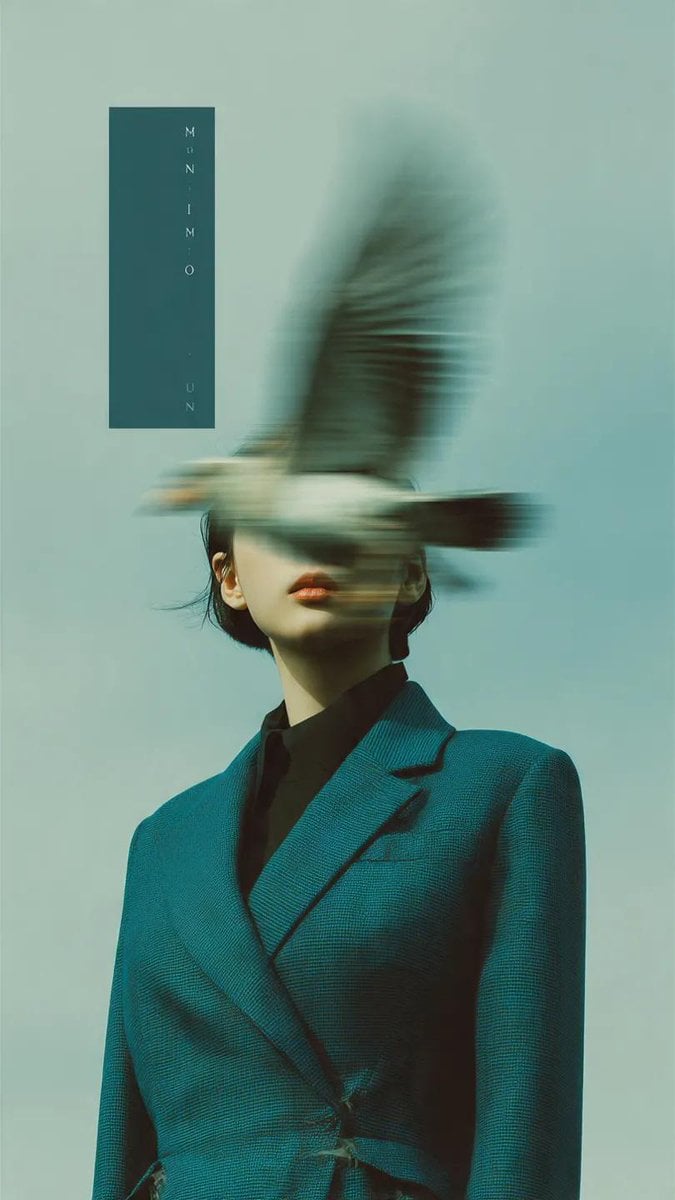
Avant-Garde Fashion Editorial Portrait
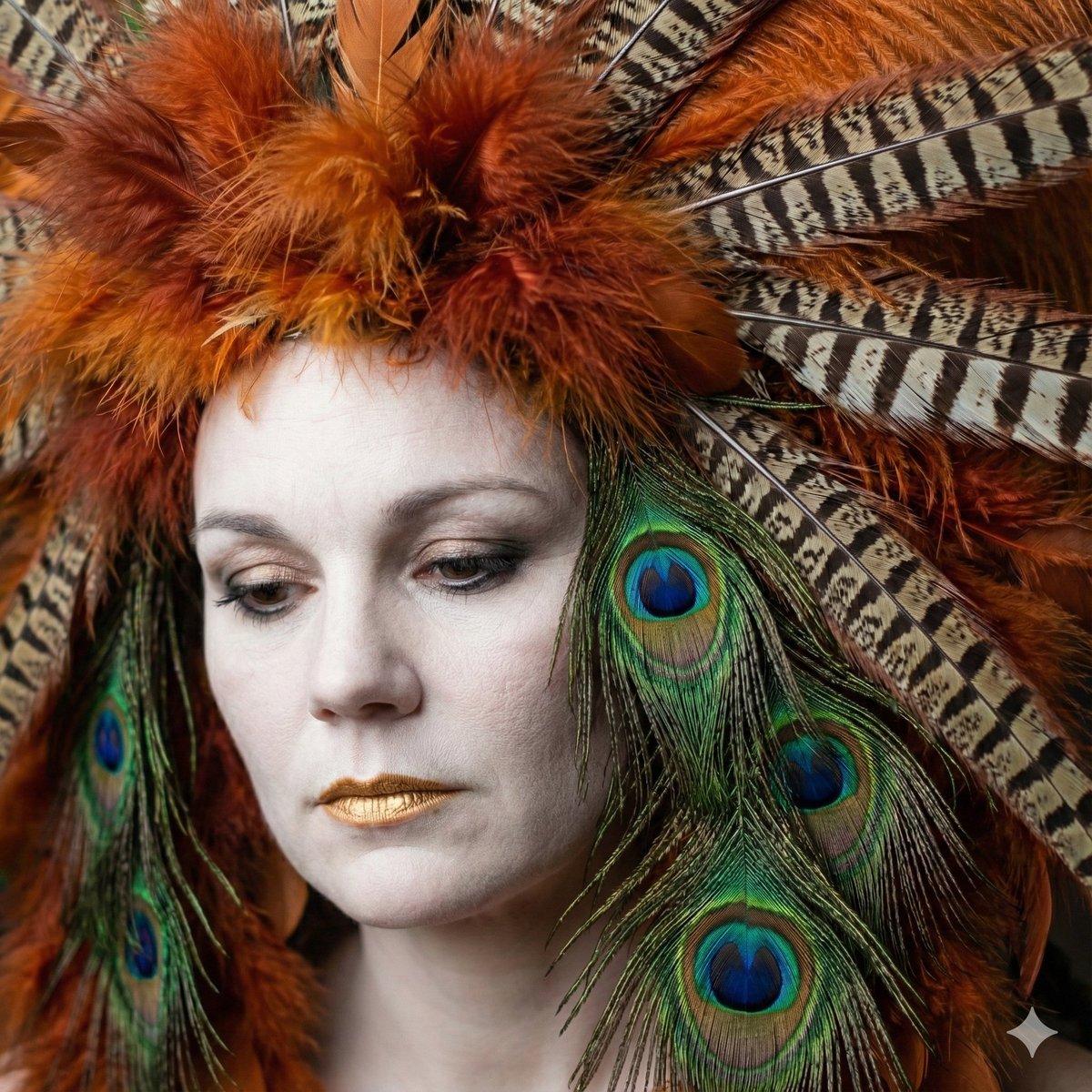
Avant-Garde Feather Headdress Portrait
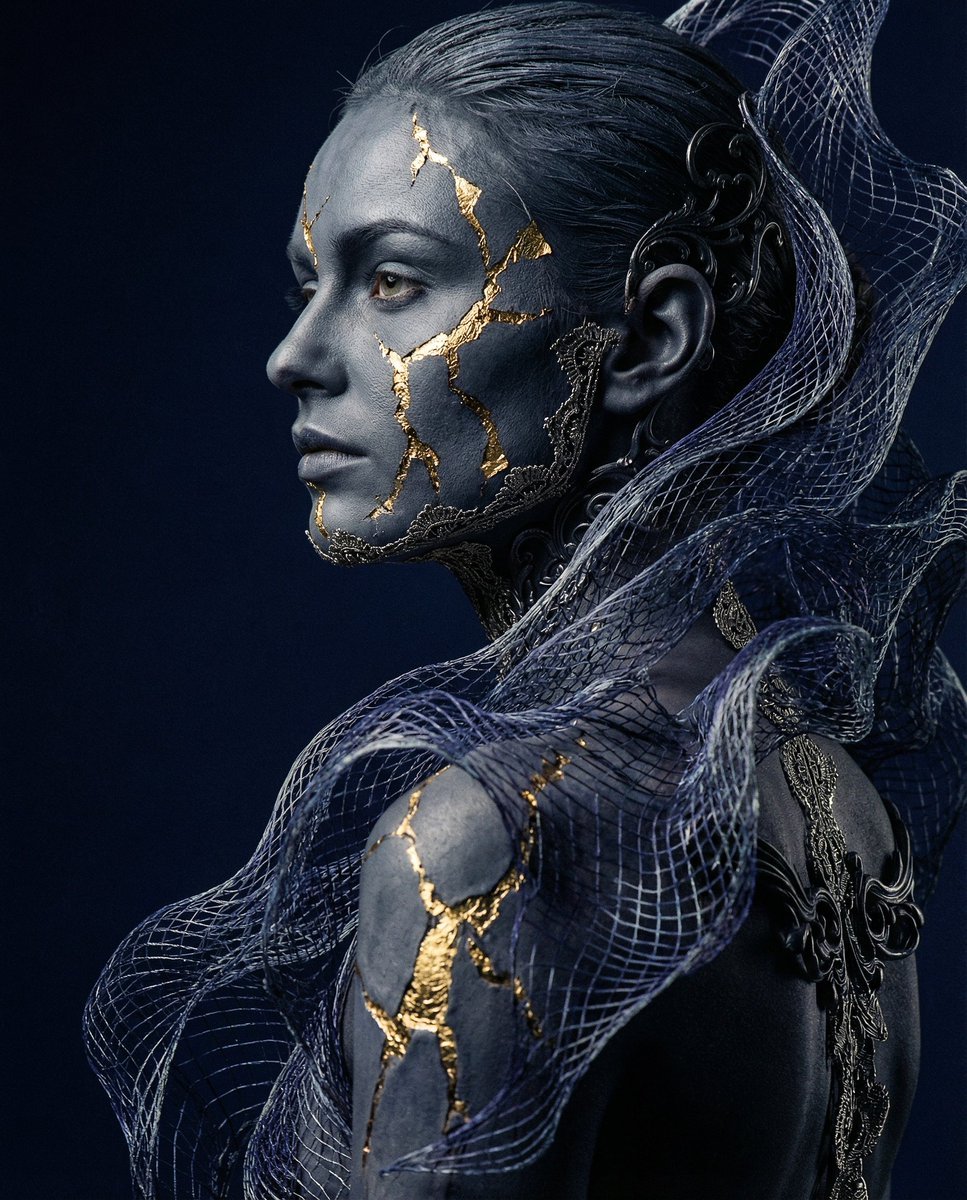
Avant-garde Conceptual Photography: Bio-Digital Kintsugi Portrait
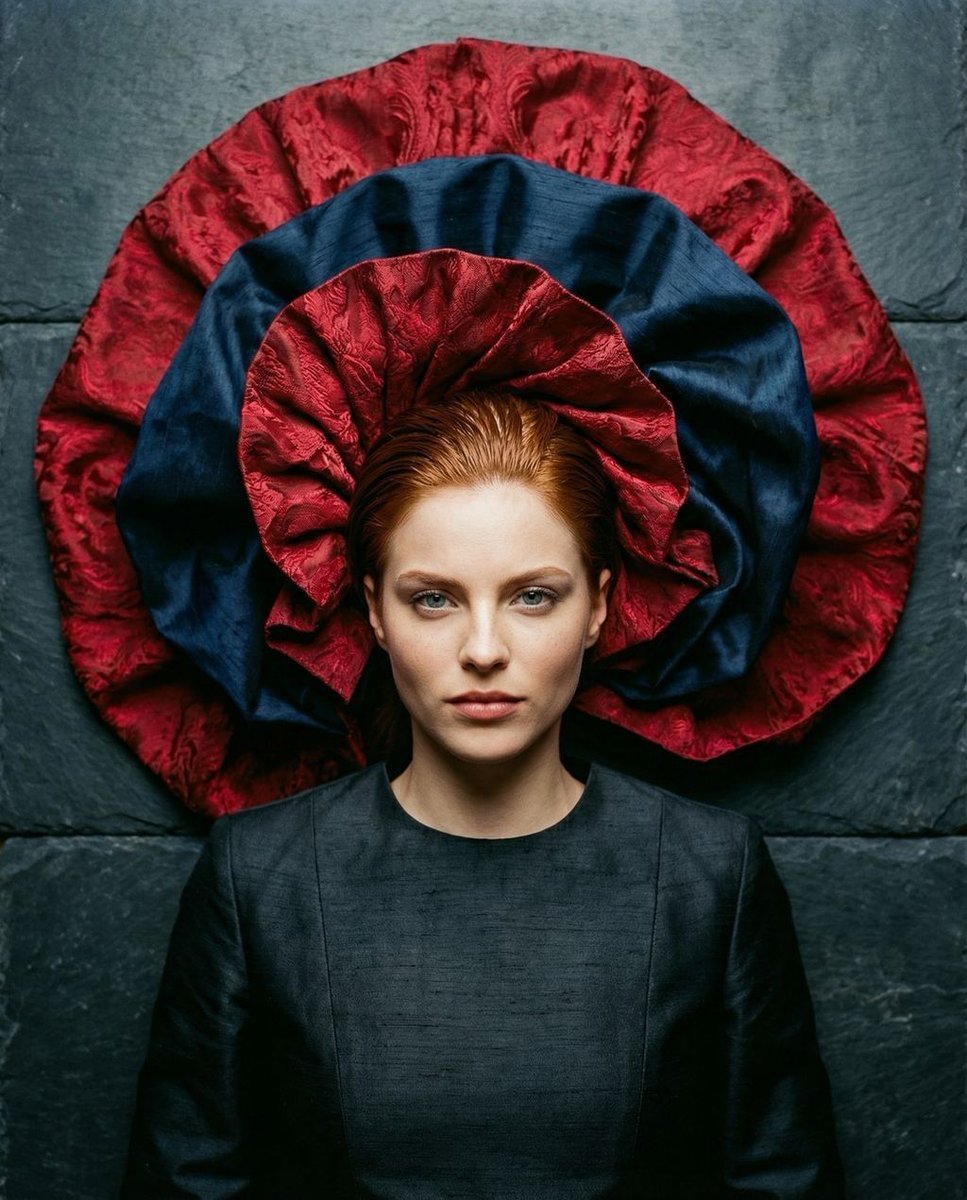
Avant-Garde Top-Down Fabric Halo Portrait
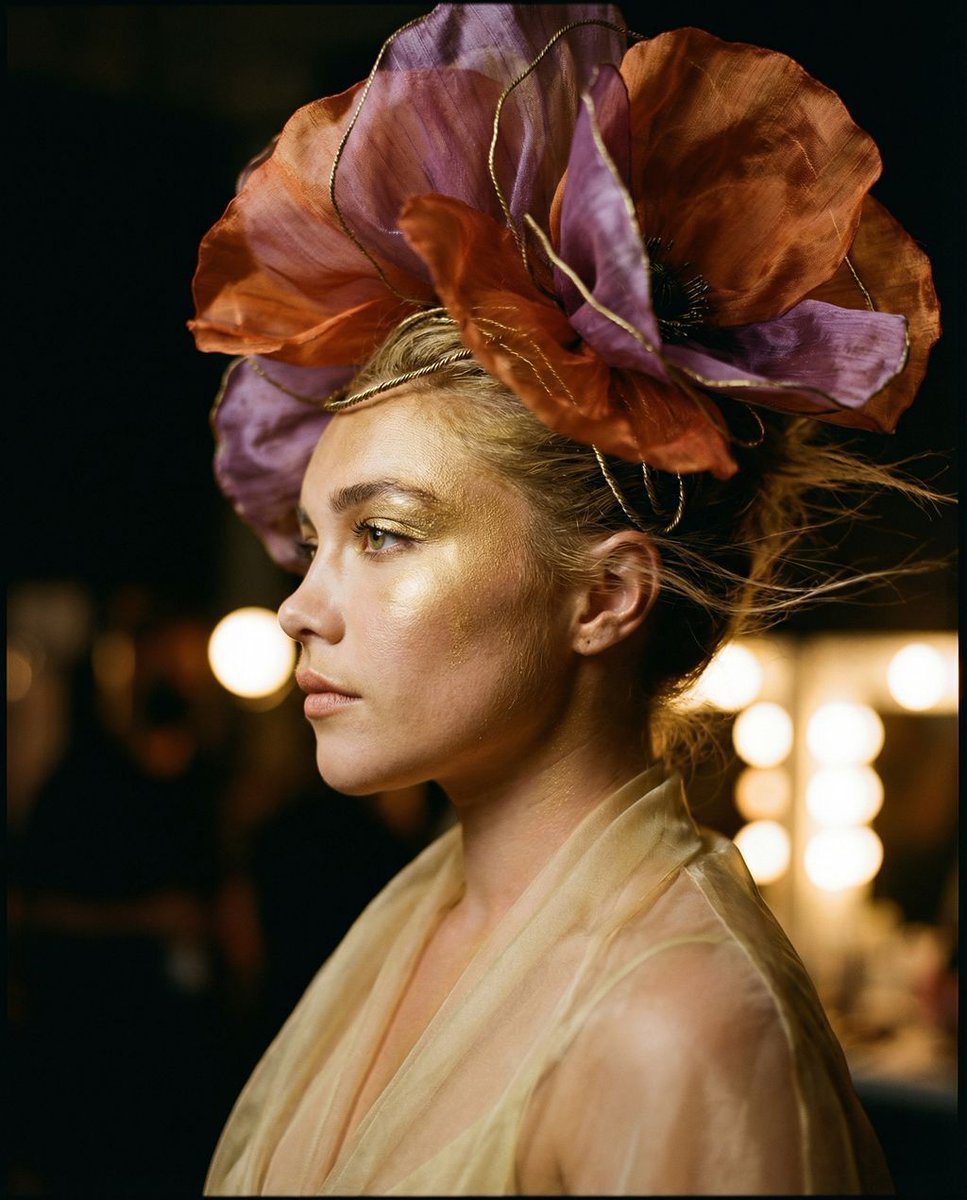
The Gilded Botanical Secret: Avant-Garde Portraiture
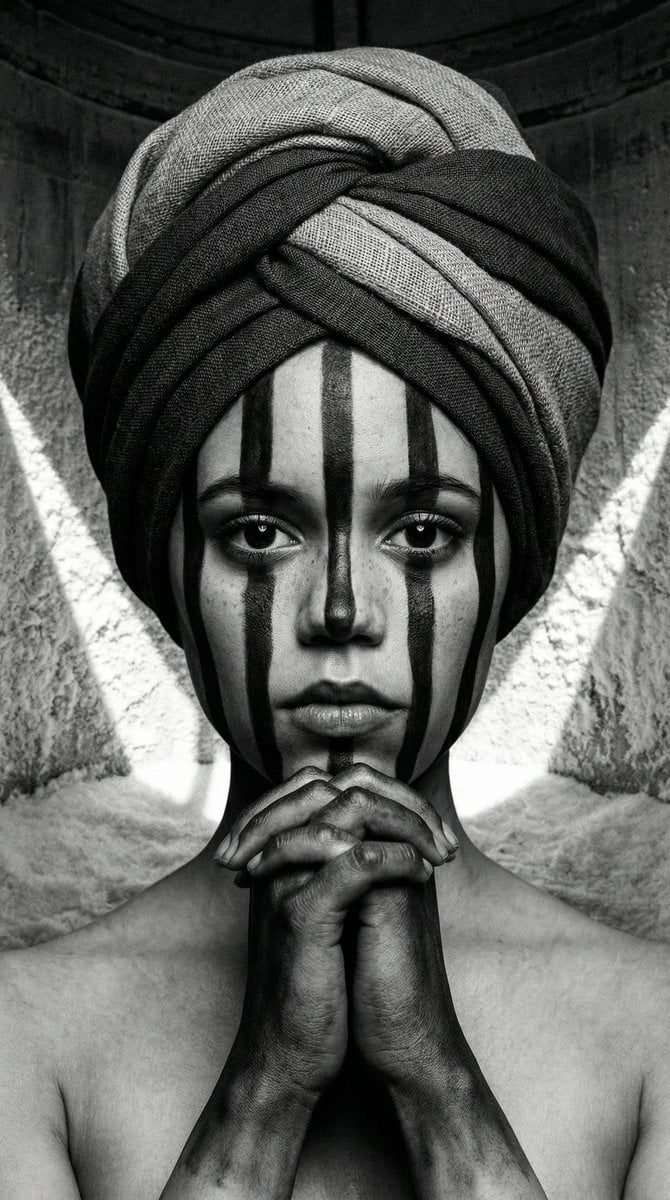
Monochrome Avant-Garde Portrait: Obsidian Ritual
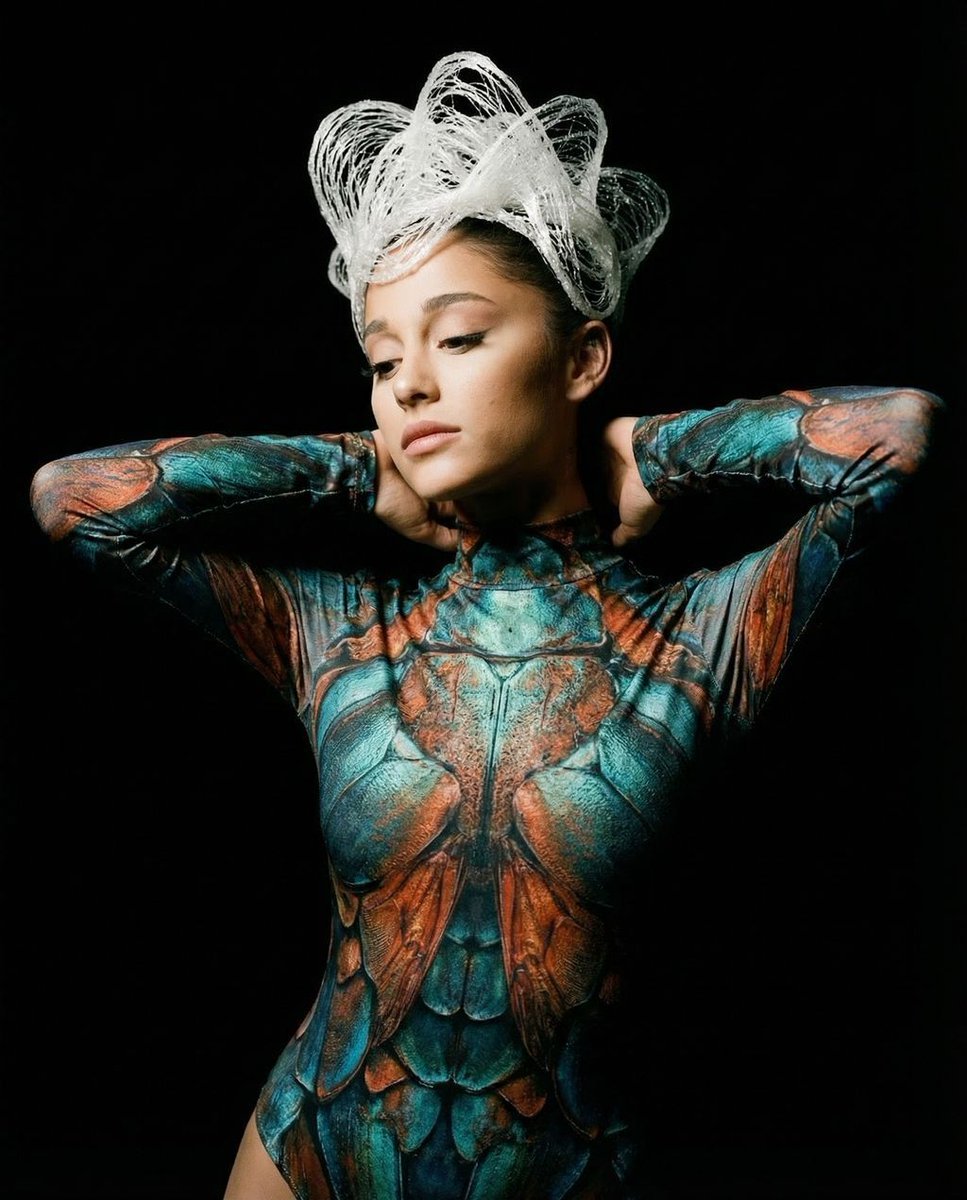
Hyper-Realistic Avant-Garde Fashion Portrait: Cellular Elegance

Found Photograph: Us, 1970

80s Couple Studio Portrait
Make it yours
Porcelain Symbiosis Avant-Garde Portrait Prompt works as-is. These are the safest ways to change it without losing the look.
Change one field
Copy a single group, rewrite it, and generate again so you can see what that field is doing.
Keep the frame, change the subject
Hold the composition and light of Porcelain Symbiosis Avant-Garde Portrait Prompt, then swap wardrobe, props or the person for a new take.
| If the result… | Why | Fix |
|---|---|---|
| The result drifts from the preview | Too many fields changed at once. | Reuse Porcelain Symbiosis Avant-Garde Portrait Prompt as-is first, then change one group — subject, light, or setting. |
| The model over-stylizes the scene | The prose prompt leaves finish and camera underspecified. | Add one camera or lighting sentence and stay on Nano Banana 2. |
More Nano Banana 2 templates
Other prompts made for Nano Banana 2.

Photorealistic Leaf Shaped Like a Dragon

K-Pop Idol Portrait Grid for Rapid Selection

Poetic Rain Forest Portrait During Golden Hour

Urban Street Portrait with Cartoon Inner Self Duo

Candid Nighttime Photo with Cat Prompt

High-Concept 3D Diorama Generation Prompt

Cinematic Futuristic Studio Portrait Template

Skincare Editorial Photography Collage Prompt

Hyper-Realistic Commercial Product Photography (Splash Effect)

Hyper-Realistic Nightclub Portrait Prompt
More image prompts
Fresh picks from across the catalog.
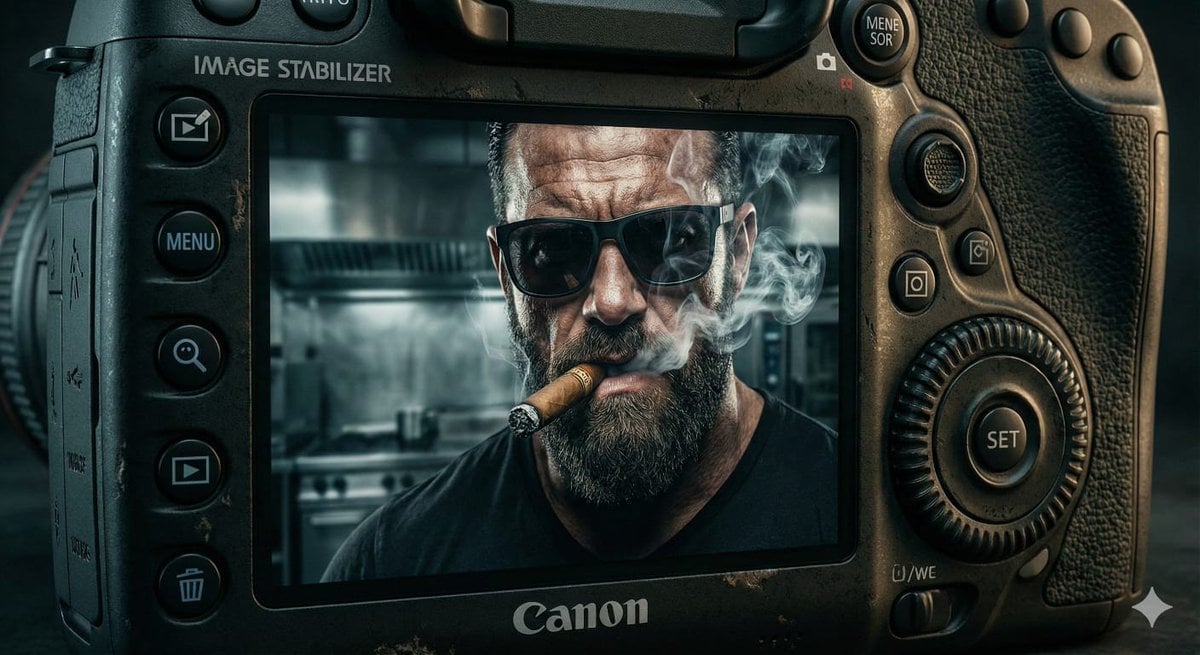
Digital Camera Screen Portrait

Emoji-Based Creative Image Generation

Early 2000s Rom-Com Movie Poster
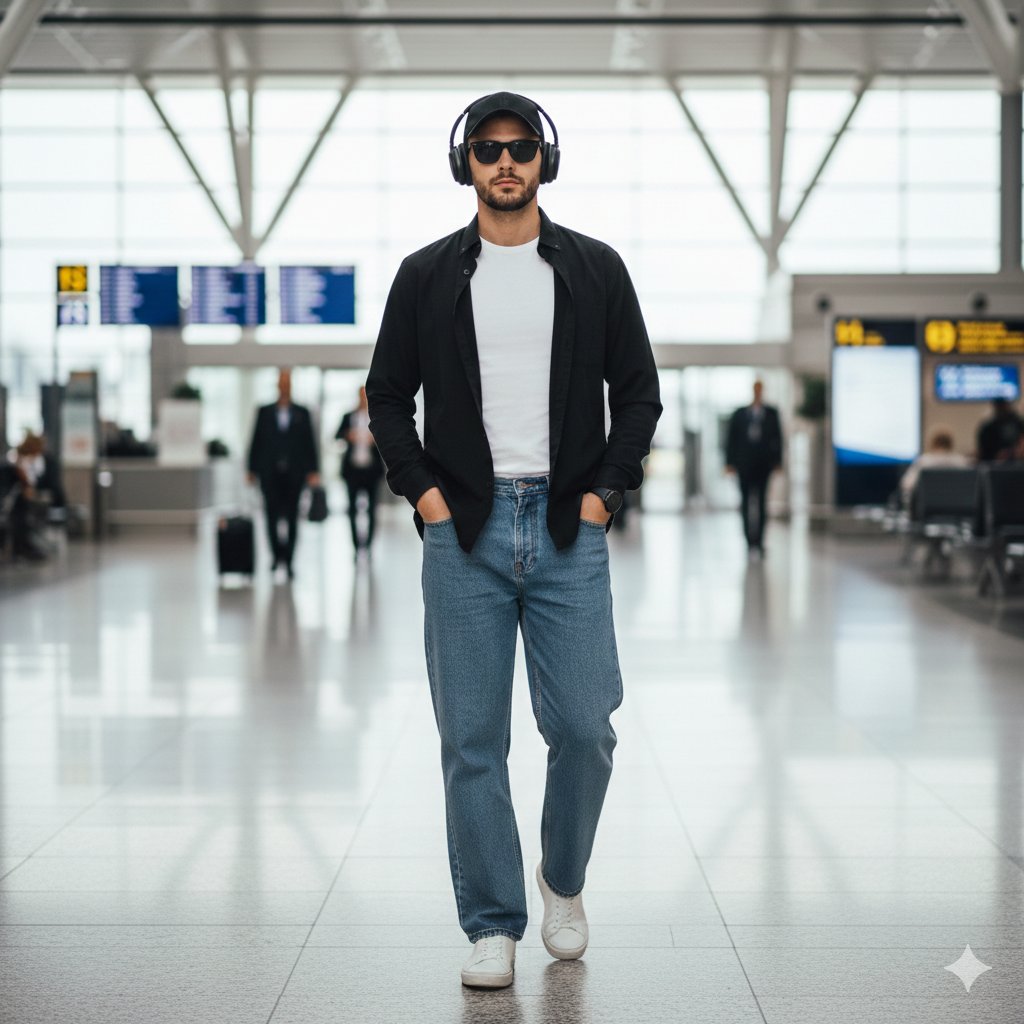
Stylish Man Walking Through Airport Terminal
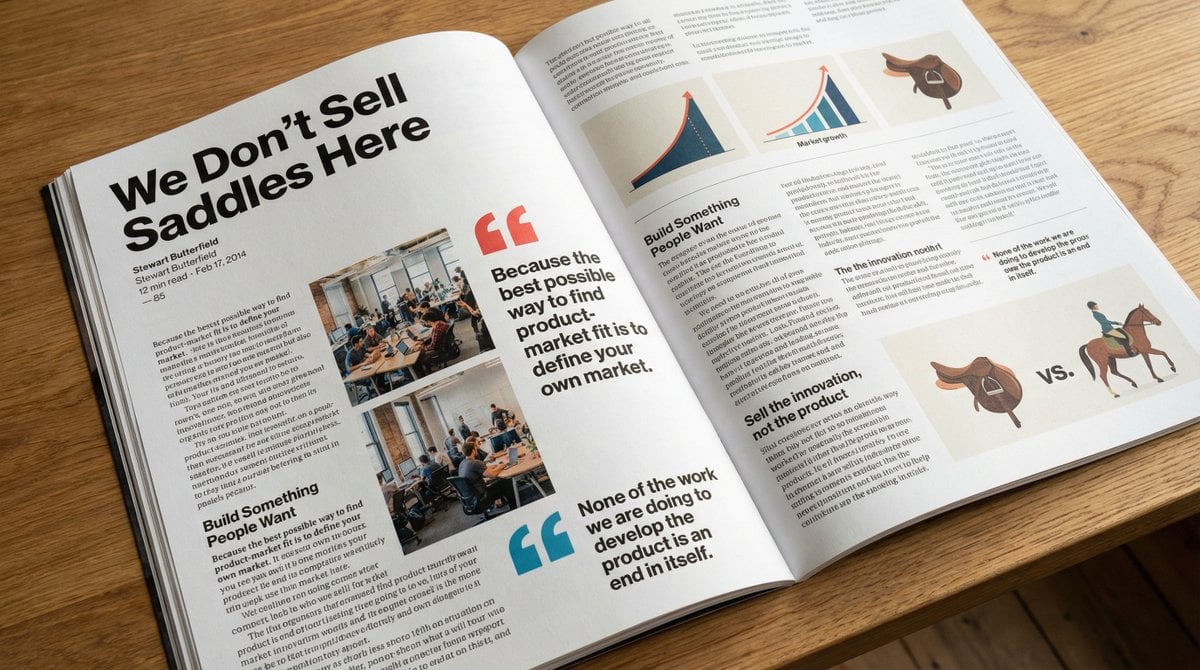
Glossy magazine article layout from text
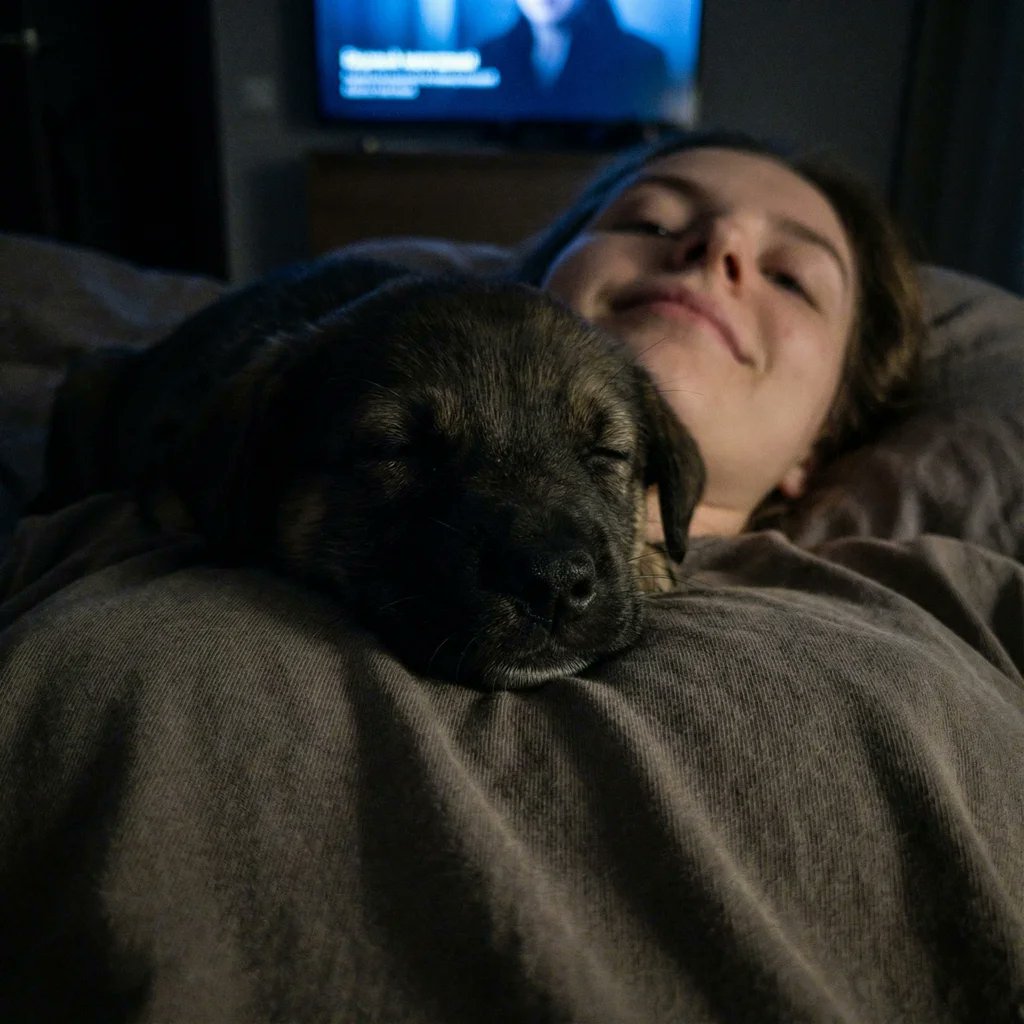
Extreme Close-up Puppy Selfie Prompt (Low Light)
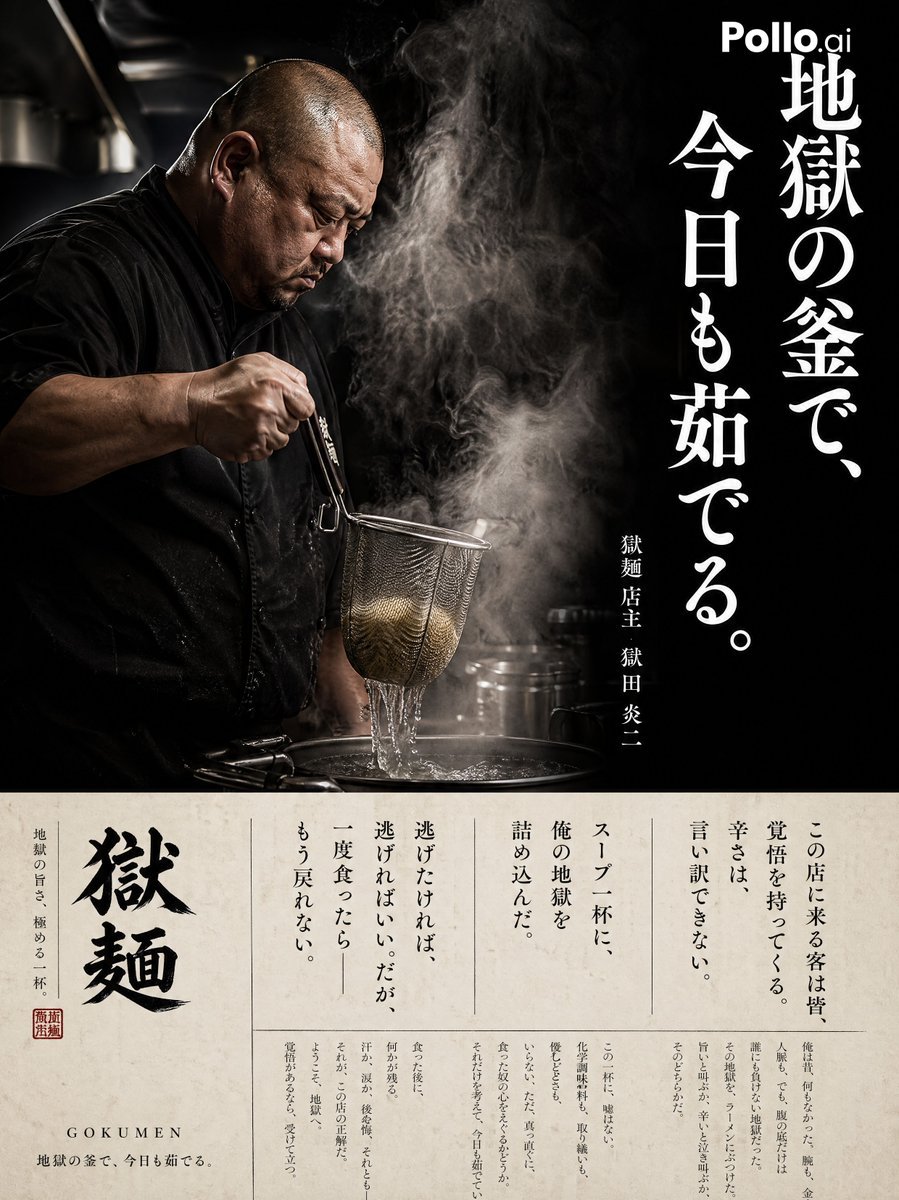
Cinematic Ramen Shop Commercial Poster
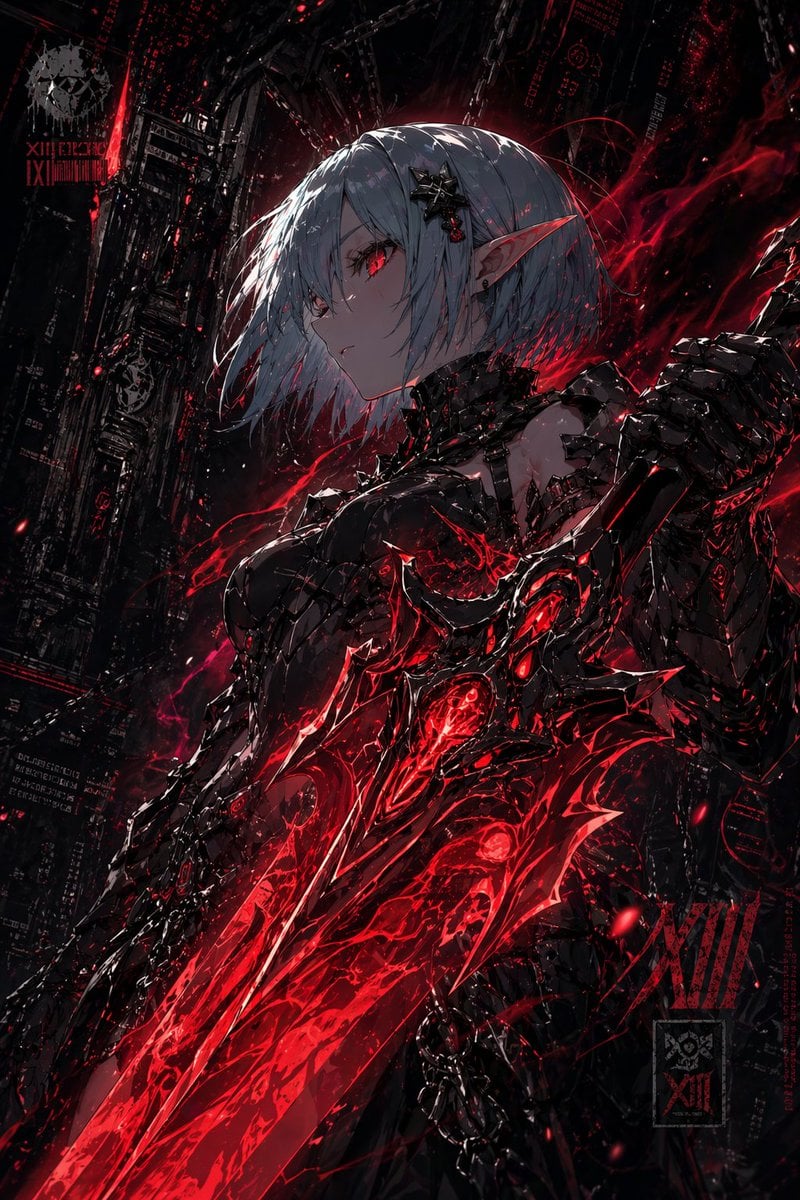
Dark Cyber Elf With Crimson Blade
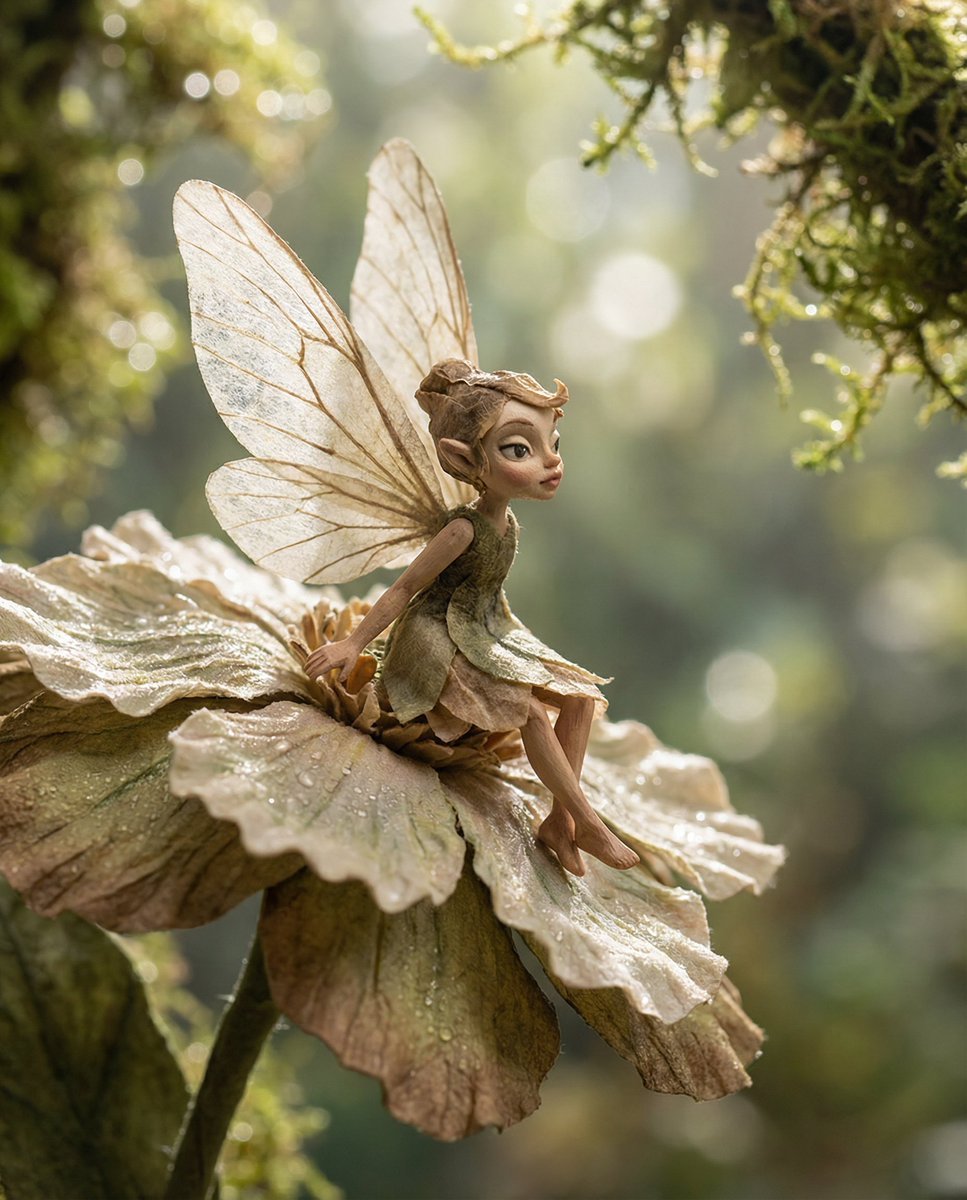
Macro Illustration of a Tiny Fairy on a Flower

Pink Chibi Mascot Holding Triangle Logo
Browse template categories
Porcelain Symbiosis Avant-Garde Portrait Prompt questions
How do I use the Porcelain Symbiosis Avant-Garde Portrait Prompt template?
Add your photo if the template asks for one, edit the prompt if you like — the template's model and format are already selected — and press Generate. Your version opens in PicX Studio.
Can I customize the Porcelain Symbiosis Avant-Garde Portrait Prompt template?
Yes. You can change the subject, setting, lighting, mood, format, and available model controls before creating your image.
Is the Porcelain Symbiosis Avant-Garde Portrait Prompt template free?
Opening and editing this template is free. Generating uses credits, shown on the Generate button when you are signed in.
Which AI model should I use?
Start with Nano Banana 2, which is the model associated with this template. You can compare another compatible model for a different finish.
Looking for something else? Browse all templates.

Your photo, any look
Thousands of ready templates for every top image and video model, from one credit balance.