
Ice Codex Robot Avatar
Generates a cute futuristic icy robot developer avatar for profile pictures, mascot art, or coding-themed branding.
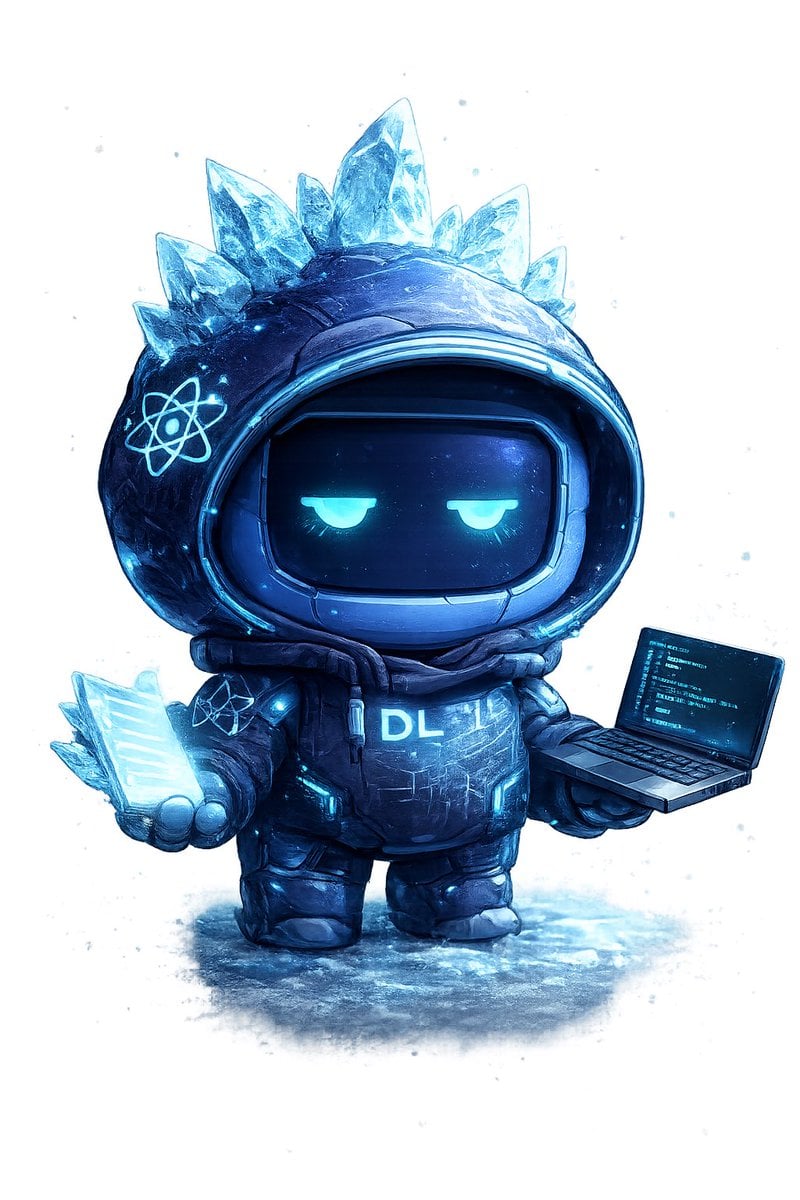
- Prompt included
- Model and format preset
- Premium template
The prompt behind this image
Copy the exact prompt behind Ice Codex Robot Avatar, or open it in the studio and make it yours.
Create a single full-body chibi codex avatar mascot on a clean white background with faint icy blue paint splatters and a soft frozen-ground shadow. The character is a small futuristic robot in an oversized dark navy-black hooded parka and chunky boots, rendered as a high-detail 3D digital illustration with painterly texture, glossy sci-fi materials, cyan rim lighting, and a cold arctic color palette. The hood is round and helmet-like, framing a black rounded-rectangle visor face with two sleepy half-lidded glowing cyan eyes and no mouth, giving a calm unimpressed expression. Add exactly 7 translucent jagged ice crystals protruding from the top and sides of the hood, with the tallest crystal at the center top, glowing electric blue edges, frosty refractions, and snow-like speckles. Put exactly 2 glowing atom emblems on the suit: one large cyan atom symbol on the left side of the hood and one smaller atom symbol on the chest/left shoulder area. The torso armor is puffy and segmented with cyan circuit-like accents, small luminous panels, scuffs, scratches, and the glowing chest text {argument name="chest text" default="DL"}. In the character’s left hand, show exactly 5 stacked translucent glowing cyan crystalline data sheets or code pages fanned together; in the right hand, show exactly 1 open miniature laptop angled toward the viewer, with a cyan-on-black screen filled with tiny unreadable code lines. Use a centered composition, cute proportions with a large head and short limbs, dramatic icy blue highlights, detailed snow/ice texture on the ground, and a premium mascot-avatar look suitable for a developer profile picture. Customize the avatar as {argument name="avatar theme" default="ice codex robot"}, with {argument name="primary color" default="deep navy blue"} armor and {argument name="glow color" default="cyan blue"} lighting.
How to use Ice Codex Robot Avatar in 3 steps
- 1Upload ImagePNG, JPG or paste
Add your photo
Upload the photo the template builds on. The prompt, model and format are already set.
- 2…a portrait of your subject in softgolden-hour light, 85mm…
Personalize
Edit the subject and creative details for your destination.
- 3Generate
Generate
Press Generate — your image is created in PicX Studio, so you can compare it with the original and refine one variable at a time.
More like this
Templates with the same subject, style or setup. Open one to see its prompt.
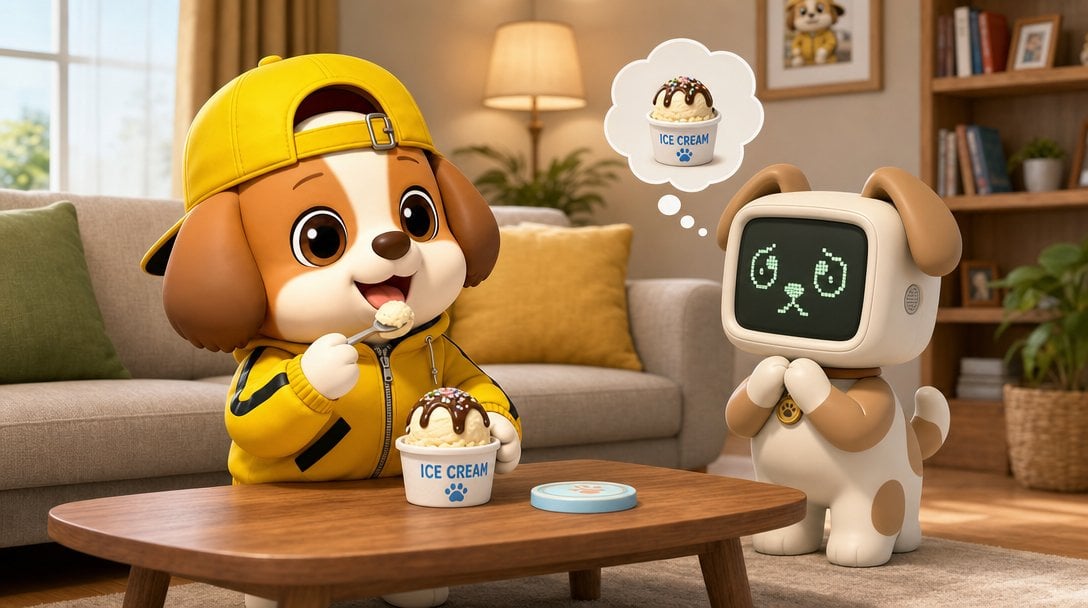
Puppy and Robot Dog Ice Cream Scene
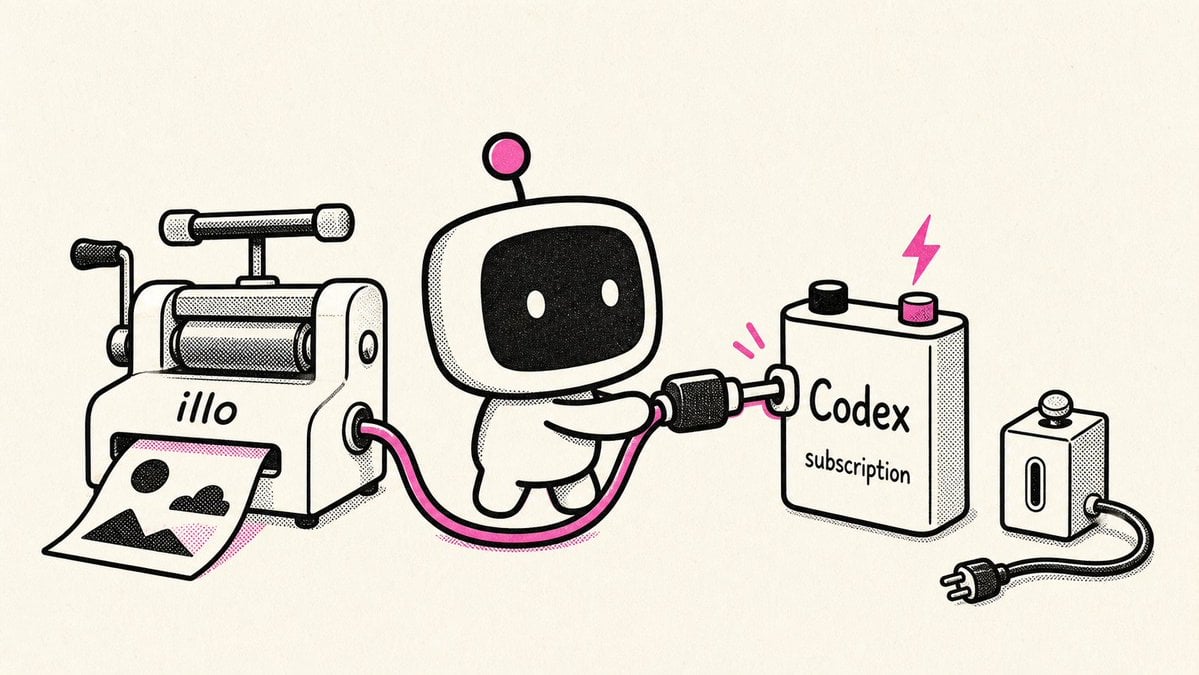
Retro Robot Powering Illo with Codex
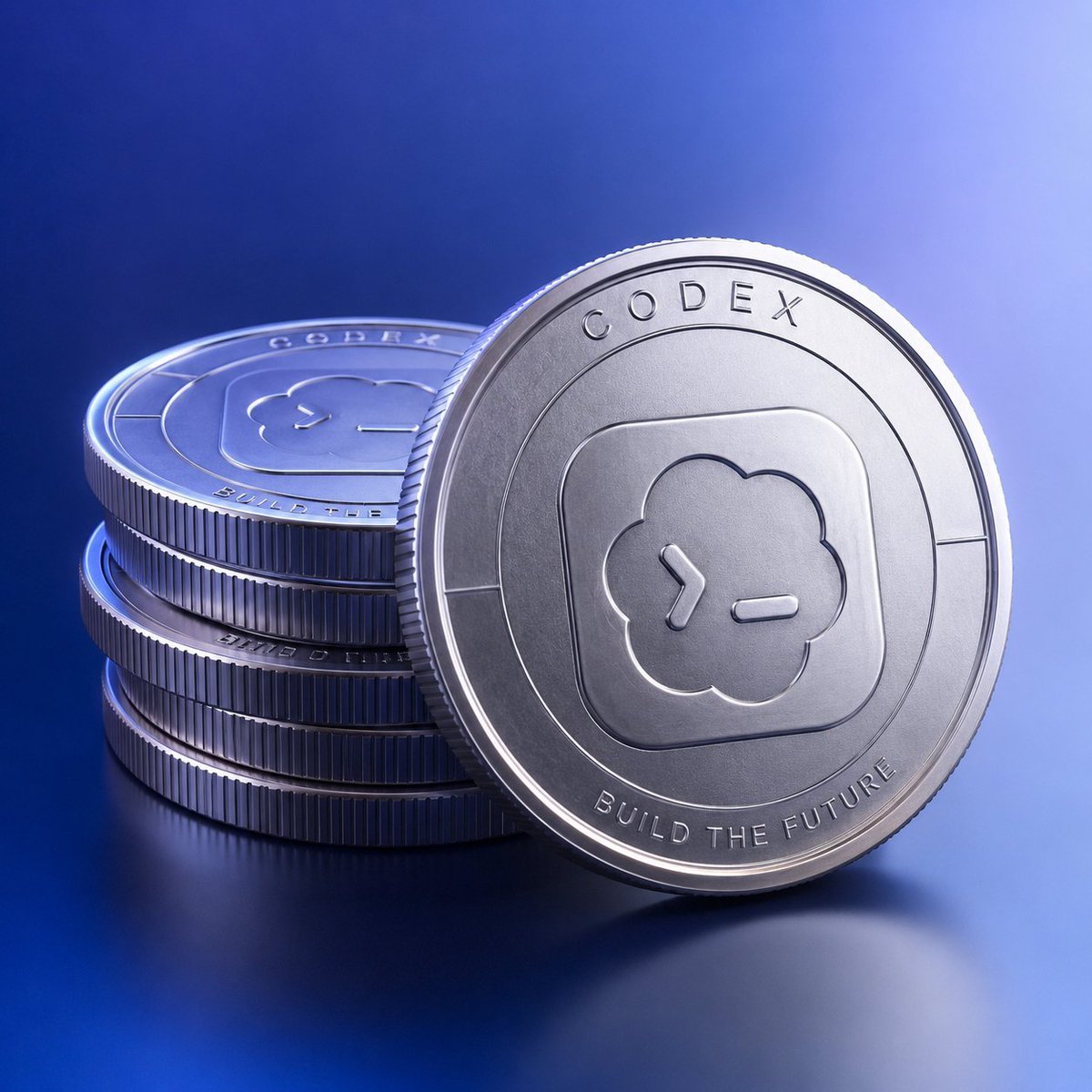
Photorealistic Codex Token Coins
Neo-Noir Typographic Avatar Poster
Moonlit Hamster Ice Bath Manga
Glossy Codex vs Hermes Tech Thumbnail
Iced Caramel Latte Poster
Futuristic Ice Palace Fashion Collage
Dreamy Flower Crown Shaved Ice Café
Ingrid Ice Storage Café Fantasy Scene
Fisheye Lens Slushy Ice Portrait
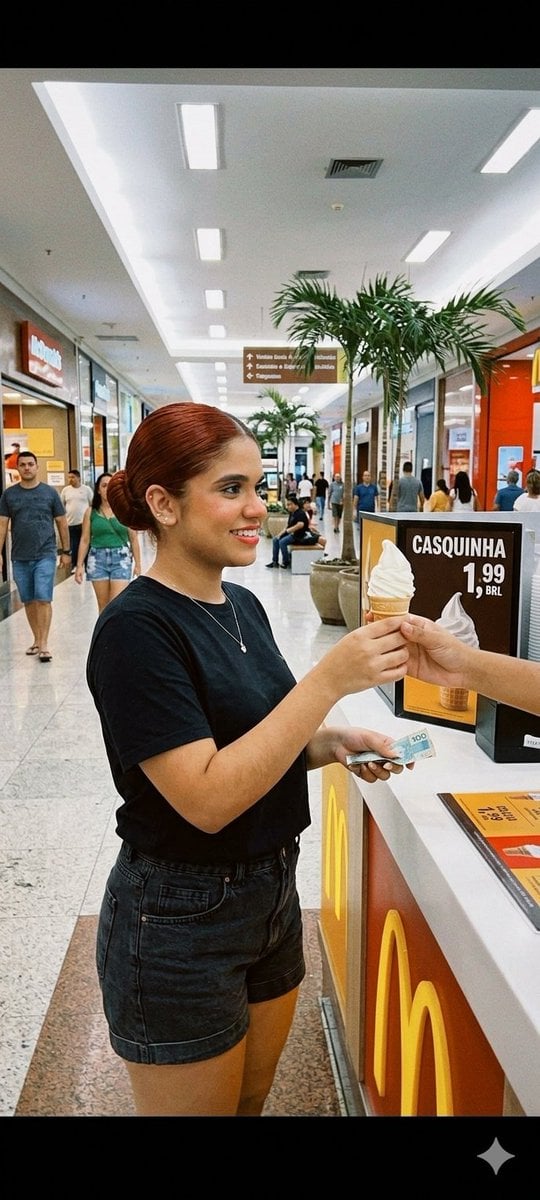
Candid Mall Ice Cream Kiosk Photo
Make it yours
Ice Codex Robot Avatar works as-is. These are the safest ways to change it without losing the look.
Change one field
Copy a single group, rewrite it, and generate again so you can see what that field is doing.
Keep the frame, change the subject
Hold the composition and light of Ice Codex Robot Avatar, then swap wardrobe, props or the person for a new take.
| If the result… | Why | Fix |
|---|---|---|
| The result drifts from the preview | Too many fields changed at once. | Reuse Ice Codex Robot Avatar as-is first, then change one group — subject, light, or setting. |
| The model over-stylizes the scene | The prose prompt leaves finish and camera underspecified. | Add one camera or lighting sentence and stay on GPT Image 2. |
More GPT Image 2 templates
Other prompts made for GPT Image 2.

Six VTuber Japanese Logo Sheet

Realistic Portrait of Woman and Deer

The Vista Modular Condo Poster

AI Model Routing Comparison Infographic

2.5D Anime Art Board

Isometric Productivity Desk Scene

New York Double Exposure Poster

Four-Panel AI Landscape Comparison

Japanese Tatami Lifestyle Magazine Cover

NESCAFÉ Coffee Map Poster
More image prompts
Fresh picks from across the catalog.
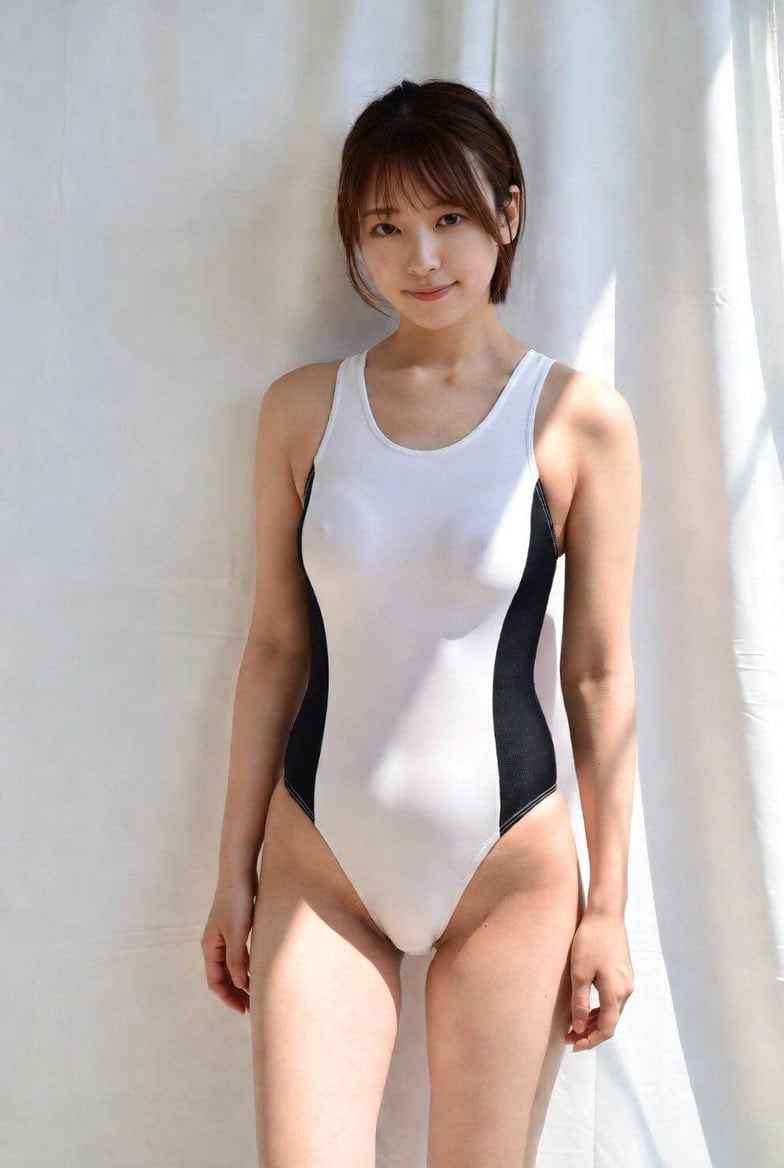
Image-to-Image Action Generation Template
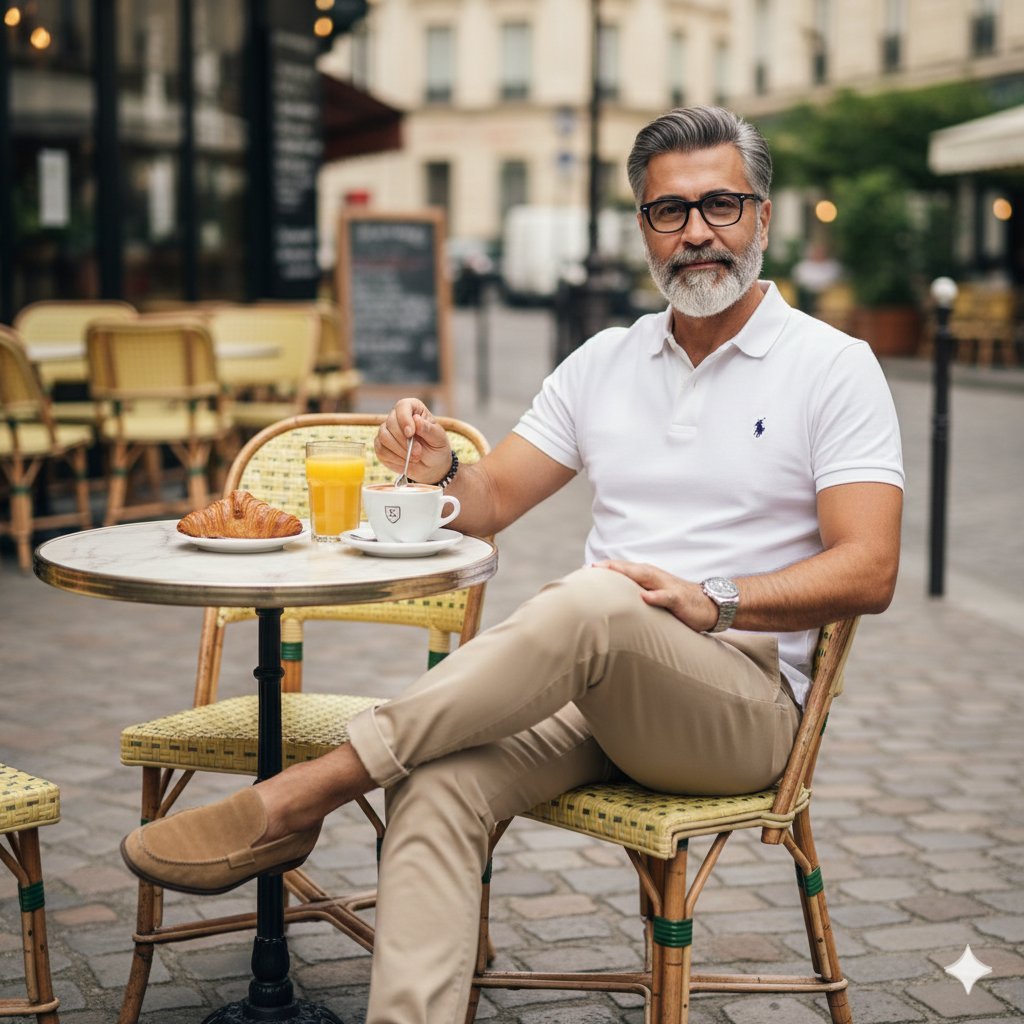
Photorealistic Parisian Cafe Scene
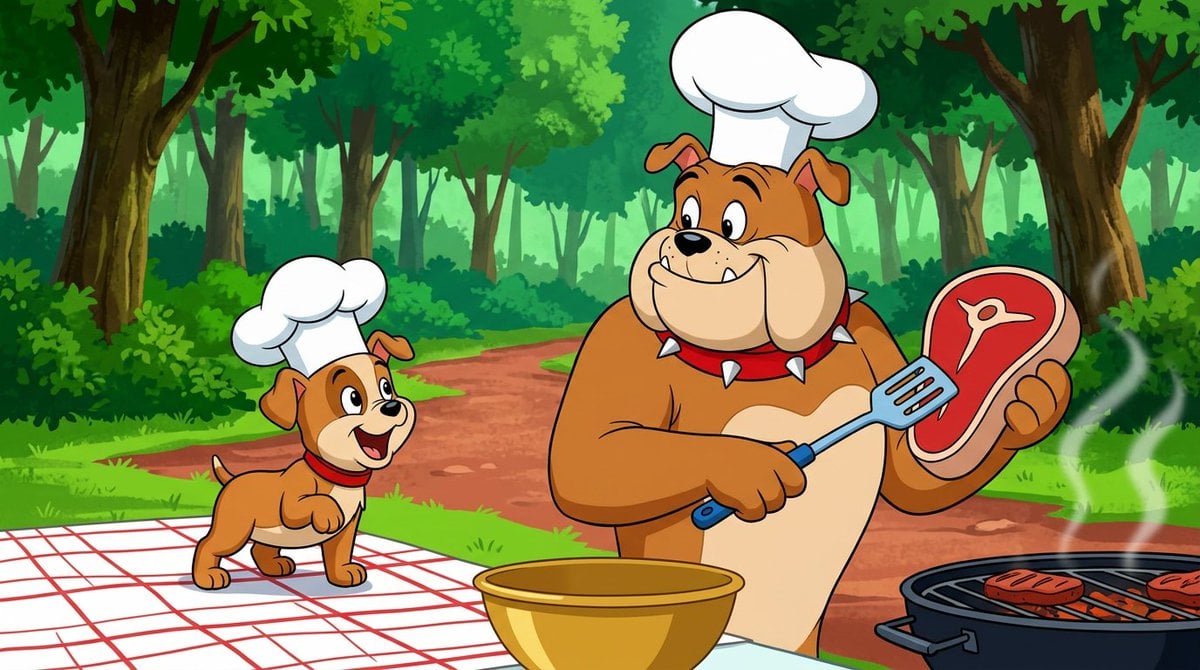
Anthropomorphic Bulldog Barbecue Scene (Classic Cartoon Style)
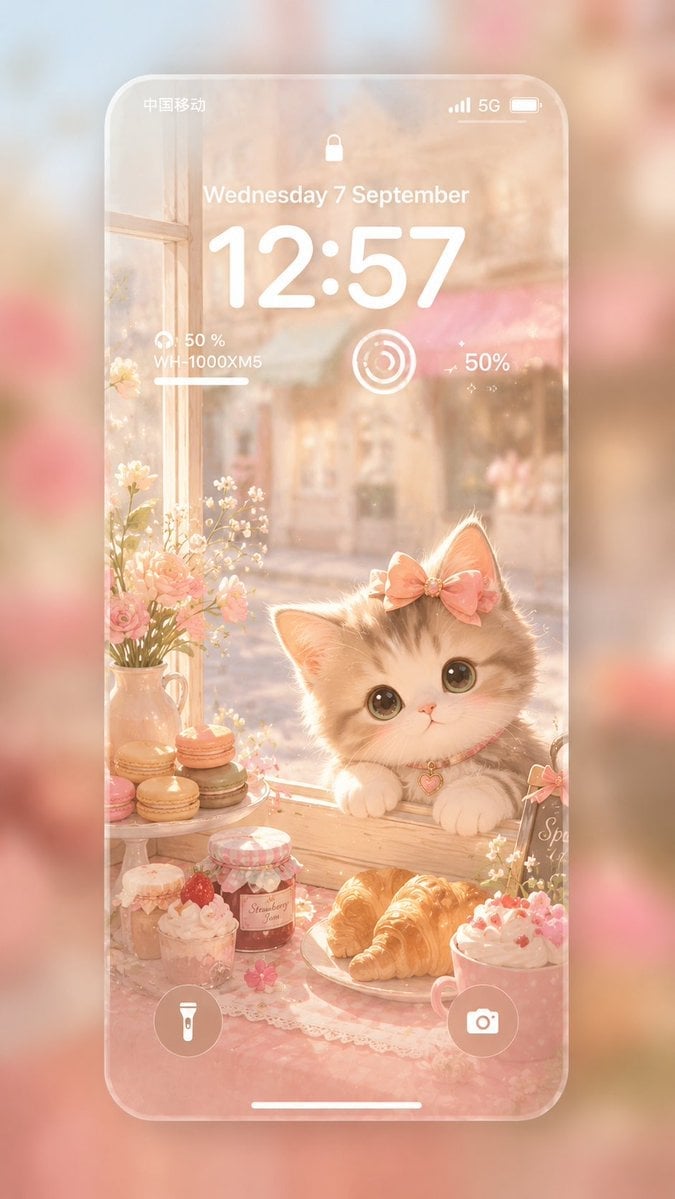
Pastel Kitten Café iPhone Lock Screen
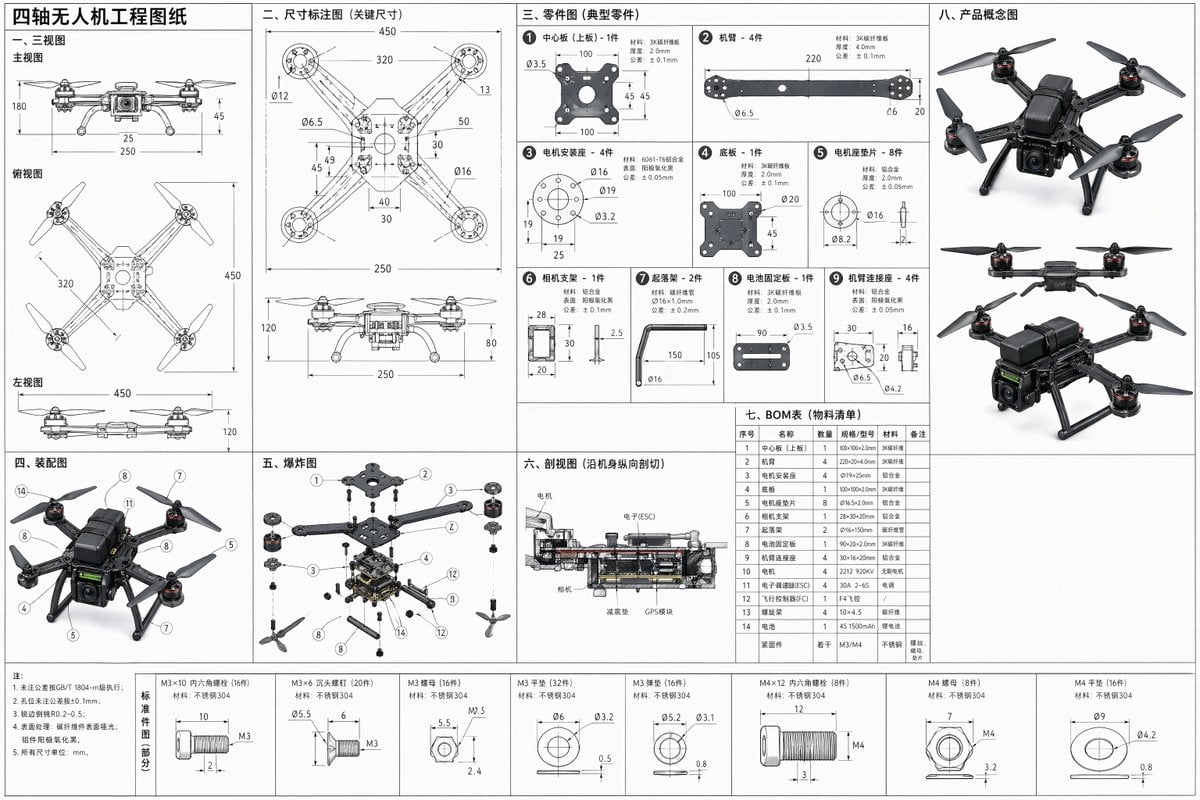
Technical Drone Engineering Blueprint
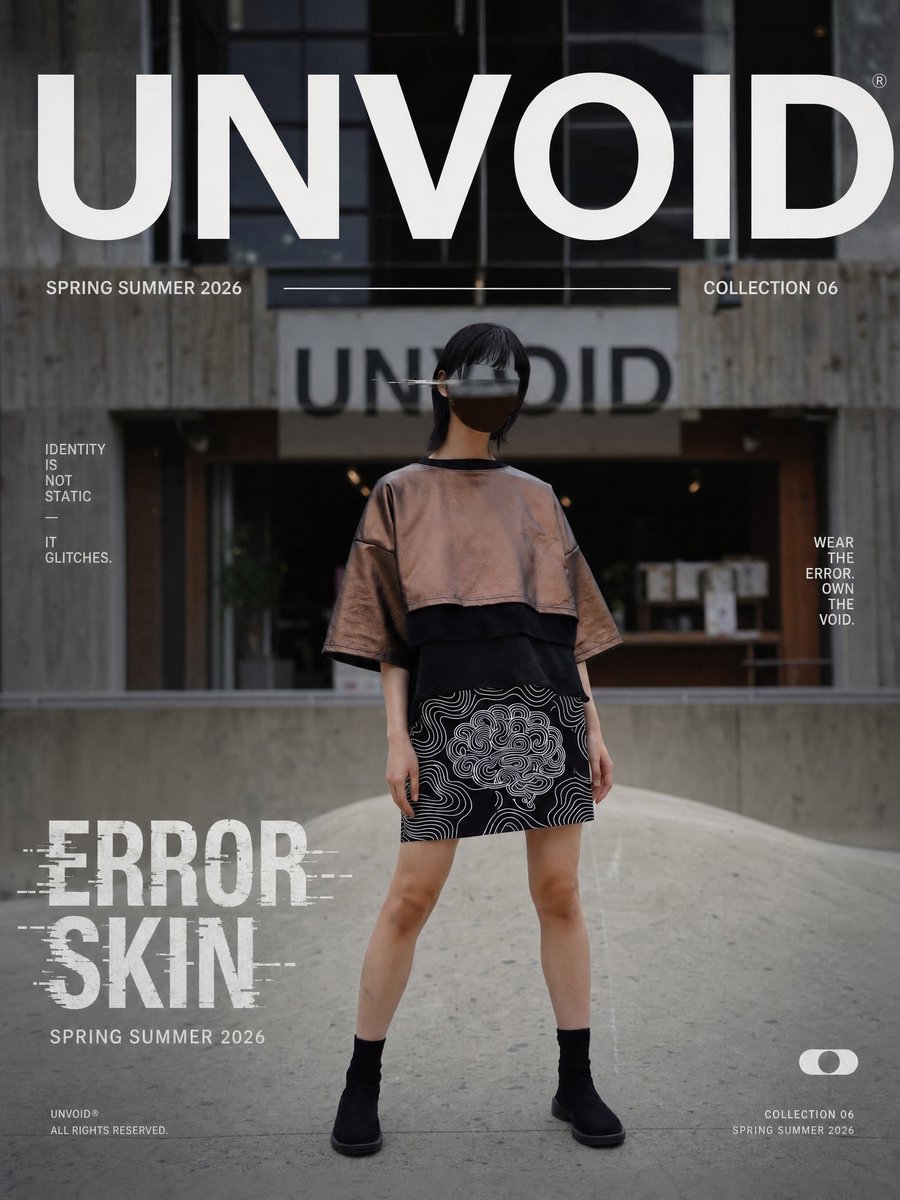
UNVOID Glitch Streetwear Poster
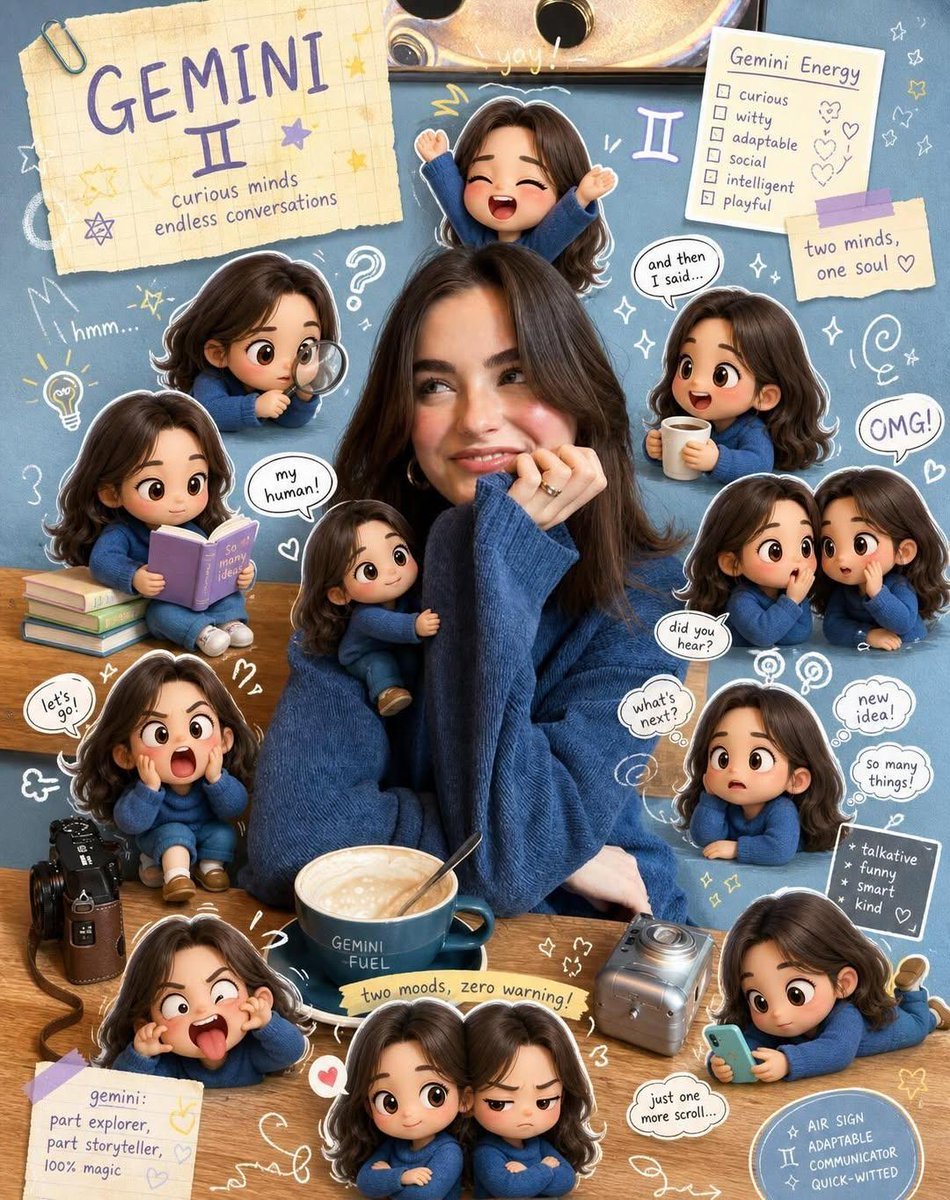
Taurus Zodiac Poster Design
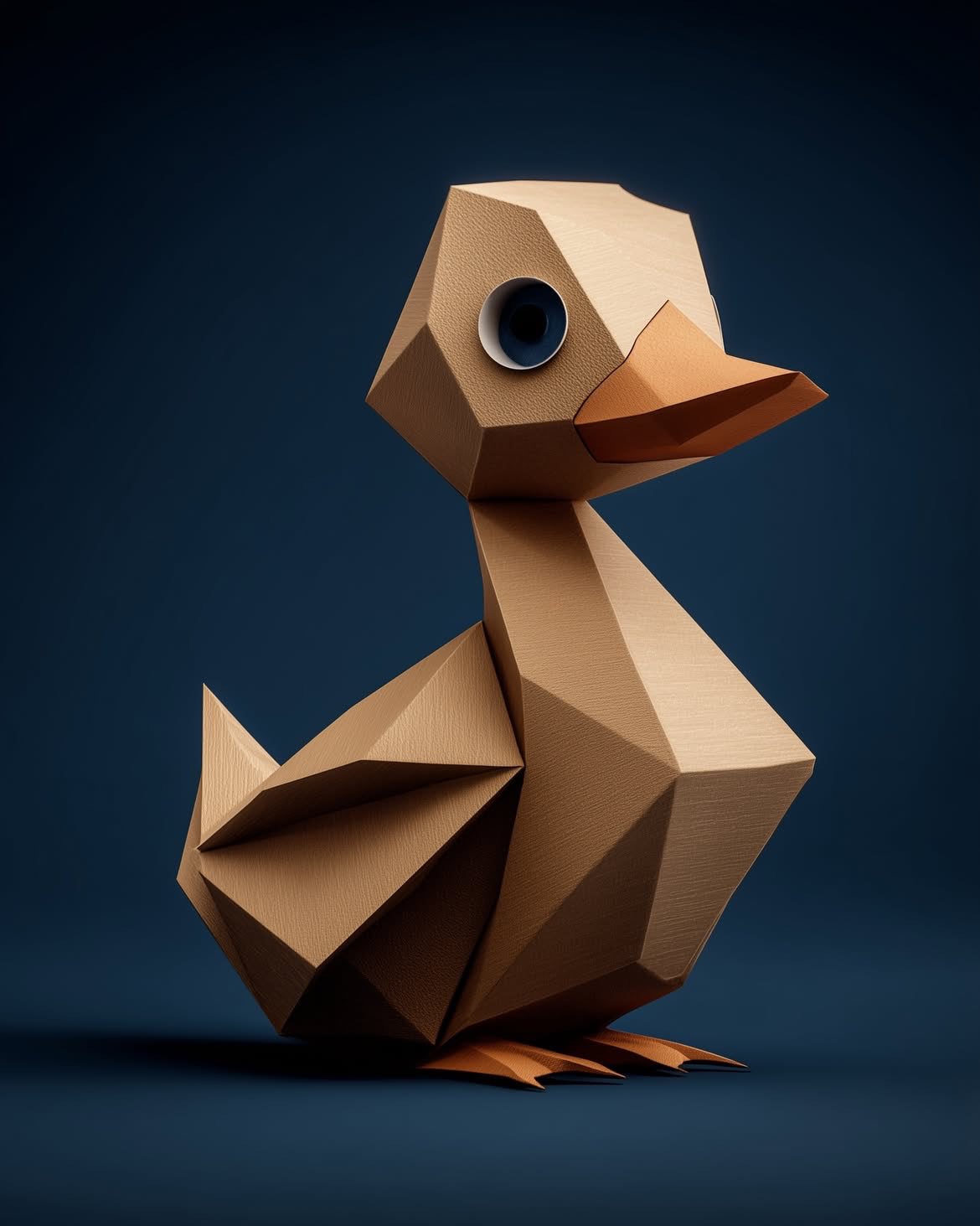
Google Gemini Nano Banana Pro
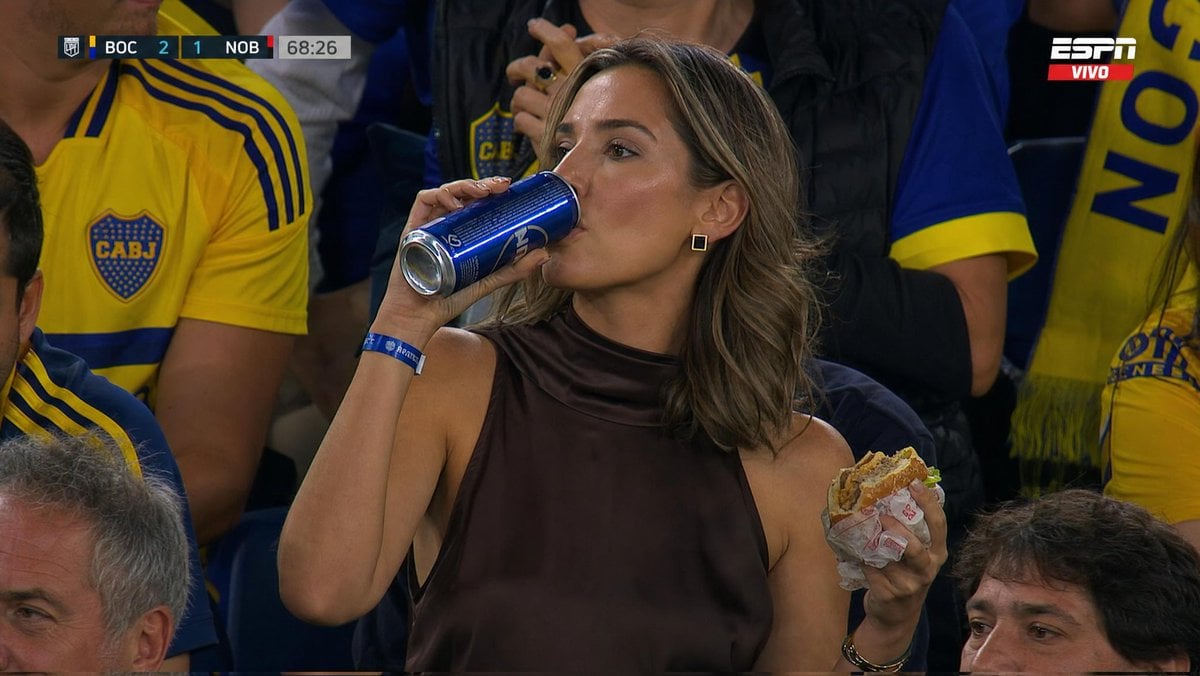
Stadium Crowd Sports Broadcast Portrait
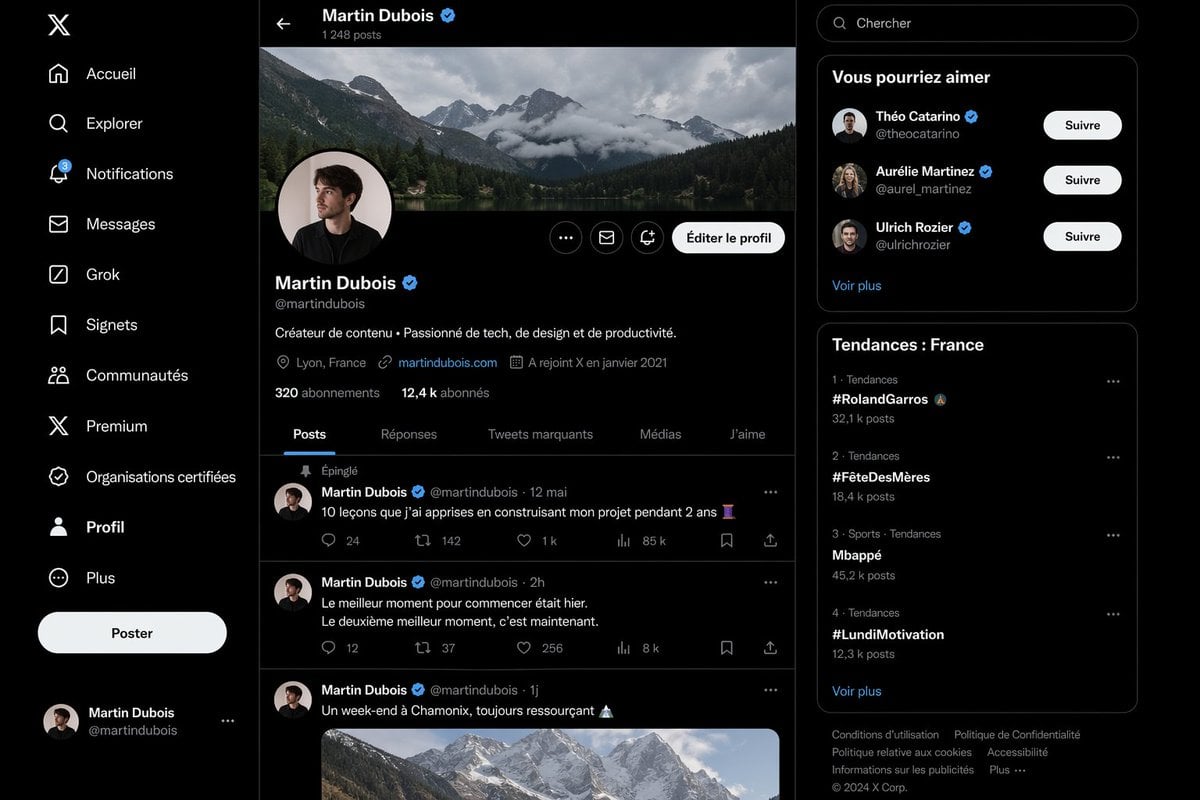
Realistic X Profile Page Mockup
Browse template categories
Ice Codex Robot Avatar questions
How do I use the Ice Codex Robot Avatar template?
Add your photo if the template asks for one, edit the prompt if you like — the template's model and format are already selected — and press Generate. Your version opens in PicX Studio.
Can I customize the Ice Codex Robot Avatar template?
Yes. You can change the subject, setting, lighting, mood, format, and available model controls before creating your image.
Is the Ice Codex Robot Avatar template free?
Opening and editing this template is free. Generating uses credits, shown on the Generate button when you are signed in.
Which AI model should I use?
Start with GPT Image 2, which is the model associated with this template. You can compare another compatible model for a different finish.
Looking for something else? Browse all templates.

Your photo, any look
Thousands of ready templates for every top image and video model, from one credit balance.