
Ingrid Ice Storage Café Fantasy Scene
Generates a cinematic icy-blue fantasy café portrait with a central character in a giant coffee mug chair, miniature character copies, penguins, desserts, and branded signage.
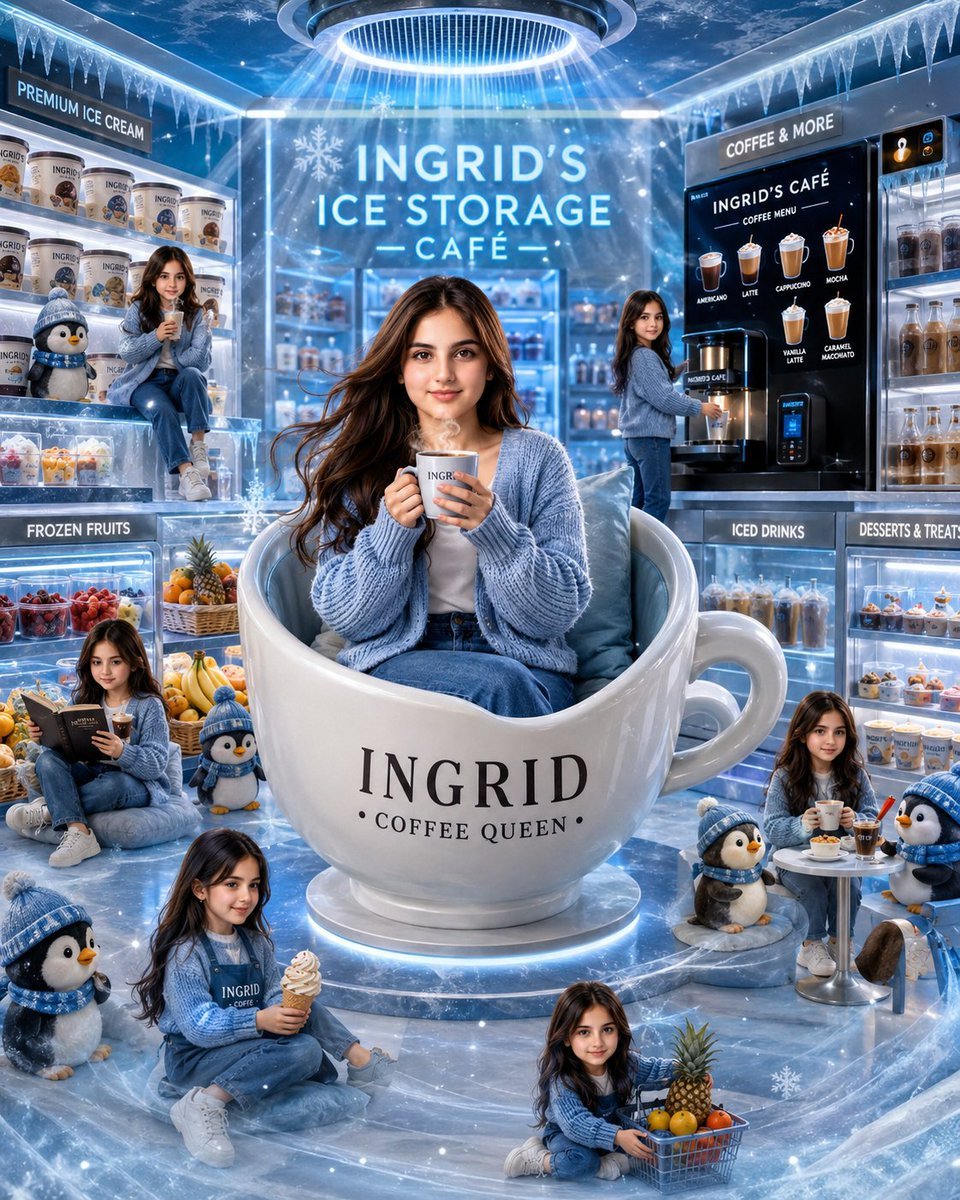
- Prompt included
- Model and format preset
- Premium template
The prompt behind this image
Copy the exact prompt behind Ingrid Ice Storage Café Fantasy Scene, or open it in the studio and make it yours.
Goal: Create a whimsical cinematic luxury ice-blue café scene starring {argument name="character name" default="Ingrid"}, using the uploaded person as the exact face reference if provided, with face identity locked and repeated consistently across every character version. Canvas: Square 4:5-feeling vertical composition, ultra-detailed glossy 3D illustration / cinematic digital art, icy blue and white palette, sparkling frost, snowflakes, cool mist, reflective frozen marble floor, bright rim lighting, and a magical winter café atmosphere. Main subject: Center the main {argument name="character name" default="Ingrid"} seated inside an oversized glossy white ceramic mug chair shaped like a giant coffee cup. The mug has a large handle on the right and is labeled in elegant black serif text: "INGRID" with smaller text below: "• COFFEE QUEEN •". She wears a cozy oversized {argument name="cardigan color" default="pale ice-blue"} knitted cardigan, white top, blue jeans, and holds a hot coffee cup with both hands. Her long wavy brown hair flows naturally, and she sits on soft pale-blue cushions inside the cup. Environment and signage: Set the scene inside a premium frozen café called "INGRID'S ICE STORAGE — CAFÉ —" in large glowing white-blue letters on the back wall. Add icicles hanging from the ceiling edges, frosted glass walls, glowing display cases, and a circular ceiling light above the main subject casting radiant blue beams downward. Include these visible signs exactly: "PREMIUM ICE CREAM" above the left freezer shelves, "FROZEN FRUITS" on the lower-left case, "COFFEE & MORE" above the right coffee station, "INGRID'S CAFÉ" on the black coffee menu board, "ICED DRINKS" on the lower-right drink case, and "DESSERTS & TREATS" on the dessert display. Repeated character count: Show exactly 7 total versions of {argument name="character name" default="Ingrid"}: 1 large central Ingrid in the giant mug chair; 1 mini Ingrid sitting on the left ice-cream shelf holding a drink; 1 mini Ingrid standing at the right coffee machine; 1 mini Ingrid sitting lower left reading a menu and drinking coffee; 1 mini Ingrid sitting near the bottom-left foreground holding a soft-serve ice cream cone and wearing an Ingrid café apron; 1 mini Ingrid sitting bottom center with a small shopping basket of fruit; and 1 mini Ingrid sitting at a small round café table on the right holding coffee. Penguin count: Include exactly 5 cute plush-like penguins wearing blue winter hats and scarves: 1 on the left shelf beside the mini Ingrid; 1 small penguin near the lower center-left beside the reader; 1 large penguin in the bottom-left foreground; 1 small penguin near the right side of the giant mug; and 1 penguin beside the right café table. Food and drink details: Add frozen shelves filled with branded ice-cream tubs labeled with the character name, iced drinks in bottles and cups, desserts in glass cases, whipped cream treats, pastries, and colorful frozen fruit. Include a fruit basket with pineapple, oranges, lemons, and berries near the bottom center. The right black coffee menu board should show exactly 6 illustrated drink options labeled: Americano, Latte, Cappuccino, Mocha, Vanilla Latte, and Caramel Macchiato. Style: Hyper-detailed, glossy, high-end fantasy café advertising look, rich reflections, soft volumetric light, blue-white neon glow, snow particles, frosty glass, polished ceramic, cozy knit textures, cute miniature characters, and charming winter mascot energy. Constraints: Keep all faces consistent with the reference person if one is provided. Do not add extra character copies beyond the 7 specified, and do not add extra penguins beyond the 5 specified. Keep the text legible and centered where described. No watermark, no logo, no distorted hands, no unreadable main signage.
How to use Ingrid Ice Storage Café Fantasy Scene in 3 steps
- 1Upload ImagePNG, JPG or paste
Add your photo
Upload the photo the template builds on. The prompt, model and format are already set.
- 2…a portrait of your subject in softgolden-hour light, 85mm…
Personalize
Edit the subject and creative details for your destination.
- 3Generate
Generate
Press Generate — your image is created in PicX Studio, so you can compare it with the original and refine one variable at a time.
More like this
Templates with the same subject, style or setup. Open one to see its prompt.
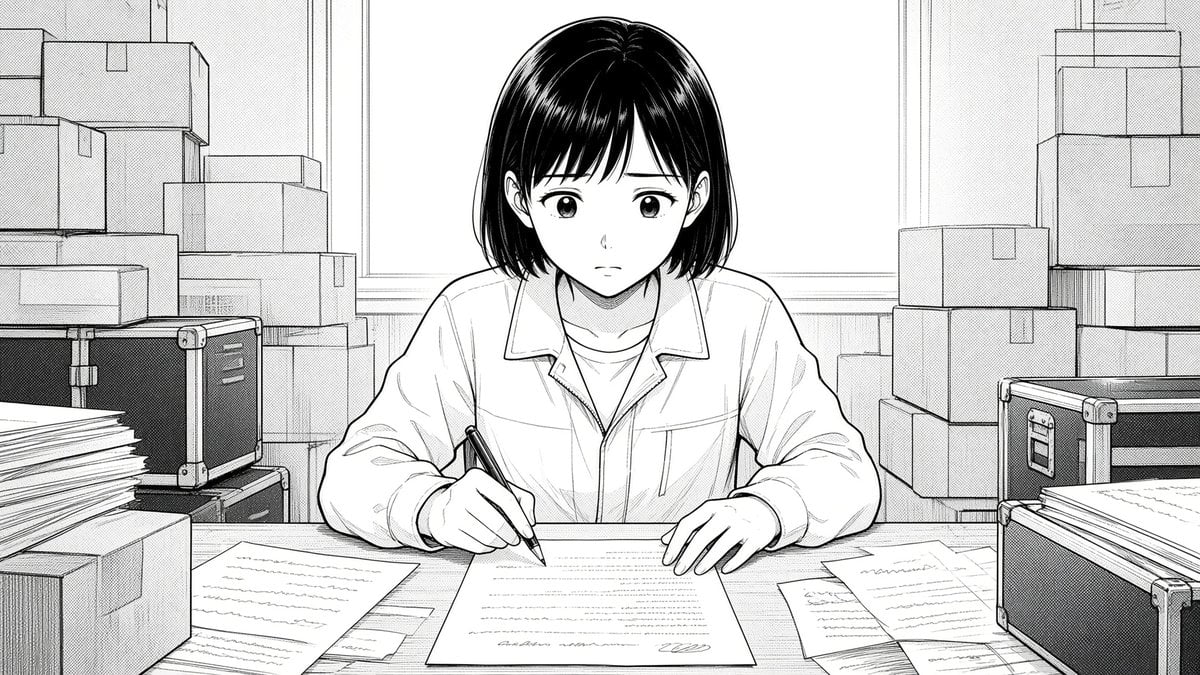
Manga Woman Writing in Storage Office
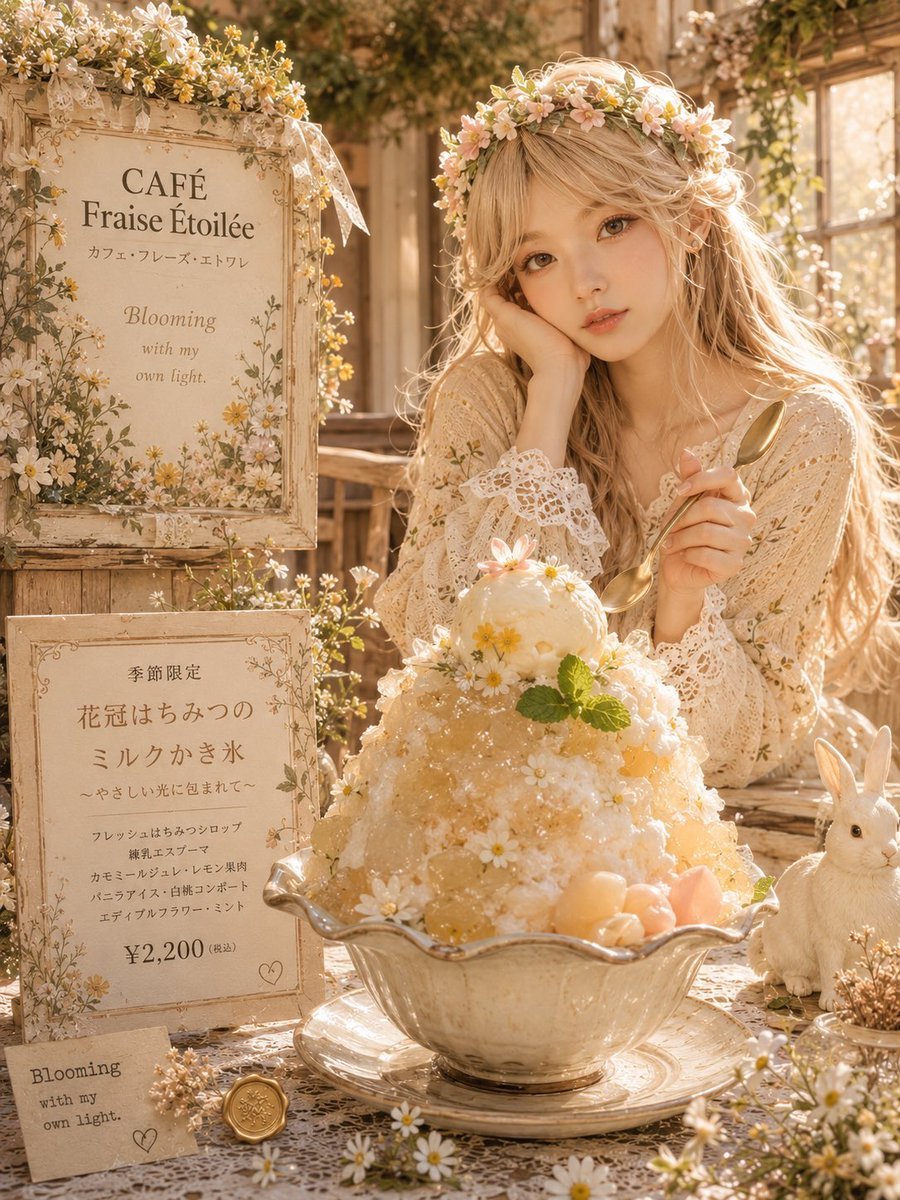
Dreamy Flower Crown Shaved Ice Café

Anime Fantasy Celestial Movie Poster
Anime Fantasy Celestial Movie Poster

Minecraft Fantasy Kingdom Voxel Landscape

Unfinished Sketch Comes Alive Portrait

Open Travel Journal Overhead Still Life

Tiny Woman Miniature Fantasy Macro Scene
JSON Seedance - Fairy Macro Flight
Videogame Cinematic Trailer - Seedance 2.0
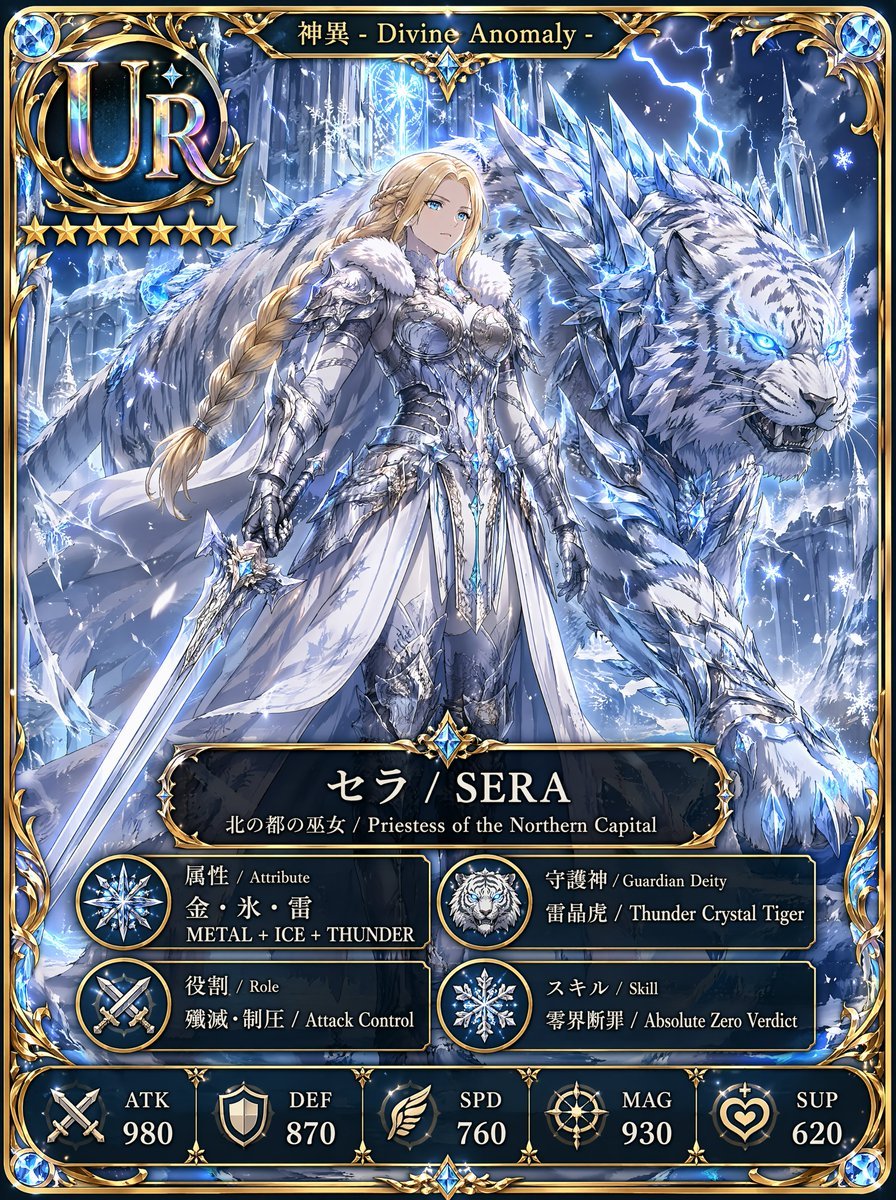
UR Ice Priestess Fantasy Card
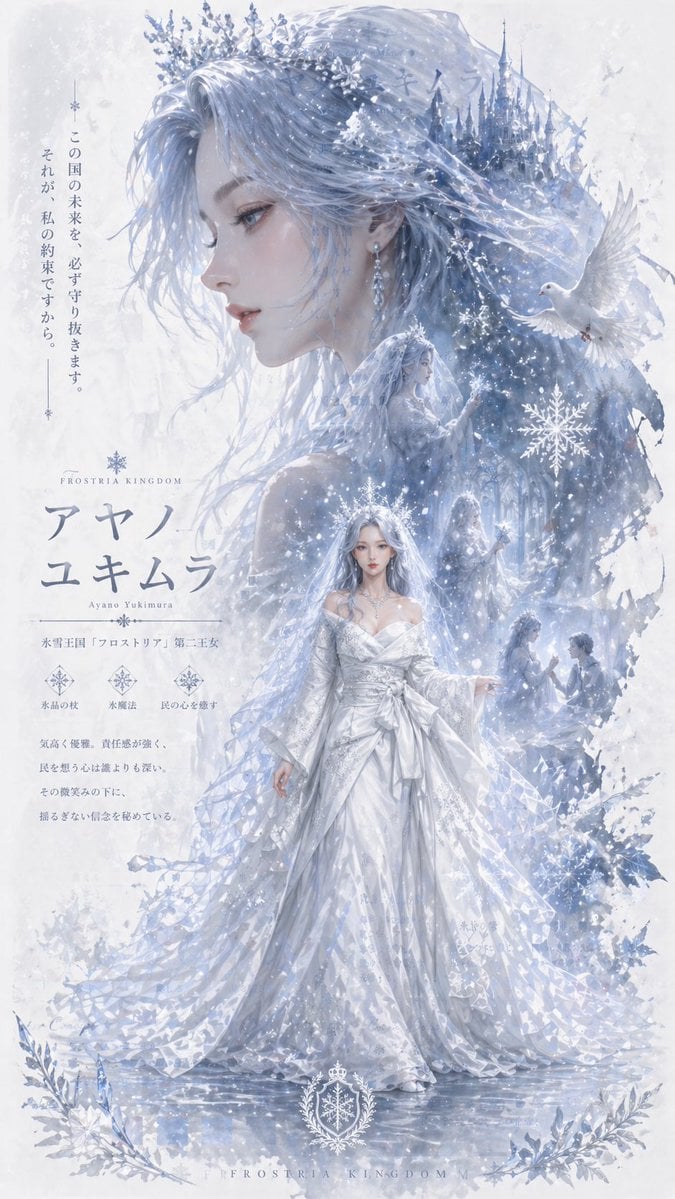
Ice Kingdom Princess Fantasy Poster
Make it yours
Ingrid Ice Storage Café Fantasy Scene works as-is. These are the safest ways to change it without losing the look.
Change one field
Copy a single group, rewrite it, and generate again so you can see what that field is doing.
Keep the frame, change the subject
Hold the composition and light of Ingrid Ice Storage Café Fantasy Scene, then swap wardrobe, props or the person for a new take.
| If the result… | Why | Fix |
|---|---|---|
| The result drifts from the preview | Too many fields changed at once. | Reuse Ingrid Ice Storage Café Fantasy Scene as-is first, then change one group — subject, light, or setting. |
| The model over-stylizes the scene | The prose prompt leaves finish and camera underspecified. | Add one camera or lighting sentence and stay on GPT Image 2. |
More GPT Image 2 templates
Other prompts made for GPT Image 2.

Six VTuber Japanese Logo Sheet

Realistic Portrait of Woman and Deer

The Vista Modular Condo Poster

AI Model Routing Comparison Infographic

2.5D Anime Art Board

Isometric Productivity Desk Scene

New York Double Exposure Poster

Four-Panel AI Landscape Comparison

Japanese Tatami Lifestyle Magazine Cover

NESCAFÉ Coffee Map Poster
More image prompts
Fresh picks from across the catalog.
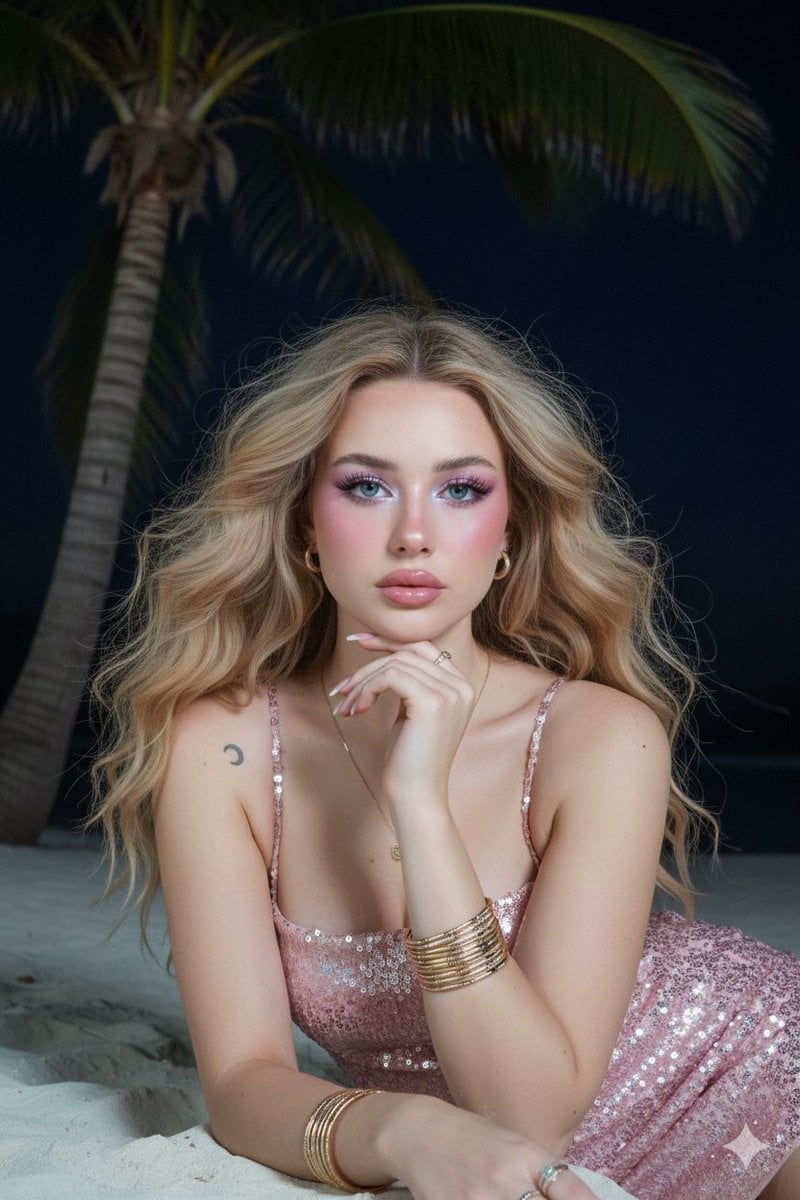
Barbie Style Tropical Night Portrait Prompt

Style Transfer to Rick and Morty

Photorealistic Egg with Map of Africa Crack
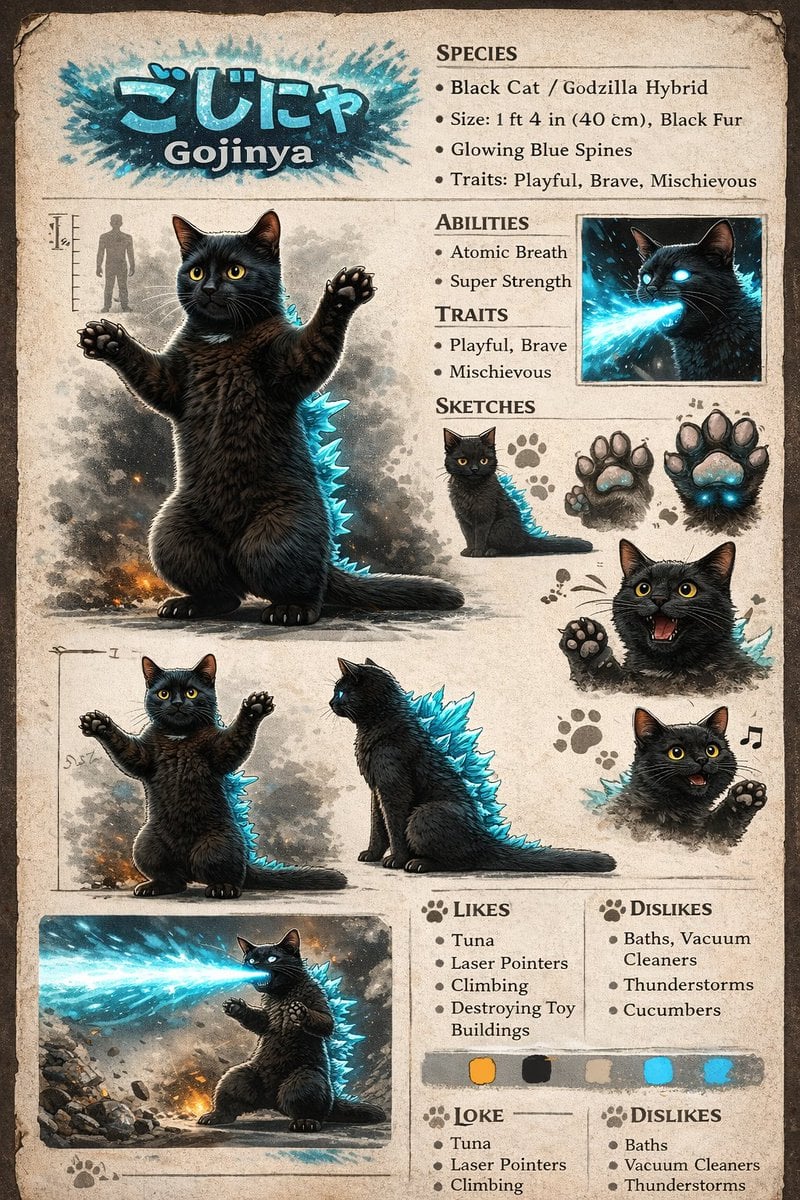
Creature Concept Reference Sheet

Golden Hour Product Photography on Rugged Rock
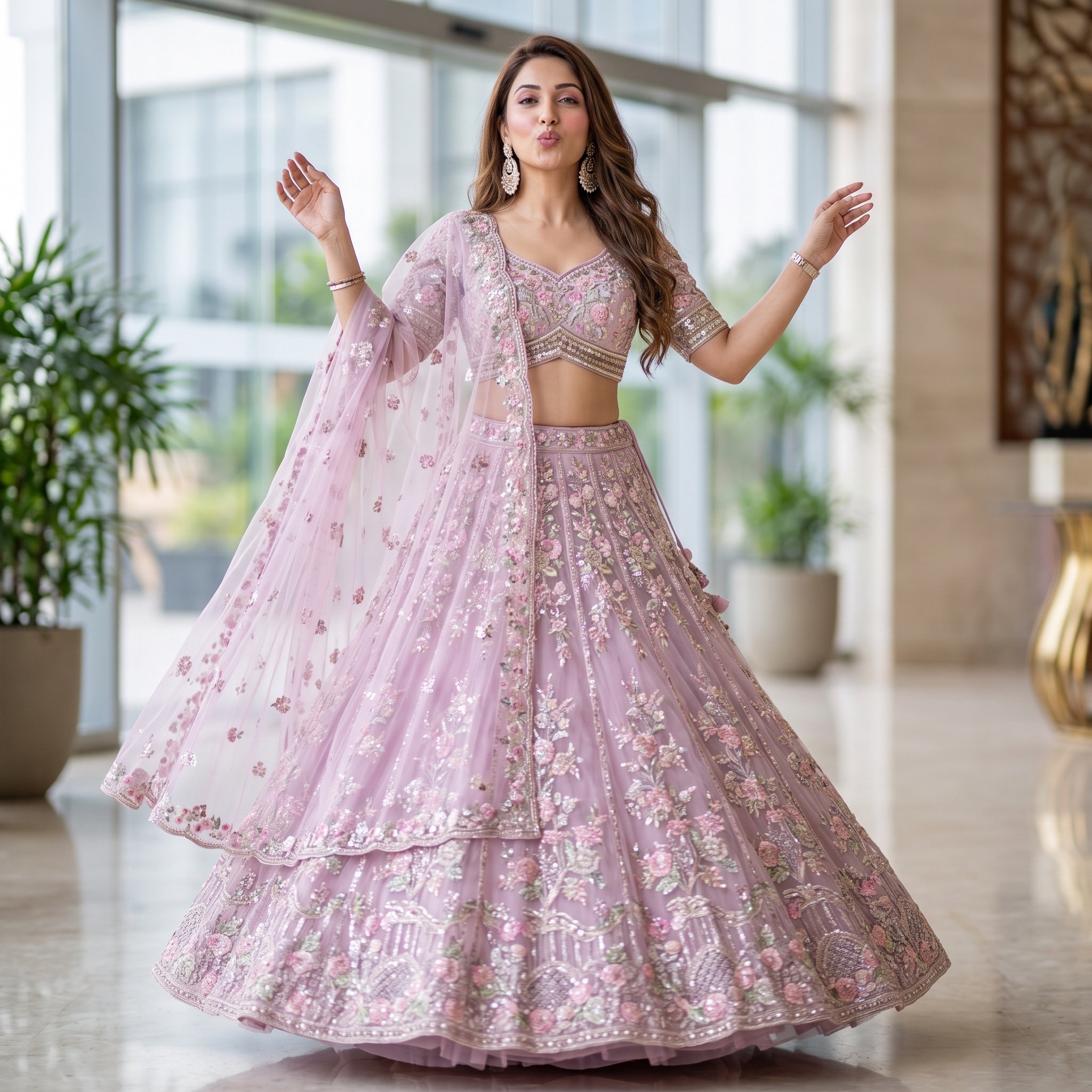
Elegant Indian Lehenga Fashion Photography Prompt

Realistic Artist Studio Sketch Interaction
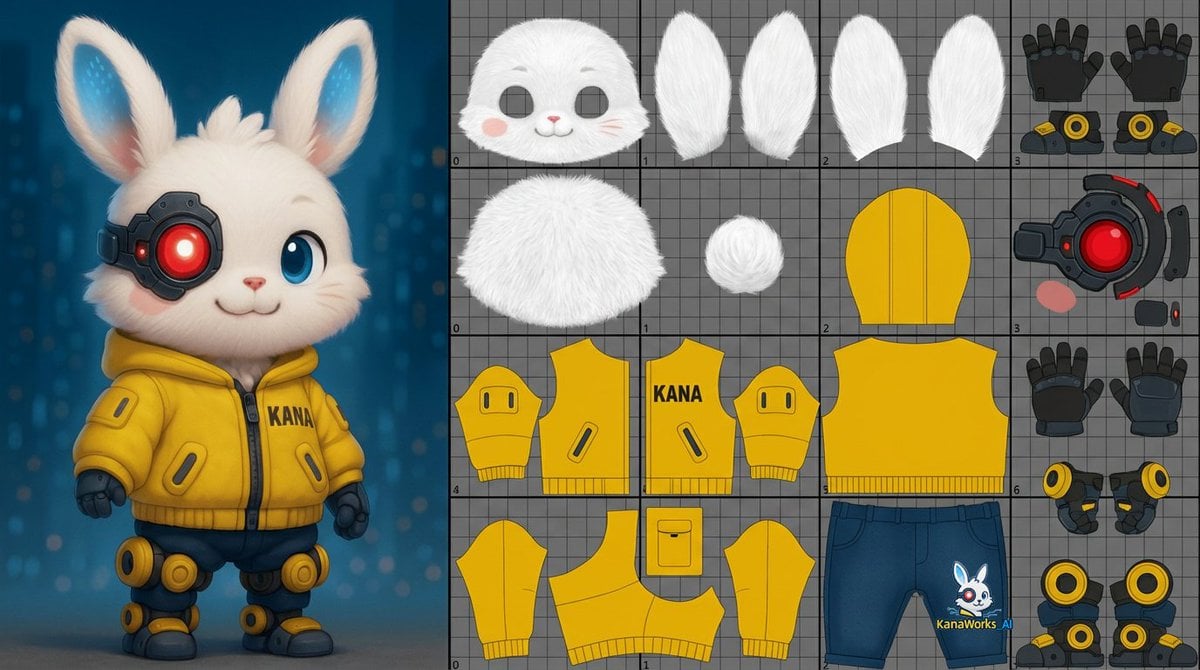
Prompt for UV Unwrapping a 3D Model
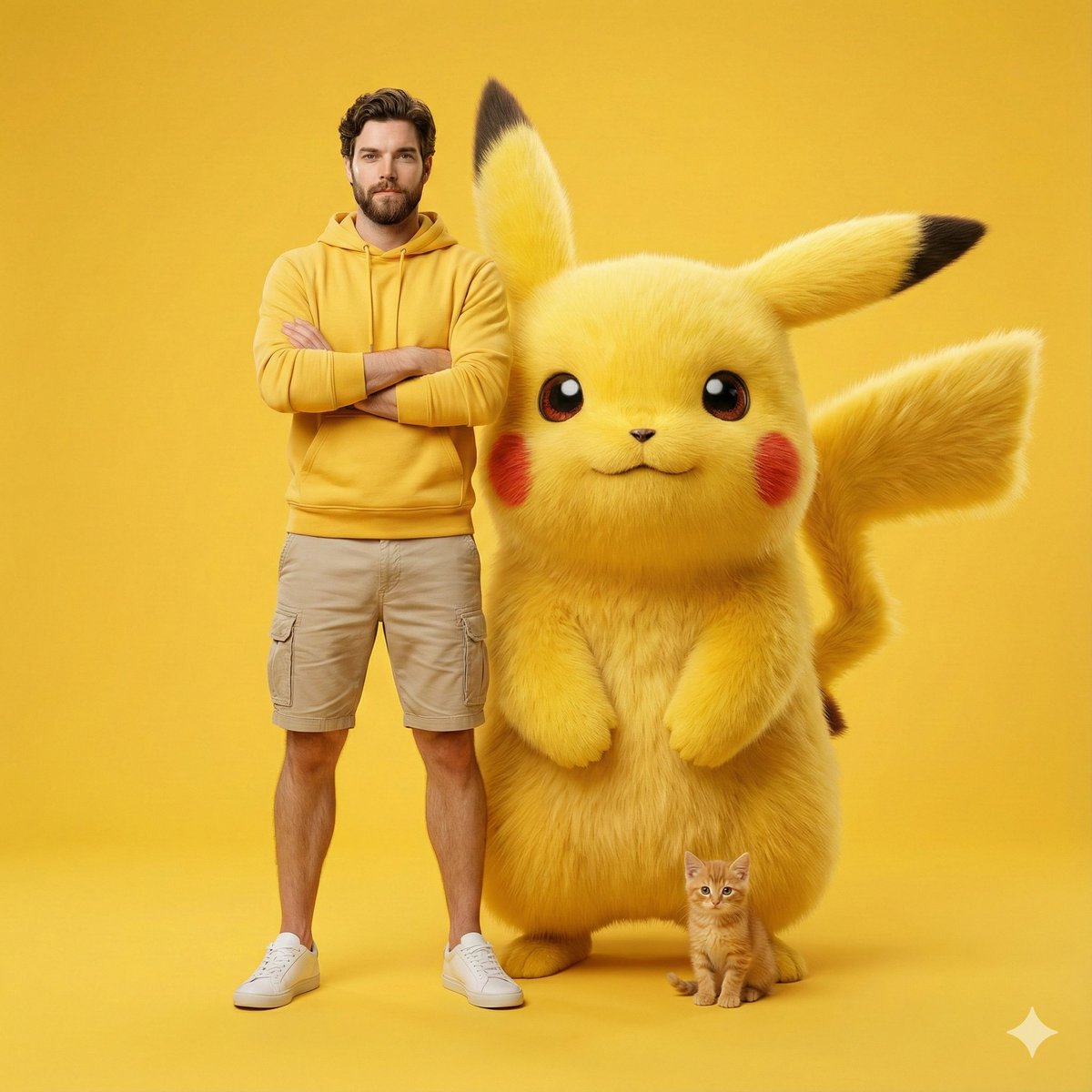
Giant Pikachu Studio Portrait Identity Lock Prompt

Stylized X-Frame Portrait Design
Browse template categories
Ingrid Ice Storage Café Fantasy Scene questions
How do I use the Ingrid Ice Storage Café Fantasy Scene template?
Add your photo if the template asks for one, edit the prompt if you like — the template's model and format are already selected — and press Generate. Your version opens in PicX Studio.
Can I customize the Ingrid Ice Storage Café Fantasy Scene template?
Yes. You can change the subject, setting, lighting, mood, format, and available model controls before creating your image.
Is the Ingrid Ice Storage Café Fantasy Scene template free?
Opening and editing this template is free. Generating uses credits, shown on the Generate button when you are signed in.
Which AI model should I use?
Start with GPT Image 2, which is the model associated with this template. You can compare another compatible model for a different finish.
Looking for something else? Browse all templates.

Your photo, any look
Thousands of ready templates for every top image and video model, from one credit balance.