
Stylized X-Frame Portrait Design
A creative visual prompt that frames a subject within a large, sharp-edged 'X' letter, with parts of the character breaking out of the frame for a layered 3D effect.
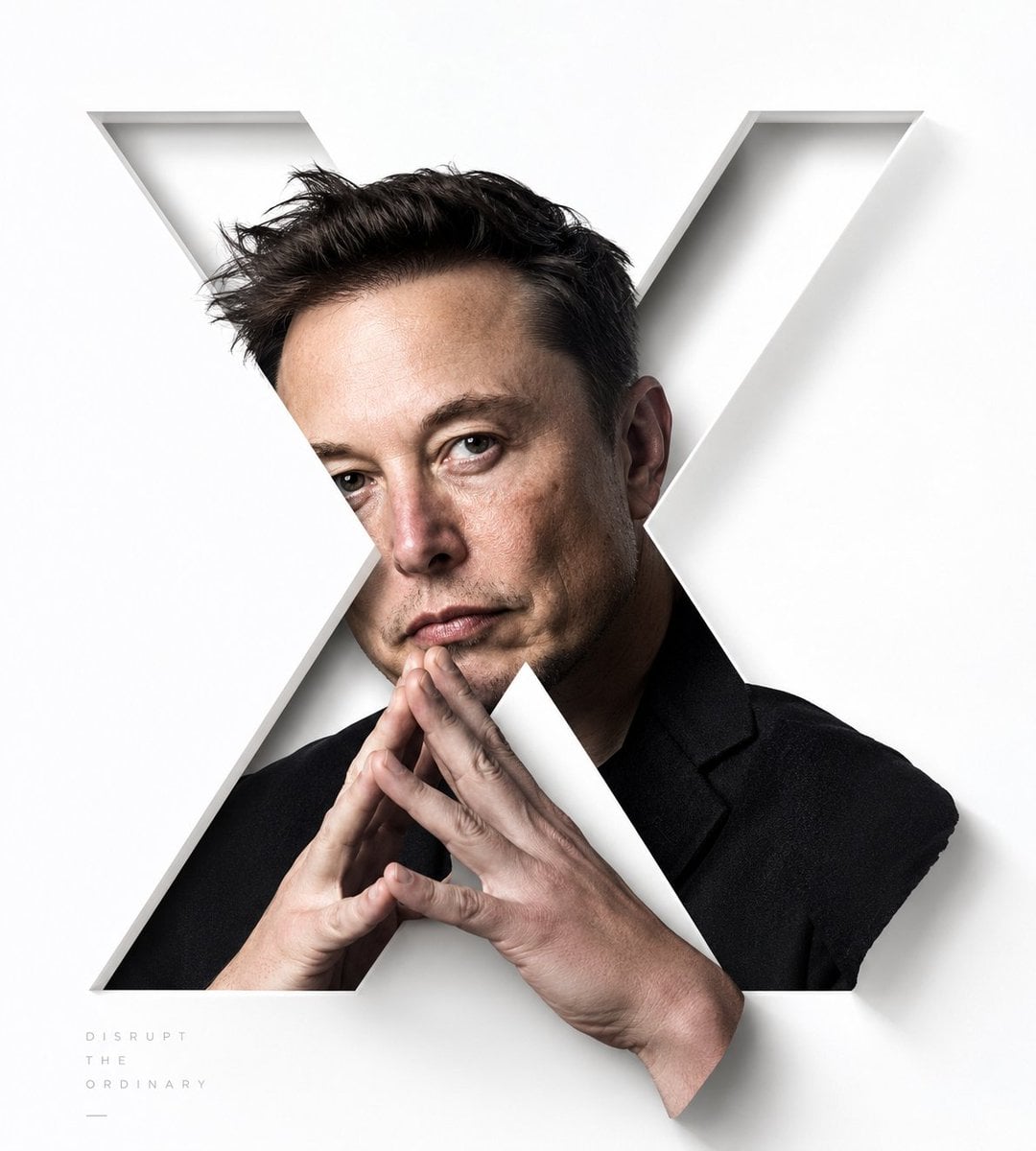
- Prompt included
- Model and format preset
- Free template
The prompt behind this image
Copy the exact prompt behind Stylized X-Frame Portrait Design, or open it in the studio and make it yours.
Around the specific subject, generate a portrait visual built around a capital letter X as its core graphic: the main subject of the image is not an ordinary headshot, but is instead cut apart by a huge, clean, hard-edged negative-space letter X, with the person's image hidden mostly inside the strokes of the X, and the key facial identification area falling near where the two diagonal strokes meet, creating a strong reading synchrony between the letter's structure and the person's gaze. Let real parts of the person genuinely break through the letter's boundary — fingers, hair, shoulders, or whichever part of the subject feels most tactile should spill out from the openings of the X and sit in front of the white structure, creating a front-and-back layering of "framed by the letter yet also stepping out of it"; the parts that cross the boundary must have clear cast shadows and delicate edges, and must not look like a simple sticker or flat mask. The background should stay a large area of bright, clear, empty white space; the X-letter area, built from a high-brightness white structure, carries the sense of order and breathing room, while the person's coloring is drawn from the subject's own skin tone, materials, lighting, and mood, keeping clean tonal steps, a natural warm-cool contrast, controlled saturation, and a small amount of clear accent color, so that the overall image is bright, fresh, precise, and never muddy. The composition should emphasize the tension between diagonal cuts, sharp edges, large empty spaces, and the real, boundary-crossing parts of the person; the person's texture should be realistic and fine, with soft lighting but a clearly defined silhouette. If text is added, use only a very small amount of thin-weight, wide-letter-spacing, low-contrast gray typography in a small size, distributed in the empty space to help balance the composition, without competing with the main visual of the X letter and the boundary-crossing figure. This time's subject: {argument name="person" default="Luo Yonghao (罗永浩)"} Ratio 9:10
How to use Stylized X-Frame Portrait Design in 3 steps
- 1
Open
The prompt is already in the box next to the preview, with the template's model and format selected.
- 2…a portrait of your subject in softgolden-hour light, 85mm…
Personalize
Edit the subject and creative details for your destination.
- 3Generate
Generate
Press Generate — your image is created in PicX Studio, so you can compare it with the original and refine one variable at a time.
More like this
Templates with the same subject, style or setup. Open one to see its prompt.

Stylized 3d Clay Character Transformatio

Found Photograph: Us, 1970

80s Couple Studio Portrait

80s Bollywood Star

80s Golden Hour Cinema

Me in 1985

1985 Studio Portrait

Hyper-Realistic Minecraft POV Portrait

Rooftop Fisheye — Cat-Ear Balaclava at Golden Hour

Rainy Café Window Moody Portrait

untitled

2025 Aesthetic Photography
Make it yours
Stylized X-Frame Portrait Design works as-is. These are the safest ways to change it without losing the look.
Change one field
Copy a single group, rewrite it, and generate again so you can see what that field is doing.
Keep the frame, change the subject
Hold the composition and light of Stylized X-Frame Portrait Design, then swap wardrobe, props or the person for a new take.
| If the result… | Why | Fix |
|---|---|---|
| The result drifts from the preview | Too many fields changed at once. | Reuse Stylized X-Frame Portrait Design as-is first, then change one group — subject, light, or setting. |
| The model over-stylizes the scene | The prose prompt leaves finish and camera underspecified. | Add one camera or lighting sentence and stay on GPT Image 2. |
More GPT Image 2 templates
Other prompts made for GPT Image 2.

Six VTuber Japanese Logo Sheet

Realistic Portrait of Woman and Deer

The Vista Modular Condo Poster

AI Model Routing Comparison Infographic

2.5D Anime Art Board

Isometric Productivity Desk Scene

New York Double Exposure Poster

Four-Panel AI Landscape Comparison

Japanese Tatami Lifestyle Magazine Cover

NESCAFÉ Coffee Map Poster
More image prompts
Fresh picks from across the catalog.
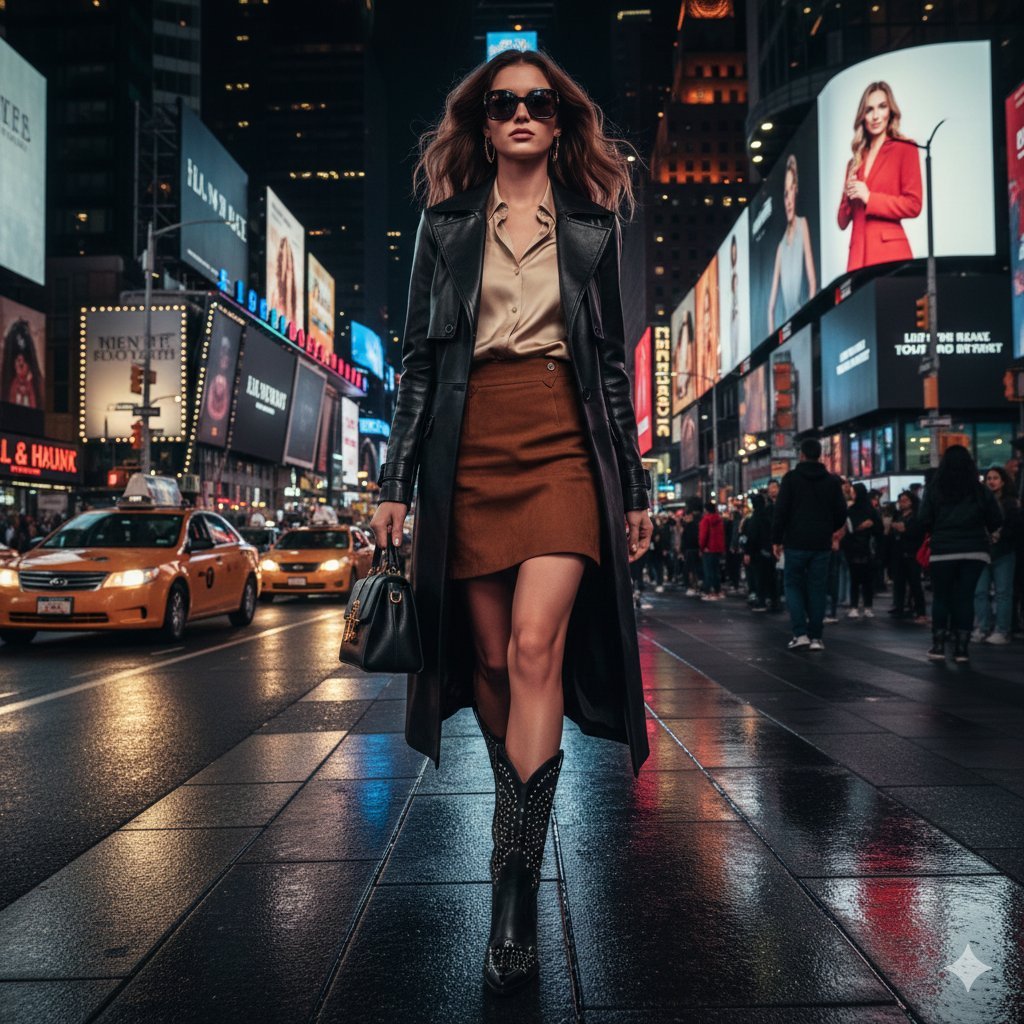
Ultra-realistic cinematic western fashion in Times Square prompt
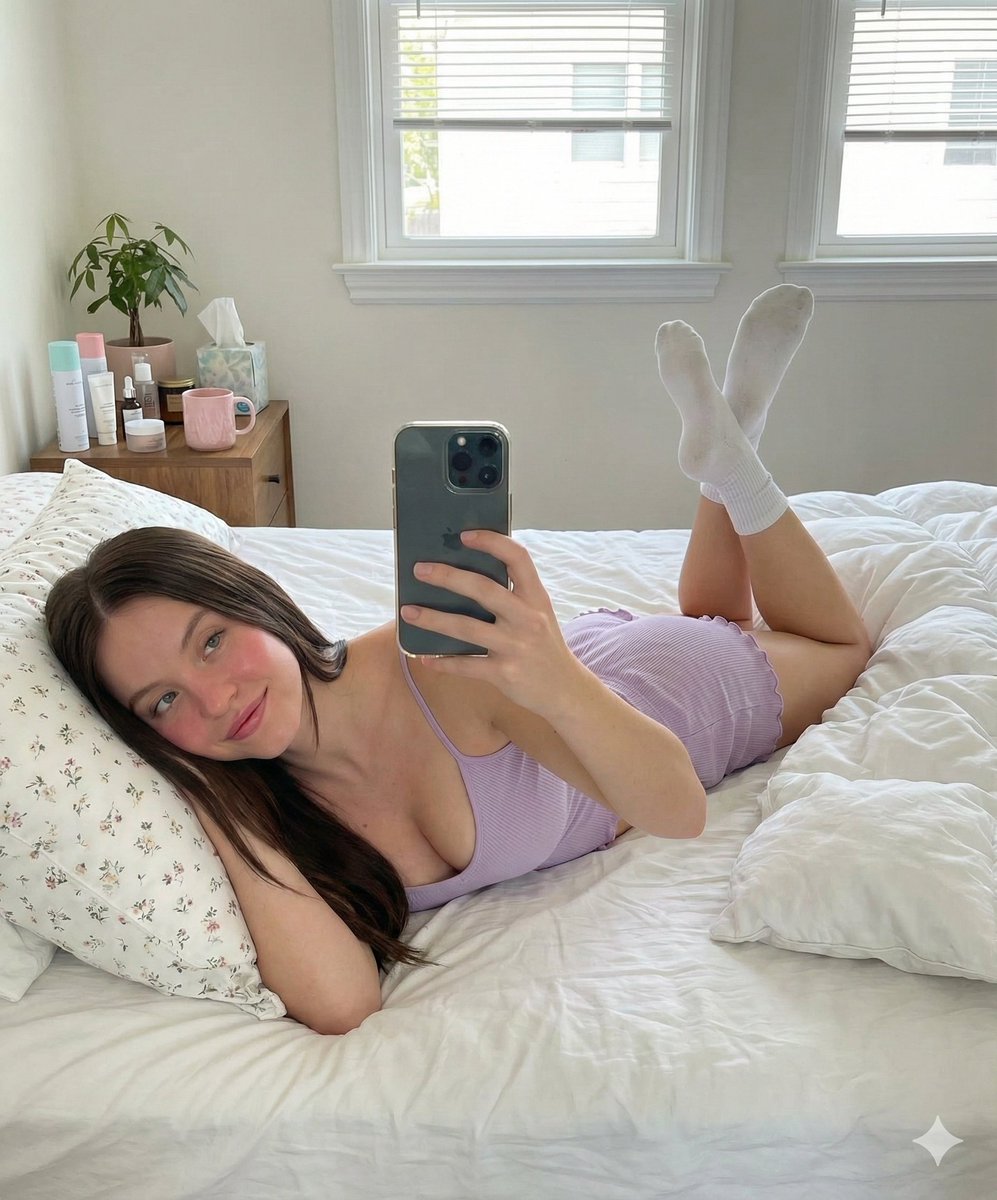
Prone Bed Selfie in Purple Lounge Wear
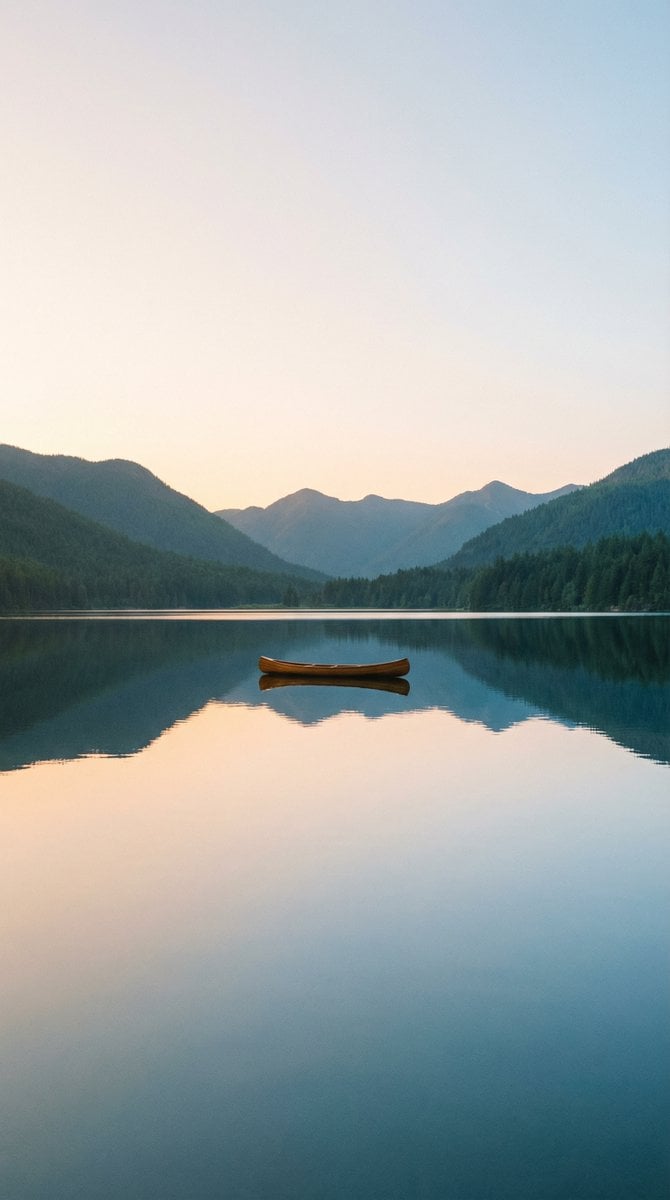
Nano Banana Pro Wallpaper Generation Template

Compilation of 18 Nano Banana Pro Prompts (Tennen's Prompt Festival)
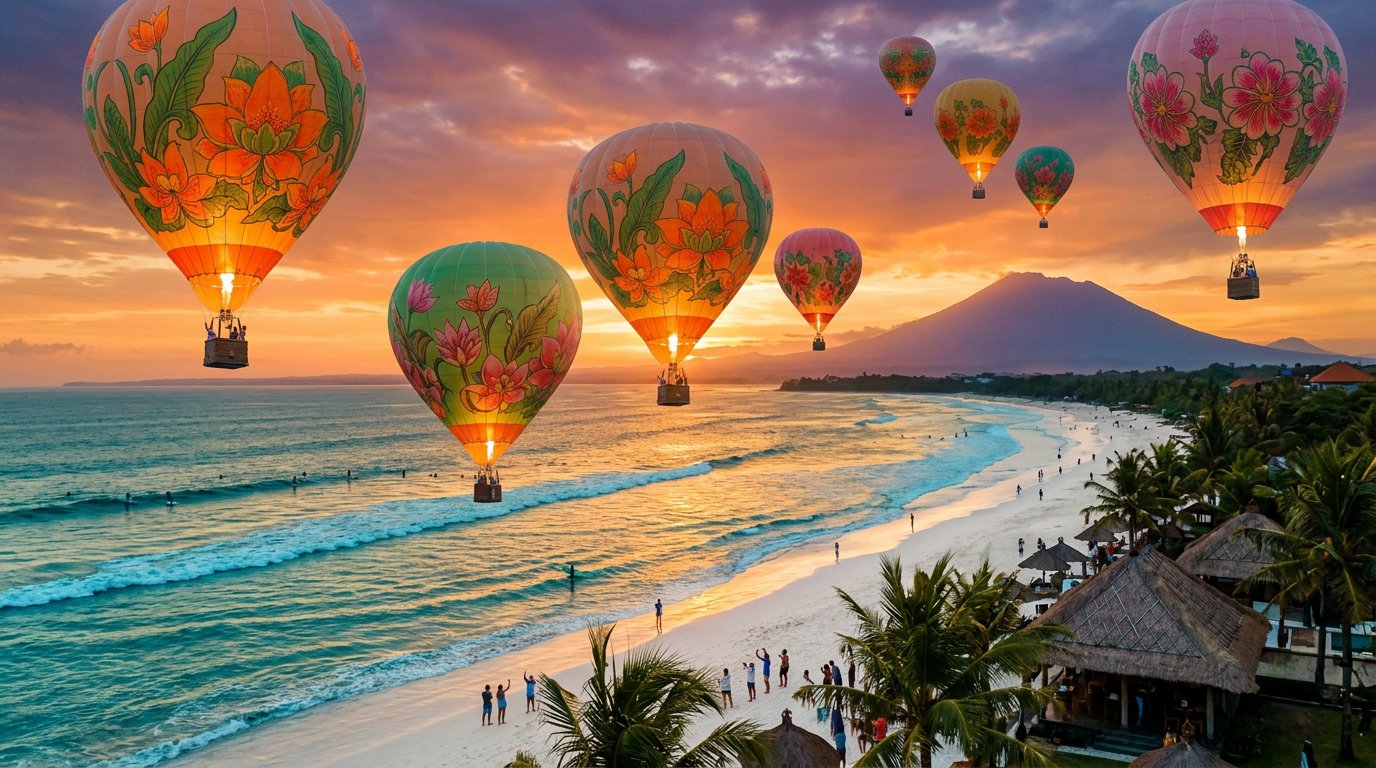
panoramic image
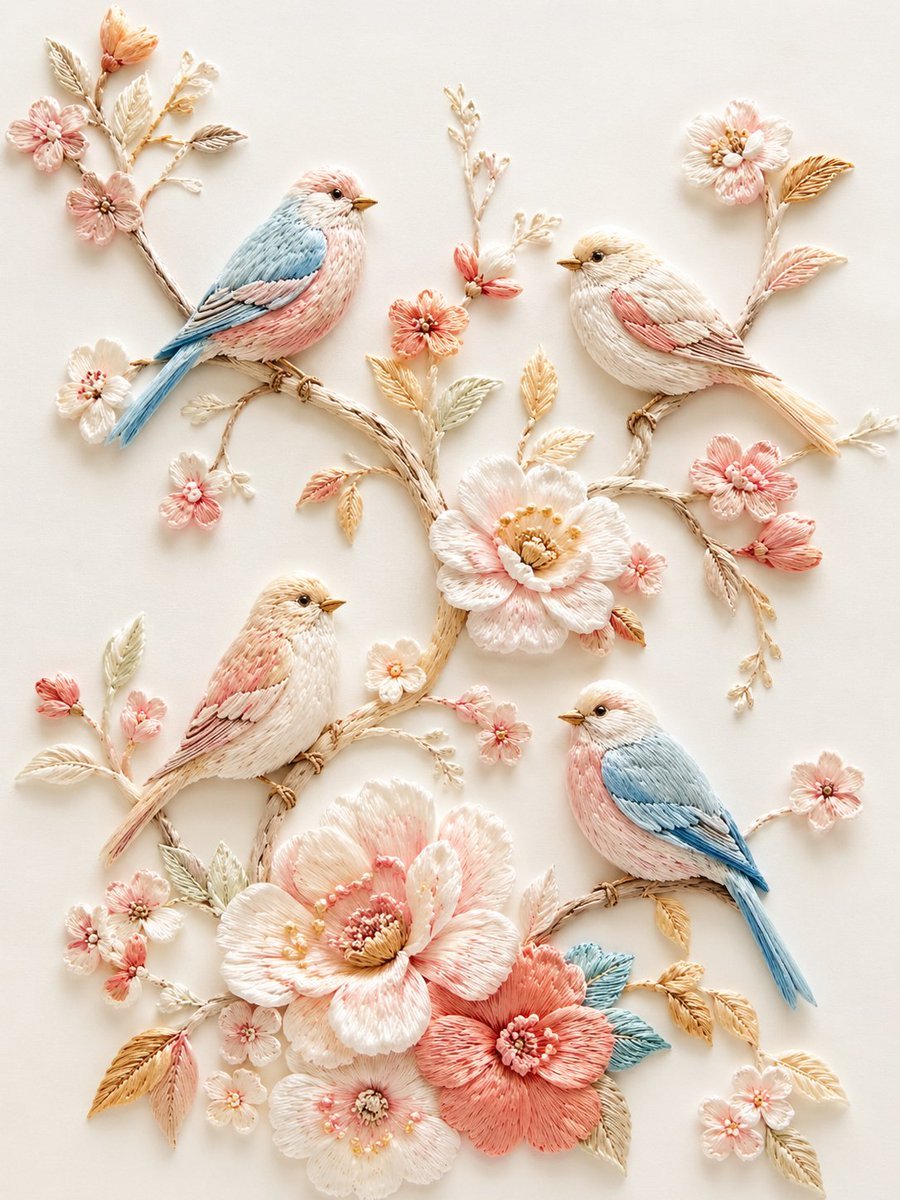
Exquisite Relief Embroidery Illustration
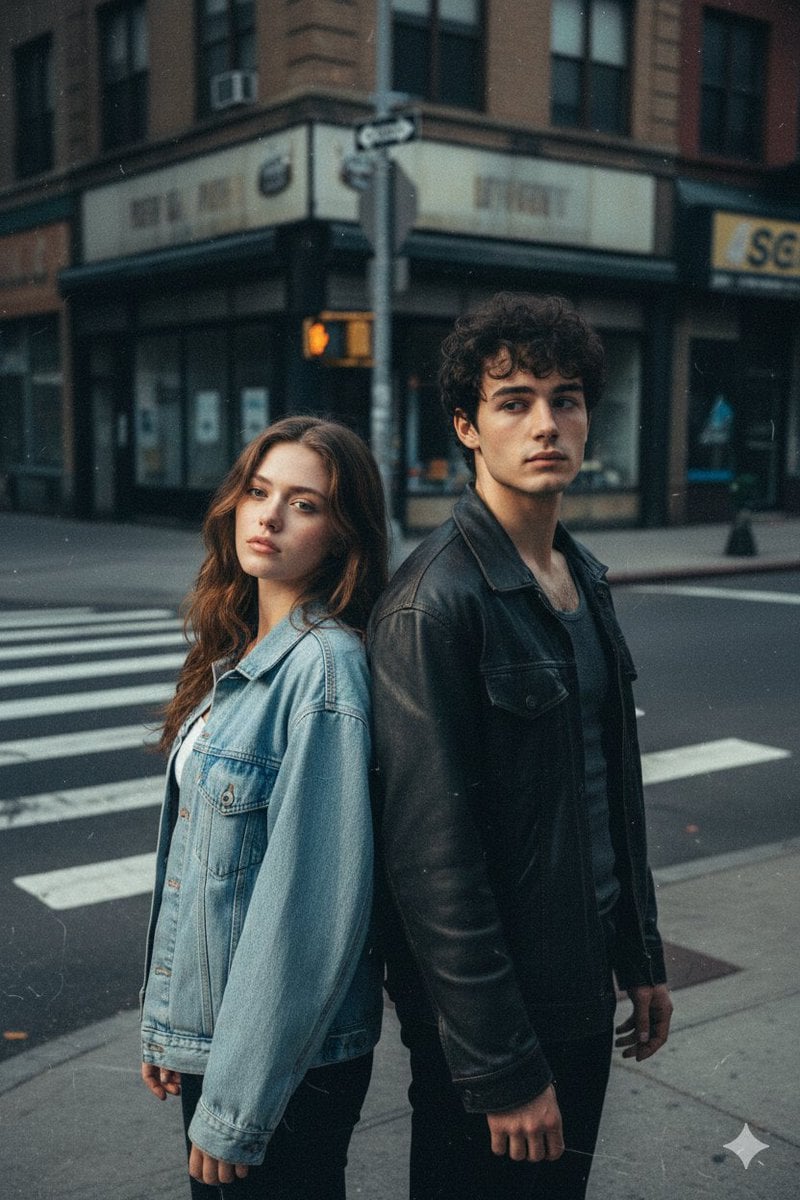
Early 2000s Flash Photo Identity Blend Prompt
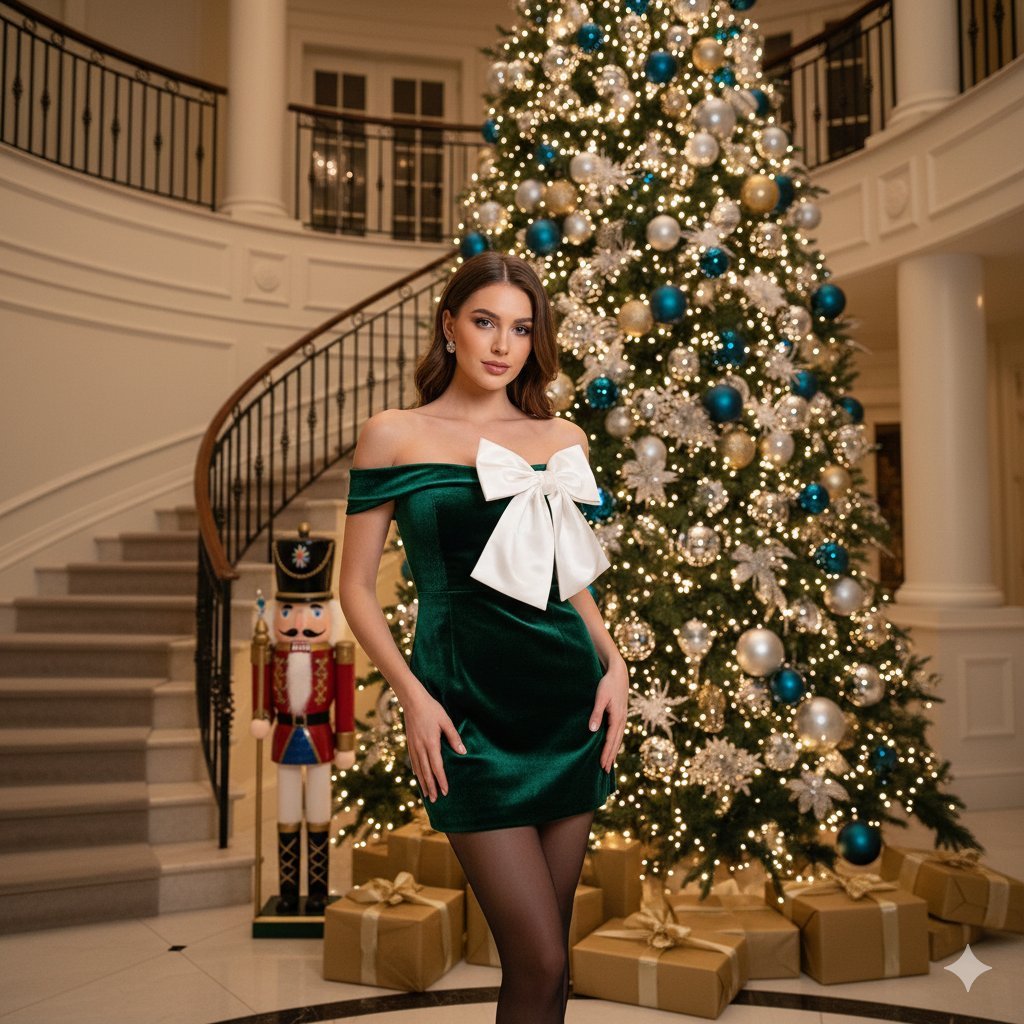
Opulent Holiday Portrait in Emerald Velvet Dress
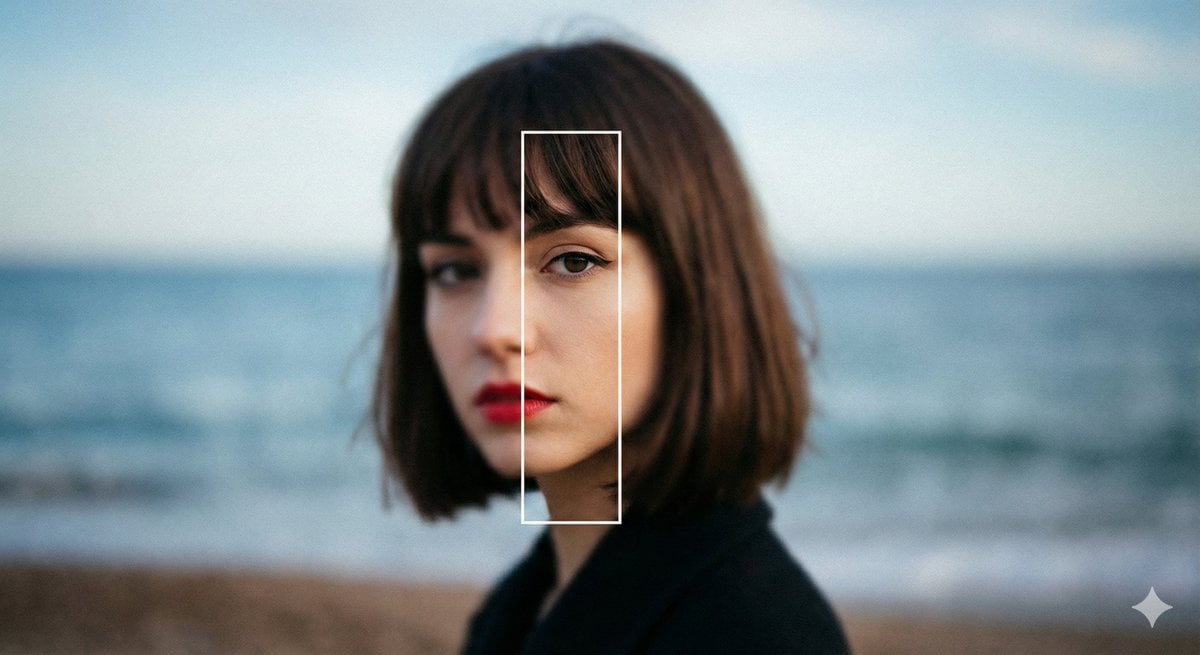
Experimental Editorial Portrait Prompt (Selective Focus)
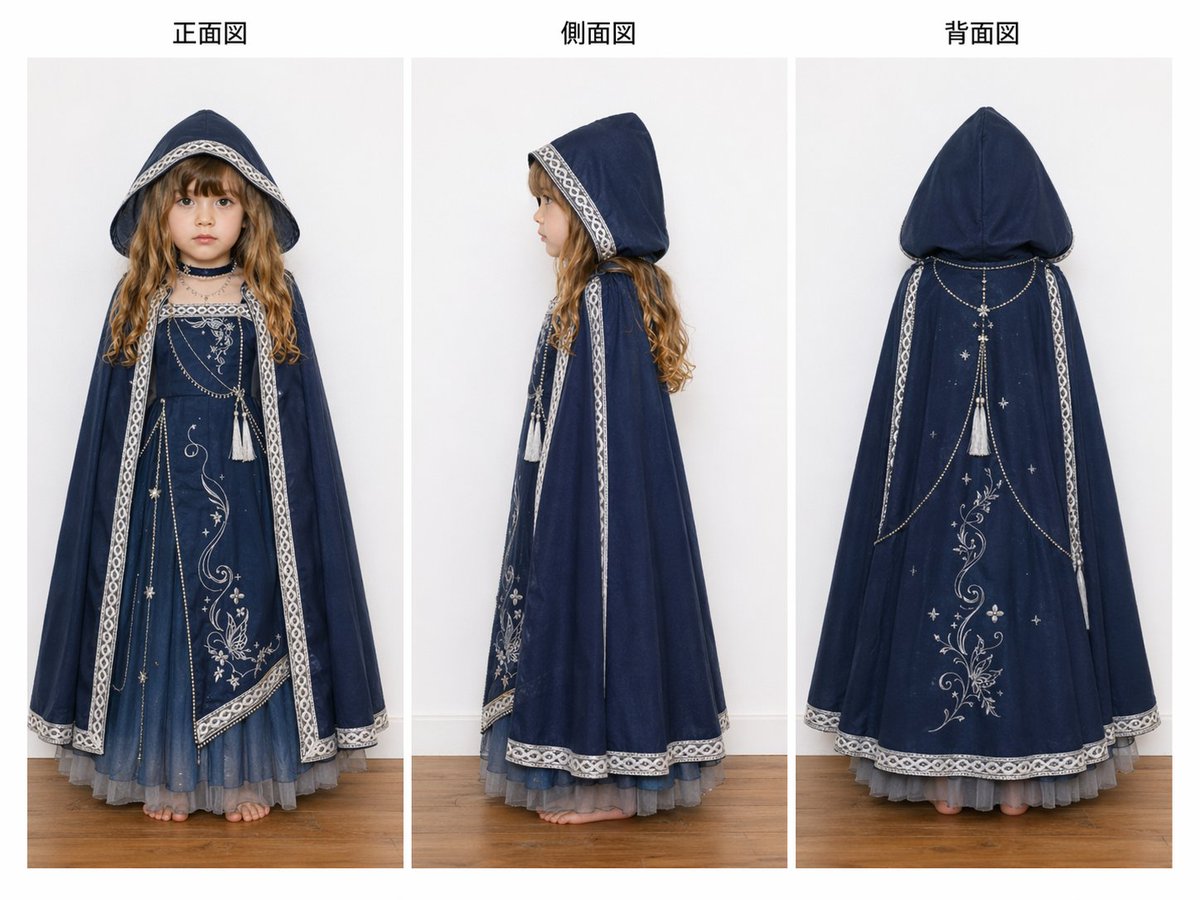
Three-View Hooded Fantasy Dress Sheet
Browse template categories
Stylized X-Frame Portrait Design questions
How do I use the Stylized X-Frame Portrait Design template?
Add your photo if the template asks for one, edit the prompt if you like — the template's model and format are already selected — and press Generate. Your version opens in PicX Studio.
Can I customize the Stylized X-Frame Portrait Design template?
Yes. You can change the subject, setting, lighting, mood, format, and available model controls before creating your image.
Is the Stylized X-Frame Portrait Design template free?
Opening and editing this template is free. Generating uses credits, shown on the Generate button when you are signed in.
Which AI model should I use?
Start with GPT Image 2, which is the model associated with this template. You can compare another compatible model for a different finish.
Looking for something else? Browse all templates.

Your photo, any look
Thousands of ready templates for every top image and video model, from one credit balance.