
Technical Drone Engineering Blueprint
A complex prompt for generating a detailed 4-axis drone engineering drawing, including assembly views, exploded diagrams, BOM tables, and concept sketches.
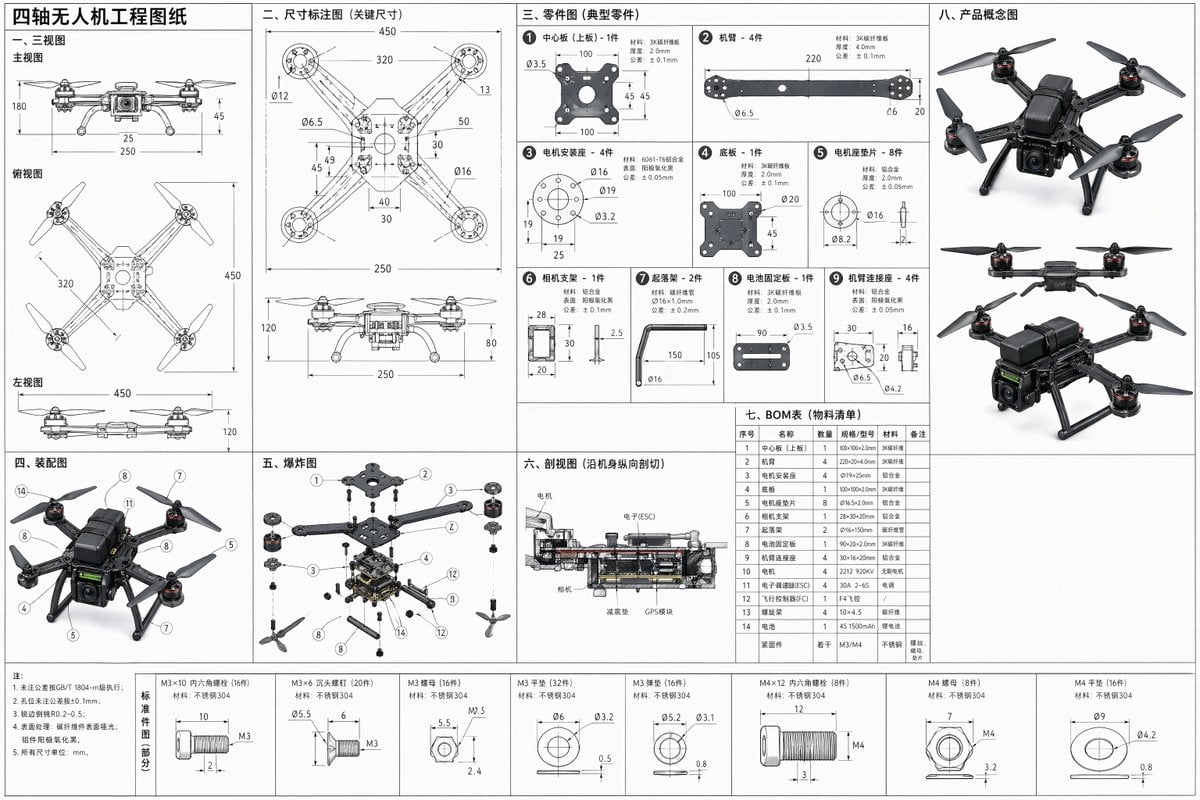
- Prompt included
- Model and format preset
- Free template
The prompt behind this image
Copy the exact prompt behind Technical Drone Engineering Blueprint, or open it in the studio and make it yours.
{argument name="产品" default="四轴无人机"} 带尺寸工程图,包括不限于下面这些内容,记得角落做一些产品概念图 三视图:主视图、俯视图、左视图,用二维表达三维结构 零件图:每个零件单独画,带尺寸、孔位、材料、公差 装配图:说明各零件怎么装在一起 爆炸图 / 爆炸装配图:把零件拆开排布,方便看结构关系 剖视图:把内部结构切开表达 BOM 表:物料清单,写明零件名称、数量、规格 尺寸标注图:把可制造、可复刻需要的关键尺寸写全
How to use Technical Drone Engineering Blueprint in 3 steps
- 1
Open
The prompt is already in the box next to the preview, with the template's model and format selected.
- 2…a portrait of your subject in softgolden-hour light, 85mm…
Personalize
Edit the subject and creative details for your destination.
- 3Generate
Generate
Press Generate — your image is created in PicX Studio, so you can compare it with the original and refine one variable at a time.
More like this
Templates with the same subject, style or setup. Open one to see its prompt.

Automotive Blueprint Split Composition
Automotive Blueprint Split Composition

Paper Tunnel Book Architecture

Blueprint Split Reality Archetype Prompt
Blueprint Split Reality Archetype Prompt
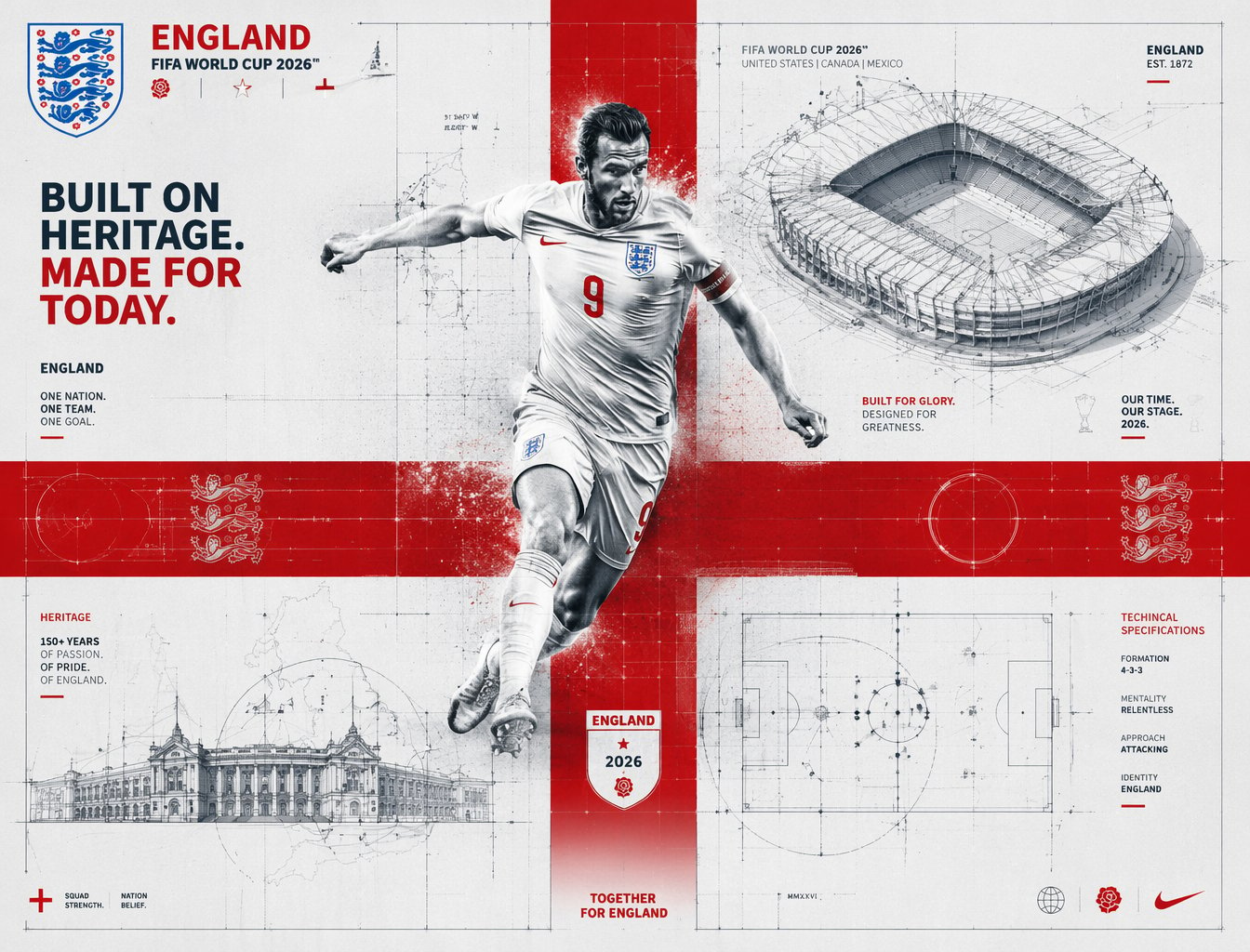
FIFA 2026 England — Blueprint Heritage
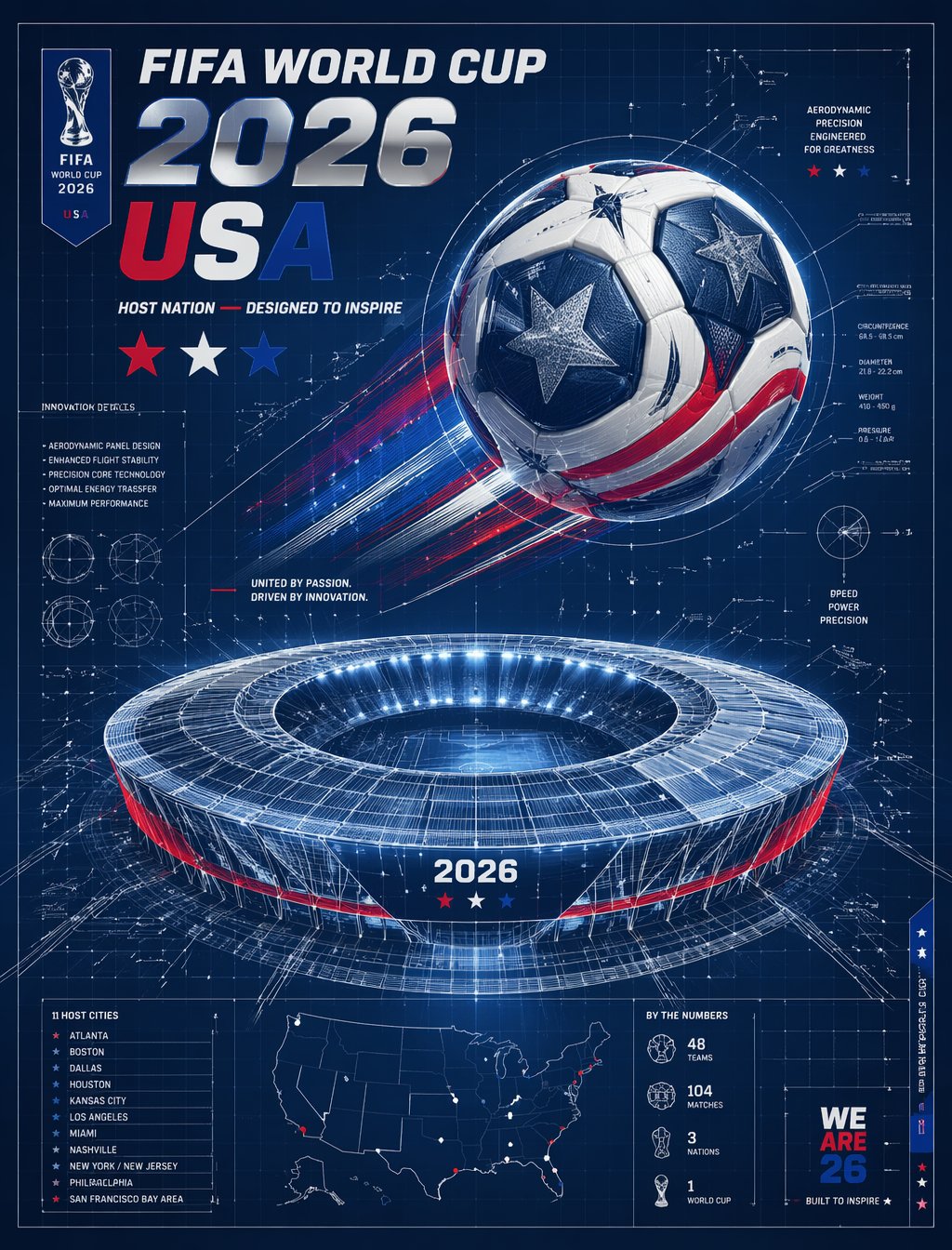
FIFA 2026 USA — Blueprint Host Nation

Isometric Vehicle Teardown Infographic Template
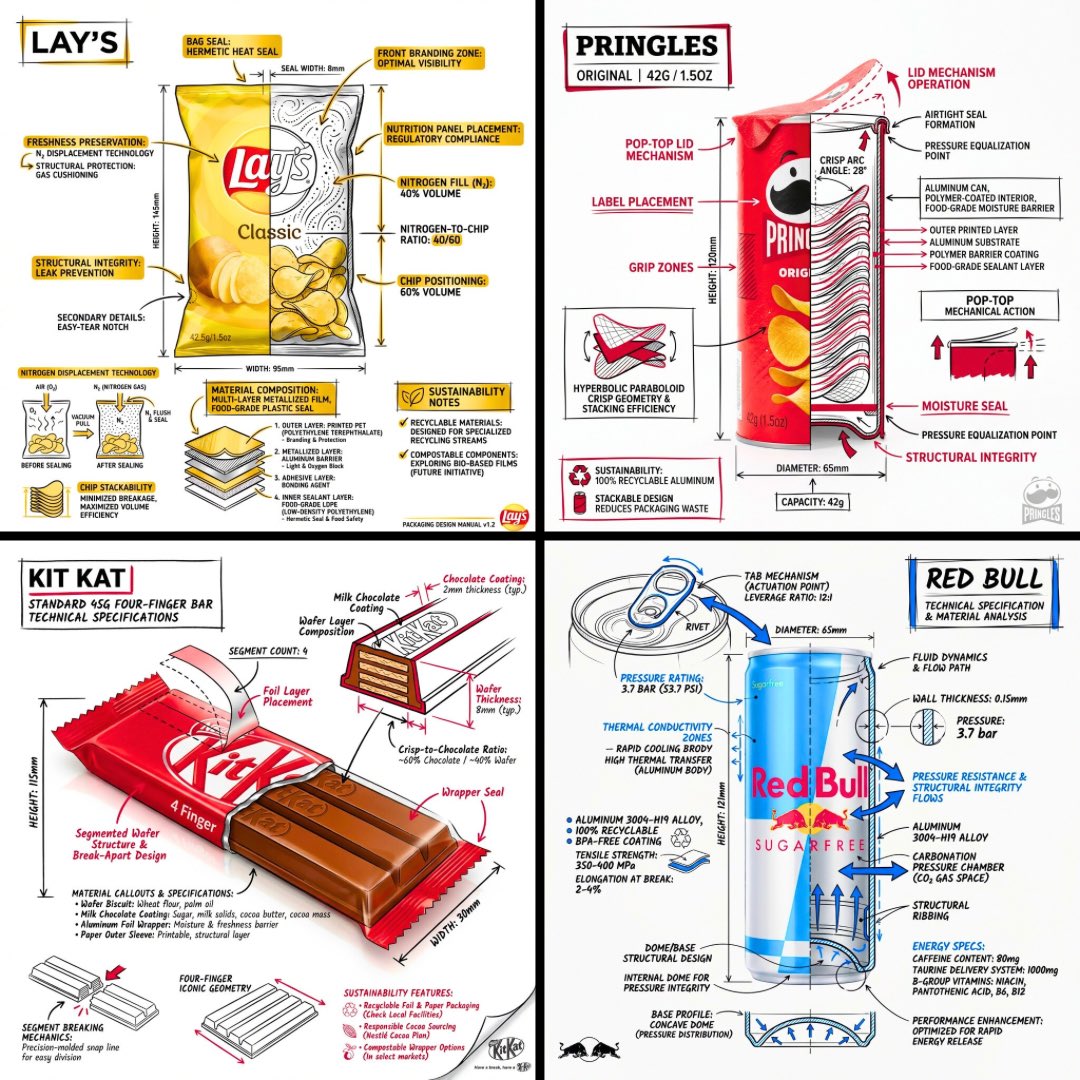
Technical Engineering Product Infographic
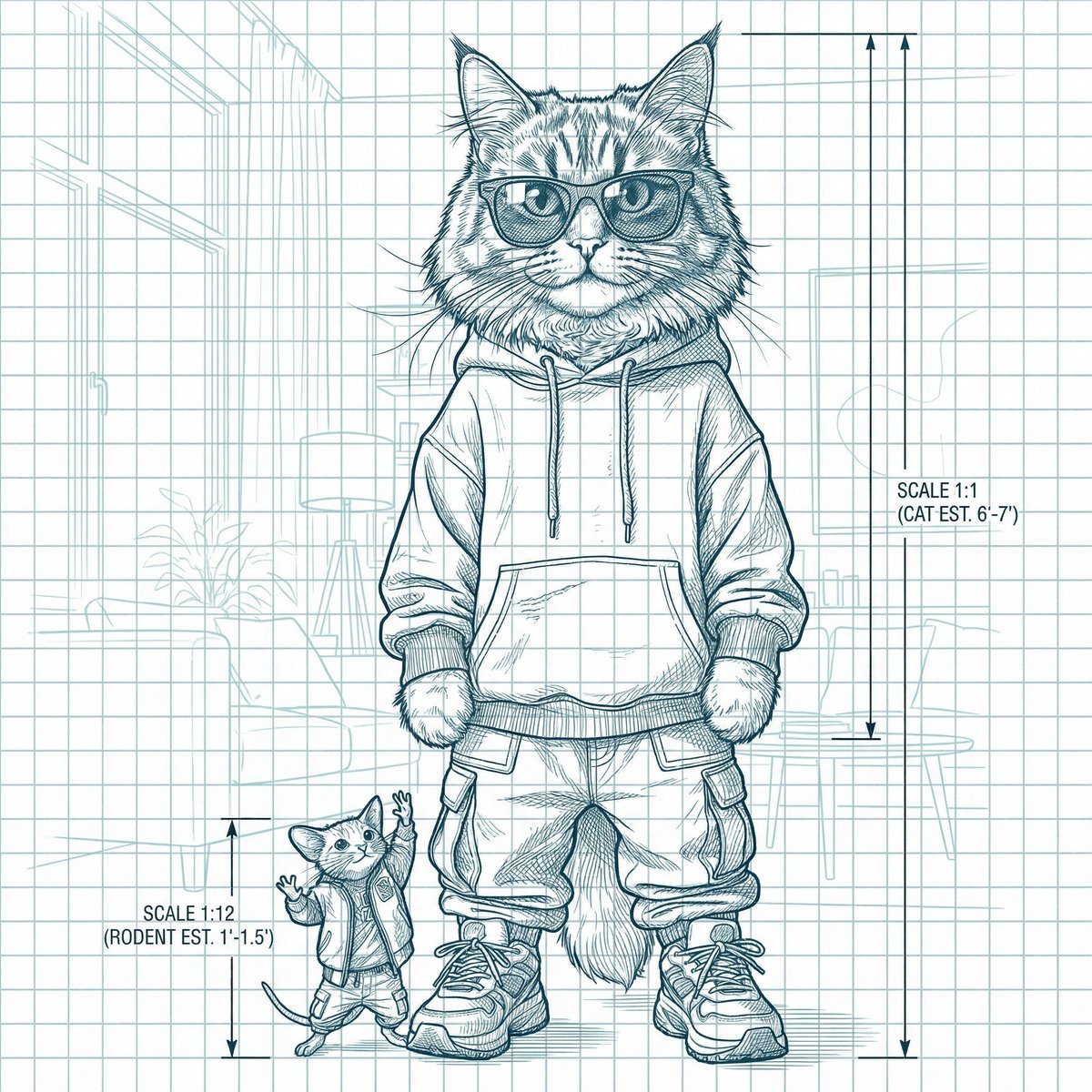
Blueprint-style technical schematic generation
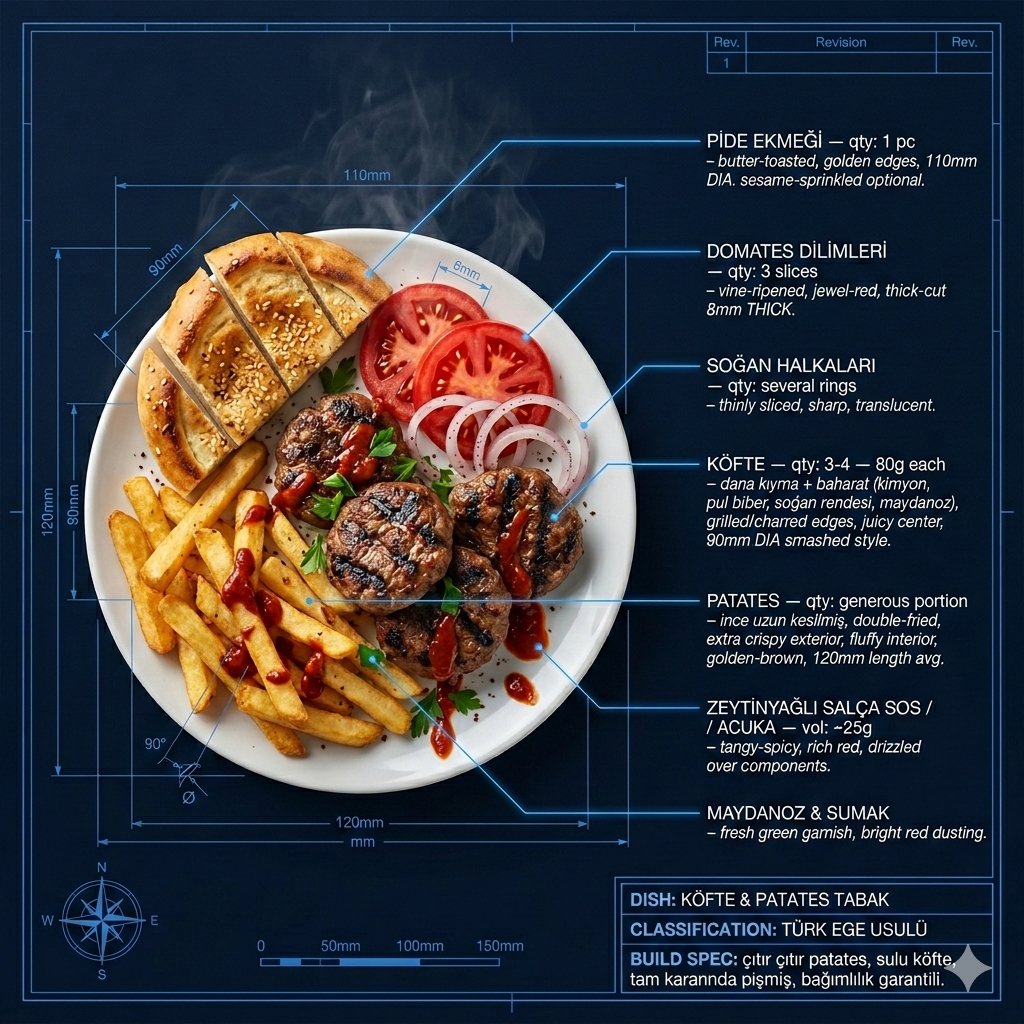
Technical Architectural Blueprint of KÖFTE & PATATES
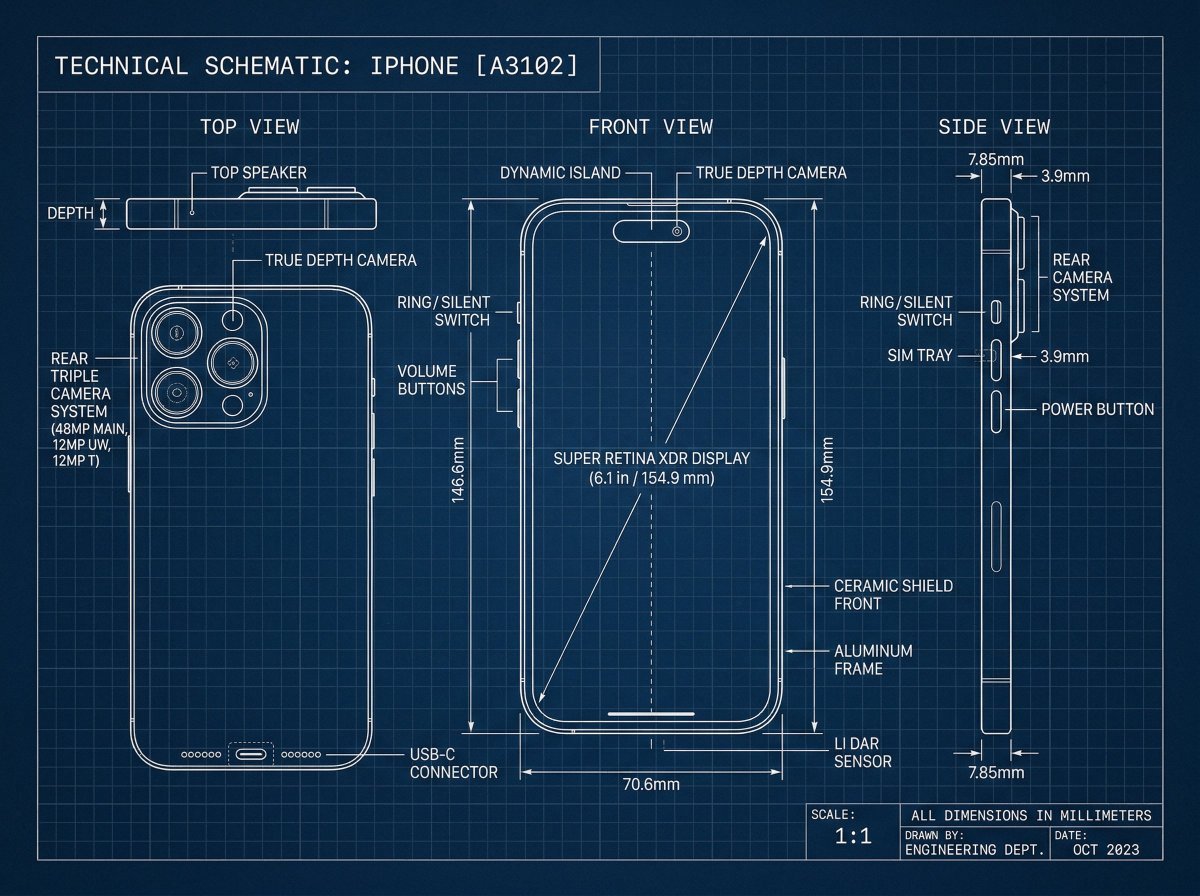
Technical Blueprint Drawing Prompt
Make it yours
Technical Drone Engineering Blueprint works as-is. These are the safest ways to change it without losing the look.
Change one field
Copy a single group, rewrite it, and generate again so you can see what that field is doing.
Keep the frame, change the subject
Hold the composition and light of Technical Drone Engineering Blueprint, then swap wardrobe, props or the person for a new take.
| If the result… | Why | Fix |
|---|---|---|
| The result drifts from the preview | Too many fields changed at once. | Reuse Technical Drone Engineering Blueprint as-is first, then change one group — subject, light, or setting. |
| The model over-stylizes the scene | The prose prompt leaves finish and camera underspecified. | Add one camera or lighting sentence and stay on GPT Image 2. |
More GPT Image 2 templates
Other prompts made for GPT Image 2.

Six VTuber Japanese Logo Sheet

Realistic Portrait of Woman and Deer

The Vista Modular Condo Poster

AI Model Routing Comparison Infographic

2.5D Anime Art Board

Isometric Productivity Desk Scene

New York Double Exposure Poster

Four-Panel AI Landscape Comparison

Japanese Tatami Lifestyle Magazine Cover

NESCAFÉ Coffee Map Poster
More image prompts
Fresh picks from across the catalog.
Summer Bridge Track Portrait
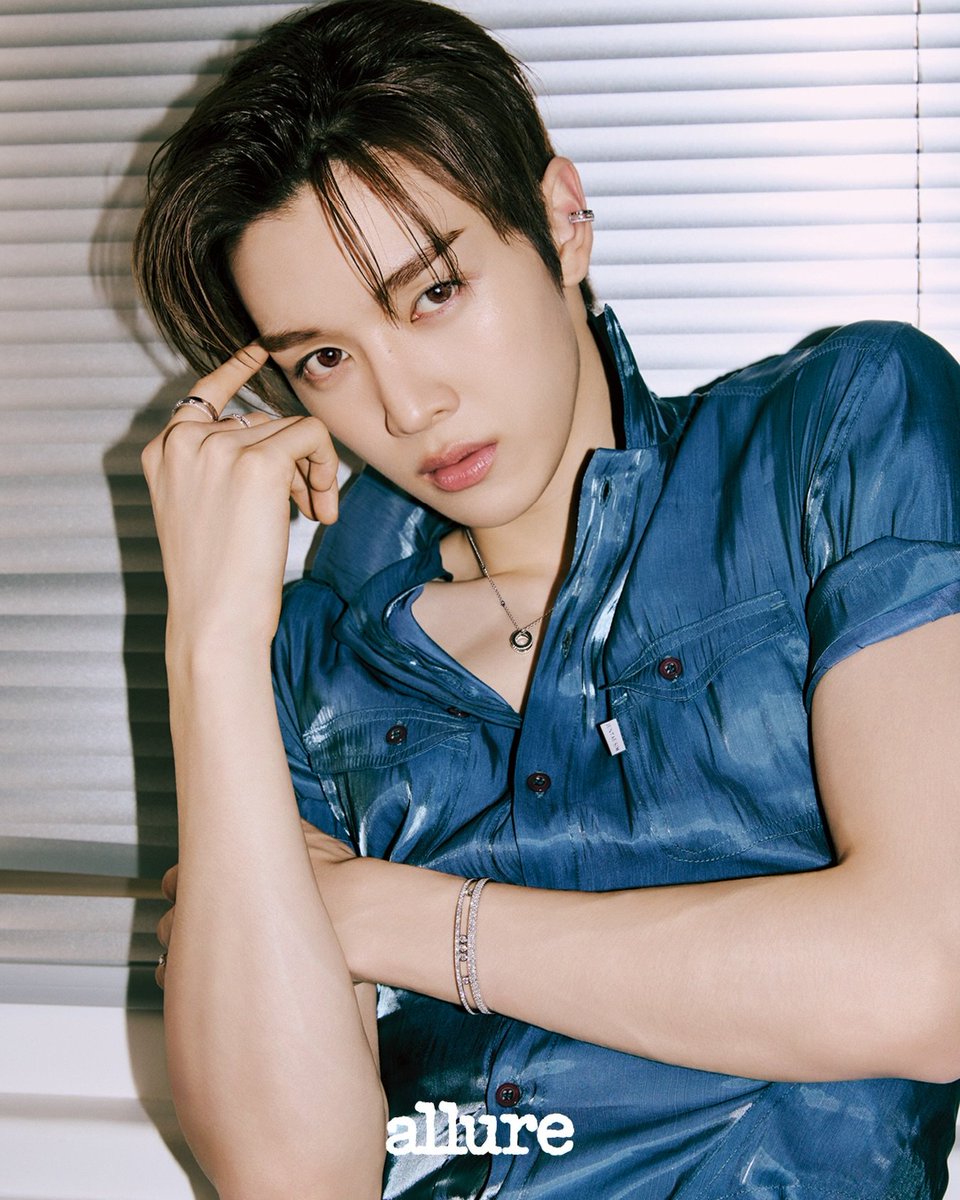
Sungchan Name Repetition
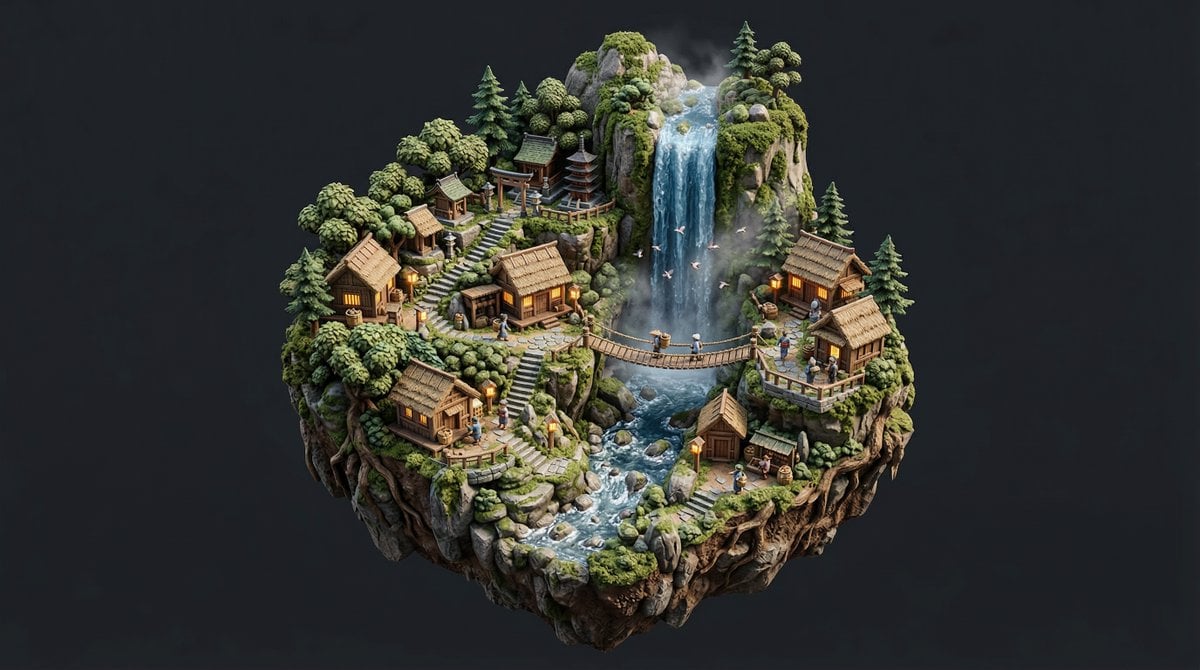
Stylized Miniature Diorama of Forest Waterfall Village
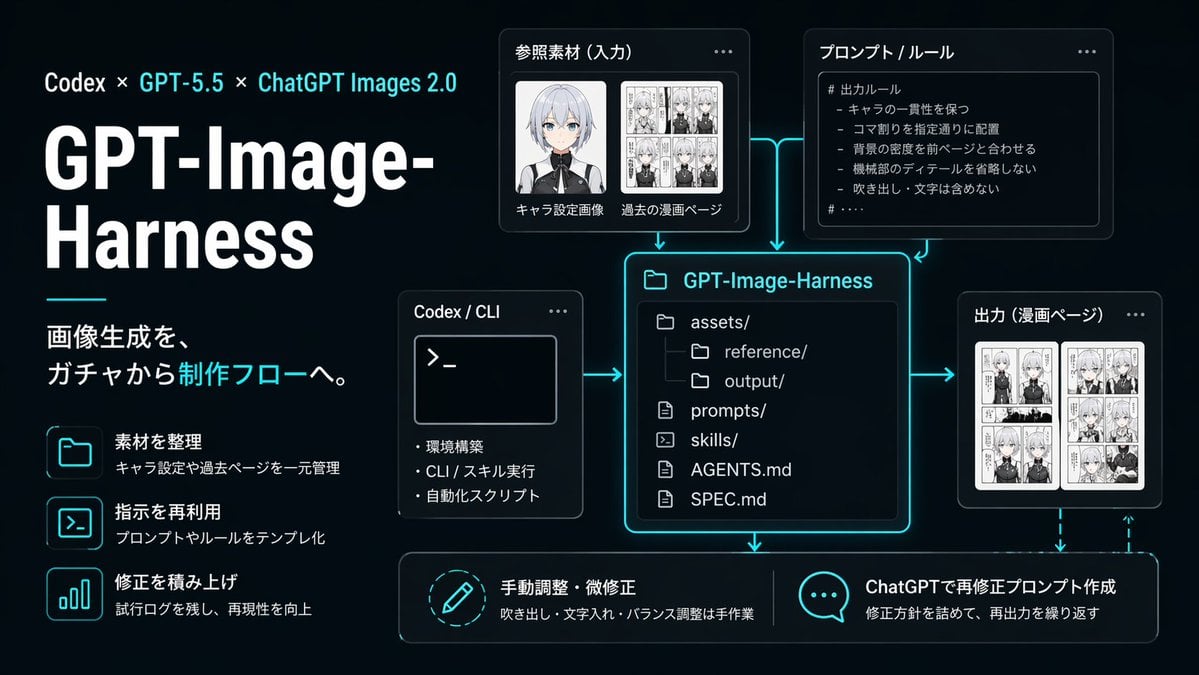
Neon AI Image Workflow Infographic
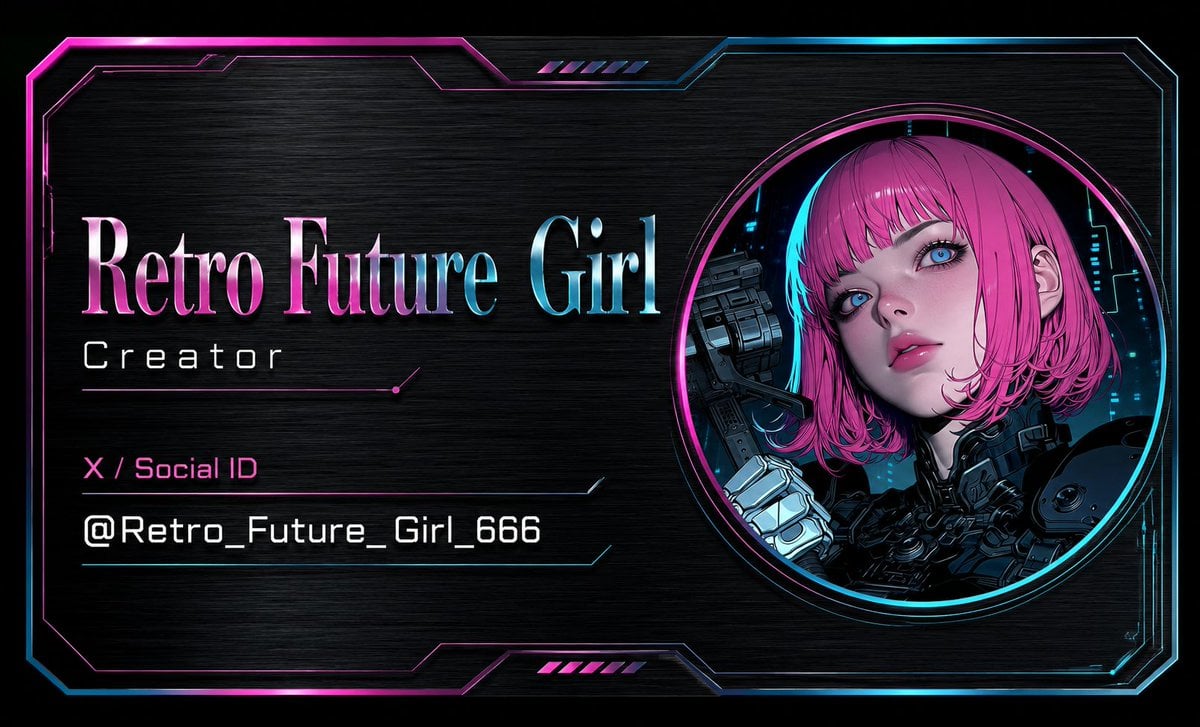
Cyberpunk AI Creator Card
2D to 3D Illustration Conversion Prompt
Nano Banana Pro Chalk Art Generation
Noisy Distortion Filter for Mixed Media Effect
Surreal High-Fashion Portrait with Liquid Gold and Classical Architecture
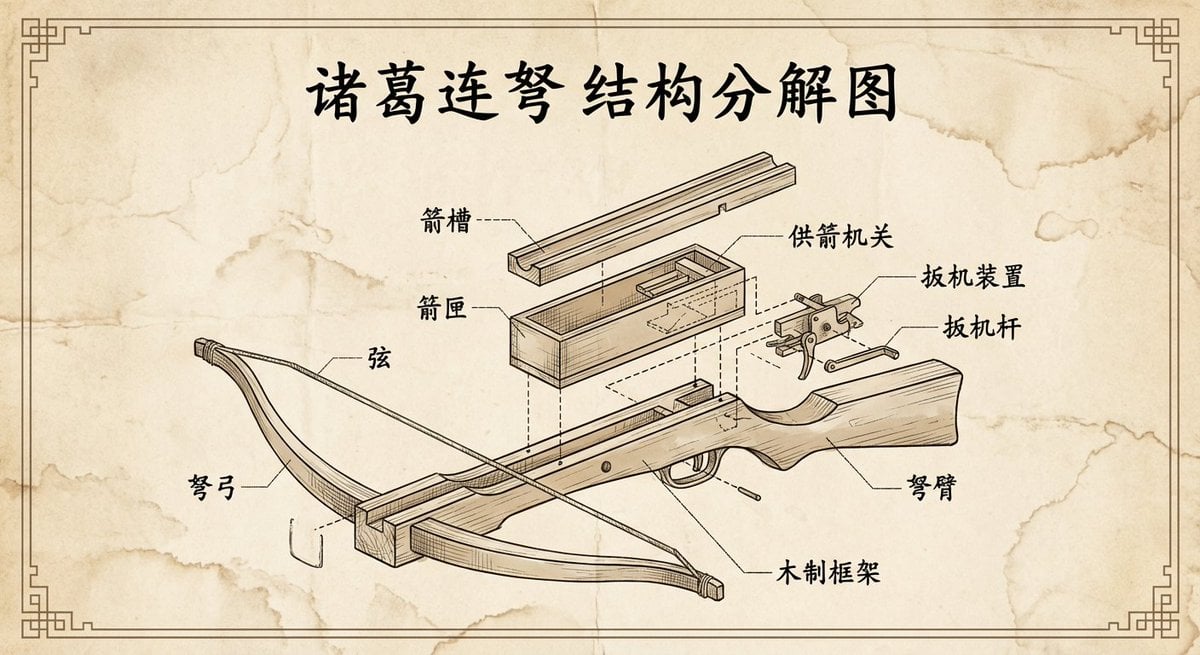
Vintage engineering exploded view of Zhuge repeating crossbow
Browse template categories
Technical Drone Engineering Blueprint questions
How do I use the Technical Drone Engineering Blueprint template?
Add your photo if the template asks for one, edit the prompt if you like — the template's model and format are already selected — and press Generate. Your version opens in PicX Studio.
Can I customize the Technical Drone Engineering Blueprint template?
Yes. You can change the subject, setting, lighting, mood, format, and available model controls before creating your image.
Is the Technical Drone Engineering Blueprint template free?
Opening and editing this template is free. Generating uses credits, shown on the Generate button when you are signed in.
Which AI model should I use?
Start with GPT Image 2, which is the model associated with this template. You can compare another compatible model for a different finish.
Looking for something else? Browse all templates.

Your photo, any look
Thousands of ready templates for every top image and video model, from one credit balance.