
Cyberpunk AI Creator Card
Generates a neon cyberpunk creator business card with futuristic typography, social handle, and an anime avatar portrait.
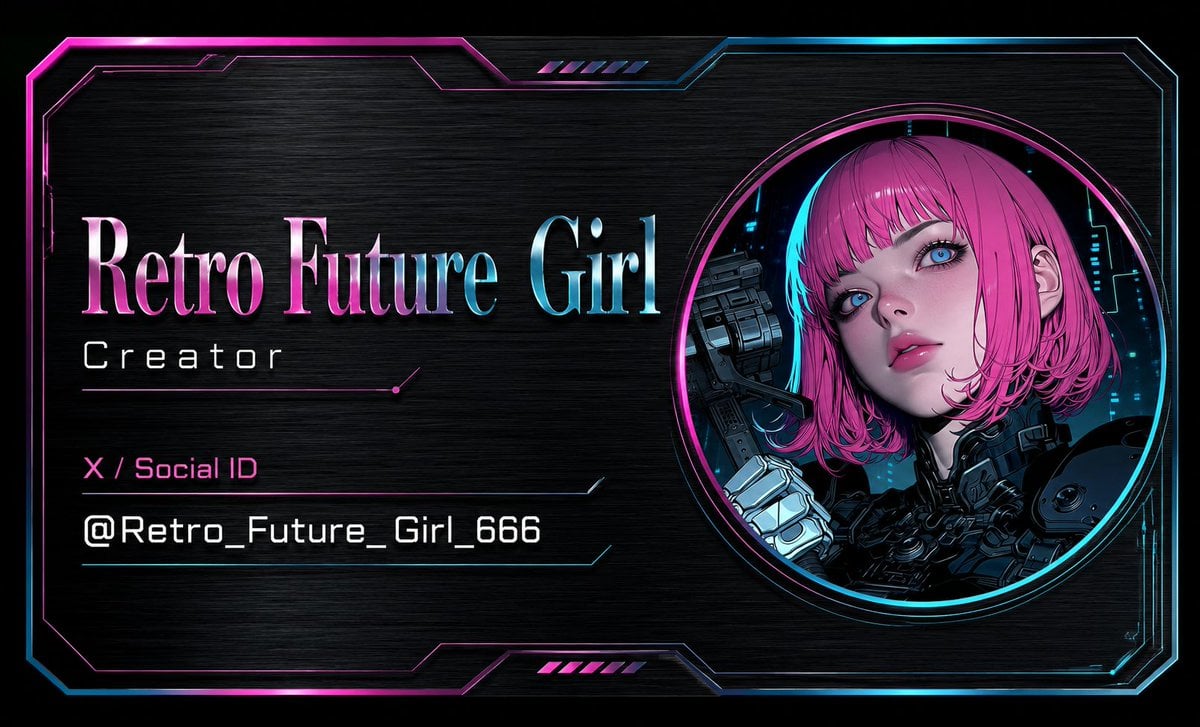
- Prompt included
- Model and format preset
- Free template
The prompt behind this image
Copy the exact prompt behind Cyberpunk AI Creator Card, or open it in the studio and make it yours.
Goal: Create a horizontal cyberpunk AI creator business card for {argument name="character name" default="Retro Future Girl"}, with a dark brushed-metal background, neon magenta and cyan accents, and a futuristic anime creator identity. Canvas: Wide landscape card, 16:9 ratio, black background with subtle horizontal brushed steel texture. Add a thin glowing sci-fi frame around the whole card with angular clipped corners, layered circuit-like border lines, magenta glow on the left/top and cyan glow on the right/bottom. Layout: Split composition. Left two-thirds contain the typography and social ID. Right third contains one large circular portrait medallion. The portrait circle has two concentric neon rings, magenta outer glow and cyan inner glow, positioned near the right edge and vertically centered. Text content: Use exactly 4 visible text lines on the left: 1) large title “{argument name="character name" default="Retro Future Girl"}” in a tall elegant serif font with metallic pink-to-cyan gradient and subtle bevel; 2) smaller spaced-out subtitle “{argument name="creator role" default="Creator"}” in white futuristic sans serif; 3) magenta label “{argument name="social platform label" default="X / Social ID"}”; 4) white monospaced handle “{argument name="social handle" default="@Retro_Future_Girl_666"}”. Place thin neon divider lines under the subtitle and around the social handle area, with small angled endpoints and one tiny magenta dot accent. Subject details: Inside the circular portrait, show exactly 1 anime-style retro-future girl from the shoulders up. She has vivid pink bob-cut hair, cyberpunk mechanical armor, a robotic cybernetic hand raised near her face, and a dark futuristic city interface background with cyan light details. Cover the center of her face with exactly 1 opaque square block in muted magenta-purple, aligned over the eyes and nose, as if a deliberate avatar privacy placeholder. Decorative elements: Include exactly 2 small sets of diagonal neon hatch marks, one centered near the top border and one centered near the bottom border, each set containing 5 short slanted bars. Use thin cyan and magenta HUD linework, glossy edge highlights, and a premium metallic holographic feel. Visual style: High-contrast cyberpunk, clean creator card / digital business card design, sharp vector-like typography, anime illustration in the portrait, neon glow, metallic texture, futuristic UI frame. No extra logos, no QR code, no additional text beyond the 4 specified lines.
How to use Cyberpunk AI Creator Card in 3 steps
- 1Upload ImagePNG, JPG or paste
Add your photo
Upload the photo the template builds on. The prompt, model and format are already set.
- 2…a portrait of your subject in softgolden-hour light, 85mm…
Personalize
Edit the subject and creative details for your destination.
- 3Generate
Generate
Press Generate — your image is created in PicX Studio, so you can compare it with the original and refine one variable at a time.
More like this
Templates with the same subject, style or setup. Open one to see its prompt.

Rainy Night Android Cyberpunk Portrait

Korean Idol Partial Shadow Editorial Portrait

Cinematic Sci-Fi Interface Side Profile

Cyberpunk Neon Profile Fashion Portrait

Cinematic Neon Light Strip Studio Portrait

Futuristic Studio Neon Ring Minimalist Portrait

Neon Violet Streetwear Fashion Portrait

Neon Night Crosswalk Candid Portrait

Red Futuristic Sport Motorcycle POV
Rainy Night Android Cyberpunk Portrait
Cinematic Sci-Fi Commander Side Profile Portrait
Low-Angle Cyberpunk Neon Profile Portrait
Make it yours
Cyberpunk AI Creator Card works as-is. These are the safest ways to change it without losing the look.
Change one field
Copy a single group, rewrite it, and generate again so you can see what that field is doing.
Keep the frame, change the subject
Hold the composition and light of Cyberpunk AI Creator Card, then swap wardrobe, props or the person for a new take.
| If the result… | Why | Fix |
|---|---|---|
| The result drifts from the preview | Too many fields changed at once. | Reuse Cyberpunk AI Creator Card as-is first, then change one group — subject, light, or setting. |
| The model over-stylizes the scene | The prose prompt leaves finish and camera underspecified. | Add one camera or lighting sentence and stay on GPT Image 2. |
More GPT Image 2 templates
Other prompts made for GPT Image 2.

Six VTuber Japanese Logo Sheet

Realistic Portrait of Woman and Deer

The Vista Modular Condo Poster

AI Model Routing Comparison Infographic

2.5D Anime Art Board

Isometric Productivity Desk Scene

New York Double Exposure Poster

Four-Panel AI Landscape Comparison

Japanese Tatami Lifestyle Magazine Cover

NESCAFÉ Coffee Map Poster
More image prompts
Fresh picks from across the catalog.
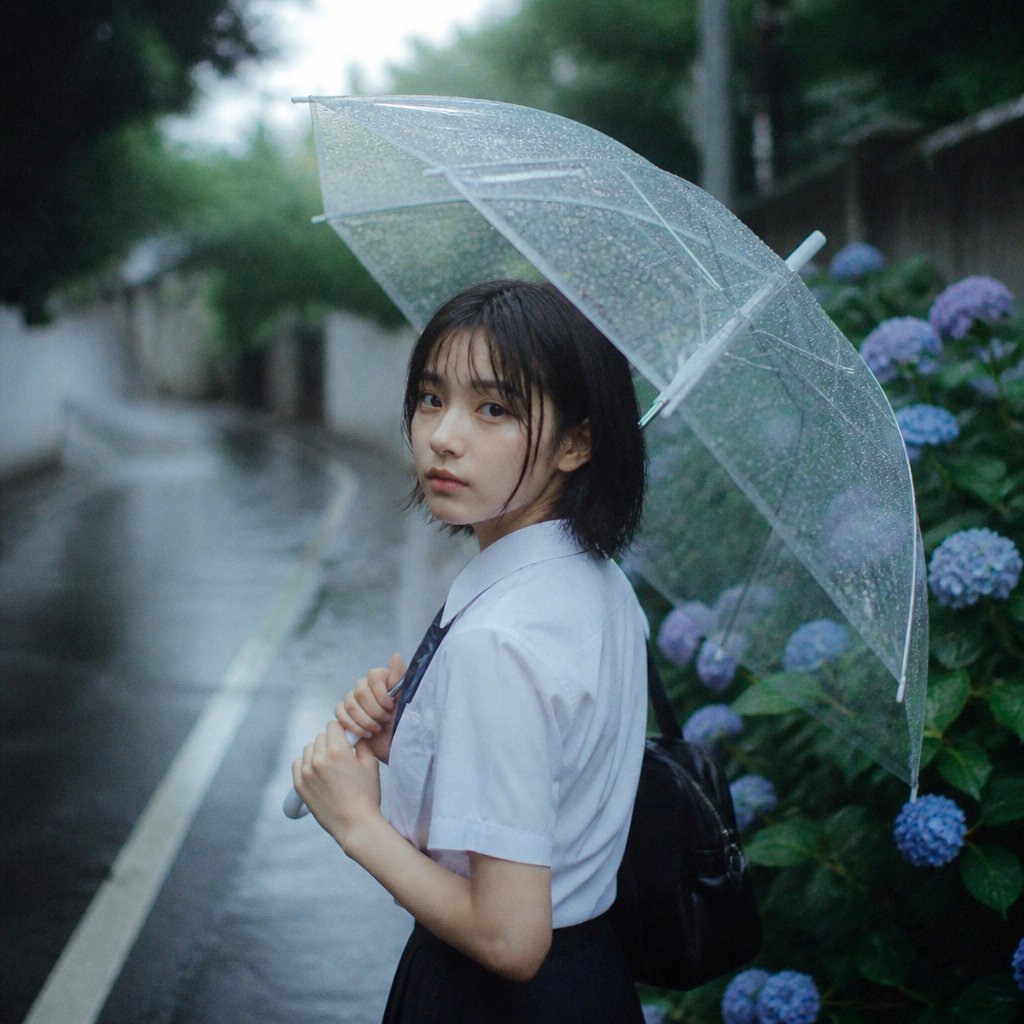
Rainy Schoolgirl With Transparent Umbrella
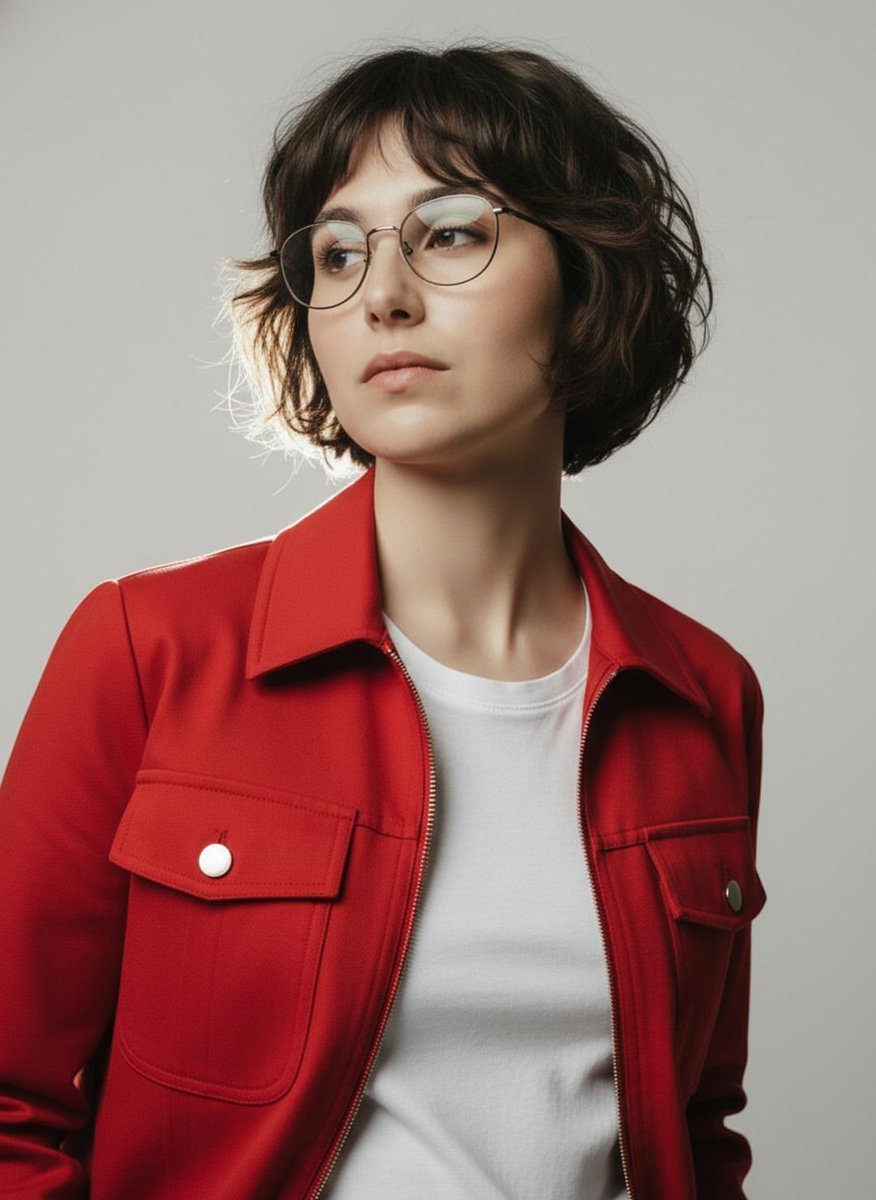
Minimalist Studio Fashion Portrait Prompt

Nano Banana Pro Master Prompt Template (JSON)

Comparing Realism Keywords in Midjourney
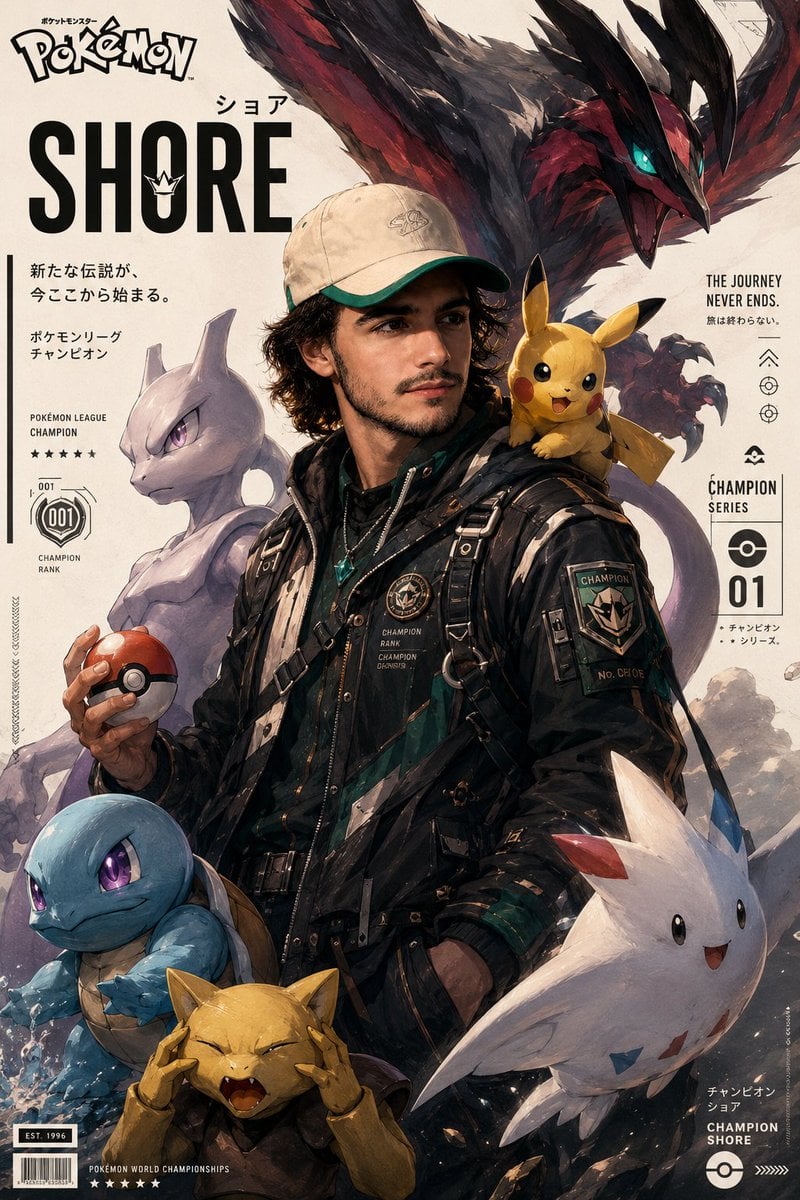
Cinematic Pokémon trainer poster
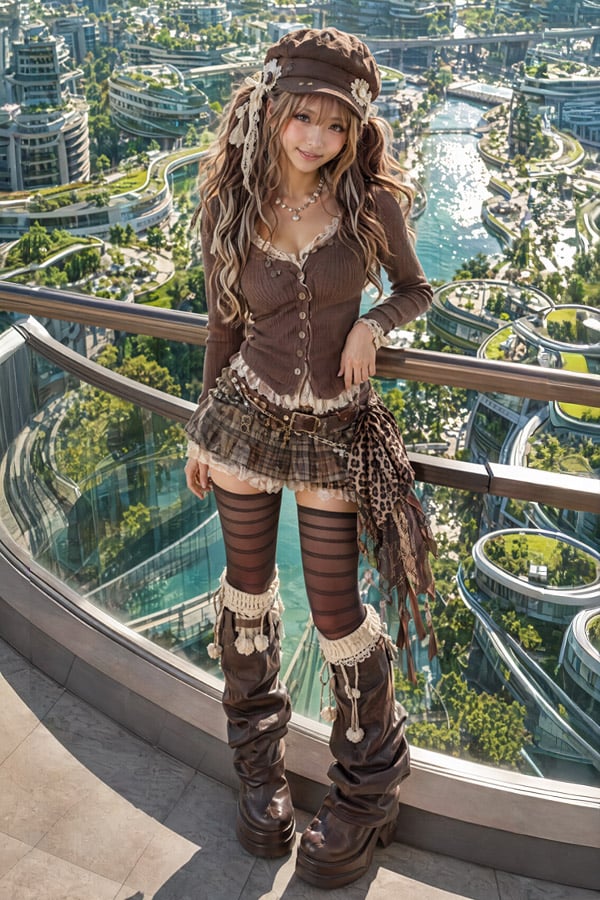
2.5D Futuristic Boho Gyaru Fashion Lady
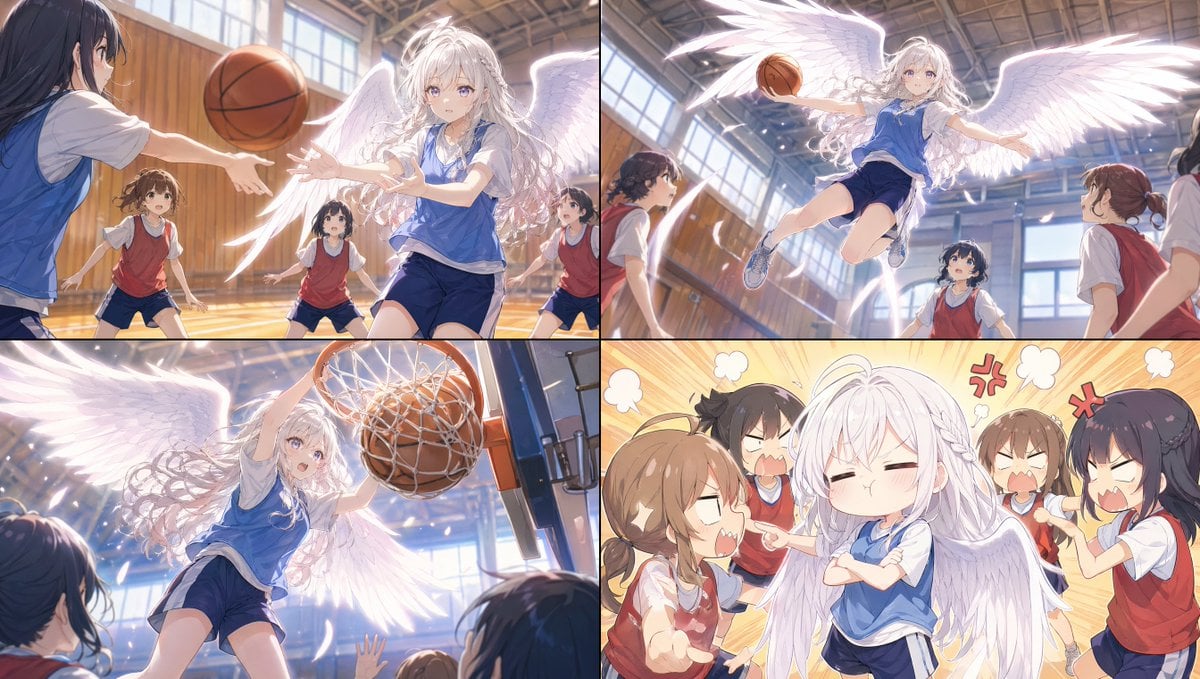
Angel Girl Basketball Storyboard
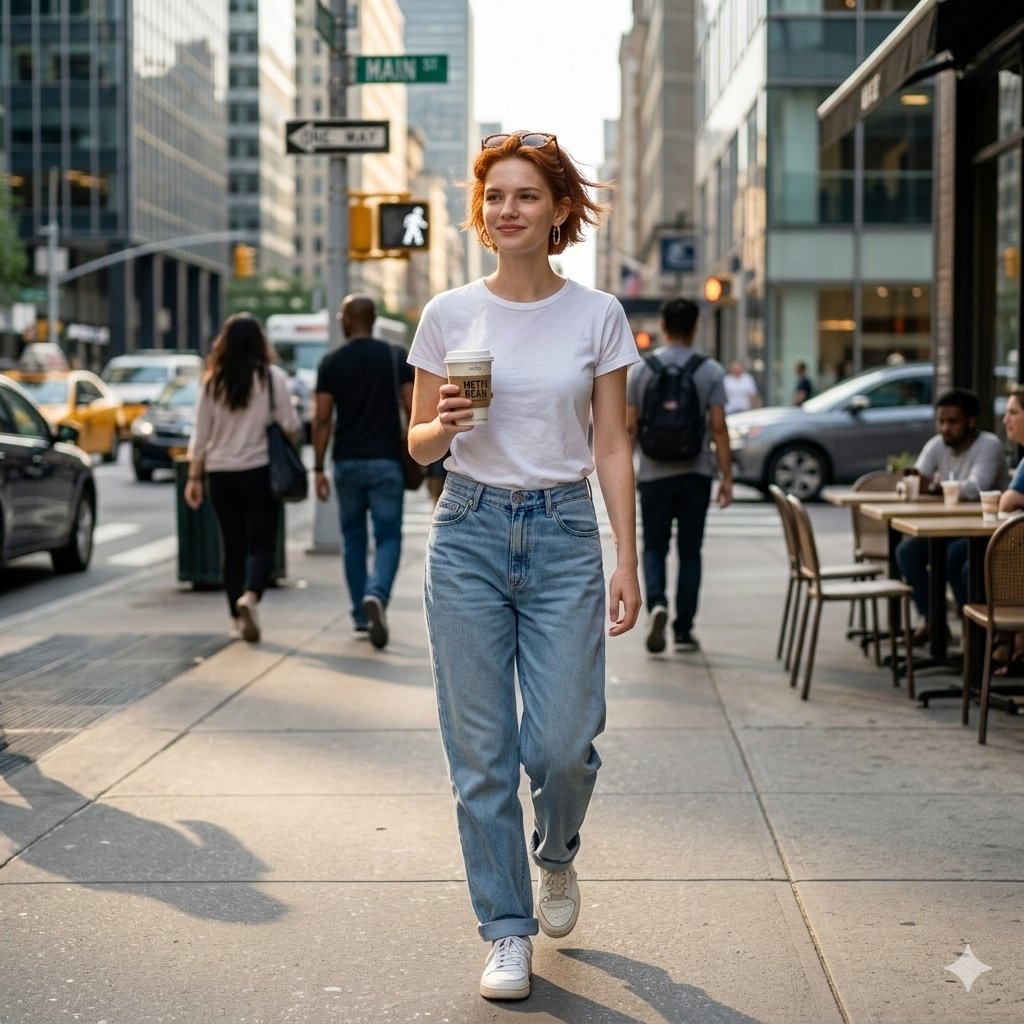
Candid Street Photo of Woman Walking in City

prompt 👇 Exact Prompt: Create a premium cinemat
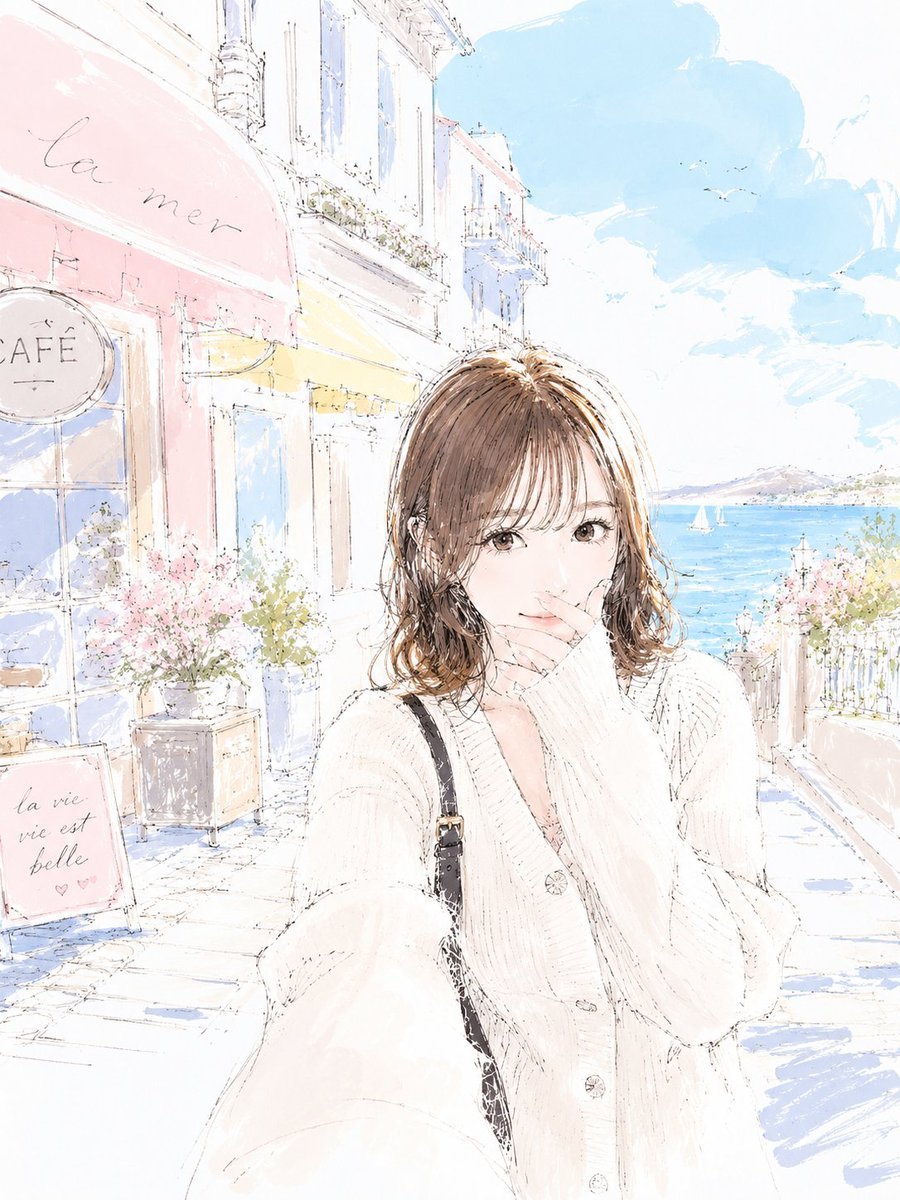
Pastel Sketch Animation Illustration
Browse template categories
Cyberpunk AI Creator Card questions
How do I use the Cyberpunk AI Creator Card template?
Add your photo if the template asks for one, edit the prompt if you like — the template's model and format are already selected — and press Generate. Your version opens in PicX Studio.
Can I customize the Cyberpunk AI Creator Card template?
Yes. You can change the subject, setting, lighting, mood, format, and available model controls before creating your image.
Is the Cyberpunk AI Creator Card template free?
Opening and editing this template is free. Generating uses credits, shown on the Generate button when you are signed in.
Which AI model should I use?
Start with GPT Image 2, which is the model associated with this template. You can compare another compatible model for a different finish.
Looking for something else? Browse all templates.

Your photo, any look
Thousands of ready templates for every top image and video model, from one credit balance.