
Cinematic Pokémon trainer poster
A highly detailed prompt for creating a cinematic Pokémon poster with specific legendaries and a personalized trainer likeness.
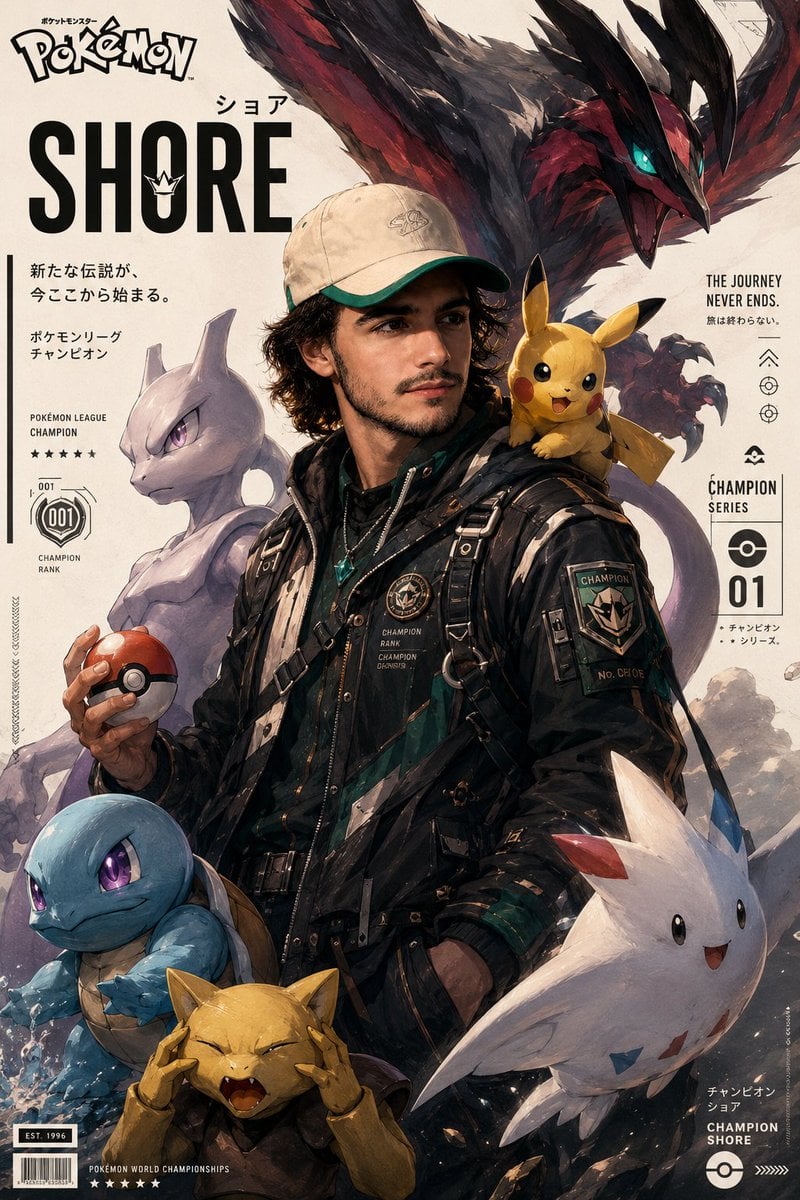
- Prompt included
- Model and format preset
- Free template
The prompt behind this image
Copy the exact prompt behind Cinematic Pokémon trainer poster, or open it in the studio and make it yours.
Create an ultra-detailed cinematic {argument name="theme" default="Pokémon poster"} featuring a {argument name="trainer description" default="young male Pokémon Champion"} standing confidently in side profile while holding a Poké Ball. young man whose facial features, skin tone, and hairstyle closely match the uploaded photo. Maintain strong likeness to the reference image: same facial structure, smile, eye shape, hairstyle, and overall Style combines: semi-realistic anime painting, cinematic game poster, modern Pokémon concept art, painterly brush strokes, soft polygonal shading, highly detailed character illustration, premium trading-card aesthetic, Japanese game magazine cover design. COMPOSITION: Vertical poster composition, centered champion pose, clean cream-colored background with minimalist editorial layout. The trainer wears a futuristic {argument name="outfit color" default="Dark Green"} tactical jacket with subtle white accents, utility straps, modern streetwear-inspired Pokémon trainer fashion, metallic accessories, and champion insignia patches. SURROUNDING POKÉMON: Yveltal flying behind the trainer with wide wingspan and glowing teal eyes Meowtwo standing powerfully beside him Squirtle near the lower side with intense glowing eyes Pikachu sitting adorably on his shoulder Abra near the foreground with comedic expression Togekiss positioned elegantly near the bottom corner LIGHTING: Soft cinematic studio lighting, warm highlights on skin, subtle rim light, volumetric atmosphere, realistic shadows, polished illustration rendering, dramatic contrast, premium movie-poster mood. DETAILS: high detail skin texture, painterly strokes, dynamic depth, layered composition, realistic fabric folds, glossy eyes, subtle reflections, clean typography placement, esports championship vibe, modern anime realism, masterpiece quality, ultra-sharp focus. Face and body exactly same as uploaded image. NEGATIVE PROMPT low quality, blurry face, extra limbs, bad anatomy, deformed hands, duplicate Pokémon, messy composition, overexposed lighting, flat colors, distorted eyes, poorly drawn face, text artifacts, watermark, cropped body, unrealistic proportions. Use uploded person as reference
How to use Cinematic Pokémon trainer poster in 3 steps
- 1Upload ImagePNG, JPG or paste
Add your photo
Upload the photo the template builds on. The prompt, model and format are already set.
- 2…a portrait of your subject in softgolden-hour light, 85mm…
Personalize
Edit the subject and creative details for your destination.
- 3Generate
Generate
Press Generate — your image is created in PicX Studio, so you can compare it with the original and refine one variable at a time.
More like this
Templates with the same subject, style or setup. Open one to see its prompt.
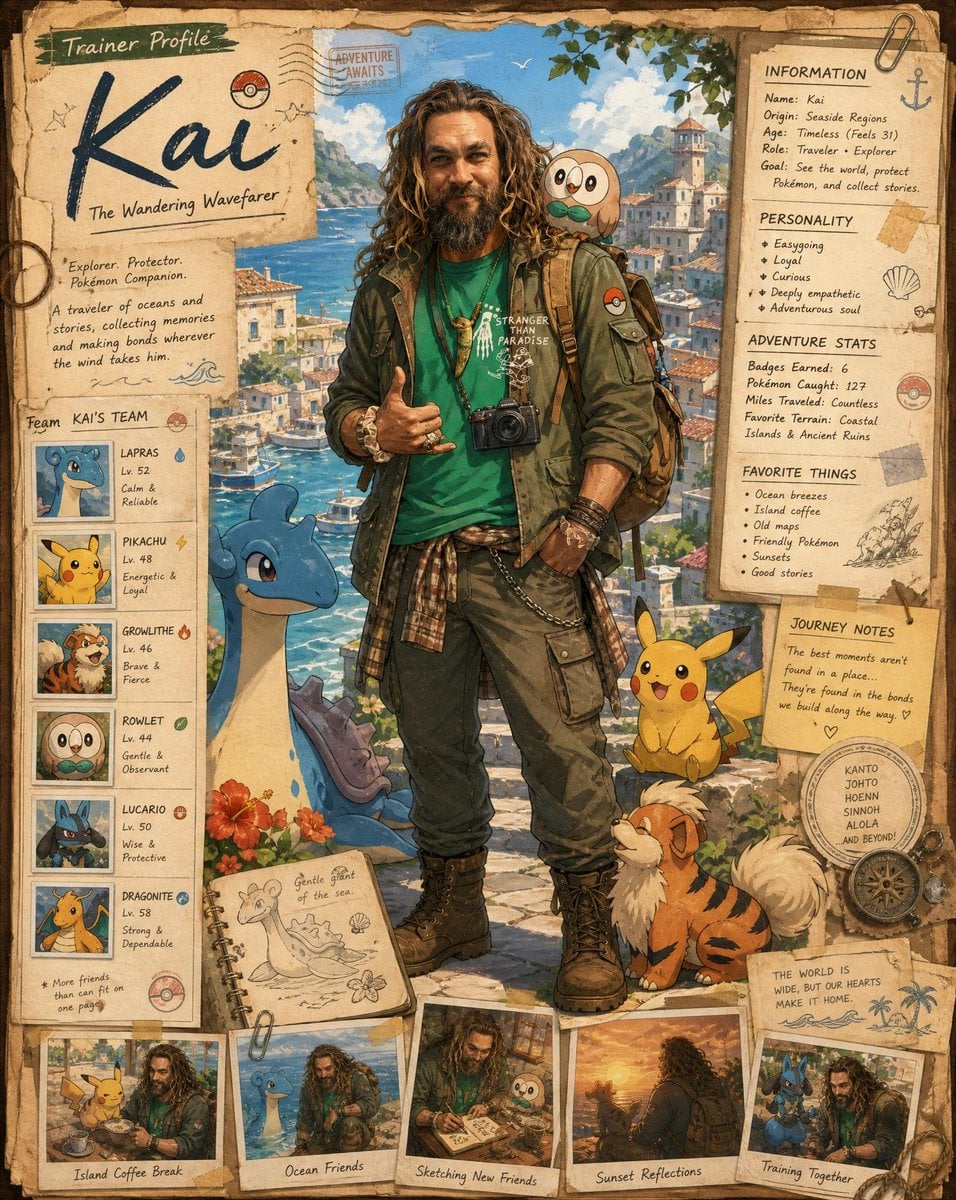
Pokemon Trainer Profile Journal Poster

Monochrome Halftone Editorial Fashion Poster

Selective Color Monochrome Football Poster

Monochrome Portrait Jersey Accent Poster

Last Dance Legacy Monochrome Portrait
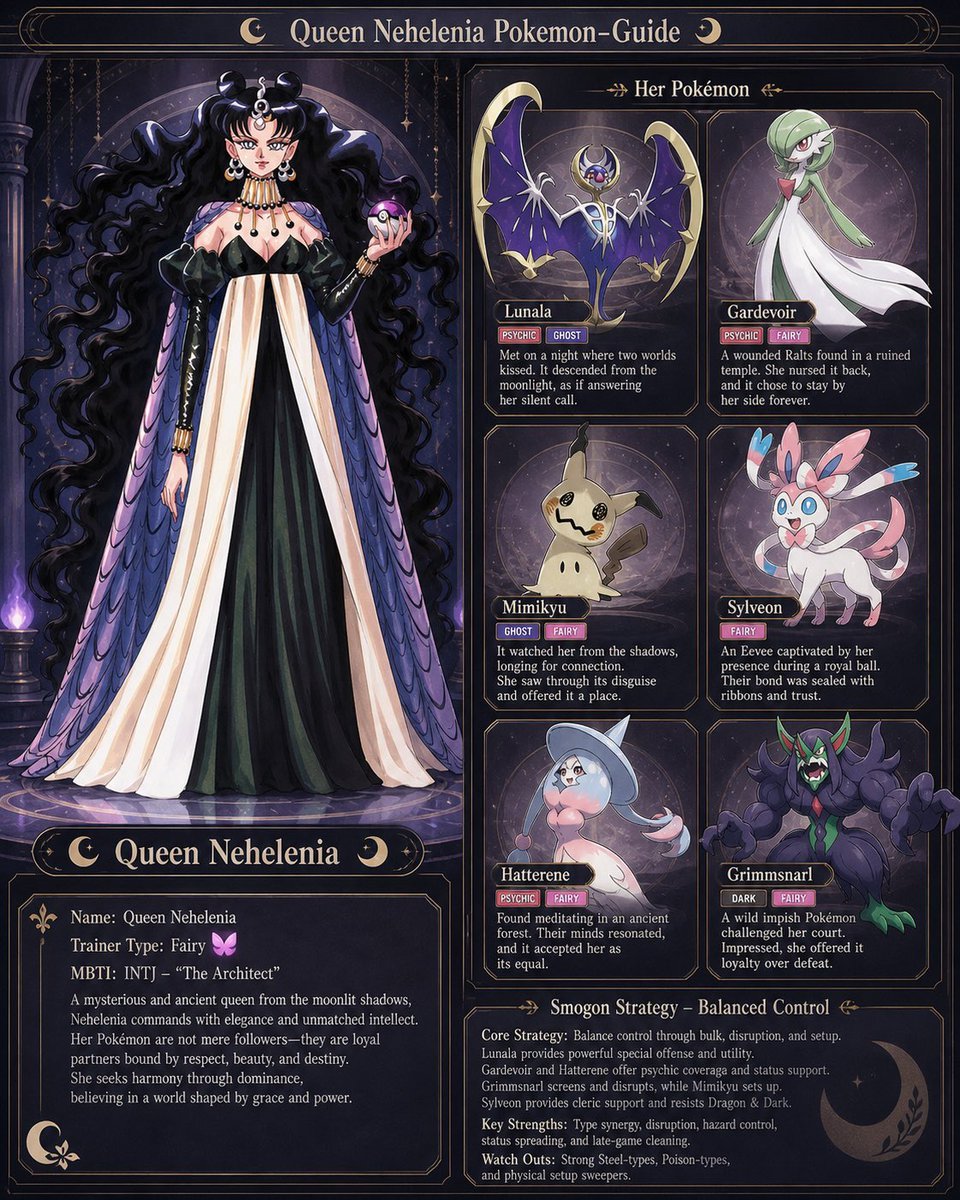
Pokémon and Sailor Moon Trainer Style
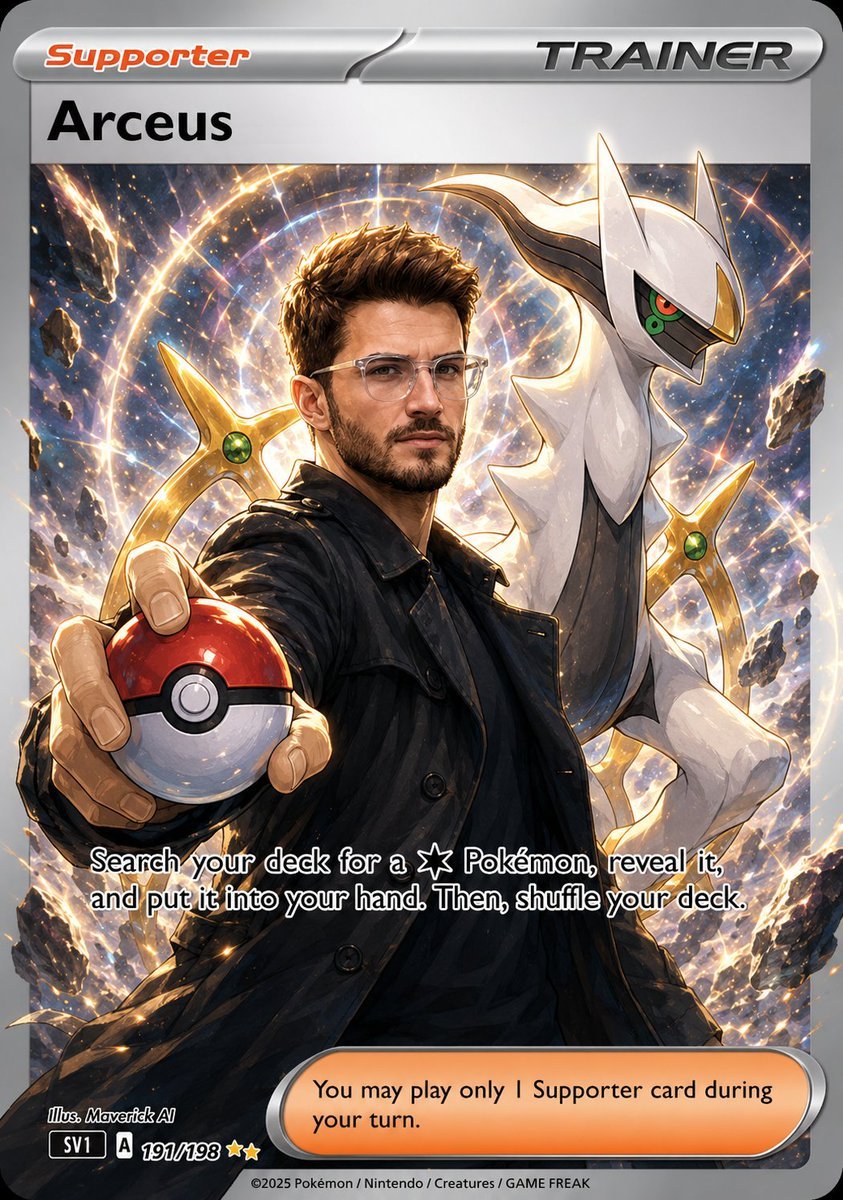
Anime Pokemon Trainer Card

Japan Travel Brochure Poster

Cartoon TV Show Poster Pack

Trendy Cafe Drink Promo Poster

Urban Fashion Editorial Collage Streetwear Poster

Premium Fashion Editorial Cover Layout System
Make it yours
Cinematic Pokémon trainer poster works as-is. These are the safest ways to change it without losing the look.
Change one field
Copy a single group, rewrite it, and generate again so you can see what that field is doing.
Keep the frame, change the subject
Hold the composition and light of Cinematic Pokémon trainer poster, then swap wardrobe, props or the person for a new take.
| If the result… | Why | Fix |
|---|---|---|
| The result drifts from the preview | Too many fields changed at once. | Reuse Cinematic Pokémon trainer poster as-is first, then change one group — subject, light, or setting. |
| The model over-stylizes the scene | The prose prompt leaves finish and camera underspecified. | Add one camera or lighting sentence and stay on GPT Image 2. |
More GPT Image 2 templates
Other prompts made for GPT Image 2.

Six VTuber Japanese Logo Sheet

Realistic Portrait of Woman and Deer

The Vista Modular Condo Poster

AI Model Routing Comparison Infographic

2.5D Anime Art Board

Isometric Productivity Desk Scene

New York Double Exposure Poster

Four-Panel AI Landscape Comparison

Japanese Tatami Lifestyle Magazine Cover

NESCAFÉ Coffee Map Poster
More image prompts
Fresh picks from across the catalog.
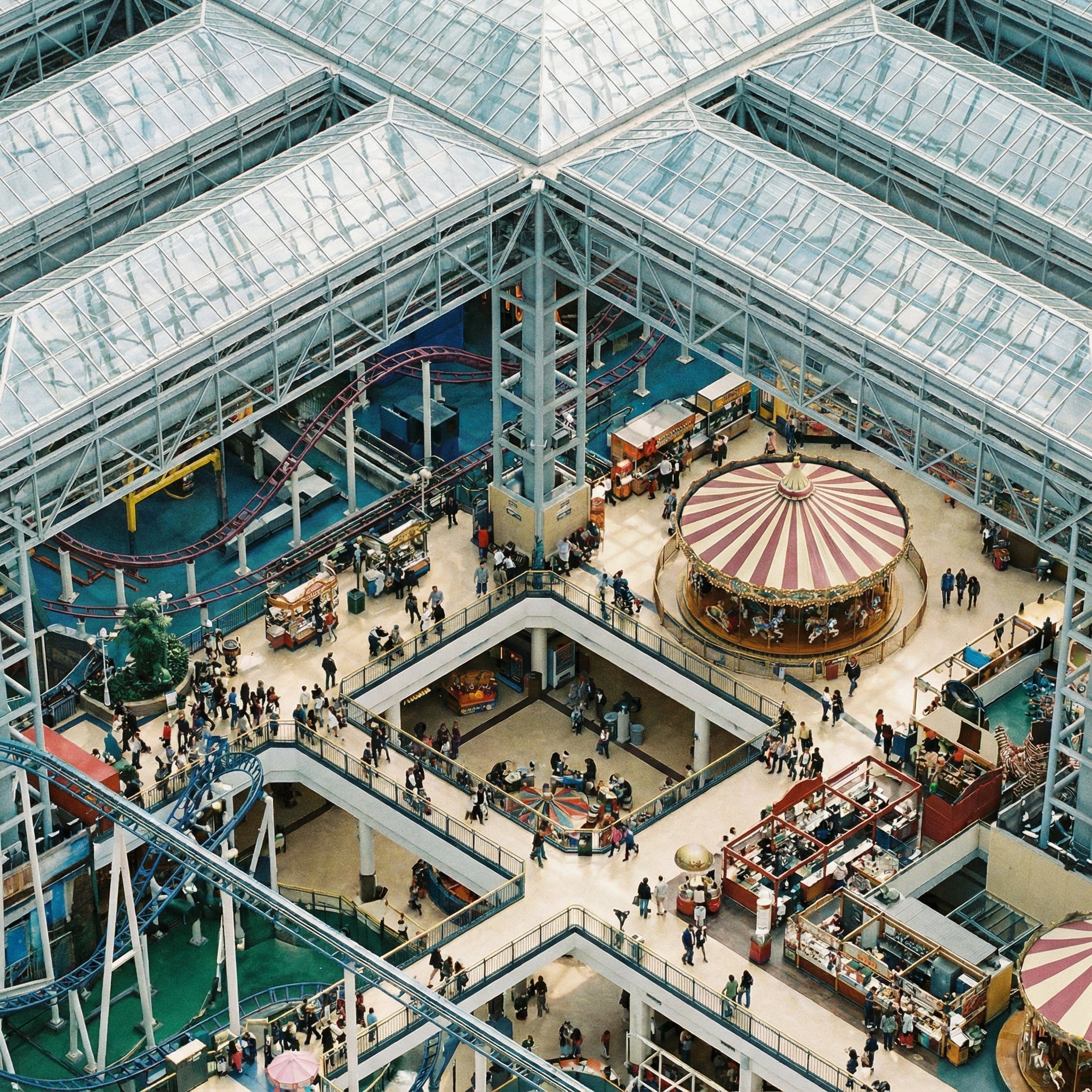
Perfectly Isometric Photography
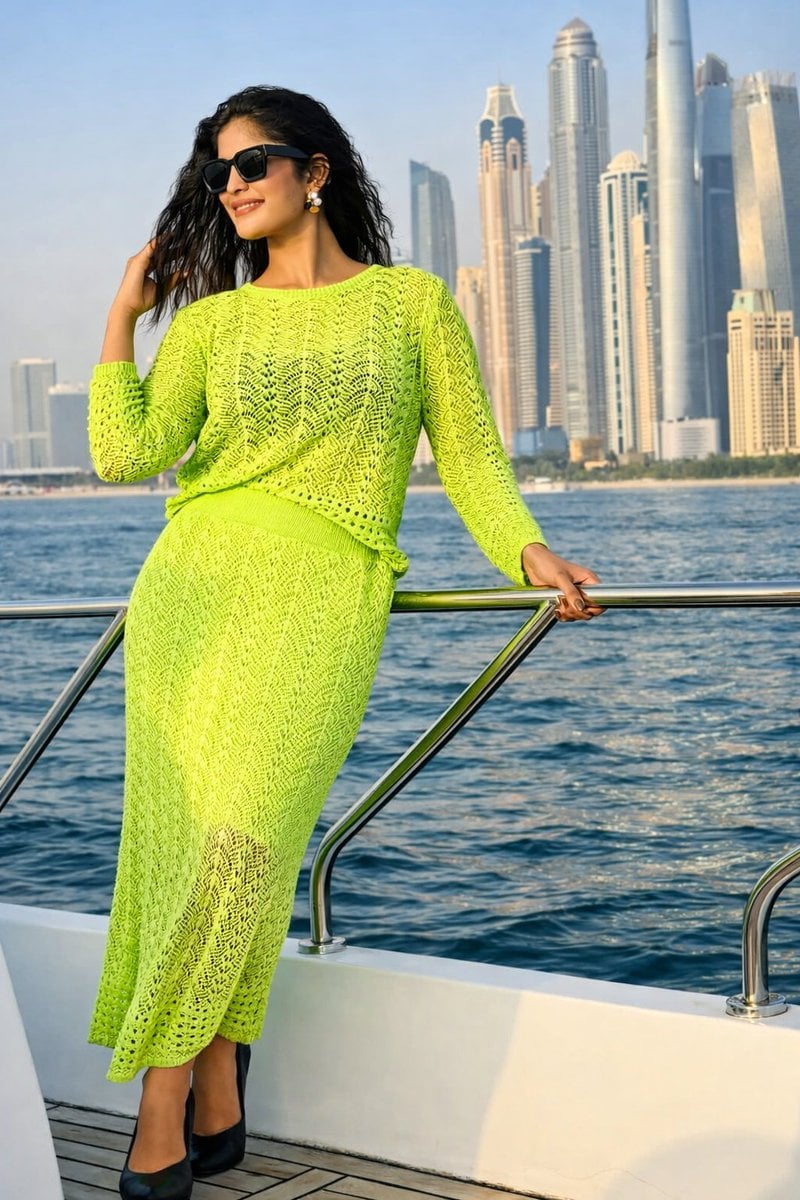
Lifestyle Portrait on Yacht in Neon Green Knitwear
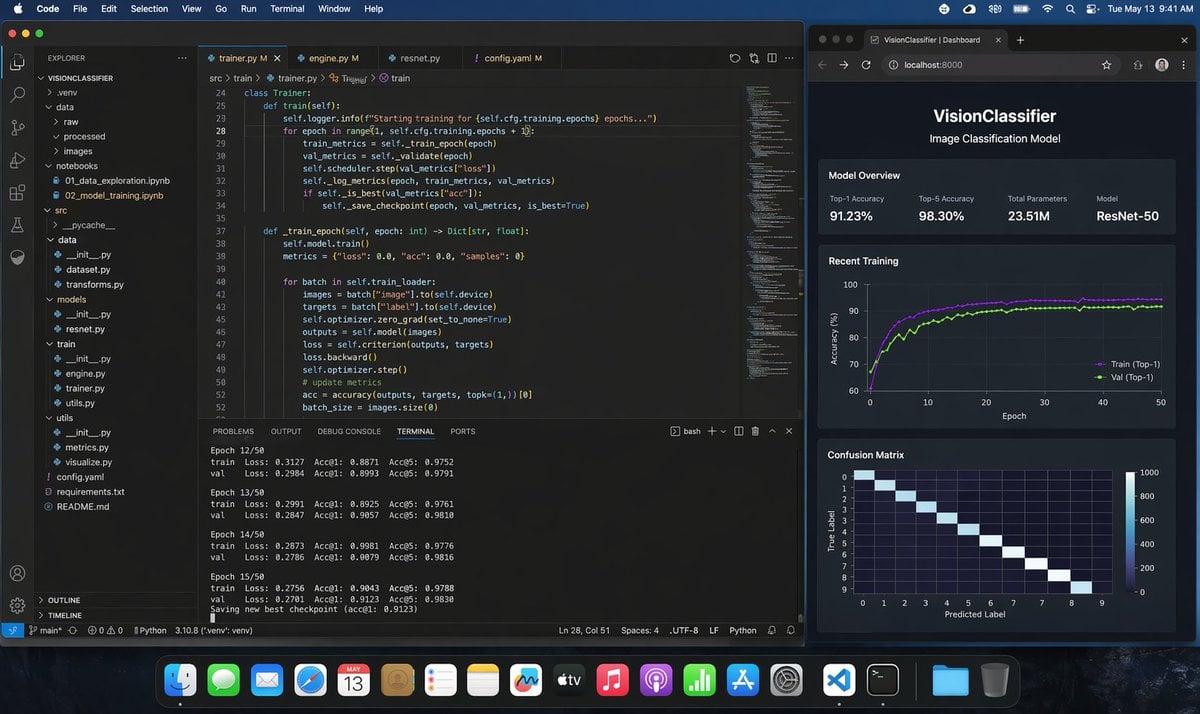
Photoreal ML Developer Desktop
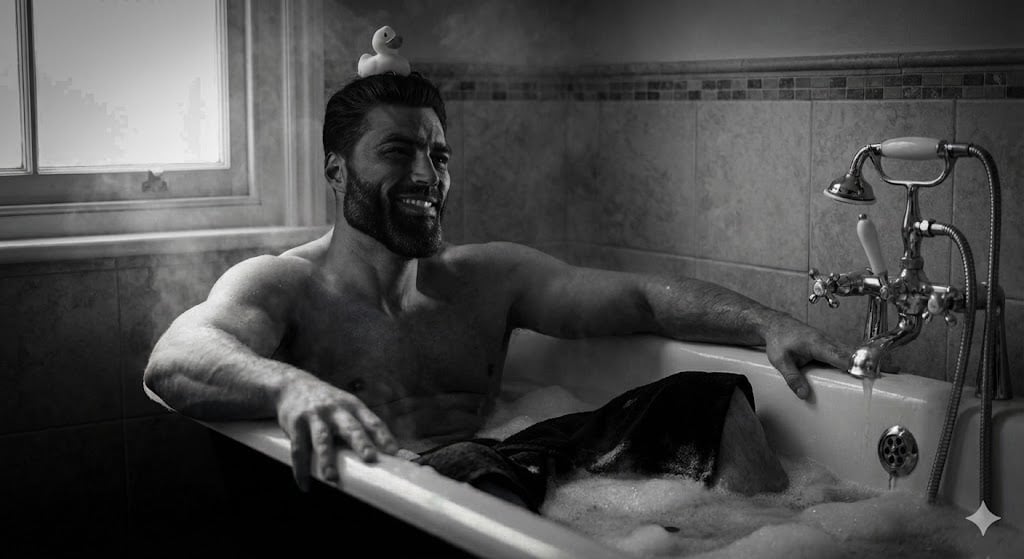
Image Generation with One Prompt and Reference
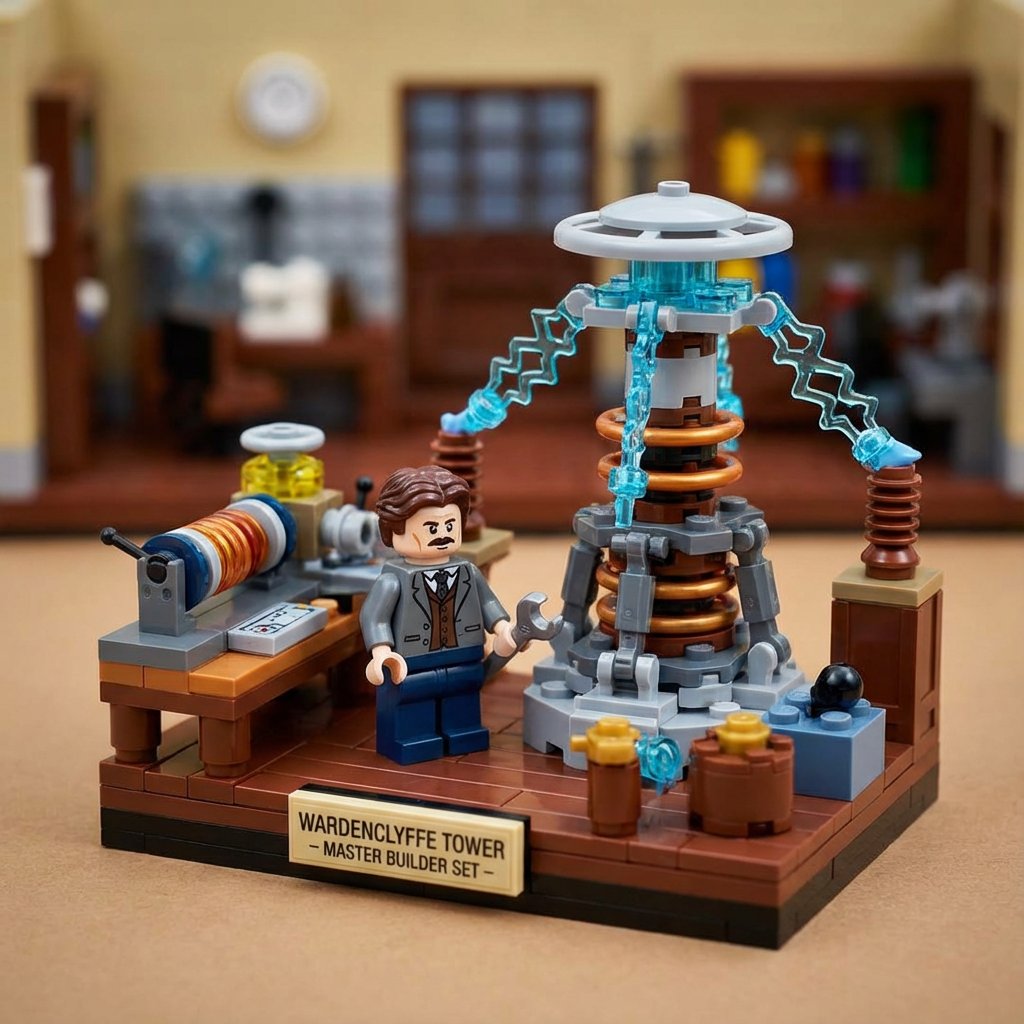
LEGO History Retelling Template

Candid Hookah Lounge Lifestyle Photo
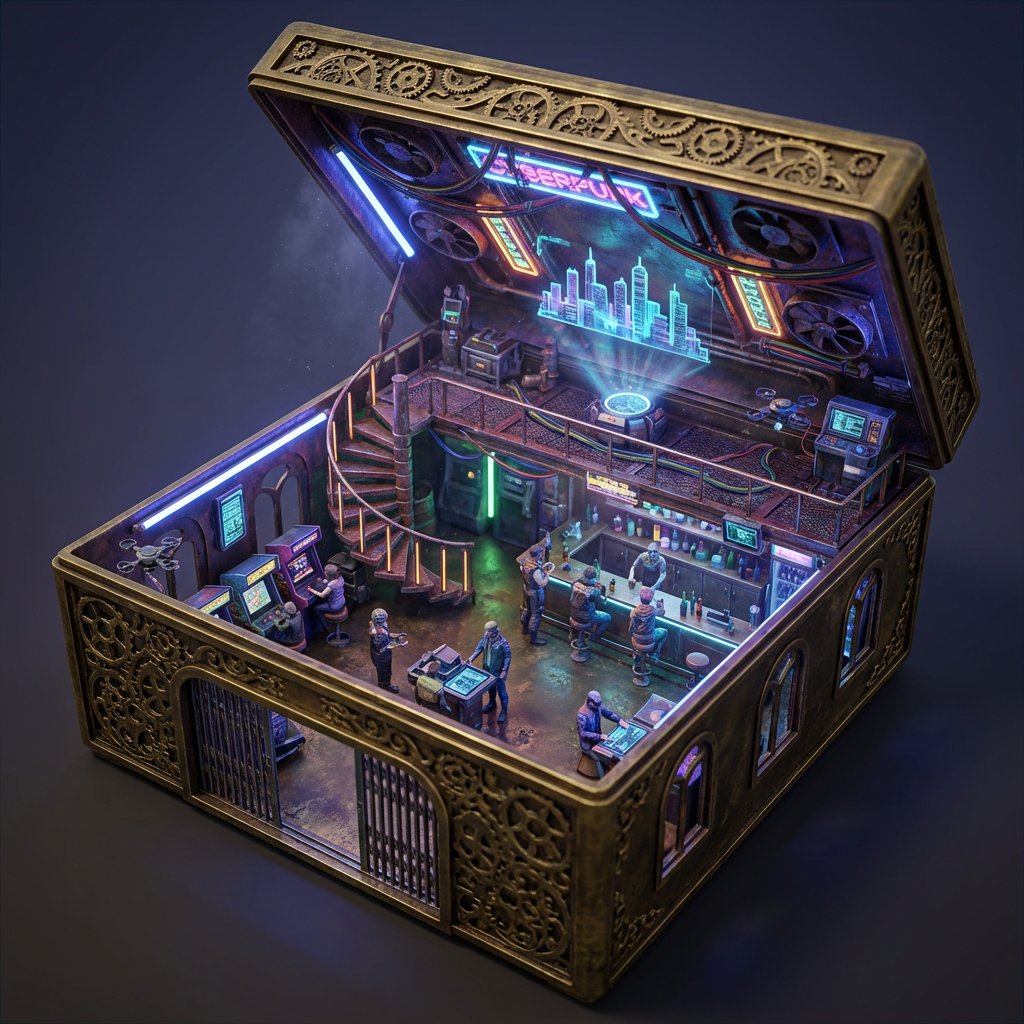
Ornate Box Diorama Prompt (Cyberpunk Pub)
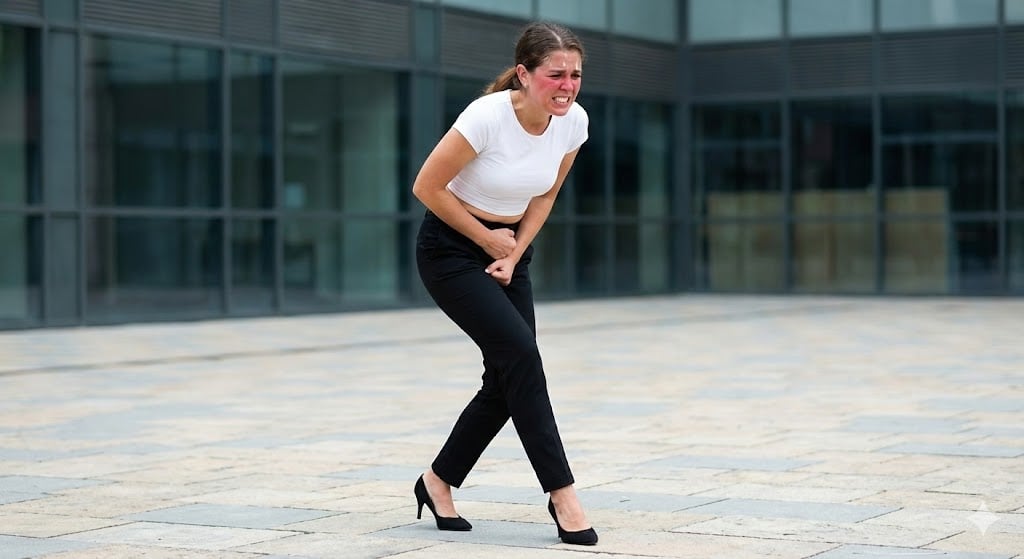
Toilet Urgency Walking Prompt Generator (Midjourney/Nano Banana Pro)

Female Android in Futuristic Space City
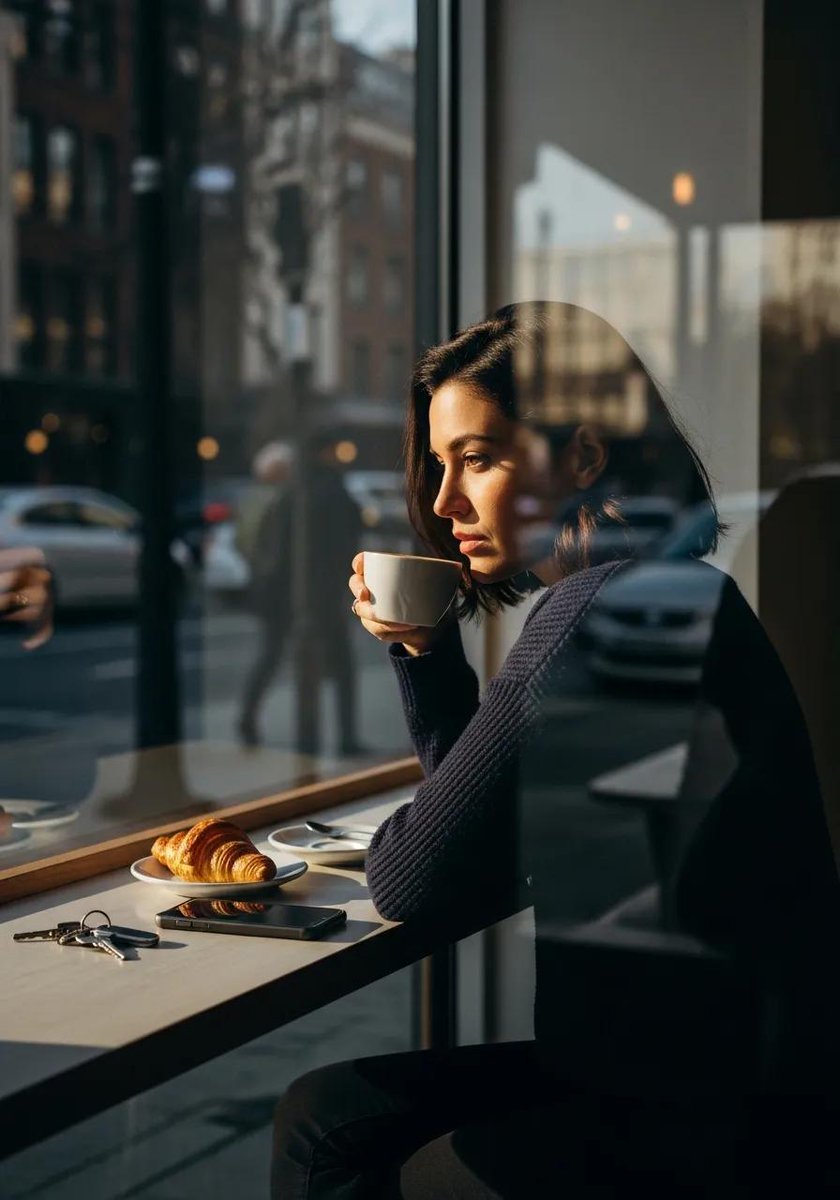
Ultra-realistic cinematic lifestyle photograph of a reflective woman in an urban café
Browse template categories
Cinematic Pokémon trainer poster questions
How do I use the Cinematic Pokémon trainer poster template?
Add your photo if the template asks for one, edit the prompt if you like — the template's model and format are already selected — and press Generate. Your version opens in PicX Studio.
Can I customize the Cinematic Pokémon trainer poster template?
Yes. You can change the subject, setting, lighting, mood, format, and available model controls before creating your image.
Is the Cinematic Pokémon trainer poster template free?
Opening and editing this template is free. Generating uses credits, shown on the Generate button when you are signed in.
Which AI model should I use?
Start with GPT Image 2, which is the model associated with this template. You can compare another compatible model for a different finish.
Looking for something else? Browse all templates.

Your photo, any look
Thousands of ready templates for every top image and video model, from one credit balance.