
Pokemon Trainer Profile Journal Poster
Converts a reference face into a detailed anime-style Pokémon trainer profile, designed as a vintage scrapbook page with watercolor art, sketches, and travel annotations.
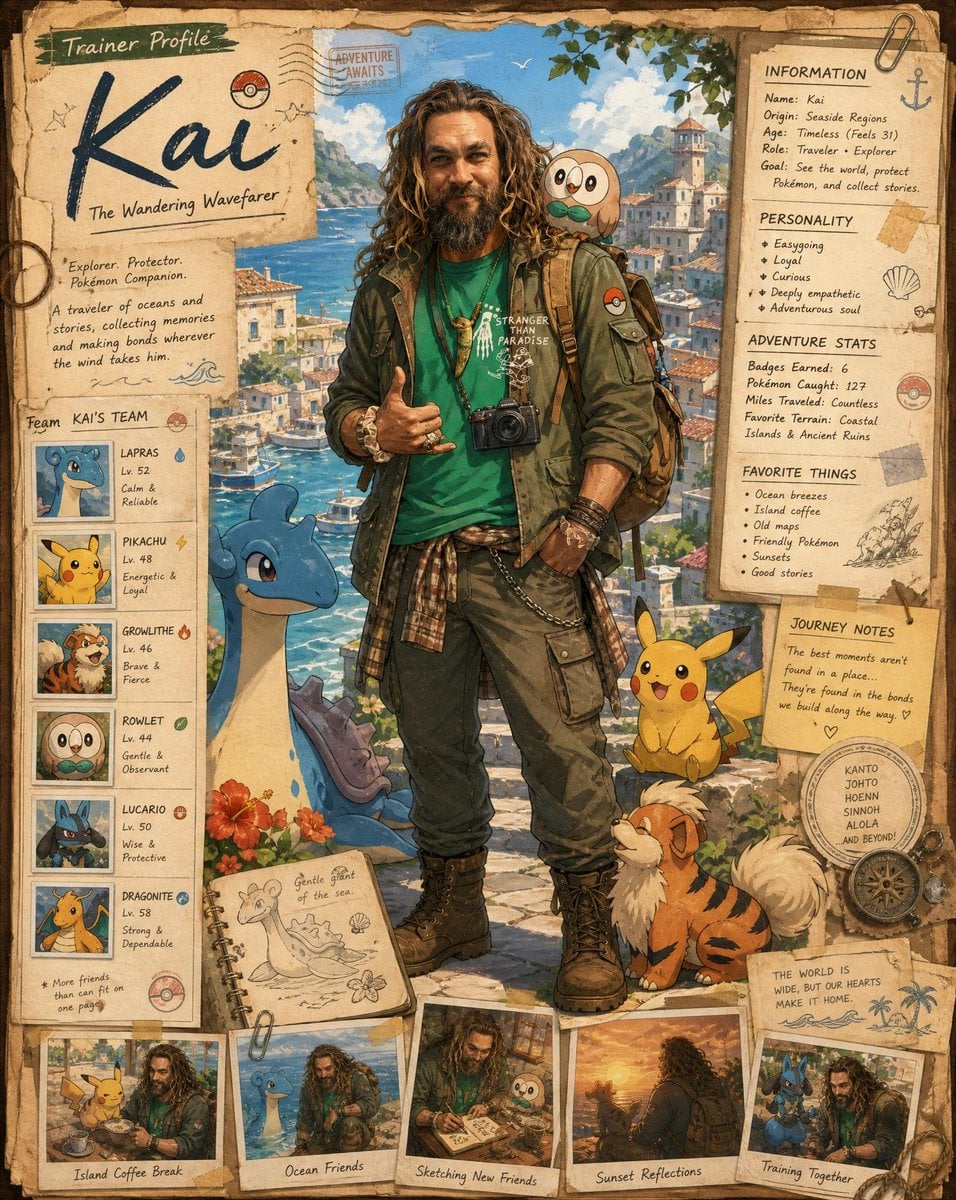
- Prompt included
- Model and format preset
- Free template
The prompt behind this image
Copy the exact prompt behind Pokemon Trainer Profile Journal Poster, or open it in the studio and make it yours.
Use the uploaded reference image as the exact identity for the main trainer character. Preserve the person’s facial structure, hairstyle, skin tone, expression style, body type, and overall likeness while transforming them into a beautifully illustrated anime-inspired Pokémon trainer poster in a nostalgic adventure-journal aesthetic. Create a full highly detailed vertical composition designed like a handcrafted Pokémon trainer profile scrapbook page mixed with vintage travel journal art and official Pokémon concept artwork. The final image should feel like a premium collector’s character profile card from a cozy fantasy Pokémon world. STYLE & ART DIRECTION: Soft painterly anime illustration Pokémon official artwork inspired rendering Hand-painted watercolor + ink line aesthetic Warm nostalgic storybook tones Detailed environmental storytelling Vintage paper textures, taped notes, stickers, stamps, handwritten annotations Ghibli-like warmth mixed with modern Pokémon promotional art Extremely detailed but visually clean composition Rich adventure atmosphere Cozy slice-of-life fantasy mood Soft sunlight and cinematic environmental lighting Highly expressive but natural posing MAIN CHARACTER: Transform the reference person into a Pokémon trainer adventurer/traveler while keeping the exact likeness recognizable. Casual layered adventure outfit Stylish jacket over graphic shirt Backpack with travel accessories Camera hanging from shoulder or neck Relaxed friendly pose Confident warm smile Anime stylization while preserving identity Slight windswept hair Natural anatomy and proportions Fashionable modern Pokémon trainer aesthetic COMPOSITION: The page should be designed like a complete trainer profile sheet. Include: Large central full-body illustration of the trainer Multiple Pokémon surrounding the character naturally Decorative trainer information panels Vintage scrapbook borders Handwritten notes and adventure annotations Polaroid-style snapshots around the edges Pokémon team cards on one side Small travel sketches and doodles Decorative stamps, clips, tape pieces, map textures Notebook/journal design language Soft aged parchment paper background Tiny environmental storytelling details everywhere BACKGROUND: Create a beautiful {argument name="setting" default="coastal fantasy Pokémon town"} inspired by: Mediterranean harbor scenery Blue ocean water Sunny skies Stone buildings Adventure-world atmosphere Peaceful vacation vibe Pokémon-world architecture Lush greenery and flowers Soft clouds and distant mountains POKÉMON INTERACTION: The Pokémon should interact naturally with the trainer: Sitting beside them Looking at camera Resting on shoulder Playing around feet Dynamic but cozy interaction Natural emotional chemistry LAYOUT DETAILS: Top section: Large handwritten trainer name “Trainer Profile” heading Decorative paper labels Right-side panel: Character bio stats Adventure information Personality traits Journey notes Favorite things Pokémon seen
How to use Pokemon Trainer Profile Journal Poster in 3 steps
- 1Upload ImagePNG, JPG or paste
Add your photo
Upload the photo the template builds on. The prompt, model and format are already set.
- 2…a portrait of your subject in softgolden-hour light, 85mm…
Personalize
Edit the subject and creative details for your destination.
- 3Generate
Generate
Press Generate — your image is created in PicX Studio, so you can compare it with the original and refine one variable at a time.
More like this
Templates with the same subject, style or setup. Open one to see its prompt.

Cinematic Side Profile Cyberpunk Hero Poster

Japan Travel Brochure Poster

Cartoon TV Show Poster Pack

Trendy Cafe Drink Promo Poster

Urban Fashion Editorial Collage Streetwear Poster

Premium Fashion Editorial Cover Layout System

Polo Ralph Lauren Luxury American Heritage Fashion Campaign

Monochrome Halftone Editorial Fashion Poster

Retro Mirror Luxury Fashion Campaign Poster

Luxury Fashion Campaign Typography Poster System

Premium Fashion Editorial Campaign Poster System

Ultra-Stylized High-Fashion Streetwear Poster
Make it yours
Pokemon Trainer Profile Journal Poster works as-is. These are the safest ways to change it without losing the look.
Change one field
Copy a single group, rewrite it, and generate again so you can see what that field is doing.
Keep the frame, change the subject
Hold the composition and light of Pokemon Trainer Profile Journal Poster, then swap wardrobe, props or the person for a new take.
| If the result… | Why | Fix |
|---|---|---|
| The result drifts from the preview | Too many fields changed at once. | Reuse Pokemon Trainer Profile Journal Poster as-is first, then change one group — subject, light, or setting. |
| The model over-stylizes the scene | The prose prompt leaves finish and camera underspecified. | Add one camera or lighting sentence and stay on GPT Image 2. |
More GPT Image 2 templates
Other prompts made for GPT Image 2.

Six VTuber Japanese Logo Sheet

Realistic Portrait of Woman and Deer

The Vista Modular Condo Poster

AI Model Routing Comparison Infographic

2.5D Anime Art Board

Isometric Productivity Desk Scene

New York Double Exposure Poster

Four-Panel AI Landscape Comparison

Japanese Tatami Lifestyle Magazine Cover

NESCAFÉ Coffee Map Poster
More image prompts
Fresh picks from across the catalog.
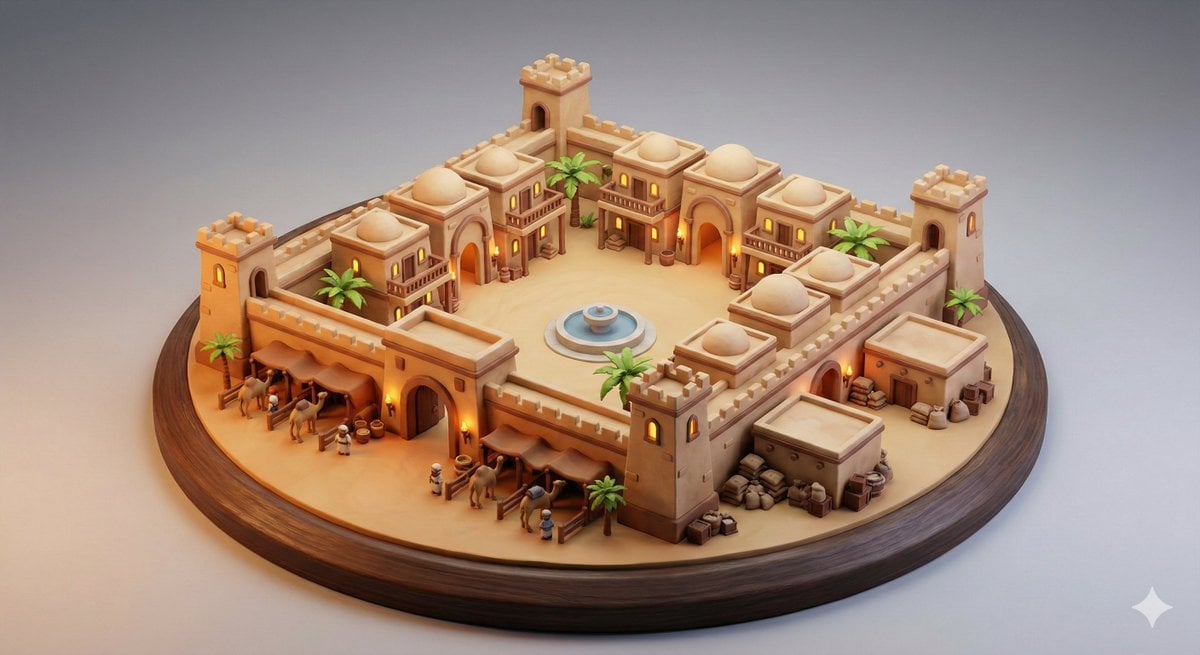
Whimsical Diorama of a Fortified Desert Caravanserai

Nano Banana Pro 4-Panel Comic Explanation
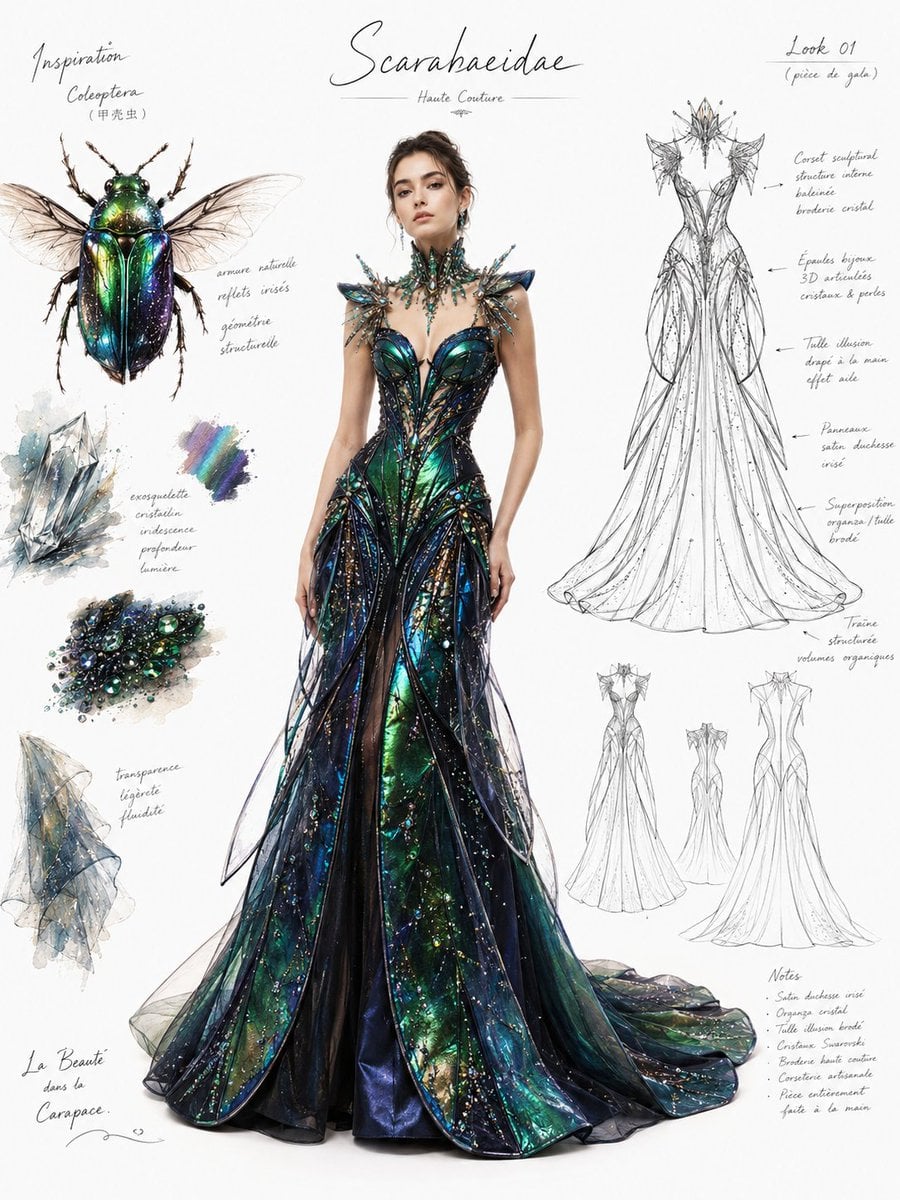
Couture Fashion Design Concept Board

Nano Banana Pro prompt for generating a blog eye-catch image

Synthwave Neon Digital Portrait Prompt
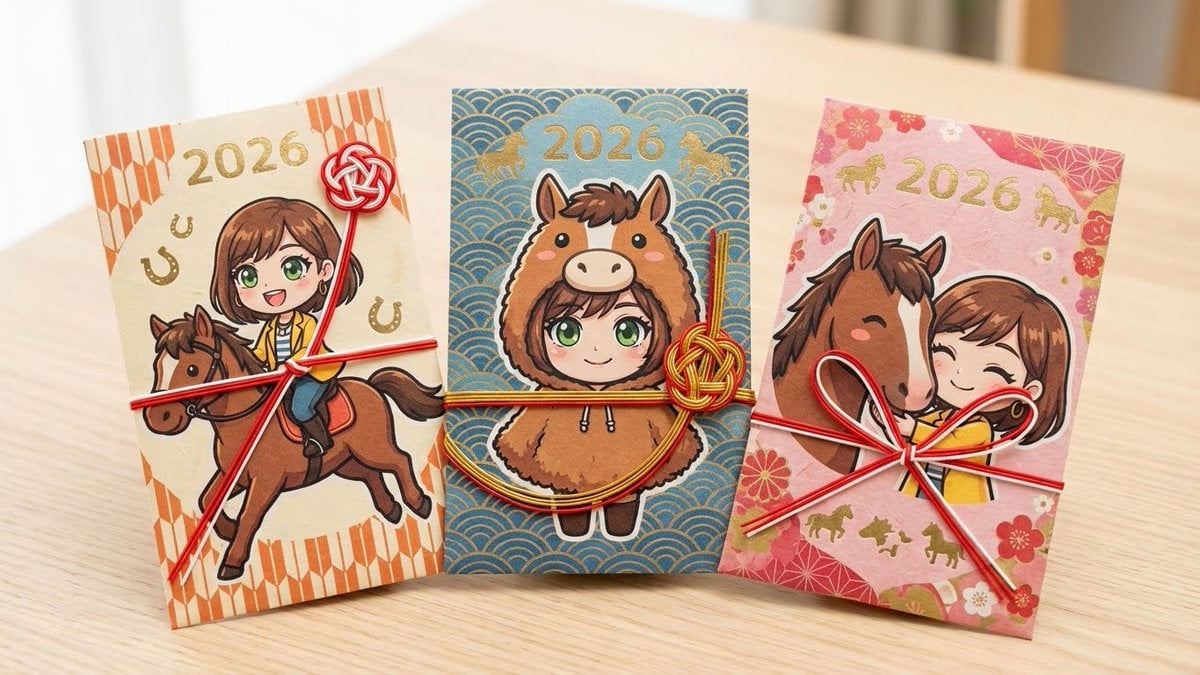
Year of the Horse Pochibukuro (Envelope) Prompt
Snowy Station Visual Novel Scene
Split-Screen Time Travel Scene

Japanese Lawson Milk Can Thumbnail

Matrix Digital Void Product Shot
Browse template categories
Pokemon Trainer Profile Journal Poster questions
How do I use the Pokemon Trainer Profile Journal Poster template?
Add your photo if the template asks for one, edit the prompt if you like — the template's model and format are already selected — and press Generate. Your version opens in PicX Studio.
Can I customize the Pokemon Trainer Profile Journal Poster template?
Yes. You can change the subject, setting, lighting, mood, format, and available model controls before creating your image.
Is the Pokemon Trainer Profile Journal Poster template free?
Opening and editing this template is free. Generating uses credits, shown on the Generate button when you are signed in.
Which AI model should I use?
Start with GPT Image 2, which is the model associated with this template. You can compare another compatible model for a different finish.
Looking for something else? Browse all templates.

Your photo, any look
Thousands of ready templates for every top image and video model, from one credit balance.