
Couture Fashion Design Concept Board
A professional fashion design template for creating high-fashion gowns inspired by specific themes, featuring sketches, technical lines, and real models.
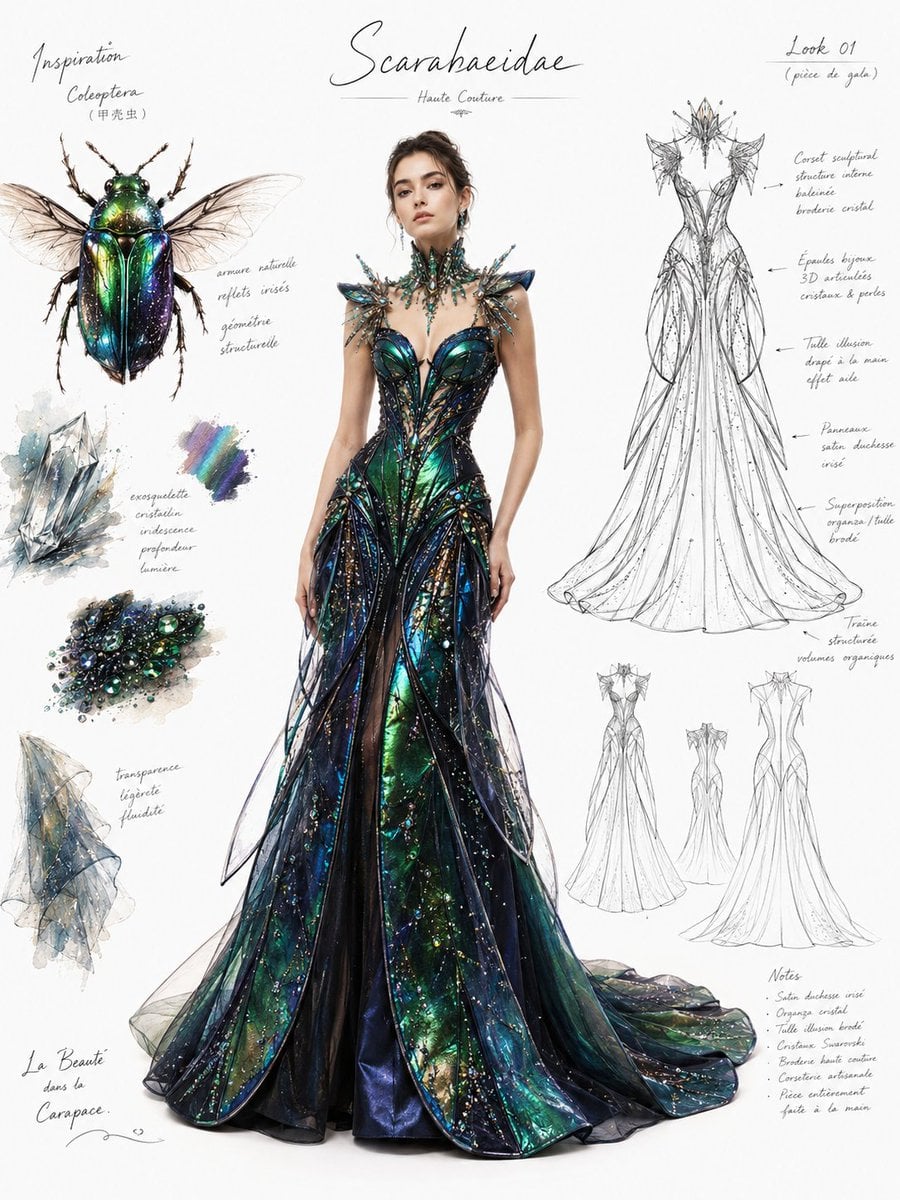
- Prompt included
- Model and format preset
- Free template
The prompt behind this image
Copy the exact prompt behind Couture Fashion Design Concept Board, or open it in the studio and make it yours.
时尚设计稿 / 高定礼服设计页,主题灵感来自 {argument name="灵感主题" default="甲壳虫"}。画面为专业服装设计展示板构图:中央是一位全身站立的真人女模特,真实感、写实皮肤质感、自然五官、高级时装摄影氛围,穿着一件受 {argument name="灵感主题" default="甲壳虫"} 启发的高级定制礼服,礼服整体廓形为 {argument name="礼服廓形" default="修身长裙"}。服装设计需明显提取灵感对象的色彩、几何形态、晶体结构、透明层次与纹理特征,并转化为礼服的裙摆、胸衣、肩颈结构、刺绣、亮片、薄纱叠层、欧根纱和缎面反光细节。 版式要求:左上角放置 {argument name="灵感主题" default="甲壳虫"} 的精致手绘灵感草图或说明性插图;右侧放置礼服黑白技术线稿,清晰展示服装轮廓与结构,并配有手写感英文/法文风格设计备注,注明面料、分层、剪裁、晶体装饰、透明材质、立体细节。背景保持干净纯白,带少量设计师签名式潦草笔记、草图标记和时装工作室批注,整体呈现专业 fashion design sheet / couture concept board 的视觉效果。 风格要求:真人模特写实感 + 高级时装设计手稿融合表现,真实模特主体、服装材质细节极其精致,软水彩与数字插画混合质感,但人物必须接近时尚大片级真实感,不要卡通,不要动漫,不要夸张二次元。光线柔和均匀,无硬阴影,画面干净高级,面料表现清晰:缎面、薄纱、欧根纱、珠绣、透明层叠、冰晶折射感。超清4K,细节丰富,审美高级,适合品牌级服装提案展示。 灵感主题:甲壳虫 比例:3:4
How to use Couture Fashion Design Concept Board in 3 steps
- 1
Open
The prompt is already in the box next to the preview, with the template's model and format selected.
- 2…a portrait of your subject in softgolden-hour light, 85mm…
Personalize
Edit the subject and creative details for your destination.
- 3Generate
Generate
Press Generate — your image is created in PicX Studio, so you can compare it with the original and refine one variable at a time.
More like this
Templates with the same subject, style or setup. Open one to see its prompt.
Dish-to-Couture Fashion Board

Conceptual Fashion Portrait in Spider We

Couture Fashion Editorial Woman and Drag

80s College Gate

1988 Mall Style

80s Polka Dot Saree
High-Fashion Character Concept Art Sheet

Modern Korean Fashion Editorial Board
High-End Laptop Packaging Concept Board
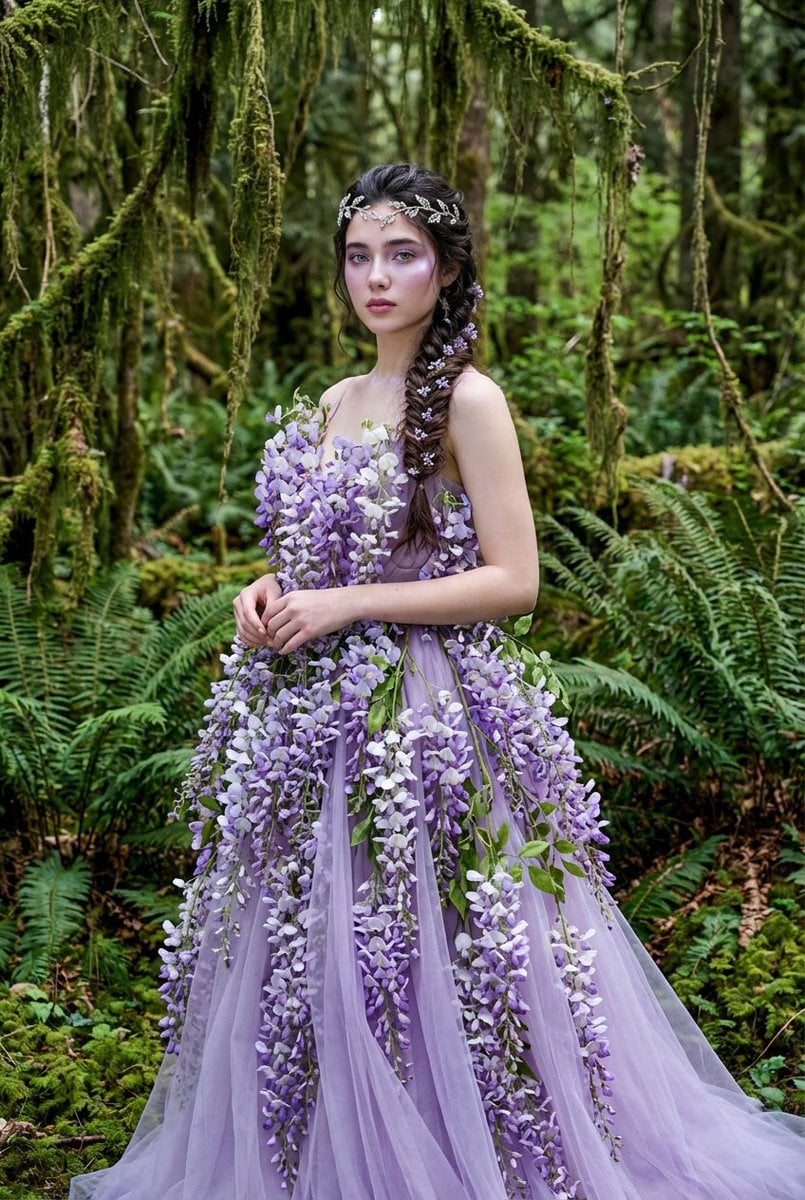
Botanical Couture Fashion Portrait
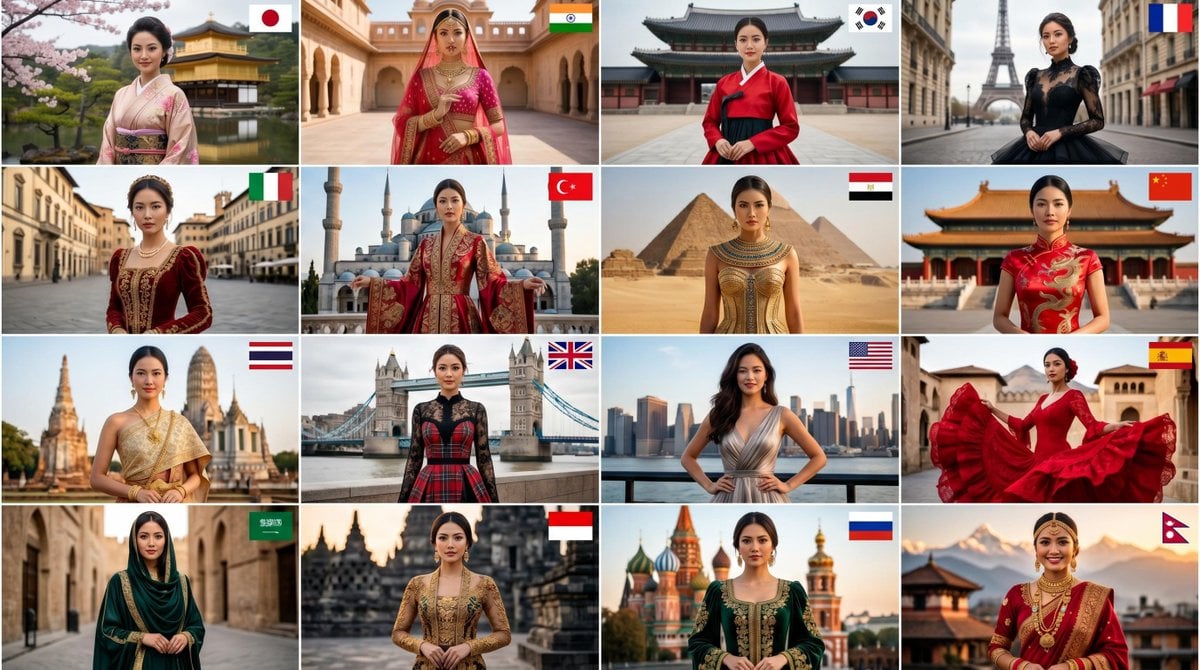
Global High-Fashion Couture Collage
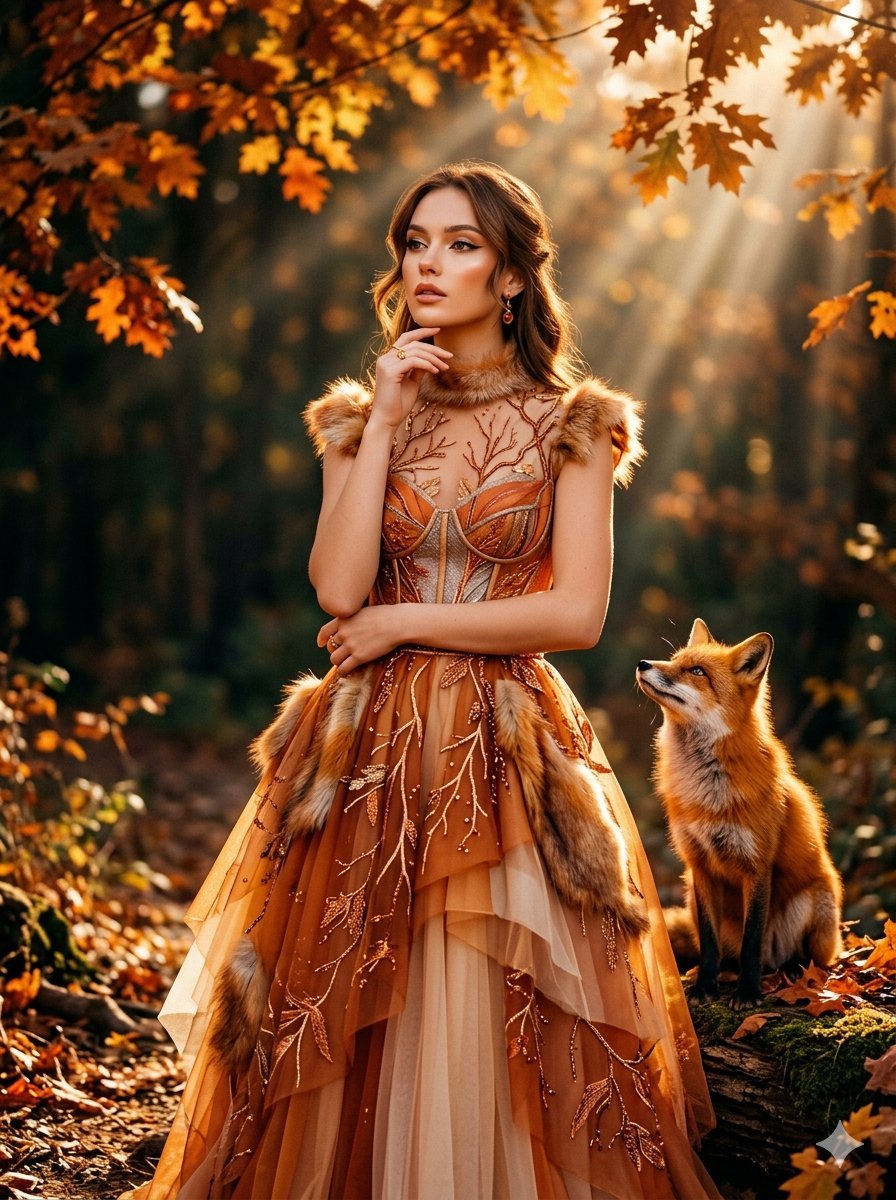
Fox Inspired Couture Fashion Portrait
Make it yours
Couture Fashion Design Concept Board works as-is. These are the safest ways to change it without losing the look.
Change one field
Copy a single group, rewrite it, and generate again so you can see what that field is doing.
Keep the frame, change the subject
Hold the composition and light of Couture Fashion Design Concept Board, then swap wardrobe, props or the person for a new take.
| If the result… | Why | Fix |
|---|---|---|
| The result drifts from the preview | Too many fields changed at once. | Reuse Couture Fashion Design Concept Board as-is first, then change one group — subject, light, or setting. |
| The model over-stylizes the scene | The prose prompt leaves finish and camera underspecified. | Add one camera or lighting sentence and stay on GPT Image 2. |
More GPT Image 2 templates
Other prompts made for GPT Image 2.

Six VTuber Japanese Logo Sheet

Realistic Portrait of Woman and Deer

The Vista Modular Condo Poster

AI Model Routing Comparison Infographic

2.5D Anime Art Board

Isometric Productivity Desk Scene

New York Double Exposure Poster

Four-Panel AI Landscape Comparison

Japanese Tatami Lifestyle Magazine Cover

NESCAFÉ Coffee Map Poster
More image prompts
Fresh picks from across the catalog.
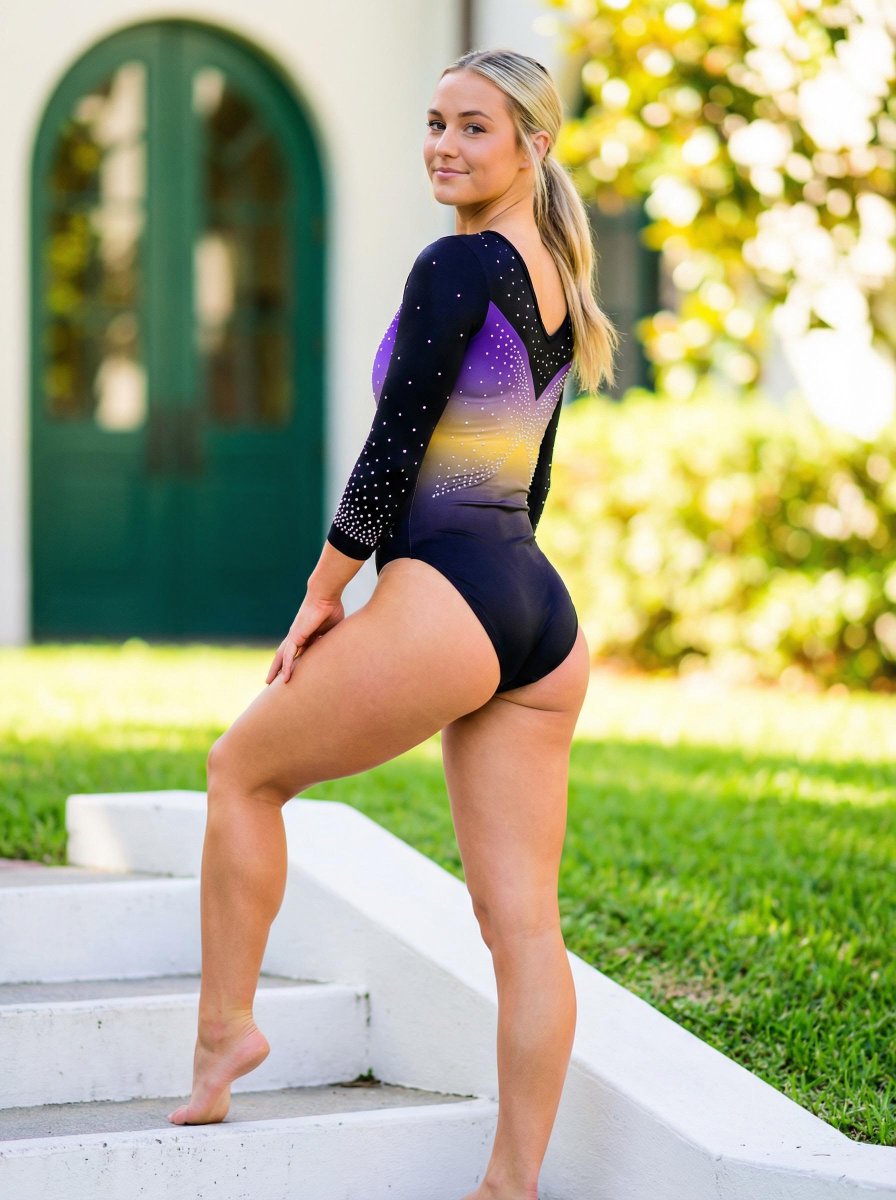
Realistic Vertical Portrait of an Athletic Woman
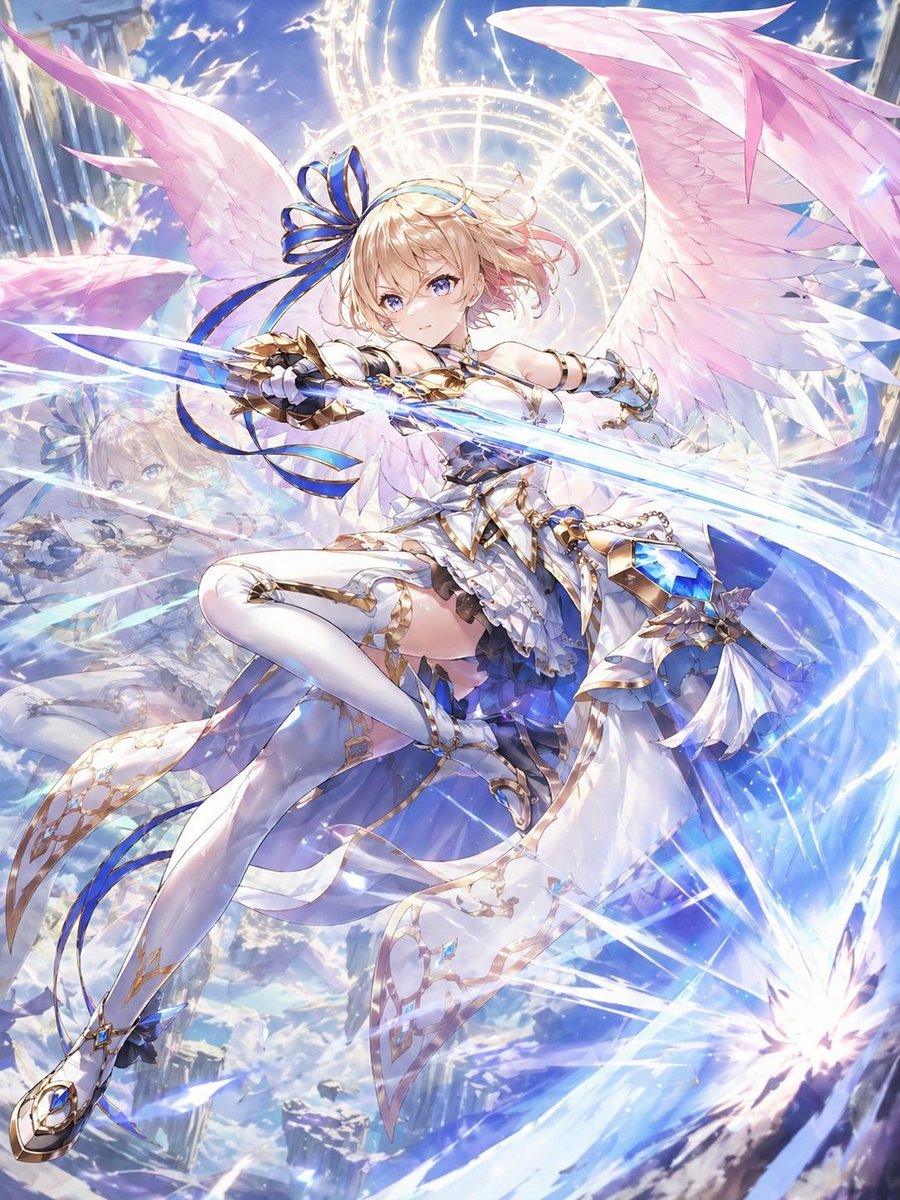
Gpt2 Game Asset Eleanor from White Cat Project
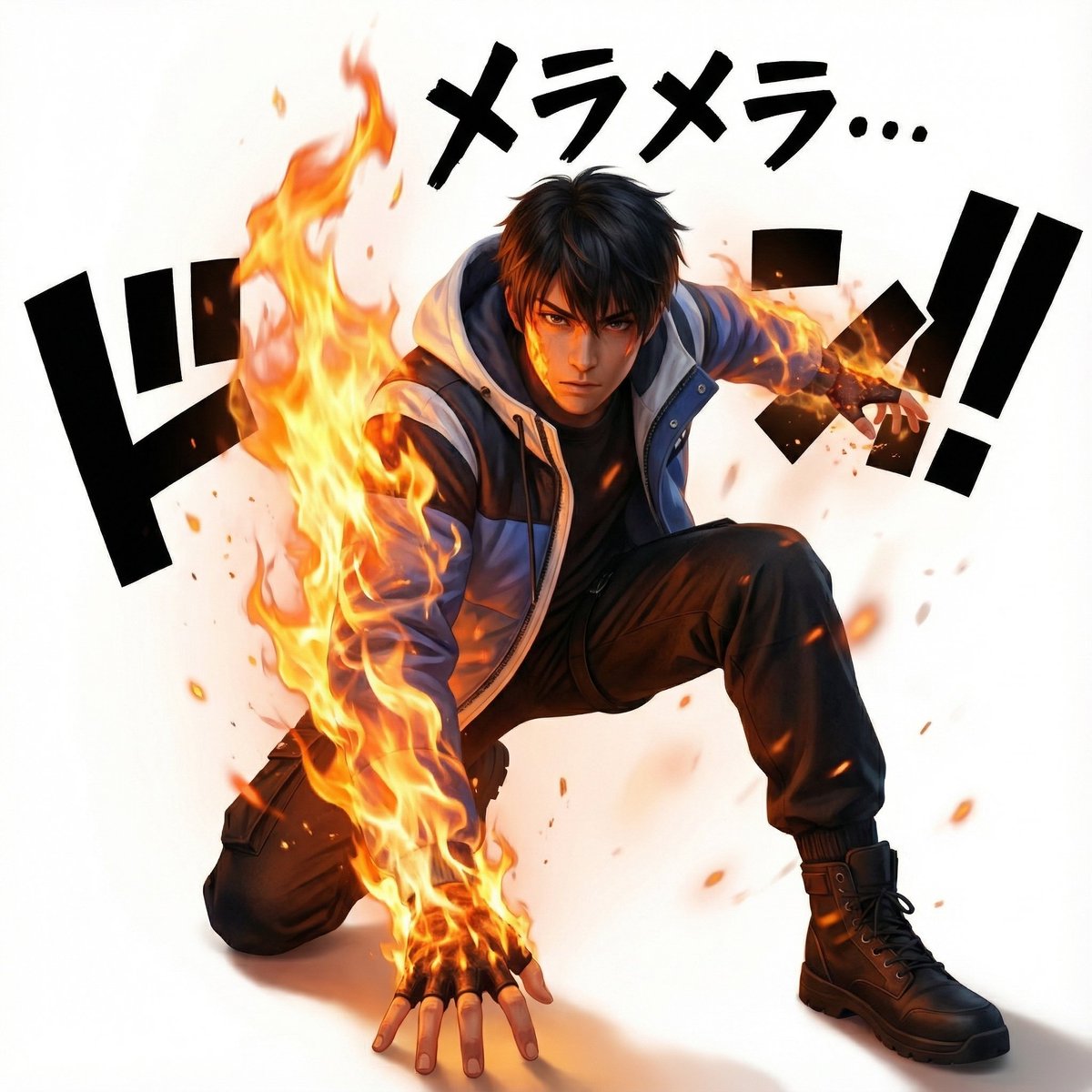
One Piece Devil Fruit Image Generation Prompt Template

untitled
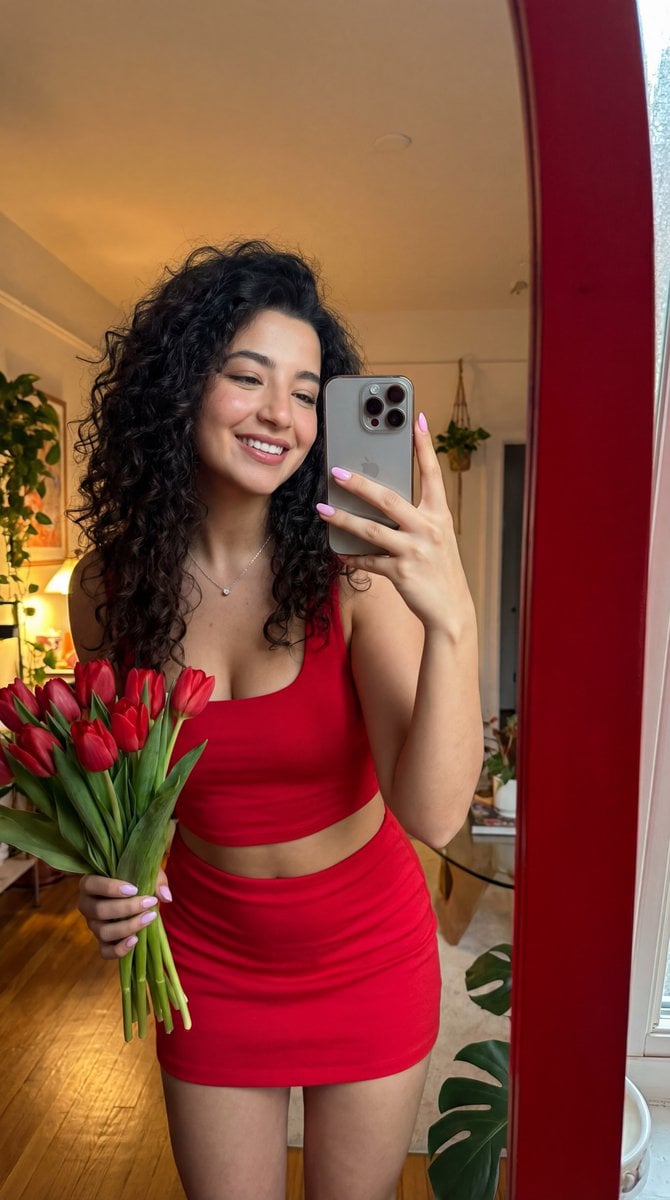
Identity-Locked Coquette Mirror Selfie
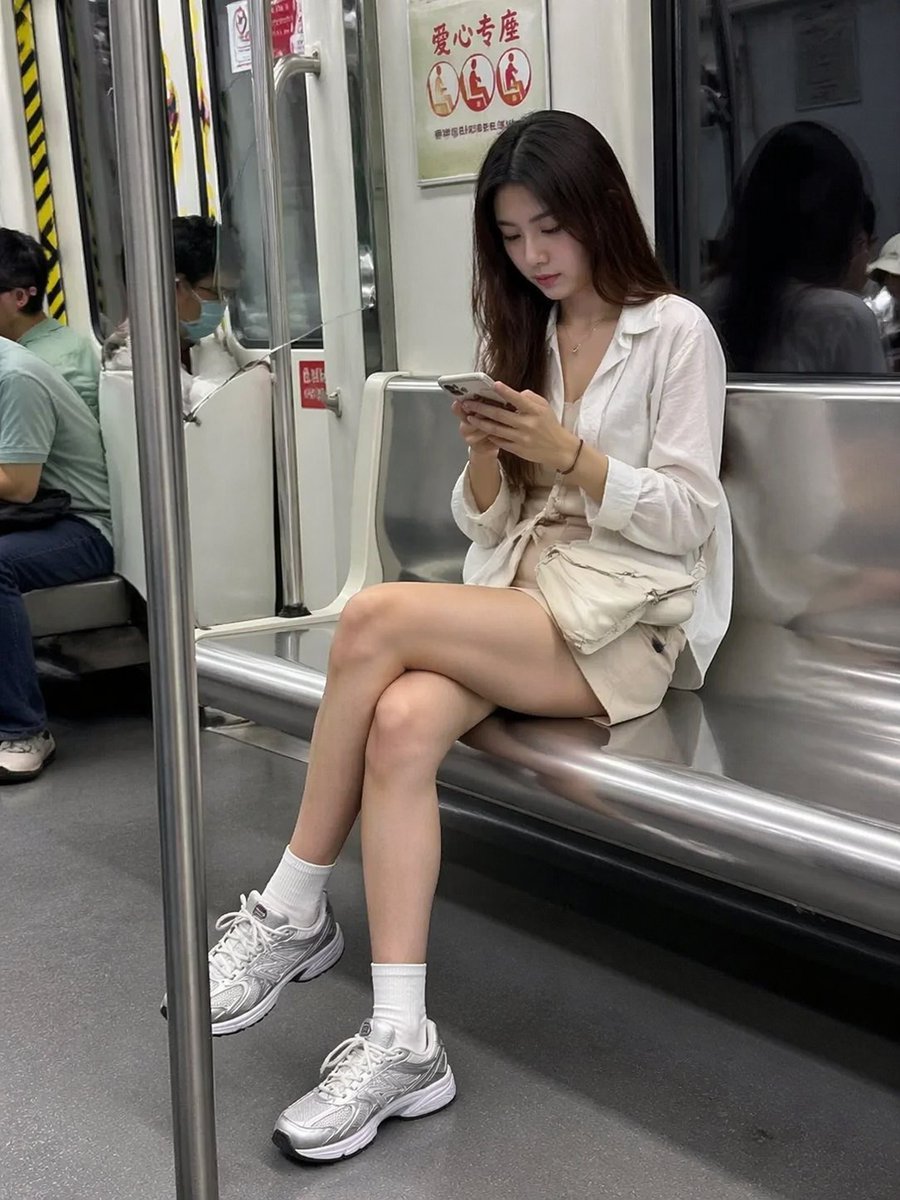
Candid Subway Smartphone Photography
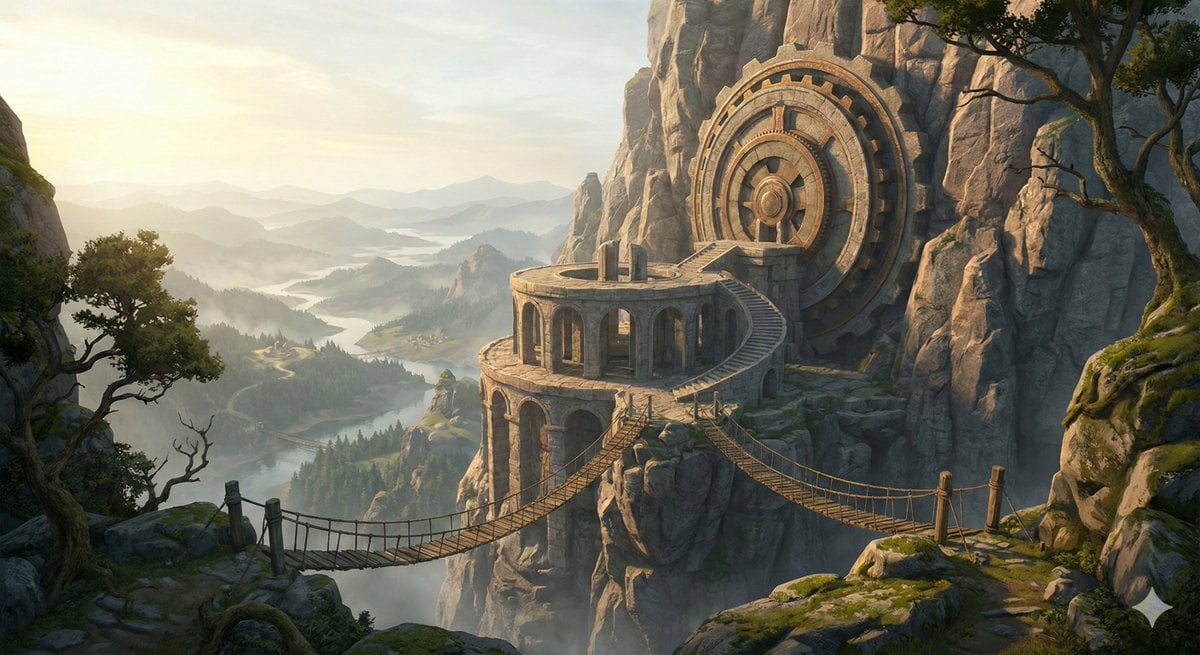
Cinematic Concept Art for Ancient Astronomical Observatory
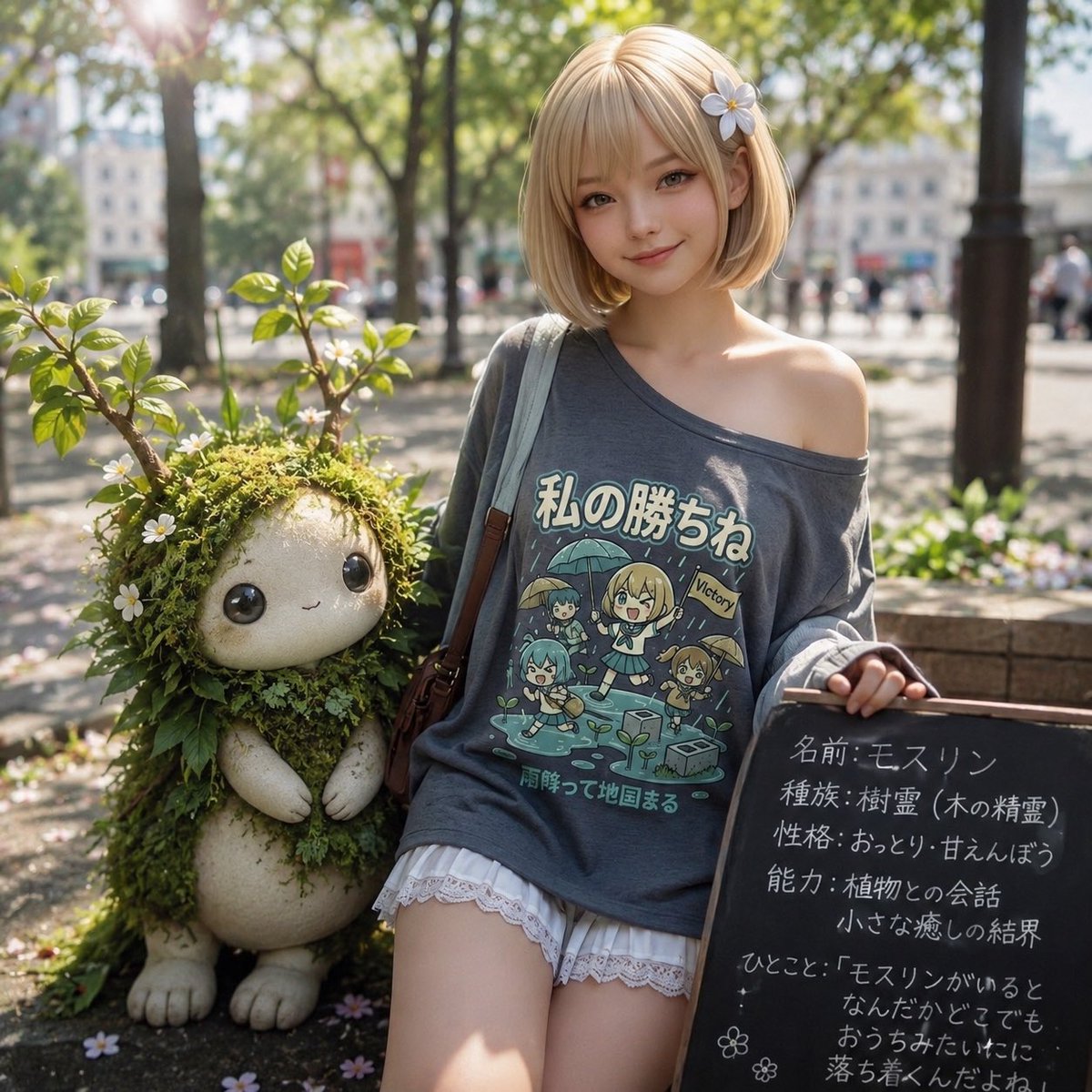
Plant Familiar Park Portrait
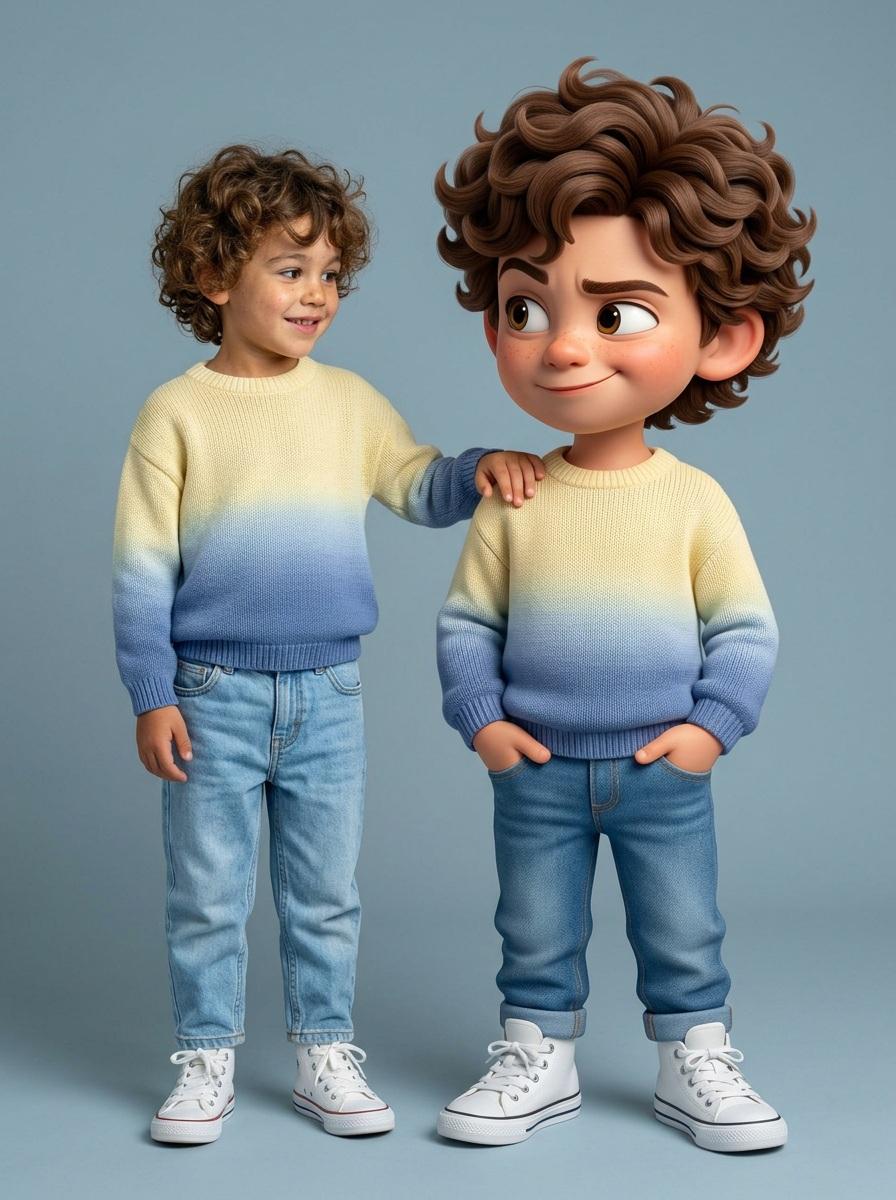
Human and Pixar Character Duplication Prompt
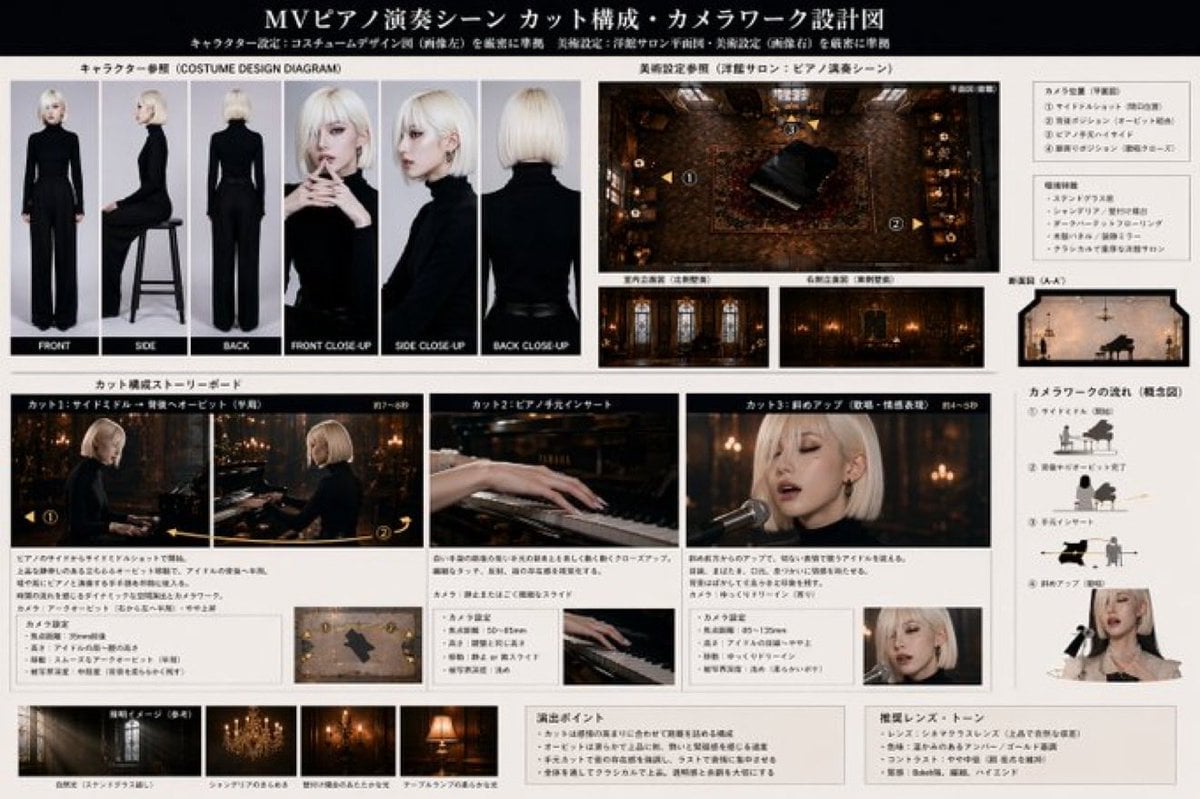
MV Pre-visualization Blueprint
Browse template categories
Couture Fashion Design Concept Board questions
How do I use the Couture Fashion Design Concept Board template?
Add your photo if the template asks for one, edit the prompt if you like — the template's model and format are already selected — and press Generate. Your version opens in PicX Studio.
Can I customize the Couture Fashion Design Concept Board template?
Yes. You can change the subject, setting, lighting, mood, format, and available model controls before creating your image.
Is the Couture Fashion Design Concept Board template free?
Opening and editing this template is free. Generating uses credits, shown on the Generate button when you are signed in.
Which AI model should I use?
Start with GPT Image 2, which is the model associated with this template. You can compare another compatible model for a different finish.
Looking for something else? Browse all templates.

Your photo, any look
Thousands of ready templates for every top image and video model, from one credit balance.