
Plant Familiar Park Portrait
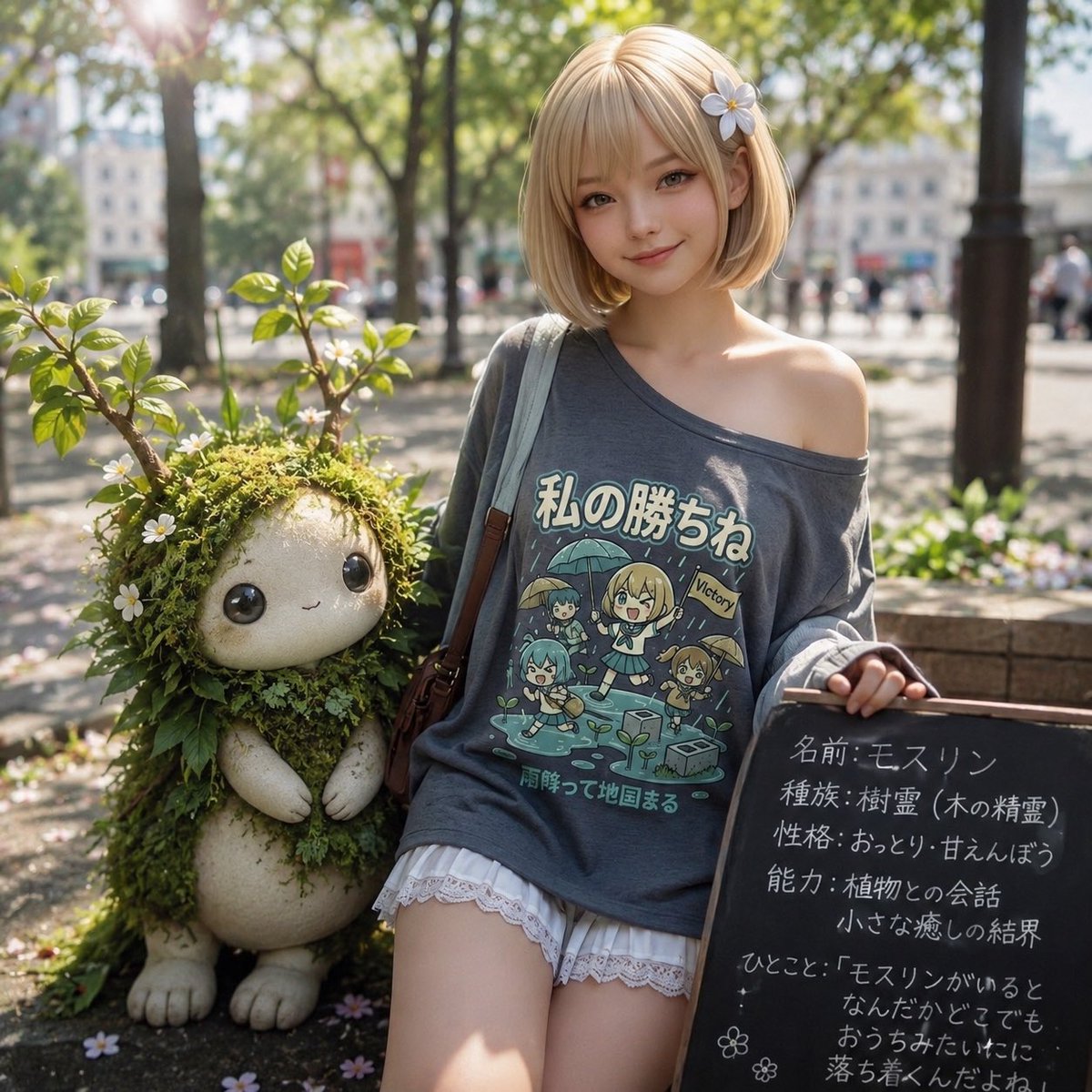
A photorealistic fantasy park portrait of a young woman sitting beside a mossy plant familiar with customizable Japanese shirt and chalkboard text.
- Prompt included
- Model and format preset
- Free template
The prompt behind this image
Copy the exact prompt behind Plant Familiar Park Portrait, or open it in the studio and make it yours.
Goal: Create a sunlit photorealistic fantasy portrait in a European city park, showing a fashionable young woman sitting beside a small plant familiar. The mood is cute, magical, gentle, and “summoned companion” themed. Canvas: Square 1:1 composition, realistic DSLR-style photography, shallow depth of field, warm morning sunlight, lens flare in the upper left, soft bokeh trees and city buildings in the background. Main subjects: Include exactly 2 foreground subjects: 1 young woman and 1 small moss-and-plant familiar. The woman has a short blonde bob haircut with a small white flower hair clip on the right side, fair skin, and a relaxed seated pose. Her face is intentionally hidden by a plain opaque brown square censor block. She wears an oversized charcoal-gray off-shoulder T-shirt, white lace-trim shorts, and a brown leather shoulder bag strap crossing her torso. One shoulder is exposed. Her right hand rests near a small black chalkboard sign. Familiar details: The familiar sits on the left side of the woman, about knee height, shaped like a squat plush creature with rounded pale stone-like legs, feet, and arms, but its body and head are covered in green moss, leaves, vines, and small white daisy-like flowers. Its face is also intentionally hidden by a smaller plain opaque beige-brown square censor block. It should look like a gentle tree spirit or plant sprite sitting beside her. T-shirt graphic: On the woman’s shirt, print a cute anime-style rainy-day illustration with exactly 4 chibi characters: 1 central blonde girl holding an umbrella, 1 blue-haired girl on the left holding an umbrella, 1 teal-haired character at lower left, and 1 small brown-haired character on the right holding an umbrella. Add little puddles, raindrops, a watering can, and a small “Victory” flag. Use the Japanese headline {argument name="shirt headline text" default="私の勝ちね"} and the smaller Japanese subtitle {argument name="shirt subtitle text" default="雨降って地固まる"}. Make the shirt graphic readable but naturally printed on fabric. Chalkboard sign: Place a black rectangular chalkboard leaning on the right side of the image, written in white handwritten Japanese chalk. Use the title-card content {argument name="chalkboard text" default="名前: モスリン\n種族: 樹霊(木の精霊)\n性格: おっとり・甘えんぼう\n能力: 植物との会話\n小さな癒しの結界\nひとこと:「モスリンがいると\nなんだかどこでも\nおうちみたいだにゃ」"}. Add exactly 2 small chalk flower doodles near the lower left of the board. Environment: The setting is a leafy urban park with a stone bench or planter edge, dappled sunlight on the ground, green shrubs, scattered small petals, tree trunks, and blurred pedestrians/buildings in the distance. Use realistic natural lighting, bright highlights, and soft shadows. Style constraints: Photorealistic image with a whimsical fantasy companion, high detail, warm color grading, creamy bokeh, no extra people in the foreground, no watermark, no logo, no extra text beyond the T-shirt and chalkboard. Keep the censor blocks flat, opaque, and untextured.
How to use Plant Familiar Park Portrait in 3 steps
- 1Upload ImagePNG, JPG or paste
Add your photo
Upload the photo the template builds on. The prompt, model and format are already set.
- 2…a portrait of your subject in softgolden-hour light, 85mm…
Personalize
Edit the subject and creative details for your destination.
- 3Generate
Generate
Press Generate — your image is created in PicX Studio, so you can compare it with the original and refine one variable at a time.
More like this
Templates with the same subject, style or setup. Open one to see its prompt.

Found Photograph: Us, 1970

80s Couple Studio Portrait

80s Bollywood Star

80s Golden Hour Cinema

Me in 1985

1985 Studio Portrait

Hyper-Realistic Minecraft POV Portrait

Rooftop Fisheye — Cat-Ear Balaclava at Golden Hour

Rainy Café Window Moody Portrait

untitled

2025 Aesthetic Photography

Nano Banana Is So Addictive
Make it yours
Plant Familiar Park Portrait works as-is. These are the safest ways to change it without losing the look.
Change one field
Copy a single group, rewrite it, and generate again so you can see what that field is doing.
Keep the frame, change the subject
Hold the composition and light of Plant Familiar Park Portrait, then swap wardrobe, props or the person for a new take.
| If the result… | Why | Fix |
|---|---|---|
| The result drifts from the preview | Too many fields changed at once. | Reuse Plant Familiar Park Portrait as-is first, then change one group — subject, light, or setting. |
| The model over-stylizes the scene | The prose prompt leaves finish and camera underspecified. | Add one camera or lighting sentence and stay on GPT Image 2. |
More GPT Image 2 templates
Other prompts made for GPT Image 2.

Six VTuber Japanese Logo Sheet

Realistic Portrait of Woman and Deer

The Vista Modular Condo Poster

AI Model Routing Comparison Infographic

2.5D Anime Art Board

Isometric Productivity Desk Scene

New York Double Exposure Poster

Four-Panel AI Landscape Comparison

Japanese Tatami Lifestyle Magazine Cover

NESCAFÉ Coffee Map Poster
More image prompts
Fresh picks from across the catalog.

Infographic and Cover Design Style Templates
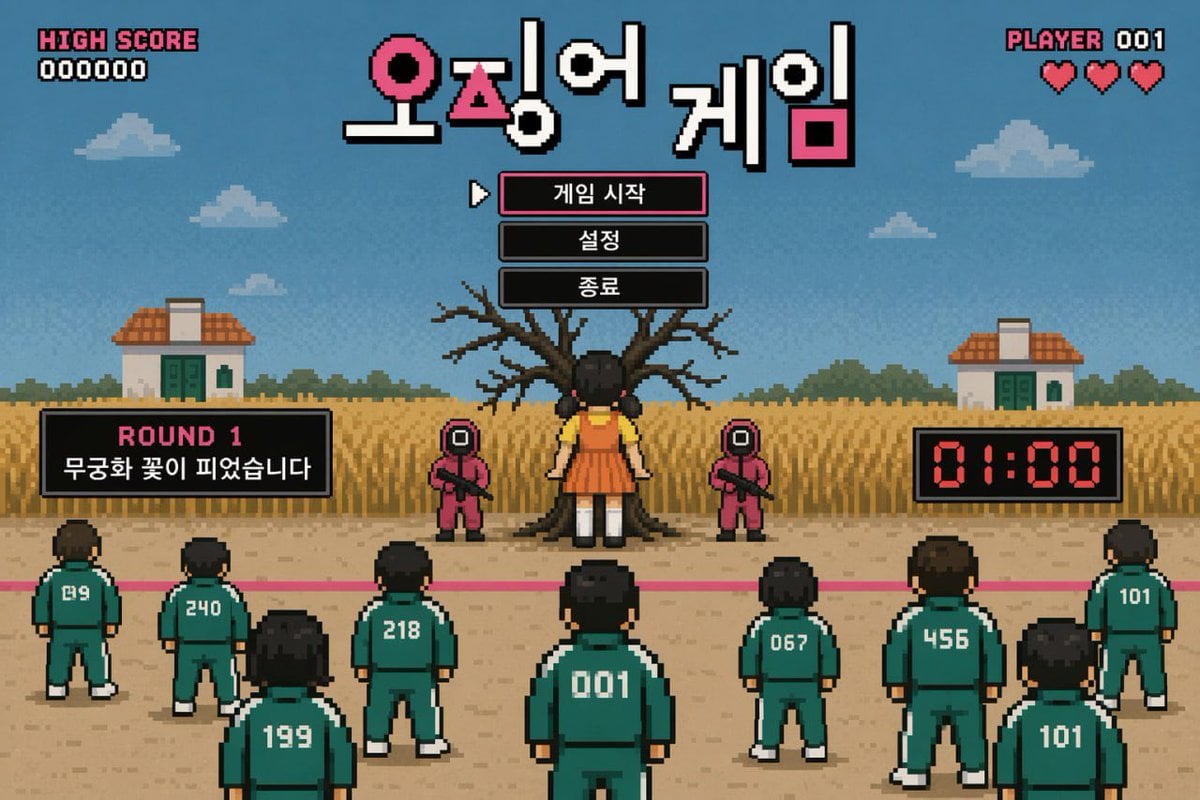
Pixel Art Survival Game UI Mockup
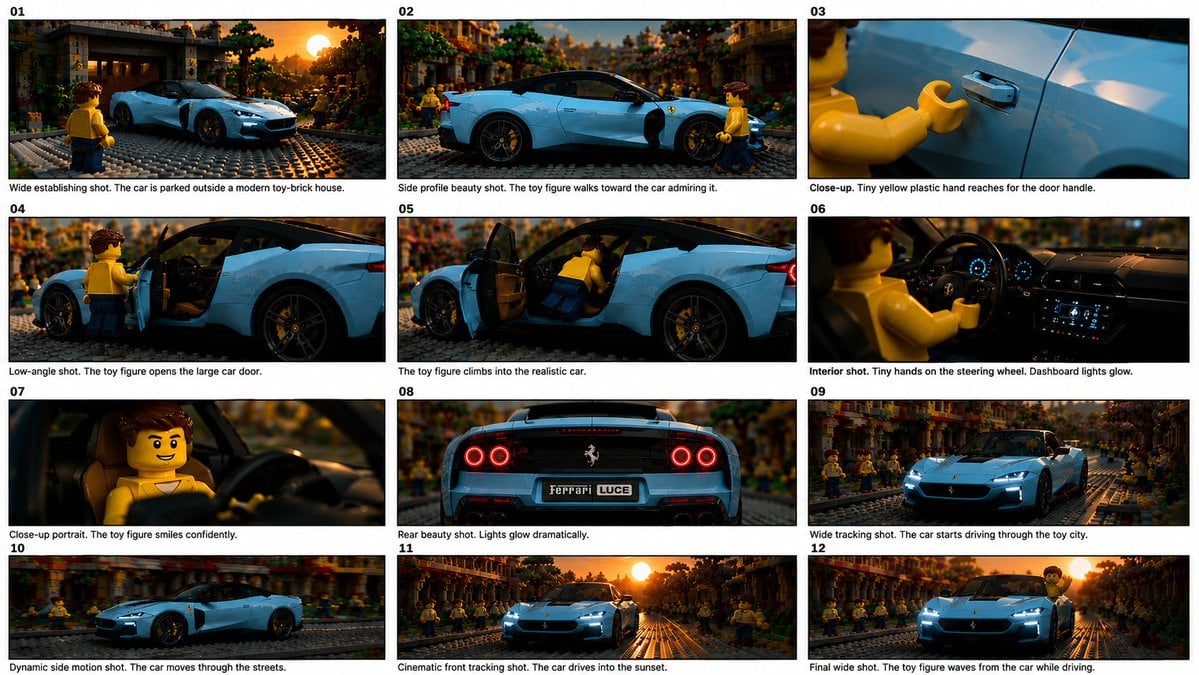
Toy Ferrari Storyboard Contact Sheet

LLM System Prompt Security Measures (Conceptual)
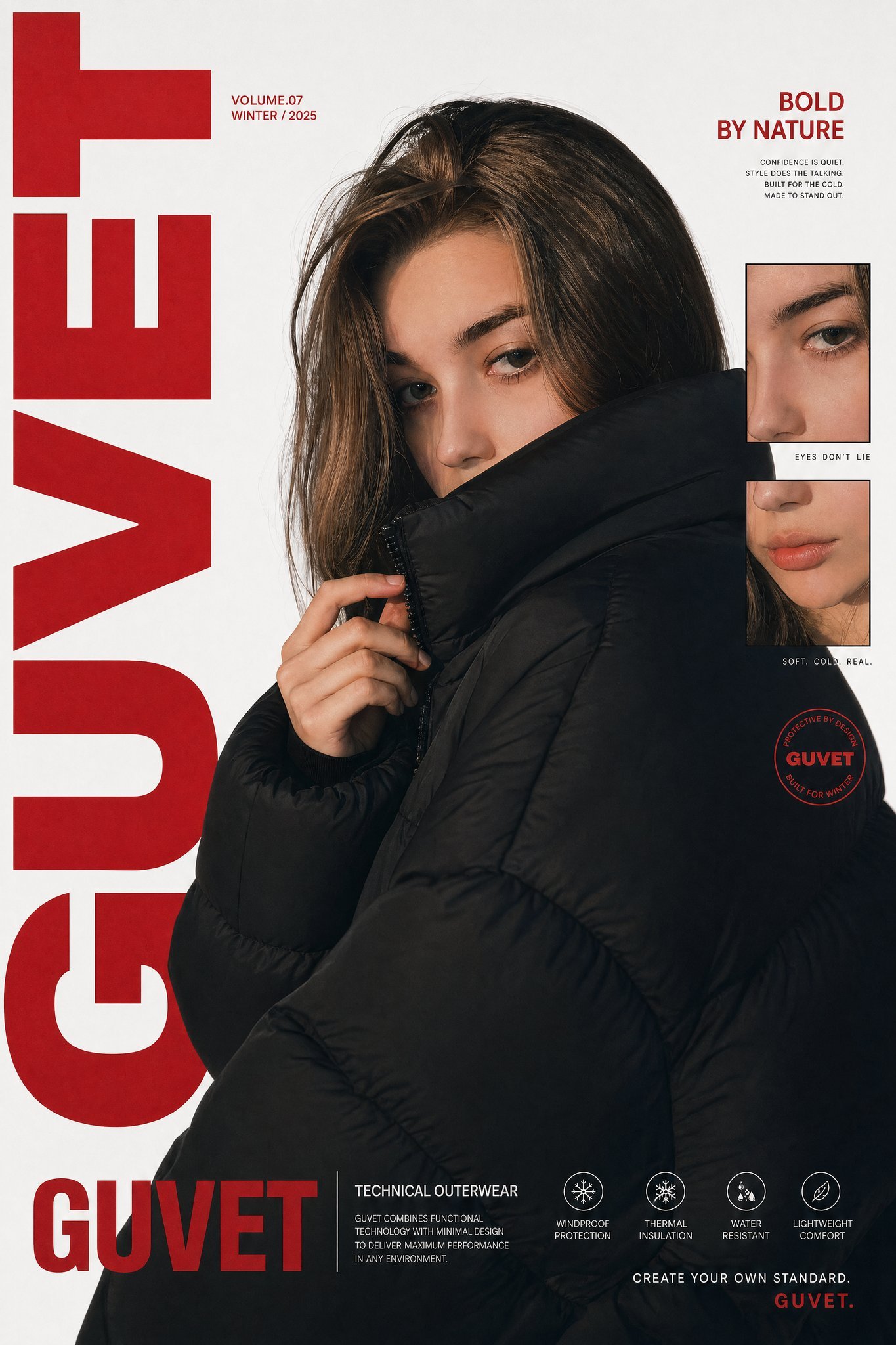
X Saniaspeaks Created with Gpt Image 2 on Chatgpt
Whimsical Storybook Treasure Spread

Old Money Aesthetic Cinematic Portrait

3D Logo Render with Fur Texture
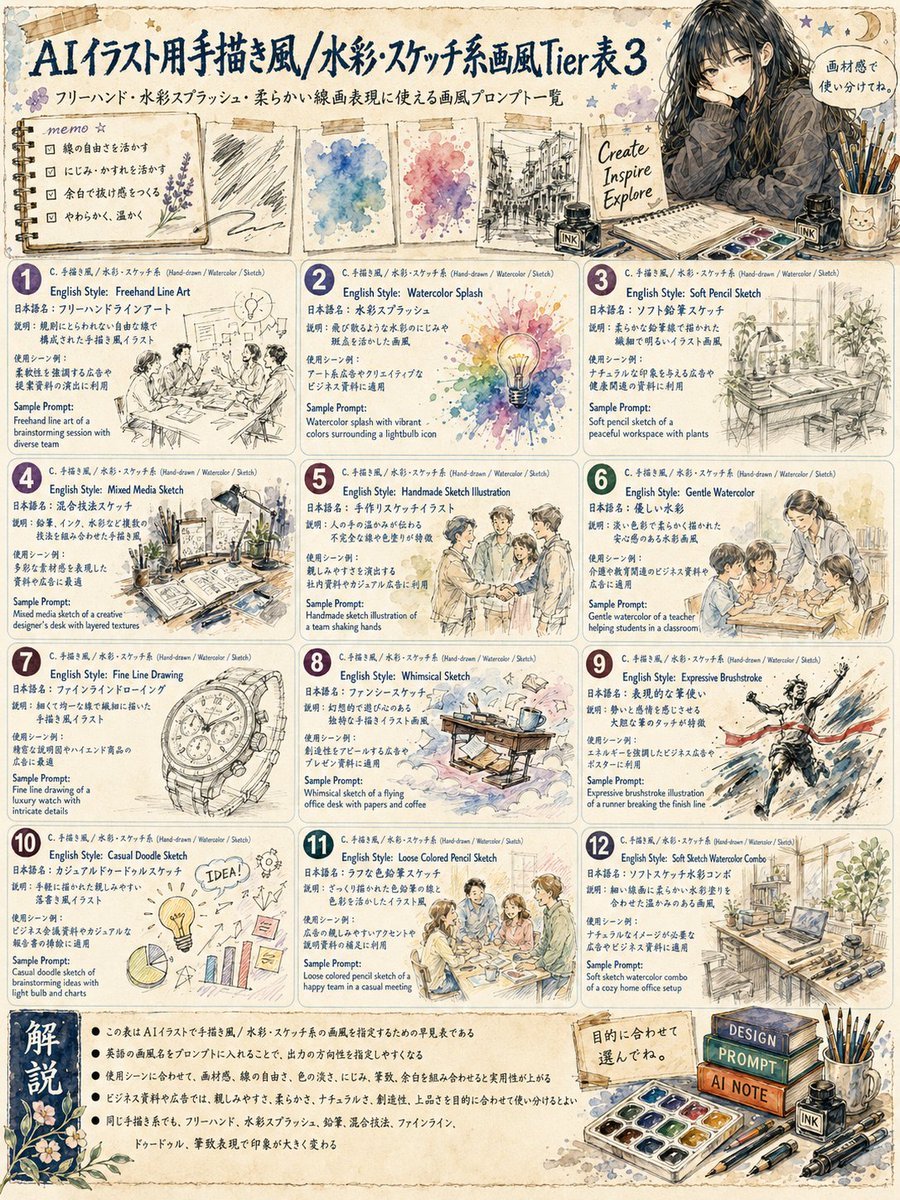
Japanese Watercolor Sketch Style Tier Poster

Google Nano Banana Pro Skincare Product
Browse template categories
Plant Familiar Park Portrait questions
How do I use the Plant Familiar Park Portrait template?
Add your photo if the template asks for one, edit the prompt if you like — the template's model and format are already selected — and press Generate. Your version opens in PicX Studio.
Can I customize the Plant Familiar Park Portrait template?
Yes. You can change the subject, setting, lighting, mood, format, and available model controls before creating your image.
Is the Plant Familiar Park Portrait template free?
Opening and editing this template is free. Generating uses credits, shown on the Generate button when you are signed in.
Which AI model should I use?
Start with GPT Image 2, which is the model associated with this template. You can compare another compatible model for a different finish.
Looking for something else? Browse all templates.

Your photo, any look
Thousands of ready templates for every top image and video model, from one credit balance.