
Toy Ferrari Storyboard Contact Sheet
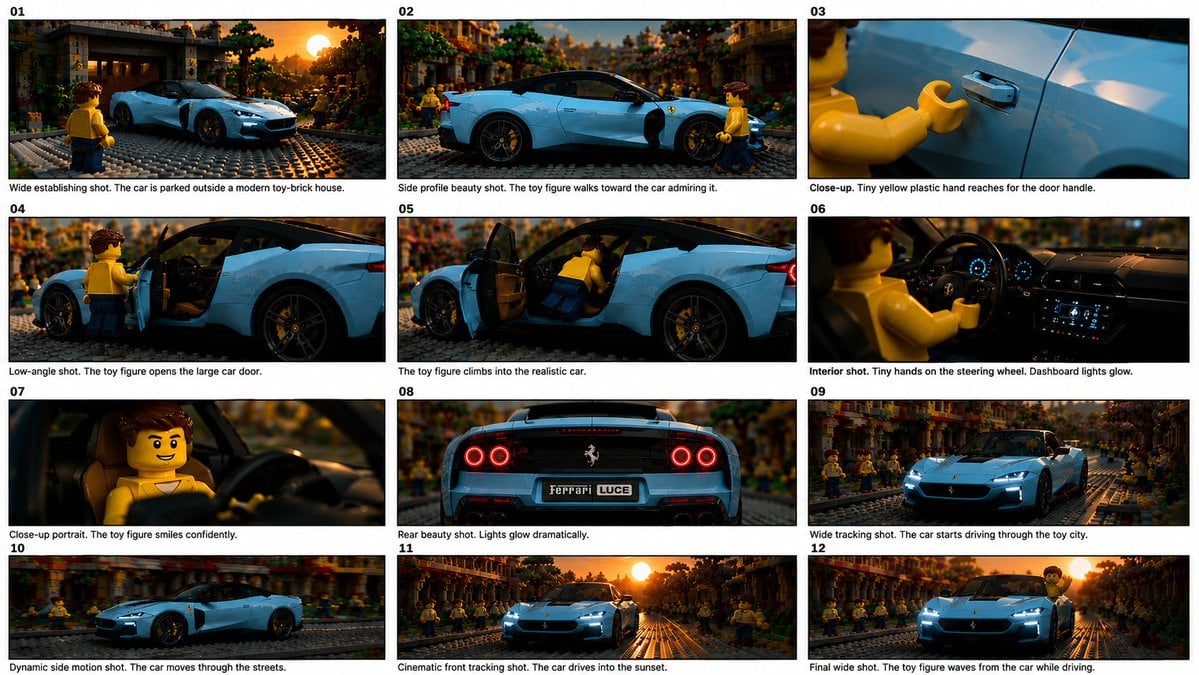
A structured prompt for generating a 12-panel cinematic storyboard of a LEGO-style minifigure driving a realistic blue Ferrari through a miniature city.
- Prompt included
- Model and format preset
- Free template
The prompt behind this image
Copy the exact prompt behind Toy Ferrari Storyboard Contact Sheet, or open it in the studio and make it yours.
Goal: Create a cinematic 12-panel storyboard contact sheet showing a toy-like LEGO-style yellow minifigure discovering, entering, and driving a realistic light-blue Ferrari sports car through a miniature brick city at sunset. Canvas: Wide horizontal storyboard sheet, approximately 16:9, with a clean white background, thin black panel borders, and exactly 12 numbered still frames arranged in a 3-column by 4-row grid. Each panel has a bold two-digit number in the top-left corner from 01 to 12 and a short black caption underneath in small documentary storyboard text. Visual style: Hyper-realistic macro toy photography mixed with cinematic automotive advertising. Use shallow depth of field, warm golden-hour sunset lighting, glossy reflections, dramatic lens flare, detailed brick road texture, miniature city buildings, and a crowd of yellow toy minifigures in the background. The car should look like a full-detail real exotic coupe, not a toy, with black wheels, low body, LED headlights, and premium interior. The main figure is a classic yellow plastic toy person with brown molded hair, simple smiling face, yellow torso, blue legs, and claw-shaped hands. Overall mood is playful, premium, and cinematic. Subject details: The hero car is a {argument name="car description" default="light-blue Ferrari-style supercar coupe"}. The main toy driver is a {argument name="character description" default="yellow LEGO-style male minifigure with brown hair, yellow shirt, blue pants, and claw hands"}. The setting is a {argument name="setting" default="miniature brick-built city street at sunset"}. Use warm orange sunlight from the horizon, realistic reflections on the blue paint, and many background toy figures watching. Storyboard panels: Include exactly 12 discrete panels with these shots and captions: 01. Wide establishing shot. The car is parked outside a modern toy-brick house. 02. Side profile beauty shot. The toy figure walks toward the car admiring it. 03. Close-up. Tiny yellow plastic hand reaches for the door handle. 04. Low-angle shot. The toy figure opens the large car door. 05. The toy figure climbs into the realistic car. 06. Interior shot. Tiny hands on the steering wheel. Dashboard lights glow. 07. Close-up portrait. The toy figure smiles confidently. 08. Rear beauty shot. Lights glow dramatically. Add a readable license plate that says {argument name="license plate text" default="Ferrari LUCE"}. 09. Wide tracking shot. The car starts driving through the toy city. 10. Dynamic side motion shot. The car moves through the streets. 11. Cinematic front tracking shot. The car drives into the sunset. 12. Final wide shot. The toy figure waves from the car while driving. Text and numbering: Use clear black frame numbers 01, 02, 03, 04, 05, 06, 07, 08, 09, 10, 11, and 12. Place each caption below its matching panel in English. Keep typography simple and legible, like a printed storyboard proof sheet. Constraints: Exactly 12 panels, exactly 3 columns and 4 rows, no extra panels, no missing captions, no watermark. Maintain continuity of the same blue car, same toy figure, same miniature city, and same sunset lighting across all frames. Make the image feel like stills from a polished miniature car commercial titled {argument name="commercial mood" default="playful luxury toy-car adventure"}.
How to use Toy Ferrari Storyboard Contact Sheet in 3 steps
- 1Upload ImagePNG, JPG or paste
Add your photo
Upload the photo the template builds on. The prompt, model and format are already set.
- 2…a portrait of your subject in softgolden-hour light, 85mm…
Personalize
Edit the subject and creative details for your destination.
- 3Generate
Generate
Press Generate — your image is created in PicX Studio, so you can compare it with the original and refine one variable at a time.
More like this
Templates with the same subject, style or setup. Open one to see its prompt.

A 3x3 grid storyboard contact sheet comprised of nine candid, cinematic
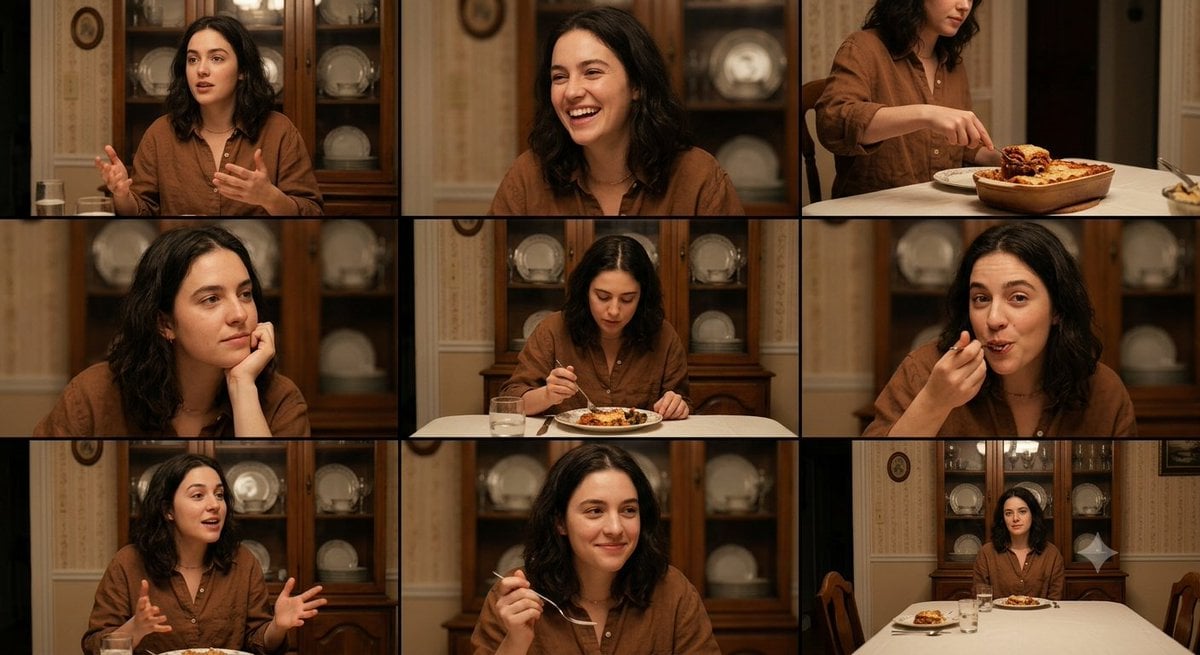
Family Dinner Cinematic Contact Sheet

Ancient Temple Interior Contact Sheet
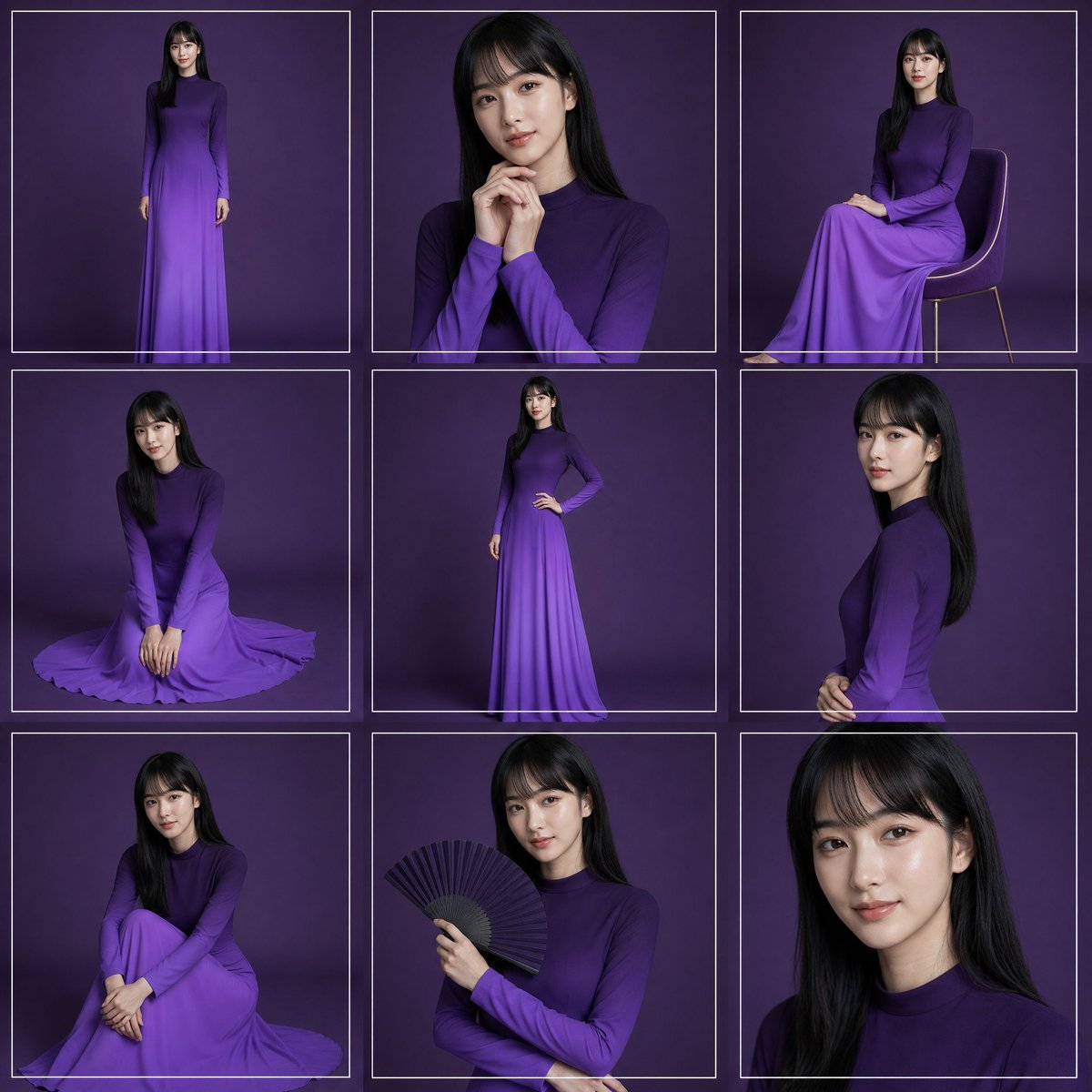
Purple Gown Fashion Contact Sheet
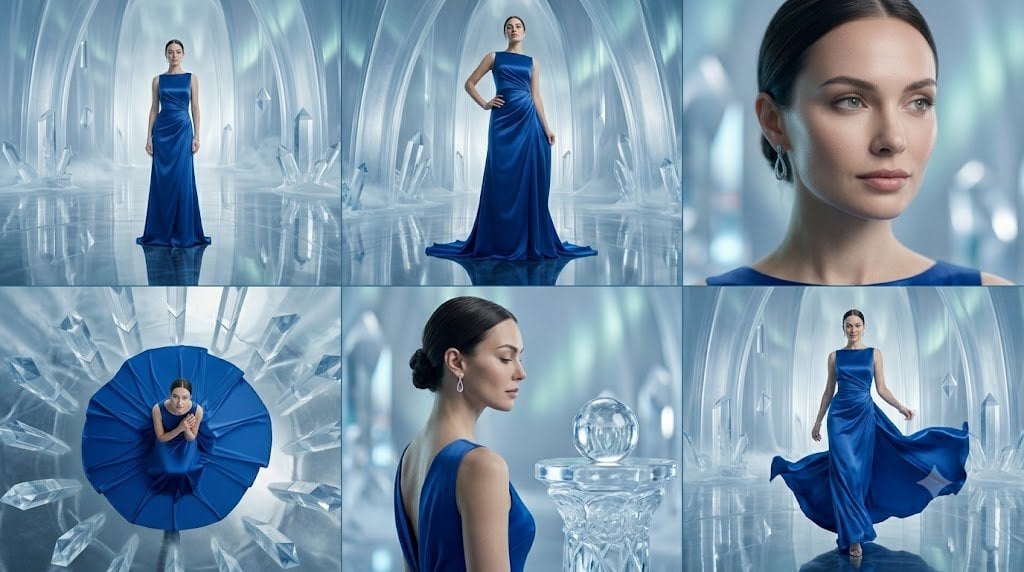
Crystal Palace Blue Gown Contact Sheet
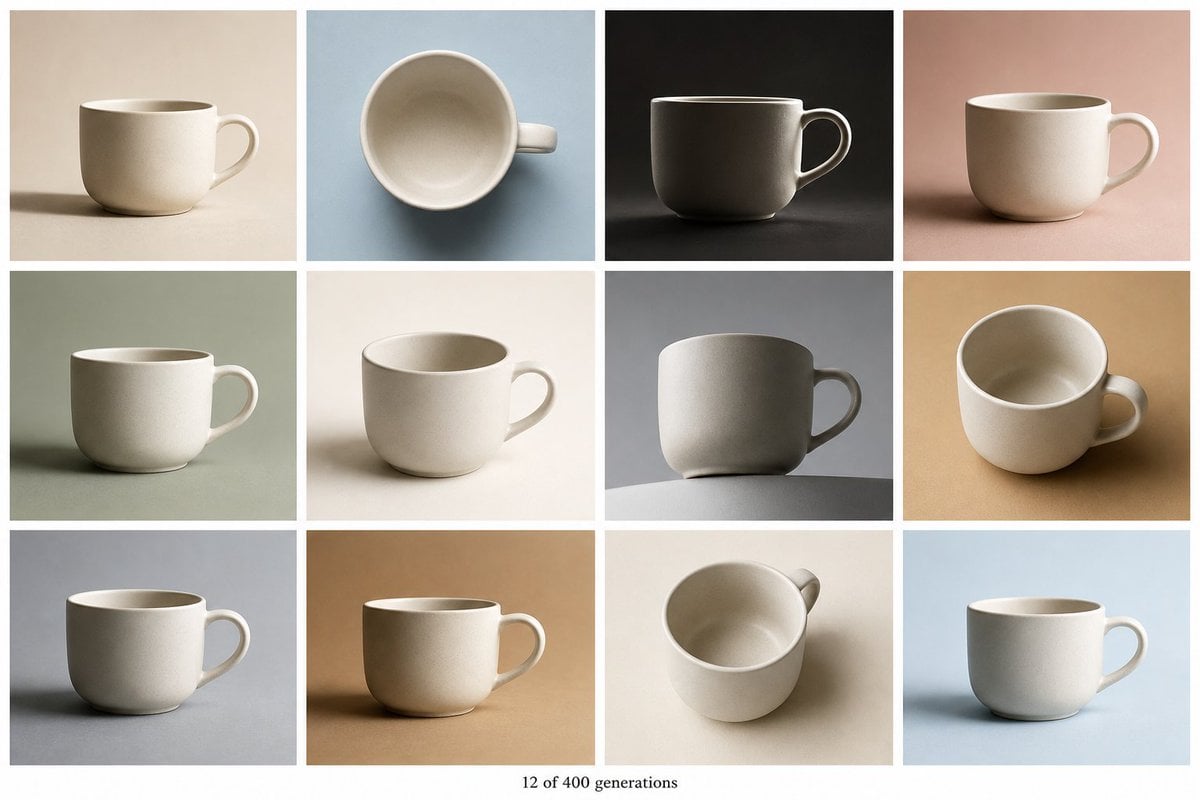
Tile Ceramic Mug Contact Sheet
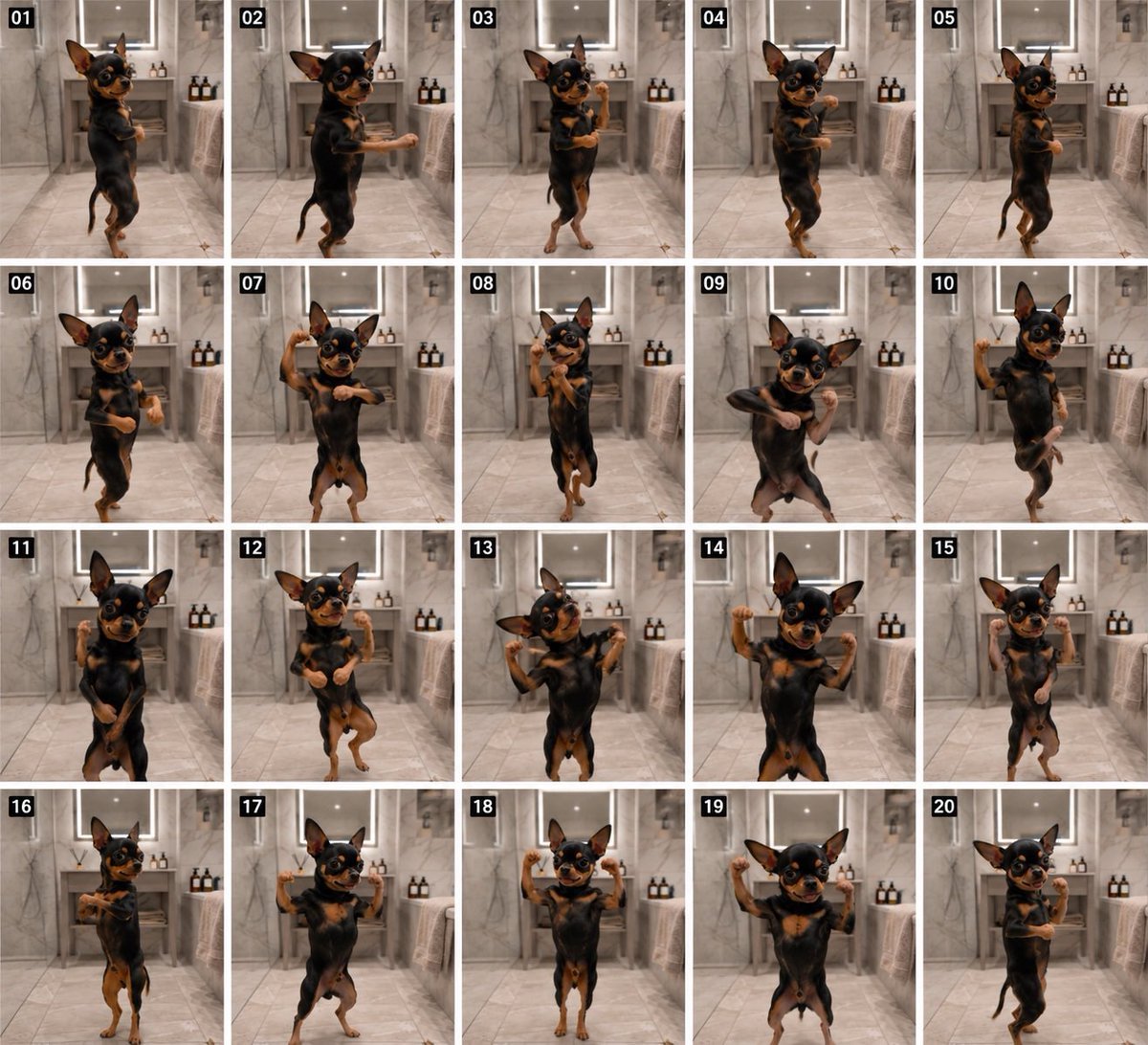
Dancing Chihuahua 20-Frame Contact Sheet
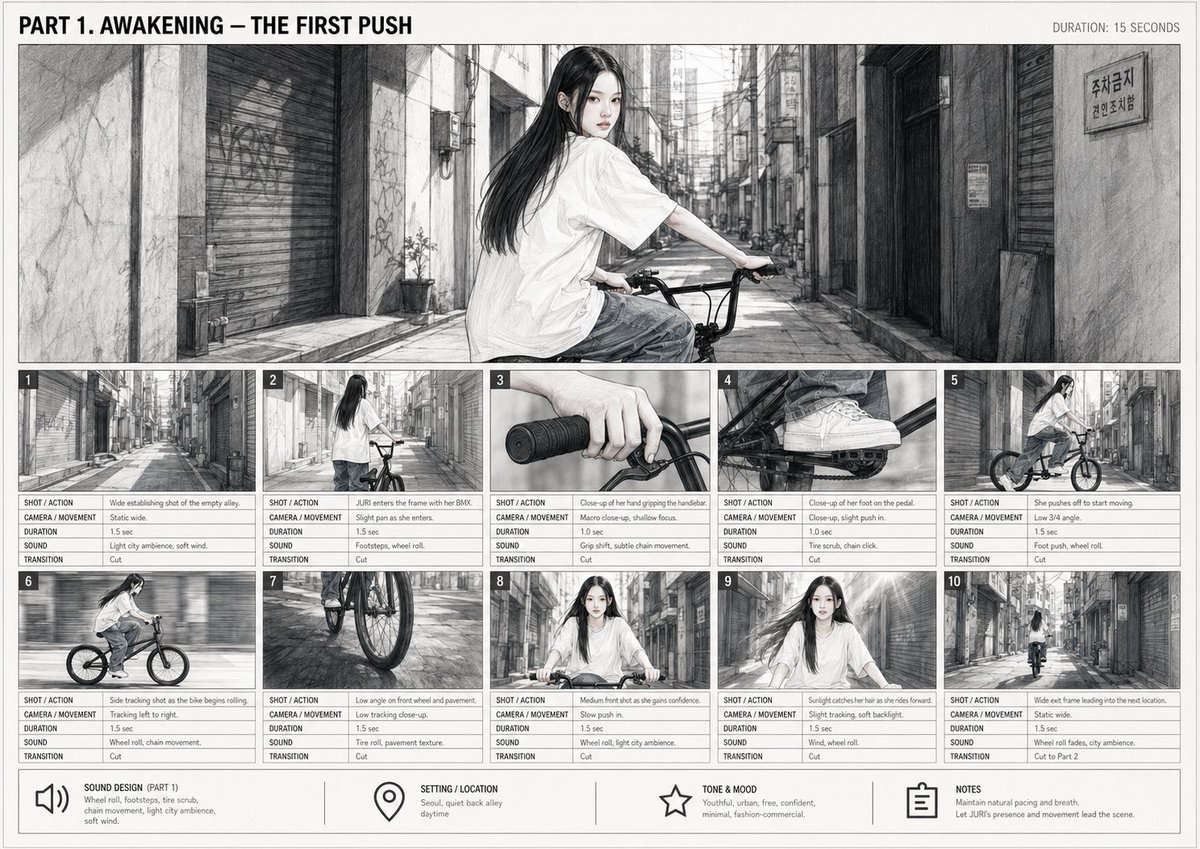
Cinematic BMX Storyboard Sheet
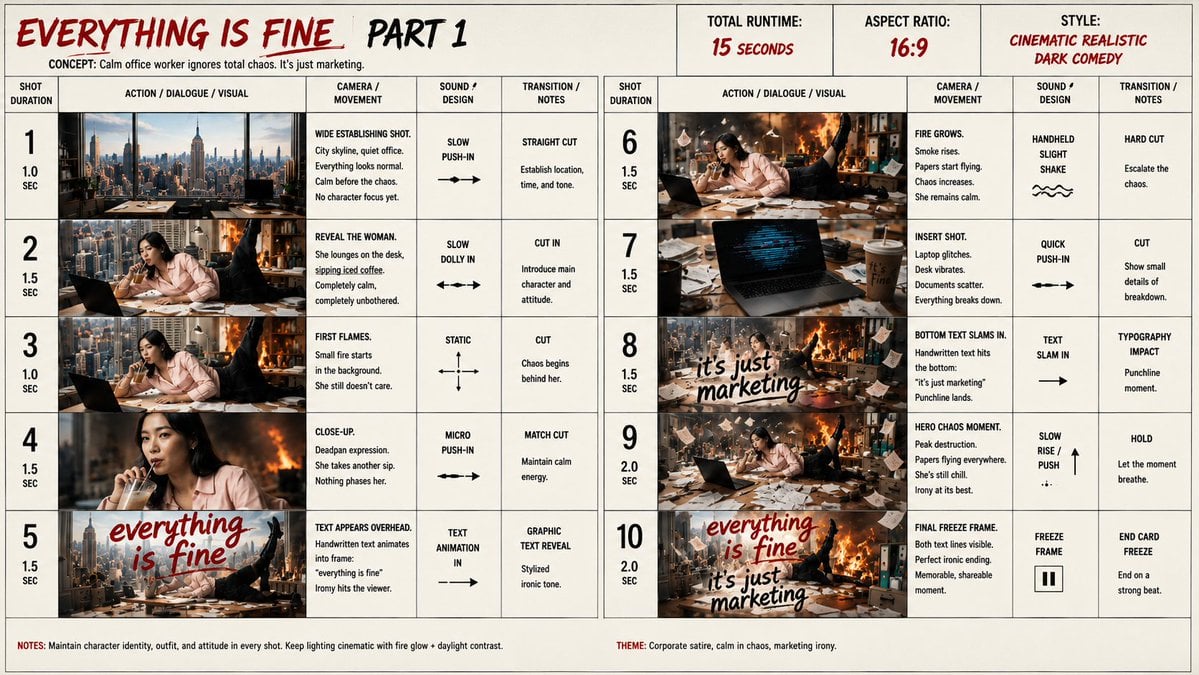
Everything Is Fine Storyboard Sheet

Felt & Knit 3D Character — Photo-Exact Face, Pixar-Quality Plush Figurine
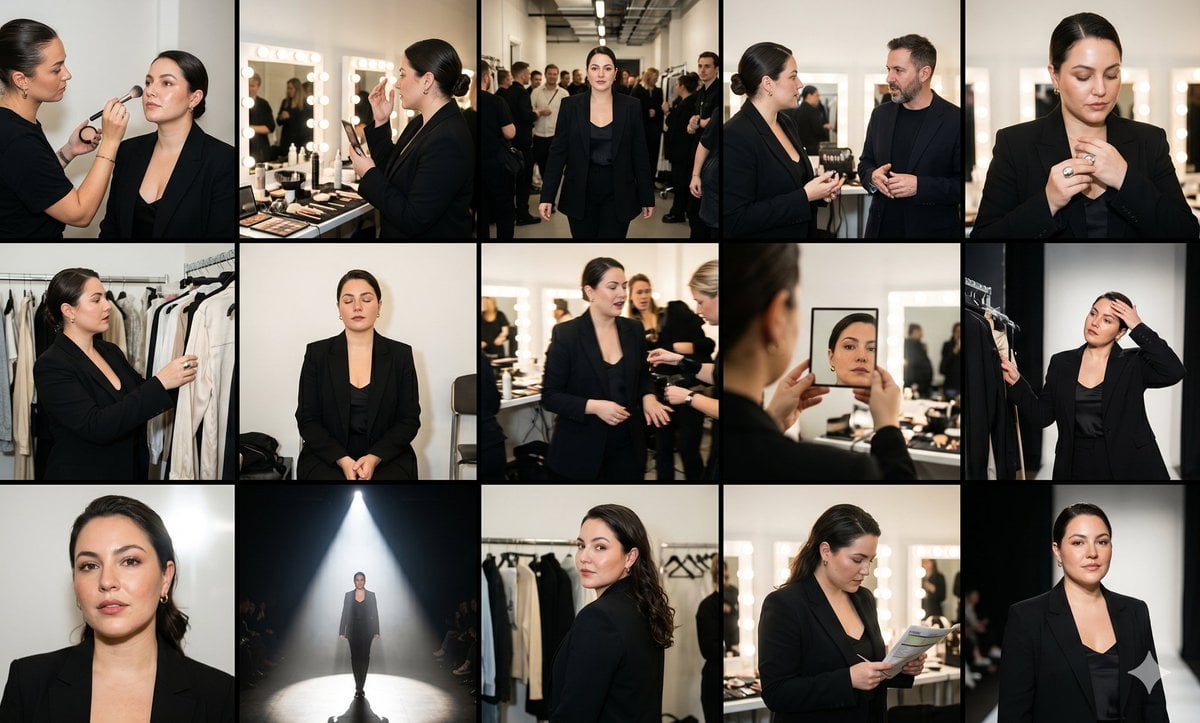
Fashion Week Backstage Contact Sheet

Luxury Black-and-White Fashion Contact Sheet
Make it yours
Toy Ferrari Storyboard Contact Sheet works as-is. These are the safest ways to change it without losing the look.
Change one field
Copy a single group, rewrite it, and generate again so you can see what that field is doing.
Keep the frame, change the subject
Hold the composition and light of Toy Ferrari Storyboard Contact Sheet, then swap wardrobe, props or the person for a new take.
| If the result… | Why | Fix |
|---|---|---|
| The result drifts from the preview | Too many fields changed at once. | Reuse Toy Ferrari Storyboard Contact Sheet as-is first, then change one group — subject, light, or setting. |
| The model over-stylizes the scene | The prose prompt leaves finish and camera underspecified. | Add one camera or lighting sentence and stay on GPT Image 2. |
More GPT Image 2 templates
Other prompts made for GPT Image 2.

Six VTuber Japanese Logo Sheet

Realistic Portrait of Woman and Deer

The Vista Modular Condo Poster

AI Model Routing Comparison Infographic

2.5D Anime Art Board

Isometric Productivity Desk Scene

New York Double Exposure Poster

Four-Panel AI Landscape Comparison

Japanese Tatami Lifestyle Magazine Cover

NESCAFÉ Coffee Map Poster
More image prompts
Fresh picks from across the catalog.
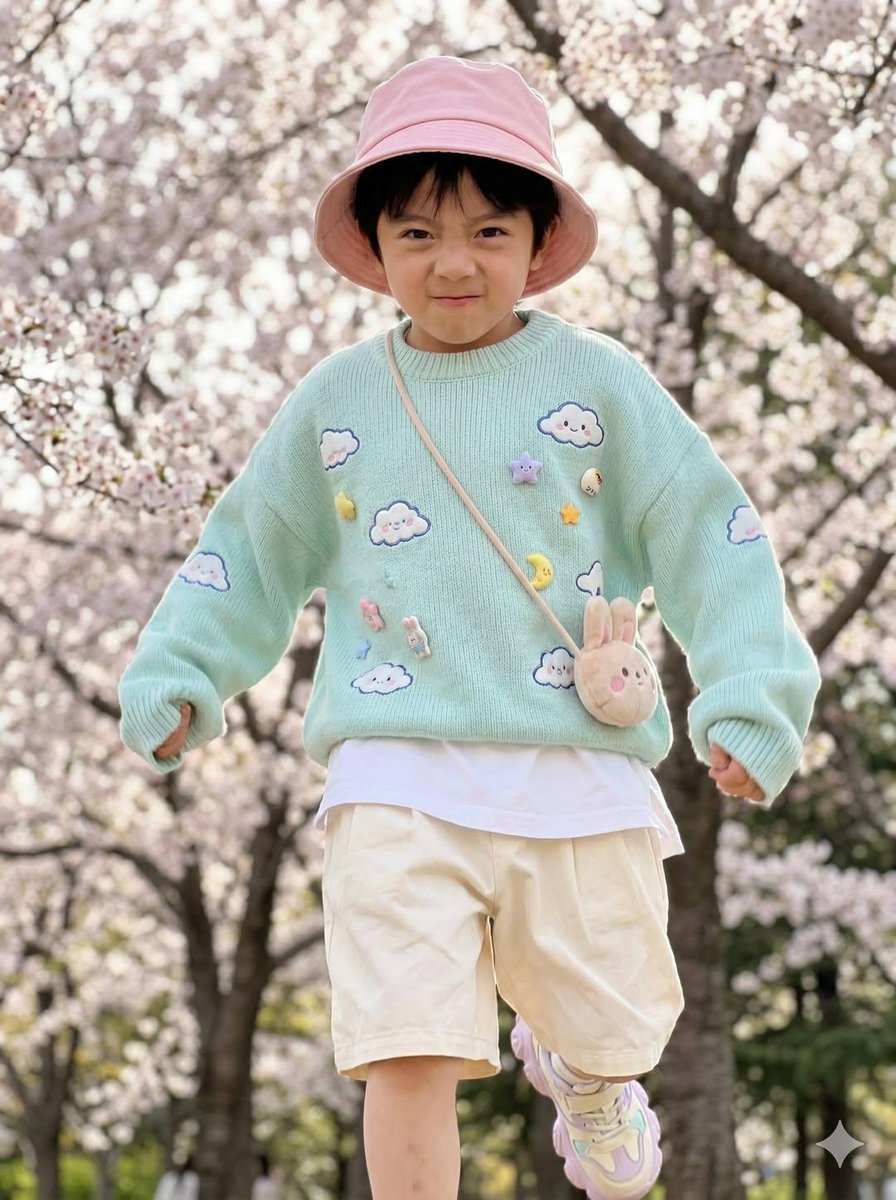
Hyper-Realistic Child Fashion Snapshot in Spring Garden
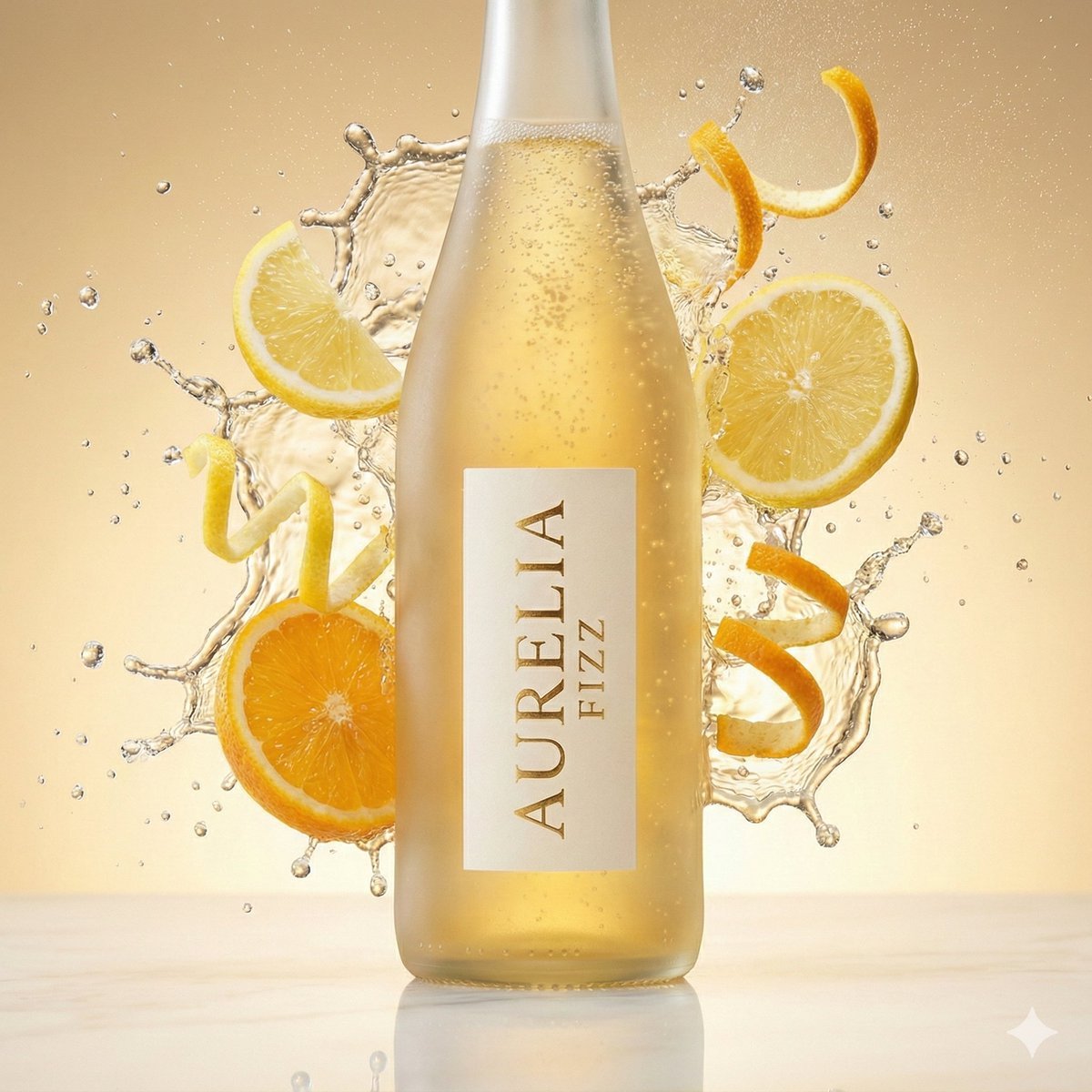
High-Speed Commercial Beverage Photography Prompt
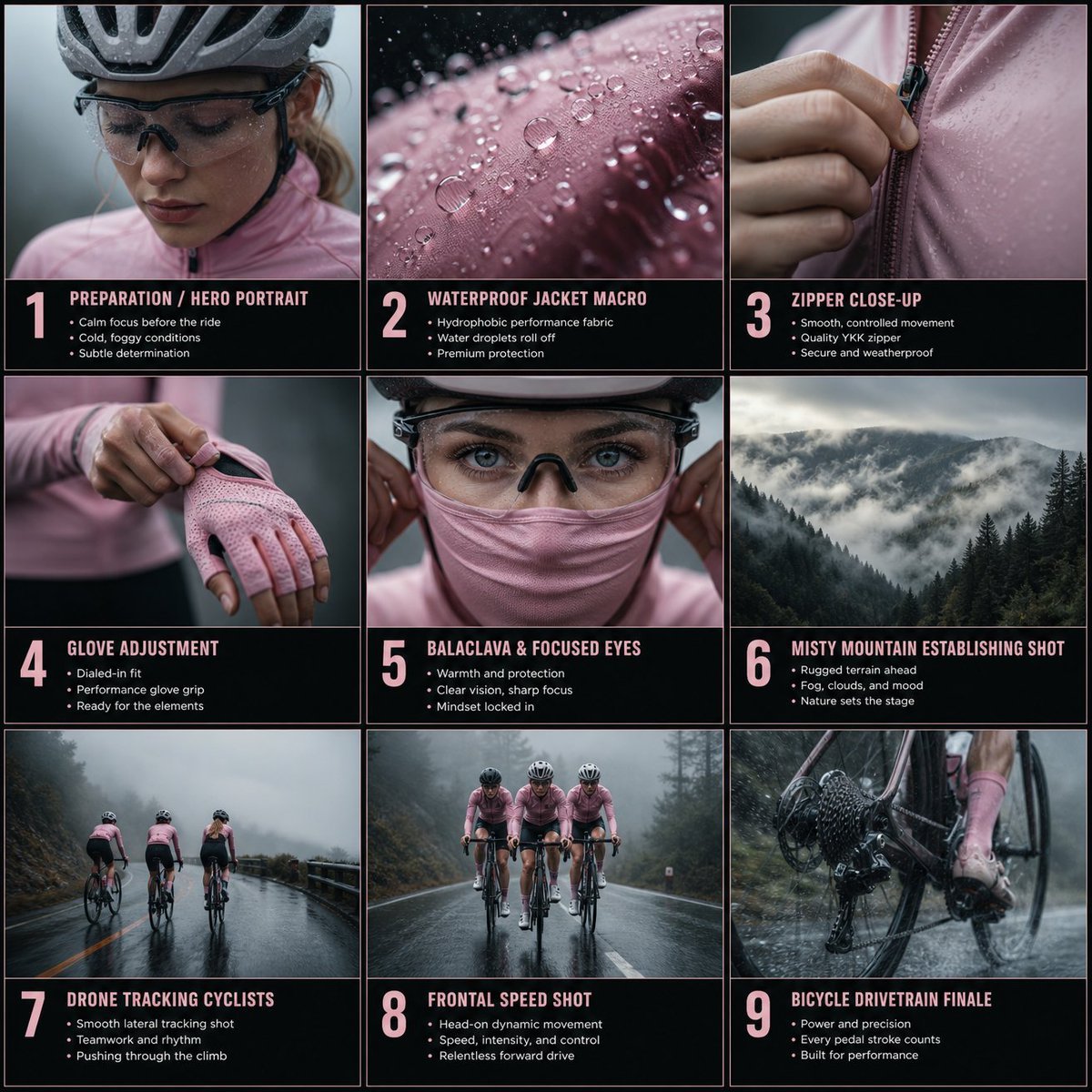
Cinematic Cycling Storyboard
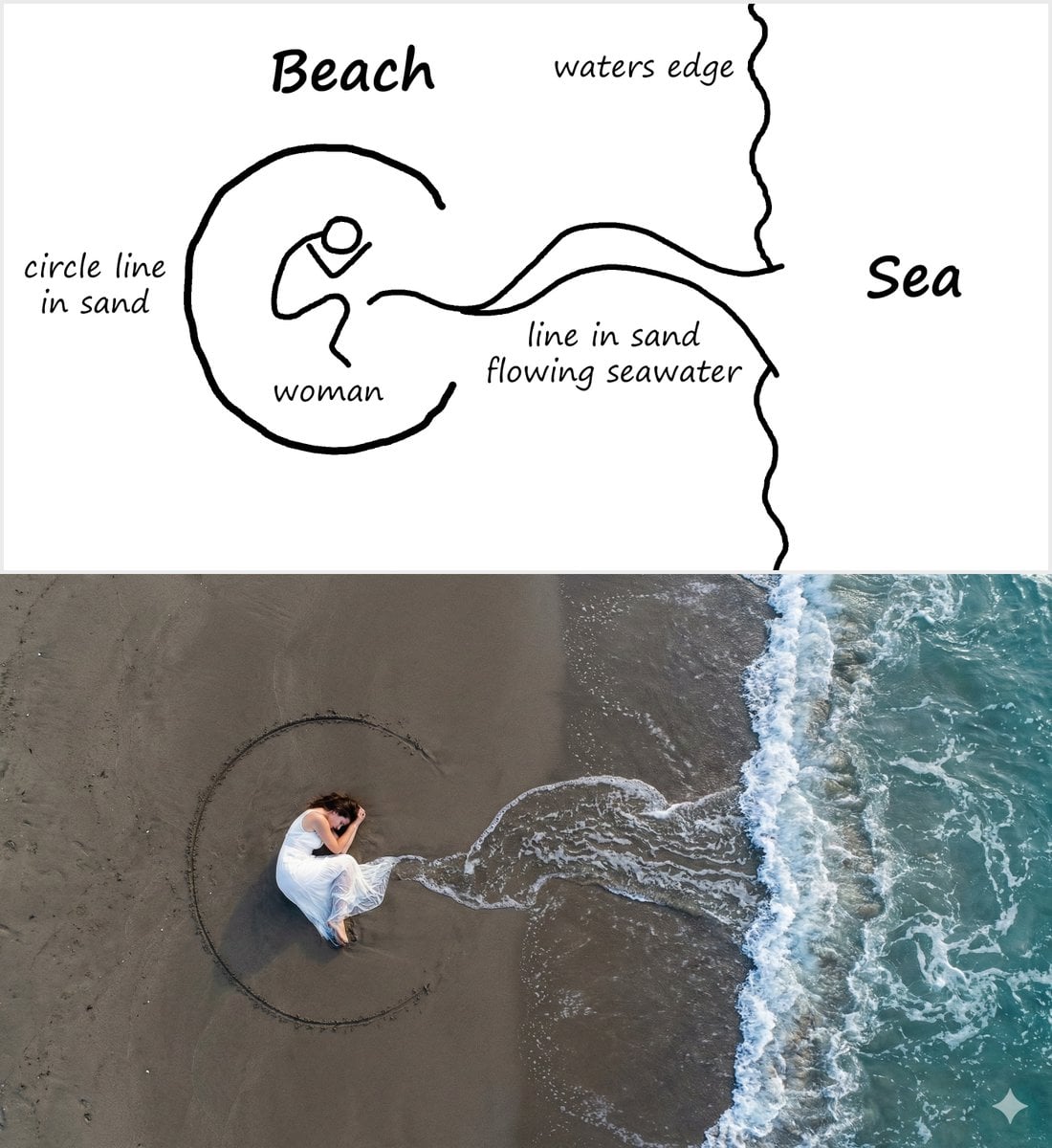
Editorial Portrait with Dramatic Lighting
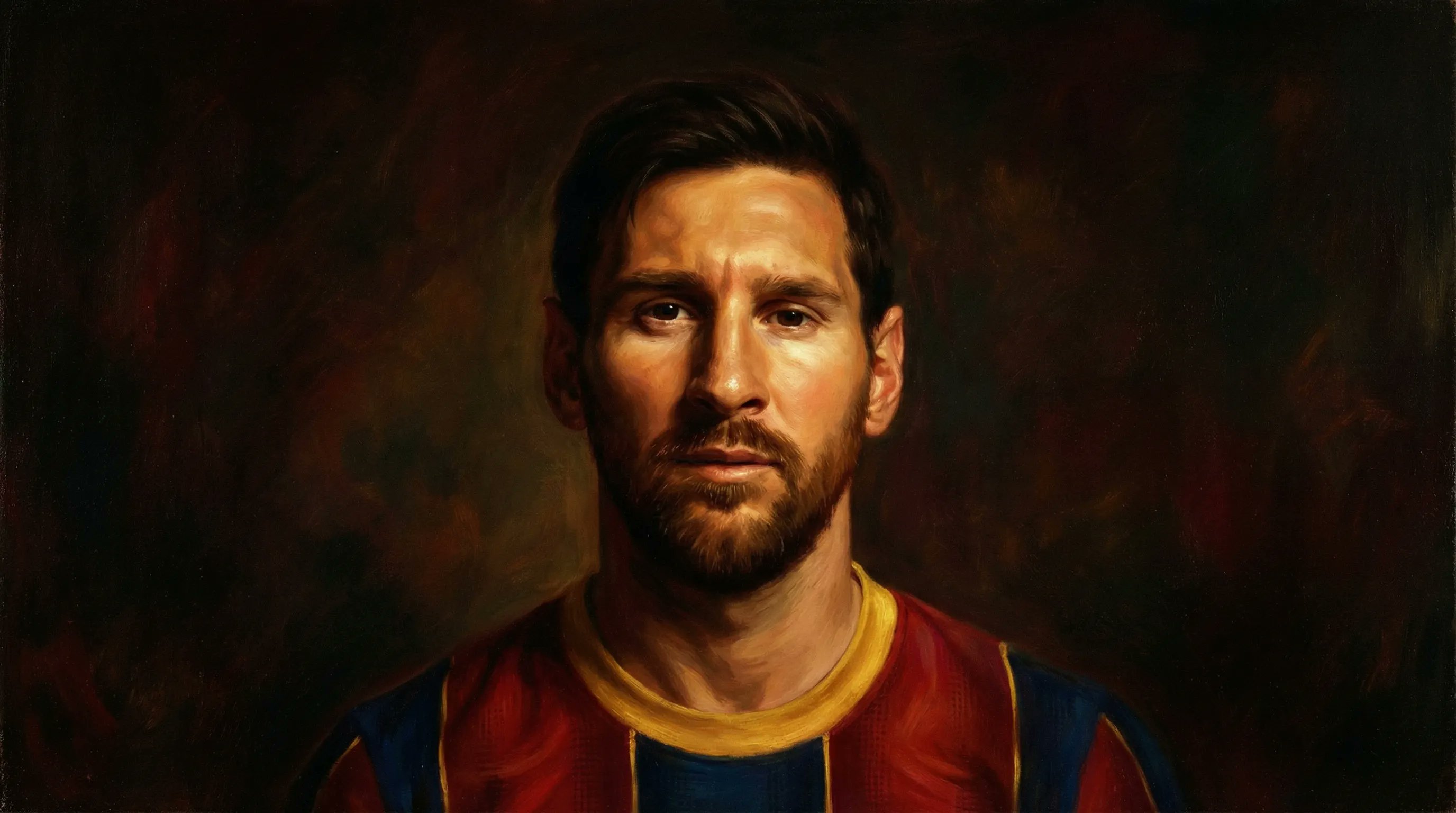
Romanticism Style Portrait Tutorial
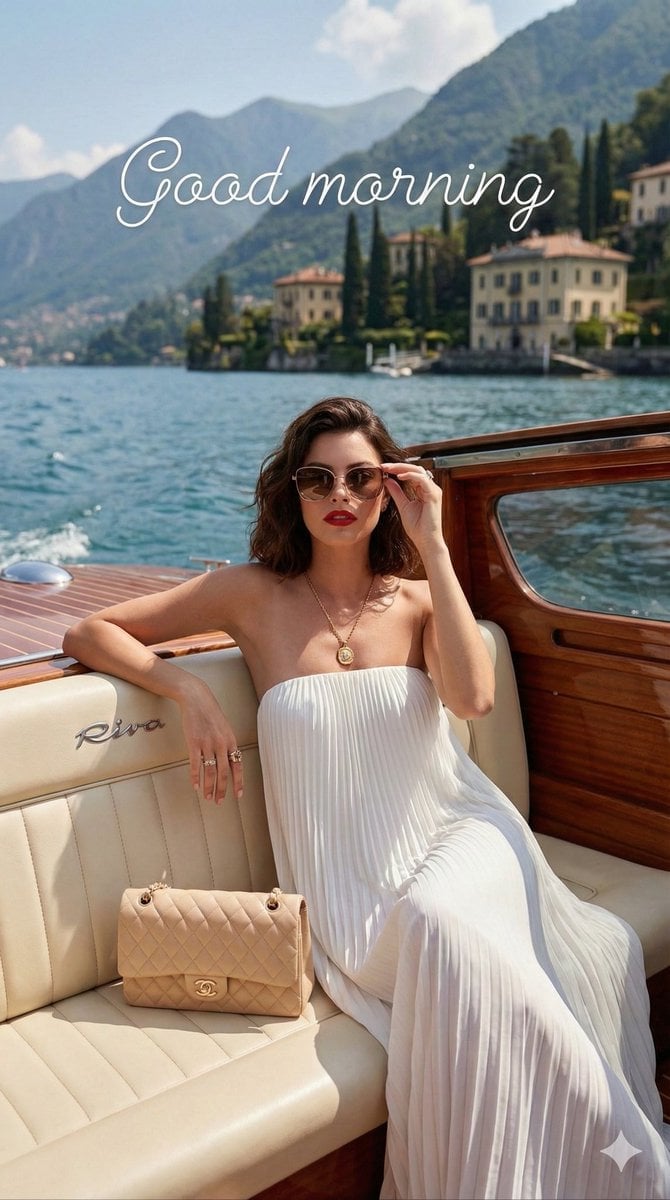
Vogue Editorial on Lake Como in a Riva Boat
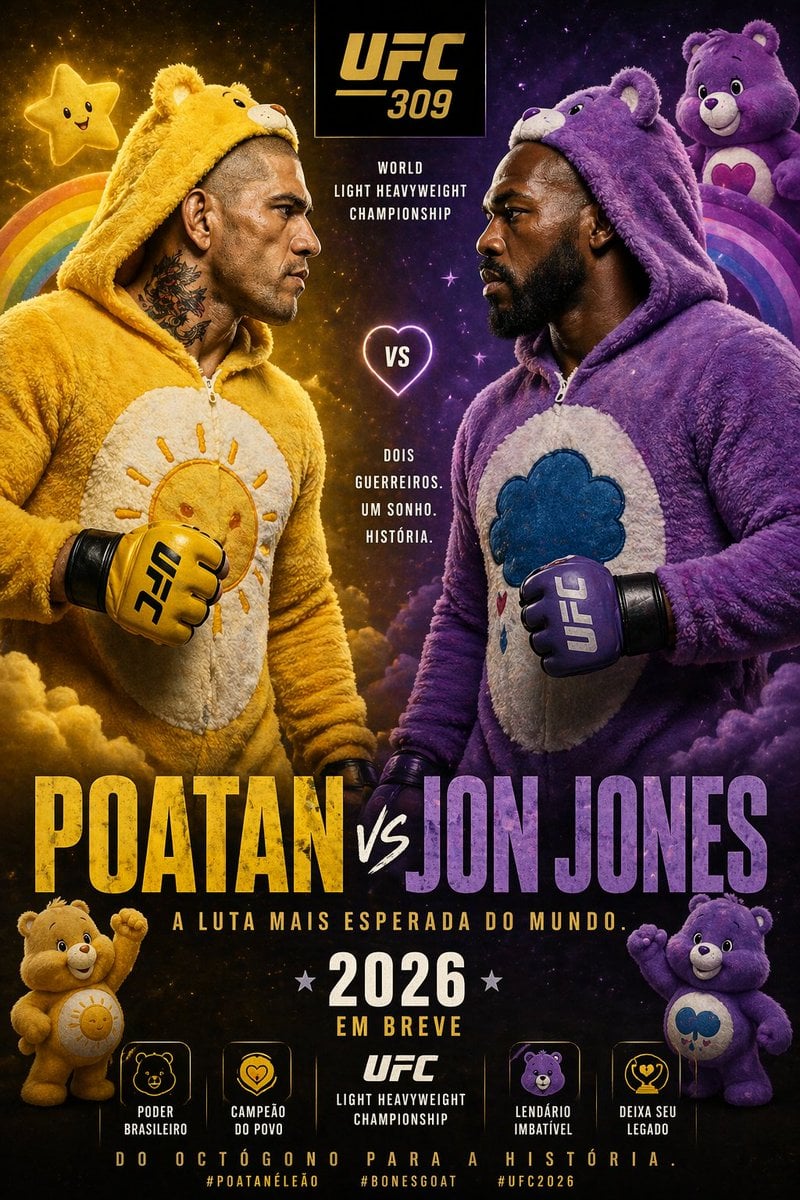
Jon Jones vs Poatan Care Bears Style
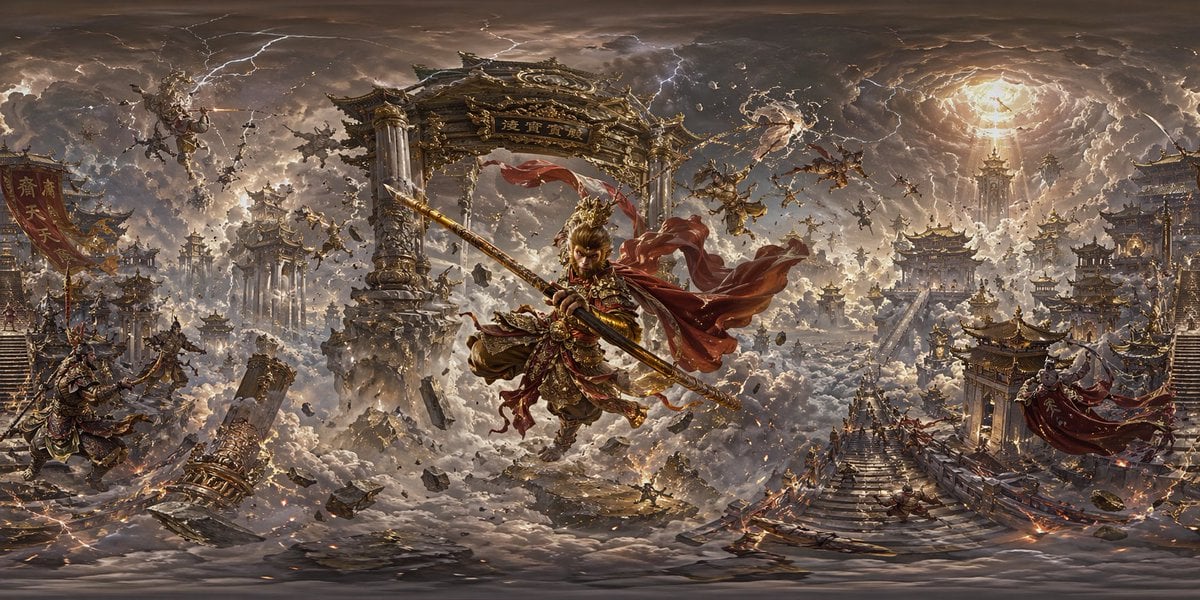
Degree Panorama Generation Formula
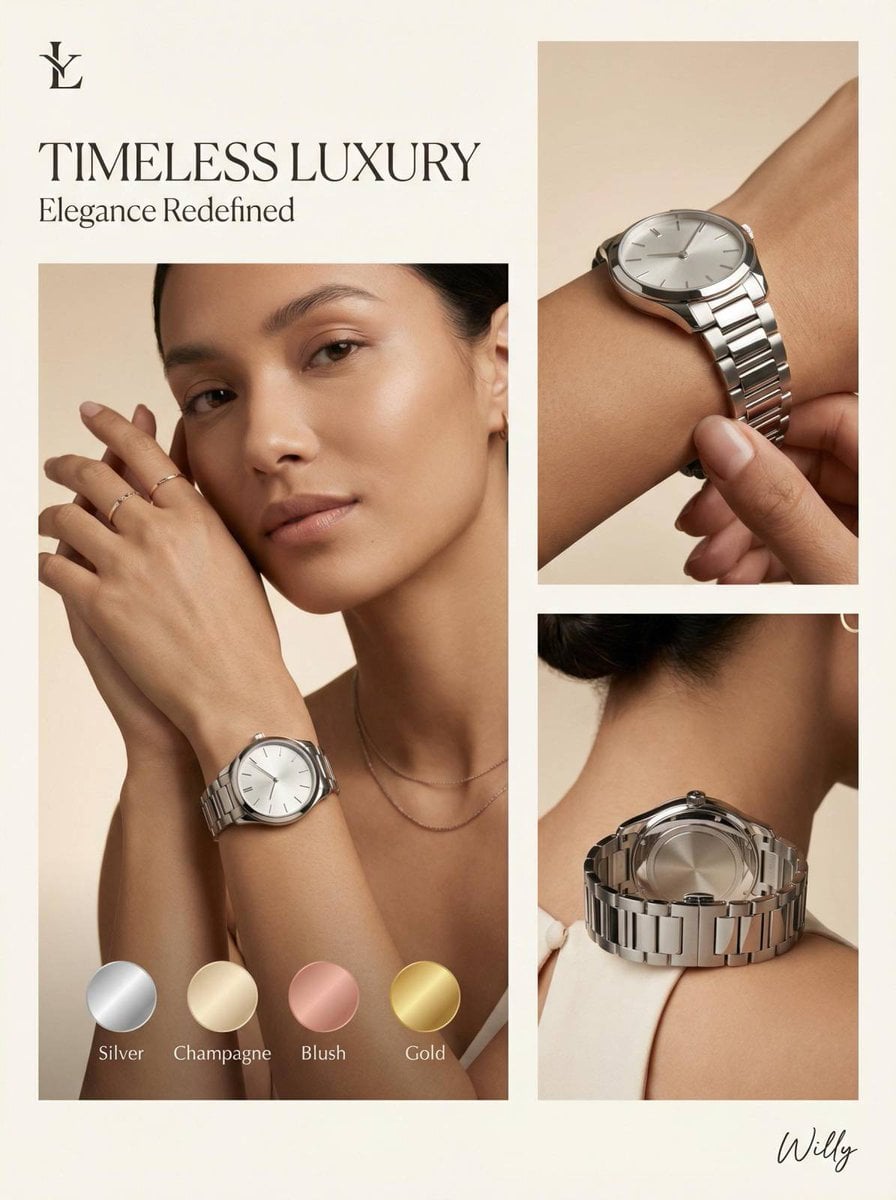
Luxury Watch Editorial Layout Prompt

Self-Care Morning Routine Portrait
Browse template categories
Toy Ferrari Storyboard Contact Sheet questions
How do I use the Toy Ferrari Storyboard Contact Sheet template?
Add your photo if the template asks for one, edit the prompt if you like — the template's model and format are already selected — and press Generate. Your version opens in PicX Studio.
Can I customize the Toy Ferrari Storyboard Contact Sheet template?
Yes. You can change the subject, setting, lighting, mood, format, and available model controls before creating your image.
Is the Toy Ferrari Storyboard Contact Sheet template free?
Opening and editing this template is free. Generating uses credits, shown on the Generate button when you are signed in.
Which AI model should I use?
Start with GPT Image 2, which is the model associated with this template. You can compare another compatible model for a different finish.
Looking for something else? Browse all templates.

Your photo, any look
Thousands of ready templates for every top image and video model, from one credit balance.