
Tile Ceramic Mug Contact Sheet
Generates a clean 12-image studio contact sheet of a minimalist ceramic mug for product photography variation previews.
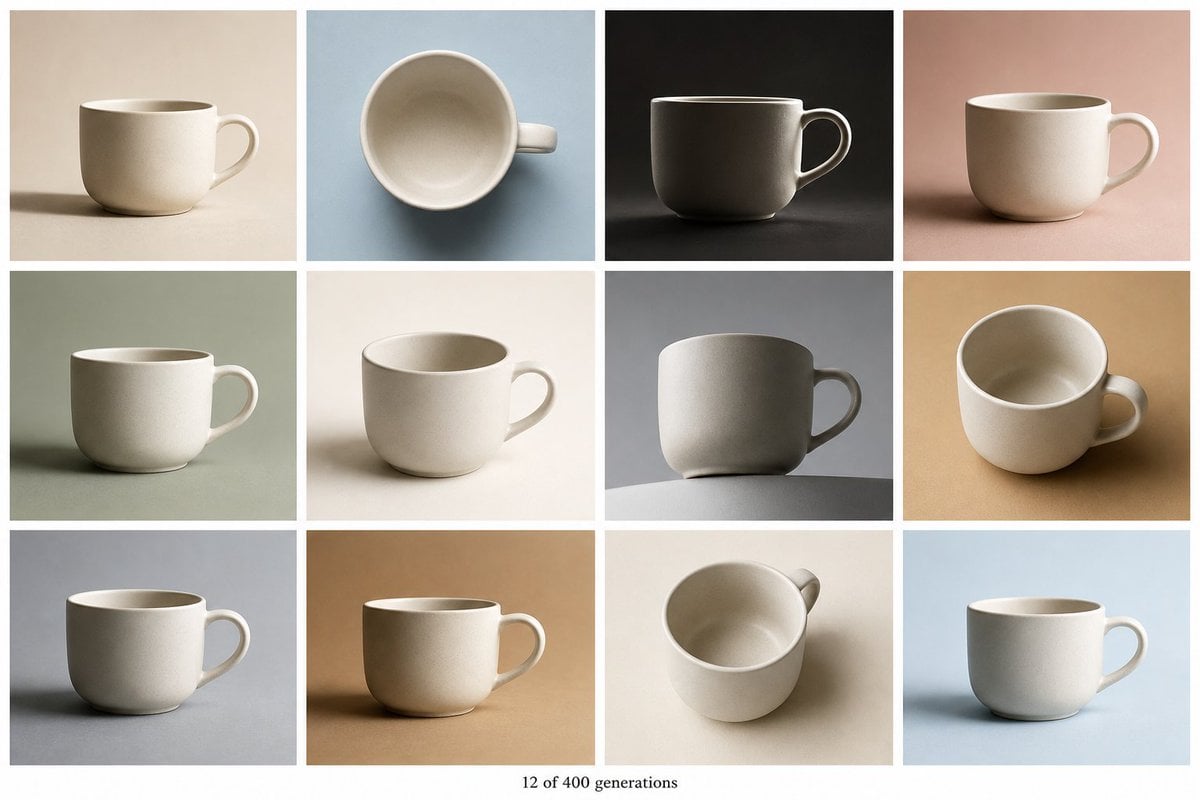
- Prompt included
- Model and format preset
- Premium template
The prompt behind this image
Copy the exact prompt behind Tile Ceramic Mug Contact Sheet, or open it in the studio and make it yours.
Create a clean contact-sheet collage showing exactly 12 photorealistic studio product photos of the same minimalist ceramic coffee cup, arranged in a 4-column by 3-row grid with narrow white gutters and a white page border. The cup is a plain warm off-white stoneware mug with a rounded cylindrical body, slightly thick rim, subtle speckled matte ceramic texture, and a simple C-shaped handle; no logo, no decoration, no liquid, no saucer. Vary the camera angle and lighting in each tile while keeping the cup consistent. Tile 1: side view on a warm beige background, handle on the right, soft shadow cast left. Tile 2: top-down view on a pale blue background, circular opening centered, handle pointing right. Tile 3: dramatic side view on a nearly black background, handle on the right, low-key lighting and strong rim highlight. Tile 4: side view on a dusty pink background, handle on the right, soft warm lighting. Tile 5: side view on a muted sage green background, handle on the right, calm diffused shadow. Tile 6: three-quarter side view on a cream background, handle on the right, bright softbox lighting. Tile 7: low-angle side view on a medium gray background with the mug sitting on a curved gray tabletop edge, handle on the right, sculptural shadow. Tile 8: high three-quarter view on a tan ochre background, handle on the right, visible inside of cup. Tile 9: side view on a cool gray-blue background, handle on the right, long horizontal shadow. Tile 10: side view on a caramel brown background, handle on the right, warm studio lighting. Tile 11: overhead three-quarter view on an off-white background, handle near the upper right, visible empty interior. Tile 12: side view on a pale sky-blue background, handle on the right, bright airy lighting. Add small centered serif text below the grid reading “{argument name="caption text" default="12 of 400 generations"}”. Use a 3:2 landscape canvas, high-resolution editorial product photography, soft natural shadows, subtle paper-like backgrounds, consistent white spacing, and no extra objects or text. The customizable product is {argument name="product" default="minimalist ceramic coffee cup"}; keep the main color {argument name="cup color" default="warm off-white"} and overall style {argument name="visual style" default="photorealistic studio product photography"}.
How to use Tile Ceramic Mug Contact Sheet in 3 steps
- 1Upload ImagePNG, JPG or paste
Add your photo
Upload the photo the template builds on. The prompt, model and format are already set.
- 2…a portrait of your subject in softgolden-hour light, 85mm…
Personalize
Edit the subject and creative details for your destination.
- 3Generate
Generate
Press Generate — your image is created in PicX Studio, so you can compare it with the original and refine one variable at a time.
More like this
Templates with the same subject, style or setup. Open one to see its prompt.

Dancer Character - Four View Reference Sheet

Movement Sheet - Dance Reference (Seedance 2.0)
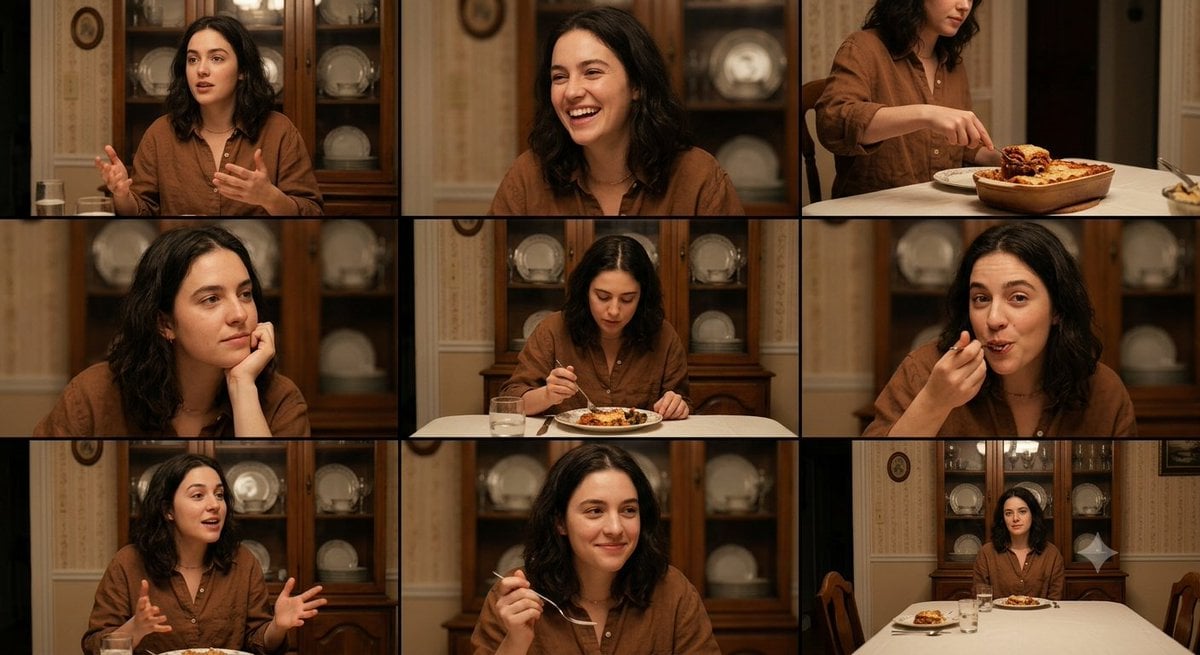
Family Dinner Cinematic Contact Sheet

A 3x3 grid storyboard contact sheet comprised of nine candid, cinematic

Ancient Temple Interior Contact Sheet
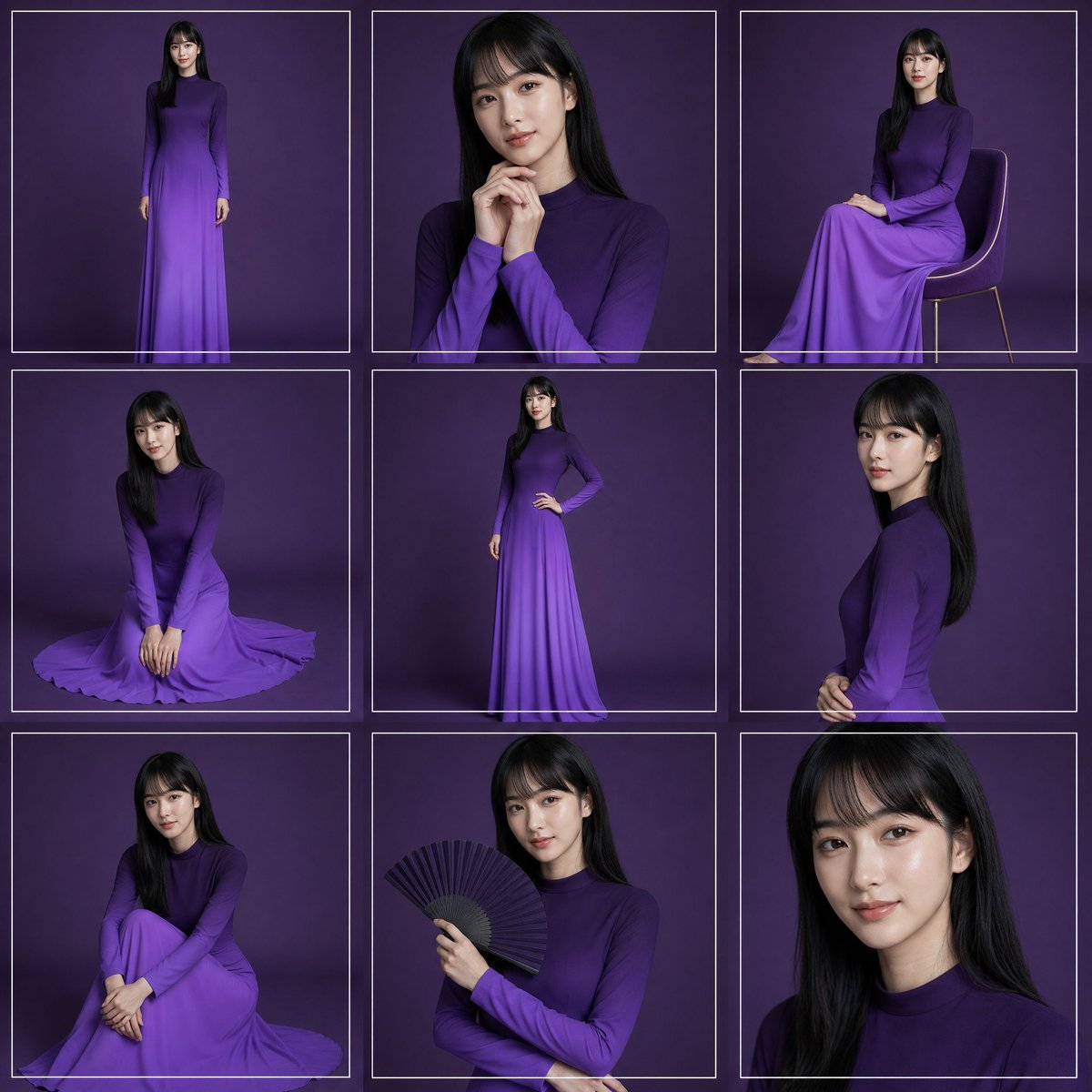
Purple Gown Fashion Contact Sheet
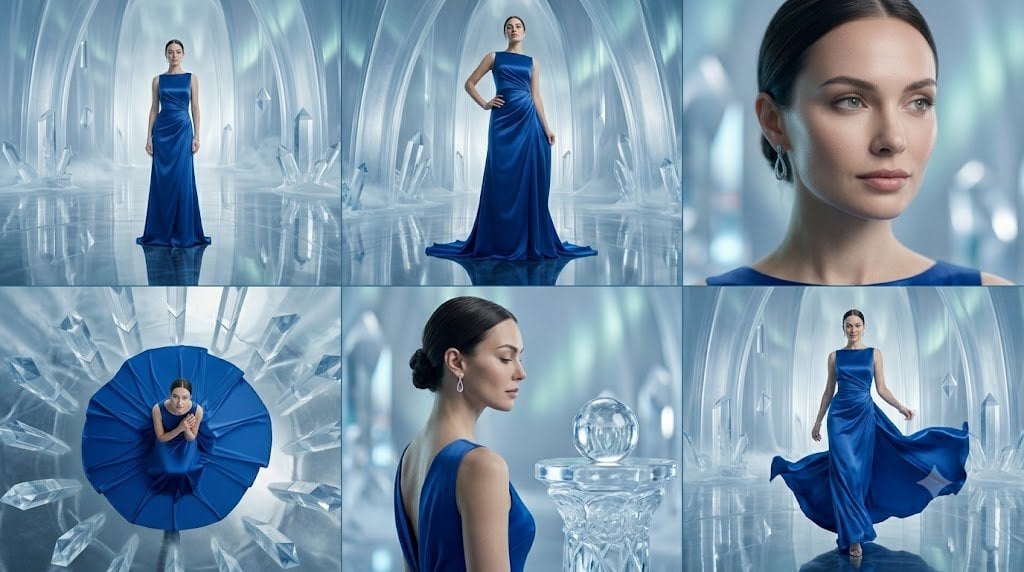
Crystal Palace Blue Gown Contact Sheet
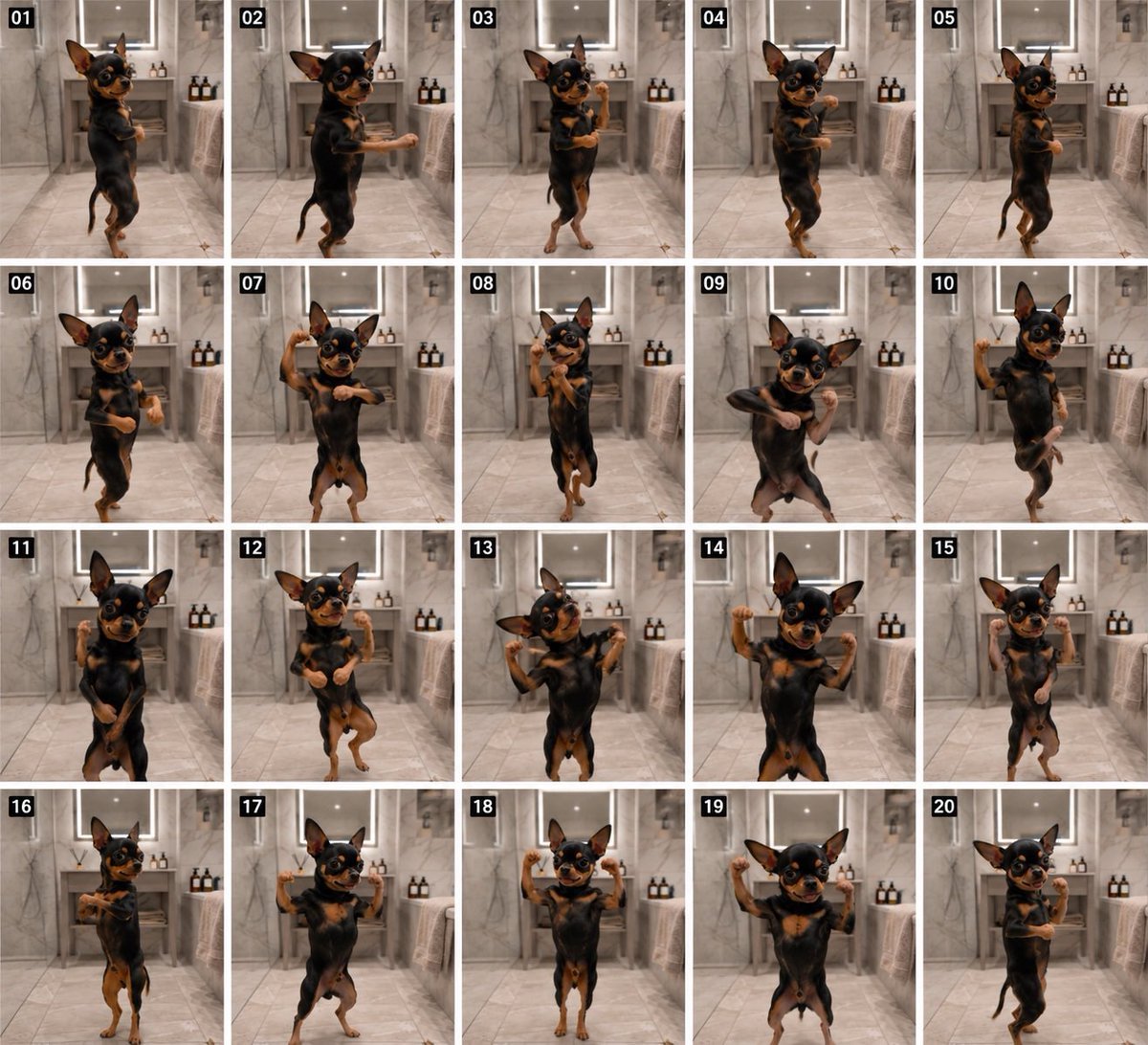
Dancing Chihuahua 20-Frame Contact Sheet
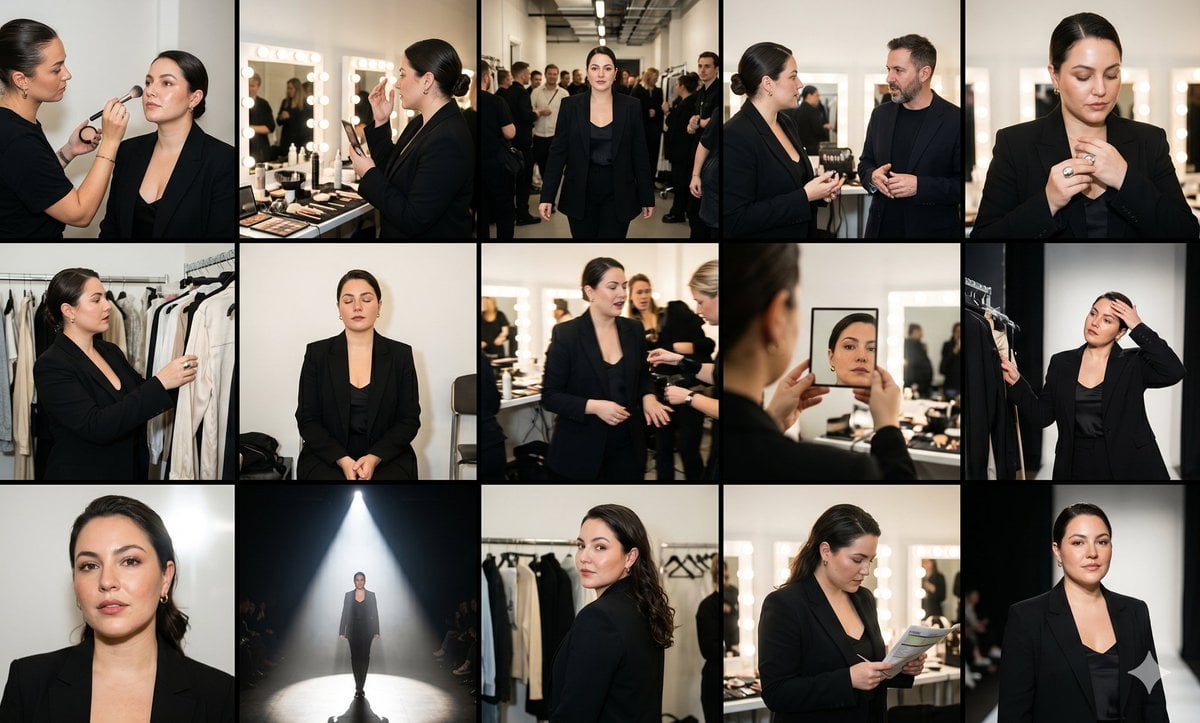
Fashion Week Backstage Contact Sheet

Luxury Black-and-White Fashion Contact Sheet
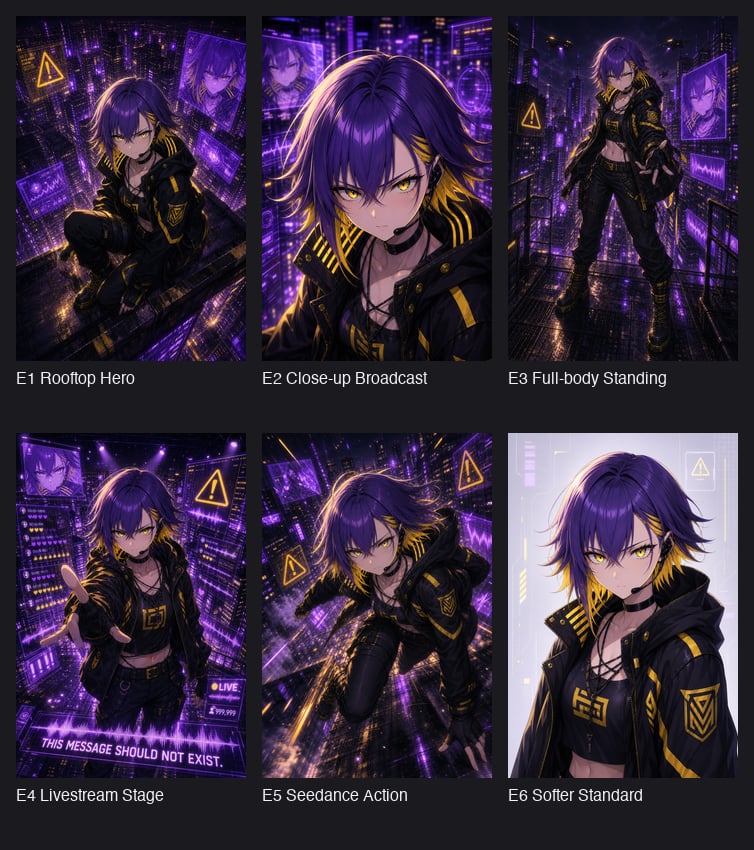
Cyberpunk Anime Hero Contact Sheet
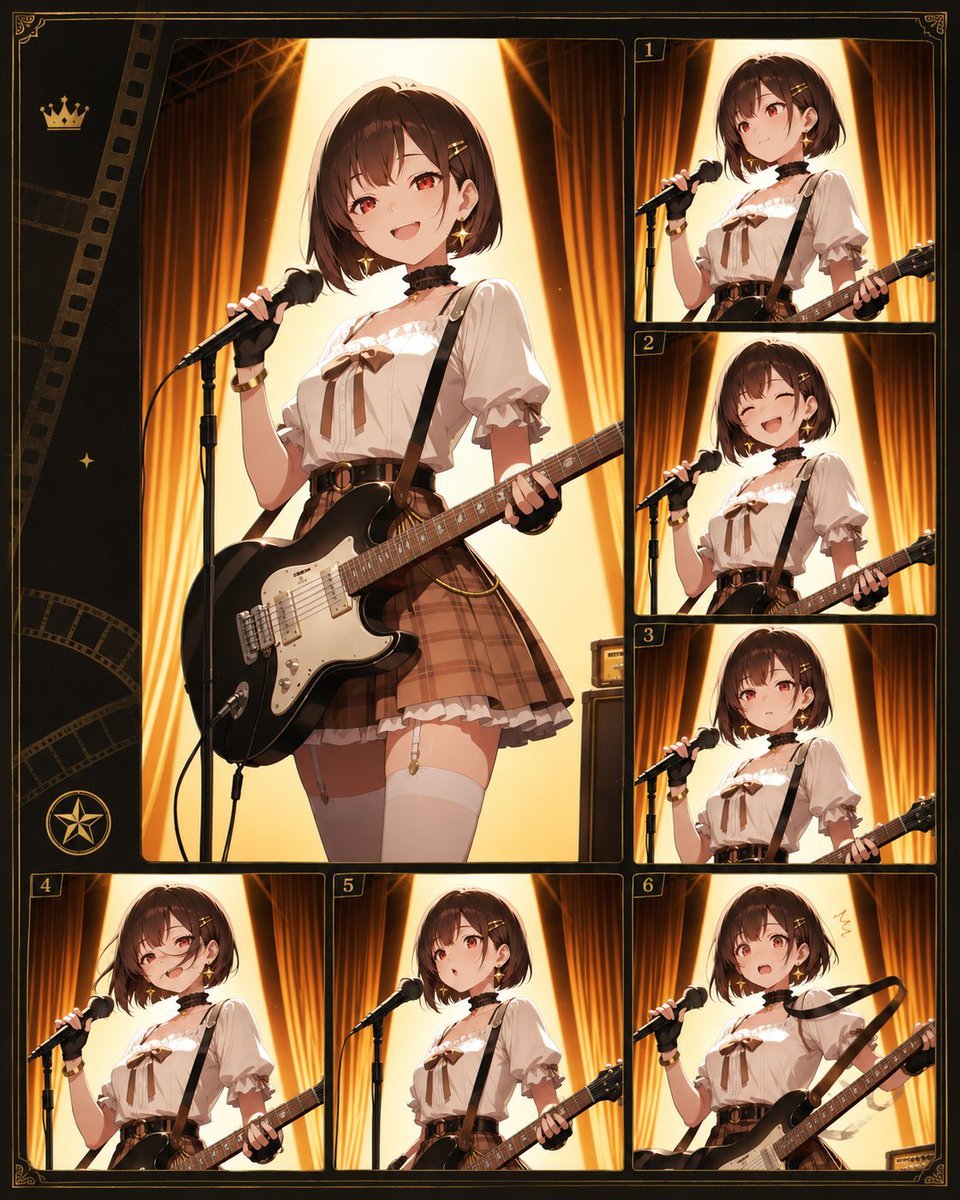
Anime Guitar Idol Contact Sheet
Make it yours
Tile Ceramic Mug Contact Sheet works as-is. These are the safest ways to change it without losing the look.
Change one field
Copy a single group, rewrite it, and generate again so you can see what that field is doing.
Keep the frame, change the subject
Hold the composition and light of 12-Tile Ceramic Mug Contact Sheet, then swap wardrobe, props or the person for a new take.
| If the result… | Why | Fix |
|---|---|---|
| The result drifts from the preview | Too many fields changed at once. | Reuse 12-Tile Ceramic Mug Contact Sheet as-is first, then change one group — subject, light, or setting. |
| The model over-stylizes the scene | The prose prompt leaves finish and camera underspecified. | Add one camera or lighting sentence and stay on GPT Image 2. |
More GPT Image 2 templates
Other prompts made for GPT Image 2.

Six VTuber Japanese Logo Sheet

Realistic Portrait of Woman and Deer

The Vista Modular Condo Poster

AI Model Routing Comparison Infographic

2.5D Anime Art Board

Isometric Productivity Desk Scene

New York Double Exposure Poster

Four-Panel AI Landscape Comparison

Japanese Tatami Lifestyle Magazine Cover

NESCAFÉ Coffee Map Poster
More image prompts
Fresh picks from across the catalog.
Cinematic Portrait with Dramatic Light Strip
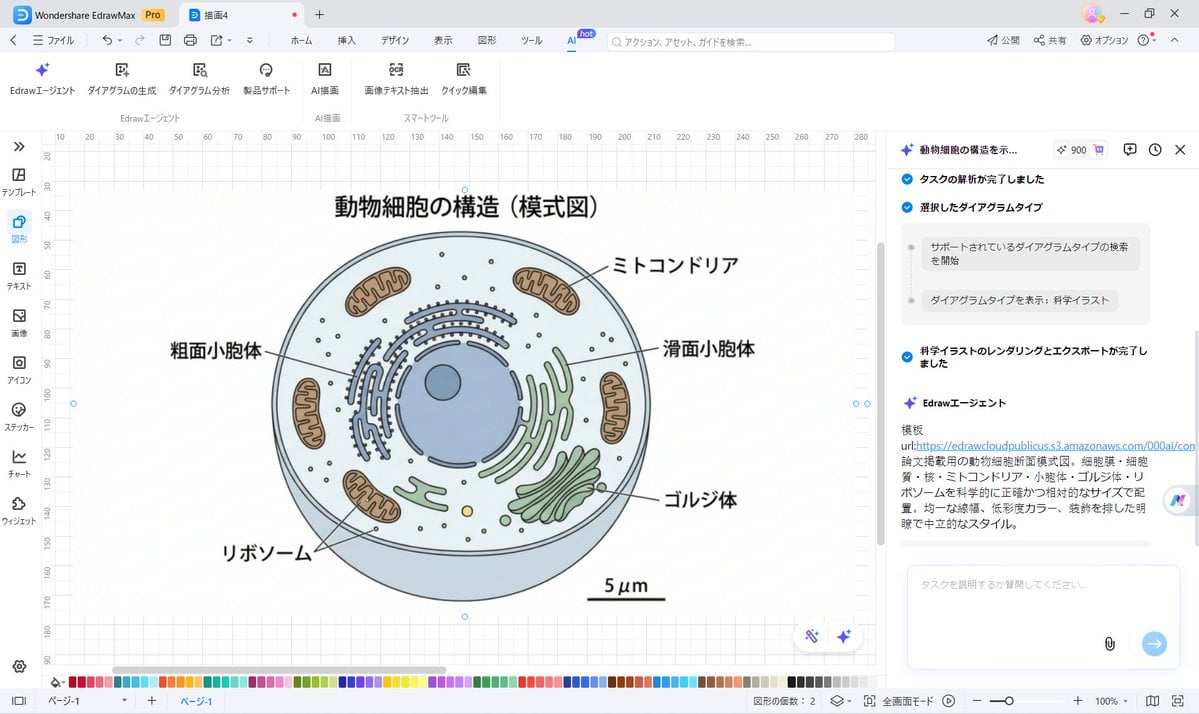
Nano Banana Pro for Scientific Illustration Generation

Dynasty Warriors: Kongming Musou Ranbu
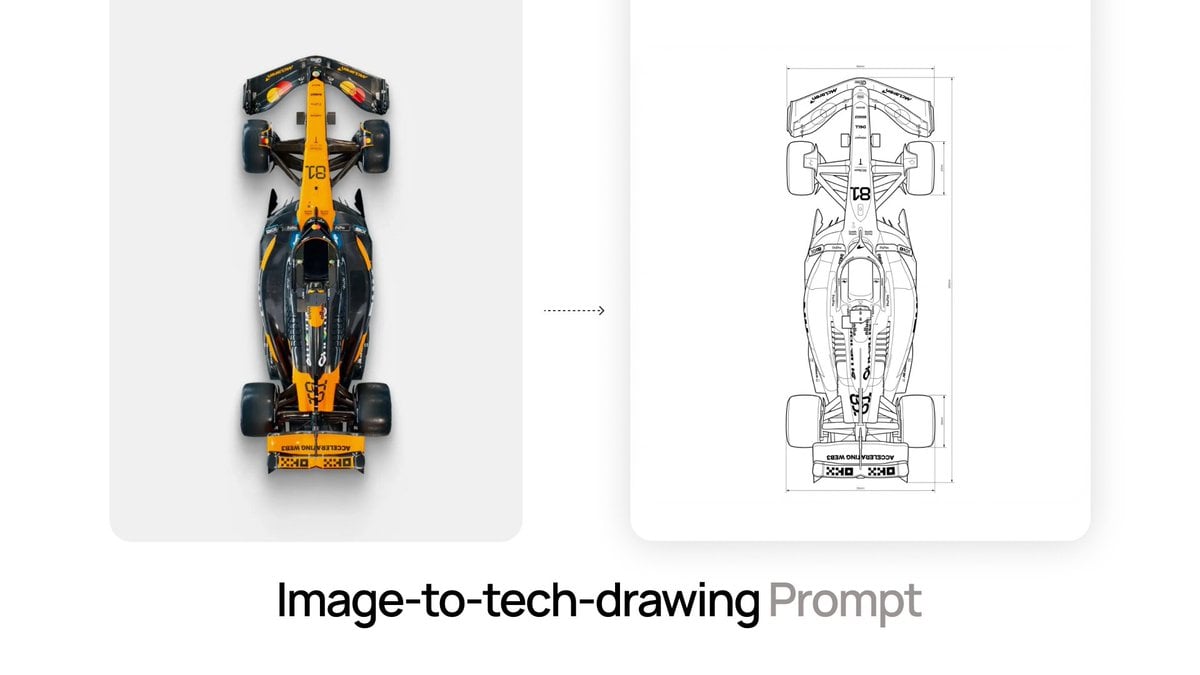
Nano Banana Prompt for Image-to-Tech-Drawing
Vintage Analog Film Photography Aesthetic Prompt

Gpt2 Product Marketing Japanese Chinese Food Delivery Flyer

Schoolgirl Turned Rural Farmer Classroom Scene

Cinematic Automotive Triptych Portrait Prompt

Cinematic Twilight Coastal Landscape with Toyota Land Cruiser
Athletic Mirror Selfie with Defined Physique
Browse template categories
Tile Ceramic Mug Contact Sheet questions
How do I use the 12-Tile Ceramic Mug Contact Sheet template?
Add your photo if the template asks for one, edit the prompt if you like — the template's model and format are already selected — and press Generate. Your version opens in PicX Studio.
Can I customize the 12-Tile Ceramic Mug Contact Sheet template?
Yes. You can change the subject, setting, lighting, mood, format, and available model controls before creating your image.
Is the 12-Tile Ceramic Mug Contact Sheet template free?
Opening and editing this template is free. Generating uses credits, shown on the Generate button when you are signed in.
Which AI model should I use?
Start with GPT Image 2, which is the model associated with this template. You can compare another compatible model for a different finish.
Looking for something else? Browse all templates.

Your photo, any look
Thousands of ready templates for every top image and video model, from one credit balance.