
Gpt2 Product Marketing Japanese Chinese Food Delivery Flyer
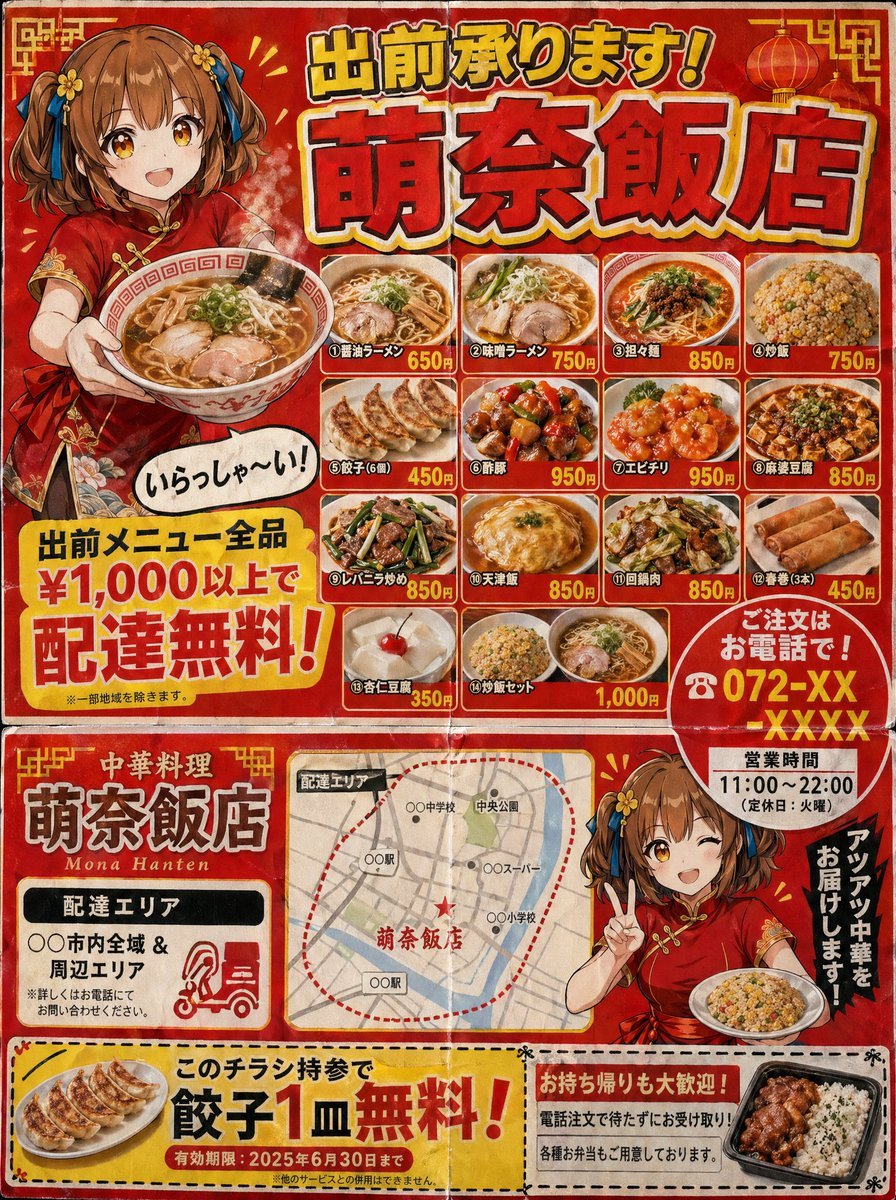
A highly detailed prompt for creating a realistic Japanese 'machi-chuka' (neighborhood Chinese restaurant) delivery flyer, featuring vintage printing styles, cluttered layouts, and specific cultural design cues.
- Prompt included
- Model and format preset
- Premium template
The prompt behind this image
Copy the exact prompt behind Gpt2 Product Marketing Japanese Chinese Food Delivery Flyer, or open it in the studio and make it yours.
A Japanese neighborhood Chinese restaurant delivery flyer for mailbox posting (3:4 aspect ratio). Designed to look like a double-sided B5 print. Flyer characteristics (following the grammar of real delivery flyers): - Flashy red and yellow color scheme. - Large text at the top: "Delivery Available! {argument name="shop name" default="Mona-Hanten"}" (shadowed Gothic font). - An illustration of a {argument name="character" default="Chinese girl in a red cheongsam with a brown short bob"} holding ramen and saying "Welcome!" in a speech bubble. - A menu photo grid (4x3) featuring various dishes: different types of ramen, fried rice, gyoza, sweet and sour pork, shrimp in chili sauce, mapo tofu, liver and leek stir-fry, tenshinhan, twice-cooked pork, spring rolls, annin tofu, and fried rice sets. - Names and prices for each dish. - A large yellow banner saying "Free delivery on all menu items over ¥1,000!". - "Order by phone! ☎ 072-XX-XXXX" emphasized with a red circle. - Business hours "11:00-22:00 (Closed on Tuesdays)". - Delivery area map (simple schematic map). - Coupon (perforated line for clipping): "One free plate of gyoza with this flyer!". Texture of cheap paper printing. Includes fold marks. Precision that could be mistaken for a real Japanese delivery flyer.
How to use Gpt2 Product Marketing Japanese Chinese Food Delivery Flyer in 3 steps
- 1
Open
The prompt is already in the box next to the preview, with the template's model and format selected.
- 2…a portrait of your subject in softgolden-hour light, 85mm…
Personalize
Edit the subject and creative details for your destination.
- 3Generate
Generate
Press Generate — your image is created in PicX Studio, so you can compare it with the original and refine one variable at a time.
More like this
Templates with the same subject, style or setup. Open one to see its prompt.

Gpt2 Product Marketing Streetwear Sneaker Poster Ad
Gpt2 Product Marketing Pastel Jellyfish Room Goods Poster
Gpt2 Product Marketing Editorial Osaka Six Sweatshirt Ad
Gpt2 Product Marketing Luxury Chronograph Watch Ad
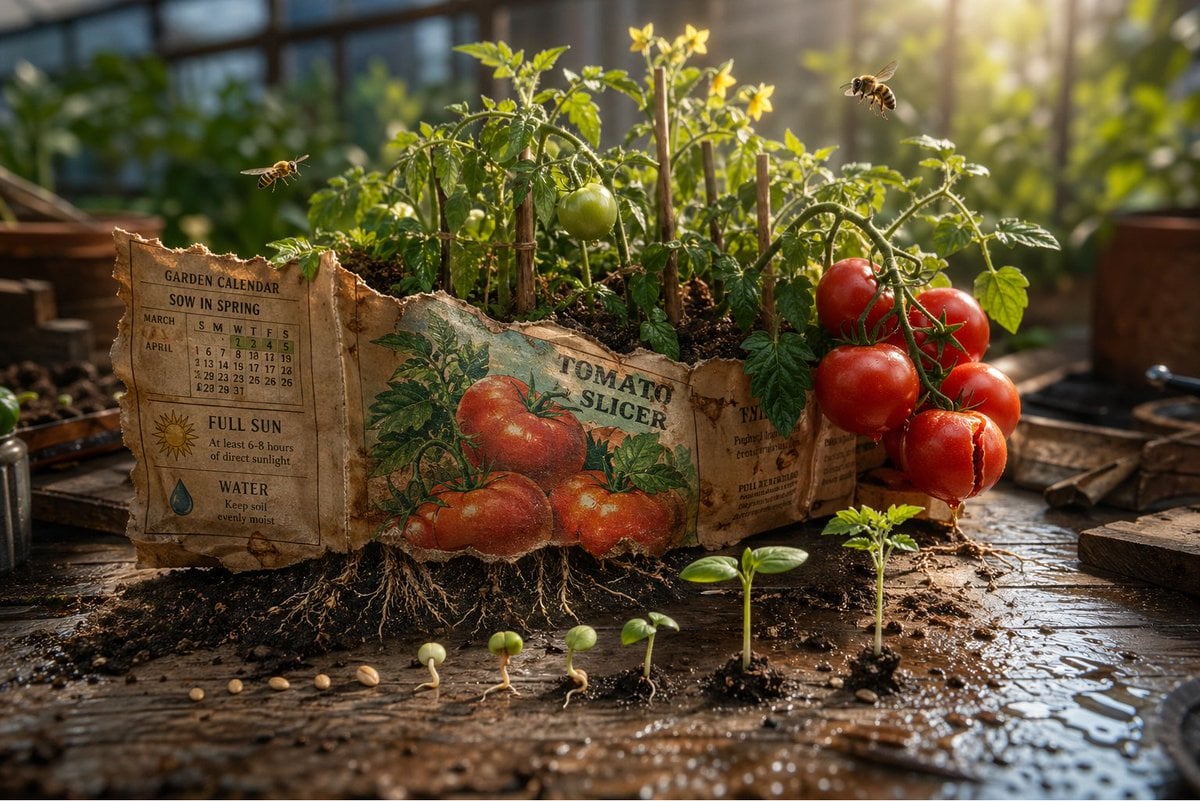
Gpt2 Product Marketing Magical Seed Packet Diorama
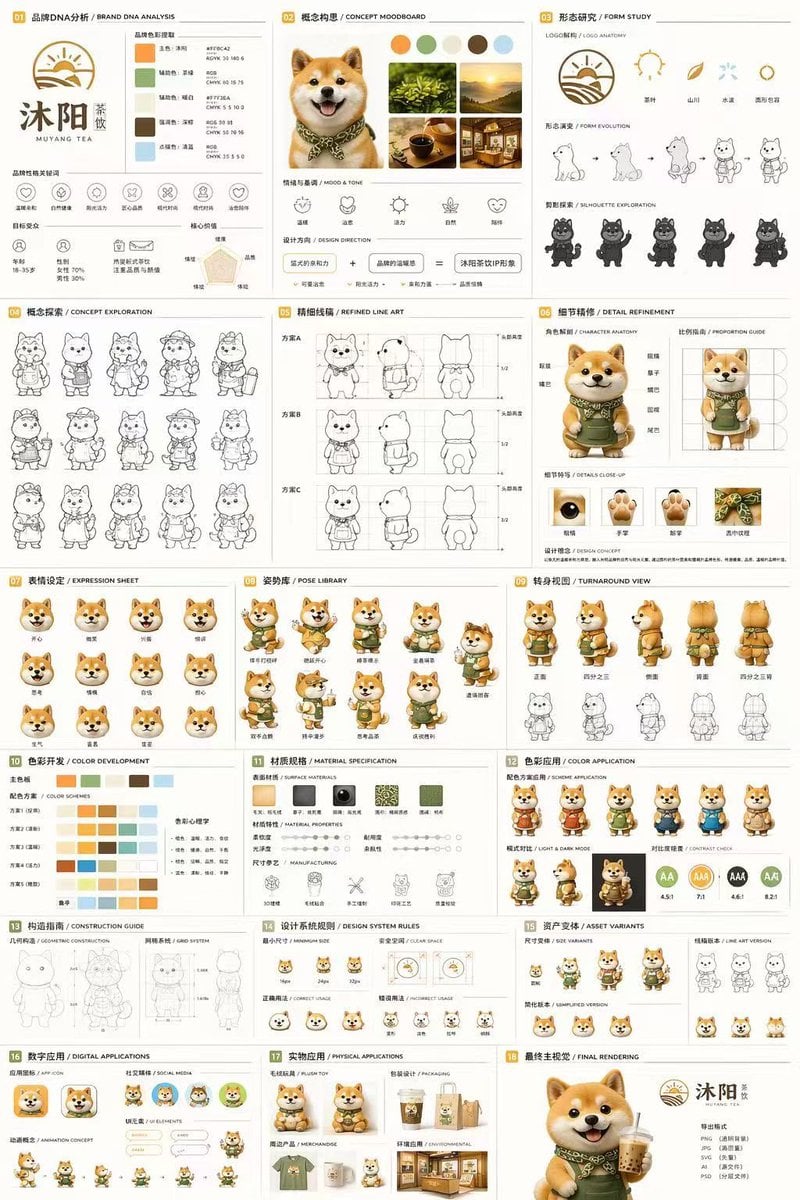
Gpt2 Product Marketing 18 Panel Mascot Brand Identity Document
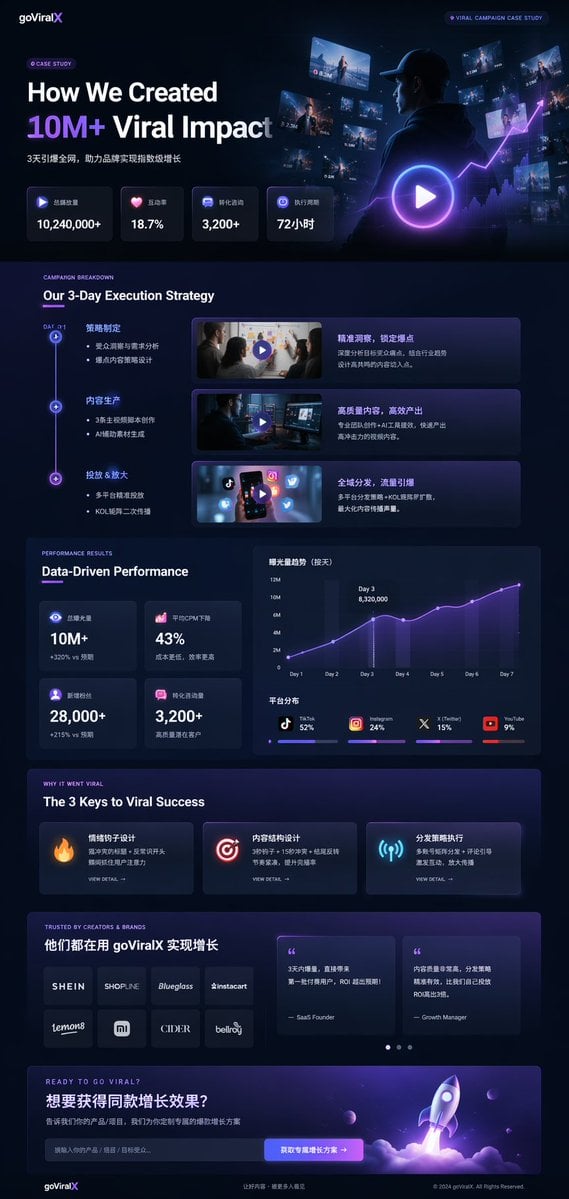
Gpt2 Product Marketing Dark Mode Marketing Case Study Ui
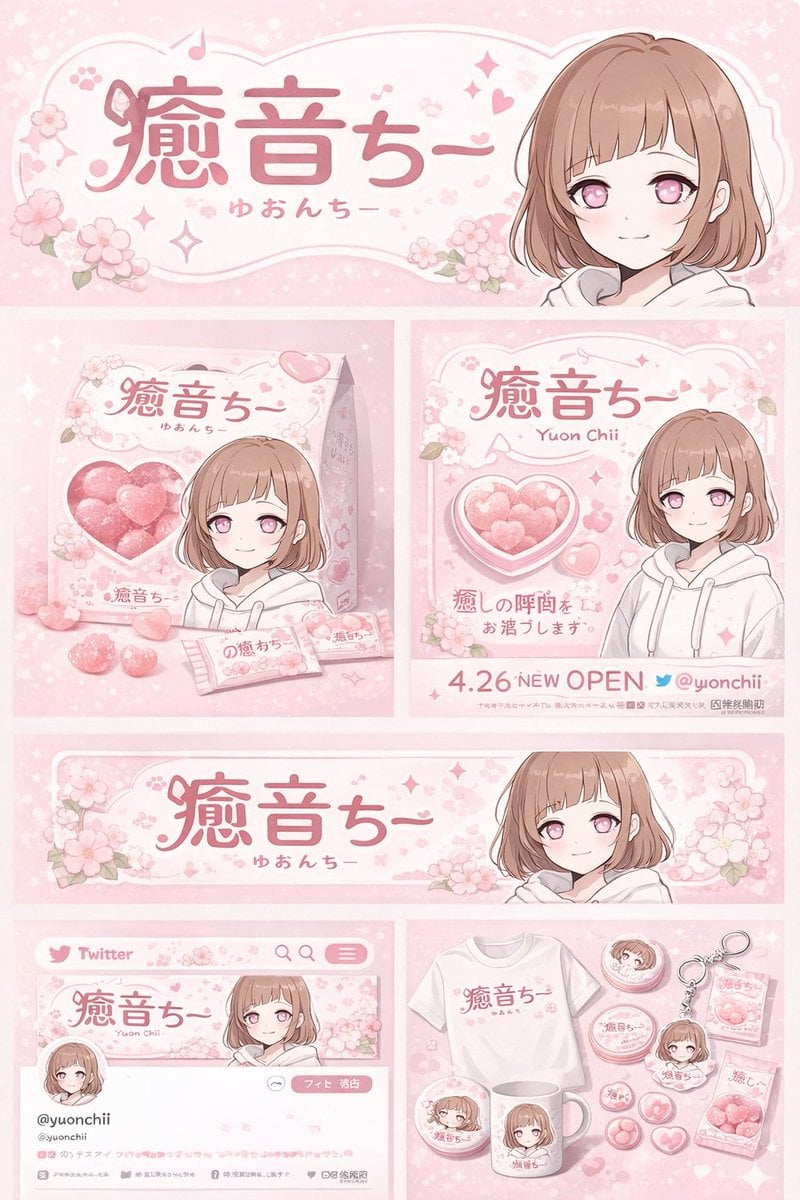
Gpt2 Product Marketing Anime Character Brand Identity Merch Board

Gpt2 Social Media Post Cinematic Chicken Momos Ad Poster

Gpt2 E Commerce Main Image 9 Panel Product Tvc Storyboard

Trendy Cafe Drink Promo Poster

Parle Hide and Seek Cookie Campaign Poster
Make it yours
Gpt2 Product Marketing Japanese Chinese Food Delivery Flyer works as-is. These are the safest ways to change it without losing the look.
Change one field
Copy a single group, rewrite it, and generate again so you can see what that field is doing.
Keep the frame, change the subject
Hold the composition and light of gpt2-product-marketing-japanese-chinese-food-delivery-flyer, then swap wardrobe, props or the person for a new take.
| If the result… | Why | Fix |
|---|---|---|
| The result drifts from the preview | Too many fields changed at once. | Reuse gpt2-product-marketing-japanese-chinese-food-delivery-flyer as-is first, then change one group — subject, light, or setting. |
| The model over-stylizes the scene | The prose prompt leaves finish and camera underspecified. | Add one camera or lighting sentence and stay on GPT Image 2. |
More GPT Image 2 templates
Other prompts made for GPT Image 2.

Six VTuber Japanese Logo Sheet

Realistic Portrait of Woman and Deer

The Vista Modular Condo Poster

AI Model Routing Comparison Infographic

2.5D Anime Art Board

Isometric Productivity Desk Scene

New York Double Exposure Poster

Four-Panel AI Landscape Comparison

Japanese Tatami Lifestyle Magazine Cover

NESCAFÉ Coffee Map Poster
More image prompts
Fresh picks from across the catalog.
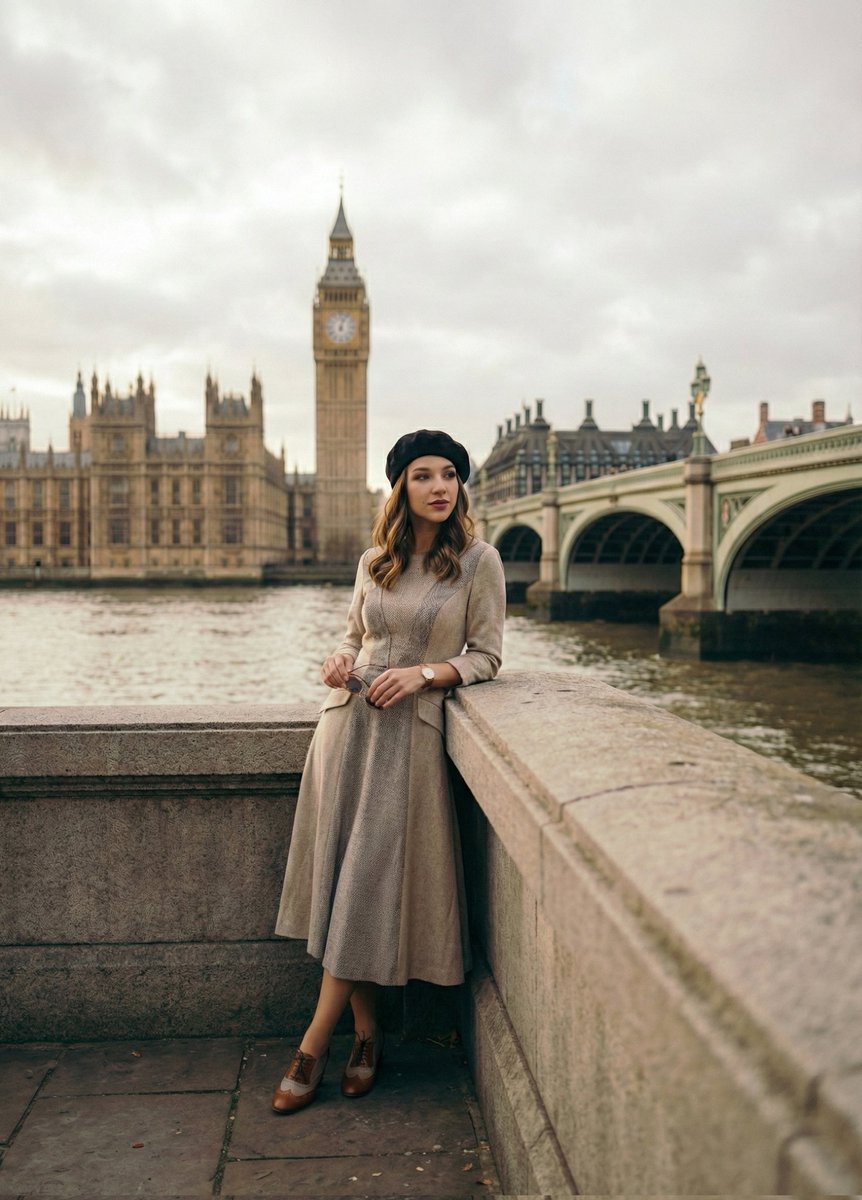
Cinematic Portrait beside the Thames River in London
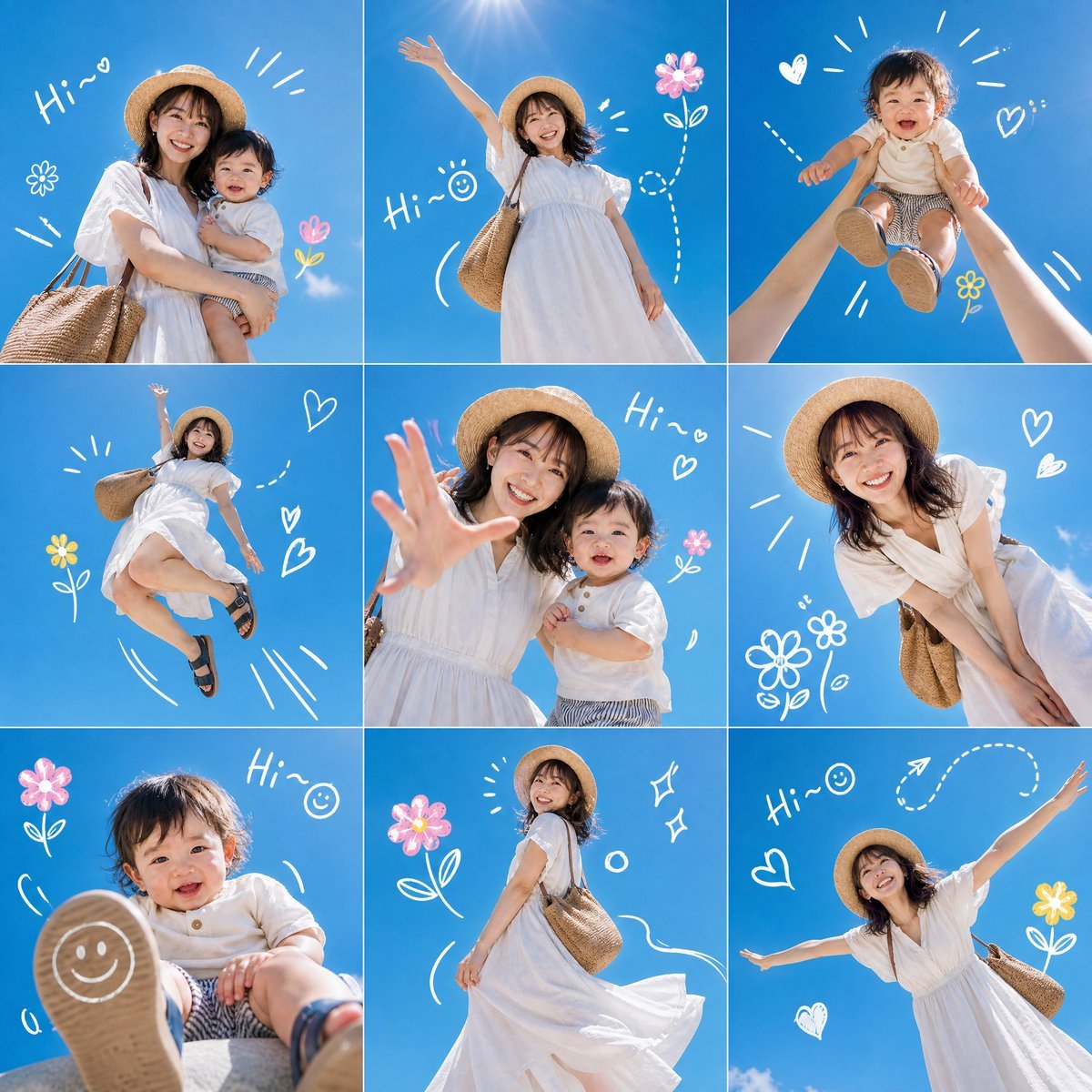
Summer Mother and Baby Sky Collage
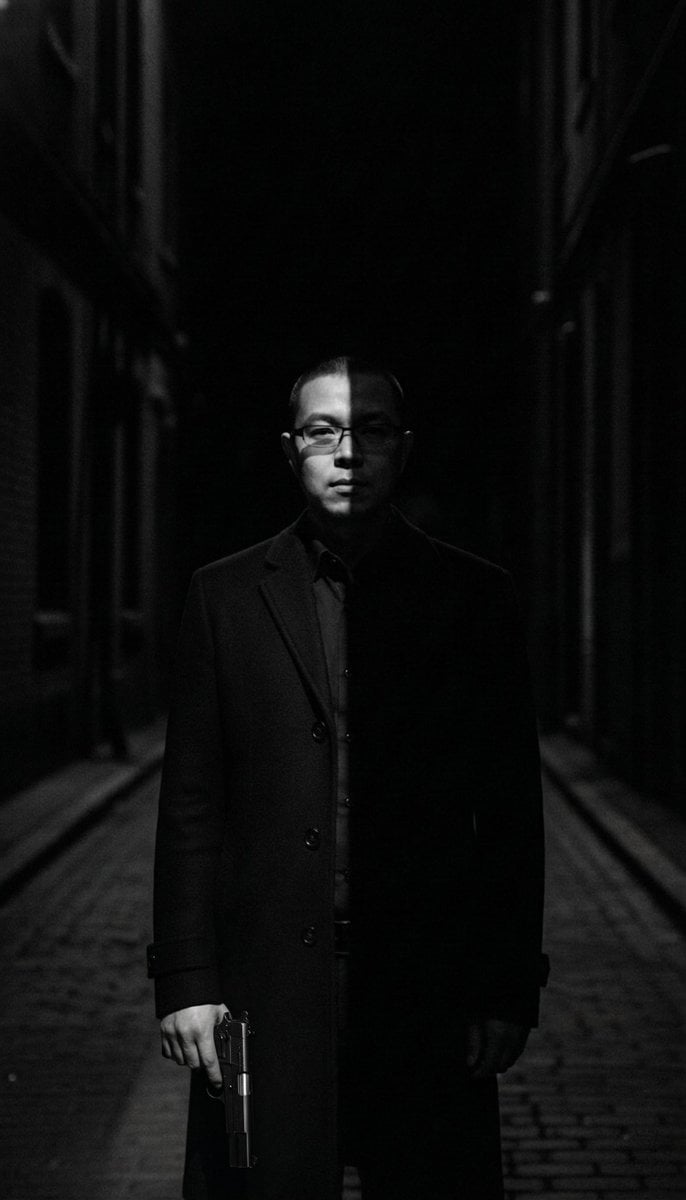
Film Noir Cleaner Portrait Prompt for Nano Banana Pro

Gothic Forest Ethereal Portrait
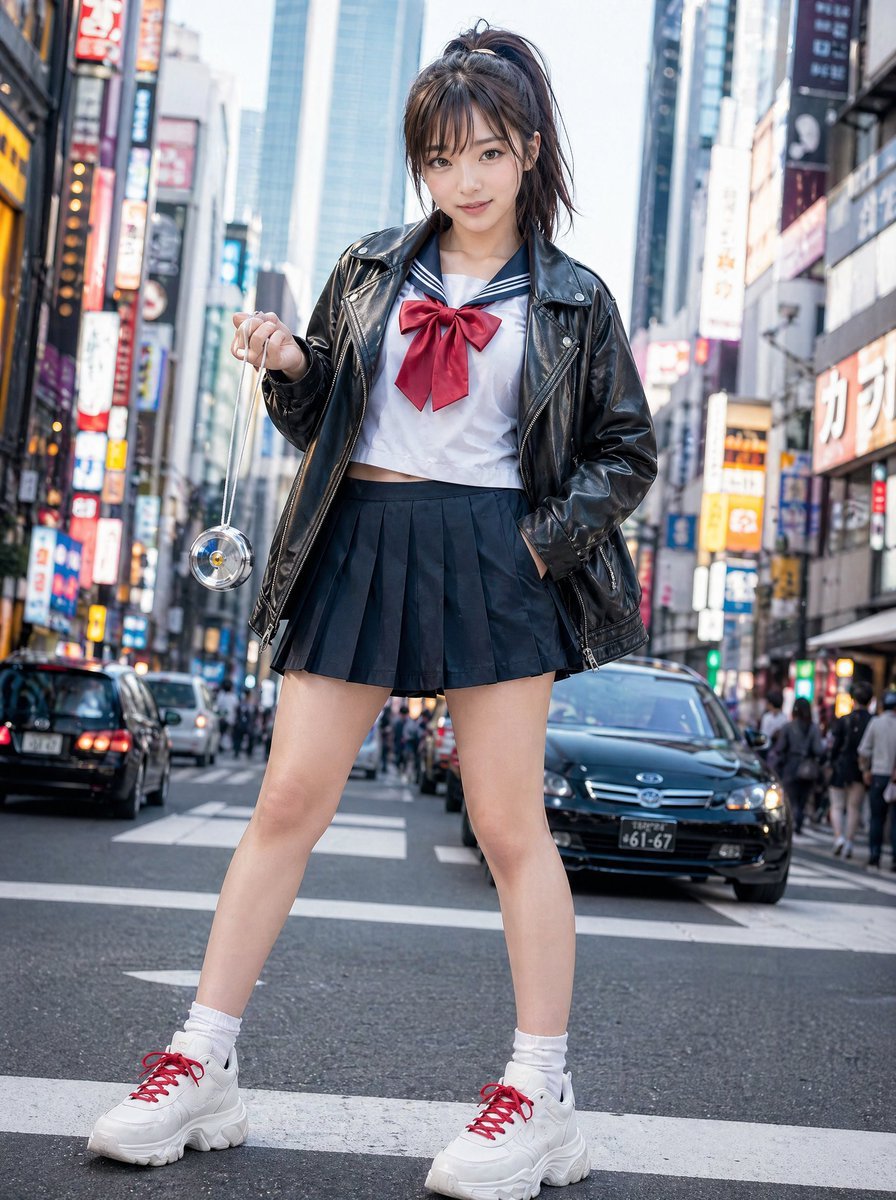
Modern Sukeban Street Portrait
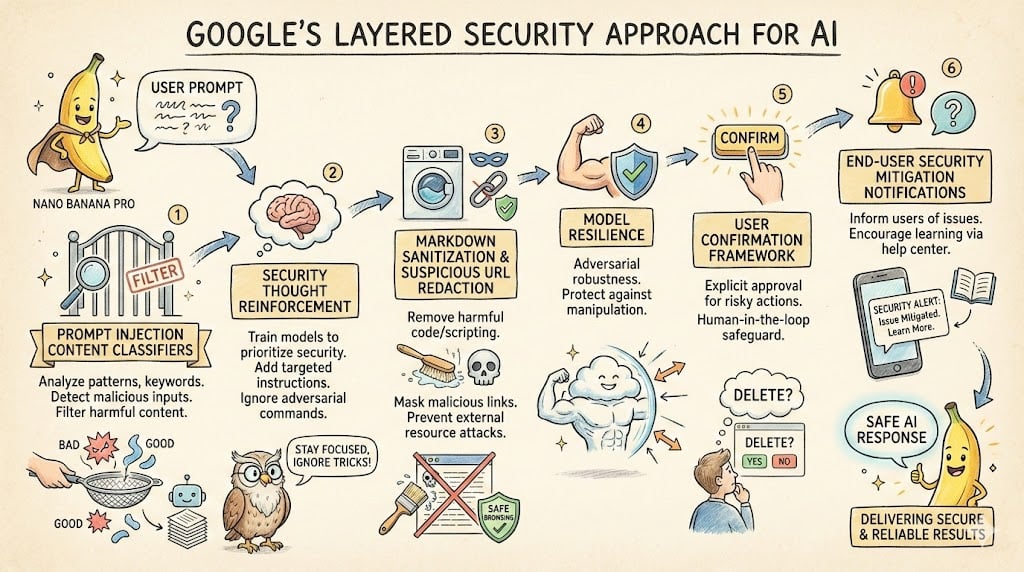
LLM System Prompt Security Measures (Conceptual)
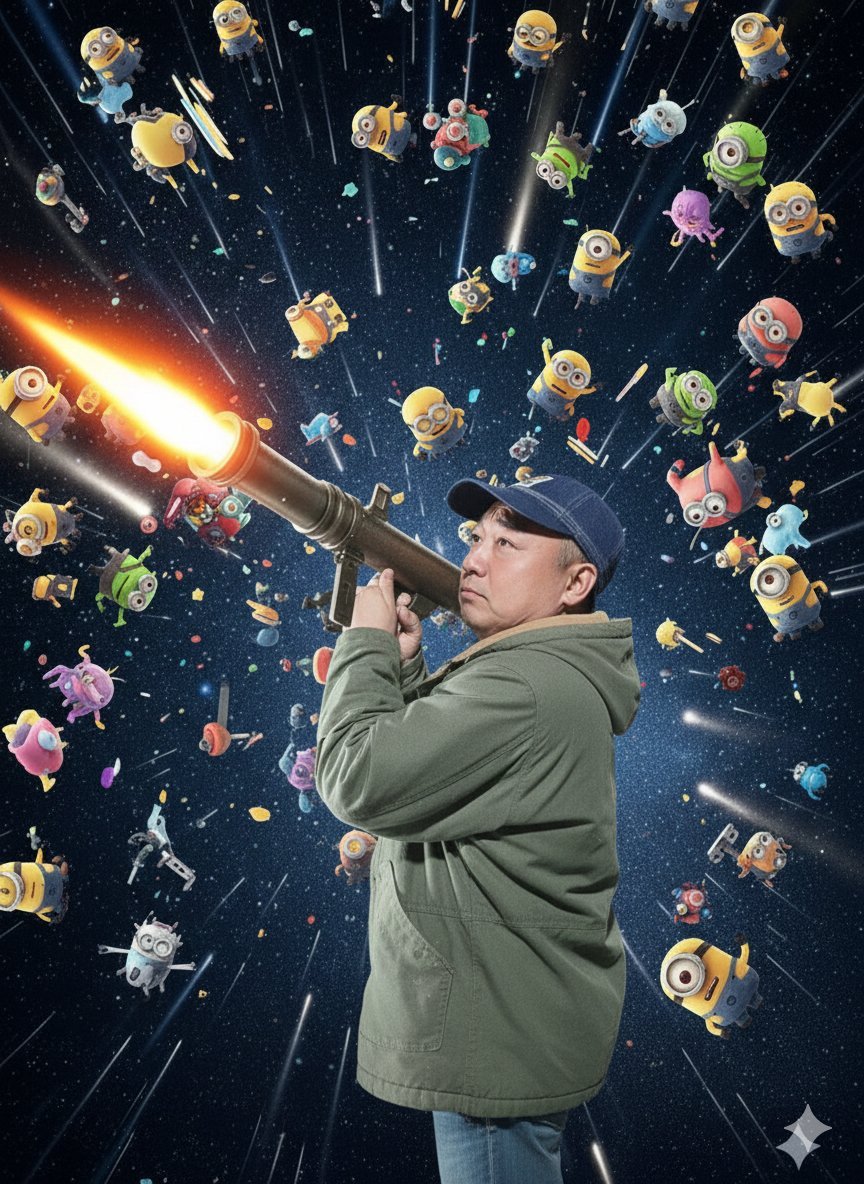
Nano Banana Pro Rocket Launcher Action Prompt
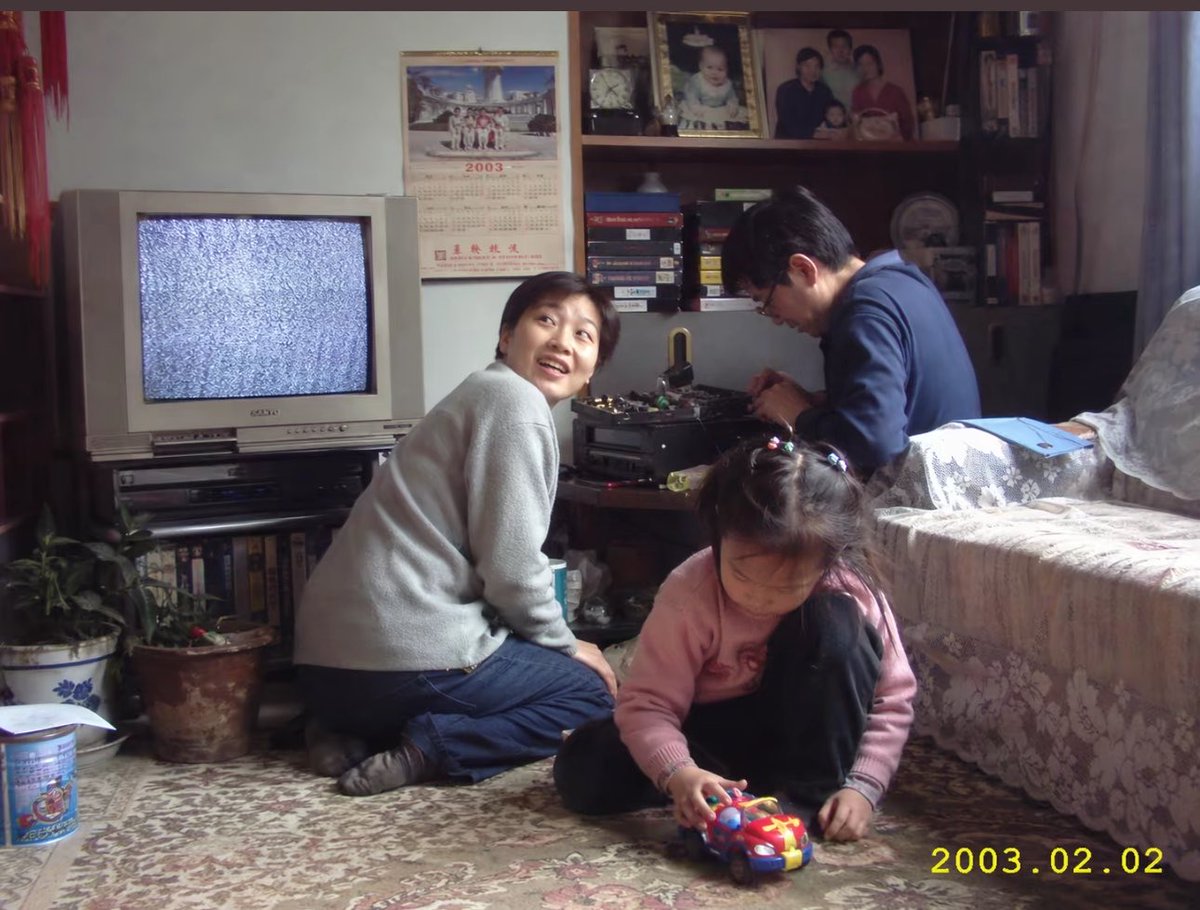
Early 2000s Family Living Room Photo
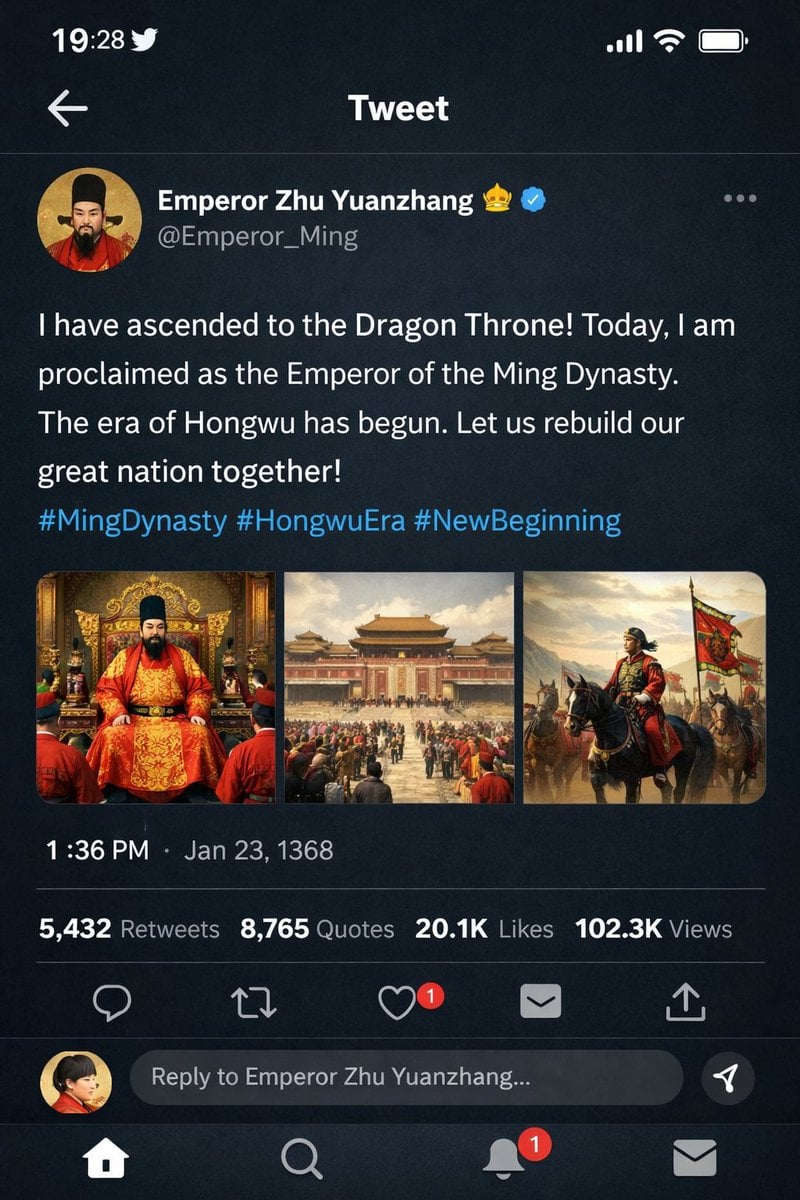
Historical Figure Social Media Mockup
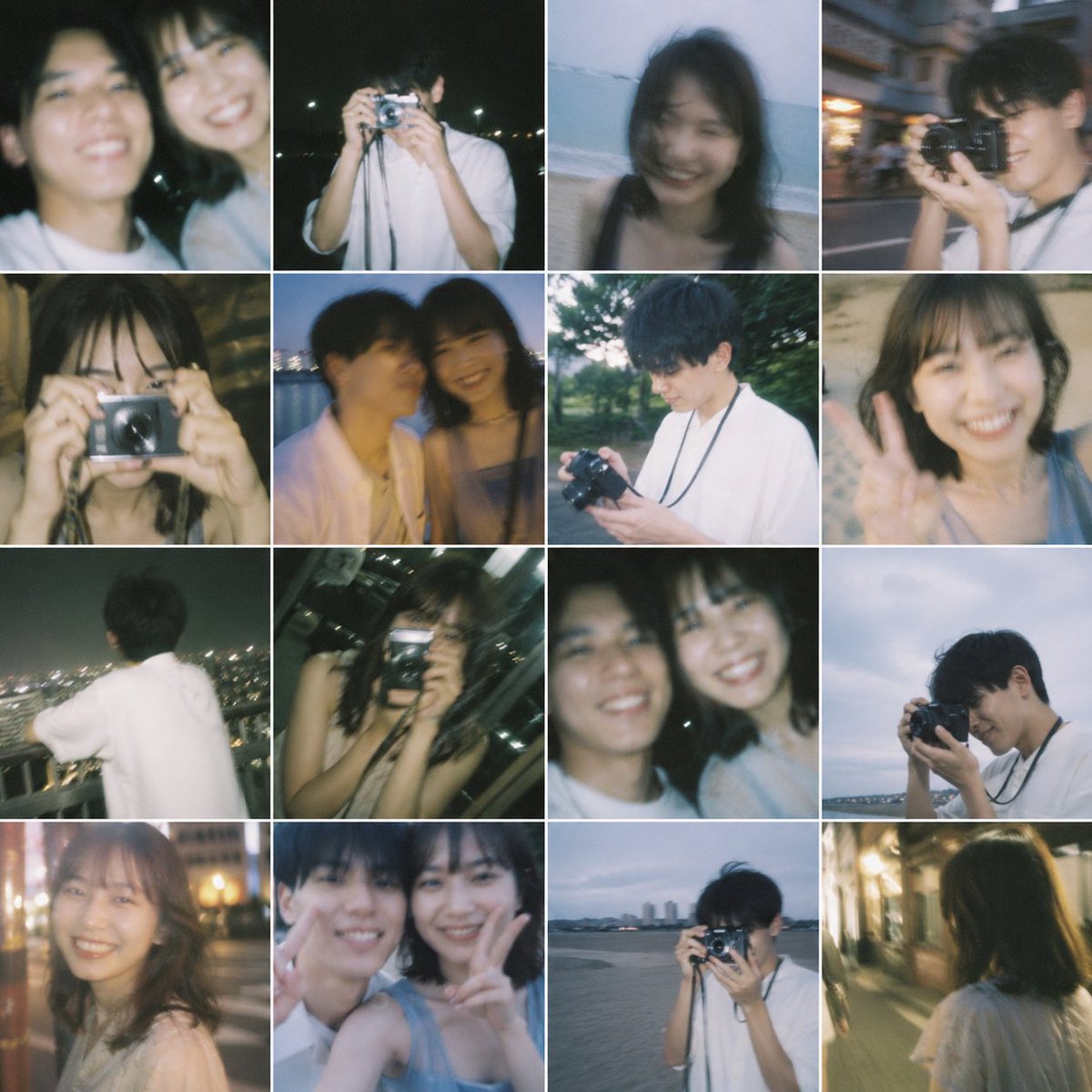
Nostalgic 16-Photo Couple Grid
Browse template categories
Gpt2 Product Marketing Japanese Chinese Food Delivery Flyer questions
How do I use the gpt2-product-marketing-japanese-chinese-food-delivery-flyer template?
Add your photo if the template asks for one, edit the prompt if you like — the template's model and format are already selected — and press Generate. Your version opens in PicX Studio.
Can I customize the gpt2-product-marketing-japanese-chinese-food-delivery-flyer template?
Yes. You can change the subject, setting, lighting, mood, format, and available model controls before creating your image.
Is the gpt2-product-marketing-japanese-chinese-food-delivery-flyer template free?
Opening and editing this template is free. Generating uses credits, shown on the Generate button when you are signed in.
Which AI model should I use?
Start with GPT Image 2, which is the model associated with this template. You can compare another compatible model for a different finish.
Looking for something else? Browse all templates.

Your photo, any look
Thousands of ready templates for every top image and video model, from one credit balance.