
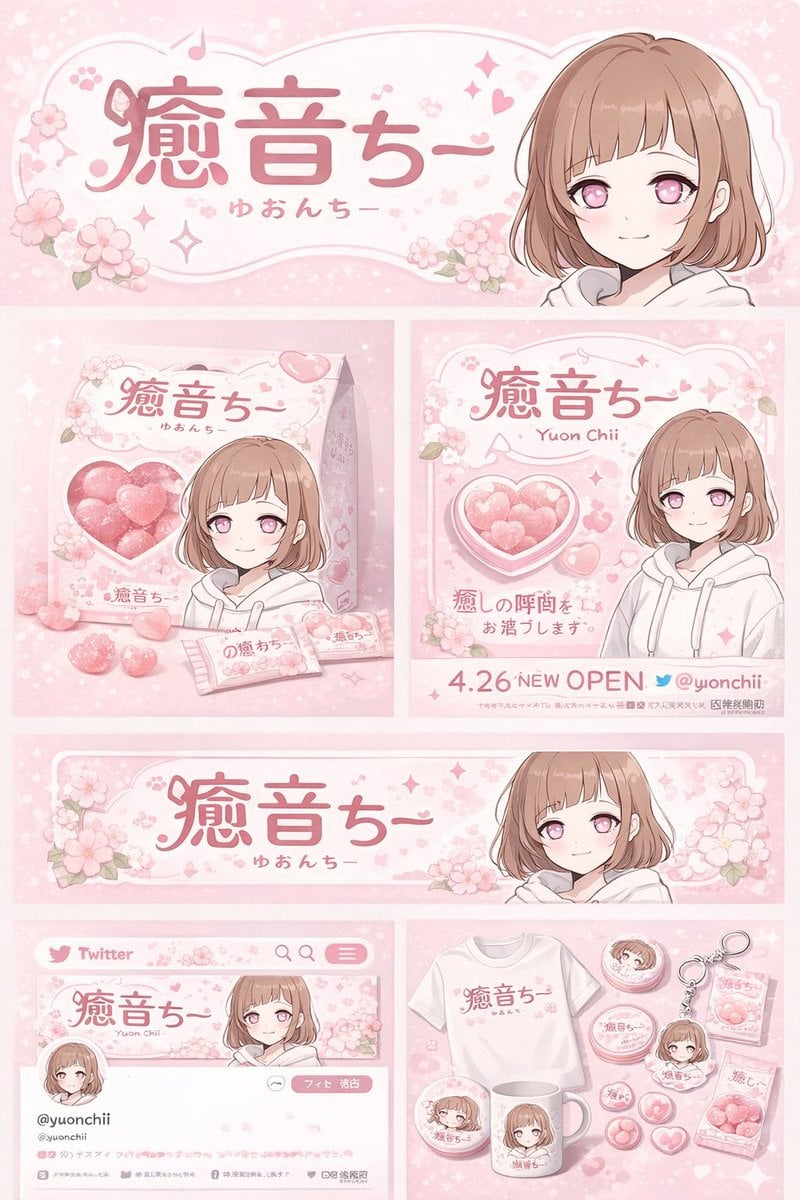
Gpt2 Product Marketing Anime Character Brand Identity Merch Board
Generates a comprehensive brand design board featuring an anime character, including product packaging, social media mockups, and merchandise layouts.
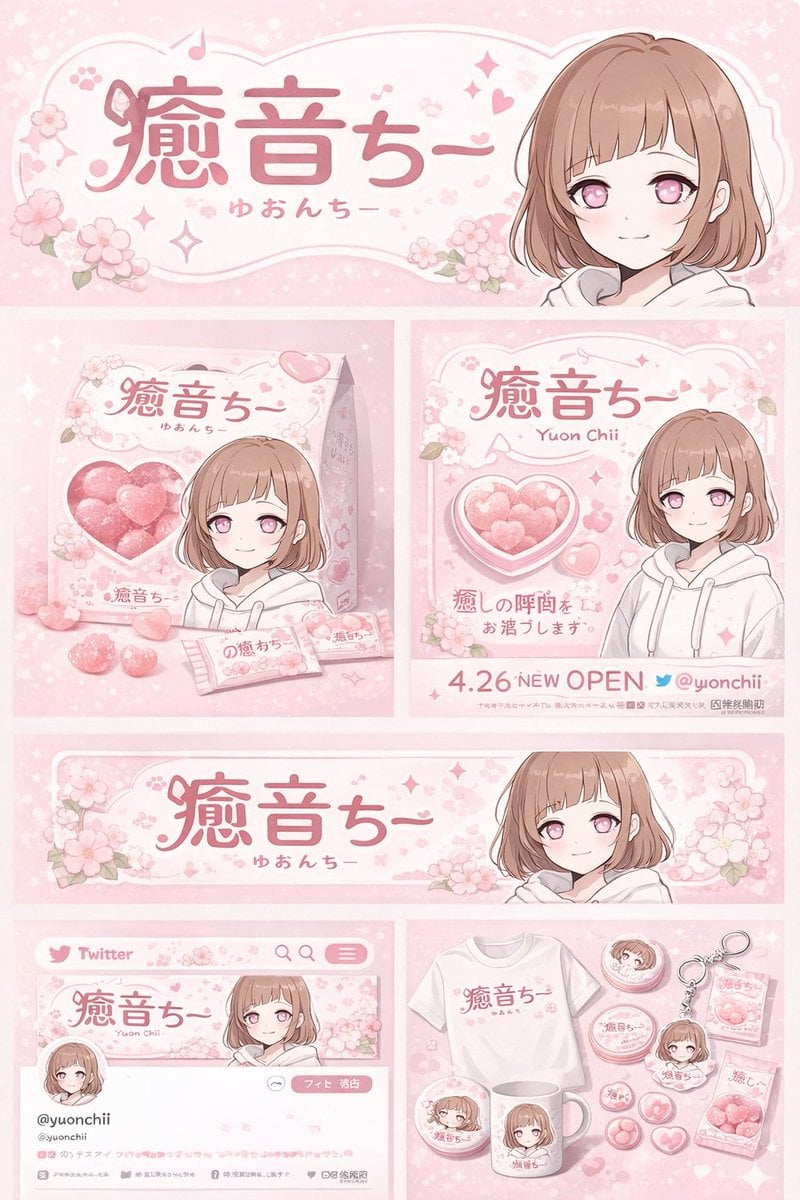
- Prompt included
- Model and format preset
- Free template
The prompt behind this image
Copy the exact prompt behind Gpt2 Product Marketing Anime Character Brand Identity Merch Board, or open it in the studio and make it yours.
- Type
- brand identity and merchandise design board
- Theme › Color Palette
- {argument name="theme color" default="pastel pink"} and white
- Theme › Motif
- {argument name="motif" default="cherry blossoms"} and pink hearts
- Character › Description
- anime girl with short brown bob hair, pink eyes, wearing a white hoodie, gentle smile
- Branding › Main Logo
- {argument name="character name" default="癒音ちー"}
- Branding › Sub Logo
- {argument name="character subtext" default="ゆおんちー"}
- Layout › Sections › 0 › Type
- header banner
- Layout › Sections › 0 › Position
- top
- Layout › Sections › 0 › Elements
- large main logo, sub logo, cherry blossom graphics, character portrait on the right
- Layout › Sections › 1 › Type
- product packaging
- Layout › Sections › 1 › Position
- middle left
- Layout › Sections › 1 › Elements
- 1 square box with heart-shaped transparent window showing pink heart candies, character illustration on box, 2 individual candy wrappers, 5 scattered heart candies
- Layout › Sections › 2 › Type
- promotional poster
- Layout › Sections › 2 › Position
- middle right
- Layout › Sections › 2 › Elements
- character portrait, heart-shaped candy bowl, main logo, text '4.26 NEW OPEN', text '{argument name="social handle" default="@yuonchii"}'
- Layout › Sections › 3 › Type
- horizontal web banner
- Layout › Sections › 3 › Position
- lower middle
- Layout › Sections › 3 › Elements
- main logo, cherry blossoms, character portrait on the right
- Layout › Sections › 4 › Type
- social media profile mockup
- Layout › Sections › 4 › Position
- bottom left
- Layout › Sections › 4 › Elements
- header image with logo, 1 circular profile picture, handle '{argument name="social handle" default="@yuonchii"}', 1 follow button, mock bio text
- Layout › Sections › 5 › Type
- merchandise collection
- Layout › Sections › 5 › Position
- bottom right
- Layout › Sections › 5 › Count
- 9
Raw JSON
{
  "type": "brand identity and merchandise design board",
  "theme": {
    "color_palette": "{argument name=\"theme color\" default=\"pastel pink\"} and white",
    "motif": "{argument name=\"motif\" default=\"cherry blossoms\"} and pink hearts"
  },
  "character": {
    "description": "anime girl with short brown bob hair, pink eyes, wearing a white hoodie, gentle smile"
  },
  "branding": {
    "main_logo": "{argument name=\"character name\" default=\"癒音ちー\"}",
    "sub_logo": "{argument name=\"character subtext\" default=\"ゆおんちー\"}"
  },
  "layout": {
    "sections": [
      {
        "type": "header banner",
        "position": "top",
        "elements": ["large main logo", "sub logo", "cherry blossom graphics", "character portrait on the right"]
      },
      {
        "type": "product packaging",
        "position": "middle left",
        "elements": ["1 square box with heart-shaped transparent window showing pink heart candies", "character illustration on box", "2 individual candy wrappers", "5 scattered heart candies"]
      },
      {
        "type": "promotional poster",
        "position": "middle right",
        "elements": ["character portrait", "heart-shaped candy bowl", "main logo", "text '4.26 NEW OPEN'", "text '{argument name=\"social handle\" default=\"@yuonchii\"}'"]
      },
      {
        "type": "horizontal web banner",
        "position": "lower middle",
        "elements": ["main logo", "cherry blossoms", "character portrait on the right"]
      },
      {
        "type": "social media profile mockup",
        "position": "bottom left",
        "elements": ["header image with logo", "1 circular profile picture", "handle '{argument name=\"social handle\" default=\"@yuonchii\"}'", "1 follow button", "mock bio text"]
      },
      {
        "type": "merchandise collection",
        "position": "bottom right",
        "count": 9,
        "items": ["1 white t-shirt with logo", "1 white mug with character", "4 round pin badges", "1 acrylic keychain", "2 candy packets"]
      }
    ]
  }
}How to use Gpt2 Product Marketing Anime Character Brand Identity Merch Board in 3 steps
- 1
Open
The prompt is already in the box next to the preview, with the template's model and format selected.
- 2…a portrait of your subject in softgolden-hour light, 85mm…
Personalize
Edit the subject and creative details for your destination.
- 3Generate
Generate
Press Generate — your image is created in PicX Studio, so you can compare it with the original and refine one variable at a time.
More like this
Templates with the same subject, style or setup. Open one to see its prompt.
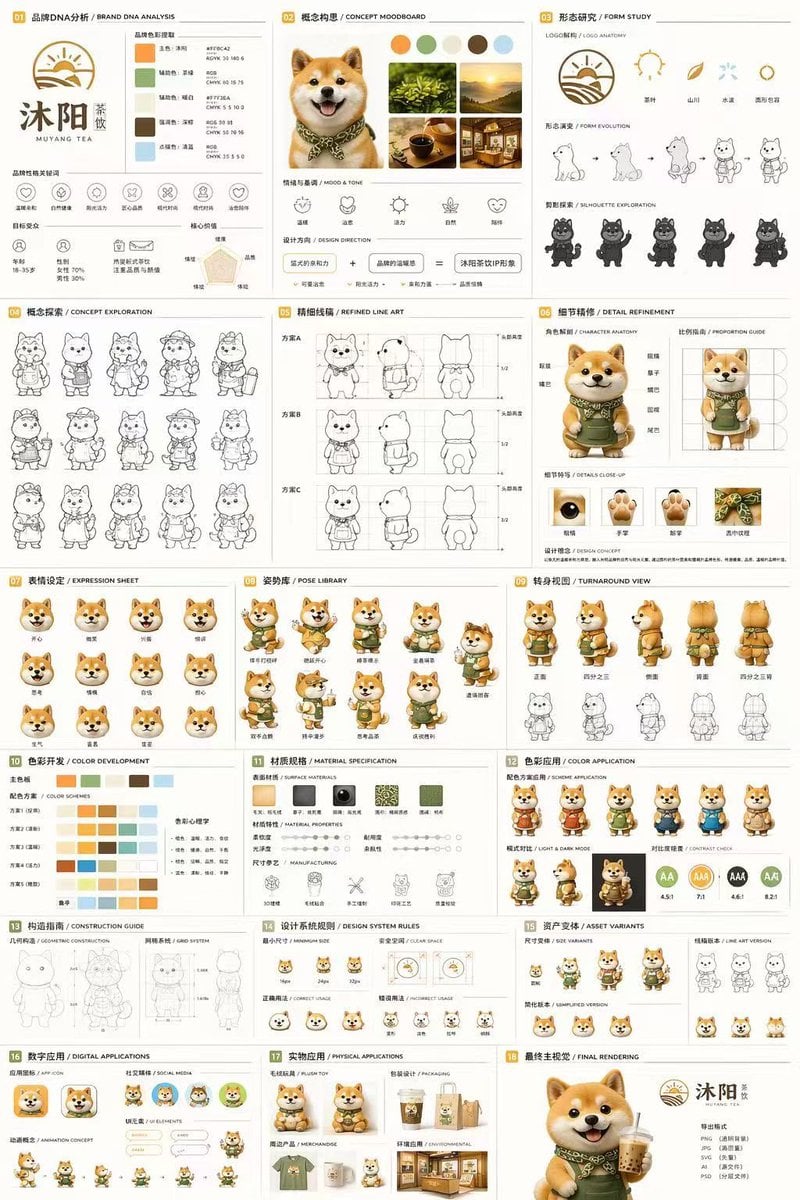
Gpt2 Product Marketing 18 Panel Mascot Brand Identity Document
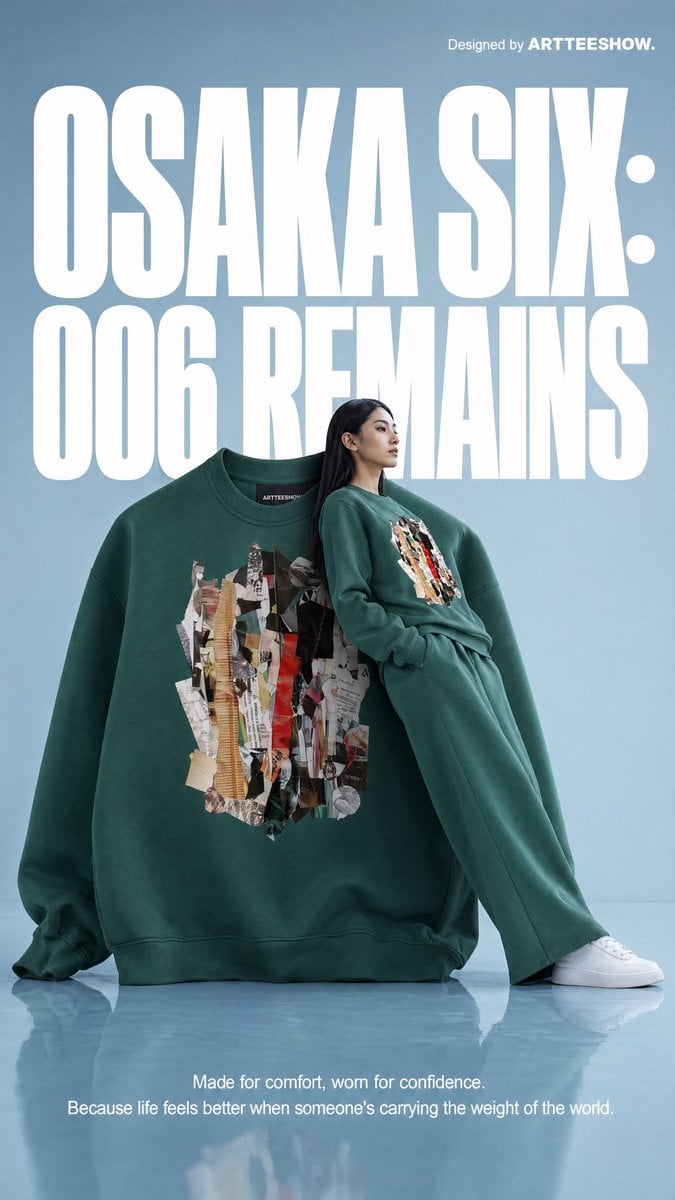
Gpt2 Product Marketing Editorial Osaka Six Sweatshirt Ad

Gpt2 Product Marketing Streetwear Sneaker Poster Ad
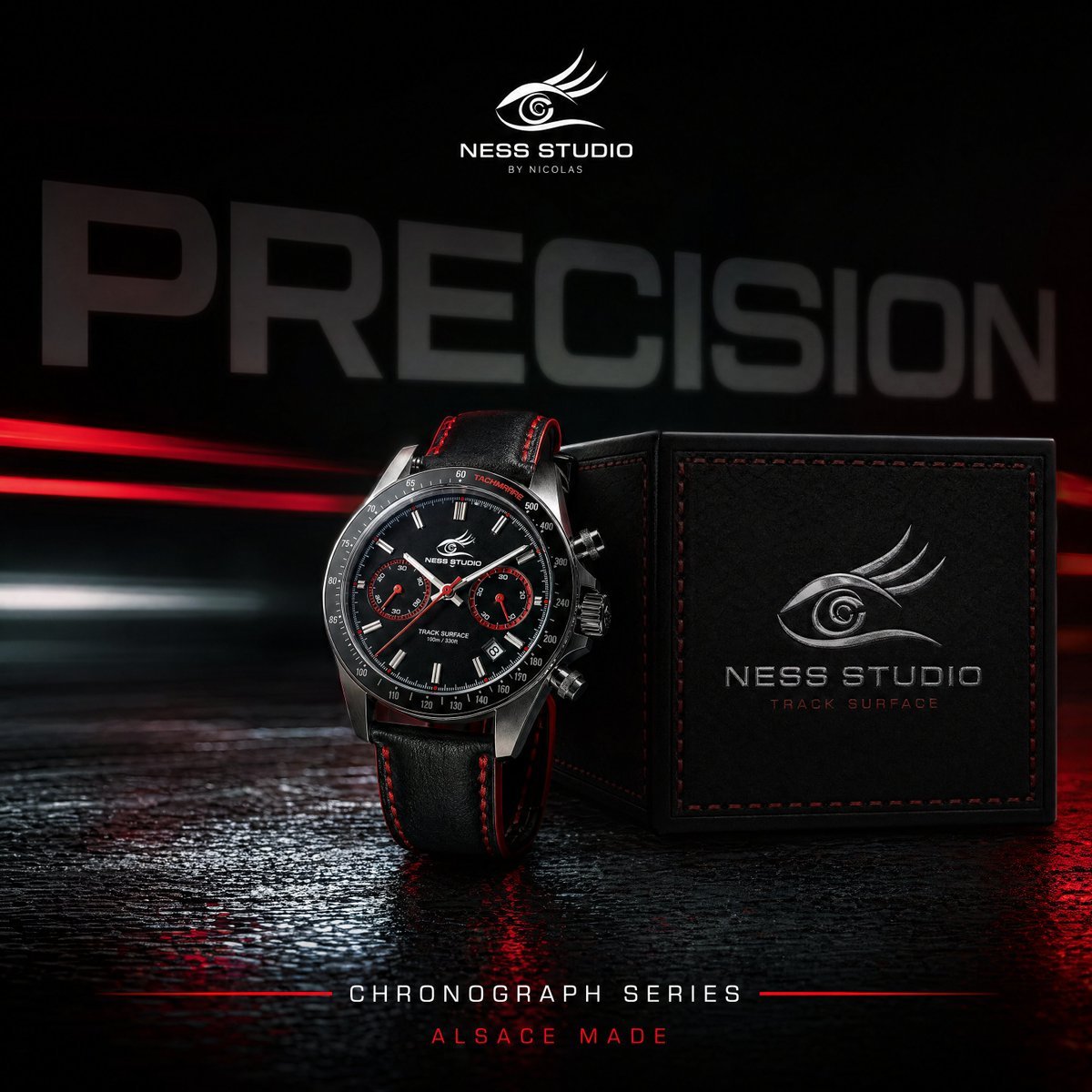
Gpt2 Product Marketing Luxury Chronograph Watch Ad
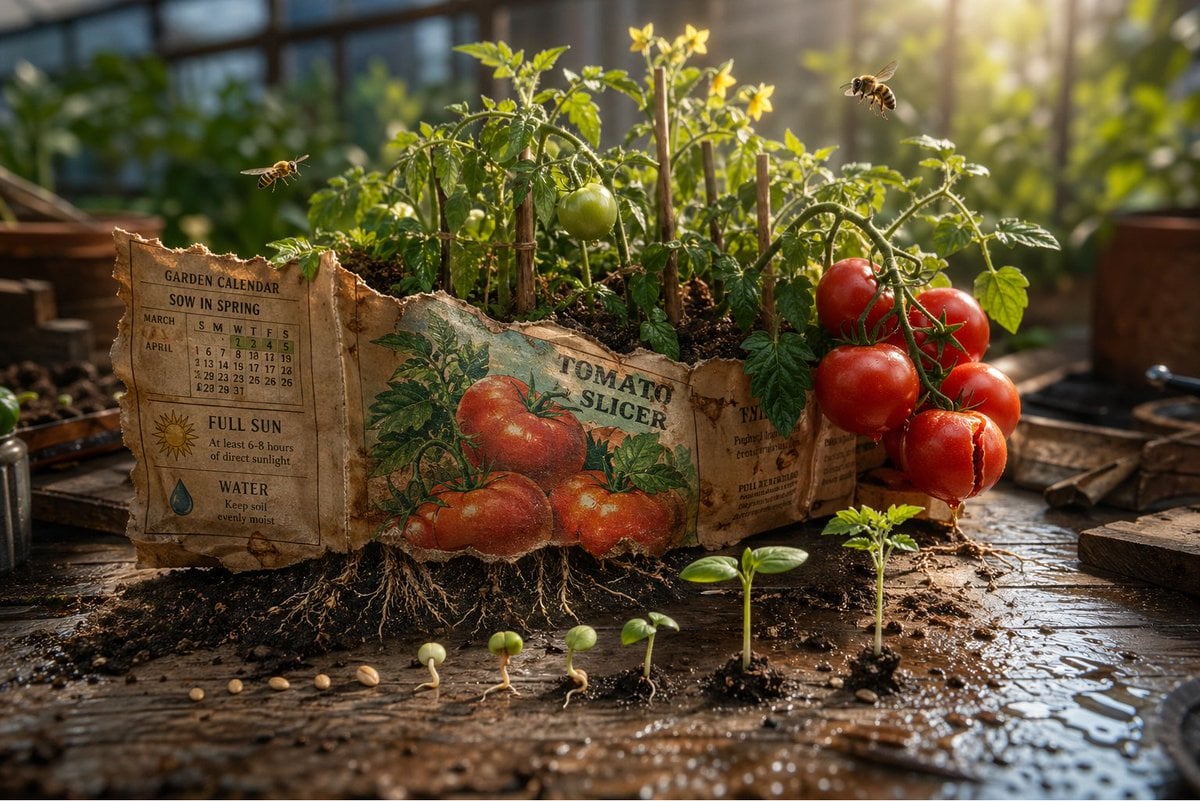
Gpt2 Product Marketing Magical Seed Packet Diorama
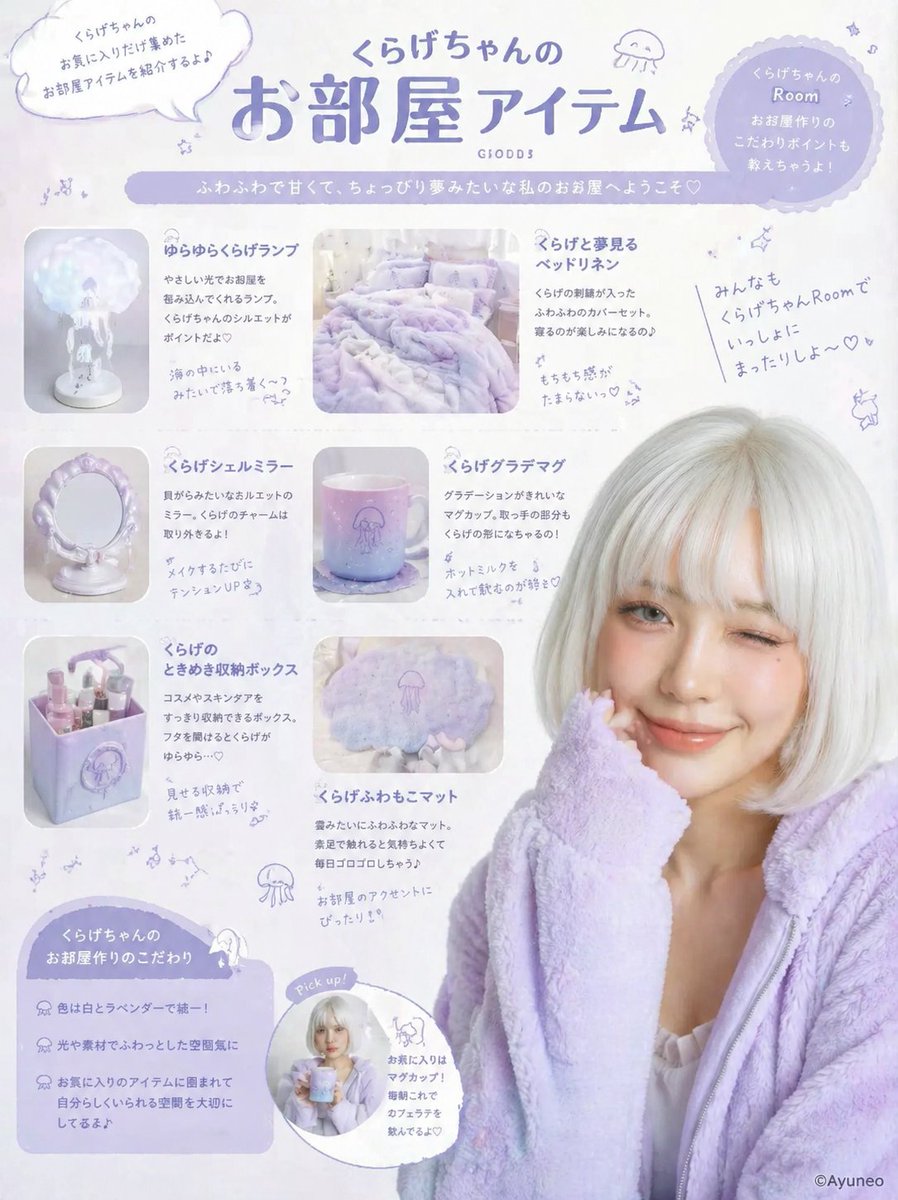
Gpt2 Product Marketing Pastel Jellyfish Room Goods Poster
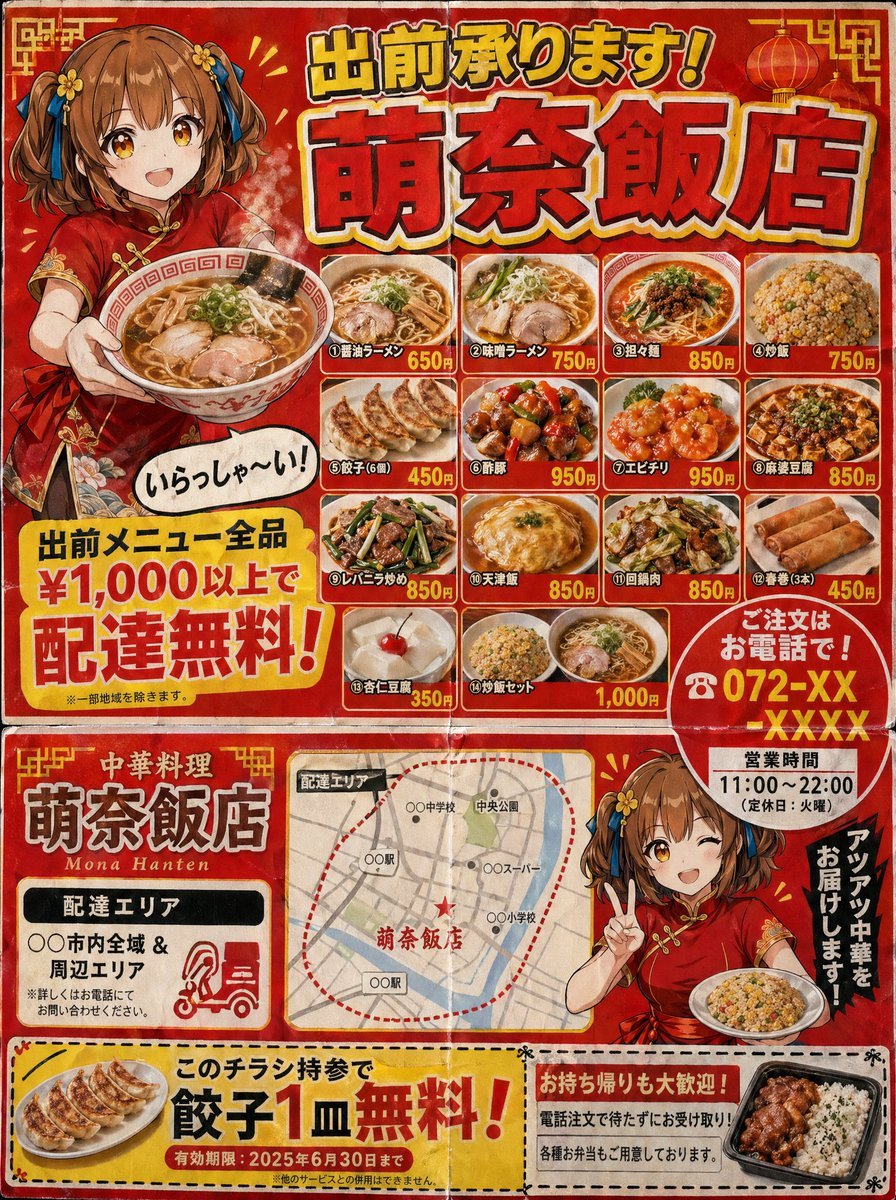
Gpt2 Product Marketing Japanese Chinese Food Delivery Flyer
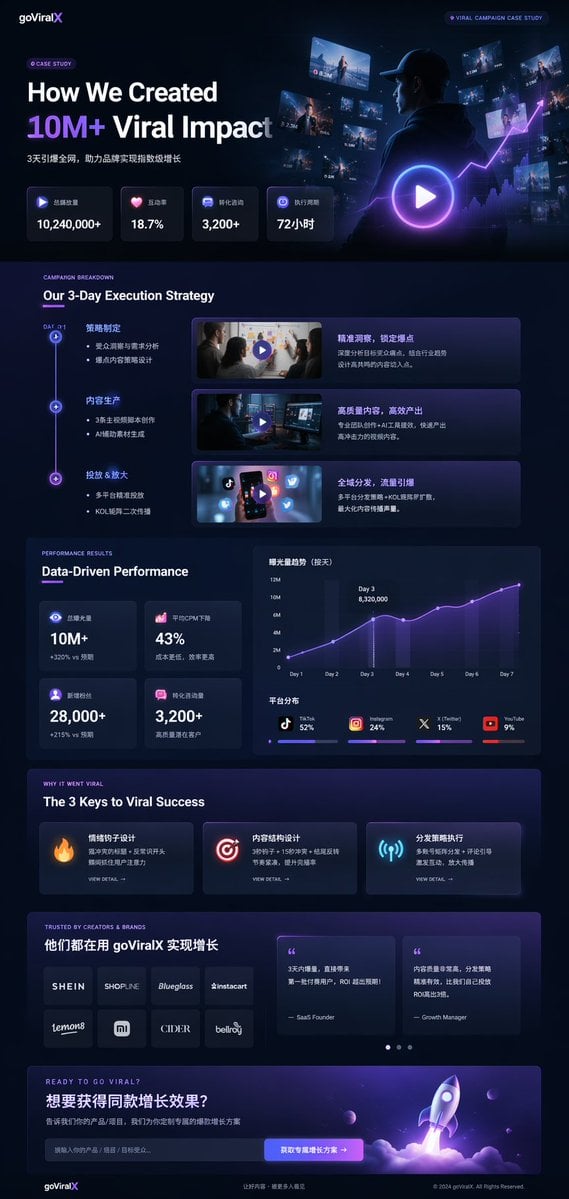
Gpt2 Product Marketing Dark Mode Marketing Case Study Ui

Gpt2 E Commerce Main Image 9 Panel Product Tvc Storyboard
Anime Character Brand Identity & Merch Board
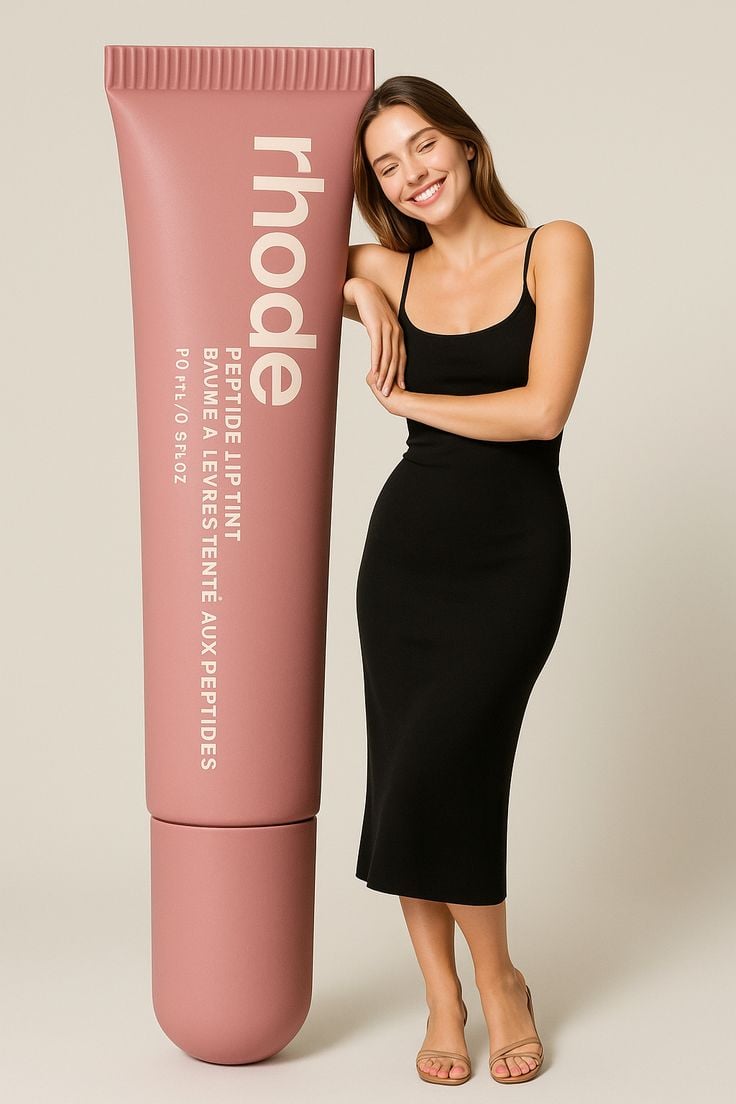
Giant Product Lifestyle Mockup
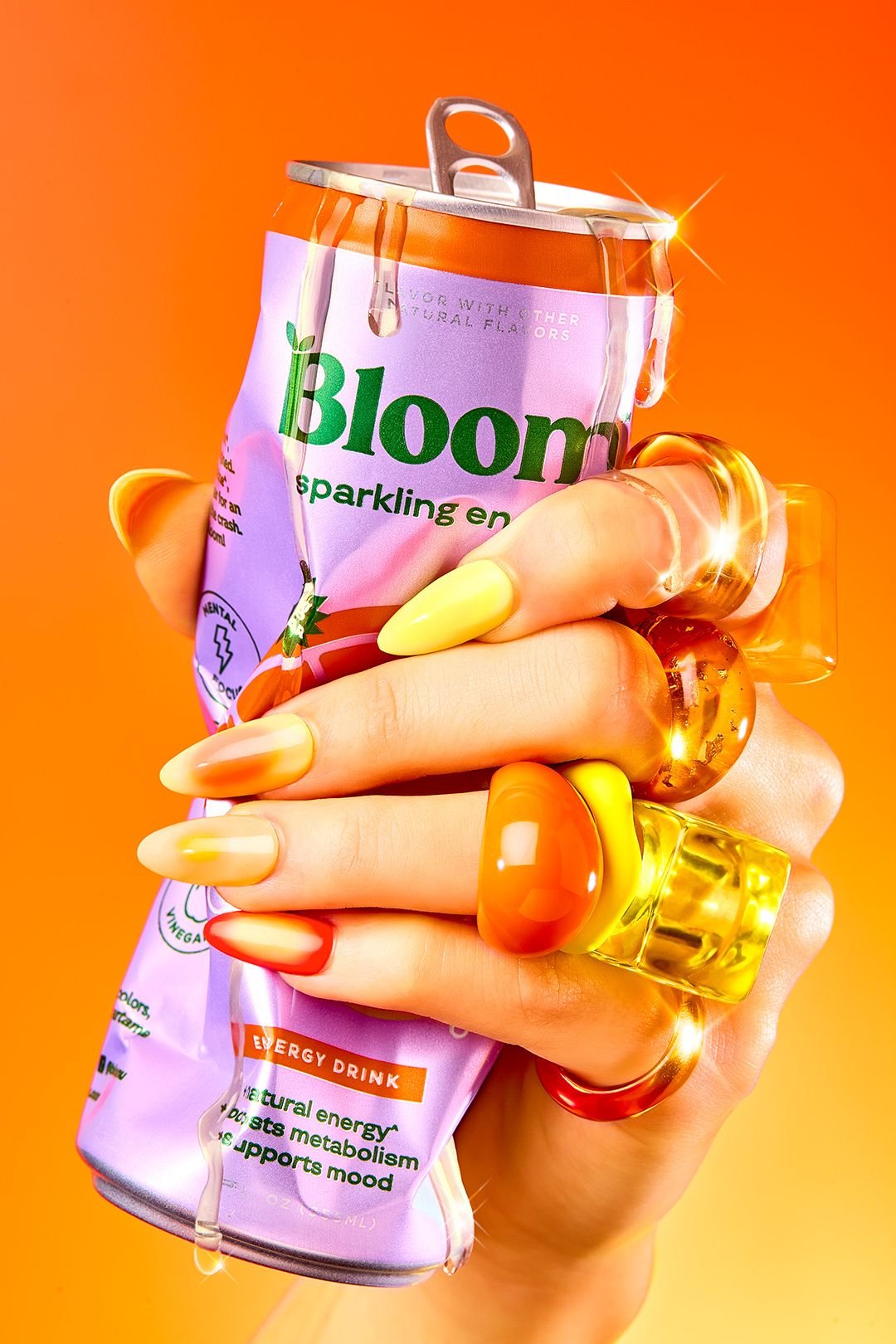
Vibrant Citrus Energy Bloom
Make it yours
Gpt2 Product Marketing Anime Character Brand Identity Merch Board works as-is. These are the safest ways to change it without losing the look.
Change one field
Copy a single group, rewrite it, and generate again so you can see what that field is doing.
Keep the frame, change the subject
Hold the composition and light of gpt2-product-marketing-anime-character-brand-identity-merch-board, then swap wardrobe, props or the person for a new take.
| If the result… | Why | Fix |
|---|---|---|
| The result drifts from the preview | Too many fields changed at once. | Reuse gpt2-product-marketing-anime-character-brand-identity-merch-board as-is first, then change one group — subject, light, or setting. |
| GPT Image 2 ignores part of the JSON | Some models flatten or skip nested keys. | Keep the same values and paste them as a short paragraph instead. |
More GPT Image 2 templates
Other prompts made for GPT Image 2.

Six VTuber Japanese Logo Sheet

Realistic Portrait of Woman and Deer

The Vista Modular Condo Poster

AI Model Routing Comparison Infographic

2.5D Anime Art Board

Isometric Productivity Desk Scene

New York Double Exposure Poster

Four-Panel AI Landscape Comparison

Japanese Tatami Lifestyle Magazine Cover

NESCAFÉ Coffee Map Poster
More image prompts
Fresh picks from across the catalog.
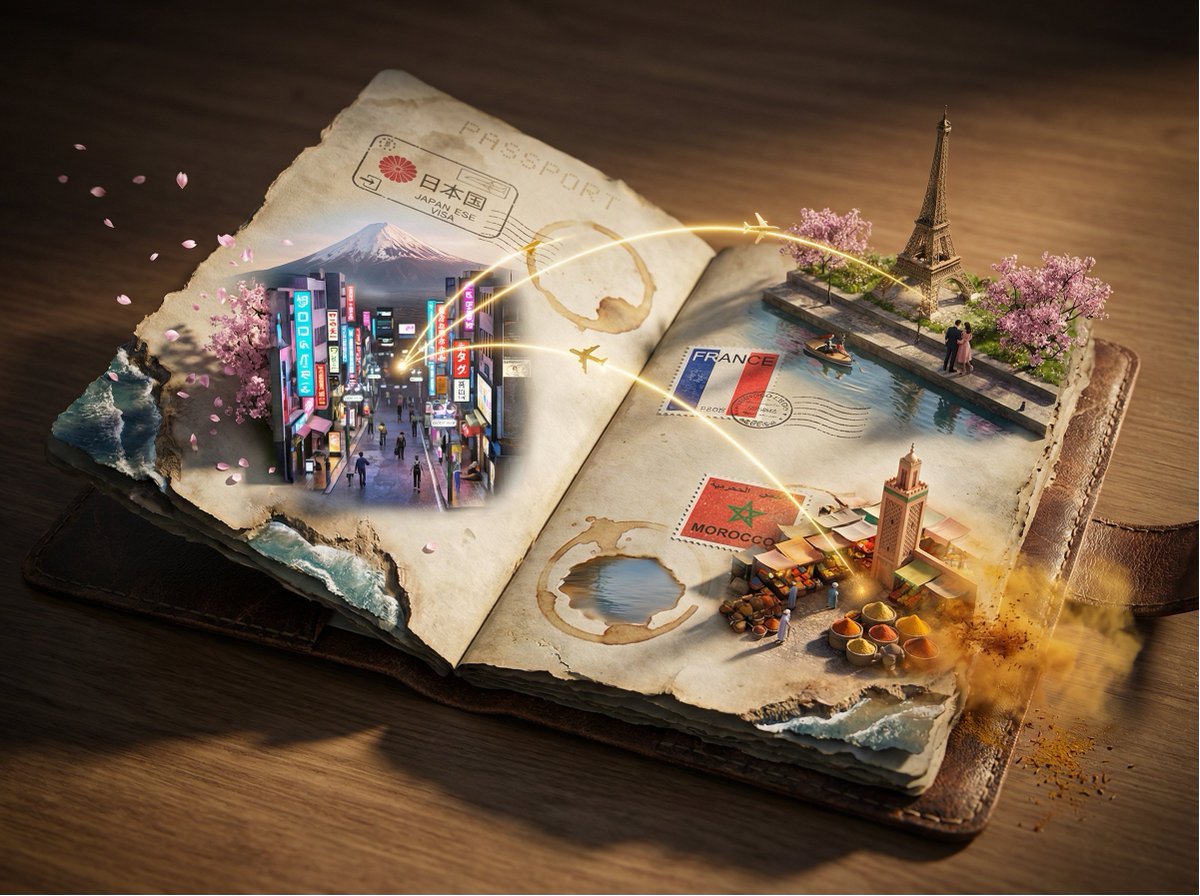
Epic 3D Passport Odyssey Scene
Surreal Cyberpunk Pizza Car Prompt
Cinematic Biker Powder Explosion
Giant Pharmaceutical Capsule with White House Miniature
Ultra-Realistic Natural Light Portrait in Cozy Bedroom
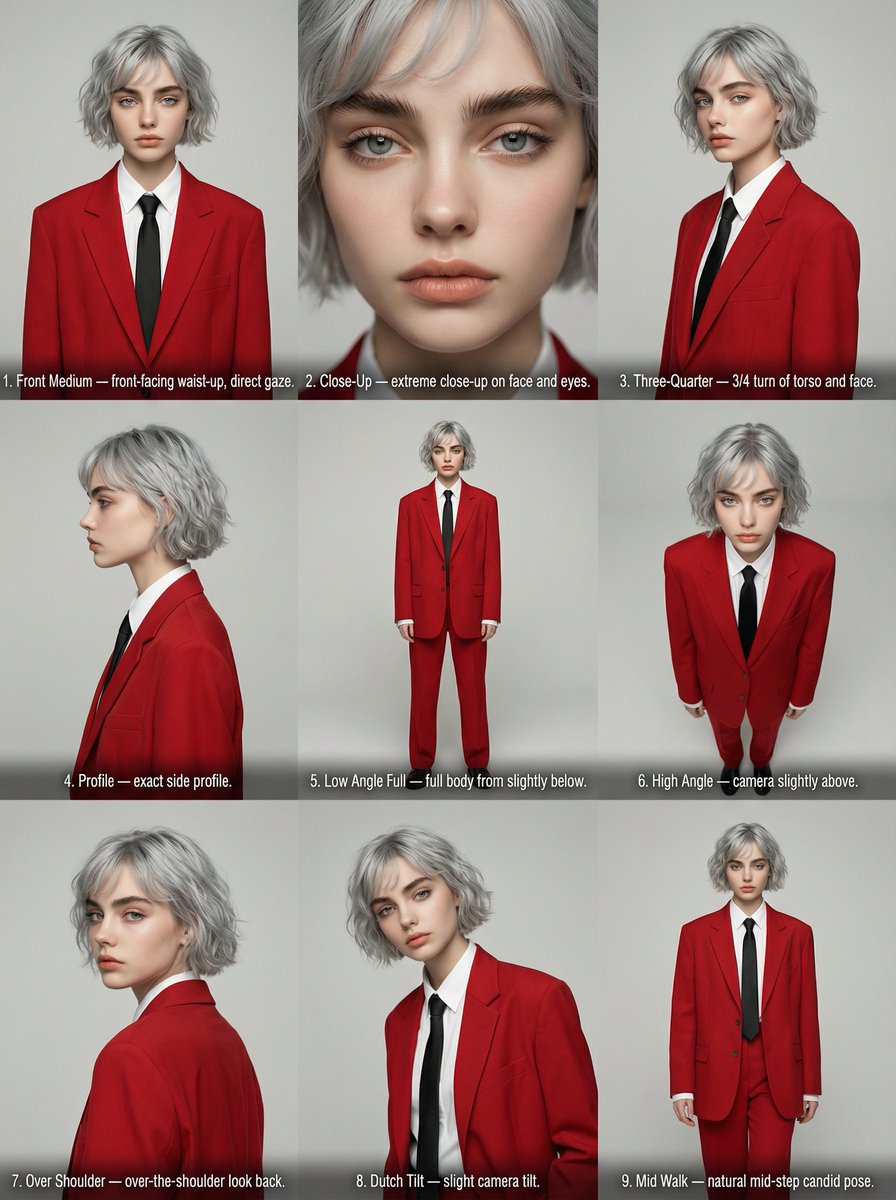
Editorial Angle Reference Sheet Grid
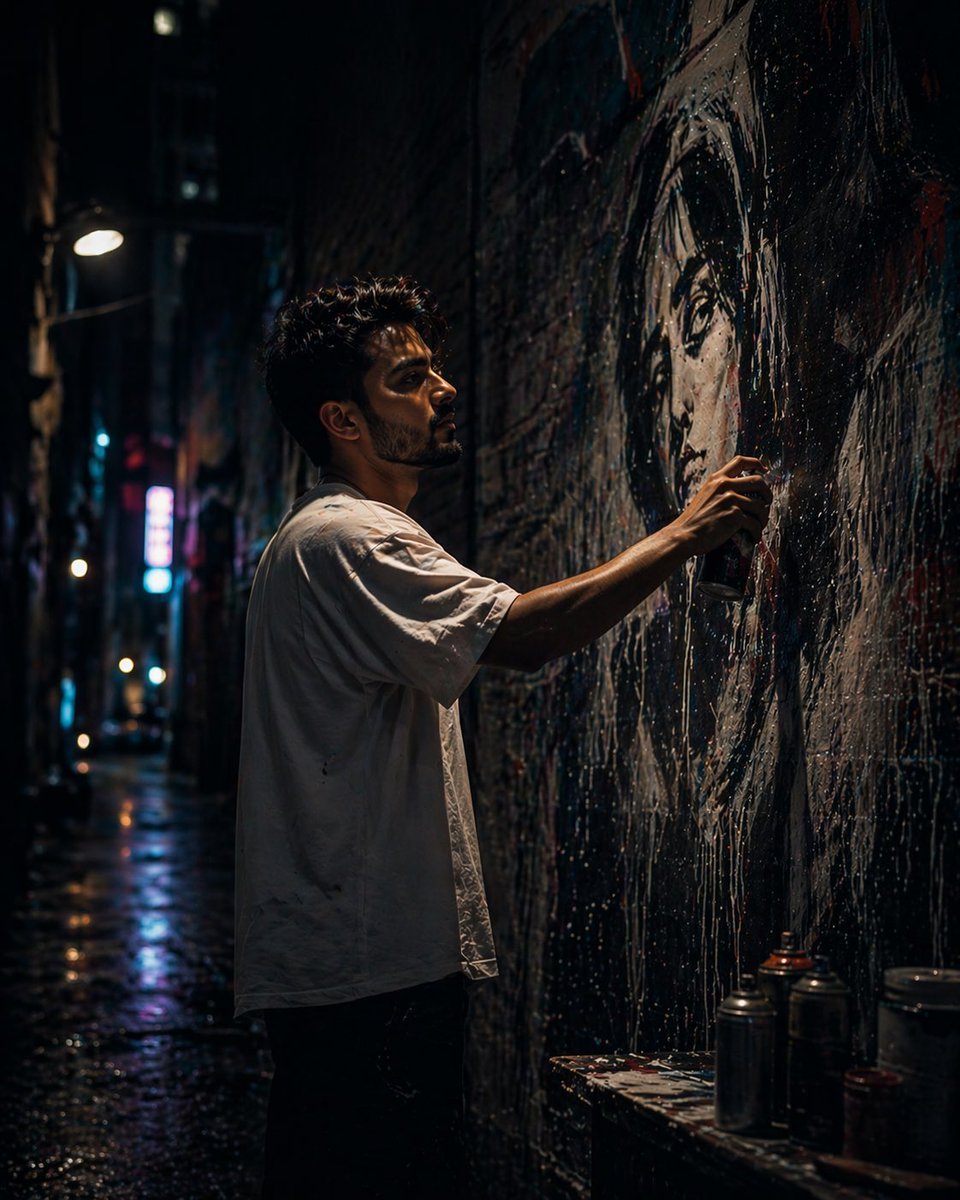
Gpt2 Comic Storyboard Urban Alley Mural Artist

Retro Digital Camera Screen Mockup
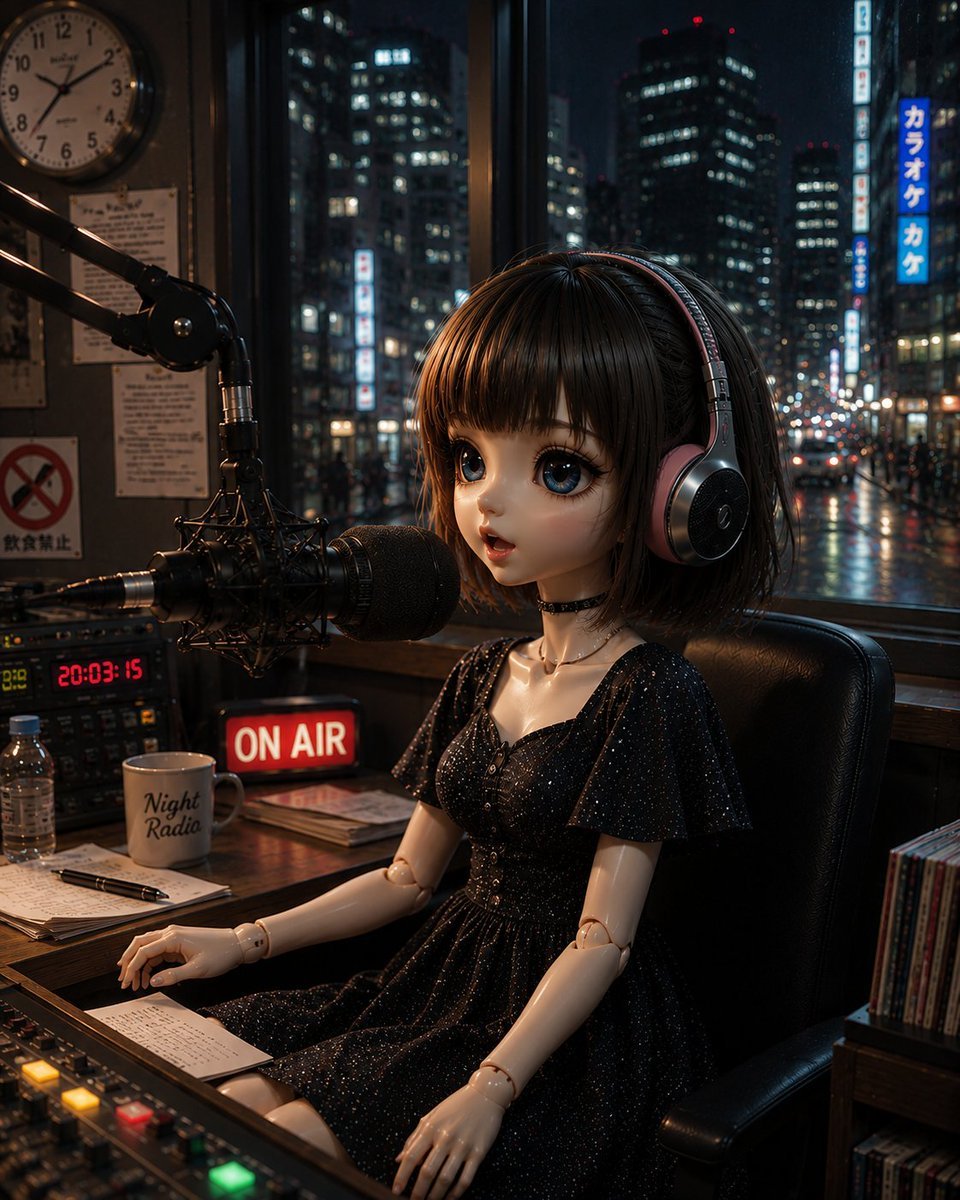
Anonymous Night Radio Doll Host

Minimalistic contemplative pier scene prompt for Nano Banana Pro
Browse template categories
Gpt2 Product Marketing Anime Character Brand Identity Merch Board questions
How do I use the gpt2-product-marketing-anime-character-brand-identity-merch-board template?
Add your photo if the template asks for one, edit the prompt if you like — the template's model and format are already selected — and press Generate. Your version opens in PicX Studio.
Can I customize the gpt2-product-marketing-anime-character-brand-identity-merch-board template?
Yes. You can change the subject, setting, lighting, mood, format, and available model controls before creating your image.
Is the gpt2-product-marketing-anime-character-brand-identity-merch-board template free?
Opening and editing this template is free. Generating uses credits, shown on the Generate button when you are signed in.
Which AI model should I use?
Start with GPT Image 2, which is the model associated with this template. You can compare another compatible model for a different finish.
Looking for something else? Browse all templates.

Your photo, any look
Thousands of ready templates for every top image and video model, from one credit balance.