
Gpt2 Product Marketing Magical Seed Packet Diorama
A surreal and epic 3D scene prompt where a seed packet erupts into the garden it describes, featuring plants and insects.
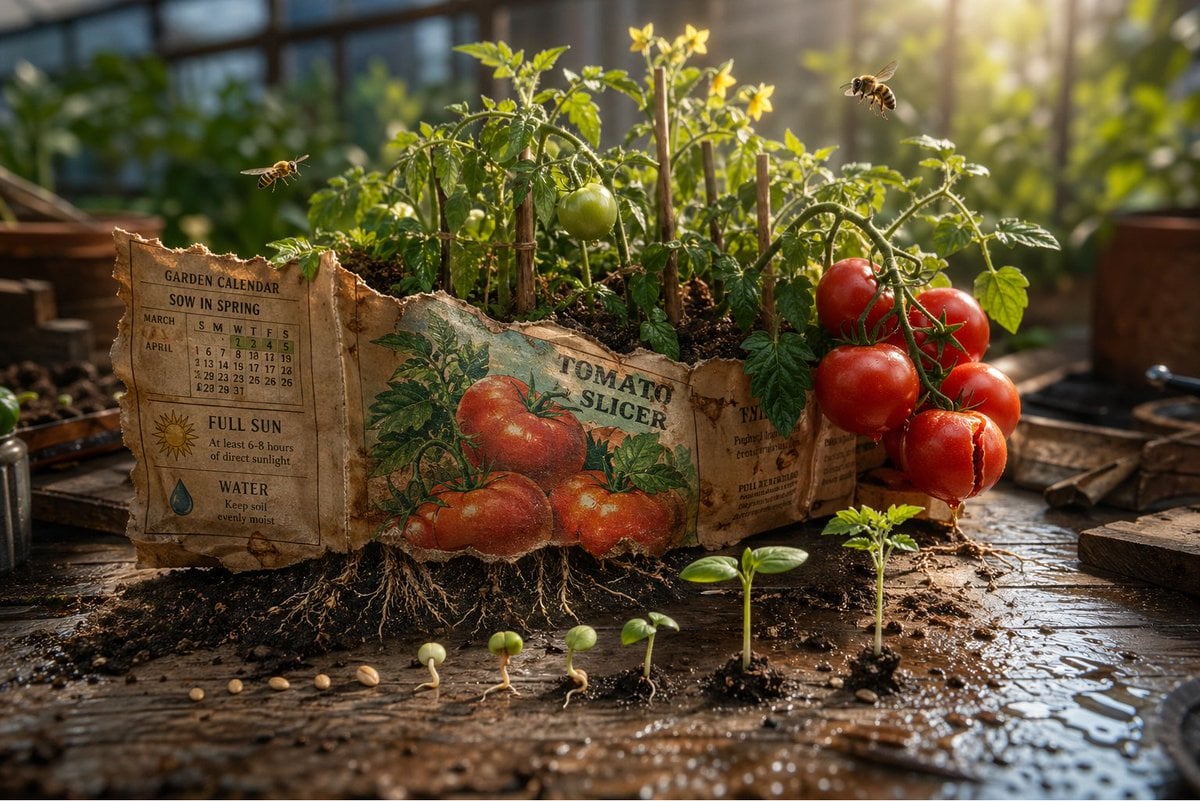
- Prompt included
- Model and format preset
- Free template
The prompt behind this image
Copy the exact prompt behind Gpt2 Product Marketing Magical Seed Packet Diorama, or open it in the studio and make it yours.
Epic 3D scene: a weathered seed packet lying open on a potting bench, its promise erupting into the garden it describes. The illustration on the front becomes real. {argument name="plant type" default="[PLANT / FLOWER]"} growing at full scale from the paper, roots visible through the packet's base pushing into soil below. {argument name="detail left" default="[DETAIL 1]"} in full bloom at one corner. {argument name="detail right" default="[DETAIL 2]"} mid-growth at the other, not yet what it will be. Tiny insects that belong to this plant, {argument name="insect type" default="[BEE / BUTTERFLY / BEETLE]"}, hovering at correct scale. The written instructions on the back become garden calendar, "sow in spring" manifests as actual spring light. "full sun" manifests as a single shaft of it, hitting the tallest bloom perfectly. Scattered seeds between packet and soil each showing their germination stage, split coat, first root, first shoot, first leaf. The packet's torn top edge becomes a treeline. Potting bench surface with soil scatter and water droplets. Tilt-shift depth of field, greenhouse morning light, the packet as the garden it always intended.
How to use Gpt2 Product Marketing Magical Seed Packet Diorama in 3 steps
- 1
Open
The prompt is already in the box next to the preview, with the template's model and format selected.
- 2…a portrait of your subject in softgolden-hour light, 85mm…
Personalize
Edit the subject and creative details for your destination.
- 3Generate
Generate
Press Generate — your image is created in PicX Studio, so you can compare it with the original and refine one variable at a time.
More like this
Templates with the same subject, style or setup. Open one to see its prompt.
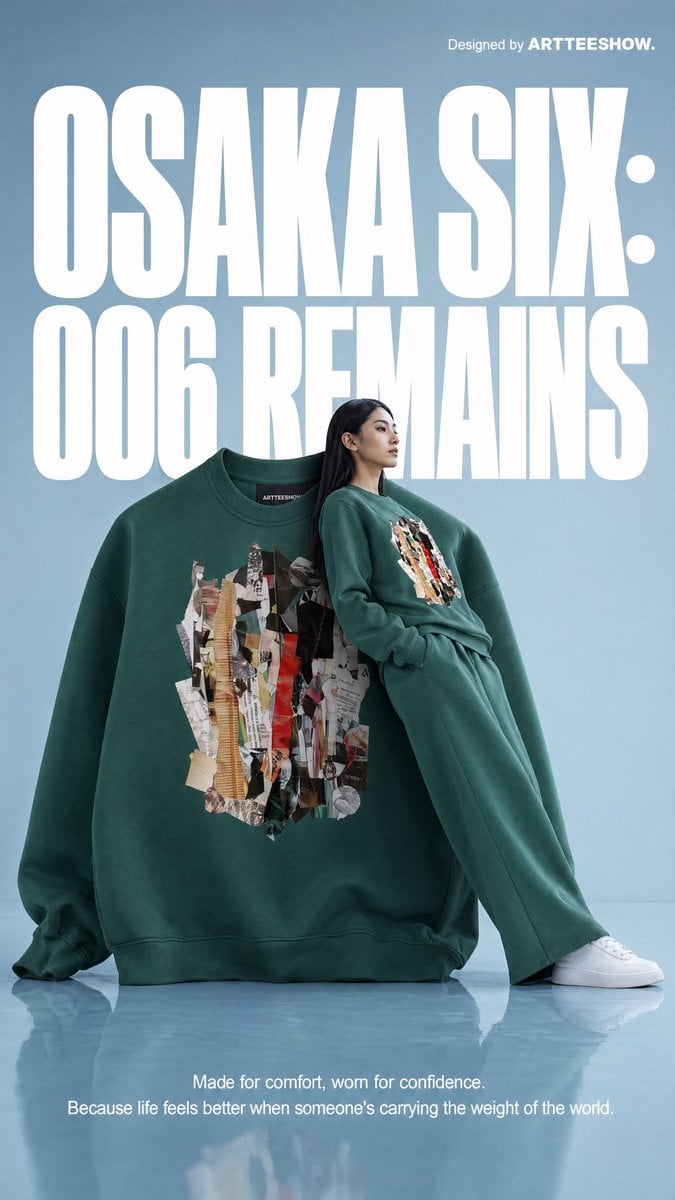
Gpt2 Product Marketing Editorial Osaka Six Sweatshirt Ad

Gpt2 Product Marketing Streetwear Sneaker Poster Ad

Gpt2 Product Marketing Luxury Chronograph Watch Ad
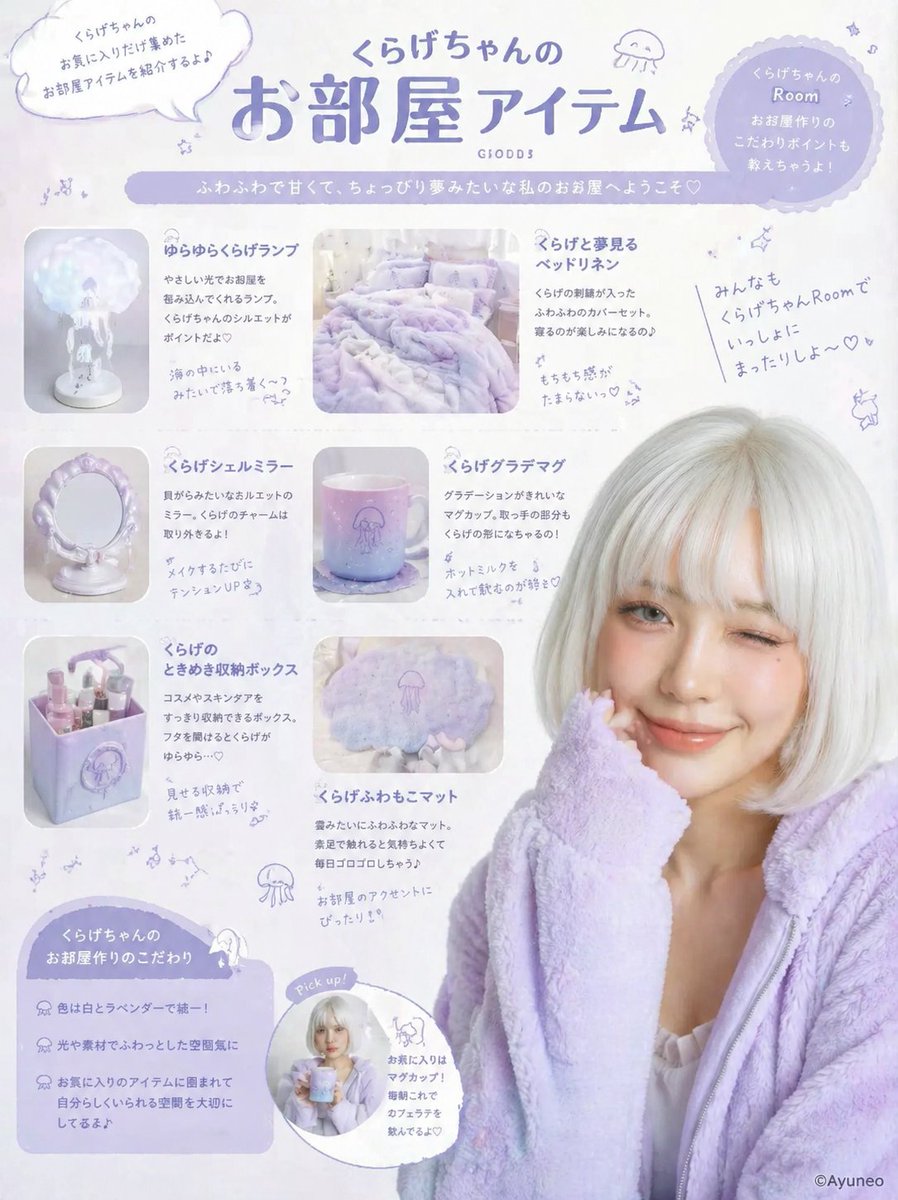
Gpt2 Product Marketing Pastel Jellyfish Room Goods Poster

Gpt2 Product Marketing Japanese Chinese Food Delivery Flyer
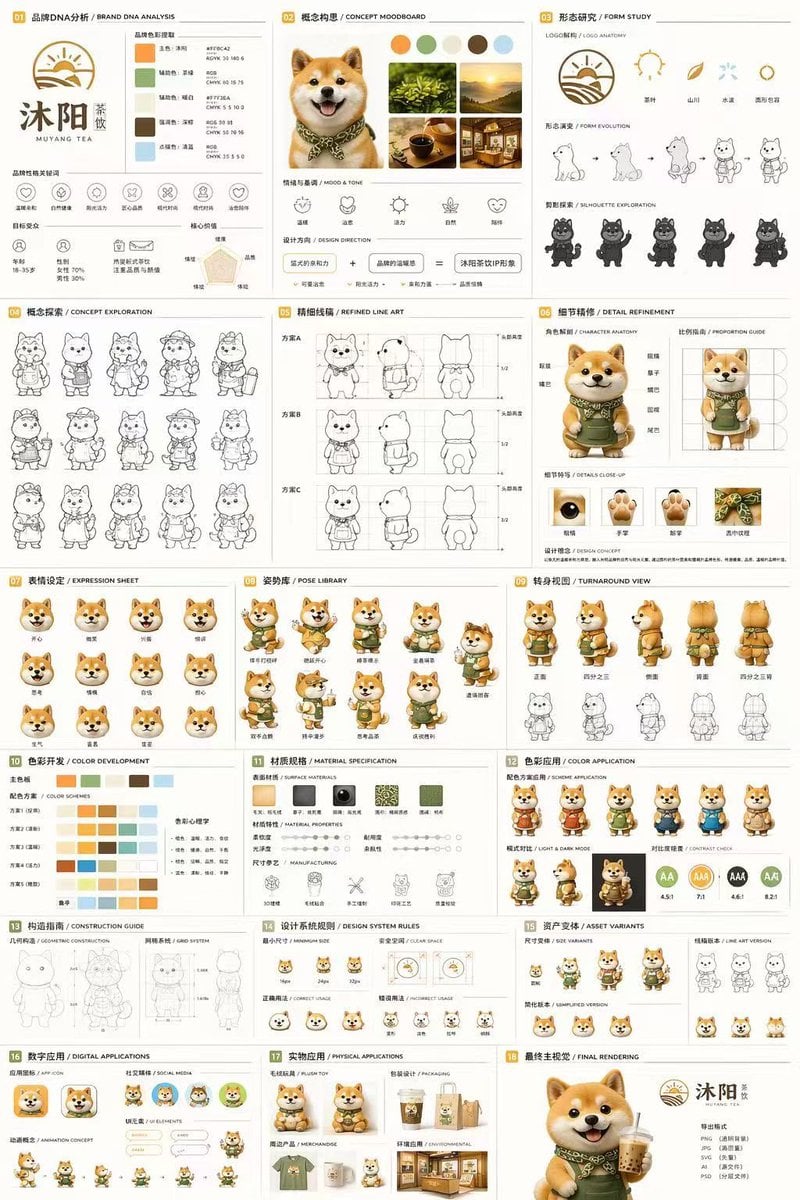
Gpt2 Product Marketing 18 Panel Mascot Brand Identity Document

Gpt2 Product Marketing Dark Mode Marketing Case Study Ui
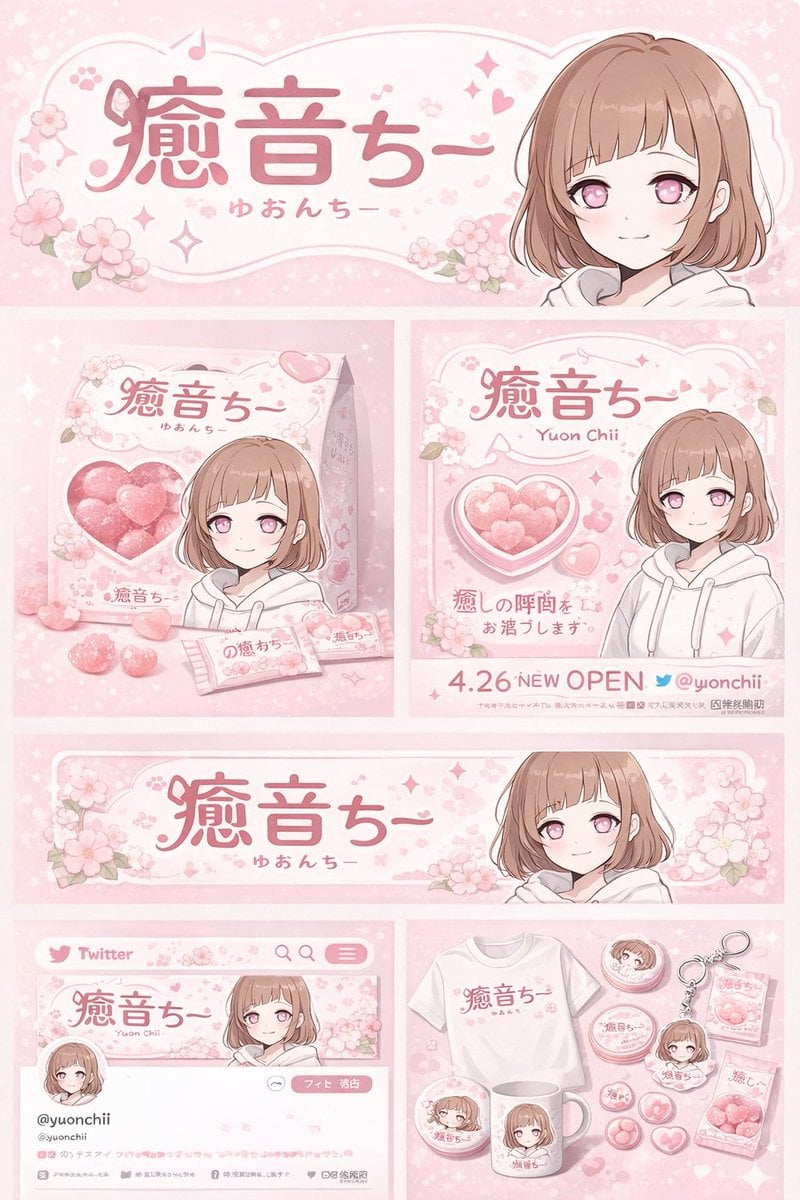
Gpt2 Product Marketing Anime Character Brand Identity Merch Board

Gpt2 E Commerce Main Image Skincare Product Studio Shot

Gpt2 E Commerce Main Image 9 Panel Product Tvc Storyboard

Gpt2 E Commerce Main Image Minimalist Product Ad Pure Crunch
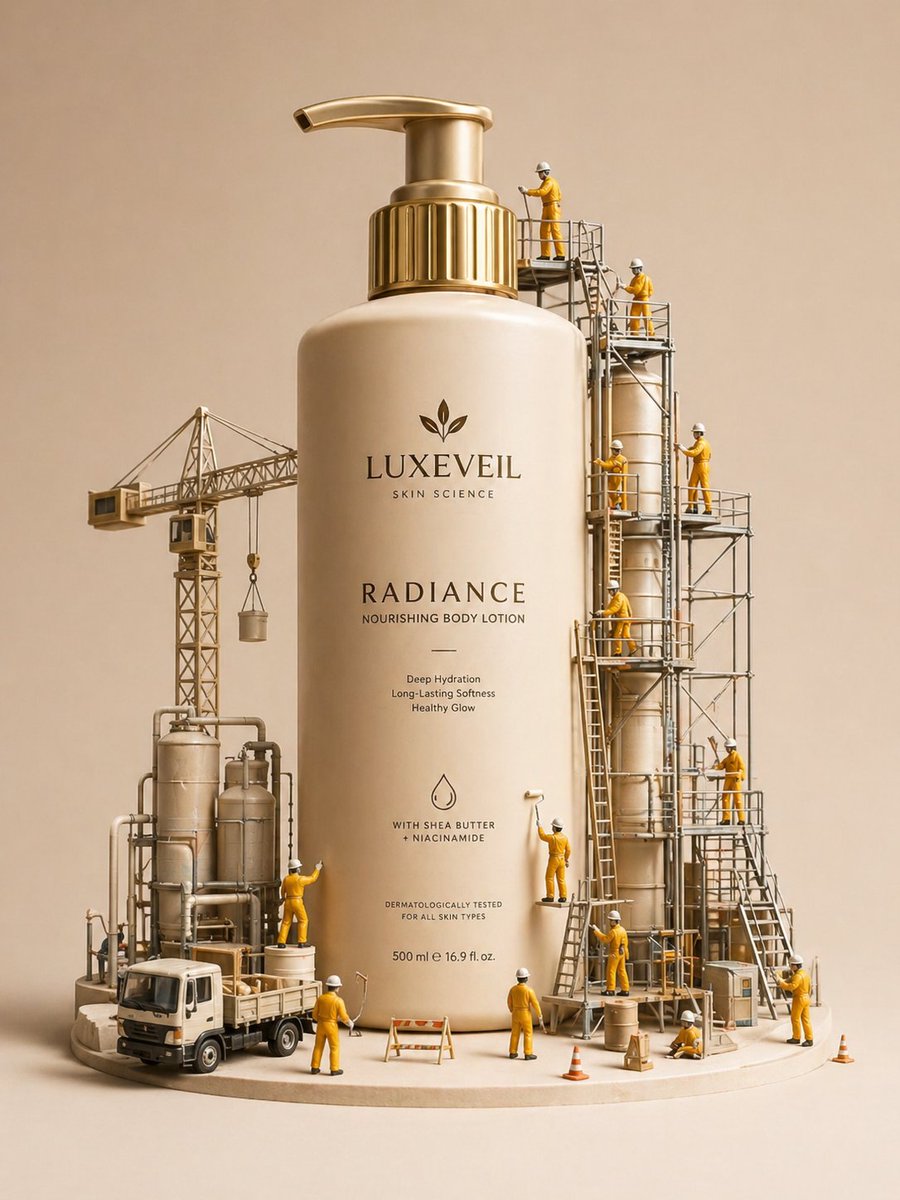
Gpt2 E Commerce Main Image Miniature Diorama Skincare Advertisement
Make it yours
Gpt2 Product Marketing Magical Seed Packet Diorama works as-is. These are the safest ways to change it without losing the look.
Change one field
Copy a single group, rewrite it, and generate again so you can see what that field is doing.
Keep the frame, change the subject
Hold the composition and light of gpt2-product-marketing-magical-seed-packet-diorama, then swap wardrobe, props or the person for a new take.
| If the result… | Why | Fix |
|---|---|---|
| The result drifts from the preview | Too many fields changed at once. | Reuse gpt2-product-marketing-magical-seed-packet-diorama as-is first, then change one group — subject, light, or setting. |
| The model over-stylizes the scene | The prose prompt leaves finish and camera underspecified. | Add one camera or lighting sentence and stay on GPT Image 2. |
More GPT Image 2 templates
Other prompts made for GPT Image 2.

Six VTuber Japanese Logo Sheet

Realistic Portrait of Woman and Deer

The Vista Modular Condo Poster

AI Model Routing Comparison Infographic

2.5D Anime Art Board

Isometric Productivity Desk Scene

New York Double Exposure Poster

Four-Panel AI Landscape Comparison

Japanese Tatami Lifestyle Magazine Cover

NESCAFÉ Coffee Map Poster
More image prompts
Fresh picks from across the catalog.
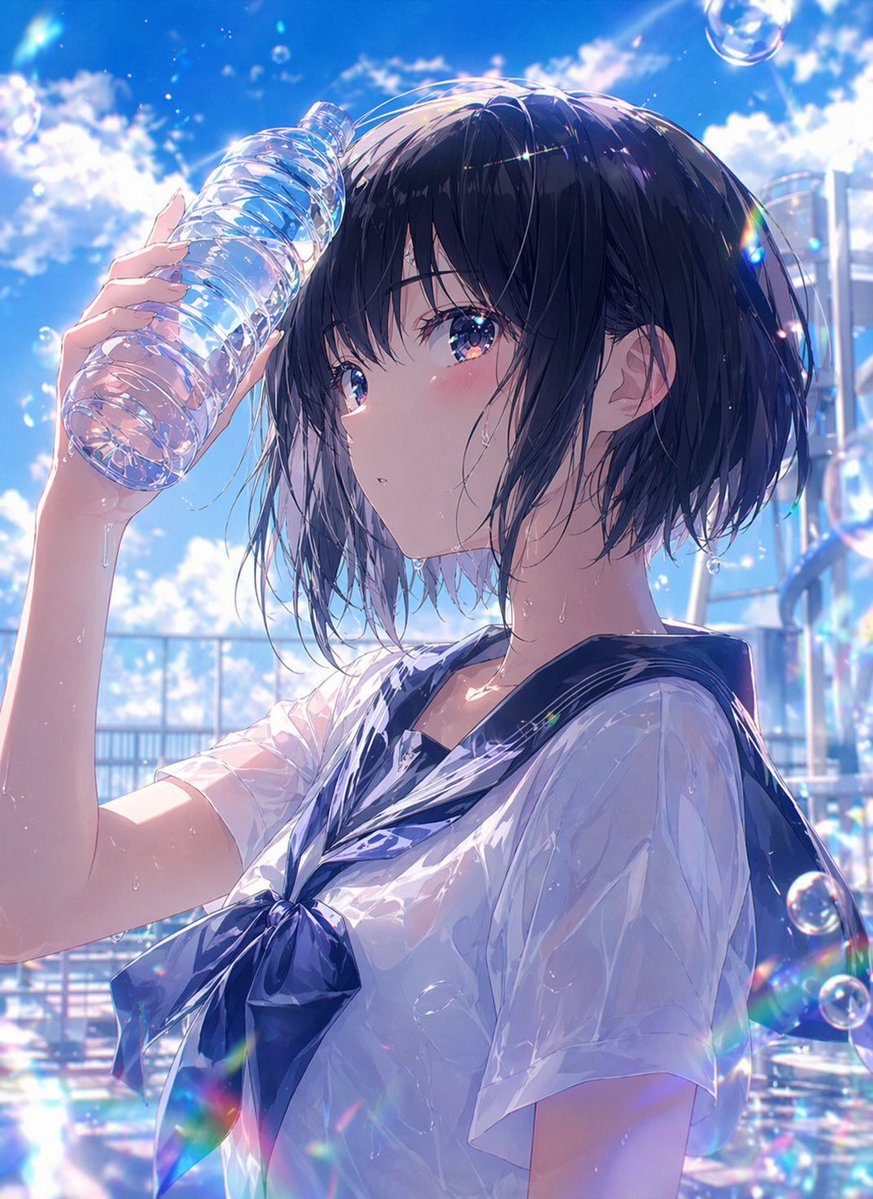
Wet Summer Anime Schoolgirl Portrait

Batch study card generation prompts (physics, English, poetry)
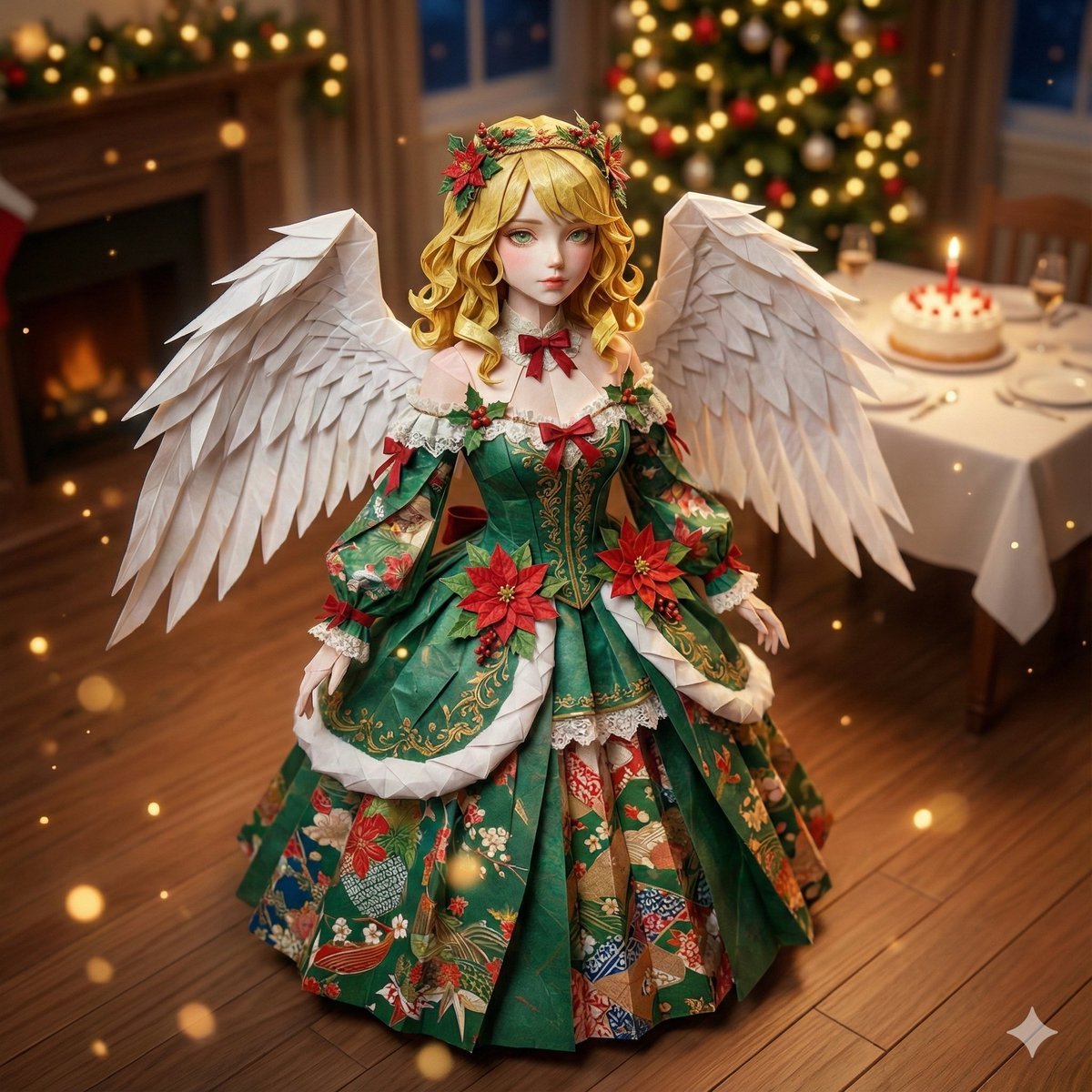
Origami Style Conversion Prompt for Nano Banana Pro

Christmas Advent Calendar Image Generation Prompt
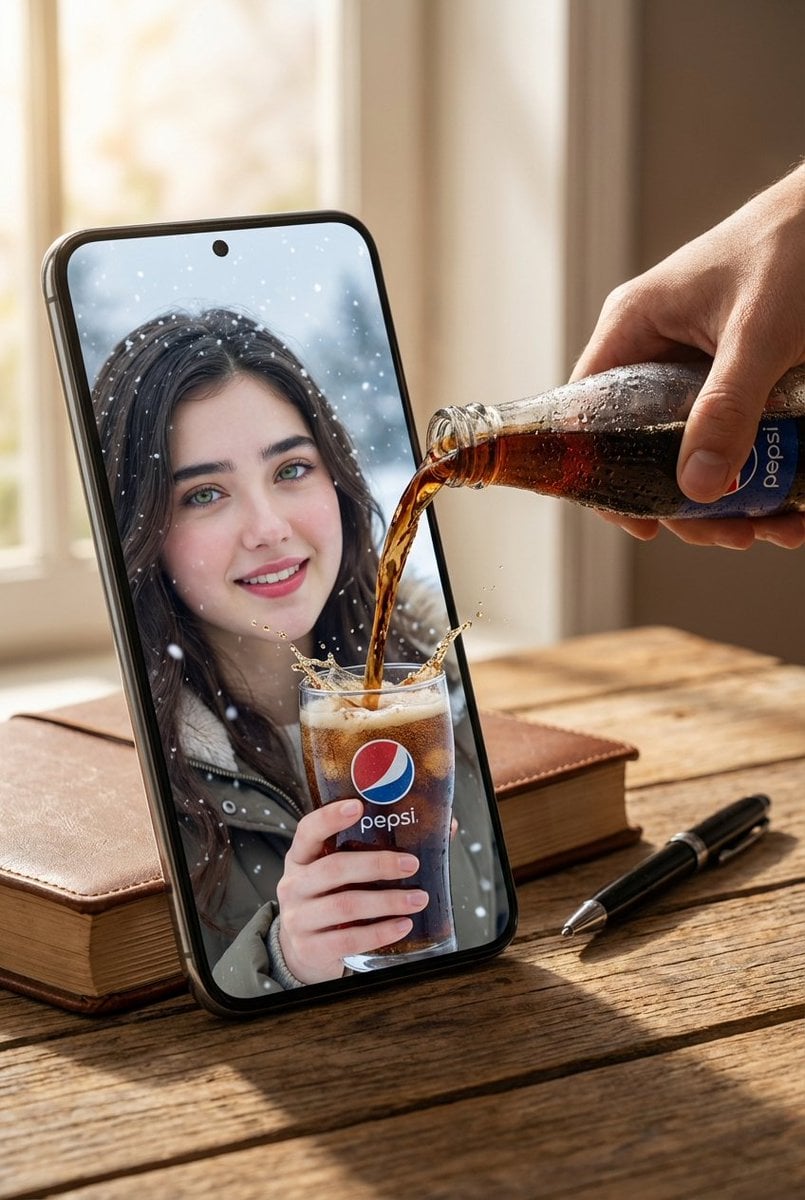
Surreal Pepsi Advertising Concept
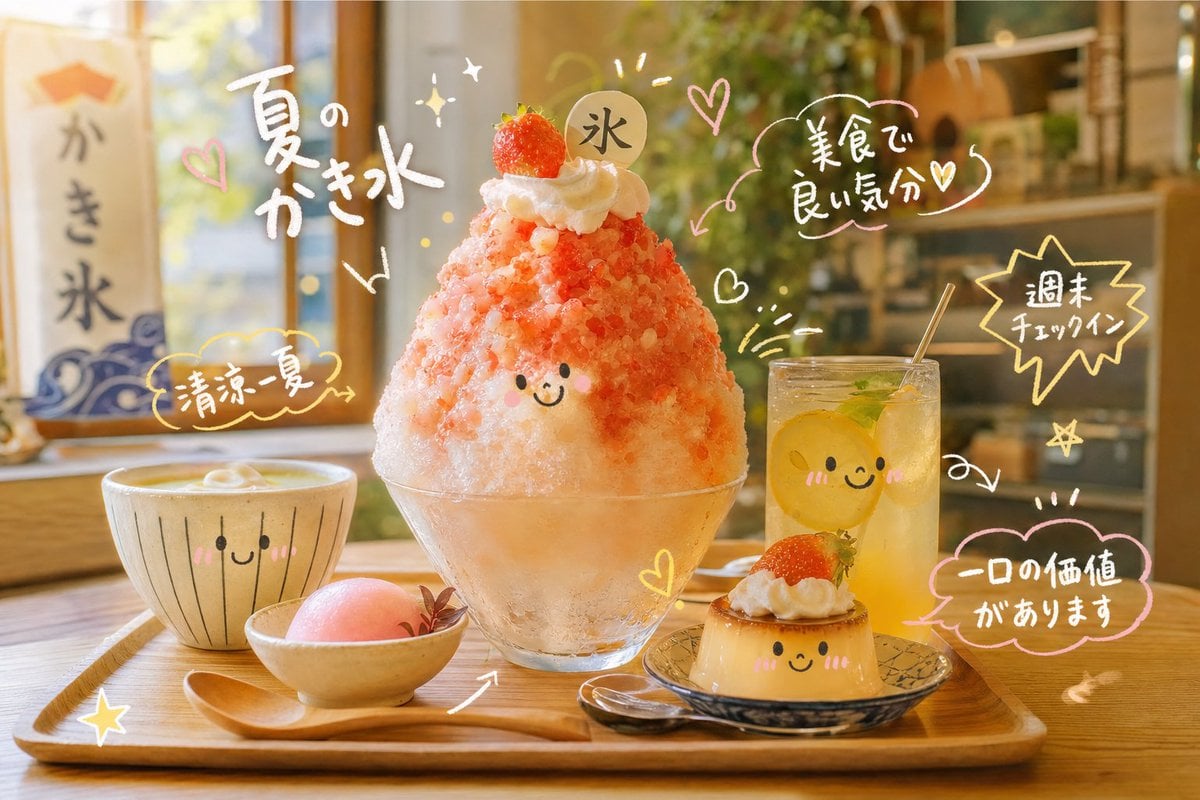
Cute Doodle Japanese Café Dessert Photo

Golden hour portrait of a woman in black lace dress
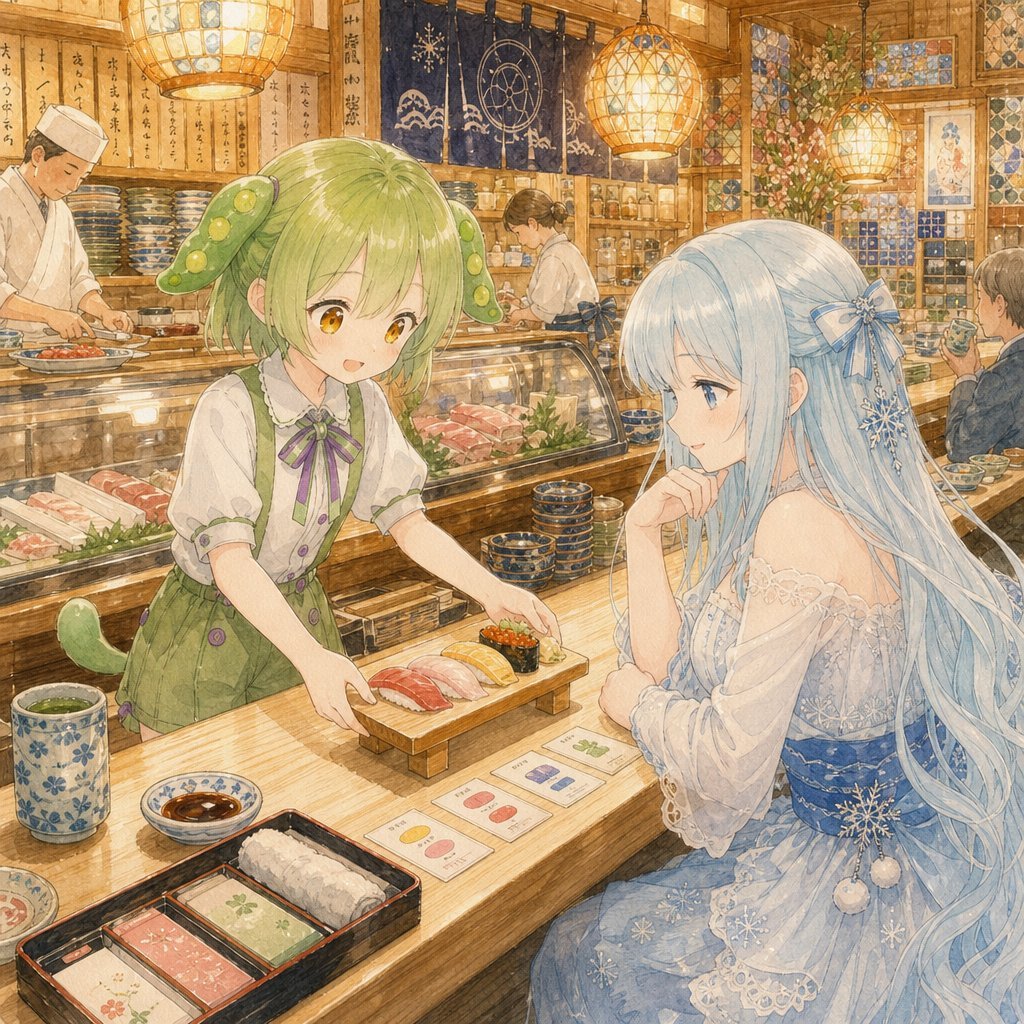
Anime Sushi Bar Transformation
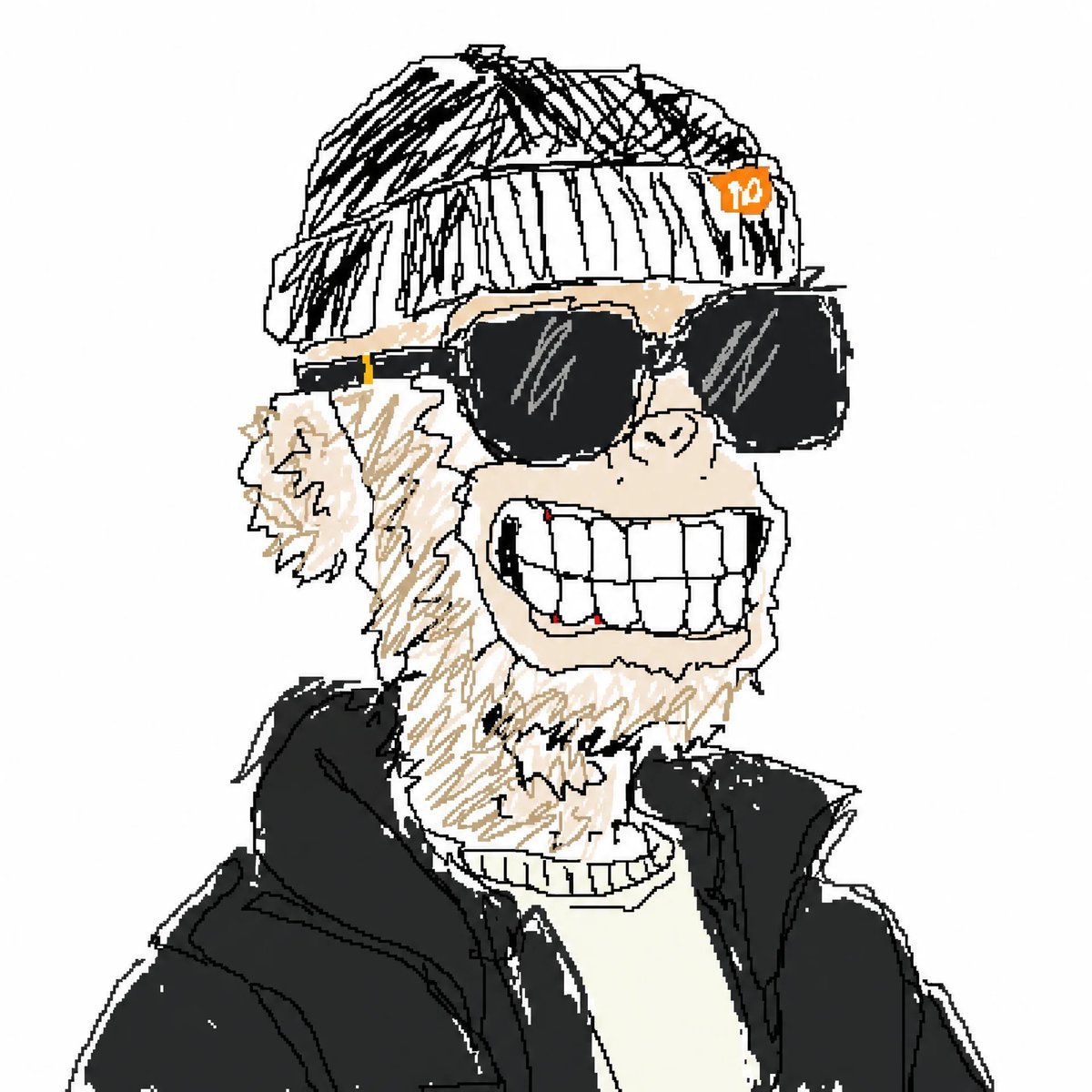
Bad MS Paint Meme Portrait

Unfiltered Smartphone Photo of Man in Shopping Cart in Liquor Store
Browse template categories
Gpt2 Product Marketing Magical Seed Packet Diorama questions
How do I use the gpt2-product-marketing-magical-seed-packet-diorama template?
Add your photo if the template asks for one, edit the prompt if you like — the template's model and format are already selected — and press Generate. Your version opens in PicX Studio.
Can I customize the gpt2-product-marketing-magical-seed-packet-diorama template?
Yes. You can change the subject, setting, lighting, mood, format, and available model controls before creating your image.
Is the gpt2-product-marketing-magical-seed-packet-diorama template free?
Opening and editing this template is free. Generating uses credits, shown on the Generate button when you are signed in.
Which AI model should I use?
Start with GPT Image 2, which is the model associated with this template. You can compare another compatible model for a different finish.
Looking for something else? Browse all templates.

Your photo, any look
Thousands of ready templates for every top image and video model, from one credit balance.