
Anime Sushi Bar Transformation
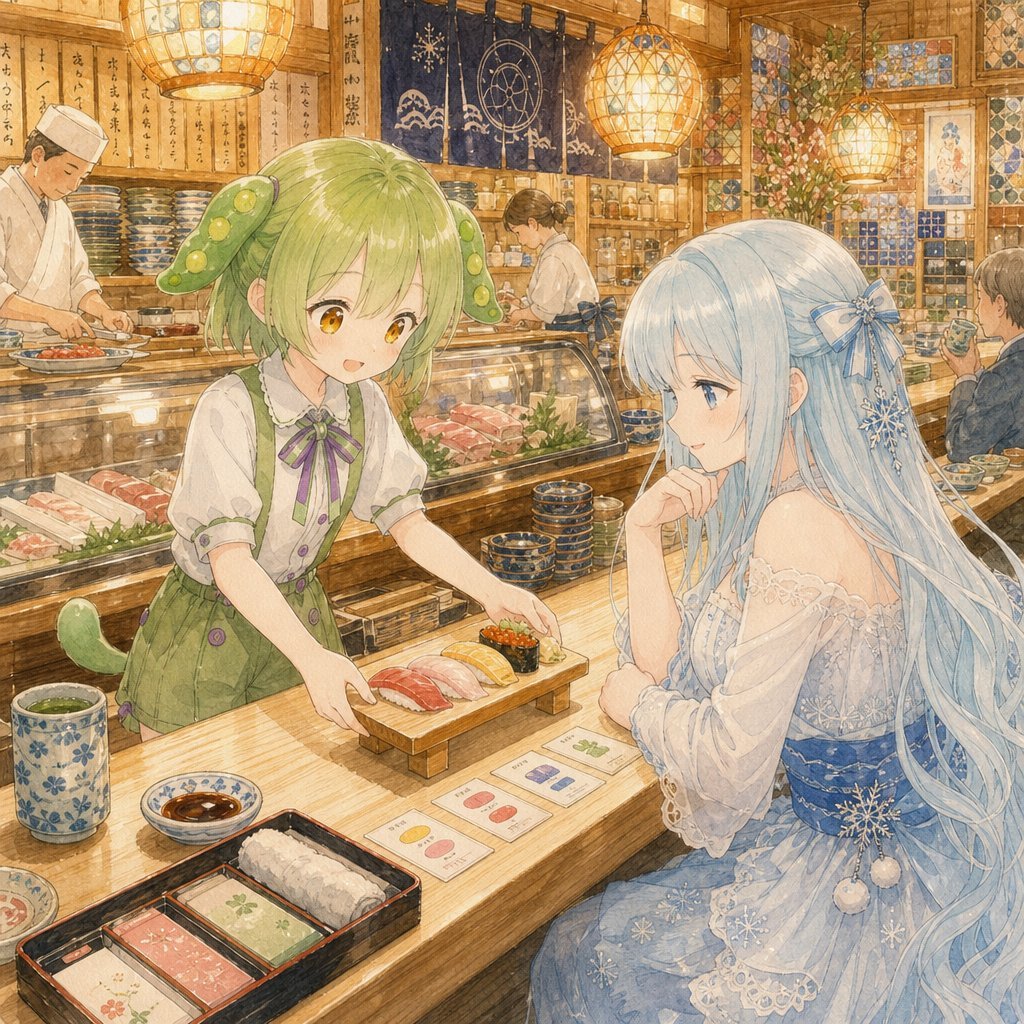
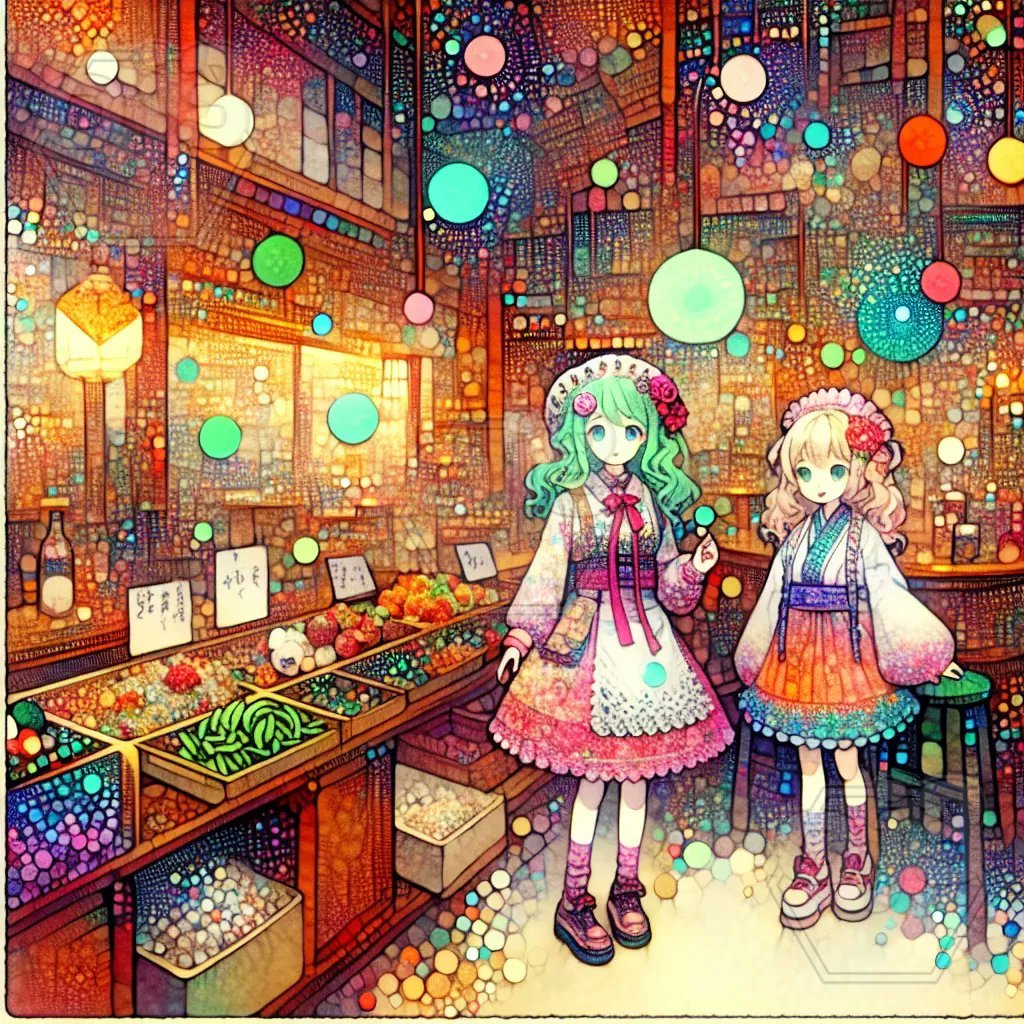
Transforms a detailed fantasy anime market reference into a warm watercolor sushi-counter scene with two masked-face characters and ornate restaurant details.
- Prompt included
- Model and format preset
- Free template
The prompt behind this image
Copy the exact prompt behind Anime Sushi Bar Transformation, or open it in the studio and make it yours.
Using REFERENCE_0 as the artistic base, transform the scene from a colorful fantasy market into a warm, detailed Japanese sushi restaurant interior while keeping the same ornate storybook-anime watercolor feeling, dense linework, glowing lights, and cozy golden atmosphere. Goal: Recompose the two-girl scene into an intimate sushi-counter moment. Main changes: - Replace the market stalls and floating colored bubbles with a traditional wooden sushi bar filled with hanging lanterns, shelves of dishes, wall scrolls, patterned tiles, noren curtains, and chefs working behind the counter. - Keep exactly 2 anime girls, but change their roles and styling: 1. Left girl: a {argument name="left character role" default="green-haired sushi waitress"} leaning forward from behind the counter and presenting food. 2. Right girl: a {argument name="right character role" default="long pale-blue-haired customer"} seated at the counter in an elegant icy-blue kimono-style dress, watching the food. - Change the cuisine to {argument name="cuisine type" default="sushi"}. Add a small wooden serving board with exactly 5 visible sushi pieces: red tuna nigiri, pale white fish nigiri, yellow egg nigiri, salmon nigiri, and one seaweed-wrapped gunkan piece with orange topping. - Add tabletop details: one blue floral teacup, one small soy sauce dish, one black rectangular bento tray with exactly 3 compartments, and small illustrated menu cards. - Add background staff and diners as soft supporting figures, not the focus. - Apply {argument name="face treatment" default="flat opaque beige rectangular blocks covering the visible faces"} to the main girls and background people, as if the face areas are intentionally masked. Style constraints: Preserve the highly detailed hand-drawn watercolor/colored-pencil texture, luminous warm lighting, decorative pattern density, soft fantasy-anime atmosphere, and slightly nostalgic DALL-E-3-like illustration quality. Avoid photorealism, avoid modern minimalism, and do not add extra main characters.
Reference images included
Anime Sushi Bar Transformation needs input media to work. They load alongside the prompt when you open it in the studio.
How to use Anime Sushi Bar Transformation in 3 steps
- 1Upload ImagePNG, JPG or paste
Add your photo
Upload the photo the template builds on. The prompt, model and format are already set.
- 2…a portrait of your subject in softgolden-hour light, 85mm…
Personalize
Edit the subject and creative details for your destination.
- 3Generate
Generate
Press Generate — your image is created in PicX Studio, so you can compare it with the original and refine one variable at a time.
More like this
Templates with the same subject, style or setup. Open one to see its prompt.











Make it yours
Anime Sushi Bar Transformation works as-is. These are the safest ways to change it without losing the look.
Change one field
Copy a single group, rewrite it, and generate again so you can see what that field is doing.
Keep the frame, change the subject
Hold the composition and light of Anime Sushi Bar Transformation, then swap wardrobe, props or the person for a new take.
| If the result… | Why | Fix |
|---|---|---|
| The result drifts from the preview | Too many fields changed at once. | Reuse Anime Sushi Bar Transformation as-is first, then change one group — subject, light, or setting. |
| The model over-stylizes the scene | The prose prompt leaves finish and camera underspecified. | Add one camera or lighting sentence and stay on GPT Image 2. |
More GPT Image 2 templates
Other prompts made for GPT Image 2.

Six VTuber Japanese Logo Sheet

Realistic Portrait of Woman and Deer

The Vista Modular Condo Poster

AI Model Routing Comparison Infographic

2.5D Anime Art Board

Isometric Productivity Desk Scene

New York Double Exposure Poster

Four-Panel AI Landscape Comparison

Japanese Tatami Lifestyle Magazine Cover

NESCAFÉ Coffee Map Poster
More image prompts
Fresh picks from across the catalog.
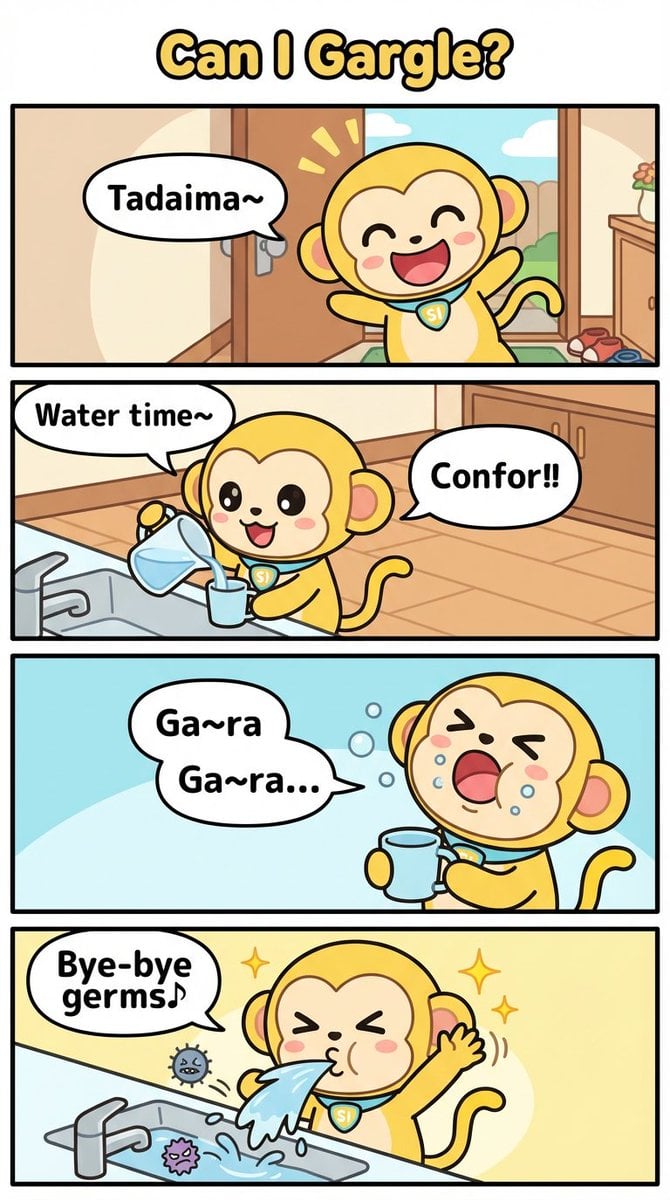
Four-Panel Comic Prompt: Gargle (English Version)
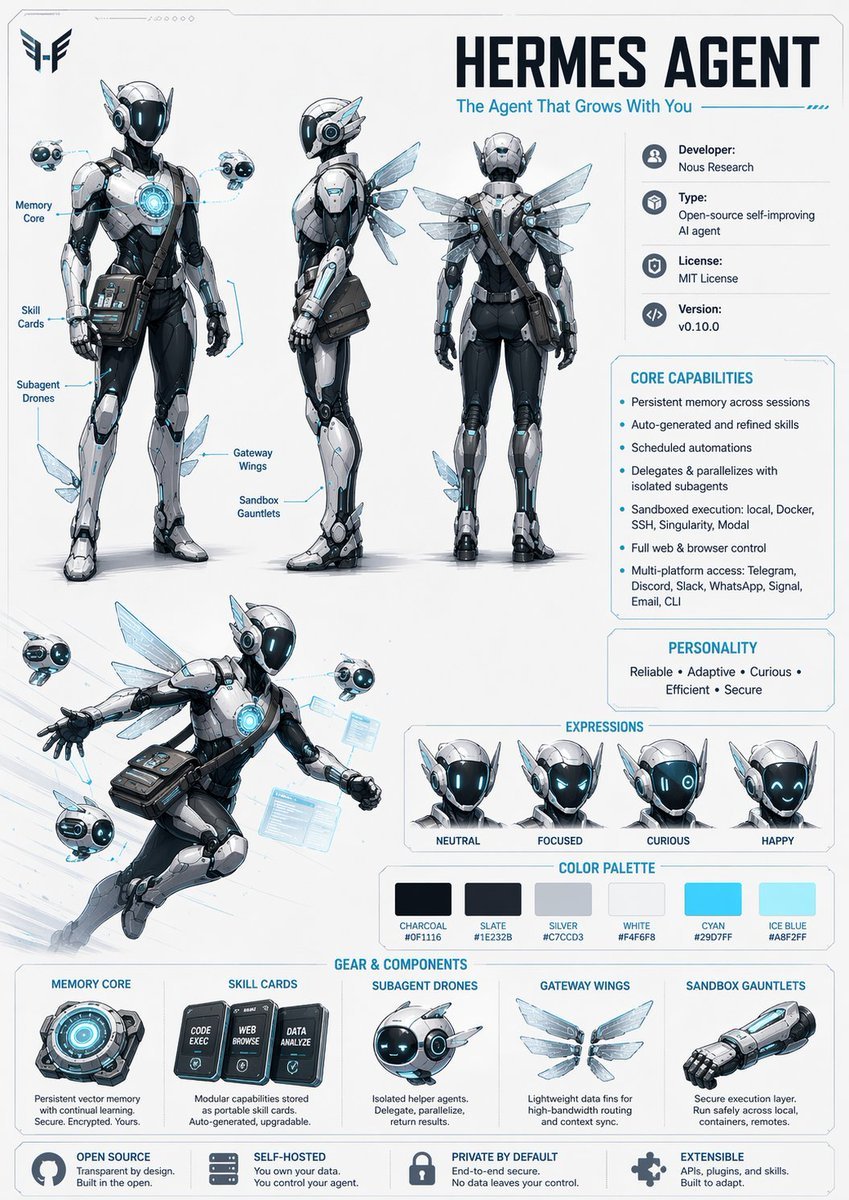
Character Design Sheet Prompt
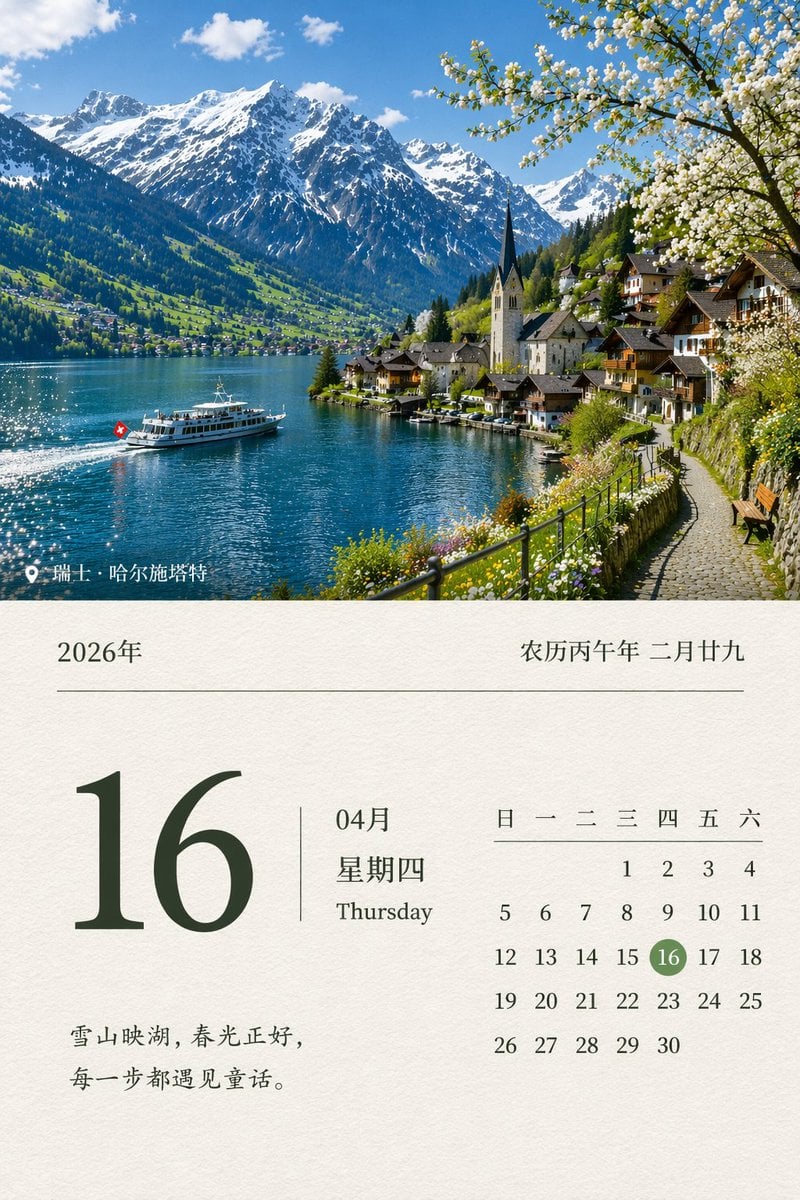
Scenic Landscape Calendar

Q-Style Sticker Diary Clone
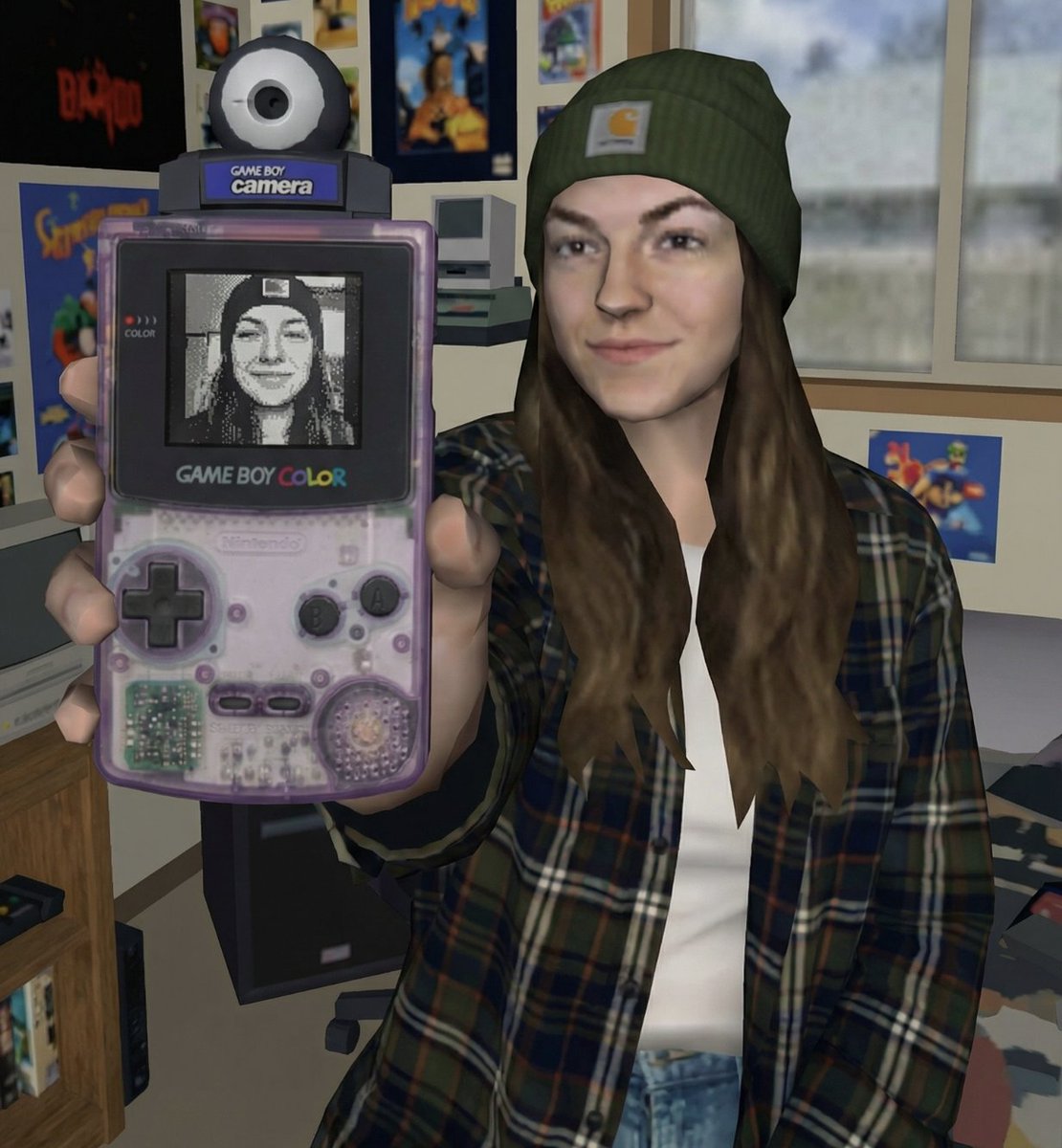
Early 2000s Video Game Render Style Transfer
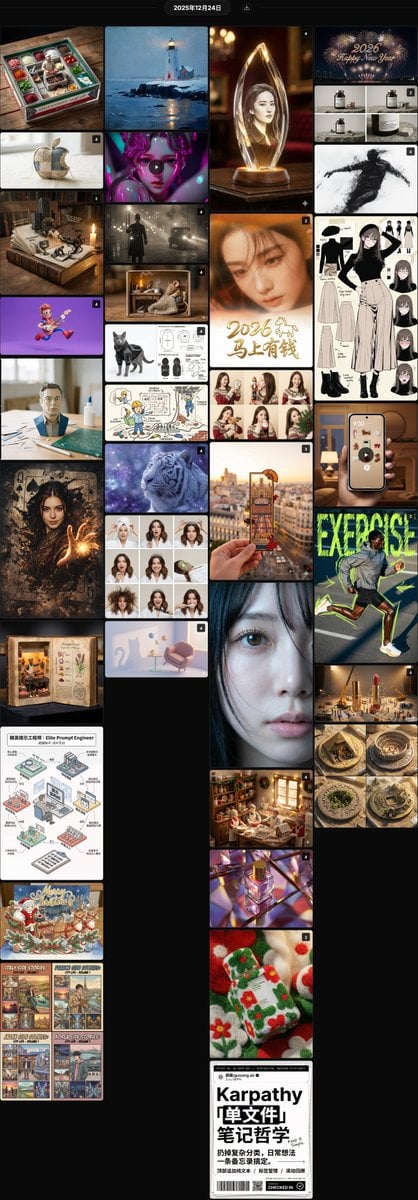
Nano Banana Pro Prompt Summary and Templates
Bold KFC Food Ad Poster
1990s Akihabara Street Photo
Photorealistic Street Photo Prompt: Vintage Fashion Girl in Shibuya
Luxury Ski Influencer Collage and Portraits (iPhone 16 Pro Style)
Browse template categories
Anime Sushi Bar Transformation questions
How do I use the Anime Sushi Bar Transformation template?
Add your photo if the template asks for one, edit the prompt if you like — the template's model and format are already selected — and press Generate. Your version opens in PicX Studio.
Can I customize the Anime Sushi Bar Transformation template?
Yes. You can change the subject, setting, lighting, mood, format, and available model controls before creating your image.
Is the Anime Sushi Bar Transformation template free?
Opening and editing this template is free. Generating uses credits, shown on the Generate button when you are signed in.
Which AI model should I use?
Start with GPT Image 2, which is the model associated with this template. You can compare another compatible model for a different finish.
Looking for something else? Browse all templates.

Your photo, any look
Thousands of ready templates for every top image and video model, from one credit balance.