
Anonymous Night Radio Doll Host
Generates a moody photorealistic late-night radio booth scene featuring an anonymized doll-like female host broadcasting against a rainy neon city backdrop.
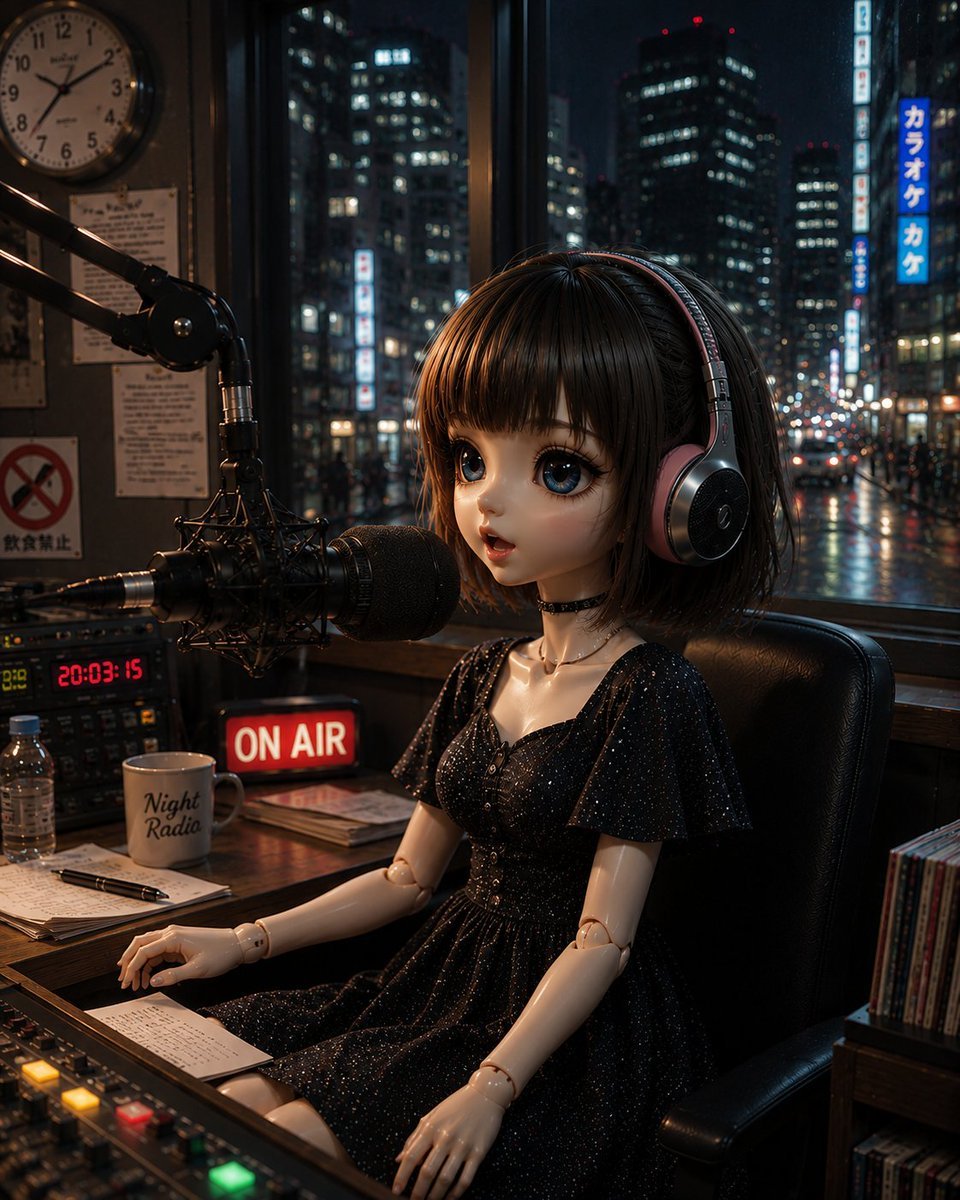
- Prompt included
- Model and format preset
- Free template
The prompt behind this image
Copy the exact prompt behind Anonymous Night Radio Doll Host, or open it in the studio and make it yours.
Create a cinematic photorealistic night-time radio studio scene in vertical portrait composition. A realistic ball-jointed female doll host with a short {argument name="hair color" default="dark brown"} bob haircut and straight bangs sits in a black leather chair at a wooden broadcast desk, wearing large over-ear headphones and a subtly sparkling black short-sleeve dress with a delicate necklace and bracelet; her face is intentionally covered by a plain centered {argument name="face cover color" default="dark brown"} rectangular block, as if anonymized. Place a large professional condenser microphone with shock mount and boom arm directly in front of her mouth, plus a mixing console in the foreground with glowing colored buttons. Include exactly 6 prominent desk/studio props: a red illuminated "ON AIR" sign, a digital clock reading "20:03:15", a white mug labeled "Night Radio", a clear plastic water bottle, handwritten notes with a pen, and a small stack of papers or notebook. The studio interior should feel cramped, warm, and atmospheric, with posters and notices on the wall, an analog clock in the upper left, shelves of CDs or records at the right edge, and reflections on polished wood. Through the large window behind her, show a rainy {argument name="city" default="Tokyo"} night street with wet pavement, blurred traffic lights, high-rise office buildings full of lit windows, and vertical Japanese-style neon signs including blue karaoke signage. Use moody low-key lighting, warm tungsten highlights inside the studio contrasting with cool blue city lights outside, shallow depth of field, realistic glass reflections, highly detailed textures, and the feeling of an intimate late-night broadcast where the host is reading listener mail. Add optional Japanese radio-show mood text context: {argument name="quote" default="次のお便りは異教徒さんから〜"}.
How to use Anonymous Night Radio Doll Host in 3 steps
- 1Upload ImagePNG, JPG or paste
Add your photo
Upload the photo the template builds on. The prompt, model and format are already set.
- 2…a portrait of your subject in softgolden-hour light, 85mm…
Personalize
Edit the subject and creative details for your destination.
- 3Generate
Generate
Press Generate — your image is created in PicX Studio, so you can compare it with the original and refine one variable at a time.
More like this
Templates with the same subject, style or setup. Open one to see its prompt.
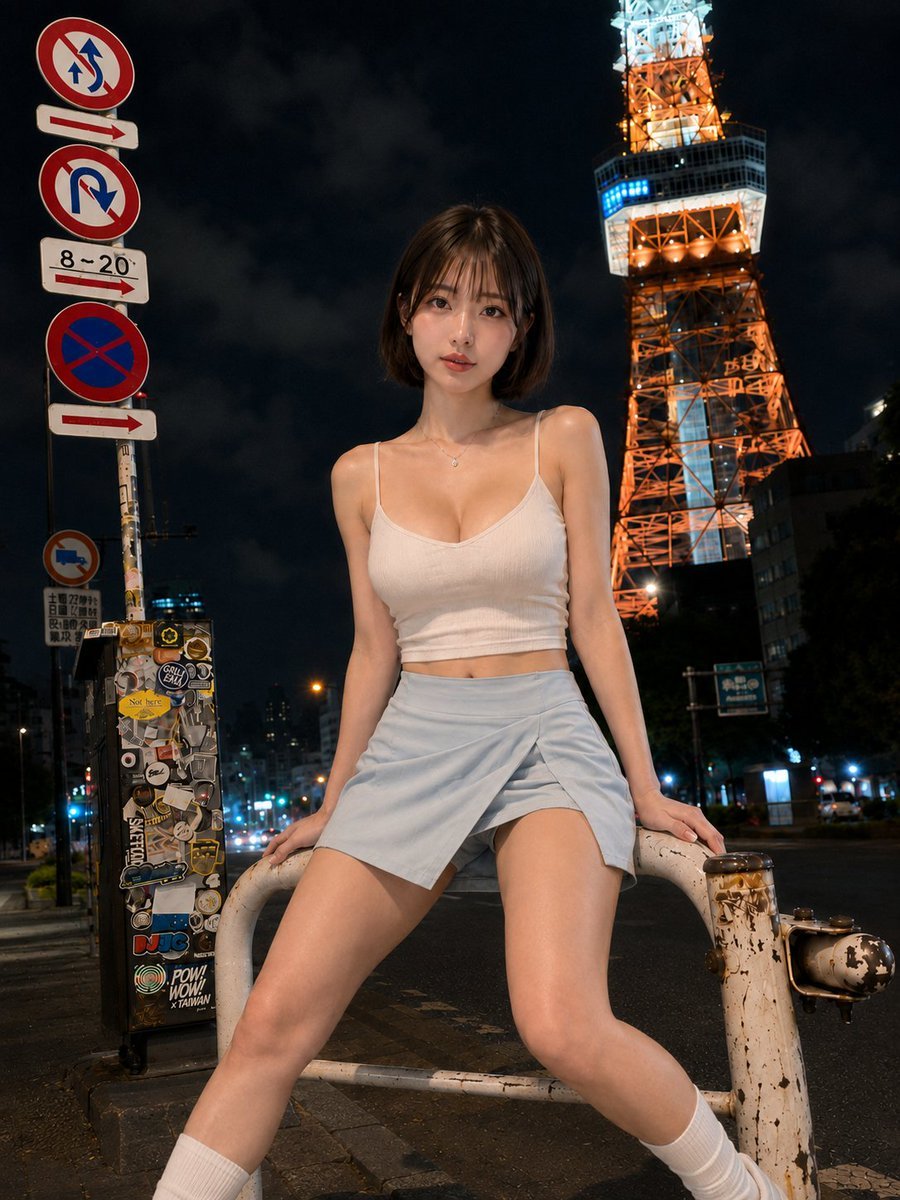
Urban Night Portrait by Radio Tower

Subway Platform Quiet Introspective Portrait
Subway Platform Quiet Introspective Portrait

Spider-Man Night Swing New York Cinematic
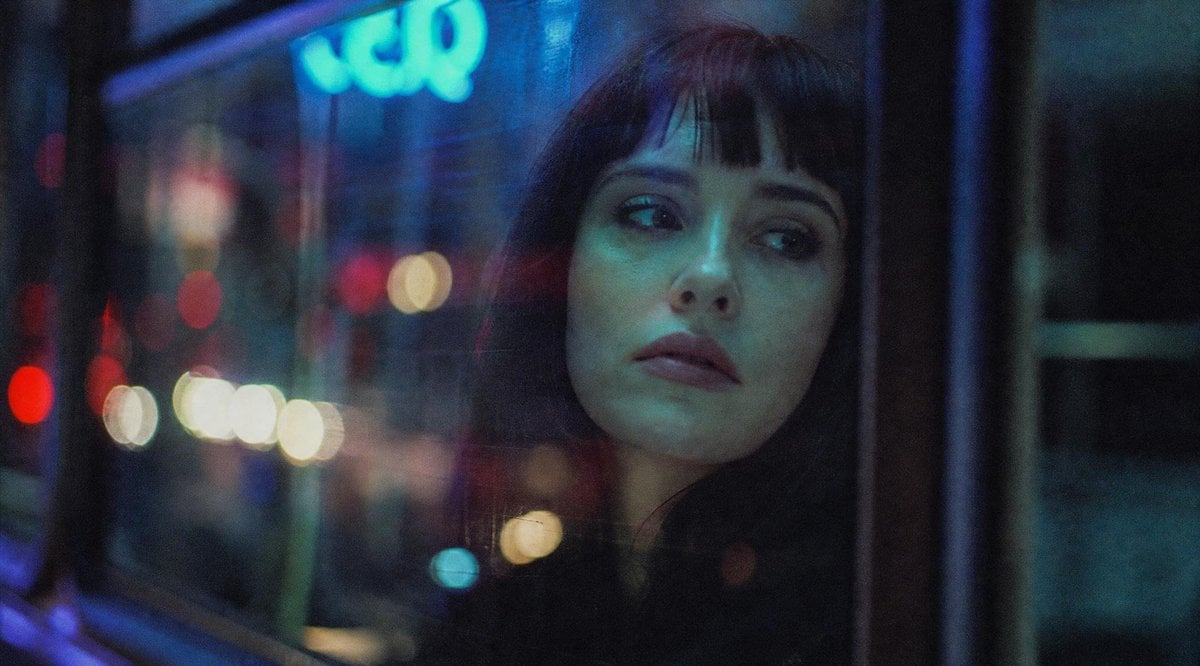
Anonymous Night Bus Portrait

Floating Woman Above Cityscape with Notifications
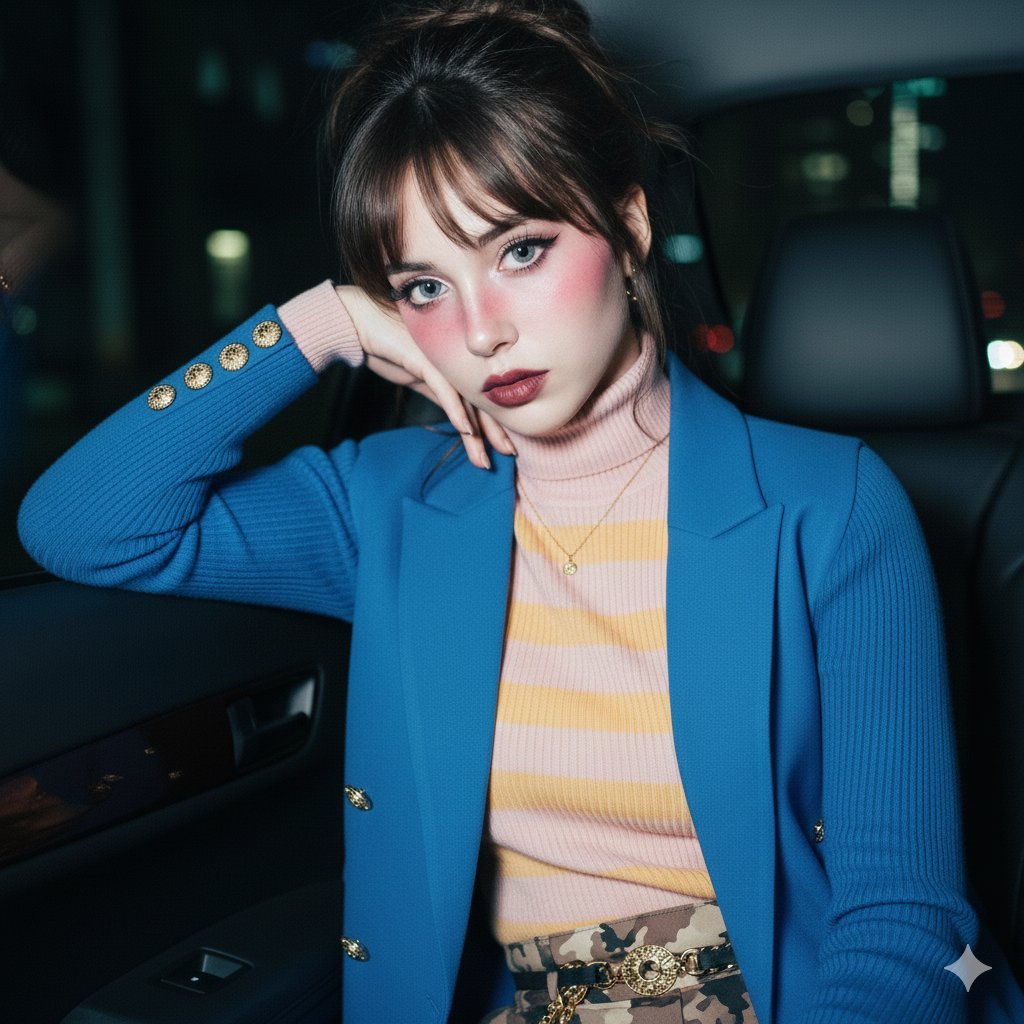
Ethereal Doll-like Portrait in a Night Car Interior

Night Sports Car Portrait — Cinematic Moody

Nano Banana - Cozy Cafe Night
Nano Banana - Dancing Carefree Paris

Nano Banana - Paris Night Party Dancing
Nano Banana - Bathtub Eiffel Night
Make it yours
Anonymous Night Radio Doll Host works as-is. These are the safest ways to change it without losing the look.
Change one field
Copy a single group, rewrite it, and generate again so you can see what that field is doing.
Keep the frame, change the subject
Hold the composition and light of Anonymous Night Radio Doll Host, then swap wardrobe, props or the person for a new take.
| If the result… | Why | Fix |
|---|---|---|
| The result drifts from the preview | Too many fields changed at once. | Reuse Anonymous Night Radio Doll Host as-is first, then change one group — subject, light, or setting. |
| The model over-stylizes the scene | The prose prompt leaves finish and camera underspecified. | Add one camera or lighting sentence and stay on GPT Image 2. |
More GPT Image 2 templates
Other prompts made for GPT Image 2.

Six VTuber Japanese Logo Sheet

Realistic Portrait of Woman and Deer

The Vista Modular Condo Poster

AI Model Routing Comparison Infographic

2.5D Anime Art Board

Isometric Productivity Desk Scene

New York Double Exposure Poster

Four-Panel AI Landscape Comparison

Japanese Tatami Lifestyle Magazine Cover

NESCAFÉ Coffee Map Poster
More image prompts
Fresh picks from across the catalog.
Nano Banana Pro Prompt Sharing
Handmade Collectible Male Doll
90s Editorial Fashion Portrait with Direct Flash
Panel Korean Beauty Editorial Collage Prompt (Glass Skin)
Steampunk Chibi Witch Sticker Illustration
Street Artist Mural Transformation
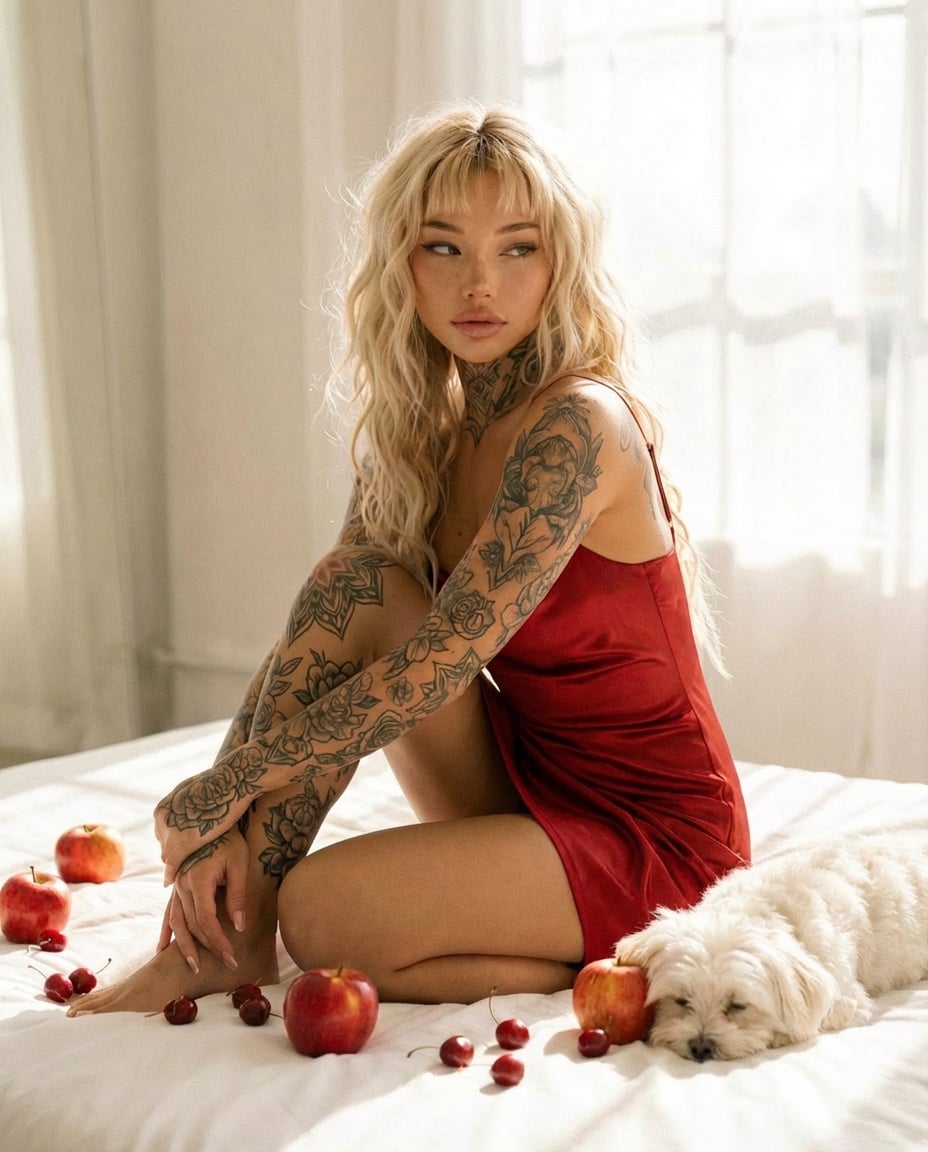
Tattooed Woman in Red Slip Dress Editorial Prompt
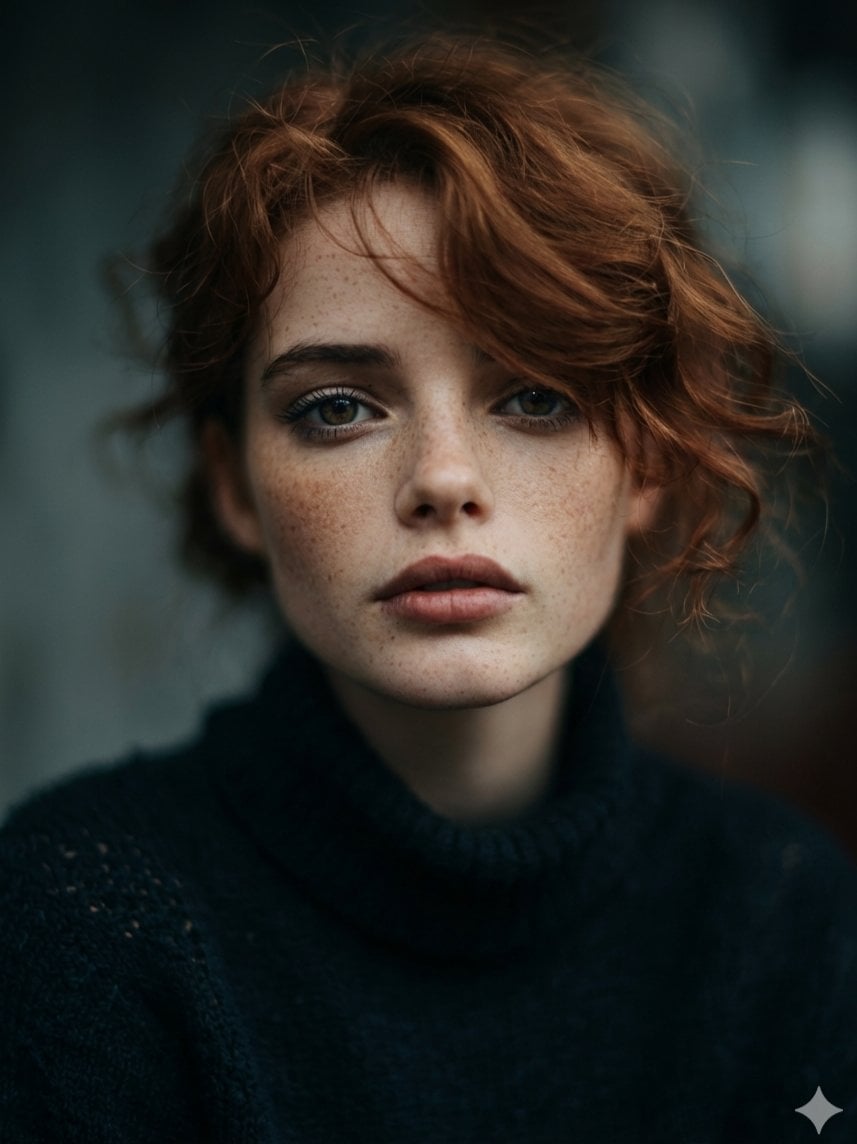
Intimate Cinematic Auburn Portrait with Freckles
Abstract Iridescent Swirling Color Mixture
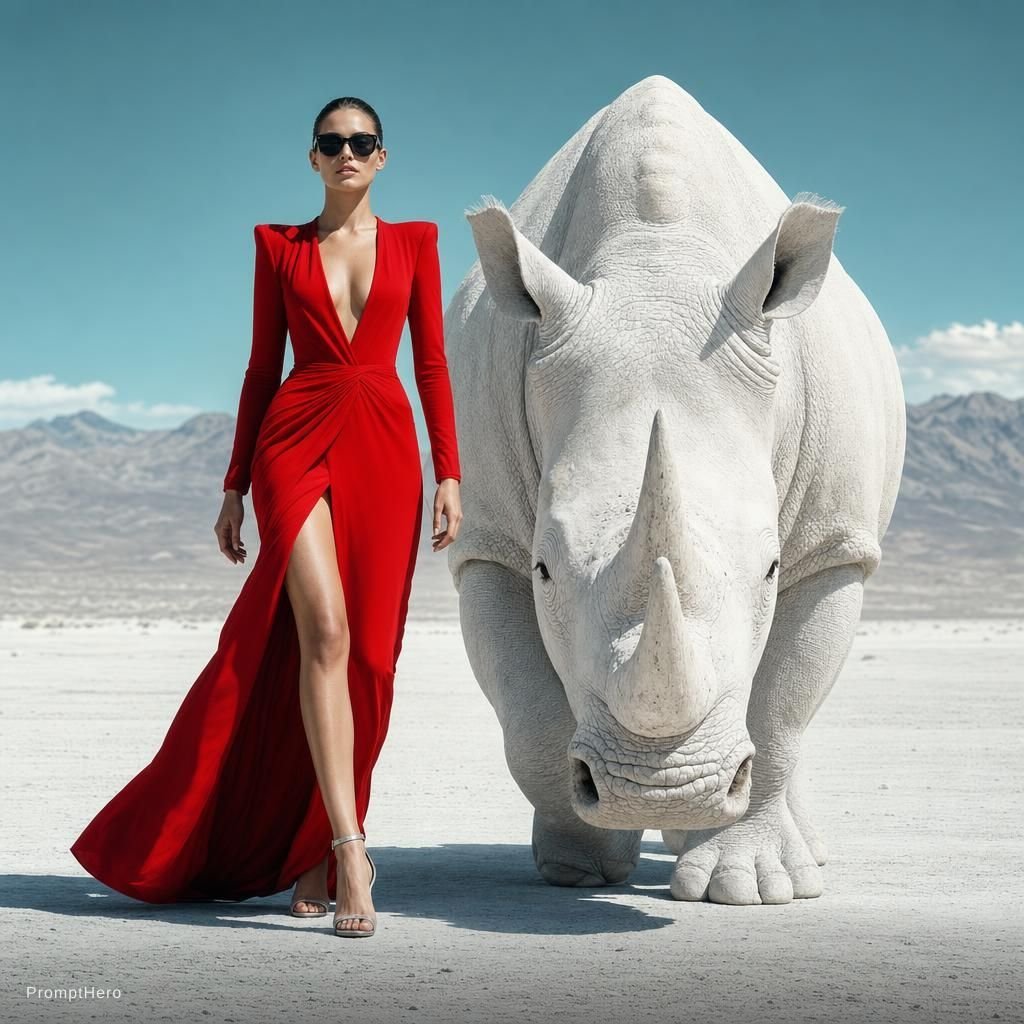
Surreal Editorial Fashion Model with Rhino
Browse template categories
Anonymous Night Radio Doll Host questions
How do I use the Anonymous Night Radio Doll Host template?
Add your photo if the template asks for one, edit the prompt if you like — the template's model and format are already selected — and press Generate. Your version opens in PicX Studio.
Can I customize the Anonymous Night Radio Doll Host template?
Yes. You can change the subject, setting, lighting, mood, format, and available model controls before creating your image.
Is the Anonymous Night Radio Doll Host template free?
Opening and editing this template is free. Generating uses credits, shown on the Generate button when you are signed in.
Which AI model should I use?
Start with GPT Image 2, which is the model associated with this template. You can compare another compatible model for a different finish.
Looking for something else? Browse all templates.

Your photo, any look
Thousands of ready templates for every top image and video model, from one credit balance.